
Change Eye Color Naturally With AI
Upload a portrait and create realistic eye color changes while keeping your iris texture, facial details, and natural lighting intact.
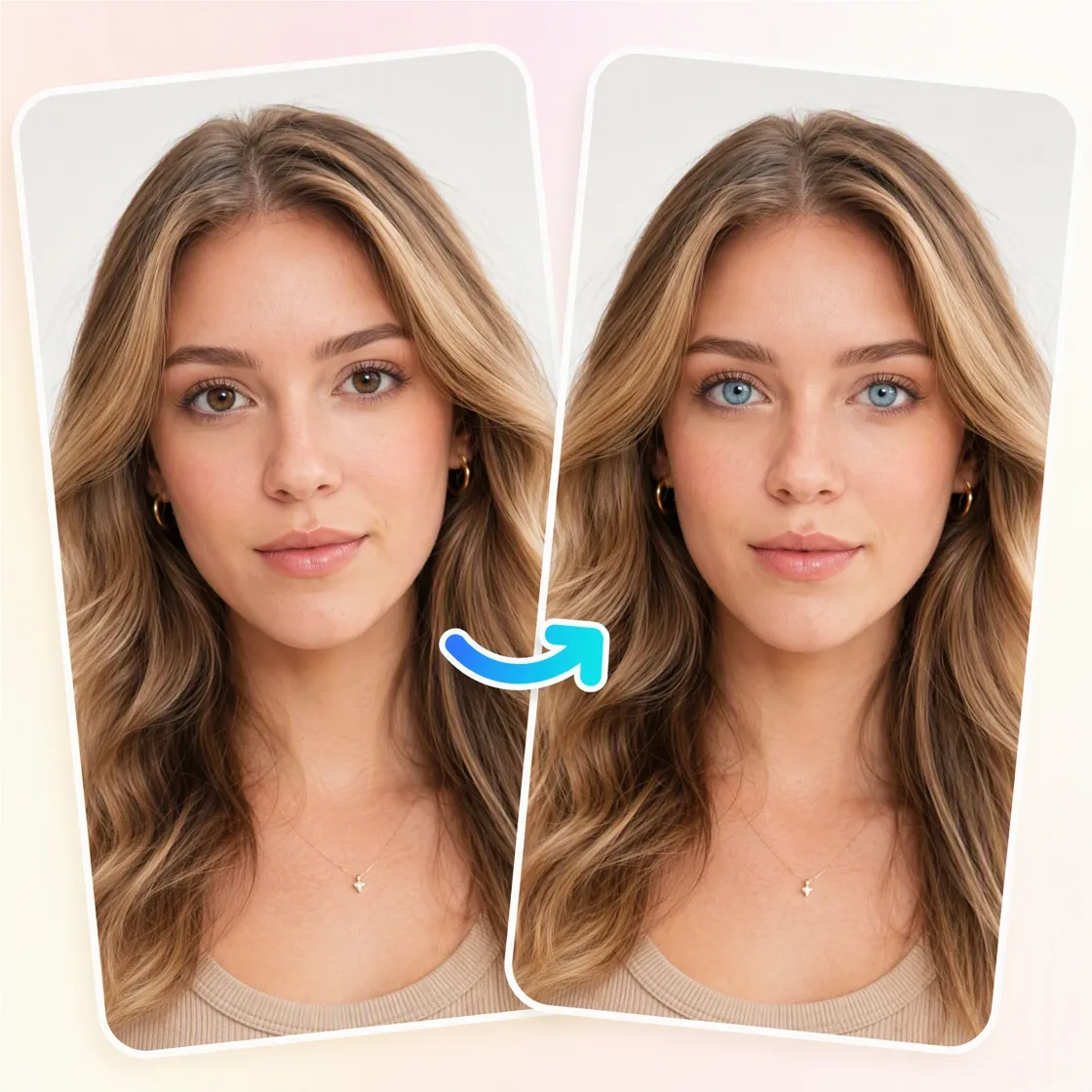
3 Steps to Recolor Eyes in Your Portrait
Upload Your Portrait
Upload a clear portrait with visible eyes so the AI can accurately detect the iris.
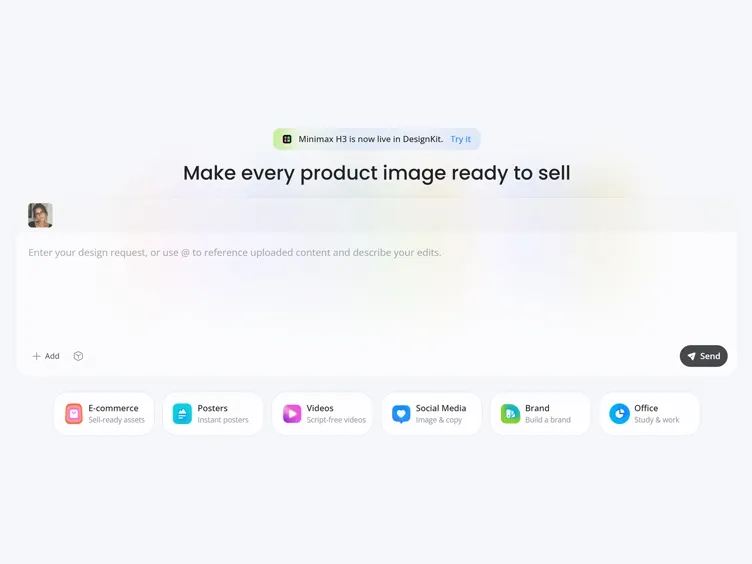
Customize Your Eye Color
Enter a text prompt to describe your desired eye color, such as blue, green, or hazel, or upload a reference image to customize your preferred look.
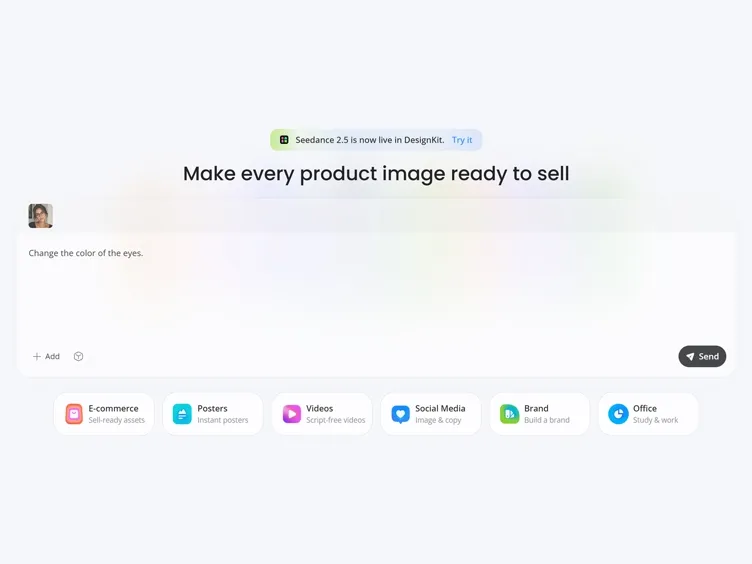
Preview and Download
Review your edited portrait, compare different eye color options, and download your favorite result.
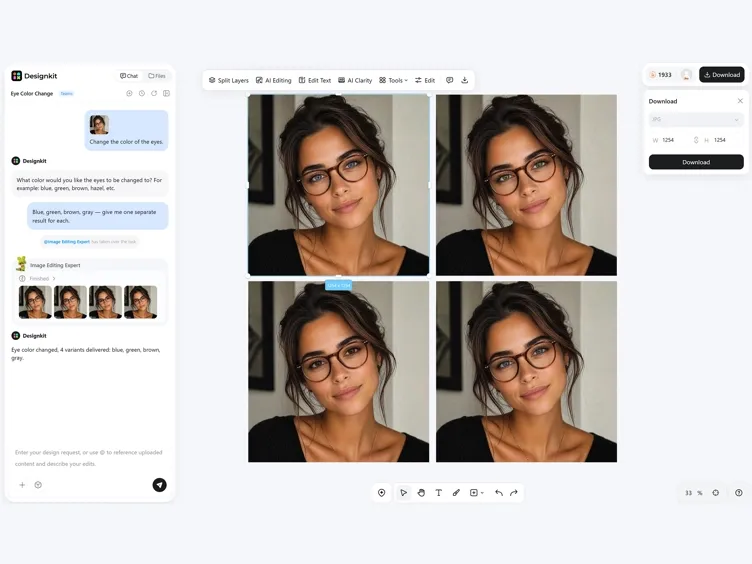
One Photo, Different Eye Colors with Designkit
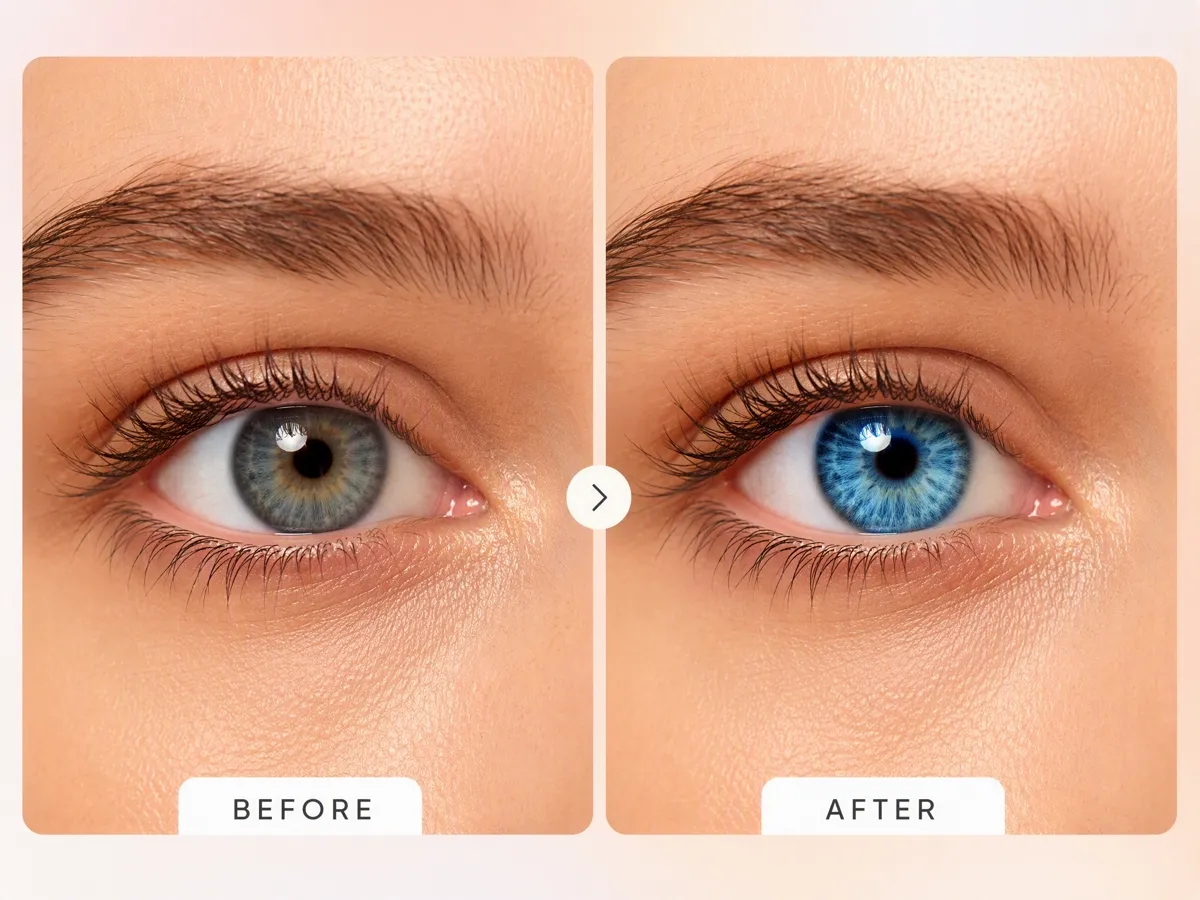
Change Eye Color Without Losing Natural Detail
Upload a portrait and transform your iris color while preserving natural texture, lighting, and facial features. Unlike simple color filters, Designkit's AI eye color editor recreates realistic eye tones that blend with your original portrait.
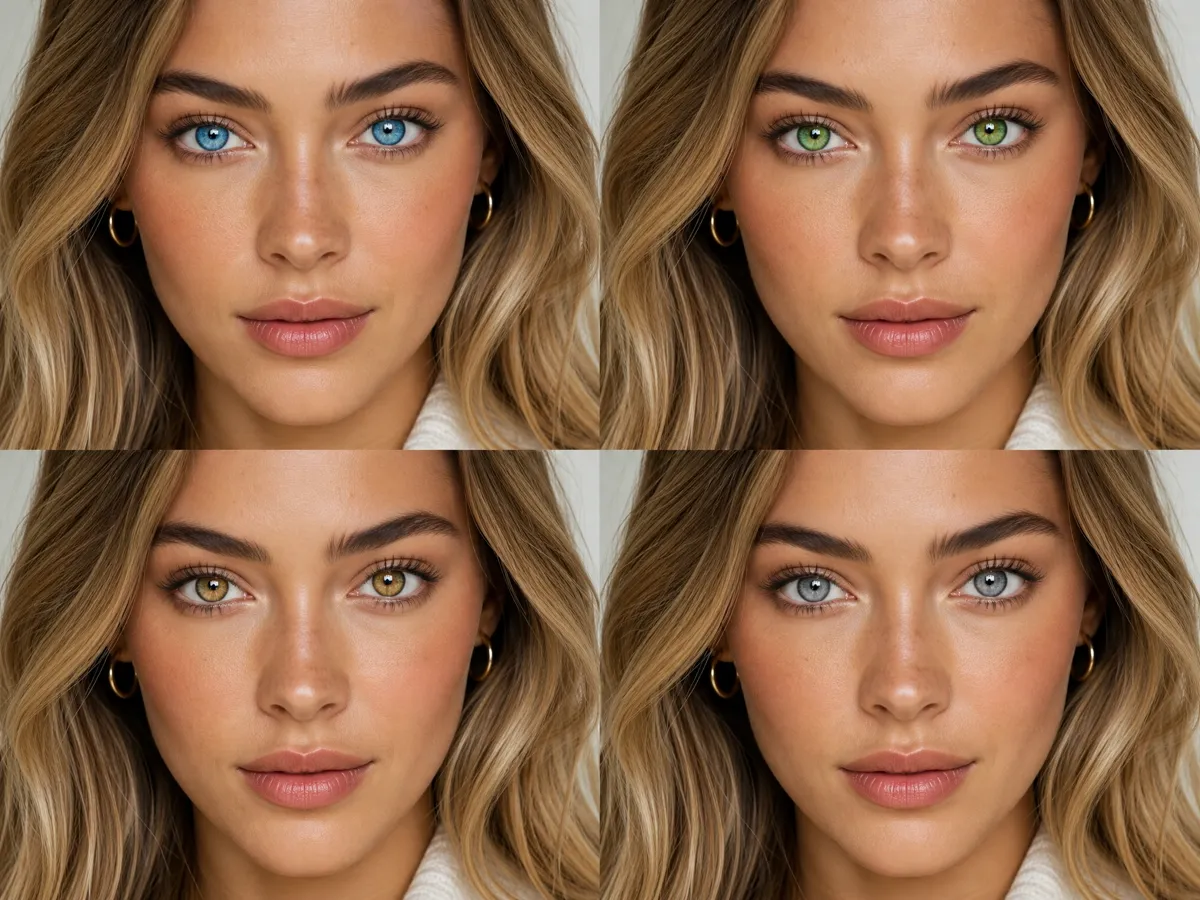
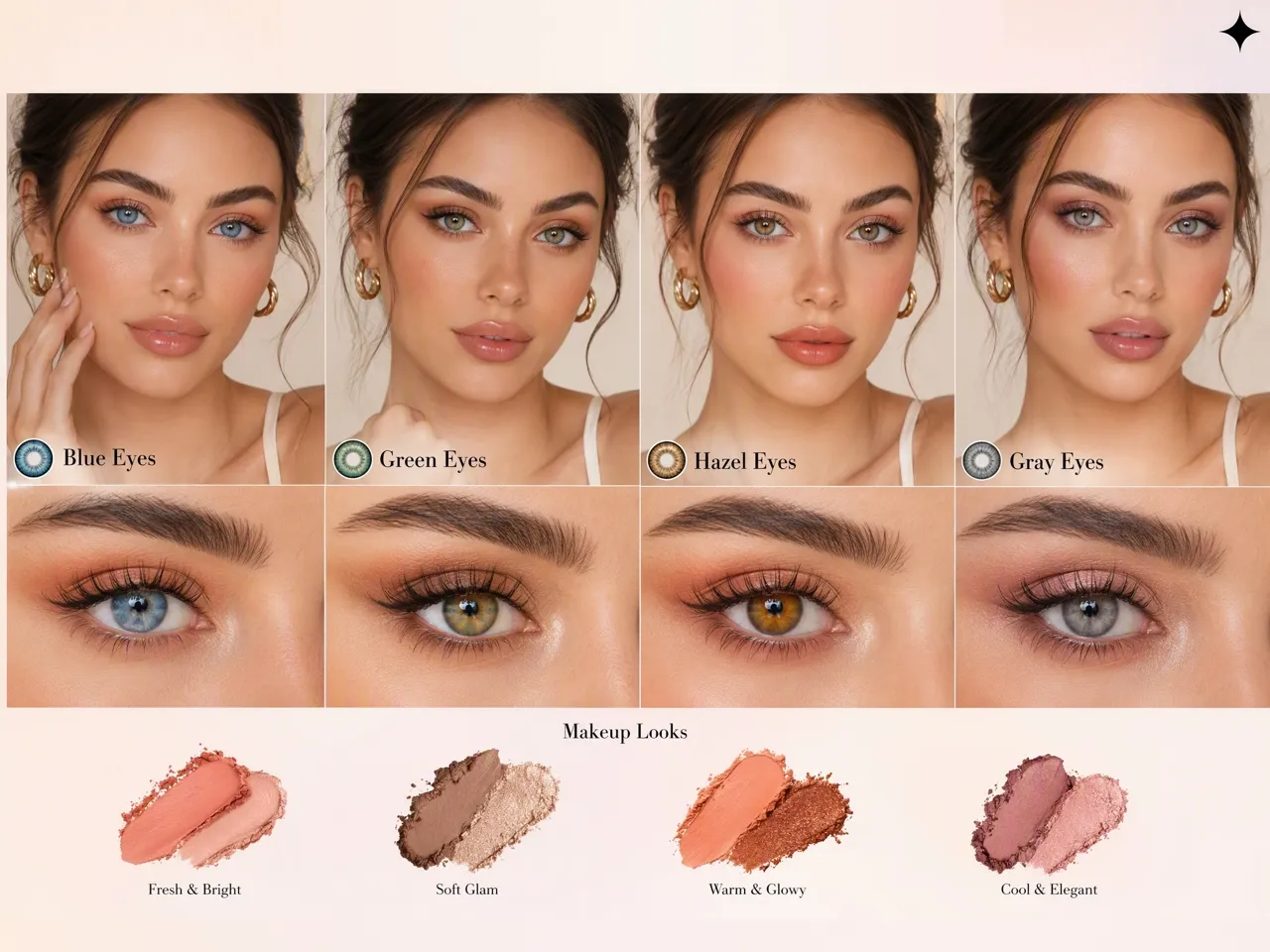
Compare Multiple Eye Colors Before Choosing a Final Look
Generate different eye color variations from one portrait and compare blue, green, hazel, gray, or custom styles side by side. Designkit helps you explore different appearances before committing to the final edit.
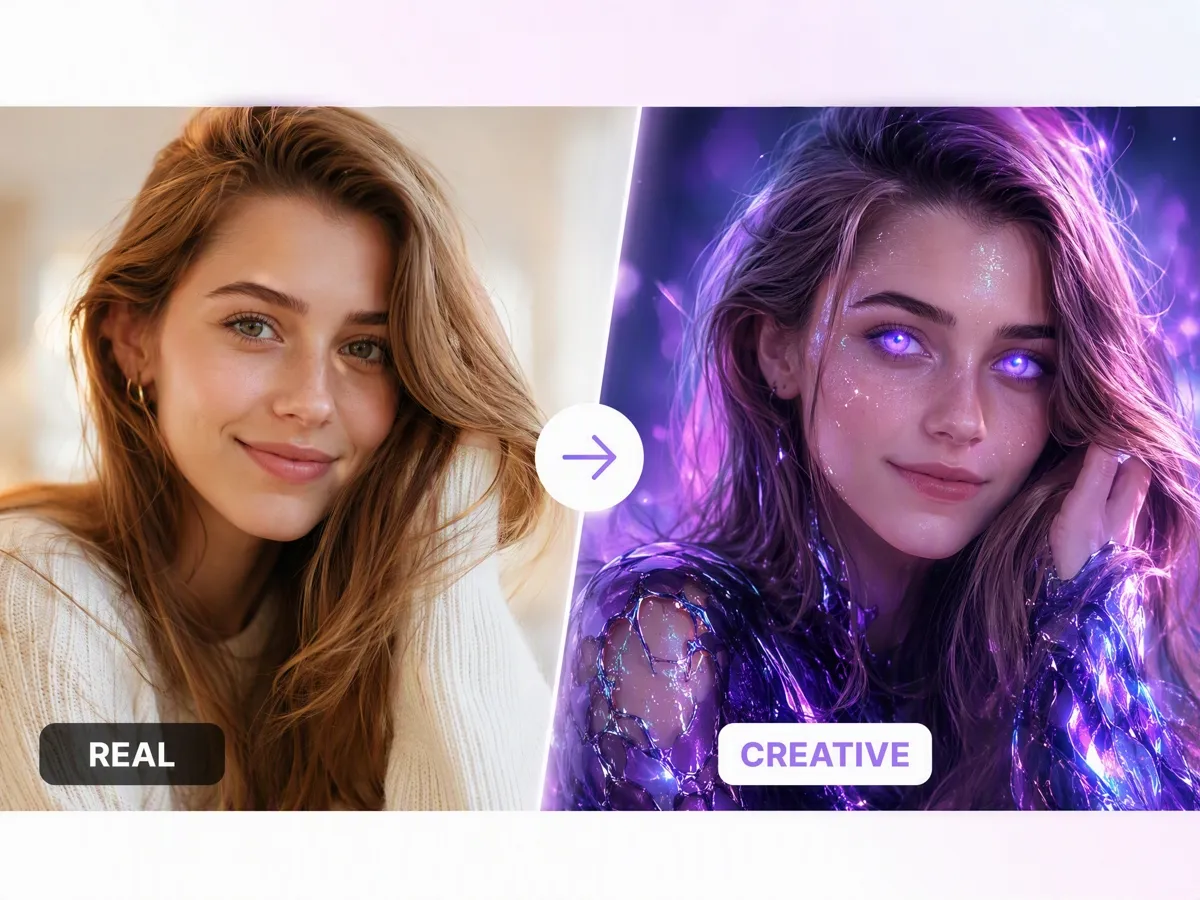
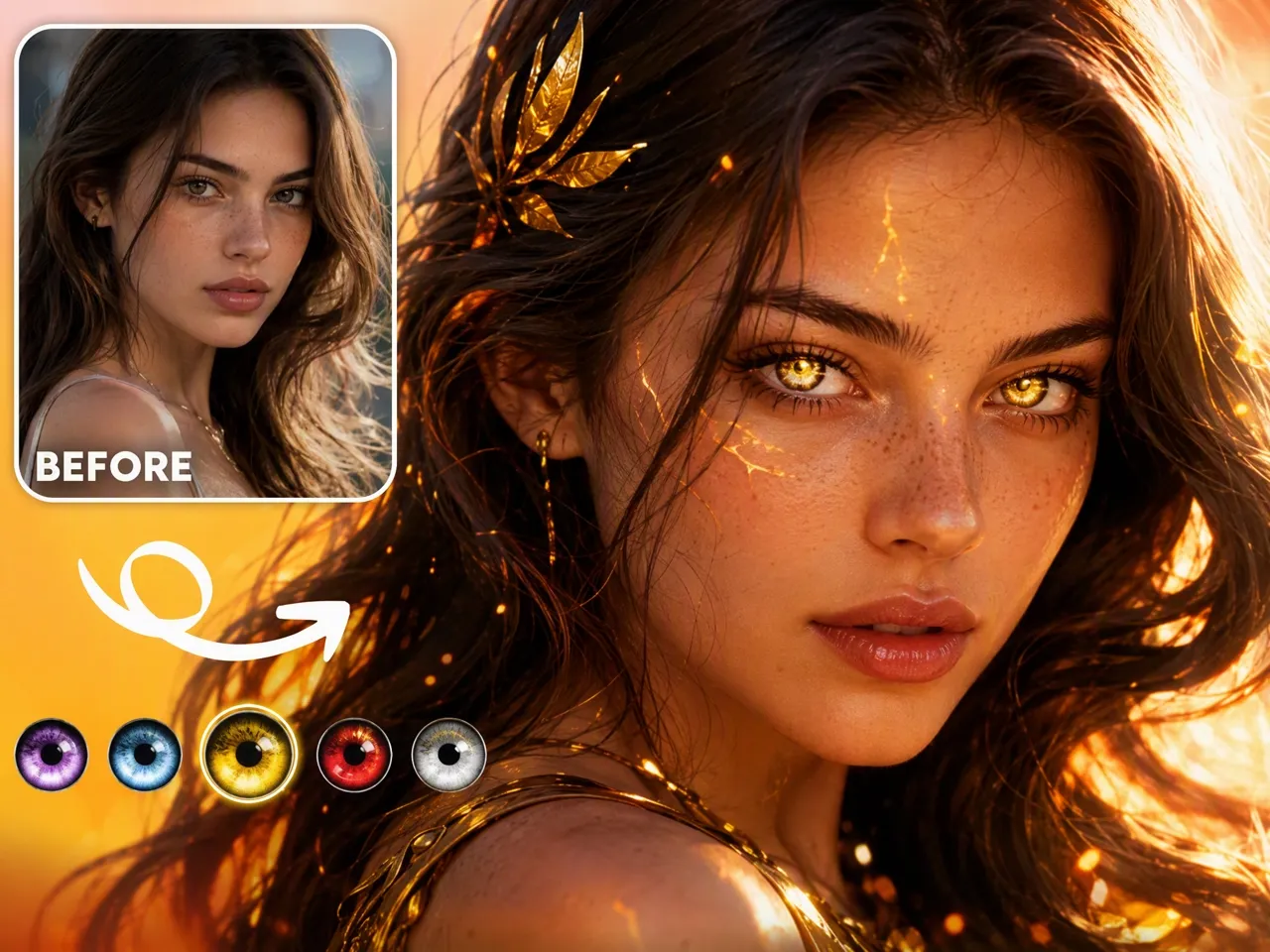
Create Character Portraits With Fantasy Eye Styles
Design fantasy, cosplay, anime, or cinematic portraits with customized eye colors. Create unique character looks while keeping realistic facial proportions and image quality.
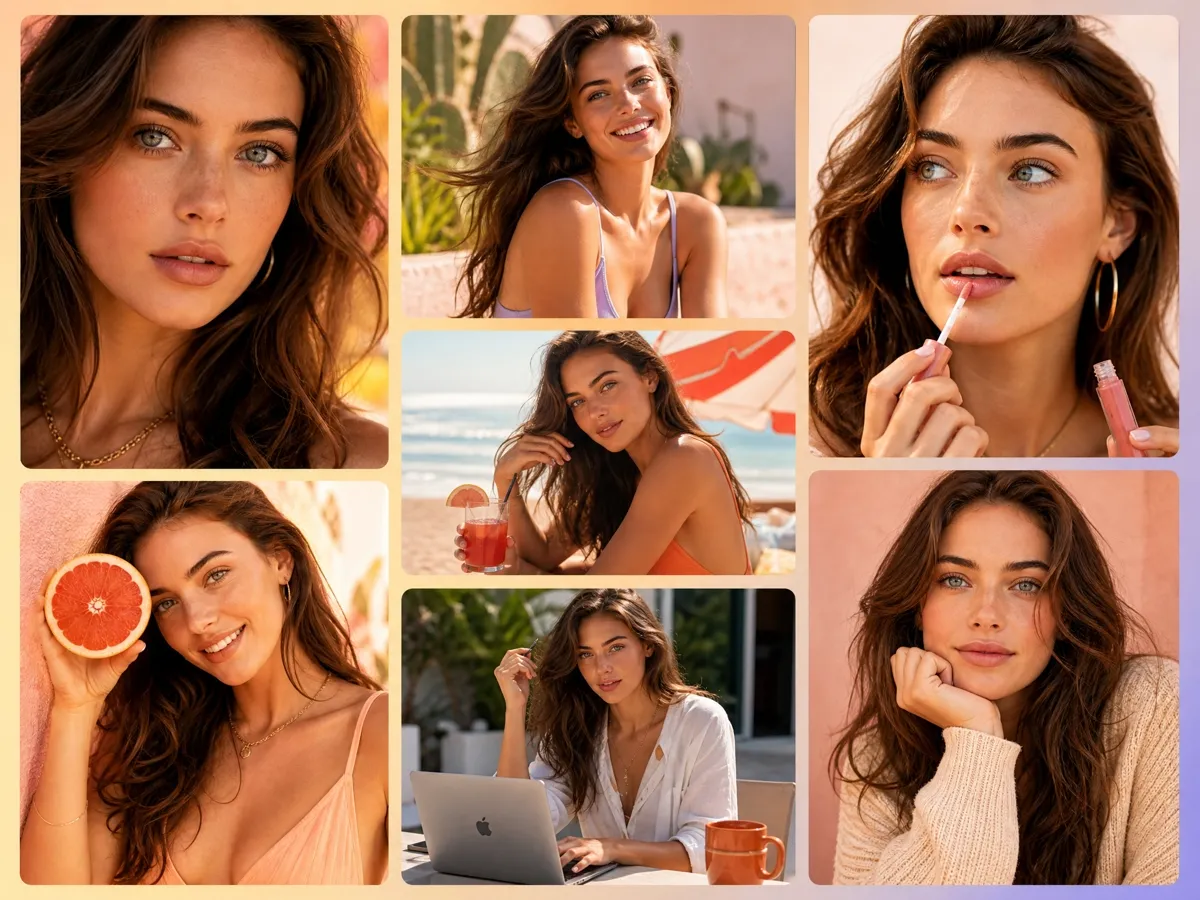
Keep Eye Colors Consistent Across Portrait Collections
Apply matching eye color styles across multiple portraits for photography portfolios, beauty campaigns, and creative projects. Maintain a consistent visual identity without editing every image from scratch.
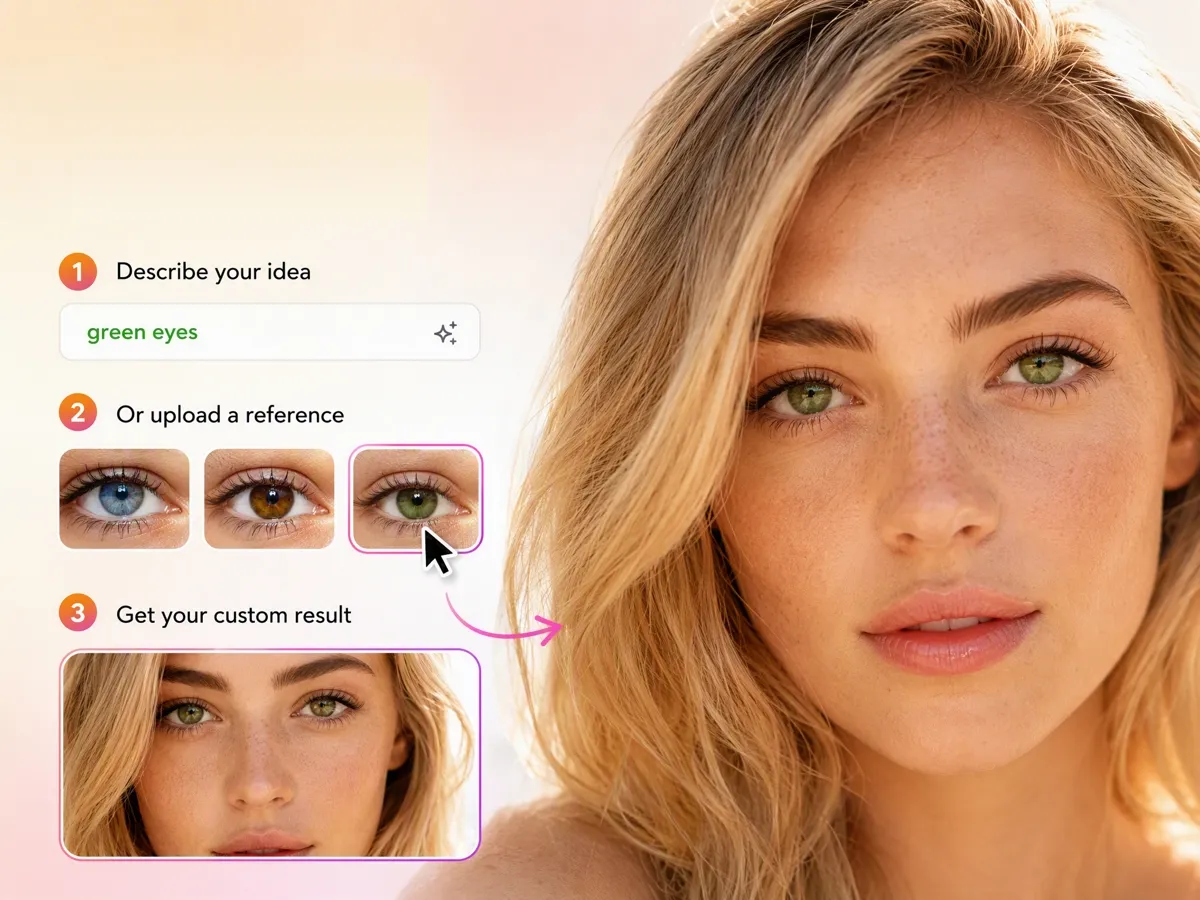
Create Eye Color Changes From Text or Reference Images
Describe your desired eye color or upload a reference image to guide the transformation. Designkit combines AI image editing with visual references to create personalized eye color results.
Eye Color Editing for Different Creative Needs
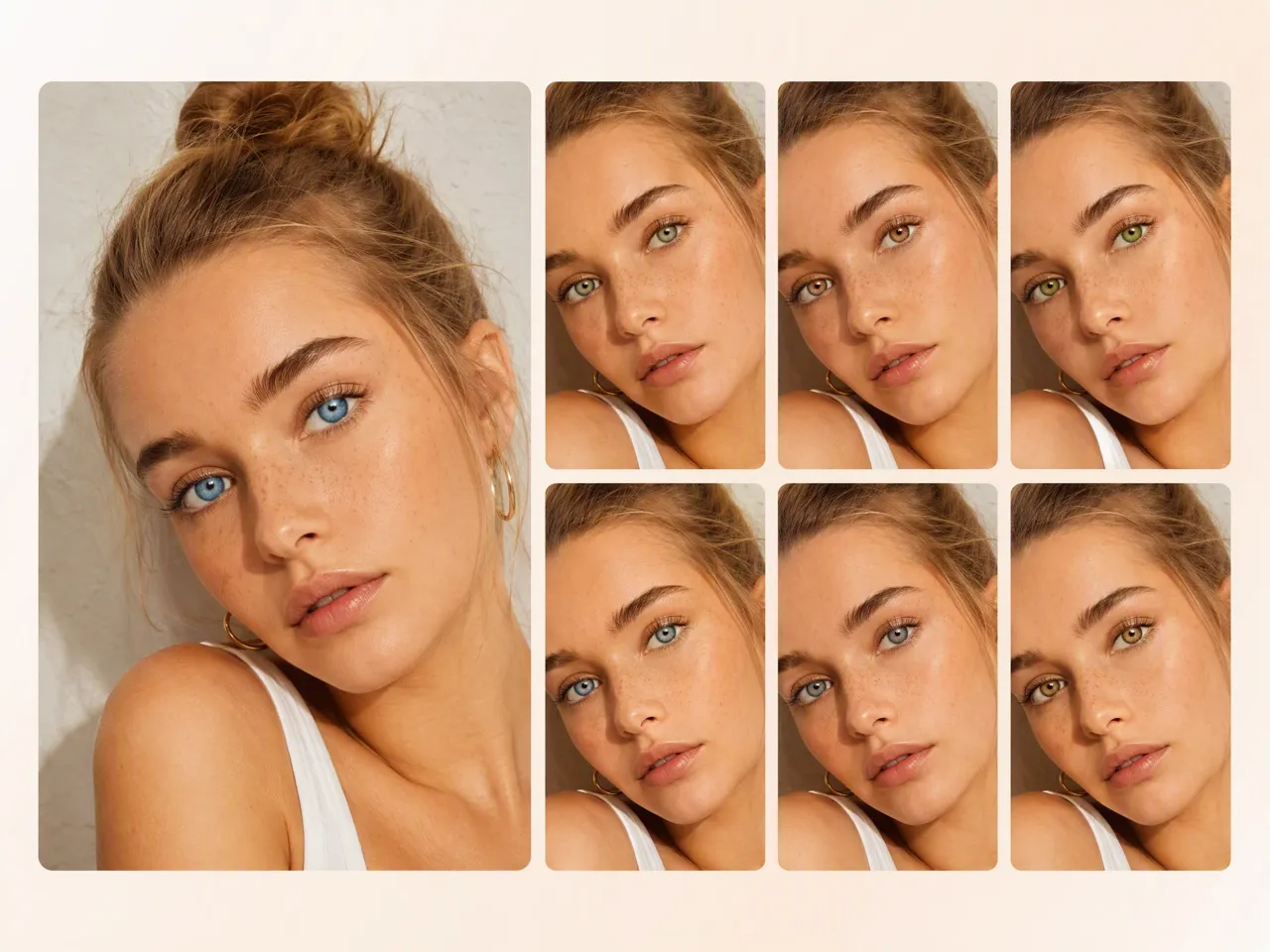
Show Clients Different Eye Color Options Before Final Editing
Portrait photographers can explore different eye colors from the same photo before delivering final images. Designkit helps clients preview possible looks without scheduling another photoshoot or requesting repeated retouching.
Why Choose Designkit for Eye Color Editing
Edit Eye Color Online From Any Device
Create changes directly in your browser without installing complicated editing software. Designkit works as an eye color changer online for users who want quick portrait adjustments anywhere.
Built for Portrait Try-Ons, Not Face Filters
The workflow is made for testing eye color on real portraits, including contact-style previews and prompt-led custom shades.
Free Signup Credits to Try
Try the free eye color changer with signup credits and explore different eye color styles before upgrading for more generations.
Unlock More Creative Possibilities
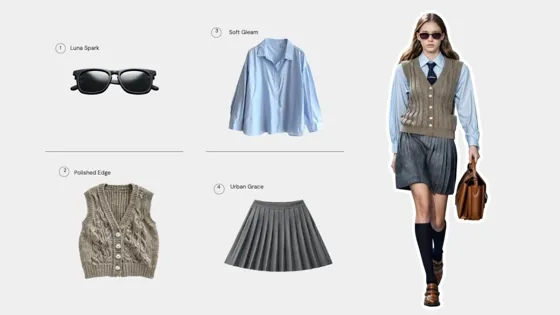
AI Virtual Try-On for Clothing, Shoes & Jewelry
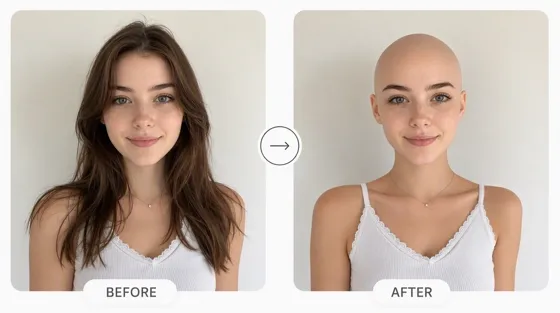
Bald Filter: See What You Look Like Bald
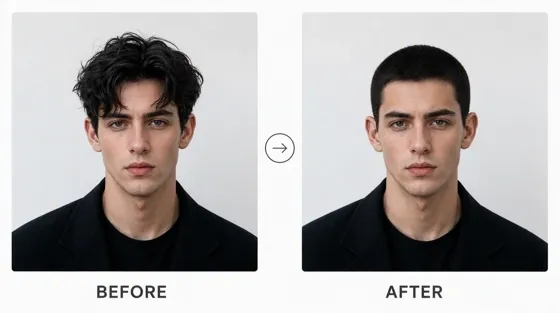
Buzz Cut Filter: Try a Buzz Cut on Your Photo
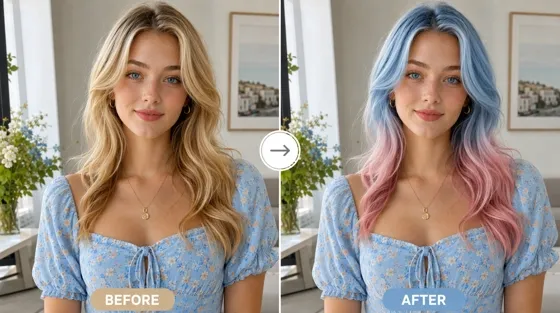
AI Hair Color Changer: Try Hair Colors on Your Photo
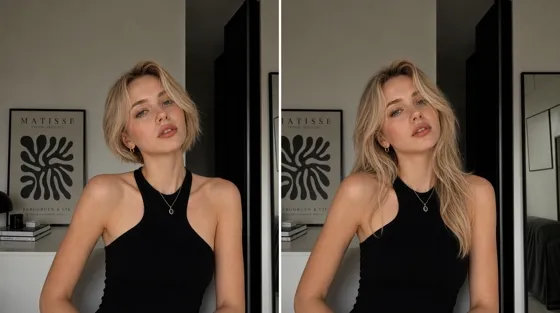
AI Hairstyle Changer: Try Hairstyles on Your Photo
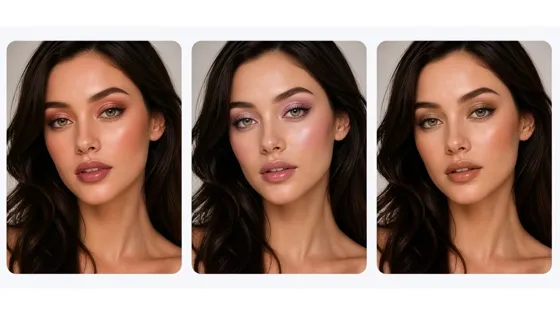
AI Virtual Makeup Try-On from a Photo Online
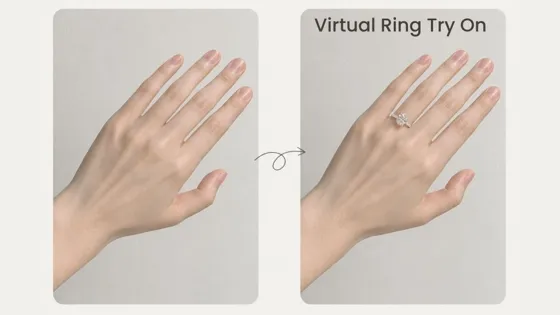
AI Virtual Ring Try-On from a Hand Photo Online
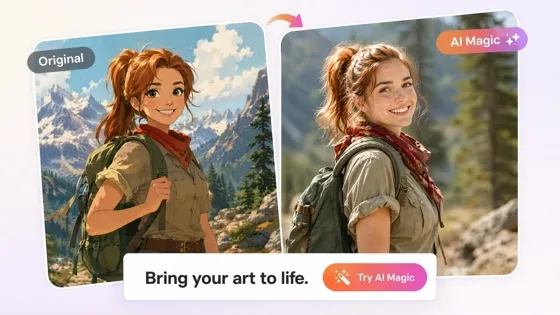
Cartoon to Realistic AI: Bring Cartoon Character into Real Life
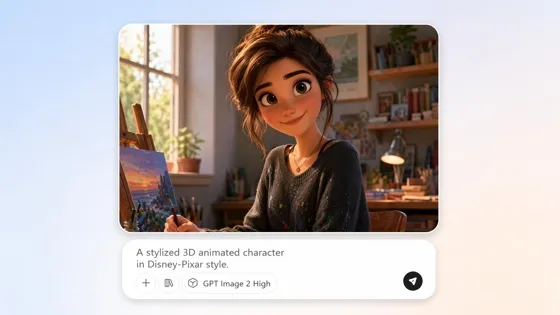
AI Cartoon Character Maker: Create Custom Cartoon Characters
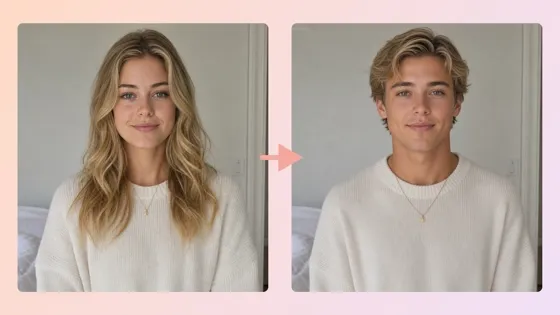
AI Gender Swap: See Your Opposite-Gender Photo Online
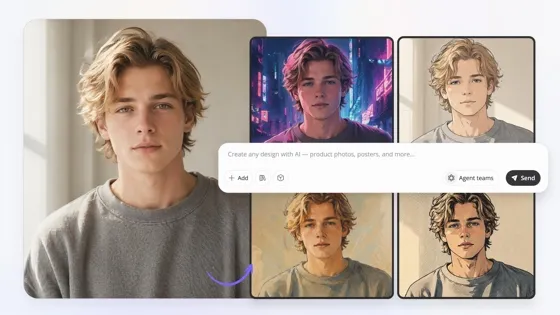
Image to Image AI: Transform Images into New Styles Online
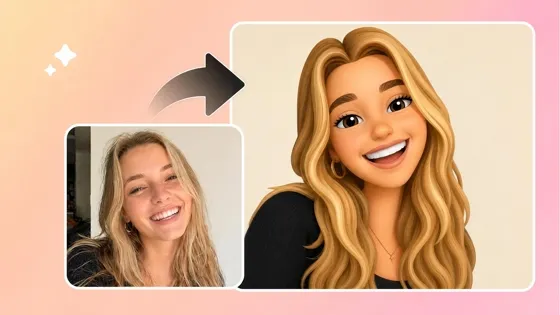
Image to Emoji Converter: Create Custom Emojis from Photos
Frequently Asked Questions
What is an eye color changer?
How do I change eye color in a photo?
Upload a clear portrait, choose your preferred eye color or provide a reference image, and Designkit generates realistic eye color edits automatically. Compare multiple variations, select your favorite result, and download the finished portrait in just a few steps.
Can I change eye color without affecting the rest of my photo?
Yes. AI eye color editing can focus only on the iris while preserving facial features, skin tone, and lighting. Designkit keeps the rest of your portrait unchanged, helping create natural-looking results from a single image.
Can I upload my own portrait?
Yes. Most AI eye color editors support personal portraits with clearly visible eyes. Designkit detects the iris automatically and applies your selected eye color while maintaining realistic facial details.
Can I compare different eye color options?
Yes. Many AI tools let you generate multiple eye color variations from the same portrait. Designkit makes it easy to compare different looks before downloading the version that best suits your style or creative project.
Can I edit eye color online without installing software?
Yes. Many AI eye color editors work directly in your browser without requiring additional software. Designkit lets you upload your portrait, preview the changes, and download the finished image from any compatible device.
Is the eye color changer free to use?
Yes. Many AI eye color changers offer free trials or signup credits, allowing you to test different eye color styles before upgrading. Designkit provides signup credits so you can generate multiple eye color variations, compare the results, and decide if you need additional edits.
Can I use edited portraits commercially?
Yes. Commercial use depends on the licensing terms of the platform you choose. Designkit generally allows commercial use on eligible paid plans, but you should review the latest licensing terms before publishing or distributing edited portraits.
Try a New Eye Color on Your Portrait Free
Upload your portrait and explore realistic eye color changes for beauty looks, creative projects, or everyday photos. Start free with signup credits.

What Creators Say About Designkit Eye Color Changer
See how photographers, beauty creators, cosplayers, and content creators edit eye colors more efficiently for portraits and creative projects.
Easier Client Portrait Reviews
Clients often wanted to see different eye colors before approving portraits. Designkit helped me create several realistic options from one image, making the final selection process much smoother.
Better Beauty Shoot Planning
I wanted to test different eye colors before creating makeup content. Designkit helped me compare several looks digitally before deciding on the final styling direction.
Character Previews Before Cosplay
I was unsure which eye color matched my character best. I created different versions with Designkit first, which helped me choose a style before purchasing cosplay accessories.
Refreshing Older Portraits
Some older portraits no longer matched my current style. Changing the eye color gave my existing photos a fresh look without needing another photoshoot. FAQs