
AI Gender Swap Filter to Transform Your Photo Instantly
Upload your photo and see a realistic AI gender-swapped version in seconds, with your unique features kept recognizable throughout.
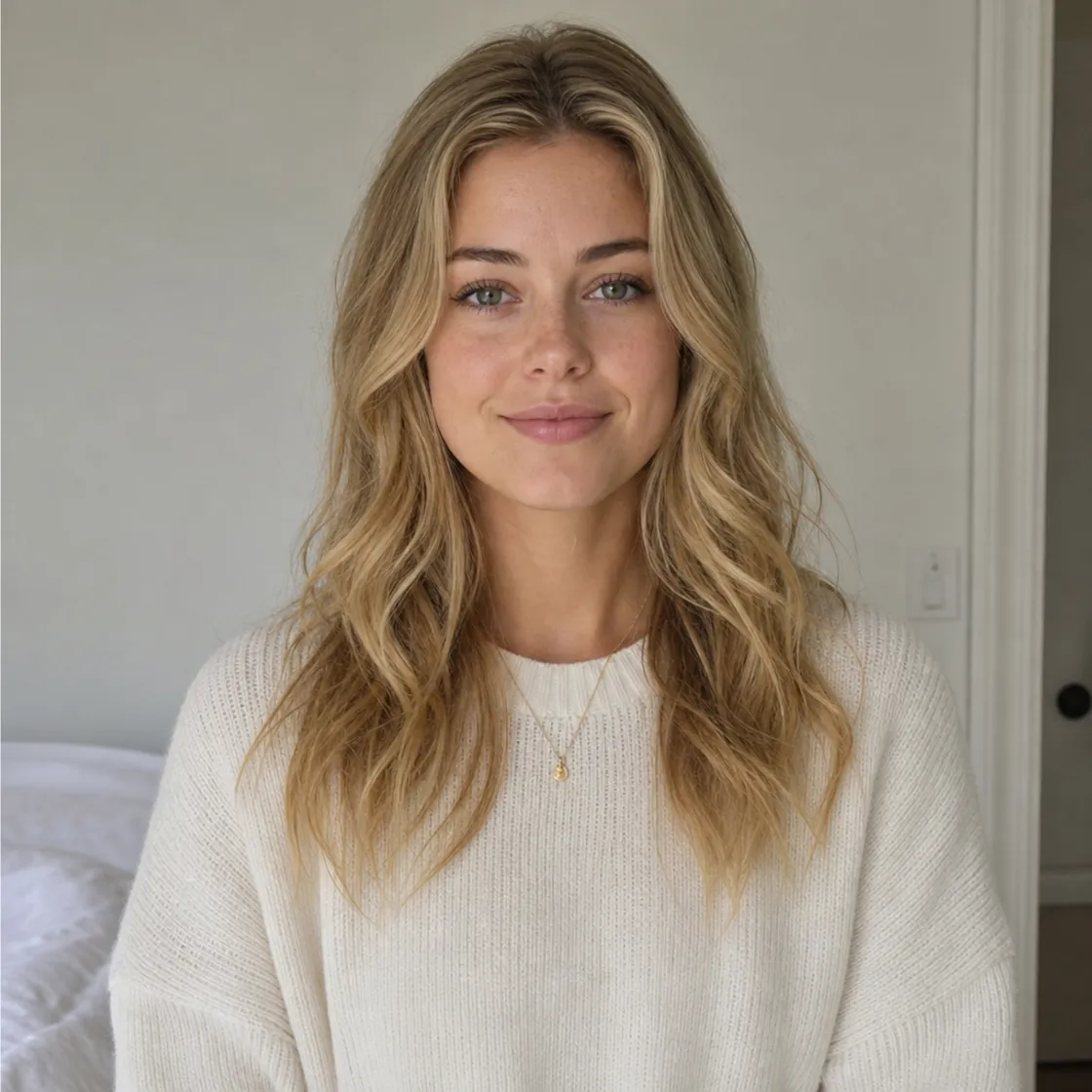
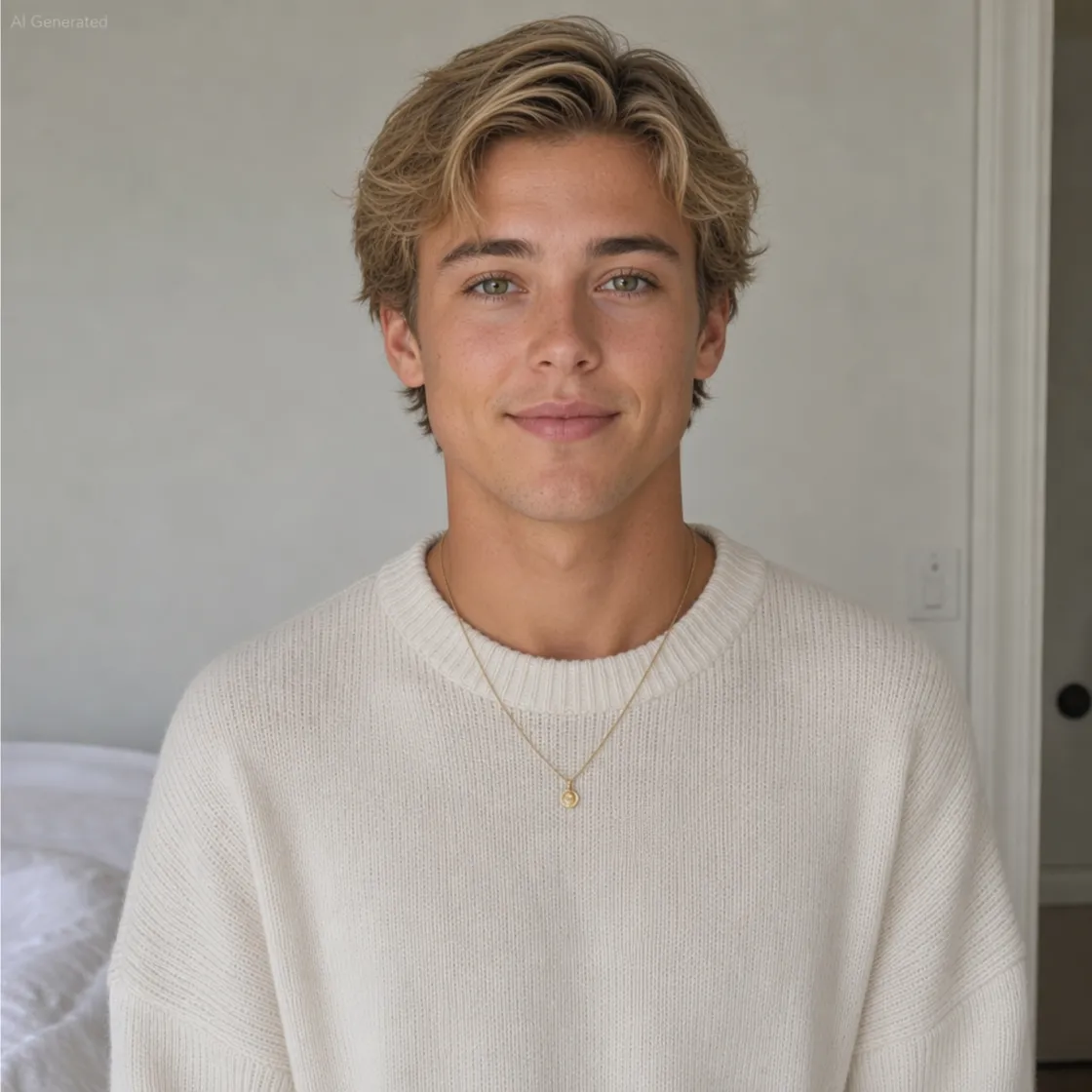
How to Create an AI Gender Swap Photo in 3 Steps
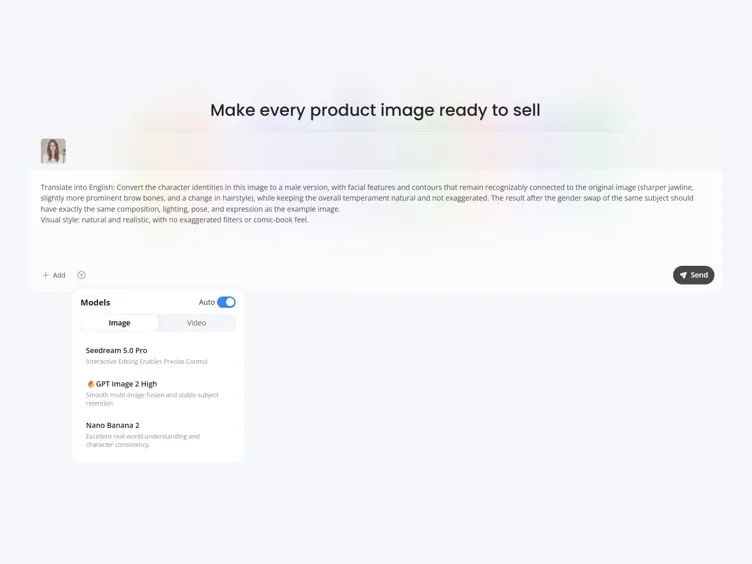
Upload Your Photo
Choose a clear portrait photo of yourself. Front-facing images usually produce better facial transformation results.
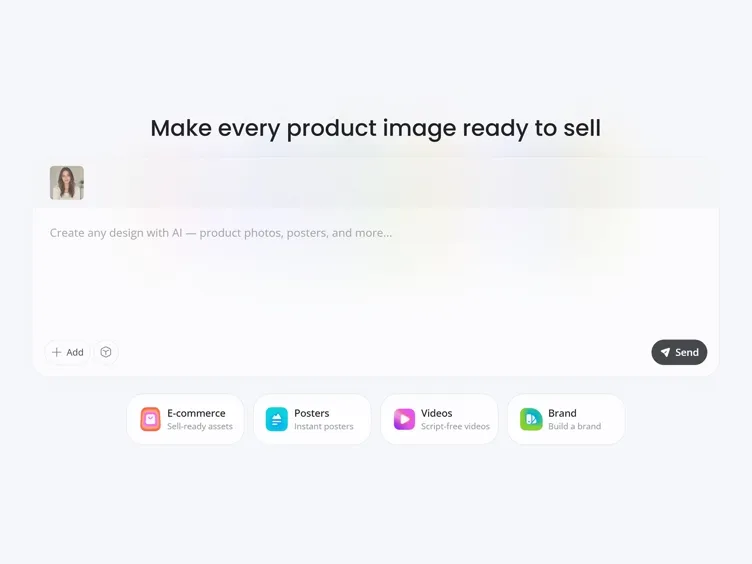
Customize Your Transformation
Add style instructions for hairstyle, clothing, mood, or background, or let AI create a natural transformation on its own.
Generate and Download
Review your AI gender swap results side by side and download your favorite version instantly, ready to keep or share.
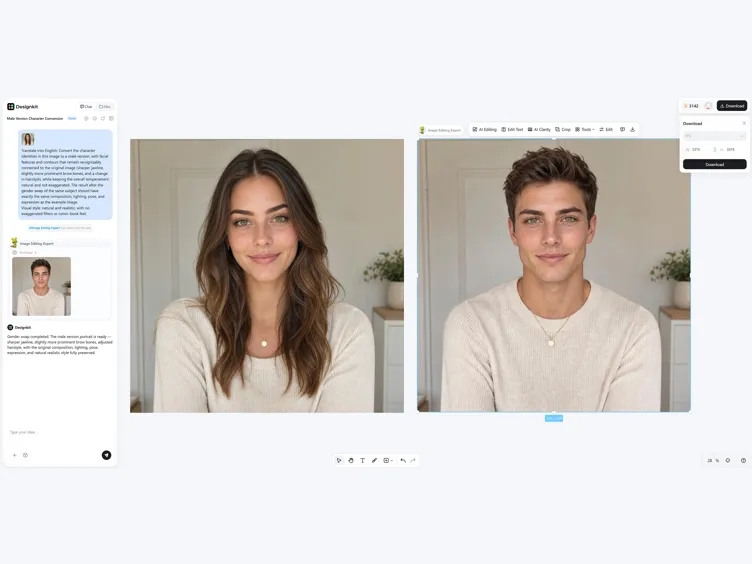
What Makes Designkit AI Gender Swap Different
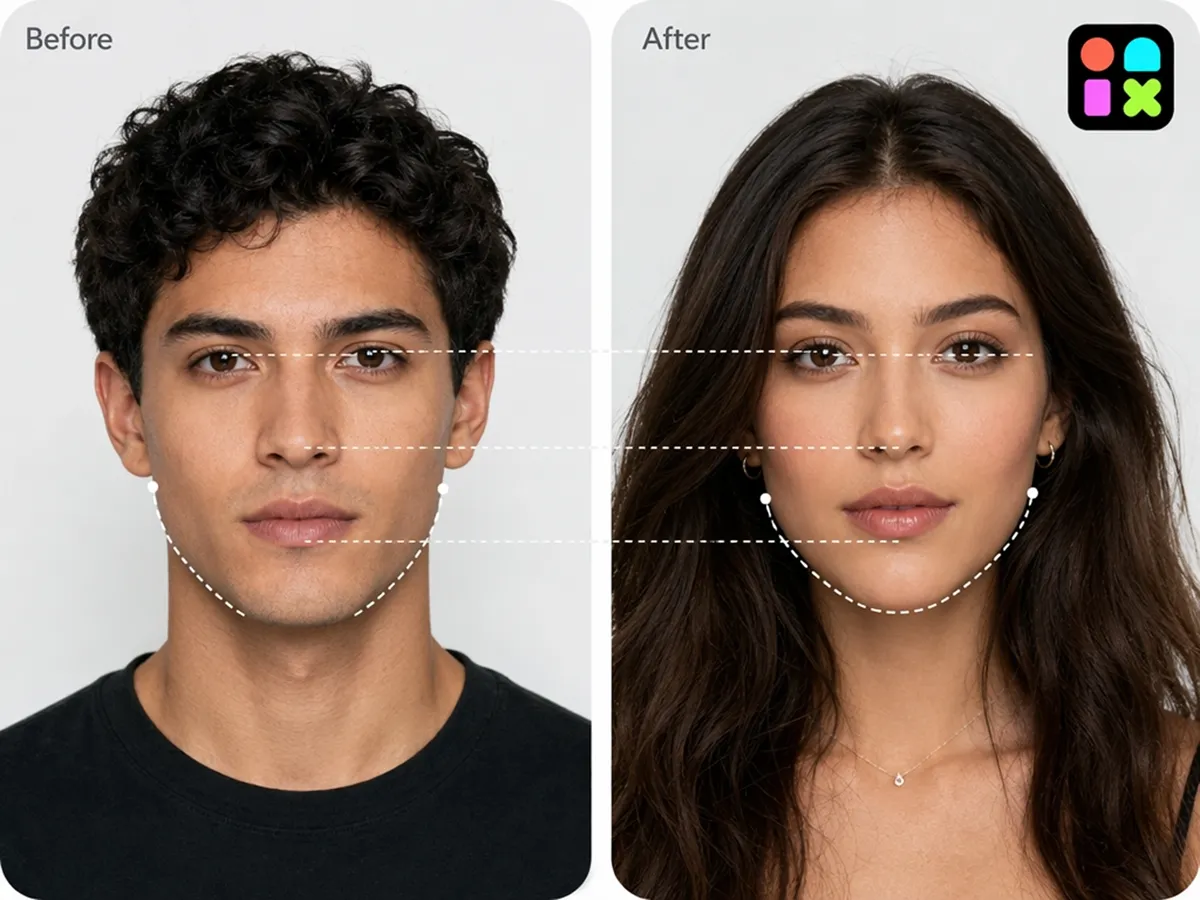
Preserve Your Original Identity
Use the image to image to transform your portrait while keeping recognizable facial features, creating a natural-looking gender swap rather than a completely different person.
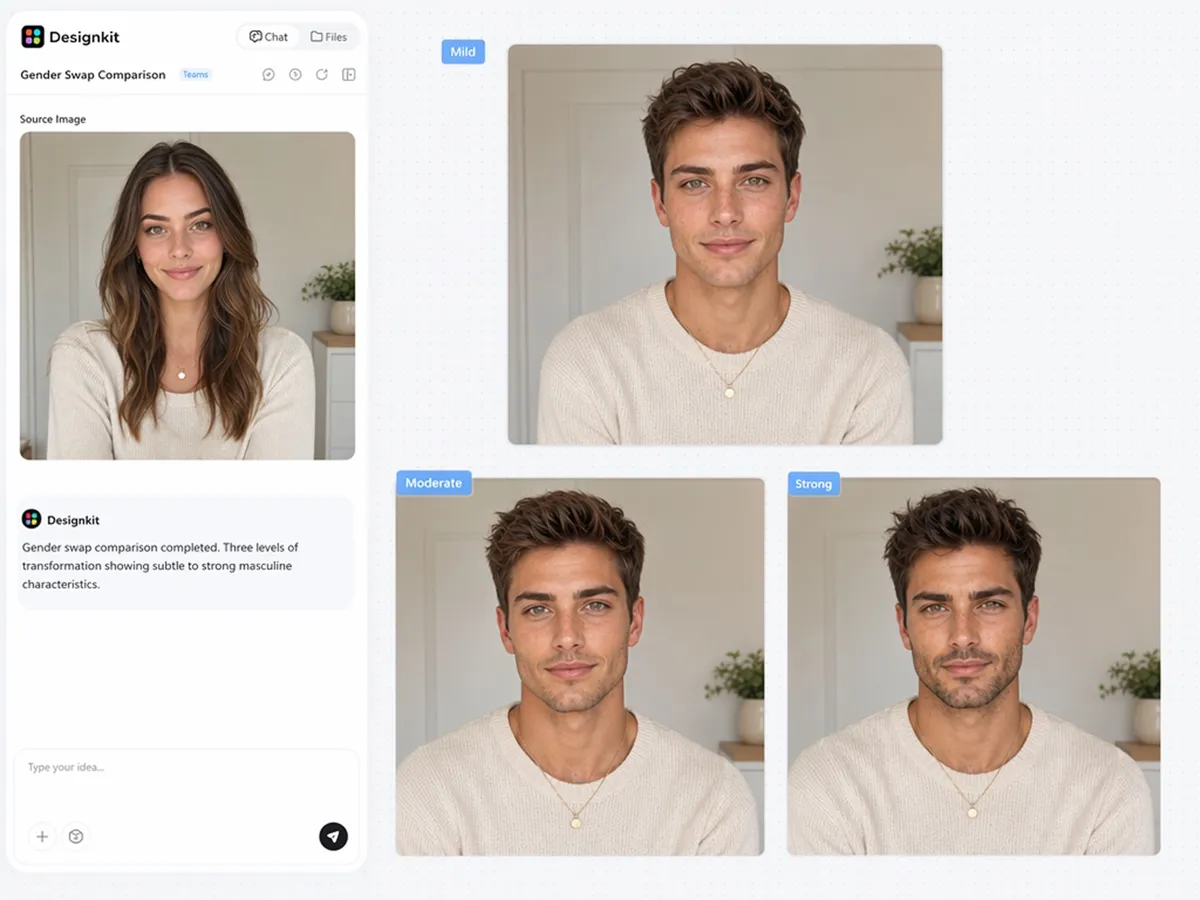
Create More Than One Gender Style
Generate multiple versions from the same photo to compare subtle or more dramatic transformations before choosing the one you prefer.
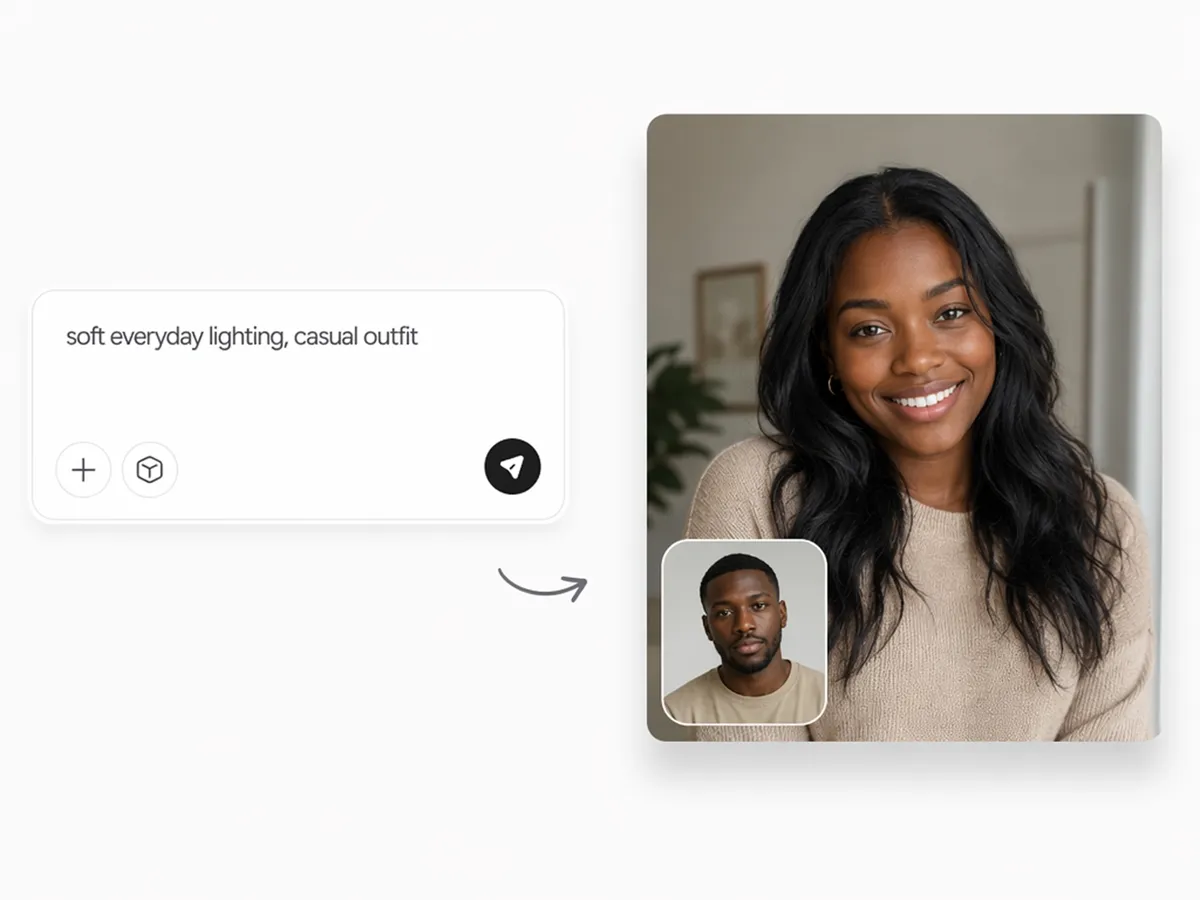
Guide Results With Simple Prompts
Describe changes to hairstyles, expressions, or clothing style, and let Designkit generate a natural-looking gender swap automatically.
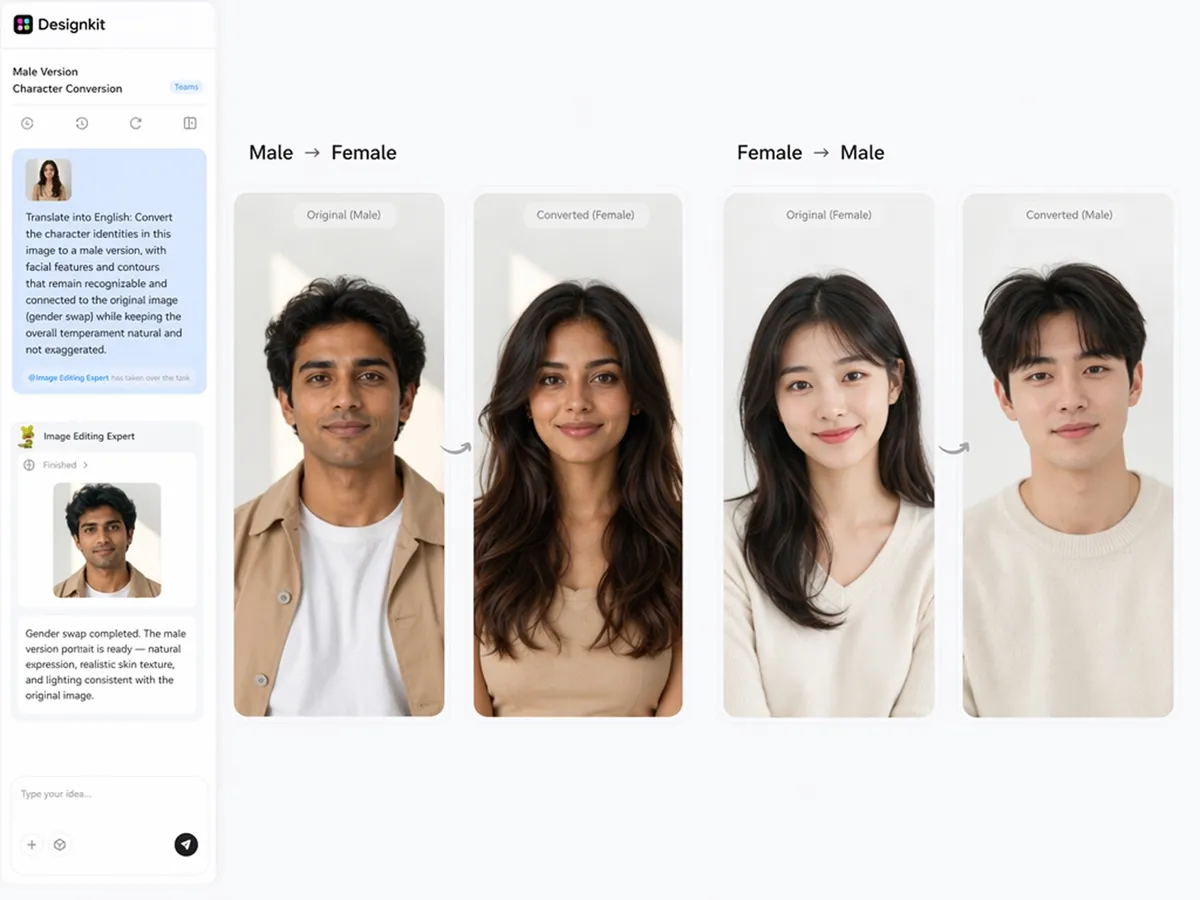
Swap Male to Female or Female to Male
Transform a portrait from male to female or female to male using the same workflow, without switching between different tools.
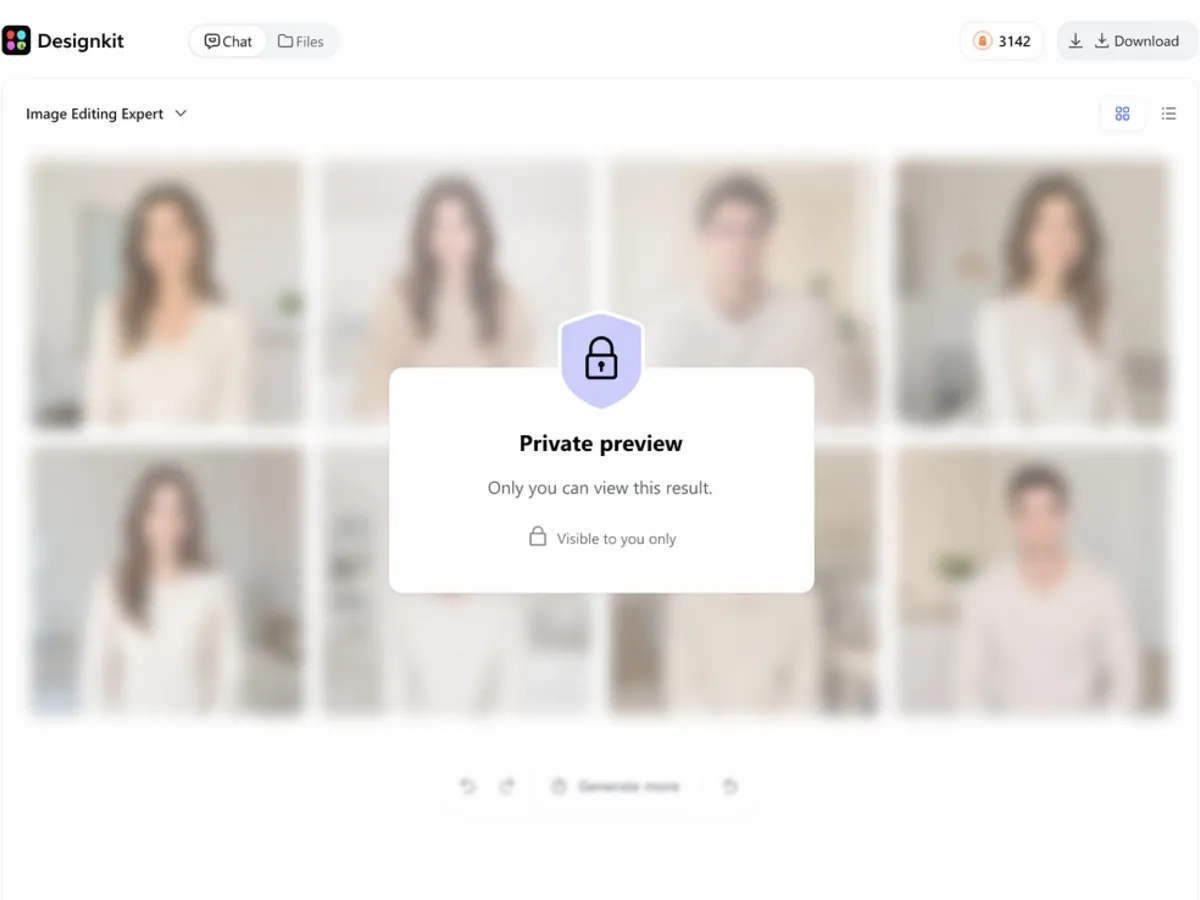
Keep Your Creation Private
Your uploaded photos and generated images are processed privately, giving you the opportunity to review the results before deciding whether to save or share them.
Who Uses Designkit's AI Gender Swap?
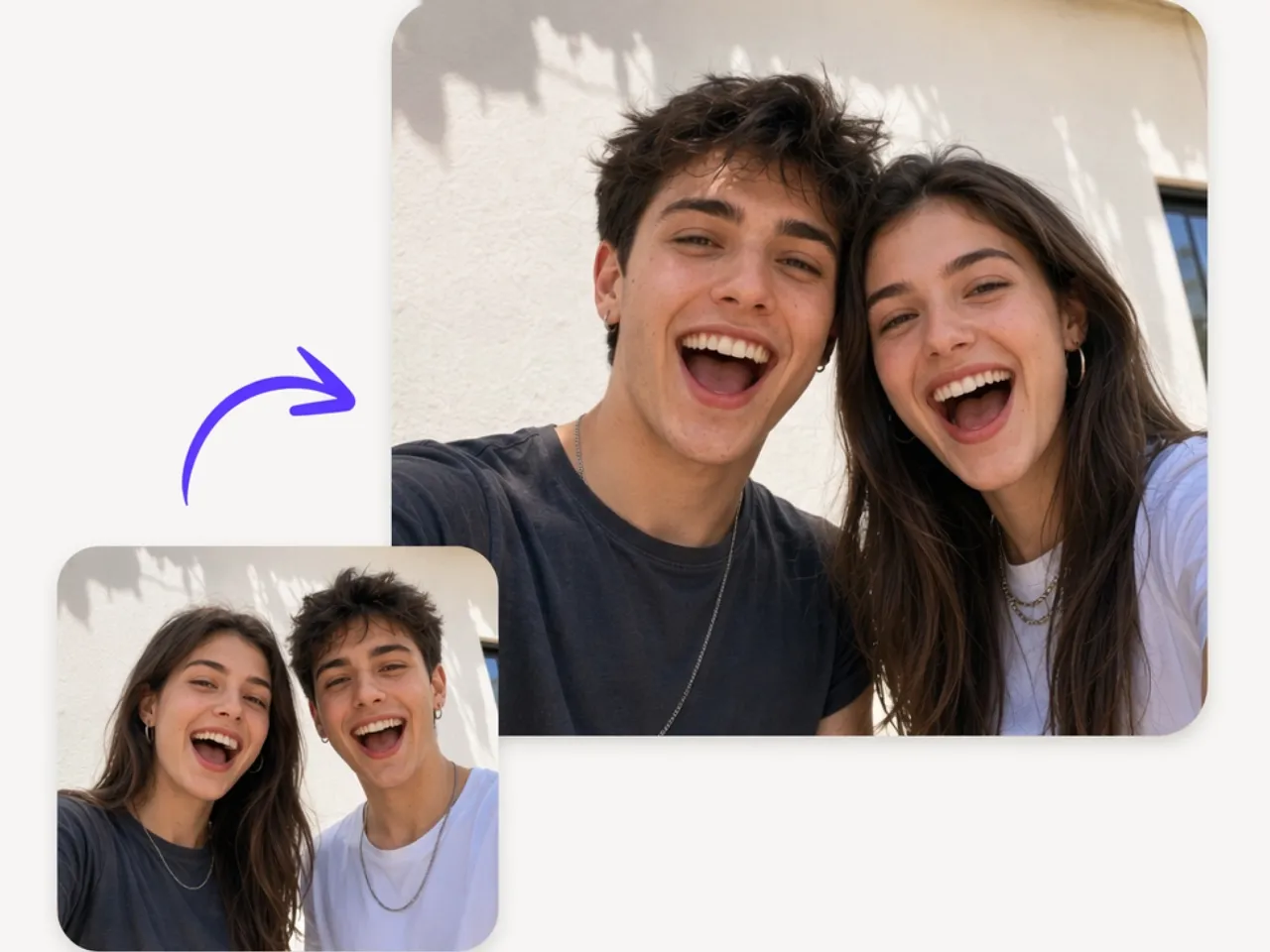
Explore a Different Version of Yourself
See how you might look with a realistic gender swap by transforming your own photo into an alternate version just for fun.
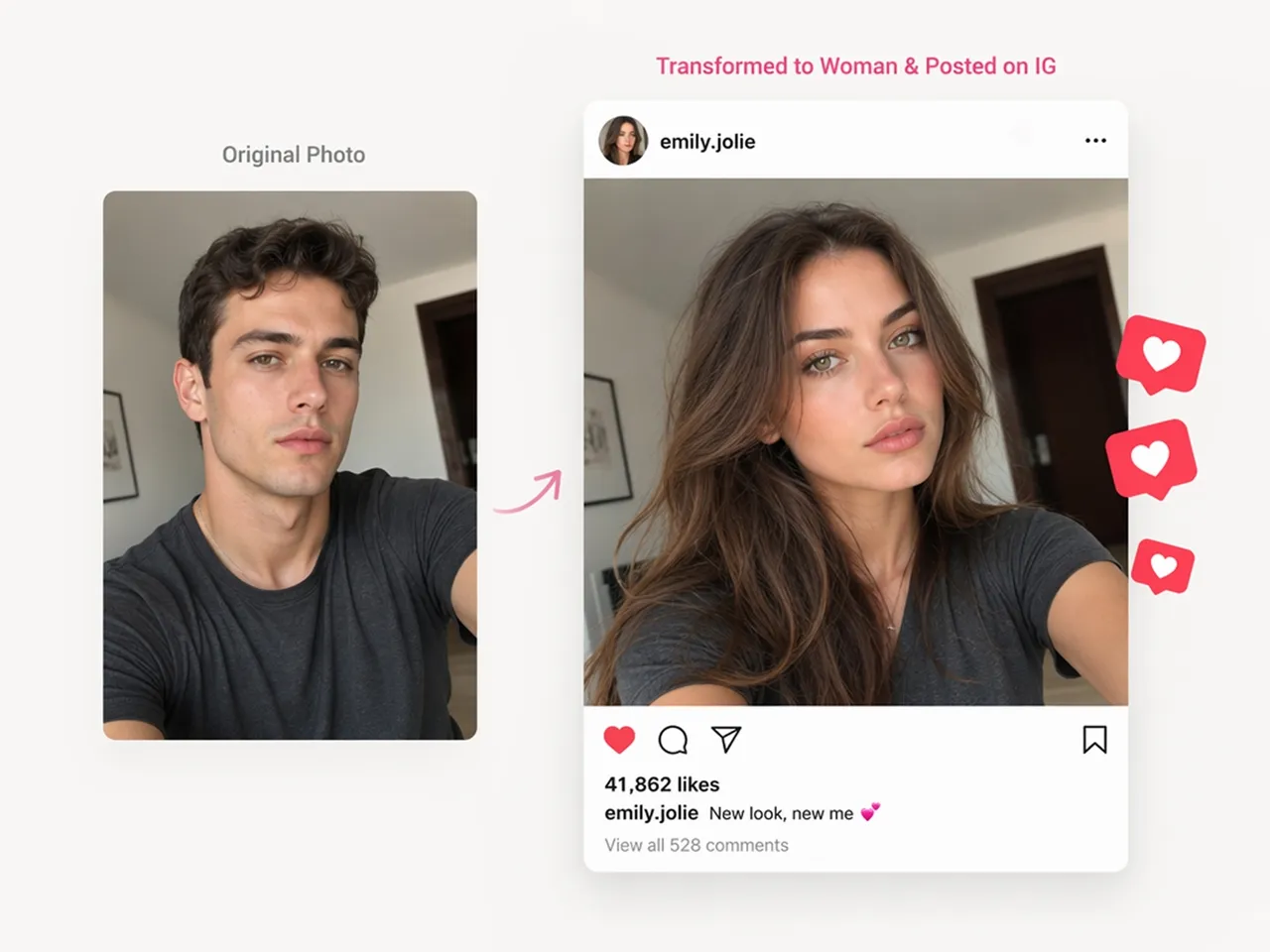
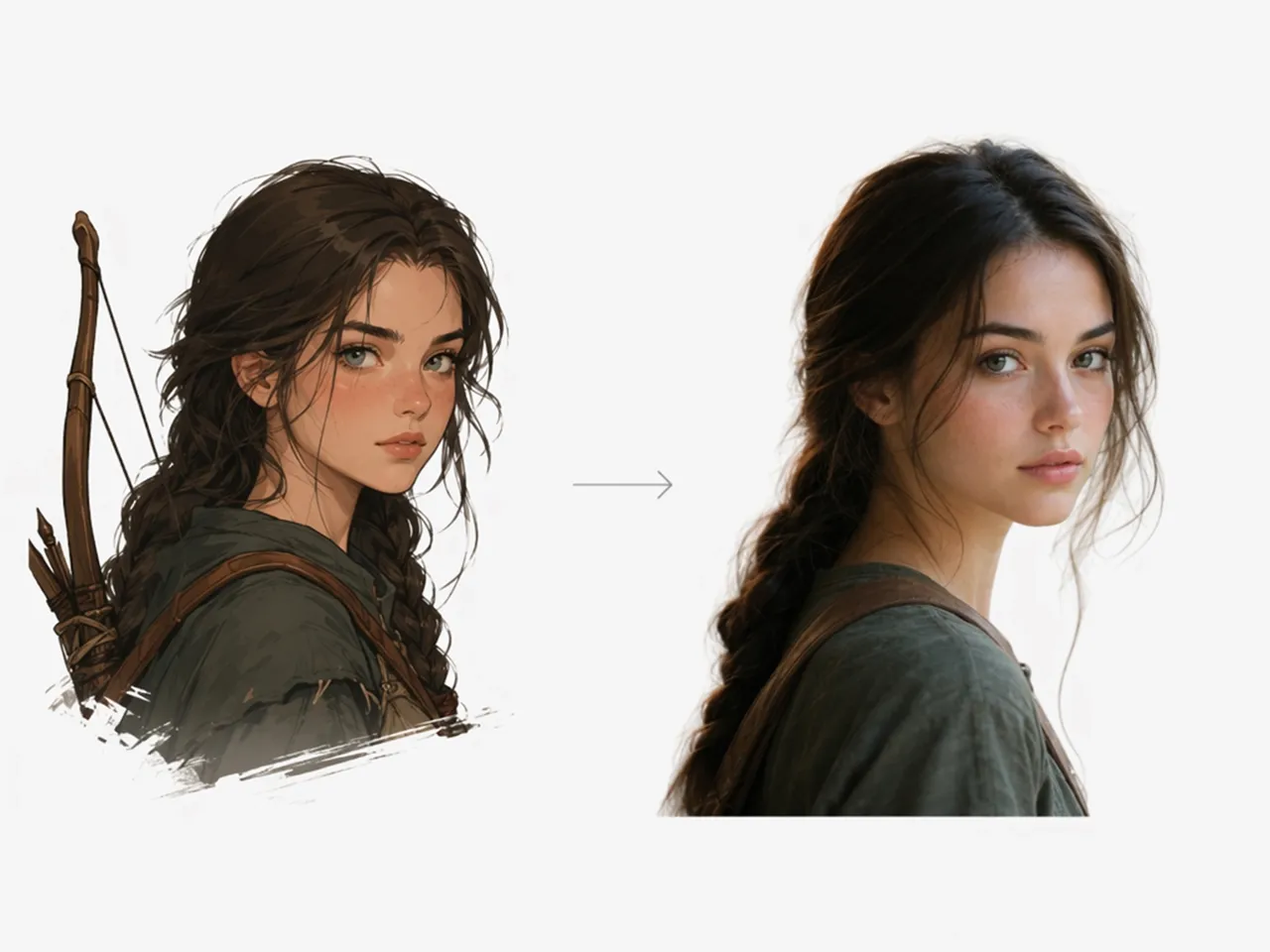
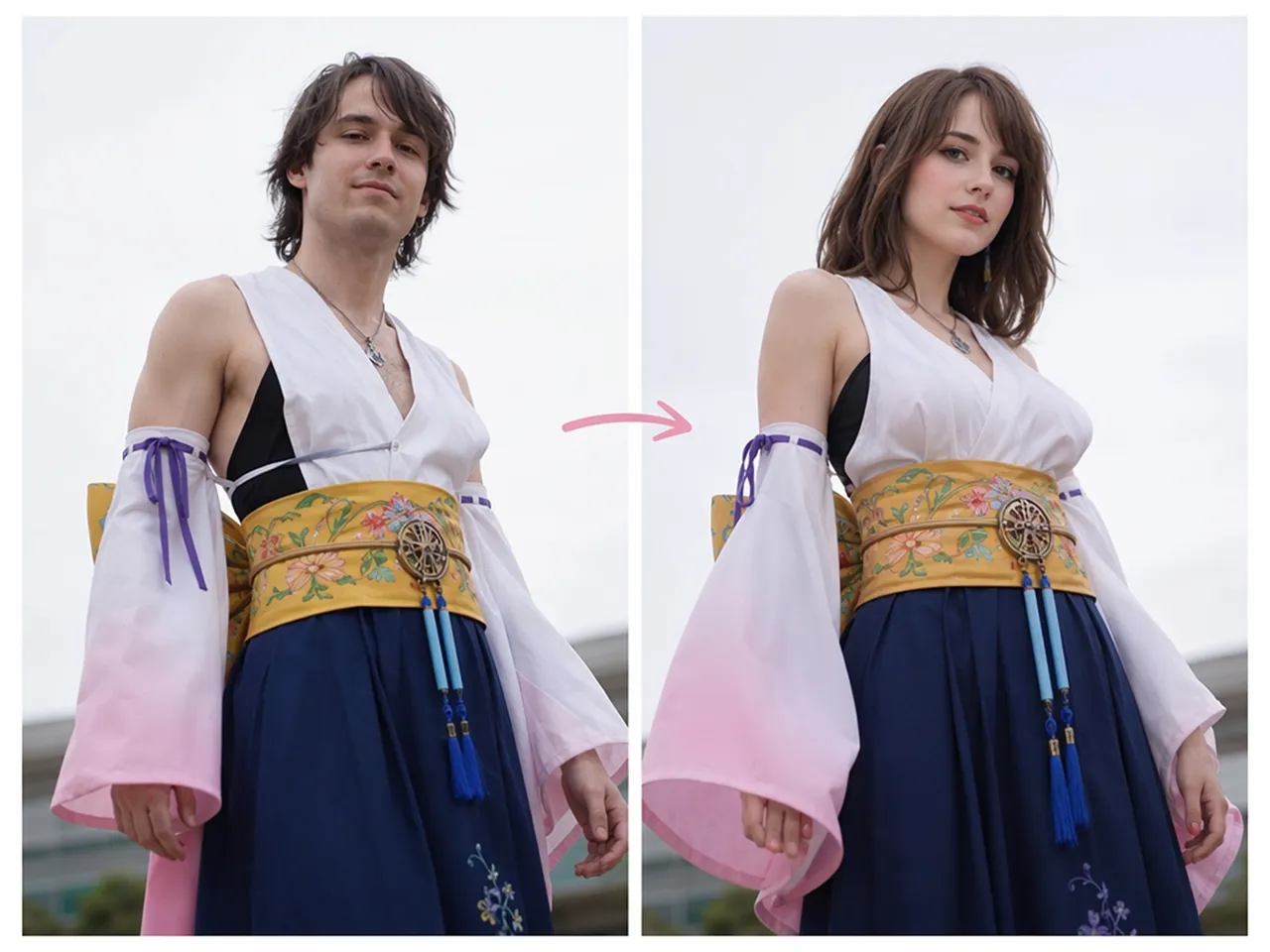
Why Choose Designkit for AI Gender Swap
Recognizable Results, Not a Cartoon Filter
Designkit preserves recognizable facial features to create realistic gender swaps instead of heavily stylized or cartoon-like effects.
Optional Style Prompts
Generate a natural-looking gender swap with default settings, or add style prompts to personalize hairstyles, expressions, or other details.
Adjustable Prompt Control
Guide the AI with custom prompts to influence hairstyles, clothing, expressions, age, accessories, or overall appearance while preserving identity.
Compare Multiple Versions From One Photo
Create several variations from the same portrait with the AI image generator, making it easier to compare different looks before saving or sharing your favorite.
Privacy-Focused Image Processing
Your uploaded photos are processed securely, and you stay in control of the images you create, making it comfortable to experiment with different transformations.
Start Free With Signup Credits
New users receive free signup credits, allowing you to explore the AI Gender Swap tool before deciding whether a paid plan meets your needs.
Unlock More Creative Possibilities
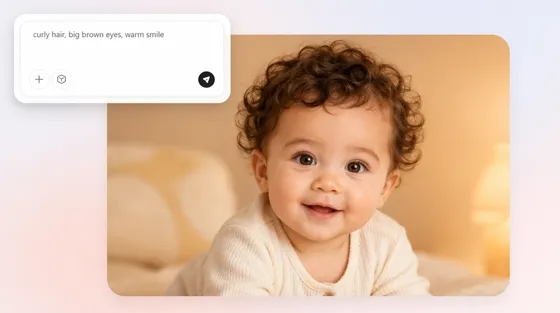
AI Baby Generator
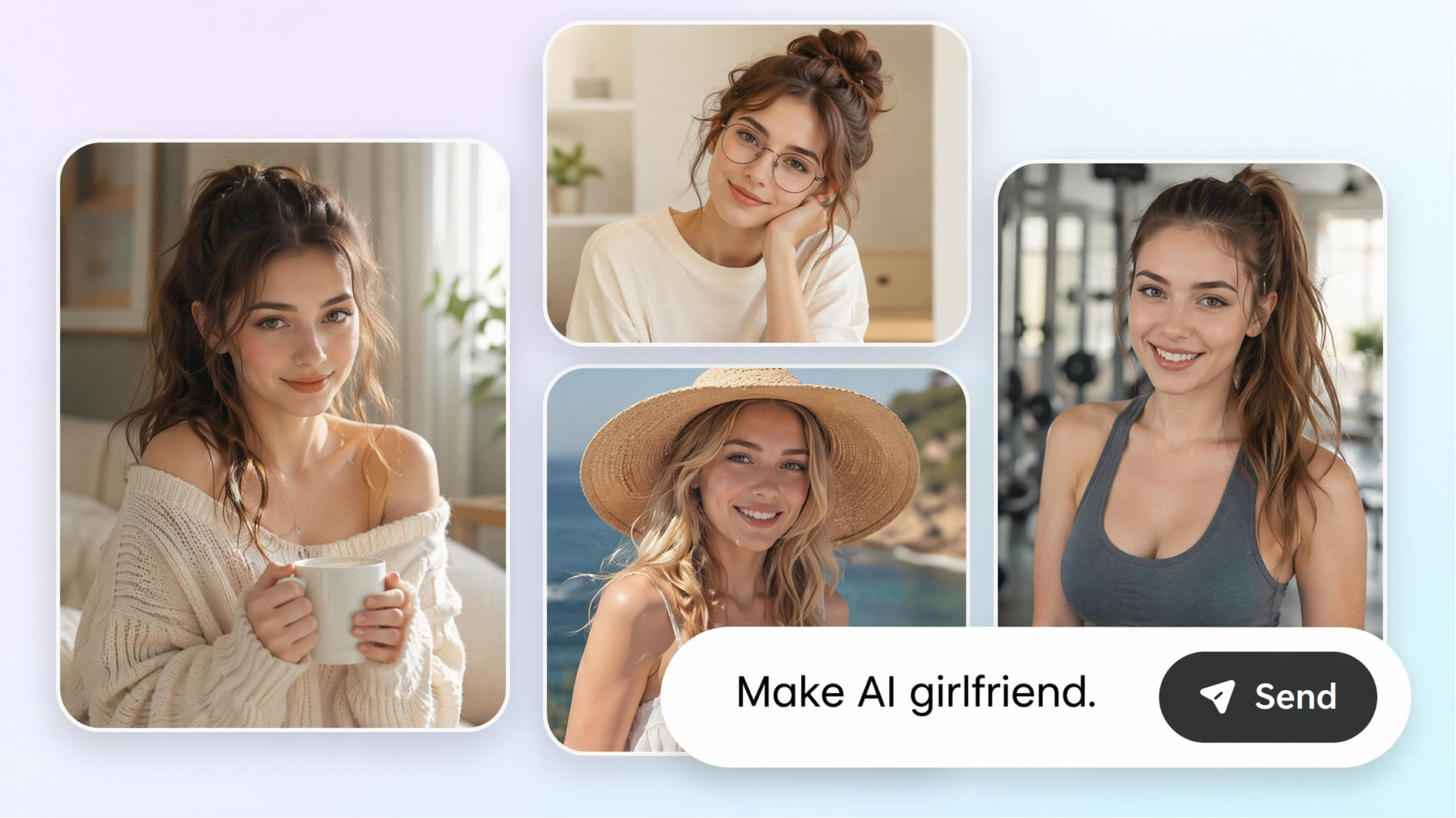
AI Girlfriend Generator
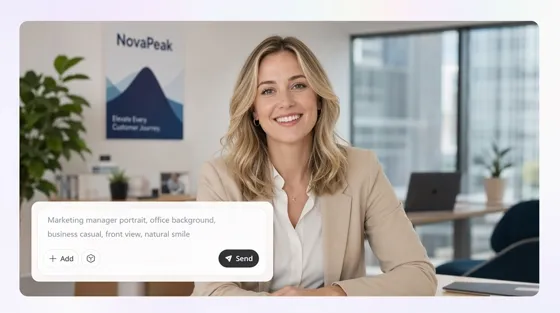
AI Human Generator
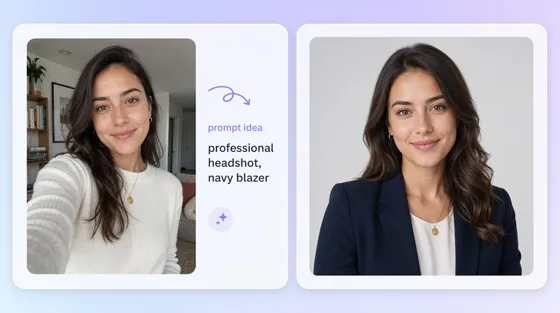
AI Portrait Generator
Frequently Asked Questions
Do I need someone else's photo for this AI gender swap?
Is this an AI gender swap online free to use?
Yes. New users can sign up for Designkit and use the included free credits to try the AI Gender Swap tool before deciding whether a paid plan is right for them.
Is this the same as an AI sex change tool?
No. This is a photo filter that generates a visual result, not a medical procedure of any kind. People search both terms for the same general kind of image tool, but the underlying process is entirely visual.
Does the AI gender swap filter keep my photo private?
Yes. Your uploaded photo is processed to generate the requested image. For information about how images are stored and handled, refer to Designkit's Privacy Policy.
Can I use this as a male to female AI transformation specifically?
Yes. Upload your photo, then generate either a male-to-female or female-to-male transformation using the same workflow.
Is there an AI gender swap video generator option?
No. This tool generates gender-swapped images from photos. If you want to create video transformations, explore Designkit's video generation tools.
How realistic is the AI gender transformation?
It depends on the photo. Clear, well-lit images generally produce more natural-looking results. You can also generate multiple versions to compare different styles and choose the one you prefer.
Can I generate more than one version of the same photo?
Yes. A single photo can generate multiple variations, allowing you to compare different gender swap results before downloading your favorite.
Create Your AI Gender Swap Photo Today
Upload your own photo and generate a private opposite-gender result. Start free with signup credits.

What People Are Saying After Trying Designkit
Feedback from people who tried this out of curiosity or for a project.
Fun to Try Just Once
I wasn't expecting much, just wanted to see what it looked like out of curiosity. Uploaded a selfie and had a result in under a minute, which was honestly more interesting than I thought it would be going in.
Helped With a Character Design
I was stuck visualizing a gender-swapped version of a character based loosely on my own face for a story. Generating a reference image saved me from trying to describe it to an artist from scratch, word by word.
Useful Before a Cosplay Purchase
I wanted to see how a cross-gender costume concept might actually look on me before ordering fabric for the full outfit. The generated preview was rough but close enough to help me decide what to commit to.
Appreciated That It Stayed Private
I was hesitant to try anything like this online at first, given how personal it felt. It mattered that nothing was posted anywhere and I could just look at the result myself before deciding what to do with it next.
Good for a Quick Before-and-After Post
I made a short before-and-after clip using just my own photo for a social post. Took a few tries to get a version I actually liked enough to post publicly, but the process itself was quick.
A Small, Low-Pressure Way to Explore
I wasn't ready to talk to anyone about how I was feeling yet, so a conversation felt like too much. Generating a private image gave me a small, low-stakes way to sit with the idea for a bit on my own first. FAQs