
Create a Ring Try-On from Your Own Photo
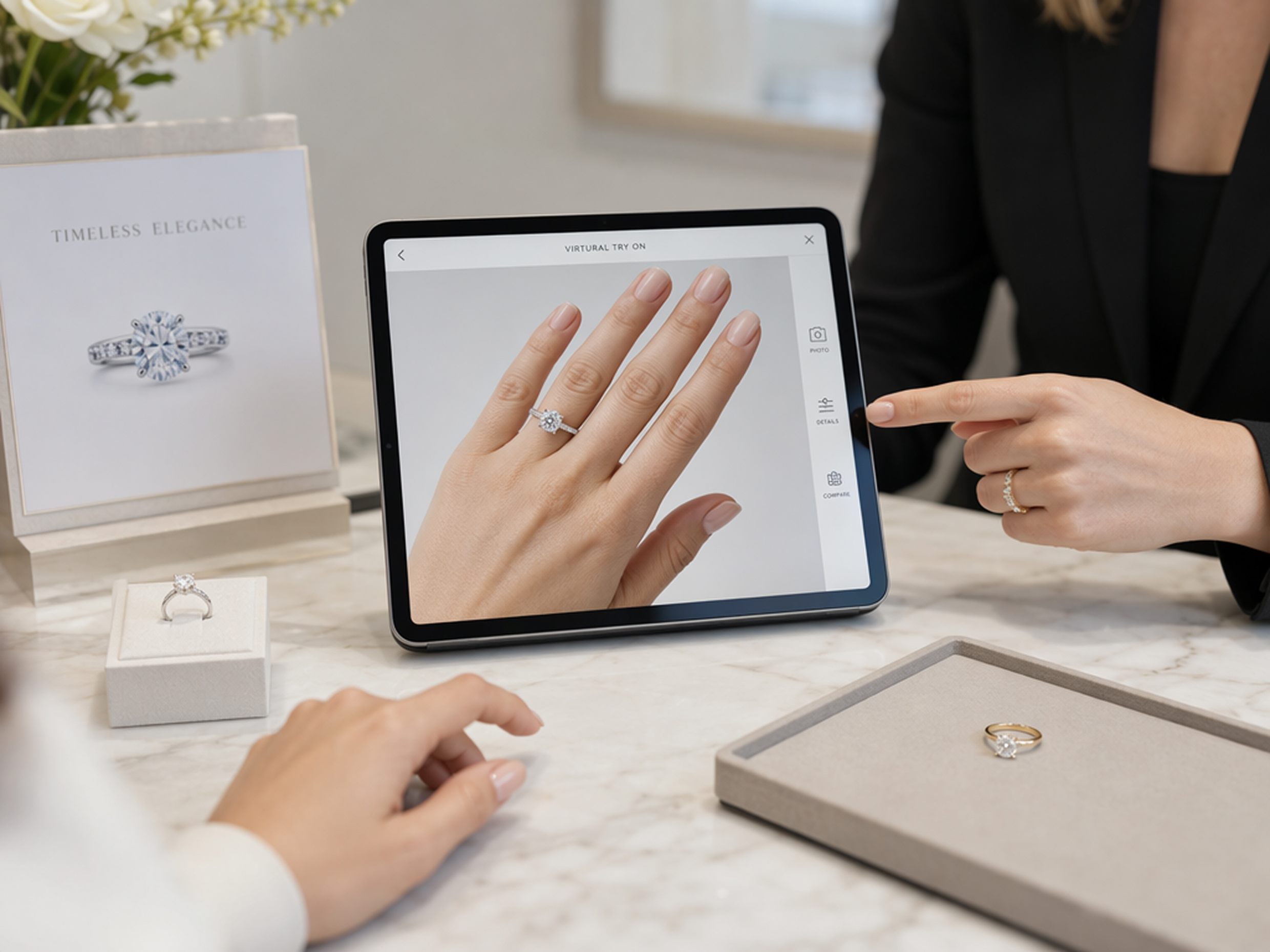
Place a specific ring on your hand photo and see how it works with the natural pose, angle, and setting.
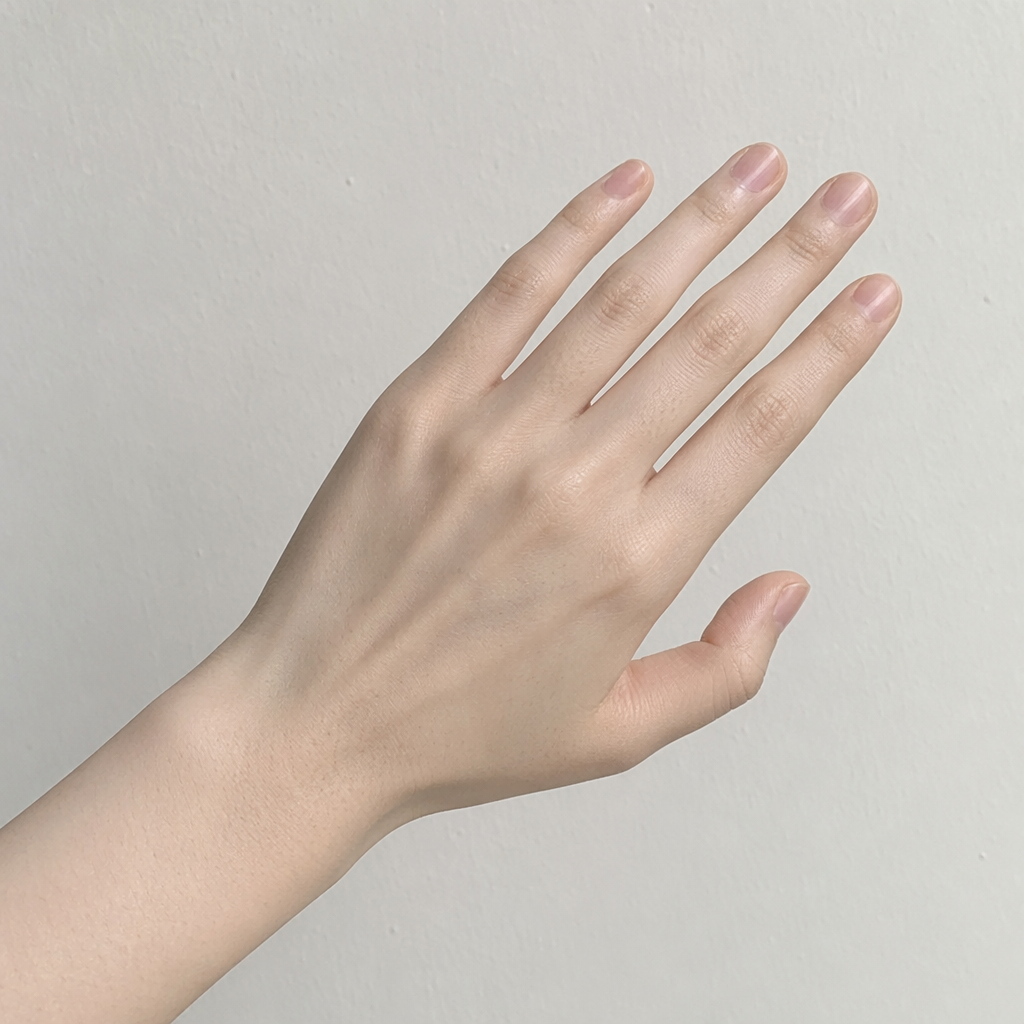
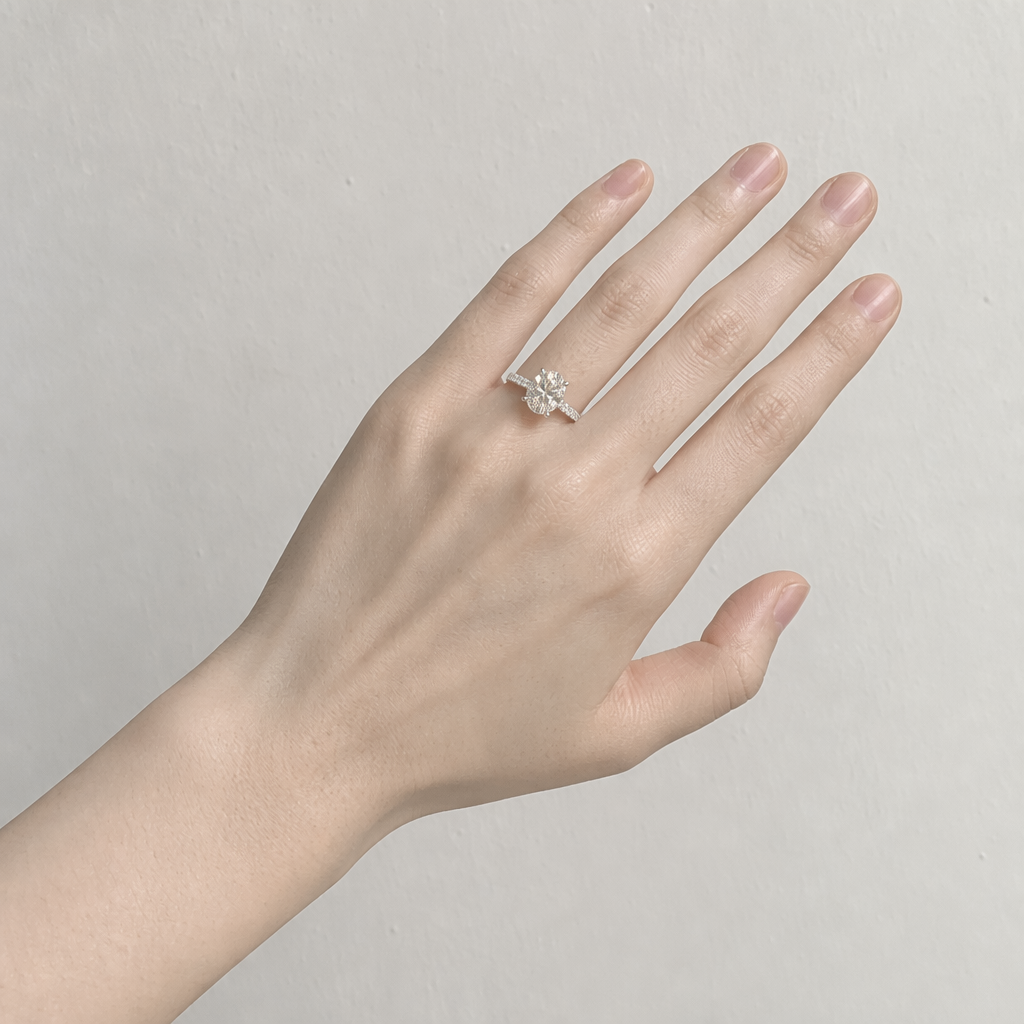
See a Specific Ring on Your Own Hand
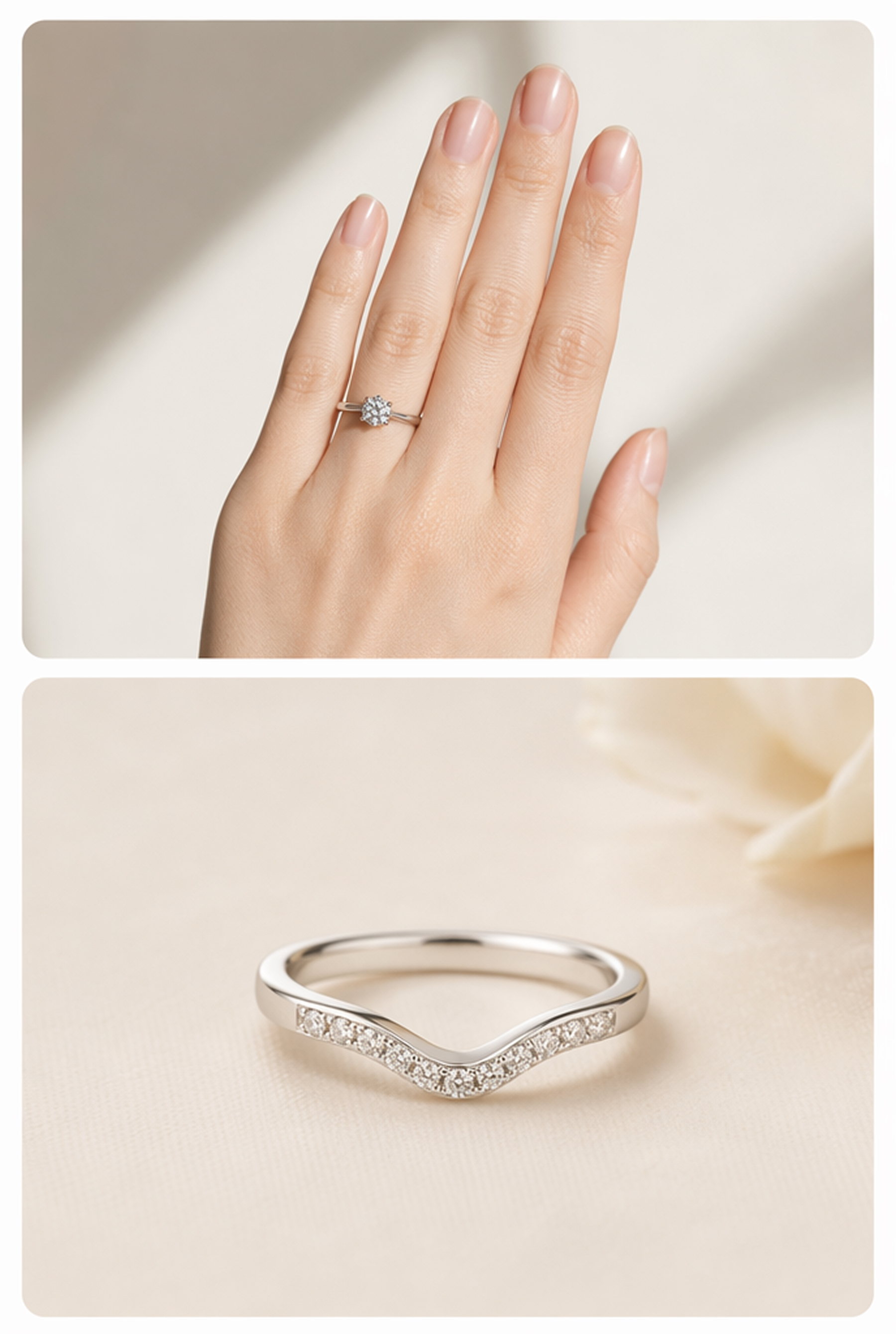
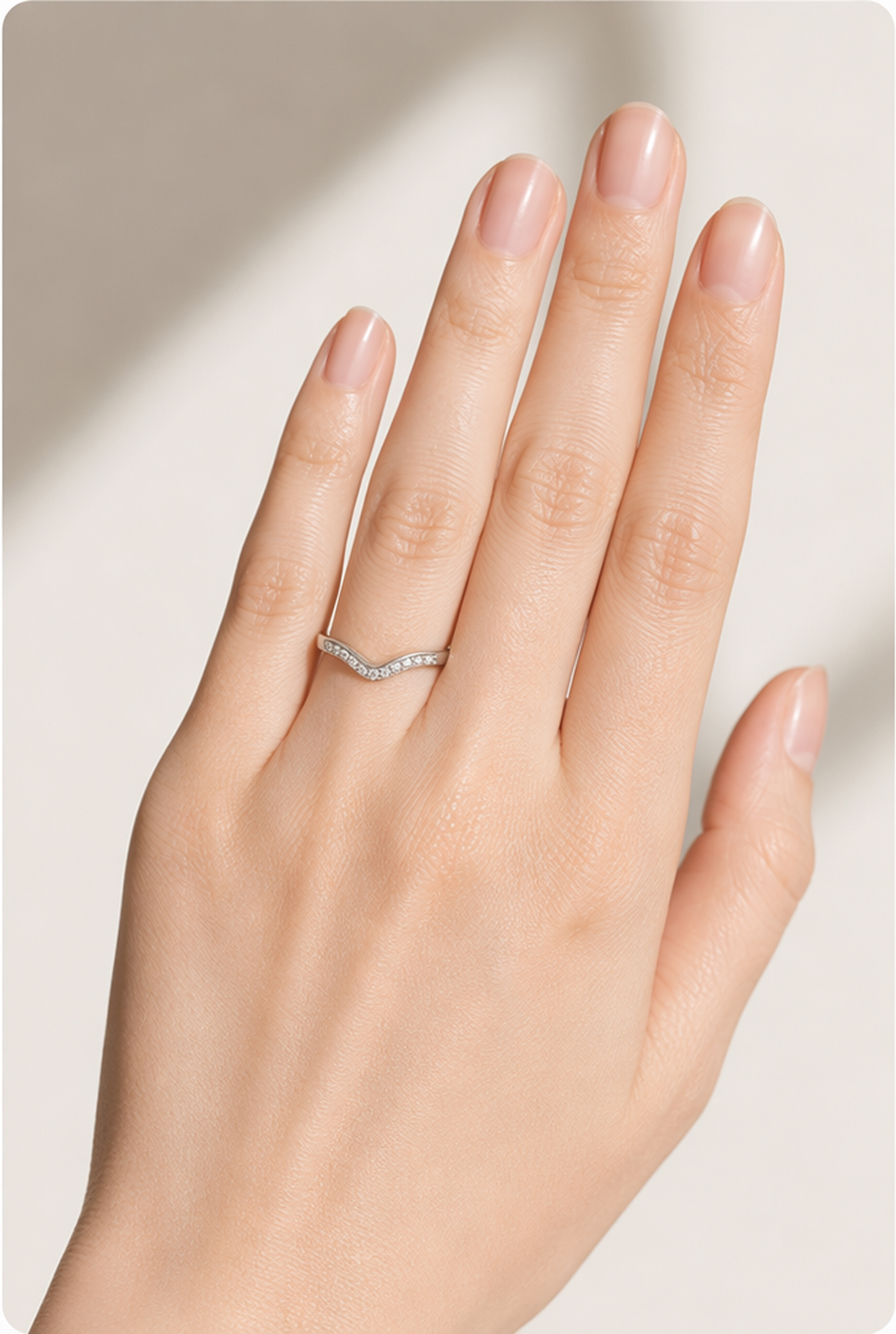
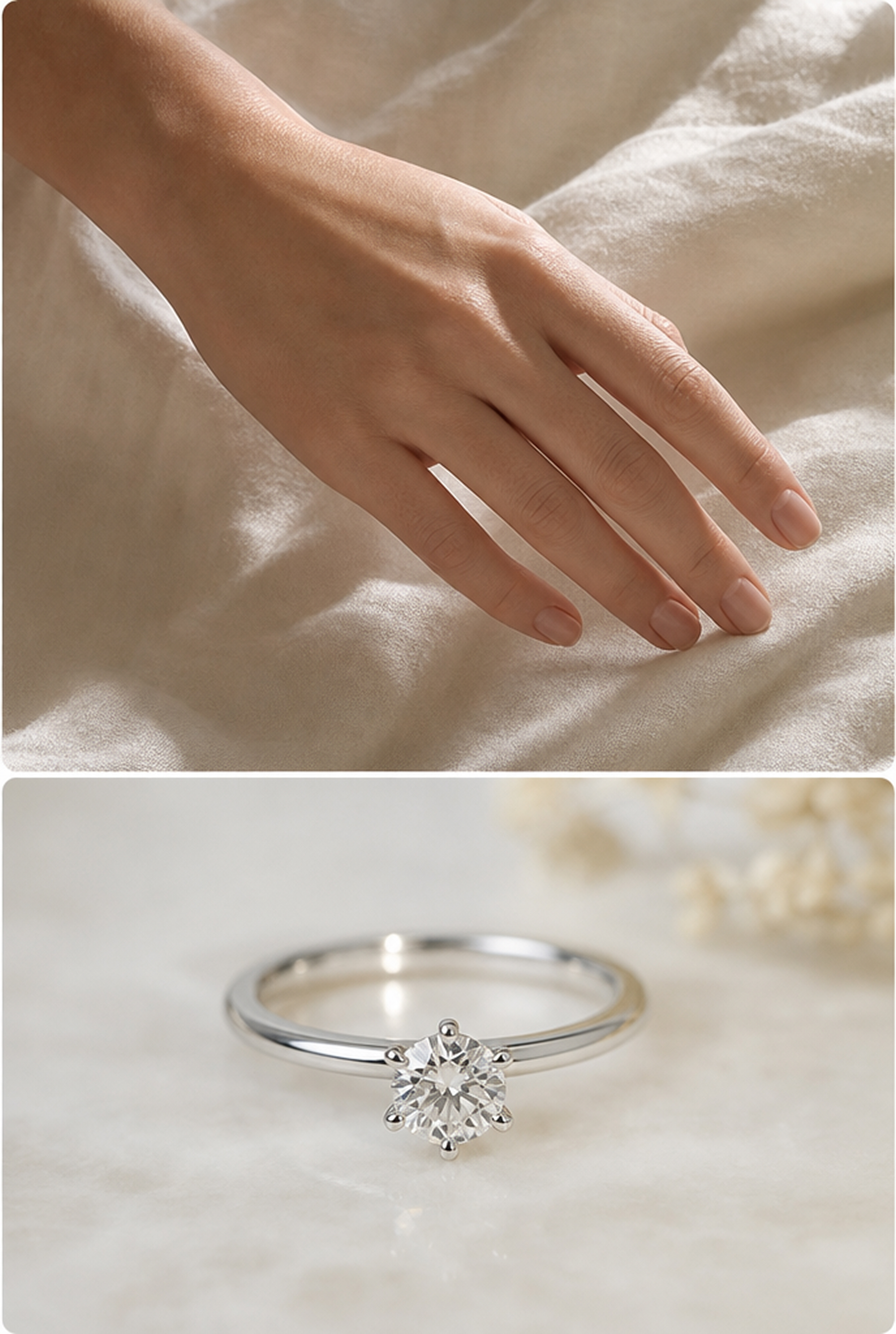
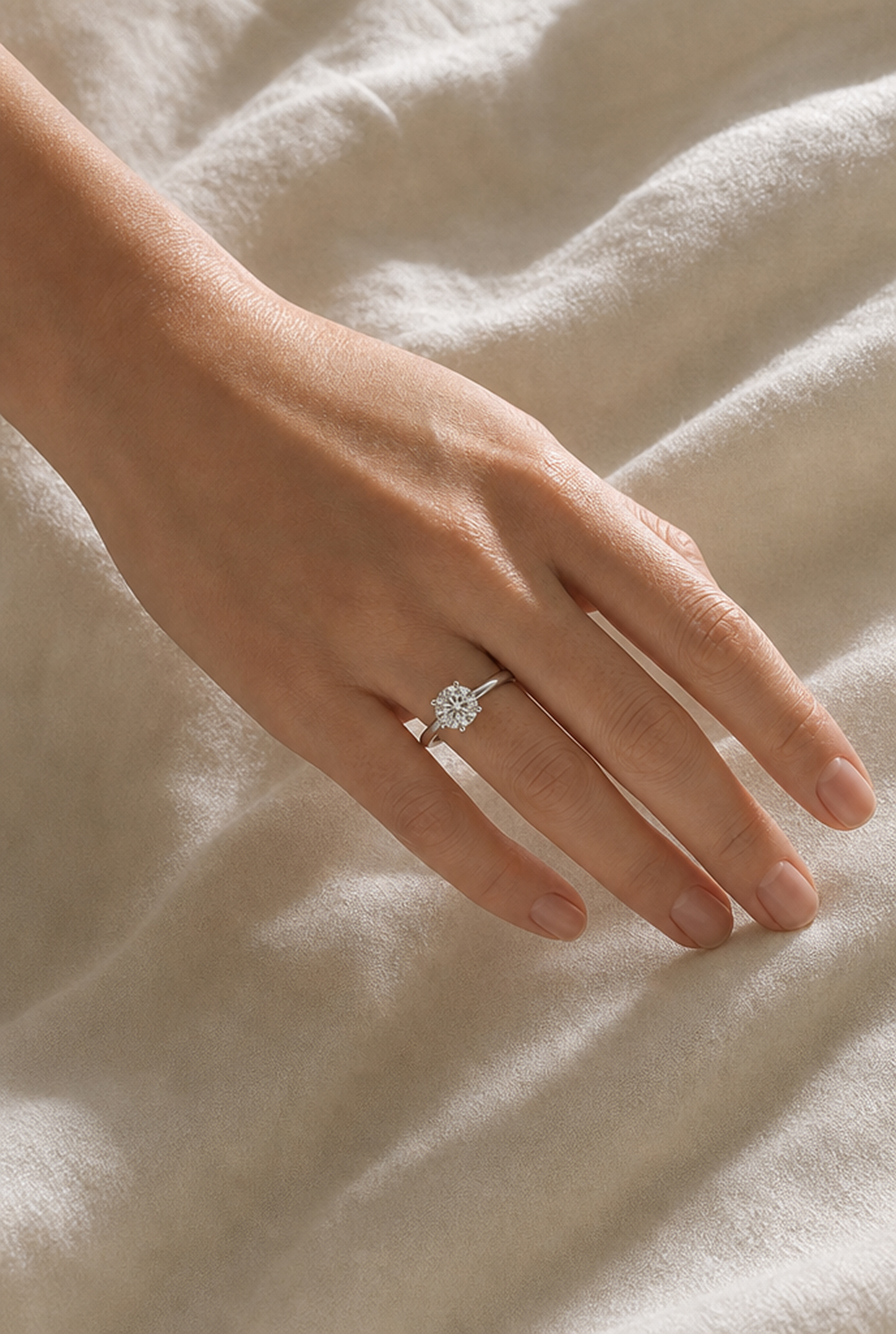
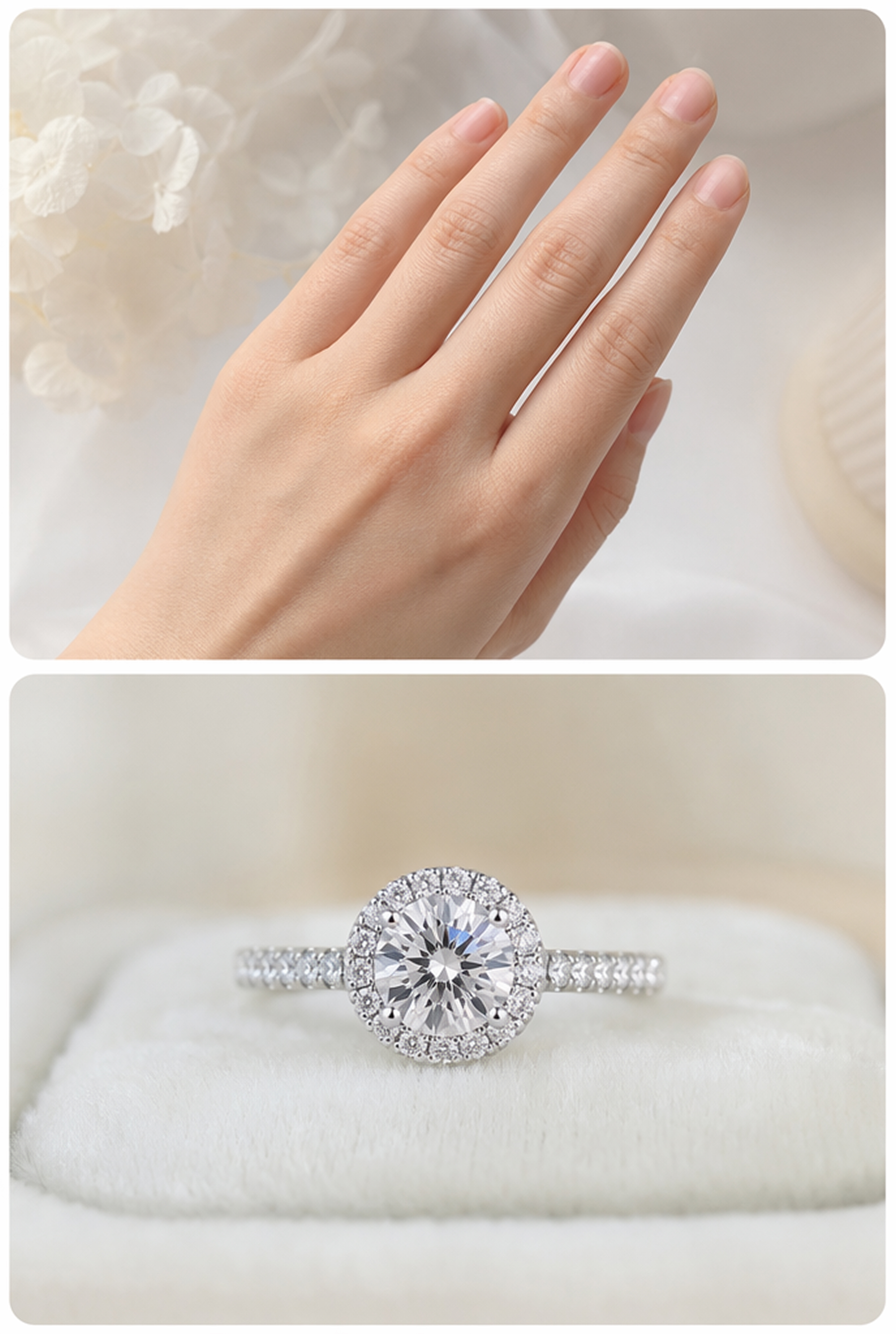
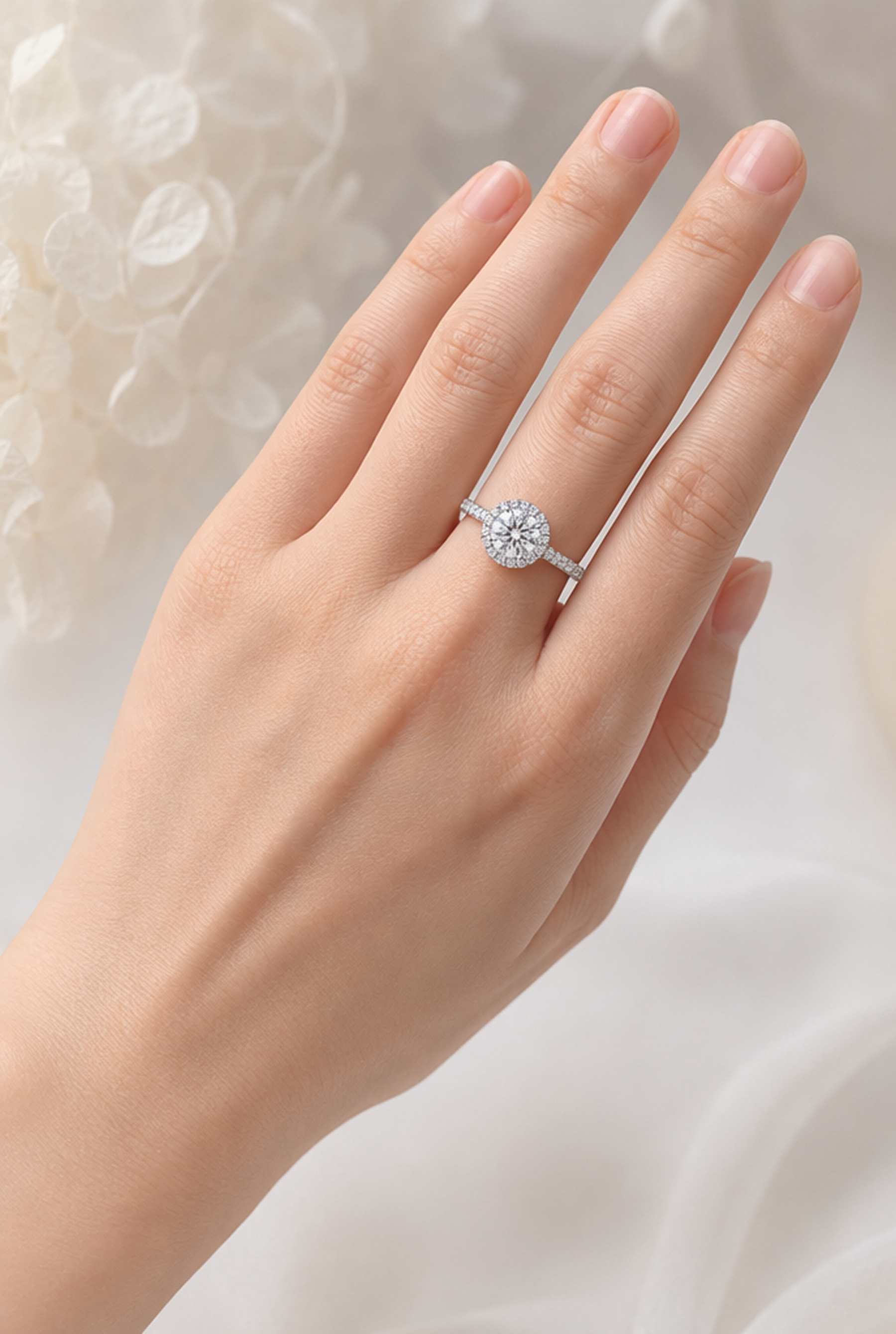
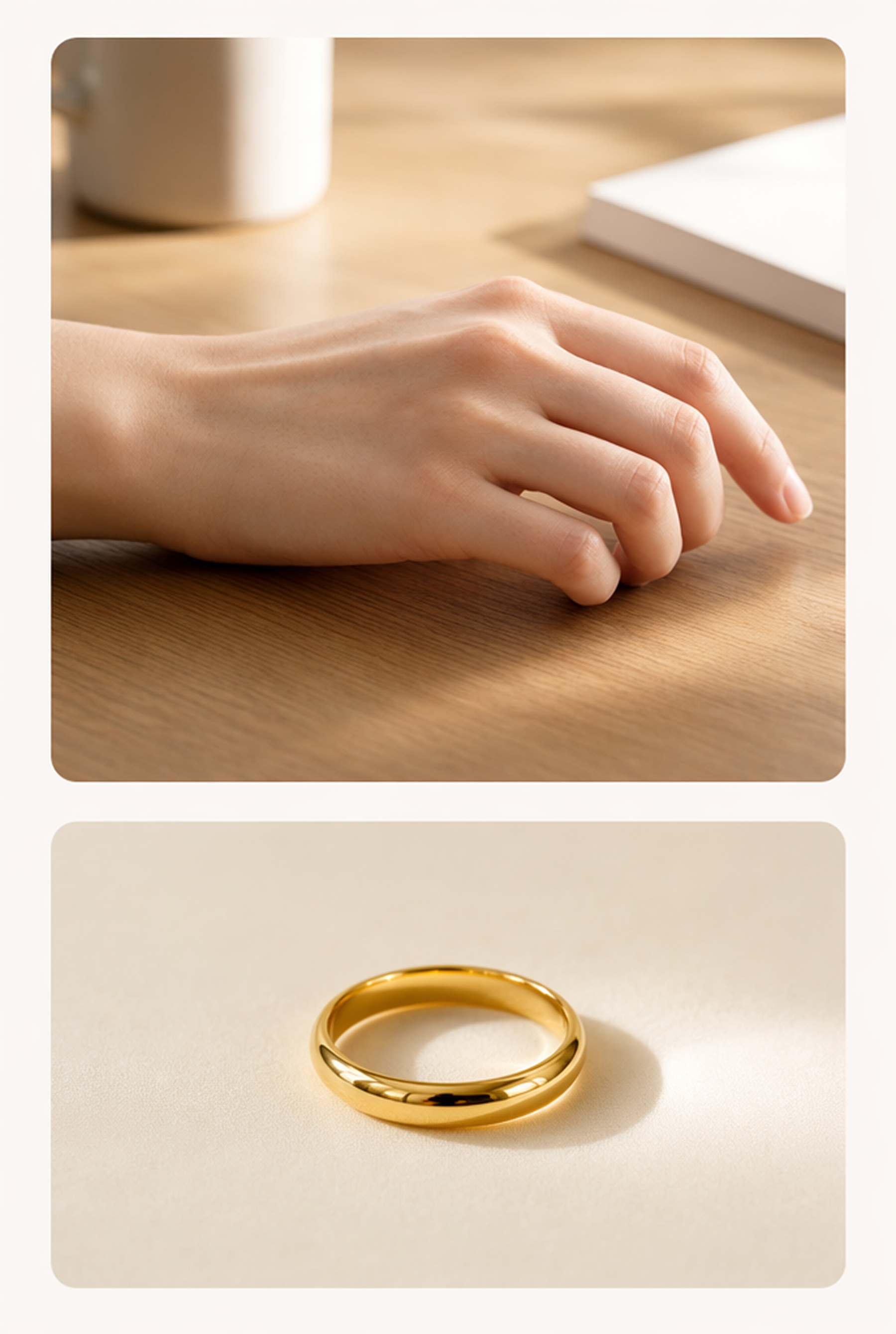
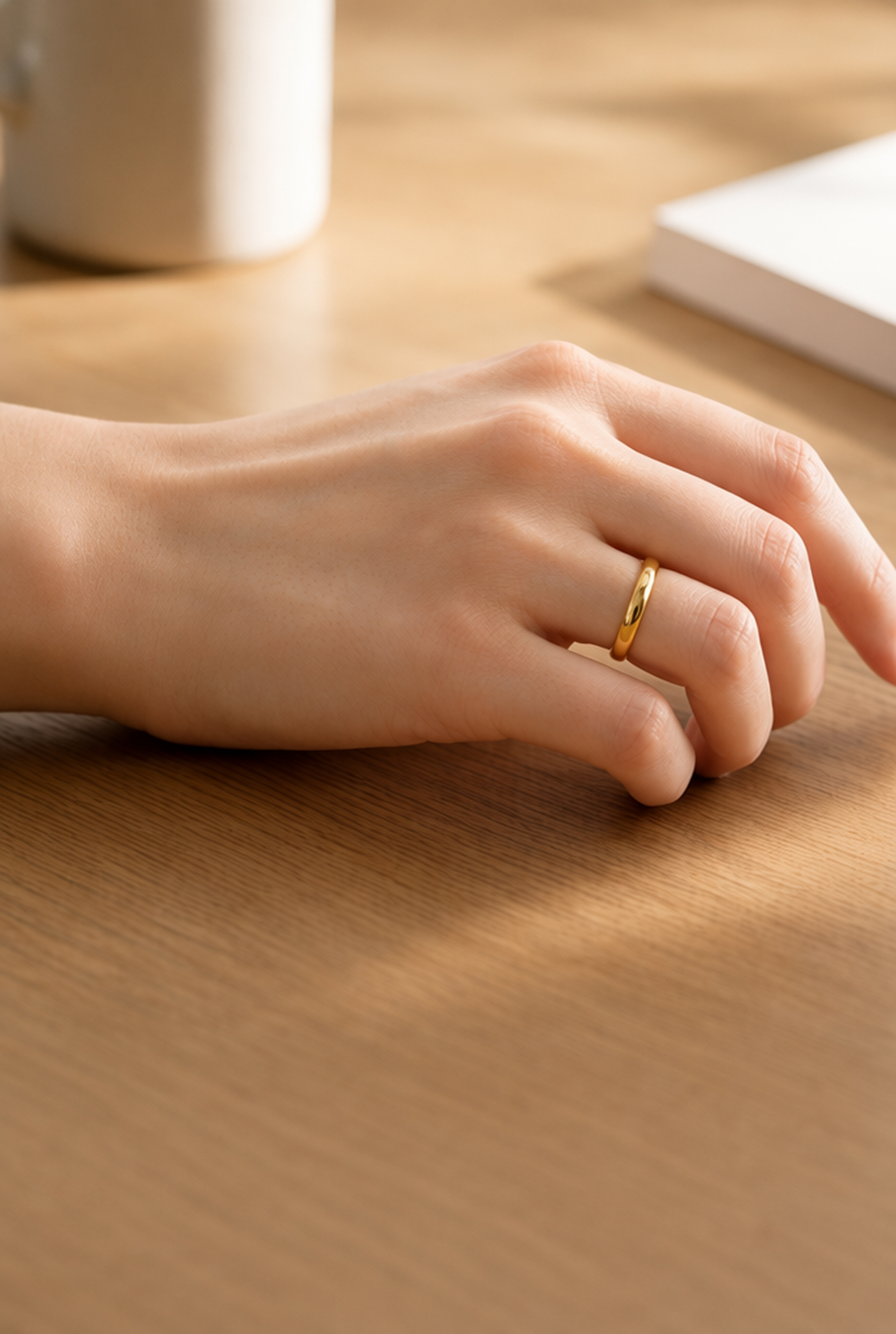
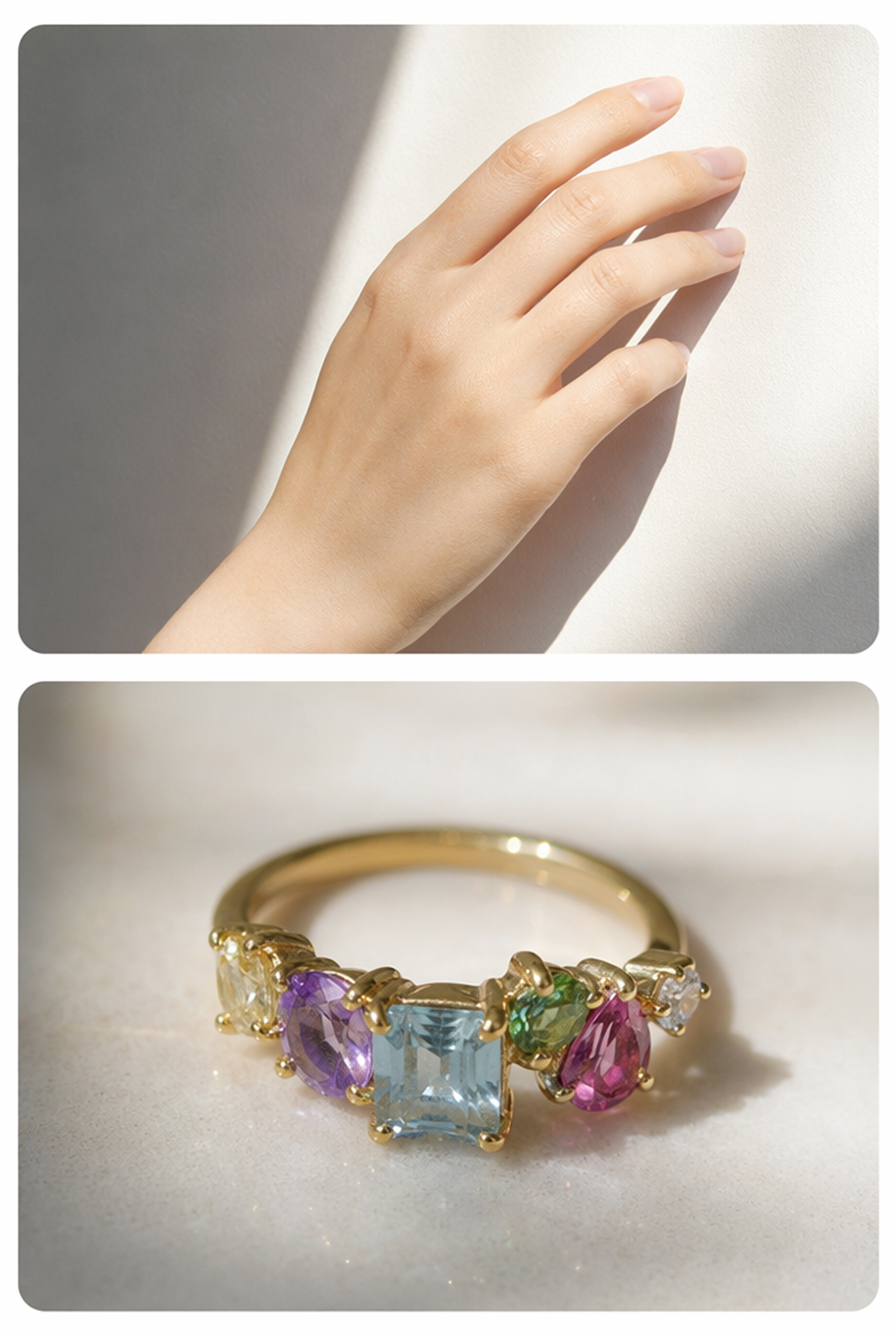
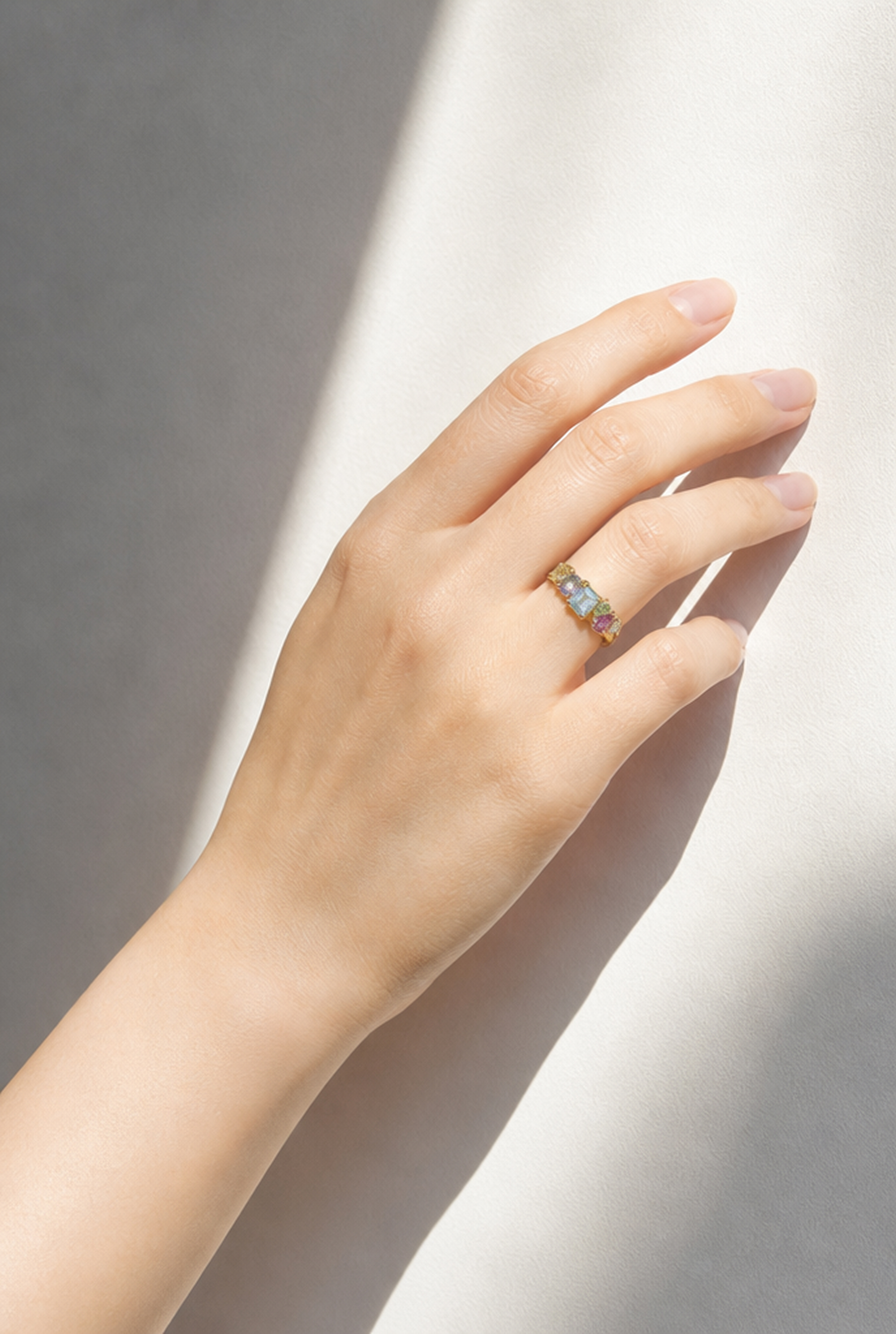
Try These Ring Styles on Your Own Hand
Use engagement rings, wedding bands, and fashion rings as templates, then upload your hand photo to create a personalized try-on.
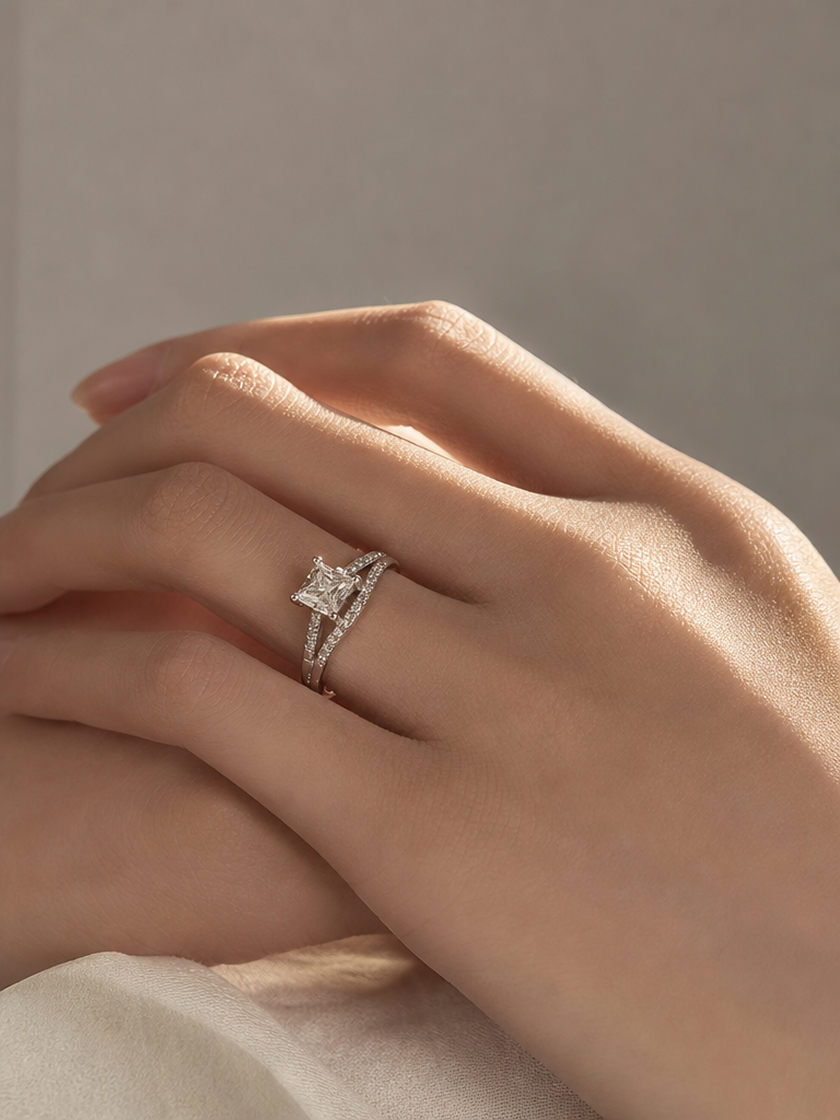
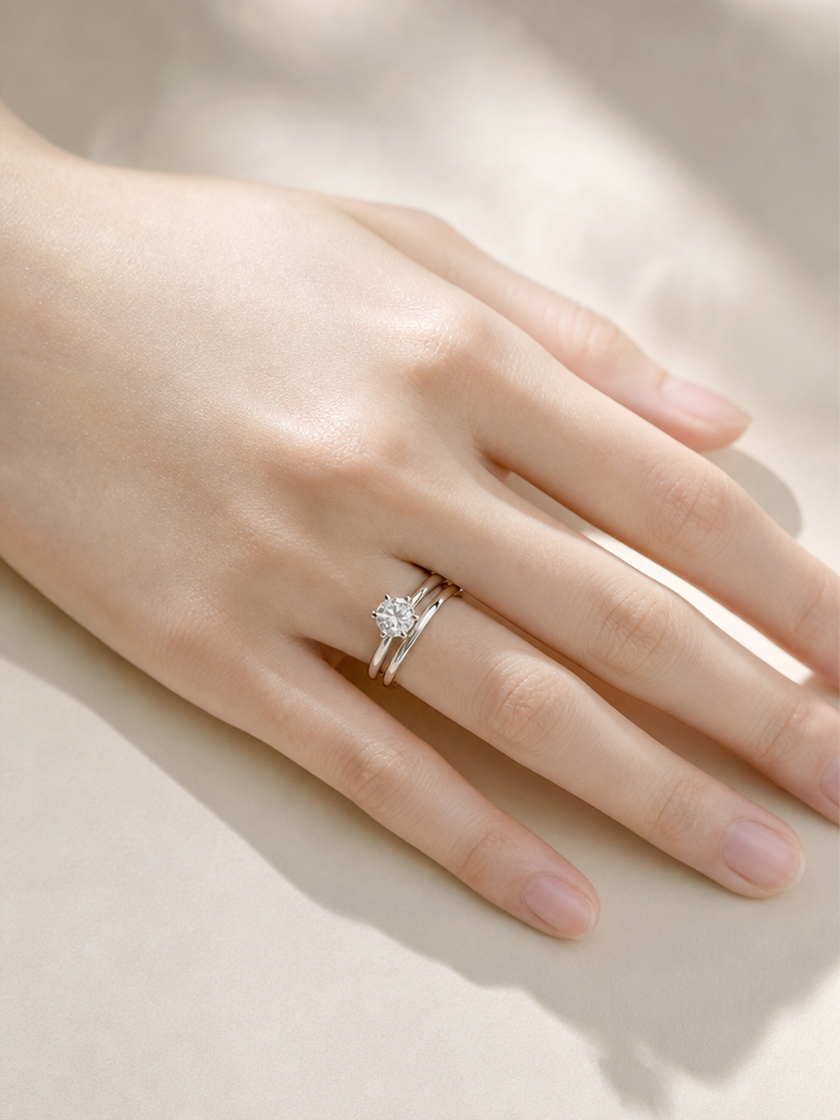
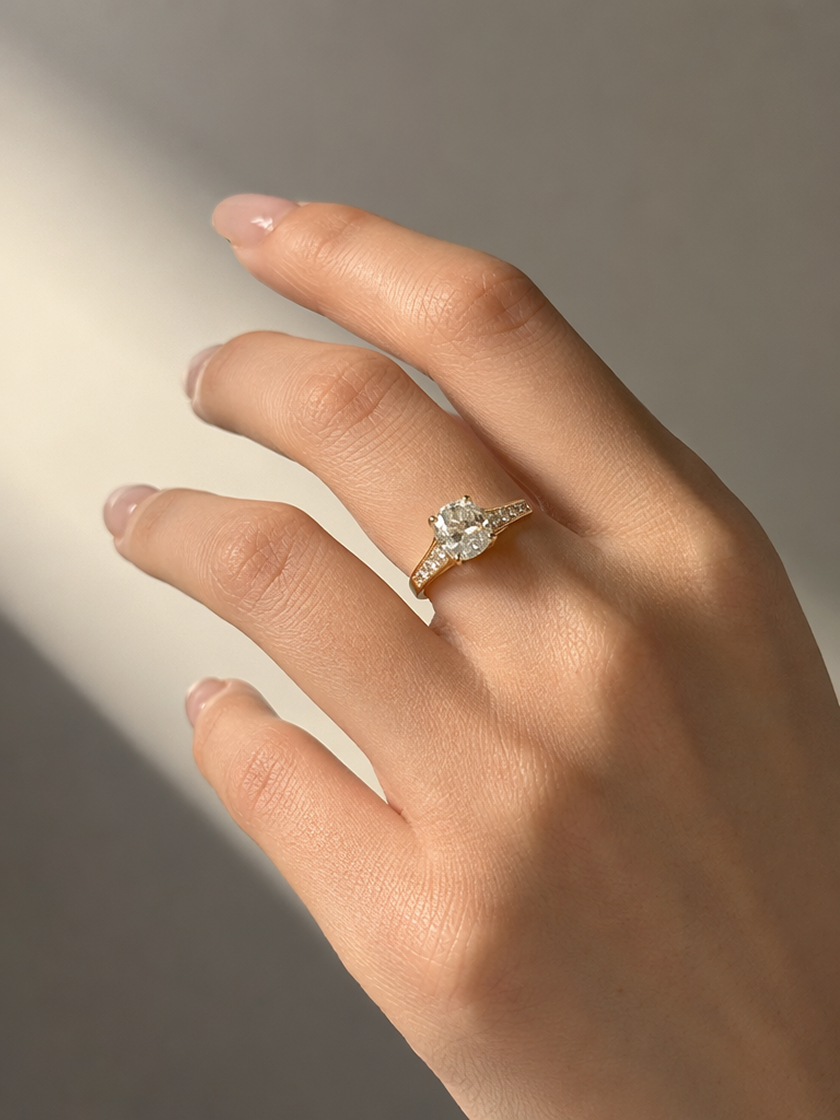
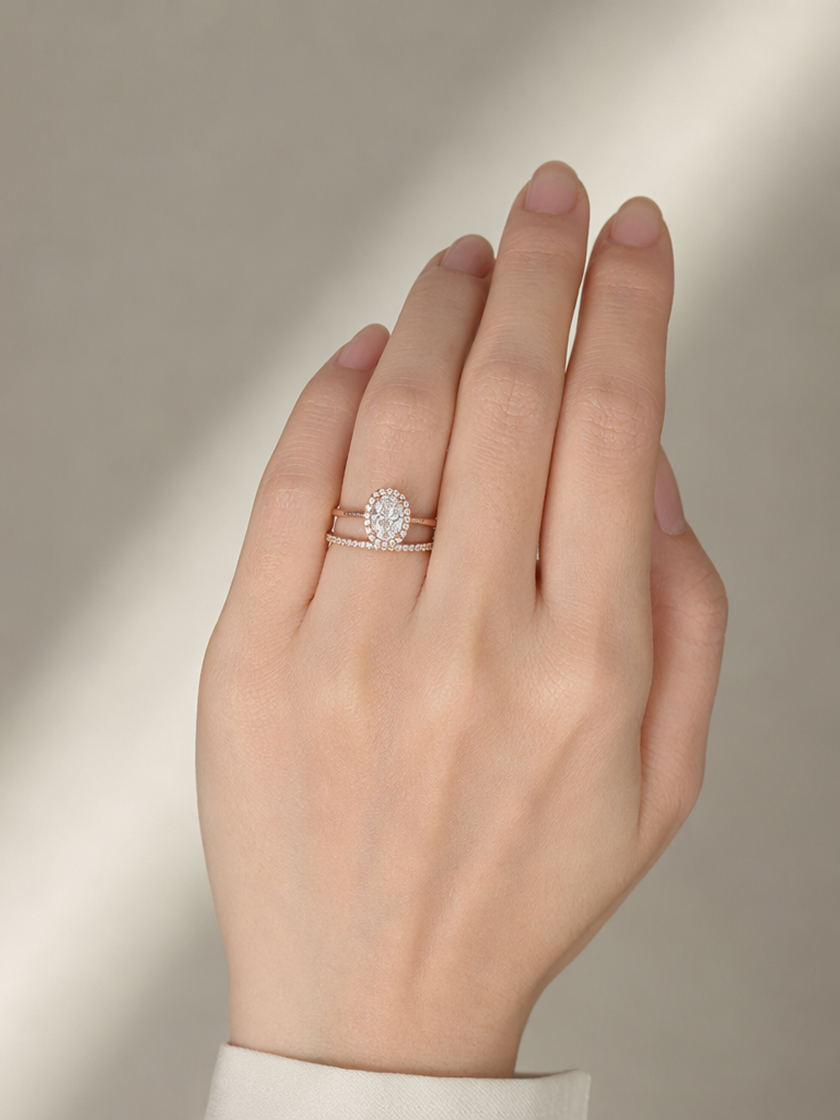
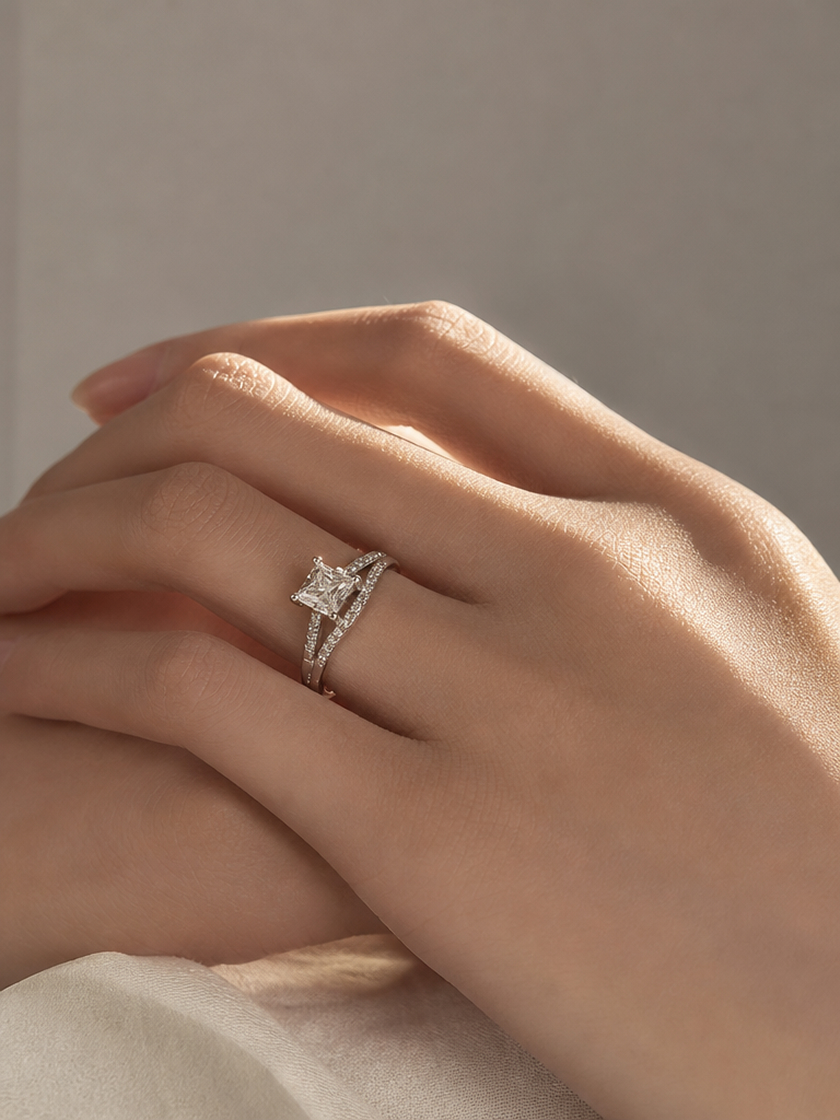 Engagement Rings
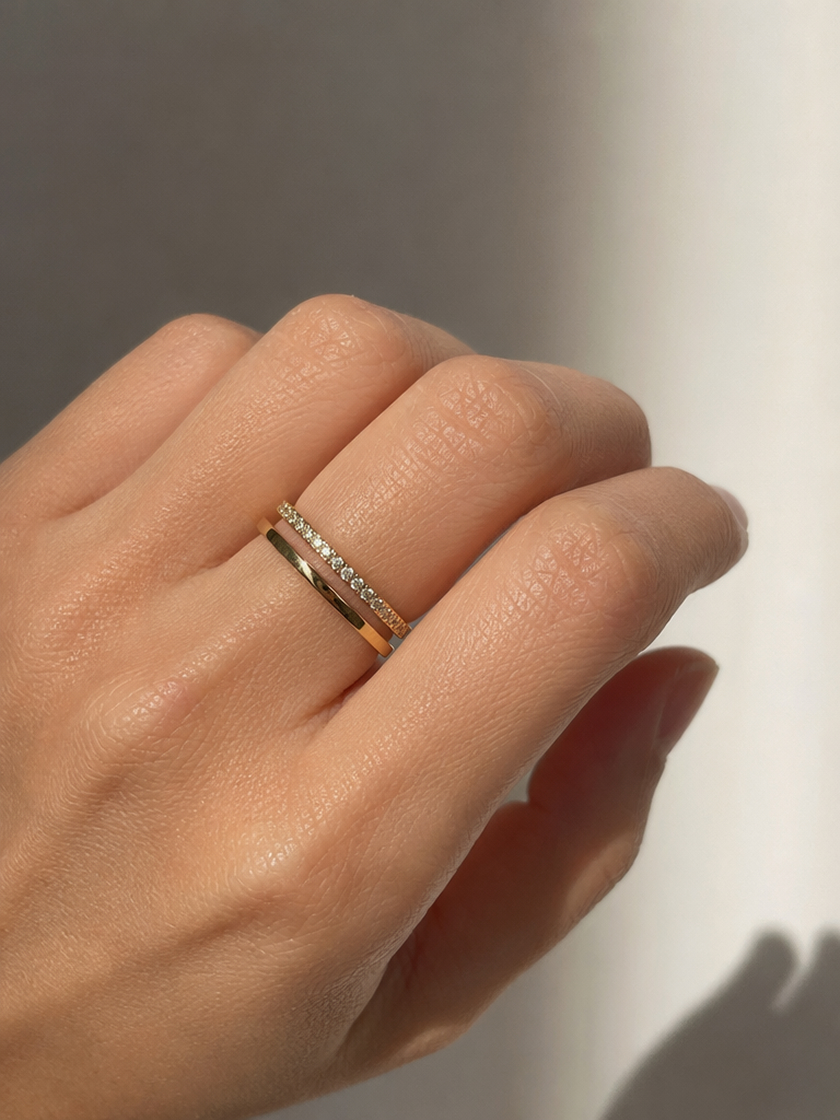 Wedding Bands
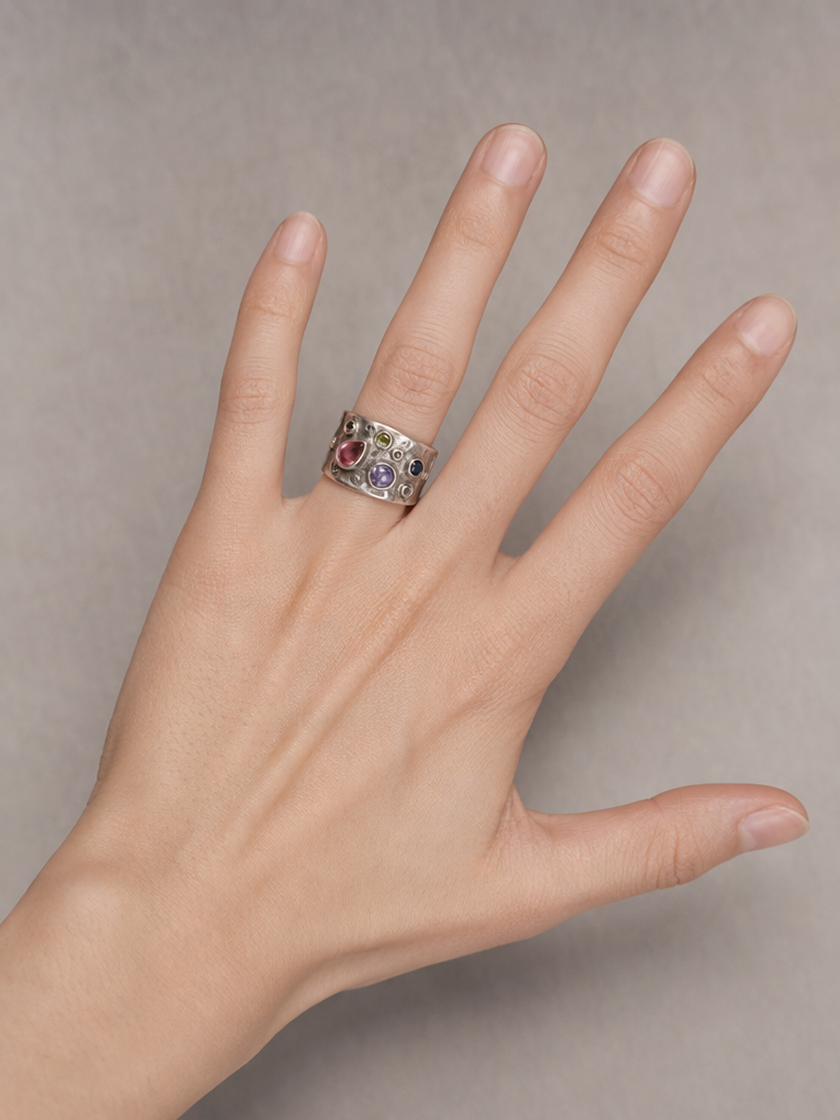 Fashion Rings
How to Create a Ring Try-On from Your Photo
Upload a Hand Photo
Choose a clear image that shows the intended finger, hand position, and surrounding light.
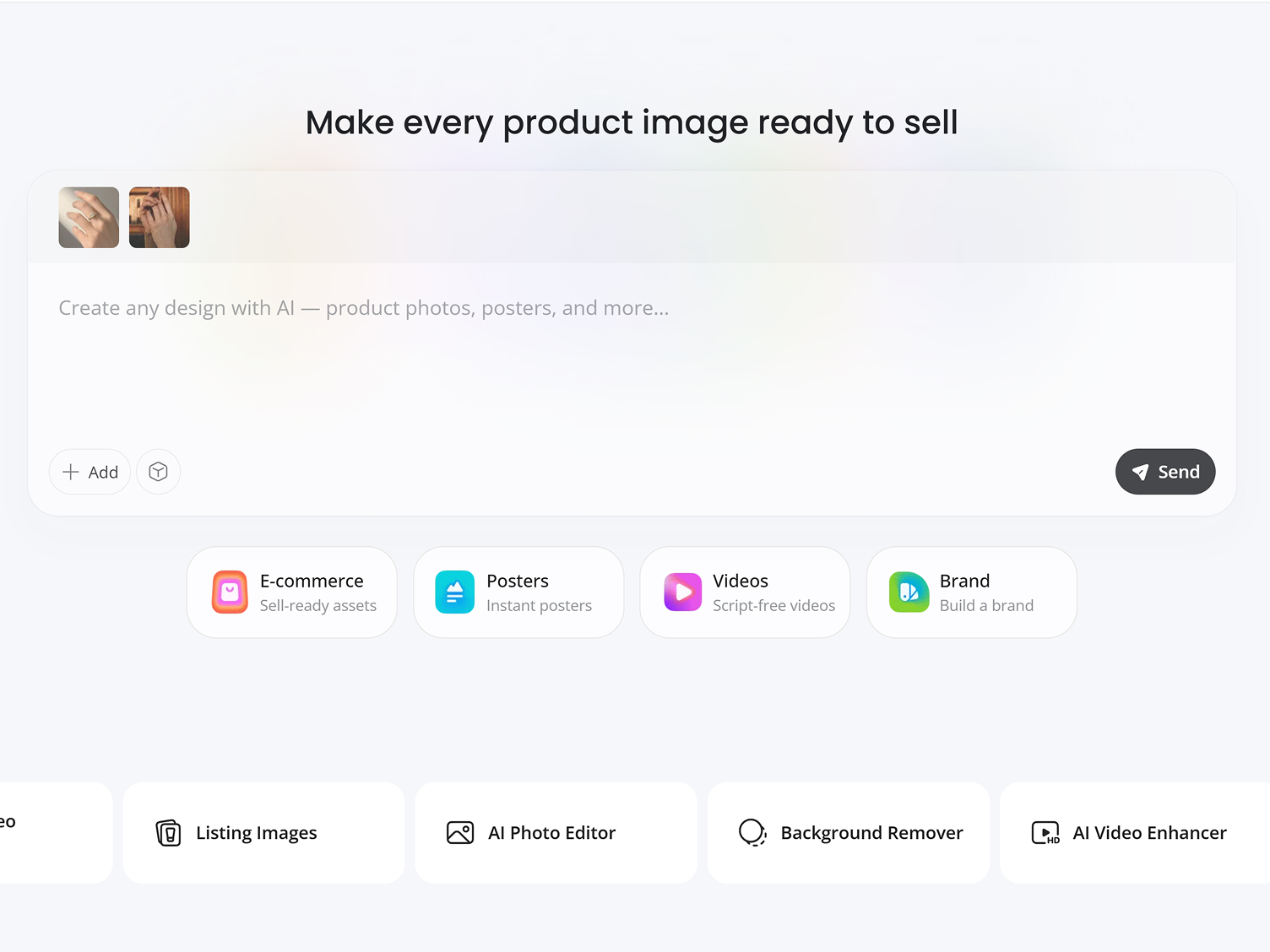
Add the Ring and Placement
Upload the ring image, then describe which finger it belongs on and how it should sit.
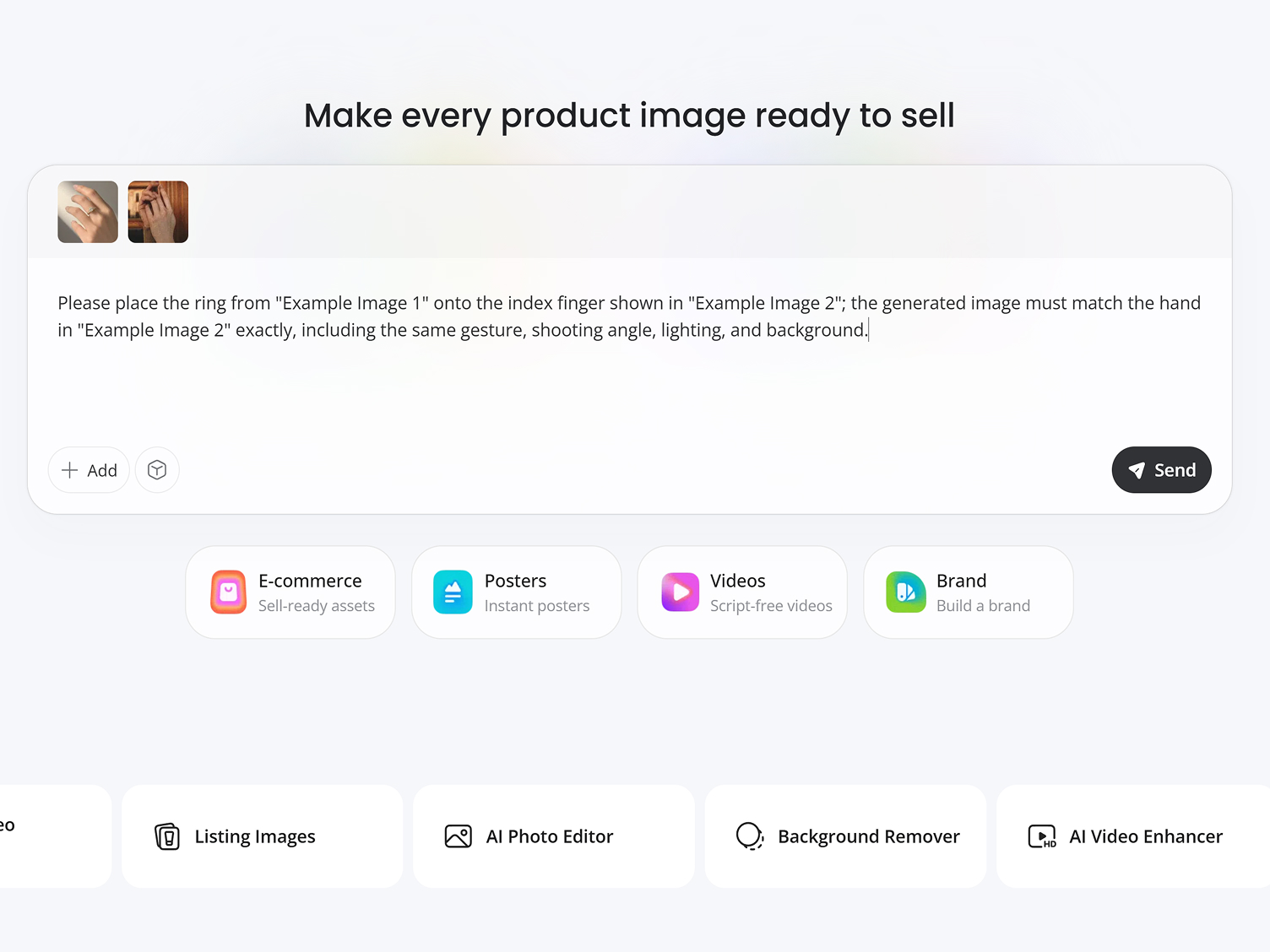
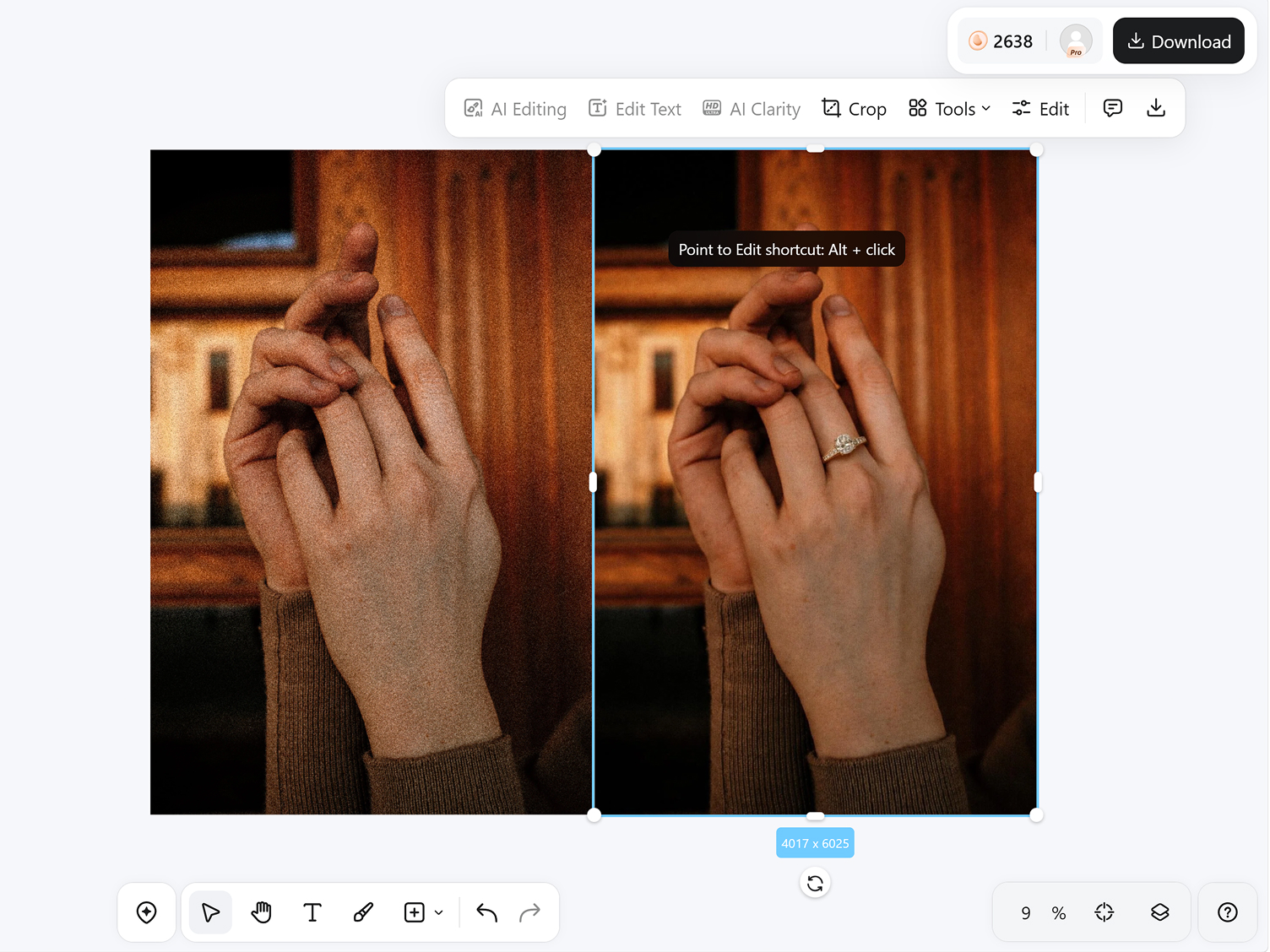
Generate and Refine
Create the result, check the placement, and use another prompt to correct visible details if needed.
Control the Details That Shape Your Preview
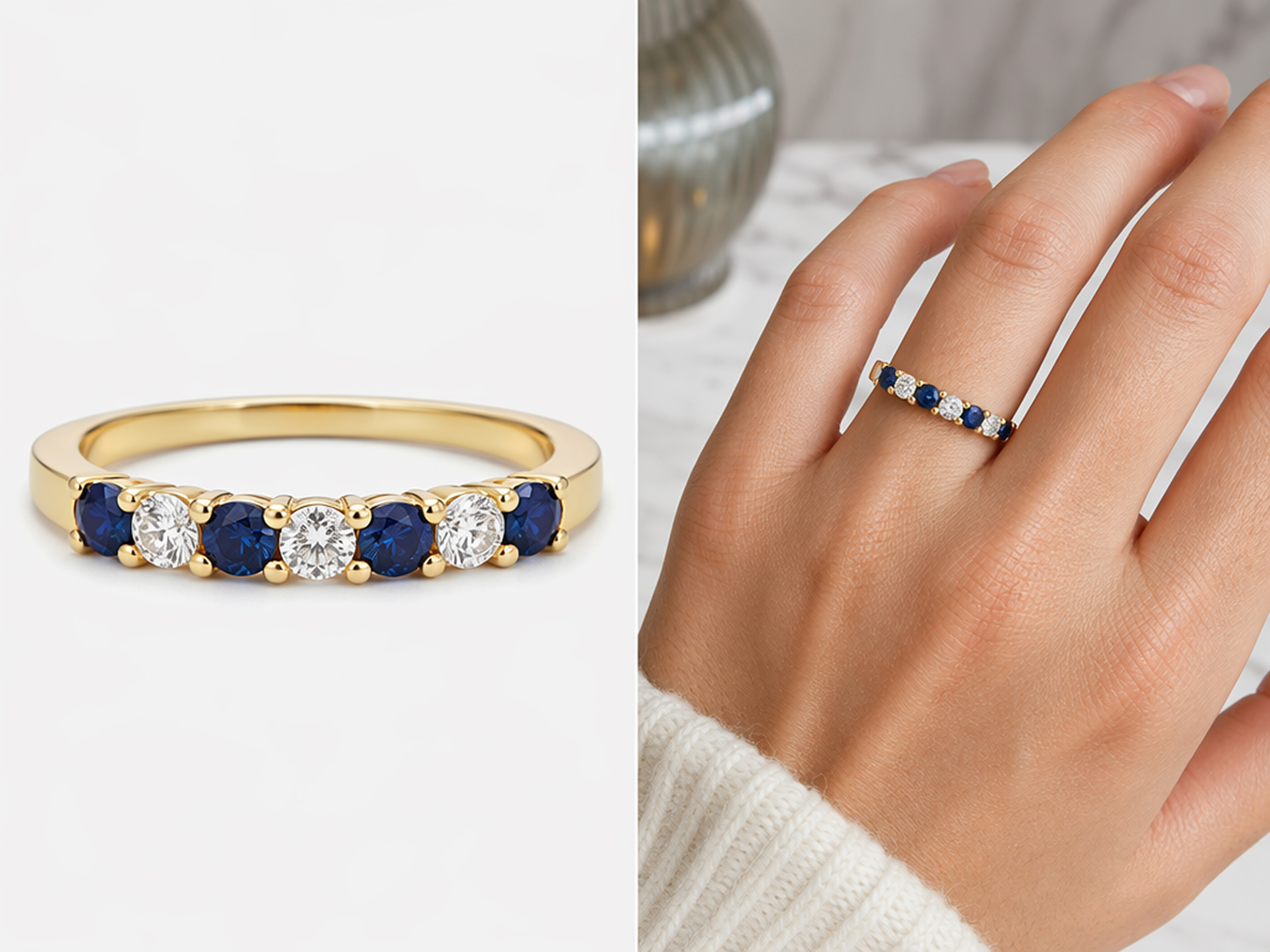
Match a Ring You Have Selected
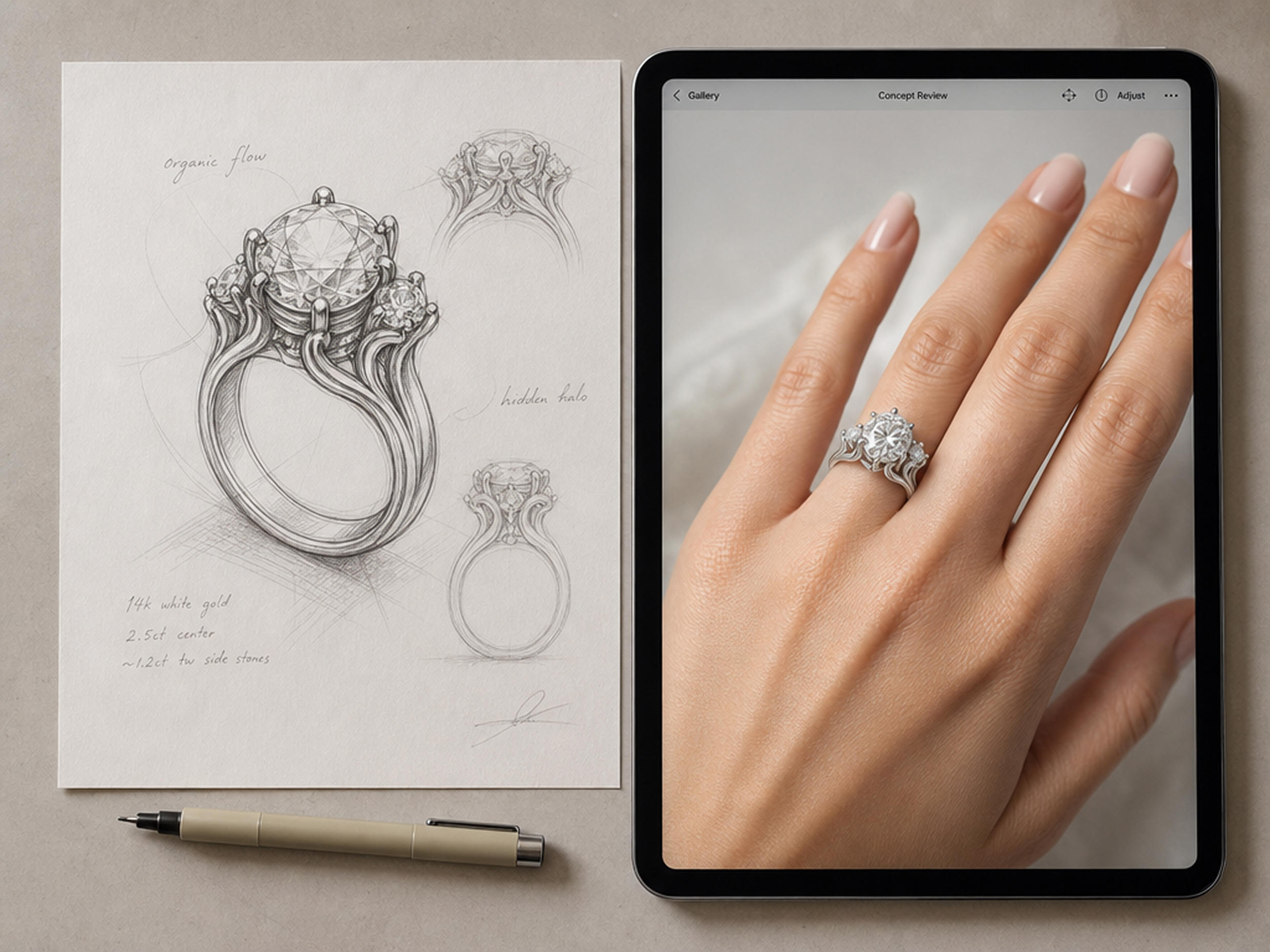
Upload a clear product image or design render to guide the ring’s silhouette, setting, stone arrangement, and finish. This lets you test a specific choice from your shortlist instead of generating an unrelated jewelry style.
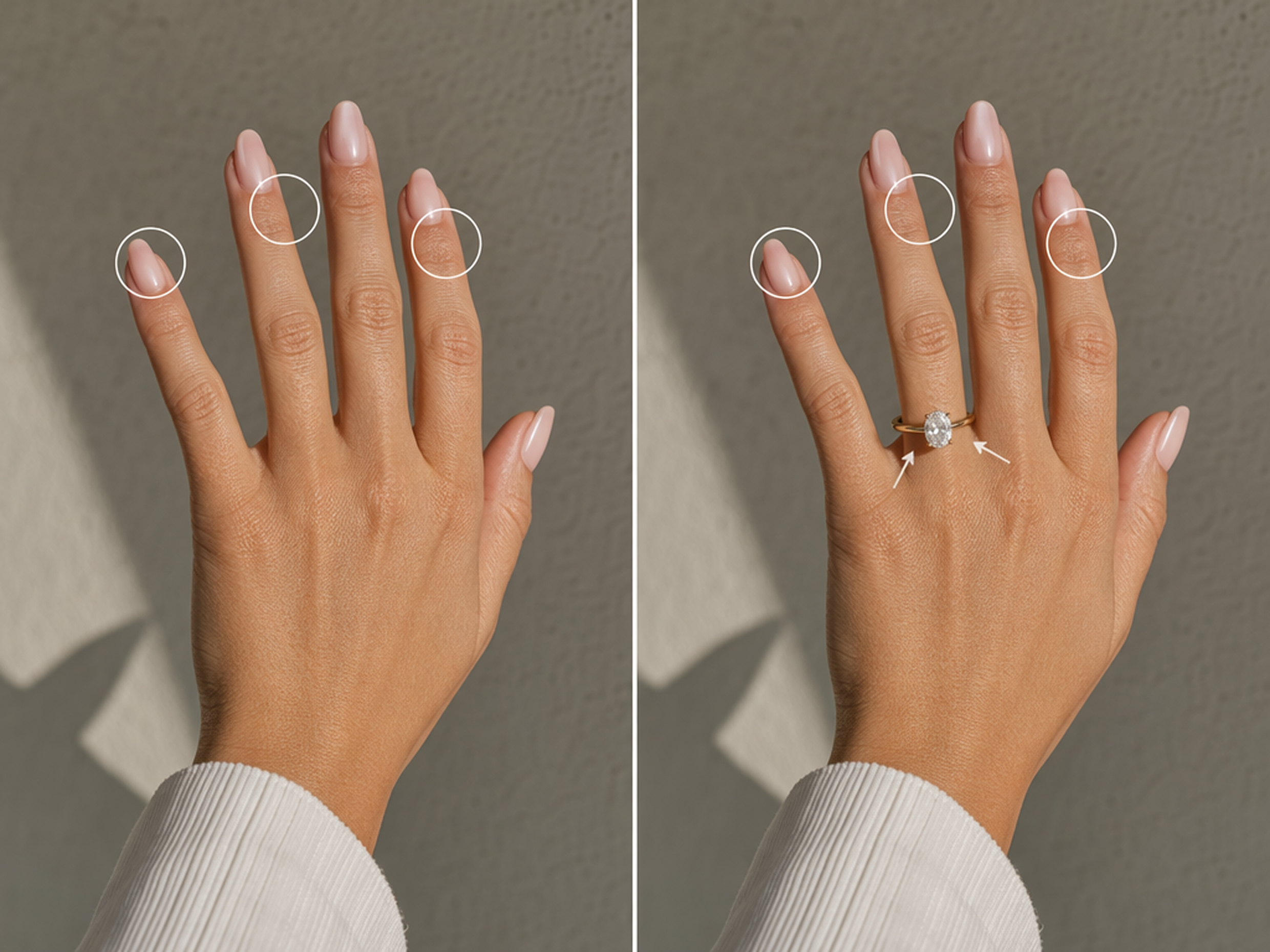
Maintain the Original Composition
Keep the hand position, camera angle, lighting, and background aligned with the source image as the ring is added. A stable composition makes each version easier to compare and helps the jewelry feel connected to the original photo.
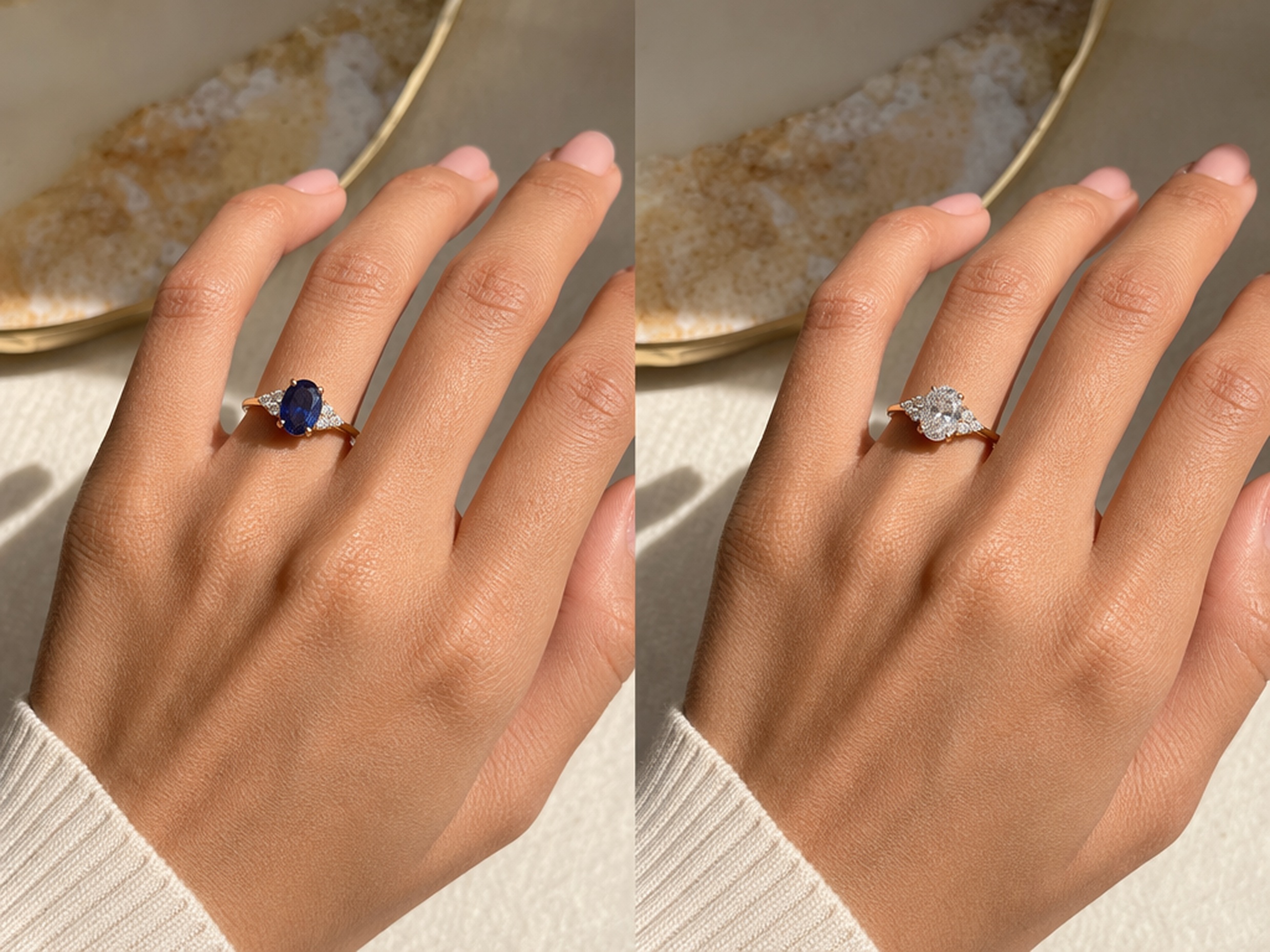
Compare Meaningful Style Changes
Change one design detail at a time through your prompt, such as the gemstone color or metal finish. Related versions created from the same hand photo make subtle differences easier to judge without changing the surrounding scene.
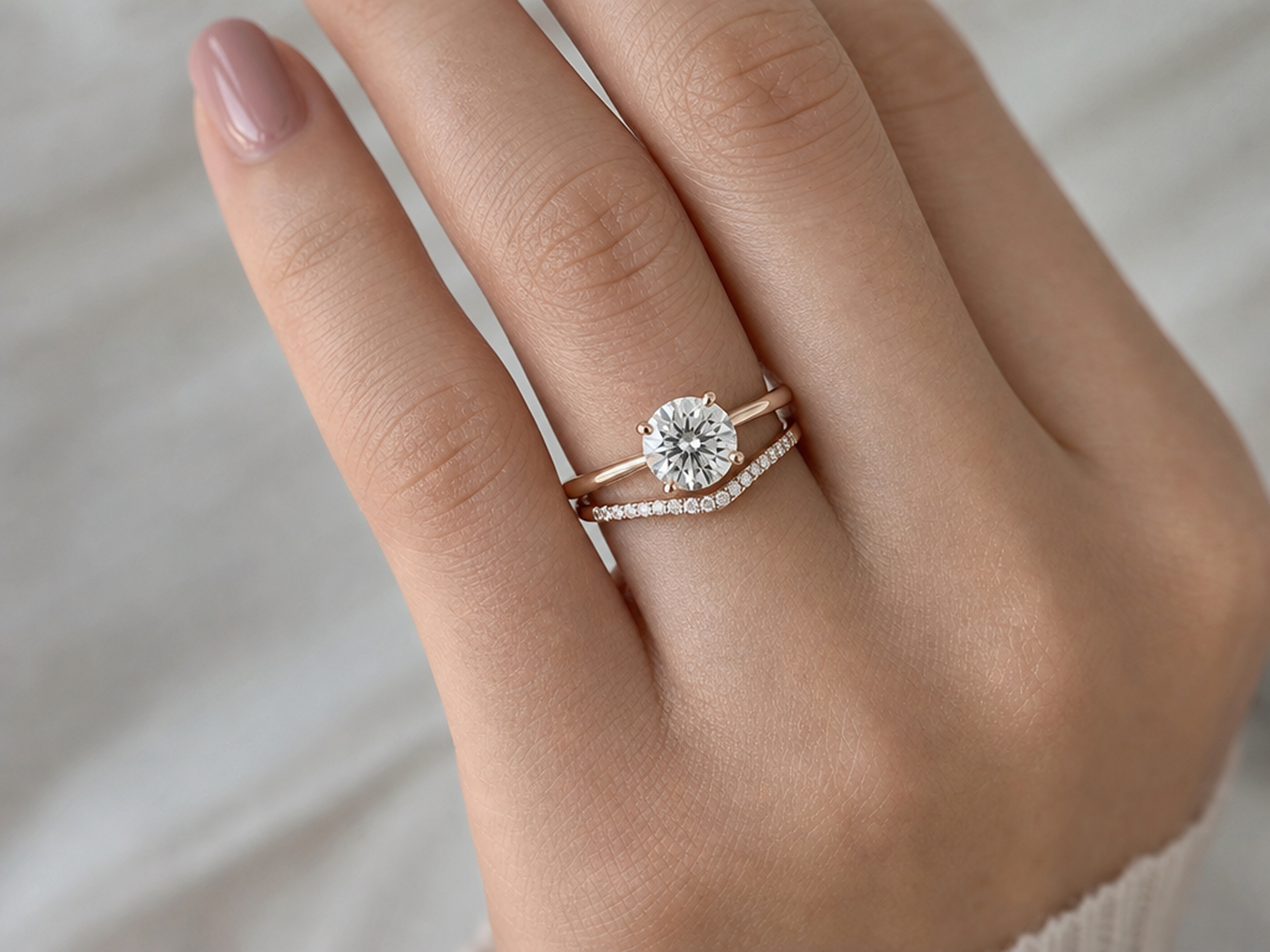
Check How Two Rings Work Together
Place a wedding band beside an engagement ring already shown in the photo. Compare the overall balance, contour, and decorative relationship of the two designs while leaving exact fit and sizing decisions for an in-person appointment.
Ring Previews for Shopping, Sales, and Design
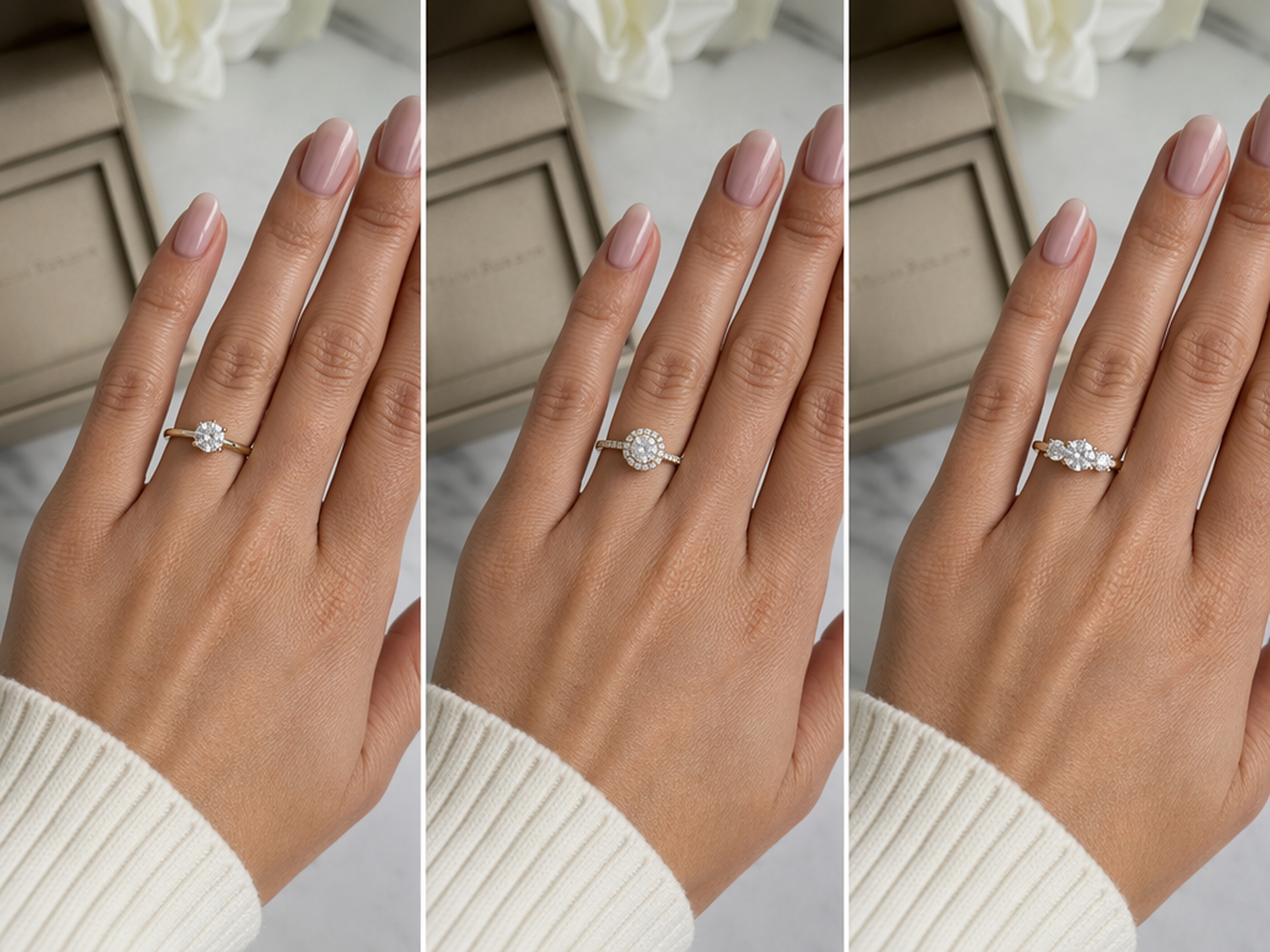
Narrow Down an Engagement Ring Shortlist
Review selected engagement rings in a consistent personal setting before deciding which designs to see in person. Shoppers can identify the styles that deserve closer attention and arrive at an appointment with a more focused shortlist.
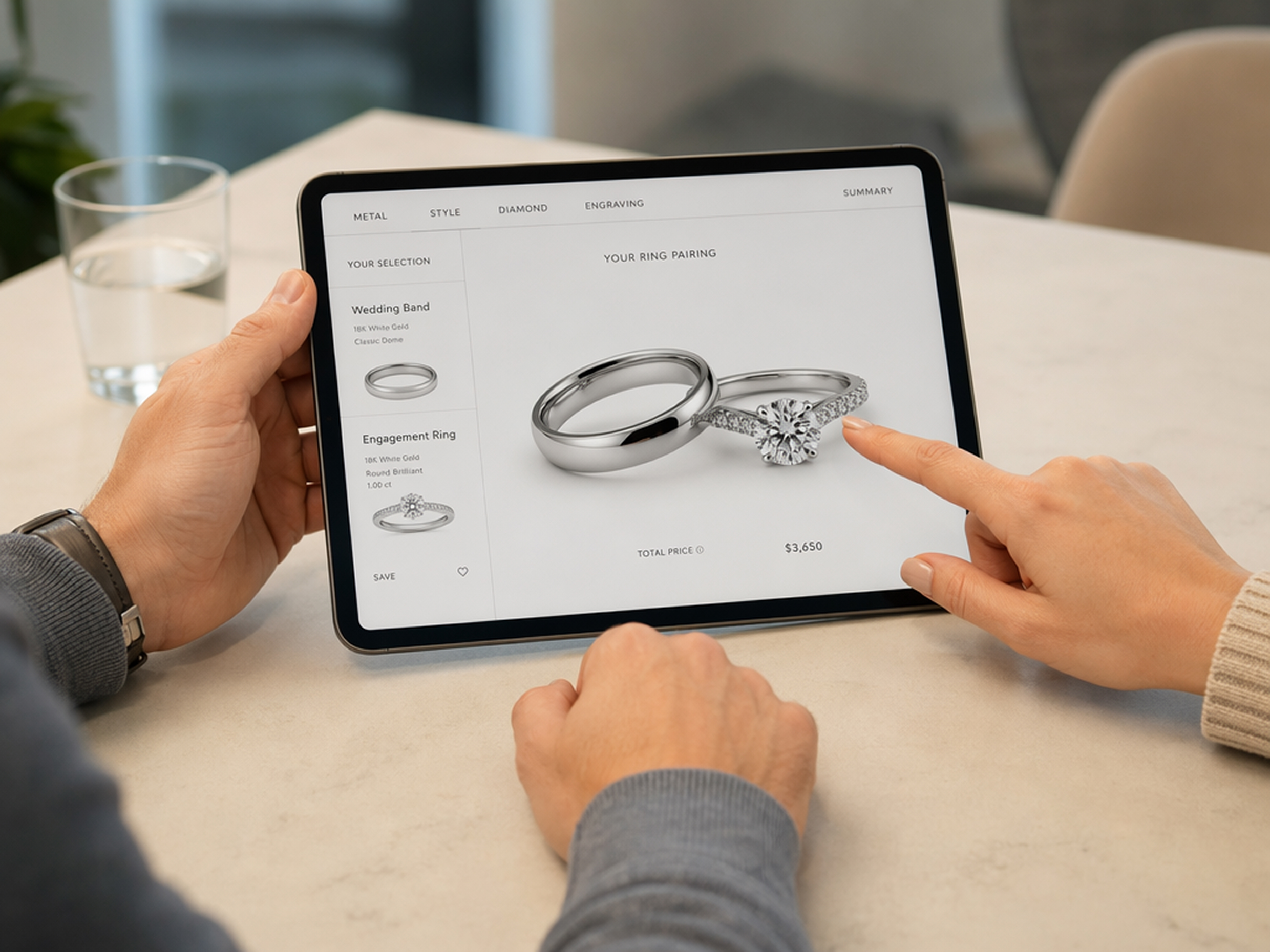
Why Choose Designkit for Ring Try-Ons?
Skip Live Hand Scanning
Start with a hand photo you already have instead of positioning your hand in front of a live camera.

Look Beyond One Ring Catalog
Work with designs collected from different sources rather than selecting only from one retailer’s available range.
Keep Options Easy to Revisit
Save each generated image for later comparison, a remote discussion, or an upcoming jewelry appointment.
Virtual Try-On Tools You Can Use with Designkit
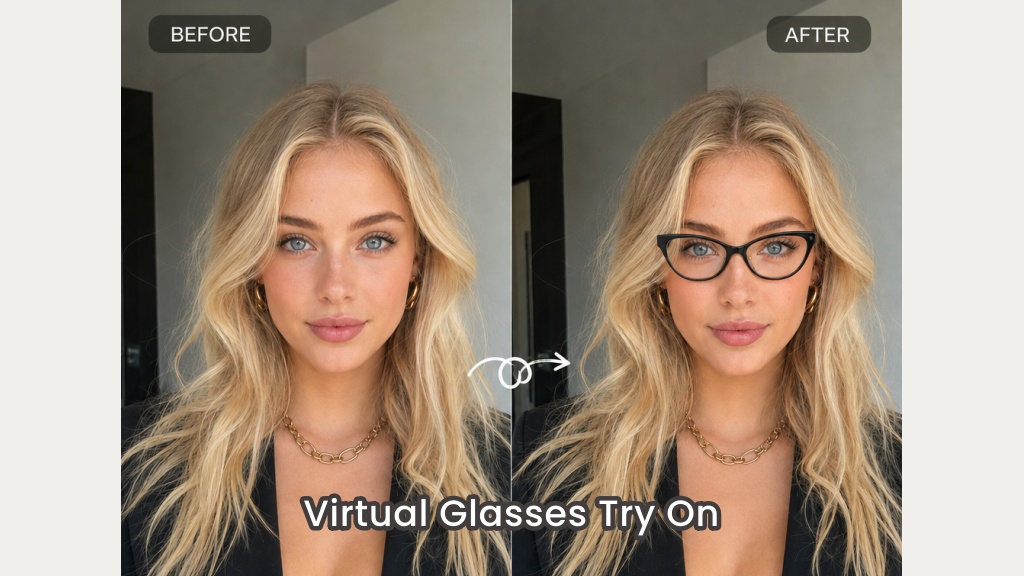
Virtual Glasses Try-On

AI Hairstyle Changer
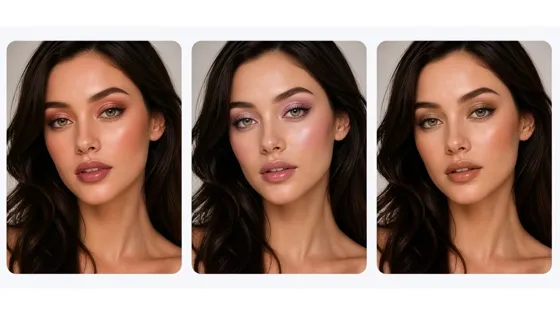
Virtual Makeup Try-On
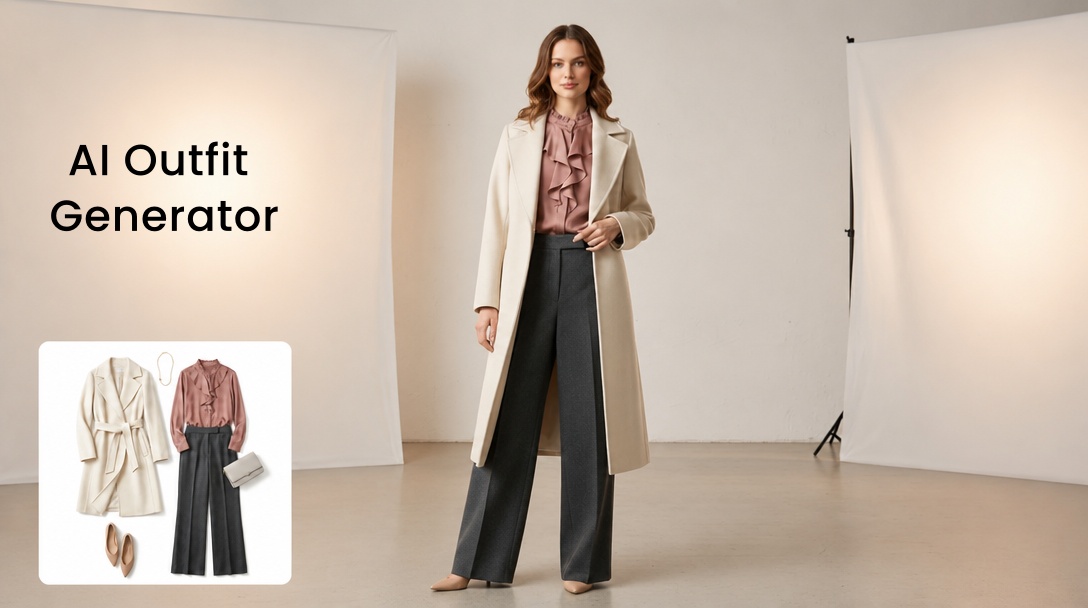
Free AI Outfit Generator
Tips About Virtual Ring Try-On
Frequently Asked Questions
What is a virtual ring try on?
How do I create a virtual ring try-on from a photo?
Upload a clear photo of your hand and an image showing the ring you want to try. Describe the intended finger and placement, generate the image, and refine the result with another prompt if needed.
Can I upload a specific ring as a reference?
Yes. A clear image can guide the ring’s overall shape, setting, finish, and recognizable details. Choose a reference where the complete design is visible and not covered by packaging or other objects.
How realistic is the generated ring preview?
Clear source images can produce natural-looking placement, perspective, and lighting. The result remains AI-generated and may not reproduce the precise scale, material, or smallest details of the physical ring.
Can I preview an engagement ring with a wedding band?
Yes. Add the wedding band beside an engagement ring already visible on your hand, then describe the intended placement. The result can help you compare how their shapes and styles appear together.
Does the virtual preview show the correct ring size?
No. The image can suggest the ring’s visual proportion, but it cannot calculate an accurate size or guarantee real-world dimensions. Confirm the final measurements and fit with a jeweler.
Preview Your Favorite Ring on Your Hand
Create a personal try-on image, review your leading options, and keep the result as a reference for your next jewelry appointment.



What Users Say About Their Ring Previews
Learn how personalized previews have supported comparison, consultation, collaboration, and creative planning.
I Finally Reduced My Shortlist
I had saved several engagement rings that looked almost identical on product pages. Seeing each one in the same hand photo made the differences much easier to notice, so I walked into my appointment with three serious options instead of a folder full of screenshots.
We Could Compare Bands from Different Cities
My partner and I were reviewing wedding bands from different cities, and product links were not giving us much to discuss. The generated pairings gave us a common reference, so we could explain which shapes felt balanced and narrow the list before visiting a store together.
Our First Consultations Became More Productive
The previews have made our initial online consultations much more productive. Customers can react to a ring in context instead of speaking only in broad style terms, which gives me a clearer starting point before we discuss available stones, measurements, and final sizing.
We Planned the Shoot Before the Sample Arrived
We needed to plan how a new ring might appear in campaign imagery before the finished sample arrived. The preview was not treated as the final product shot, but it gave our creative team enough context to agree on framing, styling, and the direction of the shoot.
Clients Understood My Concept More Clearly
A technical render explains the construction of a ring, but clients do not always understand how the design may feel when worn. Adding the concept to a hand photo helped me present the idea more clearly and collect useful feedback before moving into physical sampling.