
Preview Hair Colors on Your Own Photo
Preview a new shade on your own portrait while keeping your face, haircut, and the rest of the photo consistent.
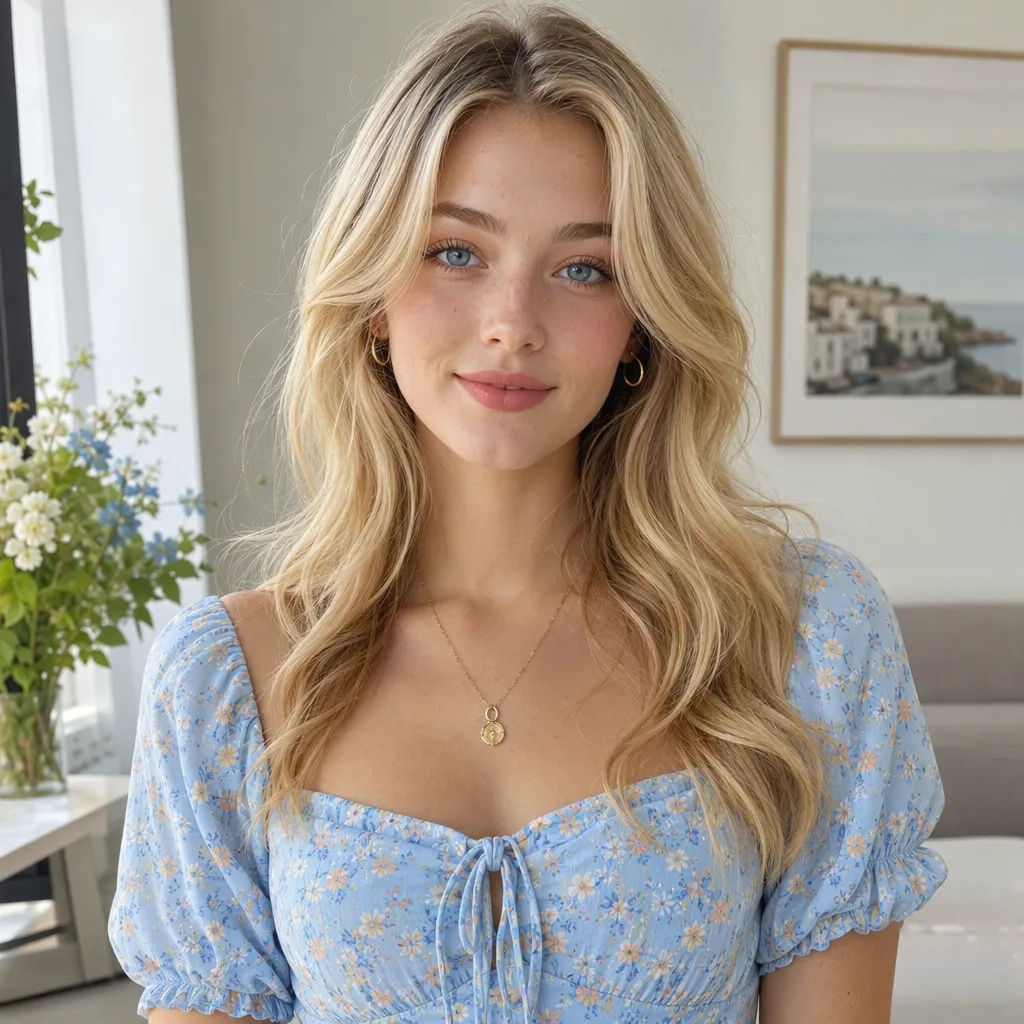
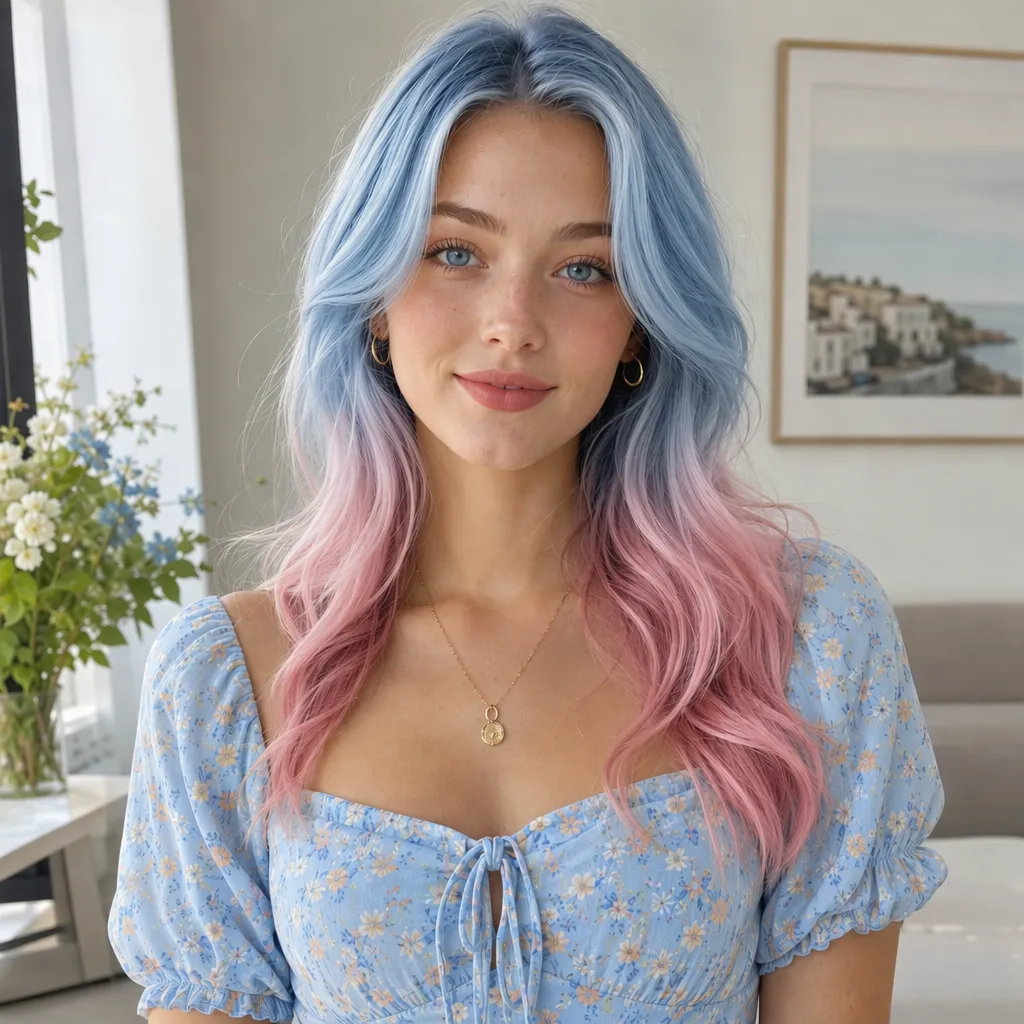
Preview Specific Hair Colors on a Portrait
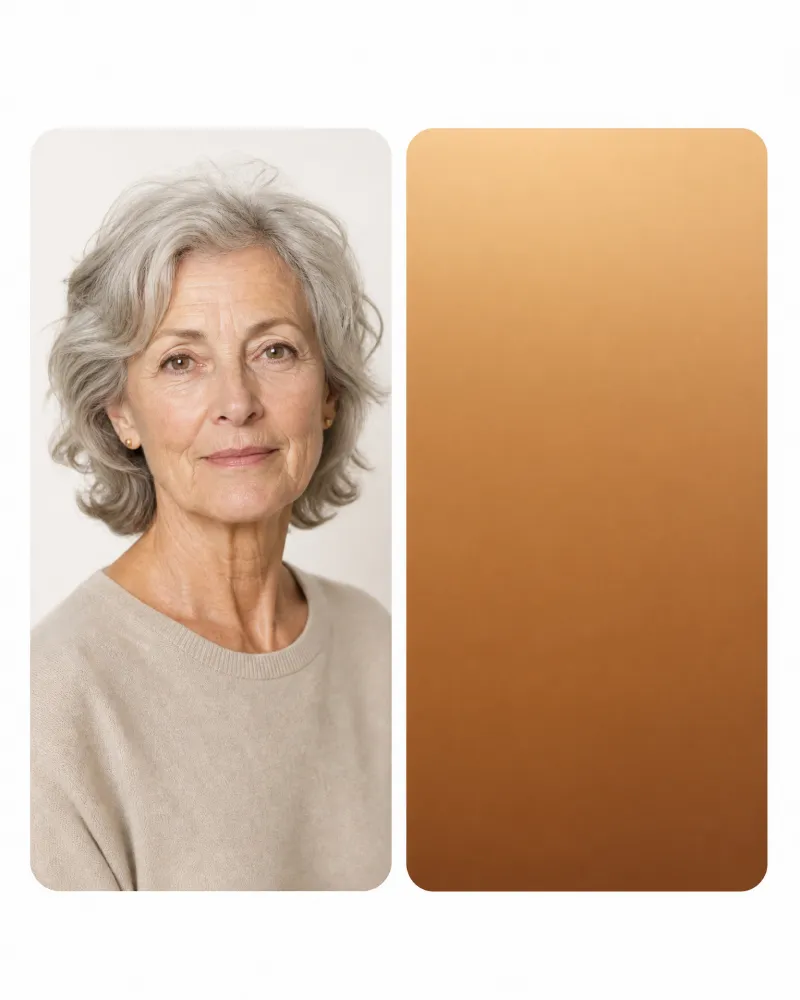
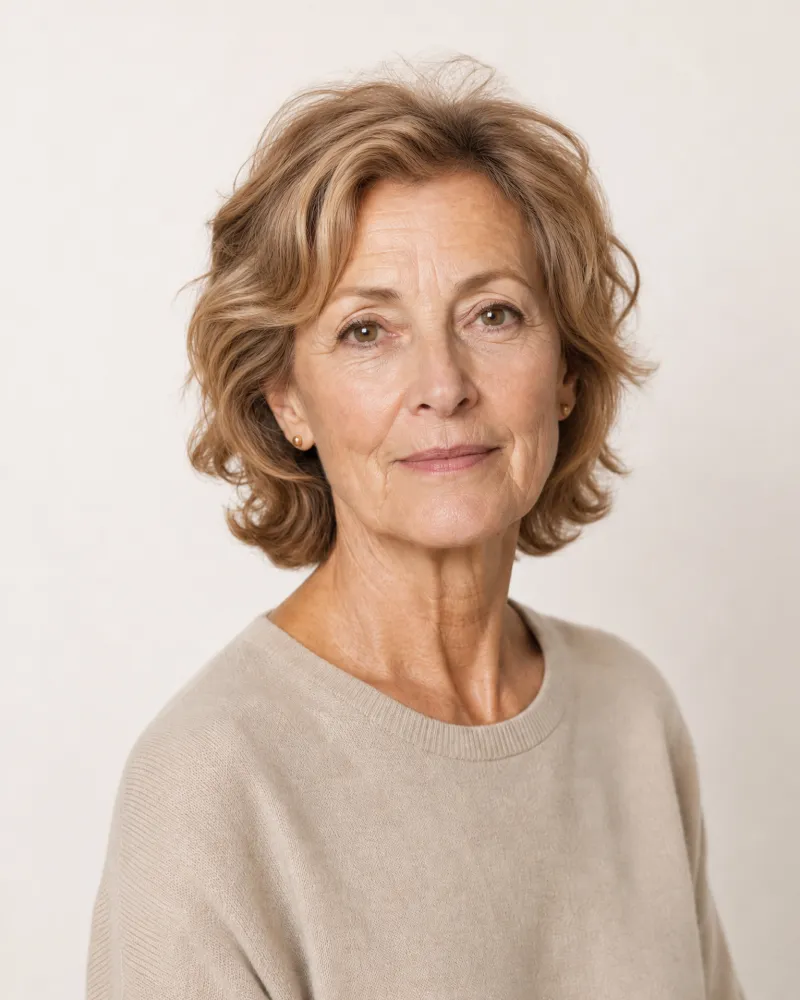
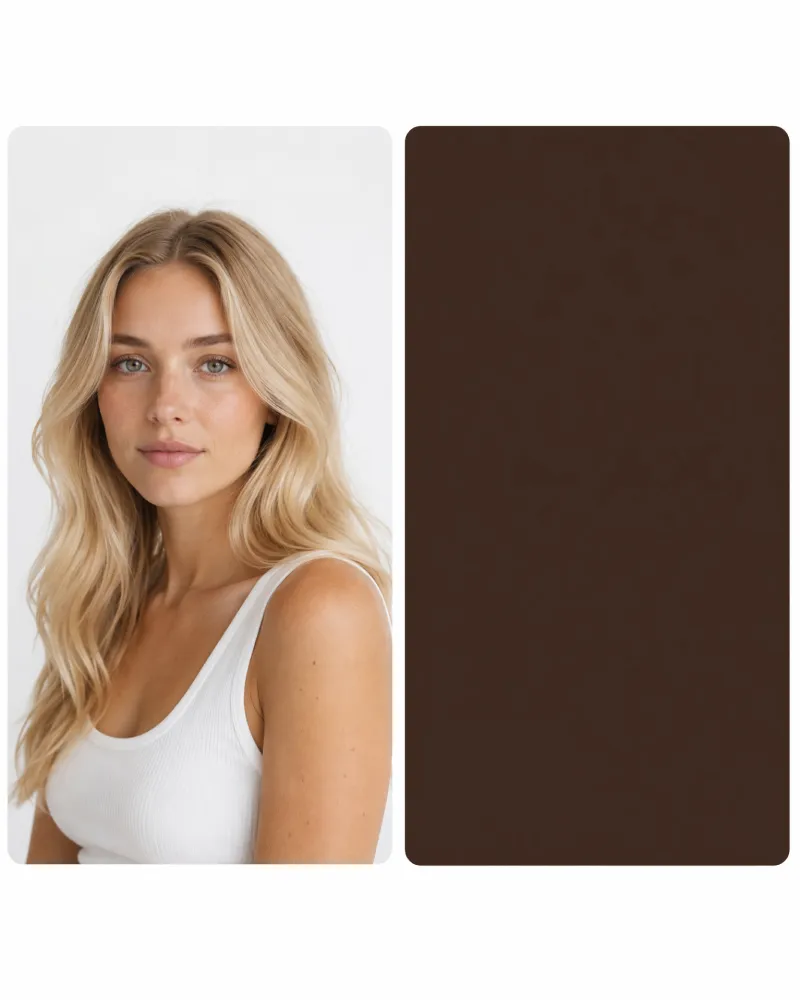
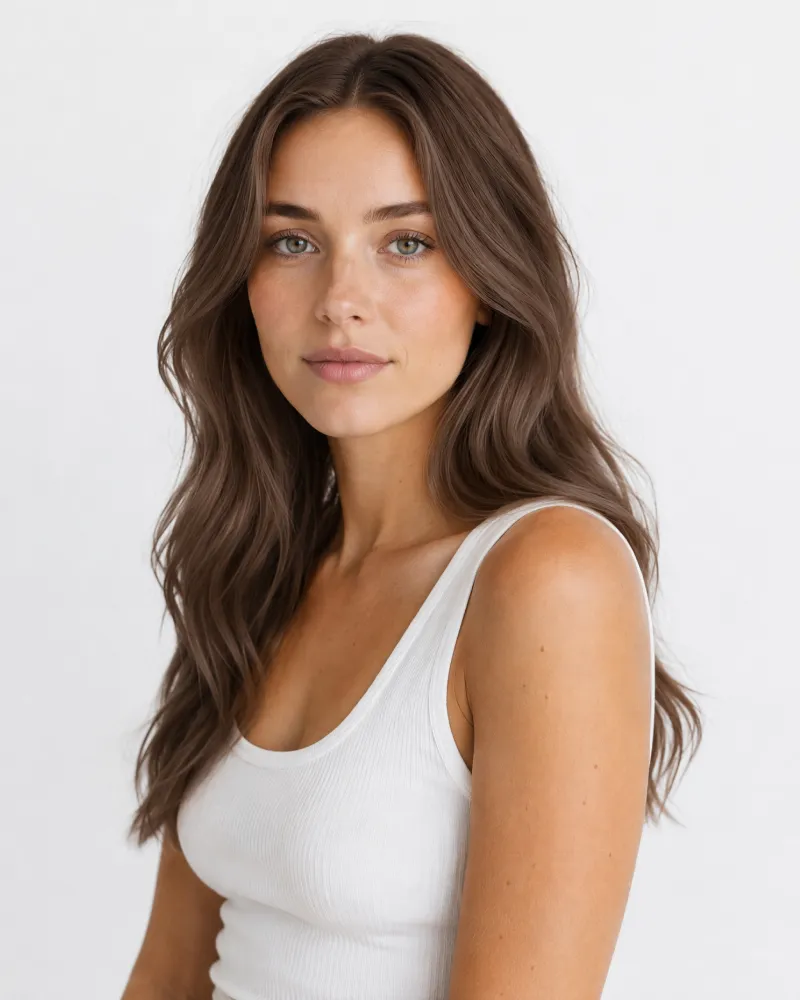
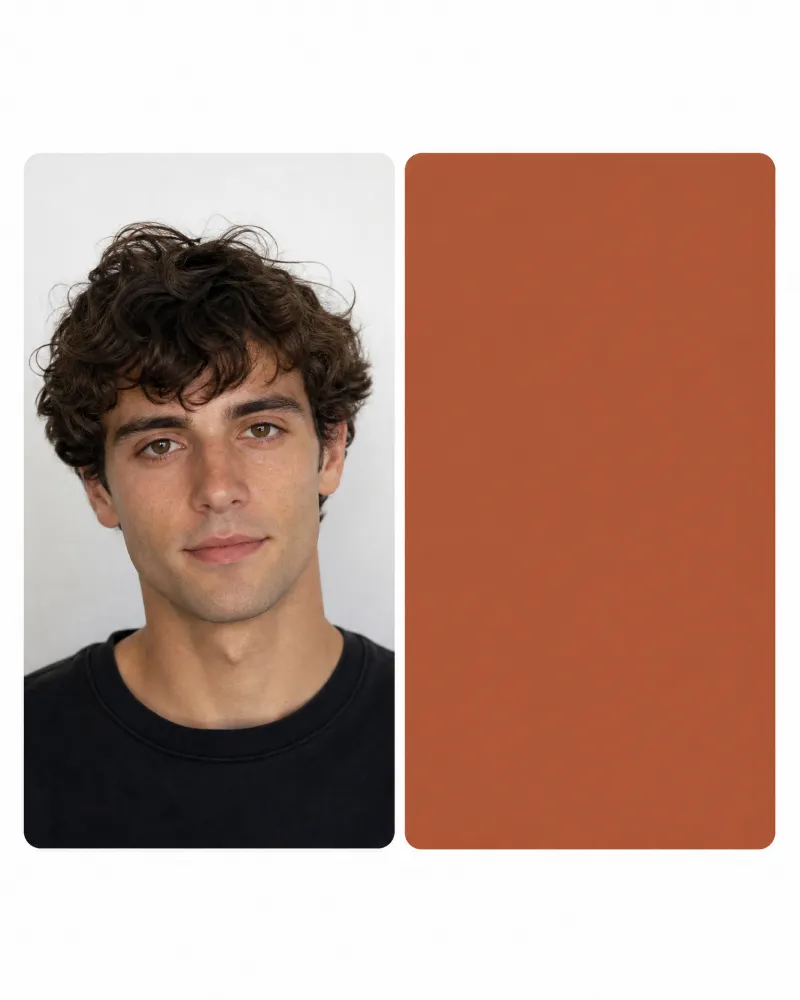
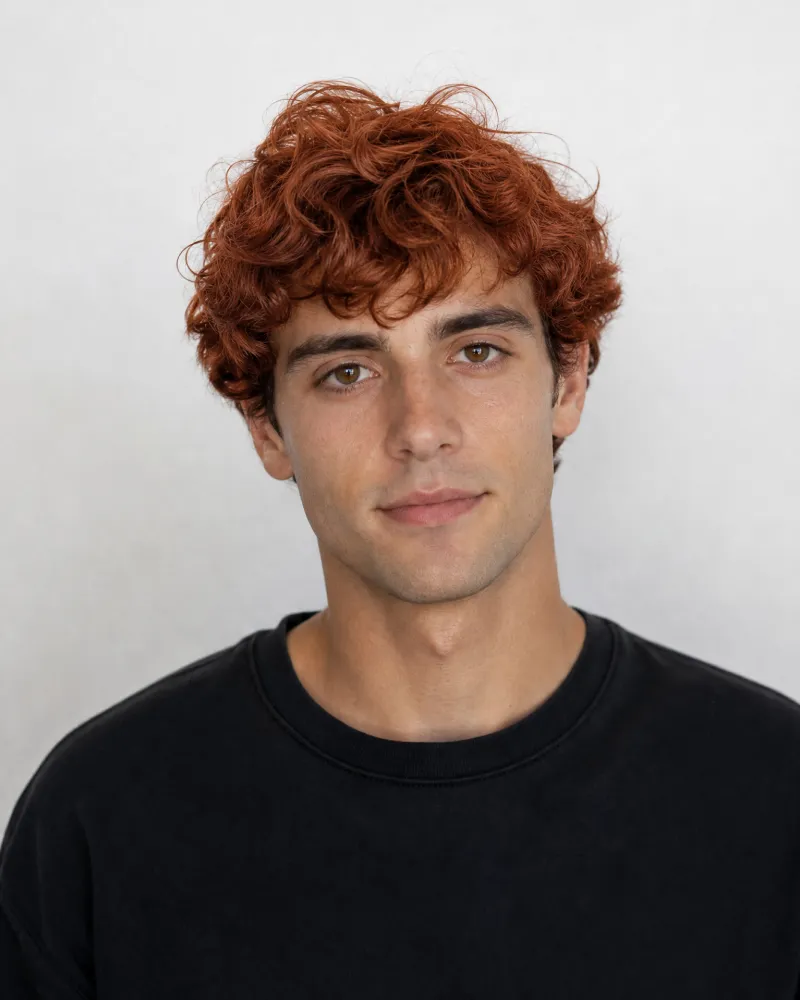
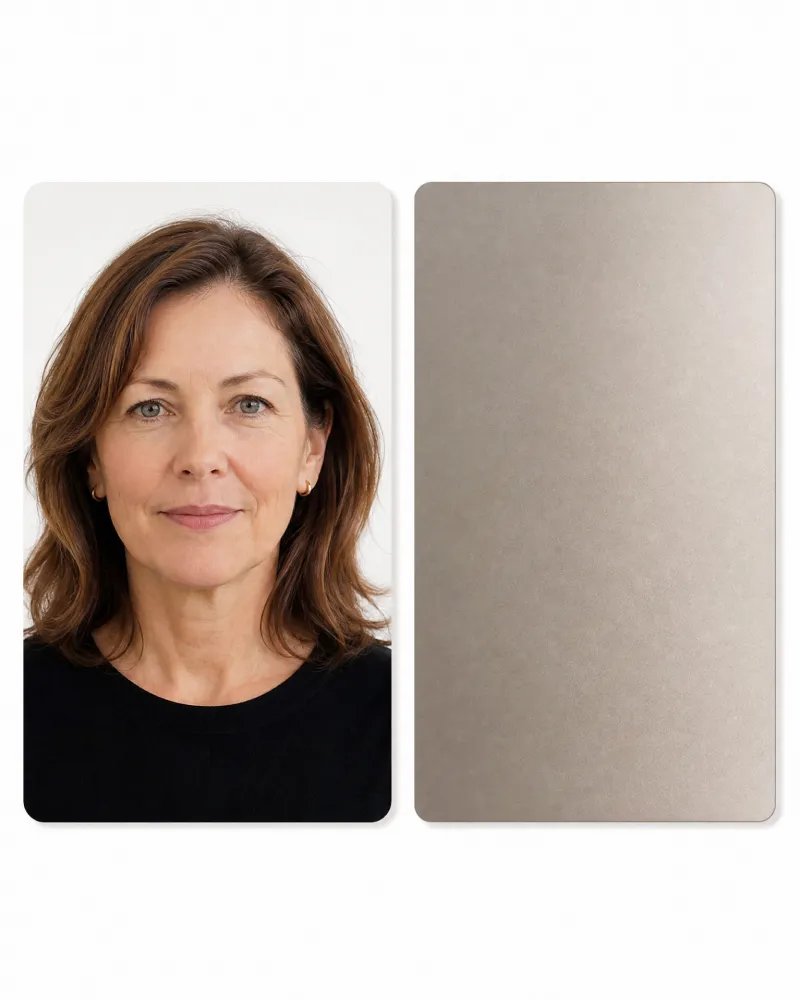

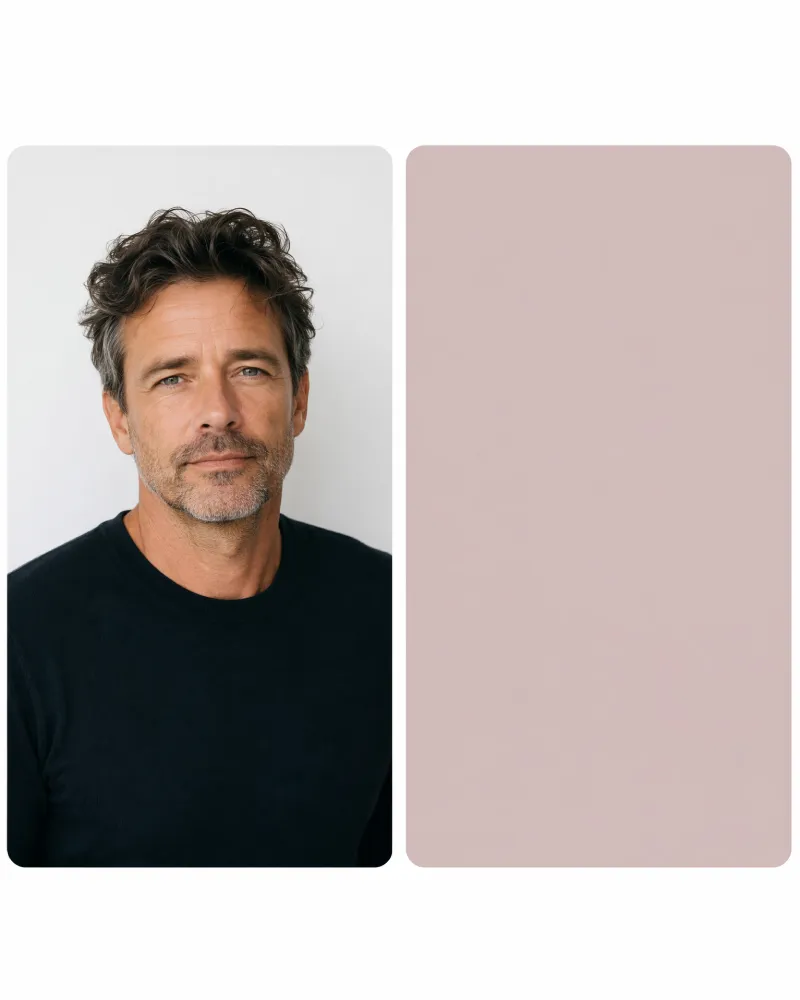
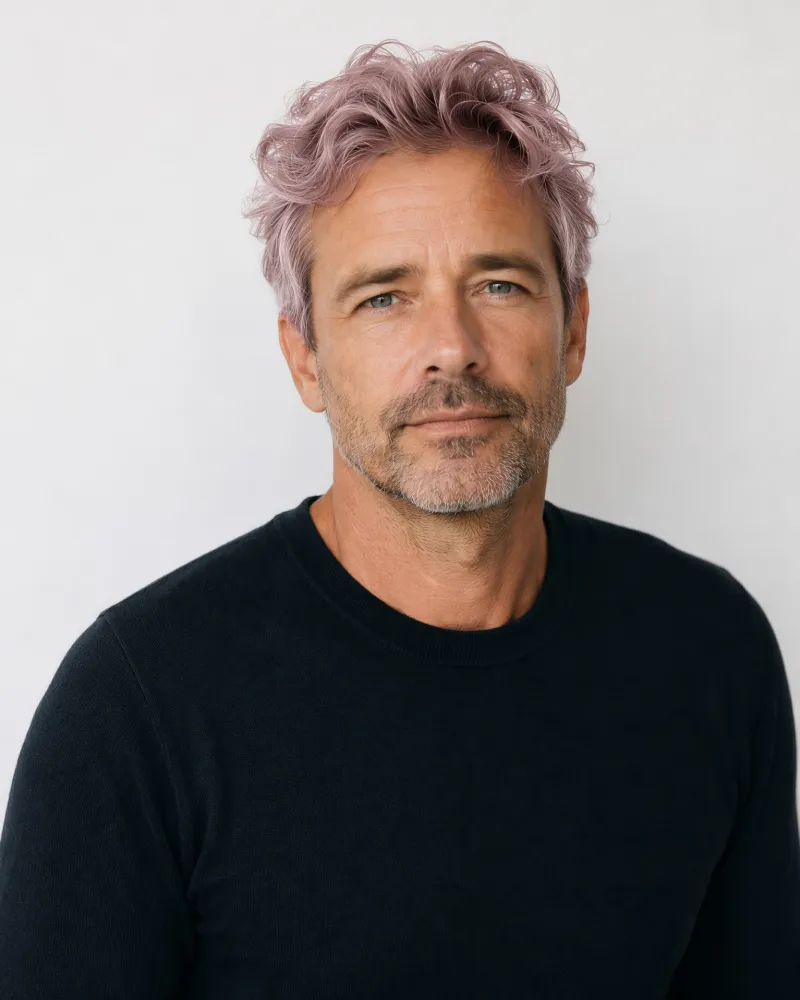
Find Hair Color Ideas for Your Portrait
Upload a portrait and a hair color reference to create your result, or use these examples as templates if you need inspiration.
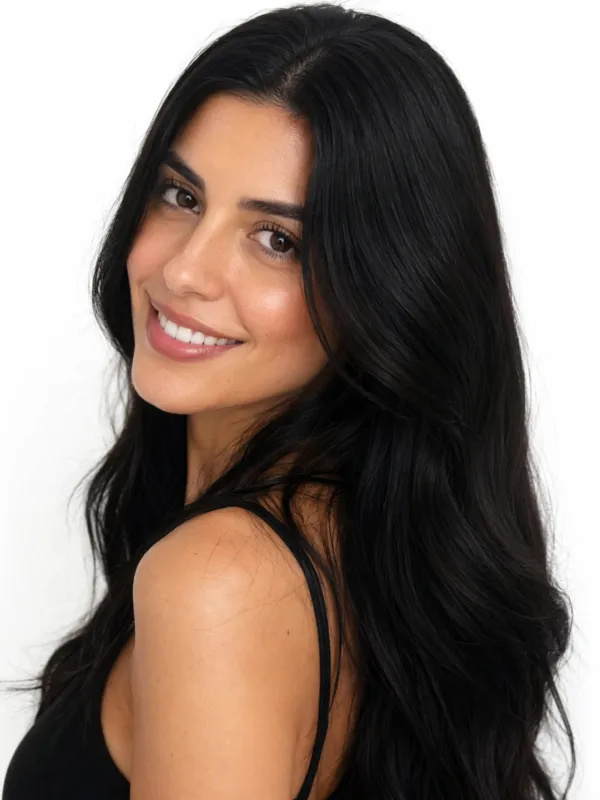
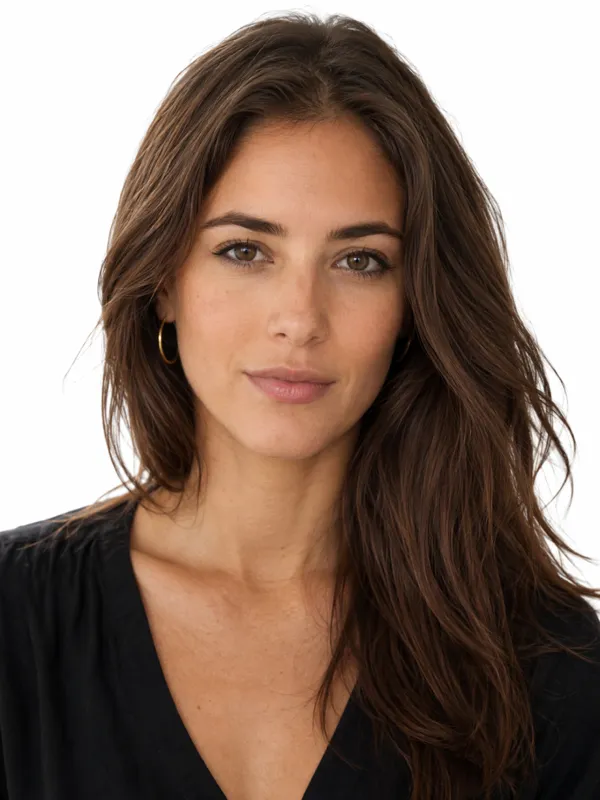
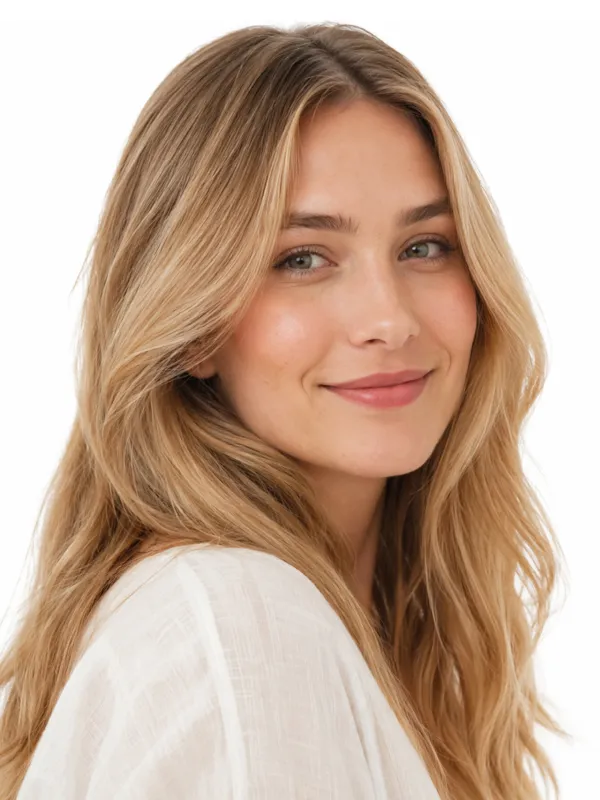
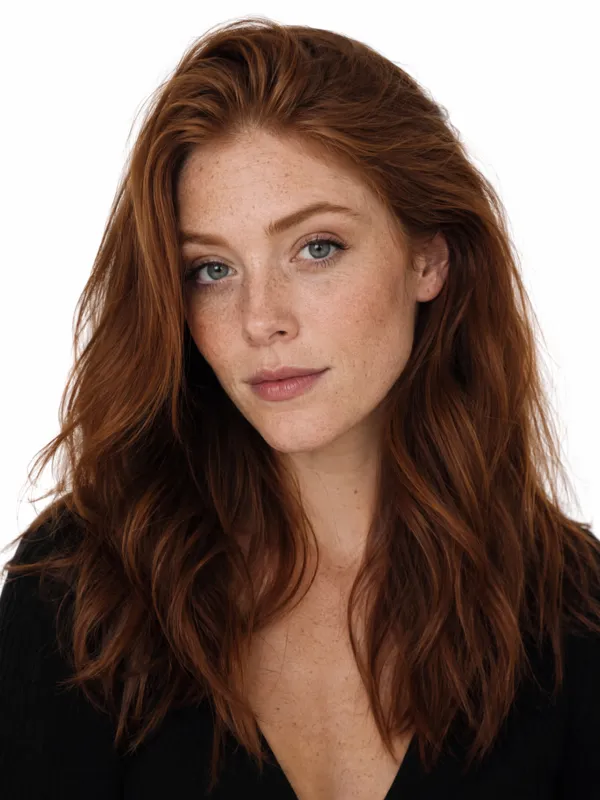
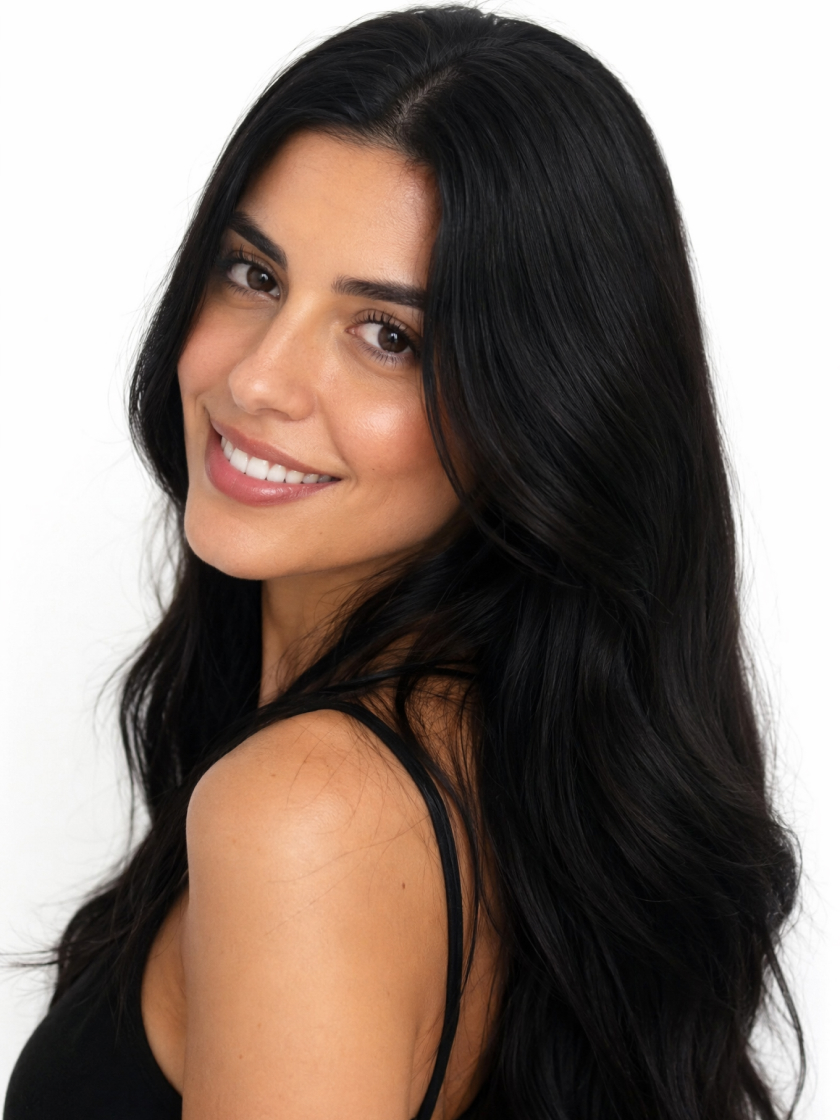 Natural Hair Colors
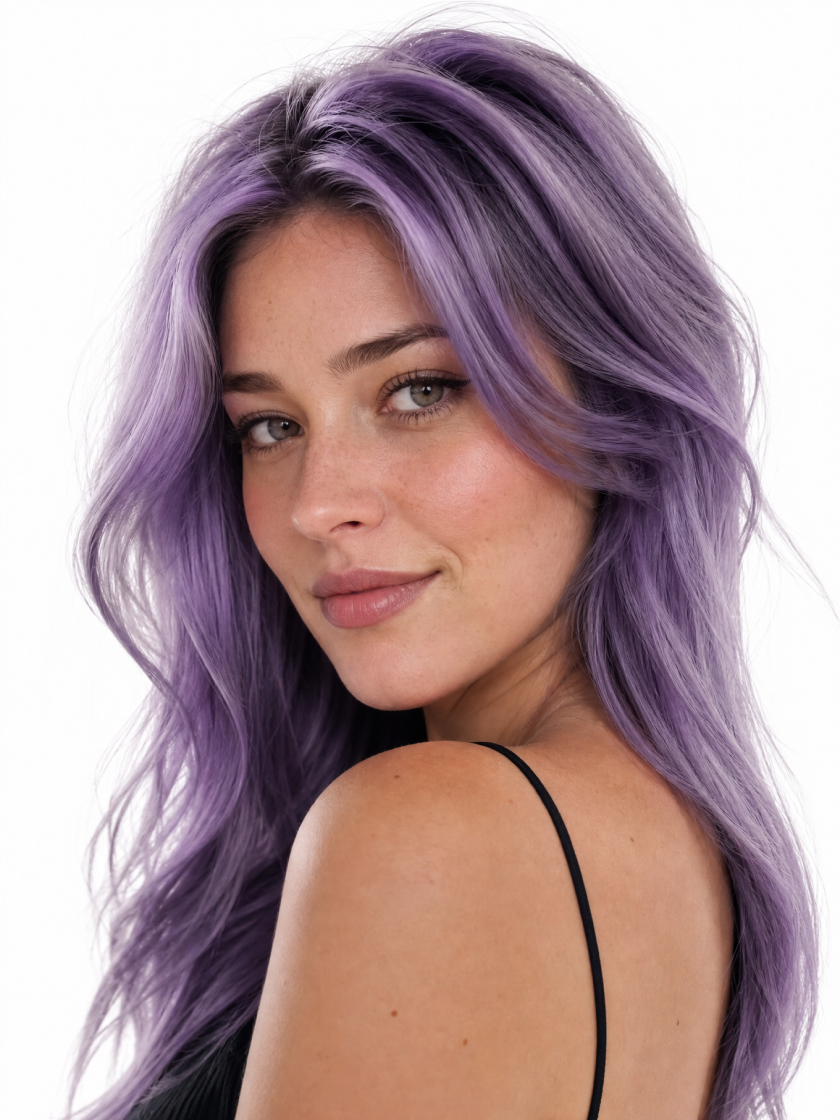 Creative Hair Colors
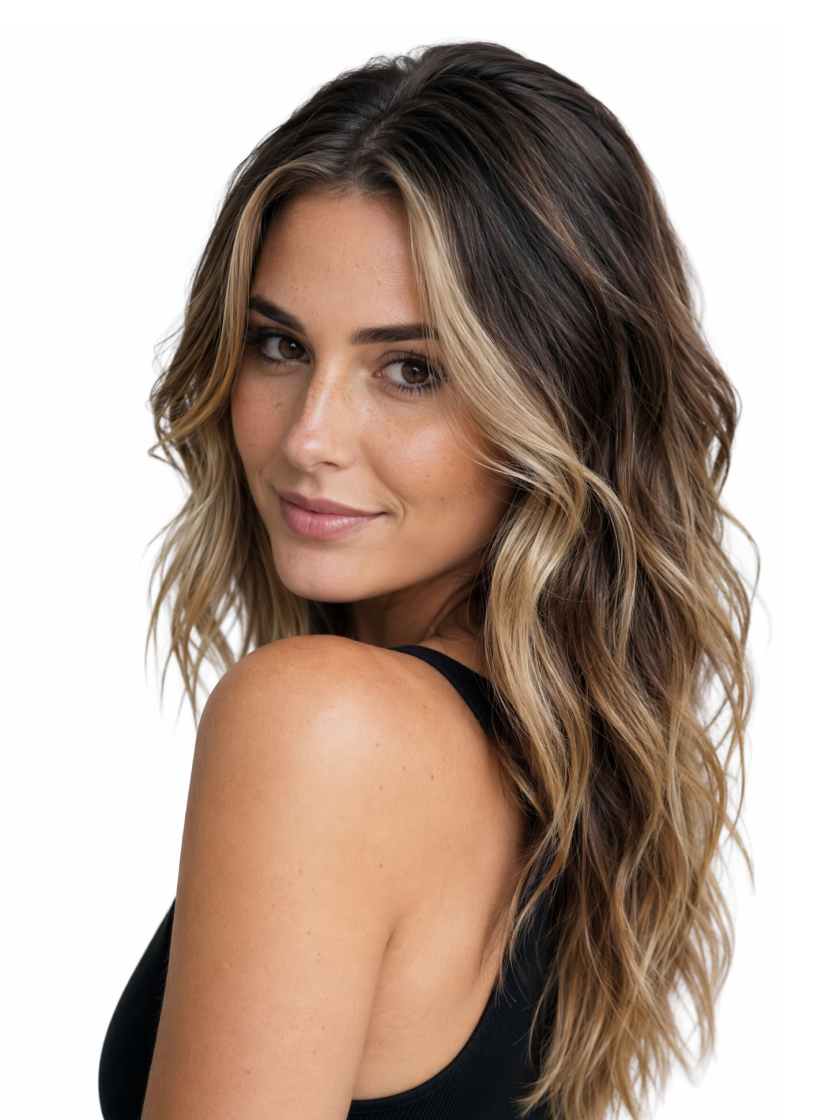 Highlights & Balayage
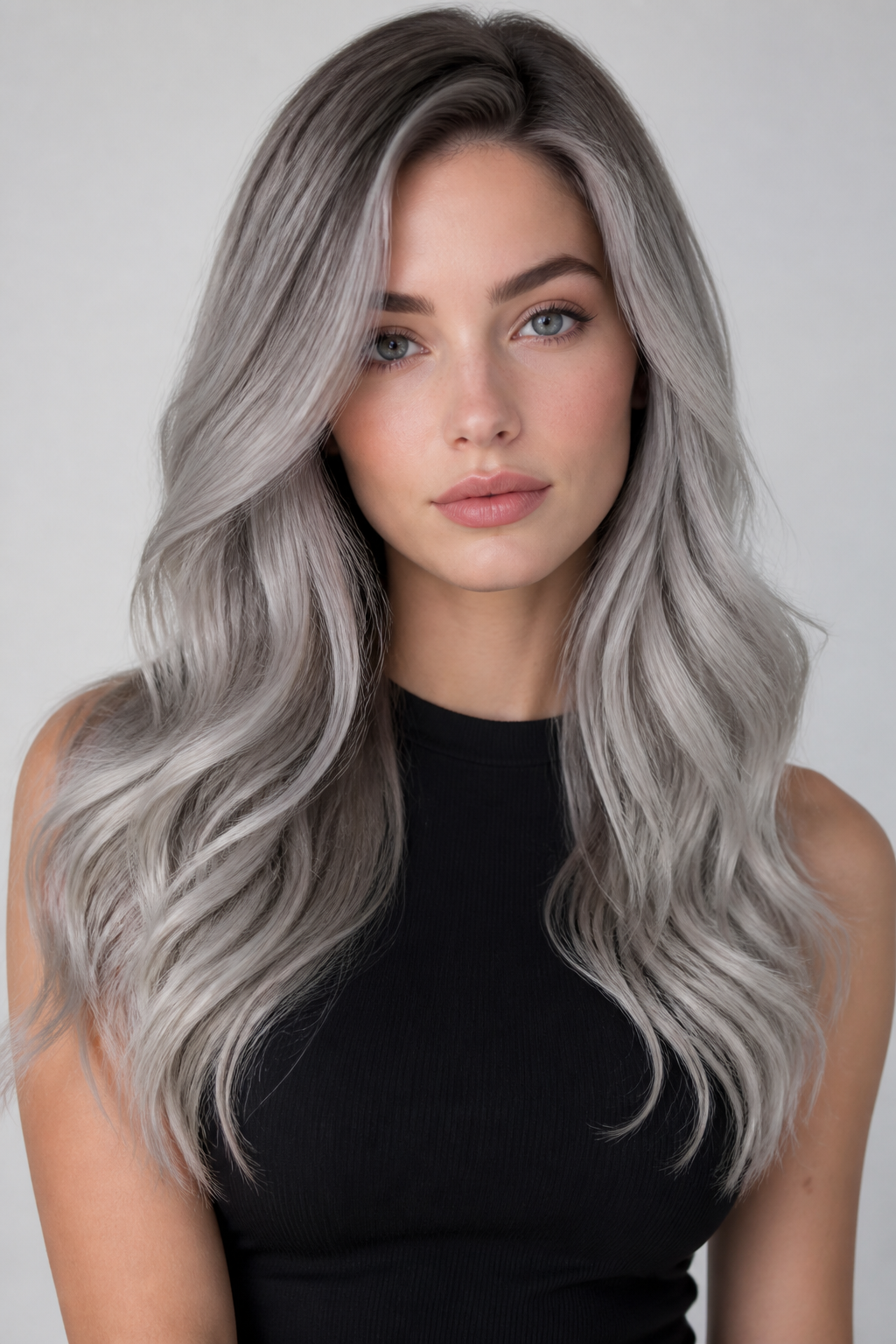 Gray & Silver Colors
How to Change Hair Color With AI
Upload Your Portrait
Use a clear, evenly lit front-facing or slightly angled portrait with your hair fully visible. The original hair and composition guide the edit.
Describe the New Color
Enter the shade and placement you have in mind. The AI interprets your description and applies it to the hair.
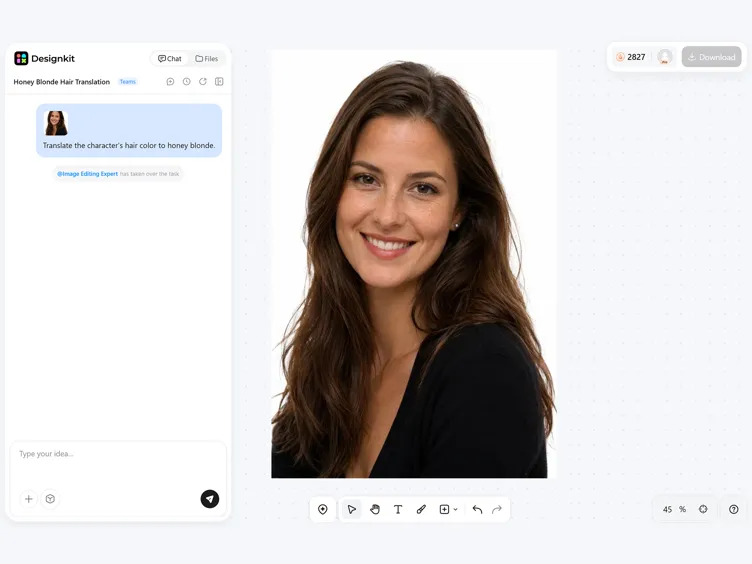
Generate Your Preview
Generate the edited portrait and review the new color on your image. Download the result you want to keep.
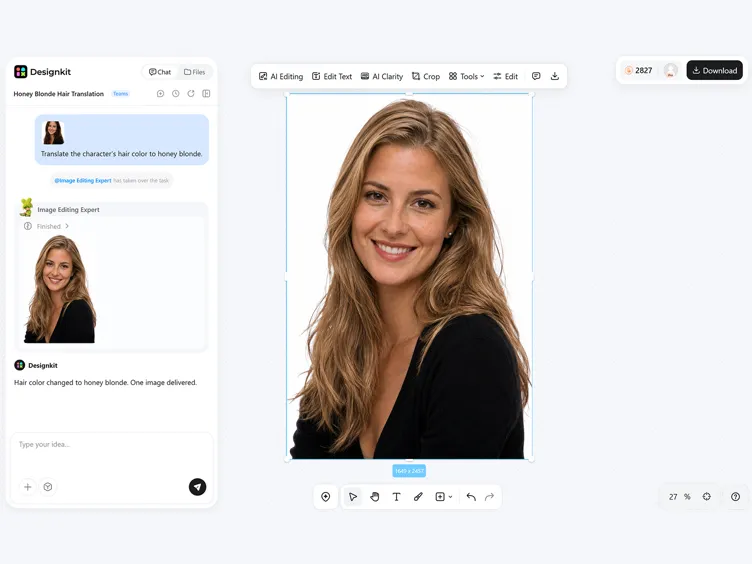
Control the Color in Your Hair Preview
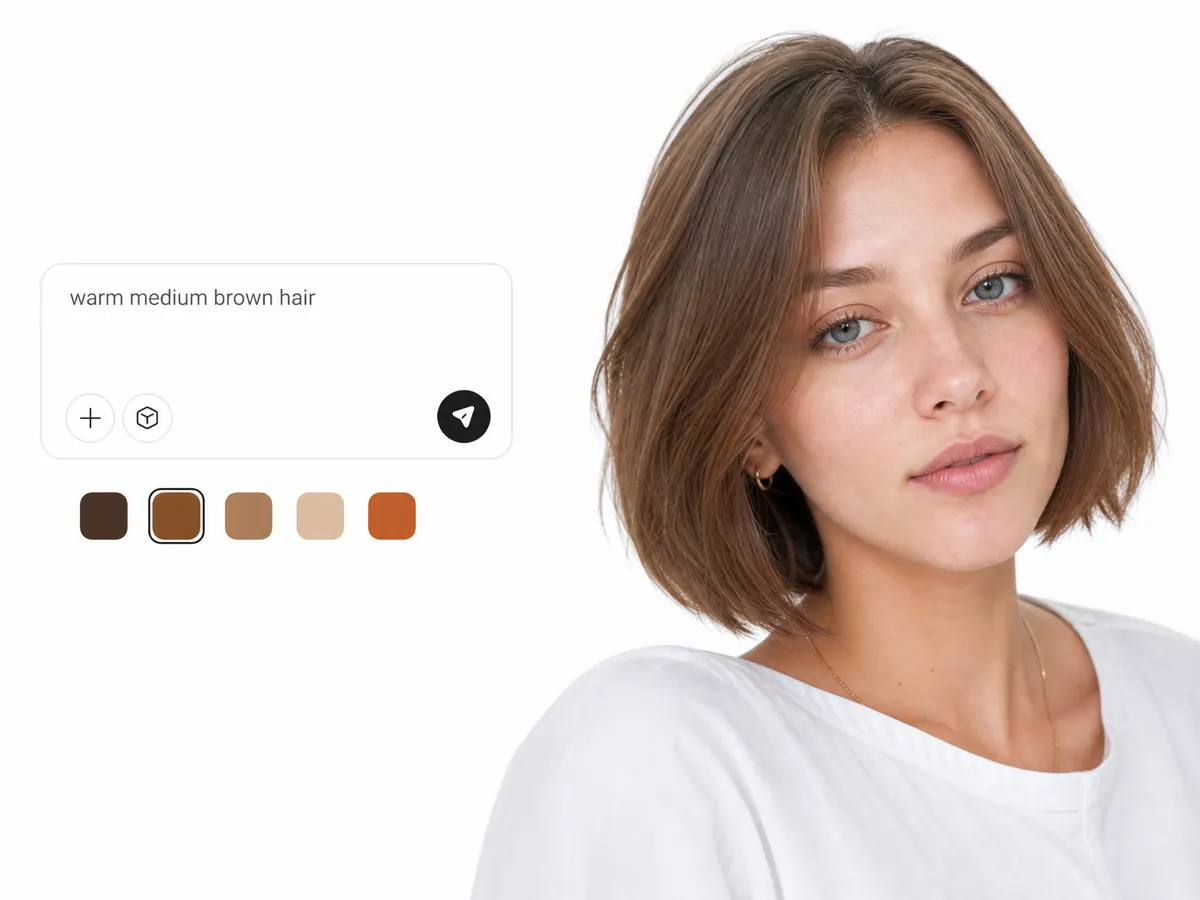
Describe a Specific Color Direction
Go beyond a broad color name by describing the undertone, depth, or intensity you want. The added detail helps the AI distinguish between closely related shades and create a preview that reflects a more specific color idea.
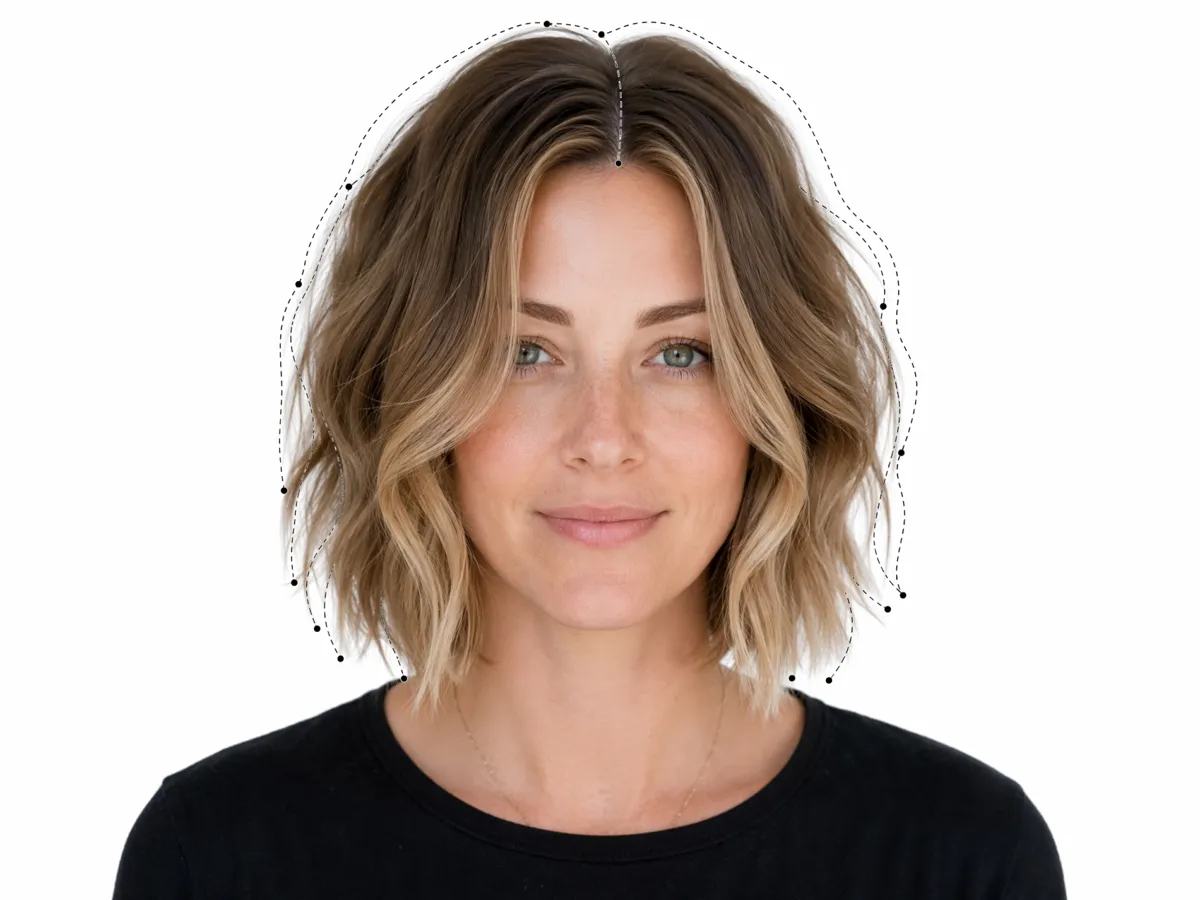
Maintain the Visible Hairstyle
Apply a new shade without redesigning the hair shown in your portrait. Keeping the existing cut, length, and texture gives each color idea a consistent visual reference.
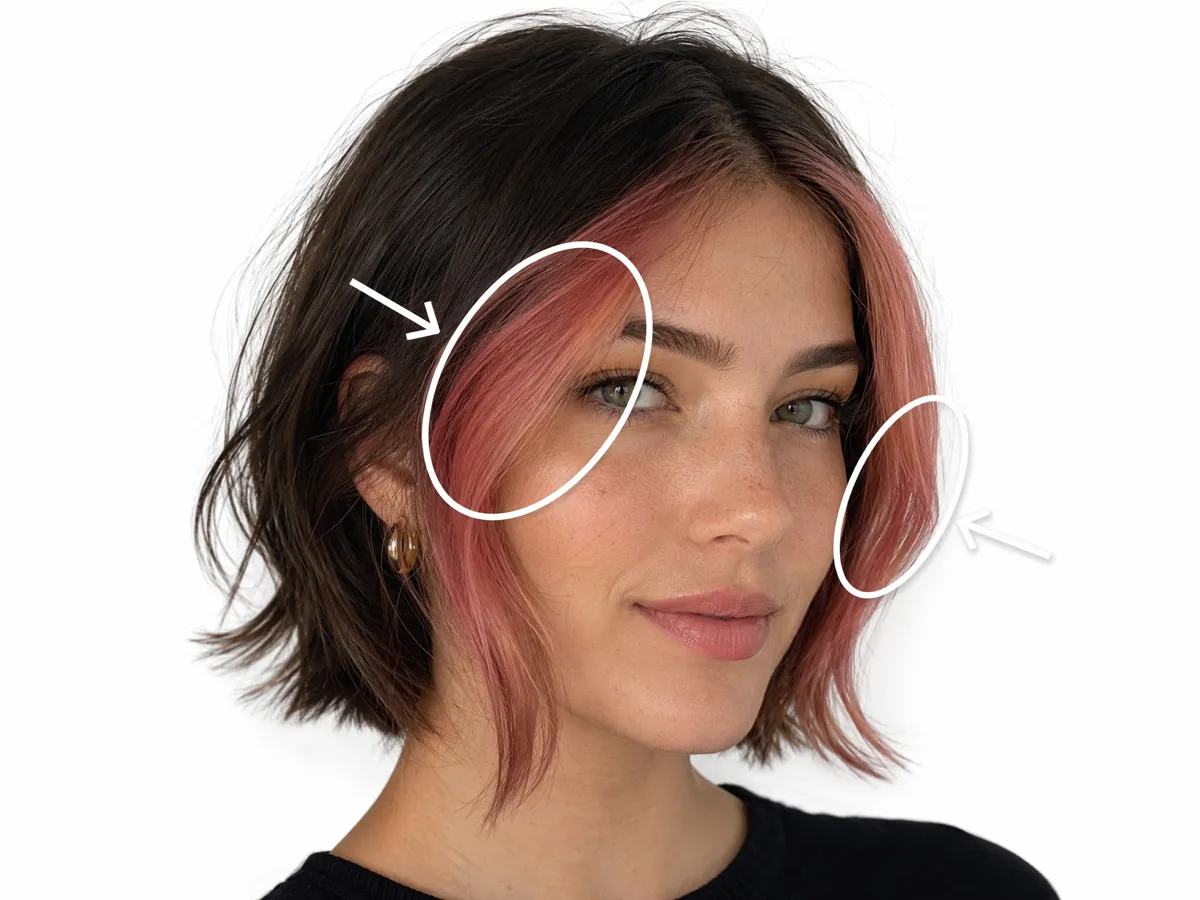
Place Color Where You Want It
Choose a complete recolor or direct the change toward a selected section of the hair. Describe the intended placement to preview a partial dye effect while keeping the remaining areas closer to their original shade.
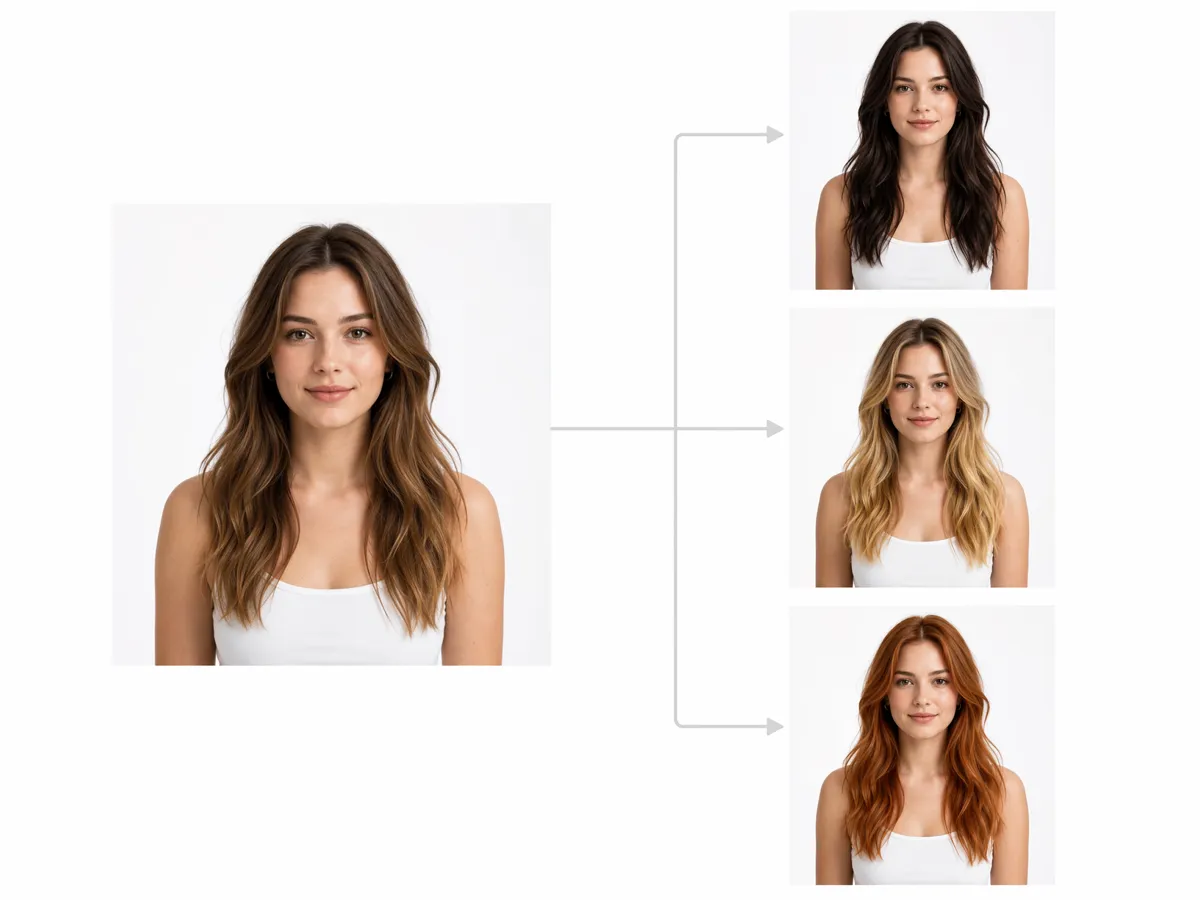
Try Several Designs from One Portrait
Reuse the same source image to generate multiple color ideas without preparing a separate portrait for each one. Reviewing results from a consistent starting point makes the differences between them easier to assess.
Ways to Use the AI Hair Color Changer
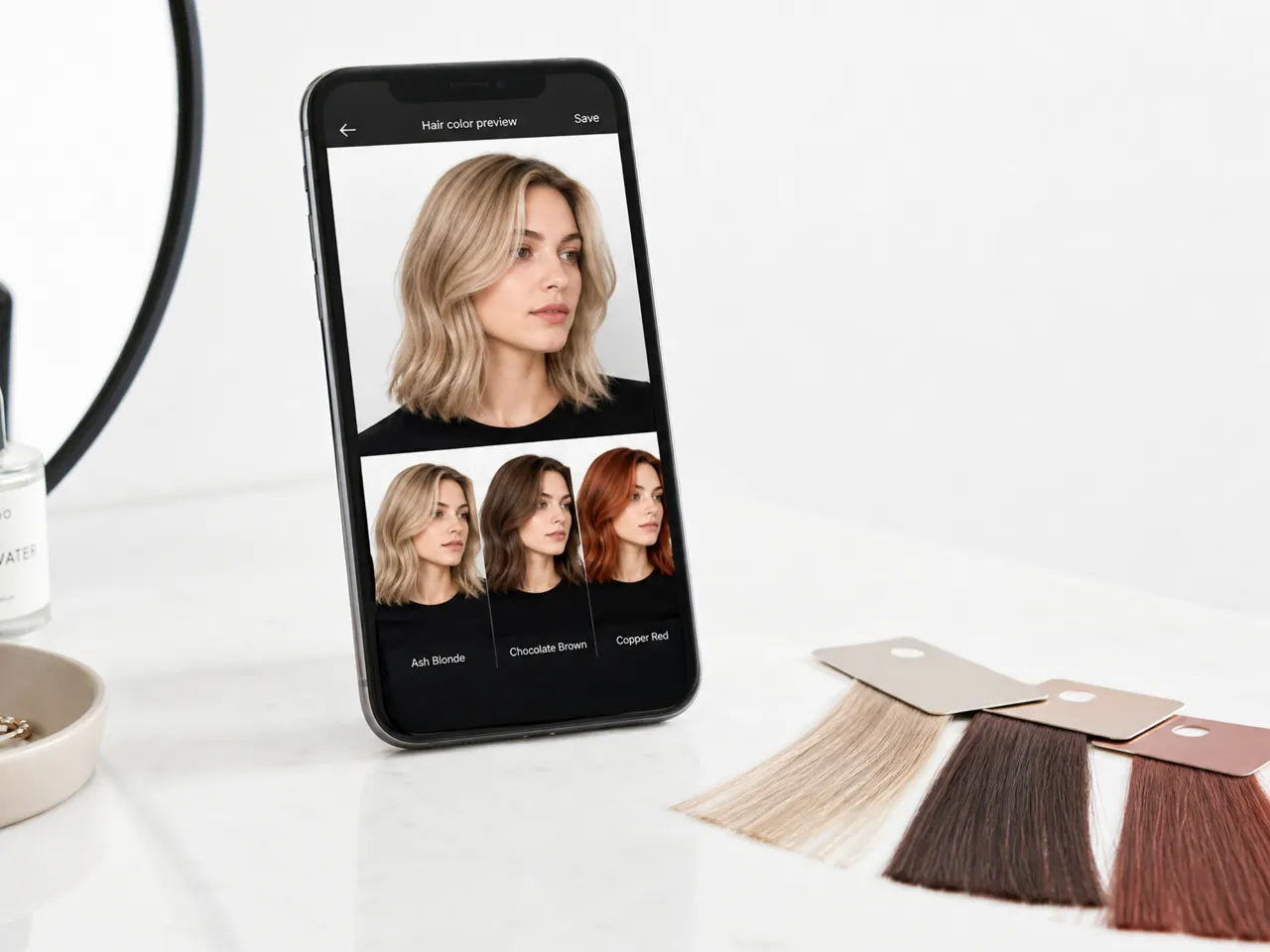
Personal Hair Color Planning
Consider a possible color change before committing to one direction. Testing the shade on your current portrait helps you review how it works with the visible haircut and narrow several ideas into a more focused preference.
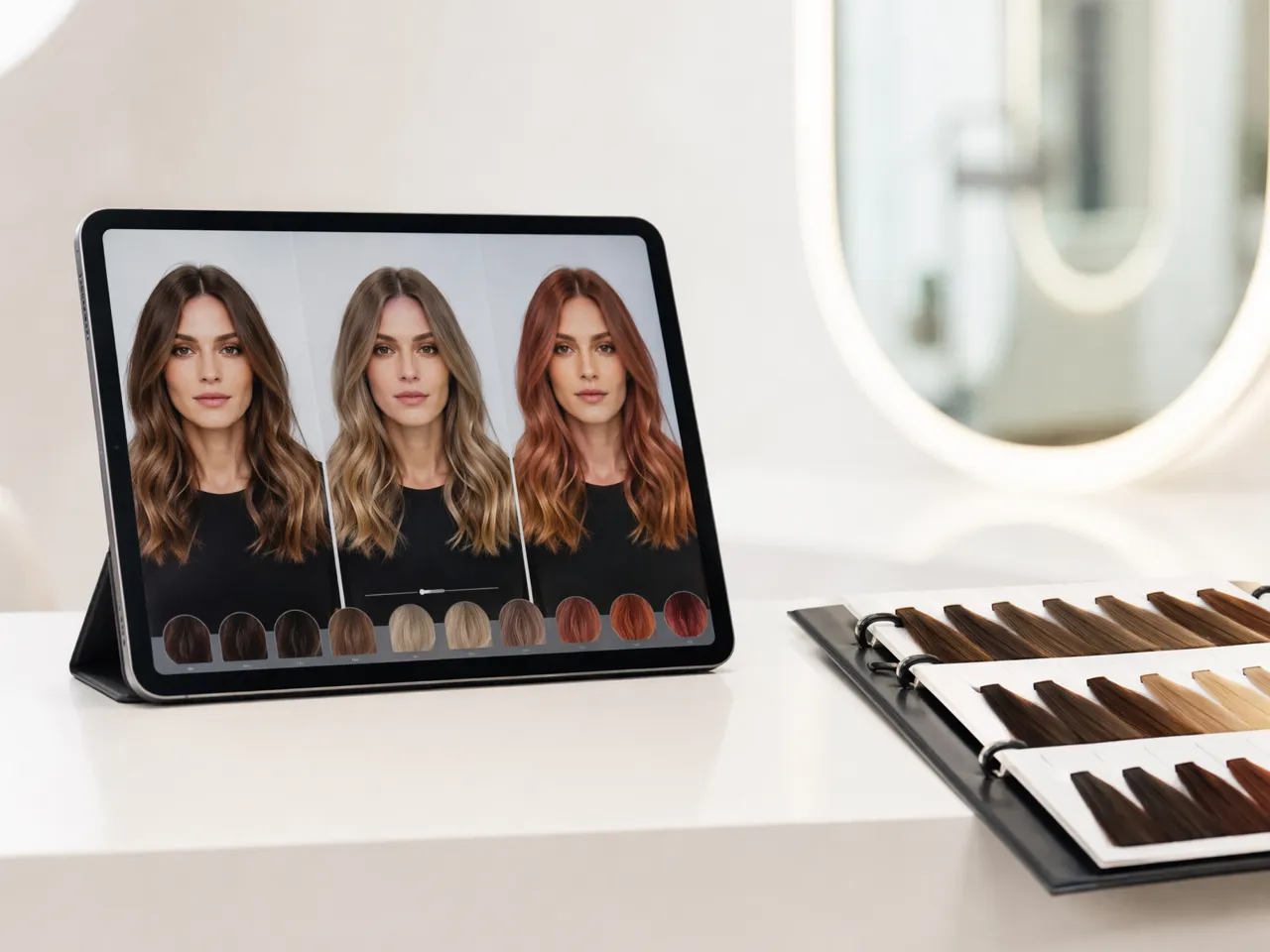
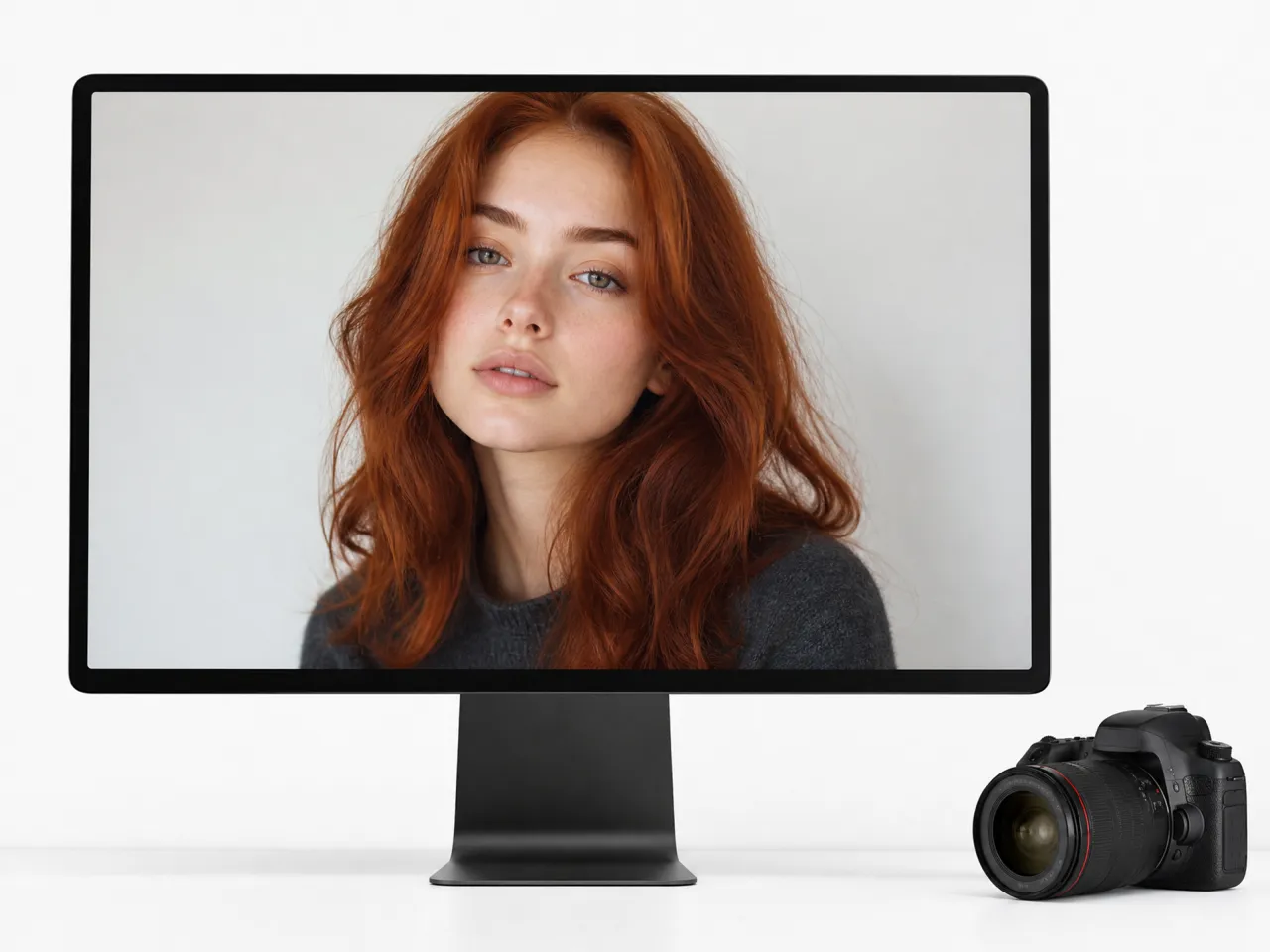
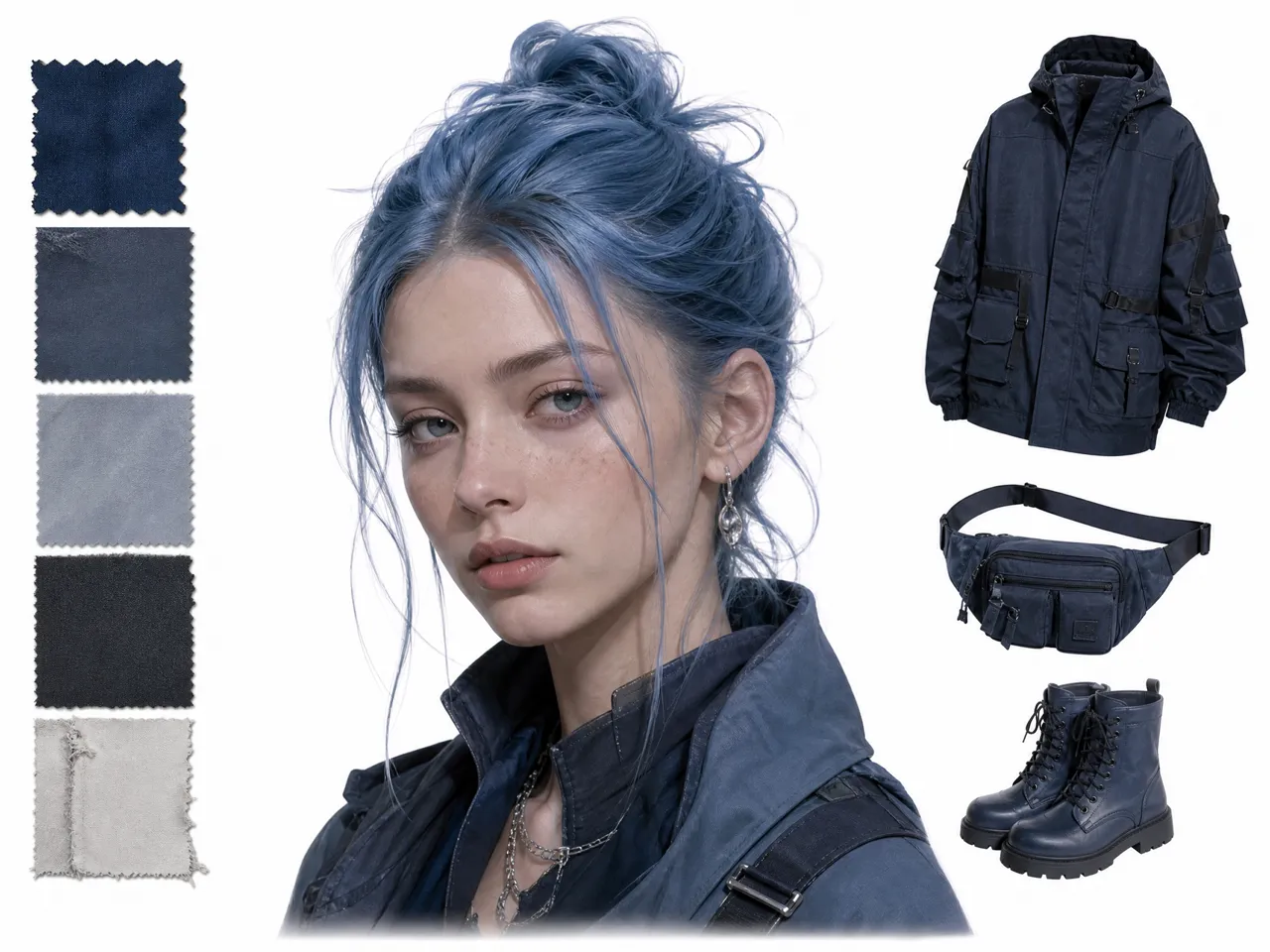
Why Choose Designkit for Hair Color Previews
A Finished Portrait Beyond Live Filters
Live hair color filters provide only a temporary camera preview. Designkit generates a standalone portrait that you can save and revisit after the session ends.

One Workspace from Preview to Final Edits
Traditional recoloring may require separate tools for masking, color adjustment, and cleanup. Designkit keeps hair color generation and further image editing within one online workspace.
Browser Access without a Dedicated App
Many hair color simulators depend on app installation or live camera access. Designkit works from an uploaded photo in the browser, avoiding device-specific setup.
Try On Types You Can Create with Designkit
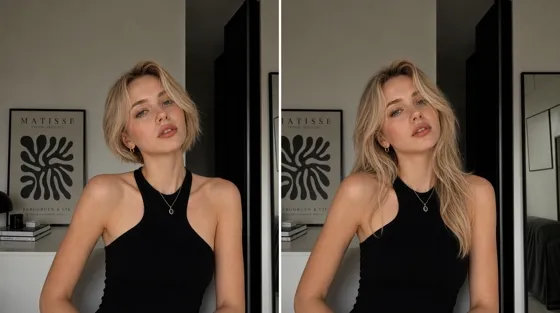
AI Hairstyle Changer
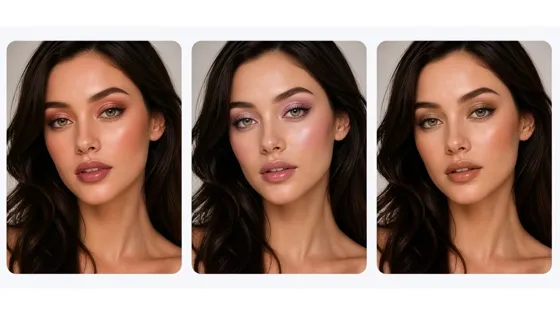
AI Virtual Makeup Try-On
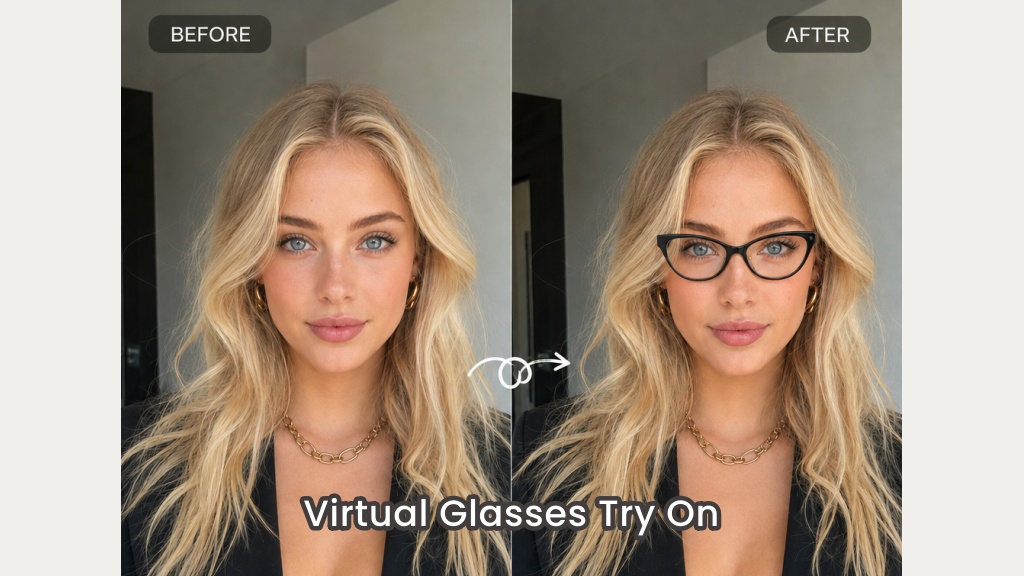
Virtual Glasses Try-On
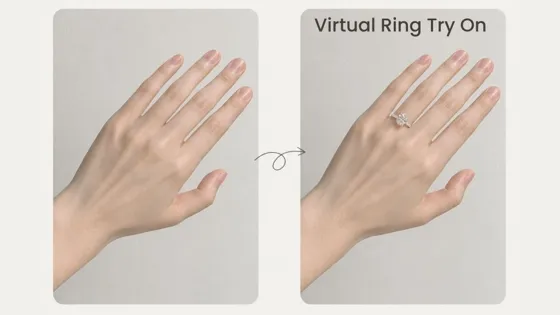
AI Virtual Ring Try-On
Frequently Asked Questions
What is an AI hair color changer?
Can I change my hair color in a photo online?
Yes. Upload a portrait to Designkit, describe the color you want, and generate an edited version online without installing a dedicated app.
Is this a real-time virtual hair color try-on?
No. Designkit generates a hair color preview from a static photo rather than applying an AR filter to a live camera feed.
Can I test highlights or balayage on my photo?
Yes. Describe the intended placement in your prompt to generate highlights, balayage, colored ends, or another partial color effect.
Will the AI change my original hairstyle?
The tool is intended to change the hair color while maintaining the visible cut, length, and texture. Results may vary when the hair is cropped, covered, or difficult to distinguish.
Does the preview show exactly how real hair dye will look?
No. The generated image is a visual concept rather than a guaranteed dye result. Actual color depends on the starting shade, hair condition, formula, and application process.
Compare Hair Colors Before You Choose
Test several shades on your own portrait and keep the preview that gives you the clearest direction.



What Users Say About the AI Hair Color Changer
Users share how personalized color previews support decisions, consultations, and creative projects.
A Clearer Reference for a Salon Appointment
I had a warm brown color in mind but struggled to explain the exact tone. Showing a preview based on my portrait gave the colorist a clearer starting point, and we could discuss which parts of the idea might work for my appointment.
Color That Blends with the Original Photo
The lighter and darker areas of the hair still showed through after the edit, so the result did not resemble a flat layer of color. It remained connected to the lighting and texture already visible in the original portrait.
A More Relevant Way to Test a Shade
I was curious about trying a much lighter shade, but reference photos of other people were not enough to judge it. The preview showed the idea within my own image and helped me decide not to pursue that direction.
A Fresh Direction for Existing Content
Changing the hair color shifted the mood of an existing portrait enough to inspire a different post. We developed the new concept around that image first, which helped us evaluate the idea before organizing another photo shoot.
Earlier Coordination Across a Costume Palette
We used the preview while planning a character look and adjusted the clothing colors around the proposed hair shade. Having that element visible early made it easier to coordinate the overall palette before preparing the complete costume.