
Create a Hairstyle Preview from Your Own Photo
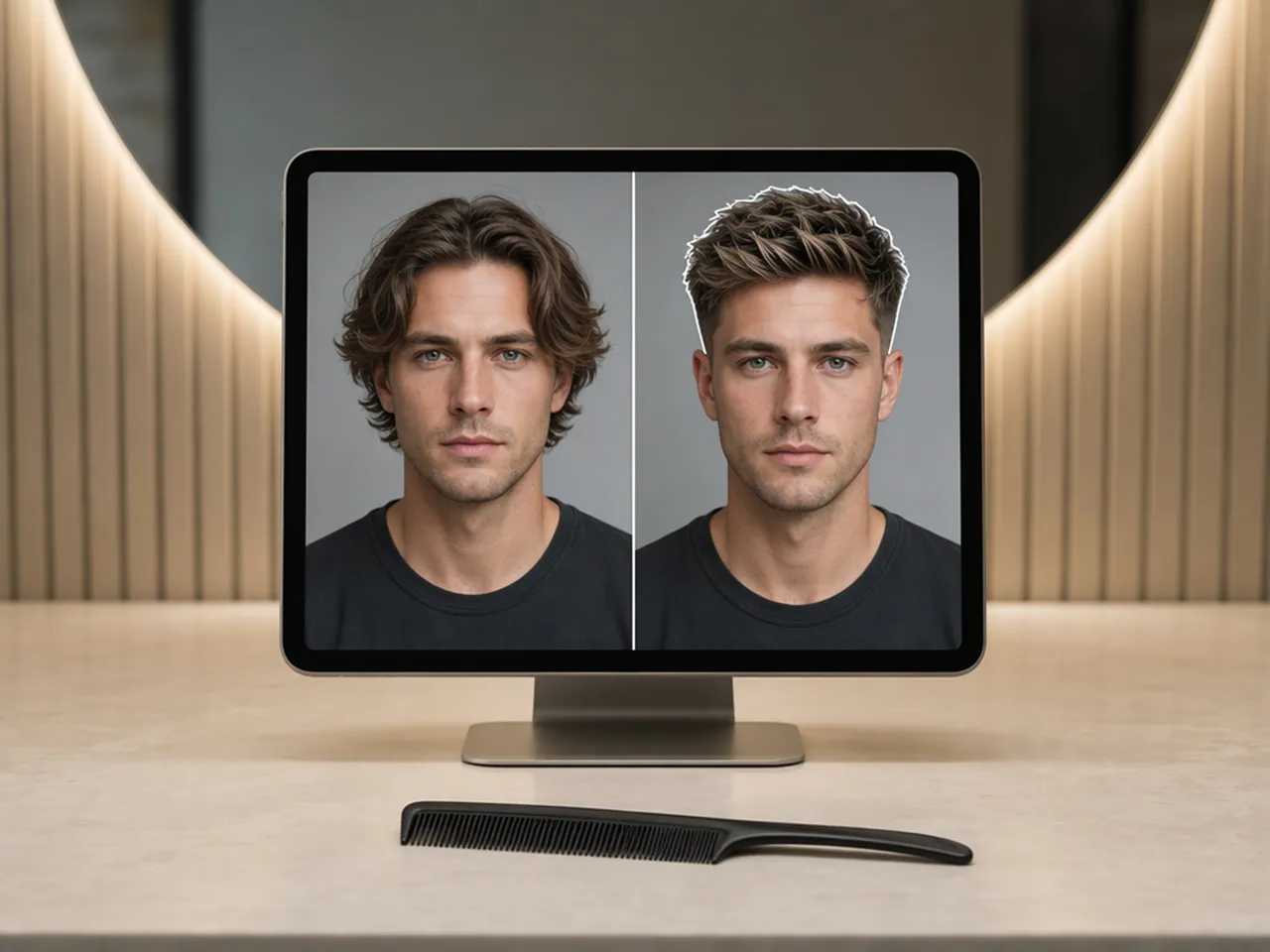
Upload your portrait to see how a new haircut could look before you make a change.
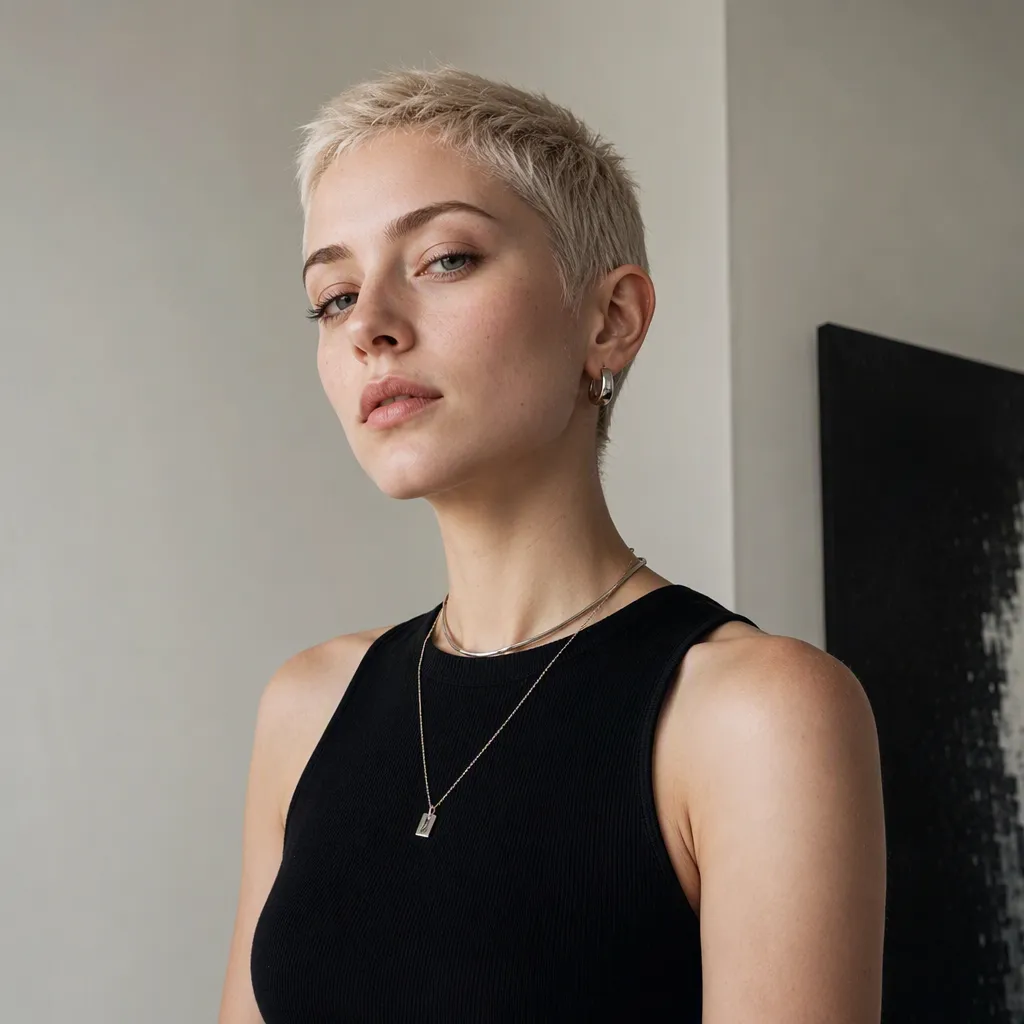
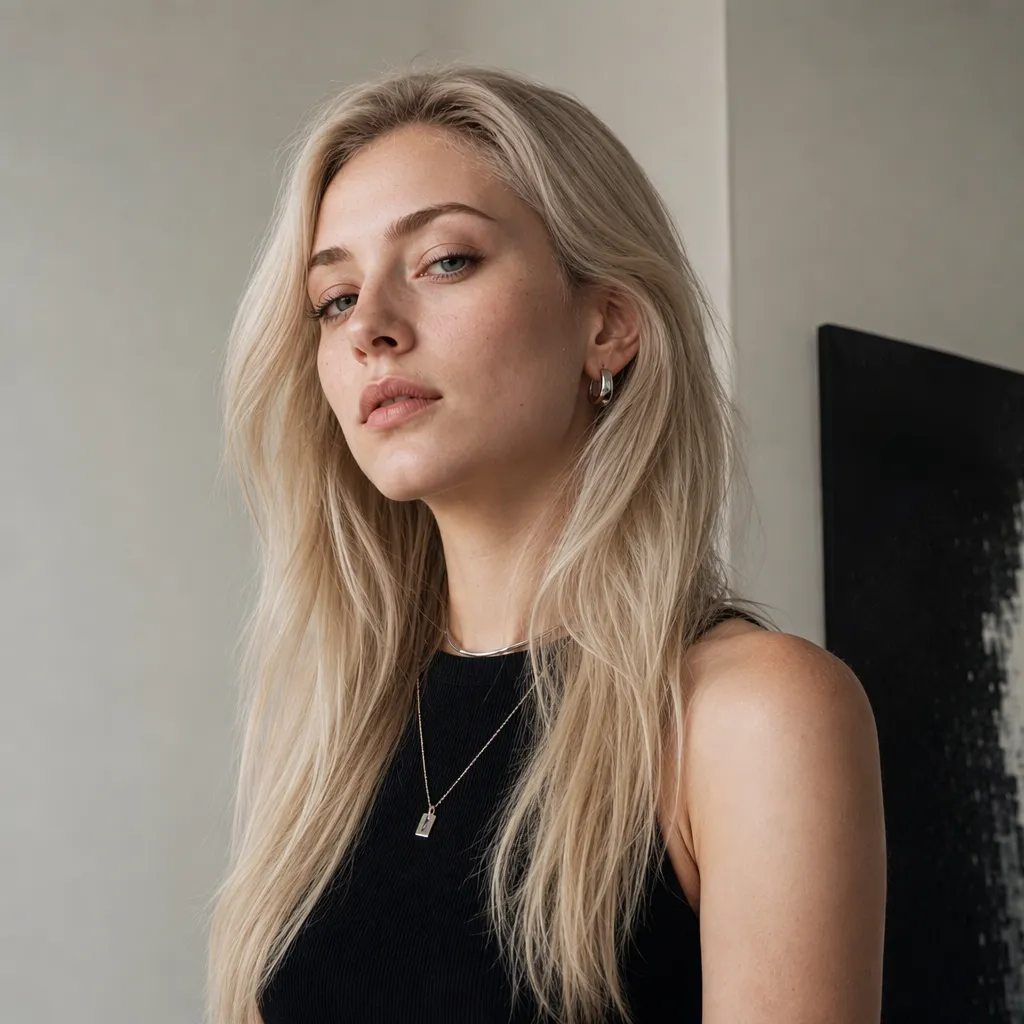
Preview Specific Hairstyles on a Portrait
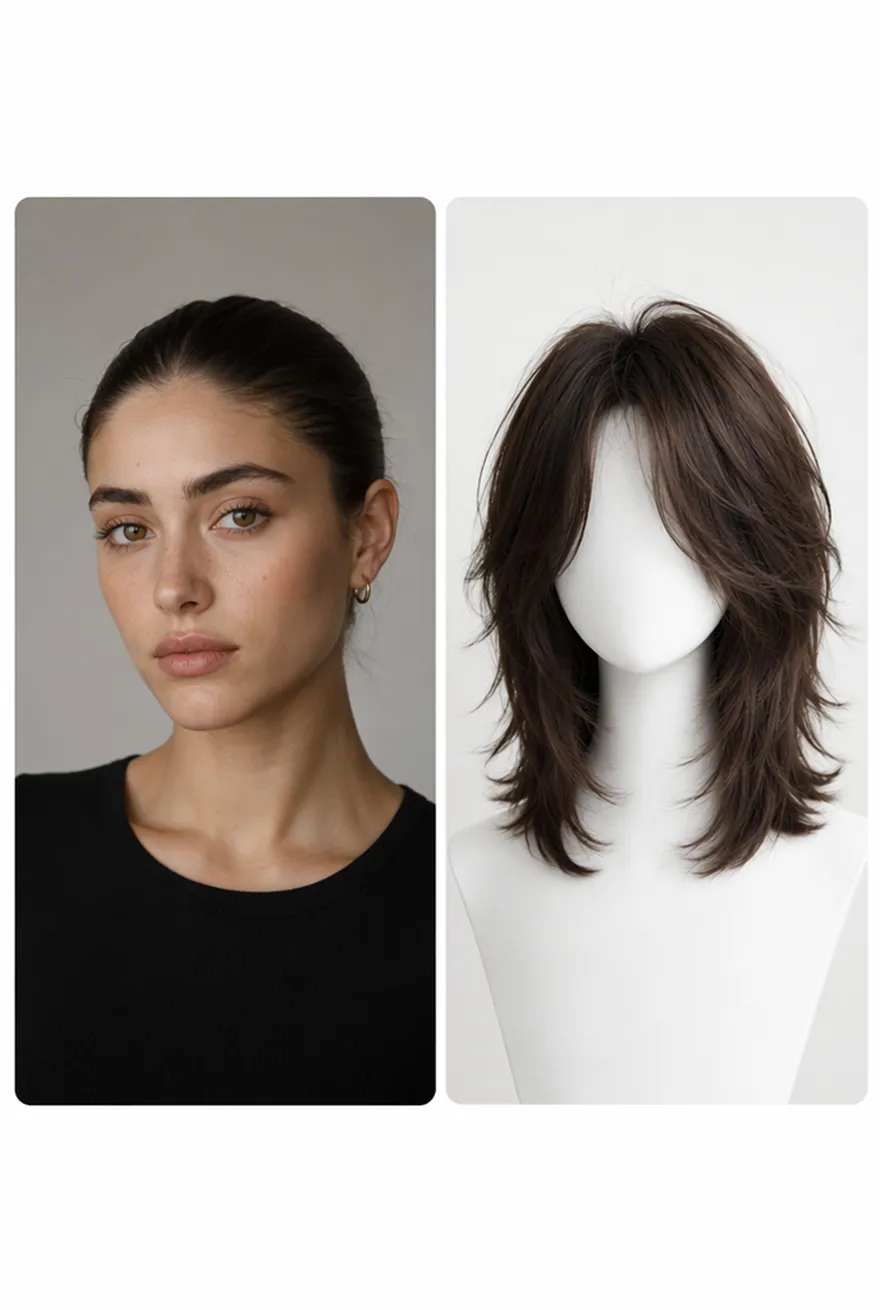
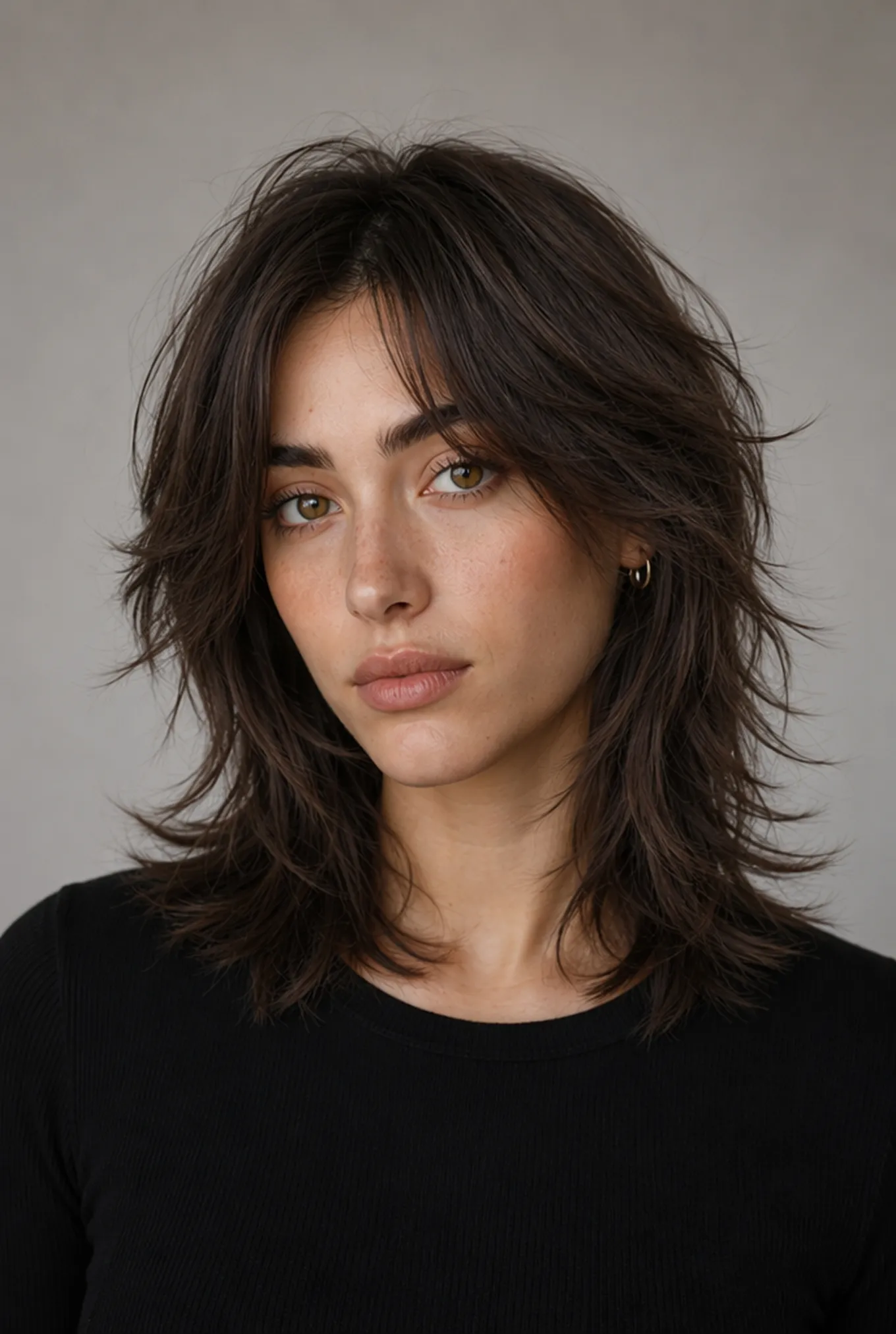
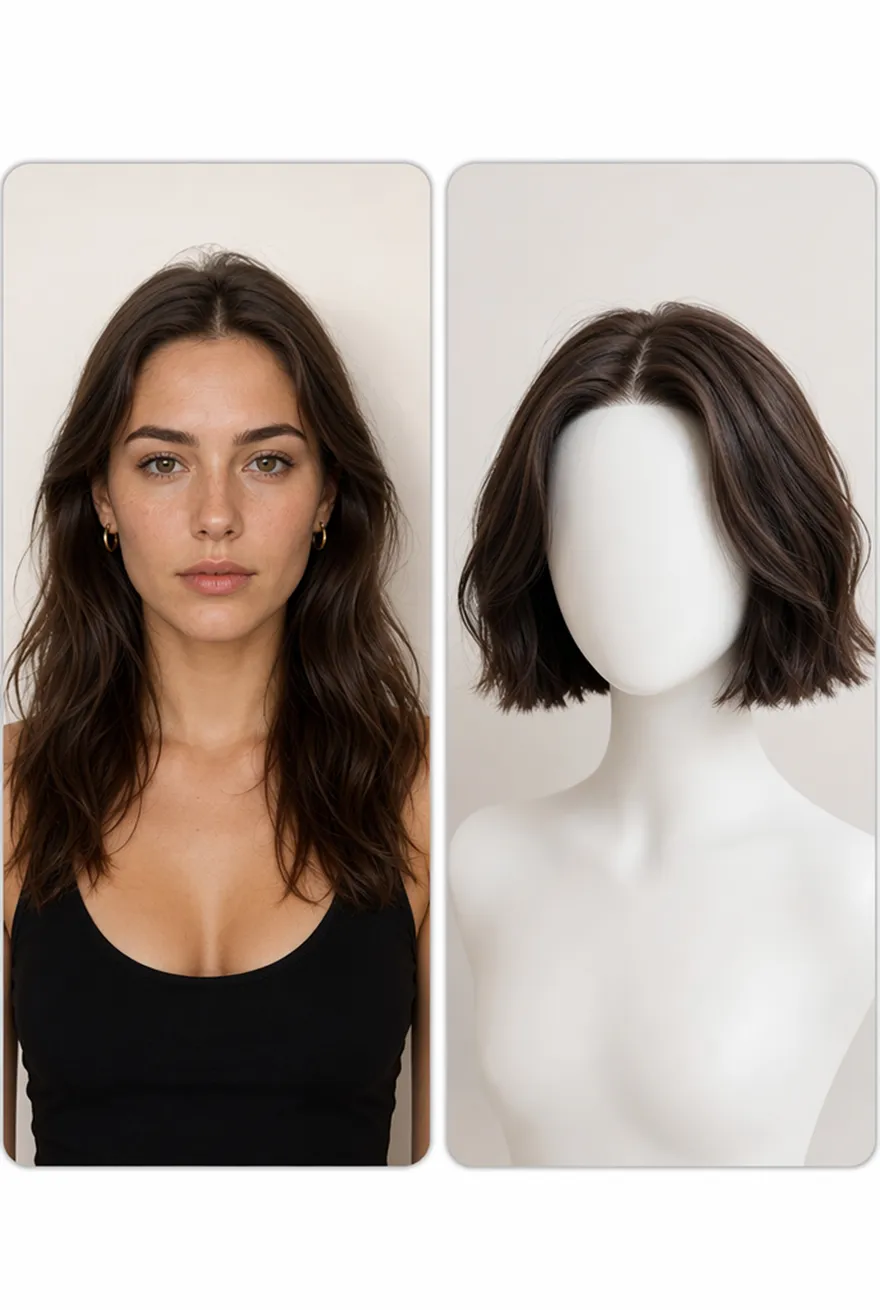
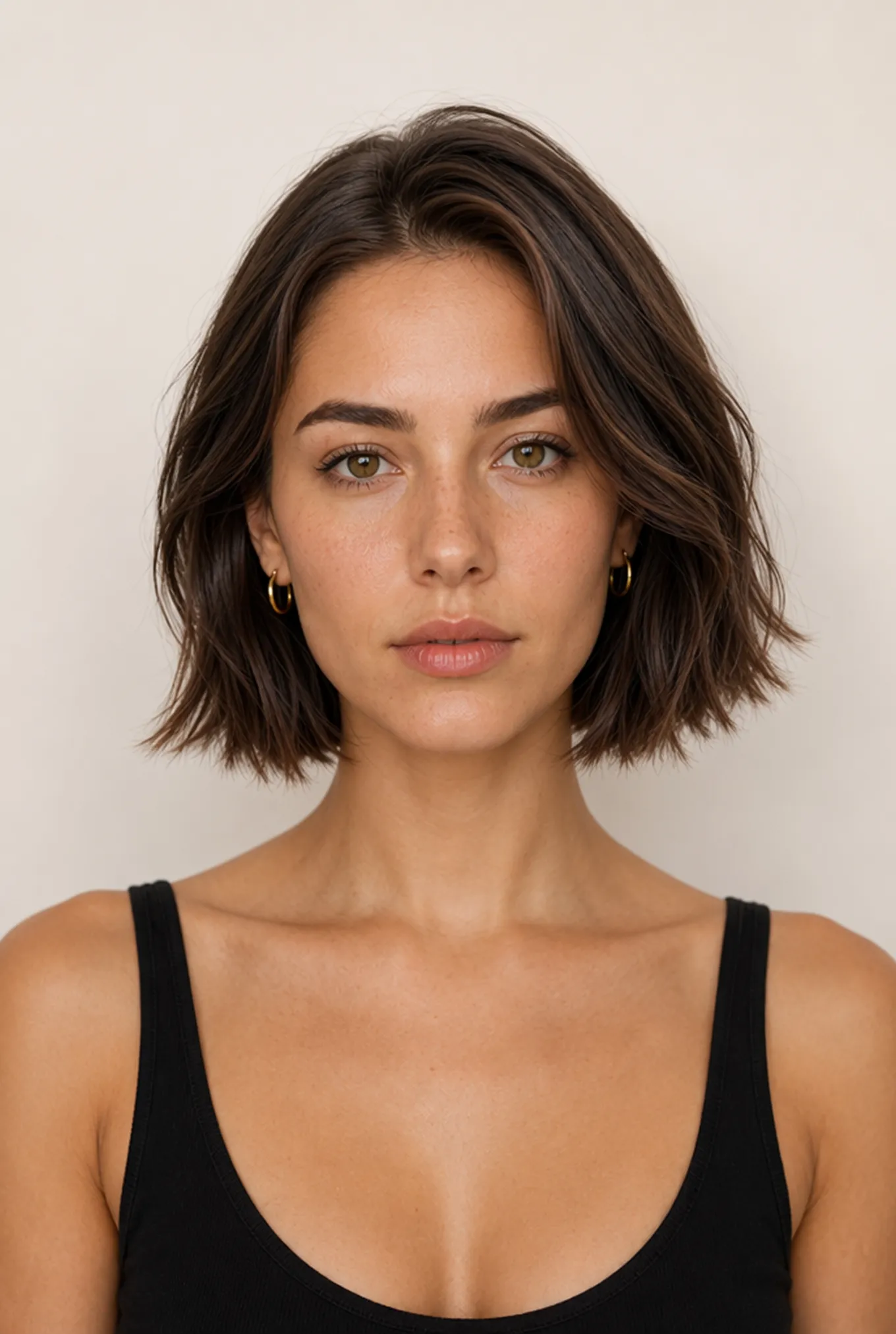
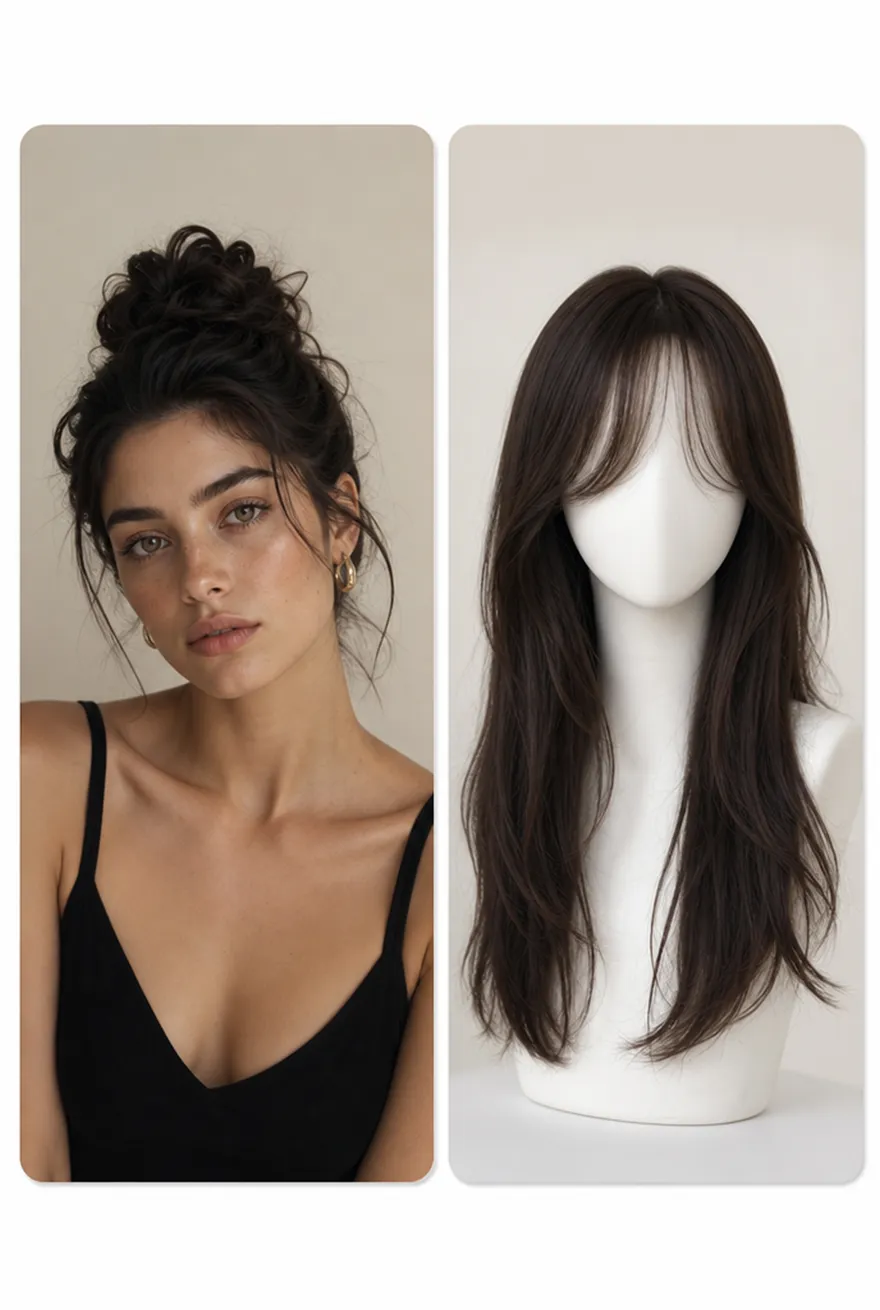
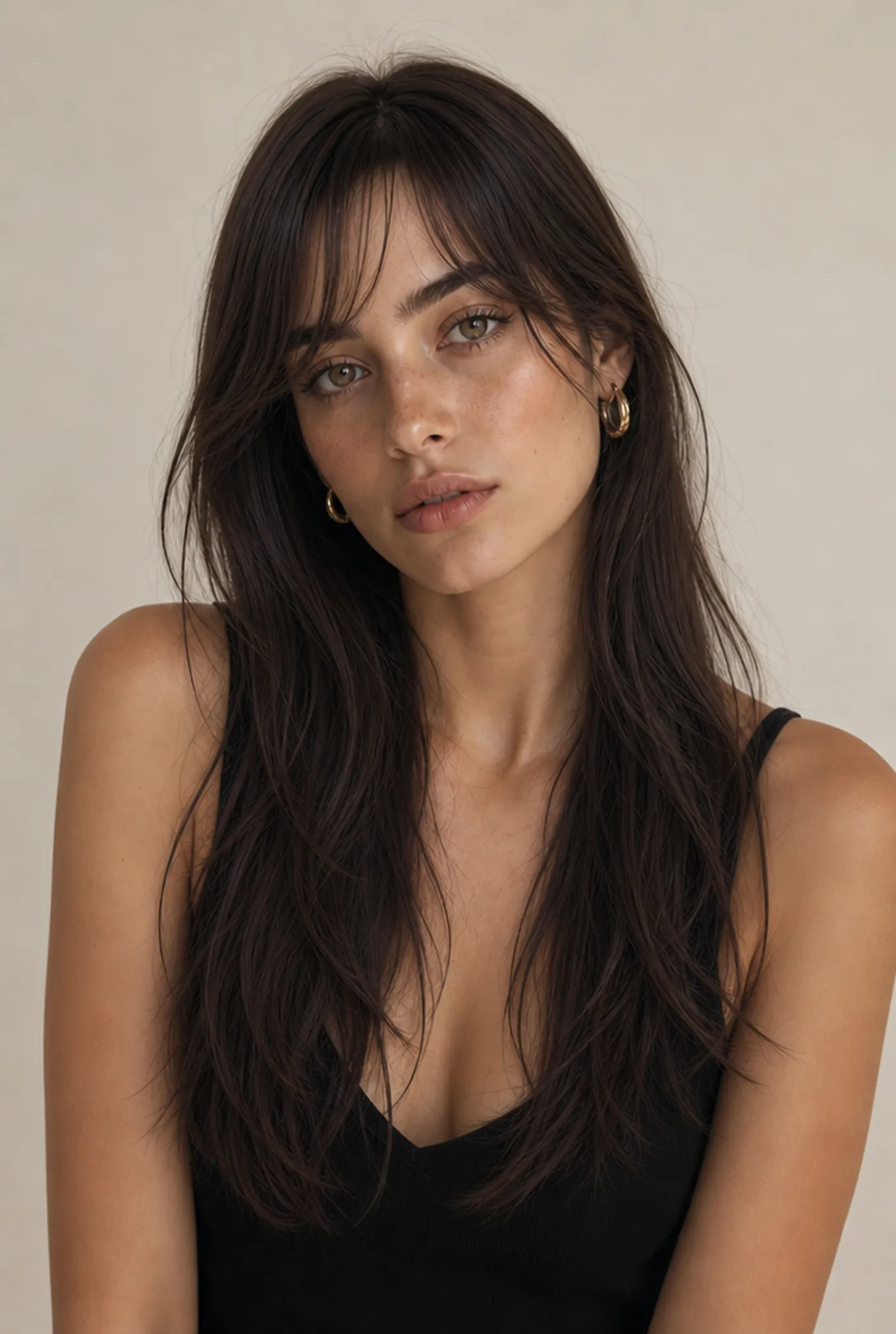
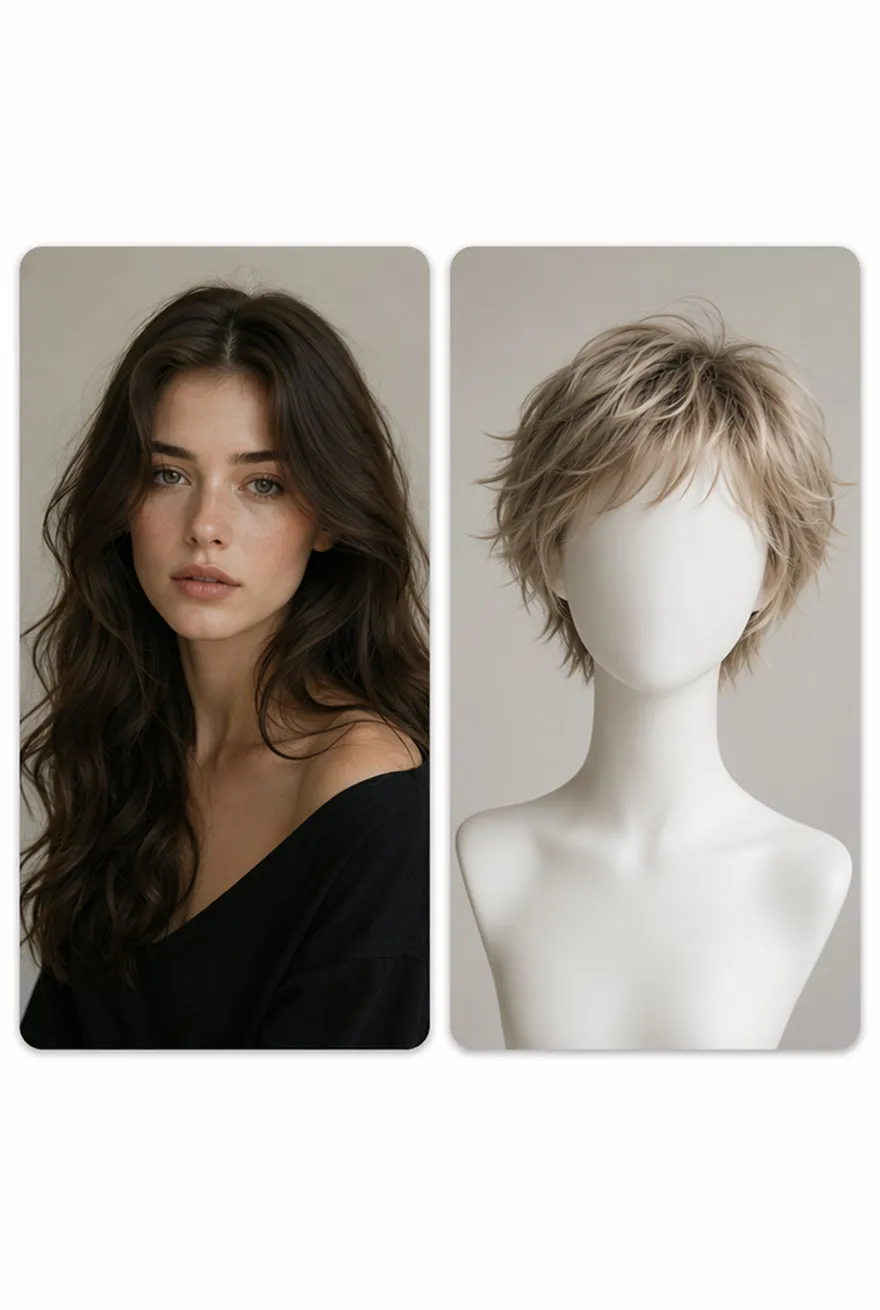
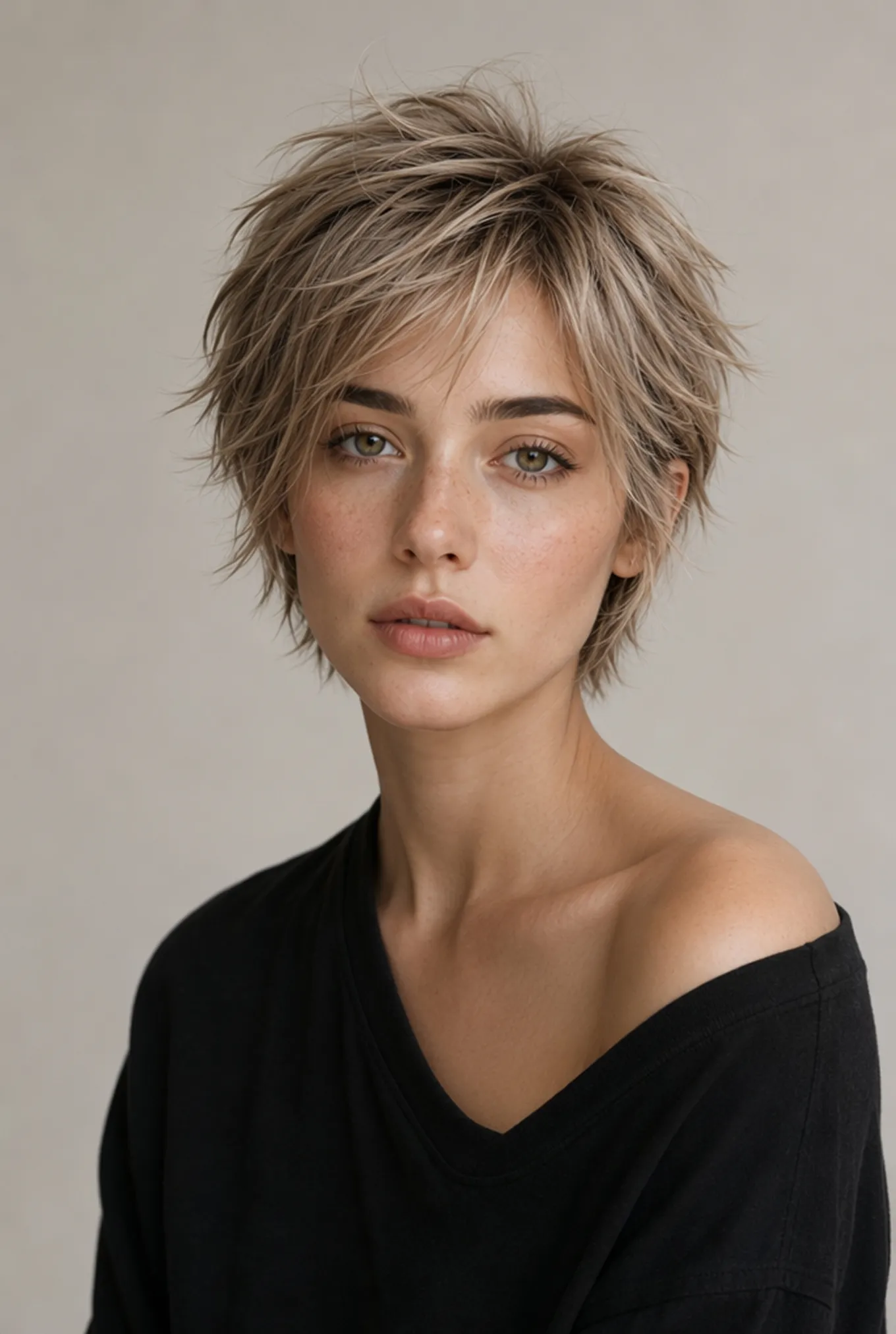
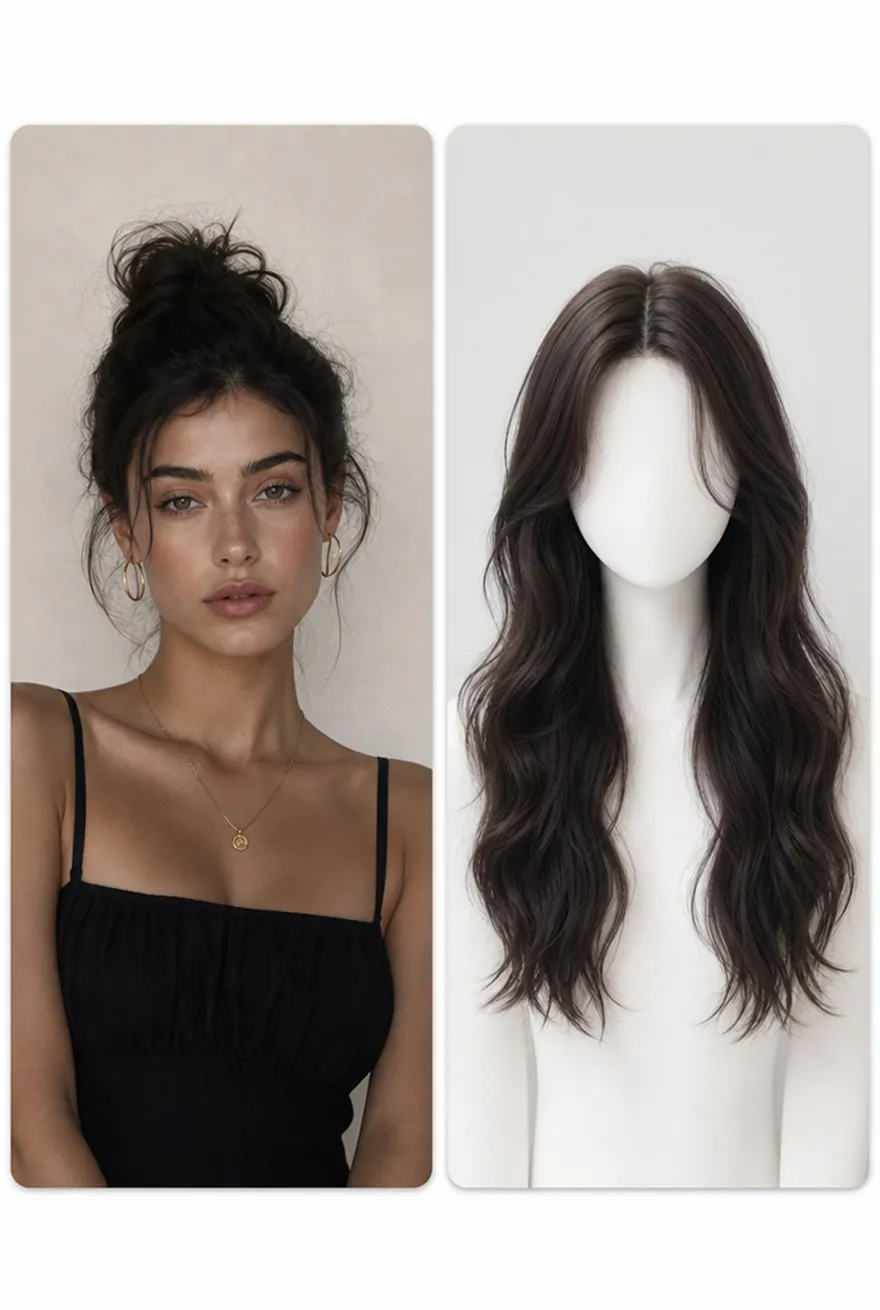
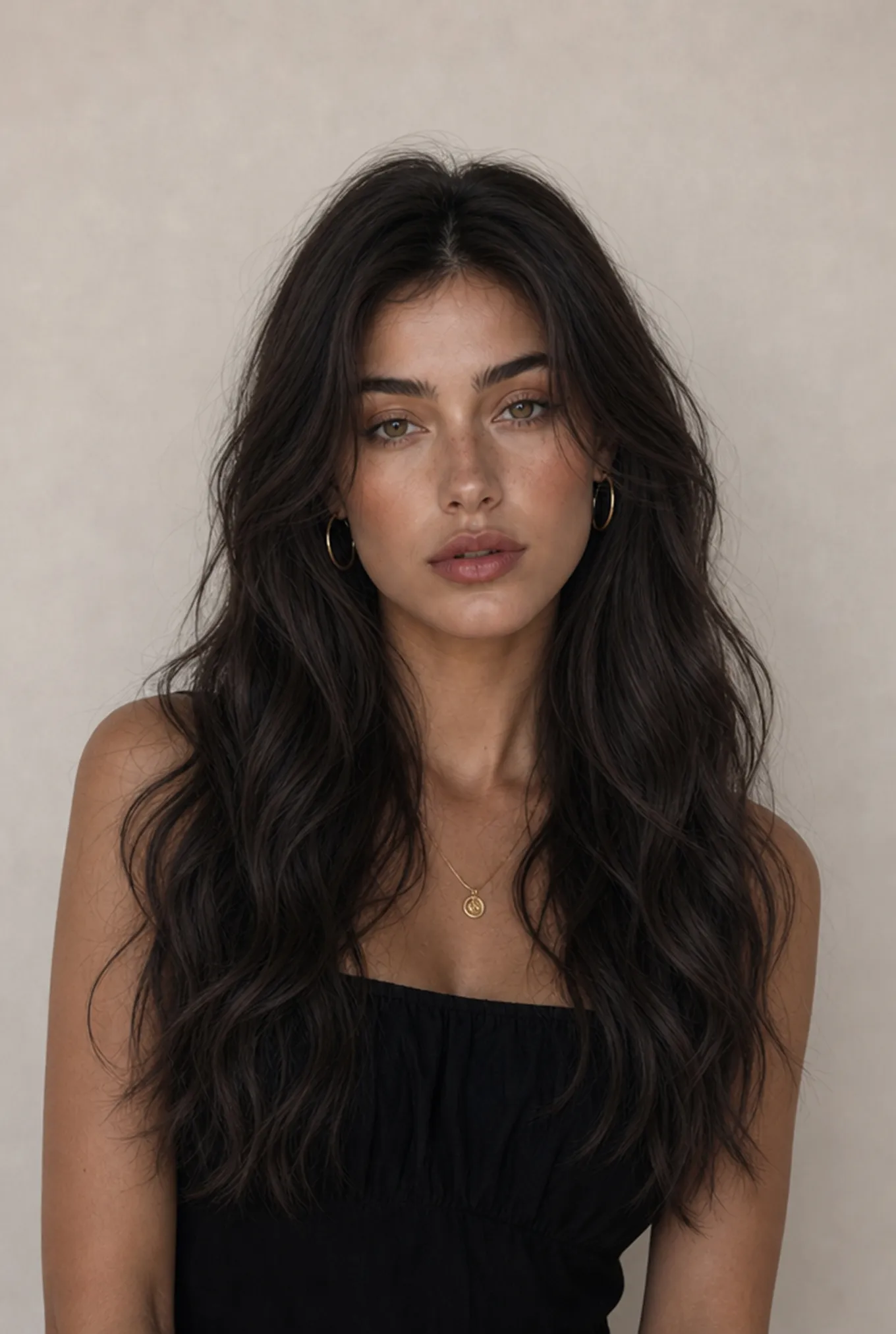
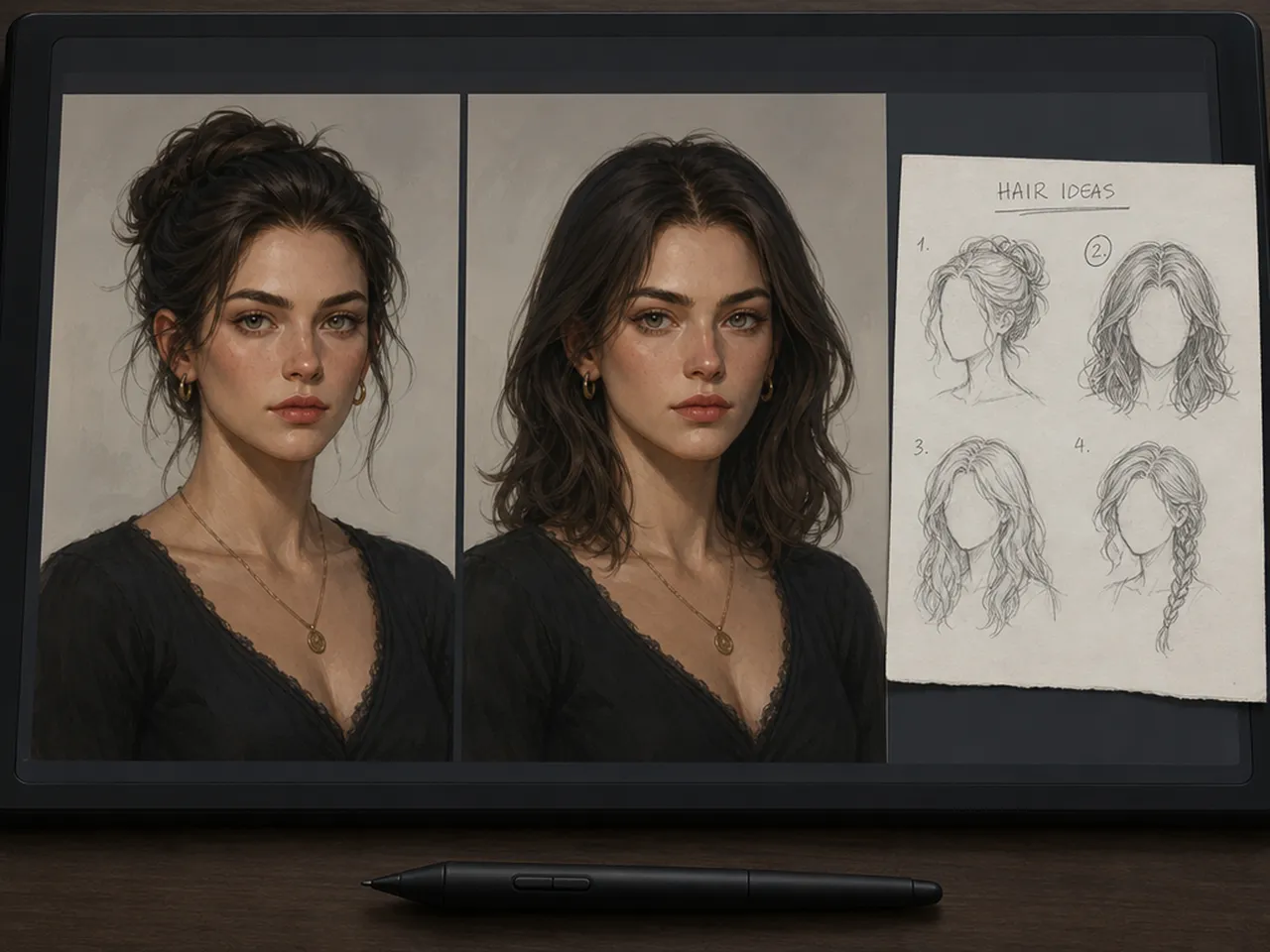
Get Ideas for Your Next Hairstyle
Use these hairstyle directions as prompt starters, then describe the version you want Designkit to generate on your photo.
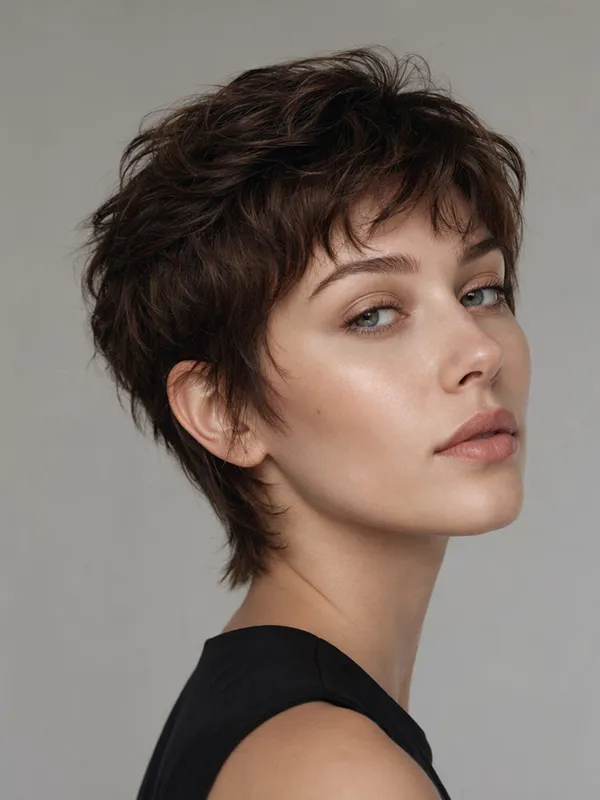
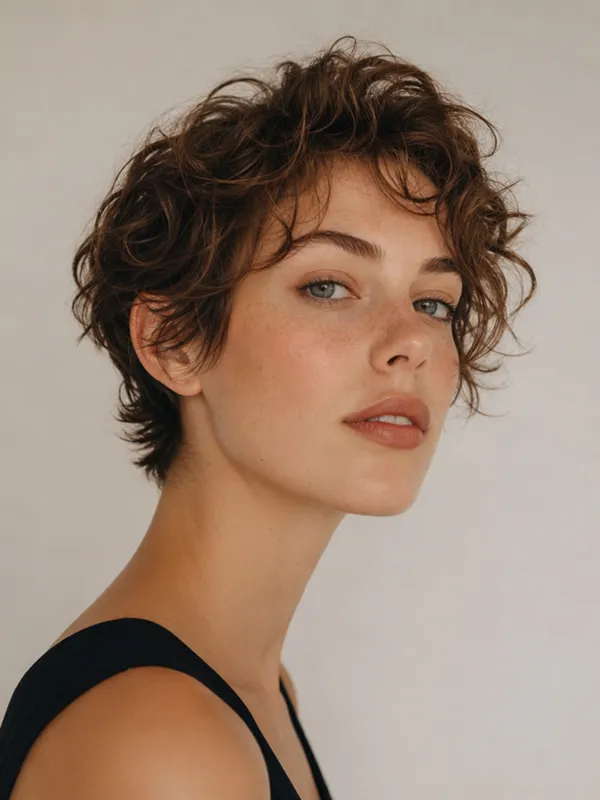
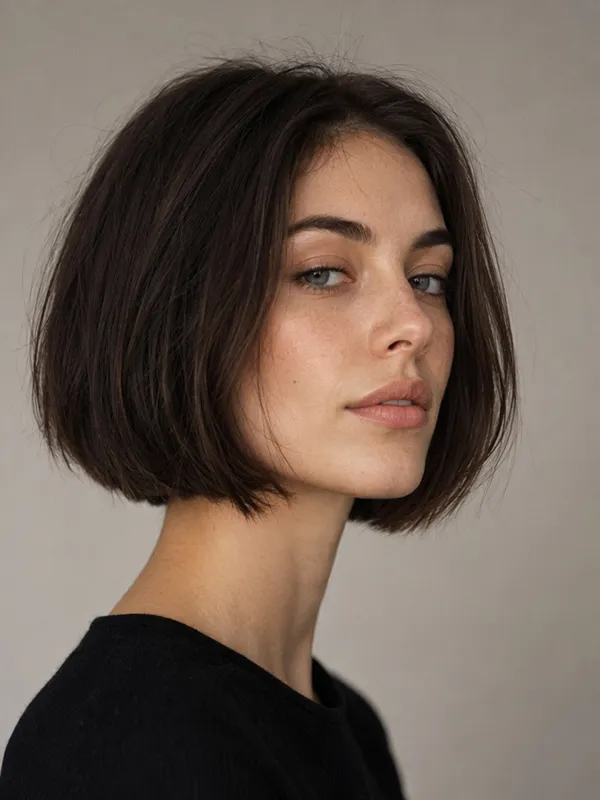
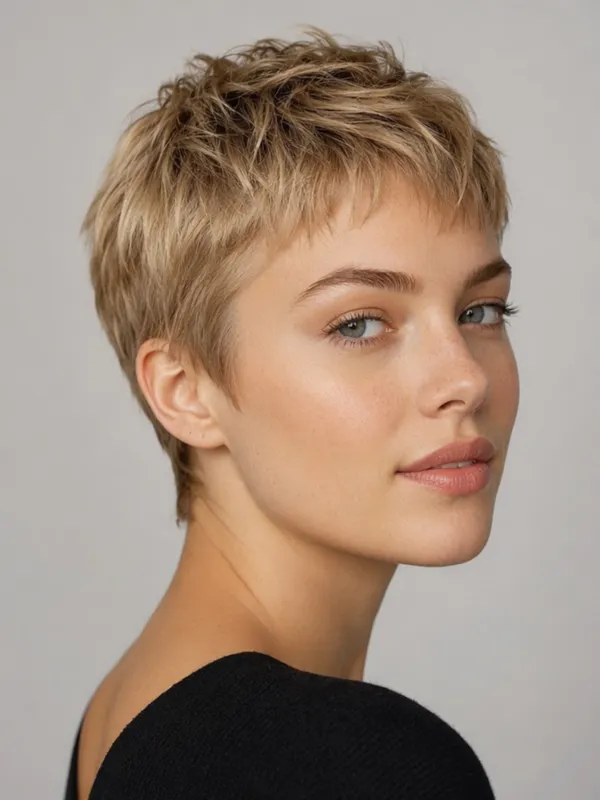
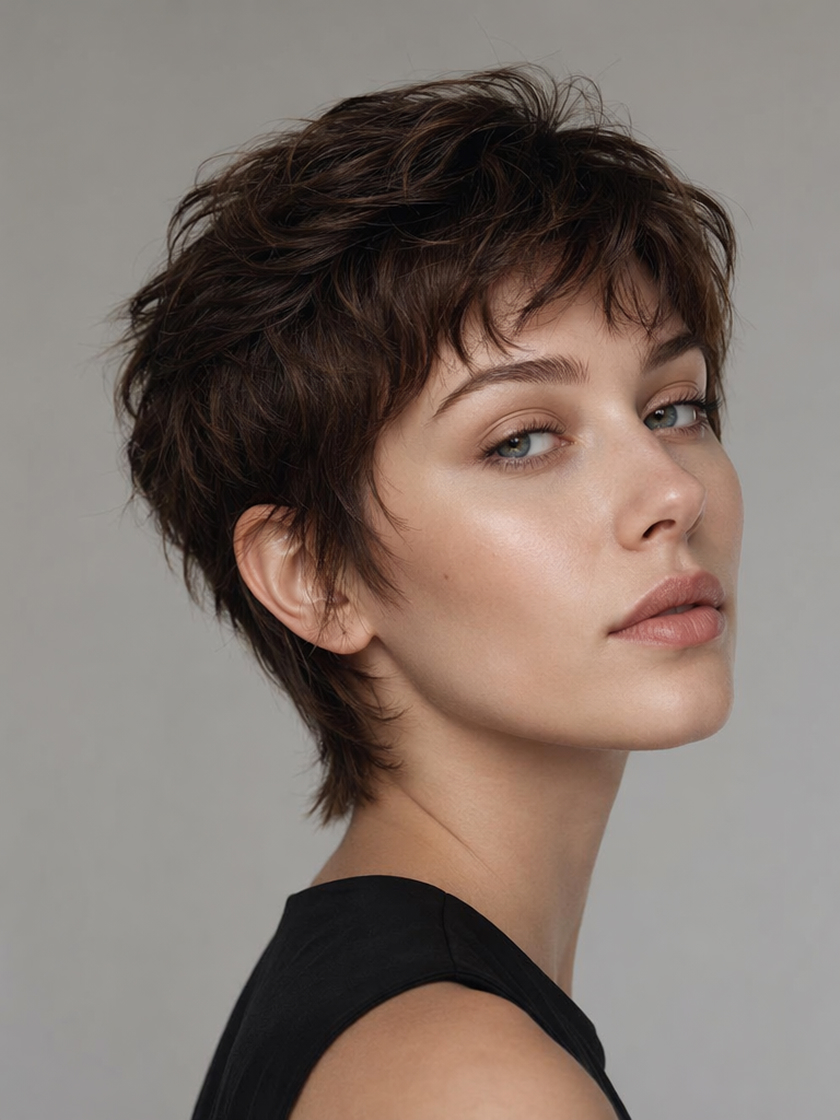 Short Cuts
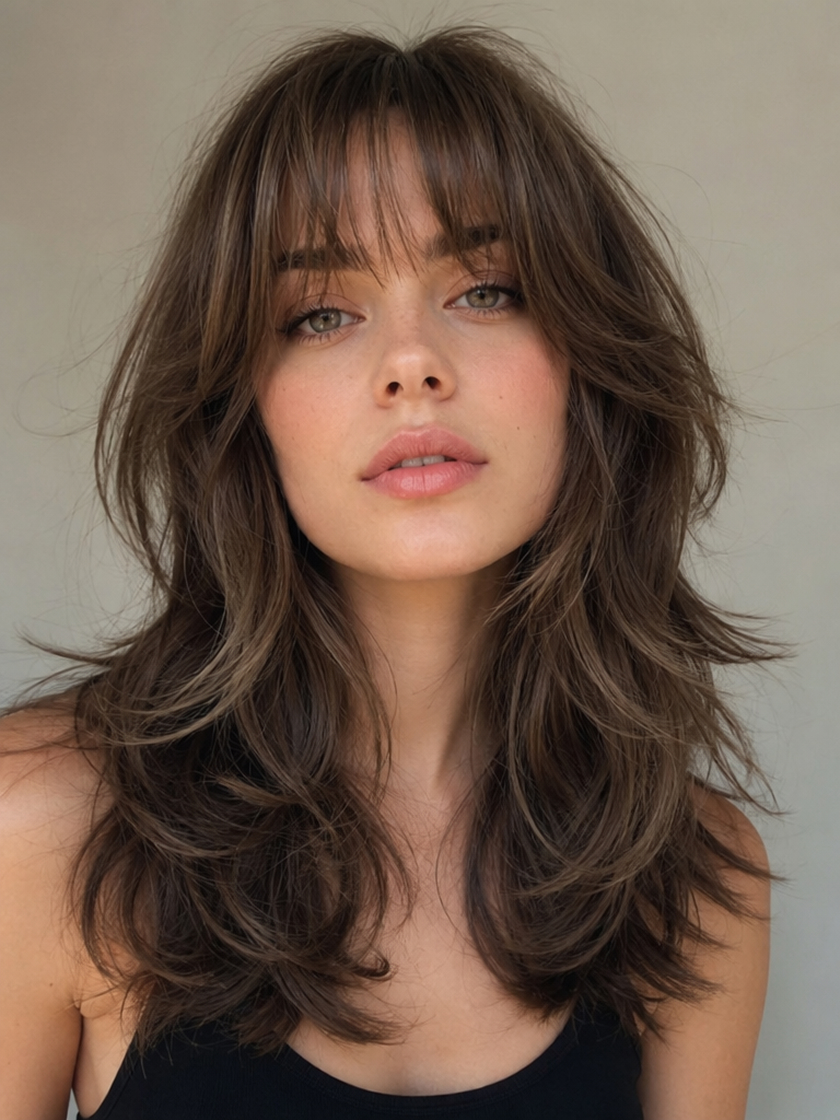 Bangs & Layers
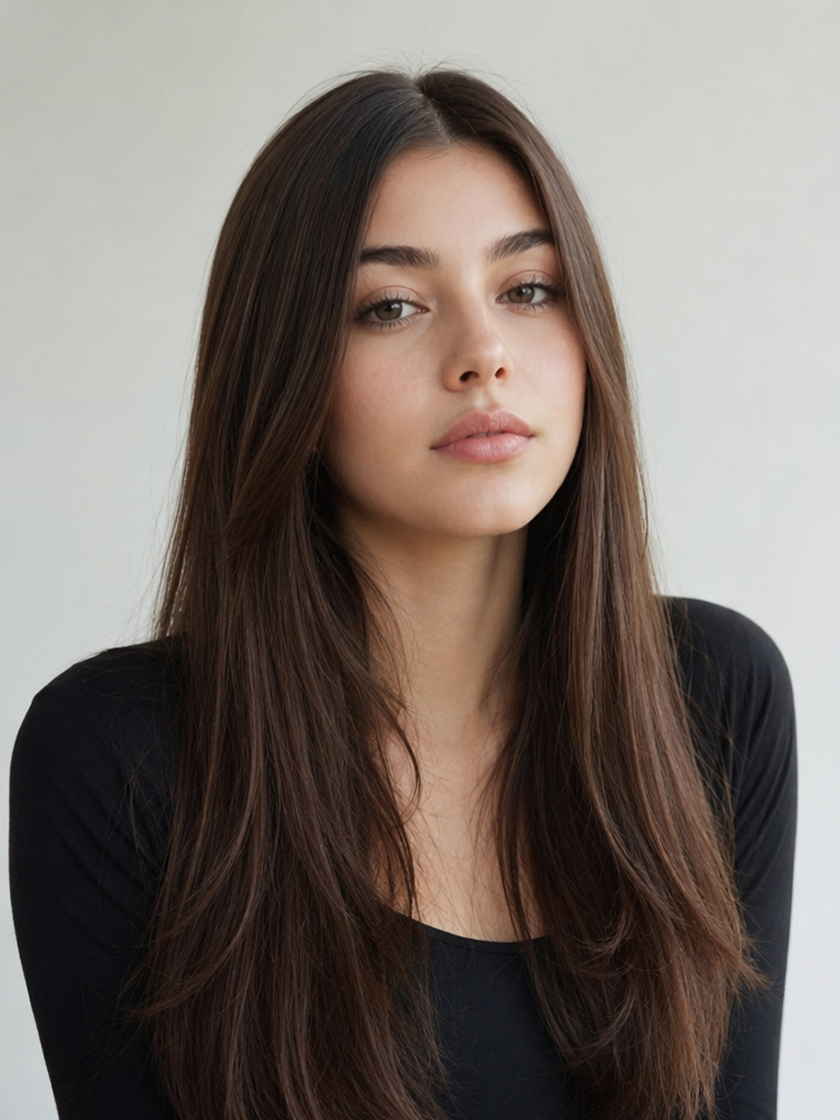 Medium & Long Styles
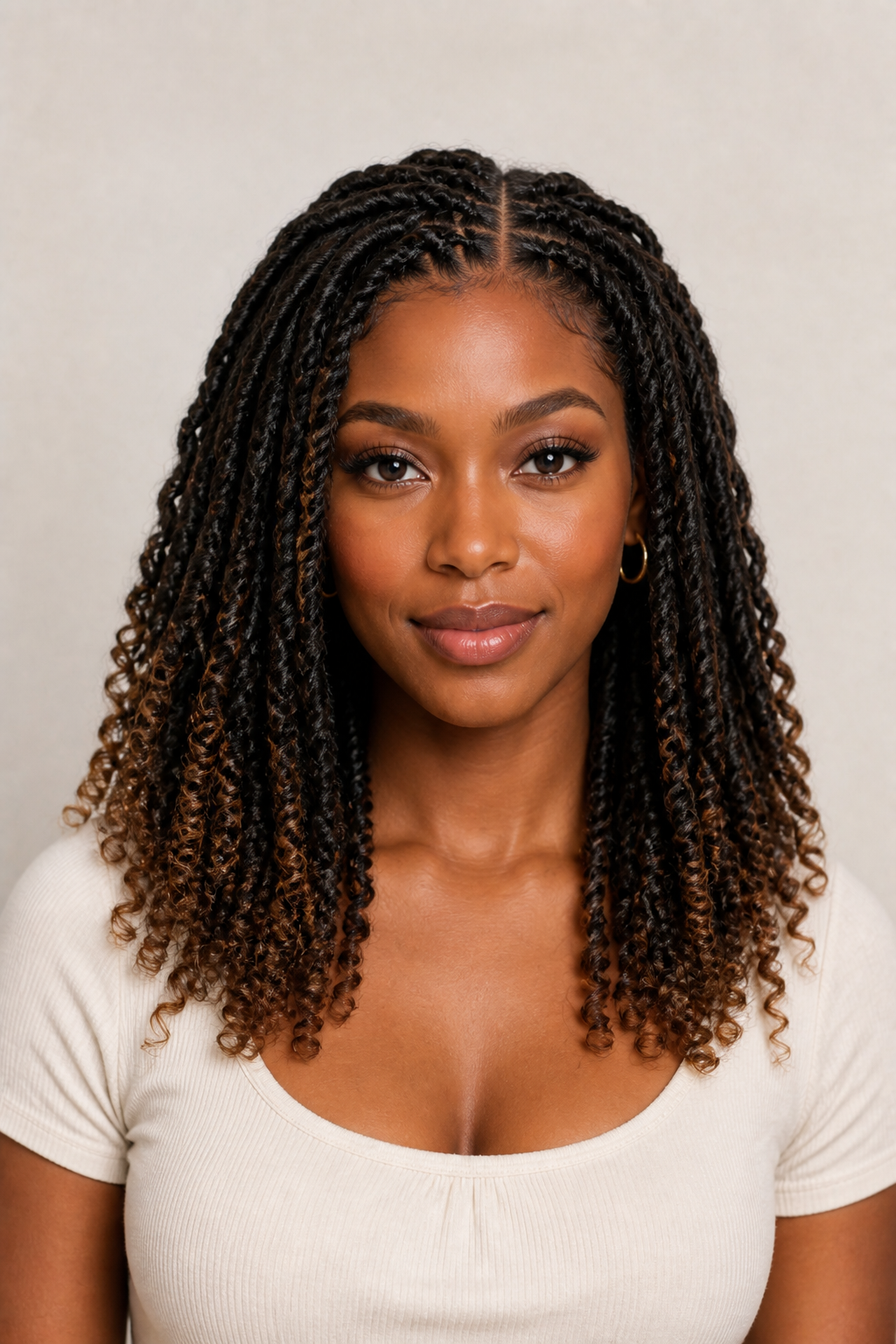 Braids & Twists
Create a Hairstyle Preview from Your Photo
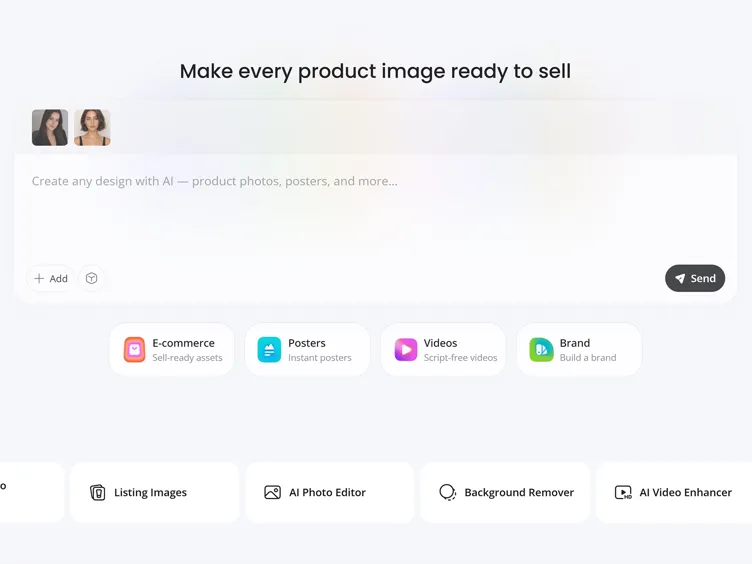
Upload Your Photo
Upload a portrait you want to use as the starting point for your new hairstyle.
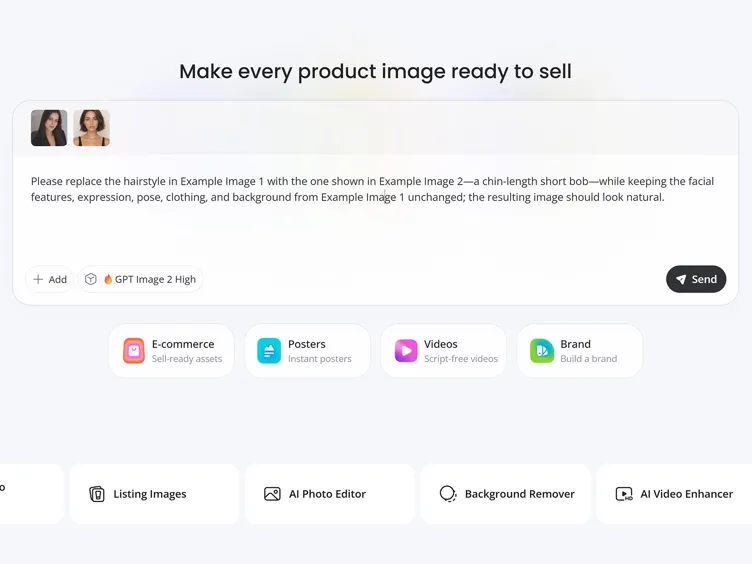
Describe the New Hairstyle
Write a prompt describing the haircut you want, including its general length and one defining detail, such as curtain bangs or soft waves.
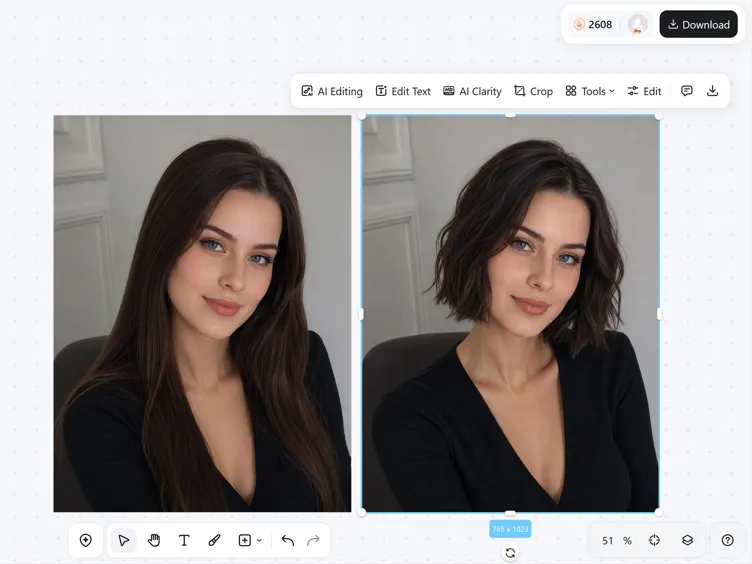
Generate Your Preview
Generate the result and review how the new hairstyle fits the face and portrait. Save the version that best reflects the look you had in mind.
Hairstyle Changes That Fit Your Photo
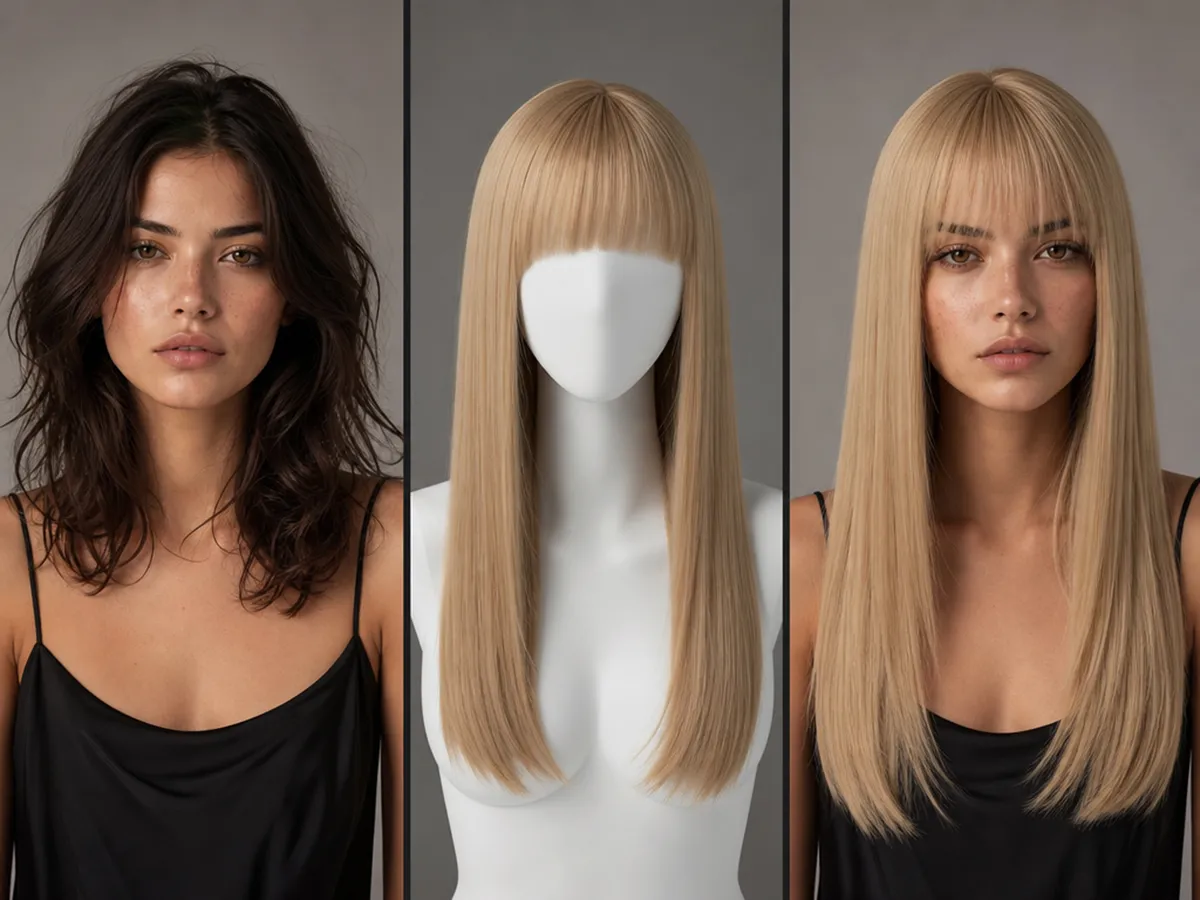
Generate the Cut You Describe
Describe the overall haircut you want, then add a defining detail to guide the finish. Designkit turns the request into a complete hairstyle on your photo, giving you more flexibility than choosing from a fixed set of preset filters.
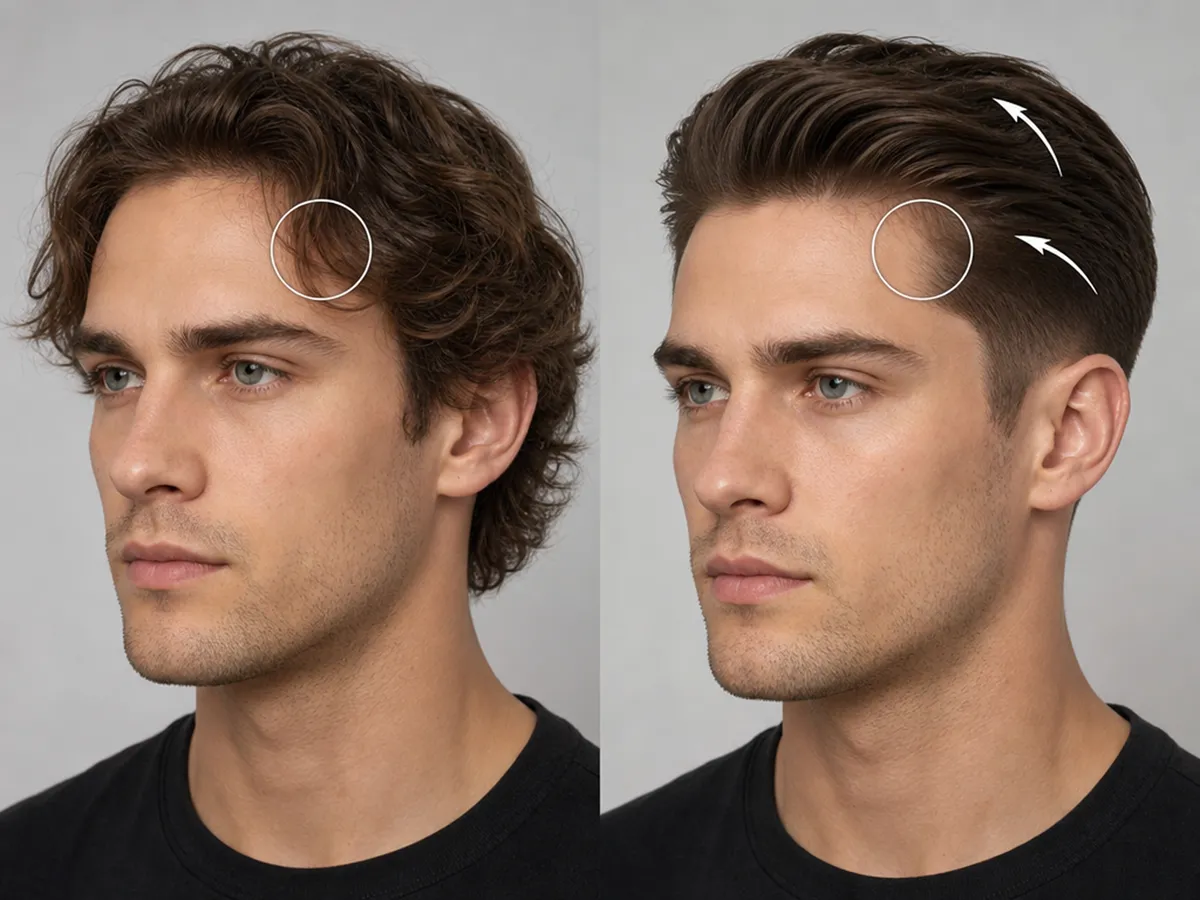
Blend New Hair Naturally into the Photo
Designkit regenerates the hairstyle around the existing face, hairline, and portrait angle. The result follows the structure of the source image, so the new hair feels integrated instead of sitting over the person like a flat wig overlay.
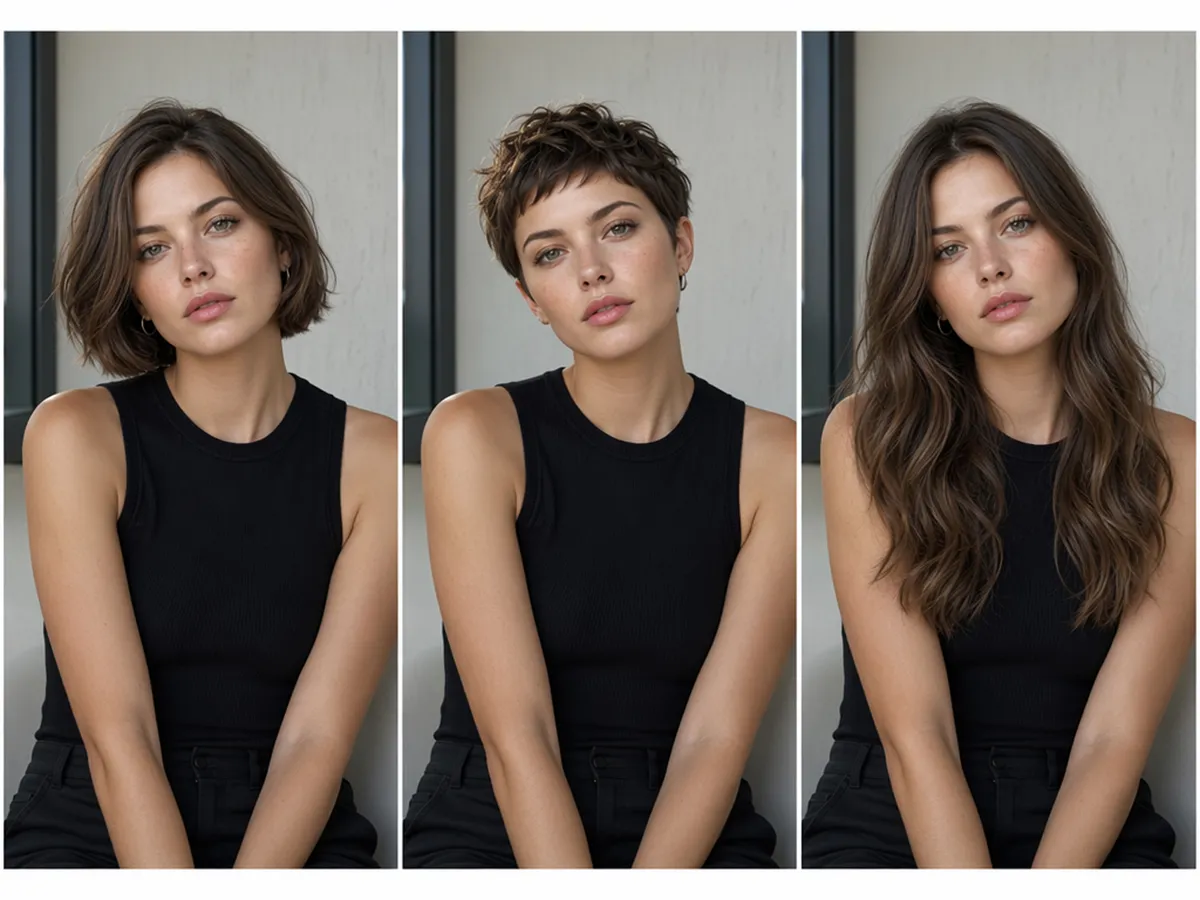
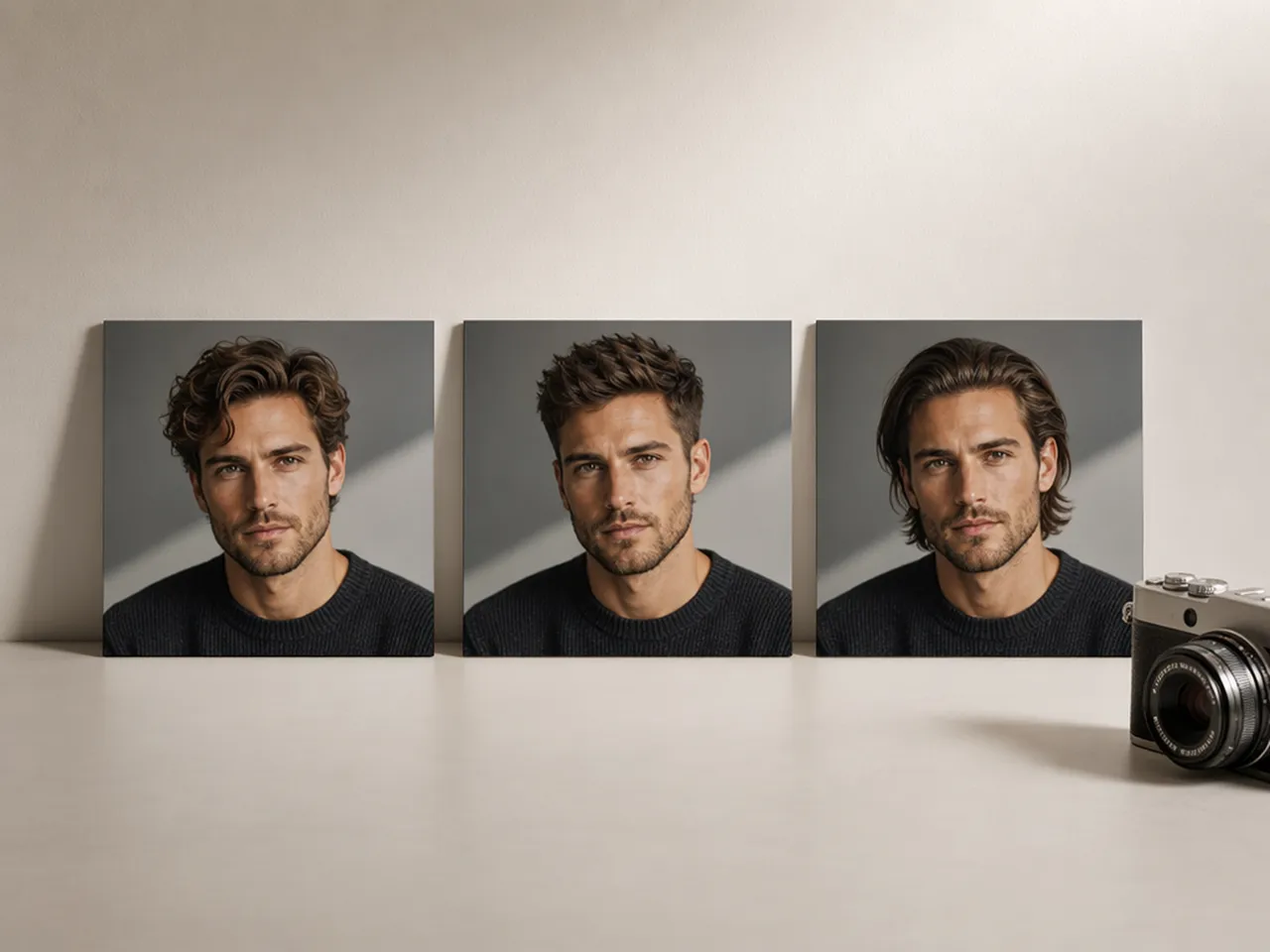
Compare Different Looks on One Portrait
Use the same source photo to test haircuts with clearly different silhouettes. Because the face, pose, and framing remain consistent, you can focus on how each style changes the overall look and decide which option deserves another try.
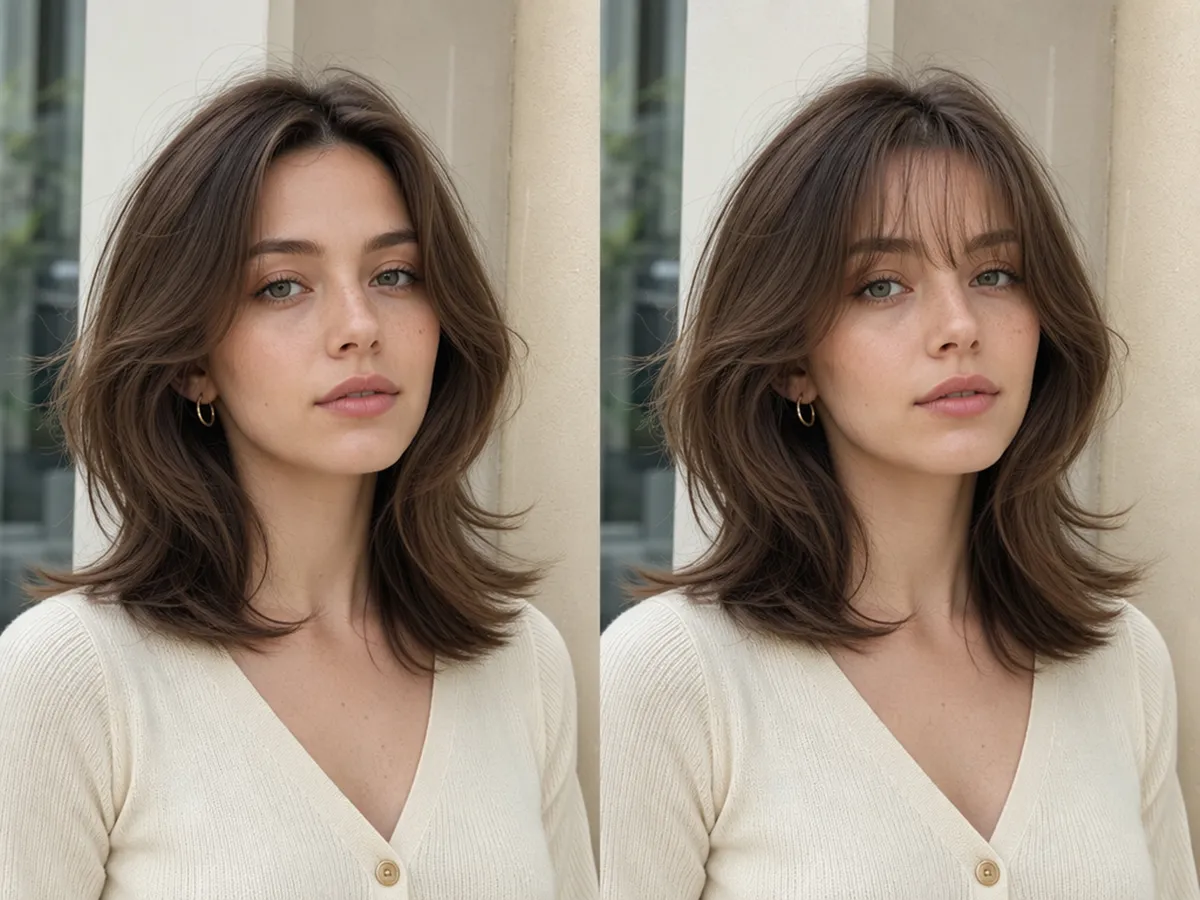
Adjust Details without Losing the Original Idea
Generate another version when the first result is close but not quite right. Update one main detail in the prompt, such as the fringe or volume, to refine the hairstyle while keeping the broader cut and character recognizable.
Hairstyle Previews for New Looks and Visual Projects
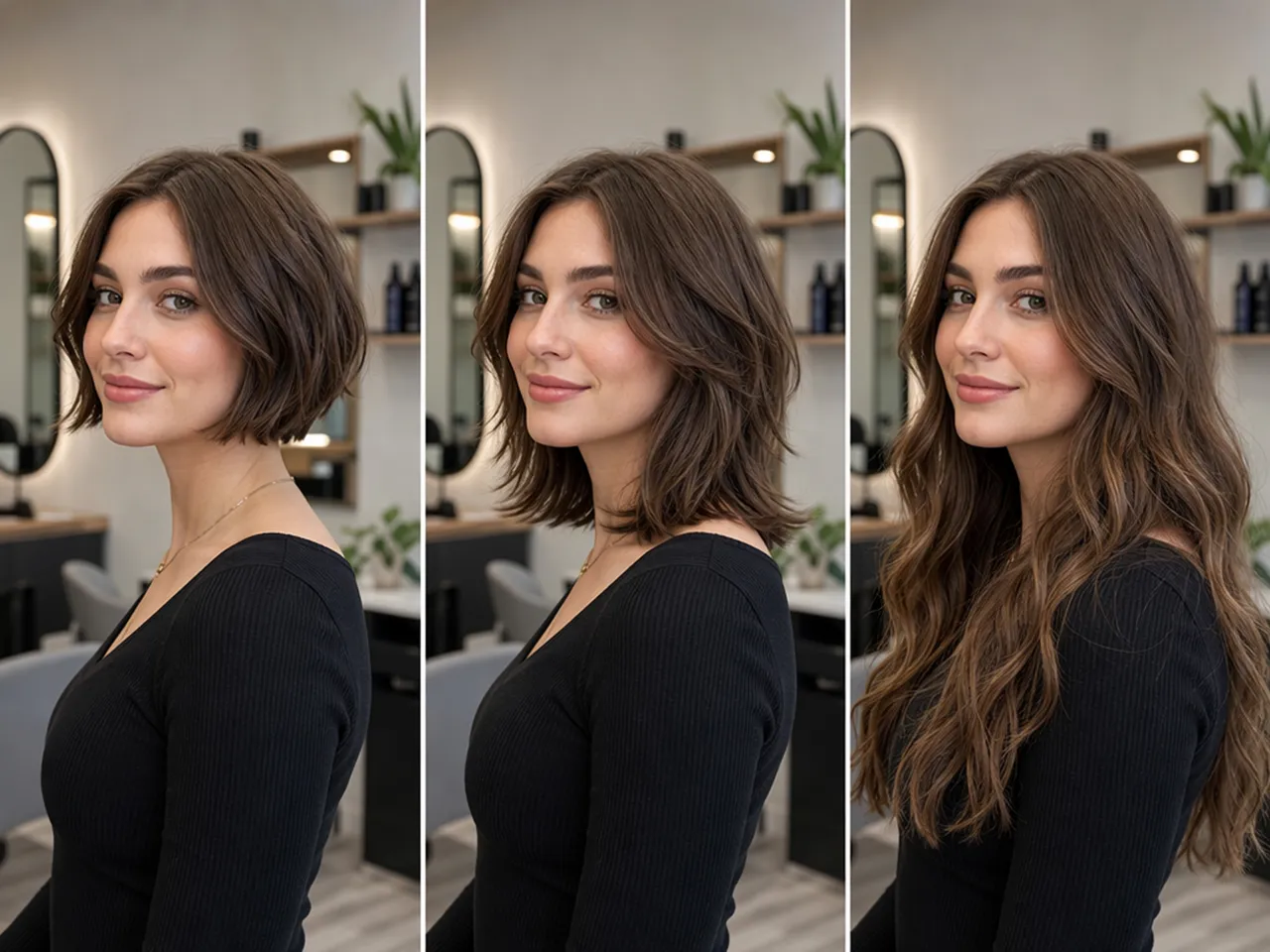
Preview a Haircut Before Your Appointment
Preview a haircut on your own photo before an appointment and use the result as a personalized reference. It can help you explain the overall shape you prefer while leaving room for your stylist to recommend practical adjustments.
Why Choose Designkit for Hairstyle Previews
Skip Manual Hair Masking
Traditional photo editing requires careful masking and edge blending. Designkit creates the hairstyle from a portrait and prompt, removing the need for layer-based retouching.
Create a Reference Beyond Live AR
Live camera filters provide only a temporary view. Designkit generates a standalone image that can be saved and used during later salon or project discussions.

Support More Than Personal Try-Ons
Basic hairstyle simulators mainly serve casual experimentation. Designkit produces portrait-based concepts suited to client consultations, content planning, and character development.
Try On Types You Can Create with Designkit
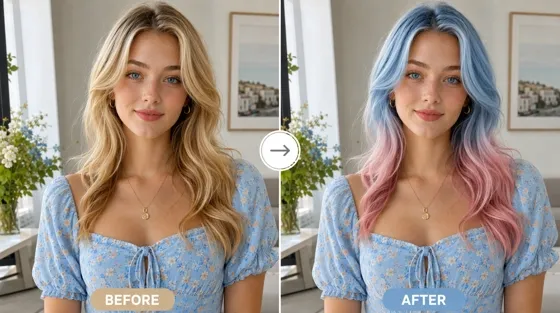
AI Hair Color Changer
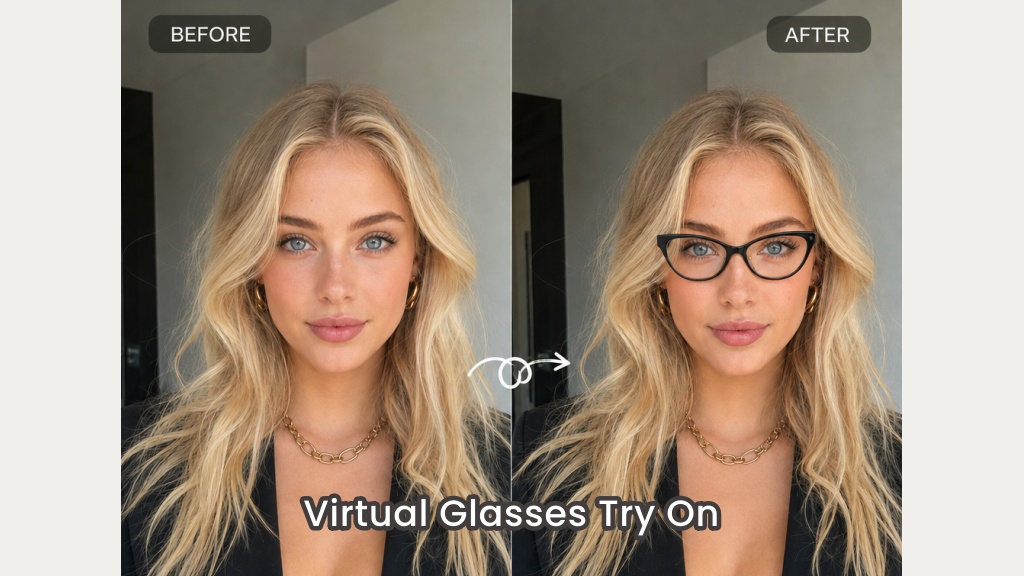
Virtual Glasses Try-On
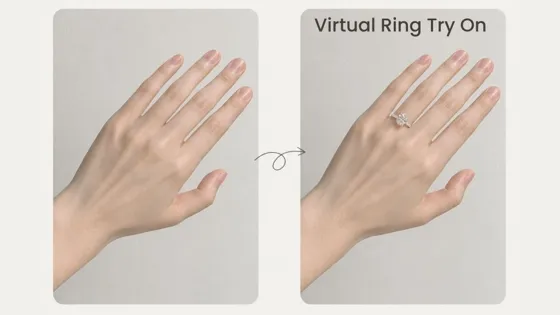
AI Virtual Ring Try-On
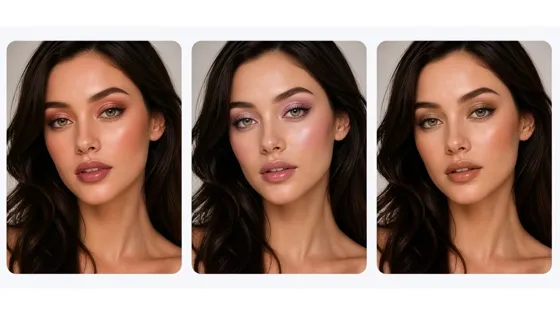
AI Virtual Makeup
Tips About Virtual Hairstyle Try-On
Frequently Asked Questions
How does the AI hairstyle changer work?
What photo should I use for a hairstyle try-on?
Use a well-lit portrait where the face and hairline are clearly visible. A front-facing or lightly angled picture gives the hairstyle generator enough detail to form the new hair around the person.
Which hairstyles can I try on?
You can describe short, medium, or long hairstyles with different shapes and textures. Add one recognizable detail, such as curtain bangs, when you want the result to follow a more specific idea.
Will the generated hairstyle look natural?
Yes, a clear photo and focused description can produce a natural-looking hairstyle preview. Designkit regenerates the hair within the image instead of adding a live AR overlay, but the result remains a visual reference and cannot guarantee the exact outcome of a real haircut.
Can I try on hairstyles online for free?
You can open Designkit online and check the usage options available to your account. Credit limits or access conditions may vary by plan.
Can I use this tool to change hair color?
This page focuses on the shape, length, and texture of a hairstyle. To test dye shades or color placement on a photo, use Designkit’s dedicated Hair Color Changer.
Upload a Photo and Preview a New Cut
Describe the hairstyle you want and generate a visual reference you can compare or take to your stylist.



What People Say About Hairstyle Previews
See how people use Designkit to consider a new cut, communicate an idea, and develop creative portraits.
Helped Me Consider a Shorter Cut
I had been thinking about cutting my hair much shorter, but saved reference photos never showed how the shape might look on me. Creating a preview made the change easier to understand and helped me decide which version was worth discussing.
Did Not Become an Editing Project
I expected that testing a hairstyle would involve masking the original hair or fixing awkward edges myself. With Designkit, I could work from my photo and a short description, so exploring a few ideas felt approachable rather than technical.
Gave Me a More Personal Salon Reference
I usually struggle to explain what I mean when describing a haircut. Bringing a preview based on my own photo gave my stylist a clearer starting point, and we could focus on how the idea needed to be adjusted for my actual hair.
Kept Client Conversations Grounded
A generated preview gives clients something concrete to respond to, which makes the consultation more focused. I can still explain what is practical for their hair while using the image to clarify the shape and overall direction they prefer.