
Turn Any Photo into a Custom Emoji with AI
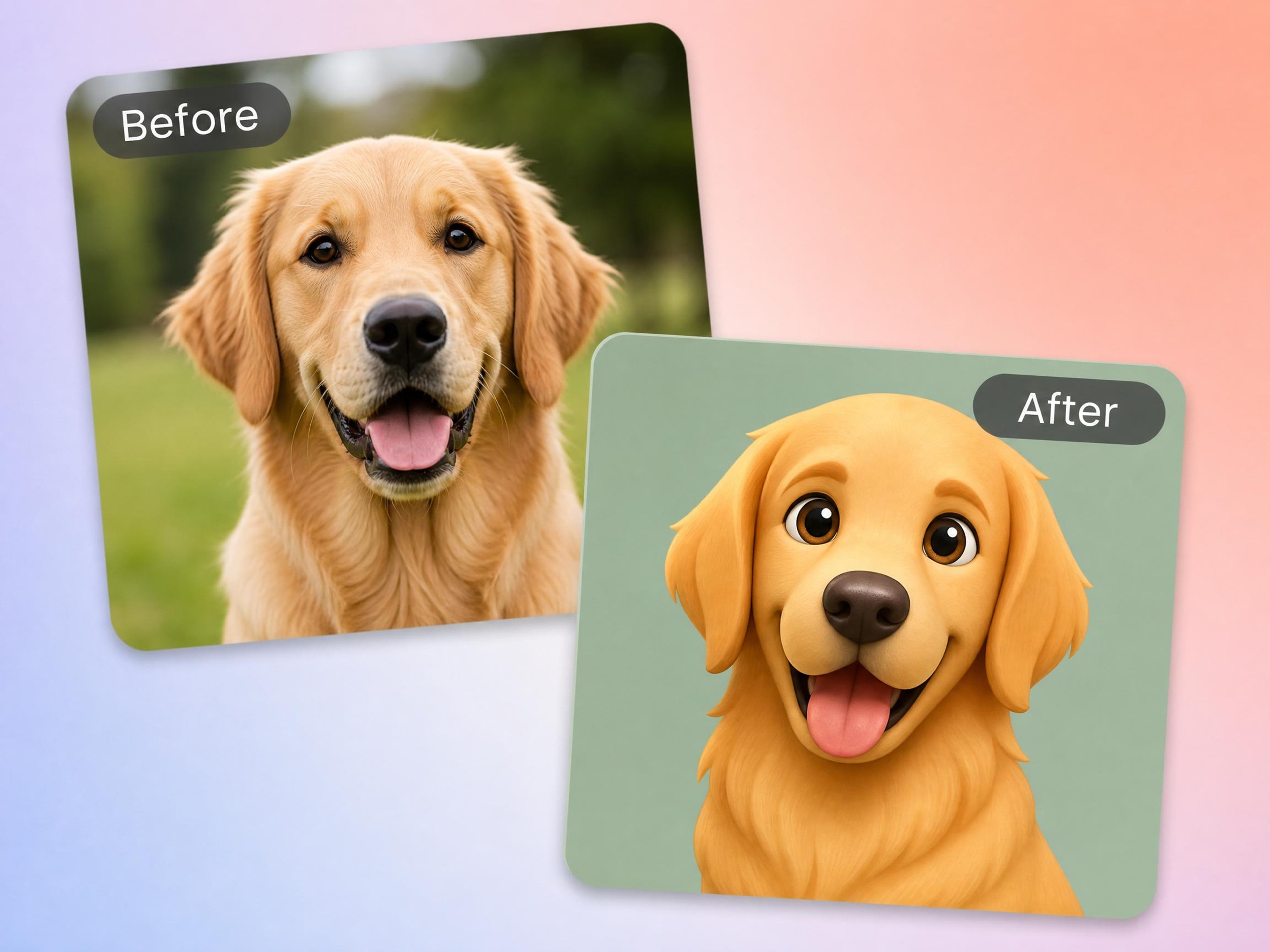
Convert selfies, portraits, pets, and favorite moments into unique emoji-style artwork. Customize expressions, colors, styles, and backgrounds to create emojis for chats, social media, branding, and stickers.
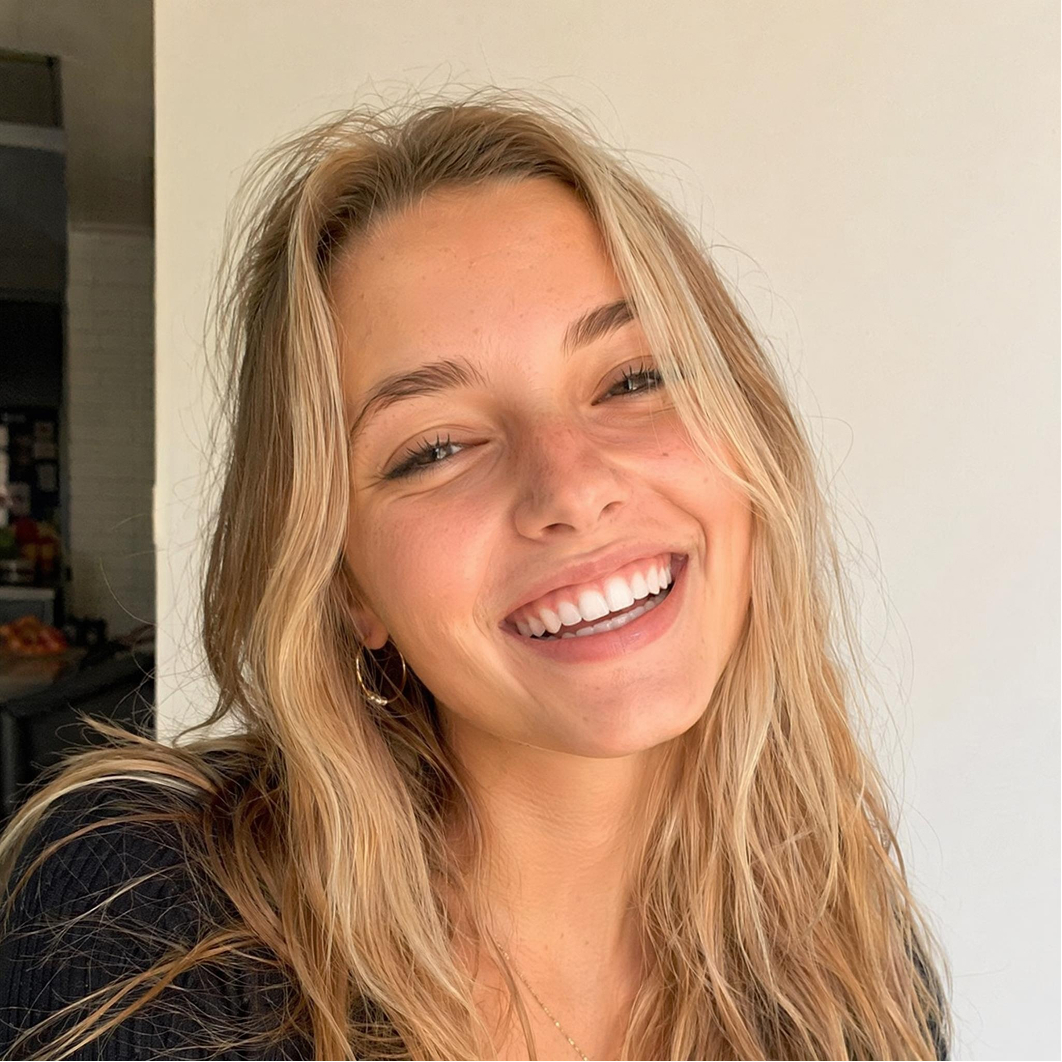
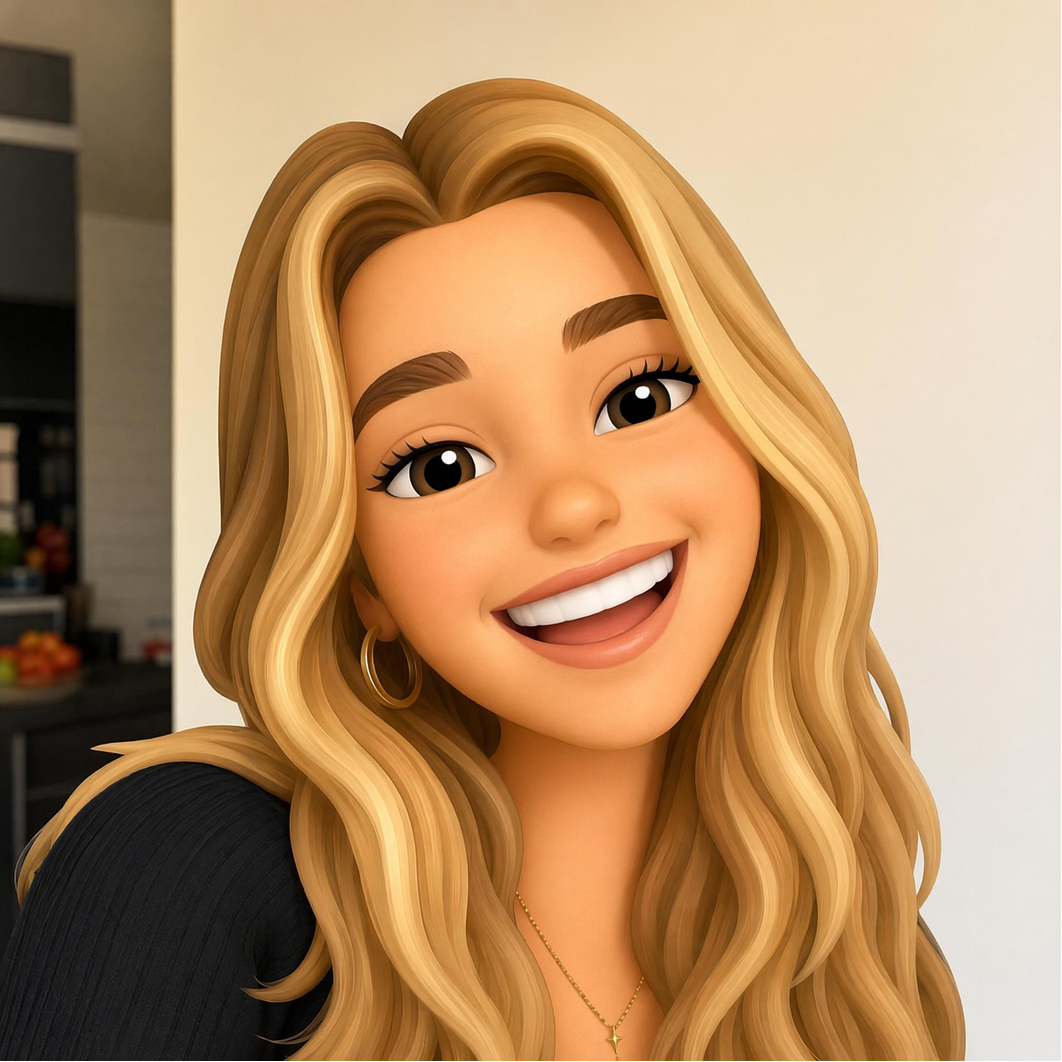
Explore Ready-Made Prompts and Reference Media

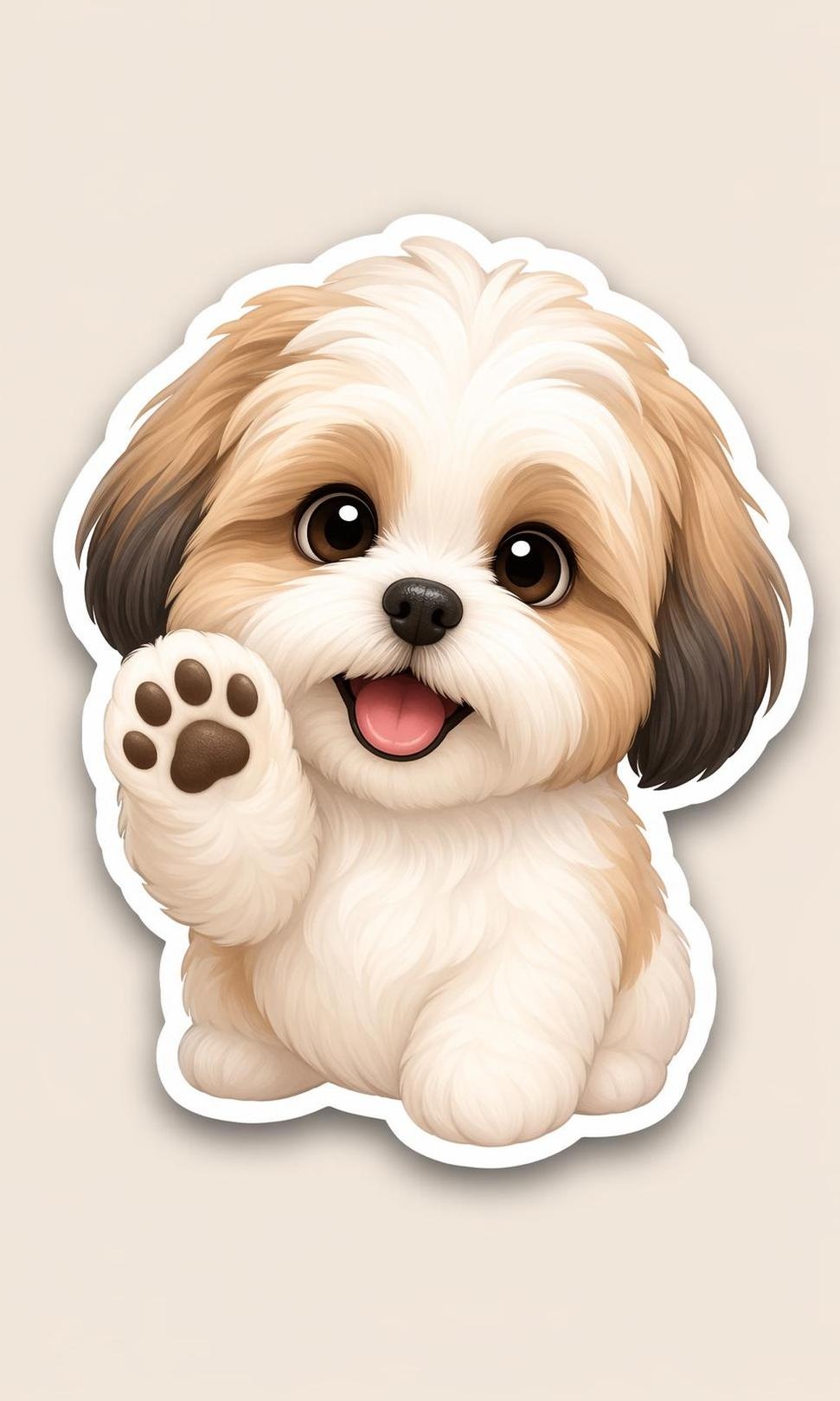

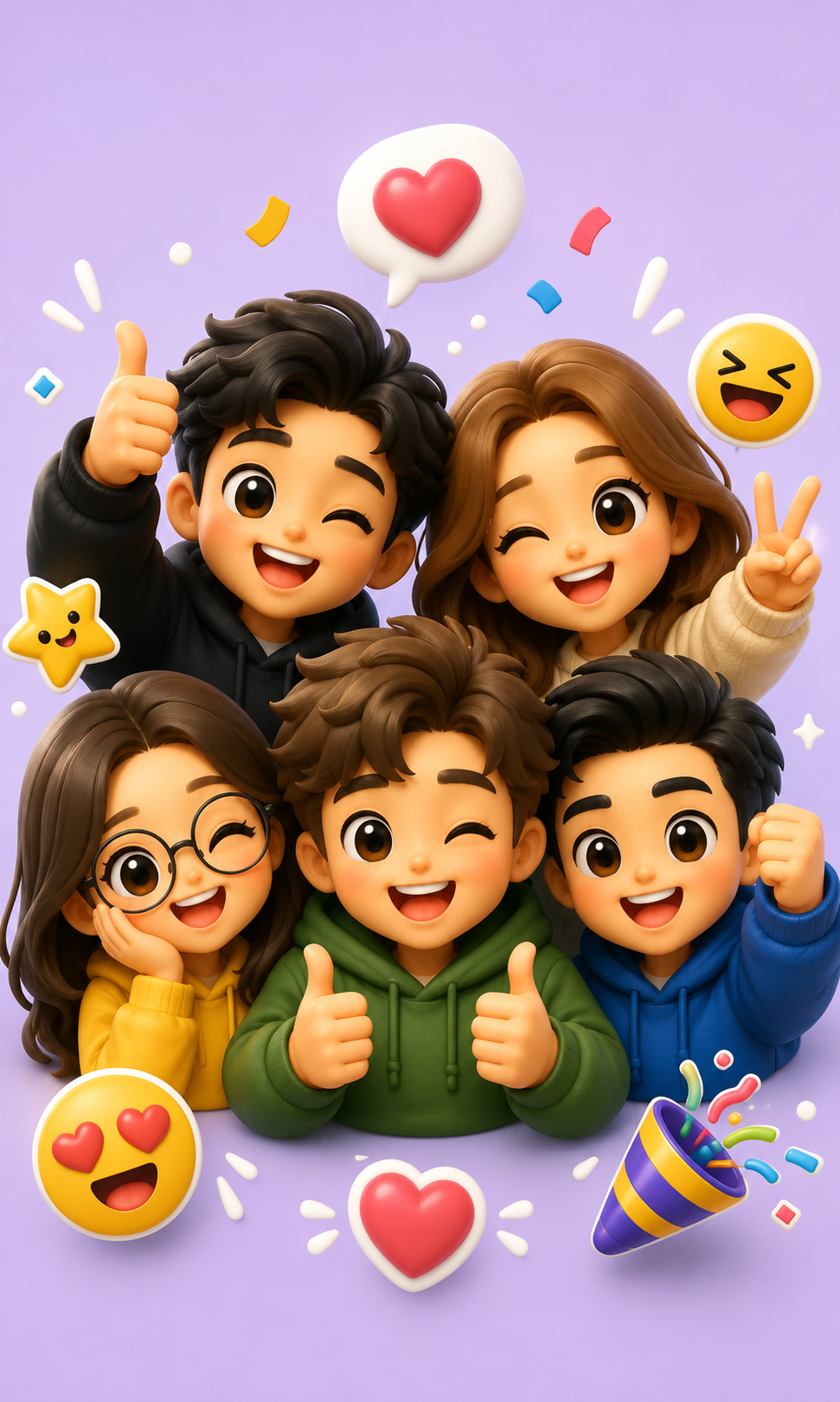
How to Make an Emoji from a Photo
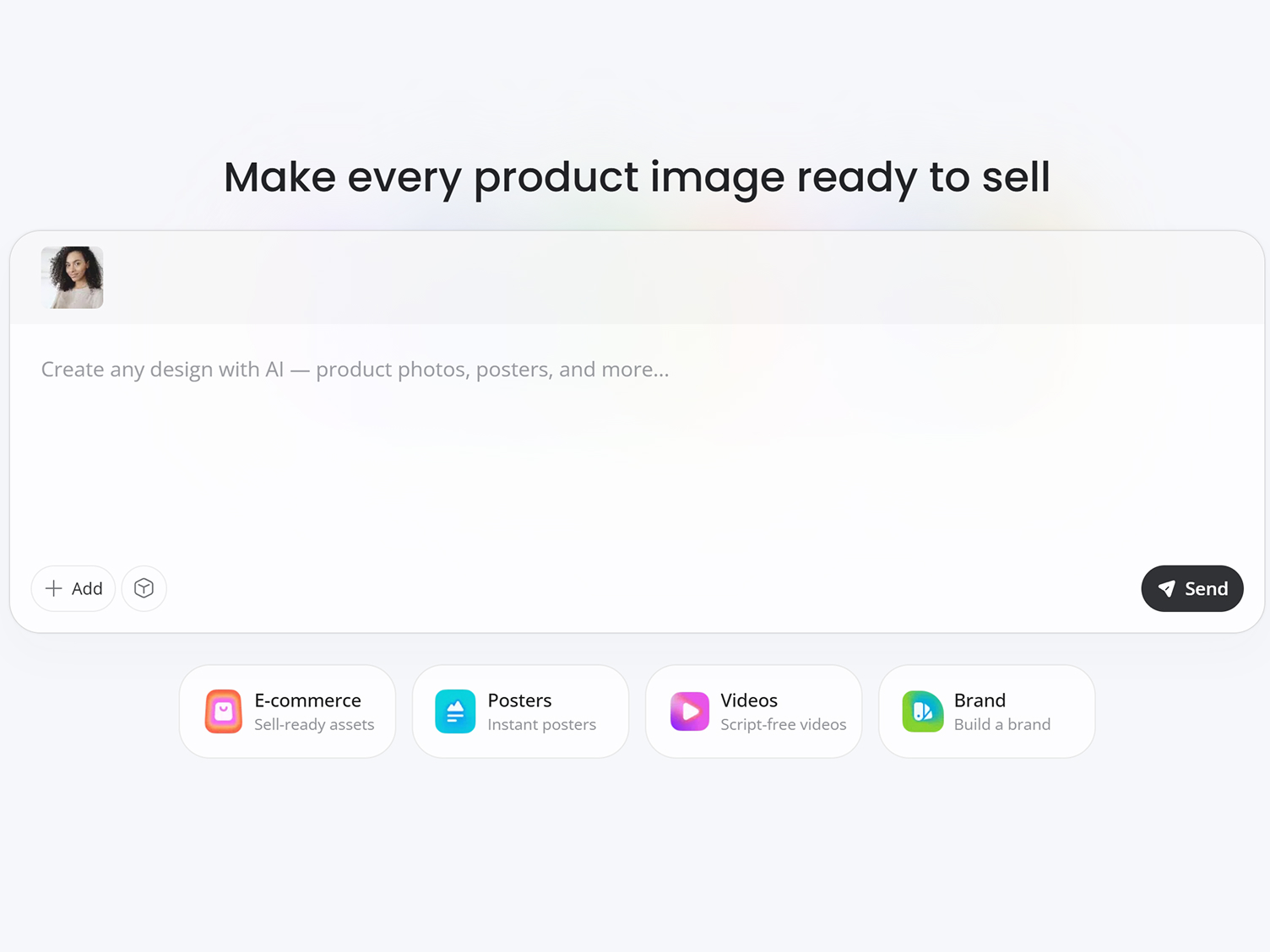
Upload Your Photo
Add a clear selfie, portrait, pet photo, or logo in JPG, PNG, or WEBP format.
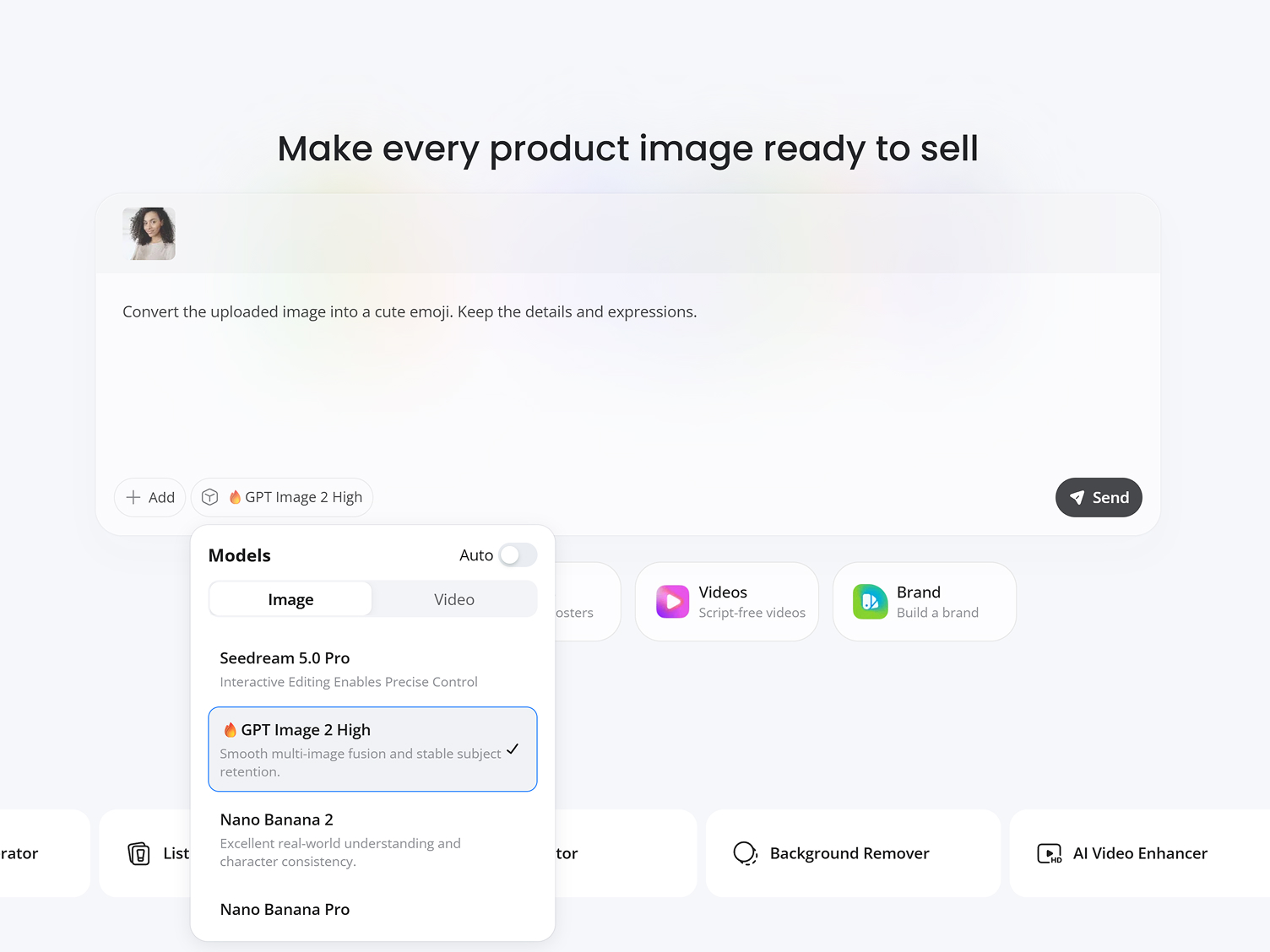
Customize Your Emoji
Enter simple prompts to describe any emoji style you want and choose an AI model, from GPT Image 2.0 to Nano Banana Pro, to turn your photo to creative emoji.
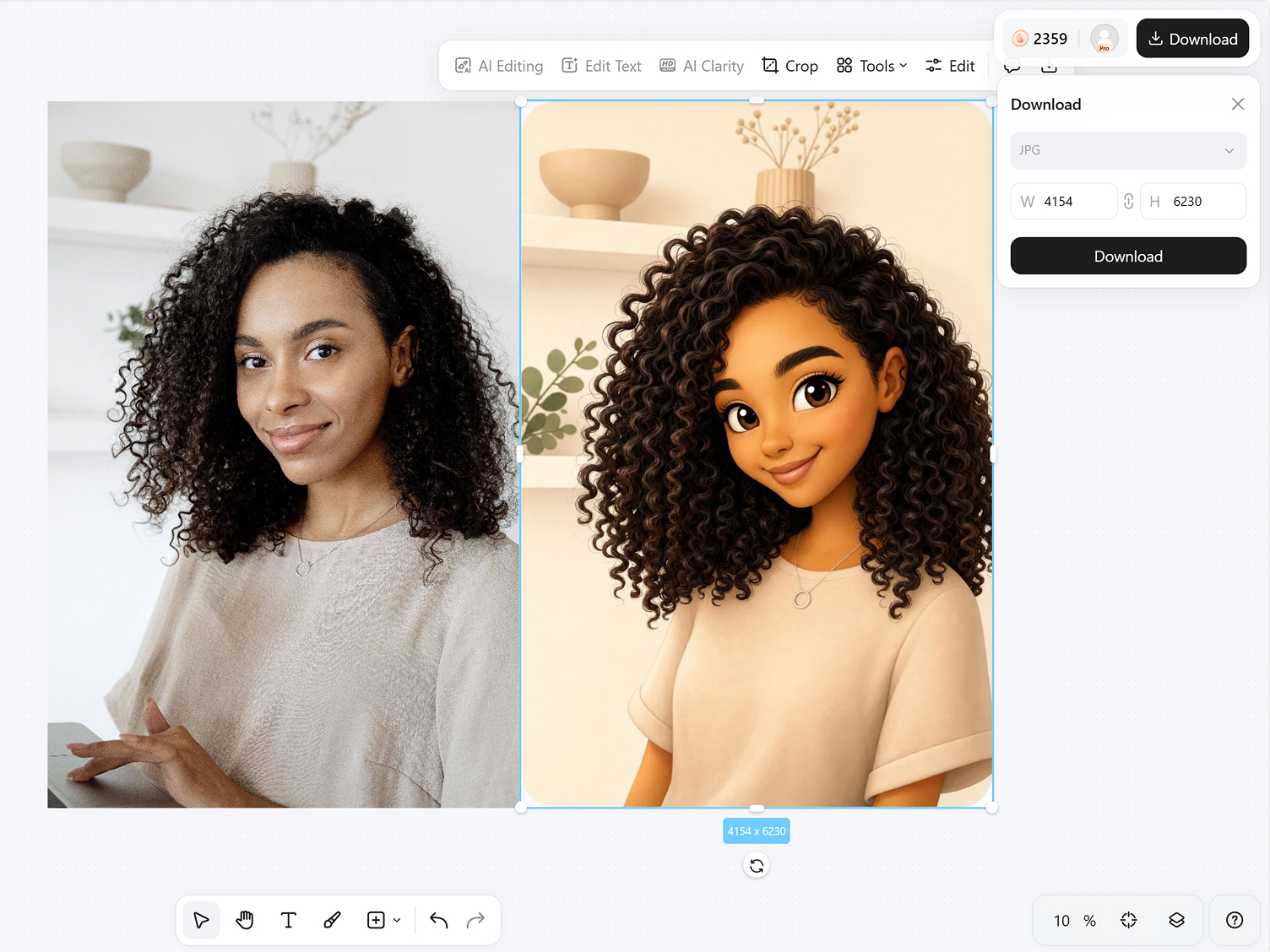
Download Your Emoji
Preview different emoji versions and download high-quality images ready for chats, social media, stickers, or profile pictures.
What Makes Designkit Ideal for Image to Emoji Creation
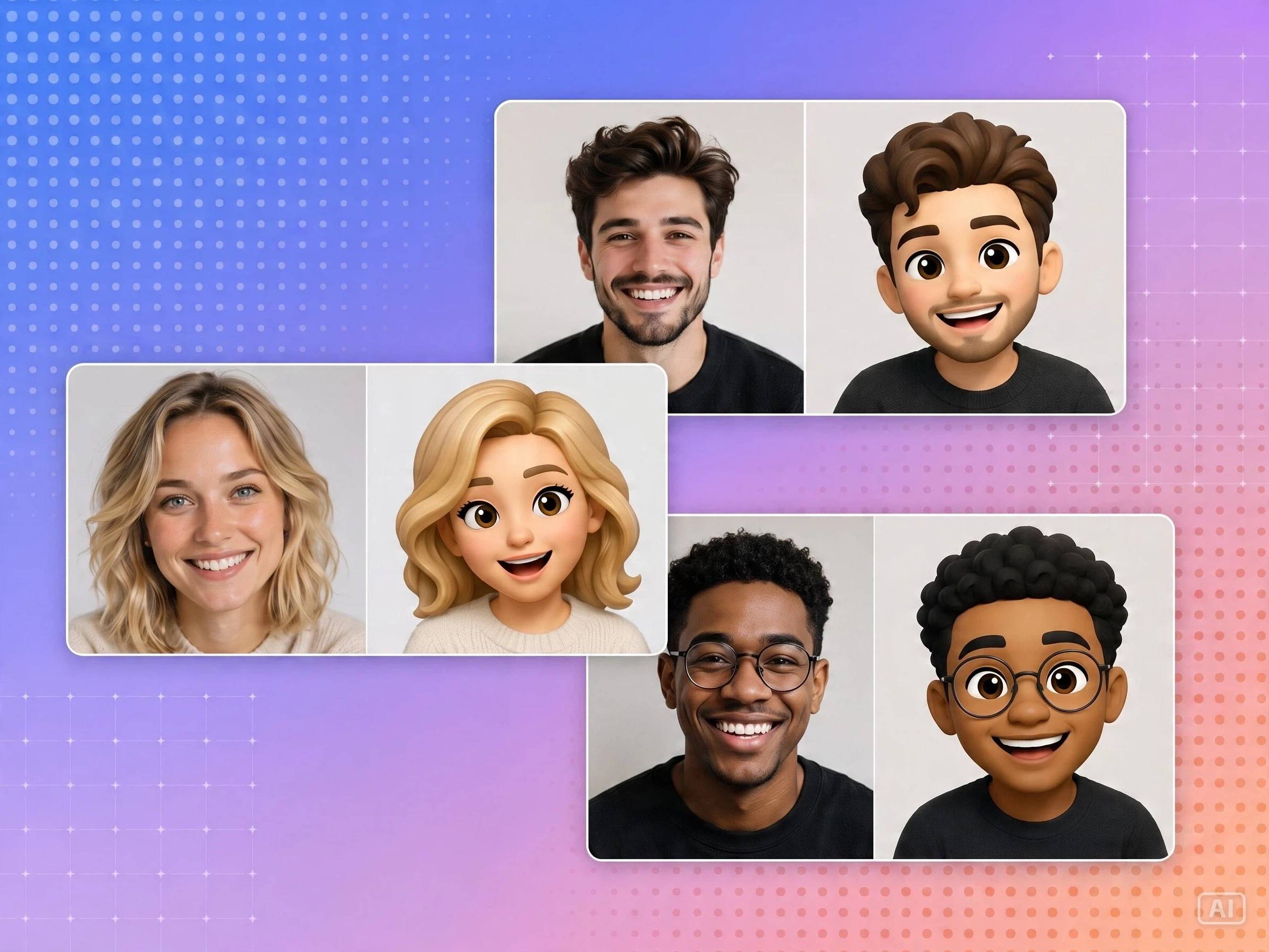
Keep Faces and Pets Recognizable
Turn portraits and pet photos into expressive emojis without losing the details that make them recognizable. Designkit's image to emoji preserves facial expressions and key features, making emojis feel more personal in chats, communities, and digital stickers.
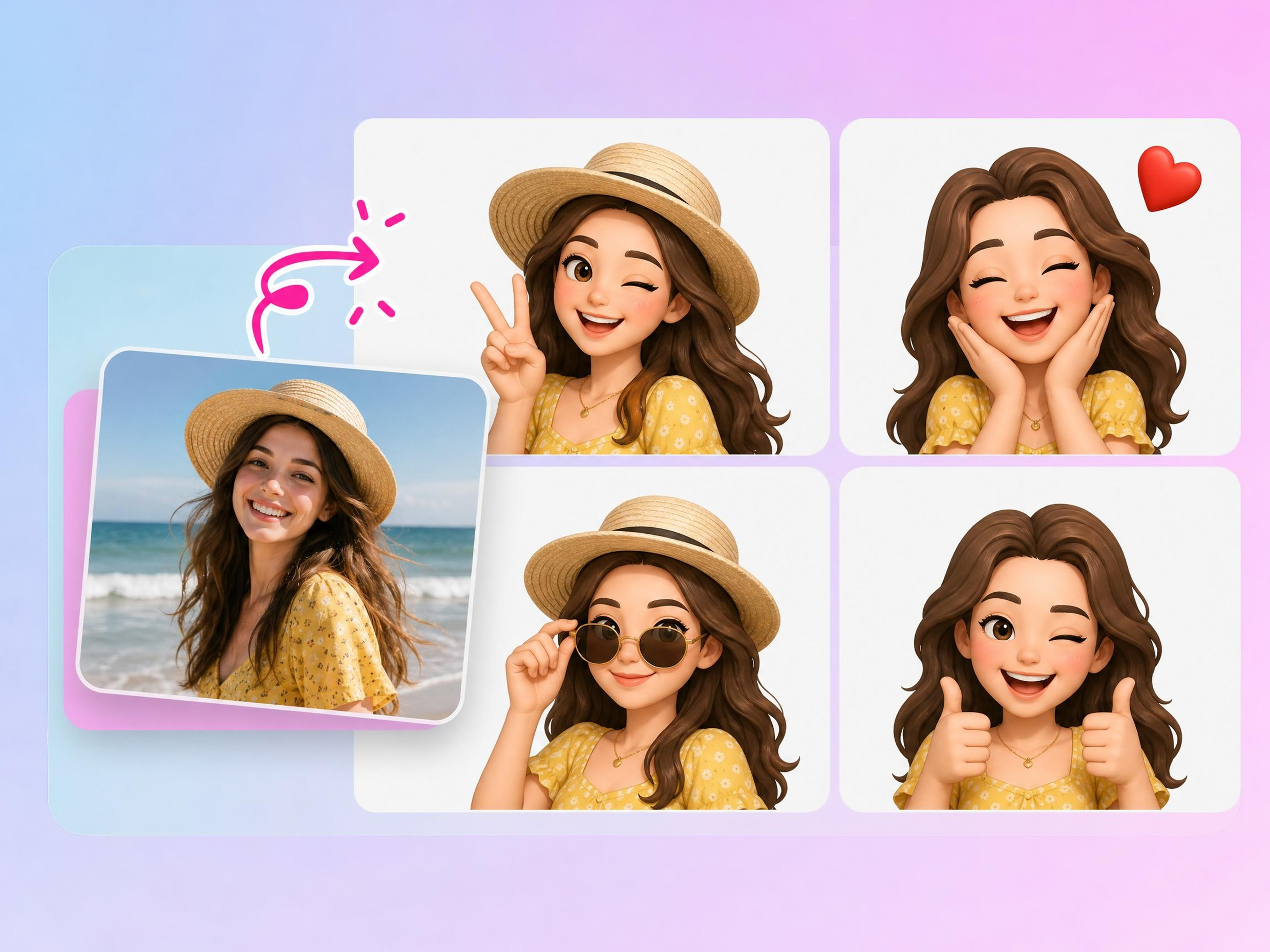
Build Reaction Packs from One Photo
One photo can become a complete set of reactions for messaging and communities. Designkit's image to emoji converter generates happy, surprised, sad, angry, and other expressions, helping you build custom emoji packs for Discord, Slack, and team chats.
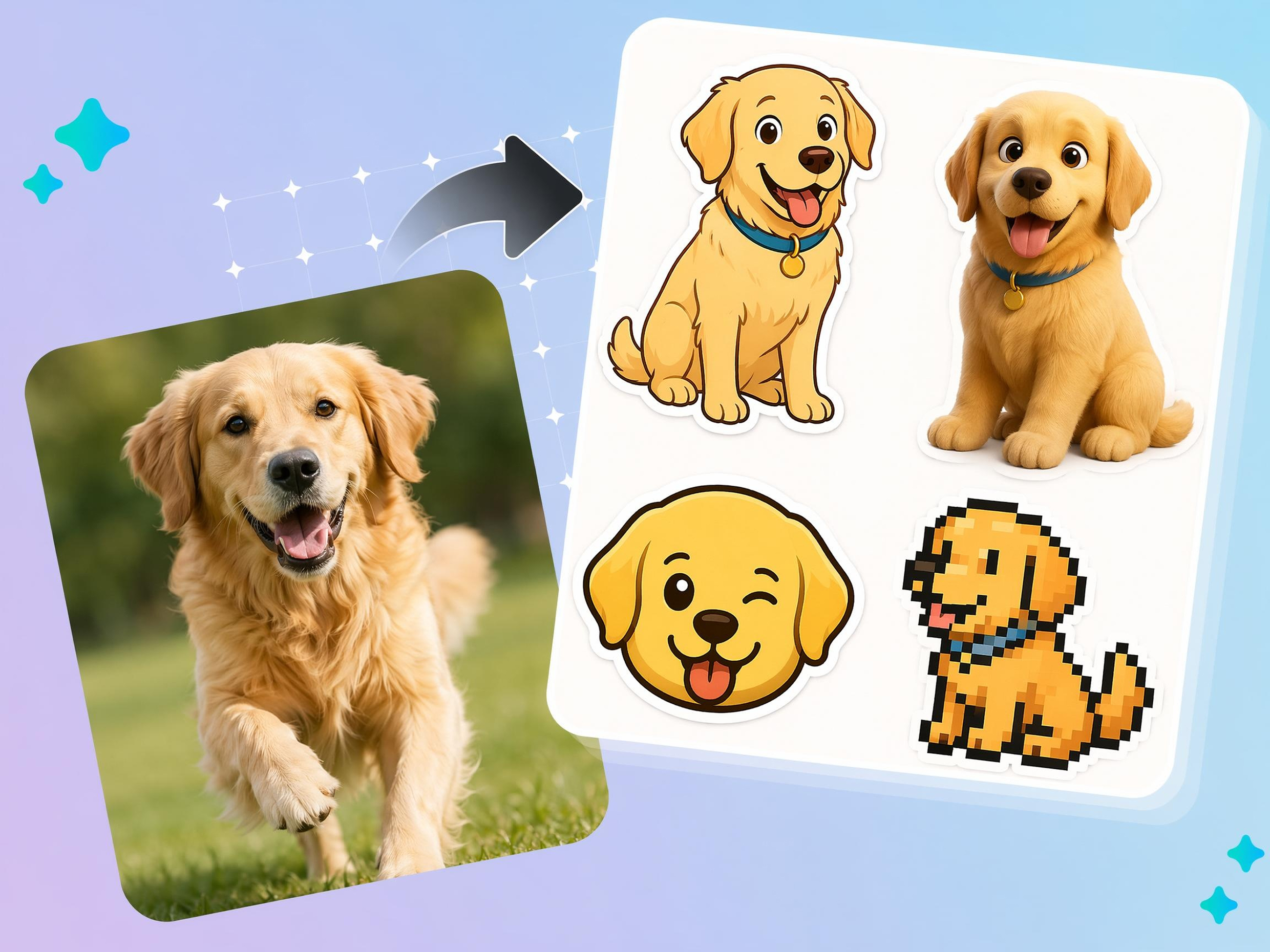
Pick Flat, 3D, Sticker, or Pixel Styles
Different platforms and communities prefer different emoji styles. Designkit lets you convert image to emoji in flat, 3D, sticker, pixel, or illustrated styles, making it easier to match your personal brand or community aesthetic.
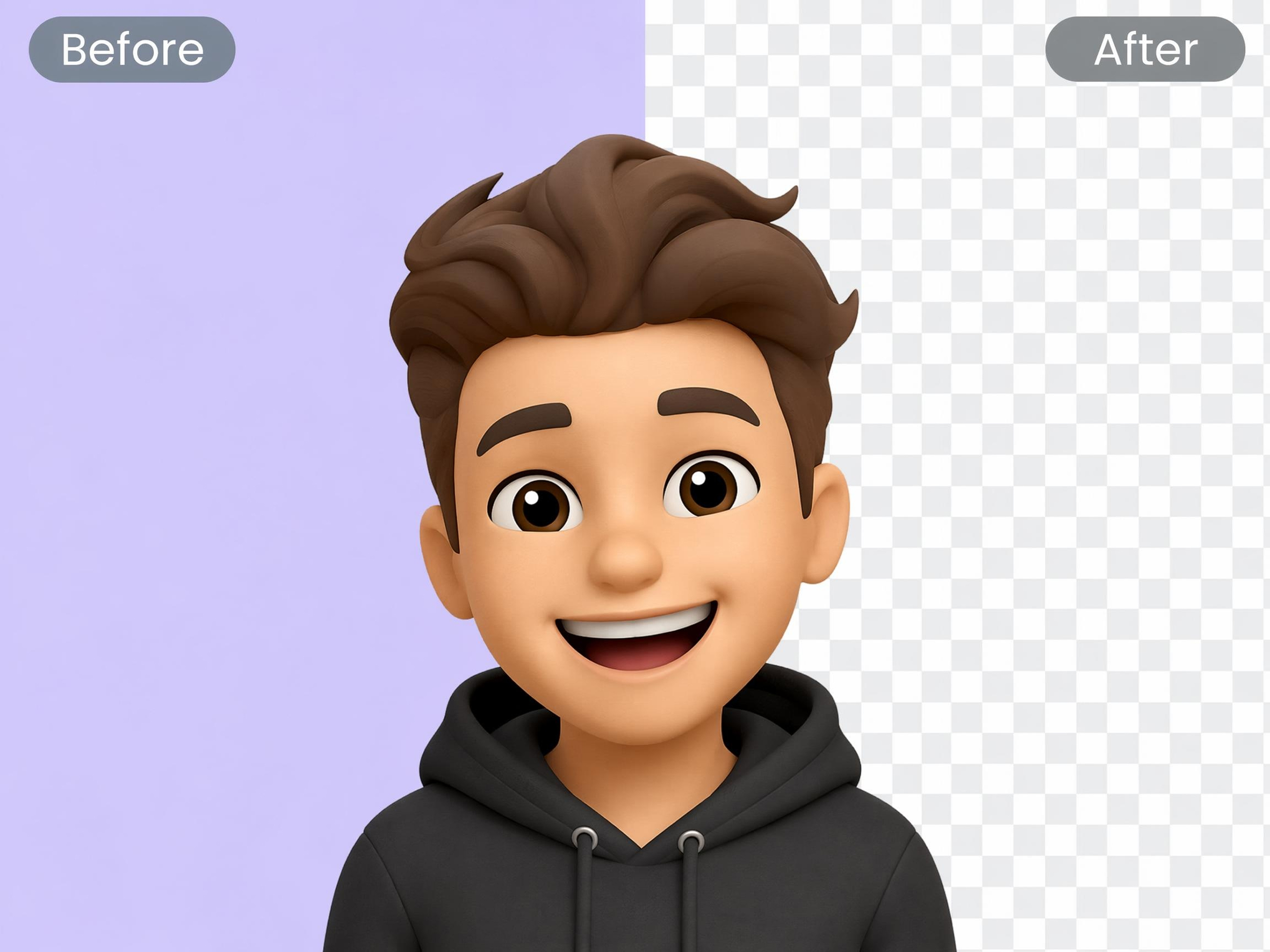
Remove Backgrounds Before Export
Messy backgrounds can make custom emojis difficult to use across different apps. Designkit's image to emoji maker removes unwanted backgrounds before export, creating cleaner emoji graphics for profile pictures, stickers, and messaging platforms.
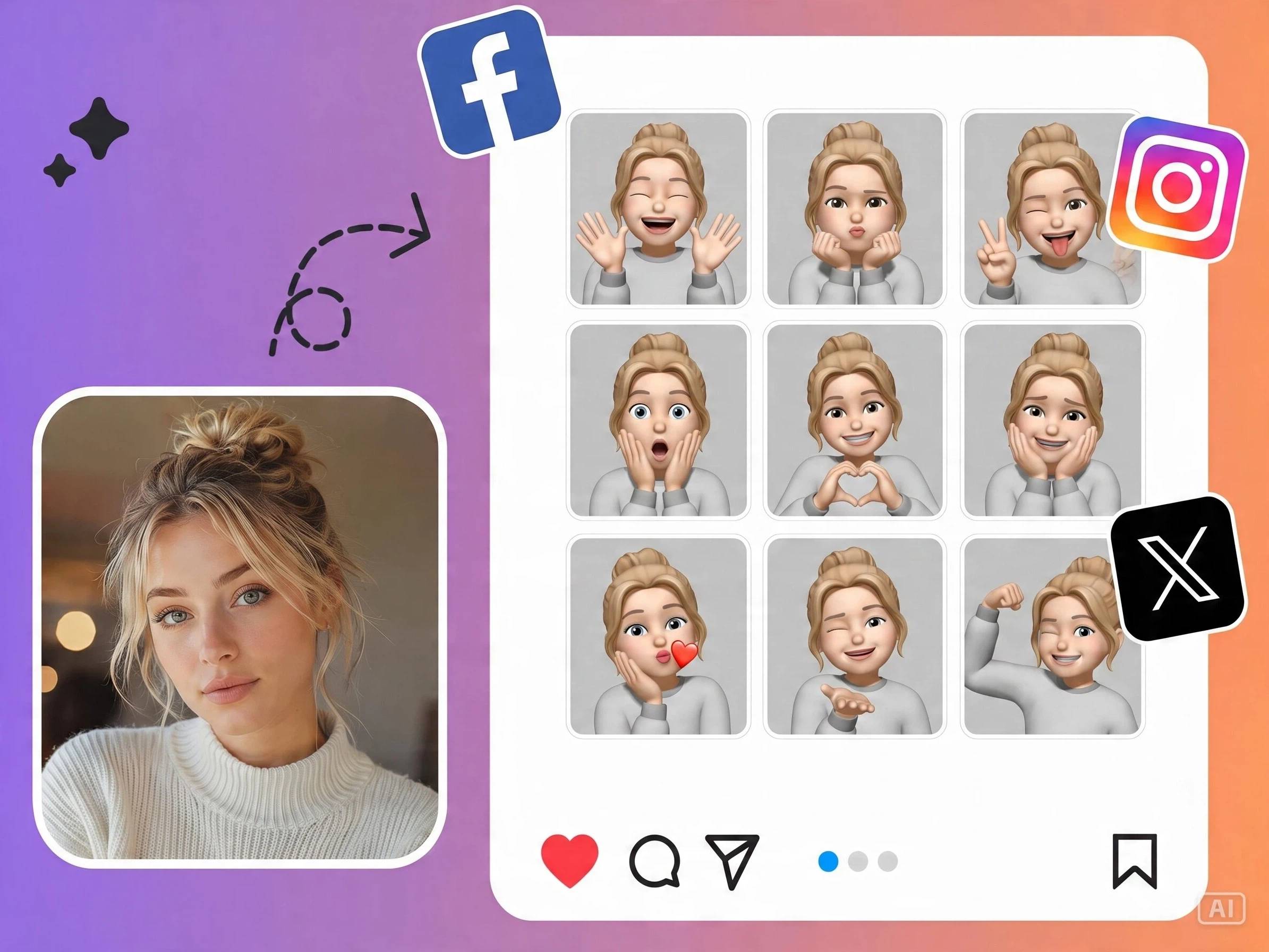
Export Ready for Every Platform
Prepare emojis for Discord, Slack, messaging apps, social media, profile pictures, and digital stickers without additional formatting. Designkit helps create an emoji from a photo and exports files ready for sharing across multiple platforms.
Who Uses a Photo to Emoji Converter
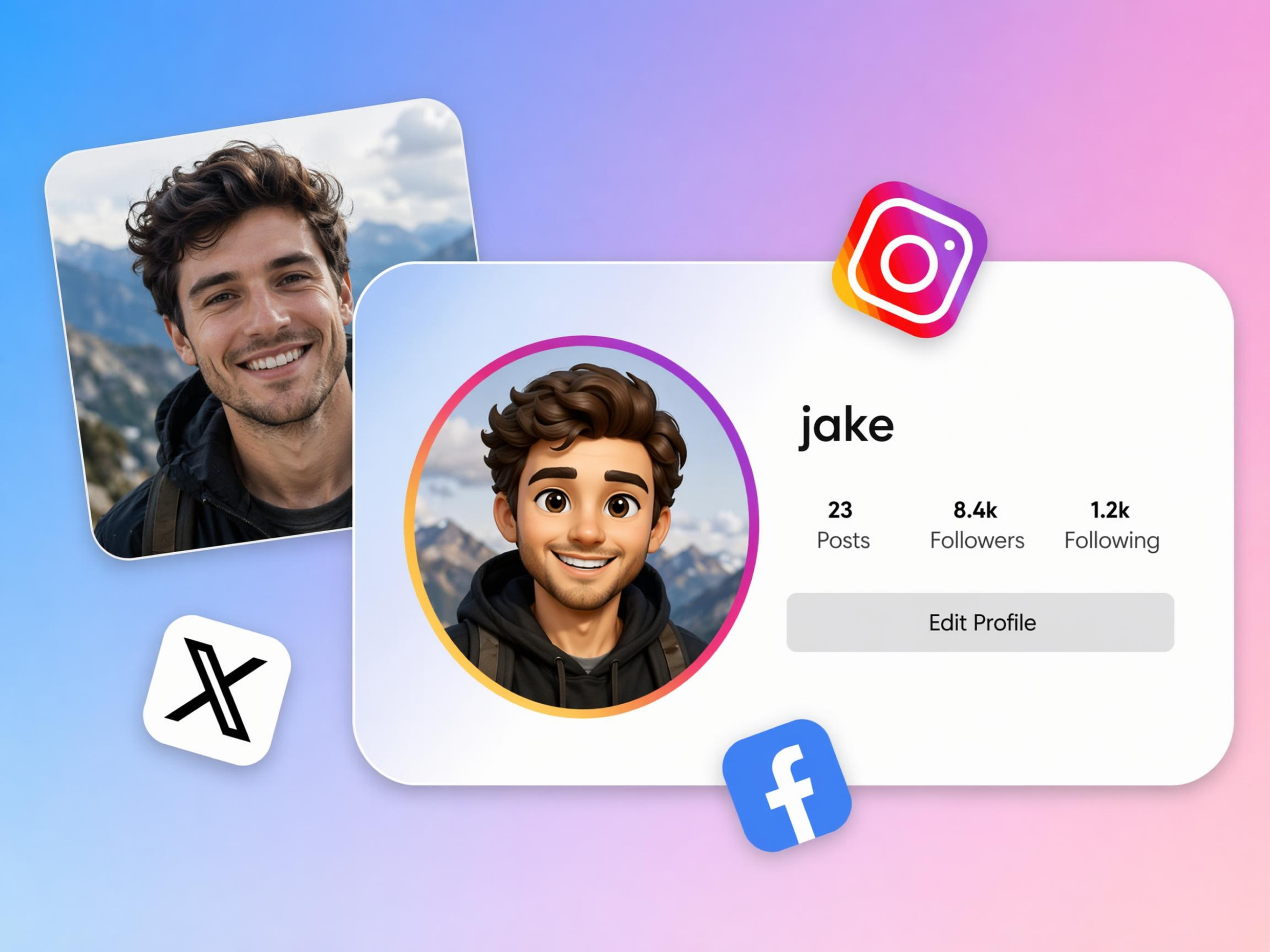
Create Emoji Avatars That Make Chats Feel Personal
Default emojis can't reflect your personality or expressions. Designkit helps turn image to emoji, transforming selfies into custom emoji avatars that make conversations, group chats, and social profiles feel more personal and recognizable.
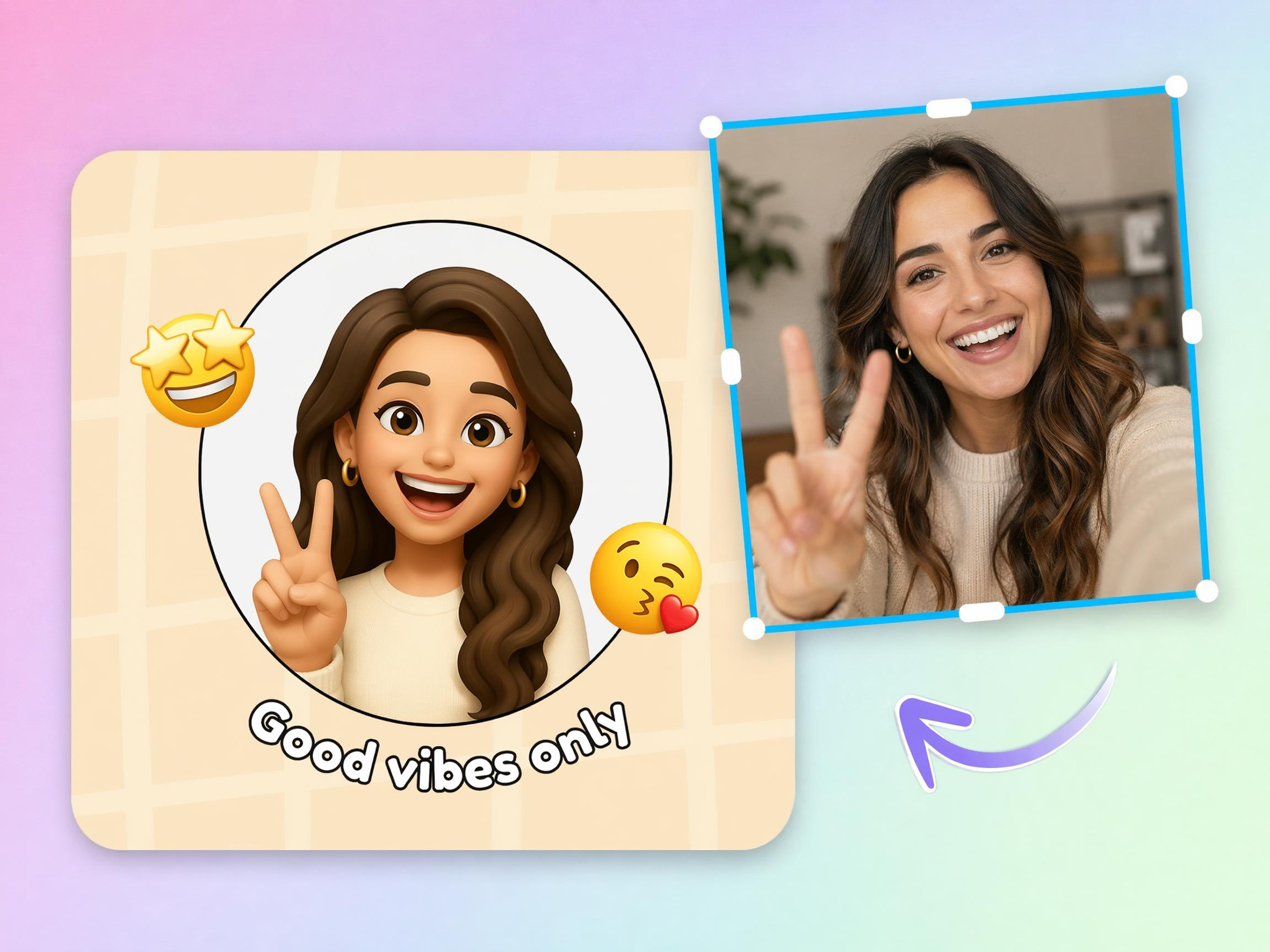
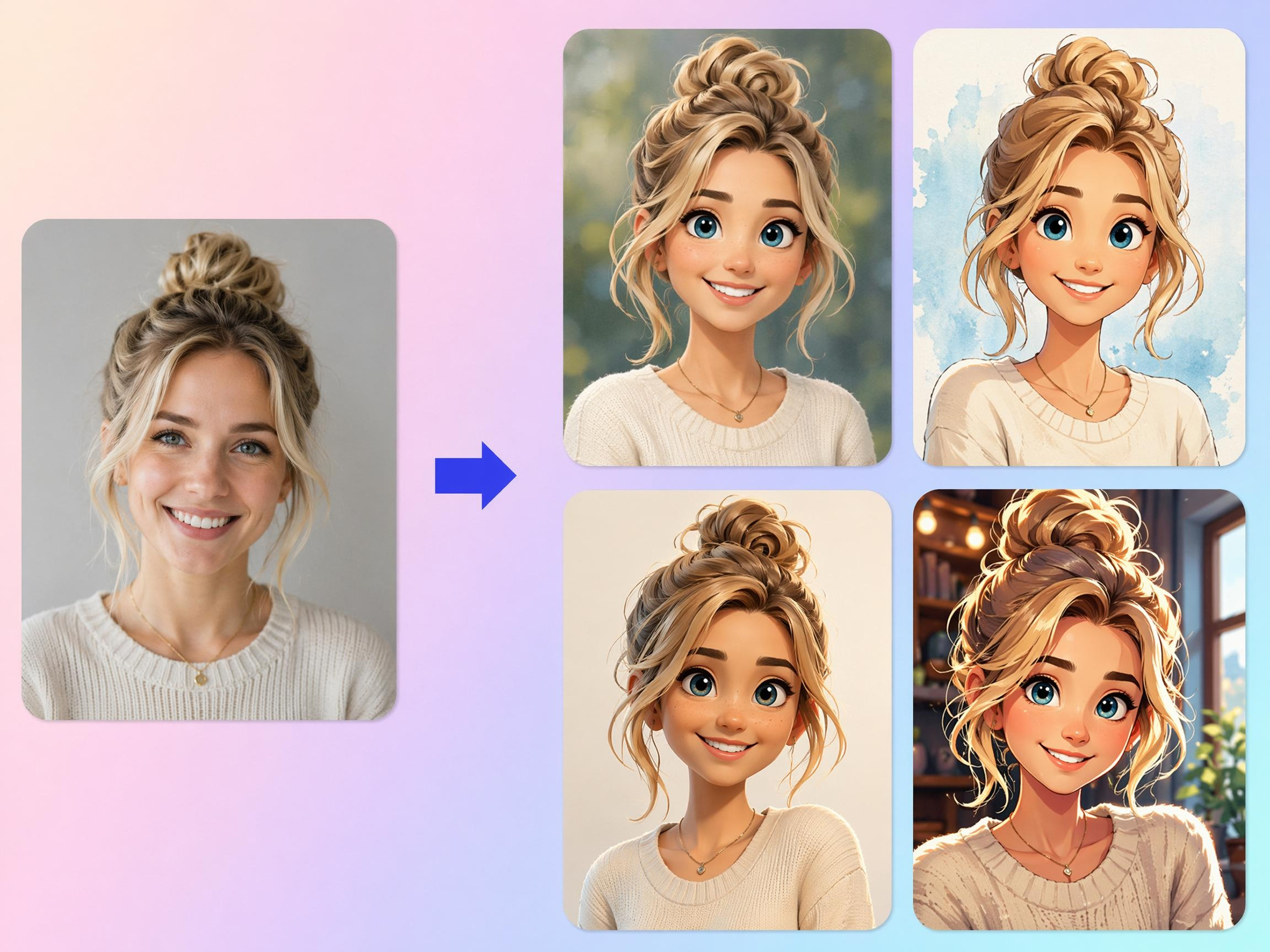
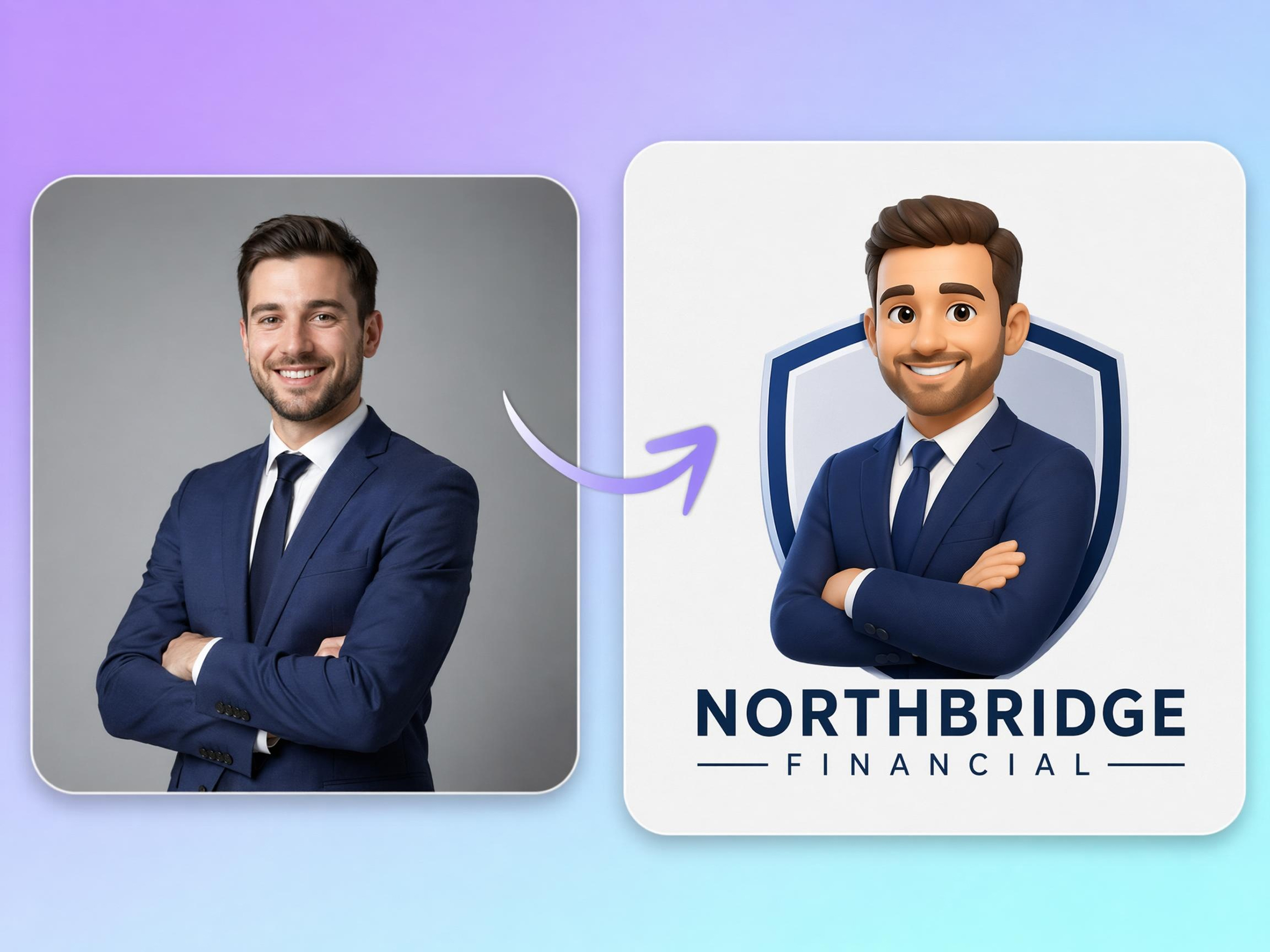
Why Choose Designkit for Image to Emoji Creation
No Drawing or Design Software Needed
Upload a photo, describe the style, and generate emoji art without Illustrator, Photoshop, or manual illustration.
One Photo, a Full Reaction Pack
Build multiple expressions from the same image instead of redesigning every emoji by hand.

Edit and Export in One Place
Remove backgrounds, refine the image, and download final PNG files without switching apps.
Faster Than Hiring a Designer
Create personal or branded emoji sets in minutes instead of waiting on custom art for every expression.
Ready for Discord, Slack, and iMessage
Export files sized for custom reactions, stickers, and profile images on the platforms people actually use.
Keep the Same Look Across Styles
Generate flat, 3D, or sticker versions from one source image while keeping the subject recognizable.
Unlock More Creative Possibilities
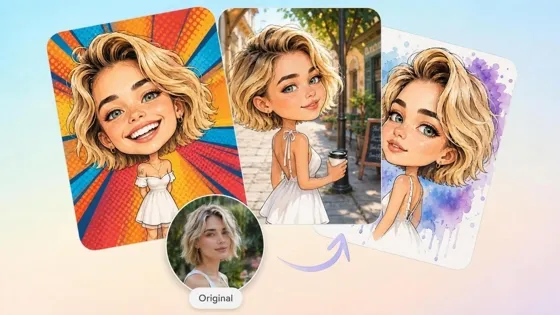
AI Caricature Generator
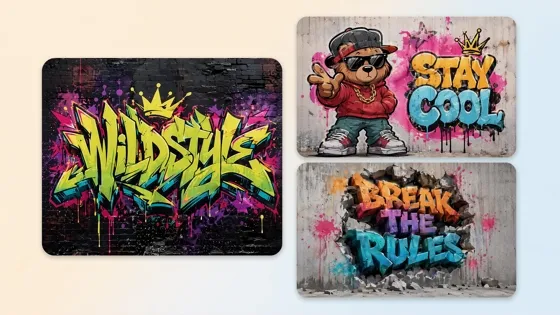
AI Graffiti Generator
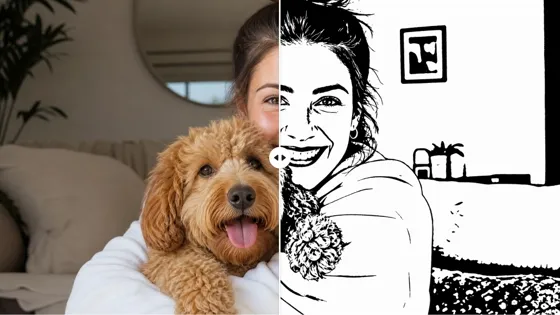
AI Stencil Maker
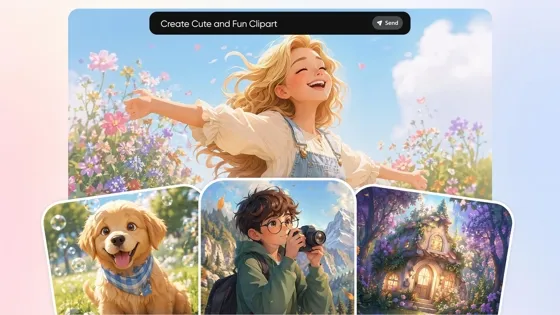
AI Clipart Generator
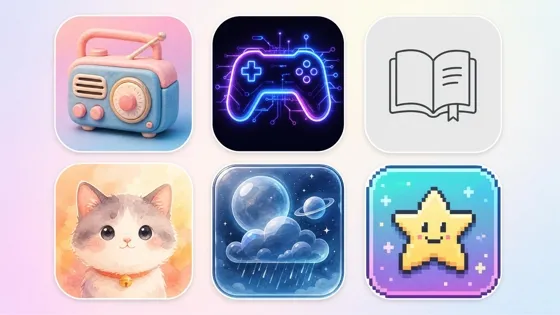
AI Icon Generator
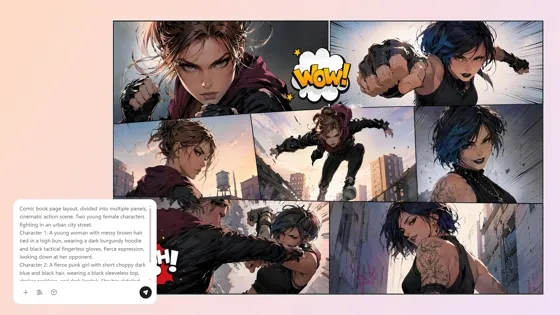
AI Comic Generator
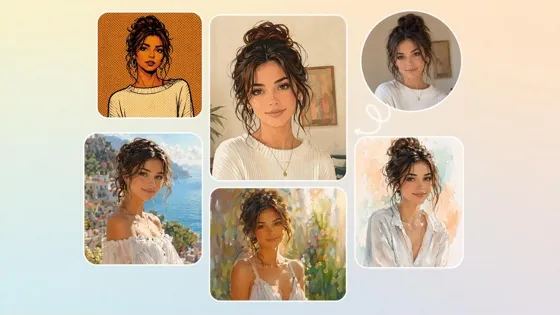
Turn Photos Into Art Styles
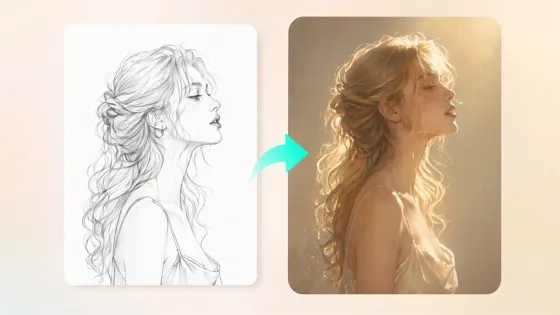
Sketch to Image AI
Frequently Asked Questions
Can I create an emoji from my own photo?
Will the emoji still look like me or my pet?
The goal is to simplify the image without losing the details that make a person or pet recognizable. Designkit's image to emoji process preserves important facial features, expressions, and distinctive characteristics while converting the photo into a fun emoji style. Results are best when the original image is clear and well lit.
Can I create multiple expressions from one photo?
One reference photo can be used to generate a variety of expressions, such as happy, surprised, sad, excited, or laughing. Designkit's image to emoji maker creates multiple reaction emojis from the same image, making it easy to build custom emoji packs for communities, messaging apps, and content creation.
Which emoji styles can I choose?
You can choose from a variety of visual styles, including flat emojis, 3D designs, sticker-inspired artwork, pixel art, and illustrated looks. Designkit lets you convert image to emoji using different artistic styles so you can match personal preferences, community branding, or platform requirements.
Can I use the emoji on Discord or Slack?
Custom emojis can be downloaded and uploaded to platforms that support user-created emojis, including Discord and Slack. Designkit's image to emoji converter exports emoji images that are suitable for messaging apps, community servers, profile pictures, and digital sticker collections.
What image formats are supported?
Common image formats such as JPG, JPEG, and PNG are generally supported for uploading and editing. Designkit accepts these widely used formats to make image into emoji, allowing you to convert selfies, portraits, pet photos, and other images without additional file conversion.
Can I edit my emoji after generating it?
Yes. After generation, you can continue refining your emoji by changing backgrounds, adjusting colors, modifying styles, or creating additional variations. Designkit's image to emoji art workflow keeps your project editable, giving you more control over the final result before downloading.
Can I use custom emojis for commercial projects?
Custom emojis can be used in many commercial applications, such as branding, marketing, creator communities, and digital products, provided you have the rights to the source images you upload. Designkit's emoji maker from photo helps create original emoji graphics that can be adapted for business and promotional use.
Create Your Custom Emoji Pack
Create personalized emojis from your favorite photos, customize every expression, and download emoji packs ready for chats, communities, and social media.



What Users Say About Designkit Image to Emoji Generator
Real stories from people creating emojis that feel personal
Family Group Chat Got Better
I turned photos of my kids into custom emoji reactions, and our family chat instantly felt warmer and more alive. Every smile, laugh, and silly face now carries a little memory, so even quick messages feel personal. It is such a sweet way to keep our everyday conversations full of love.
My Community Finally Had Emojis That Felt Like Us
I wanted subscribers to see emojis that felt like my stream, not generic icons. Designkit turned my photos into expressive emoji packs, and the first time chat used them live, the whole room felt closer. It gave my community a shared identity that made every stream feel more connected.
Quick Gift for a Friend
I surprised my best friend with a custom emoji sticker pack made from our photos, and she was instantly emotional. She laughed, teared up, and started using them right away in every chat. It felt like a tiny digital gift with a huge heart, and honestly, one of the most meaningful things I have done.
Made My Brand Feel More Human
Turning our mascot into custom emojis changed how customers responded to us. Instead of plain replies, people started using our branded reactions, and conversations felt friendlier, warmer, and more memorable. It made our business feel less distant and much more human in every interaction.
Turned My Dog into the Cutest Emoji Pack
My dog has the funniest expressions, and Designkit captured them so well that the emoji pack feels full of personality. Followers love them, ask where I made them, and say they brighten their chats instantly. It turned my pet's charm into something playful, shareable, and impossible not to smile at.
Our Team Actually Uses Them Every Day
We created custom team emojis for Slack using employee photos, and it changed the mood of our daily chats. Messages feel lighter, more personal, and surprisingly connected, even while working remotely. It gave our team a small but meaningful way to feel closer every single day.