
7 Best Remove.bg Alternatives in 2026
Remove.bg is shutting down its standalone website on December 1, 2026. Compare 7 alternatives by cutout quality, free exports, full-resolution downloads, batch processing, and editing tools.


The standalone Remove.bg website closes on December 1, 2026. Web users are being sent to Canva; API users get a separate path through Leonardo.AI. If your routine was upload an image and download a transparent PNG, you need a Remove.bg alternative that still does that job.
Shutdown timing is only part of the decision. People comparing Remove.bg alternatives usually want one-click background removal without Photoshop, a free full-resolution download (not a tiny preview), and a tool that holds up when you have a batch of product photos. Below are 7 options compared on cutout quality, transparent PNG export, free limits, sign-up friction, edge refinement, and batch support.
What Is Happening to Remove.bg?
Remove.bg’s own shutdown notice confirms the standalone site ends on December 1, 2026, and points regular web users to Canva. API customers are directed to Leonardo.AI in the Remove.bg API docs .
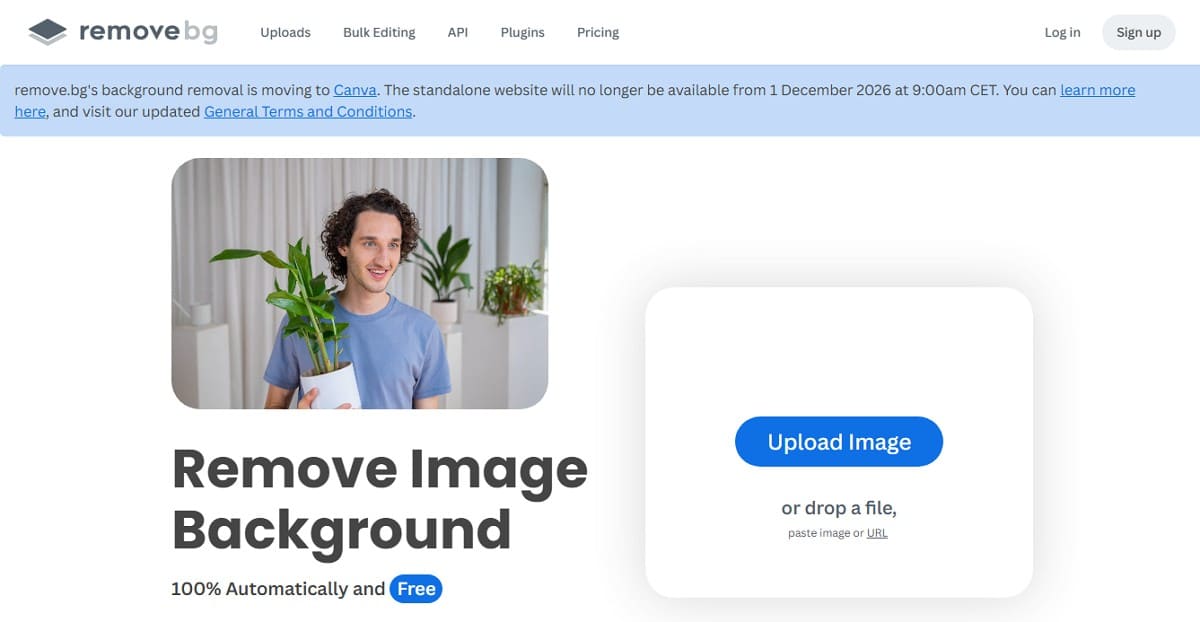
Canva is a full design app, not a single-purpose background remover, so the old upload-cutout-download habit changes. Check the live notice for the exact cutoff, then clear these items before December 1:
- Save your data: Download processed images and any account records you still need.
- Review billing: Confirm subscription, next charge date, and cancellation status.
- Use remaining credits: Credits expire with the December 1, 2026 shutdown.
- Test a Remove.bg alternative: Run it on the same kinds of images you process every week.
Remove.bg Alternatives at a Glance
These 7 Remove.bg alternatives fit different background removal jobs. The table sorts by best-fit workflow, not by a single overall score.
| Criteria | Pixelcut | Canva | Designkit | Photoroom | Adobe Express | Pixlr | Clipping Magic |
|---|---|---|---|---|---|---|---|
| Best for | Simple cutouts | Existing Canva workflows | Product cutouts & free batch | E-commerce product images | Adobe creative workflows | Browser editing & multi-image ZIP | Detailed edge control |
| Free access | Yes | Yes (login required) | Yes | Yes | Yes | Yes | Preview only |
| Free use limit | Typically a few downloads/day | No fixed numeric cap published | Up to 100 cutouts/day; batch up to 15/run | No fixed numeric cap published | No fixed numeric cap published | About 3 free saves/day | Size-limited preview |
| Transparent PNG on free plan | Yes (preview free; full-res needs sign-in) | Yes | Yes (preview free; full-res needs login) | Yes | Yes (download often requires login) | Yes | Preview only |
| Manual edge refinement | Yes, Refine brush | Yes, Erase/Restore | Yes, manual refinement | Yes, Erase/Restore | Limited on free path | Yes, Draw/Magic/Lasso | Yes, detailed controls |
| Multi-image or batch | Up to 10,000; paid for batch download | No dedicated free batch remover | Free batch up to 15; Download All | Single-image free web flow | No dedicated batch remover | Multi-image upload + ZIP download | Bulk Clipping on Standard+ |
| Sign-up required | No for preview | Yes | No for upload/preview | No for free remover | No to try; login to download | No for Remove BG | No for basic preview |
| Main limitation | Batch downloads need a subscription | More steps than a dedicated remover | Hair/people edges weaker; batch capped at 15 | Weaker subject detection on some product shots | Slower; subject detection can fail | Daily free saves are limited | Full-size/commercial downloads are paid |
Note: Grouped by workflow fit. Free limits and plan rules can change. Last checked: September 2026.
How We Compared the Remove.bg Alternatives
Each free path was tested under the same conditions. We checked cutout accuracy, leftover background, transparent PNG export, resolution, watermarks, sign-up steps, manual refinement, and batch access.
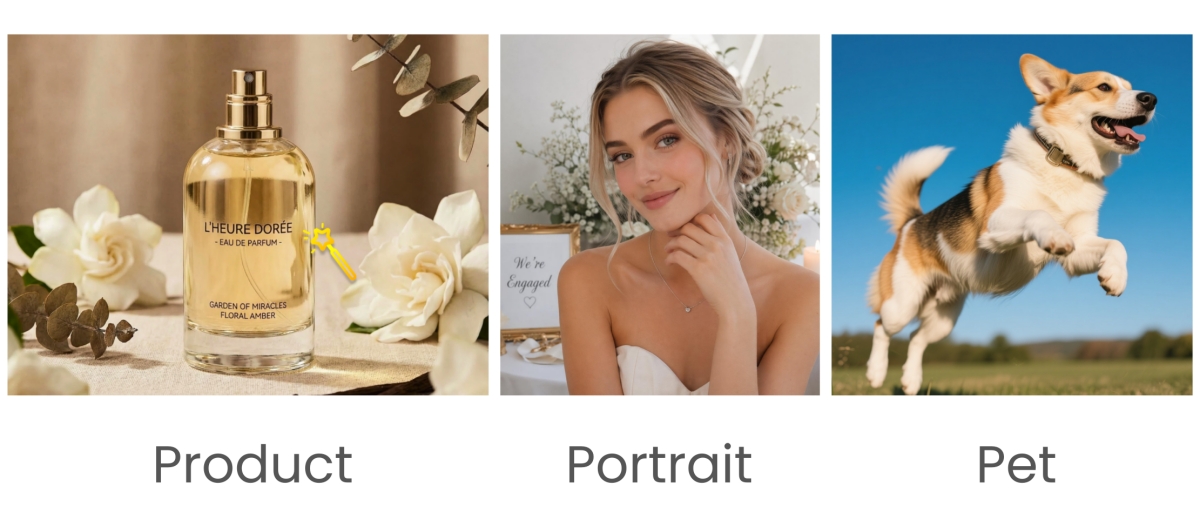
Test images covered:
- Clean product edges
- Fine portrait hair
- Detailed pet fur
- Small internal gaps
- Complex backgrounds (people and objects)
We scored missing details, edge quality, and residue on products, hair, and fur. We also recorded where free plans block full-resolution downloads behind login or a daily cap. That gap shows up constantly when people look for a free background remover after Remove.bg. Low-contrast shots (a light product on a light backdrop) often need an erase/restore pass after the first click. Paid upgrades did not affect how we scored the free version.
Last tested: September 2026
7 Best Remove.bg Alternatives for Different Workflows
Pick the Remove.bg replacement that matches what you do after the cutout: quick PNG download, more editing, product listings, batch work, or hard edges. The seven tools below are grouped that way.
Pixelcut : Best for a Simple Cutout
Pixelcut is for occasional transparent cutouts when you do not want a full design editor. The background remover finds the subject automatically and accepts JPG, PNG, and HEIC. You can download a preview without signing up; full resolution needs sign-in.
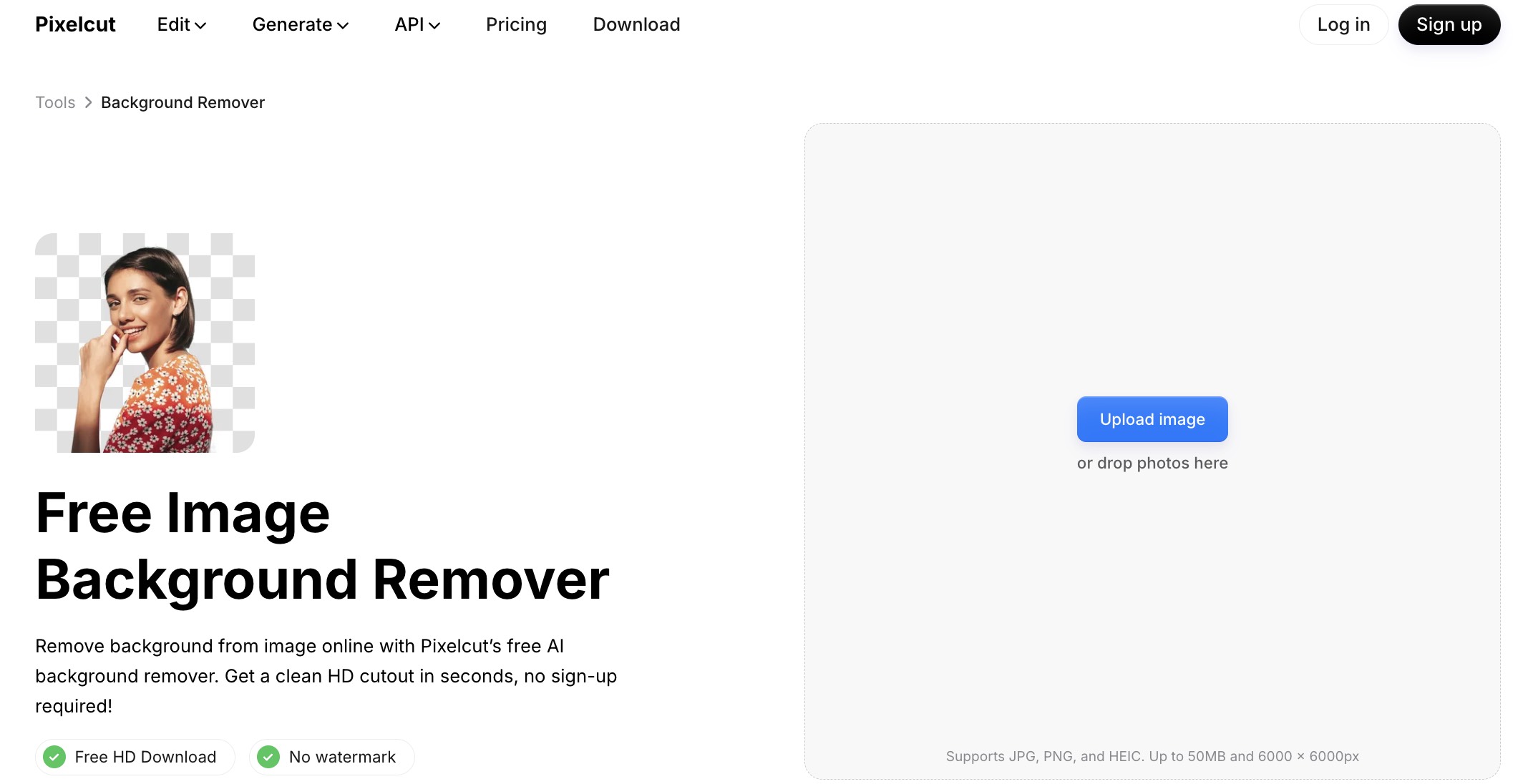
Refine brushes fix bad edges. Free use is limited (help docs usually describe a small daily allowance). Bulk Background Remover can handle up to 10,000 images, but free accounts only get batch previews. Downloading those batches needs a subscription.
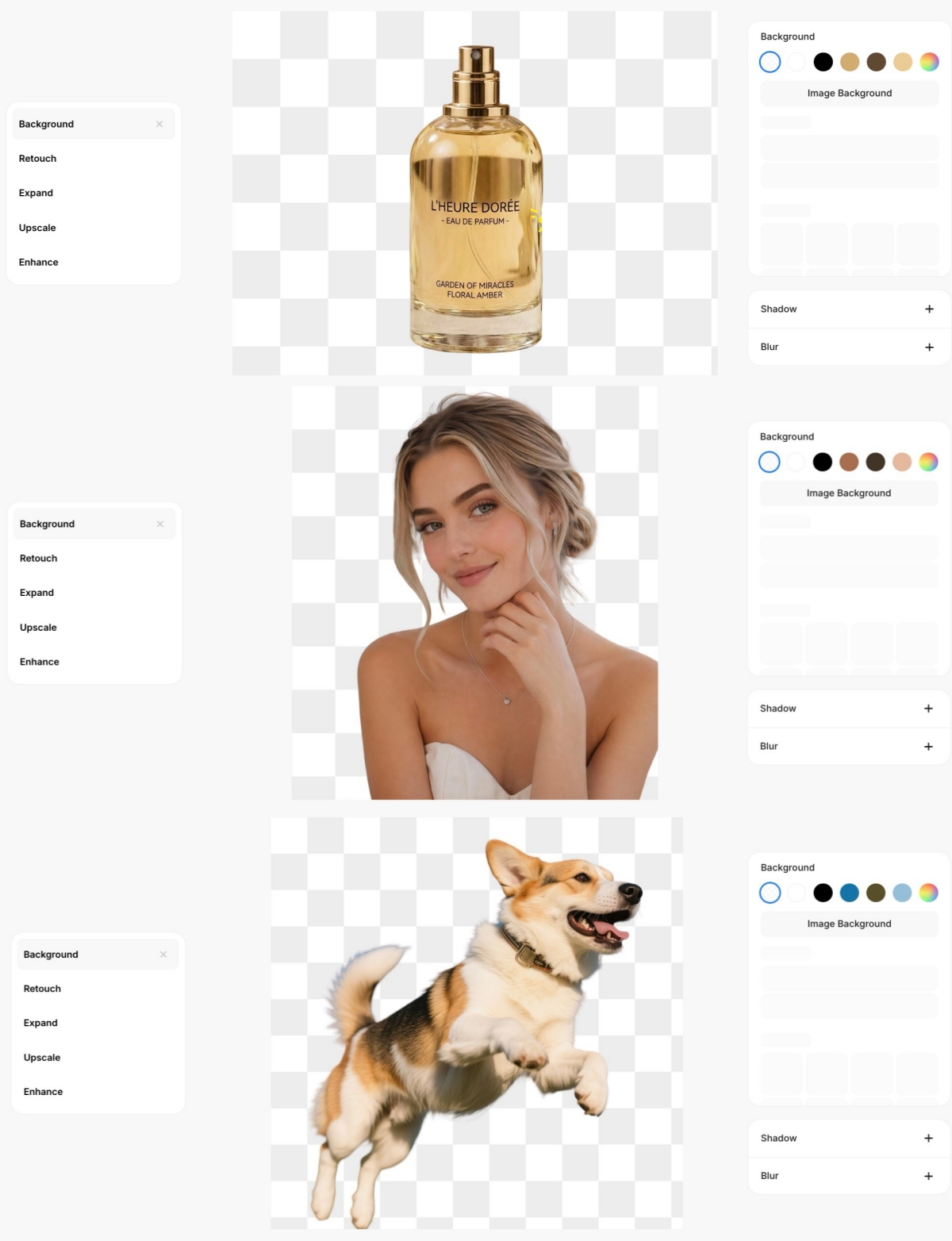
Test result: Portraits keep the main hair shape, though fine strands can go soft. On some product shots with props, detection pulled in extra objects. Preview works without sign-up; full resolution needs login. No watermark on the displayed result.
Limitations
- Free downloads are capped per day.
- Bulk downloads require a subscription.
Canva : Best for Existing Canva Design Workflows
Canva is the official Remove.bg replacement for regular web users who already design there. After login, Background Remover covers upload, cutout, and download, then drops the result into posts, decks, and product layouts.
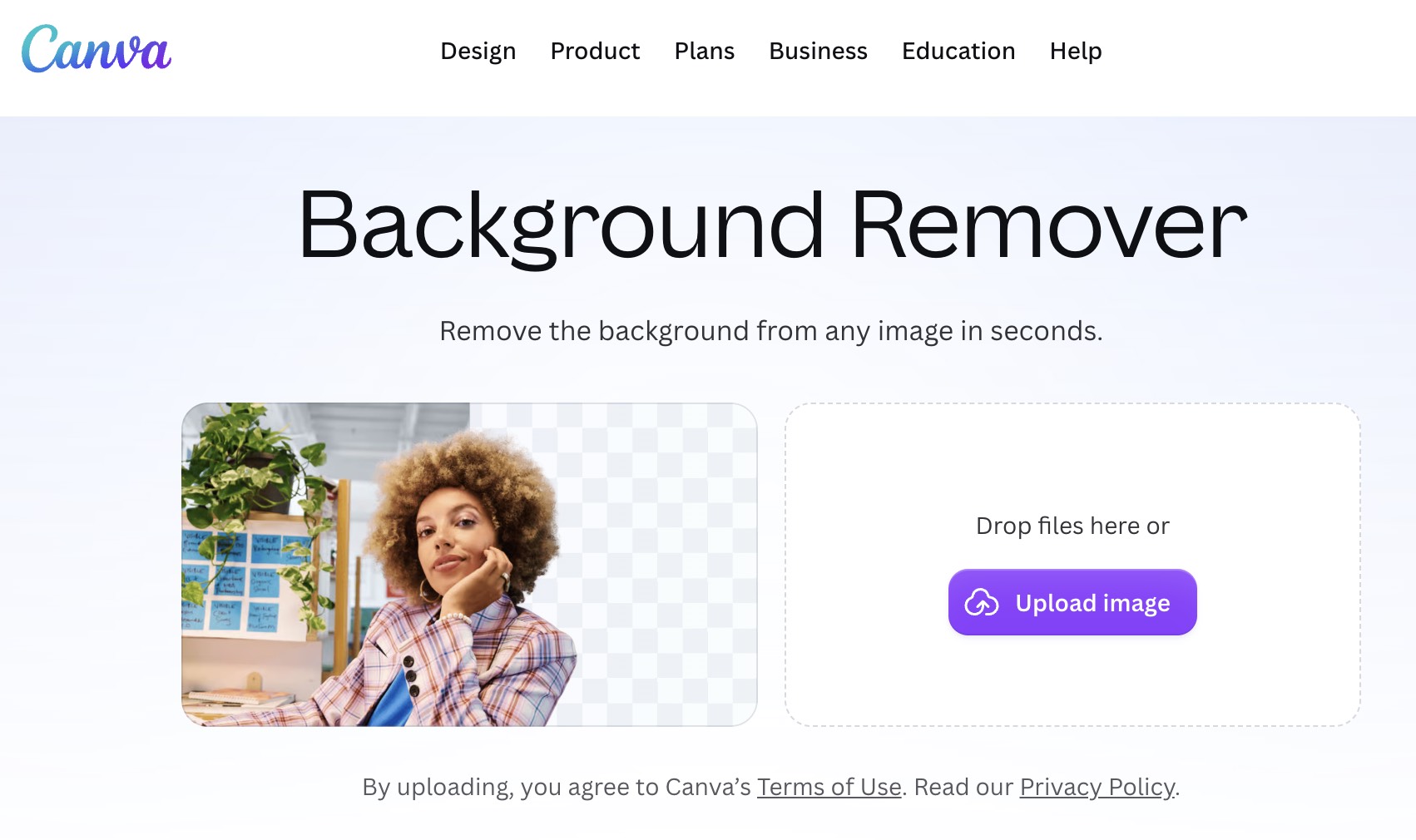
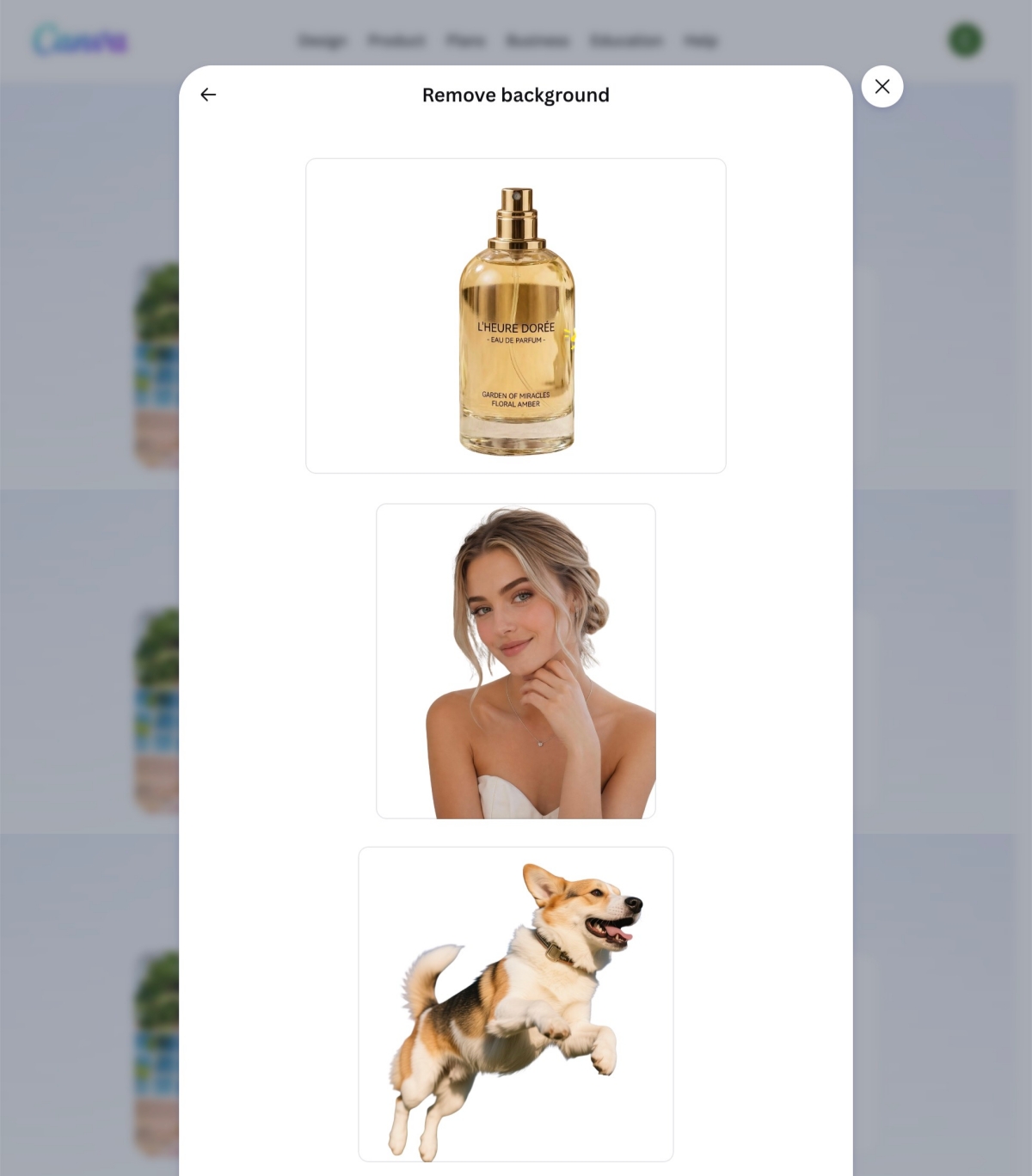
Erase and Restore fix missed areas. Photos above 10MP may be reduced after removal. In our tests, Canva handled complex hair better than most free removers, but the flow has more steps than a dedicated background remover, and starting a second image is easy to lose in the editor.
Test result: Product cutouts were solid. Complex hair was among the cleaner free results. Loose strands can still soften. No watermark in tested outputs.
Limitations
- Login required for the main editor workflow.
- More steps than a dedicated remover page.
- No dedicated free batch remover for multi-SKU runs.
Designkit : Best for Product Cutouts and Free Batch Work
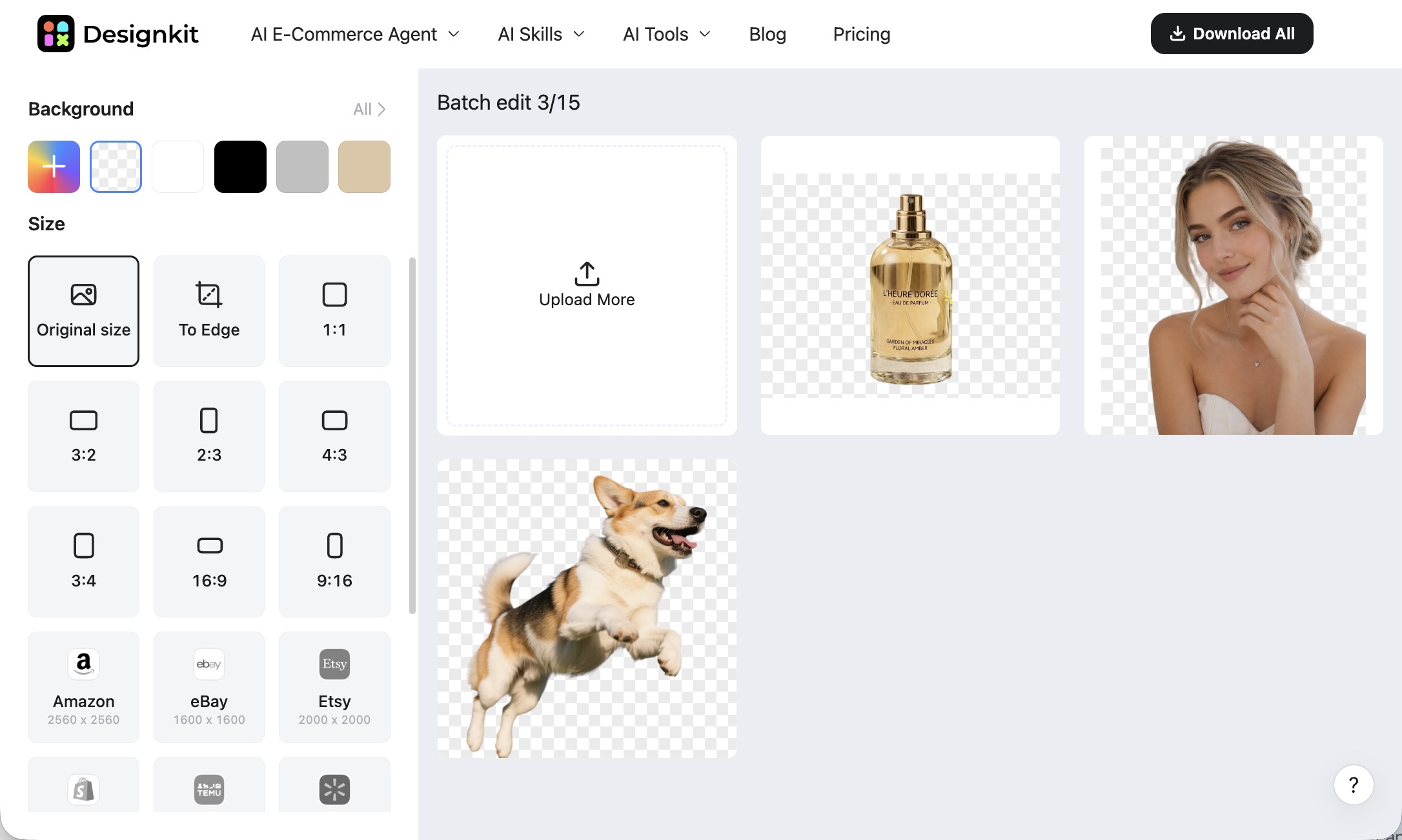
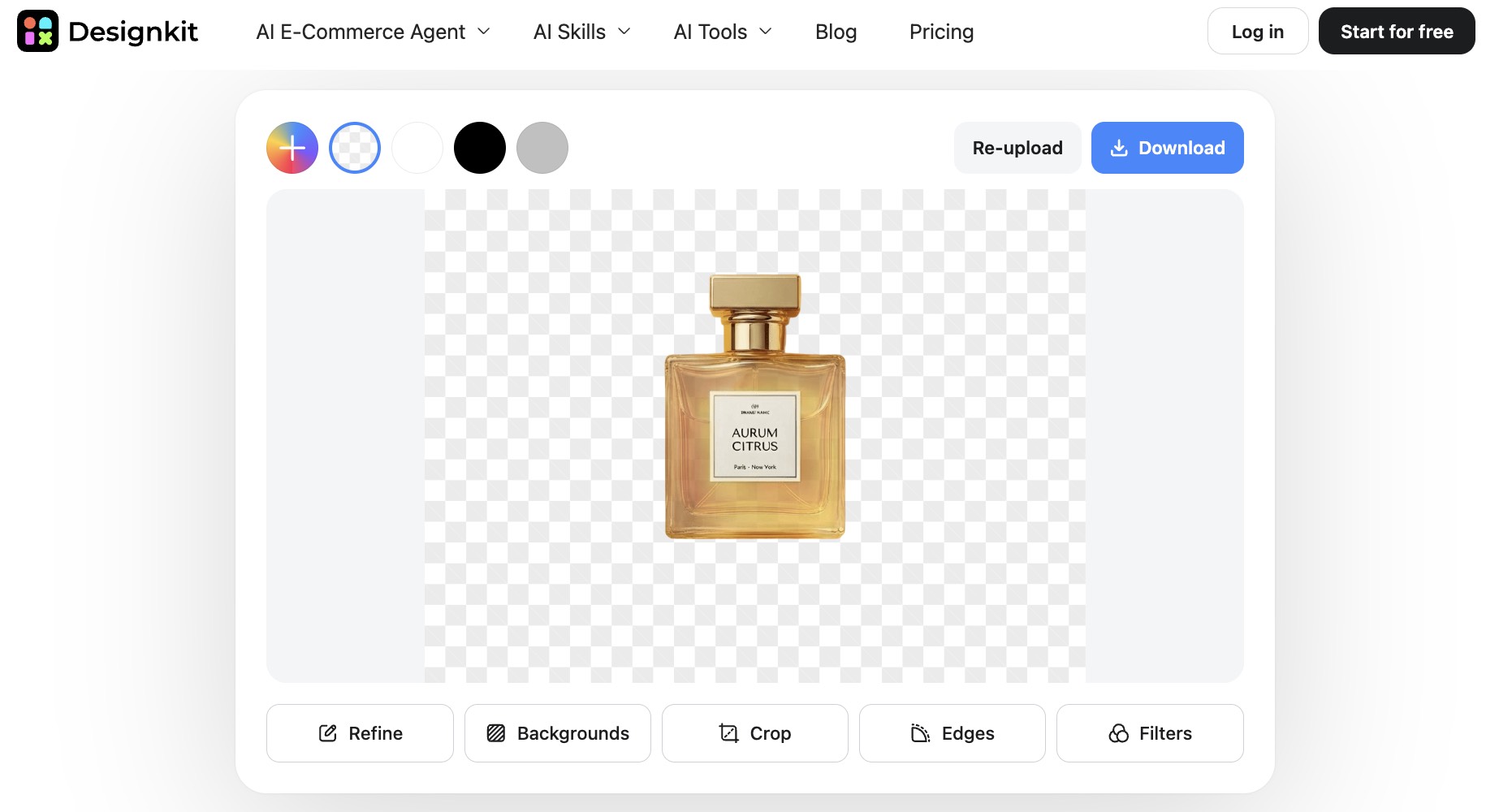
Designkit fits sellers who need a Remove.bg alternative for product photos and free batch background removal without signing up first. It accepts JPG, PNG, and WEBP, exports transparent PNG, and keeps refinement in the same workspace. After the cutout you can swap in solid colors, gradients, or custom backgrounds, then crop, clean edges, and apply filters.
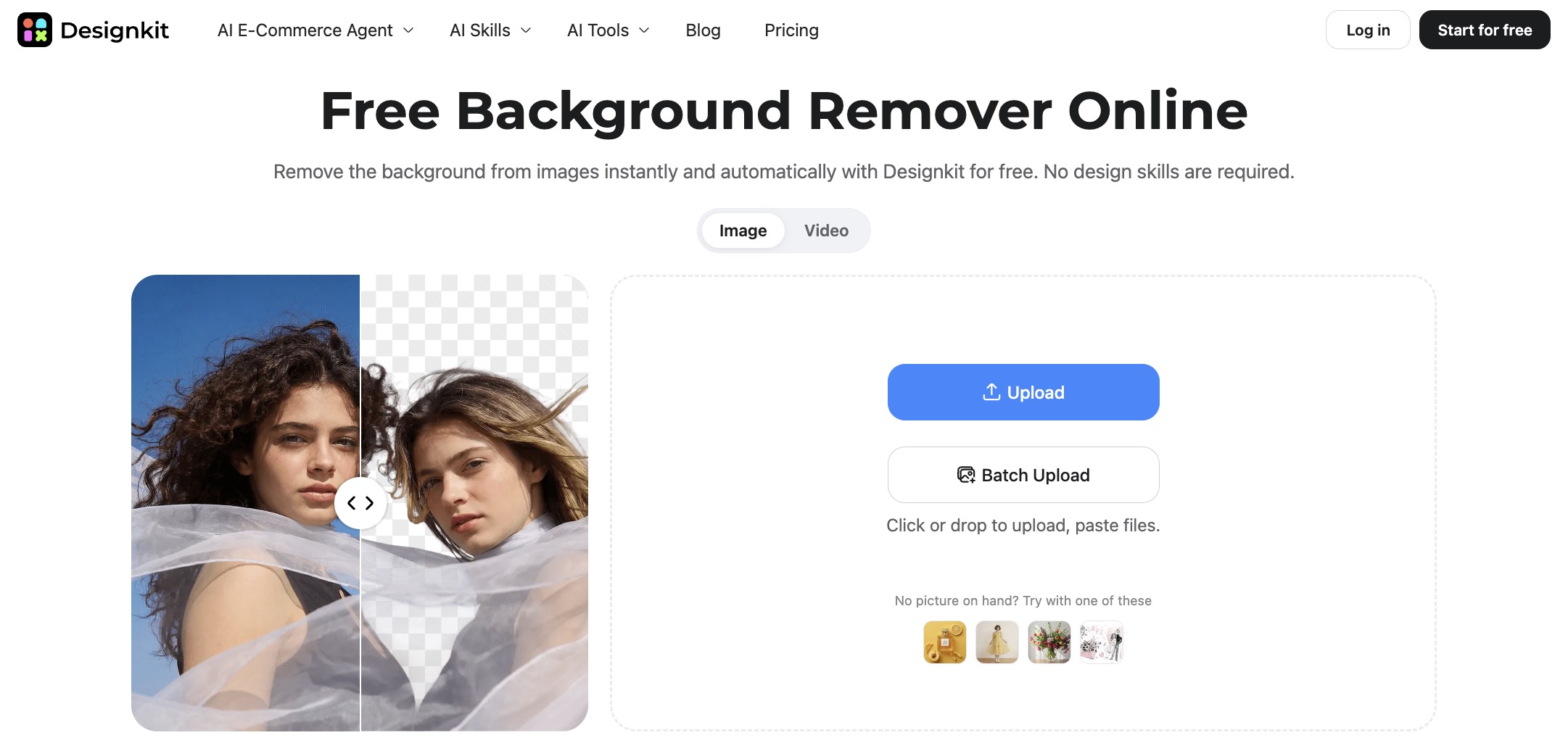
Free use currently allows up to 100 cutouts per day, batch upload of up to 15 images per run with no watermark, and Download All in one pass. Upload and preview need no login; full-resolution download does. Processing stayed under 3 seconds in testing.
Test result: Object and product cutouts were consistently clean on bottles, packaging, and accessories, including several busy object backgrounds. People and hair on complex scenes looked rough next to Canva. There is no zoom review after cutout (Remove.bg had that).
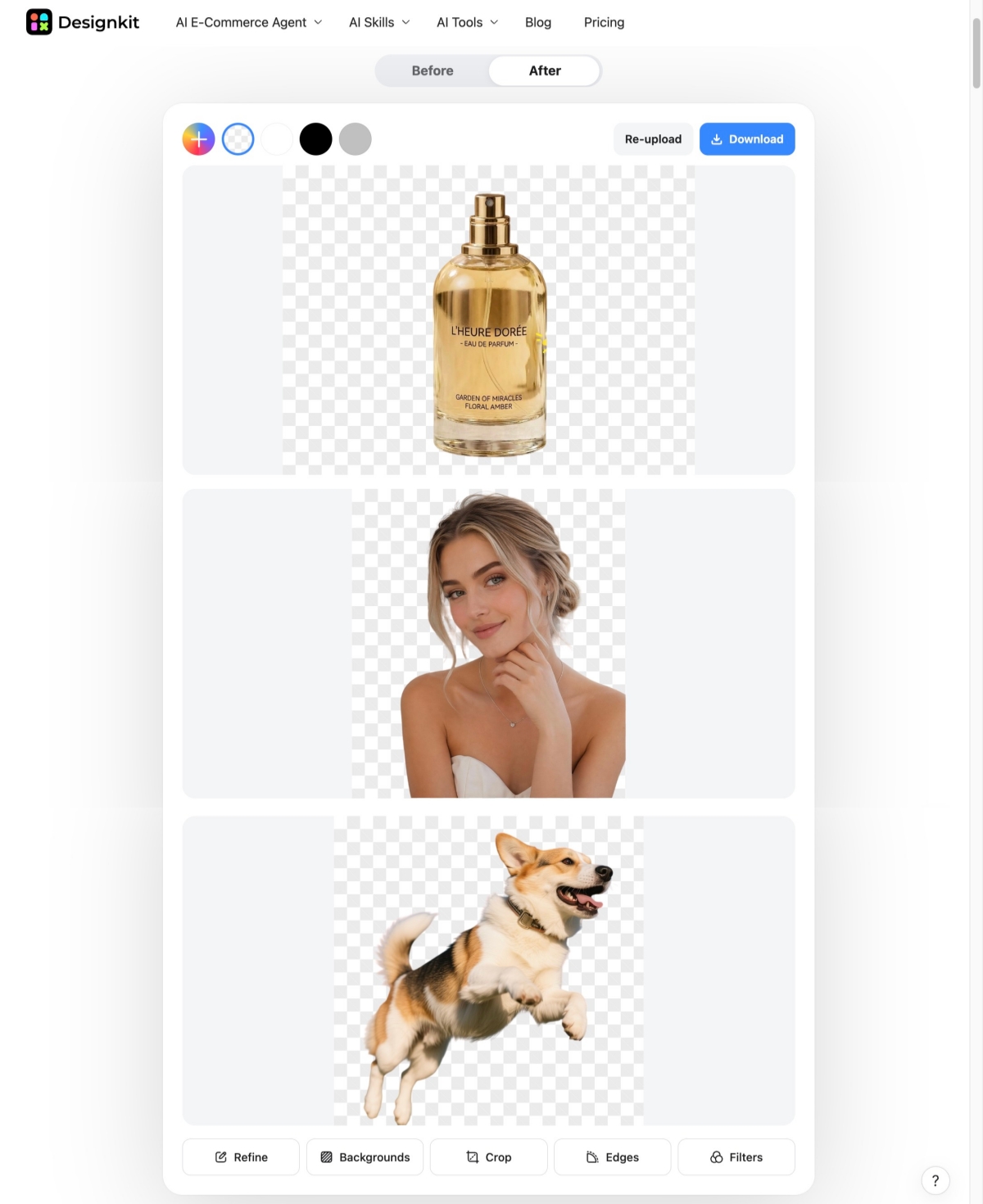
Free cutout and batch results had no watermark.
Limitations
- Hair and fine people edges can look rough on complex backgrounds.
- No post-cutout zoom review.
- Free batch tops out at 15 images per run; full-resolution download needs login.
Photoroom : Best for E-commerce Product Staging
Photoroom treats background removal as step one. You also get staging, shadows, and replacement backgrounds for marketplace shots. If you only need a transparent PNG, those extras may be more than you want.
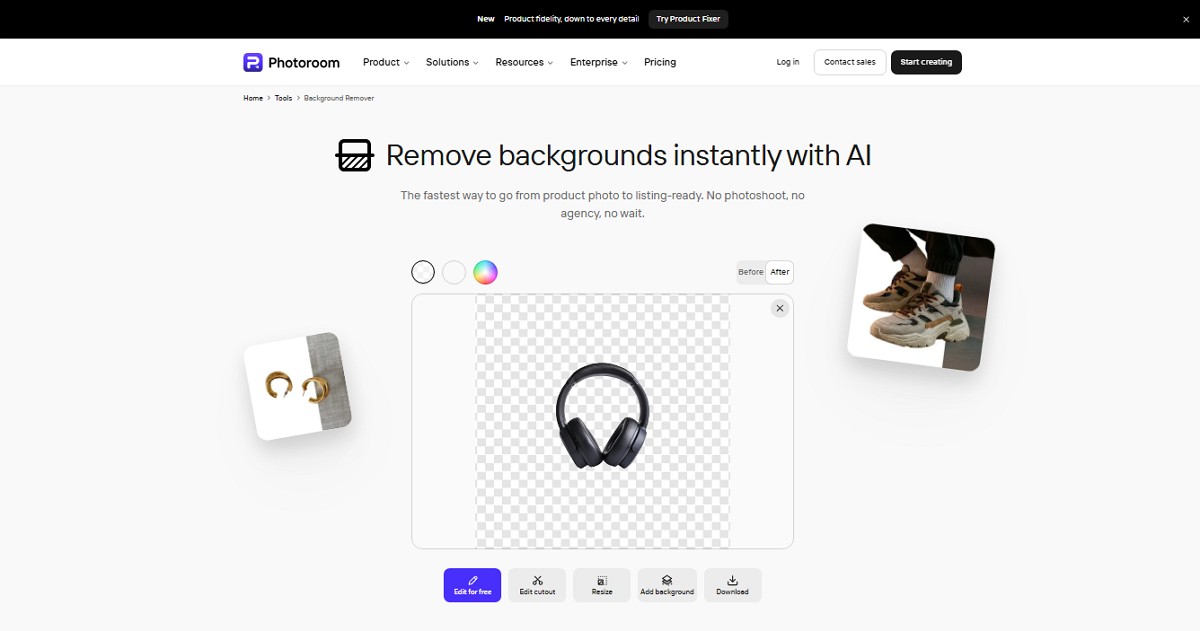
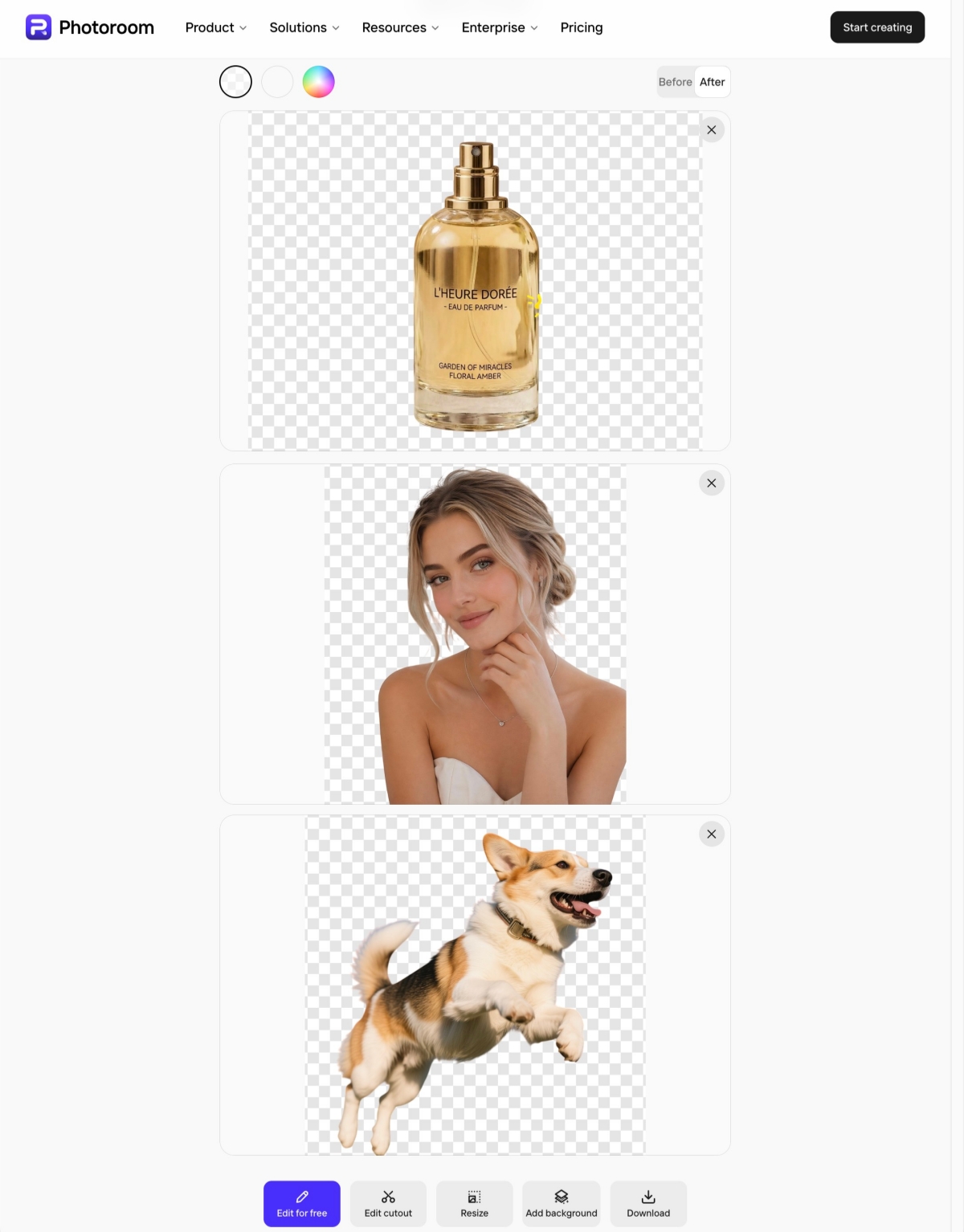
Erase and Restore clean missed areas. Transparent PNG export works. On the free web remover we tested, runs stayed single-image even when several files were uploaded.
Test result: Simple product shots can look finished. On prop-heavy packaging, detection sometimes missed the main item or kept background pieces. Hair edges on people shots often went soft.
Limitations
- Free web flow is effectively one image at a time.
- Subject detection can fail on busy product photos.
- Fine hair usually needs manual cleanup.
Adobe Express : Best for Adobe Creative Workflows
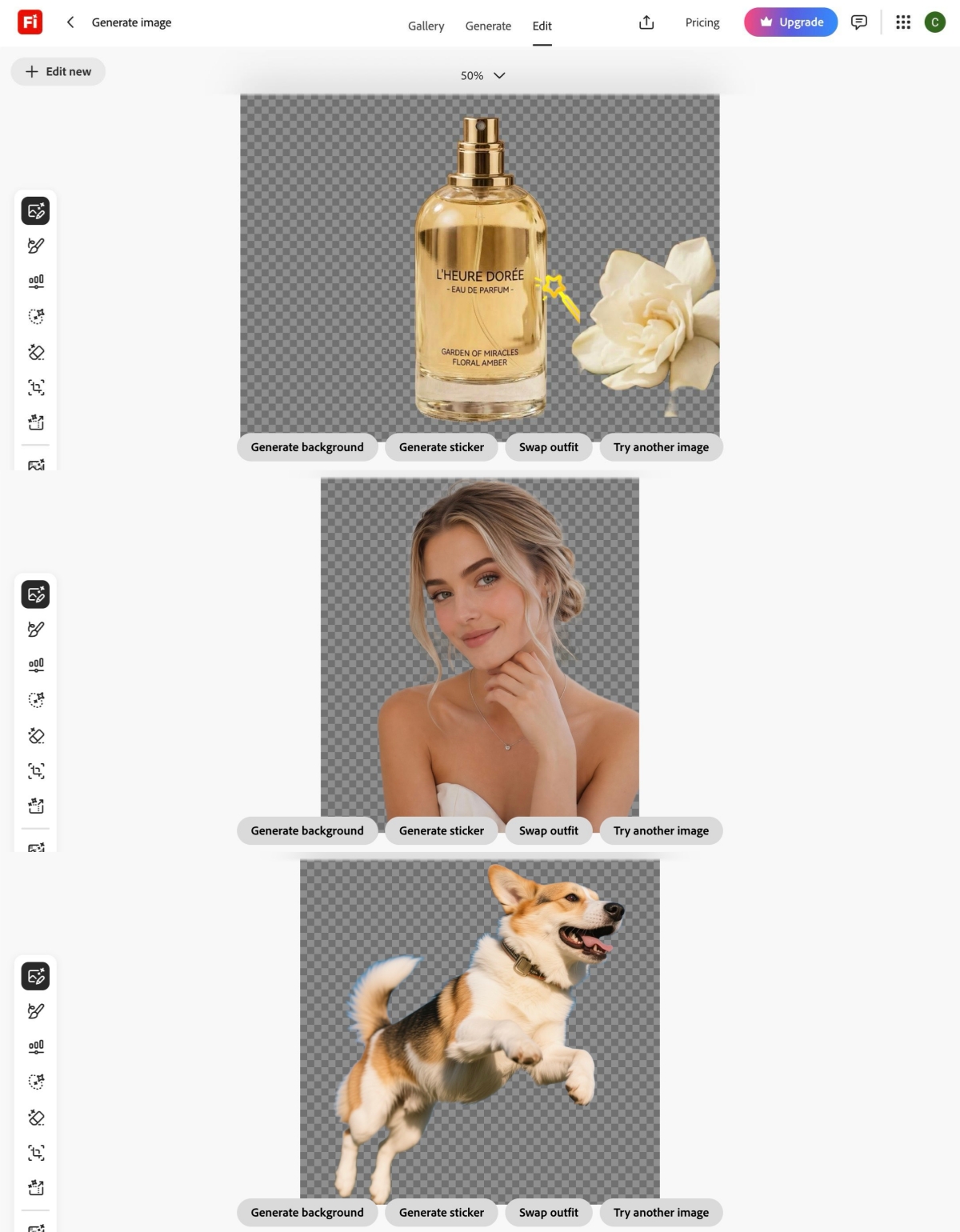
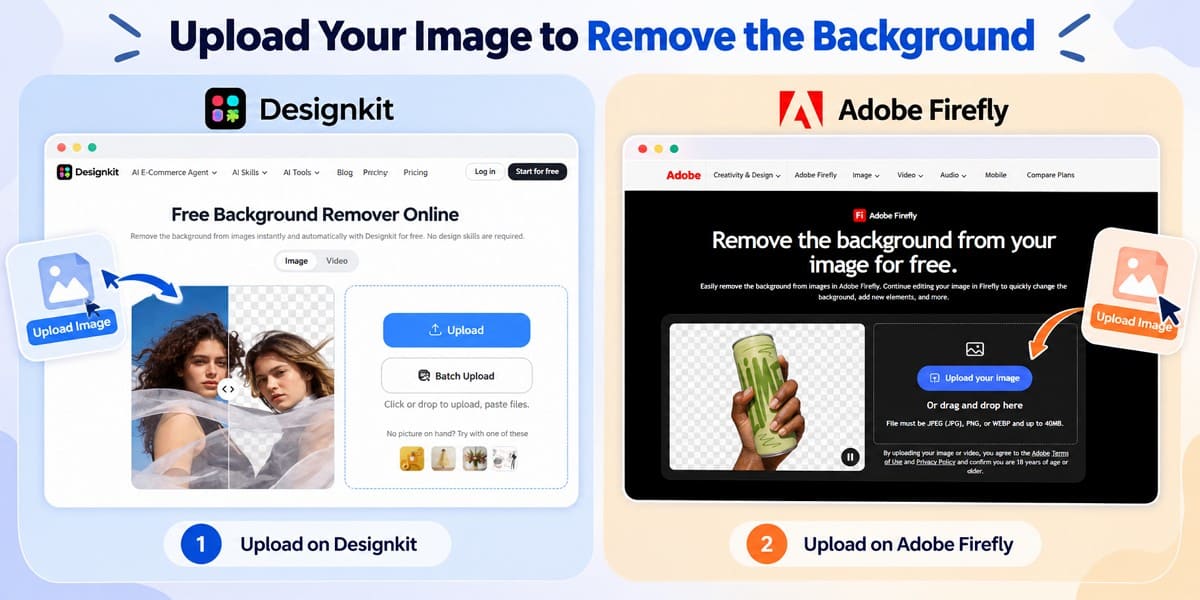
Adobe Express (and the related Firefly remove-background path) fits when cutout is one step inside Adobe tools. It accepts JPEG, PNG, and WebP up to about 40MB and can send the result into other editing features.
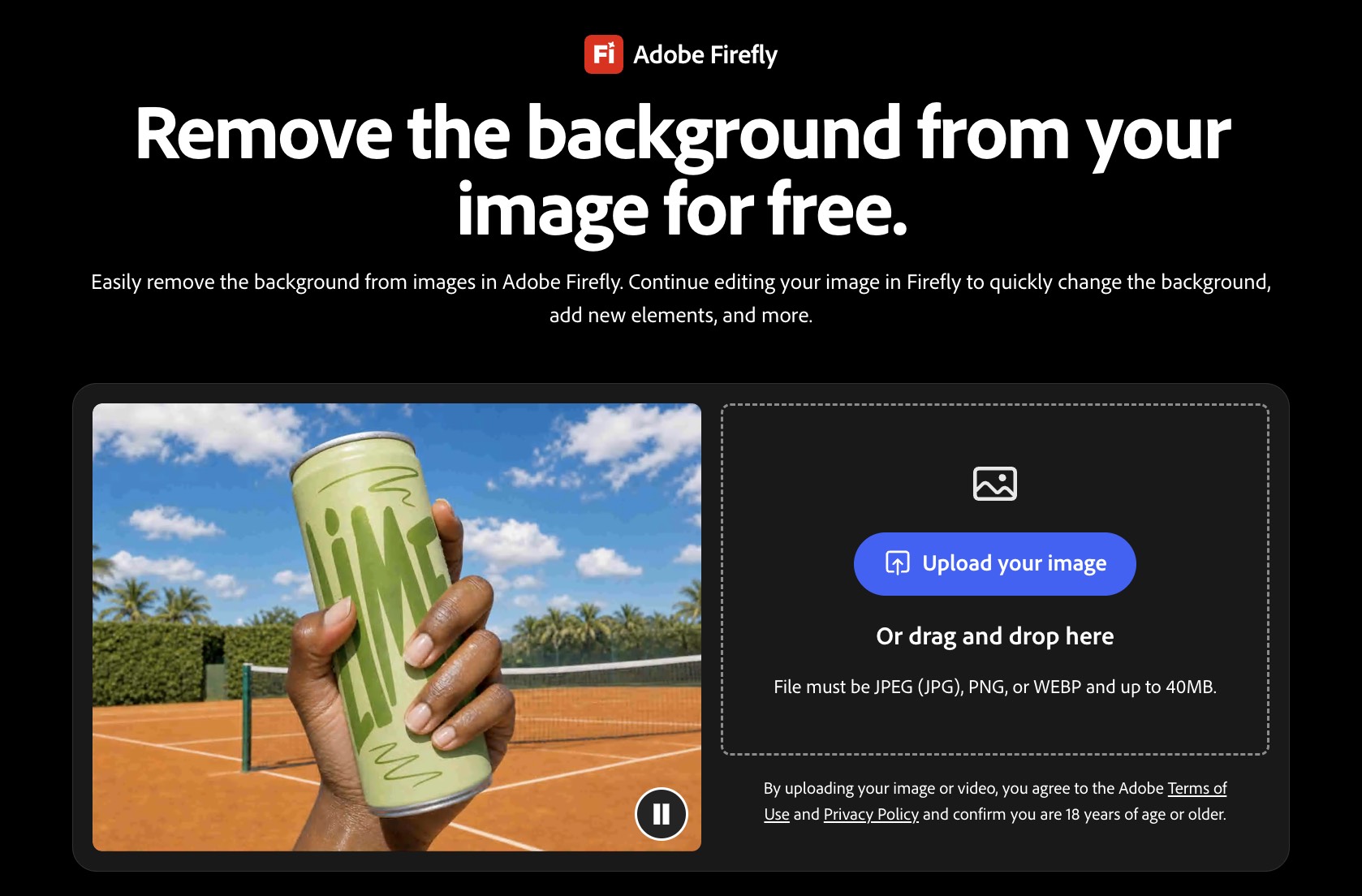
Core editing is free, but this path was slower than dedicated removers in our tests, and download often pushes you into sign-in or the wider editor. There is no dedicated free batch background remover for catalog work.
Test result: Runs often took around 10 seconds or more. Hair edges were soft. On several product images, detection failed or left jagged edges, behind Designkit, Canva, and Pixlr on the same object set.
Limitations
- Slower than most dedicated removers here.
- Subject detection can fail on product shots.
- No dedicated free batch background removal.
Pixlr : Best for Browser Editing and Multi-Image ZIP
Pixlr Remove BG runs in the browser, detects the subject after upload, and supports JPEG, PNG, and BMP. You can save with a transparent, white, or black background. Draw, Magic, and Lasso restore missing areas or clear leftover background.
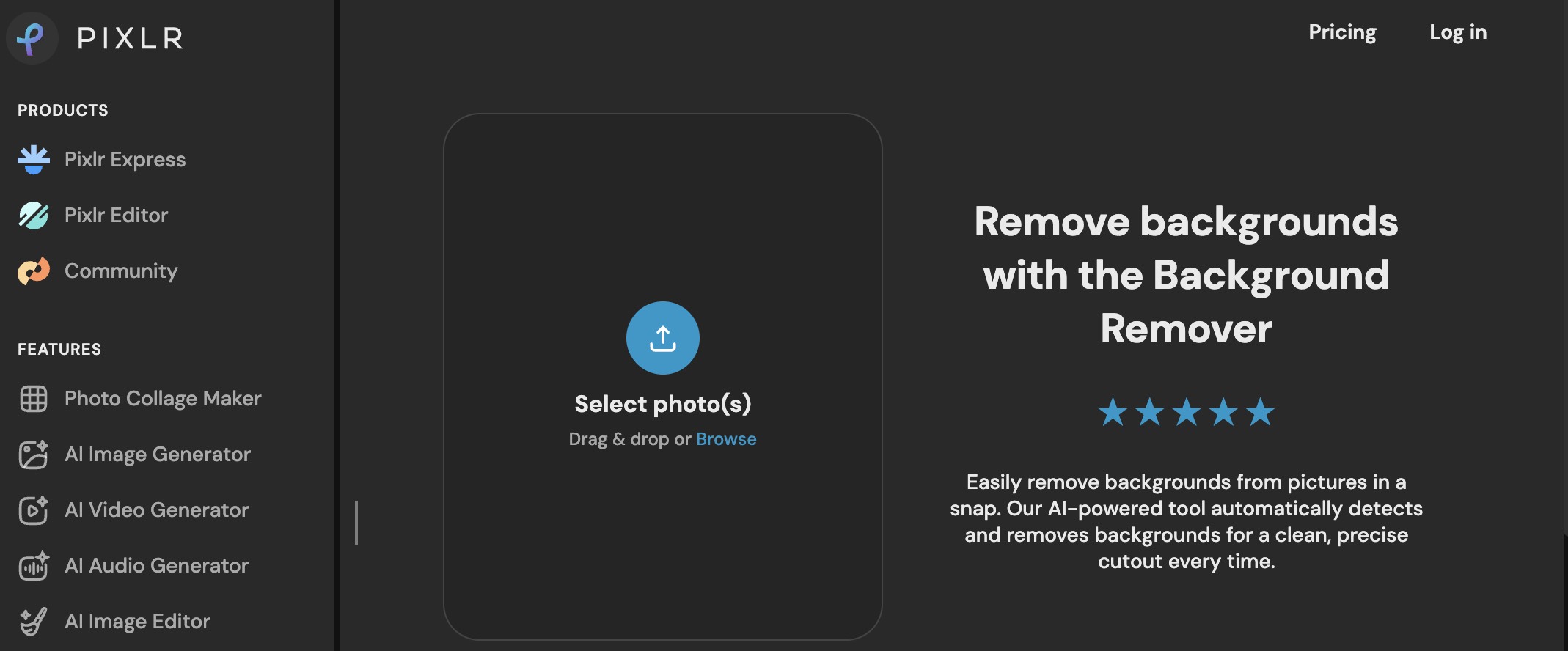
Multi-image upload with Save all as ZIP helps when you need several cutouts at once. Free saves were about 3 per day in recent testing, so high daily volume may need another plan.
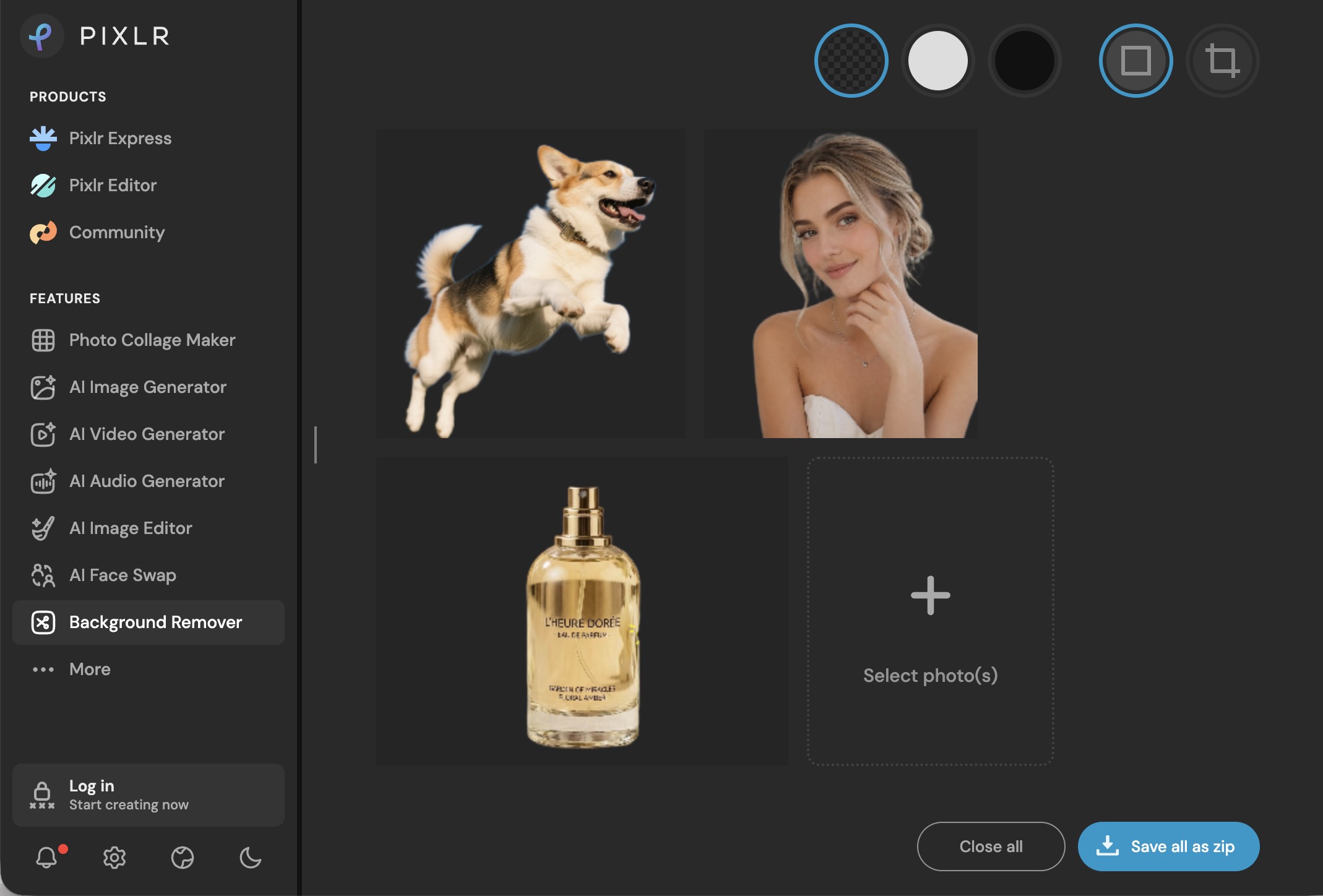
Test result: Many product cutouts looked usable. Some packaging edges were uneven. Complex hair looked less stiff than weaker tools but still frayed. A few object edges lost detail after download.
Limitations
- Daily free saves are limited.
- Fine hair and packaging edges may need manual cleanup.
Clipping Magic : Best for Manual Edge Control
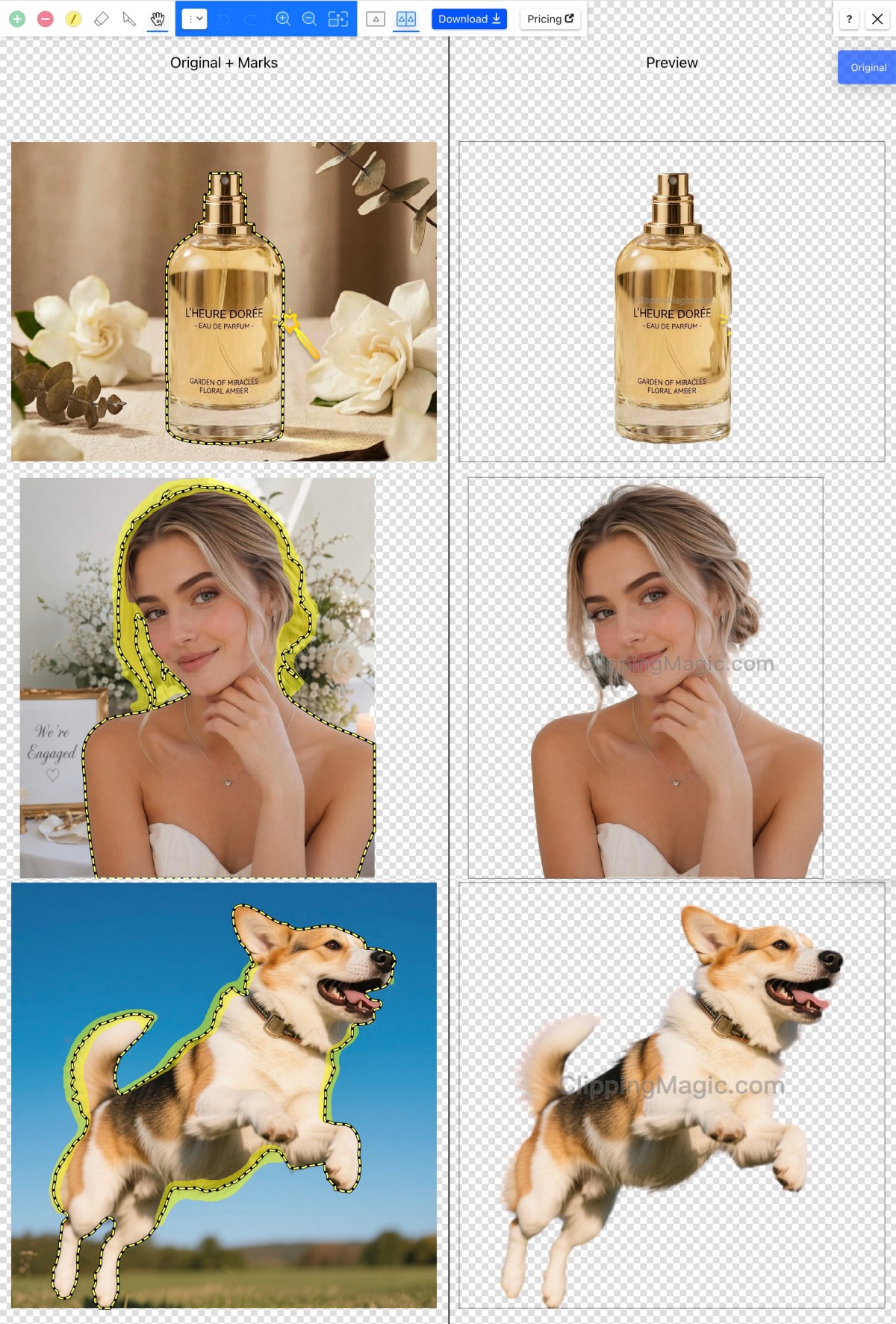
Clipping Magic is a Remove.bg replacement for hard cutouts that need hand work. Smart Editor includes Keep, Remove, Hair, Eraser, and Scalpel. Hair handles soft, partially transparent edges; Halo Scrubber reduces color fringe on the cutout.
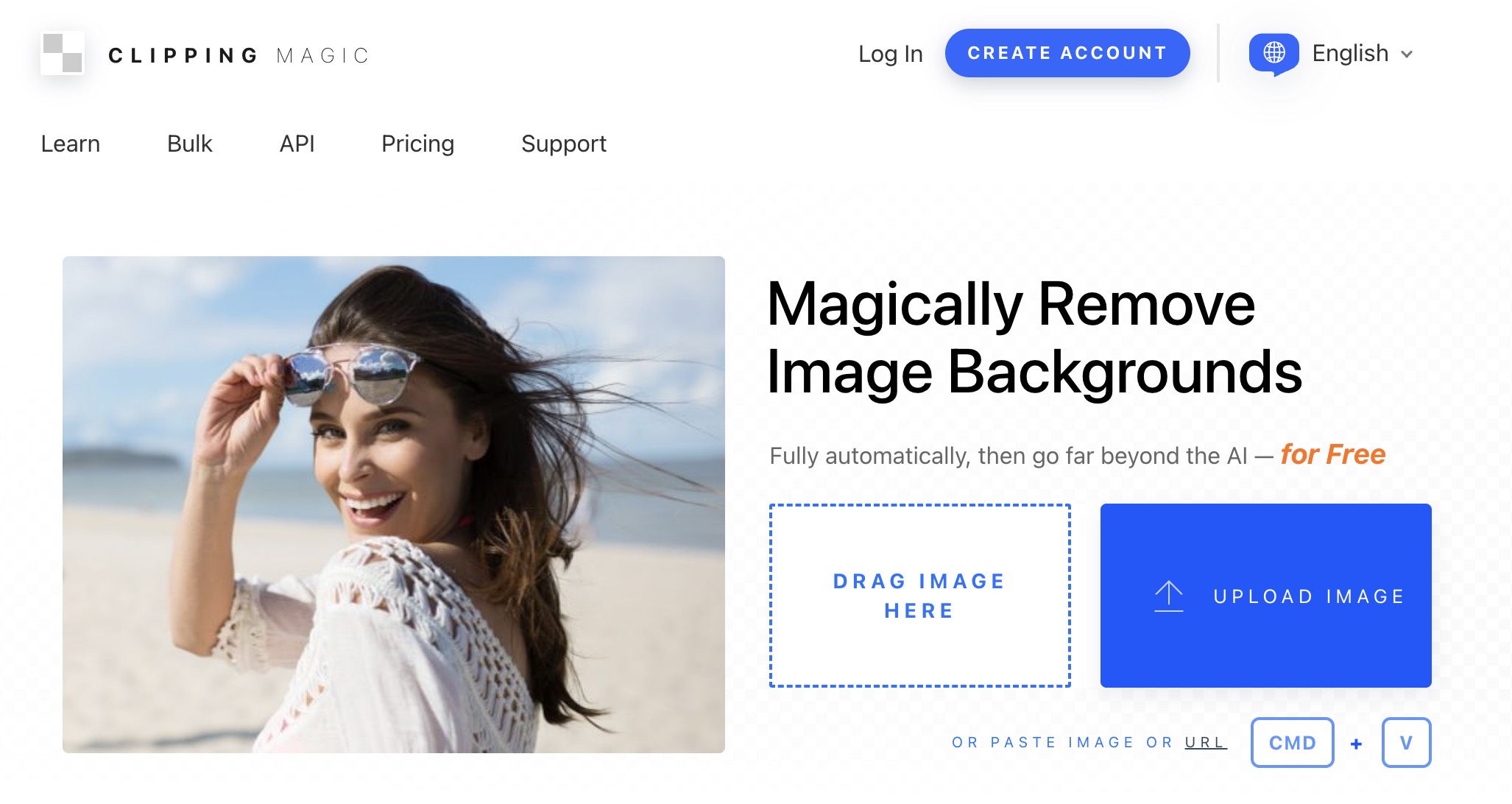
Upload and live preview work without a subscription. Full-size, watermark-free downloads need a paid plan. A small free preview is available for non-commercial use.
Test result: Manual controls are the main win on hard edges. Free previews still show a ClippingMagic.com watermark.
Limitations
- Free use is a size-limited, non-commercial preview.
- Full-size, watermark-free results need a subscription.
Which Remove.bg Replacement Fits Your Workflow?
Match the tool to the job:
For a Simple Upload, Remove, and Download Workflow
Pixelcut stays closest to classic Remove.bg: transparent PNG without a design suite. Fine hair may still lose detail. For free batch on product photos without signing up first, Designkit is the better fit in this set.
For Free Full-Resolution Downloads Without Photoshop
Most searches for a free Remove.bg alternative come down to one-click cutouts and a usable export size, not a tiny preview. Pixelcut, Designkit, Photoroom, Canva, and Pixlr all offer a free transparent PNG path, but full-resolution access, daily caps, and login rules differ. Download a real file at the size you need before you move a catalog. If the auto edge is close, budget a short refine pass. Free removers rarely nail hair, fur, or low-contrast subjects in one click.
For Refining and Continuing to Edit
Use Designkit when the cutout still needs cleanup, a new background, or other edits in one place. The AI Background Changer helps when transparency is not the end goal. Stay in Adobe Firefly if you already work in Adobe. Clipping Magic and Pixlr’s Draw/Magic/Lasso tools help when the first pass leaves residue or bites into the subject.
For Product Photos
Designkit and Photoroom both work as Remove.bg alternatives for e-commerce. On object tests, Designkit was fast and clean on product and SKU cutouts, with free batch up to 15 images and Download All. Photoroom is stronger when you want staging, shadows, and finished scenes after the cutout. Its free web remover stayed single-image in our tests.
For Processing Several Images
Pixelcut supports the largest batch size (up to 10,000), but free users only get previews and need a subscription to download. Designkit offers free batch of up to 15 images per run with Download All and no watermark. Pixlr supports multi-image ZIP downloads within daily free save limits. For catalog work, check output consistency and filenames on a small batch first.
For Difficult Hair, Fur, or Detailed Edges
Clipping Magic has the deepest manual controls (Keep, Remove, Hair, Eraser, Scalpel). Canva did relatively well on complex hair in free tests. Designkit can refine edges in-editor, but automatic hair on complex people scenes was weaker. Use it for products, not hair-critical portraits.
API note: These web tools are not Remove.bg API drop-in replacements. API users should follow the Leonardo.AI migration path and review auth, parameters, pricing, and code changes separately.
How to Test a Replacement Before December 1
Test any Remove.bg alternative on images you actually ship:
- Reuse a known image: Pick a file Remove.bg handled well or poorly as a baseline.
- Inspect hard edges at full size: Hair, fur, product corners, narrow gaps, soft shadows, missing pieces, leftover background. Use erase/restore where it exists.
- Add a low-contrast sample: Subject and background close in color. One-click removers often fail here; you need a fast way to restore missing subject areas.
- Check the downloaded file, not the preview: Transparent PNG, pixel size, watermark, login rules, free limits, and batch caps. Run a small batch before you switch.
Final Recommendation
The best Remove.bg alternative depends on your old Remove.bg habit and what blocked you before: credit limits, small free exports, or no batch path. Pixelcut fits a simple upload, remove, and download flow. Designkit is the stronger free pick for e-commerce product cutouts: fast object results, up to 100 free cutouts per day, free batch of up to 15 images, and editing in the same workspace. Trade-off: weaker people and hair edges.
Canva fits cutouts that continue inside Canva and need better free hair handling. Photoroom focuses on polished product staging. For large paid batches, Pixelcut scales highest; for free multi-image runs, Designkit and Pixlr are more practical. Clipping Magic is the manual option for hard edges, with full-size downloads behind a subscription. Before December 1, confirm full-resolution download rules and try a short refine pass on your hardest images.
Frequently Asked Questions
Is Remove.bg shutting down?
What is replacing Remove.bg?
There is no single replacement for every job. Canva is the official destination for regular web users. API users go to Leonardo.AI. Other Remove.bg alternatives may fit better if you need batch processing, clearer free limits, or deeper edge tools.
Which alternatives offer a free transparent PNG download?
Pixelcut, Designkit, Photoroom, Canva, Pixlr, and Adobe Express all have free transparent PNG paths, with different daily limits and login rules. Designkit allows preview without login and needs login for full-resolution download. Check current free limits before a large run.
Can I get free full-resolution downloads, not just a small preview?
Sometimes. Many free background removers show a preview for free, then require sign-in, a daily save limit, or a paid plan for full size. Designkit and Pixelcut both split preview from full-resolution download with login. Pixlr limits free daily saves. Clipping Magic’s free path is a watermarked, size-limited preview. Download a real file at the size you need before migrating a catalog.
What if my subject has low contrast with the background?
One-click removers struggle when subject and background are close in color or light. Use a tool with erase/restore or brush refinement, and clean up after the automatic cutout. For hair-critical or very soft edges, Canva or Clipping Magic is usually safer than a product-focused remover.
What will happen to my Remove.bg credits and subscription?
Check your Remove.bg account and the latest official notice before the shutdown. Credit expiration, subscription status, transfers, and refunds depend on the account. Confirm details directly with Remove.bg.
Which Remove.bg alternatives support batch processing?
Pixelcut handles up to 10,000 images, but free users only get previews and need a subscription to download. Designkit supports free batch of up to 15 images per run with Download All. Pixlr supports multi-image ZIP downloads within free save limits. Photoroom’s free web remover stayed single-image in testing. If you process catalogs, test a small batch first; single-image demos hide download and consistency limits.
What should Remove.bg API users do?
Follow the official Leonardo.AI migration route. Do not treat a consumer web remover as an API drop-in. Review authentication, parameters, pricing, output behavior, and required code changes before you switch.
Is Designkit good for product photo background removal?
Yes, for product and object cutouts. In our tests it was fast (under 3 seconds) and consistently strong on packaging and accessories, with free batch up to 15 images. Choose another option if you mainly need hair-critical portrait cutouts.
I do not want to use Photoshop. What should I use instead?
Use a dedicated web background remover: upload, cut out, download a transparent PNG, then refine only where needed. Pixelcut and Designkit stay closest to that path in this comparison. For e-commerce product batches, a dedicated remover with free multi-image support is usually faster than a full browser editor.
Are there offline or privacy-focused options?
Yes. Open-source tools such as rembg can run locally so images never leave your machine, and some browser tools use on-device models. Those fit privacy-sensitive or technical workflows. For most sellers who need speed, free batch, and transparent PNG export, a tested web Remove.bg alternative such as Designkit, Pixelcut, or Pixlr is still the more practical choice.
More Background Remover Reviews & Guides

Best Image Background Remover Tools in 2026: AI Tools Compared

Top 8 Online Background Removers for Ecommerce Photos (2026)

How to Remove Background on iPhone: 5 Easy Methods (2026)

Photoroom Background Remover Review 2026: Features & Alternatives

Pixlr Background Remover Review 2026: Features, Pricing & Alternatives

How to Remove Background in Canva: A Step-by-Step Guide

How to Remove Background in GIMP: Beginner-Friendly Guide

How to Remove Background in Photoshop: 7 Easy Methods

How to Make Transparent Background in Paint: Step-by-Step Guide
From Background Removal to Better Visuals
A clean cutout is only the first step. Use Designkit to remove backgrounds, refine edges, create new scenes, and prepare visuals for your next project.
