
Create a Fashion Poster Online for Shows and Campaigns
Upload a fashion photo and describe the campaign. AI builds the poster composition, headline placement, and visual style for print or social use.
Turn Fashion Photos into Designed Posters
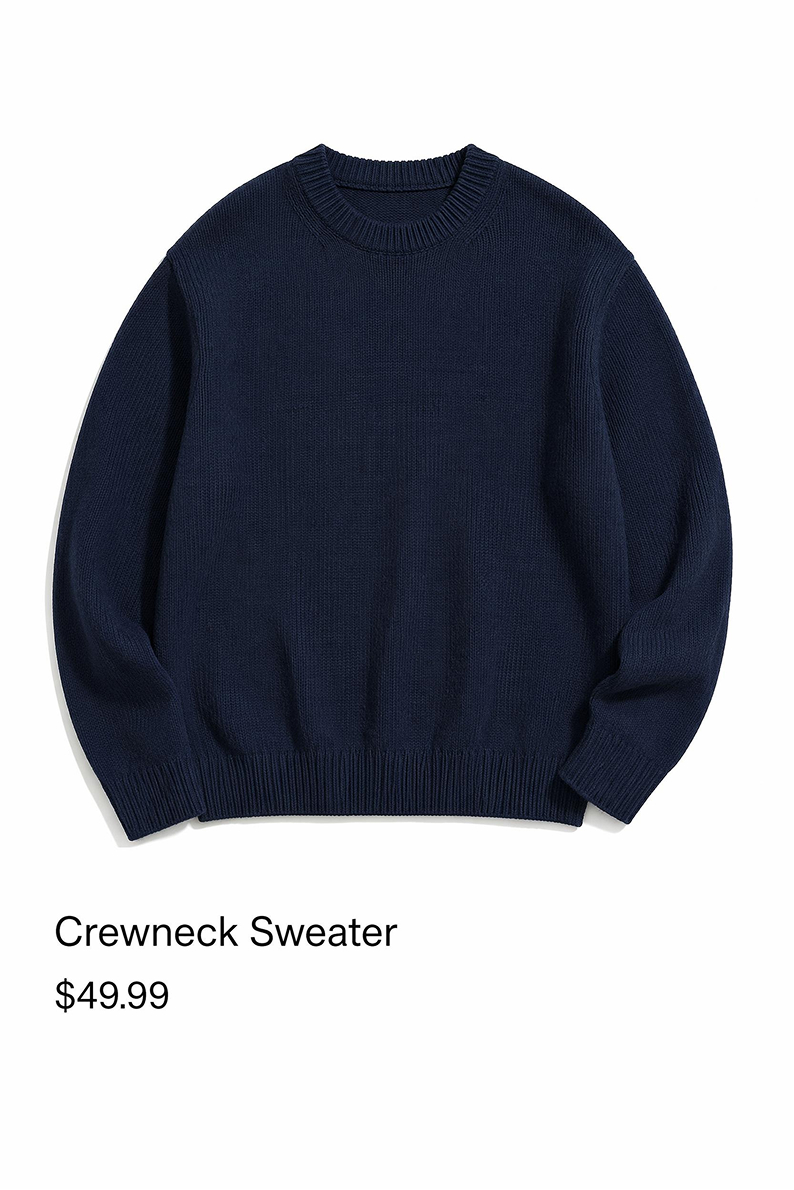
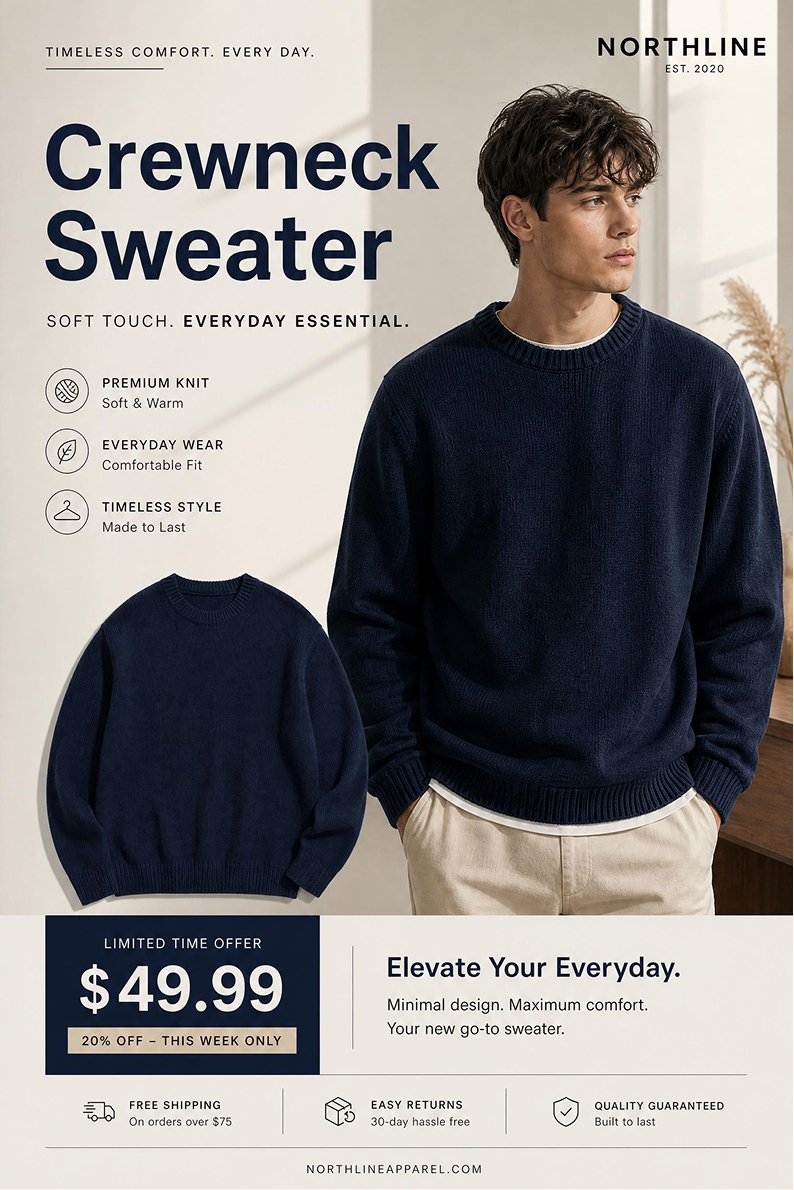
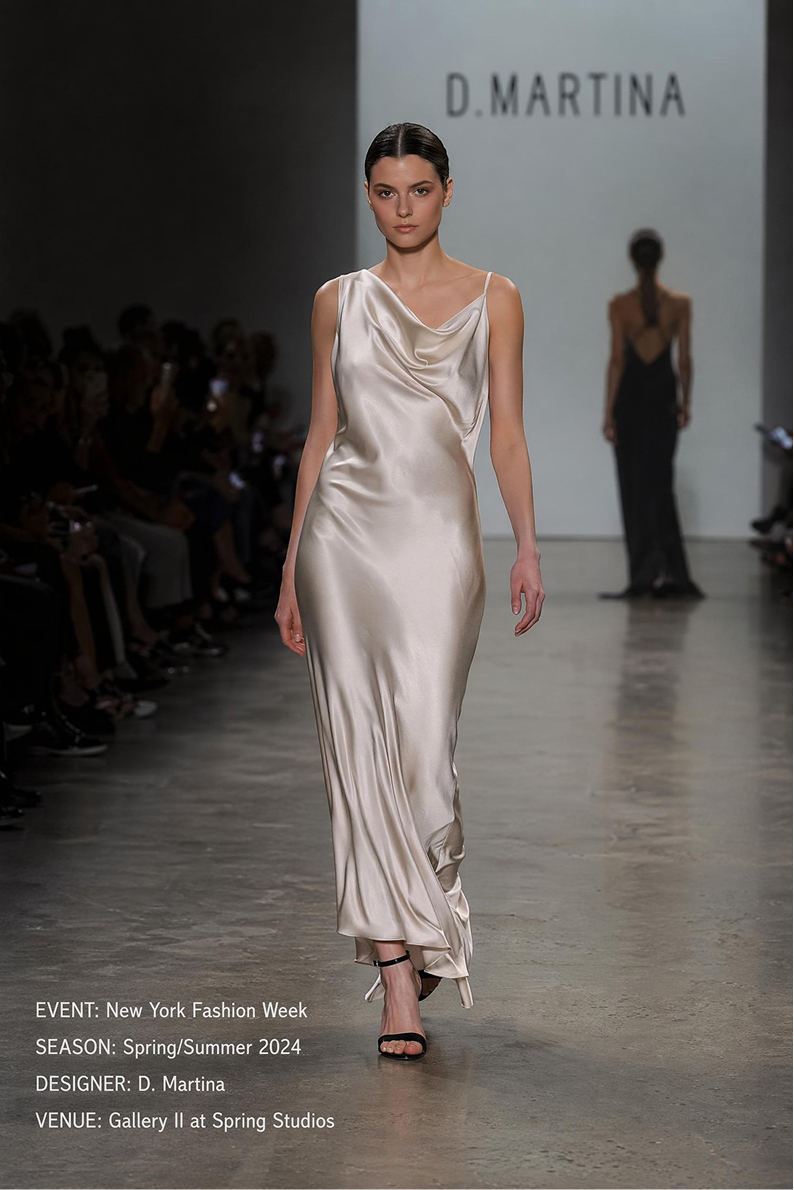
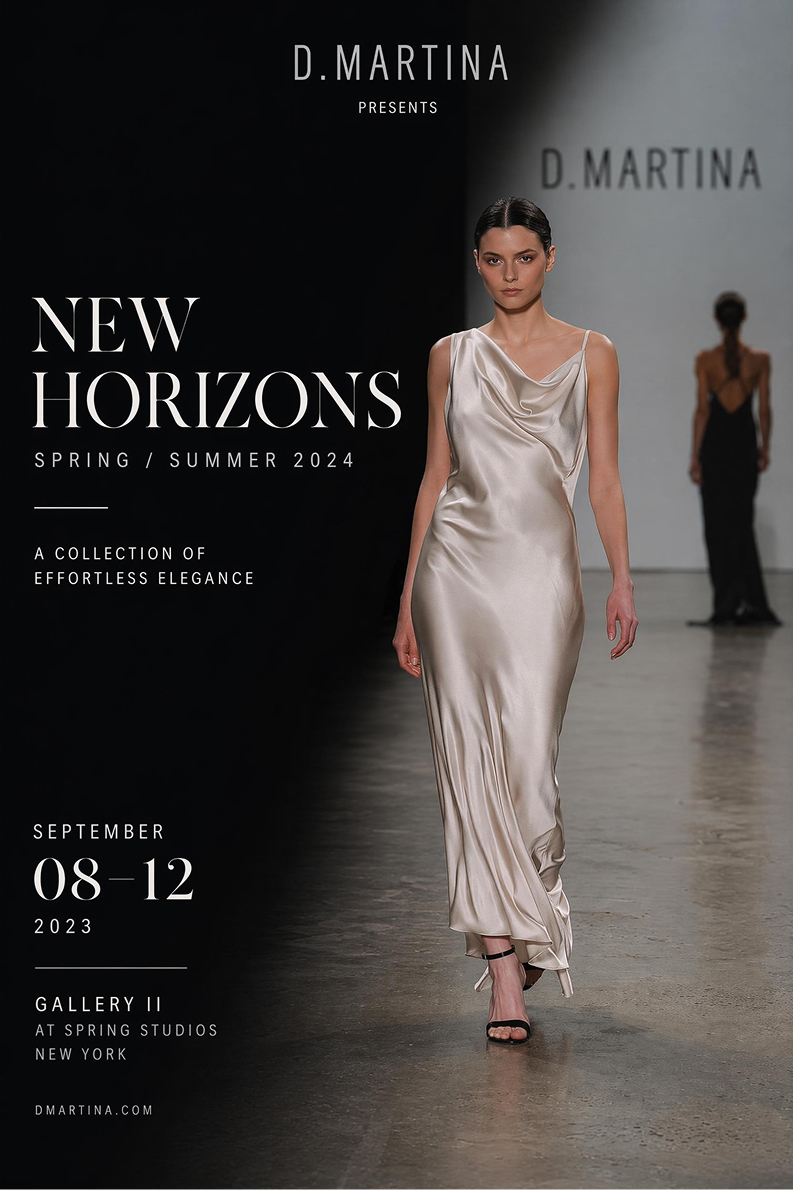
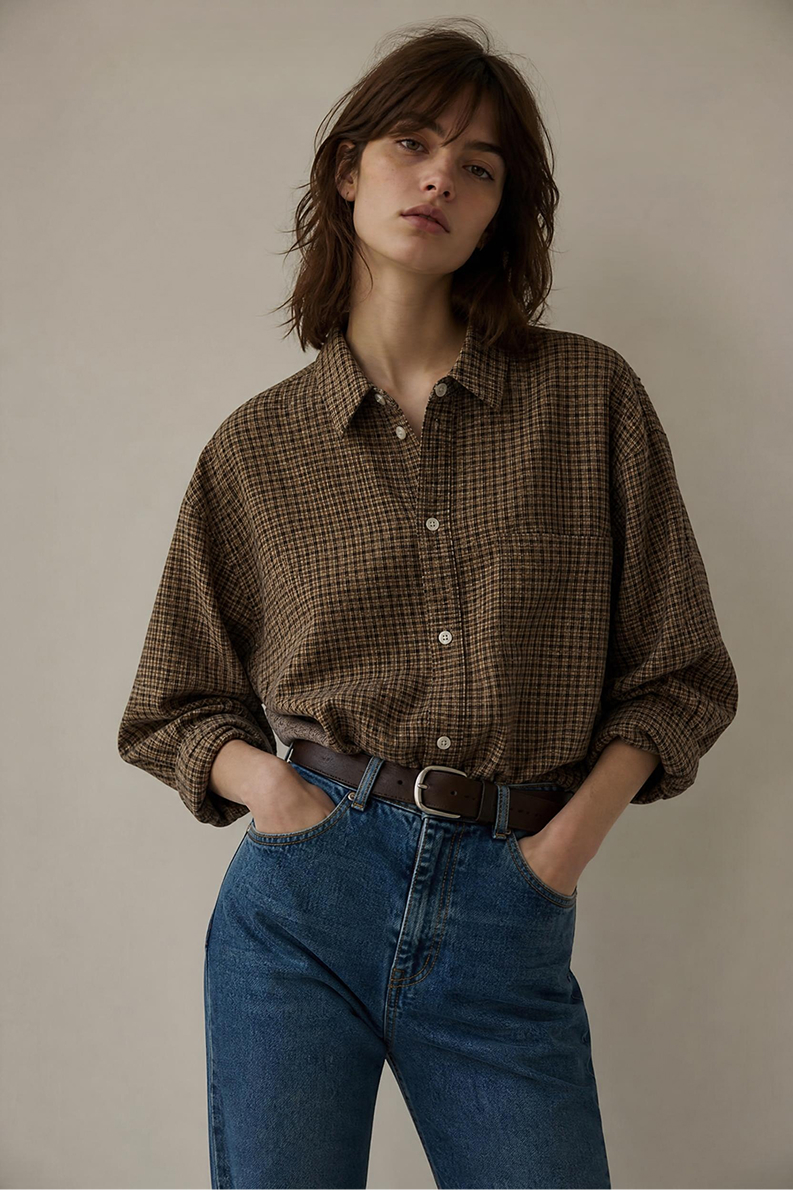
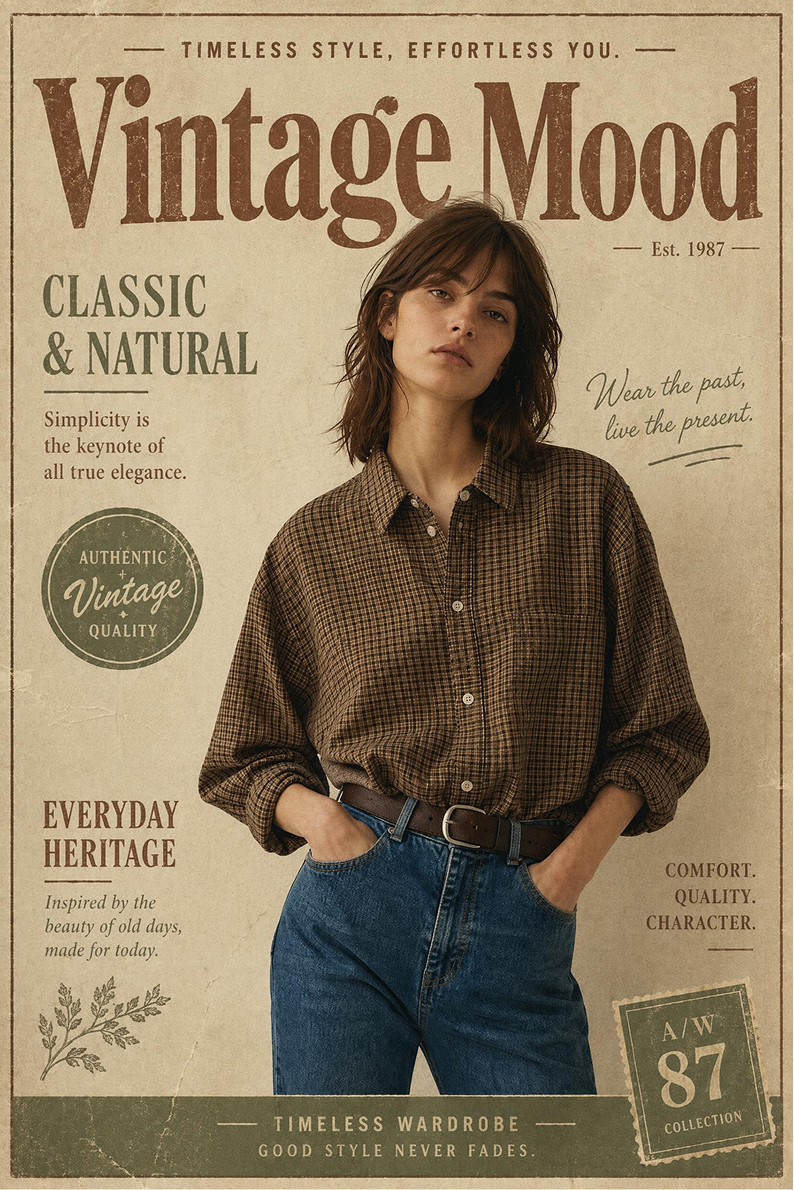
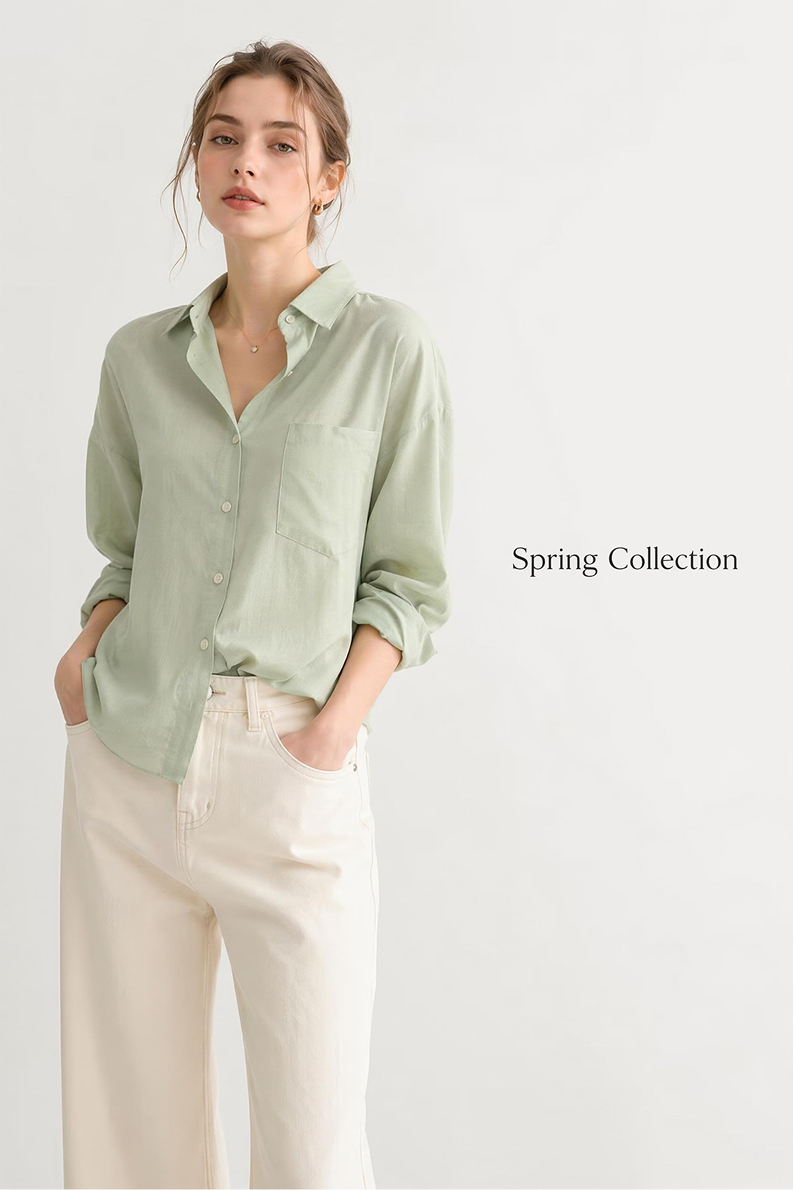
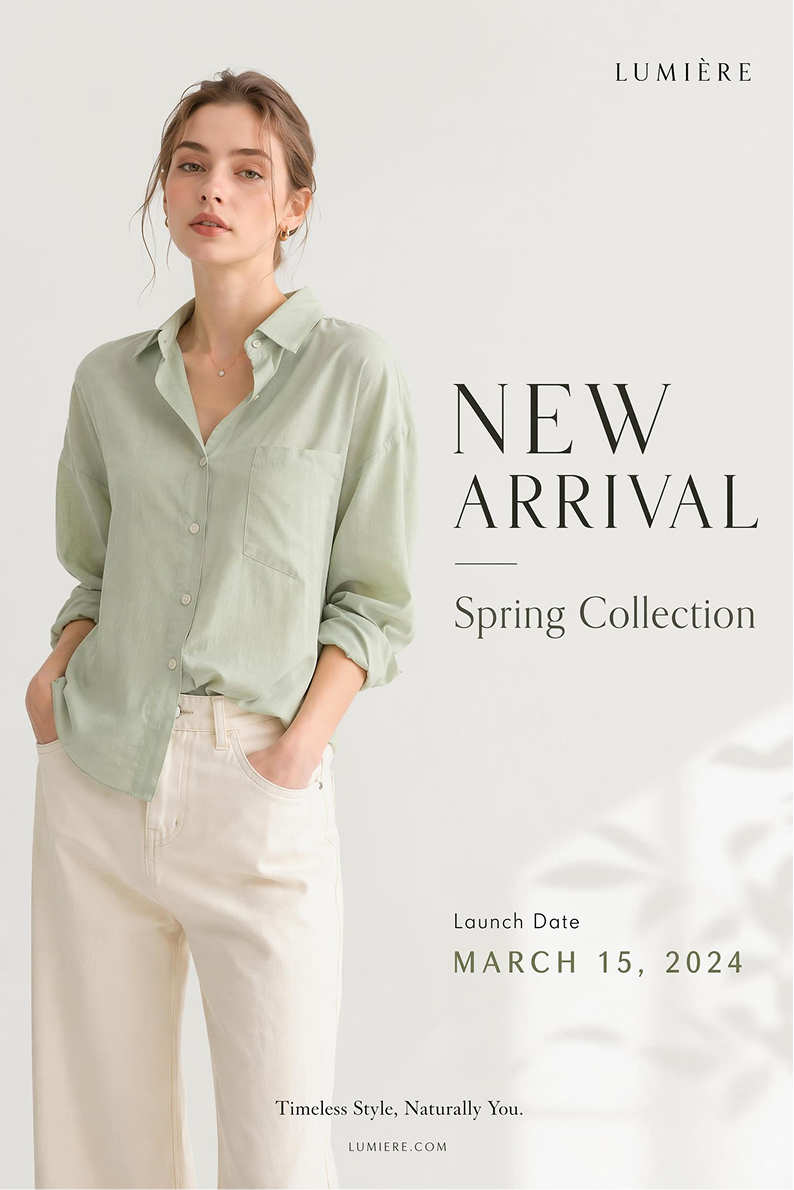
Choose a Fashion Poster Example and Create a Similar Design
Click any example to open its image and prompt in the workspace, then change the fashion details to generate your own version.
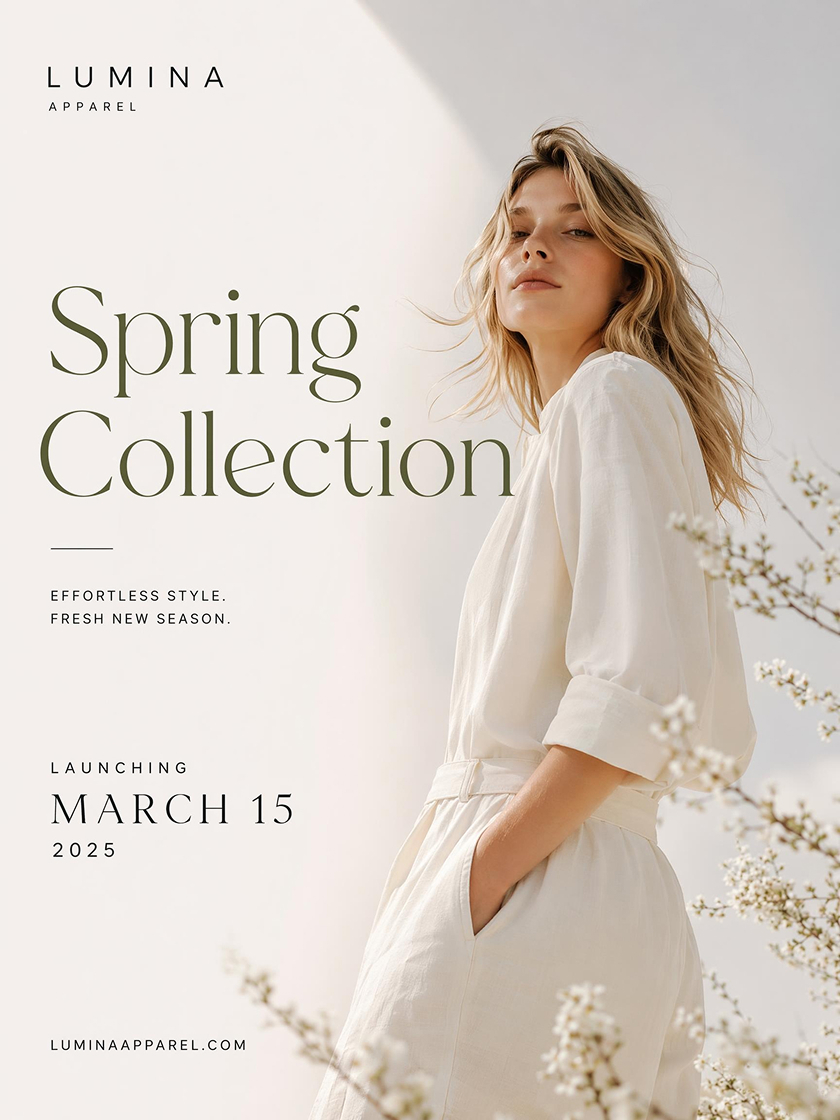
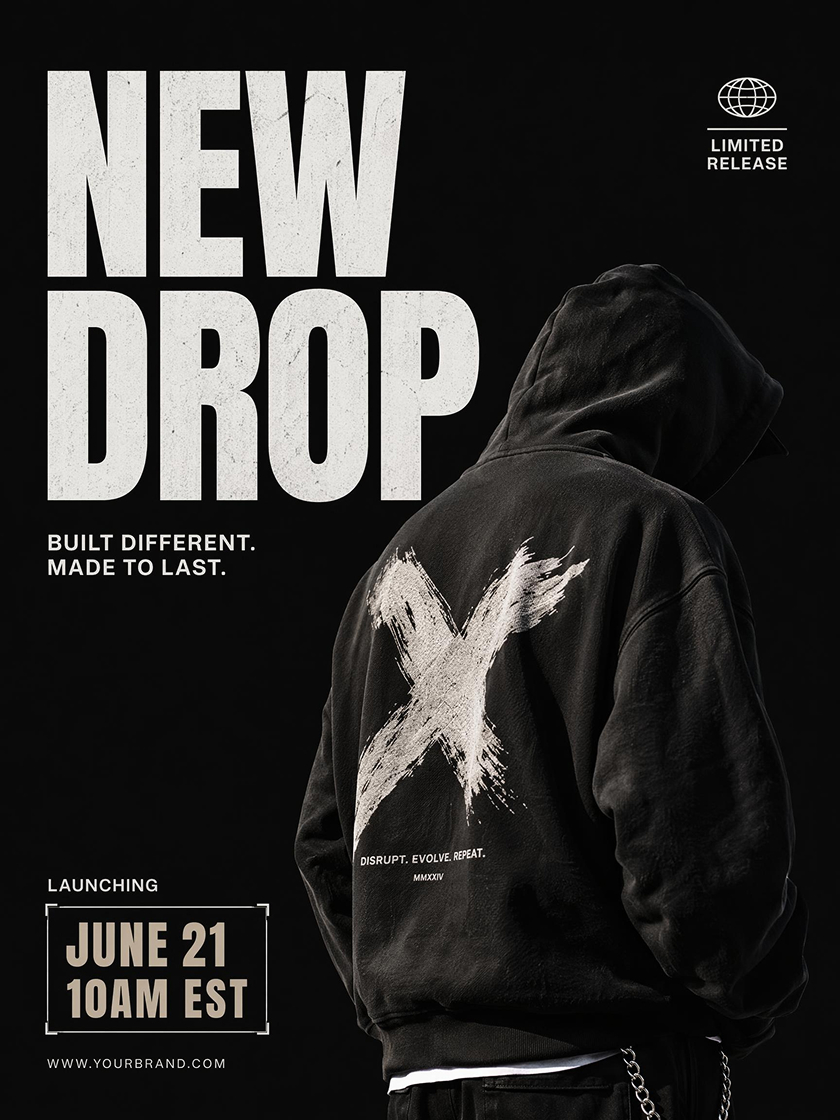
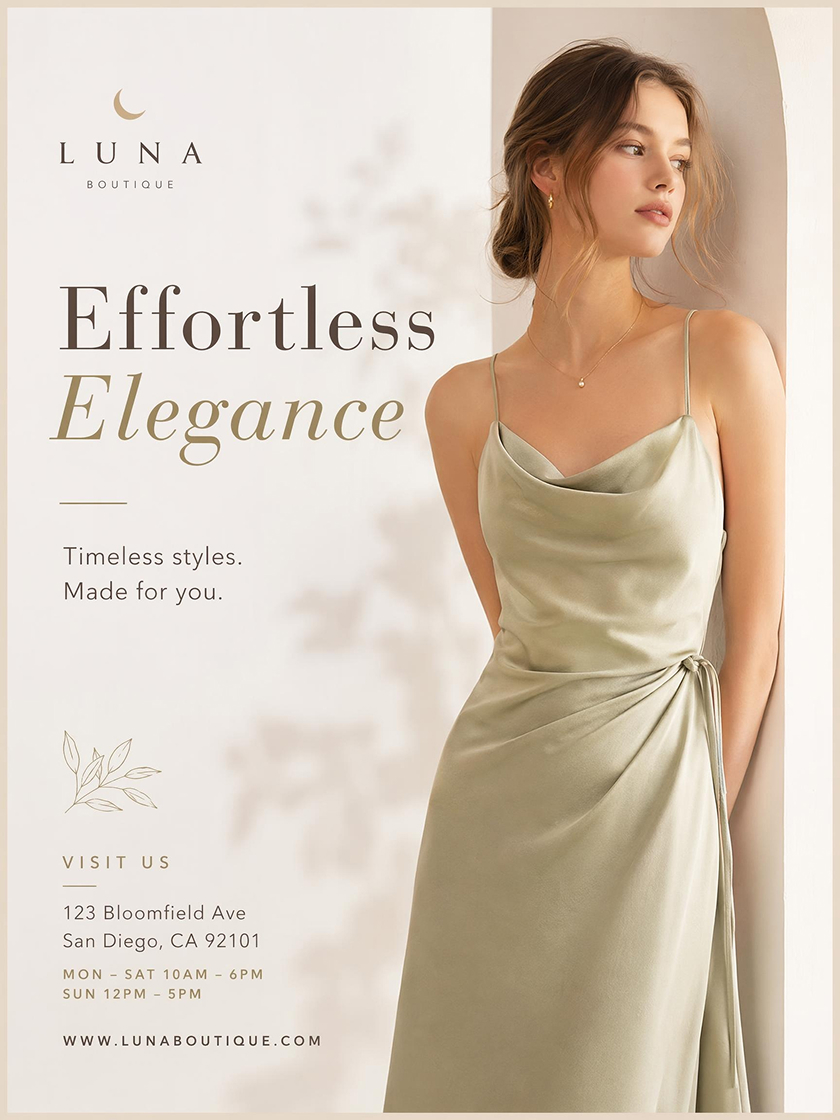
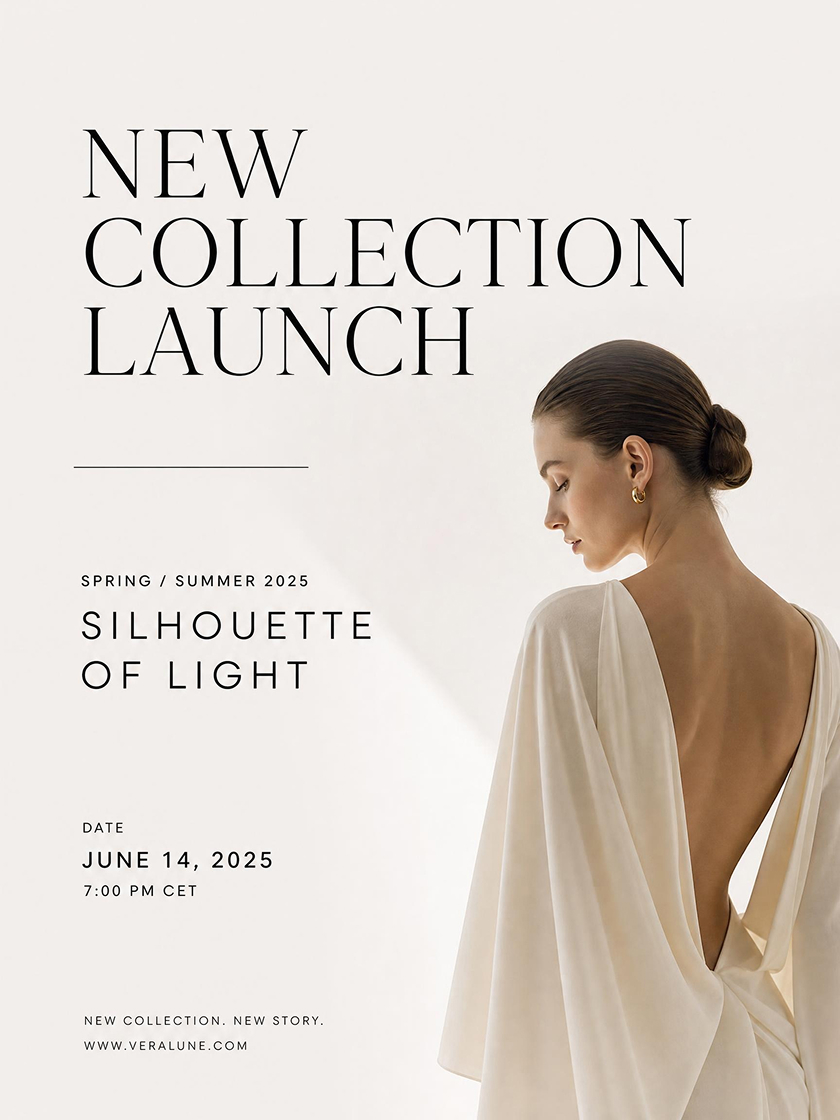
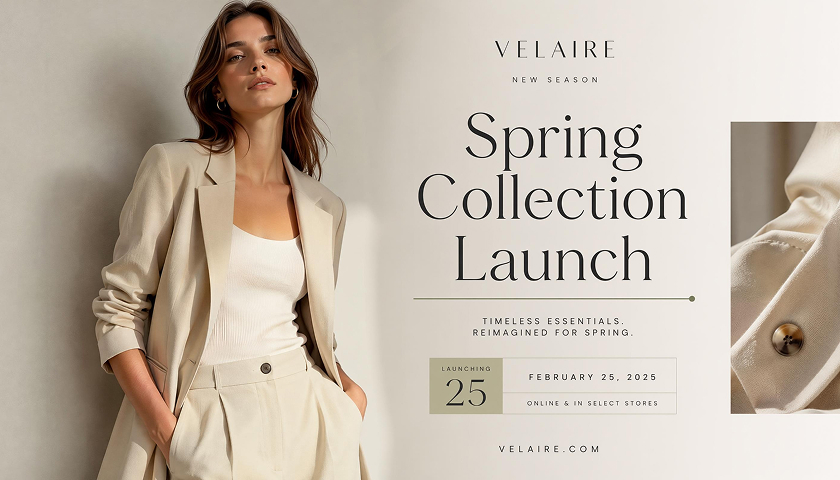
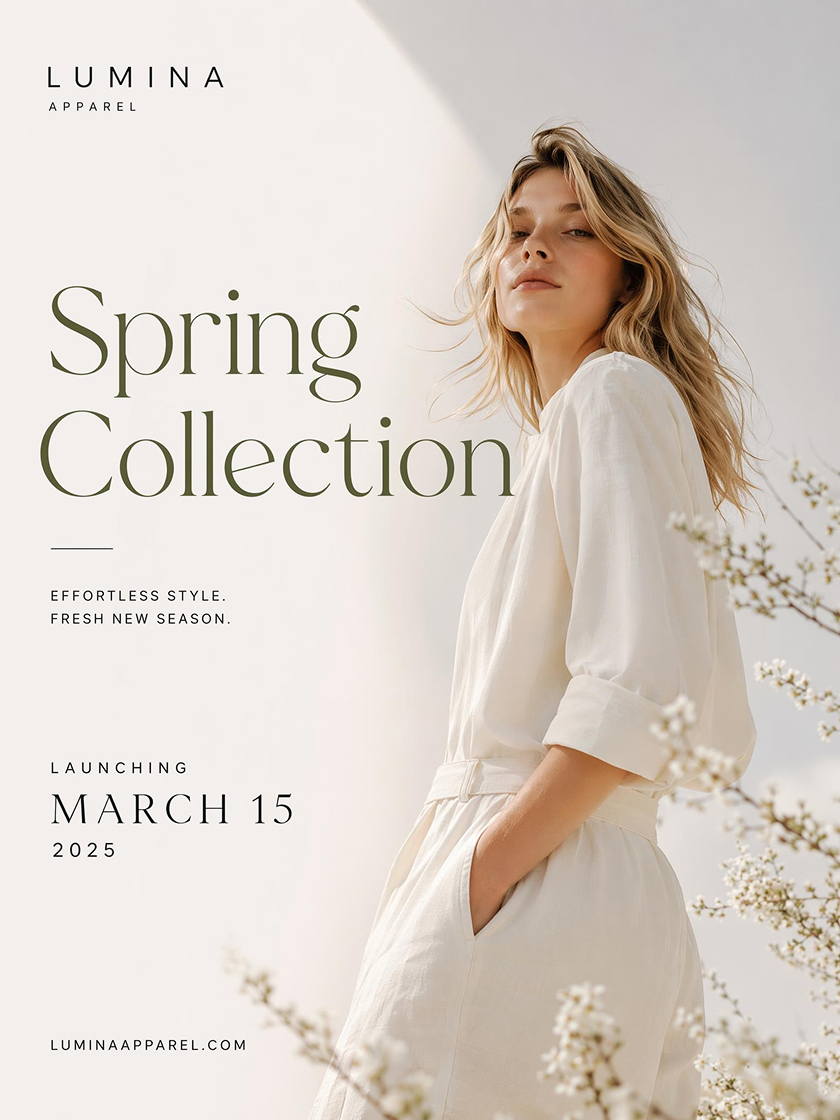 Clothing Launch
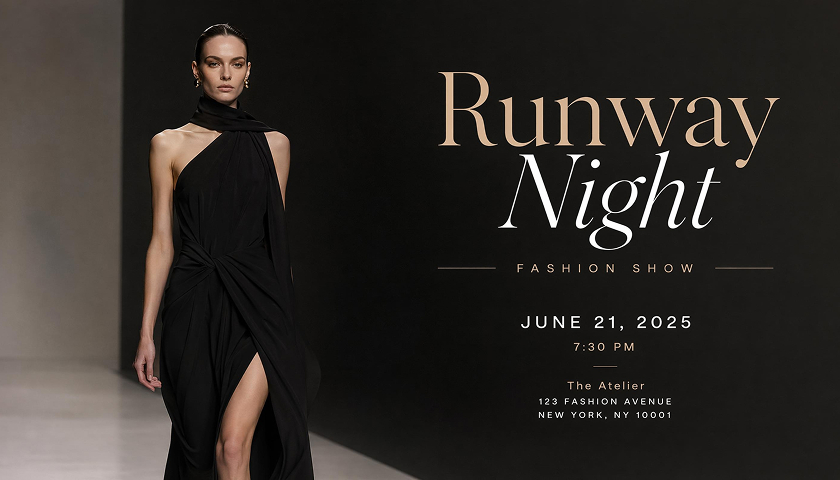
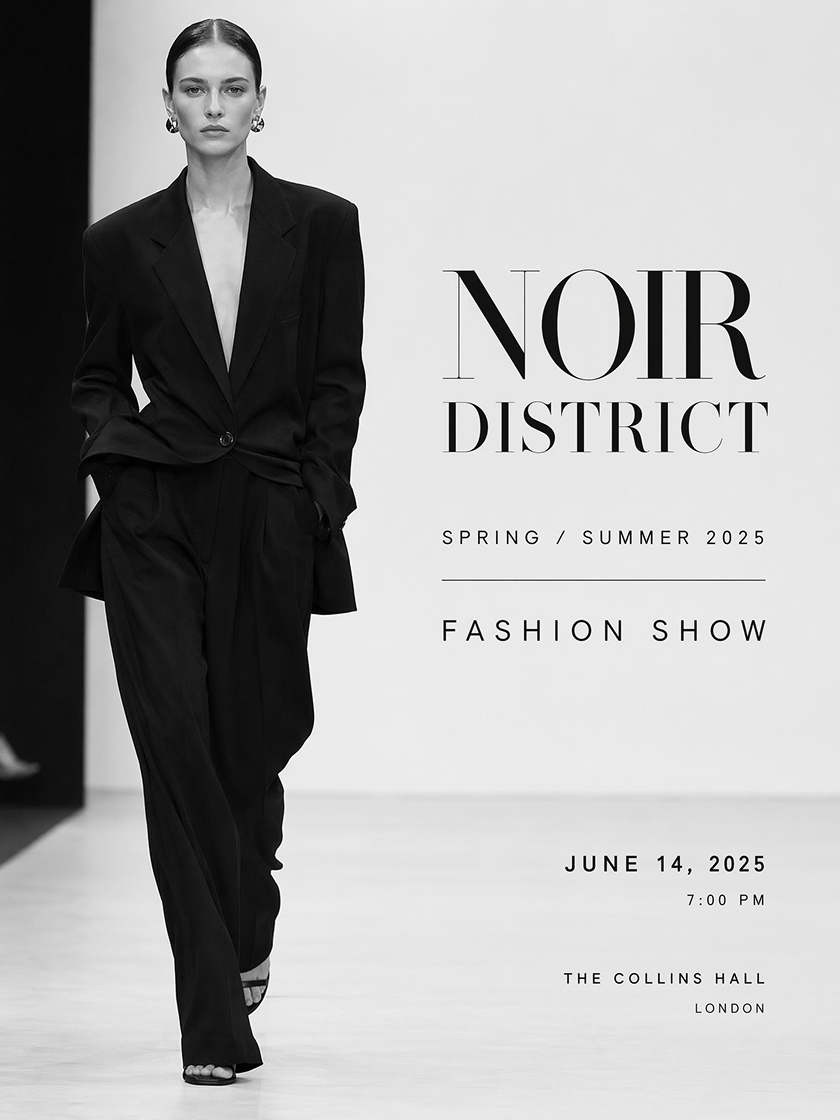 Runway Show
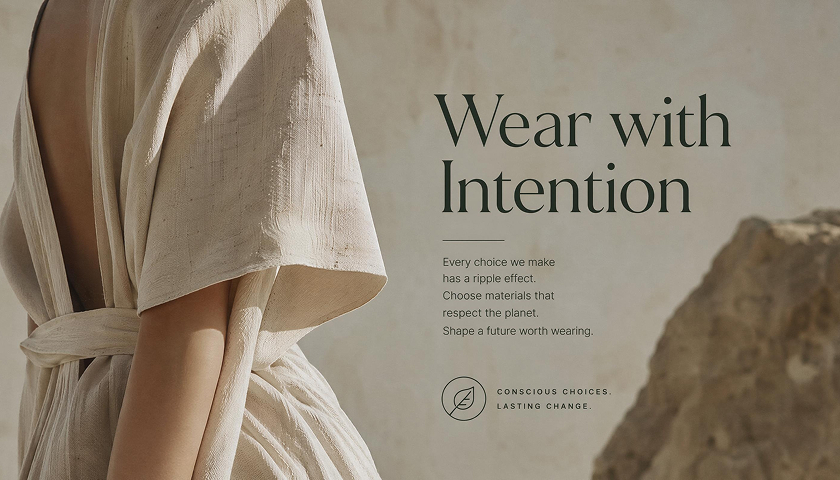
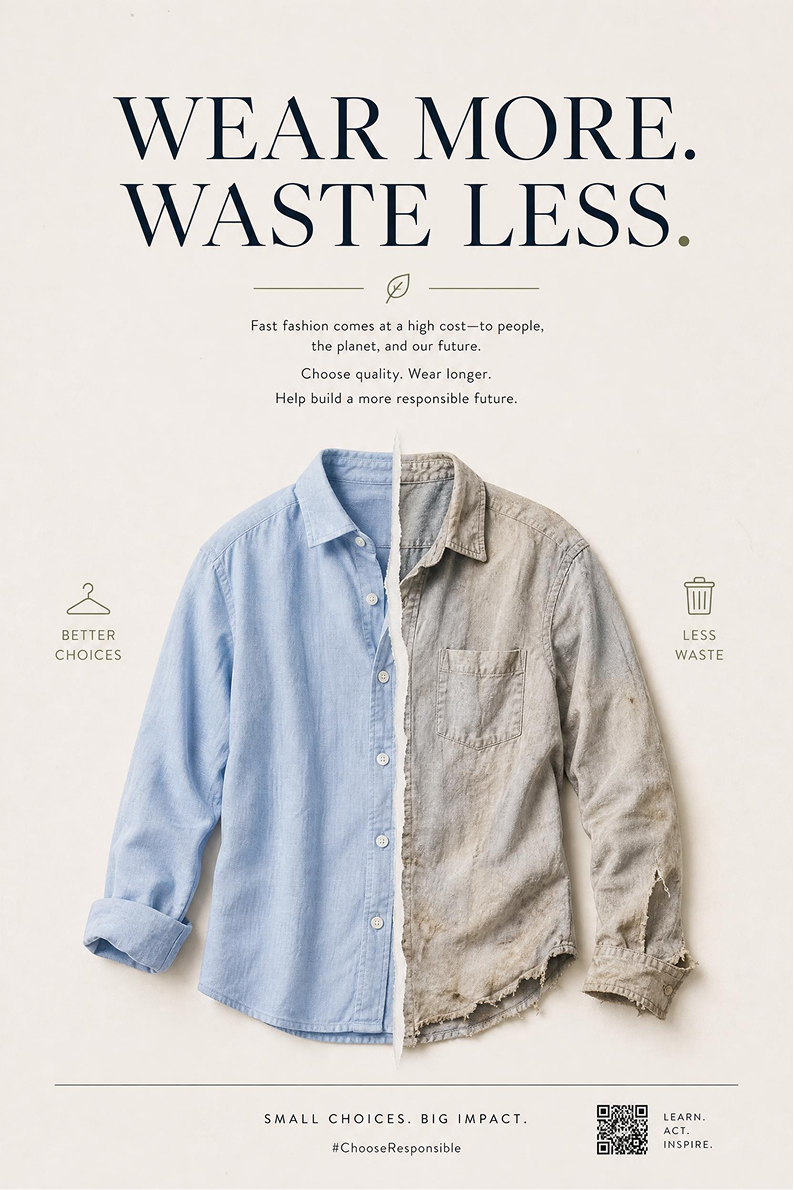
 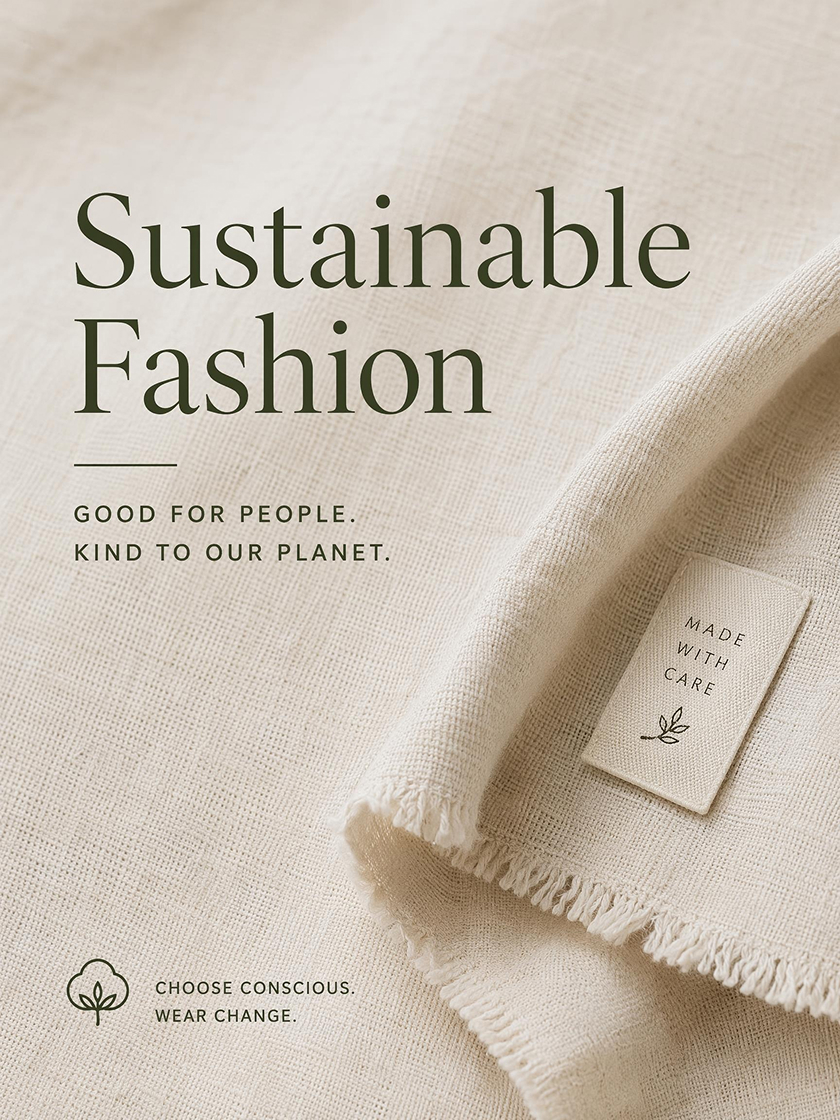 Fashion Awareness
How to Create a Fashion Poster With AI
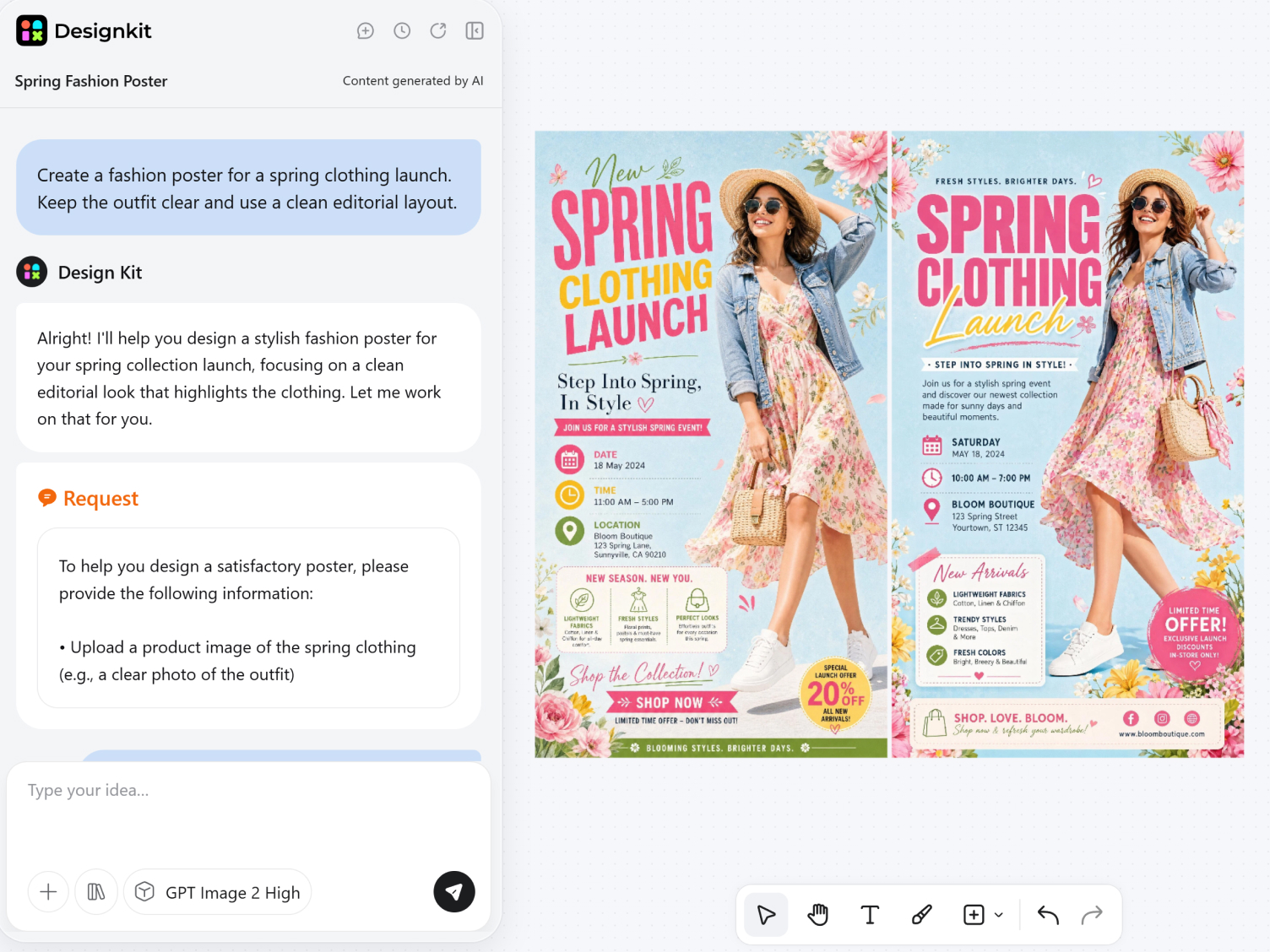
Add Your Fashion Visuals
Upload a model, outfit, clothing product, or reference image. A clear photo helps preserve garment details, but professionally shot material is not required.
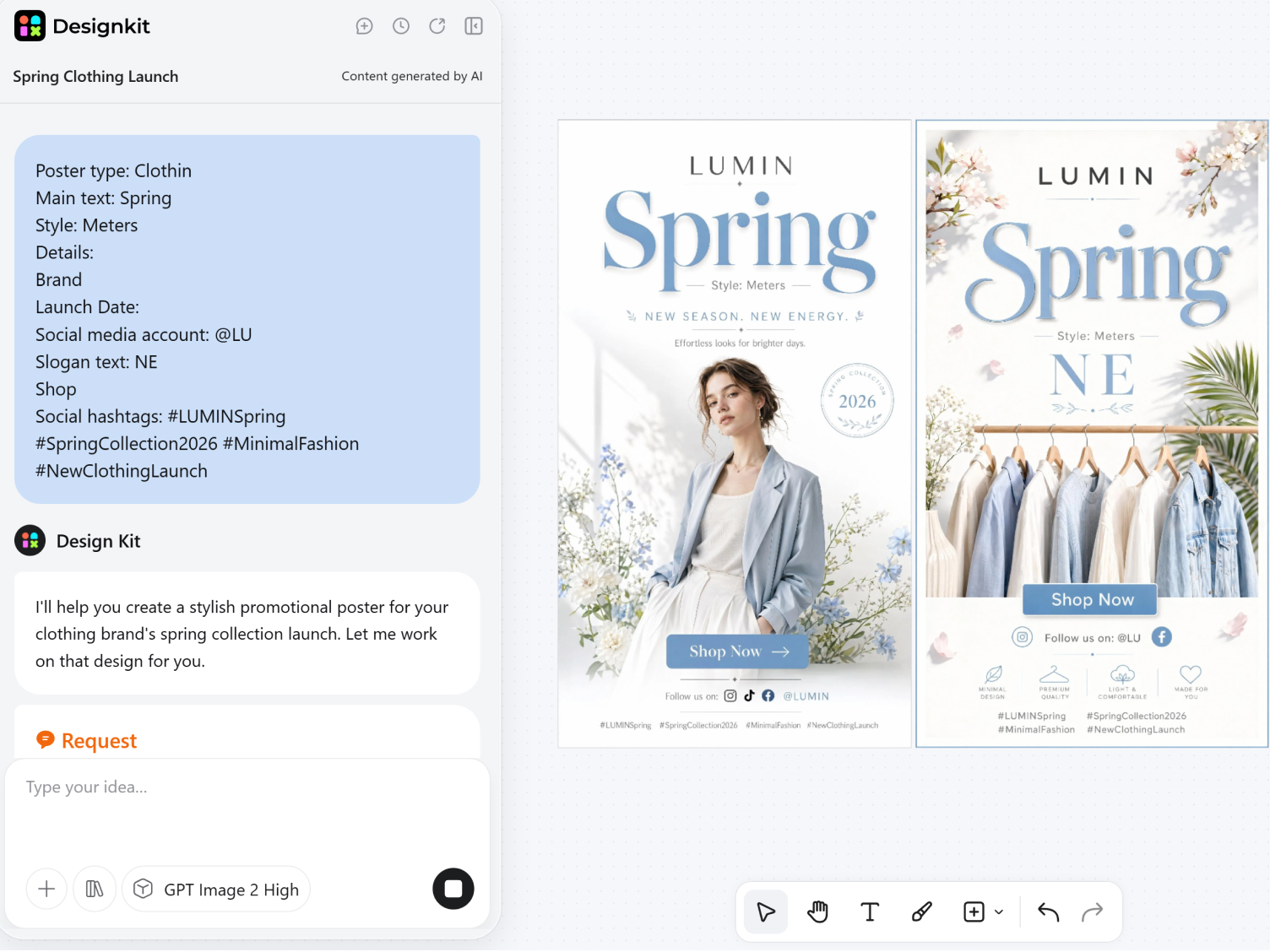
Describe the Campaign Details
AI helps turn rough notes into a complete poster prompt. Add the event name, collection, headline, color mood, typography style, and any dates or venue information that need to appear in the design.
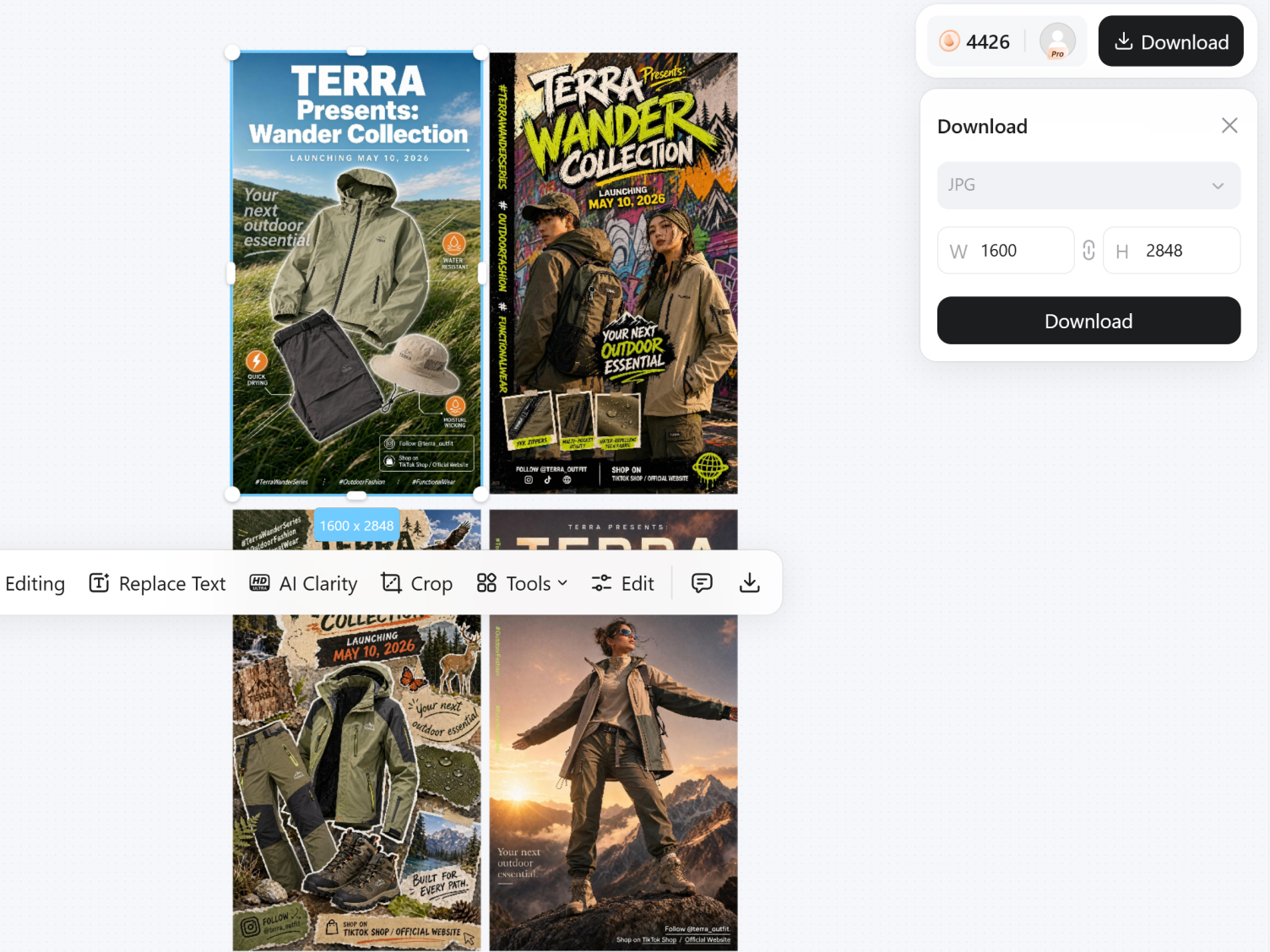
Generate and Refine the Poster
Generate several poster directions and compare the compositions side by side. Adjust the layout or text treatment, then export as PNG or JPG. Choose from social sizes such as 1080x1080 and 1080x1920, or print formats including A2 and A3.
AI-Powered Tool for Fashion Poster Design
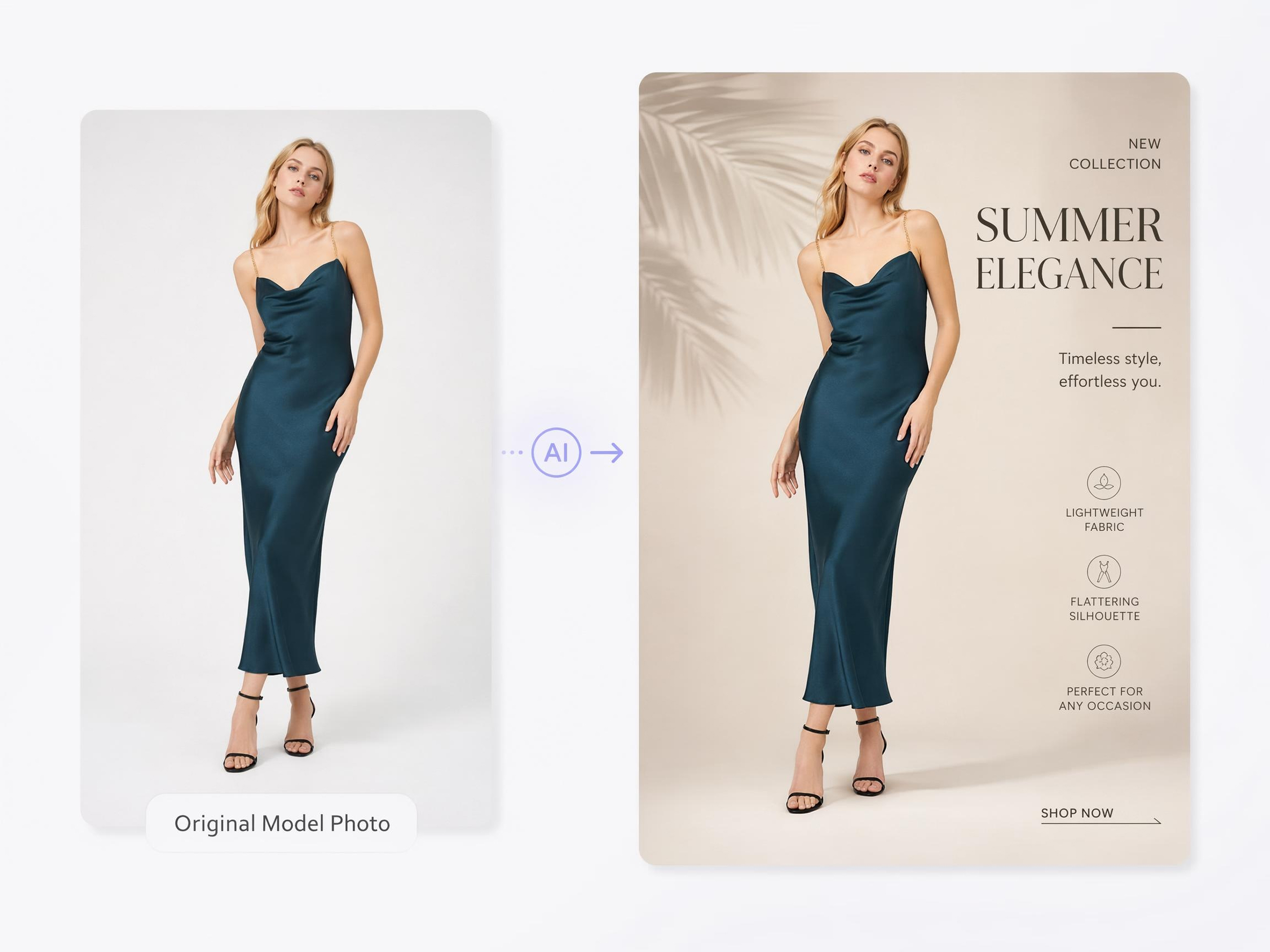
Place Fashion Photos into Complete Poster Designs
AI responds to the subject’s position, garment silhouette, and existing negative space when developing the composition. Headlines and supporting elements are placed where they complement the image rather than cover important clothing details.
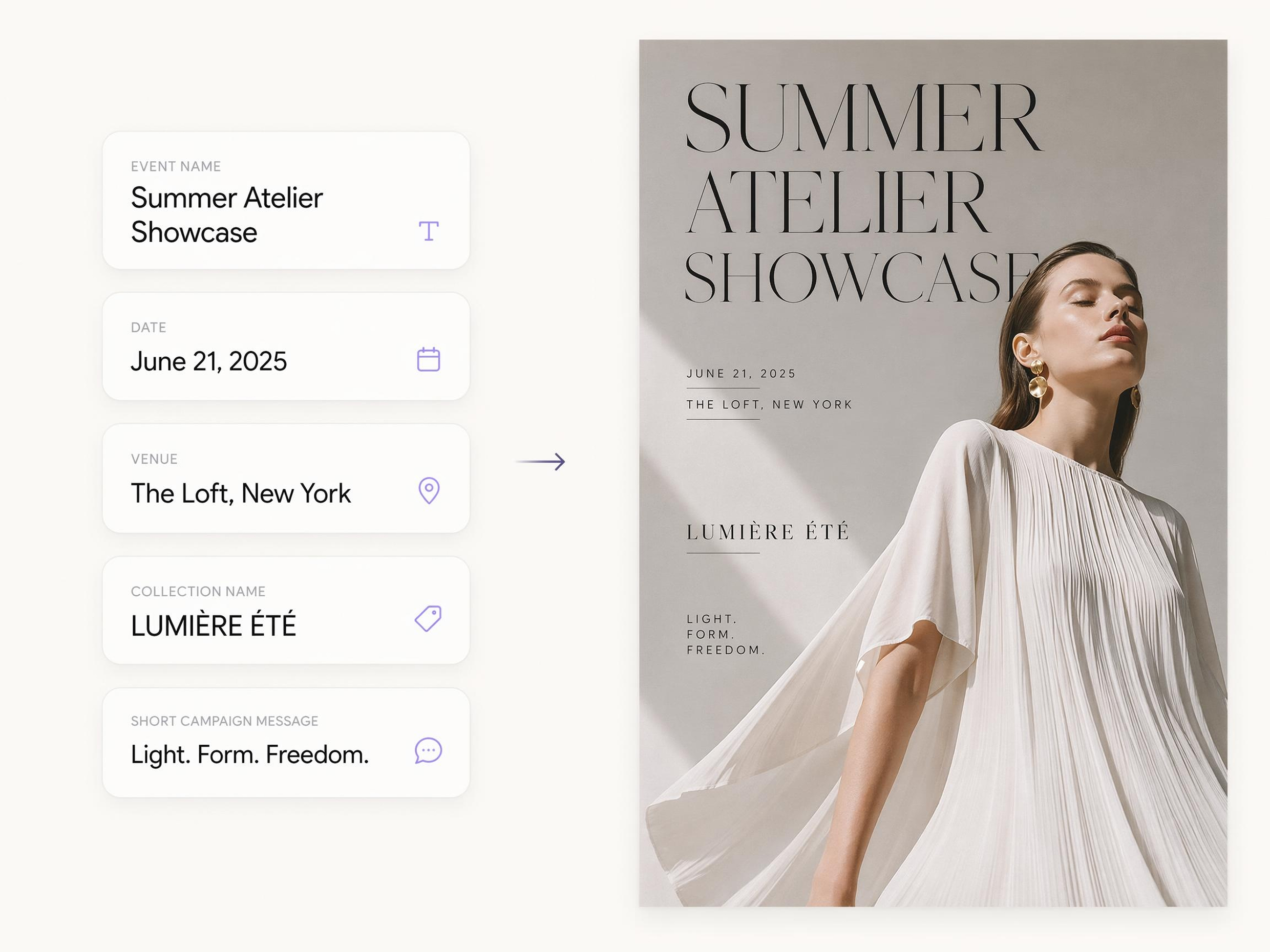
Make Campaign Details Part of the Design
Event information no longer has to sit in a plain text block beneath the image. Dates, venues, collection names, and promotional messages become part of the visual composition, giving the poster a more polished editorial finish.
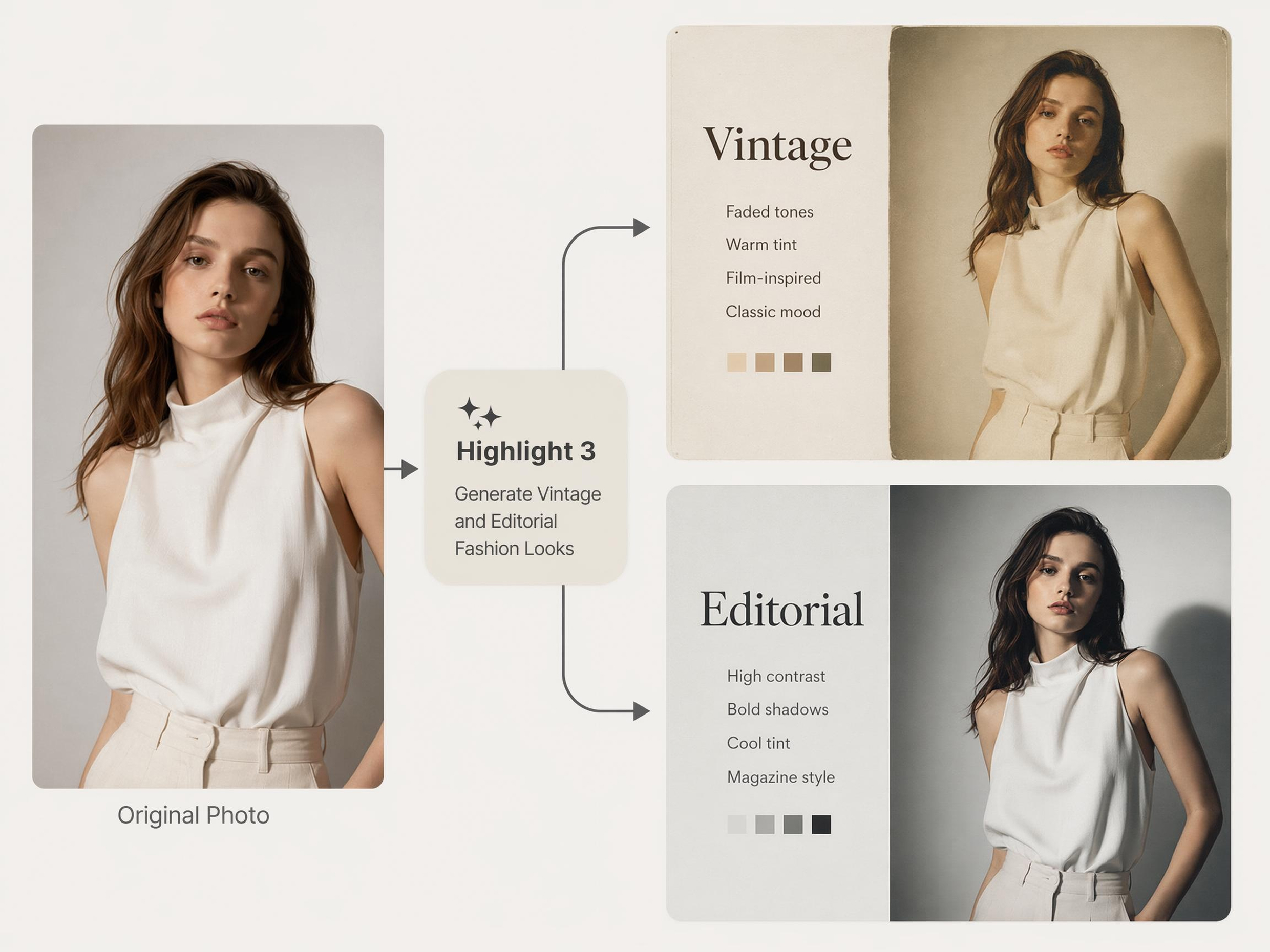
Generate Vintage and Editorial Fashion Looks
Describe the era or fashion mood you have in mind. AI builds the full visual treatment around that reference, so the result looks like a considered creative direction rather than a retro filter applied to a modern photo.
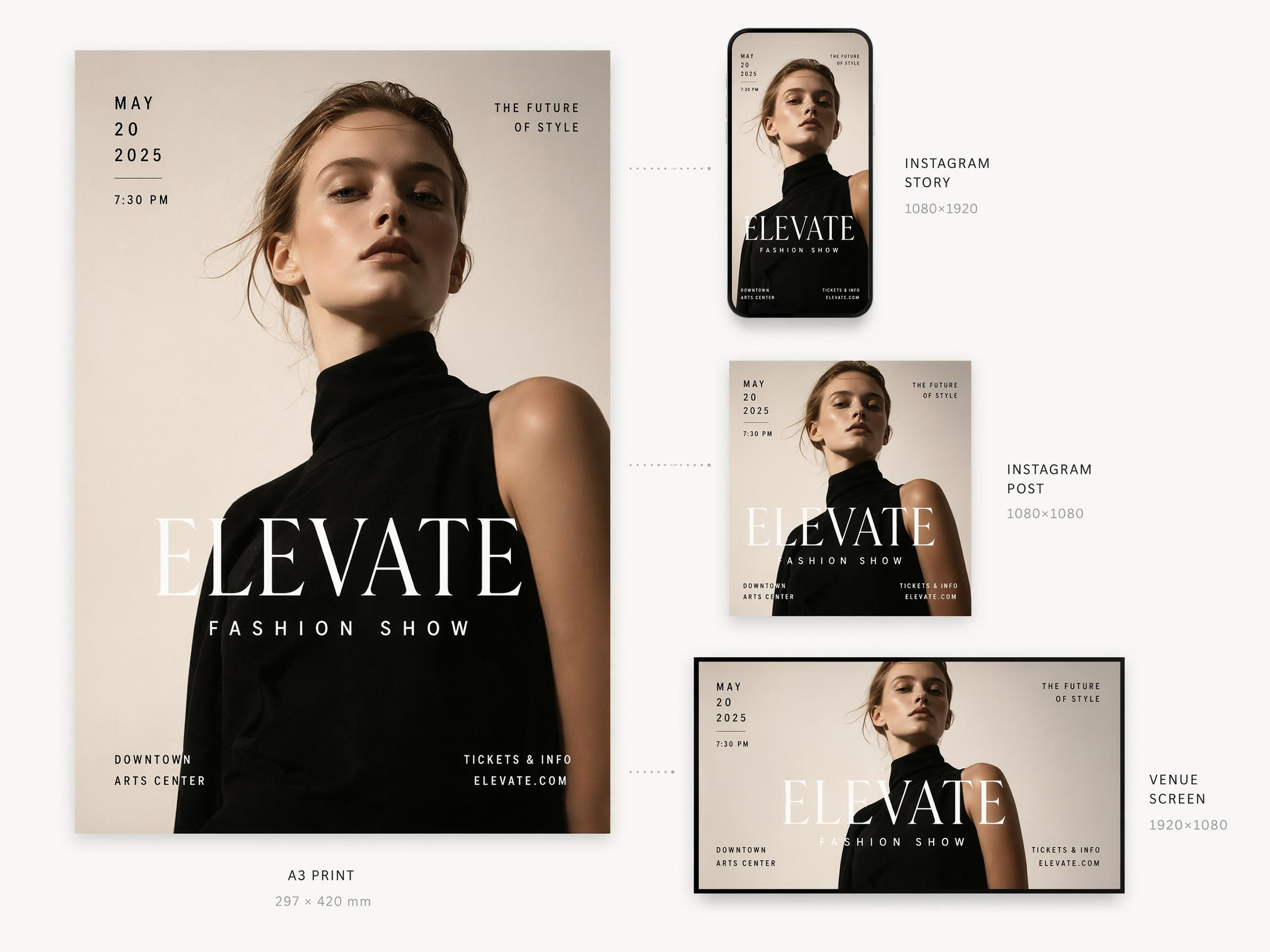
Resize Posters for Social, Print, and Venues
Prepare one approved design for both close-up mobile viewing and large-format display while preserving its visual hierarchy. The campaign remains recognizable as the poster moves between digital promotion and physical event spaces.
Poster Types You Can Create with Designkit
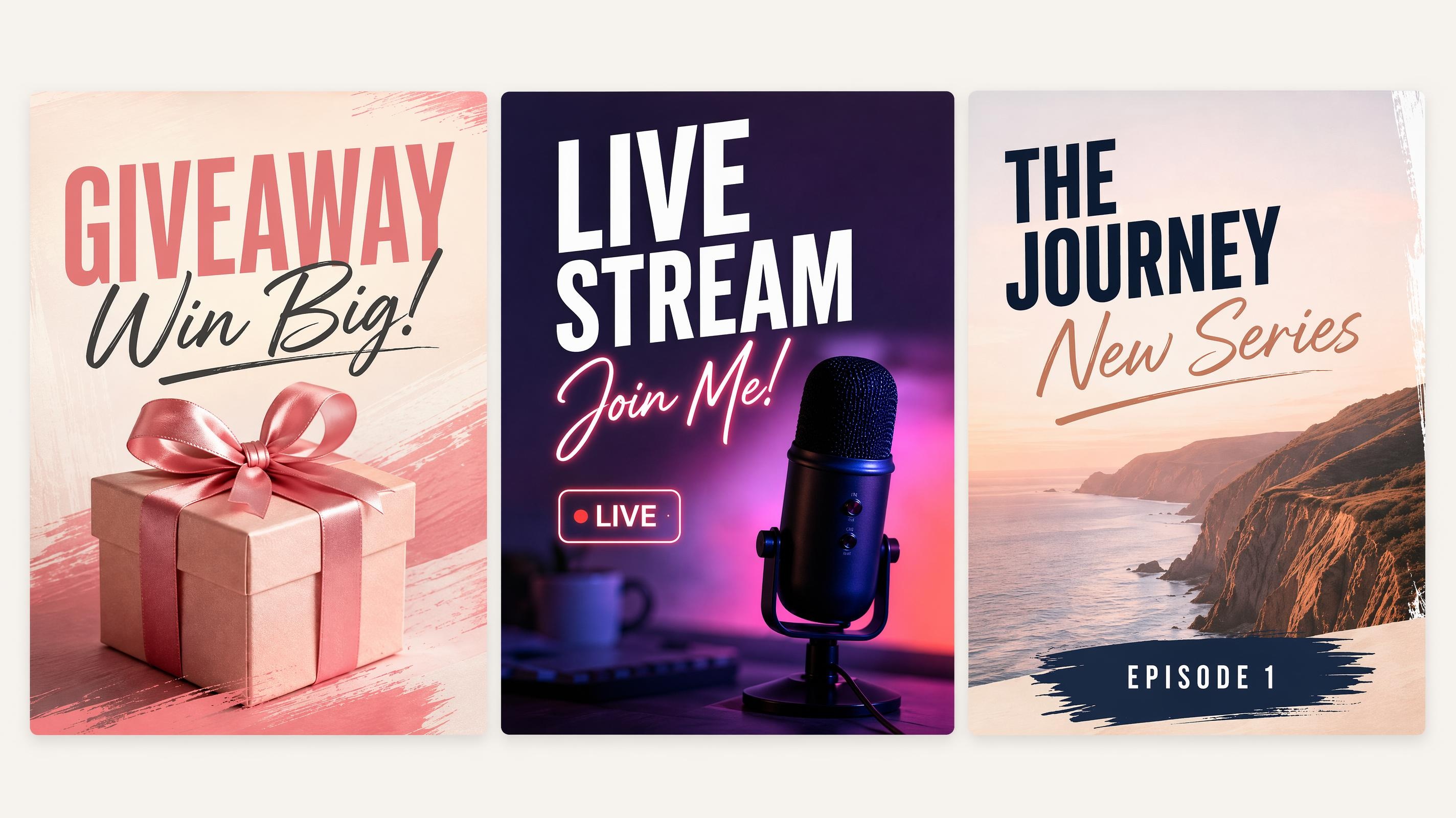
Social Media Poster
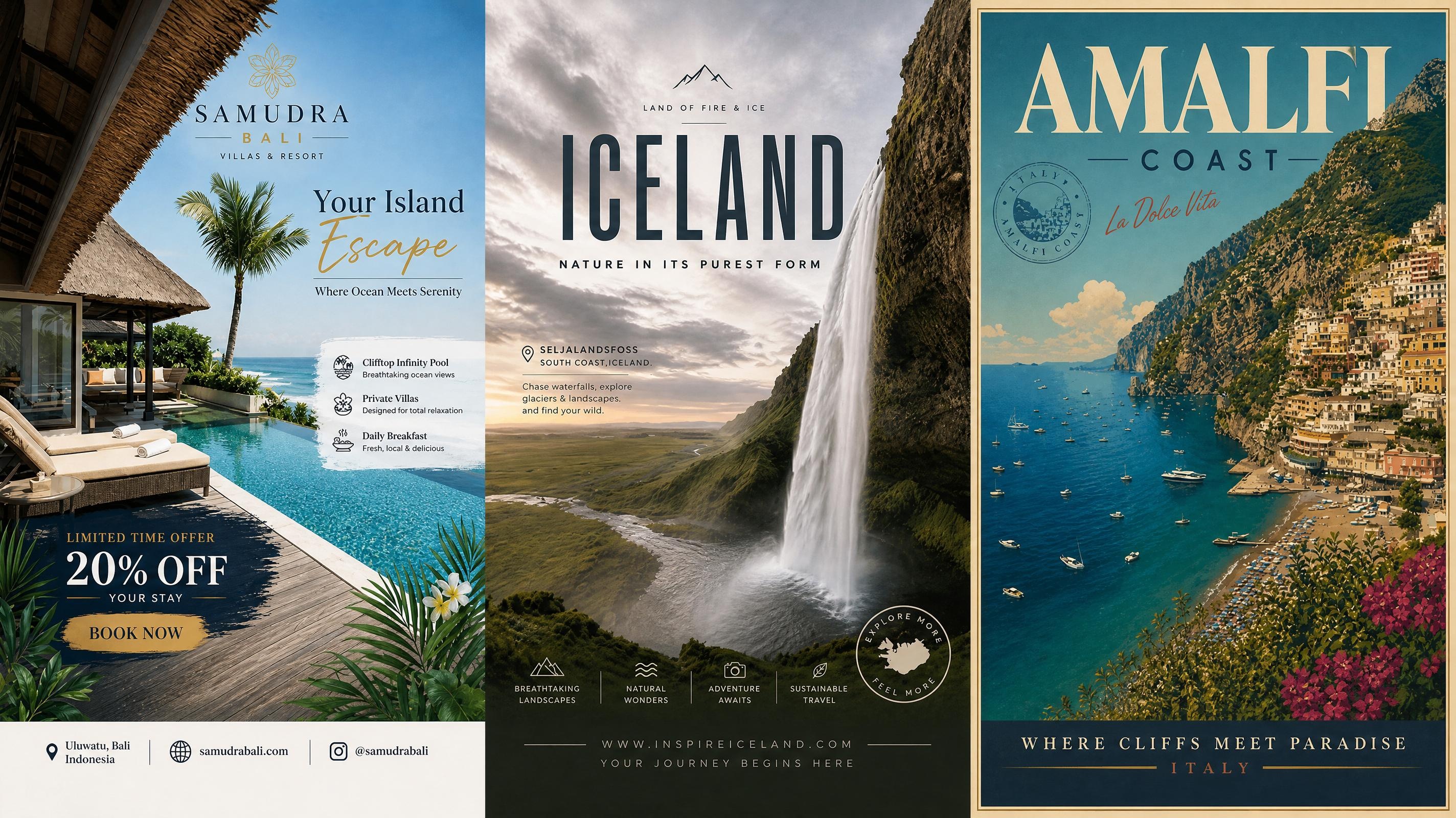
Travel Poster
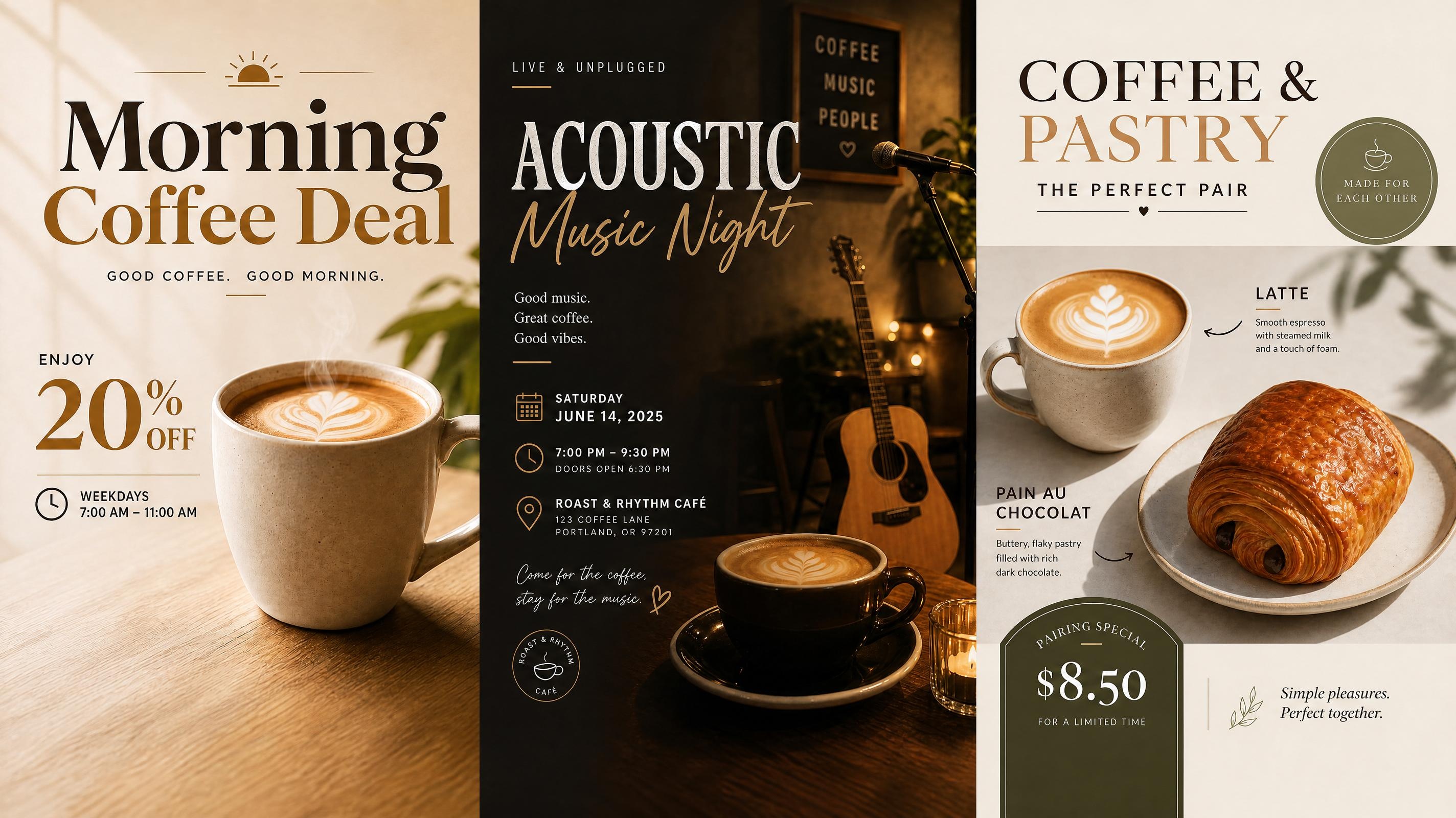
Cafe Poster
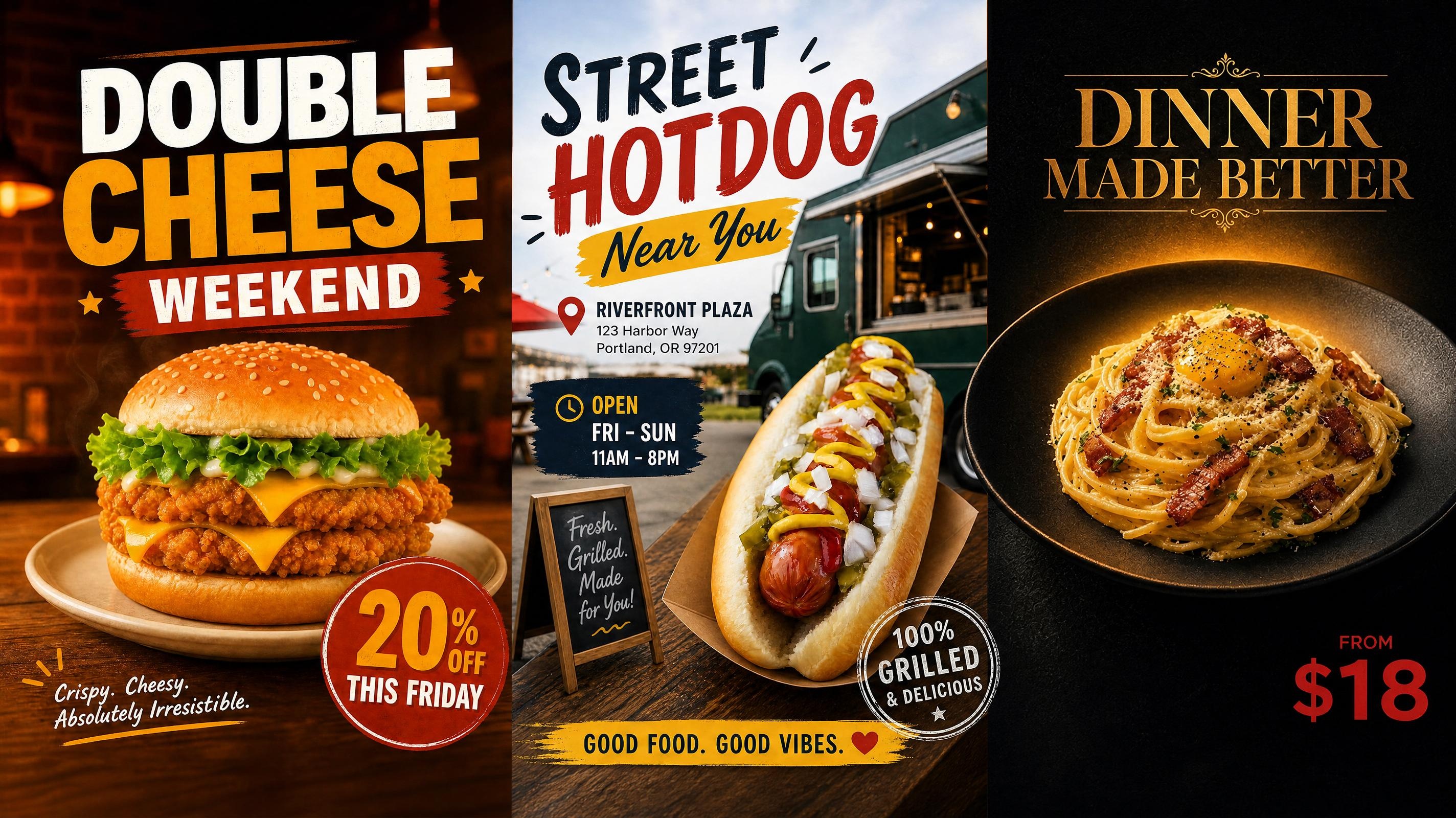
Food Poster
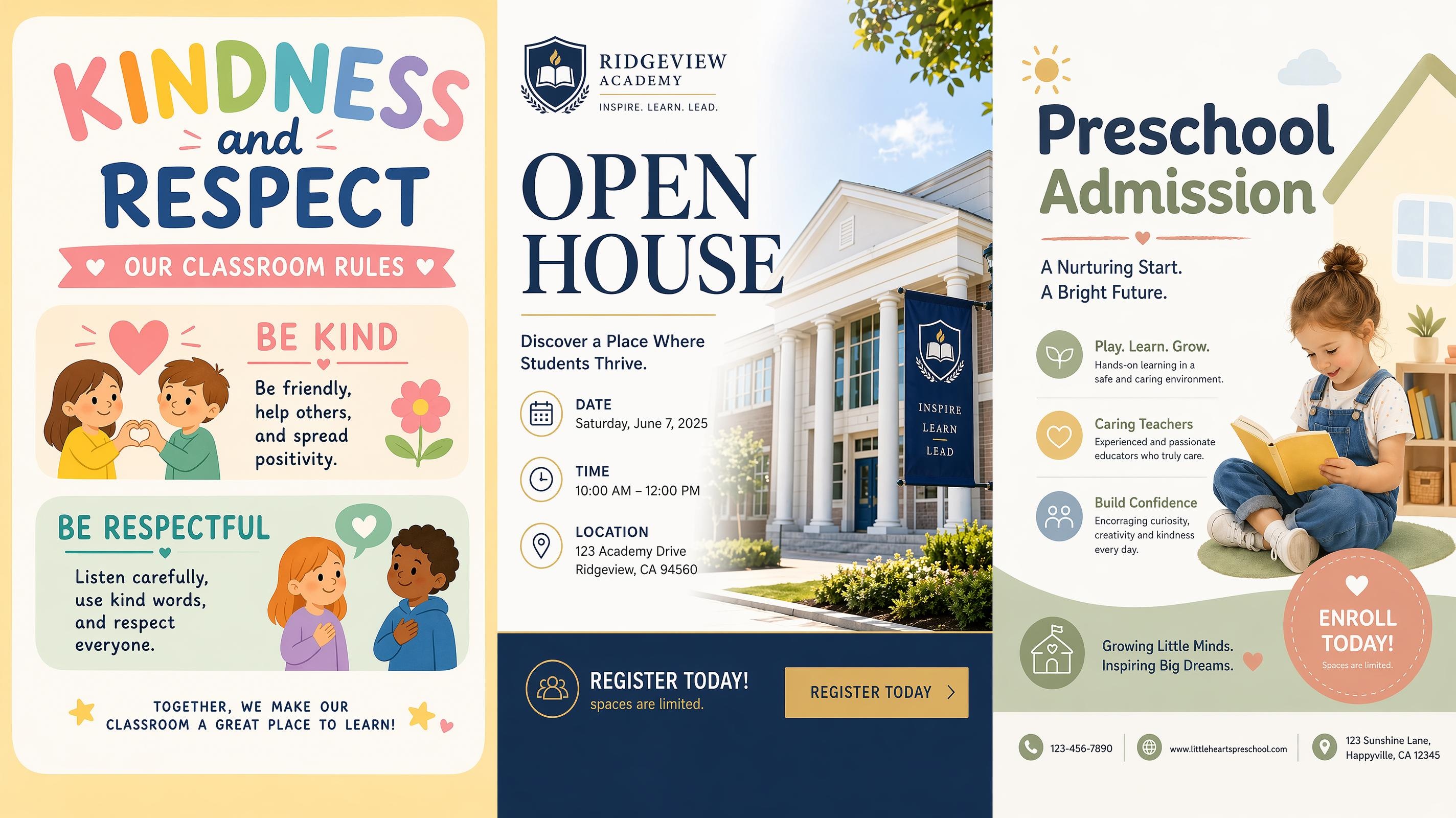
School Poster
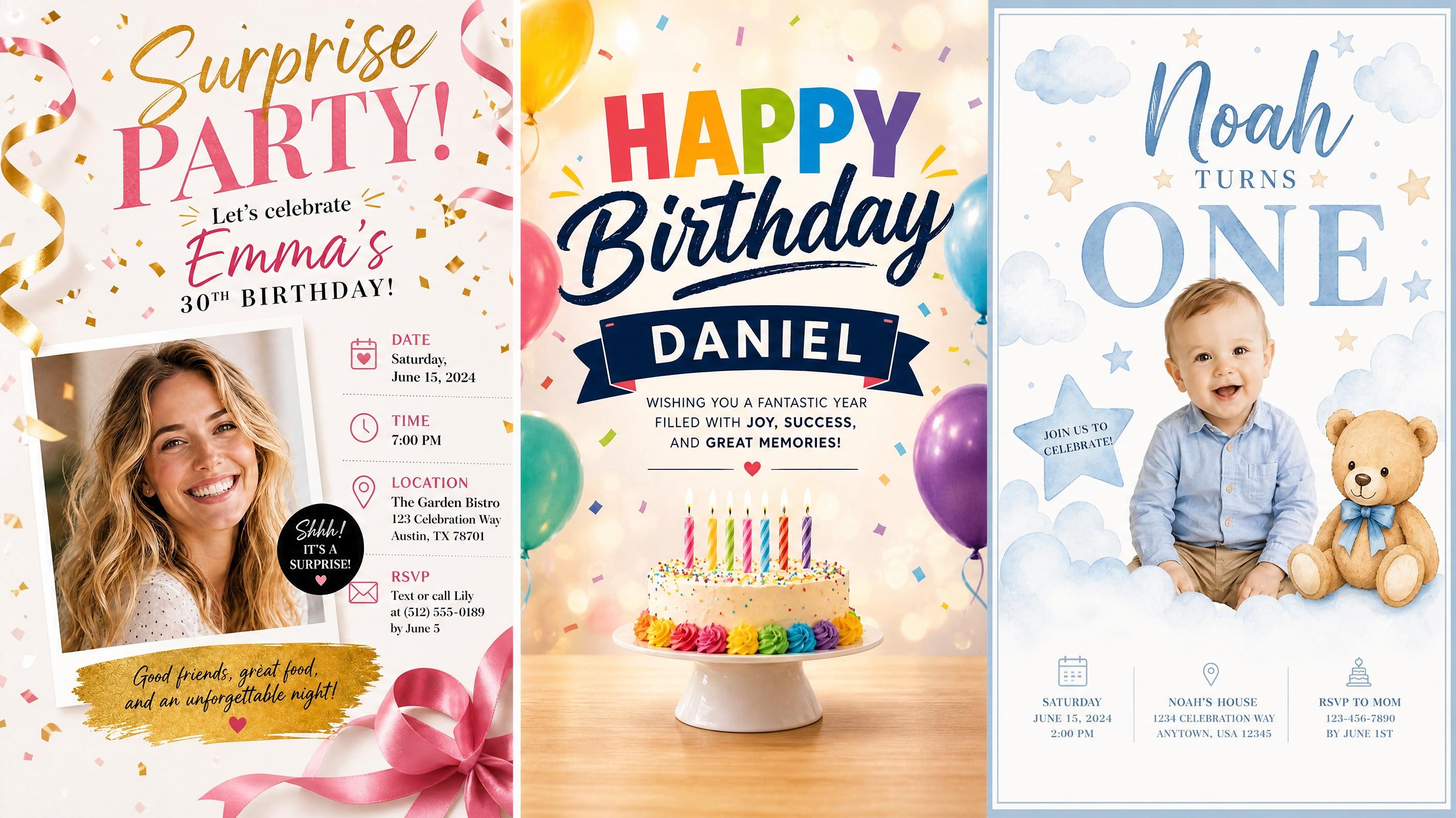
Birthday Poster
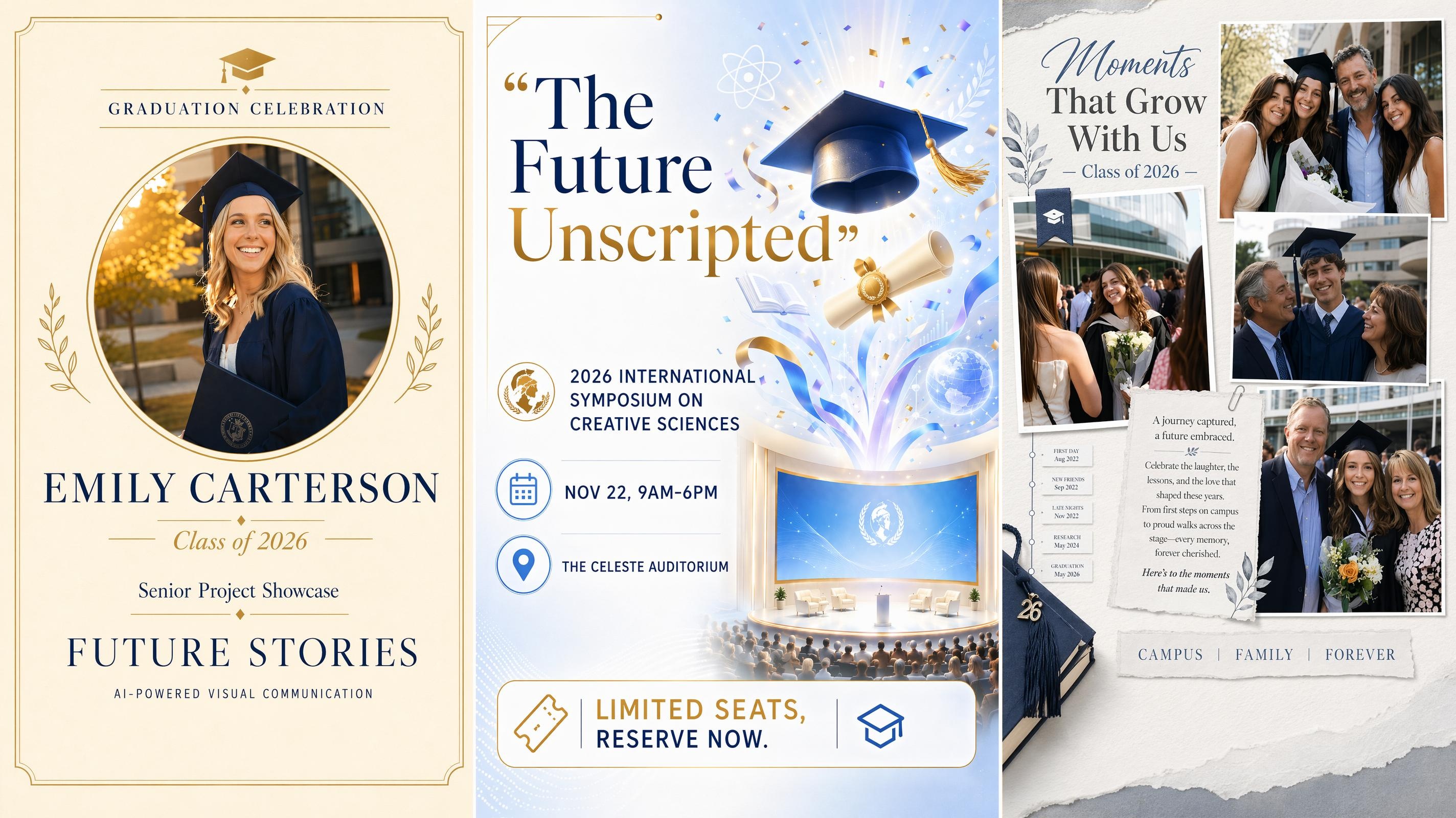
Graduation Poster
Frequently Asked Questions
What is an AI fashion poster generator?
What images can I use to create a fashion poster?
You can start with a model photo, clothing product image, flat lay, campaign portrait, or visual reference. Clear images give the generator more garment and composition information, but studio photography is not required.
Can I make a vintage fashion poster?
Yes. Describe the decade, print texture, typography, color mood, and advertising style you want. A specific reference such as 1960s editorial, 1970s boutique advertising, or 1980s magazine fashion creates a clearer direction than simply requesting a vintage look.
Will the generated poster preserve clothing details?
The result can retain important garment features when the source image is clear and the prompt asks to preserve the outfit. Review details such as logos, prints, seams, accessories, and exact colors before using the poster in a commercial campaign.
What formats and sizes can I export fashion posters in?
Generated posters can be exported as PNG or JPG. Available sizes include social formats such as 1080x1080 and 1080x1920 for Instagram, as well as larger print formats including A2 and A3. Select the required format before or after generating the final version.
Can I use AI-generated fashion posters for commercial campaigns?
Yes. Generated posters can be used for fashion shows, clothing launches, paid social promotion, retail display, and client projects. Make sure you have permission to use any uploaded photos, logos, or brand materials before publishing.
Bring Your Next Fashion Campaign into Focus
From a single photo to a complete campaign poster in minutes. Start free and export for print or social when you are ready.

What Fashion Teams Say About Designkit
Used by fashion brands, event teams, and independent creators. Discover how users maintain visual consistency while adapting fashion campaigns for different channels and formats.
A Better Launch Visual from One Photo
We only had one strong image from the collection shoot, but it was enough to build the full launch poster around. The finished design gave the photo more presence and left room for the collection name and release details.
Our Event Information Finally Looked Organized
Fashion show posters used to become crowded once we added sponsors, venue details, and ticket information. The generated versions gave us clearer options, so we could choose one that still felt editorial rather than purely informational.
The Vintage Direction Felt More Intentional
I wanted a retro poster but struggled to explain what kind of vintage look I meant. Testing several visual directions helped me separate a true editorial concept from something that only used an old-looking font.
We Could Compare Campaign Styles Earlier
Instead of waiting for one finished concept, we generated several treatments from the same photo. The team could actually point to things they liked or didn't, which made the whole review faster.
Social and Print Materials Felt Connected
We needed a large poster for the store and a vertical version for social promotion. Starting from the same visual concept helped both formats look like part of one campaign instead of separate designs.