
Create Wedding Posters for the Celebration
Choose a wedding poster, add your wedding details, and create an editable design with polished spacing, typography, and visual style.
Generate Wedding Posters from Photos and Details
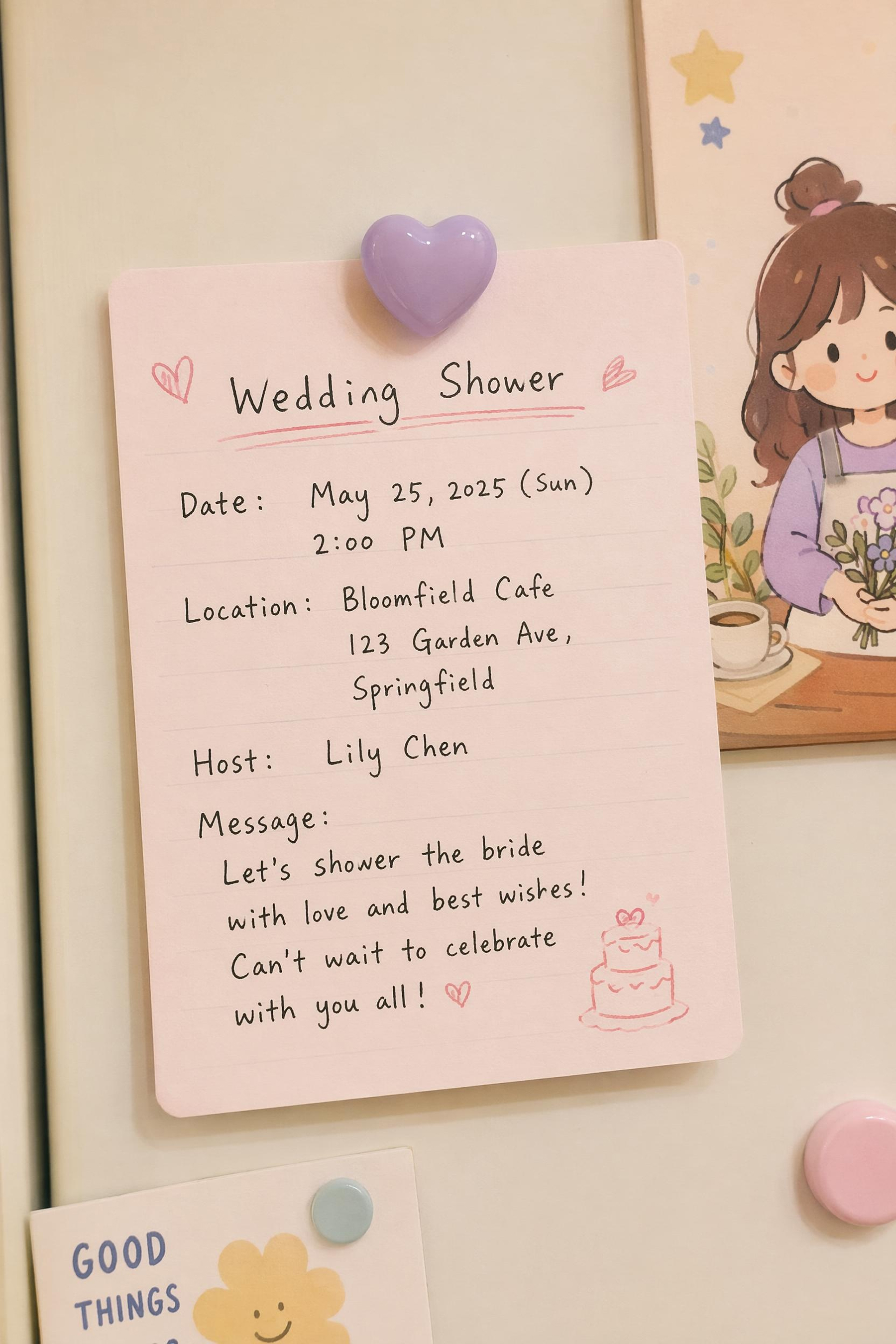
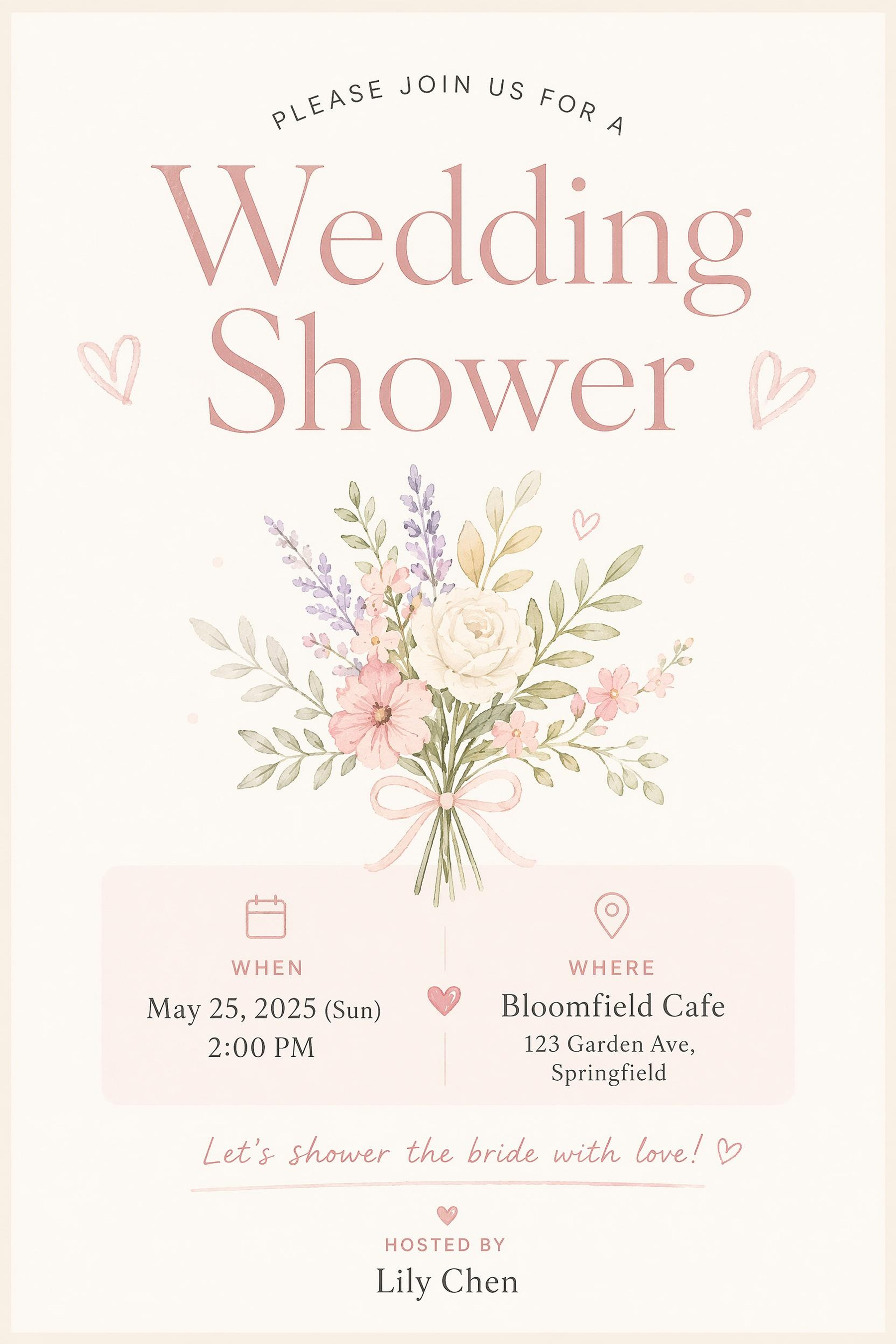
Choose a Wedding Poster Style and Customize It
Start from a poster style, replace the details, and keep the design editable as plans change.
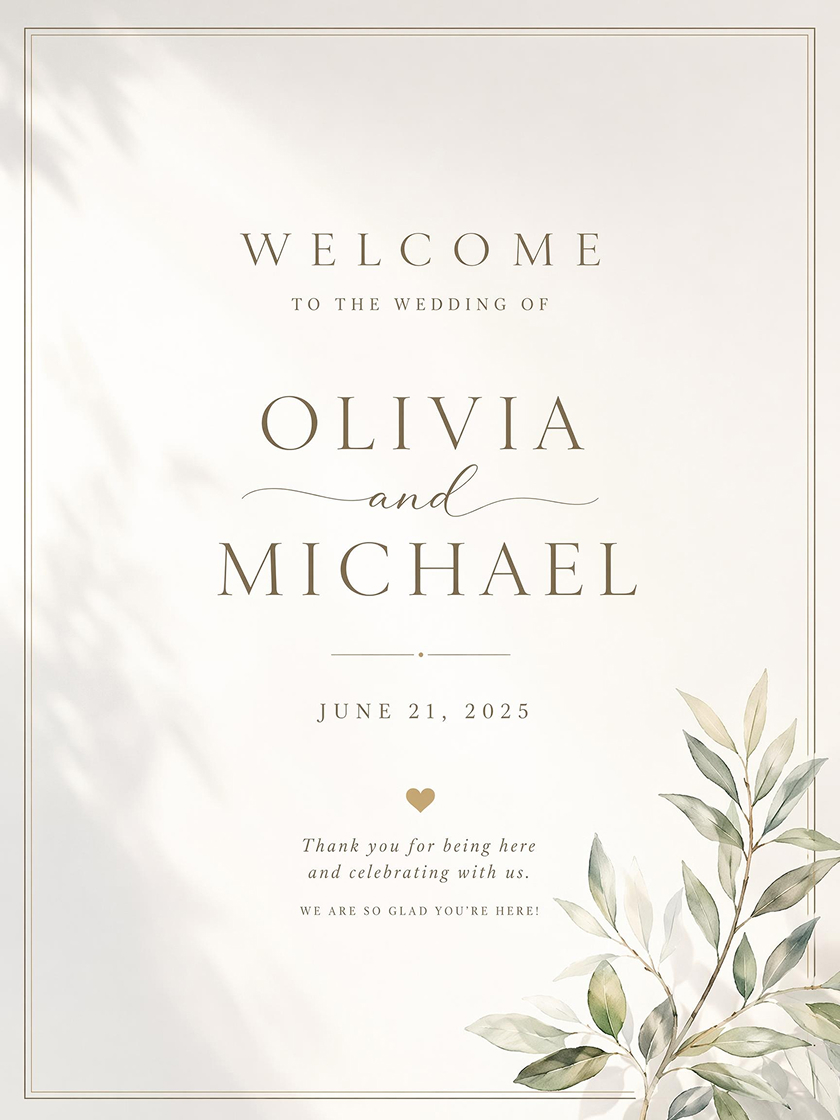
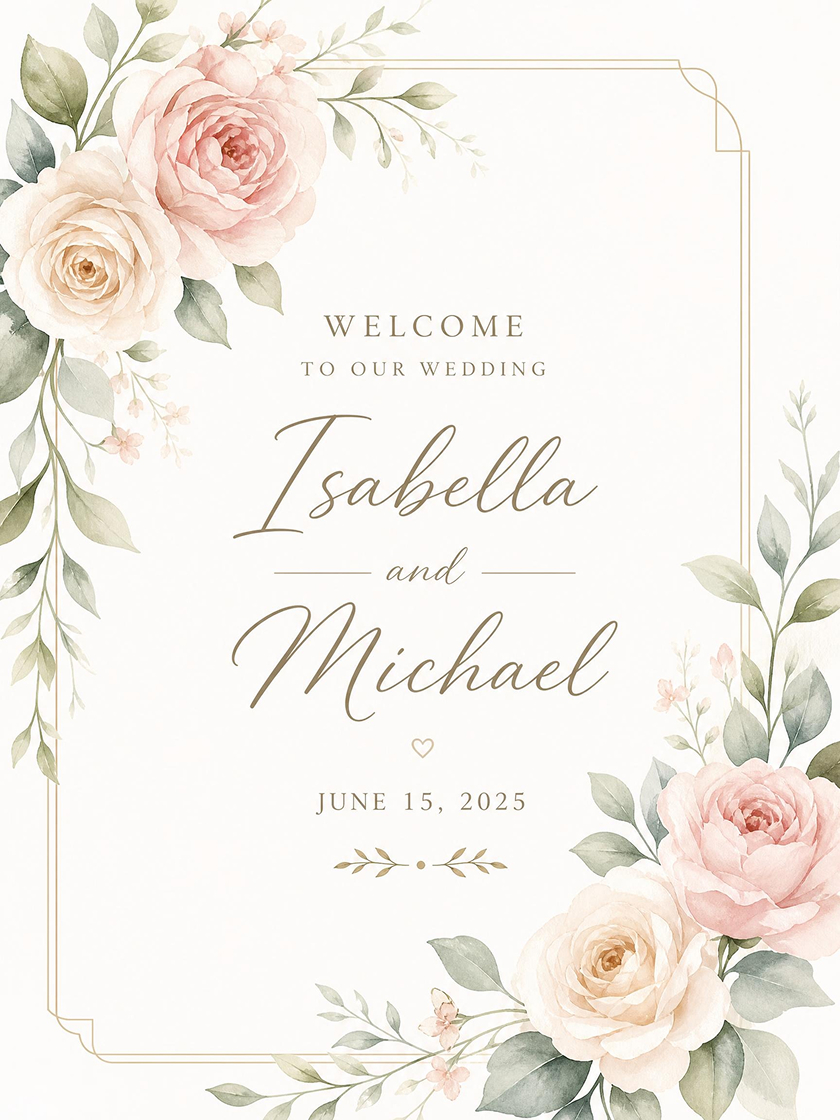
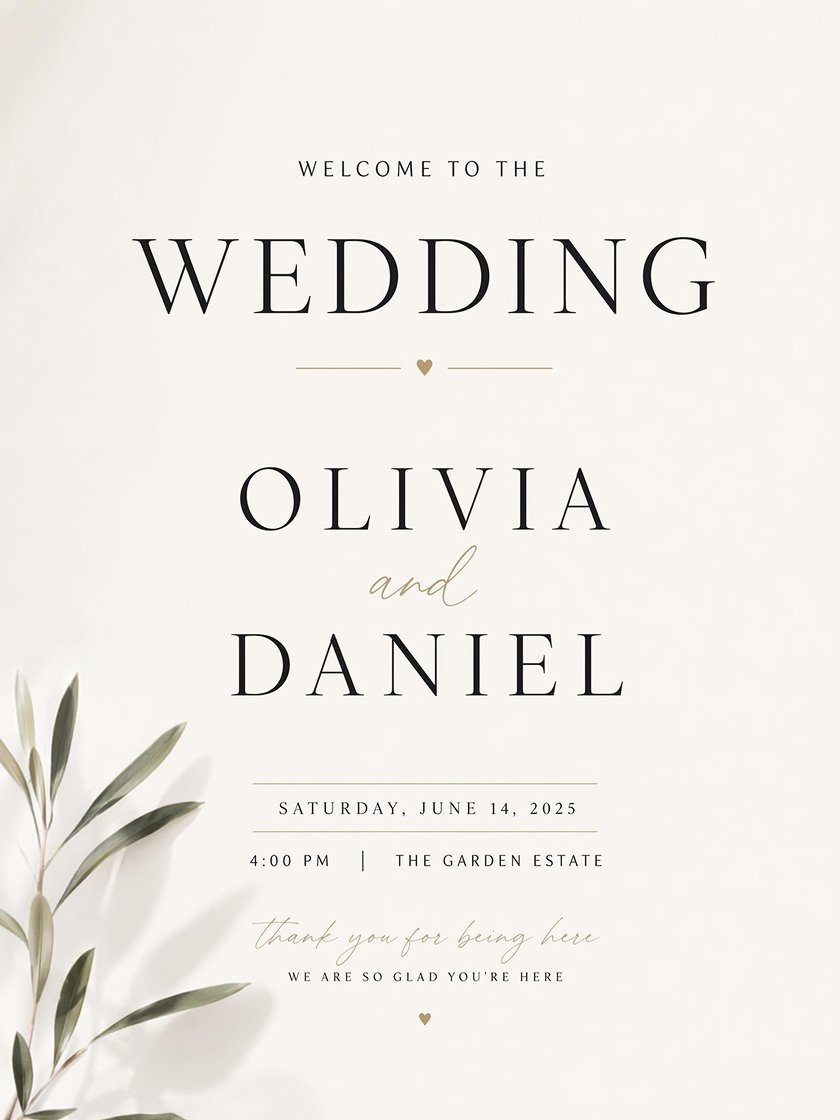
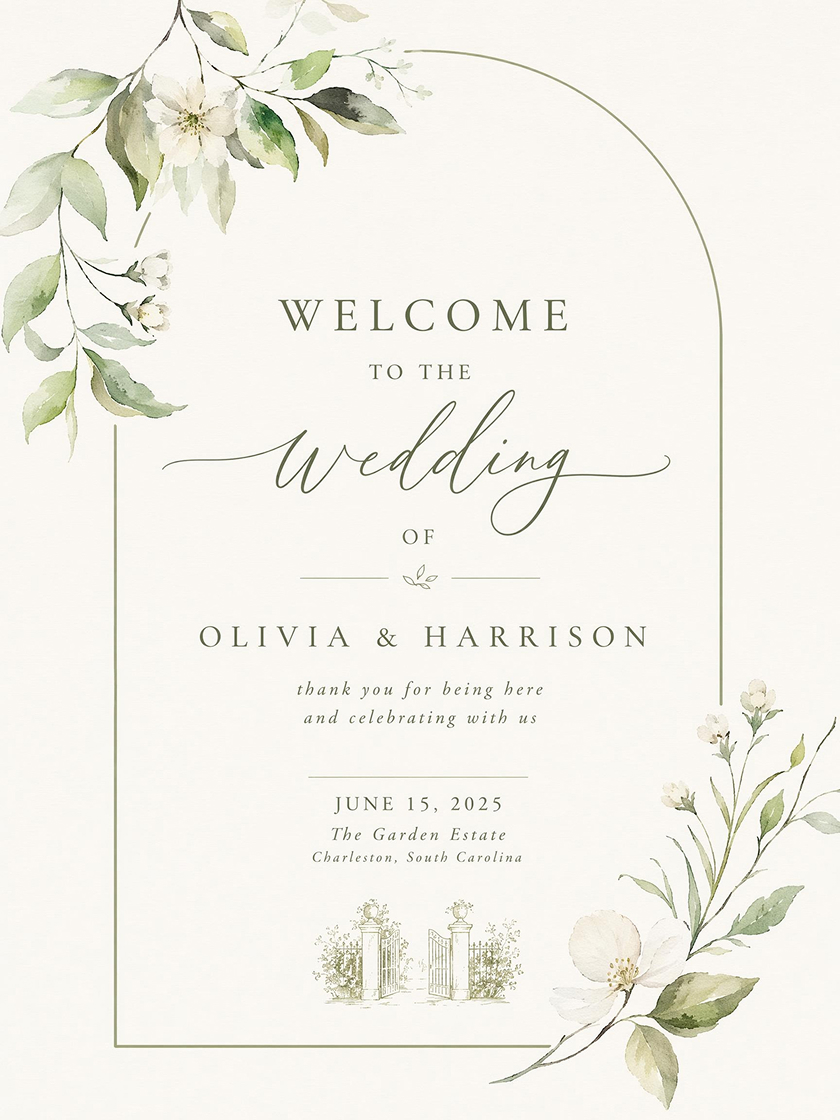
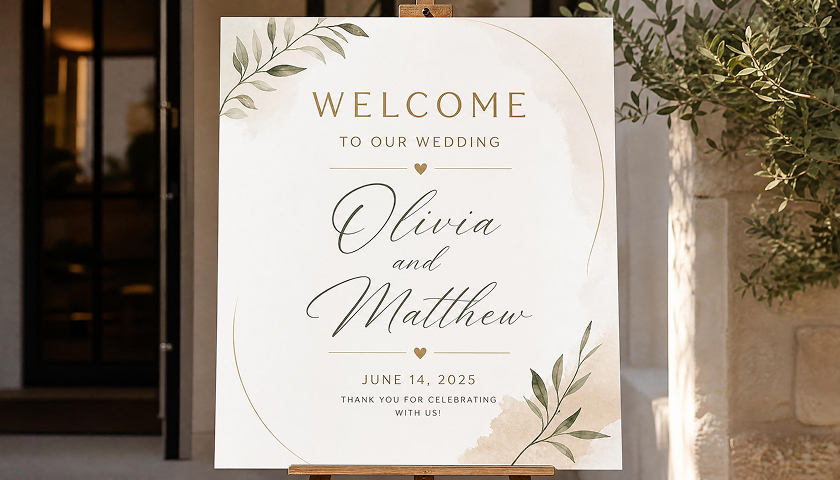
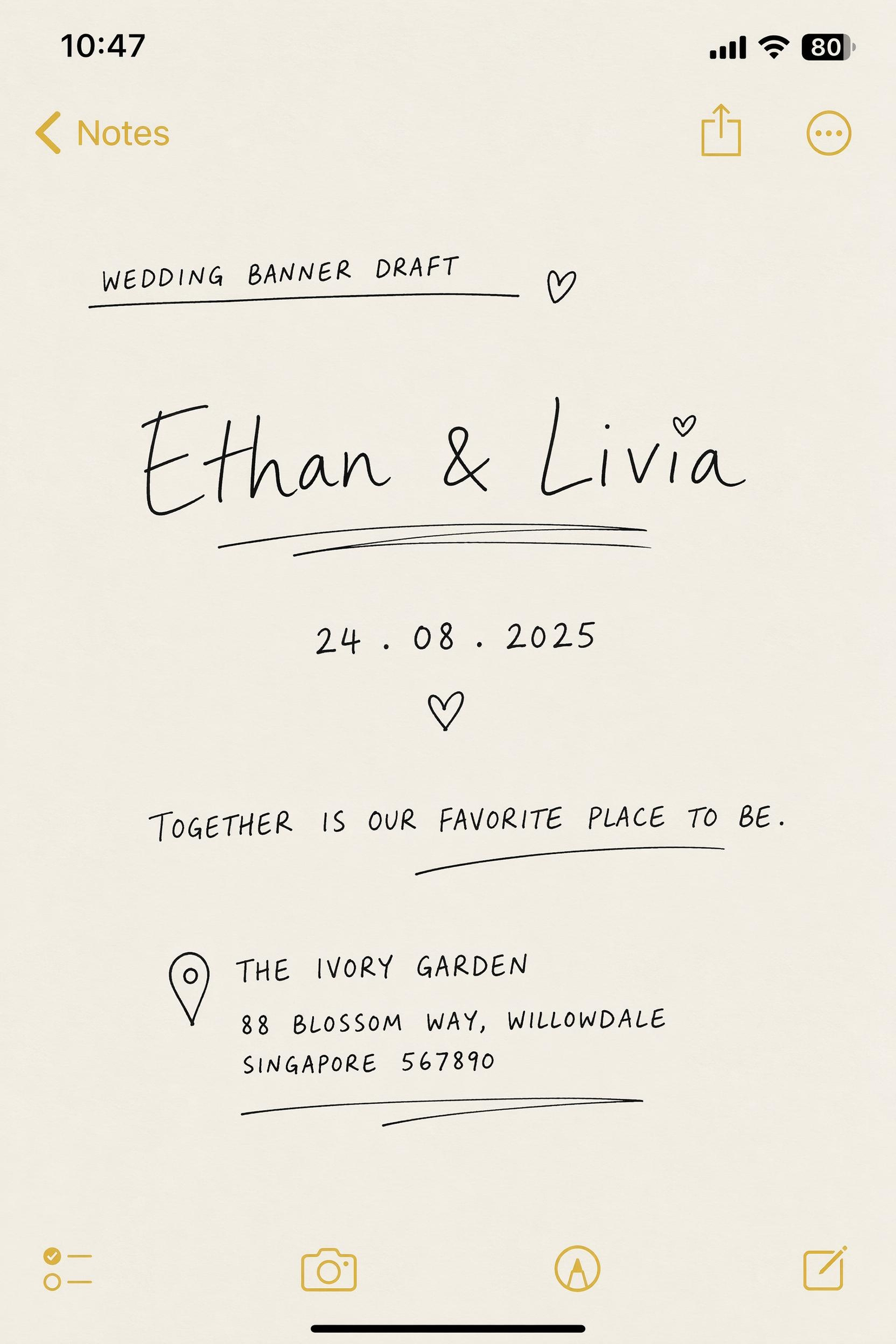
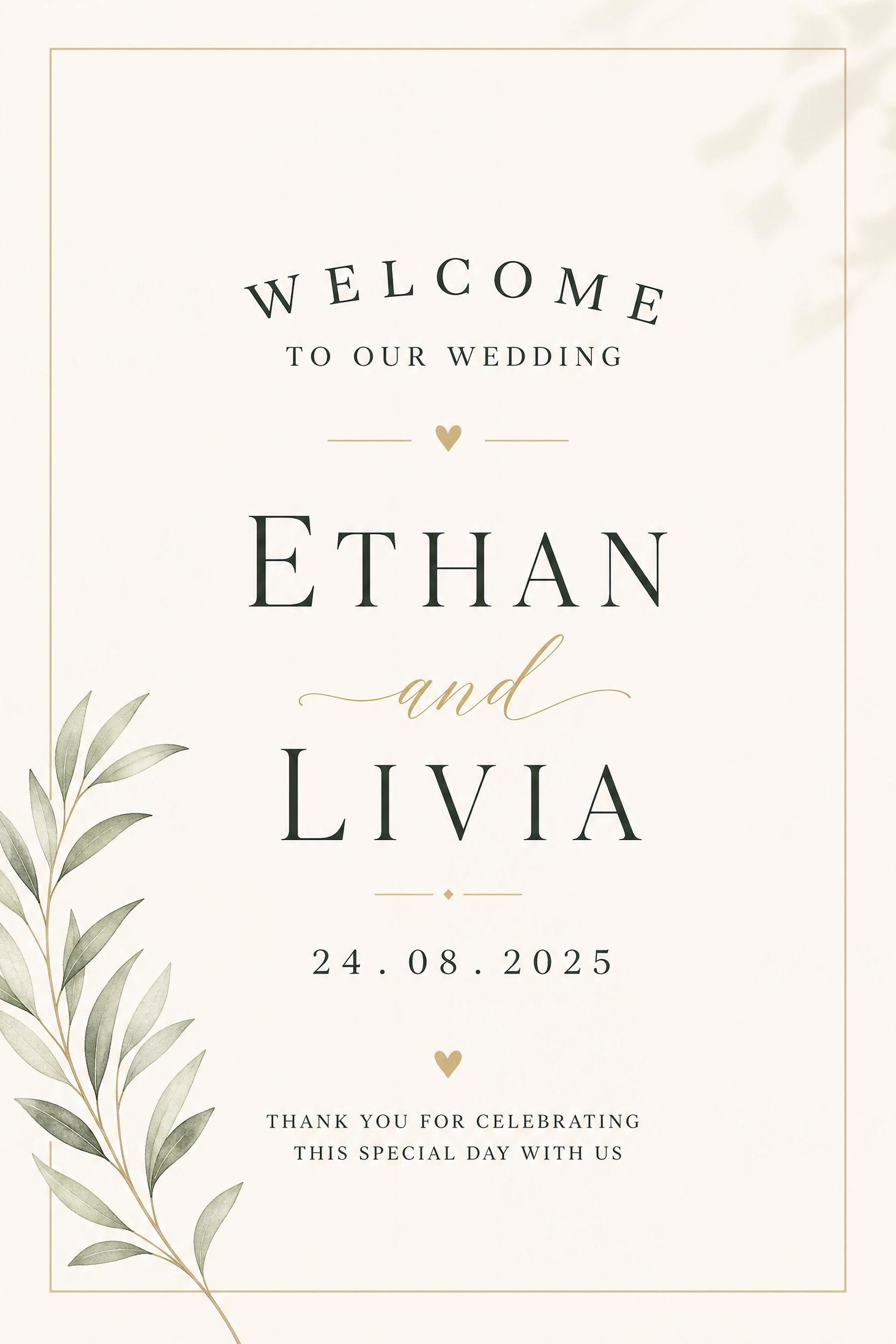
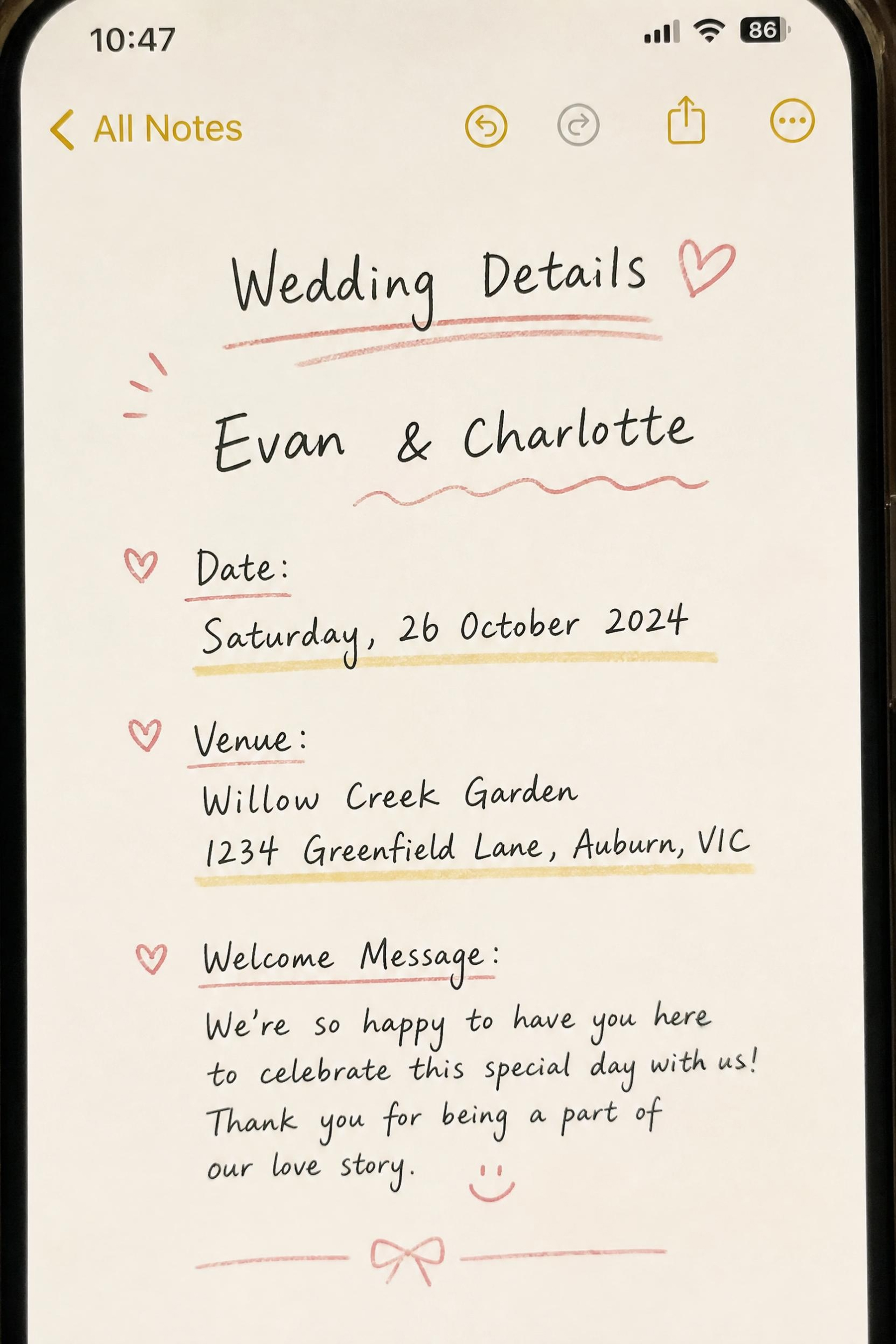
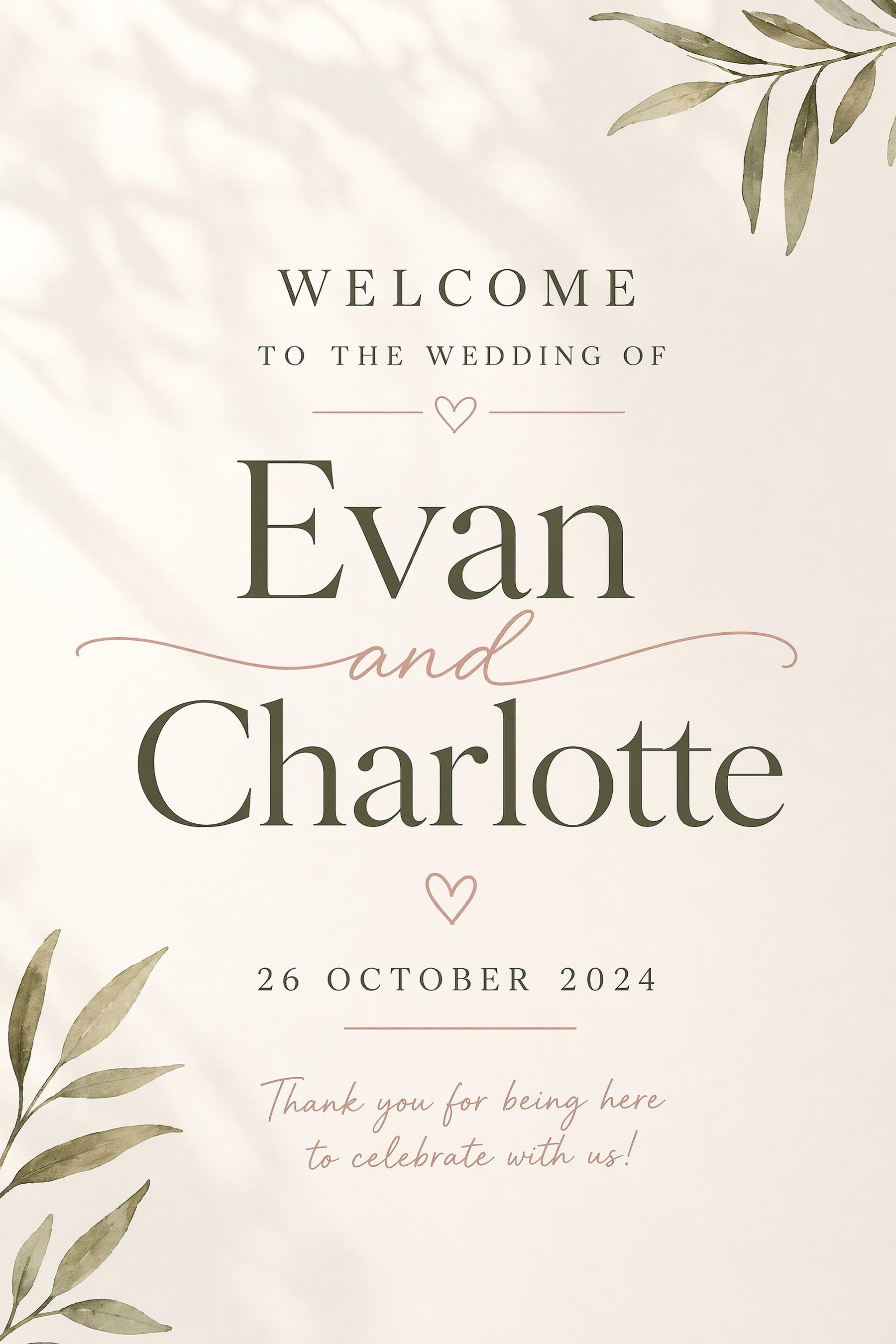
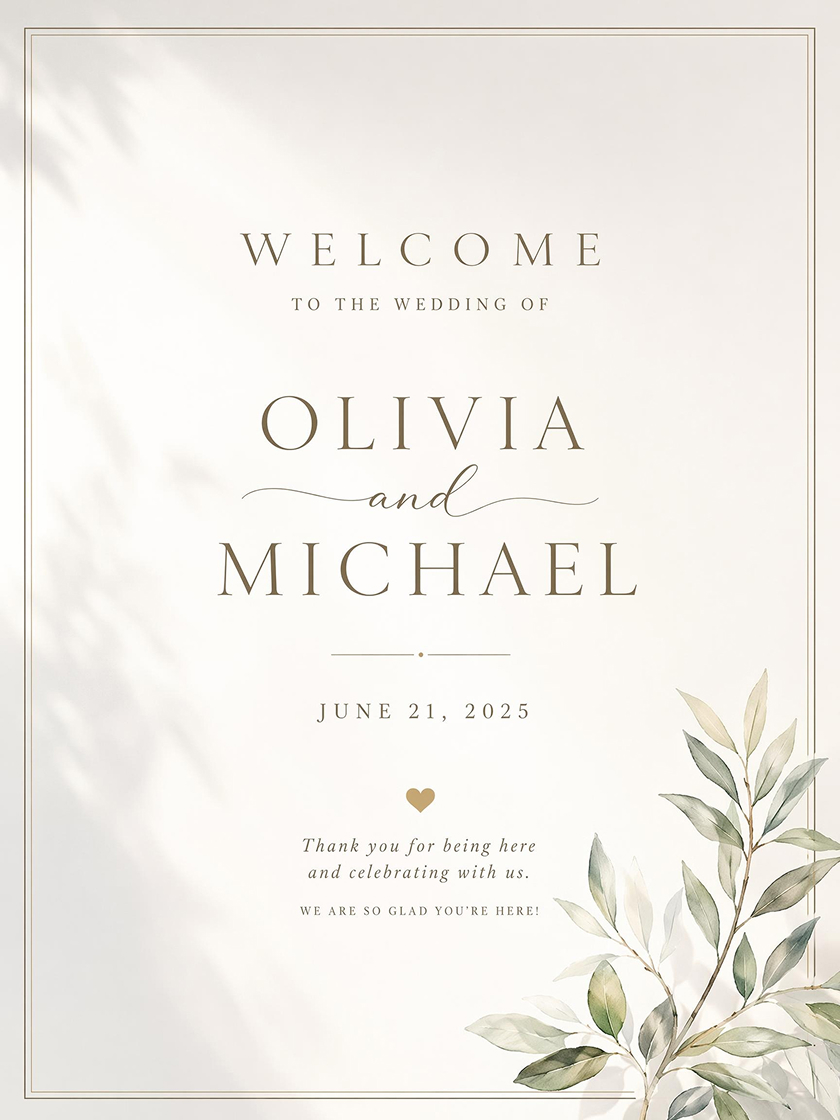 Wedding Welcome Poster
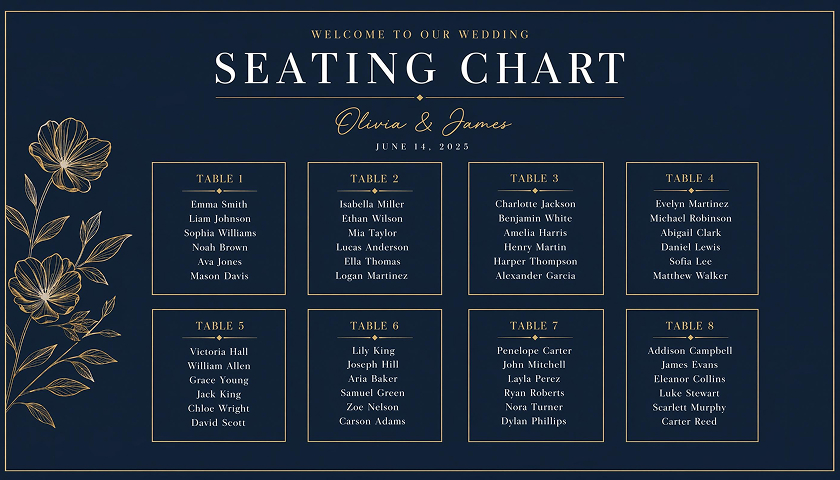
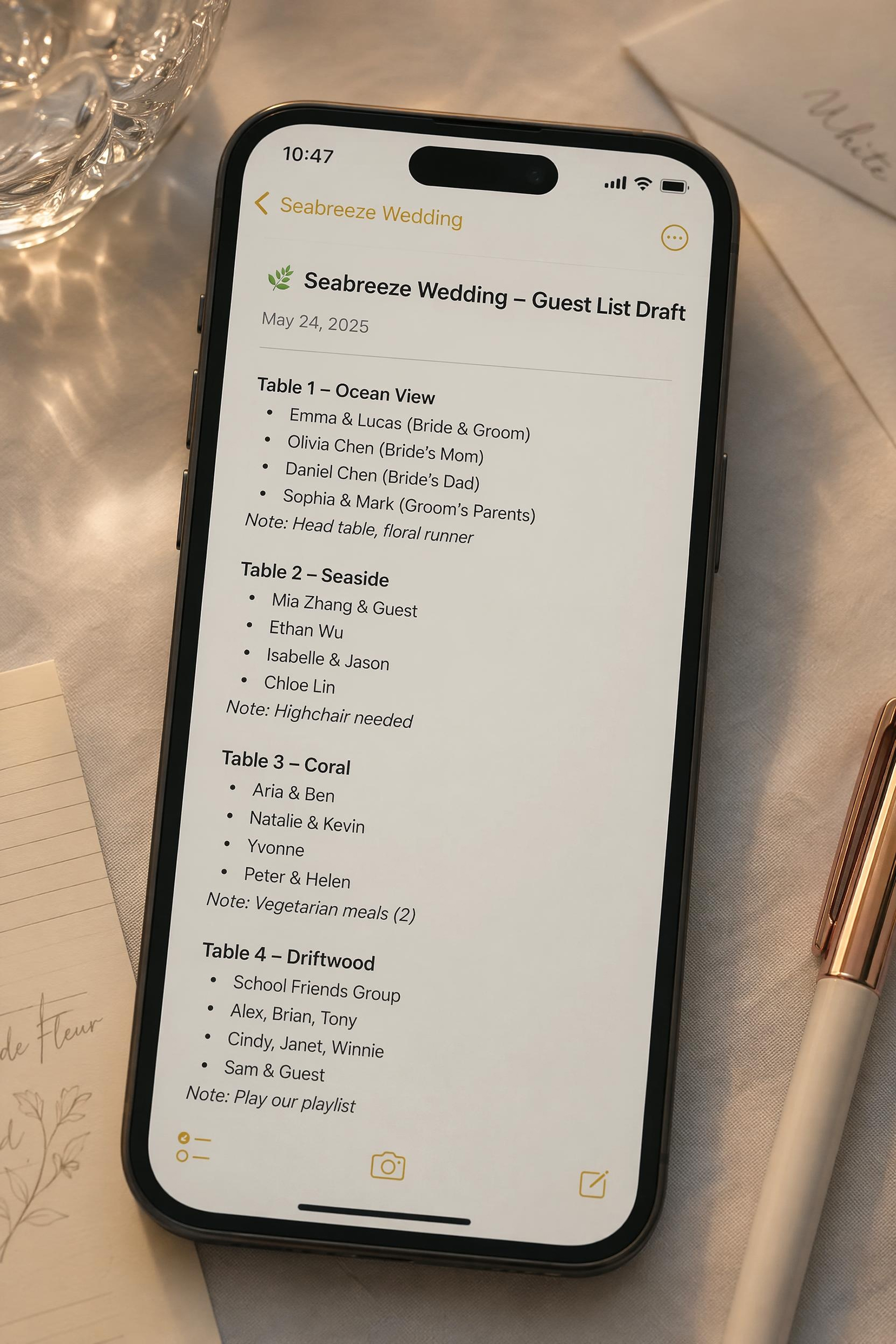
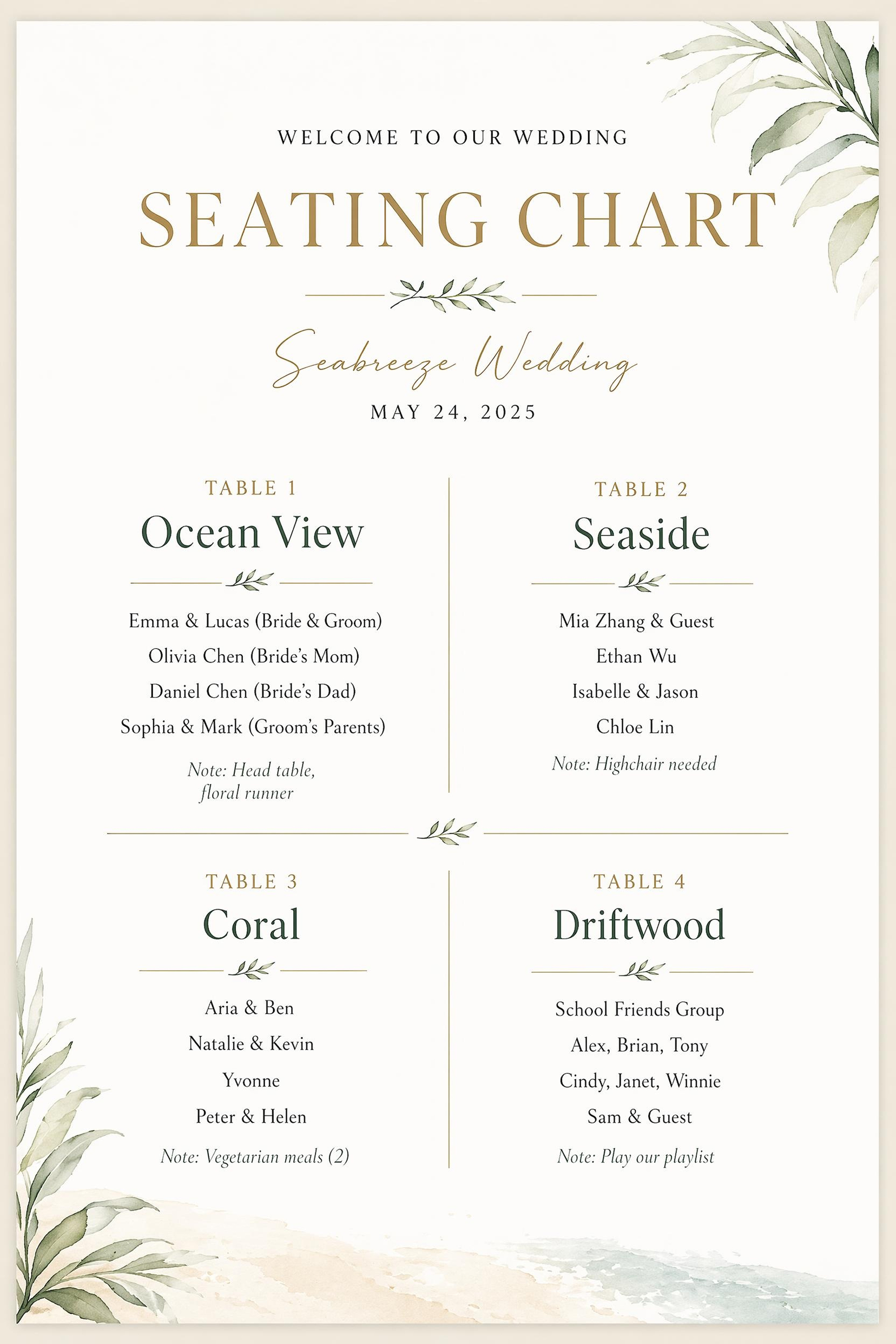
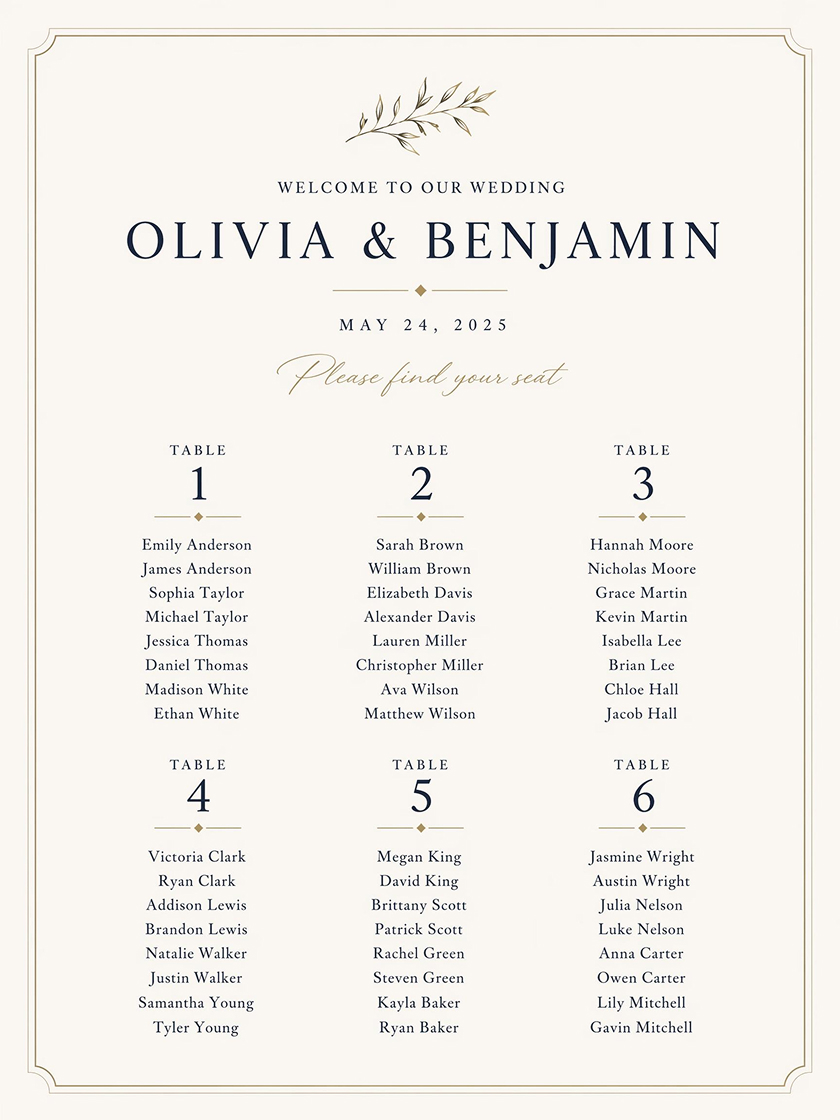 Seating Chart Poster
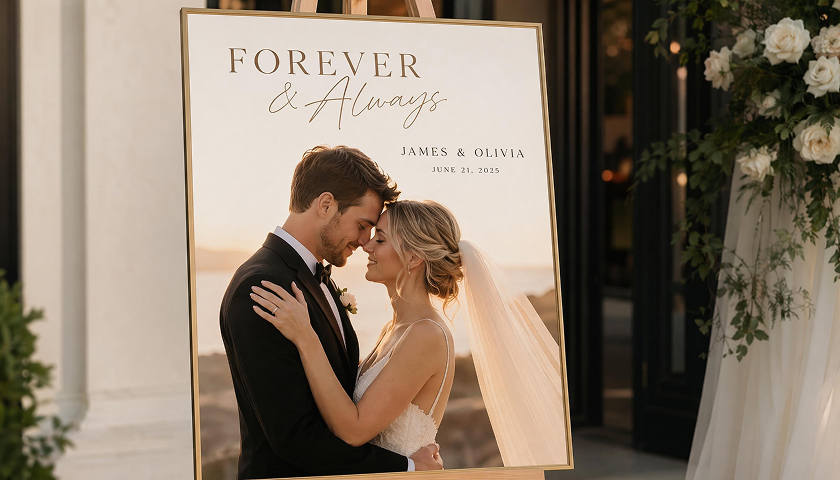
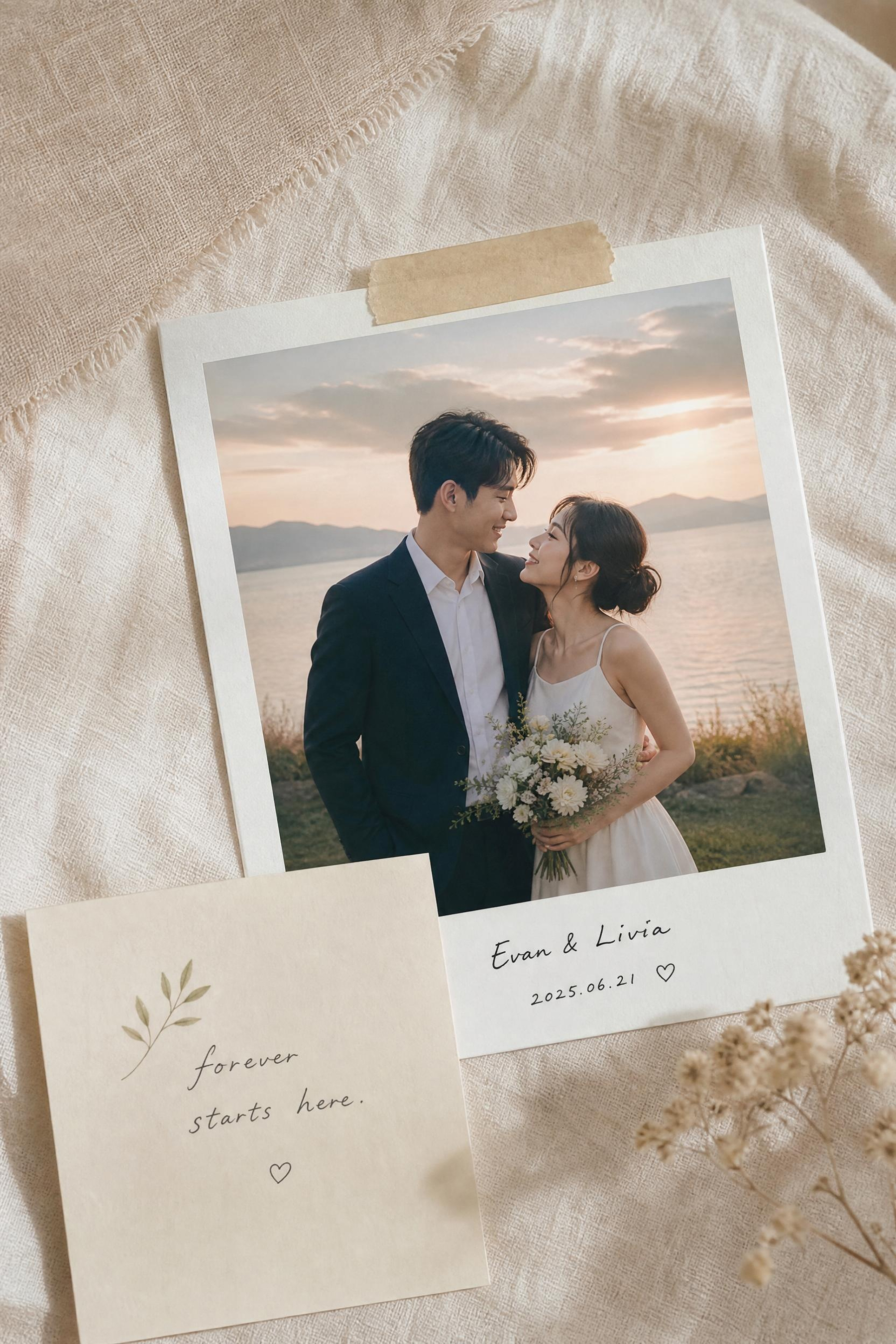
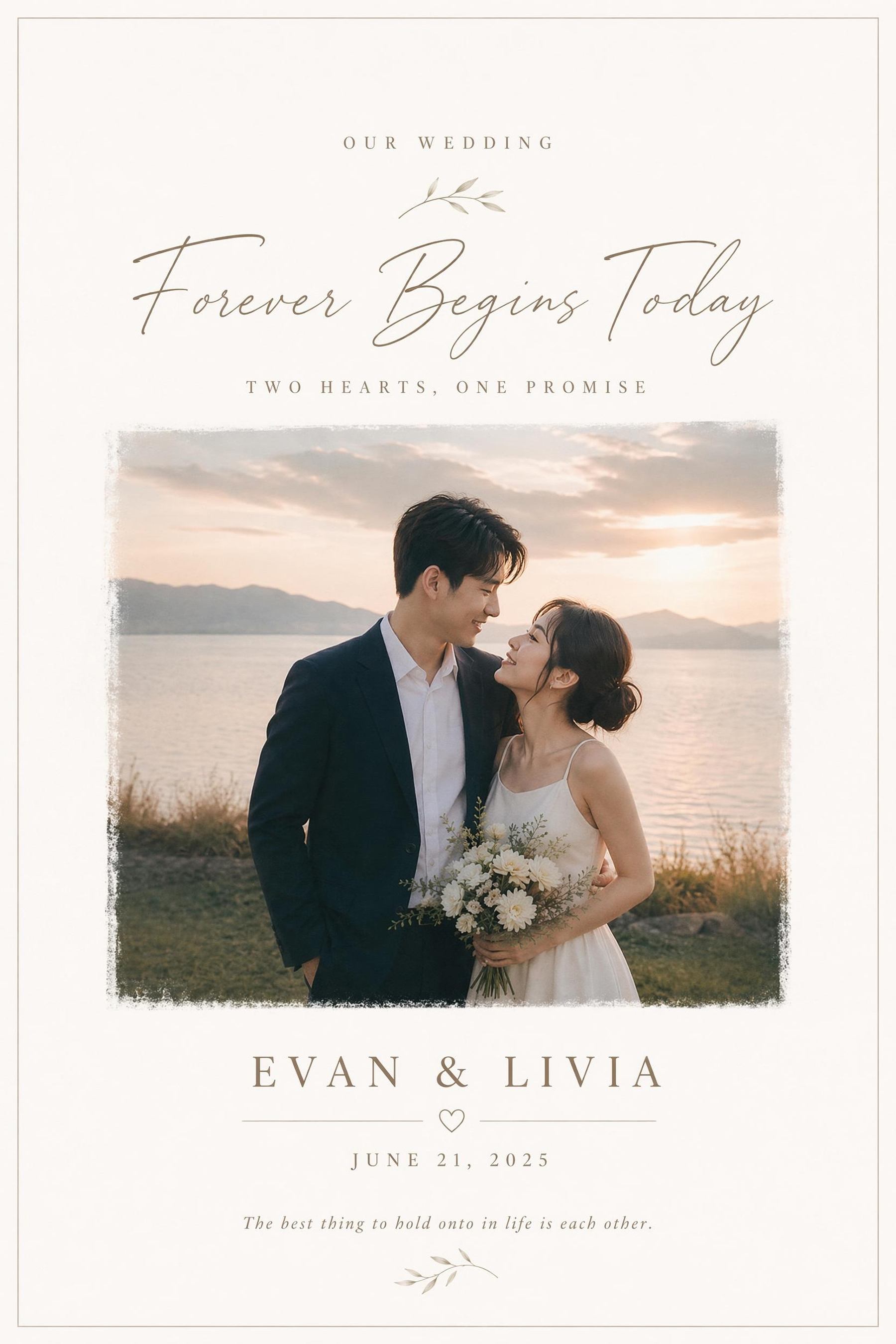
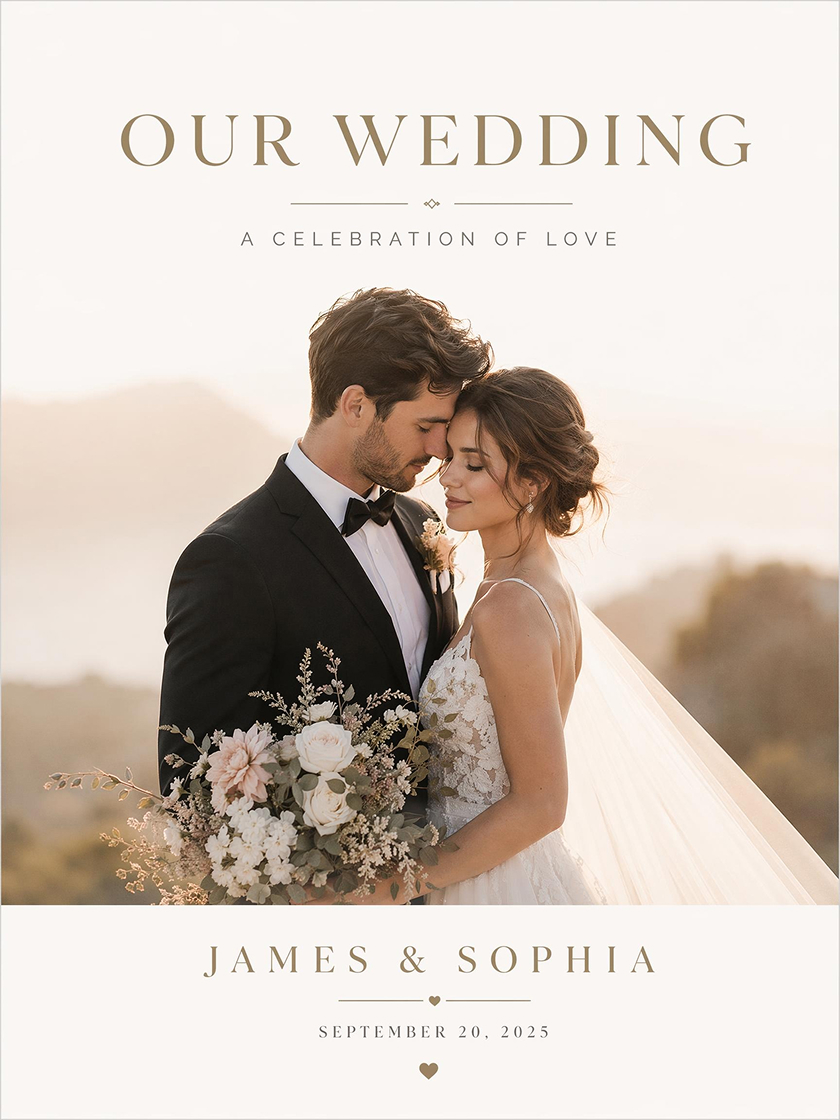 Wedding Photo Poster
How to Make a Wedding Poster With AI
Choose a Wedding Poster Style
Start from a layout that matches the poster type. The design already has space for key text, images, and decorative elements.
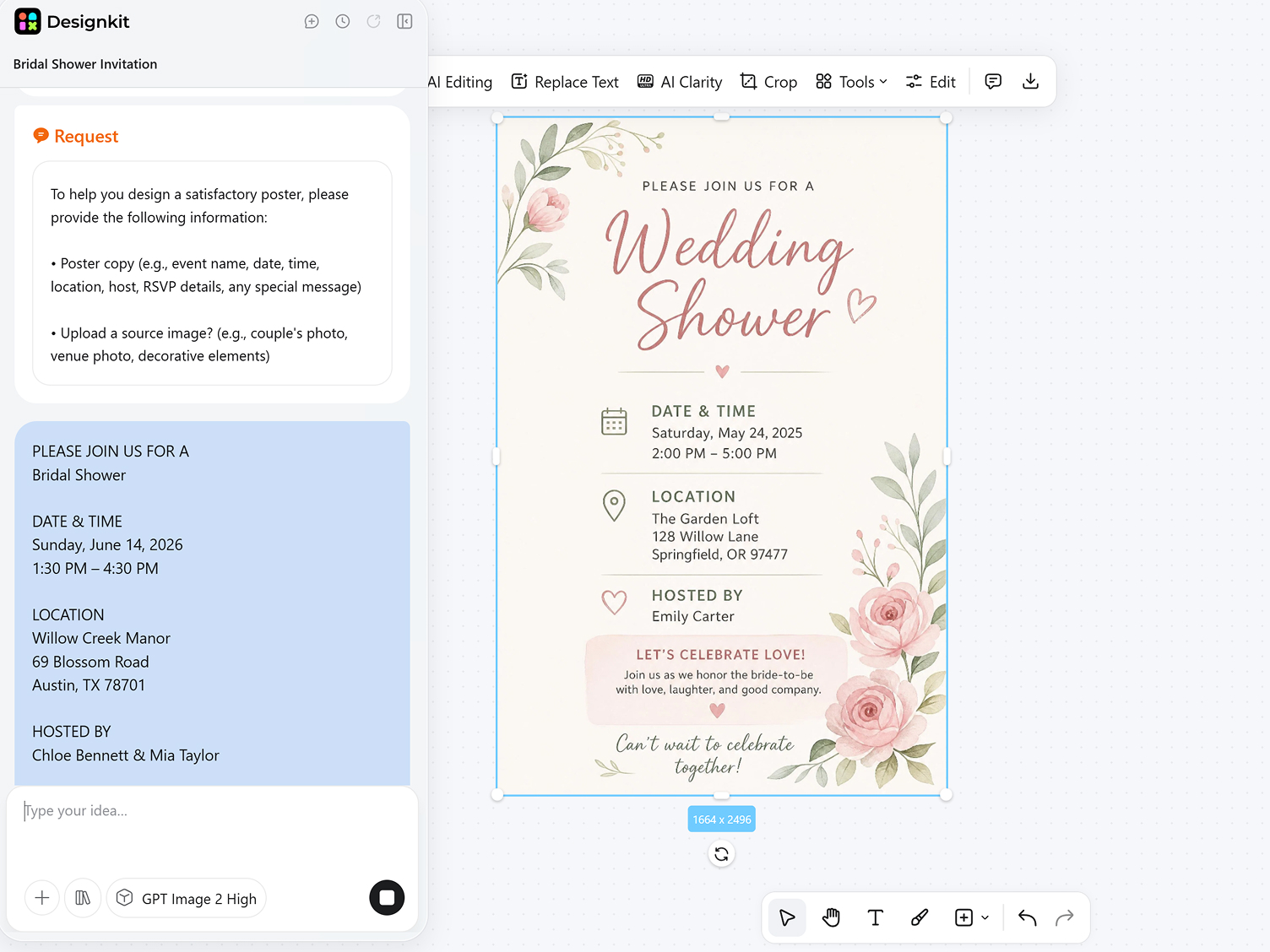
Add Wedding Details
Enter names, date, venue, guest information, or photo notes. The generator places the content into a clear poster draft.
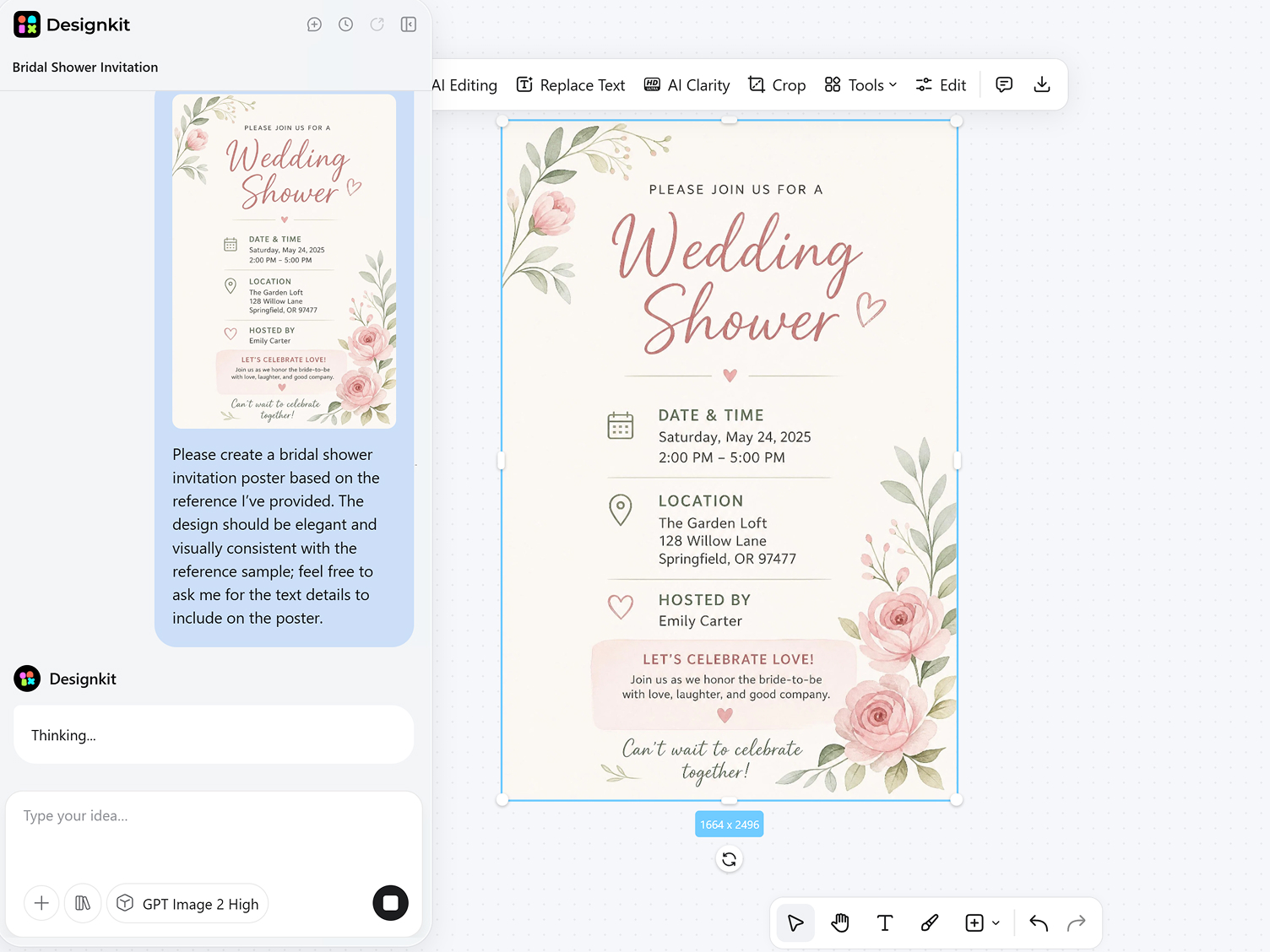
Generate, Refine, and Export
Preview several poster versions, edit wording and spacing, then export as a PNG ready for printing or digital display.
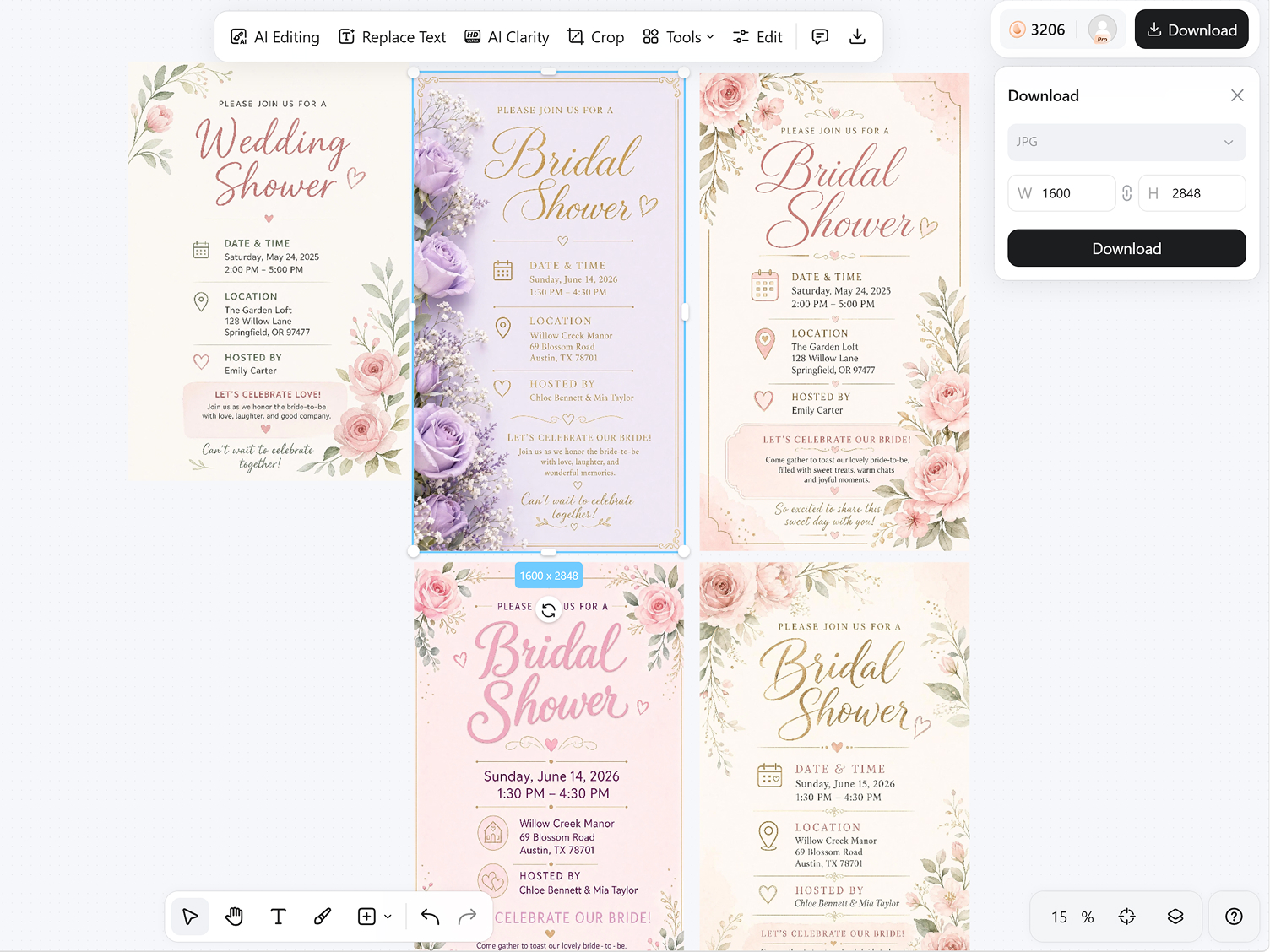
Create Wedding Posters with Better Layout Control
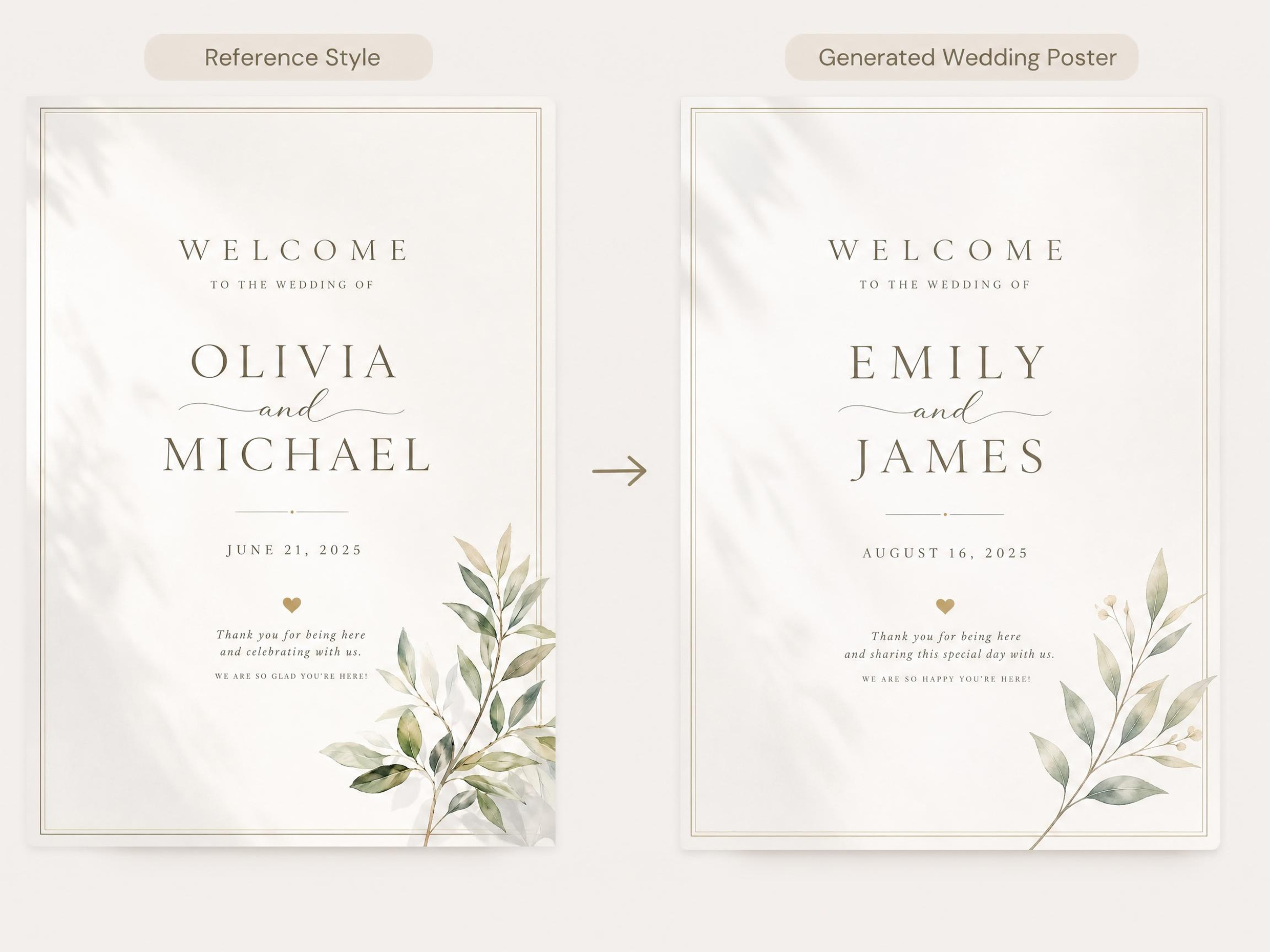
Start with a Structure That Fits the Poster
Choosing the right layout gives the generation model a clear structure before content is added. It uses the poster type to decide how text, imagery, and decorative details should work together, so the first draft has stronger visual order and fewer layout issues to fix later.
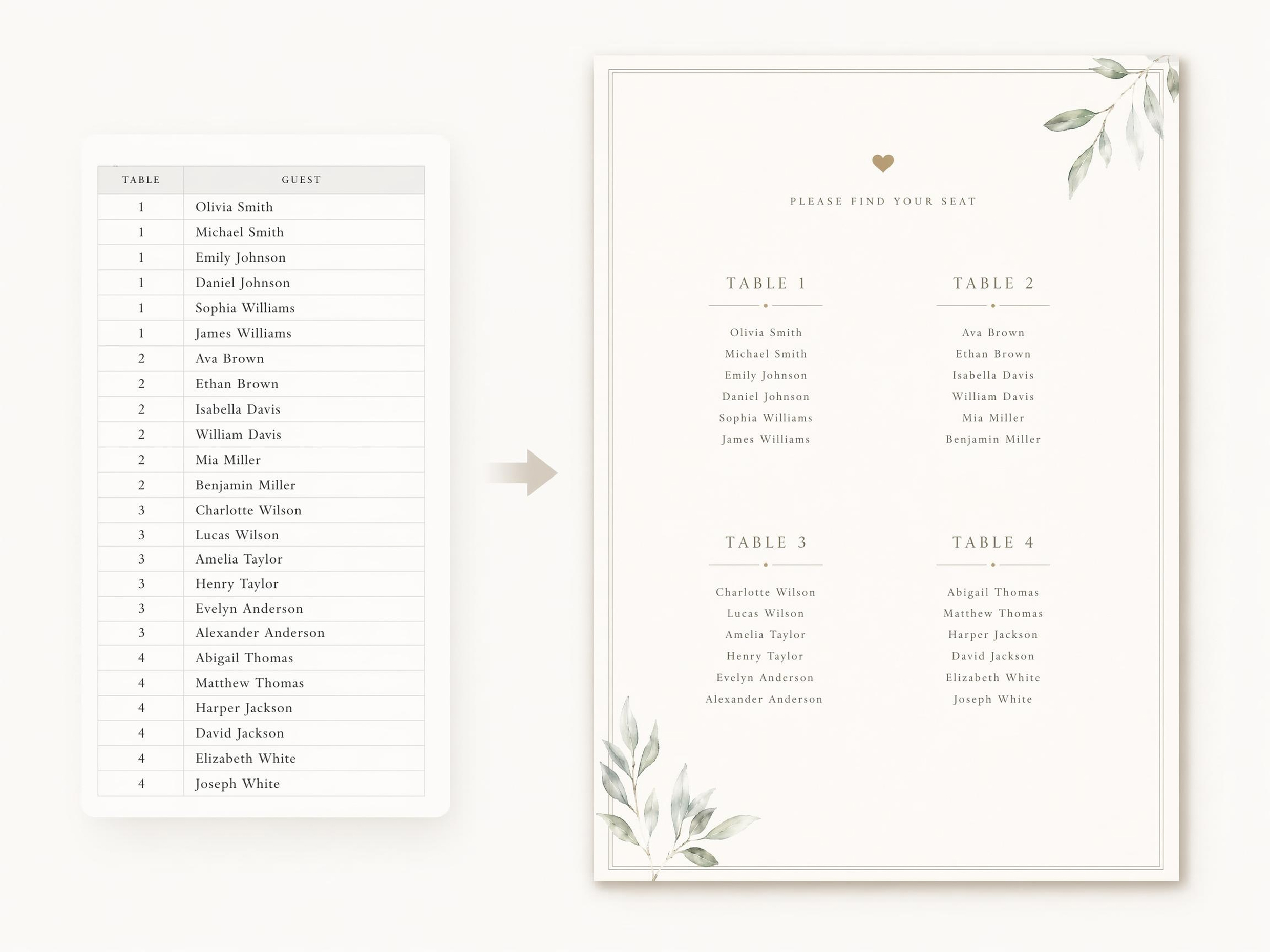
Keep a Long Guest List Easy to Read
The generator reads grouped guest information and spaces it into clear sections instead of treating every line the same. This helps longer seating details stay readable while preserving the overall poster style.
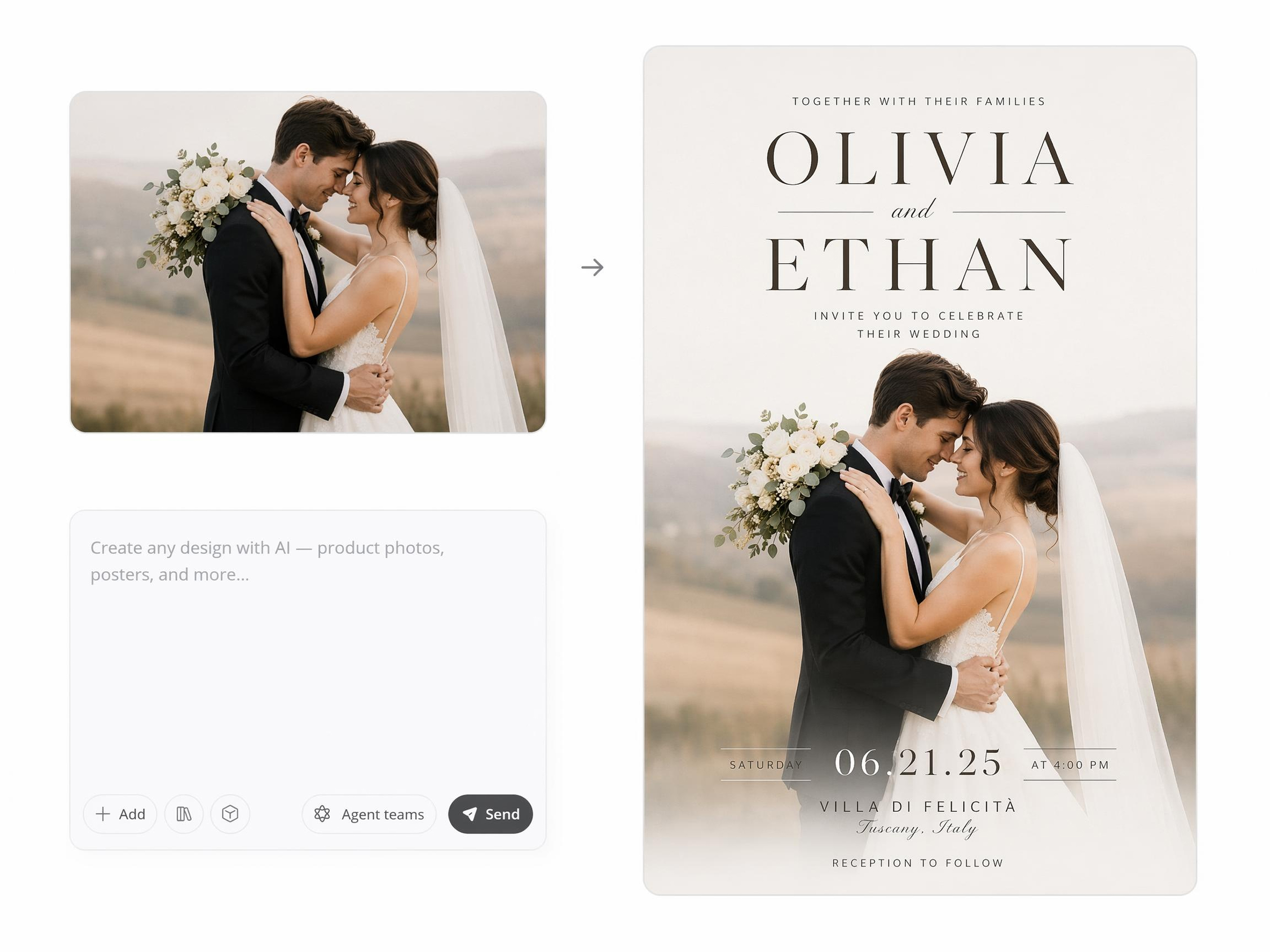
Balance Photos with Formal Typography
Image-aware composition helps place a photo and text in the same visual system. The generator adjusts scale, contrast, and title weight so the poster feels personal while the wording stays legible.
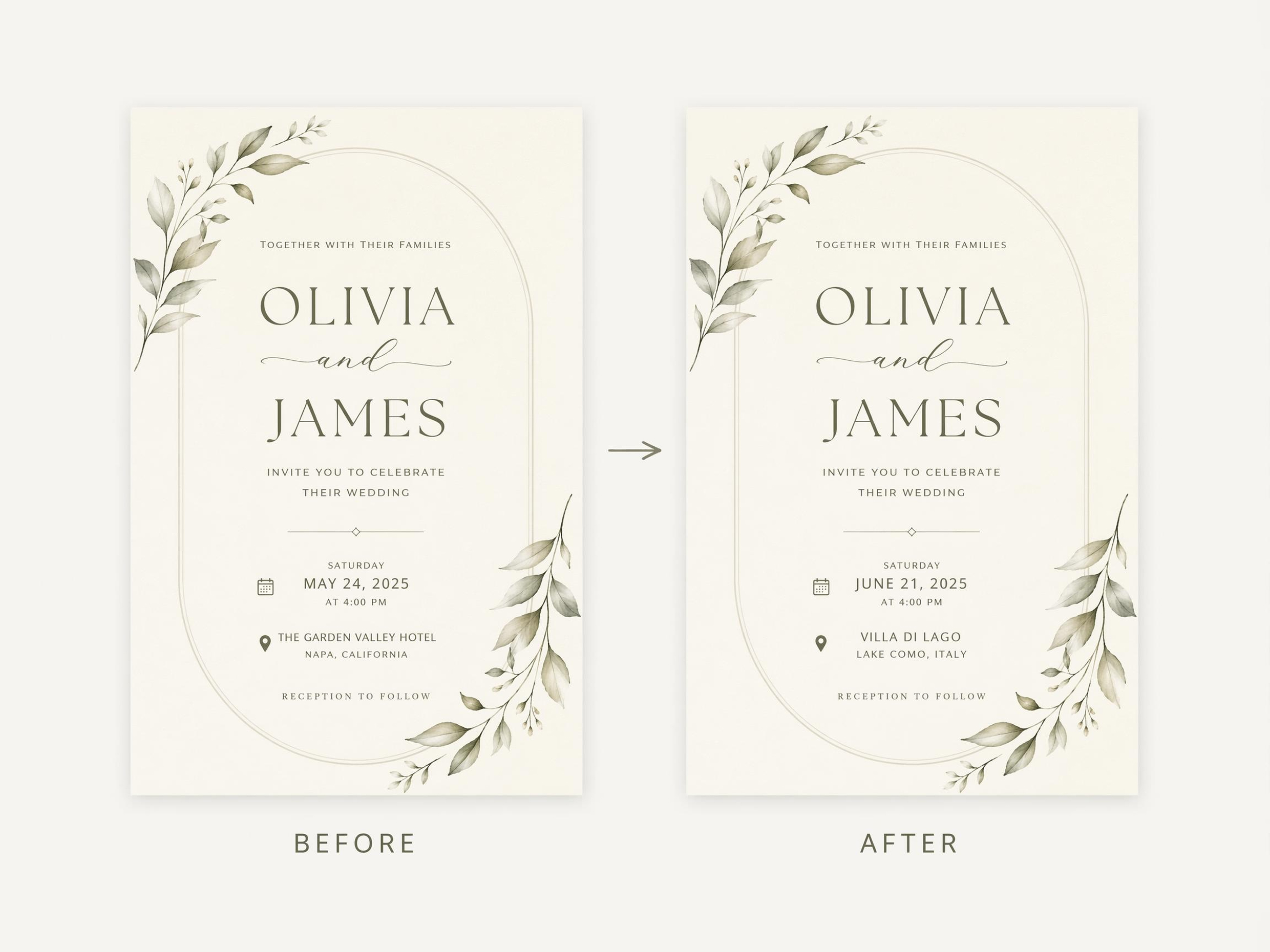
Update the Same Design as Plans Change
Editing from the original draft keeps the poster’s style direction stable while details are revised. Names, wording, and layout spacing can change without rebuilding the whole design from the beginning.
Poster Types You Can Create with Designkit
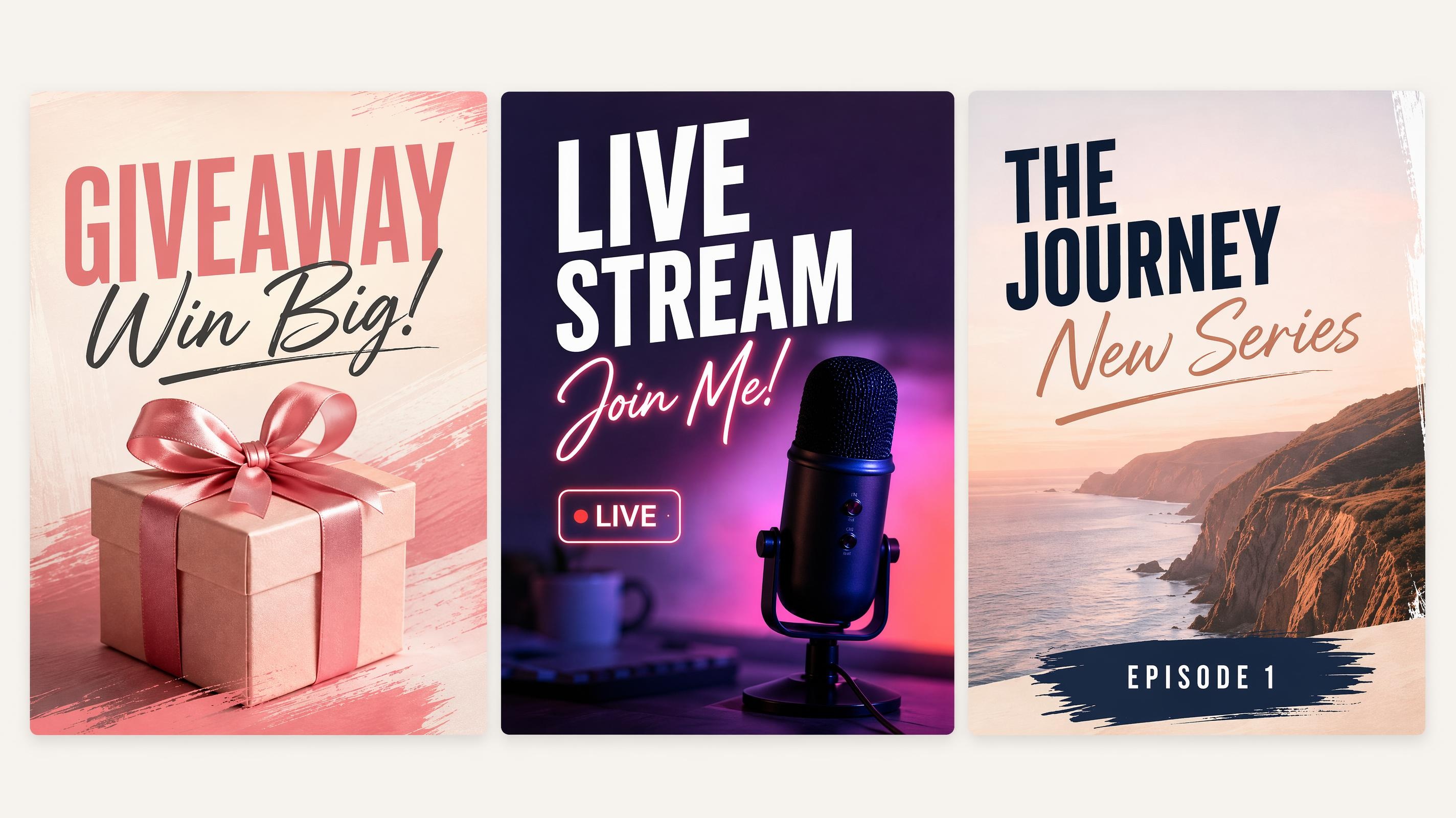
Social Media Poster
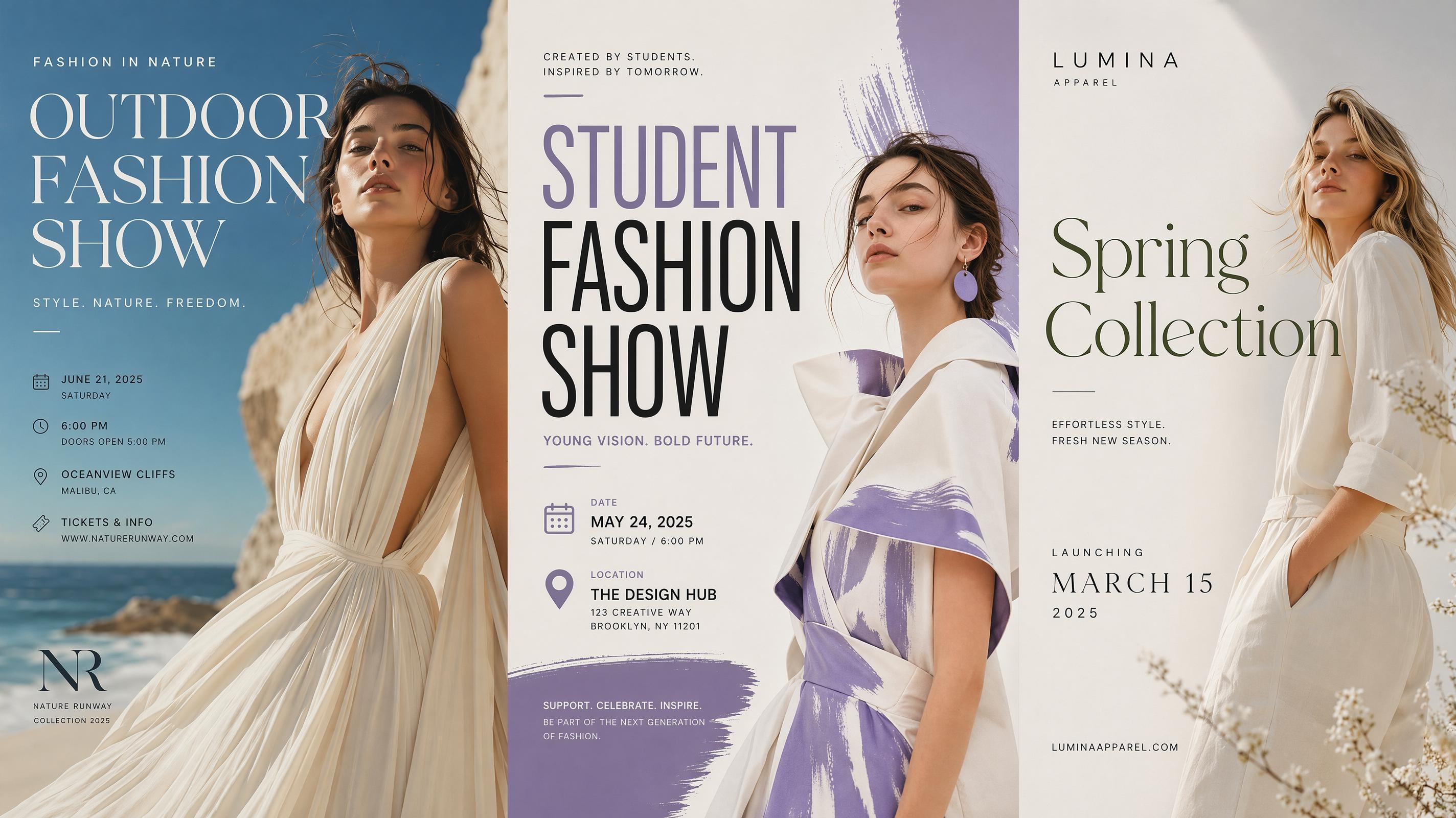
Fashion Poster
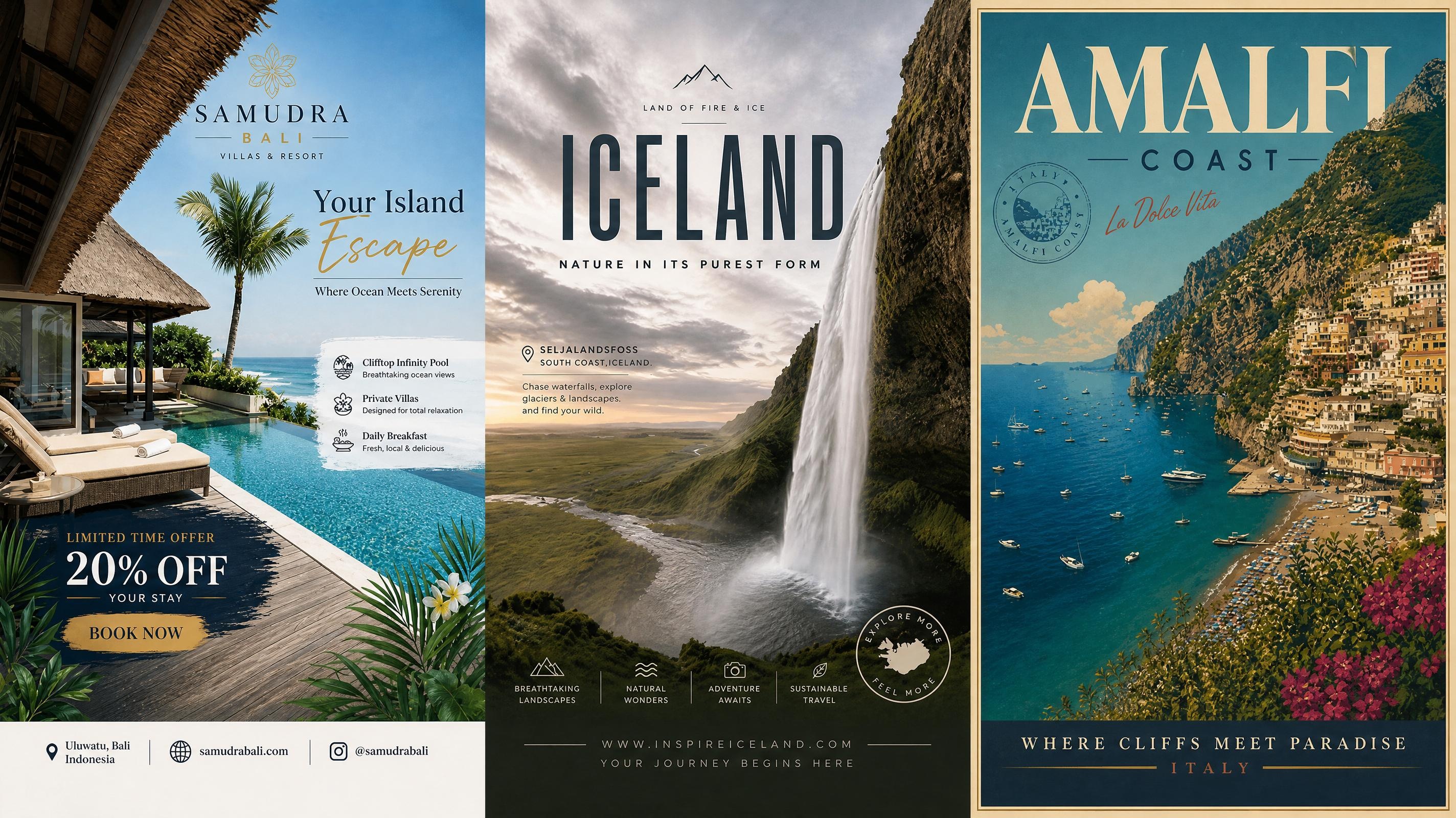
Travel Poster
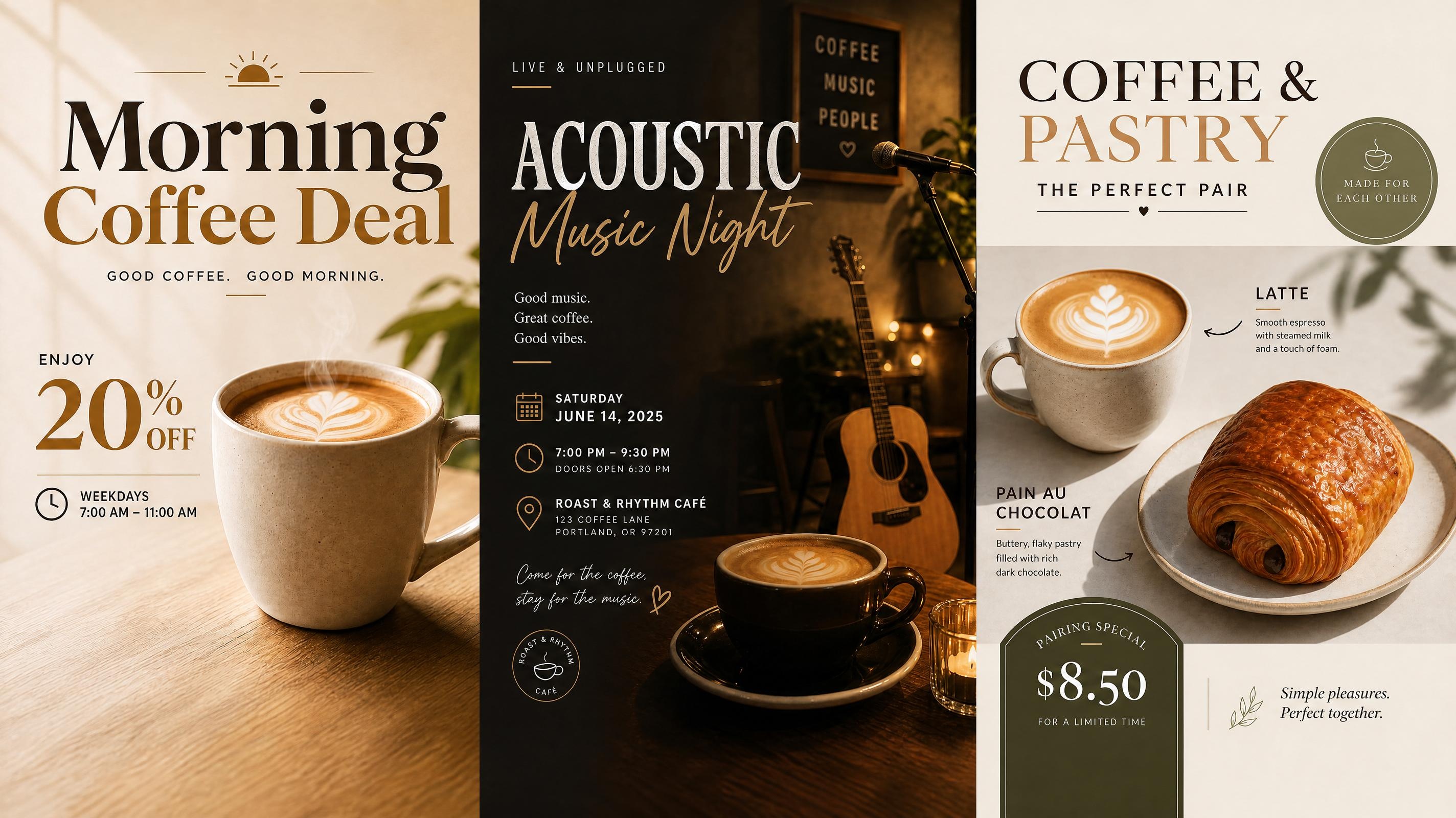
Cafe Poster
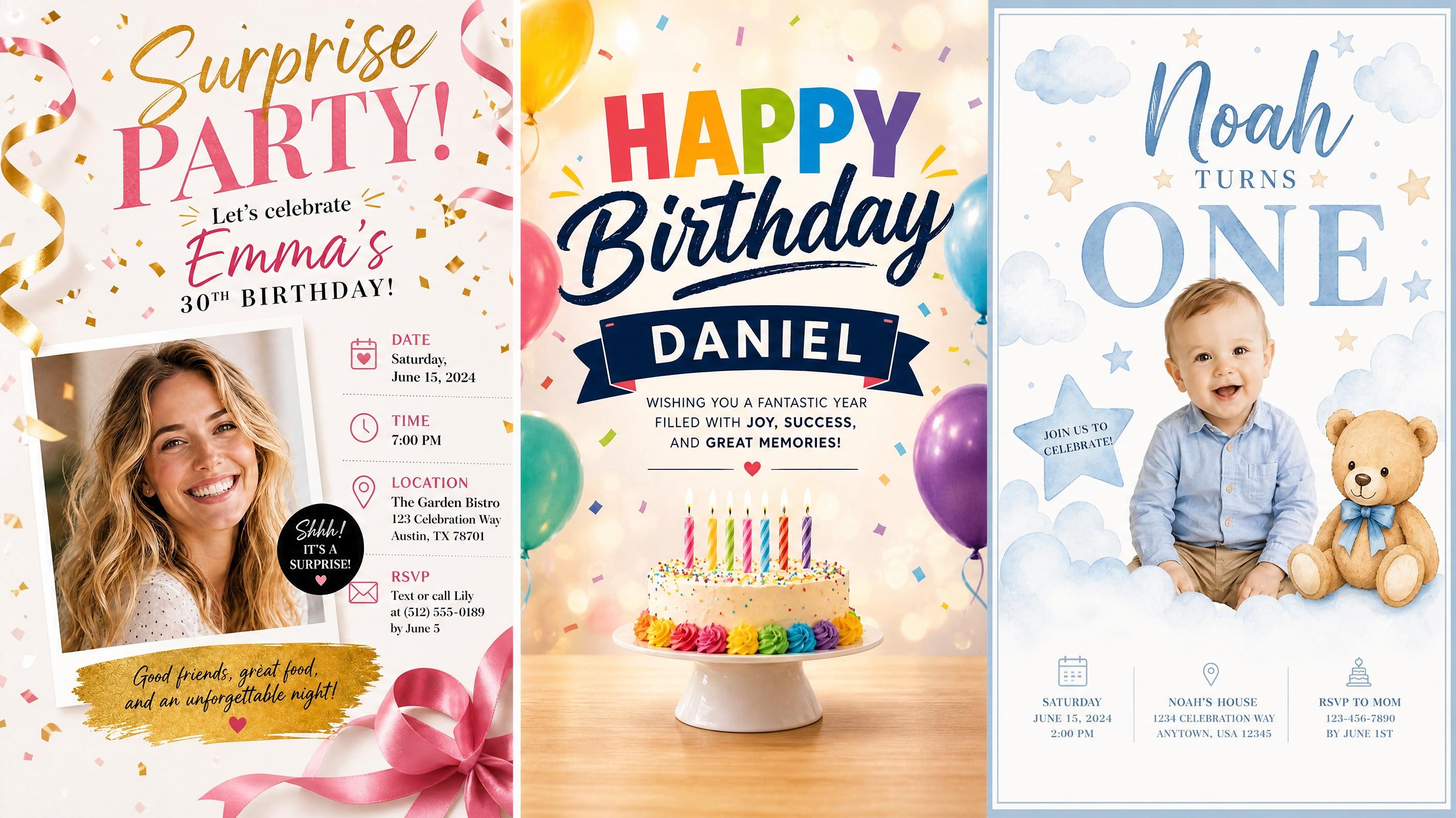
Birthday Poster
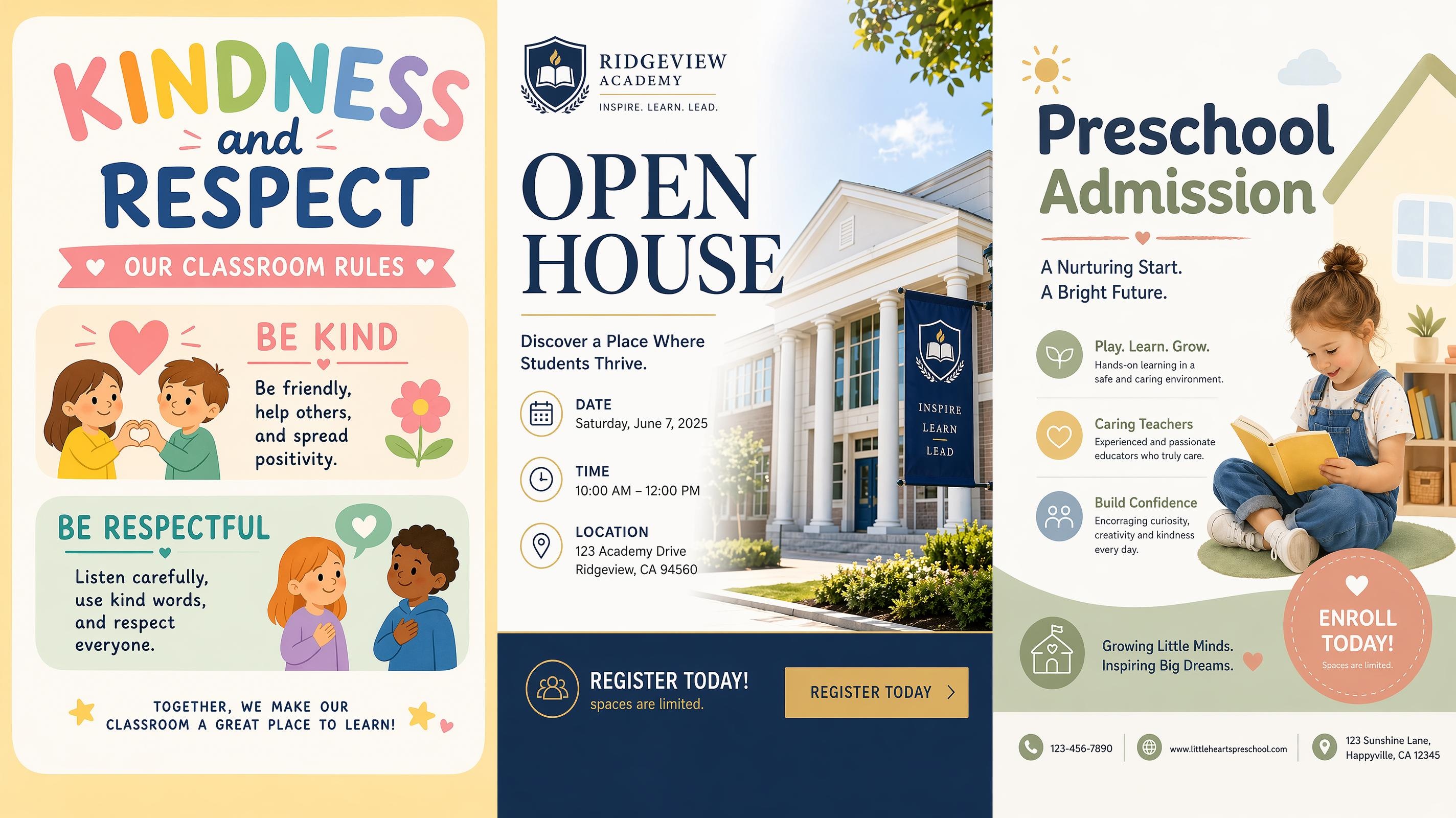
School Poster
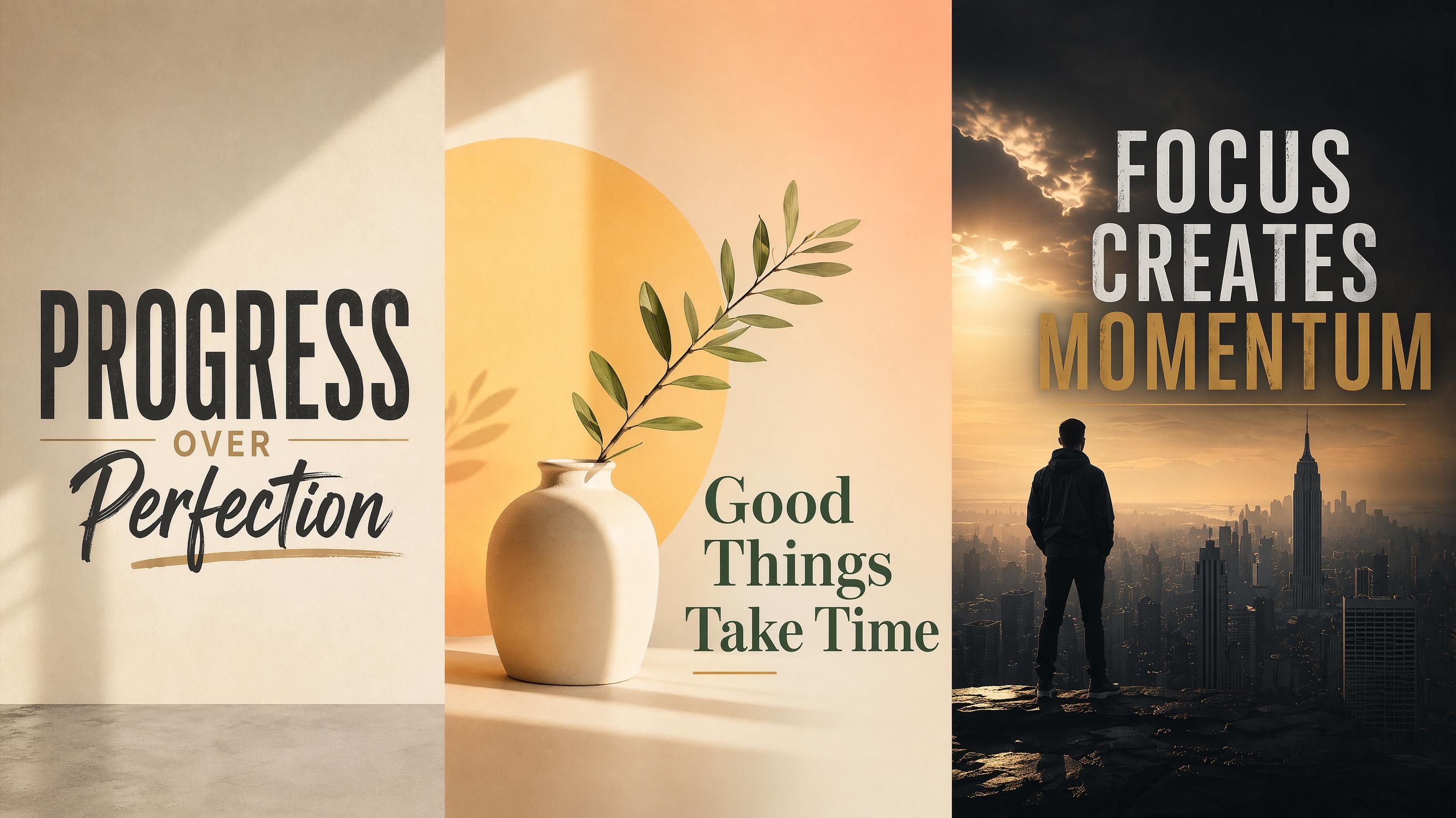
Motivational Poster
Sport Poster
Frequently Asked Questions
What is a wedding poster generator?
Can I make a wedding welcome poster?
Yes. Choose a wedding welcome poster template, add the couple names, date, venue, and greeting text, then refine the style so it matches the ceremony or reception mood.
Can I create a wedding seating chart poster?
Yes. Add guest names and table details, then generate a layout that separates the information into readable sections. You can revise names or table groups later if the seating plan changes.
Can I use my own wedding photo?
Yes. Upload a couple photo or engagement photo, then add the wording you want on the poster. The generator uses the image as part of the composition and balances it with typography and spacing.
Can I download the wedding poster for printing?
Yes. Export the finished poster as a PNG file and use it for print or digital display. Set the size based on where the poster will appear, such as a vertical format for entrance signs or a large board for venue seating displays.
What size should a wedding poster be?
Common options include vertical posters for entrance displays, large boards for venue signage, and digital formats for online sharing. Choose the size based on where the poster will appear before refining the layout.
Turn Wedding Details into a Polished Display
Start with a wedding poster layout, add the details that matter, and refine the design until it feels aligned with the celebration.



What Wedding Teams Say About Wedding Poster Design
See how couples and event teams use Designkit to prepare wedding posters with clearer layouts and softer styling.
The Welcome Sign Matched the Rest of the Wedding
I wanted the entrance sign to feel connected to our wedding style, not like a separate graphic made at the last minute. Starting from a wedding welcome poster template gave the design a softer structure, and the names and dates were easy to adjust until everything felt right.
The Seating Chart Stayed Readable
Our guest list kept changing, and I was worried the final poster would look crowded. The generated seating chart layout gave each section enough room, so I could update names and table groups while keeping the whole design calm and easy for guests to scan.
The Photo Poster Felt Personal but Clean
We had one engagement photo we really liked, but every layout I made looked either too plain or too busy. The generated poster gave the image enough space and placed the text naturally, so it felt romantic while still looking polished at the reception.
Everyone Could Follow Along
I was helping a friend pull together the wedding materials and had never used a design tool before. Starting from the wedding welcome poster template made it easy to explain what we were changing and why. We went through a few rounds of edits, and each version still came out looking like it belonged together.
Small Edits Did Not Break the Design
We changed the ceremony time and a few words close to the wedding date. Instead of starting over, I updated the same poster draft and kept the original look. That made the final round of edits much less stressful for everyone helping with the setup.