

Create World Cup Match Posters, Flyers, and Brackets with AI
Upload a reference or describe your event, and get match posters, watch party flyers, brackets, and social posts ready for 2026.
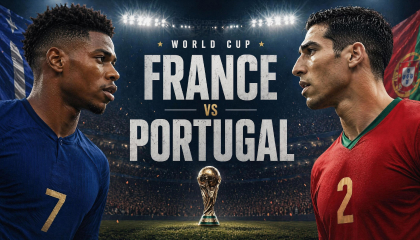
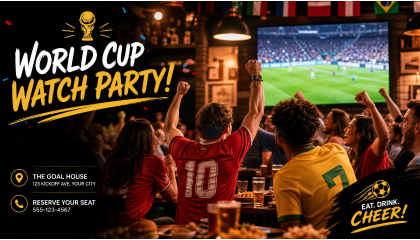
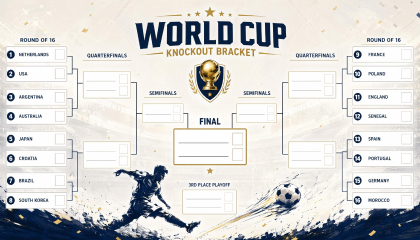
Turn World Cup Ideas into Complete Poster Designs
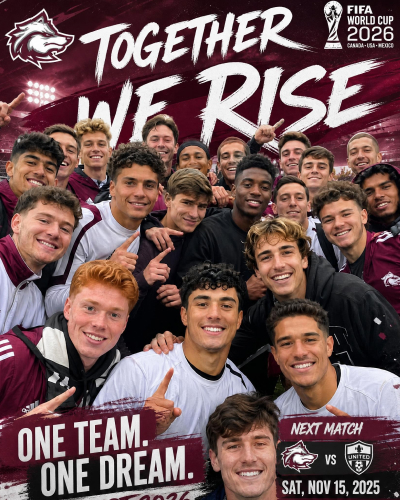
Choose a World Cup Poster Style and Generate Your Own
Open an example that fits your goal, then use its image and prompt as the starting point for a new poster with your own details.
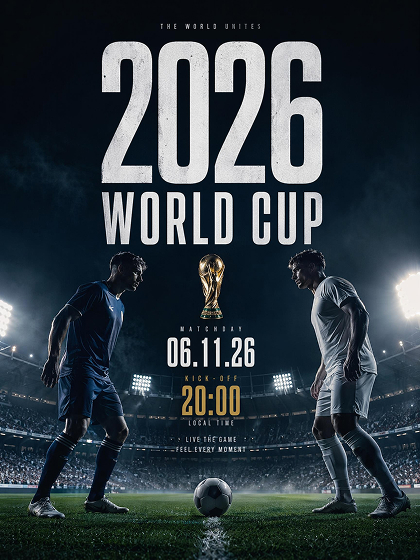
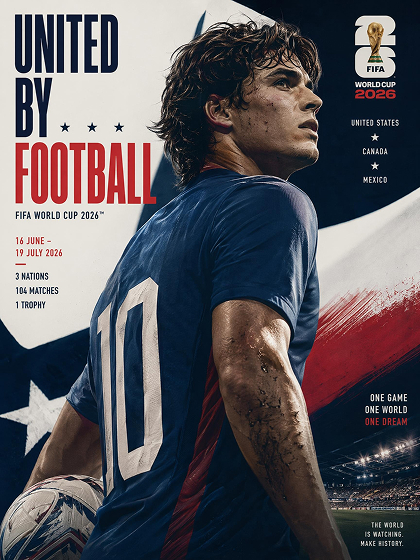
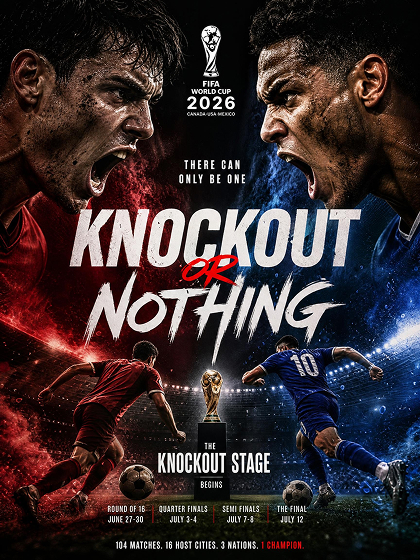
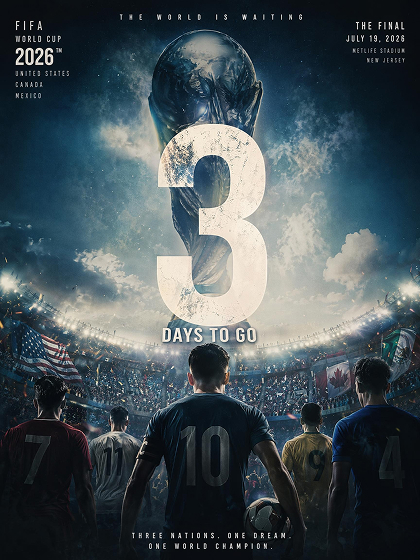
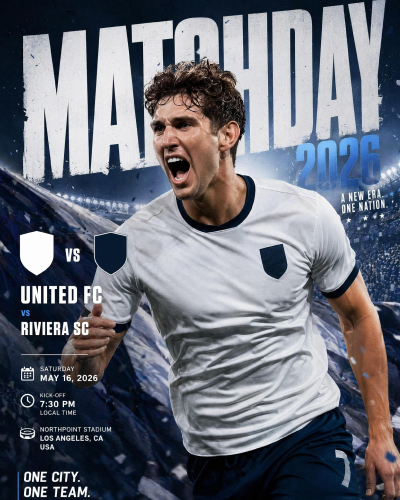
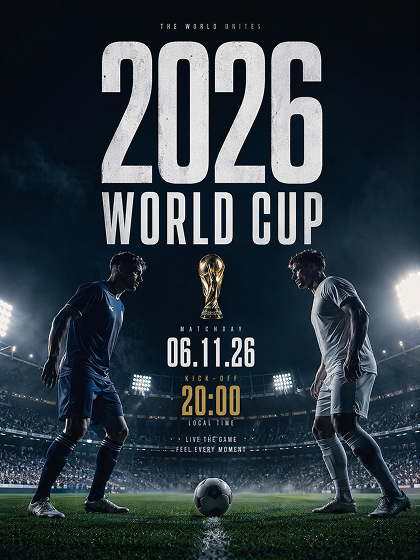 Match Day Poster
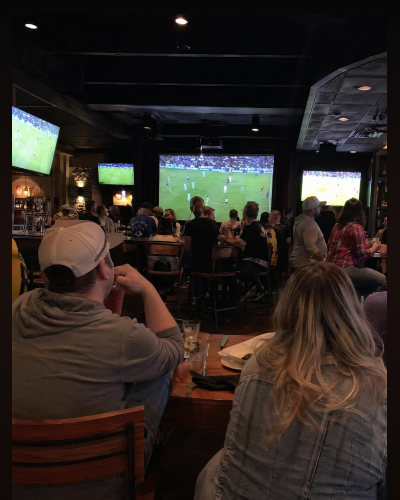
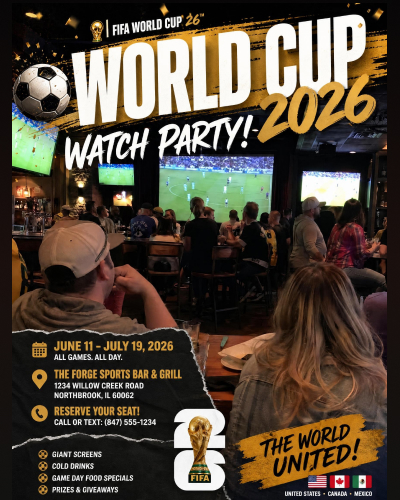
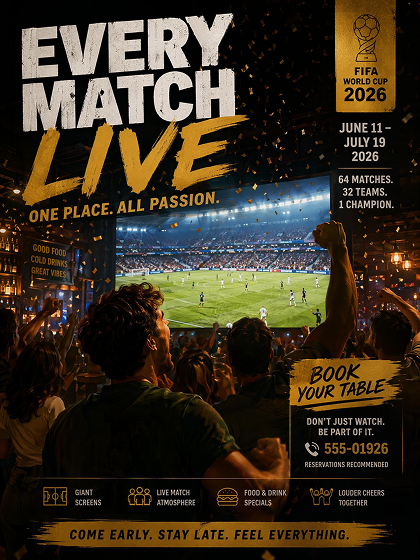 Watch Party Flyer
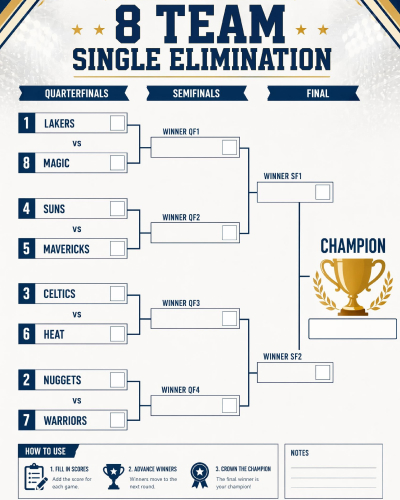
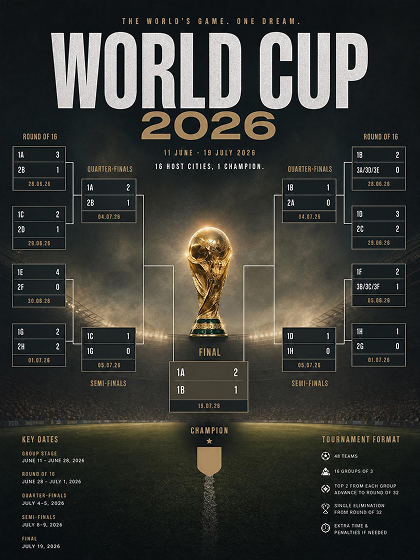 Tournament Bracket
How to Make a World Cup Poster with AI
Add Your Match or Event Details
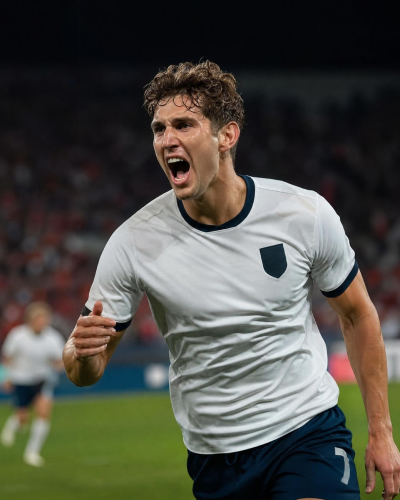
Upload a stadium, player, or design reference if you have one. AI immediately uses both the image and written details to establish the scene. Then add the key message you want the poster to carry.
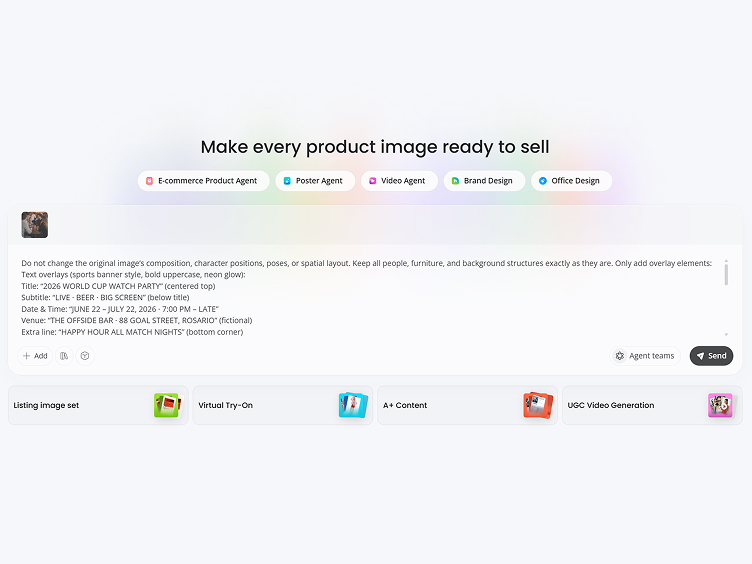
Shape the Visual Direction
Tell the AI where the poster will be used and how it should feel. You can specify a dramatic match-day look, a lively watch party atmosphere, or a cleaner bracket format, then add the information that must stand out.
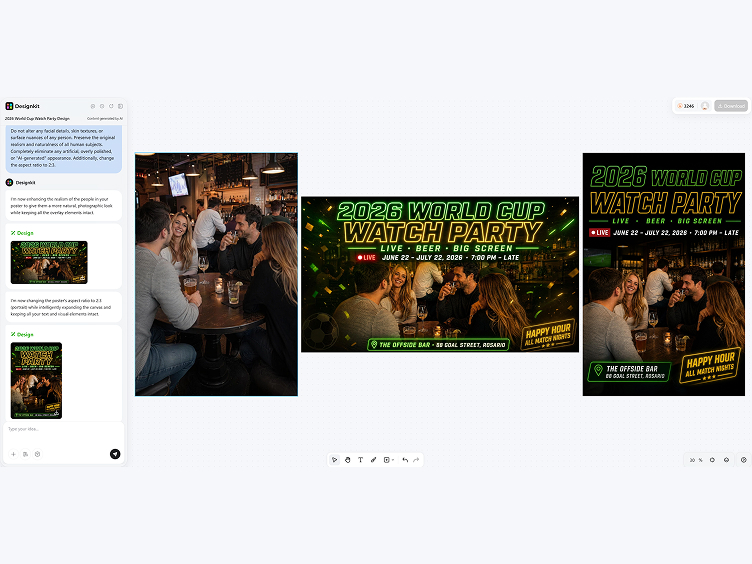
Select, Refine, and Export
Compare several generated poster and choose the best one. Correct any match information, refine the layout, and export at the size you need.
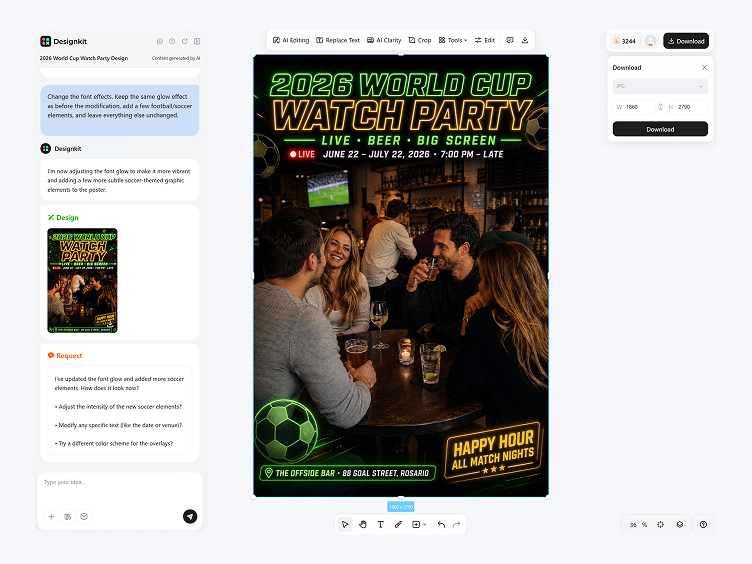
Create World Cup Graphics as the Tournament Unfolds
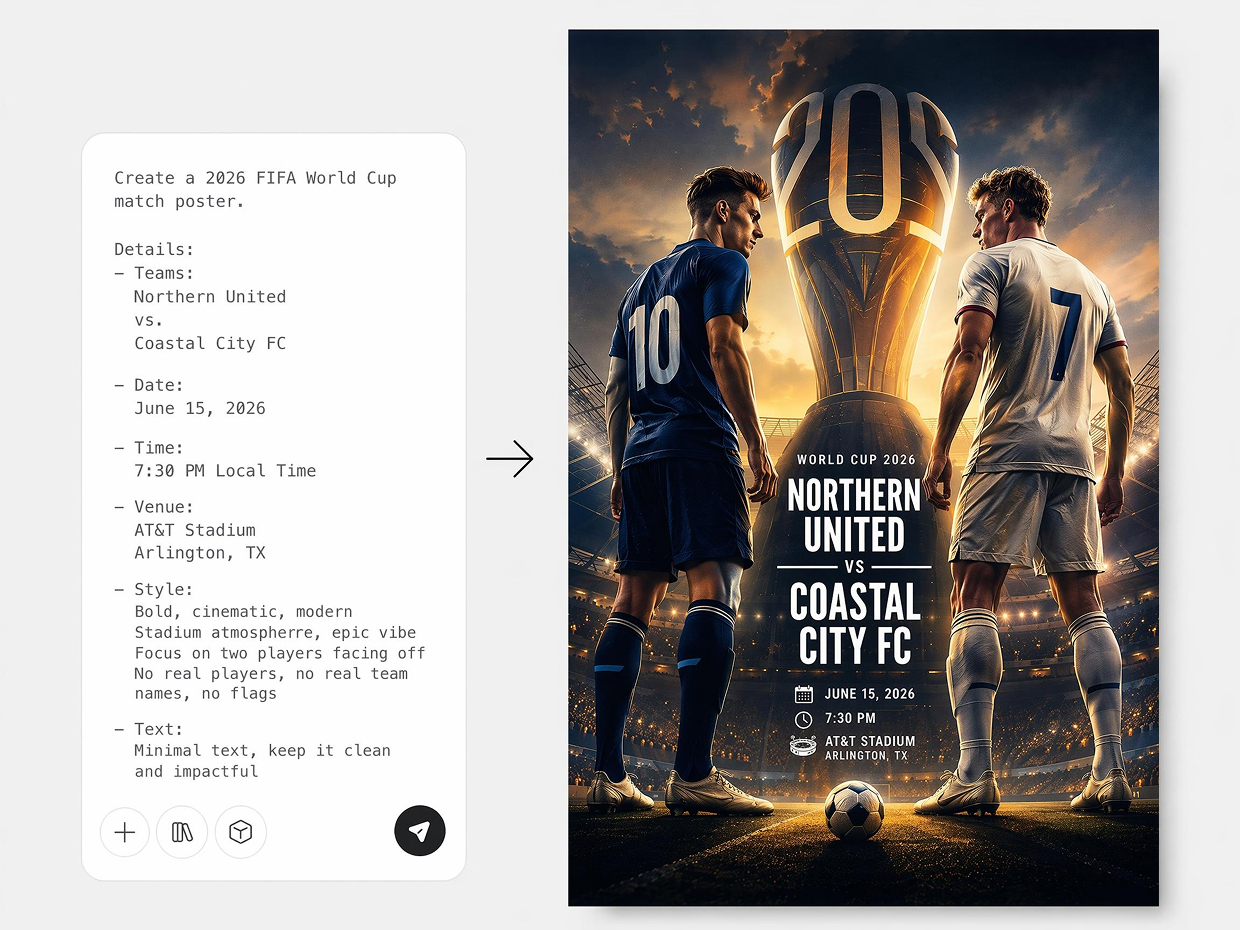
Turn Tournament Details into a Complete Poster
A list of teams, dates, venues, and event notes does not provide a visual direction on its own. Enter the information you already have, and AI develops the composition, imagery, typography, and color mood into several complete poster concepts you can compare.
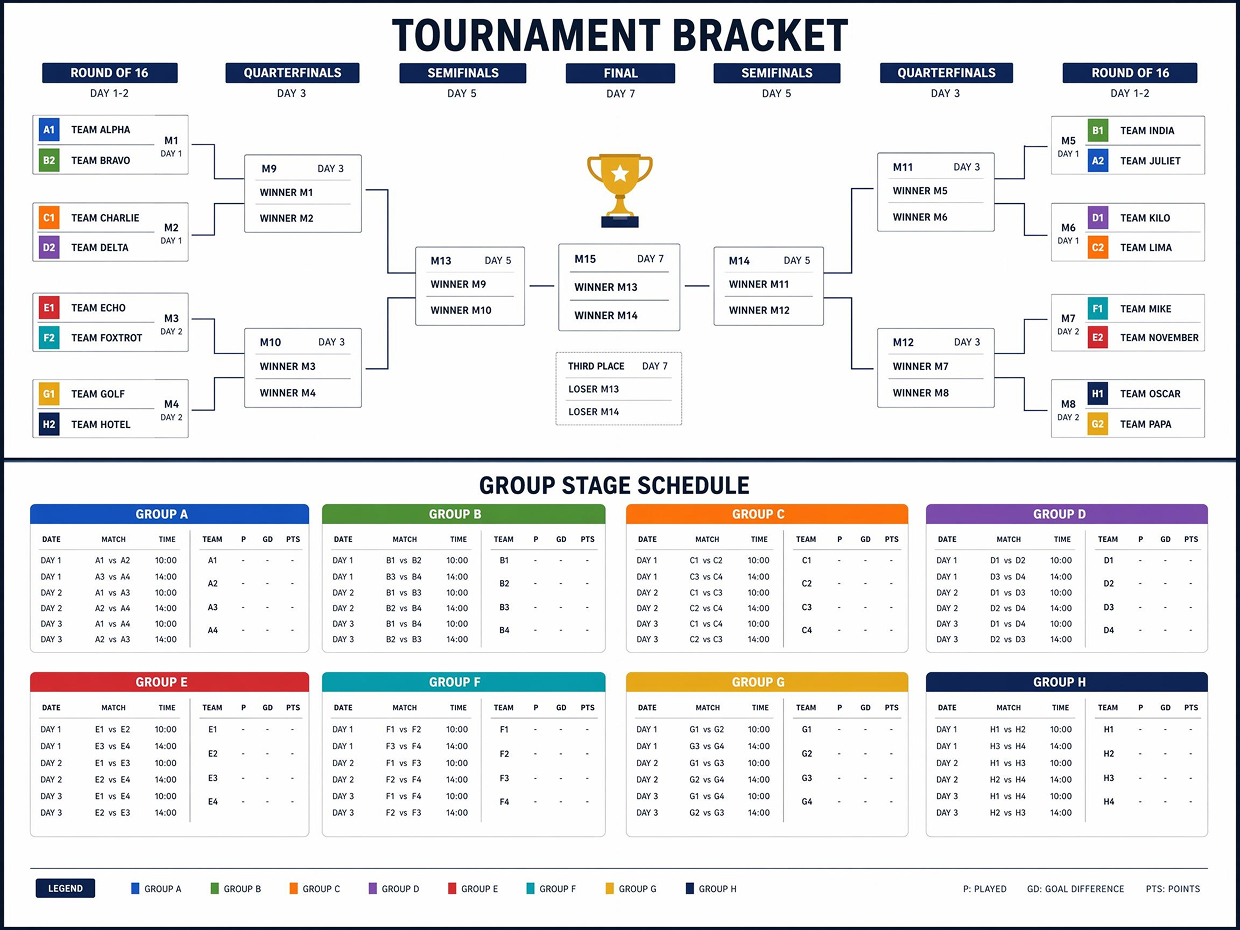
Organize Brackets and Schedules into Printable Layouts
Tournament brackets, group stage schedules, and match fixtures can be generated as clean, structured layouts ready for print or screen. Each round, team slot, and result area is given enough space to stay readable, so the final output works as a wall chart, venue display, or shareable graphic.
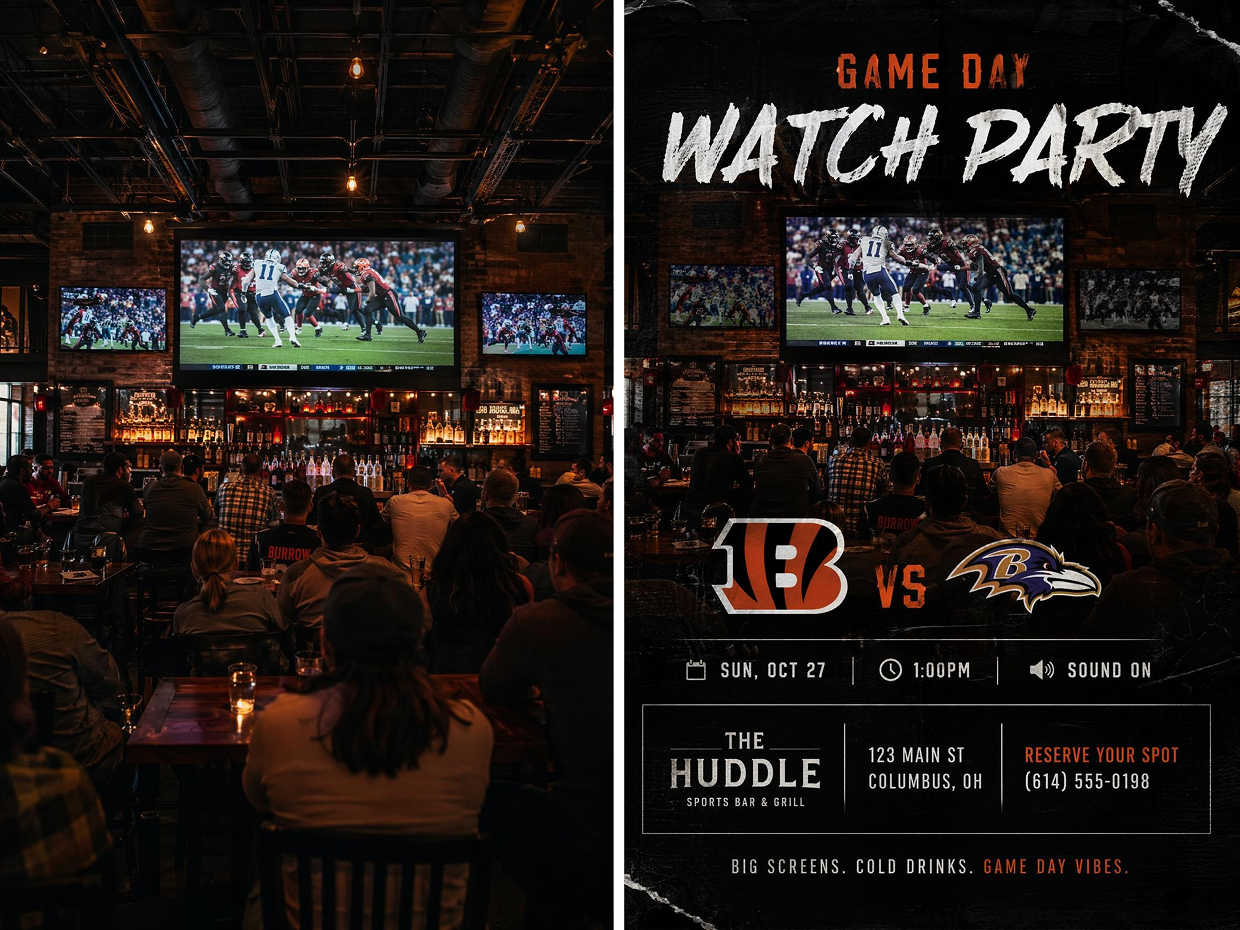
Create Venue-Specific Watch Party Posters
Use a photo of the screening location to guide the design. AI draws from the setting to shape the atmosphere and organizes the promotional information so the poster feels connected to the event rather than taken from a generic template.
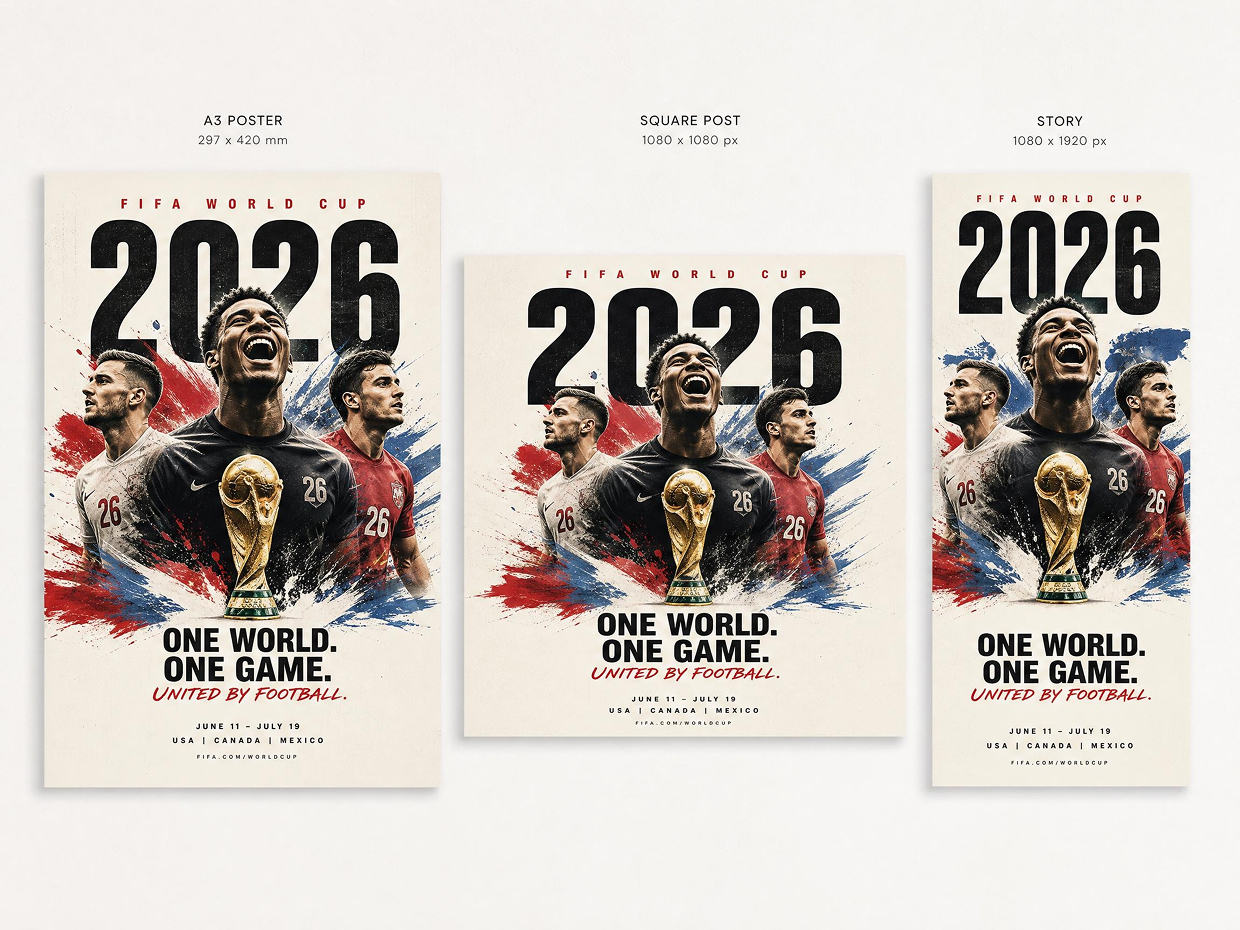
Reformat Posters for Different Placements
An approved design can be regenerated at the dimensions required for print or digital publishing. The layout is rebalanced for each format, keeping the focal image, headline, and essential information clear instead of merely cropping the original.
Poster Types You Can Create with Designkit
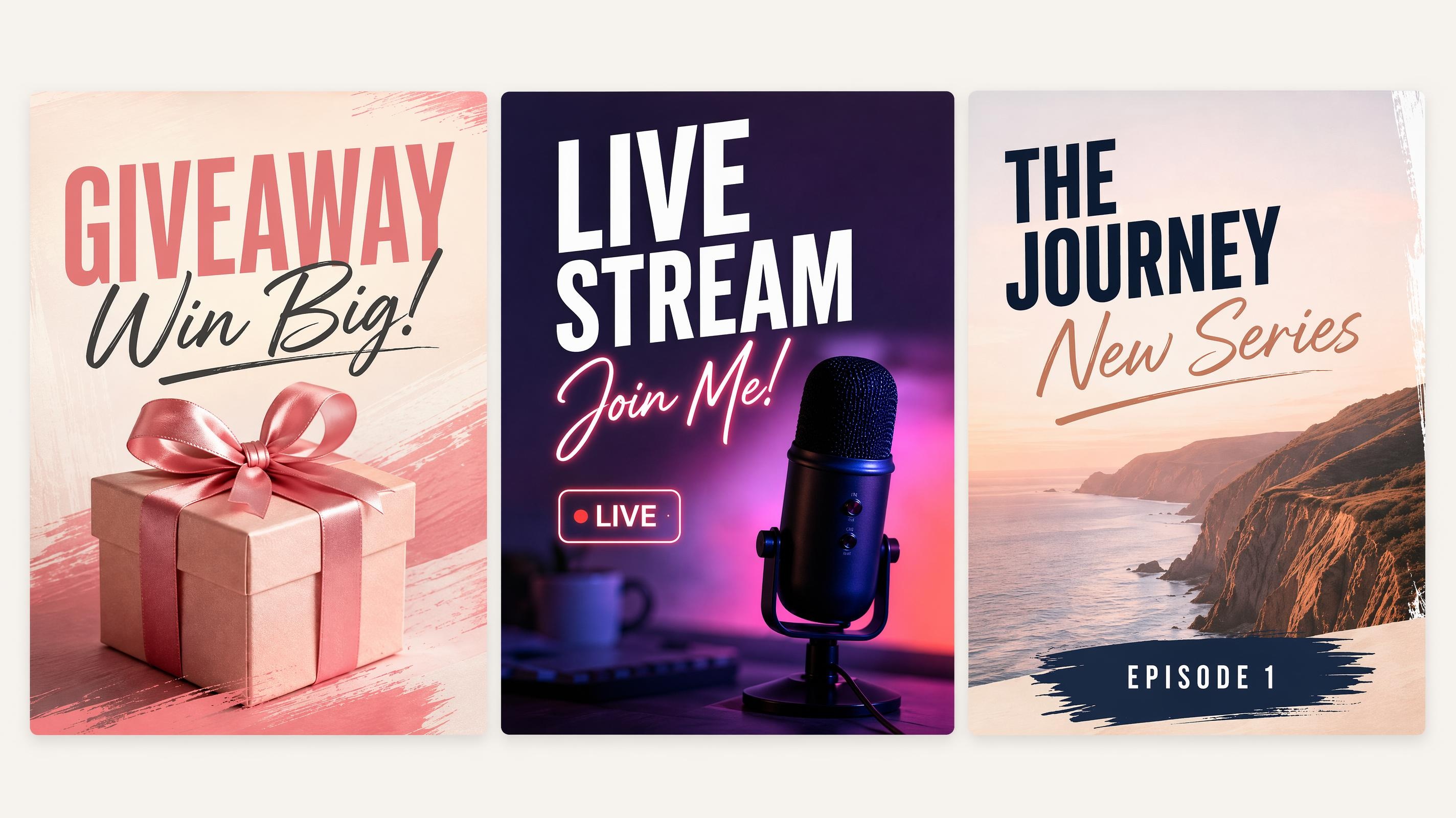
Social Media Poster
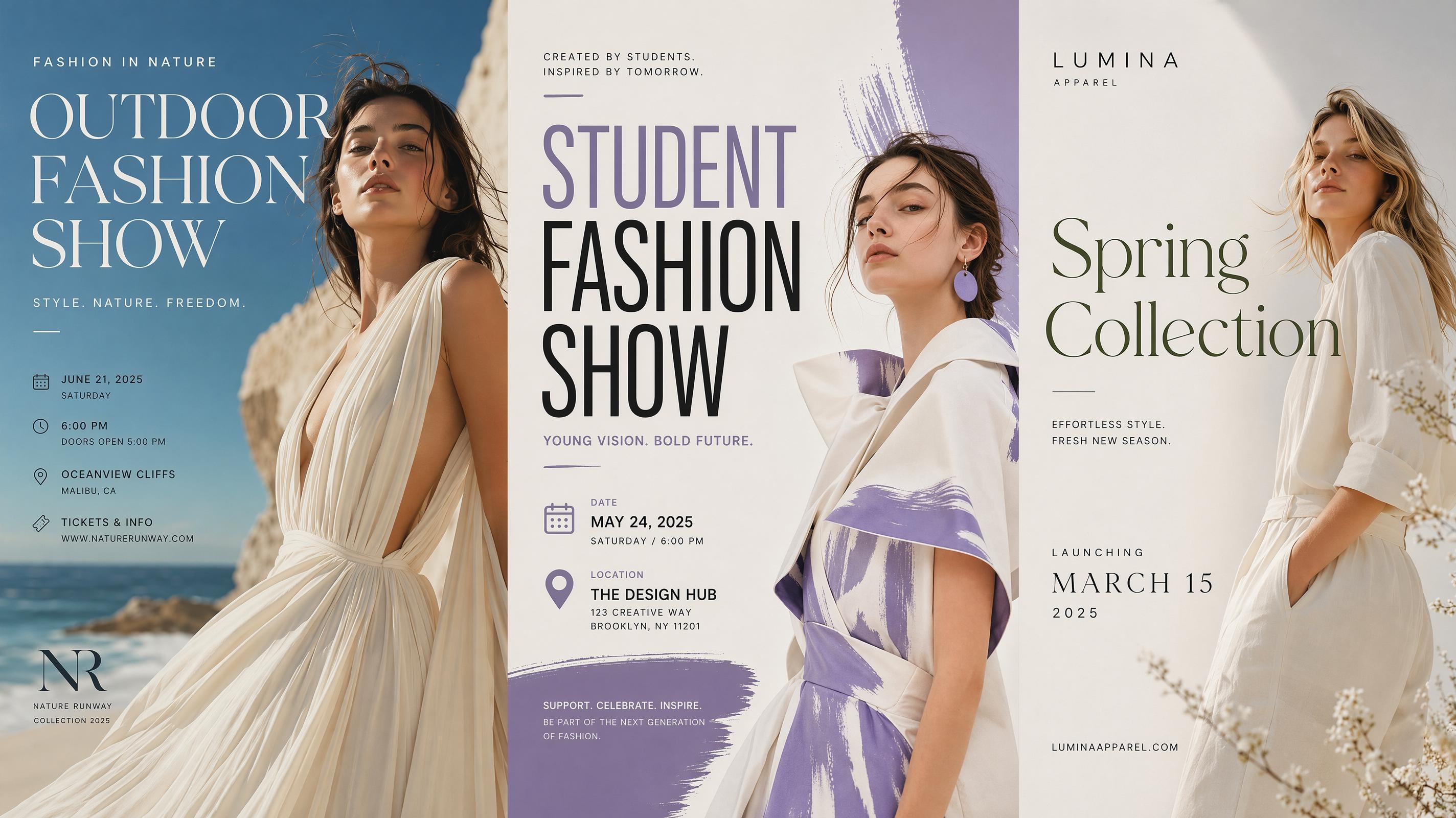
Fashion Poster
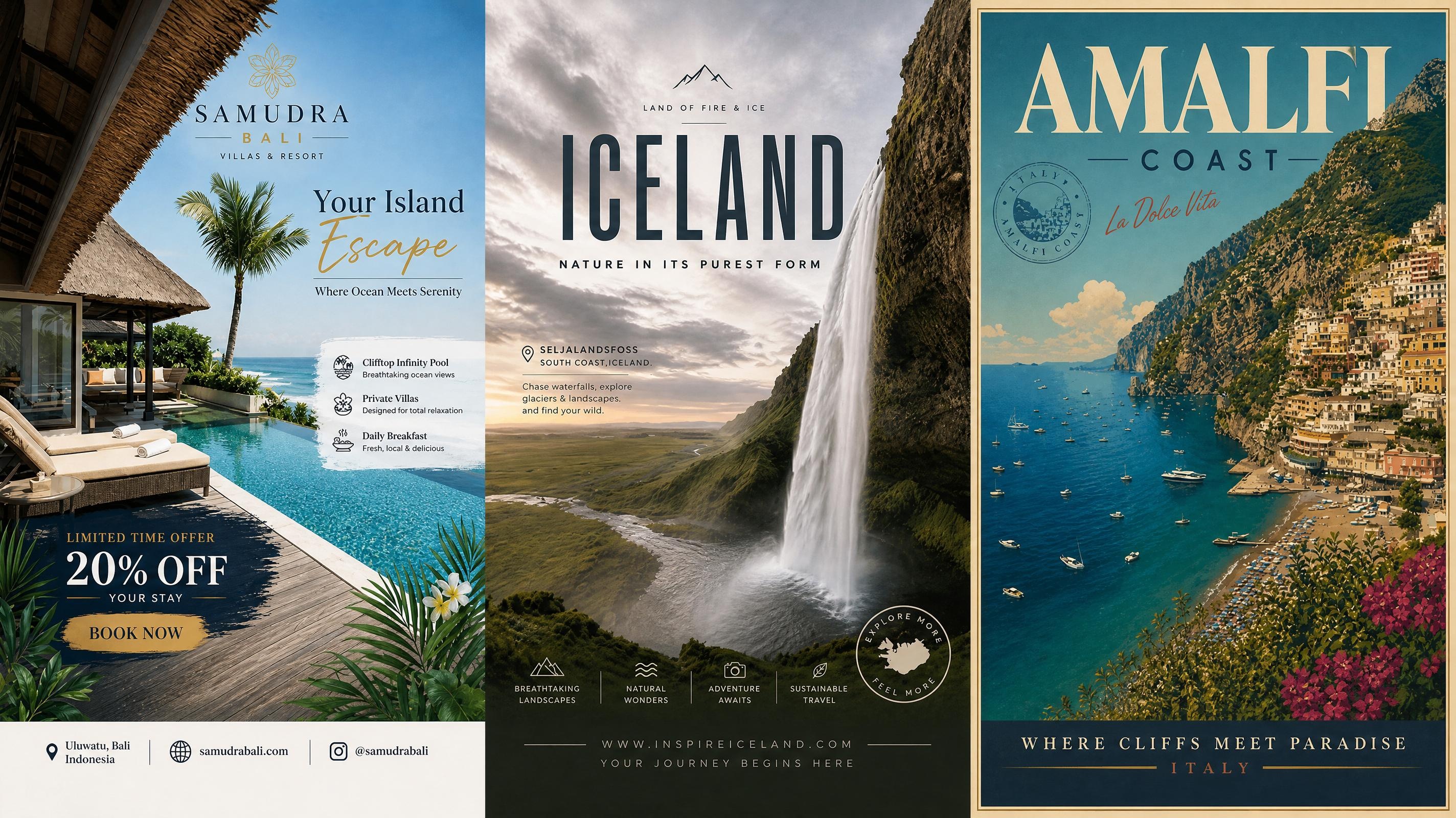
Travel Poster
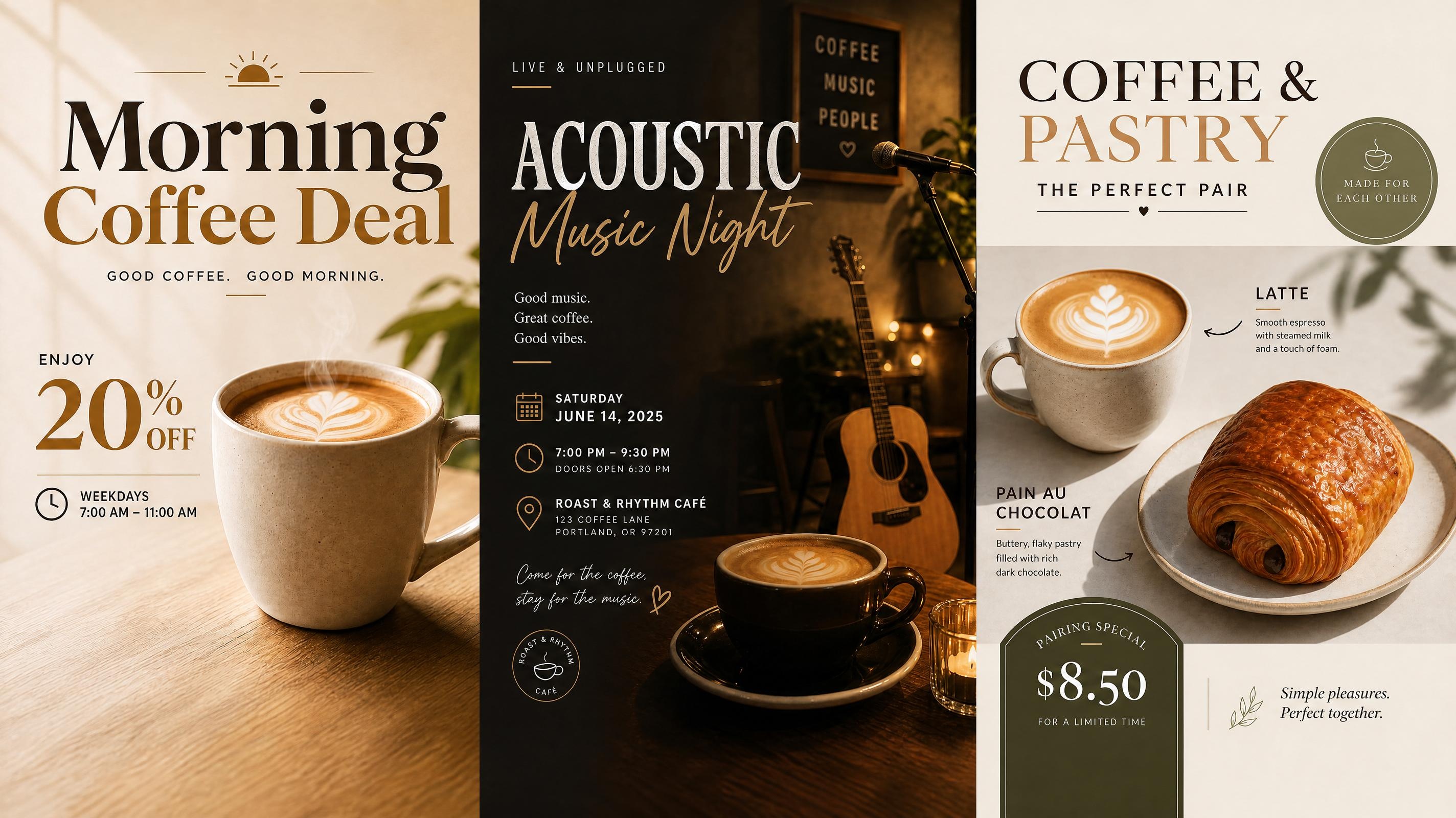
Cafe Poster
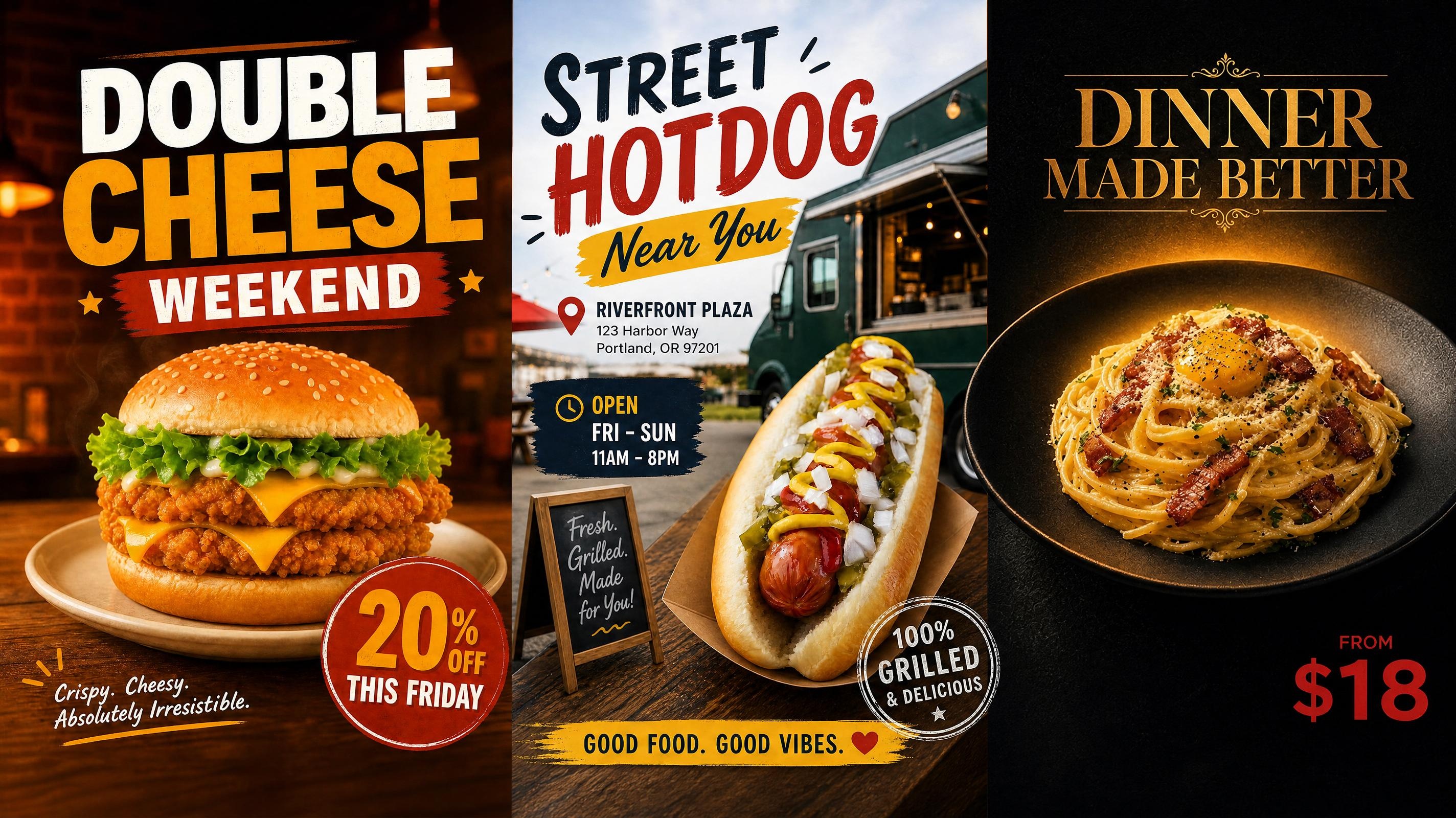
Food Poster
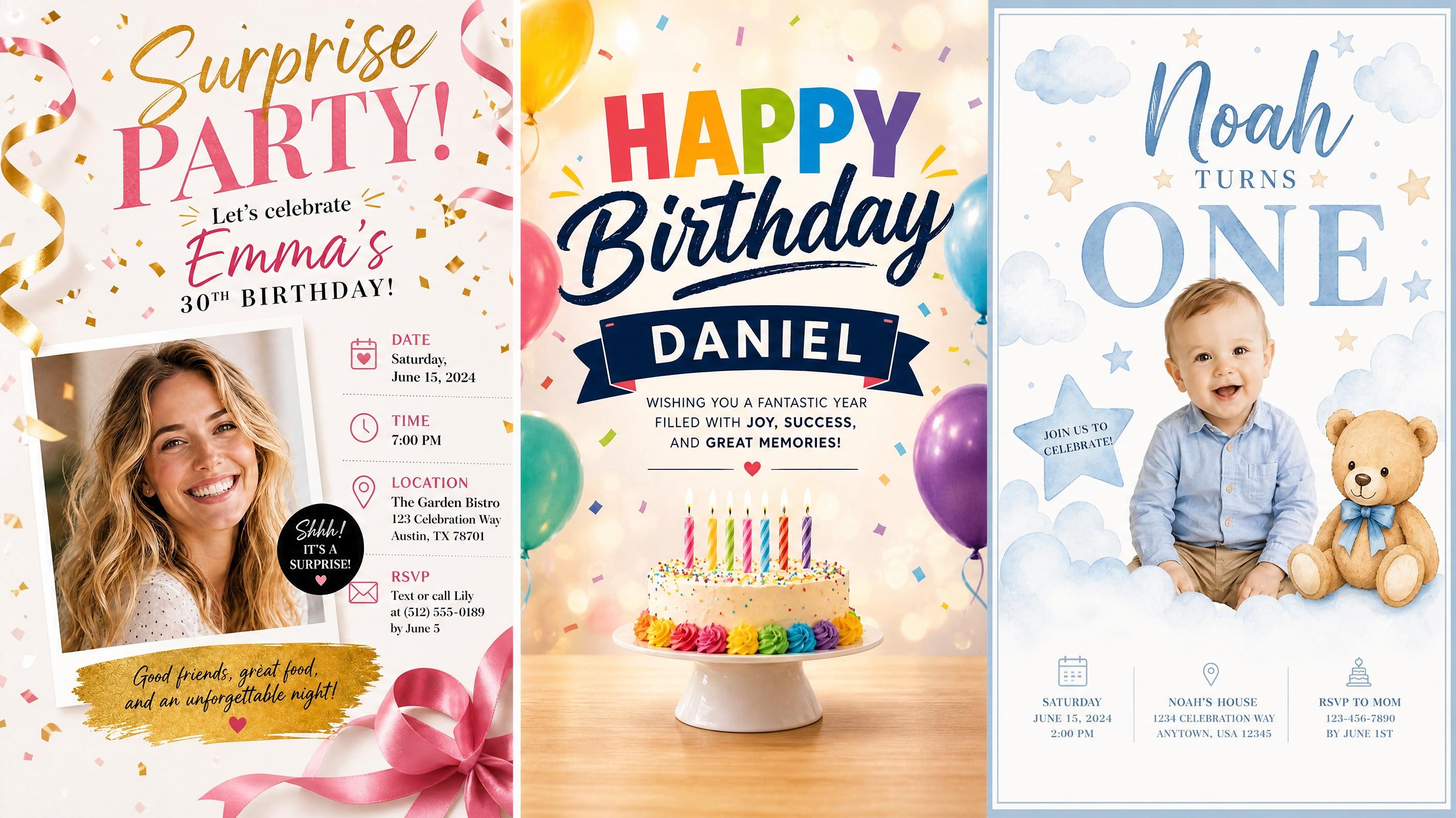
Birthday Poster
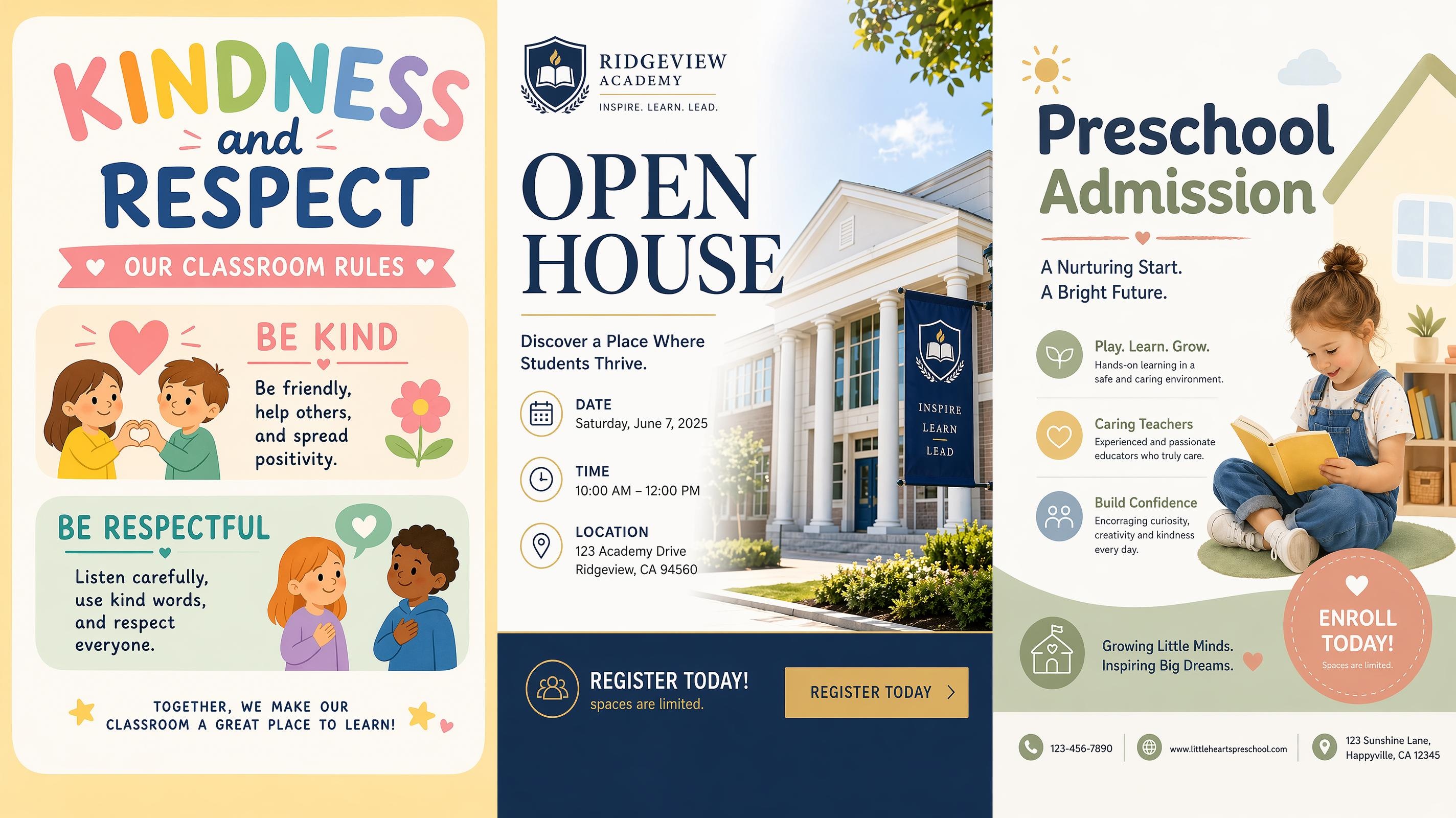
School Poster
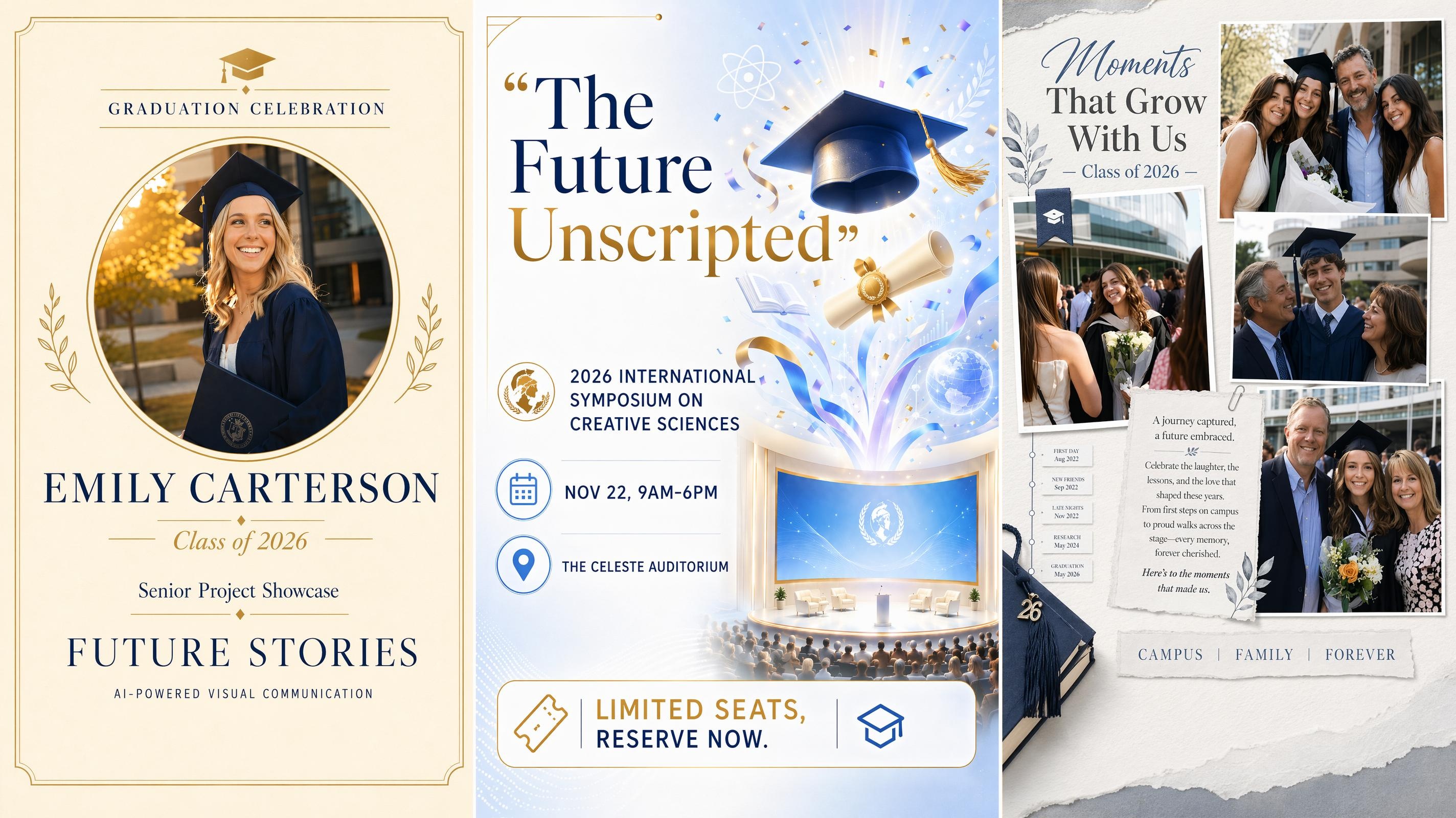
Graduation Poster
Frequently Asked Questions
What is a World Cup poster generator?
Can I use my own image as a reference?
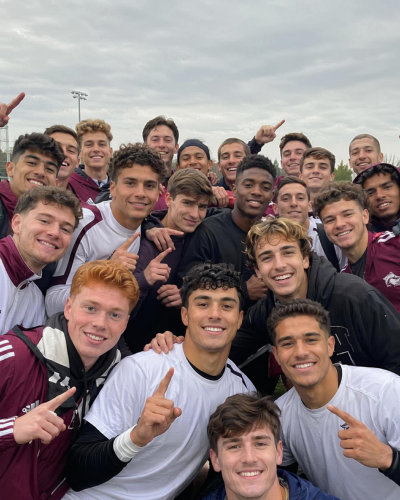
Yes. Upload a stadium, venue, player, or design reference to guide the composition, setting, or visual style. The generated poster uses the reference as creative direction while incorporating the text and event details from your prompt.
Do AI-generated World Cup posters look professional enough to print or share publicly?
Yes. Posters are generated as complete, finished designs with composed imagery, text hierarchy, and color direction. You can review and adjust the output before exporting, so the final version fits your quality standard for print, social, or event display.
Do I need a reference image to get started?
No. A text description of the teams, event, date, and visual direction is enough to generate a complete poster. Adding a reference image, such as a stadium photo or venue picture, gives the AI more to work with and usually produces a result that is closer to a specific setting or atmosphere.
What sizes can I use for a World Cup poster?
Posters can be generated for common print and digital formats, including vertical flyers, square posts, stories, and landscape displays. Choose the intended placement before generating so the layout and text hierarchy suit the final dimensions.
Can I use official FIFA logos or World Cup artwork?
Official logos, trophy images, mascots, and other protected tournament assets should only be used with the appropriate permission. Independent posters should use original football graphics, custom typography, and non-official visual elements.
Get Your World Cup Poster Ready for Kickoff
Your match details are all you need. Upload a reference or skip it, describe the event, and your first poster direction is ready in seconds.



What Football Fans and Event Teams Say About Designkit
See how organizers, venues, clubs, and social teams use AI-generated posters throughout the tournament.
Our Watch Party Finally Looked Like an Event
We used one direction for the entrance poster and a second version for Instagram. The venue details stayed clear, and the whole promotion felt much more coordinated than our usual plain match graphic.
The Bracket Was Easier to Follow
I needed a wall chart that students could update as the tournament moved forward. The generated layout gave every round enough space, so the bracket did not turn into a crowded spreadsheet.
We Could React to Match Changes Quickly
When the screening time changed, I updated the prompt and generated a fresh version instead of rebuilding the poster from scratch. The new graphic kept the same style as the original, but the time and event details were clearer. That made last-minute social updates much less stressful.
The Poster Actually Felt Like Our Bar
Generic football templates never looked like our place, so they always felt a little disconnected from the actual event. Starting from a photo of the venue helped us get a warmer match-night design with the same bar atmosphere, while the time, booking details, and promotion were still easy to read.
One Direction Covered the Whole Event
We started with the main match poster, then created versions for the venue screen and online promotion. Each format looked connected, but the important information was rearranged properly instead of being squeezed into the same layout.