
Generate Safety Posters for Rules, Warnings, and Training With AI
Describe the rule, hazard, or setting, and get a safety poster with clear text, icons, and warning structure.
Build Safety Posters from Rules, Hazards, and Scenes
Choose a Safety Poster Style and Generate Your Own
Start from a safety poster example, replace the topic and rules, then generate a similar poster in the workspace.
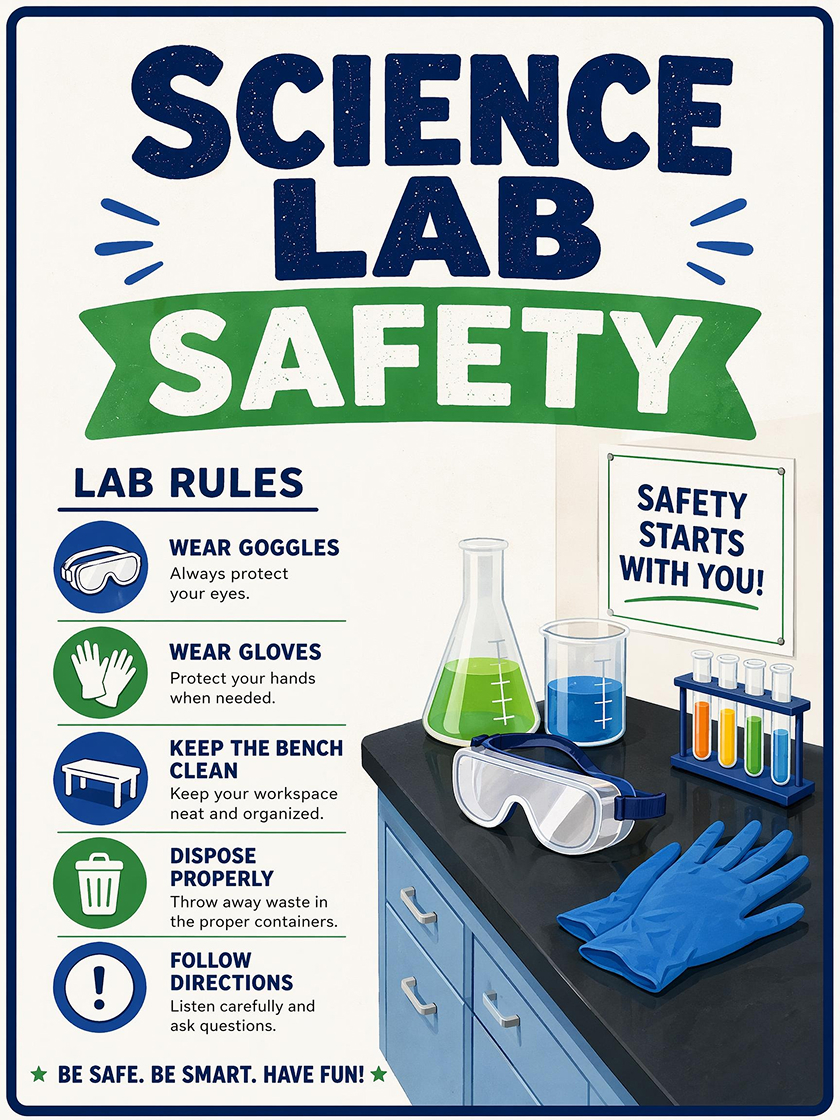
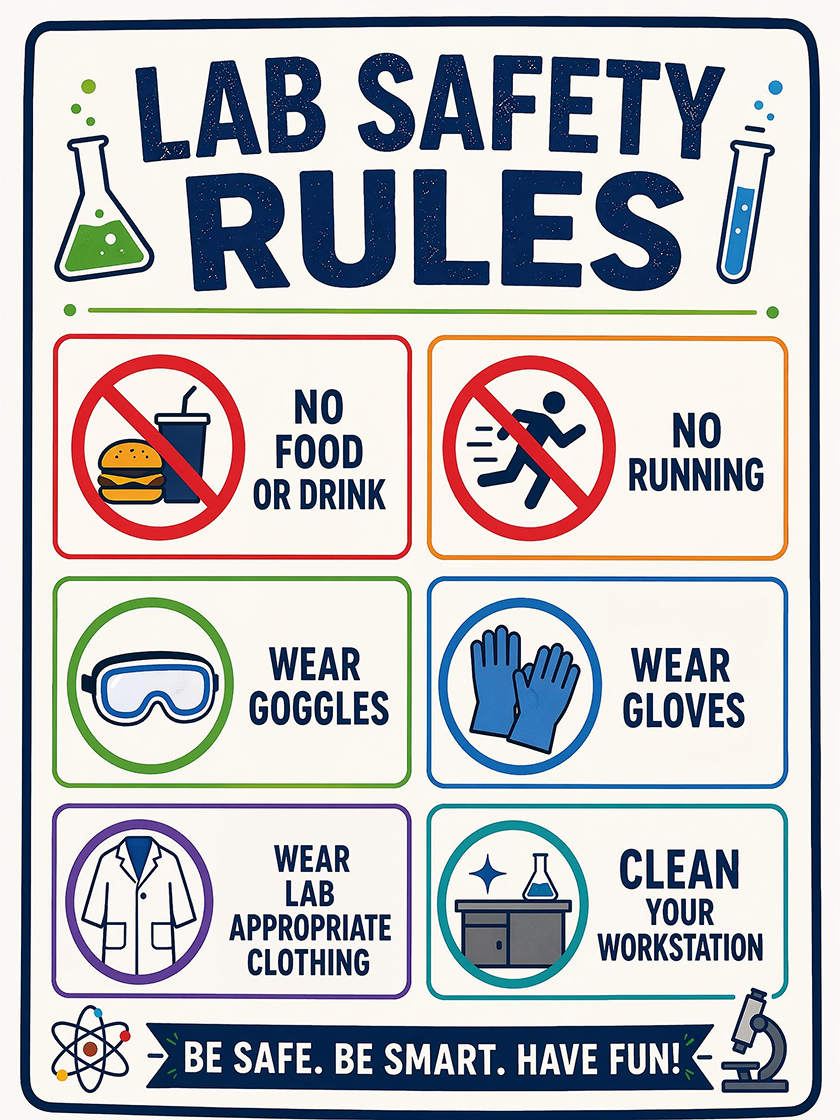
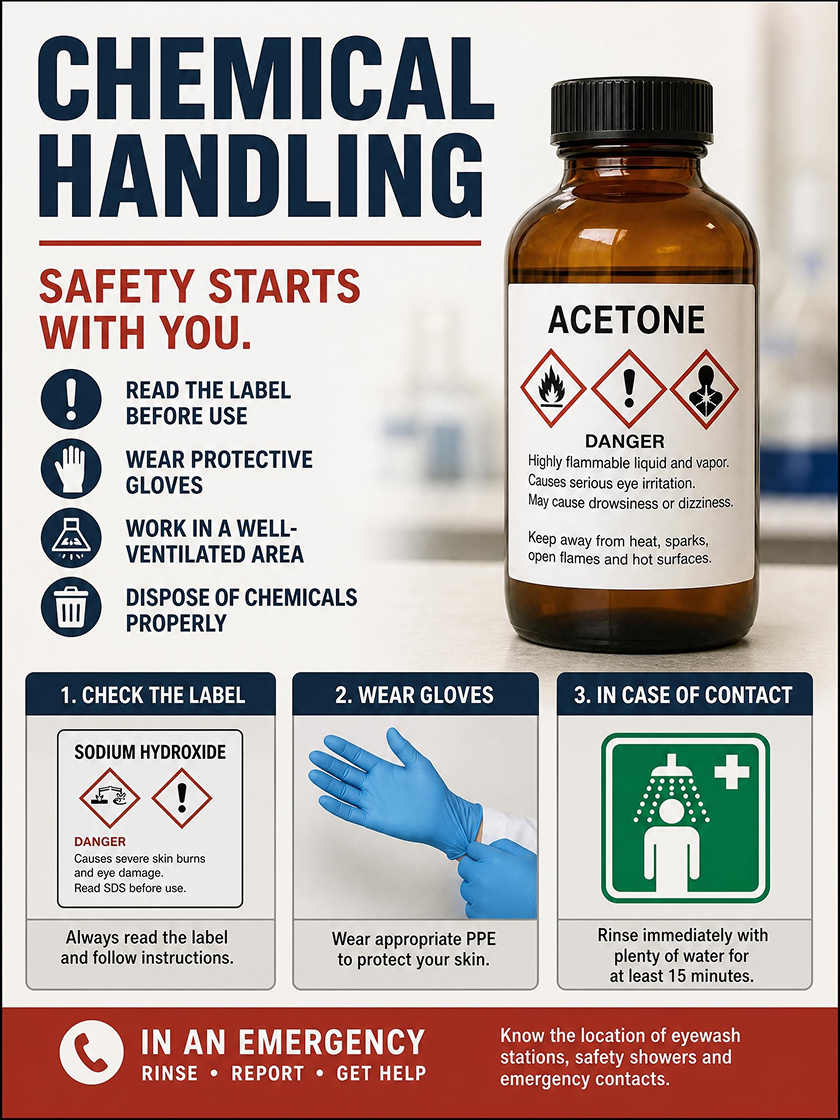
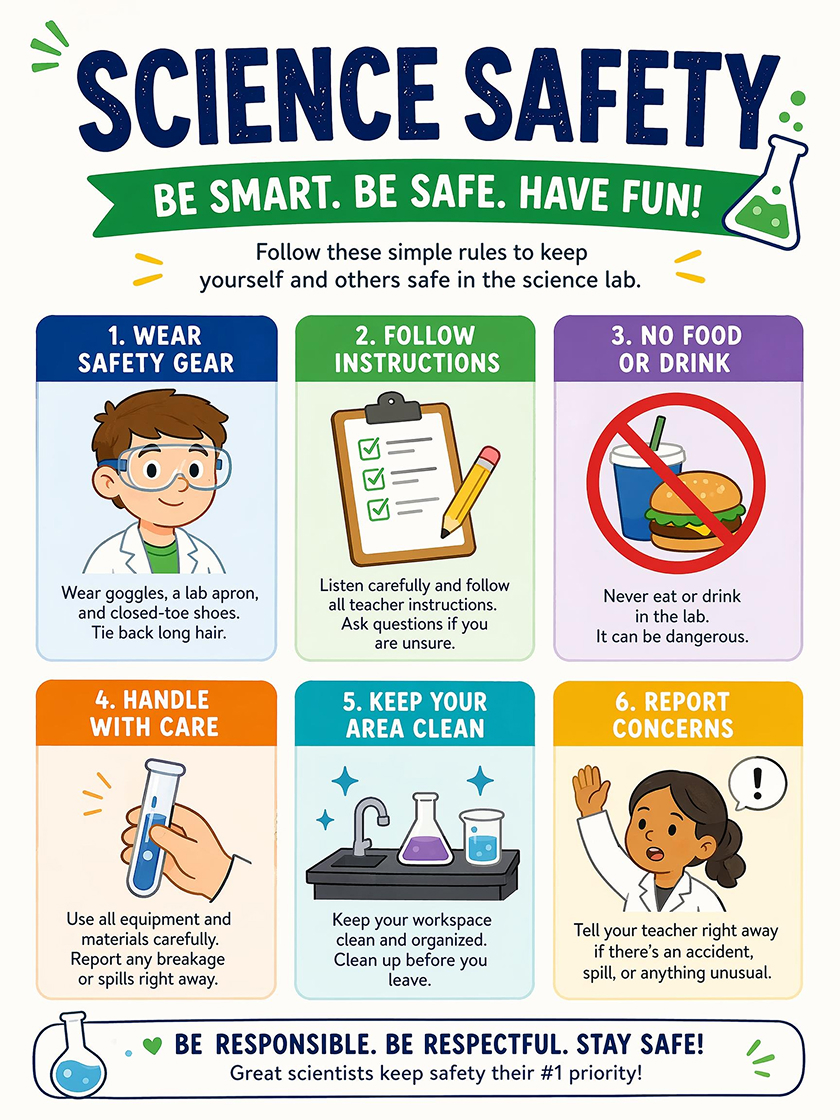
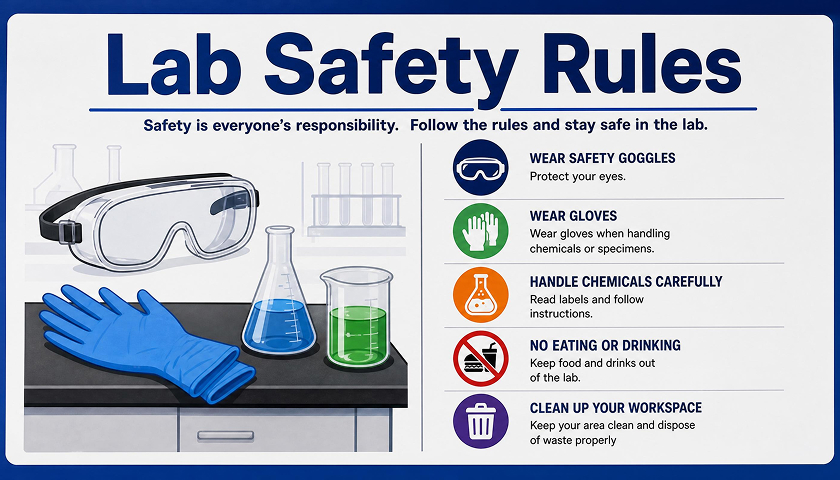
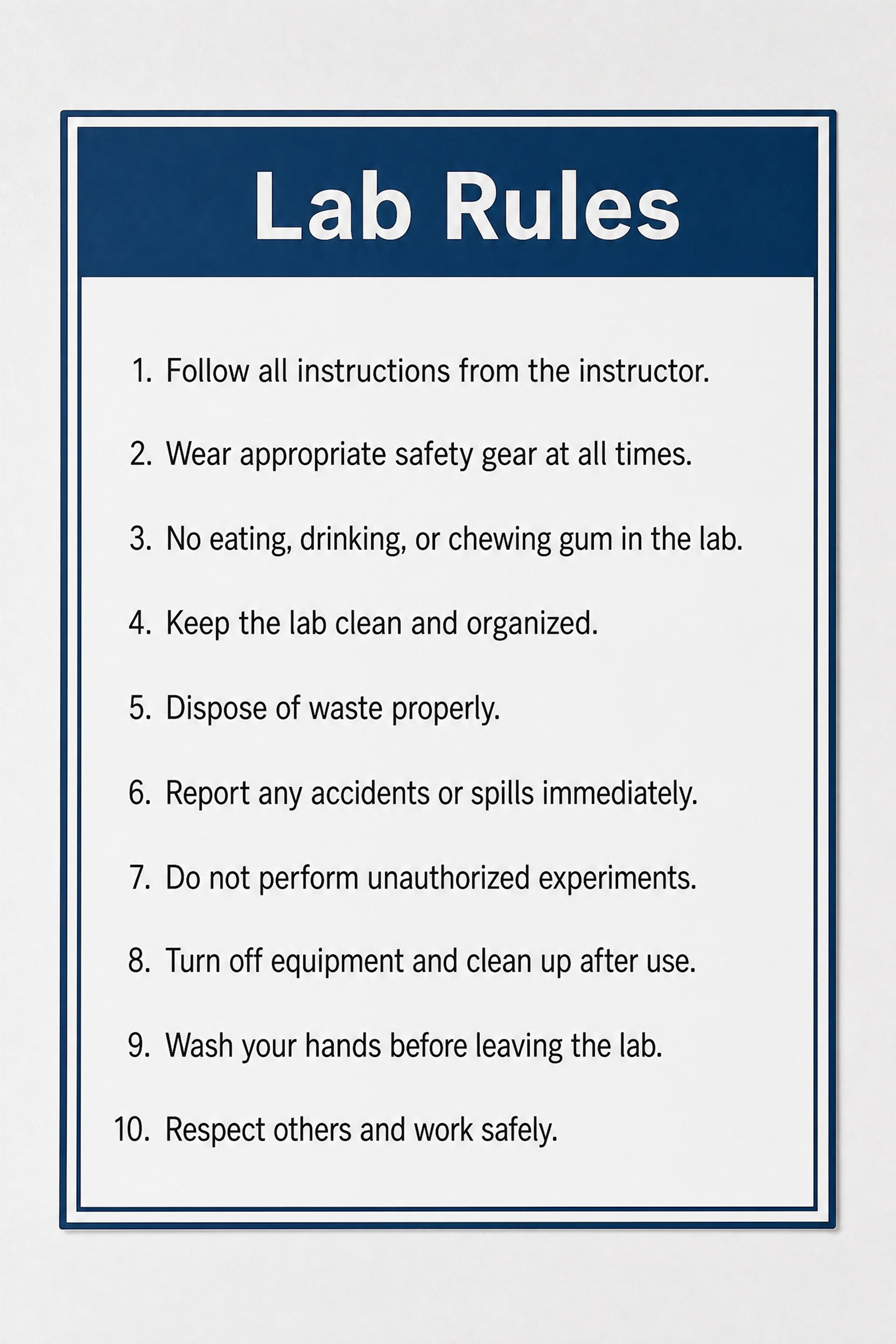
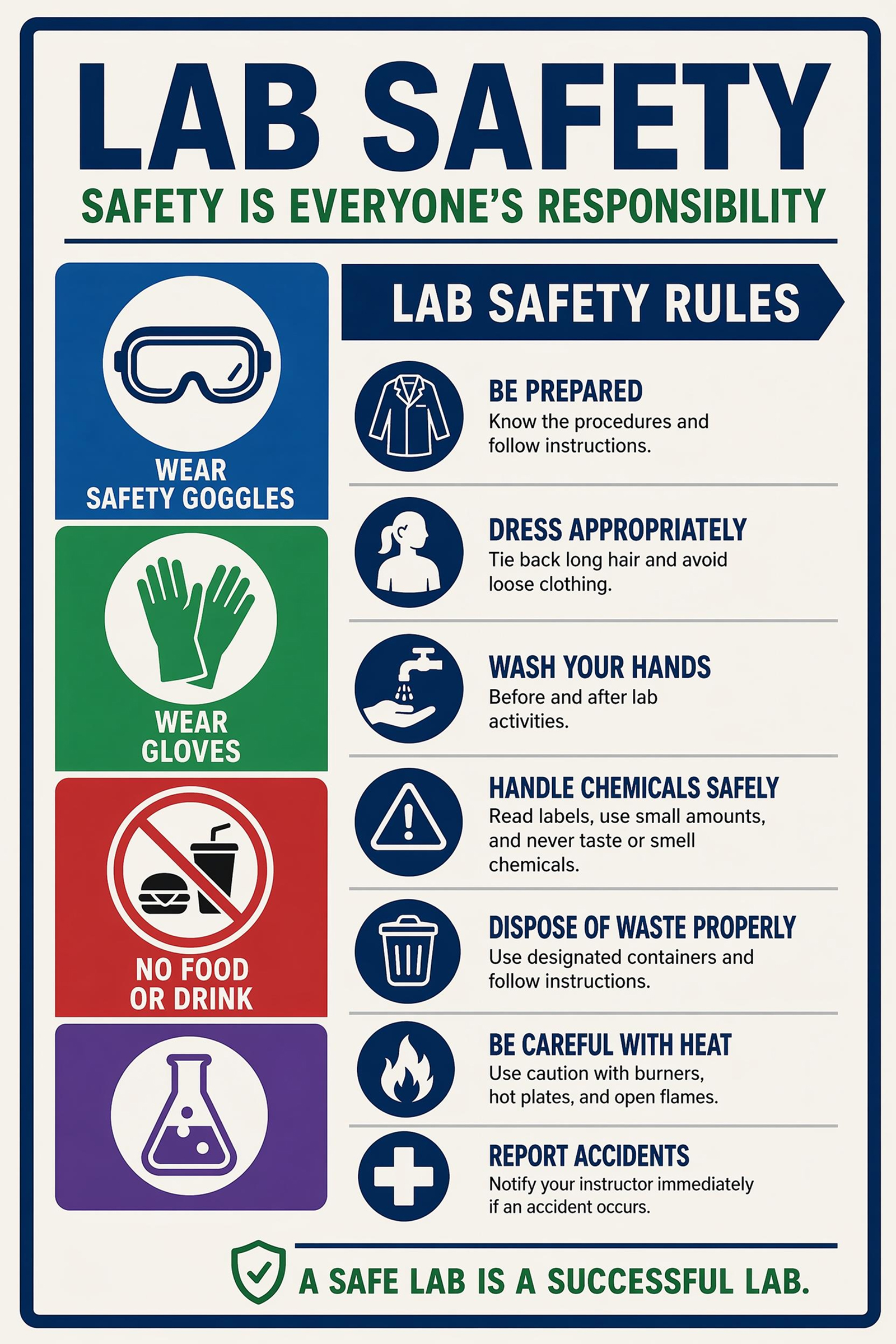
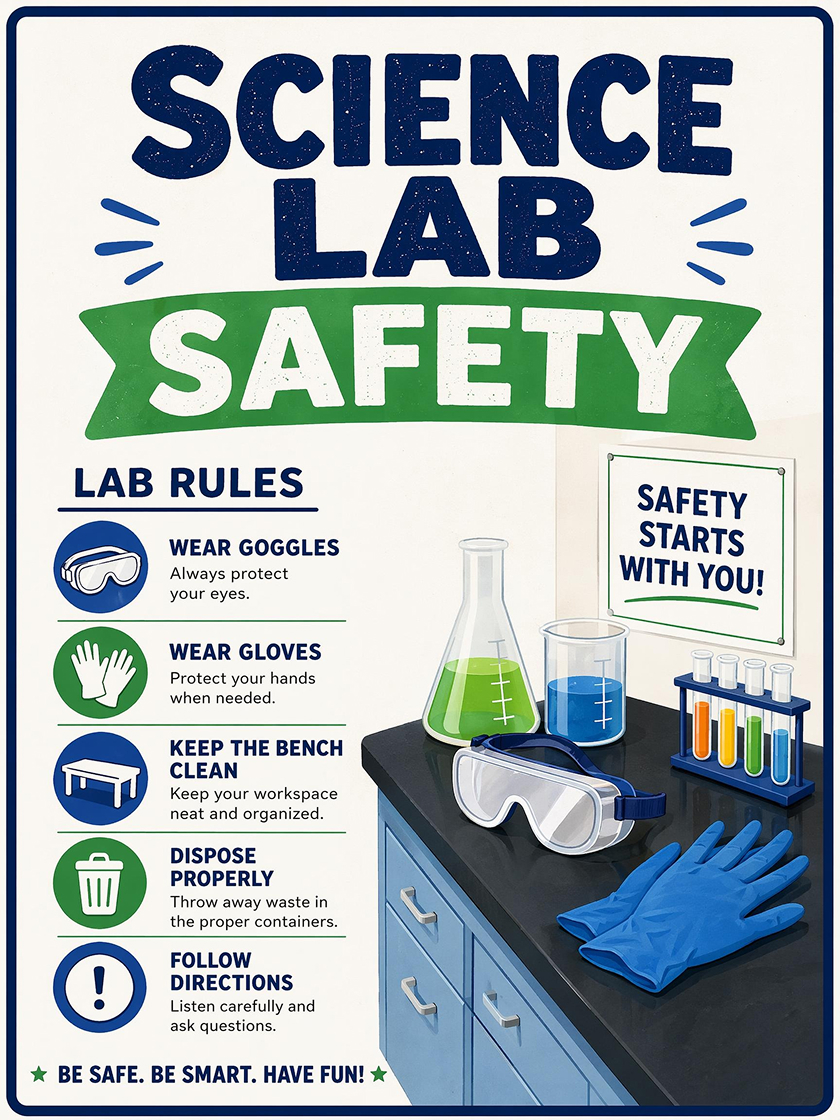 Lab Safety
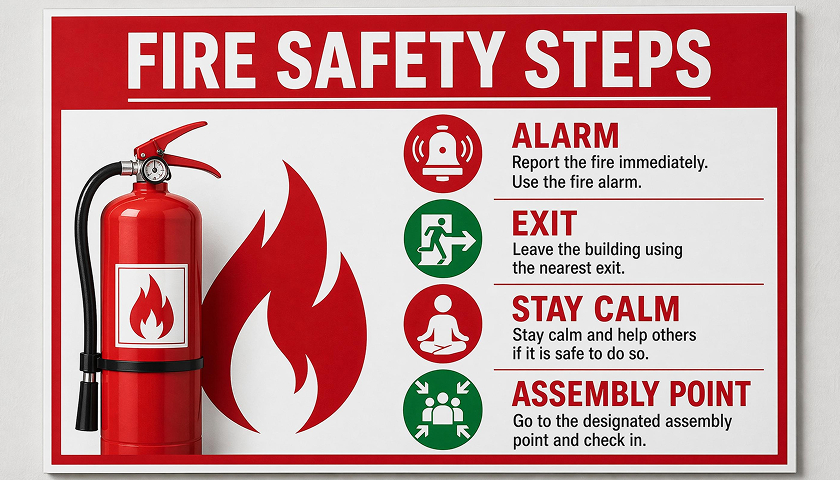
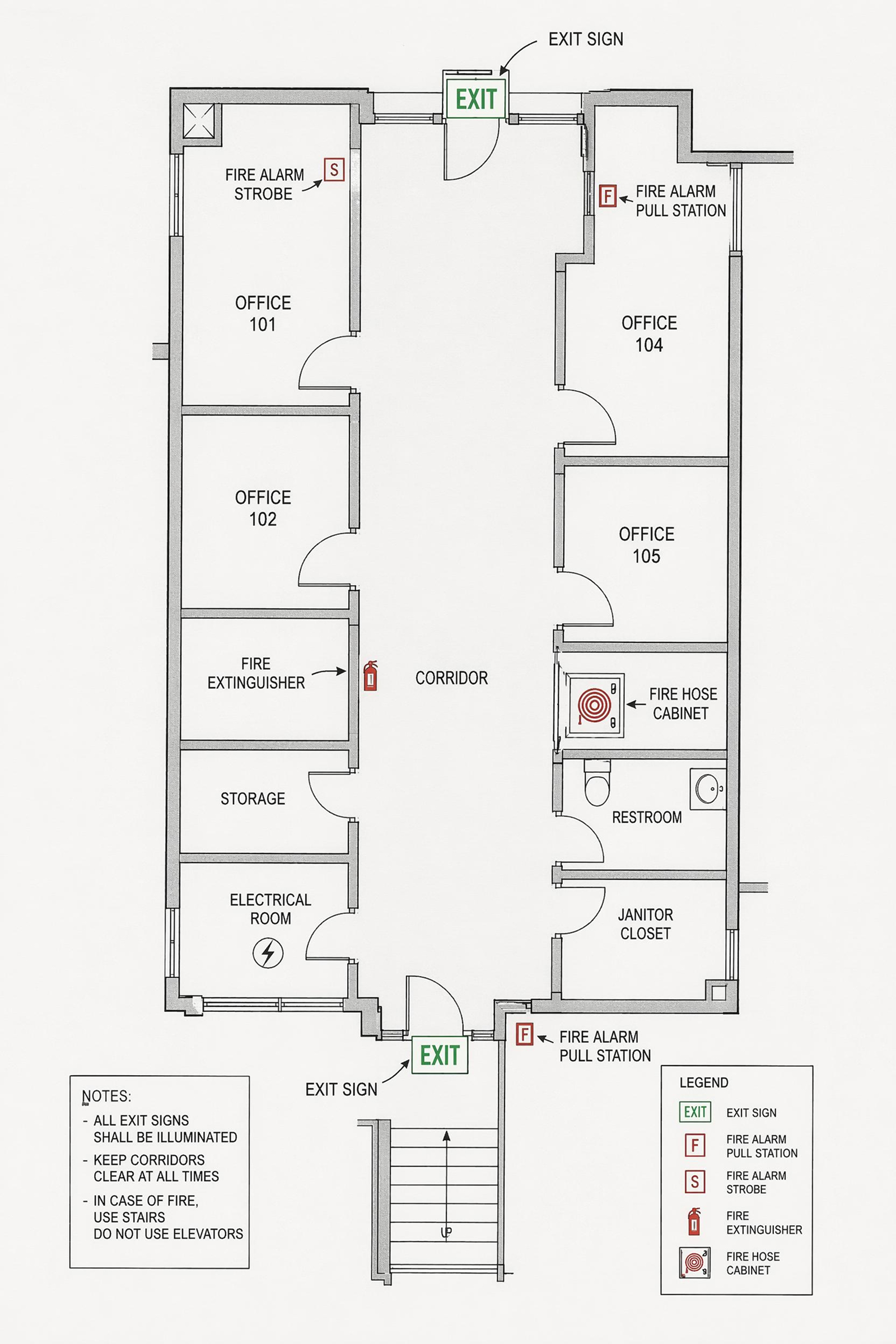
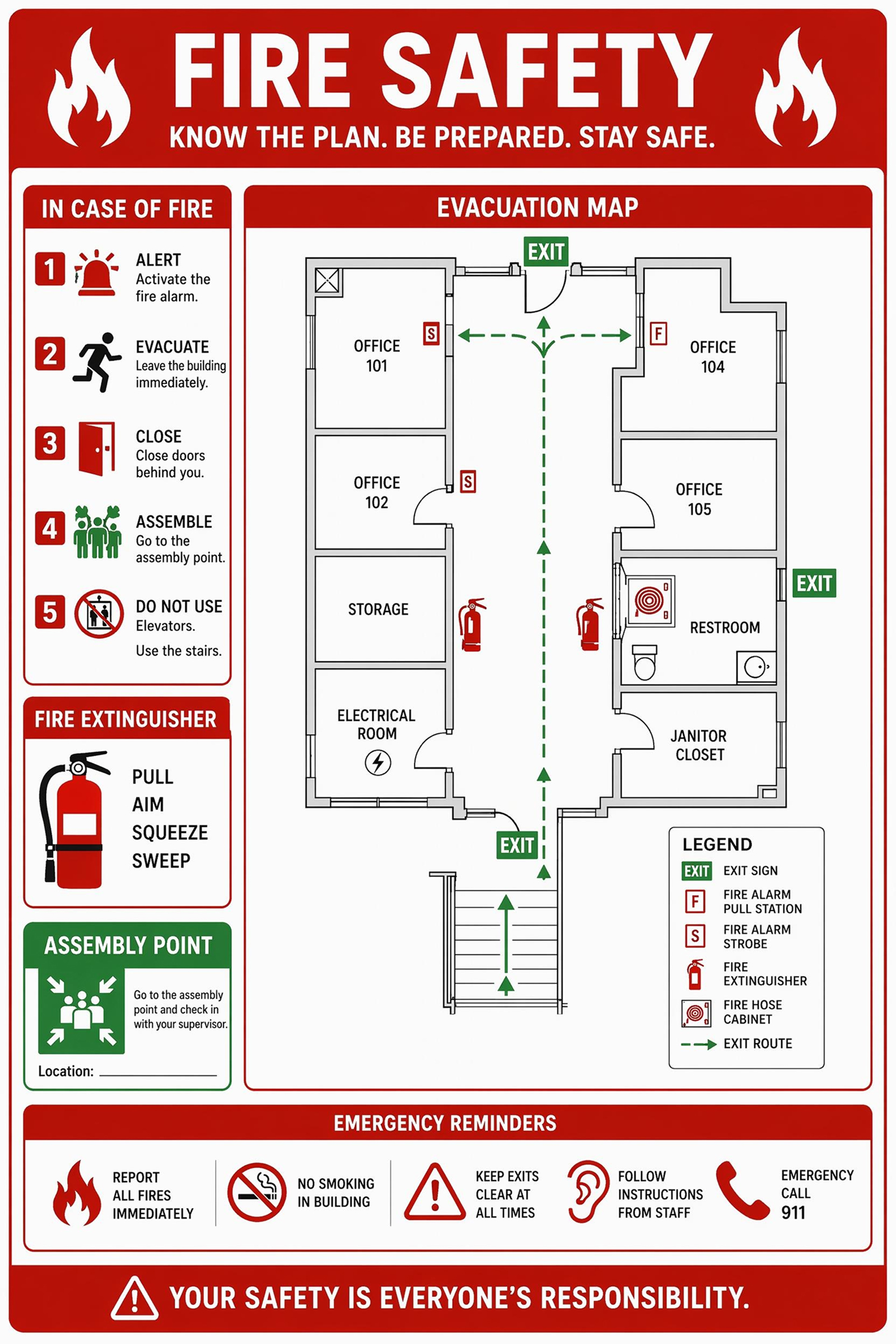
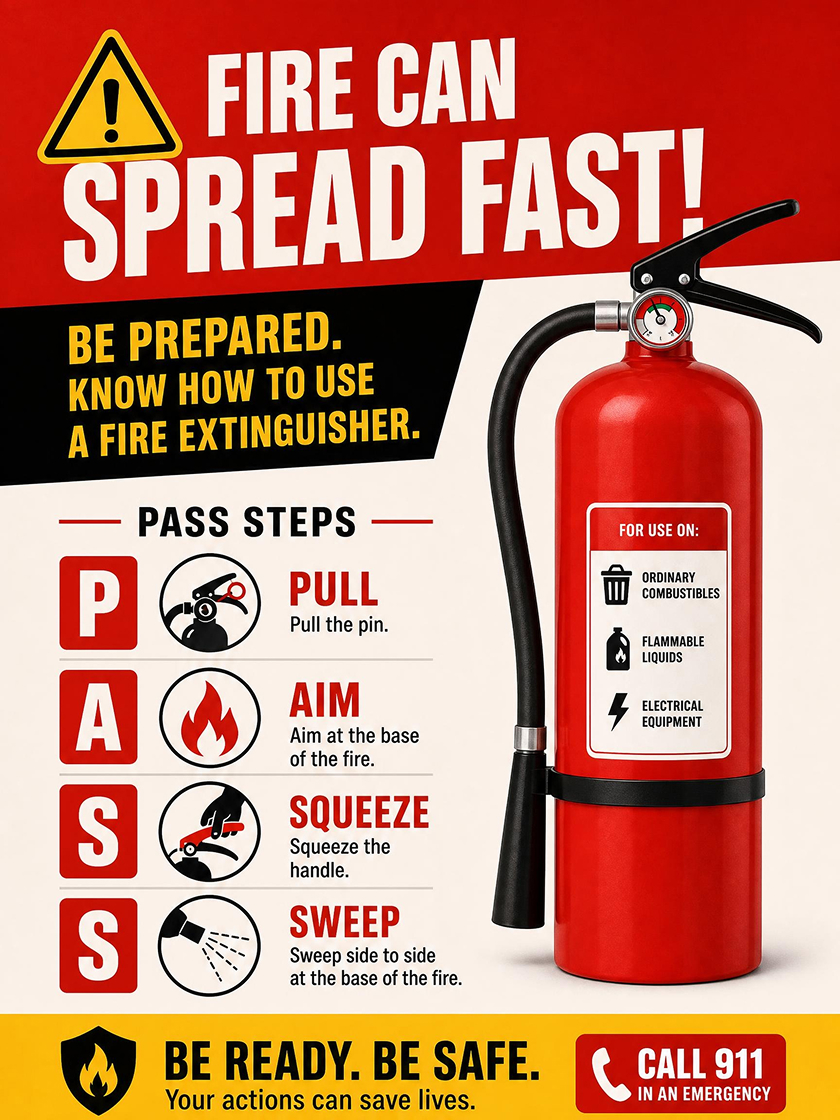 Fire Safety
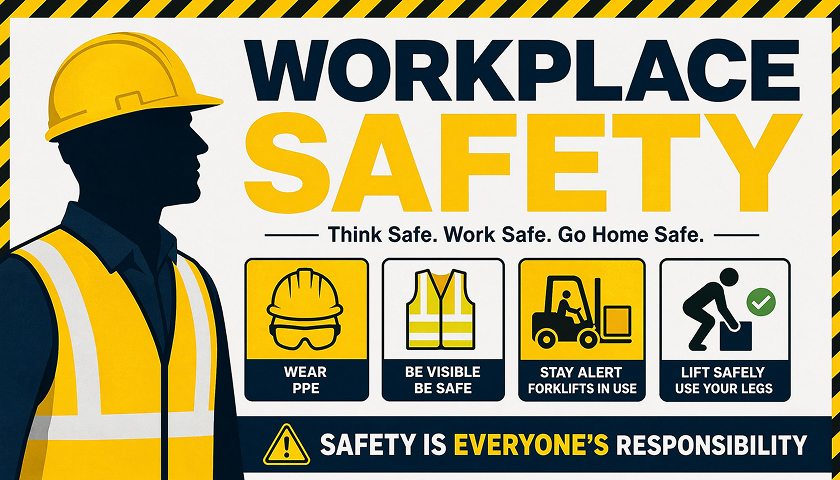
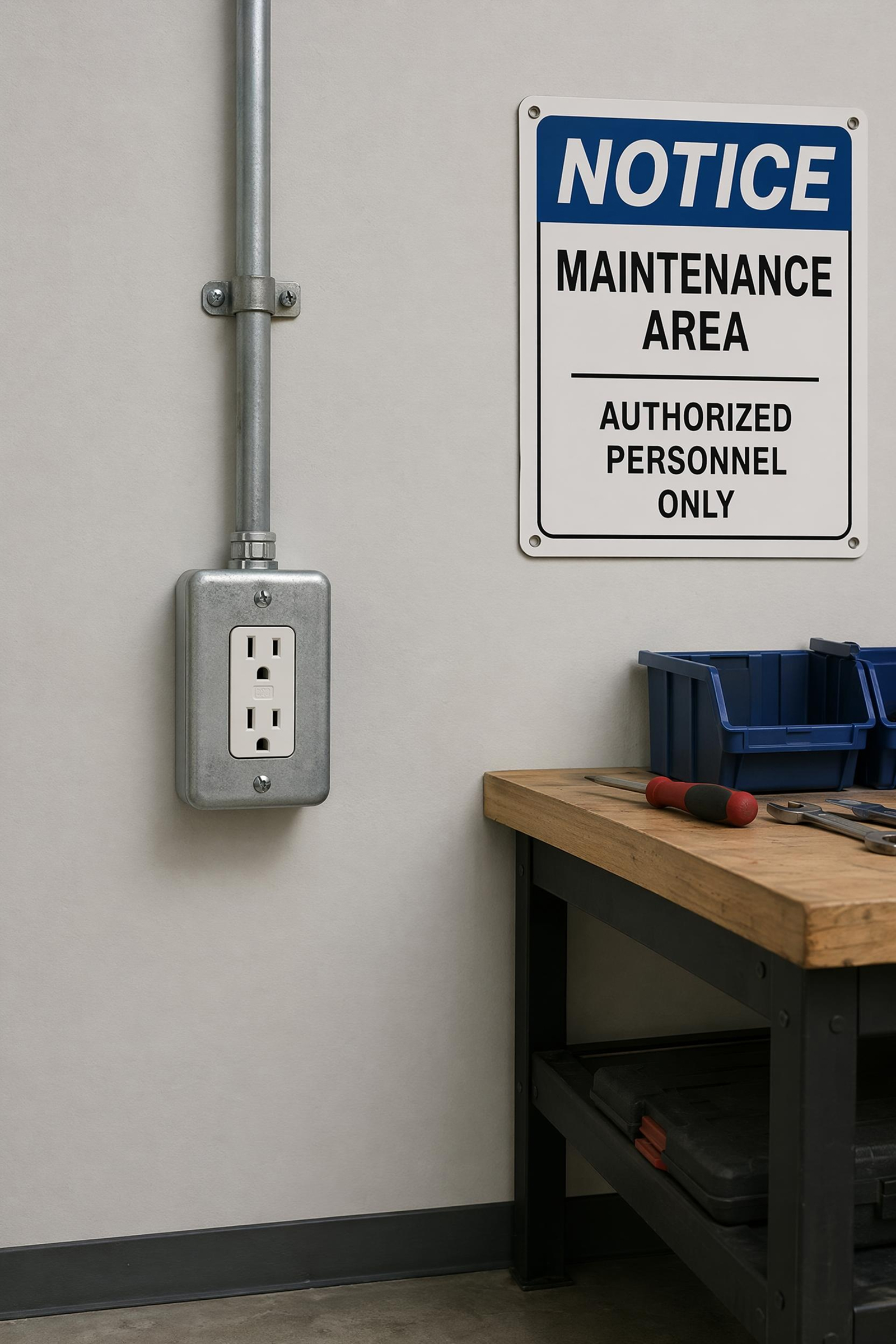
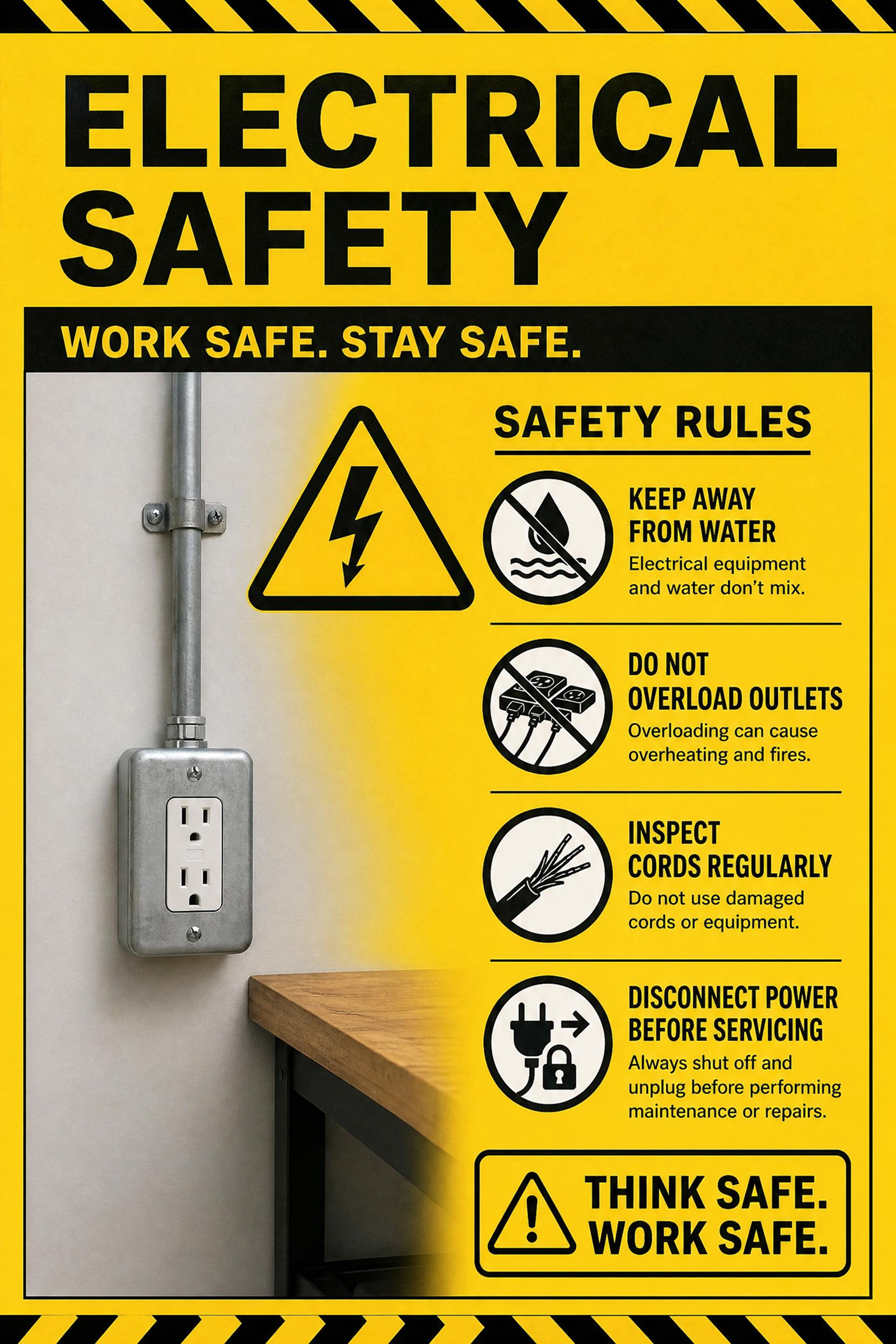
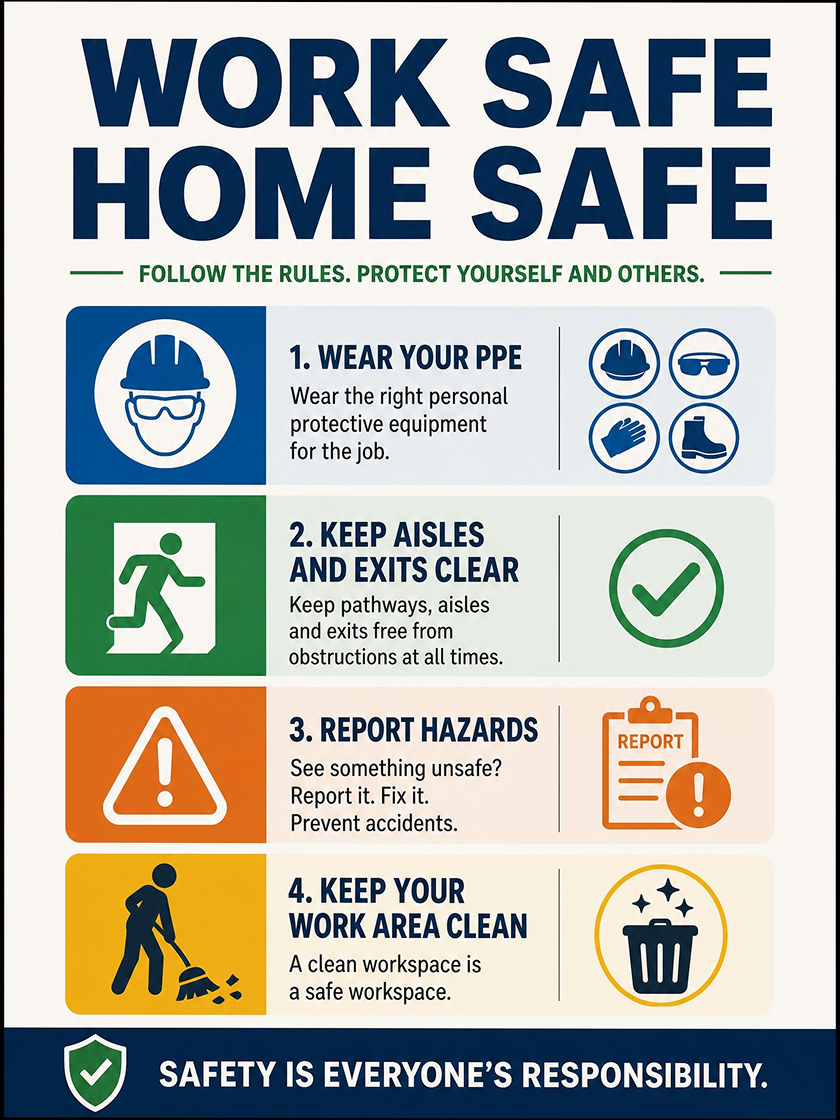 Workplace Safety
How to Generate a Safety Poster with Designkit
Define the Safety Message
Write the rule, hazard, audience, and setting in one prompt, such as lab chemical handling, fire exits, PPE, or kitchen hygiene.
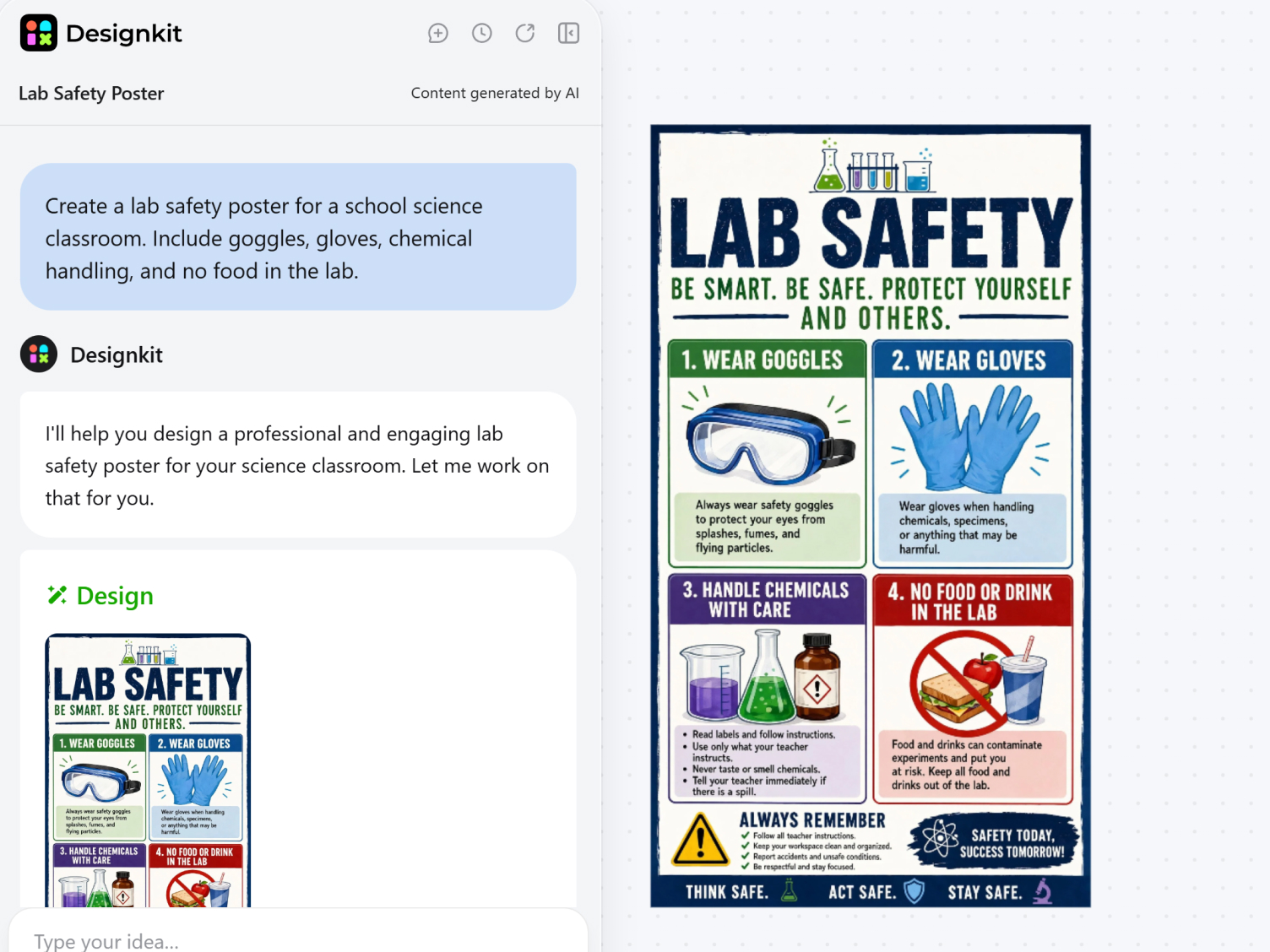
Choose the Poster Format
Select the poster size and style direction, then guide the layout with terms like warning sign, classroom chart, staff notice, or icon poster.
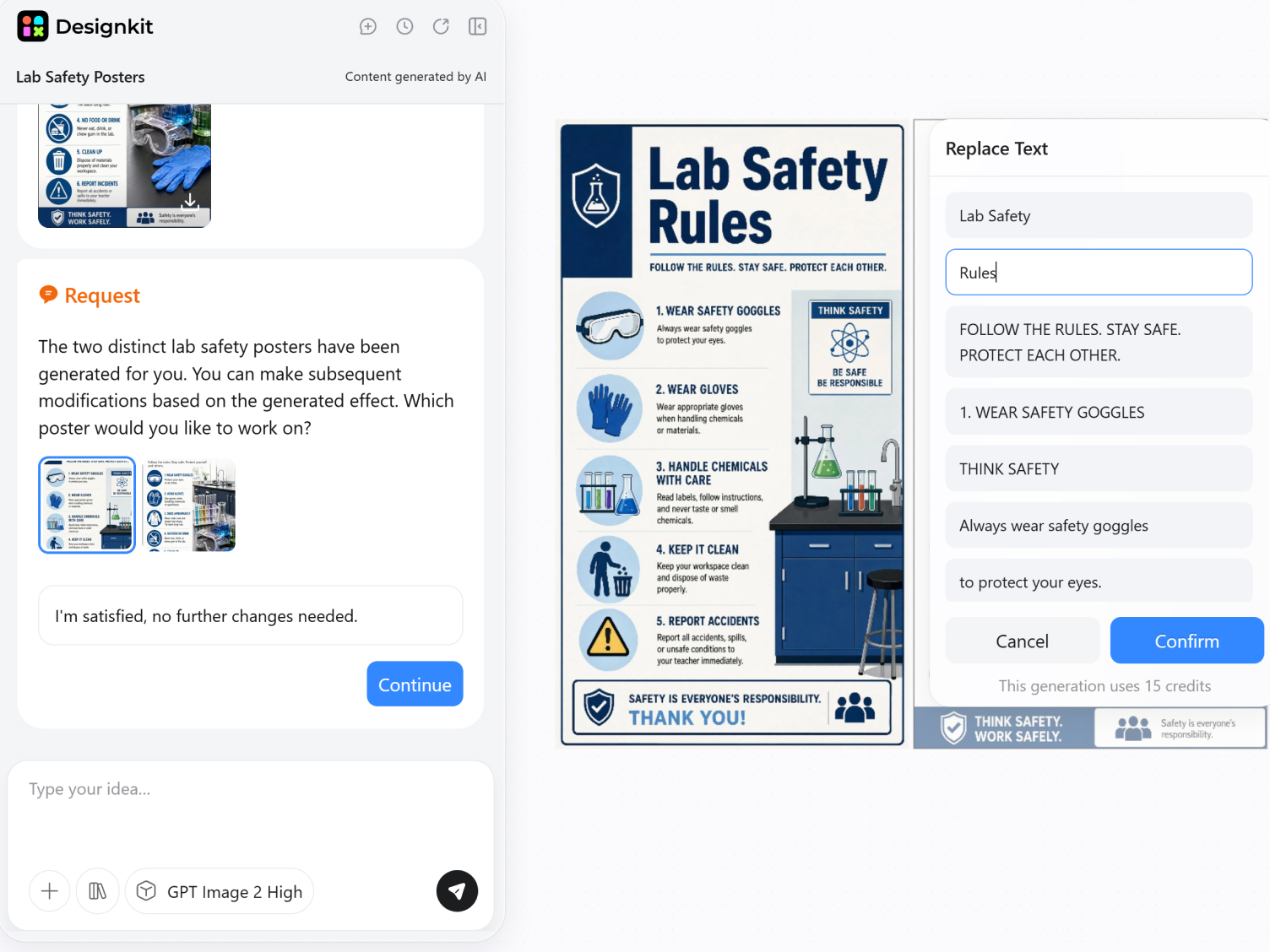
Refine the Final Design
Check the generated text, replace unclear icons, adjust spacing, and export a version suitable for printing or digital sharing.
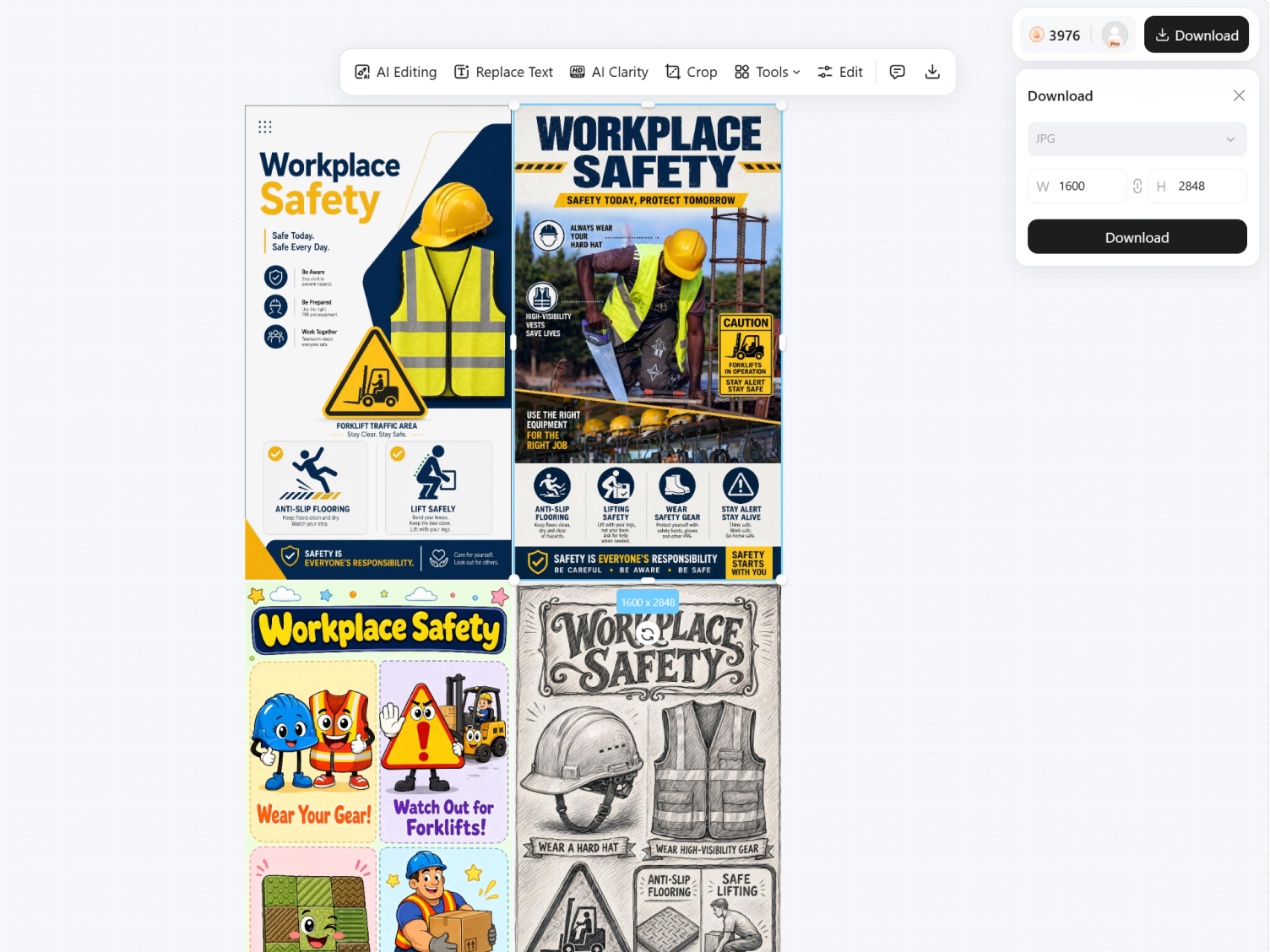
Make Each Safety Poster Fit the Rule and Place
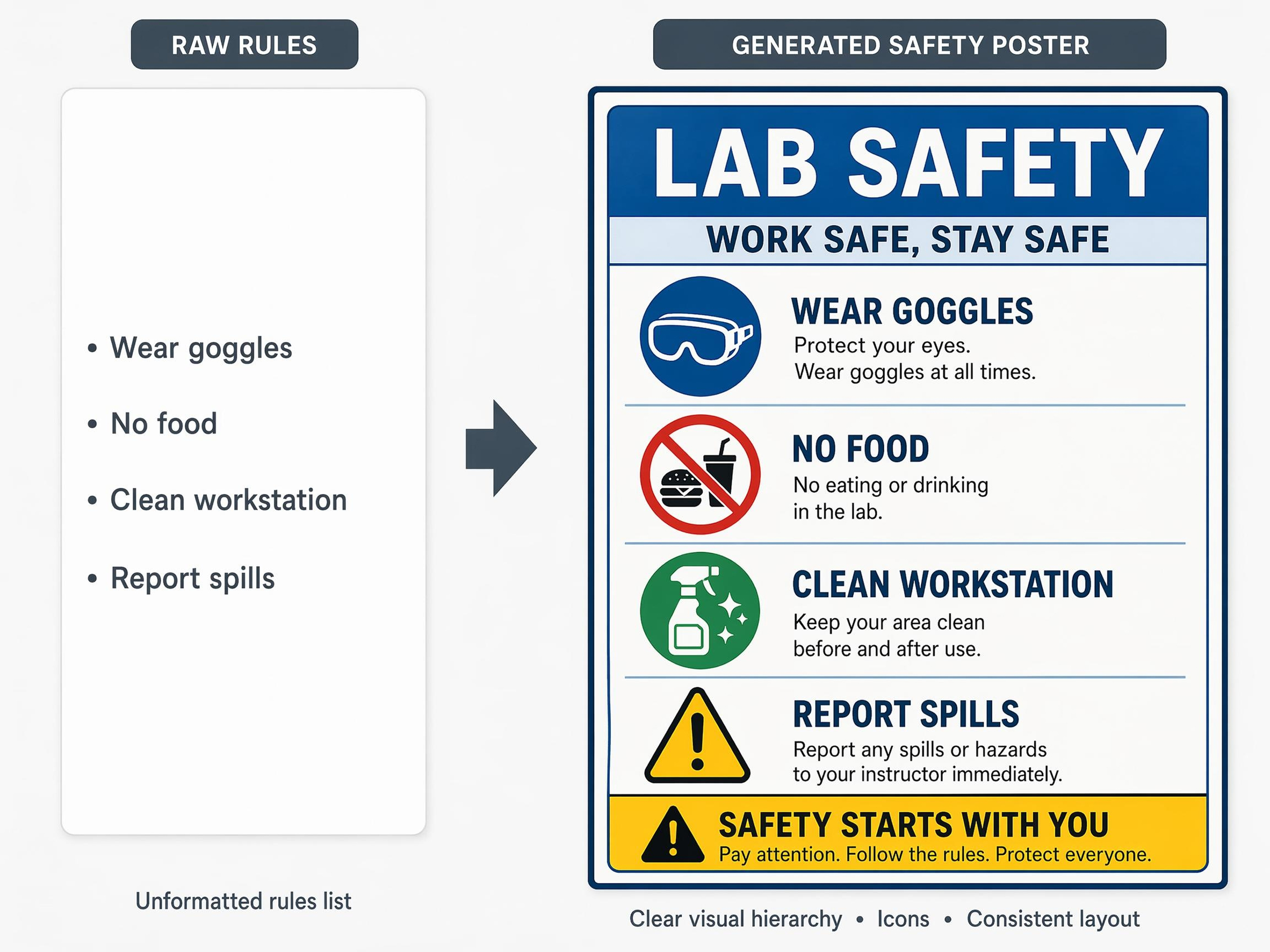
Turn Rules into Visual Safety Instructions
List the safety rules, hazard names, warning phrases, or training points that need to appear. Designkit arranges them into a readable poster with clear headings, warning icons, and a visual structure people can scan in seconds.
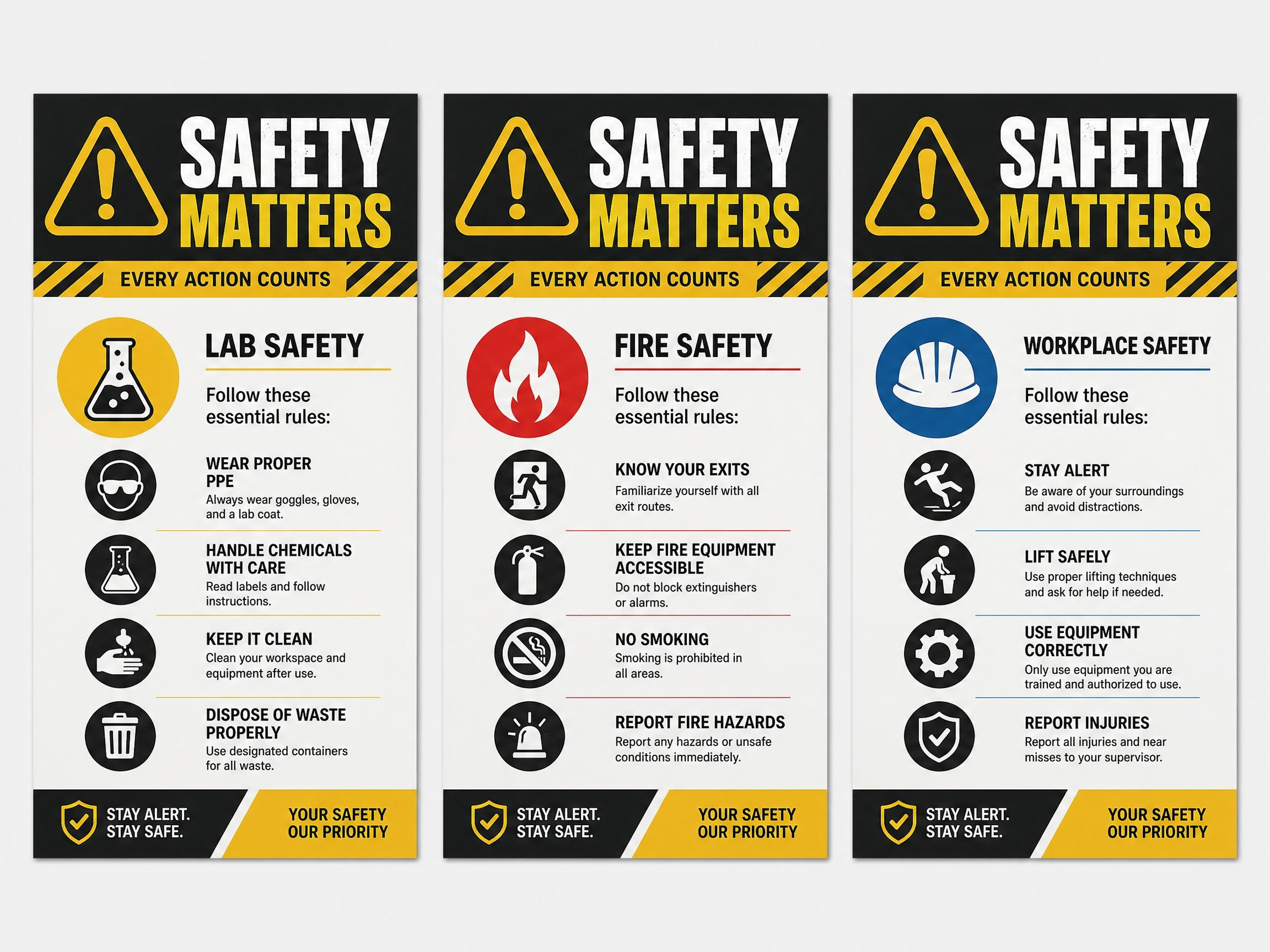
Generate Multiple Versions for Different Areas
Run separate prompts for each room, department, or hazard type to get a set of posters that share a consistent visual style. Each version can carry its own rule set while keeping the warning hierarchy and icon style aligned across the full set.
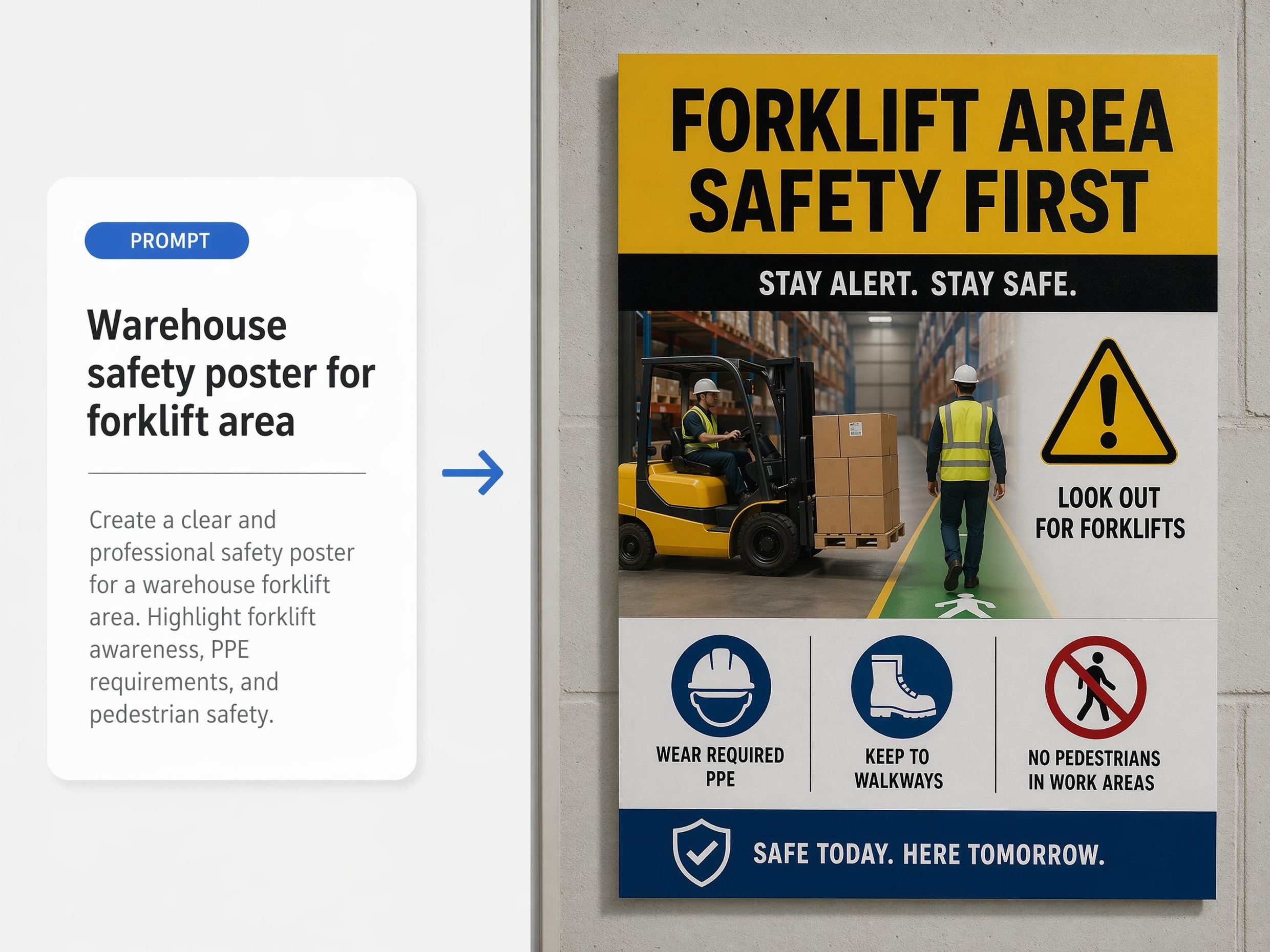
Generate Posters Around Real Scenarios
Use a scene-based prompt such as a science classroom, warehouse, cafeteria, office hallway, workshop, or school computer lab. The poster can reflect the environment while keeping the safety message easy to scan.
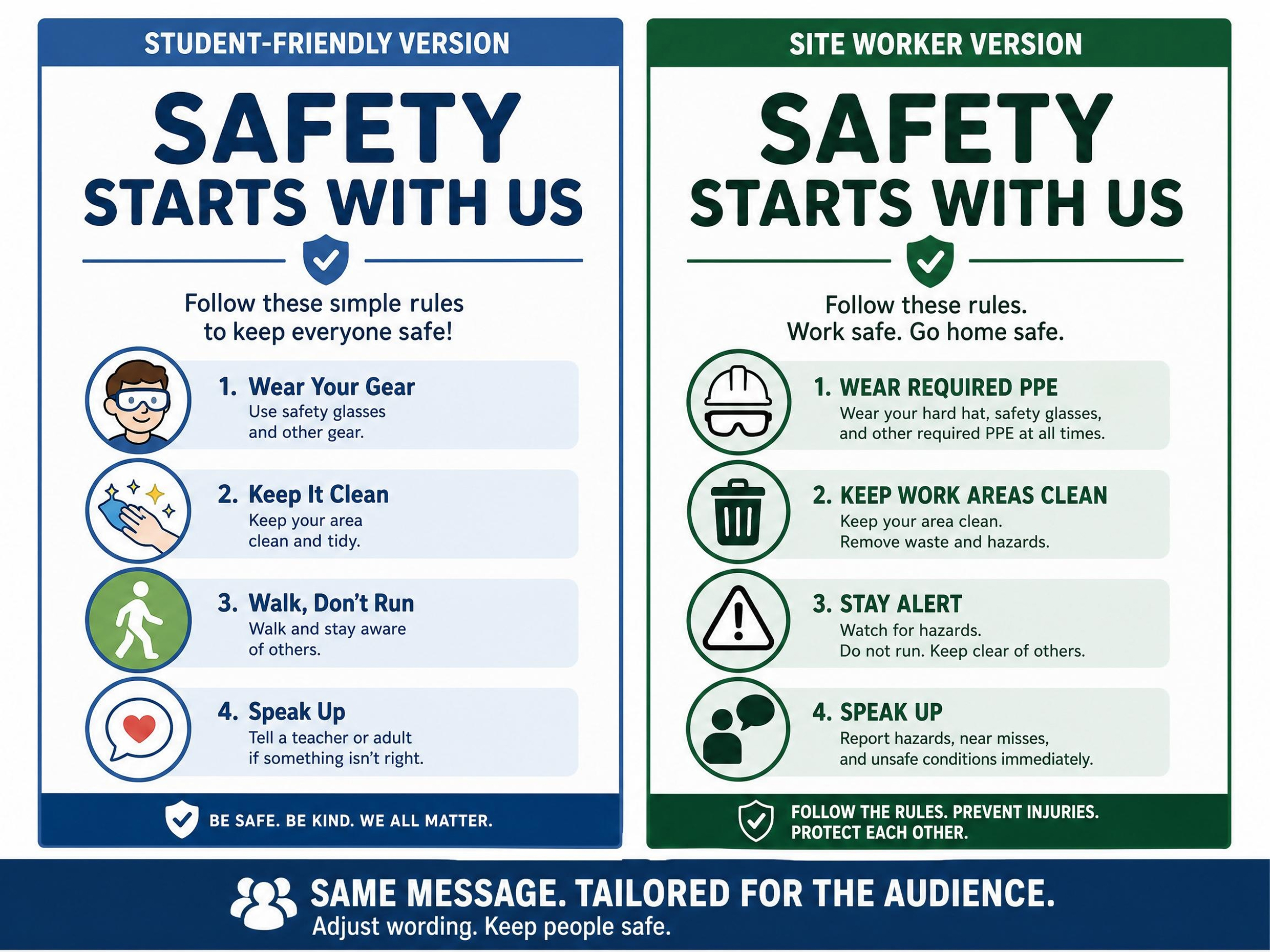
Match the Wording to Your Audience
Set the warning tone, rule length, and label style for the people who need to read the poster, from young students to site workers. Review the generated text, shorten unclear instructions, and adjust the layout before printing or sharing.
Poster Types You Can Create with Designkit

Social Media Poster

Fashion Poster

Travel Poster
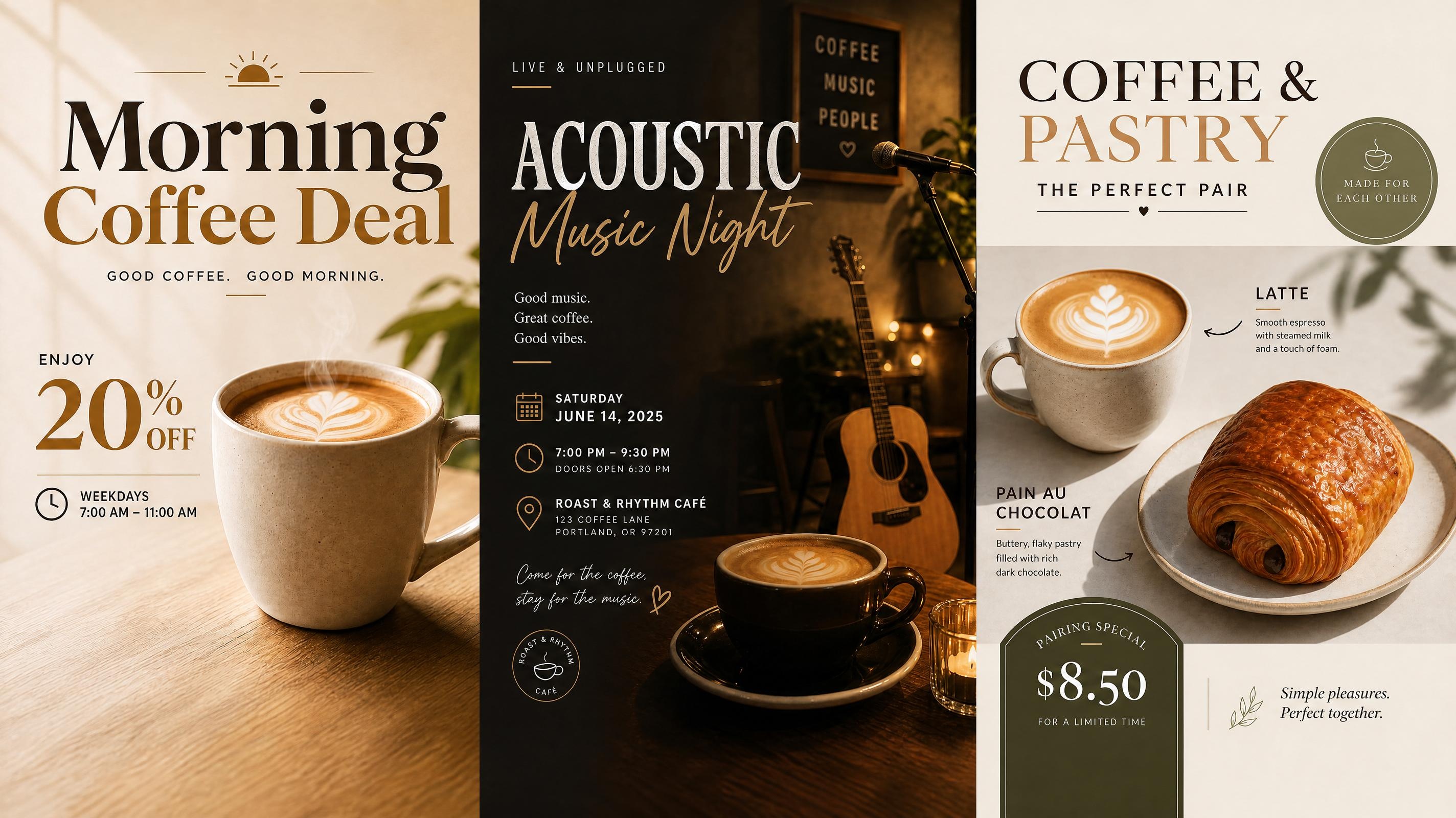
Cafe Poster

Food Poster
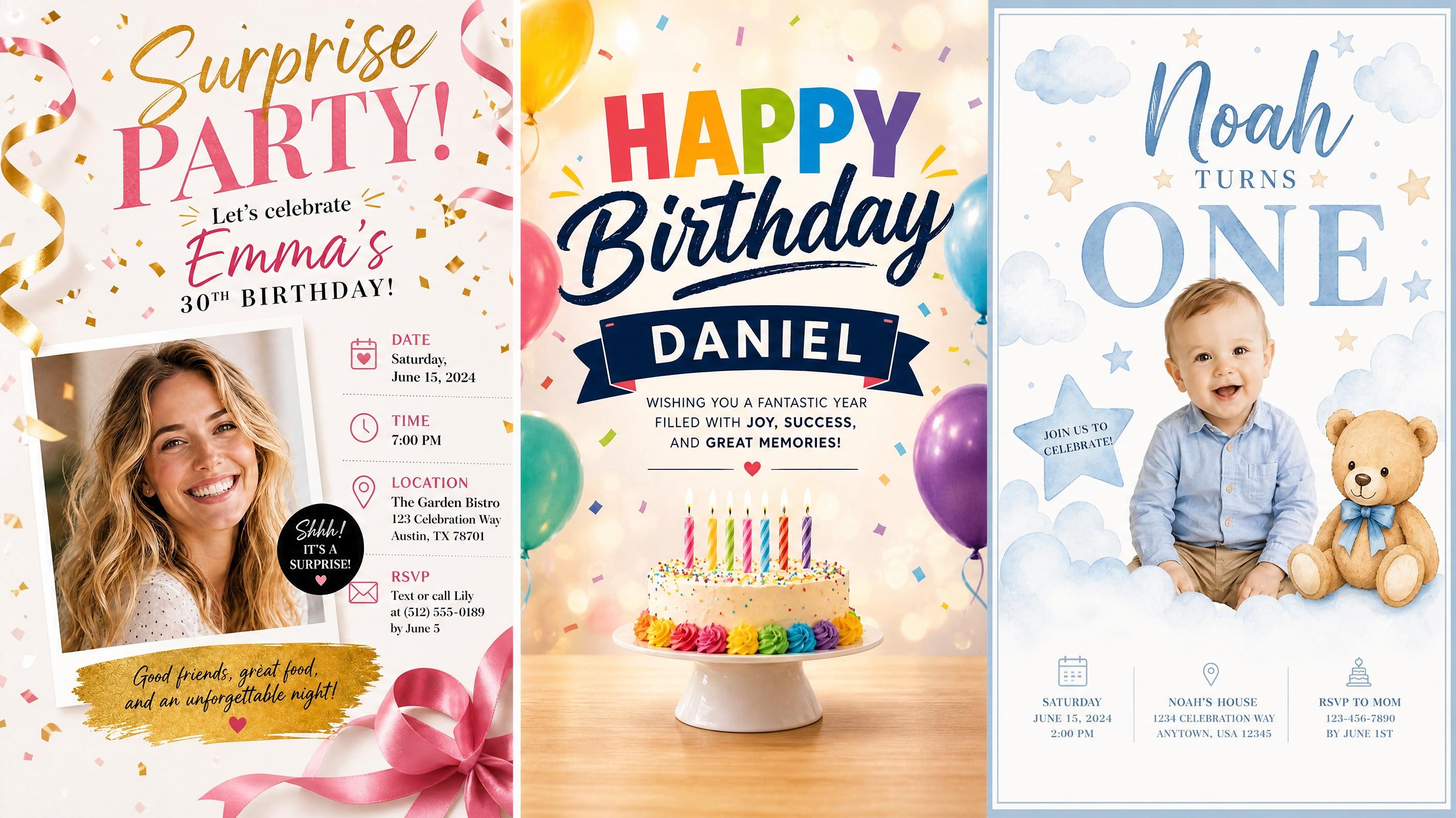
Birthday Poster
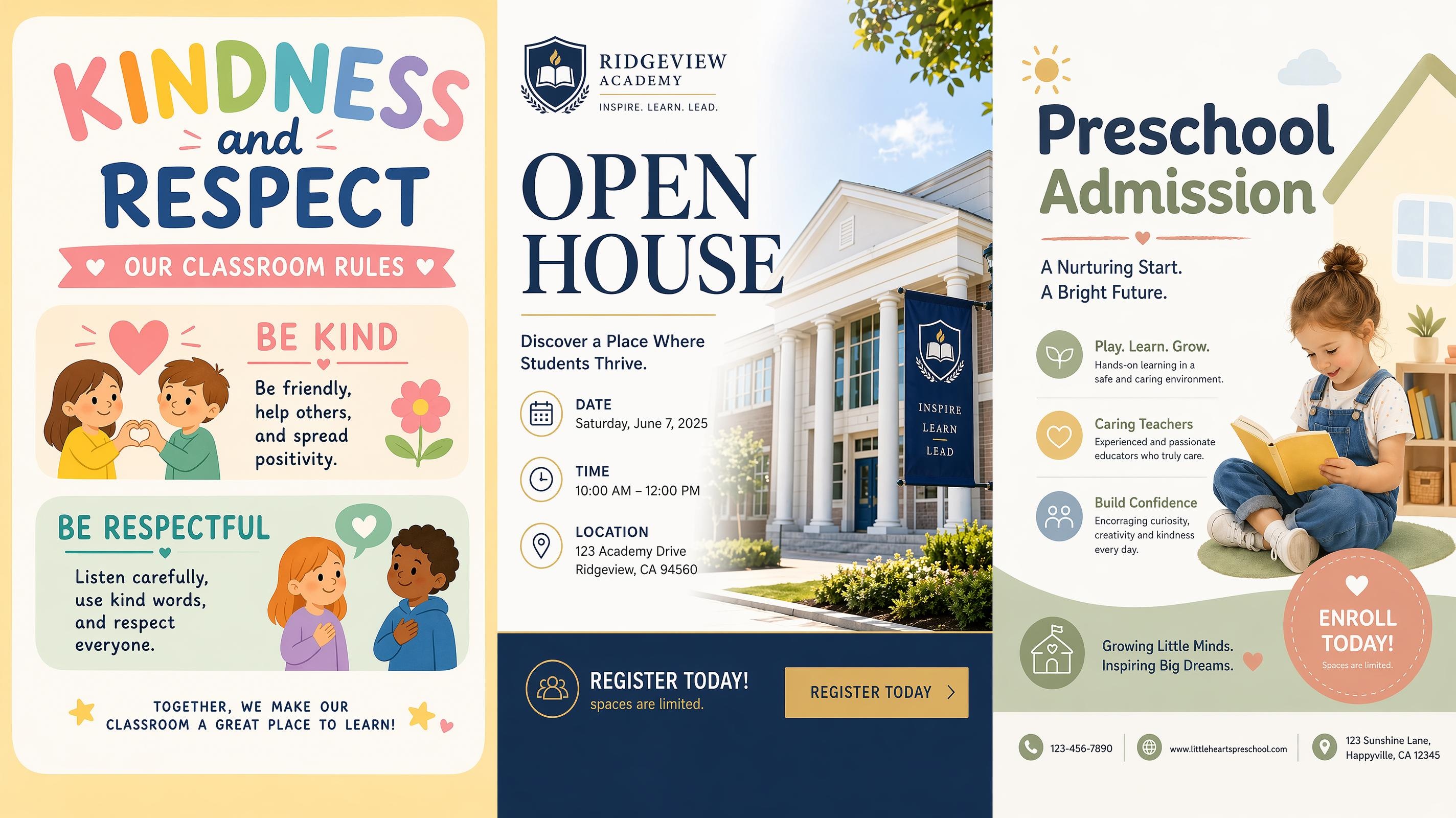
School Poster

Graduation Poster
Frequently Asked Questions
What is a safety poster generator?
What safety poster topics can I create?
You can create posters for lab safety, science classroom rules, fire drills, workplace safety, food safety, kitchen safety, internet safety, electrical safety, PPE reminders, evacuation instructions, and general safety awareness. The prompt can be broad, like “fire safety poster,” or specific, like “science lab safety poster for middle school students.”
Do I need an image to generate a safety poster?
No image is required. A text prompt with the safety topic, rules, audience, and setting is enough to start. You can also upload a reference image, room photo, existing notice, or icon style example when you want the poster to match a real environment or a specific visual format.
Can the poster include safety icons and warning symbols?
Yes. Add the symbols you need in the prompt, such as goggles, gloves, fire alarms, extinguishers, exit arrows, wet floor signs, hand washing icons, lock symbols, or electrical warning marks. The generated poster can arrange those symbols with headings, short labels, and rule sections.
Can I edit the safety text after generation?
Yes. After generation, you can revise rule labels, warning phrases, audience tone, section titles, and poster layout. Review the wording carefully before printing or publishing, especially when the poster needs to follow school, workplace, or organization-specific safety language.
What format works best for printing safety posters?
A4 or vertical poster formats work well for classroom walls, staff rooms, labs, kitchens, workshops, and office corridors. For digital notices, square or landscape versions can be used for slides, internal chat posts, and online safety reminders. Keep text short enough to read from a distance.
Make Your Safety Rules Easier to See
Start free and get a safety poster ready to print or share. Trusted by teachers, safety officers, and training teams across schools and workplaces.



What Educators and Workplace Teams Say About Designkit
Schools, offices, and training coordinators use Designkit to make safety rules easier to read and display.
Lab Rules Finally Looked Like Classroom Materials
I needed a science lab safety poster that students would actually notice. After adding our lab rules and a few equipment prompts, the result had clear icons, short labels, and enough structure to print for the classroom wall.
Our Fire Drill Notice Became Much Clearer
The old fire drill sheet was just a block of instructions. I turned the same steps into a poster with exit arrows, alarm icons, and an assembly point section. It was easier to share before the drill and better for hallway display.
Kitchen Rules Were Easier to Separate
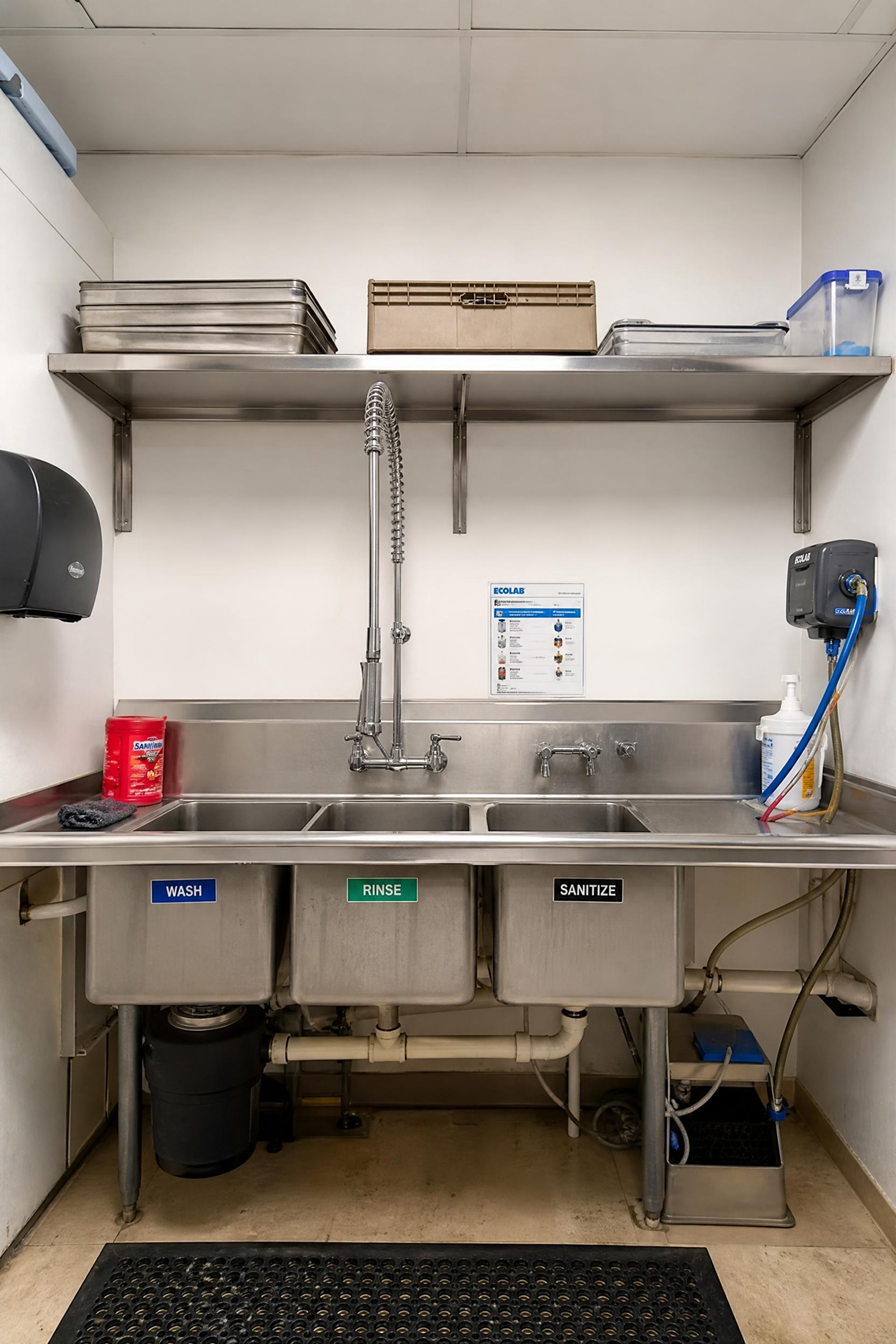
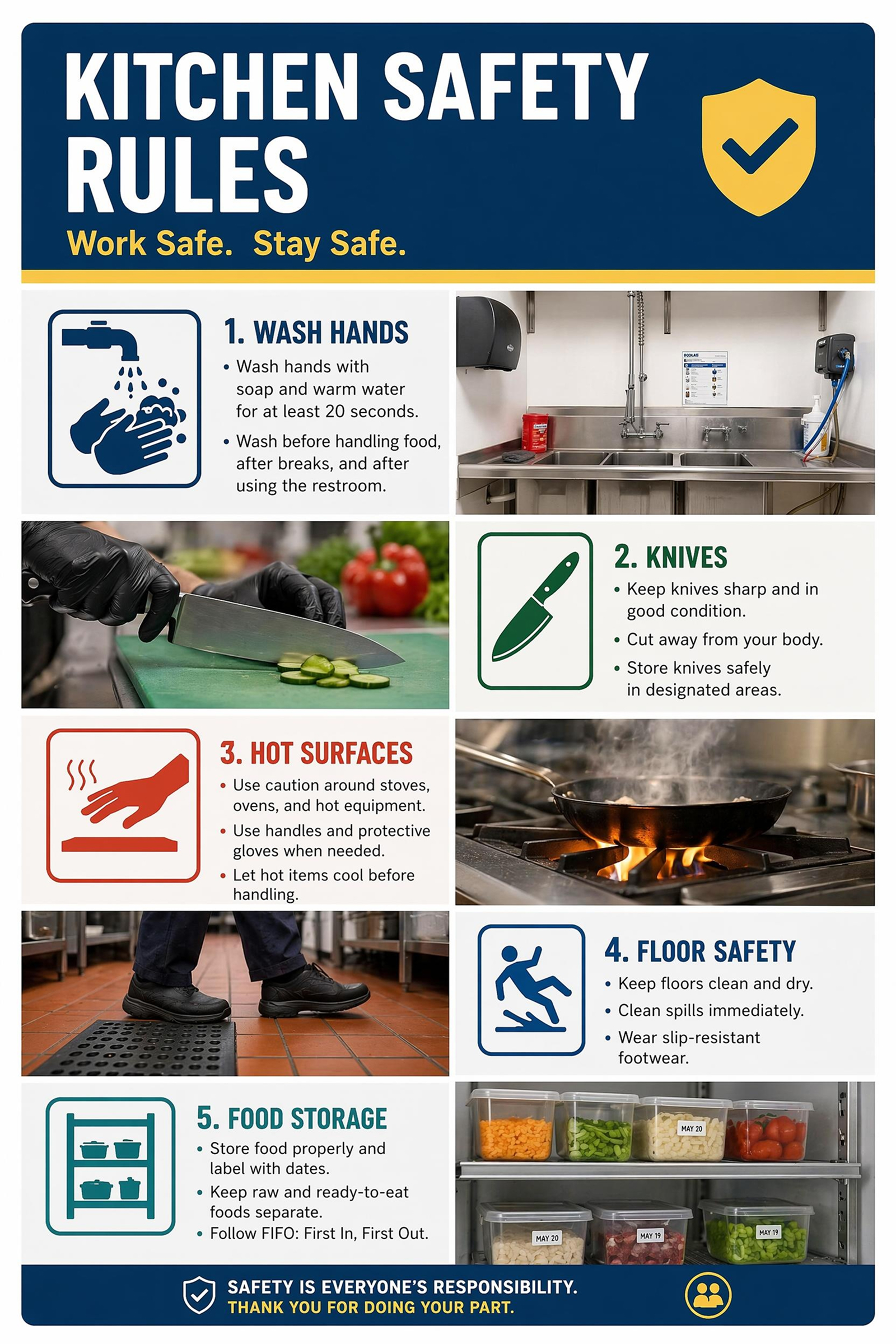
Food safety covers a lot of details, and our first draft looked crowded. Using separate prompts for hand washing, storage, hot surfaces, and spills gave us a cleaner kitchen safety poster that staff could scan quickly.
The Workplace Poster Felt More Specific
I did not want another generic safety sign. I described our warehouse setup, forklifts, PPE, and wet floor areas, then used the generated version as a training poster. The icons matched our daily risks much better.
Internet Safety Became Less Abstract
For digital citizenship week, I needed something students could understand at a glance. The poster grouped passwords, privacy, phishing, and online behavior into simple visual sections, so it worked better than a plain rule handout.