

Generate Fundraising Posters That Make the Cause Clear
Choose a fundraising poster, add your campaign goal and giving details, then generate an editable design for sharing or print.
Generate Fundraising Posters from Your Campaign Details

Choose a Fundraising Poster Style and Customize It
Start from a poster style, then adjust the message, layout, and format for your fundraising campaign.

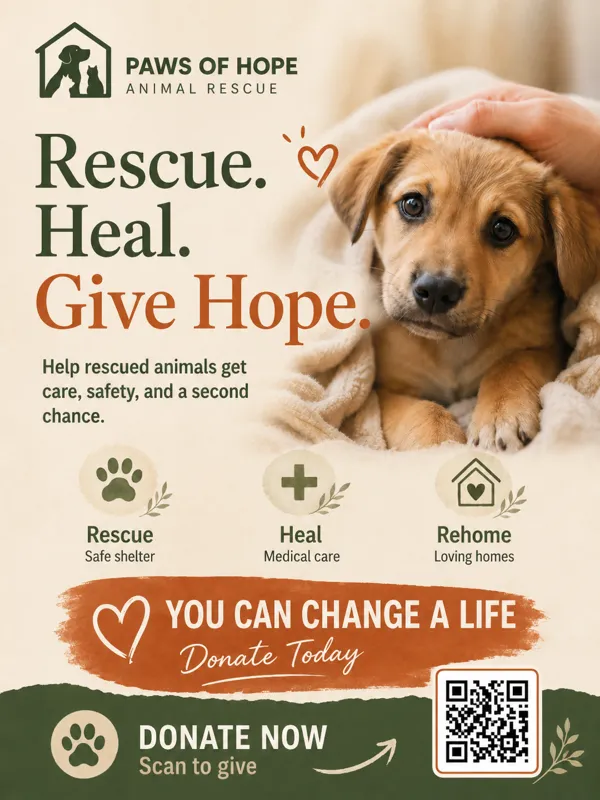

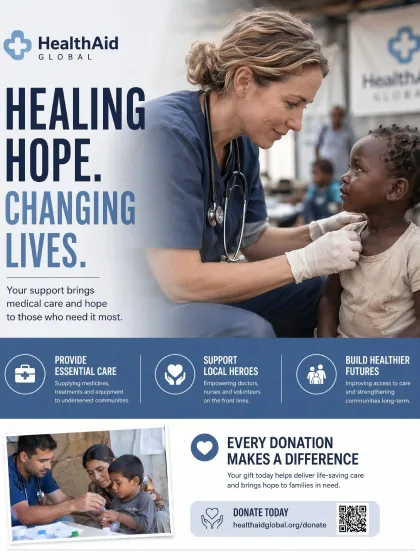
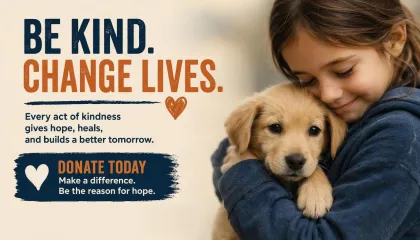
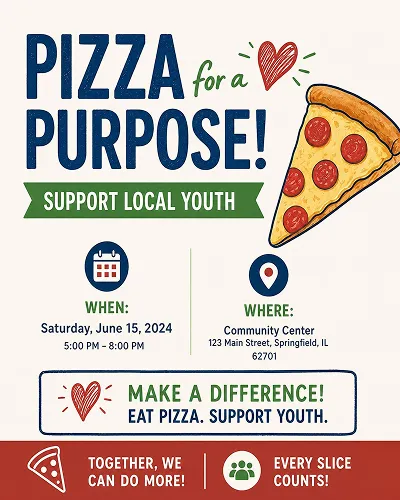
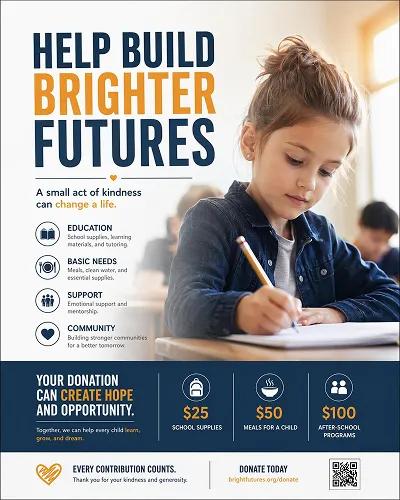
 Charity Poster
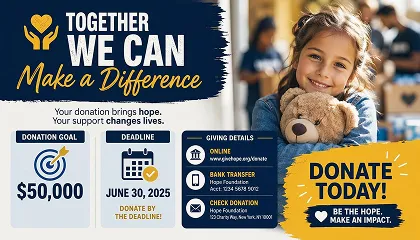
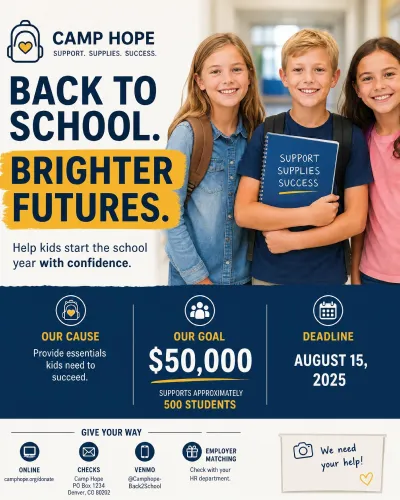
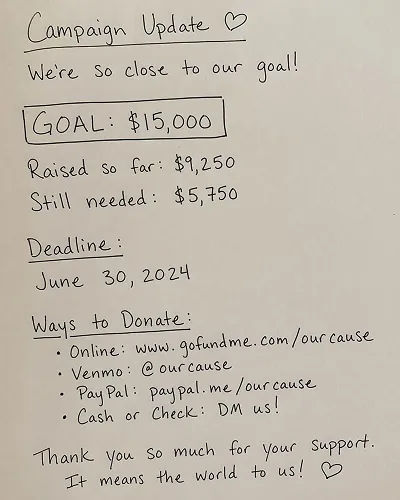
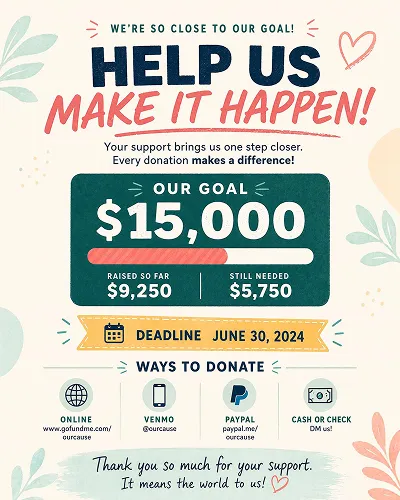
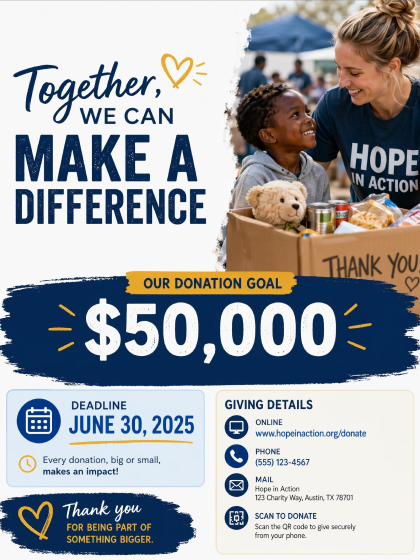 Donation Poster
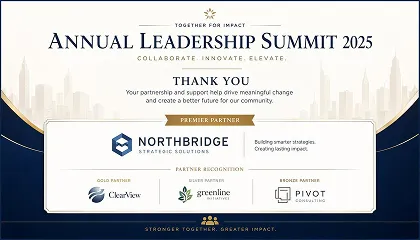
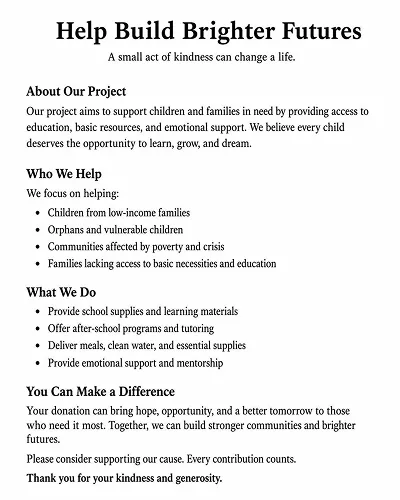
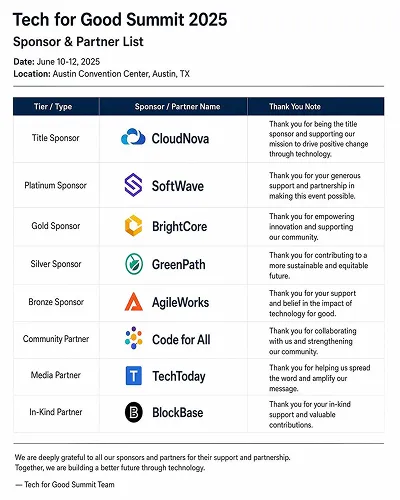
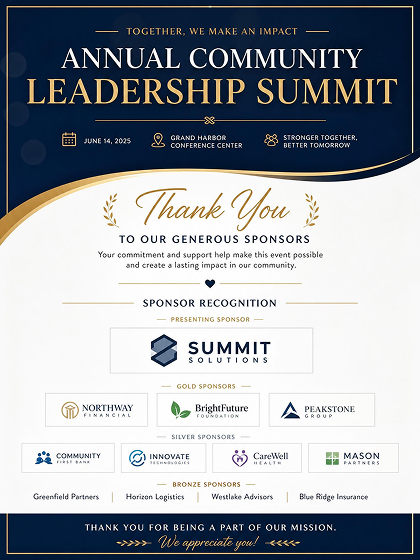 Sponsor Poster
How to Make a Fundraising Poster With AI
Choose a Poster Style
Pick a fundraising poster style that fits your campaign so the layout is already set up for the cause message, goal, and giving details.
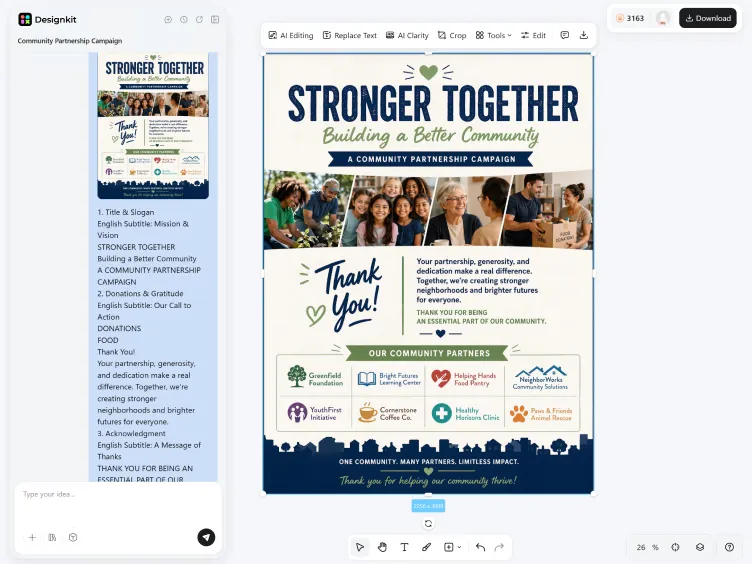
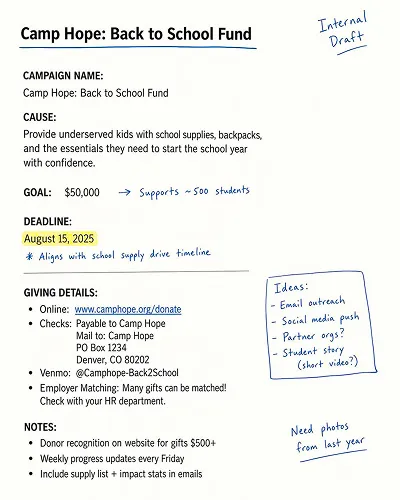
Add Campaign Details
Enter the campaign name, goal, audience, and tone. The AI organizes the text into a readable donor appeal with the main message and giving instructions clearly separated.
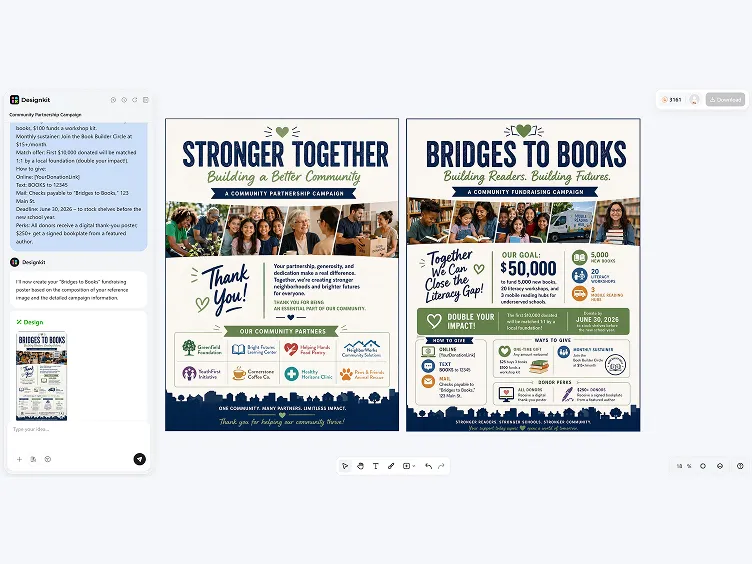
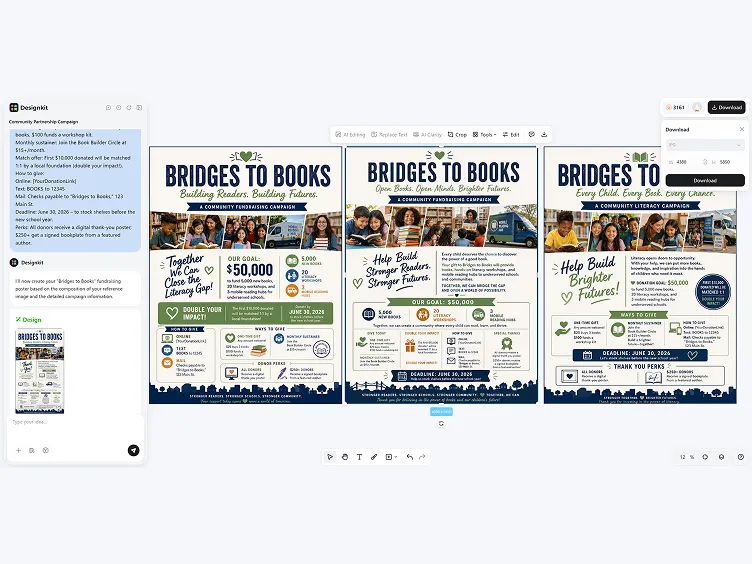
Generate, Edit and Export
Review poster versions, adjust the copy or layout, then export a PNG sized for social sharing, email, or digital display.
Create Fundraising Posters with Clear Donor Messaging
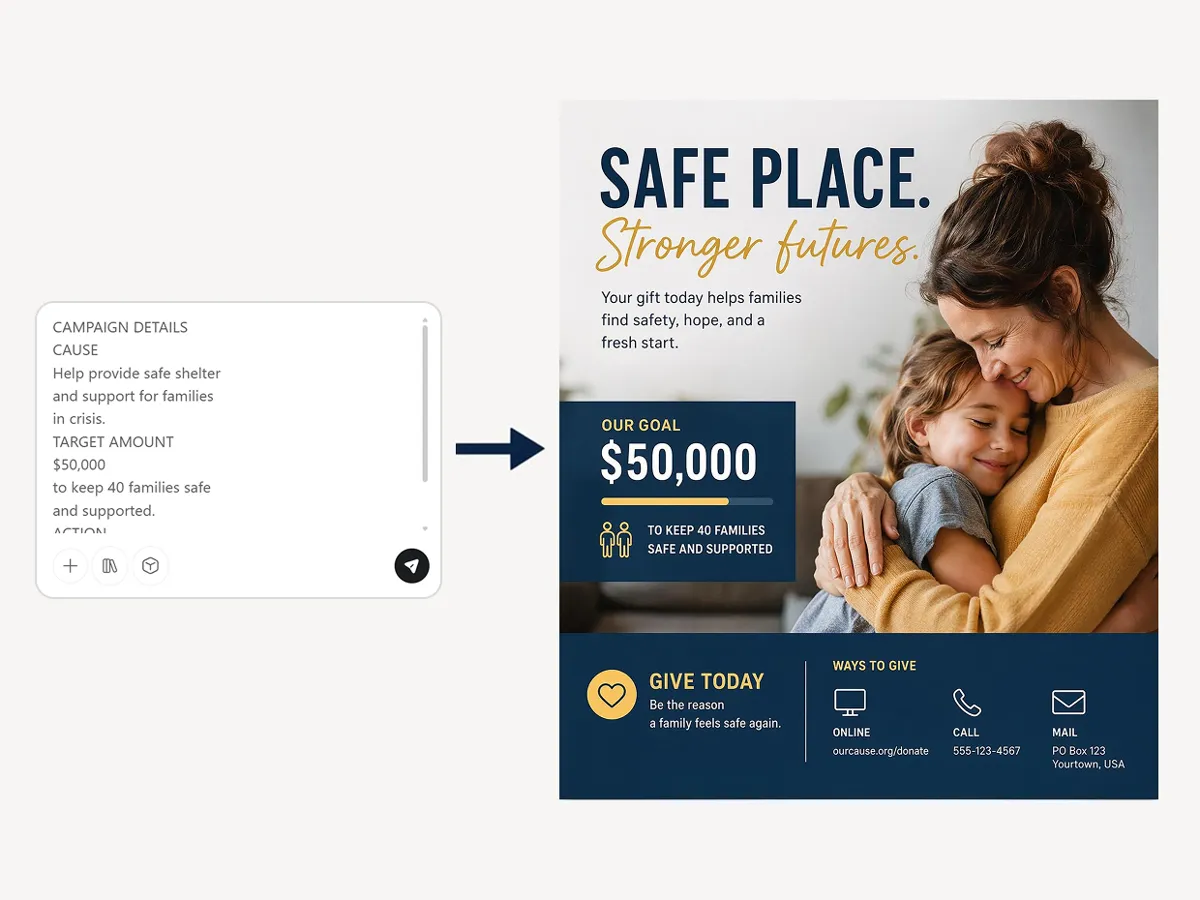
Structure the Appeal Around the Goal
Designkit reads your campaign brief and arranges the cause, target amount, and action message in a clear order. The poster keeps the main appeal visible first, then supports it with giving details that are easier to scan.
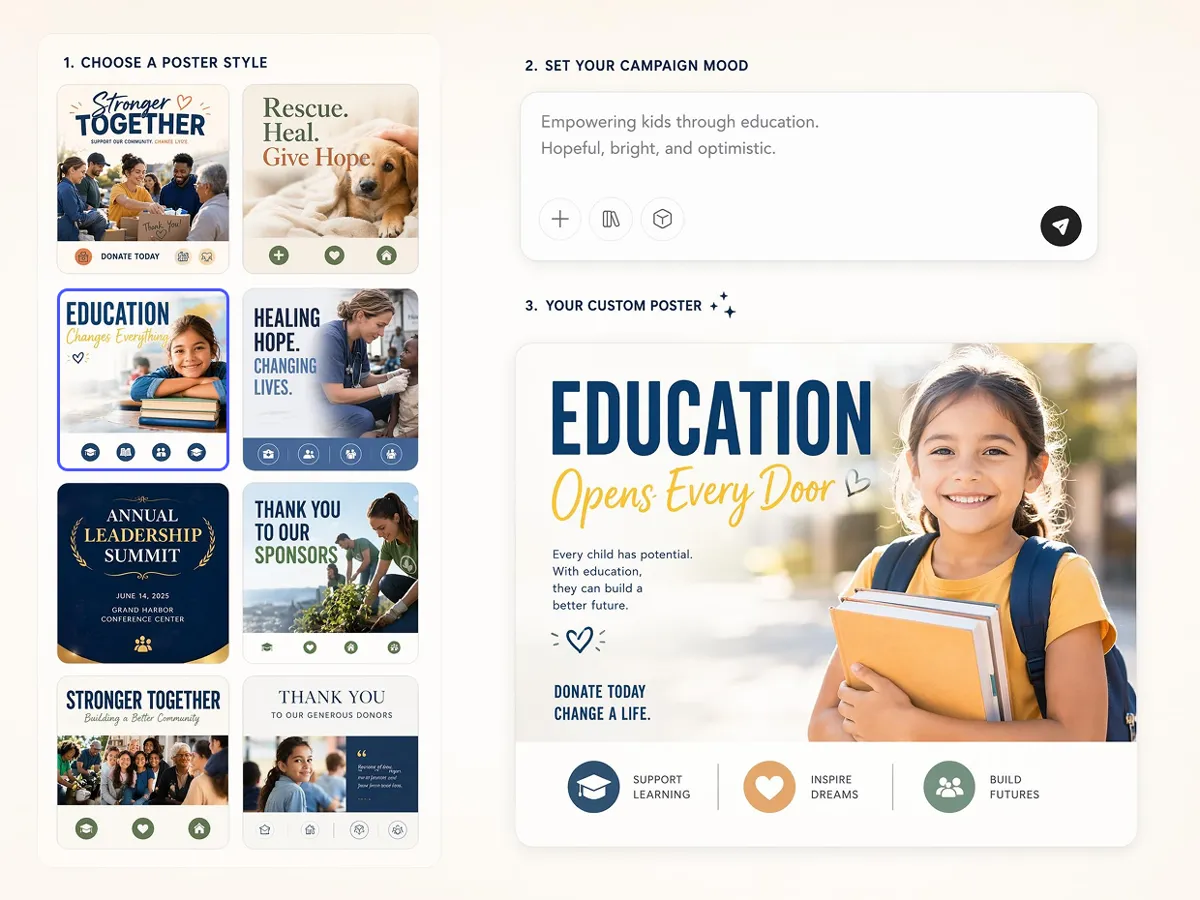
Set a Visual Mood That Fits the Cause
Choose a poster style that fits the campaign mood, from warm and community-led to more formal. The AI adjusts color mood, spacing, and image treatment so the design feels aligned with the message instead of looking generic.
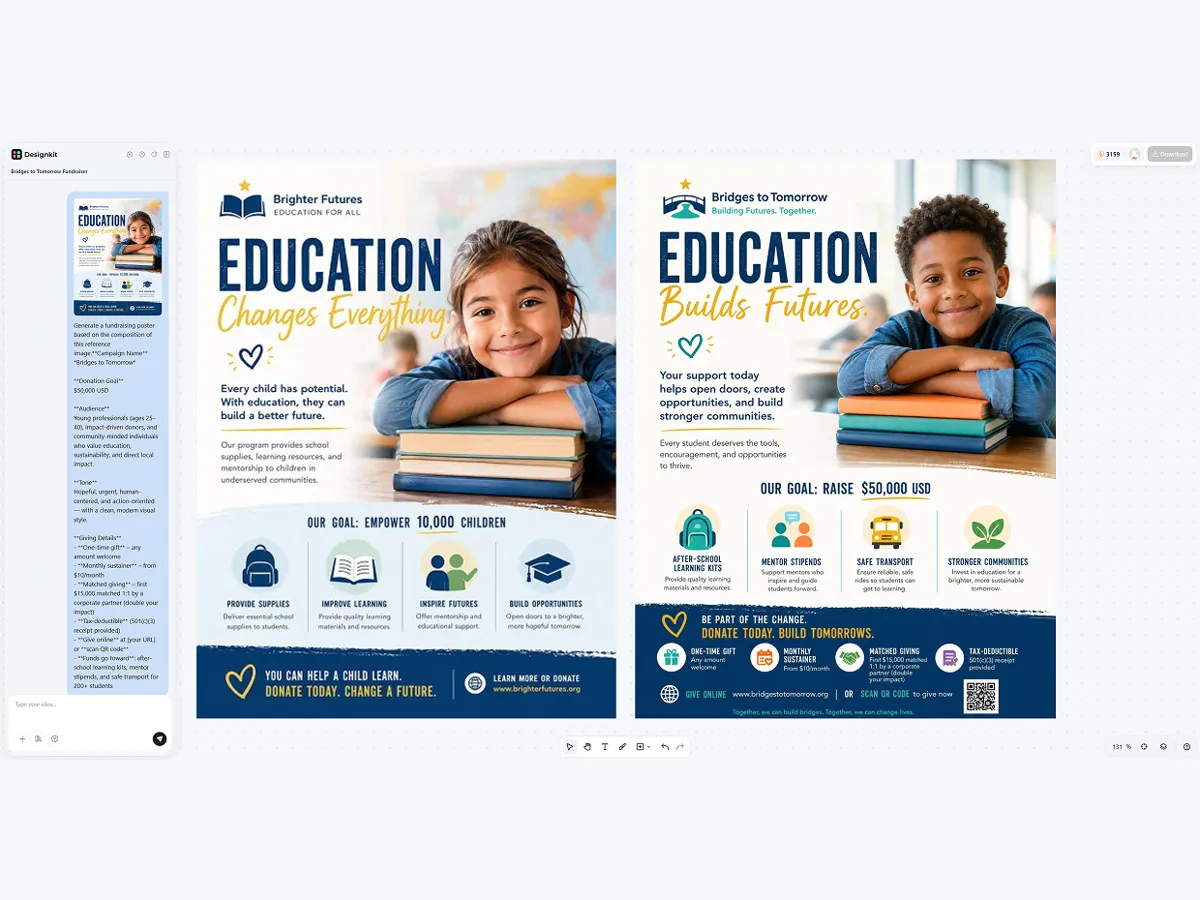
Add a Photo or Logo Without Losing the Message
Upload a campaign image or organization logo and Designkit places it into the layout without pushing the donation details out of view. The text hierarchy stays intact so the cause, goal, and call to action remain easy to find.
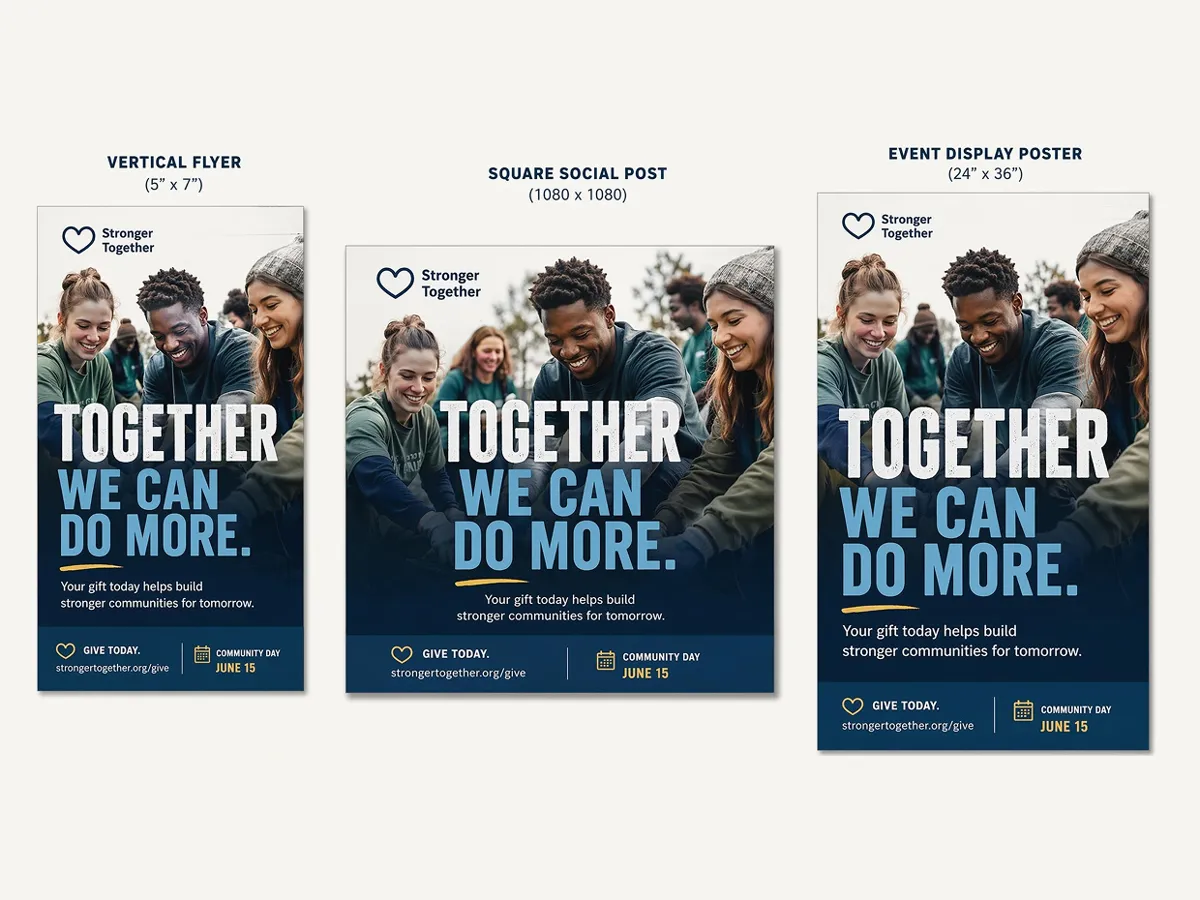
Adapt One Poster for Different Formats
Start with one fundraising poster layout, then refine the same design for social sharing, printed flyers, or event displays. Designkit keeps headline size, spacing, and message hierarchy steady as the format changes.
Poster Types You Can Create with Designkit
Social Media Poster
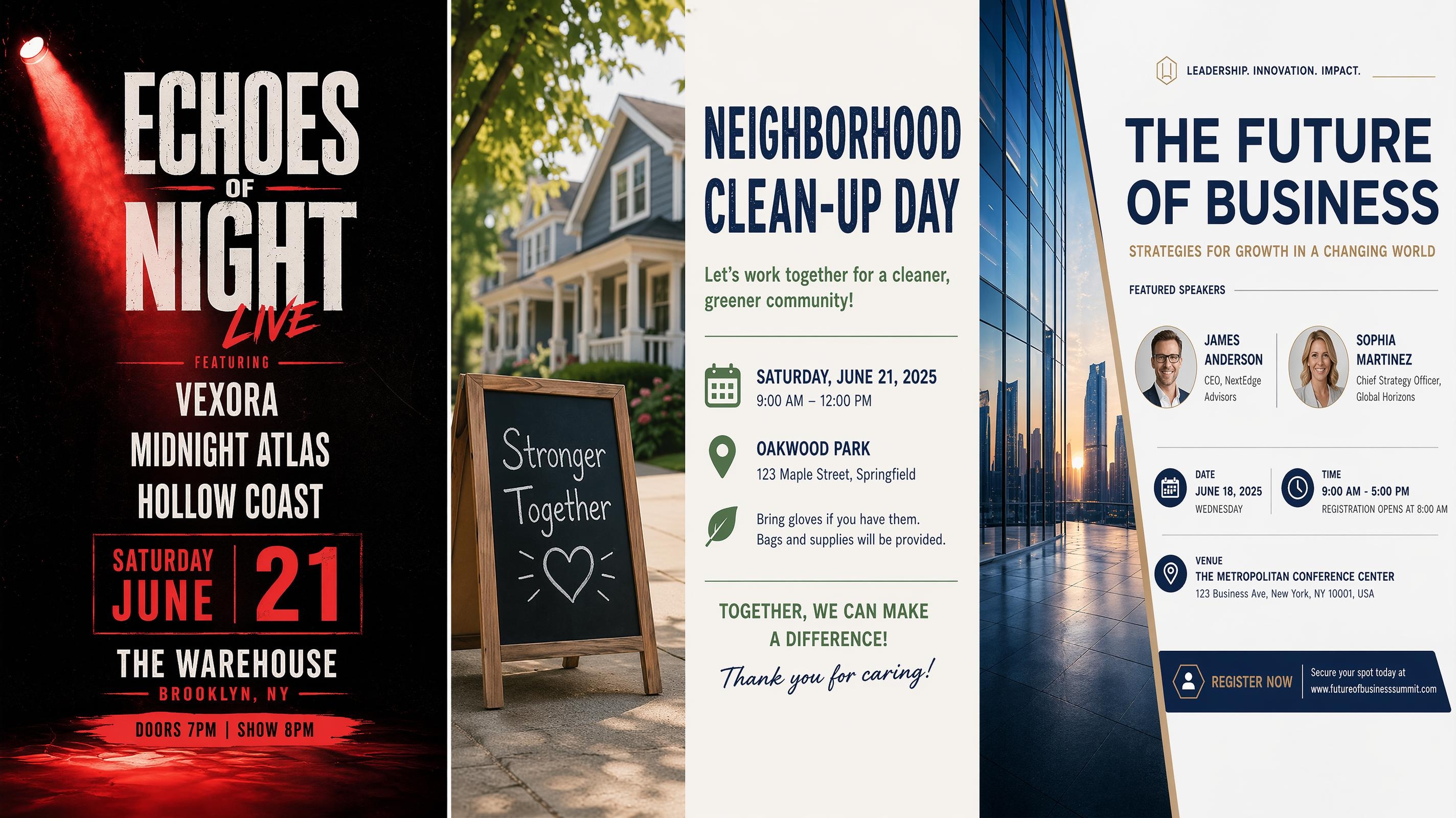
Event Poster

Festival Poster
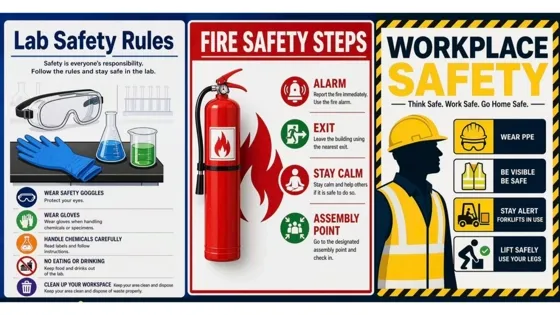
Safety Poster
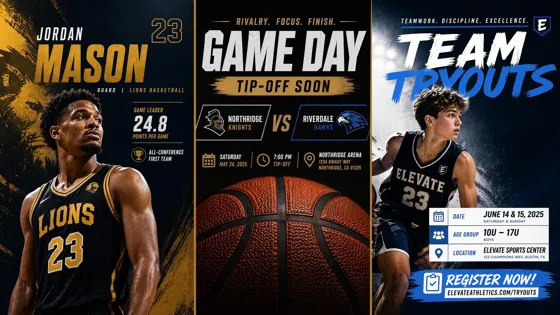
Sport Poster
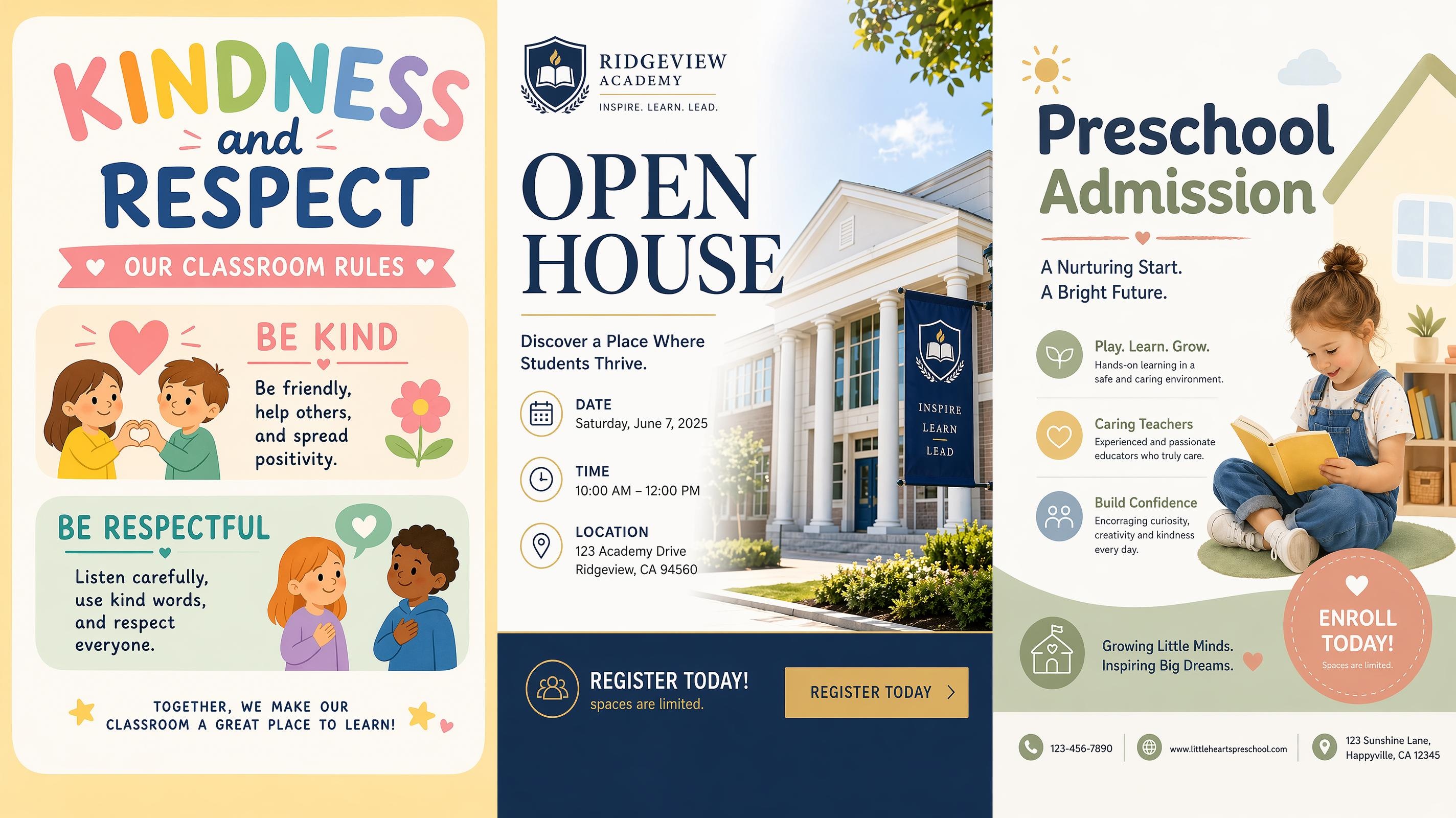
School Poster
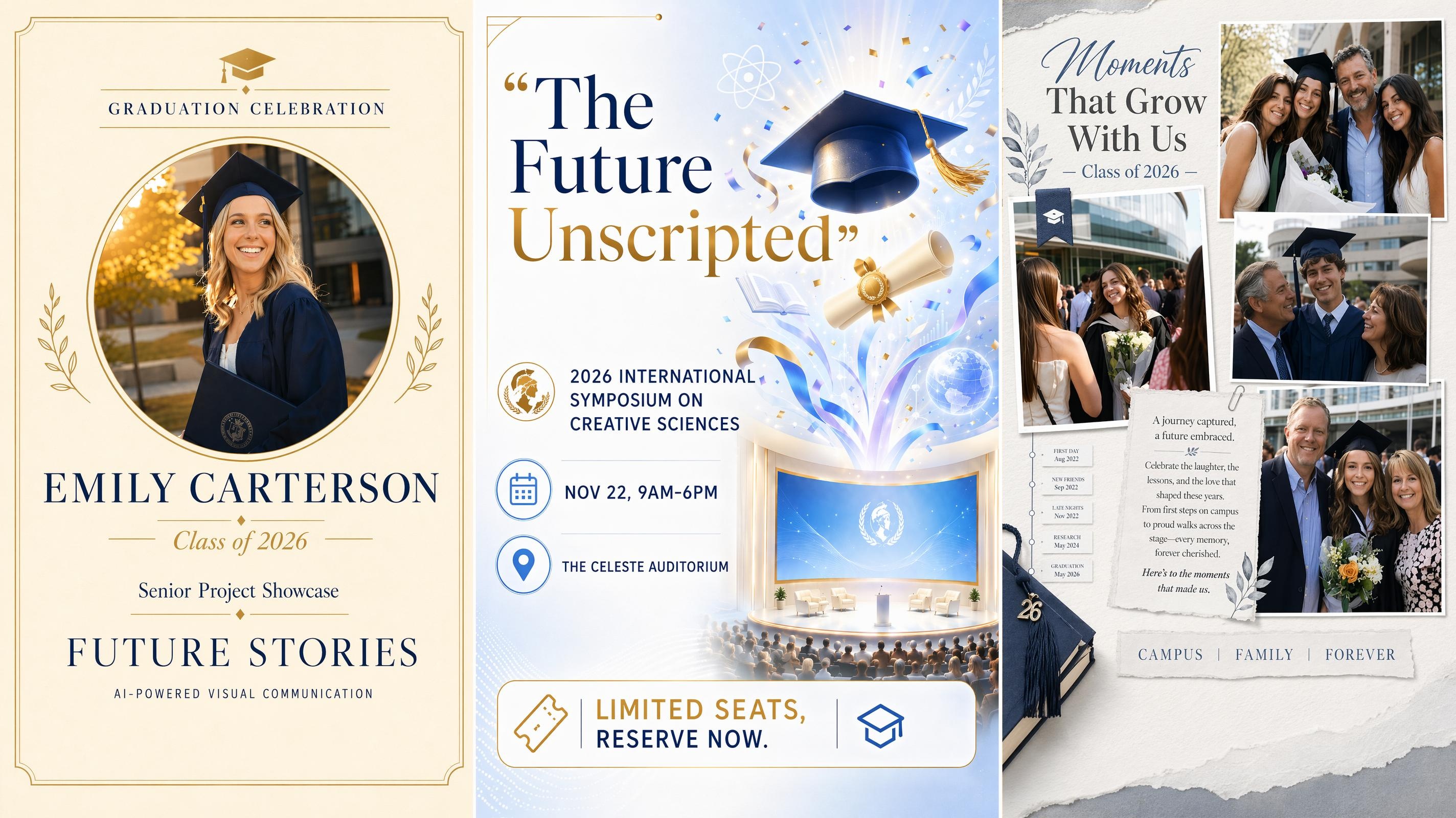
Graduation Poster
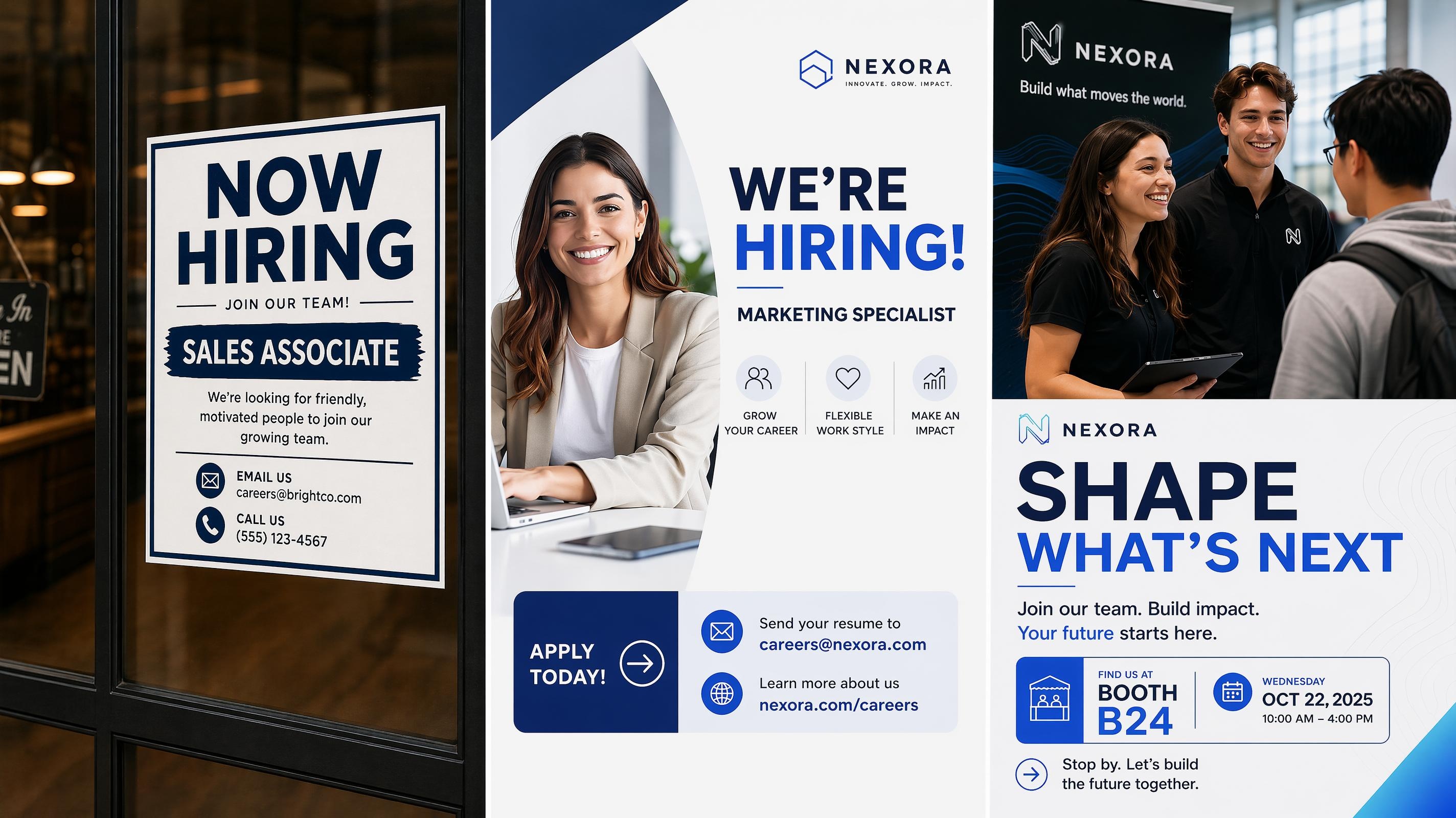
Recruitment Poster
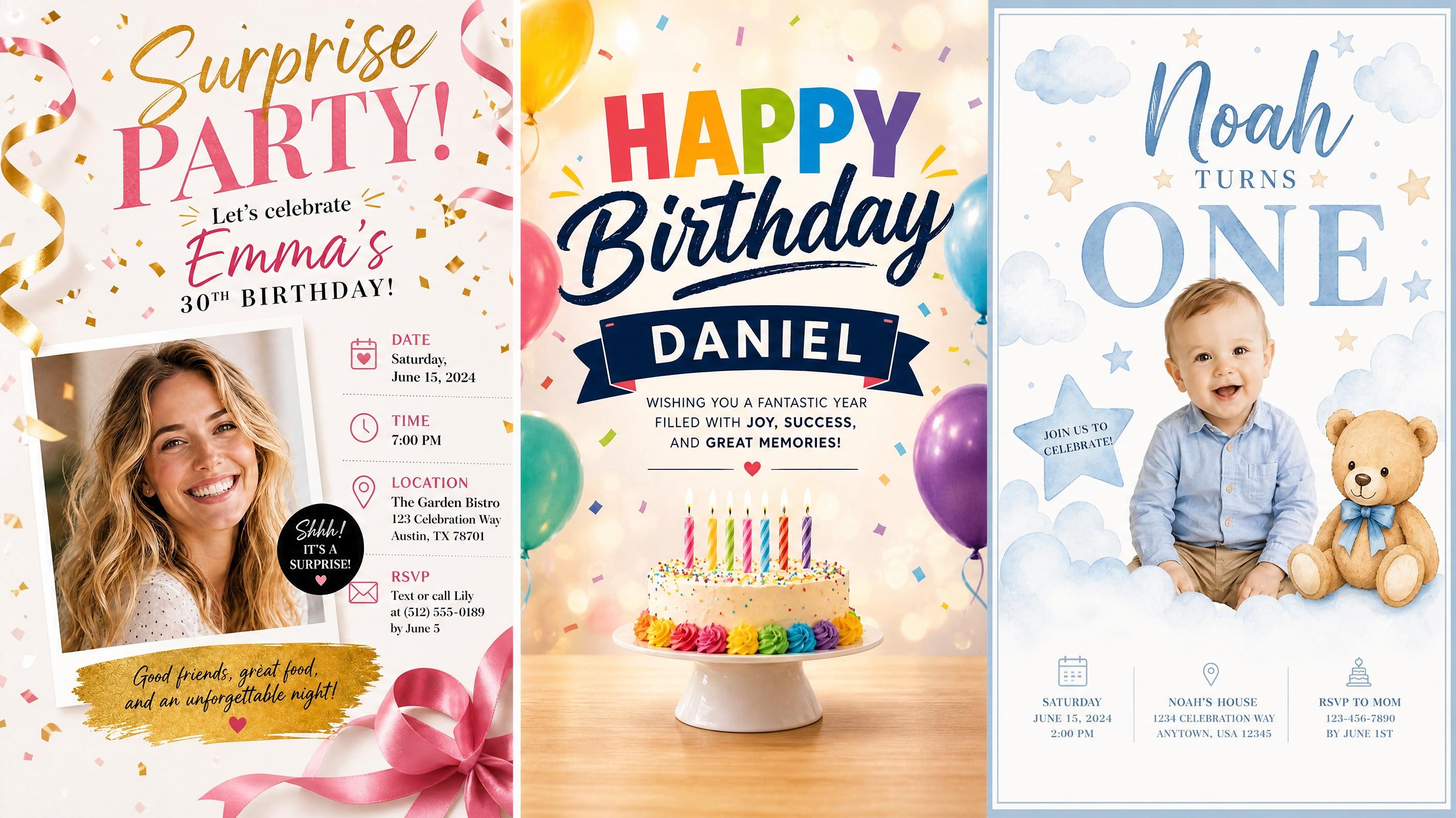
Birthday Poster
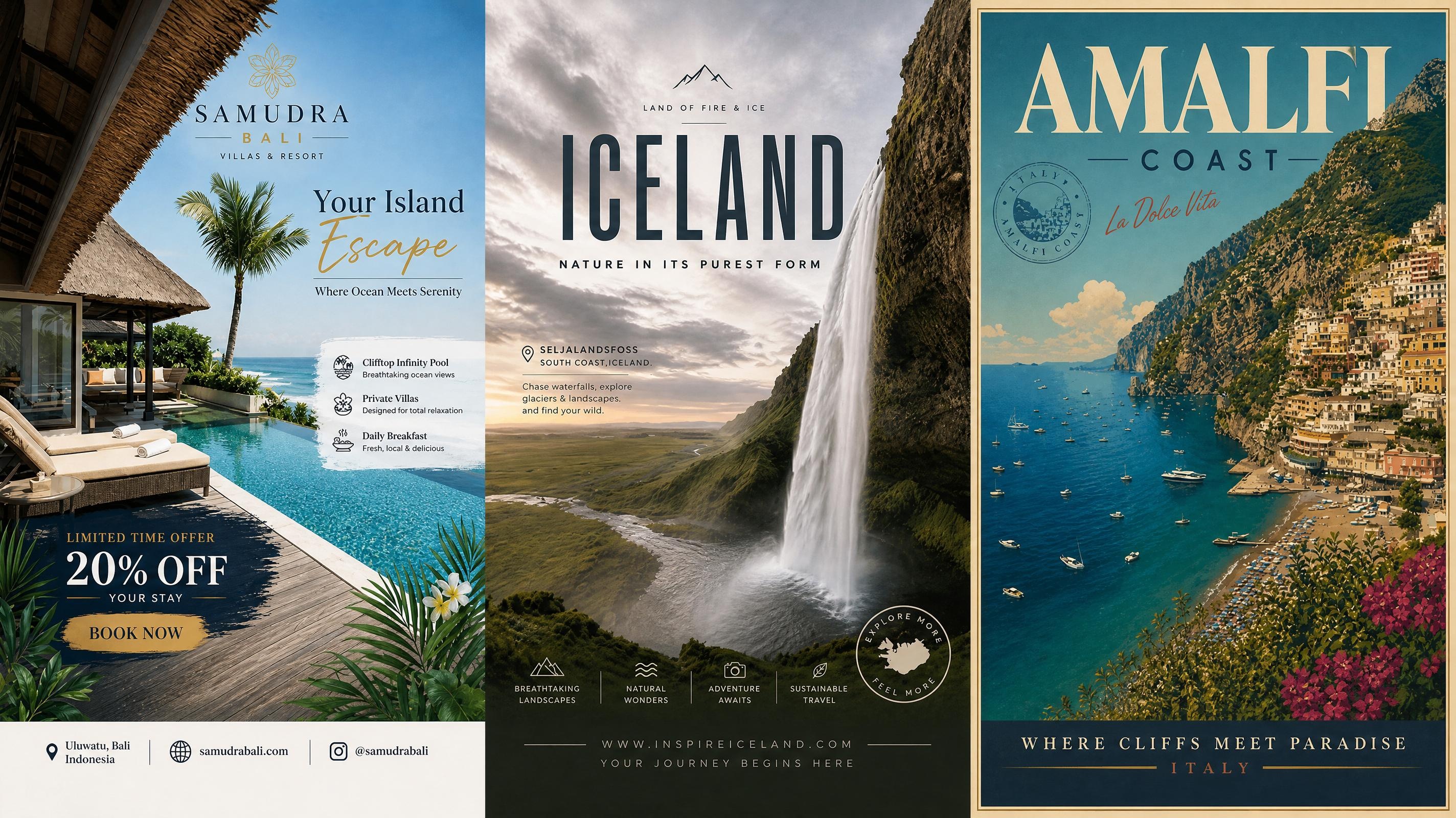
Travel Poster
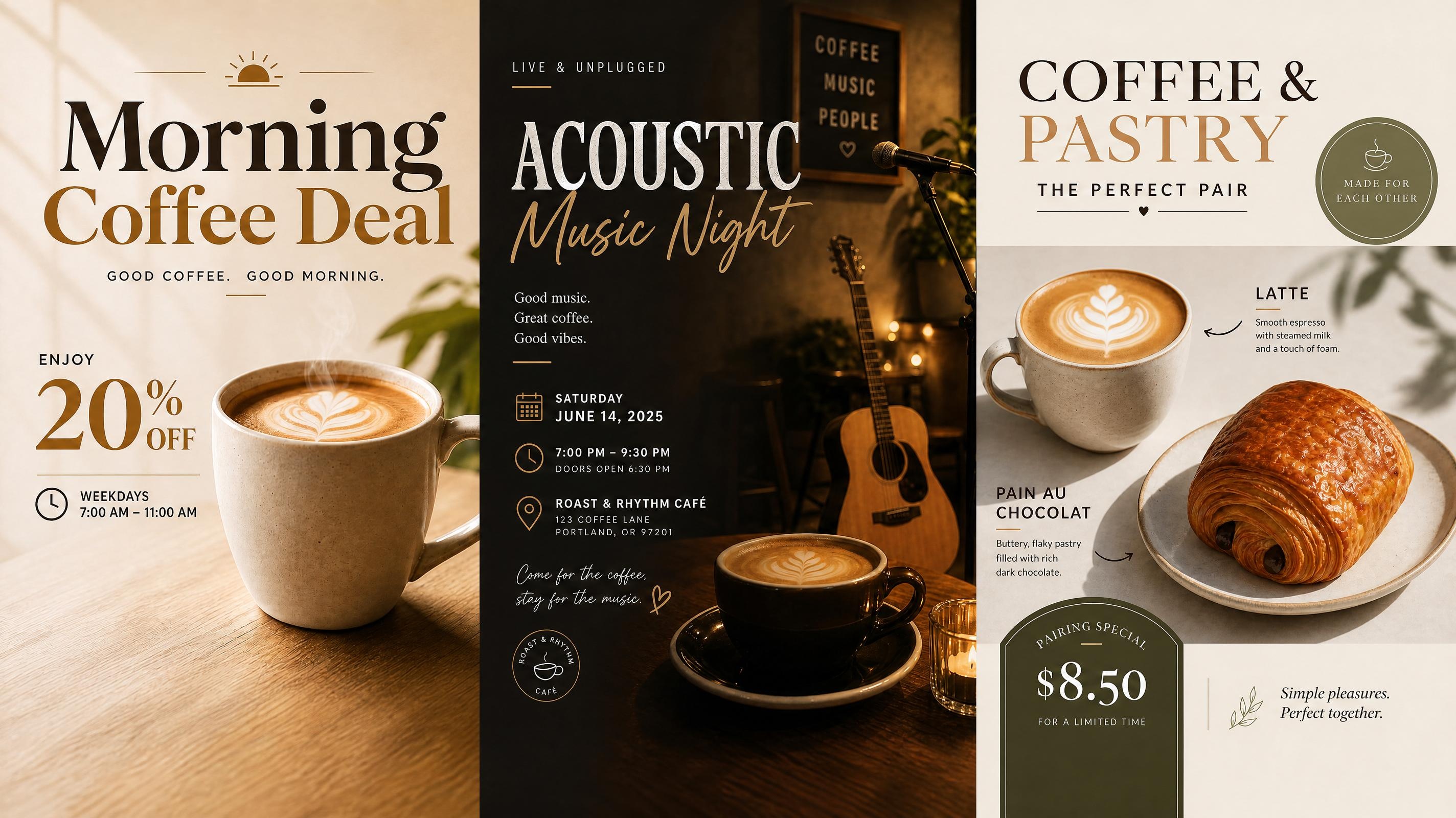
Cafe Poster
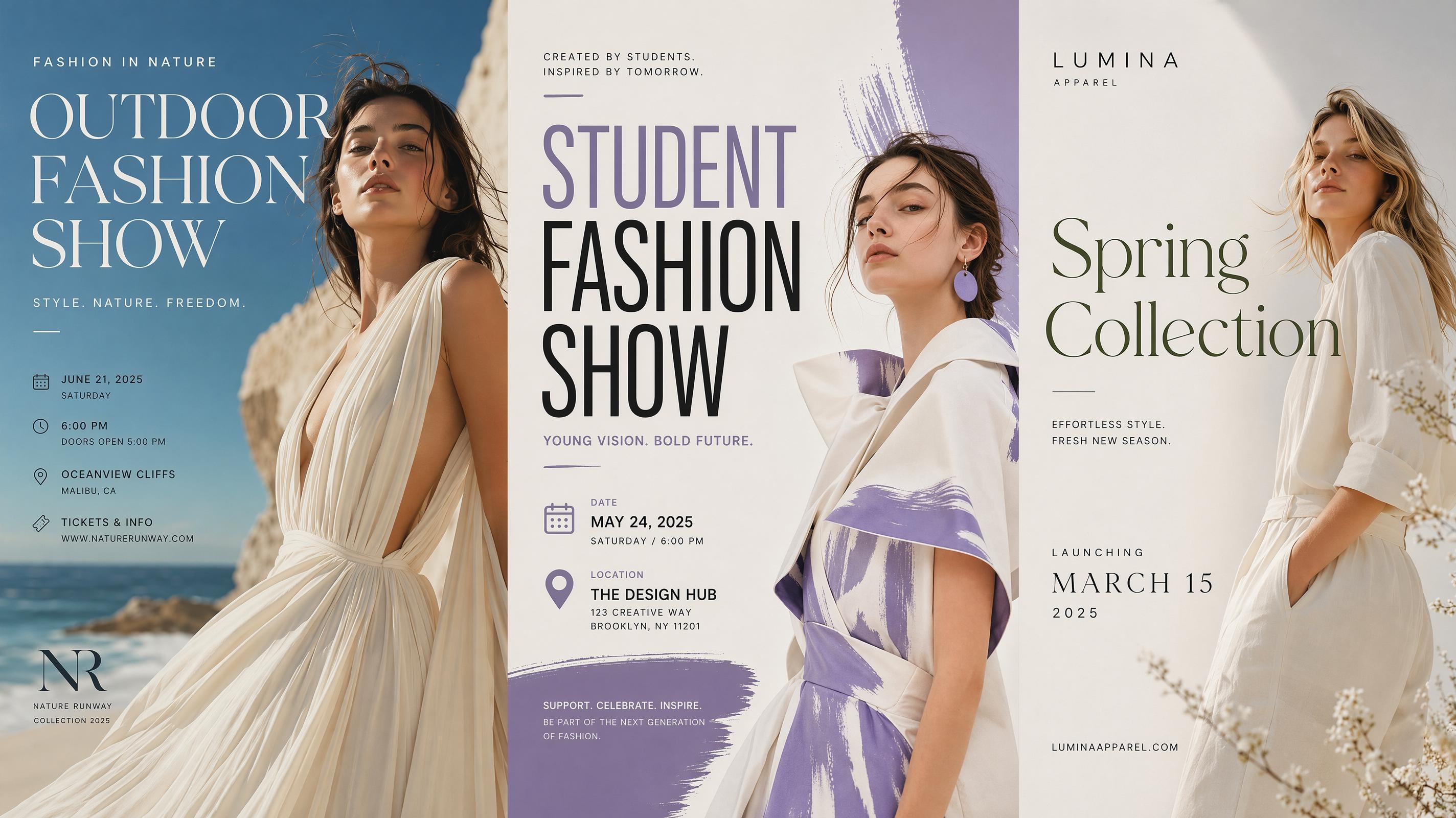
Fashion Poster
Frequently Asked Questions
What is a fundraising poster?
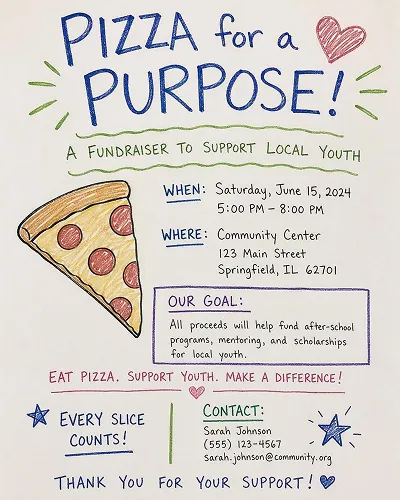
Can I make a fundraiser flyer with this page?
Yes. You can create a fundraiser flyer by choosing a compact poster format and adding event or donation details. Use a shorter message, larger headline, and clear giving instructions so the flyer works in print or online.
What details should I add before generating?
Add the campaign name, cause, donation goal, deadline, audience, and preferred tone. A short story or reference image can also help the AI shape the layout and visual style.
Can I make charity posters and donation posters?
Yes. Charity posters can focus on the cause and emotional message, while donation posters can place more weight on the goal, giving method, and deadline. Both can be edited after generation.
Can I use my own logo or campaign photo?
Yes. Upload a logo, event image, or campaign photo to guide the poster. Designkit can use the image as part of the layout while keeping the text readable and organized.
What formats can I export?
You can export a PNG for digital sharing, including social posts, emails, and online campaign pages. Before exporting, adjust the poster size to match the channel, such as a vertical flyer or square social post.
Turn Your Campaign Message into a Poster People Will Act On
Start with your campaign message, generate editable poster options, and polish the design before you share it.



What Fundraising Teams Say About Designkit
See how organizers use Designkit to create clearer fundraising poster designs.
The Donation Goal Was Finally Clear
Our old posters had the story, the date, and the donation link all competing for attention. With Designkit, the campaign goal became the main focus, and the giving details sat in a clear section. People understood what we were raising money for much faster.
Sponsor Posters Looked More Polished
We needed a sponsor poster that felt respectful, not like a random logo board. Designkit helped us balance the partner names with the event message, so the final design looked formal enough to share with donors and local supporters.
Social Updates Stayed Consistent
During the campaign, we kept changing the deadline and the amount raised. Instead of making each fundraising graphic from scratch, we adjusted the text and generated new versions that still looked like the same campaign.
The Flyer Worked Better in Print
We started with a fundraiser flyer for a local event, but the first version had too much text. Designkit gave us cleaner layouts with better spacing, so the printed version was easier to read on a notice board.
No Design Experience Needed
I had never made a fundraising poster before and wasn't sure where to start. The templates gave me a clear structure right away, and adjusting the text was straightforward. The final result looked like something a designer had put together.