
Invert Image Colors and Create New Visual Styles
Upload any image to reverse colors, create negative effects, and explore new creative directions. Transform photos, artwork, and marketing visuals online.
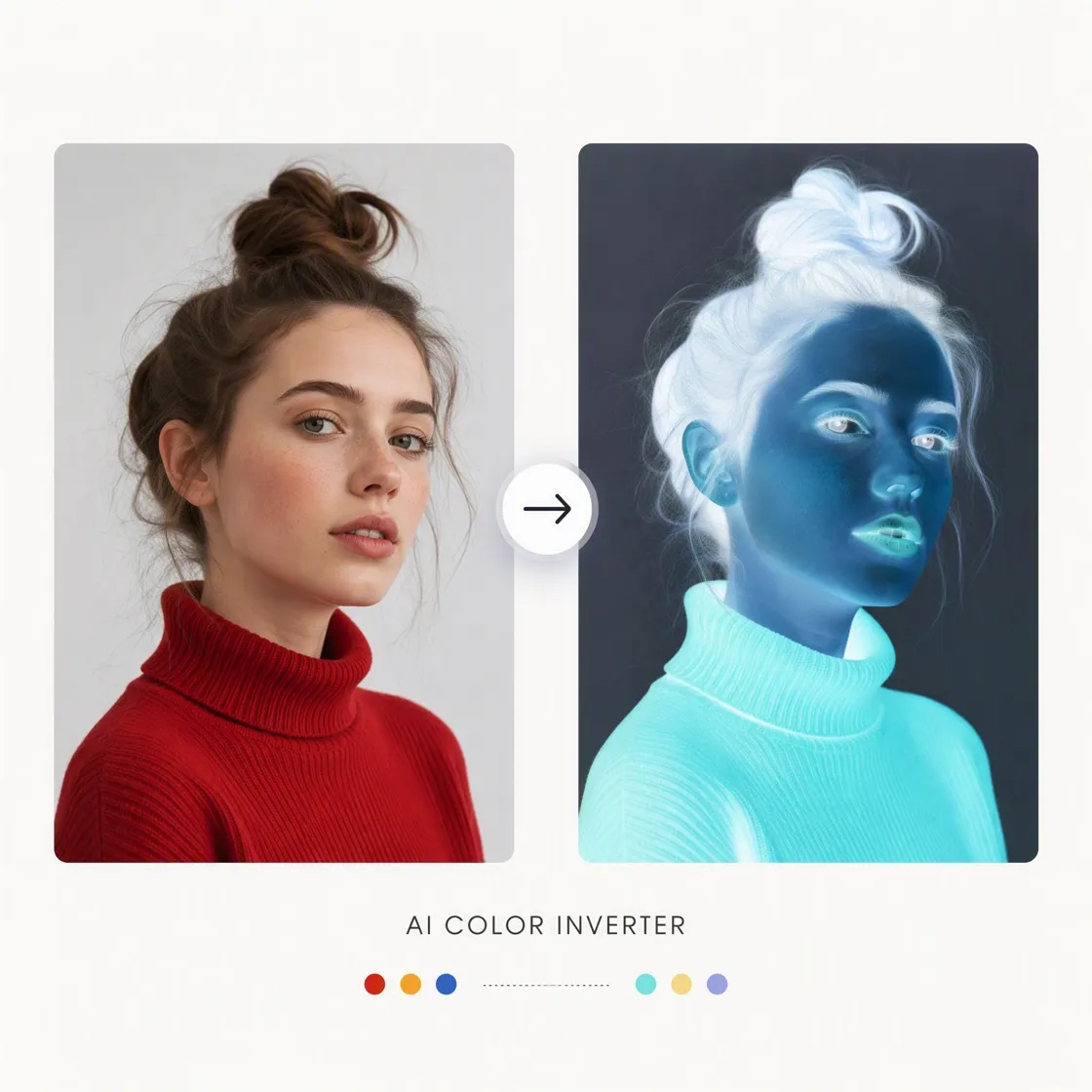
How to Invert Image Colors in 3 Steps
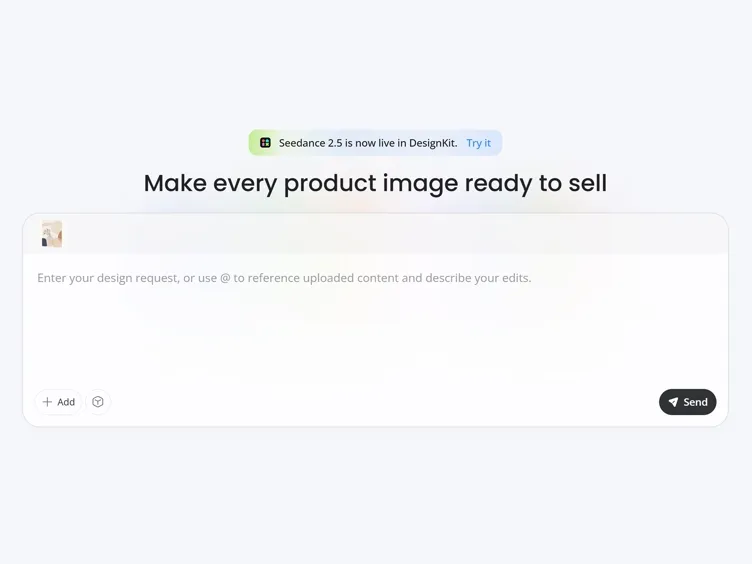
Upload Your Image
Upload a JPG, PNG, WEBP, or other supported image file to start creating your inverted image. No manual color adjustments are required.
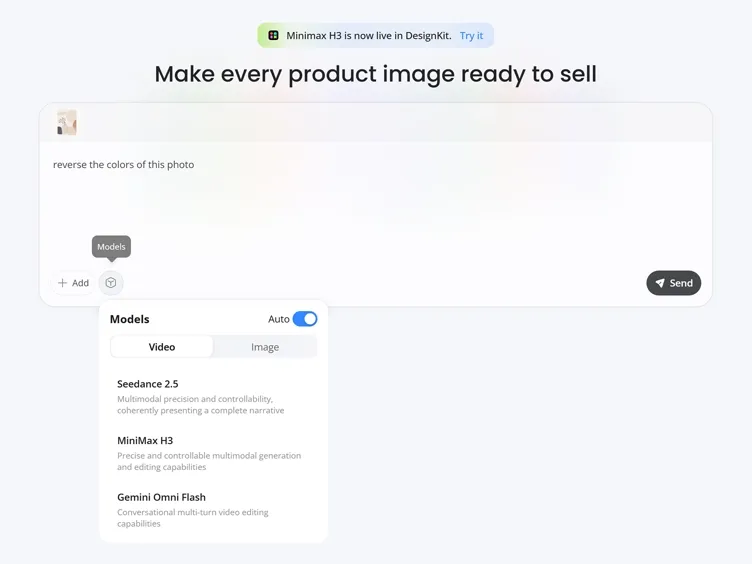
Invert the Colors
Enter a prompt such as "invert image colors" or "reverse the colors of this photo." Designkit understands your instruction and applies the inverted color effect automatically.
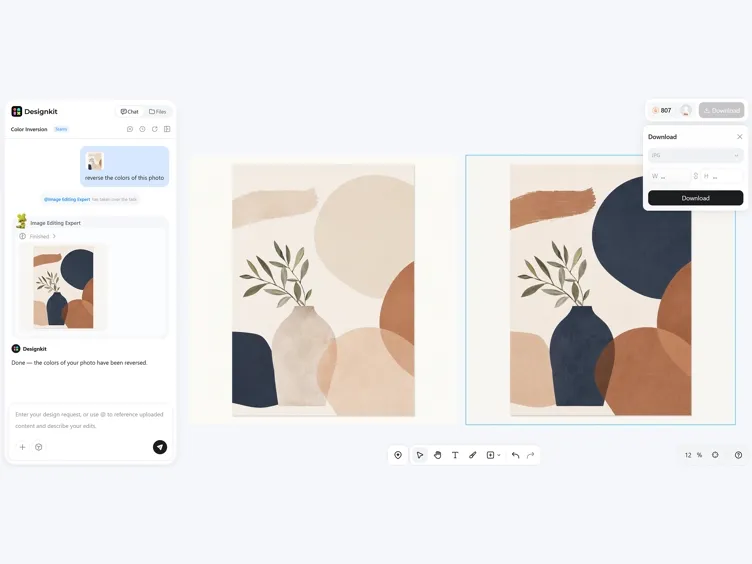
Download Your Edited Image
Review the final result and download your inverted photo for social media, digital artwork, presentations, marketing materials, or personal projects.
What Designkit Color Inverter Handles
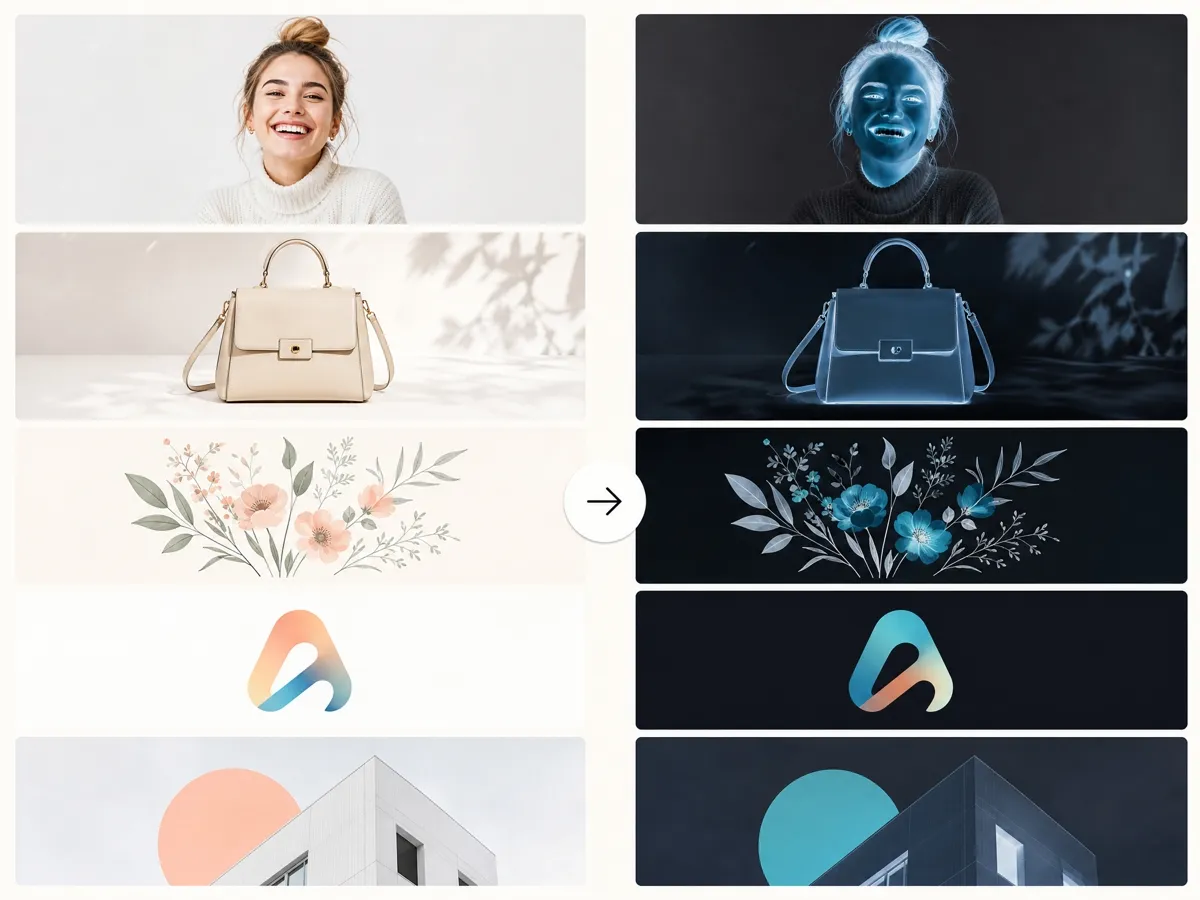
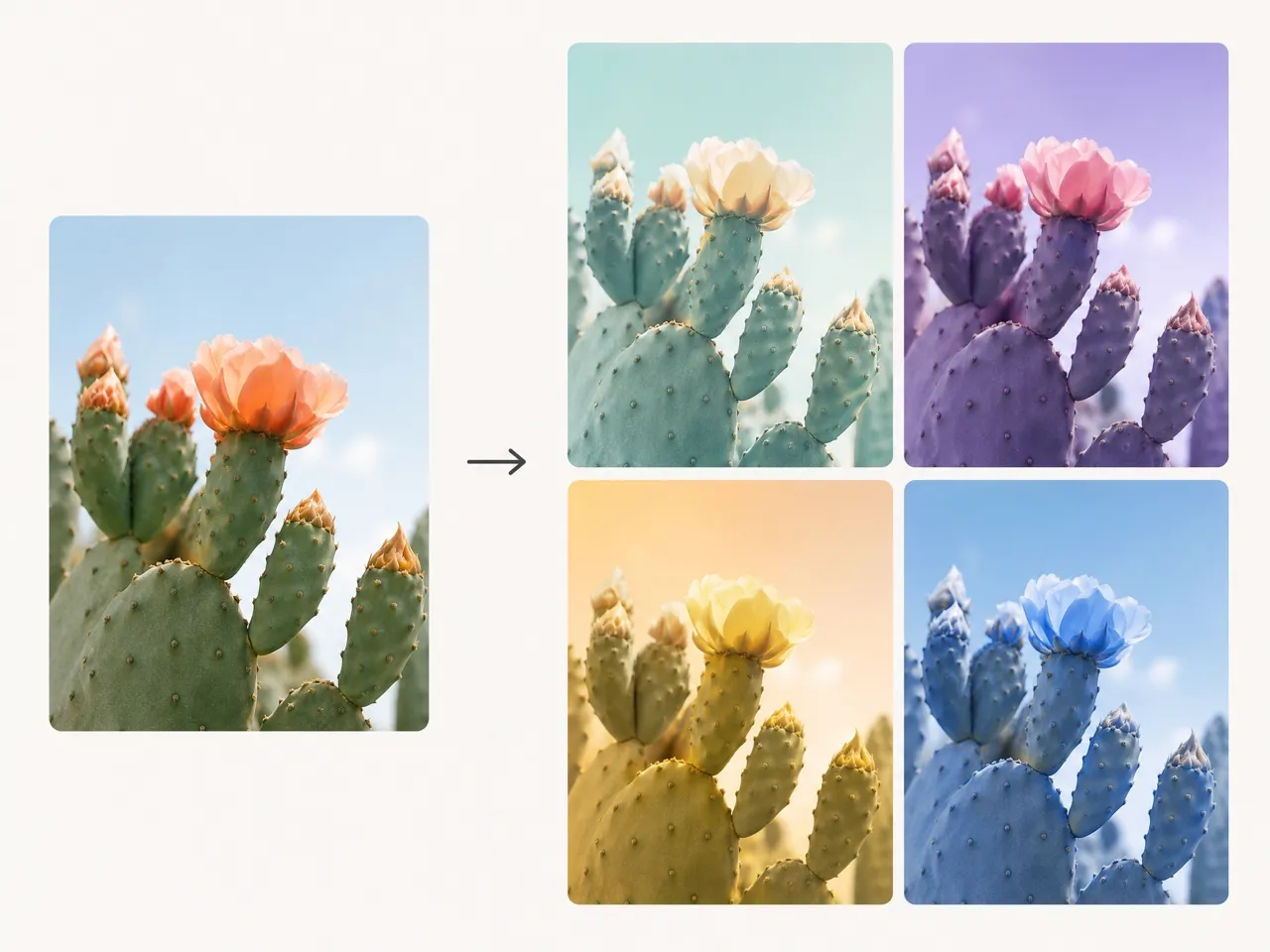
One-Pass Color Reversal for Any Upload
Upload any JPG, PNG, WEBP, or other supported image, and Designkit instantly changes the image color while preserving sharp details and image quality. No manual editing or complex adjustments are required.
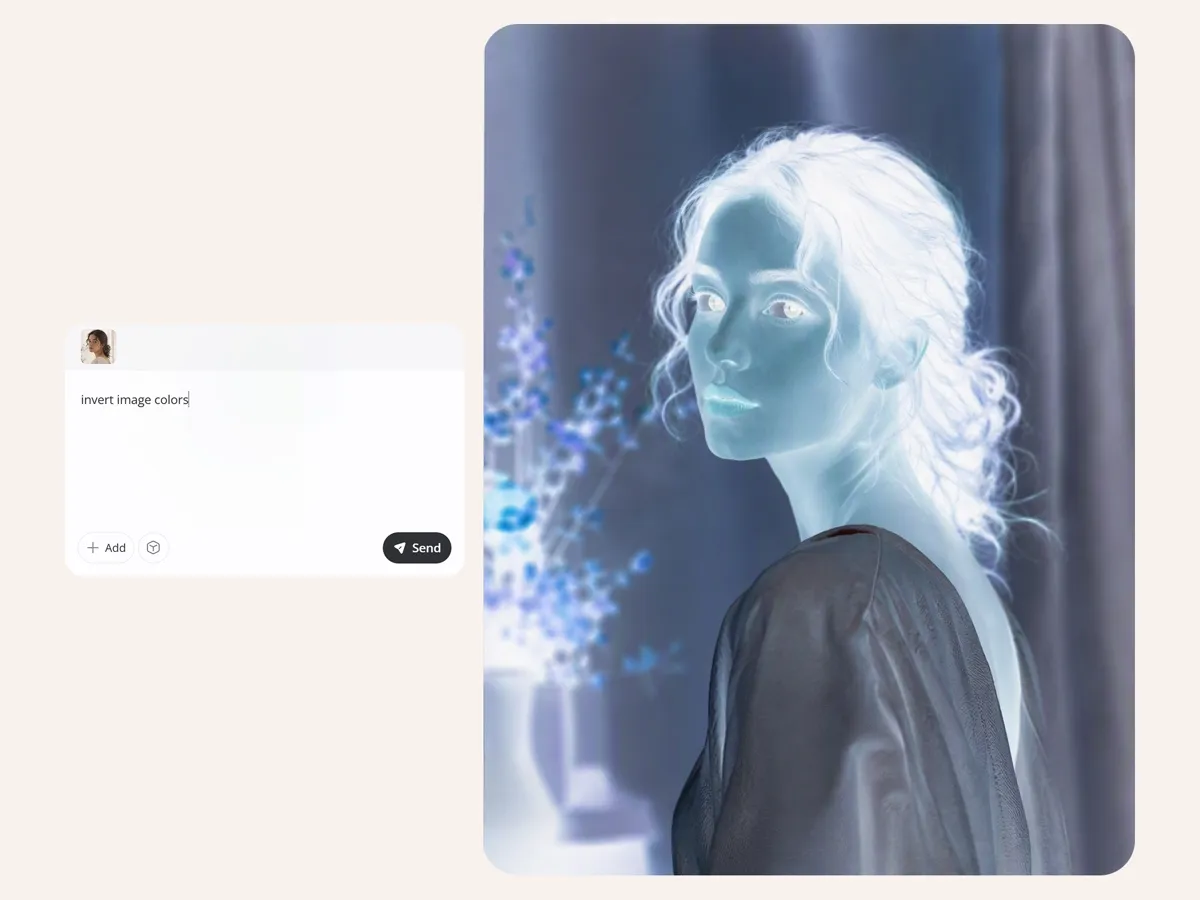
Photo Negative Looks Without Desktop Software
Create classic negative-style photos directly in your browser without installing apps or any desktop editing software. Generate the effect in seconds with a single click using an Image filter for additional creative effect.
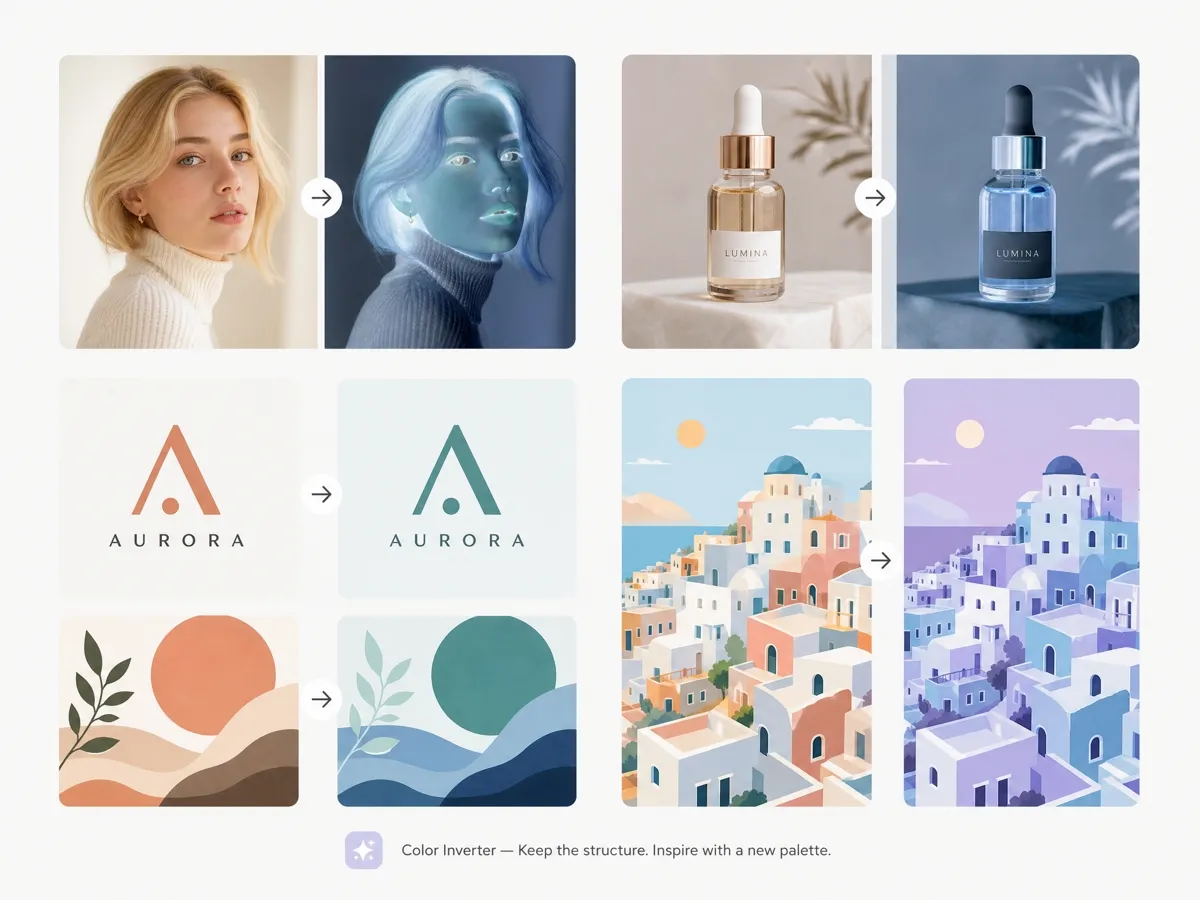
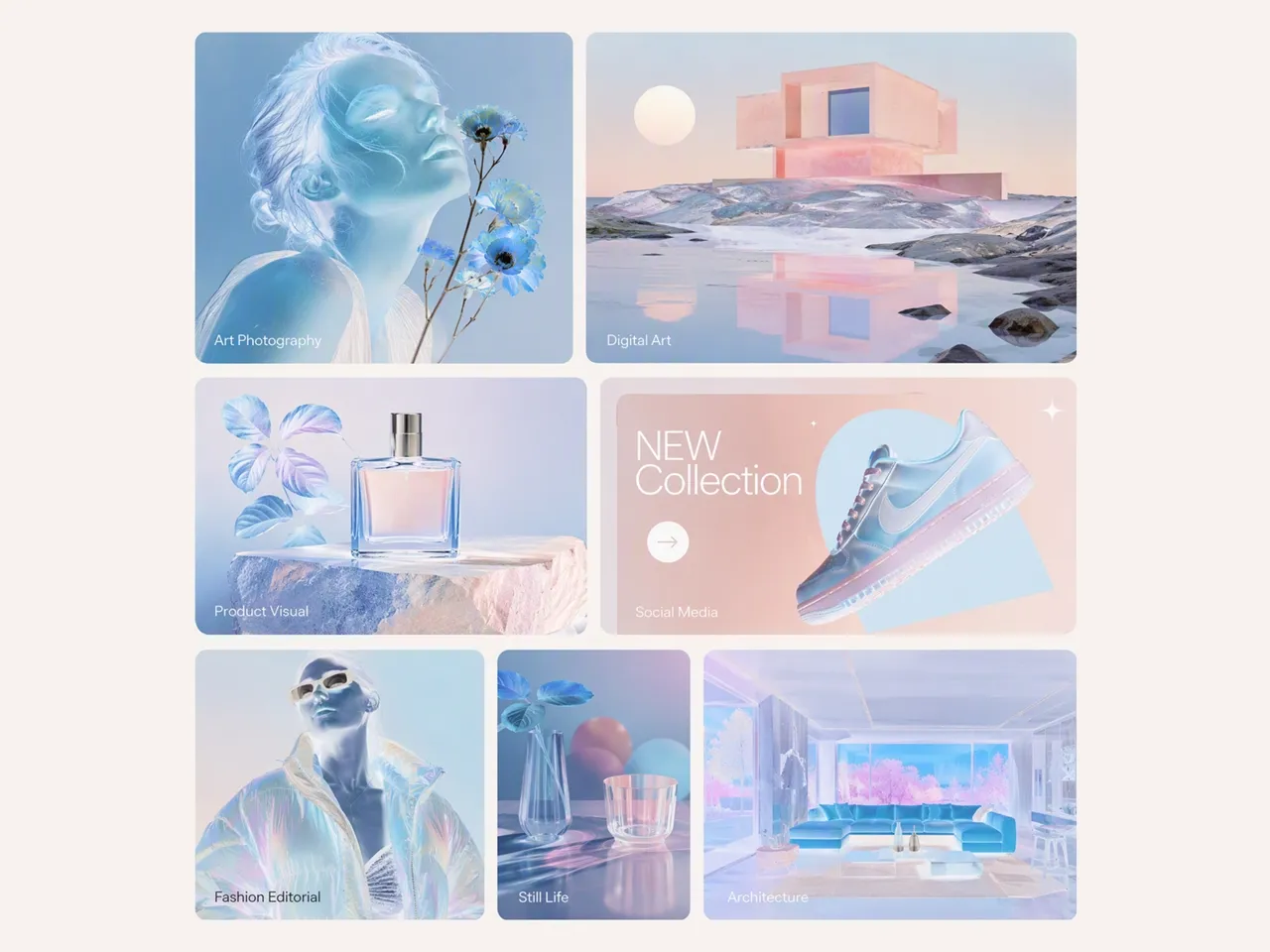
Works Across Photos, Graphics, and Product Shots
Invert colors on portraits, illustrations, logos, product images, marketing graphics, and other visuals. Designkit helps maintain the original composition while creating inverted visuals for different creative projects.
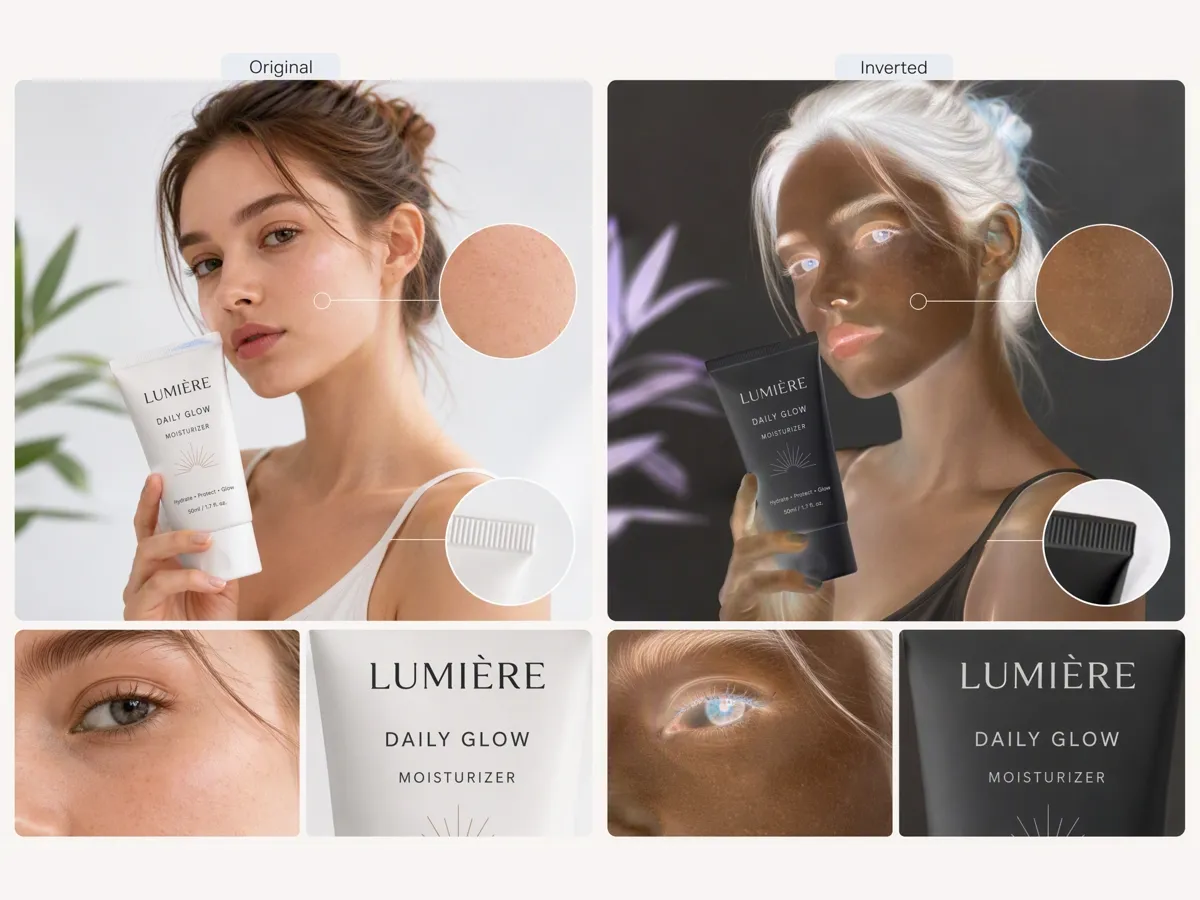
Export-Ready Clarity After Inversion
Download high-quality inverted images suitable for presentations, social media, digital art, creative projects, and professional workflows without noticeable quality loss.
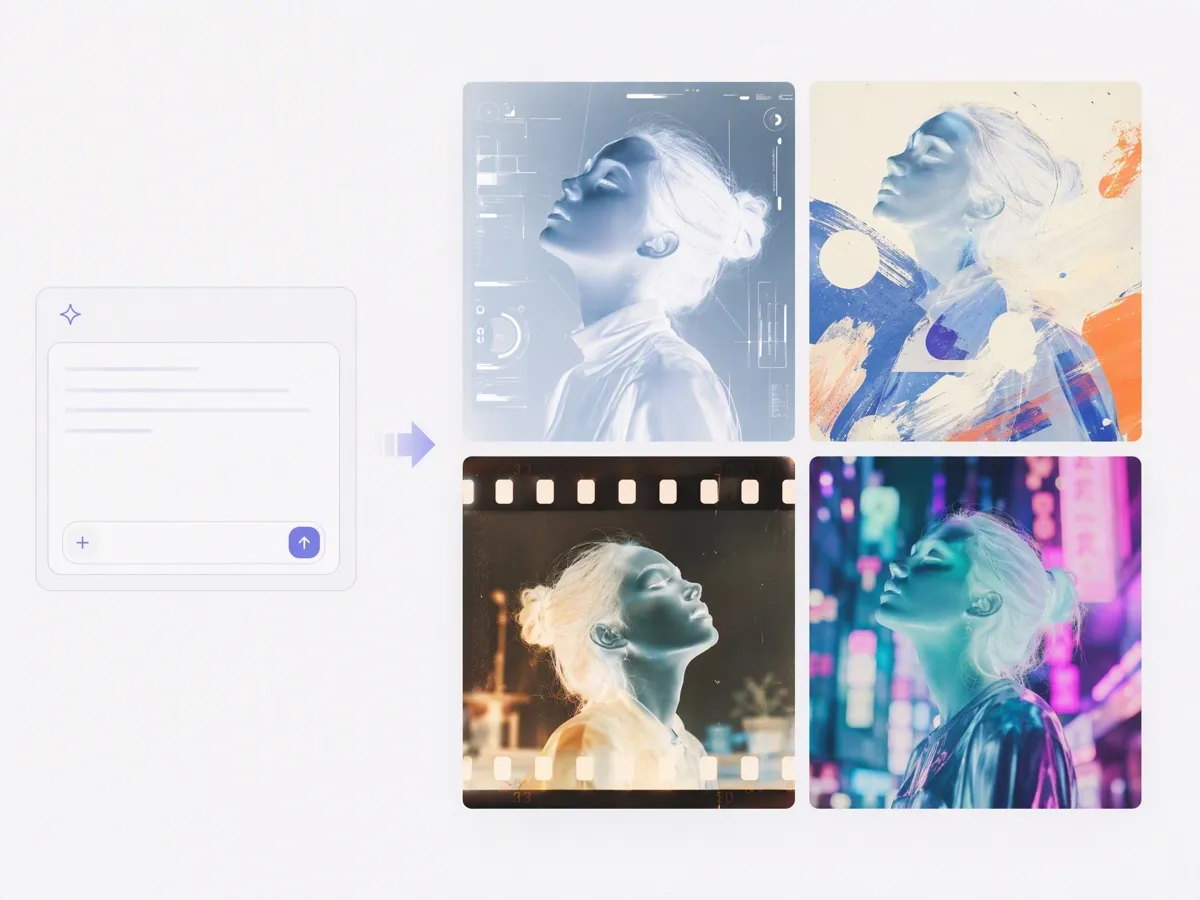
Creative Invert Styles From Prompt Examples
Experiment with inverted color effects for posters, album covers, abstract artwork, gaming assets, and social media content to create distinctive visual styles. You can also explore the AI image generator to create new visual concepts and experiment with different creative directions.
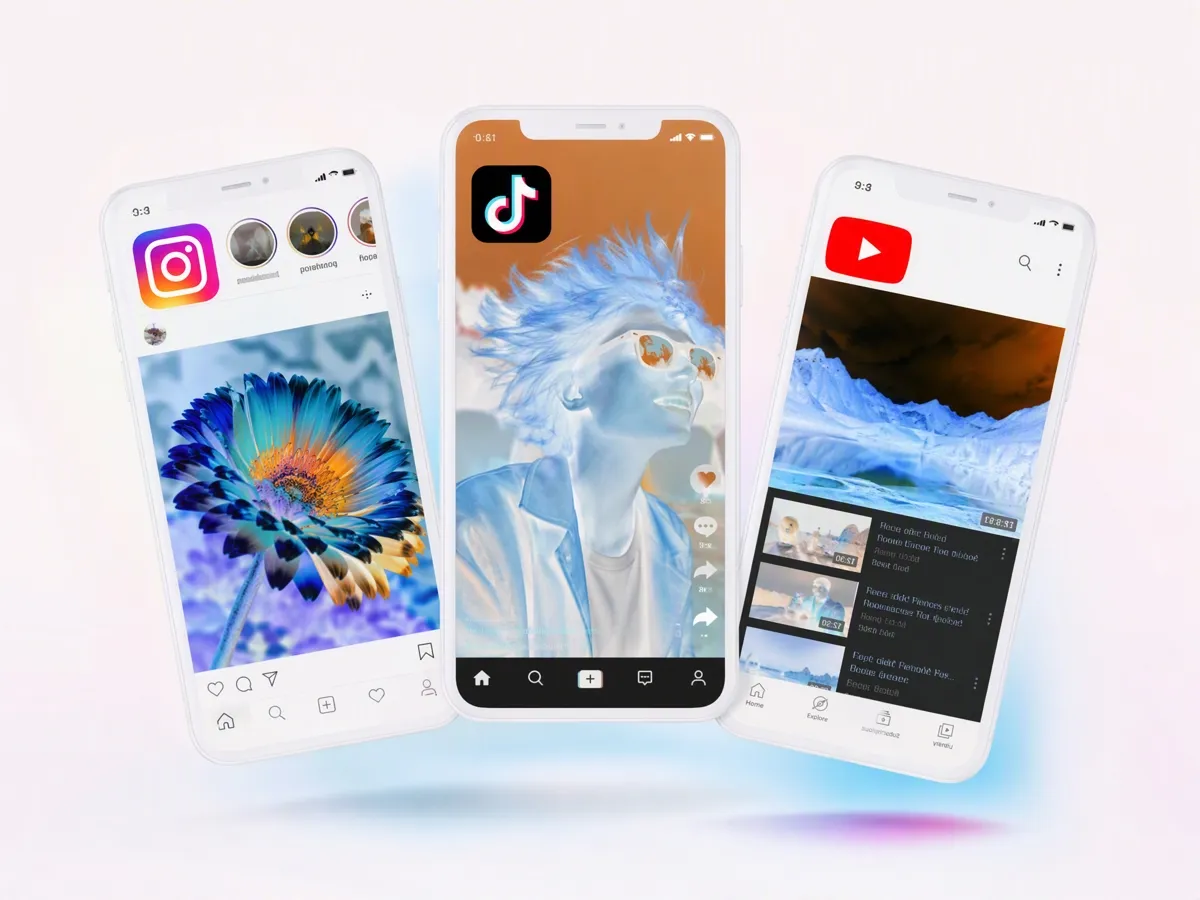
Fast Iteration for Social and Campaign Drafts
Generate multiple inverted versions of the same image in seconds, making it easy to compare creative concepts before publishing or sharing. For platform-specific assets, you can resize images after creating the preferred version.
Color Inversion for Every Creative Project
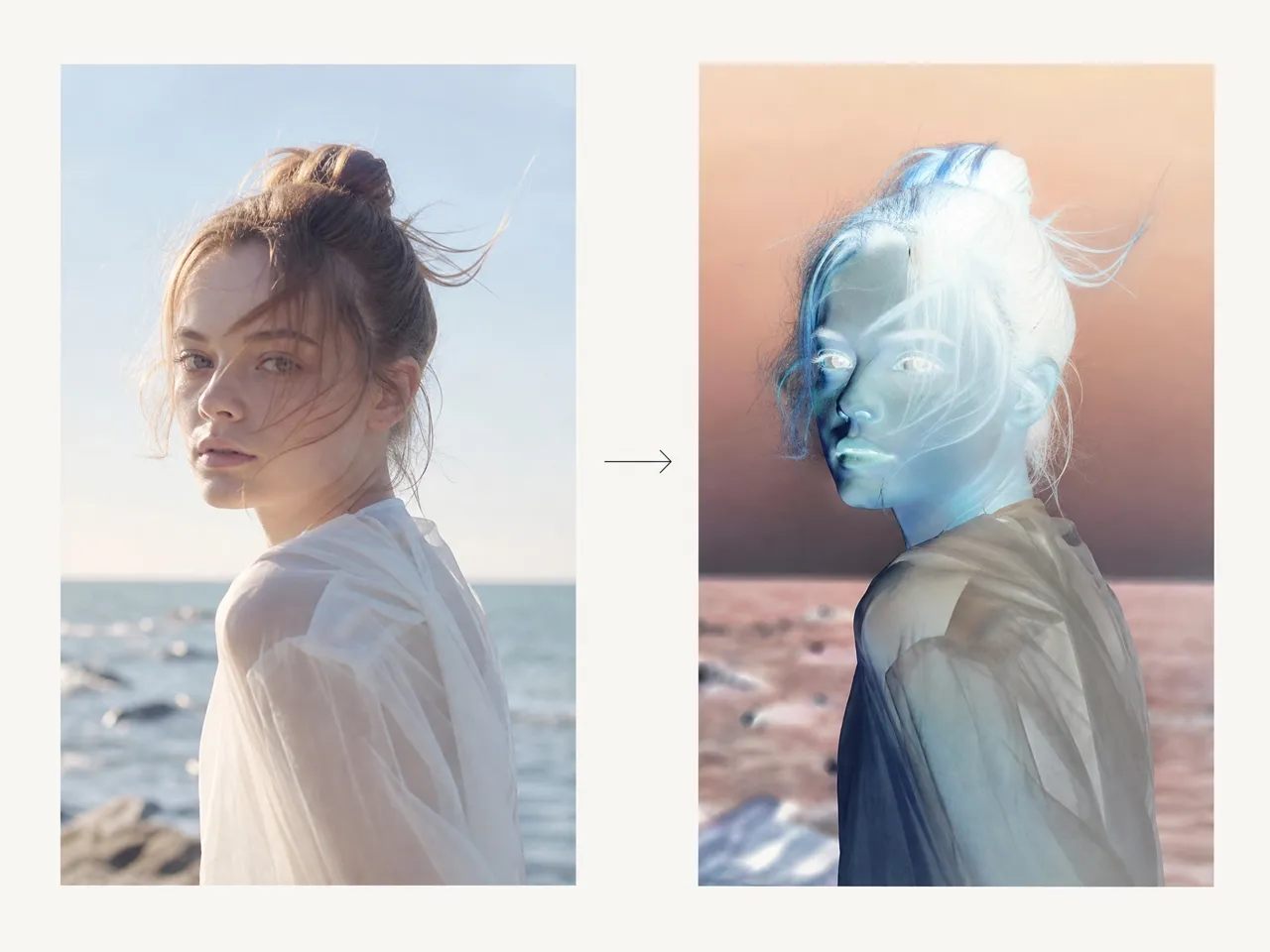
Create Artistic Negative Photography Effects
Photographers can use color inversion to experiment with unusual compositions, contrast changes, and alternative visual styles. Instead of manually adjusting color channels in editing software, they can quickly explore negative-style versions of their photos.
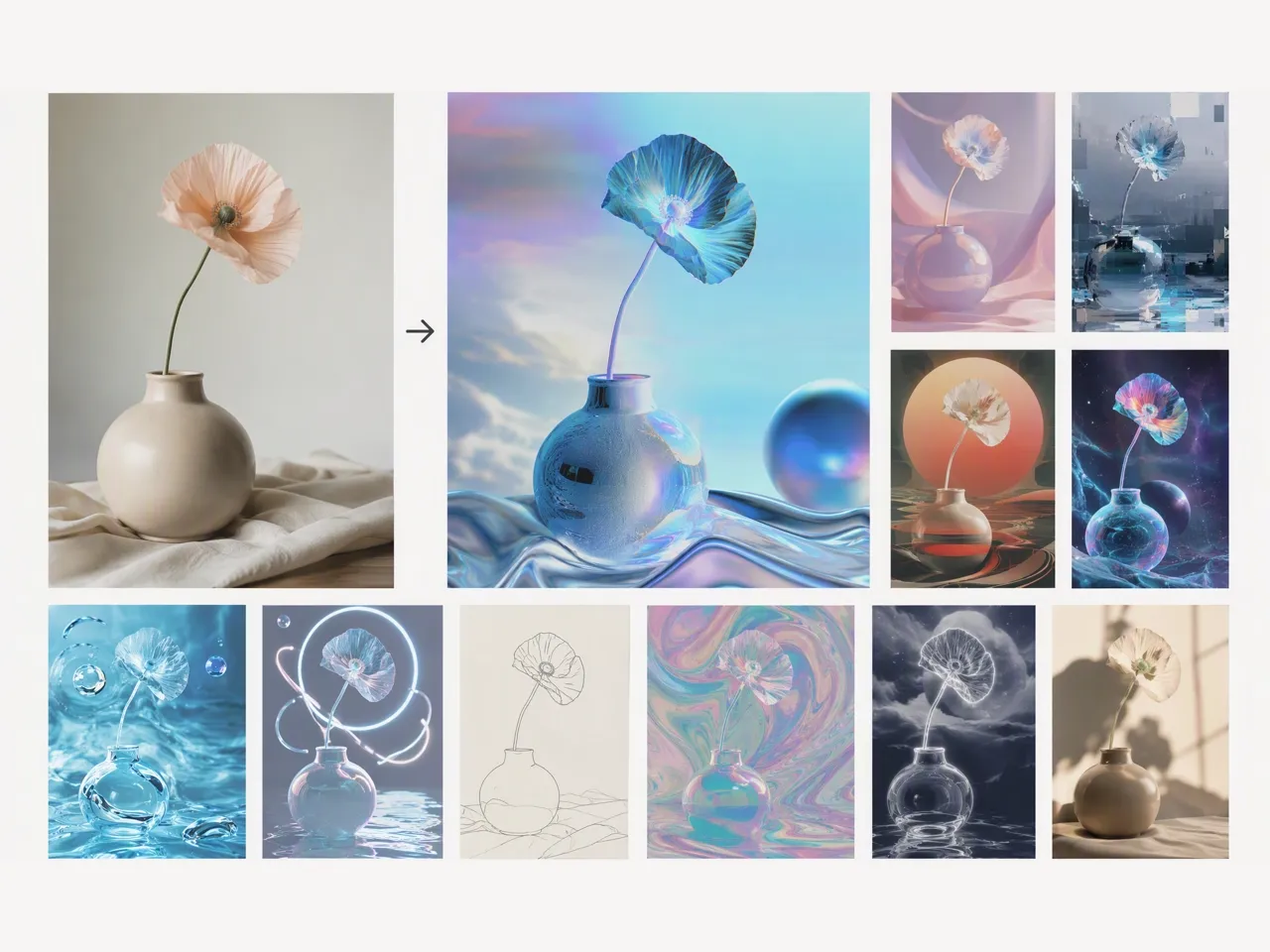
Why Choose Designkit to Reverse Image Colors
Keep More Control Than Basic Online Filters
Unlike simple image filters, Designkit combines color inversion with AI editing tools, helping you continue refining images after applying the effect.

Combine Color Inversion With AI-Powered Editing
Designkit lets you invert image colors directly online without adjusting layers, channels, or manual settings in professional editing software.

Start Creating With Free Credits
Try Designkit's color inverter with free credits and explore AI-powered image editing features before upgrading.
Unlock More Creative Possibilities
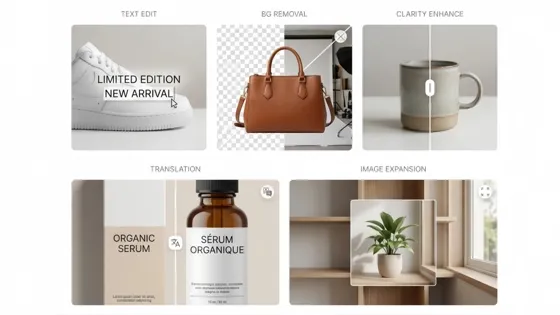
Photo Editor for E-Commerce Sellers
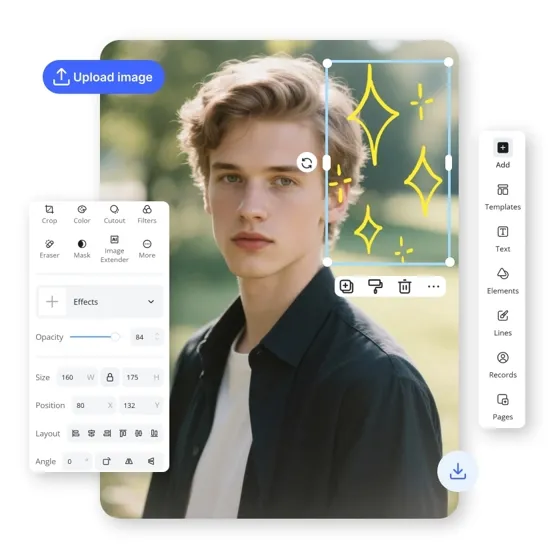
AI Photo Editor
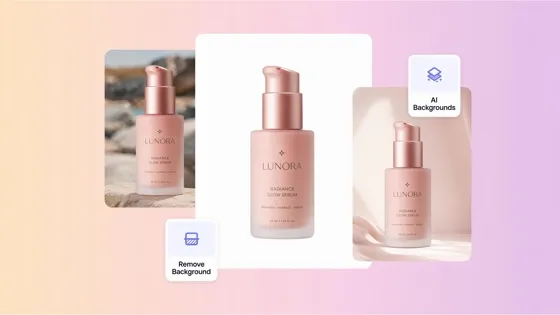
AI Beauty Photo Editor
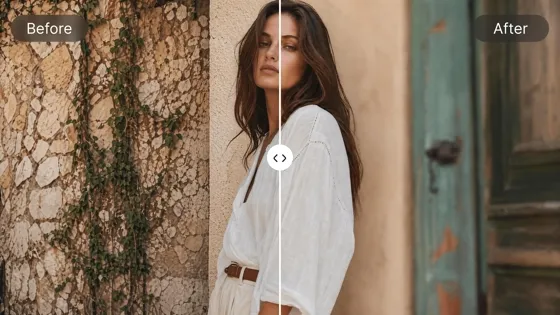
Blur Photo Online Free
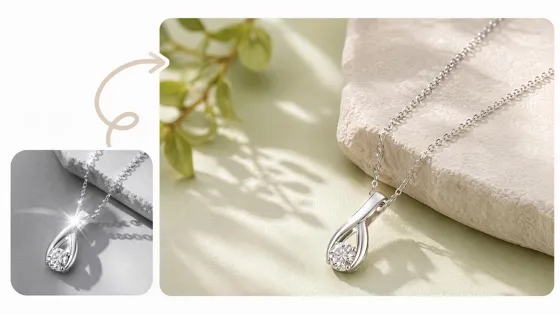
AI Jewelry Photo Editor
AI Product Photo Editing Tool
AI Retouch Photo Online
Photo Stitcher Online
Frequently Asked Questions
What is a color inverter?
How do I invert an image online?
Upload your photo to Designkit, apply the color inversion effect, and preview the result before downloading. You can use it to invert photos, illustrations, graphics, and other image types without manually adjusting color settings.
Can I invert colors on a photo without changing the image quality?
Yes. Color inversion changes the appearance of an image rather than reducing its resolution or sharpness. Designkit keeps important details such as edges, textures, and shapes while applying the inverted color effect.
Does a color inverter work with PNG and JPG images?
Yes. Designkit supports common image formats such as JPG, PNG, and WEBP, so you can upload most standard photos and graphics directly. You do not need to convert your files before applying the color inversion effect.
Can I use a color inverter for product images?
Yes. You can use a color inverter on product photos to explore alternative visual styles for campaigns, presentations, or creative concepts. For ecommerce images, it is recommended to preview the inverted result carefully to ensure the product appearance still matches your intended message.
What is the difference between a color inverter and a photo filter?
A photo filter usually adds a preset style, tone, or effect on top of an image. A color inverter works differently by reversing the existing colors in the image to create a negative-style result. Both can change the appearance of a photo, but they are used for different creative purposes.
Turn Ordinary Images Into Unique Visual Experiments
Explore new creative directions from your existing photos, artwork, and graphics with AI-powered editing tools. Start with free credits and discover new ways to transform your visuals.

What Users Say About Designkit Color Inverter
Real experiences from photographers, designers, students, and creators using Designkit to experiment with inverted images and creative visual effects.
Helped Me Create Negative Effects Without Manual Editing
I wanted to create a few negative-style photos for a personal project, but I didn't want to spend time figuring out complicated editing settings. Designkit let me upload my images and try different inverted effects quickly while keeping the photos looking clean.
Useful for Exploring New Design Ideas
I often test different visual directions before choosing a final design. The color inverter helped me see unexpected color combinations from existing images, which gave me more ideas for posters and creative projects.
Save Time During Digital Art Experiments
Color inversion is usually one of the steps in my artwork process. Instead of manually adjusting colors every time, I can quickly create a reversed version and use it as a reference for the next stage of editing.
A Simple Tool for Marketing Visual Experiments
Sometimes we need quick visual variations before deciding on a campaign direction. Designkit helps us test different image styles without opening a full editing program for every small change. FAQs