
AI Filter: Transform Any Photo with Creative AI Effects
Turn ordinary photos into eye-catching visuals using AI filters, from cinematic and vintage to illustrated and artistic looks.
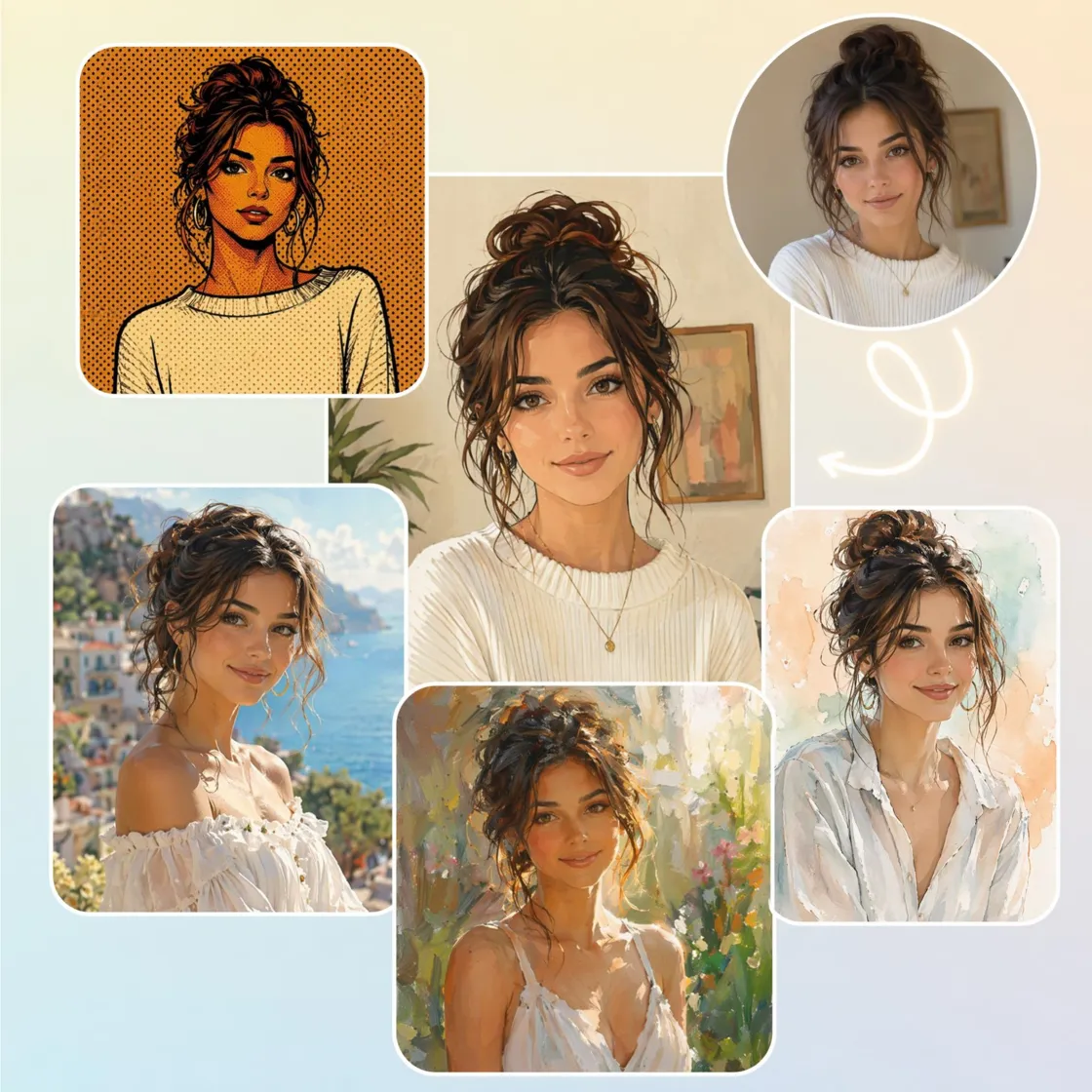
Create Beautiful Images Instantly with AI Filters
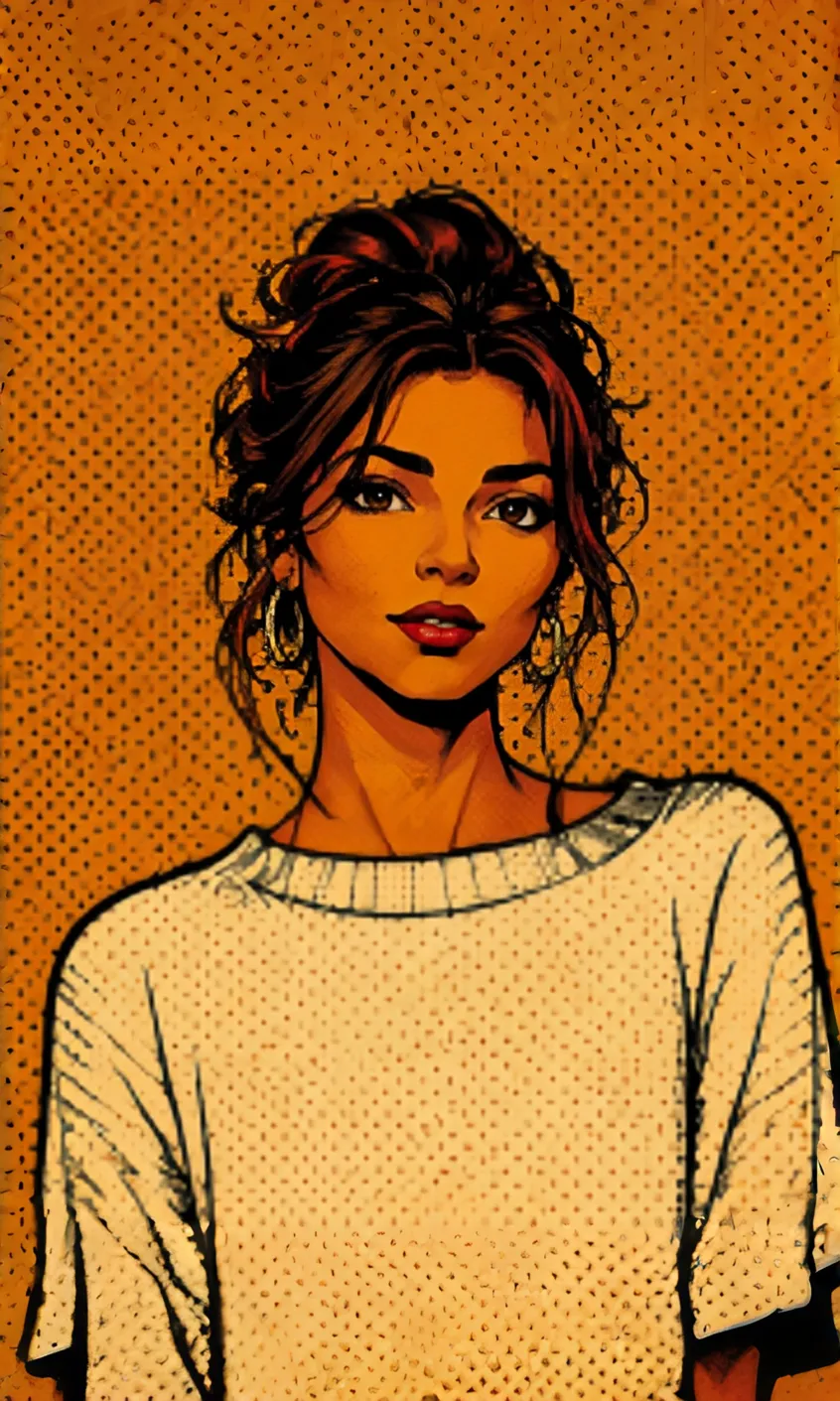
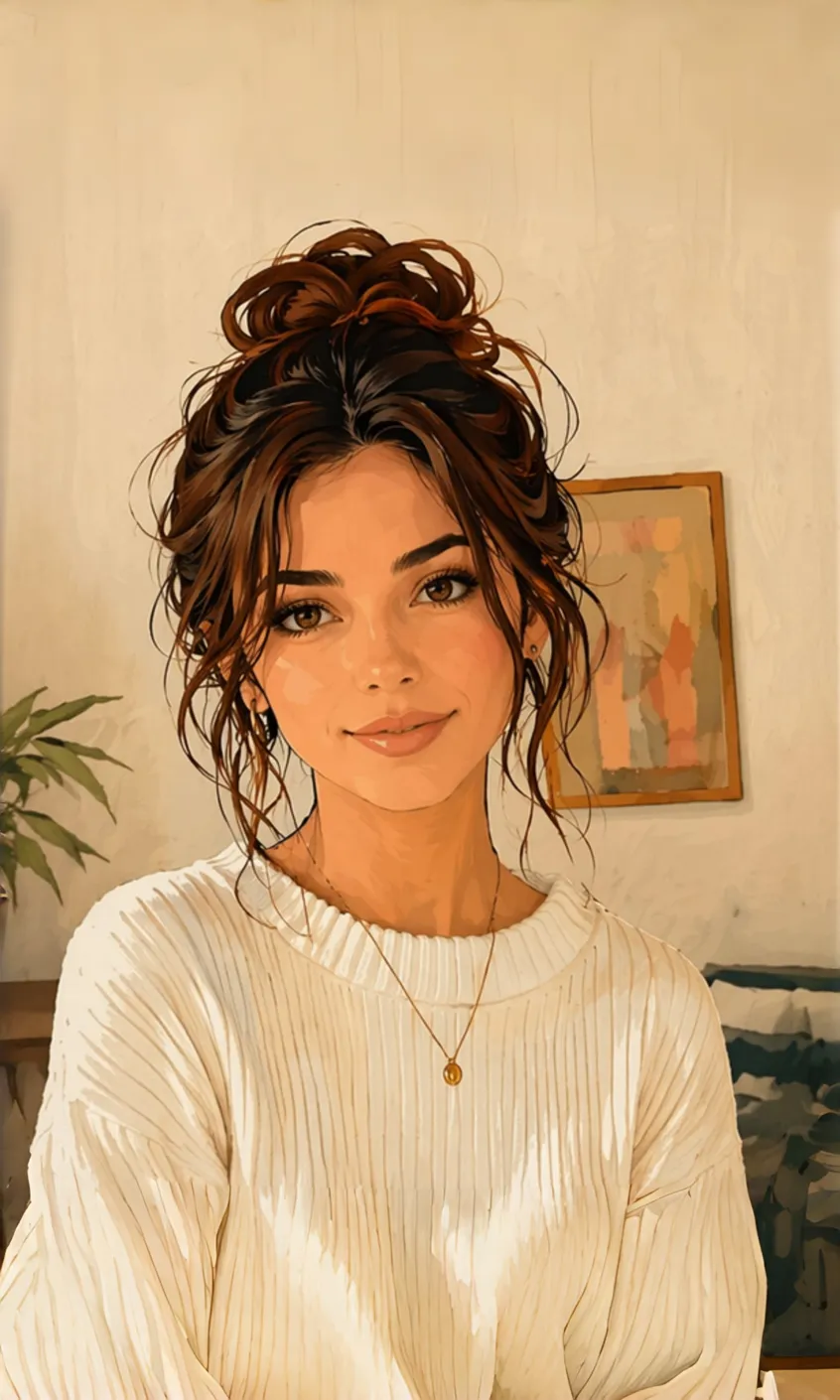
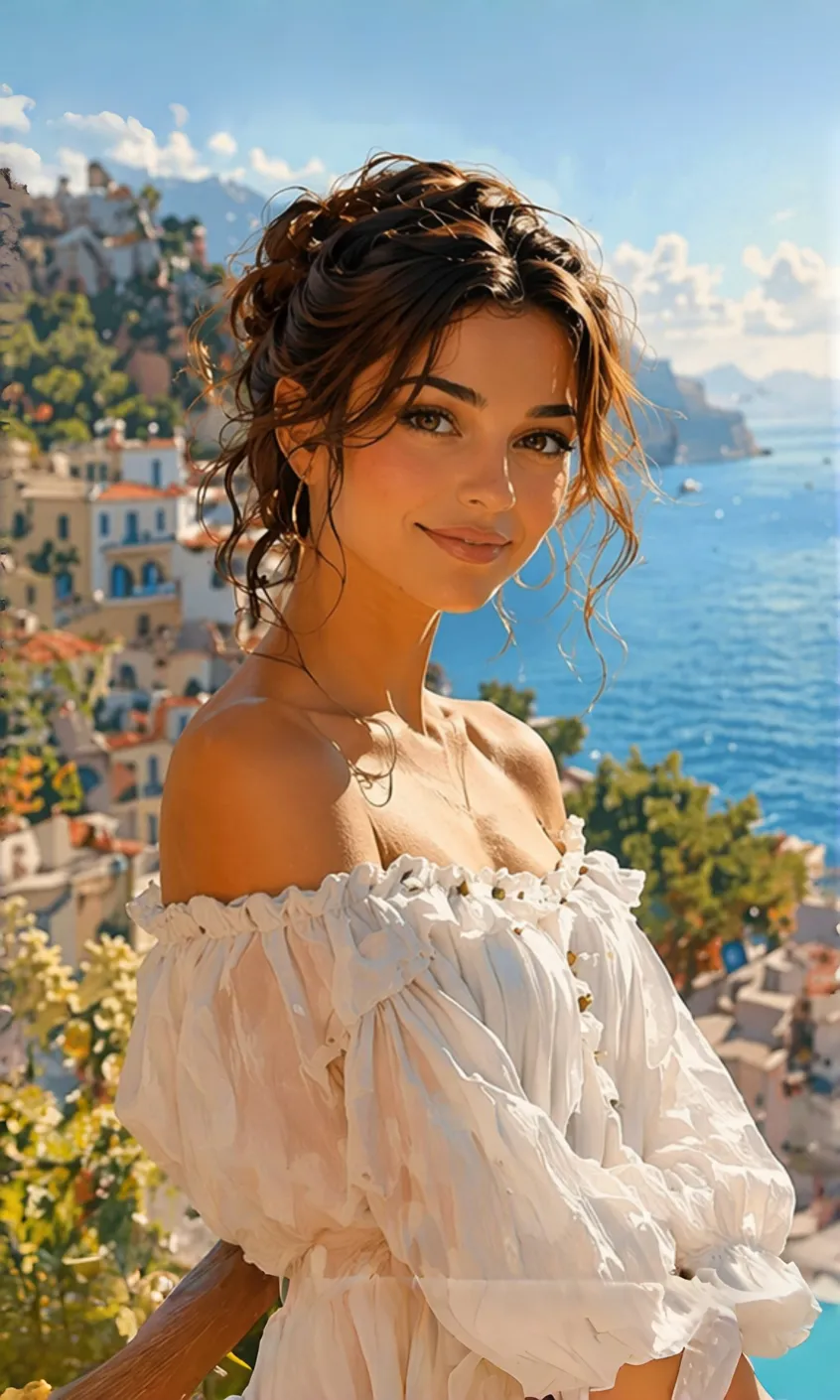
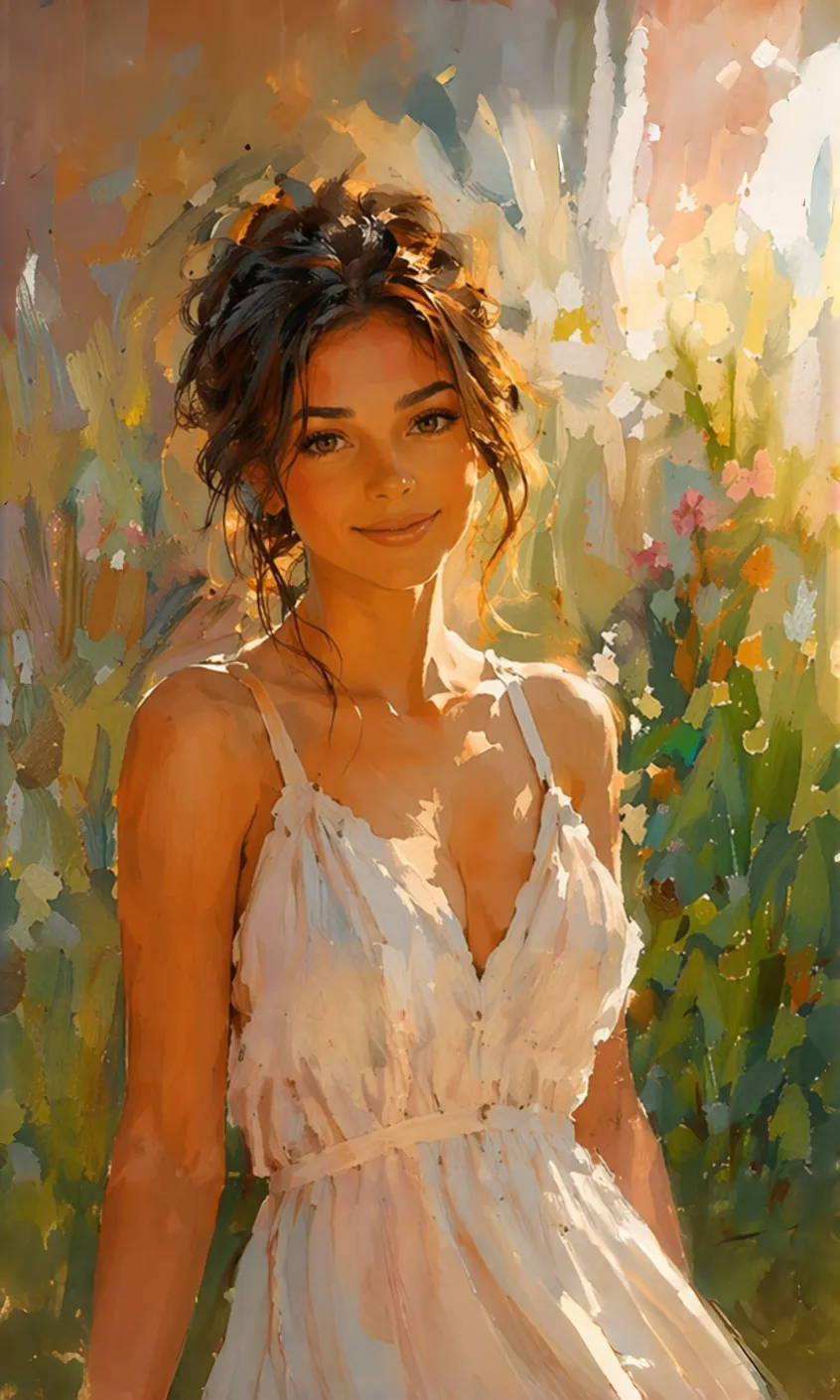
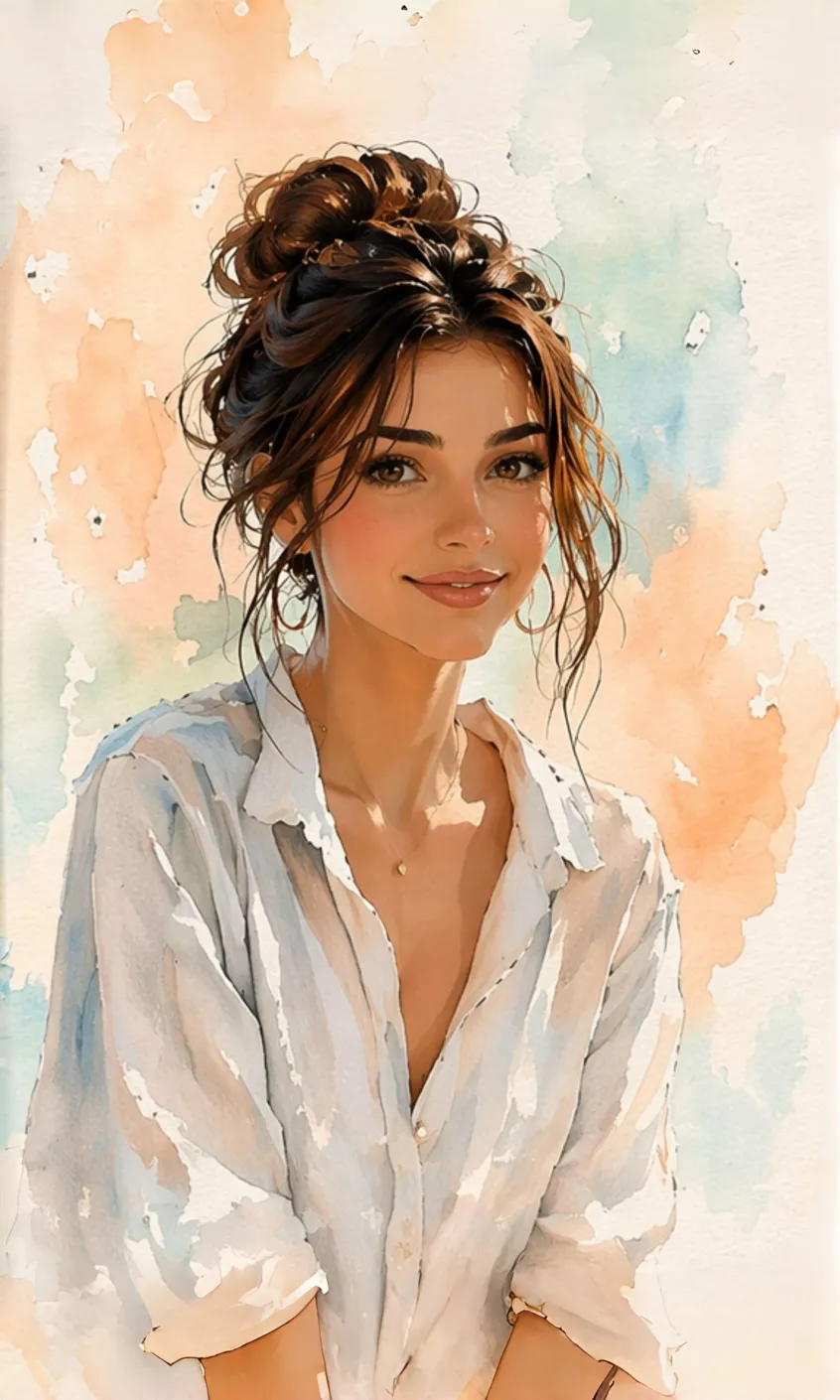
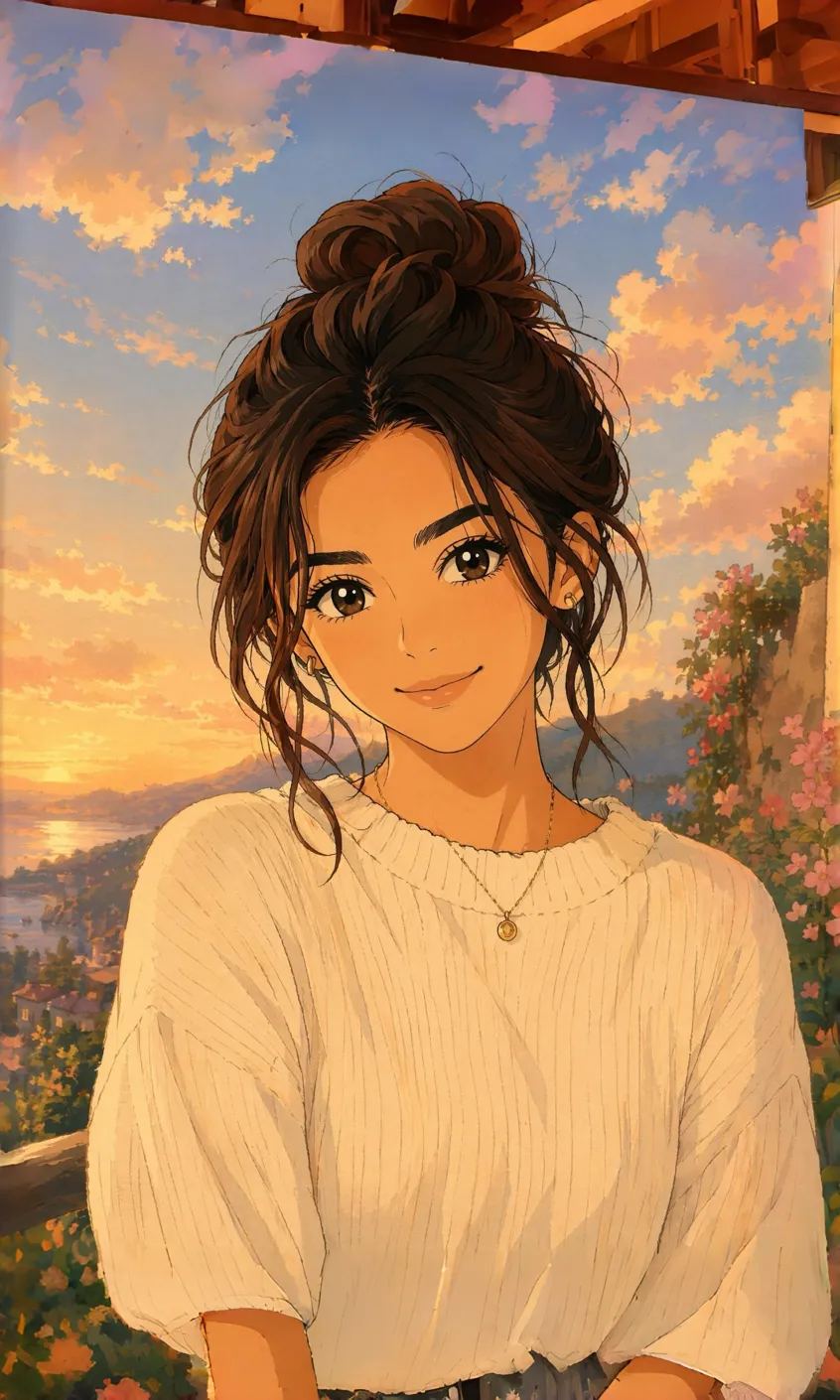
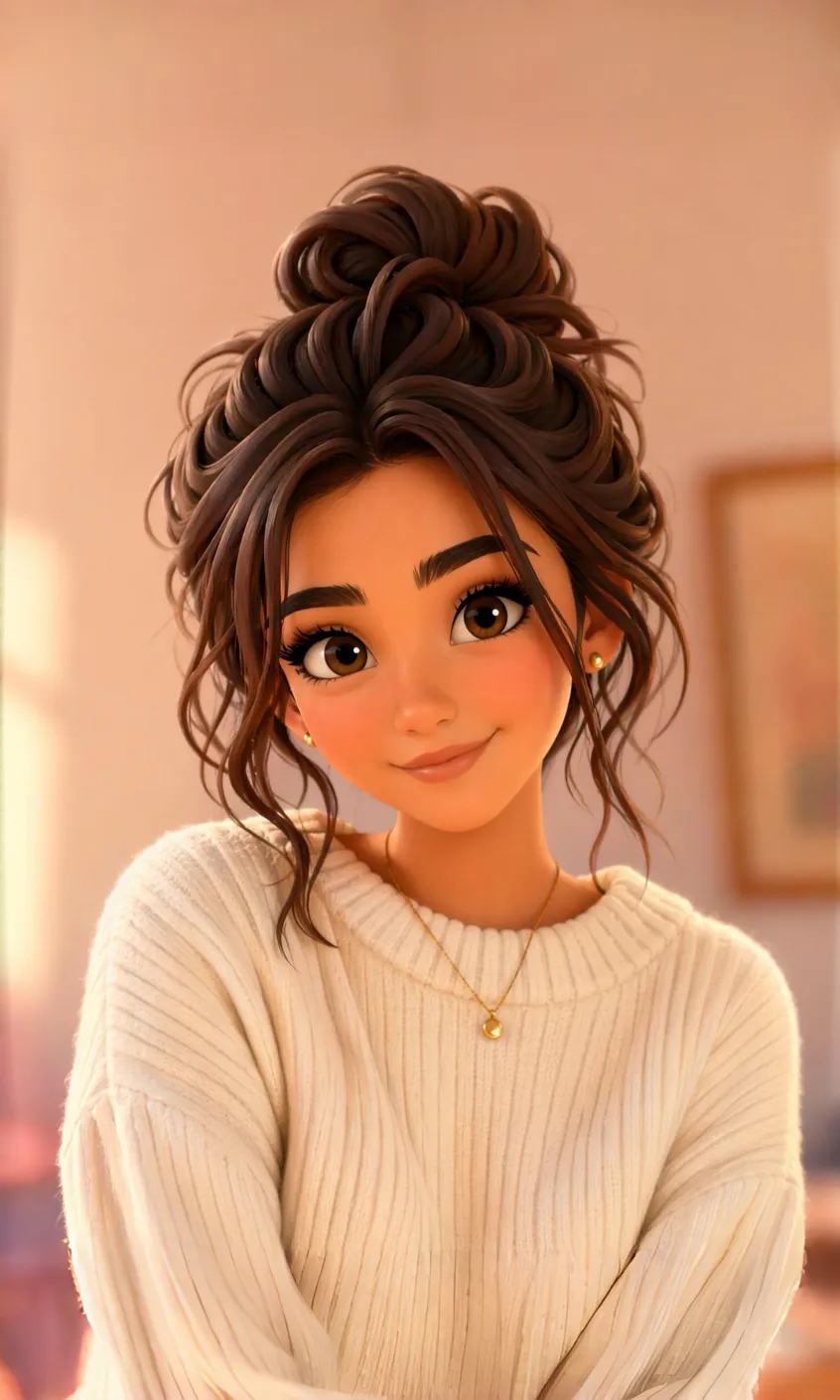
How to Apply an AI Filter in 3 Steps
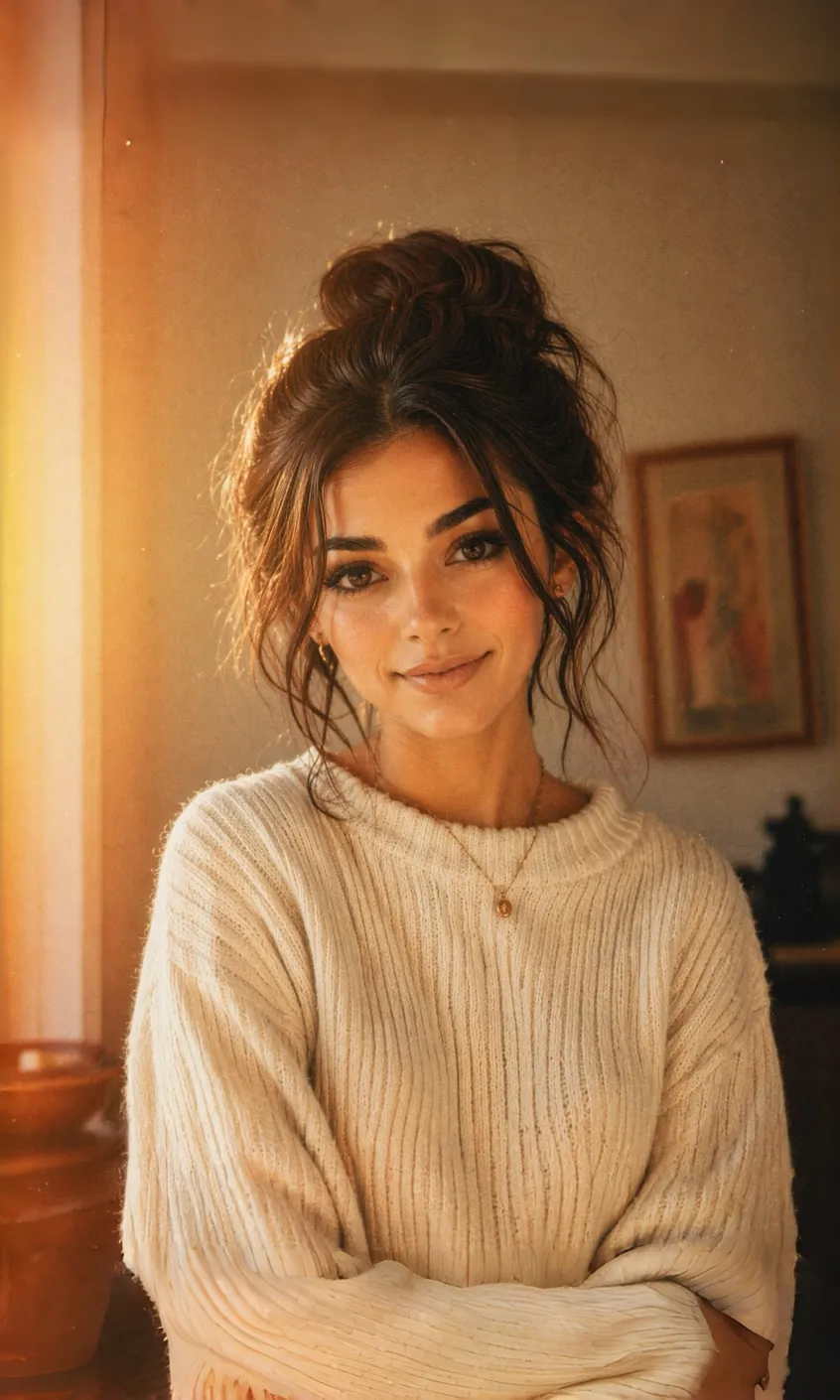
Upload Your Photo
Start with any portrait, selfie, landscape, pet photo, or travel shot to Designkit and turn it into a new AI-generated style in seconds with one click.
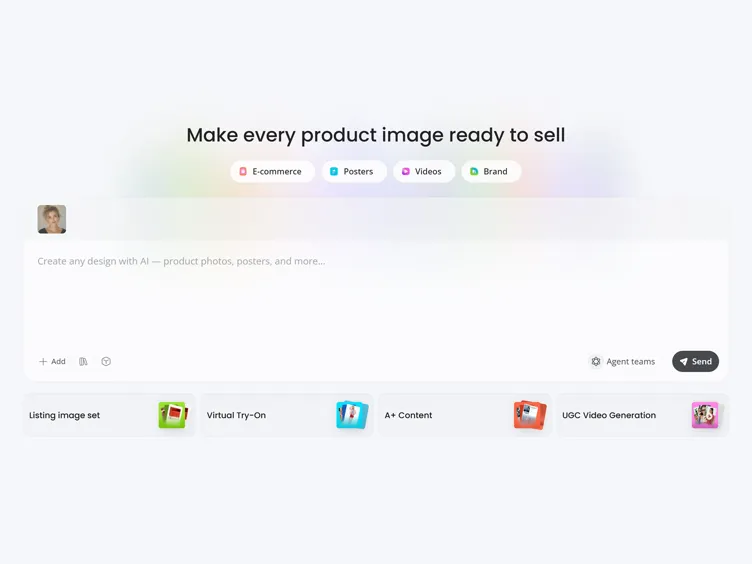
Describe the Style You Want
Describe the look you want in plain words, like anime, sketch, watercolor, comic, or cinematic, and the AI turns your photo into that style instantly.
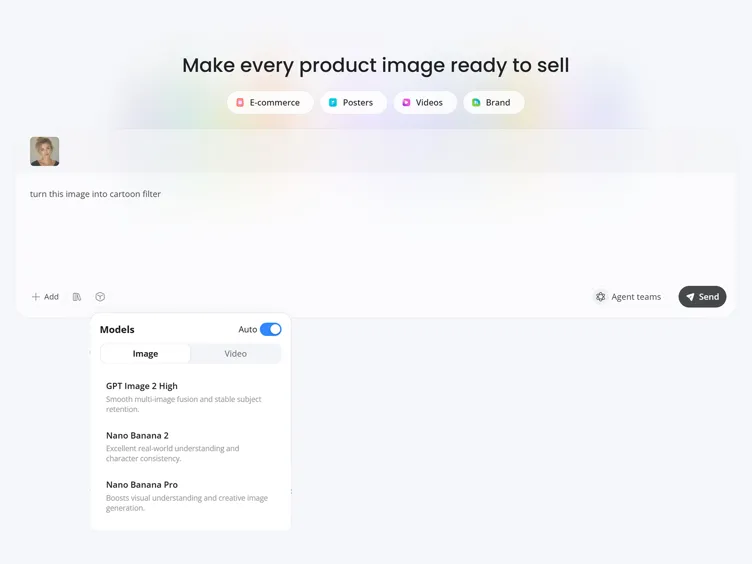
Preview and Download
Preview the result, compare style variations, and choose the version you like best. Then download your restyled image for social posts, profiles, or creative projects.
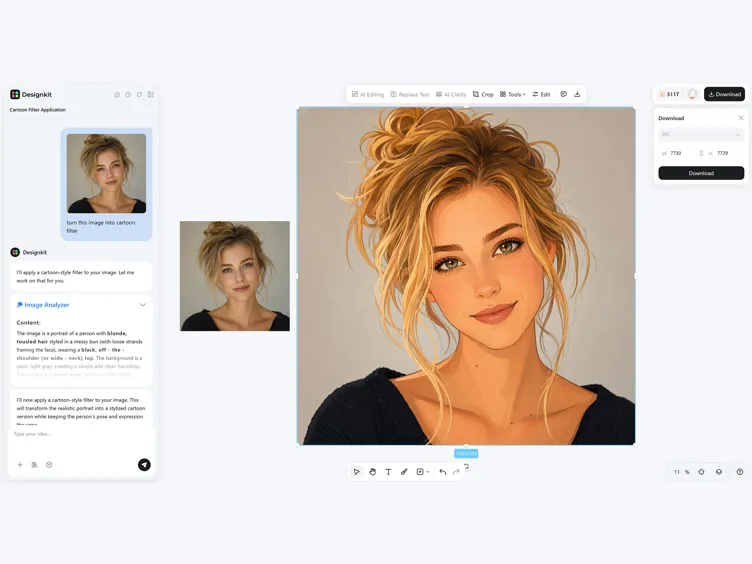
What You Can Do with Designkit's AI Filter
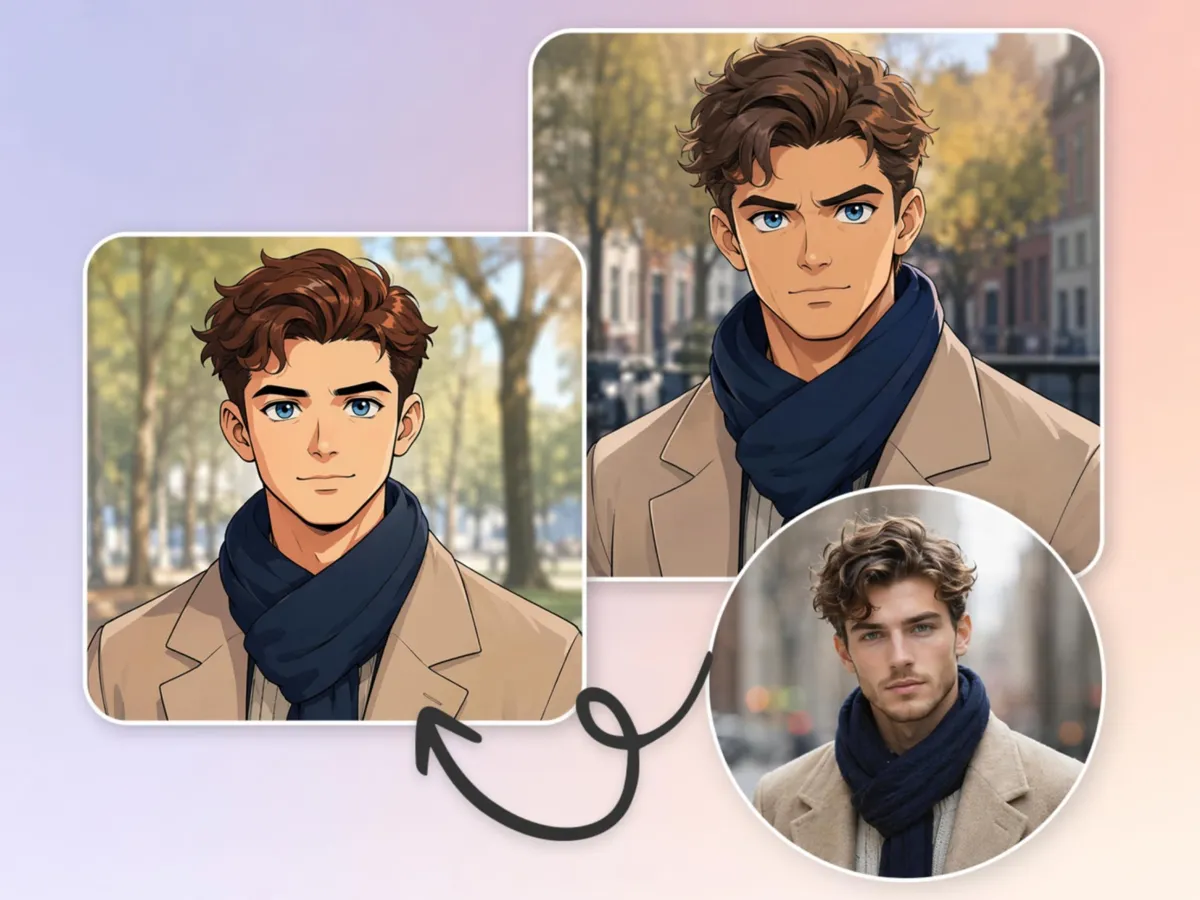
Restyle Photos Into AI Art Looks
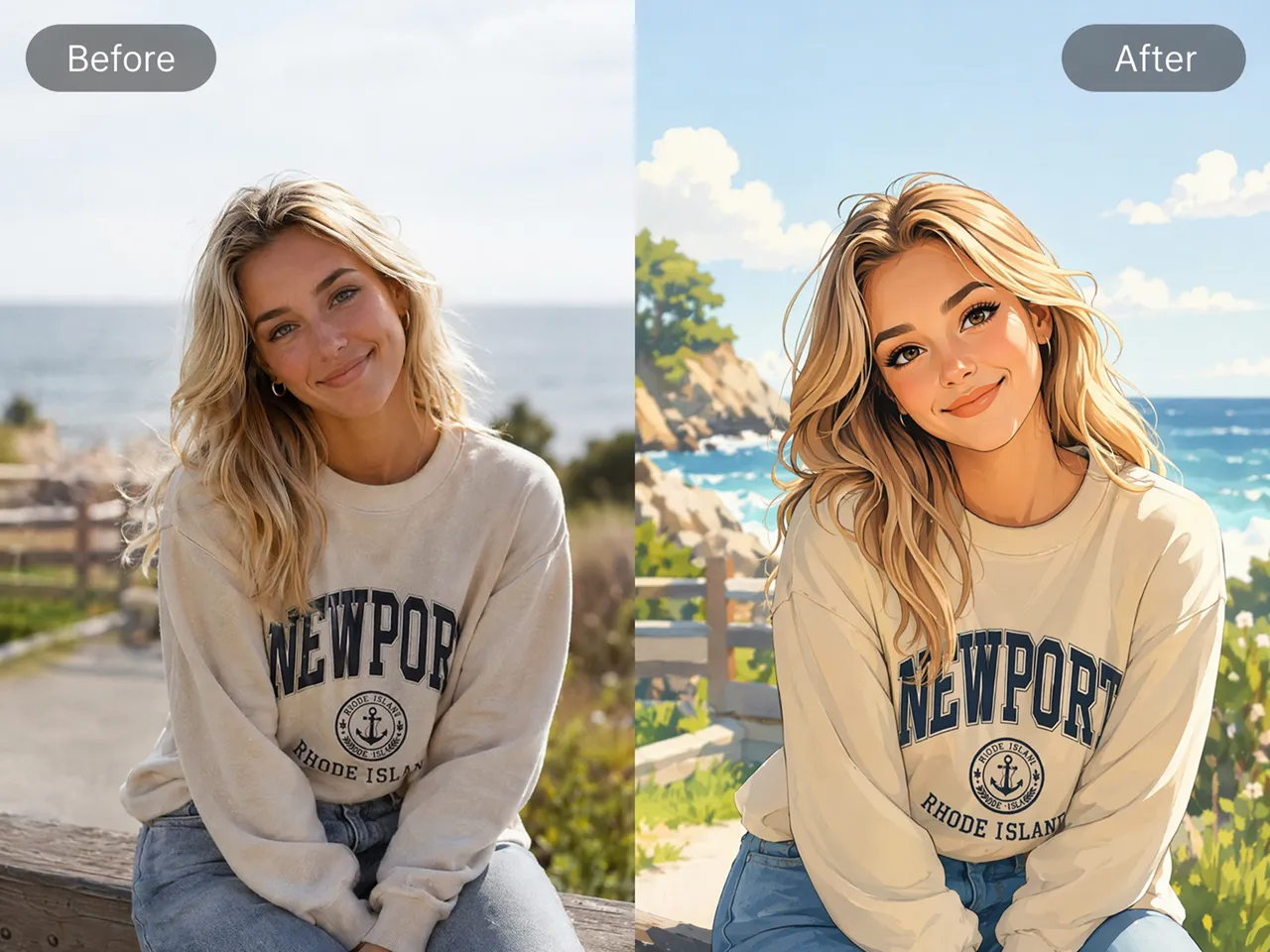
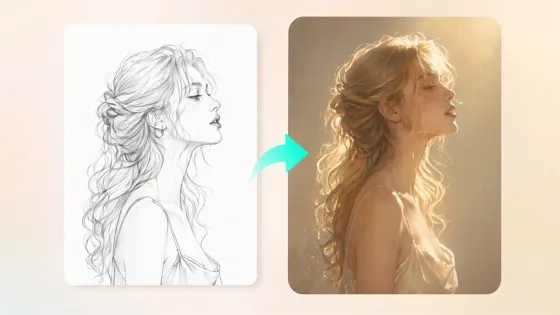
Turn a single photo into anime, painting, sketch, comic, cinematic, or fantasy artwork without creating the image from scratch. Designkit reinterprets the original photo into a new visual style for creative content, avatars, and artistic projects.
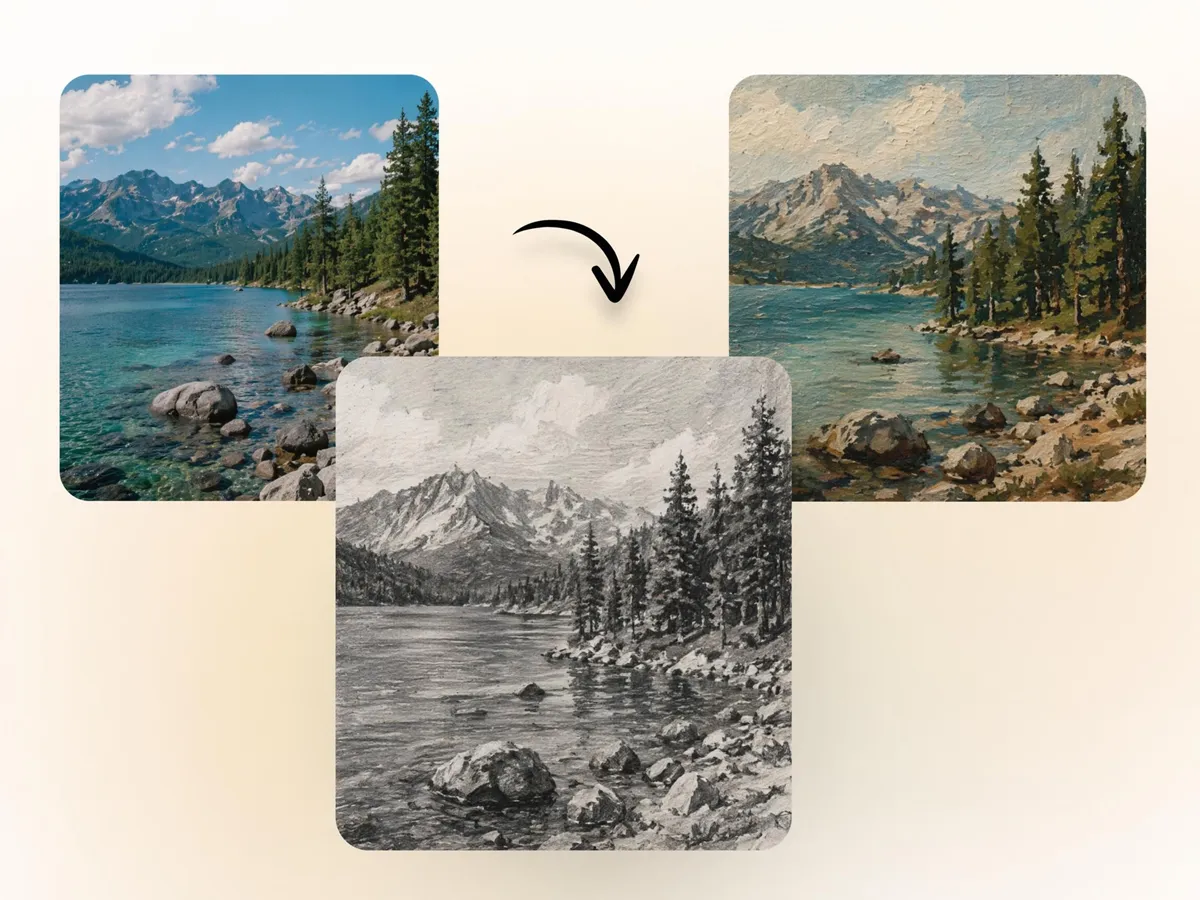
AI Filter Styles for Every Creative Need
Fixed filter libraries often limit creative options. Describe any look in your own words, and the AI image generator in Designkit generates a matching style from your prompt. From watercolor and cyberpunk to illustrated and 3D-inspired visuals, you're not restricted to preset effects.
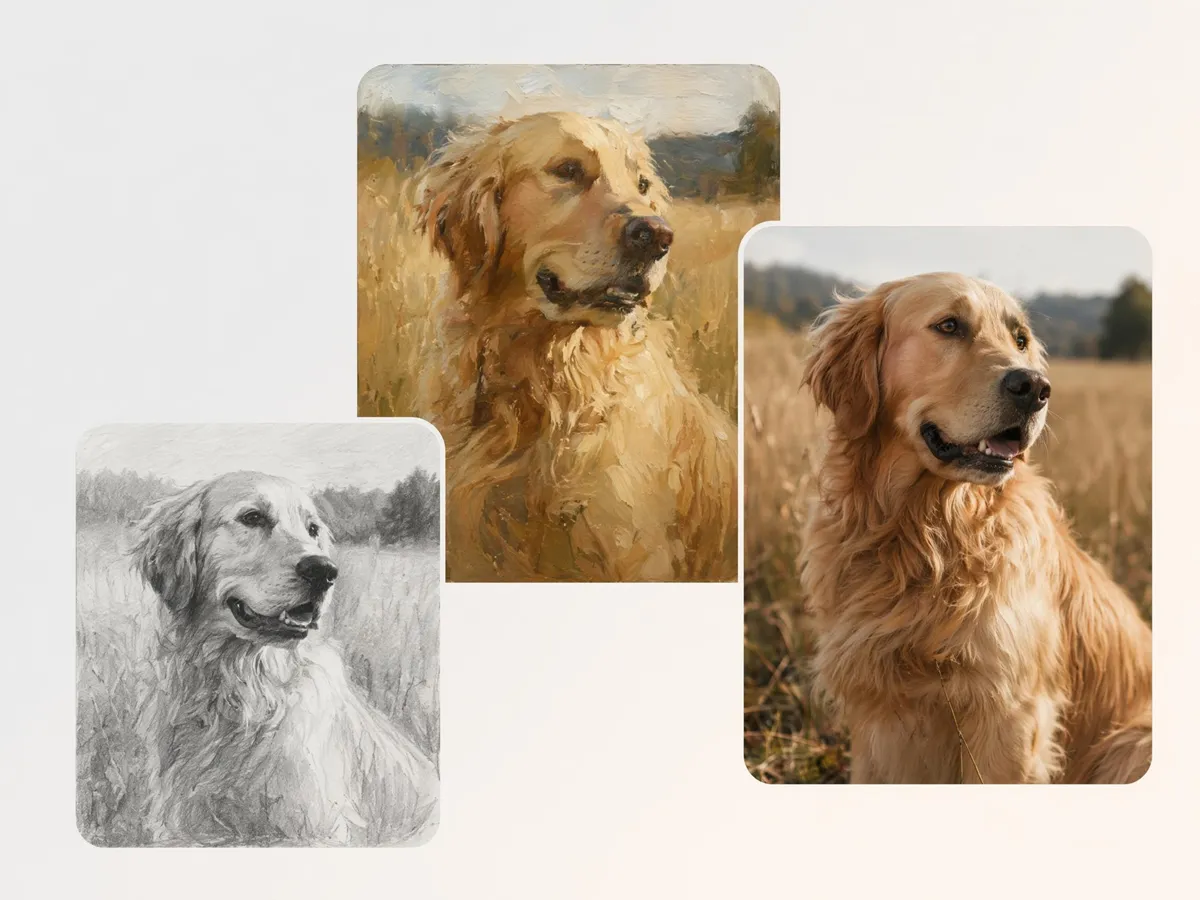
Restyle Portraits Without Losing the Subject
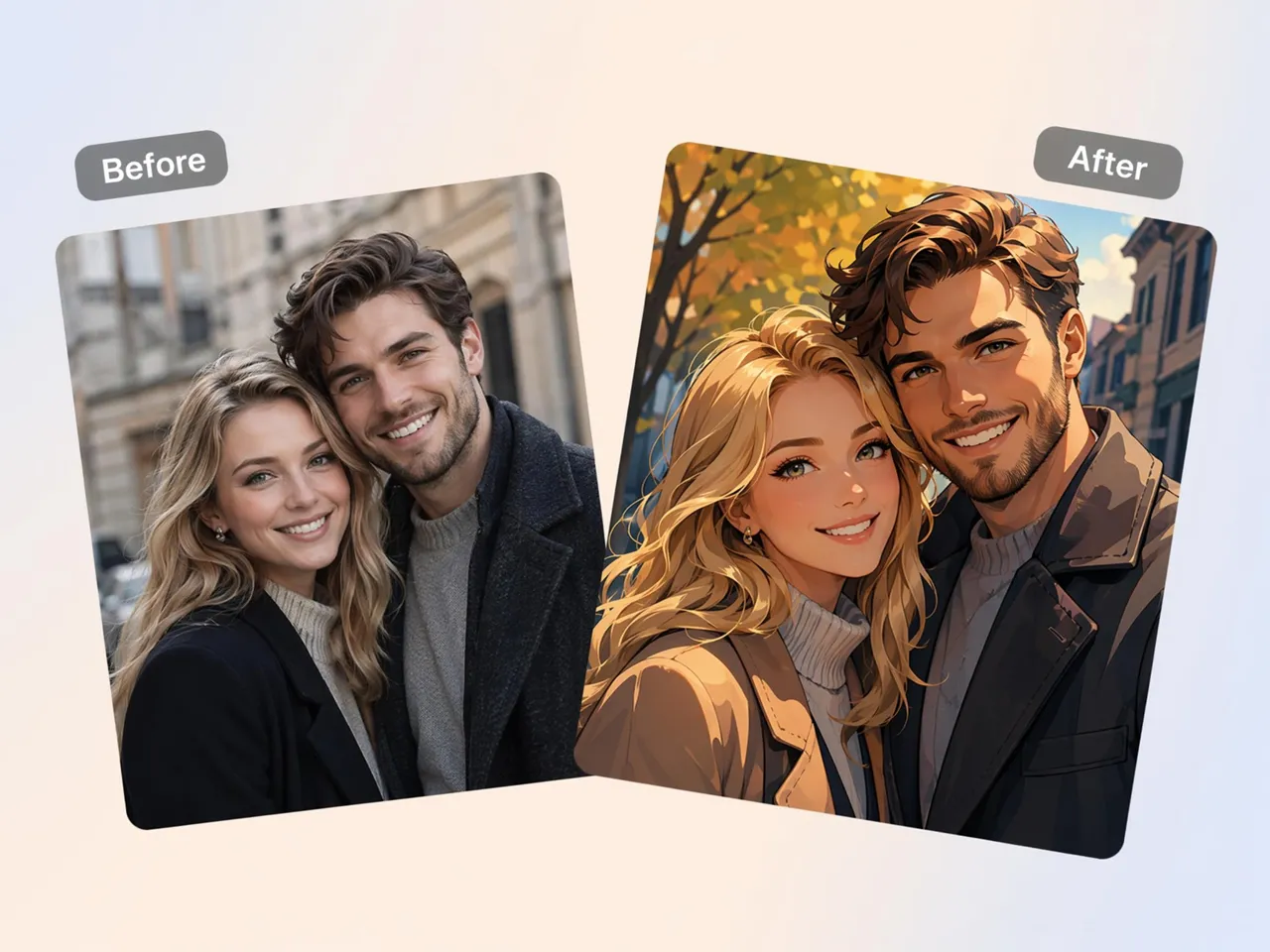
Many style-transfer tools make faces unrecognizable after transformation. Designkit applies artistic photo filters while preserving key facial features, making selfies, profile photos, and portraits feel creative while still looking like the original person.
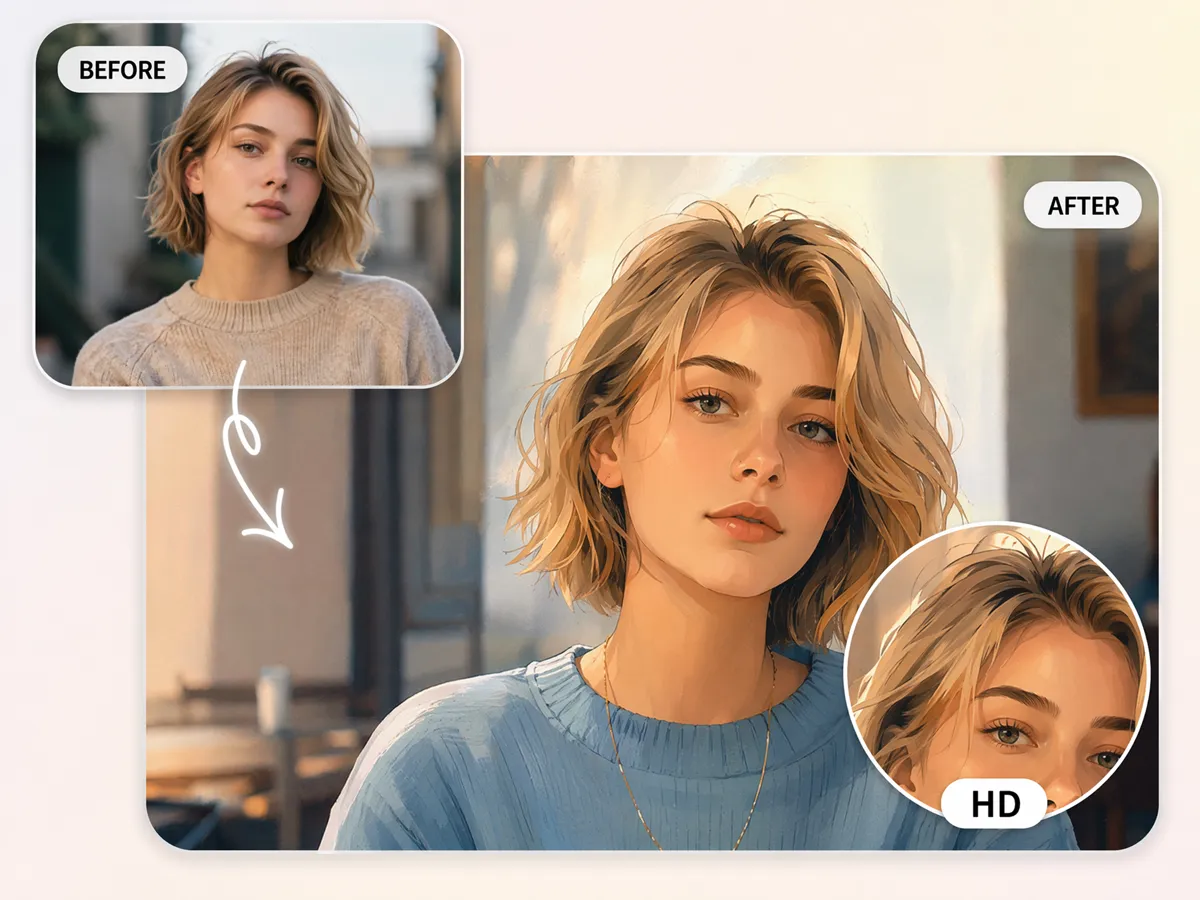
Keep Image Quality While Changing the Style
Stylized images are often shared on social media, used as profile pictures, or printed as artwork. Designkit transforms the visual style while maintaining the detail needed for posting, sharing, and personal creative projects.
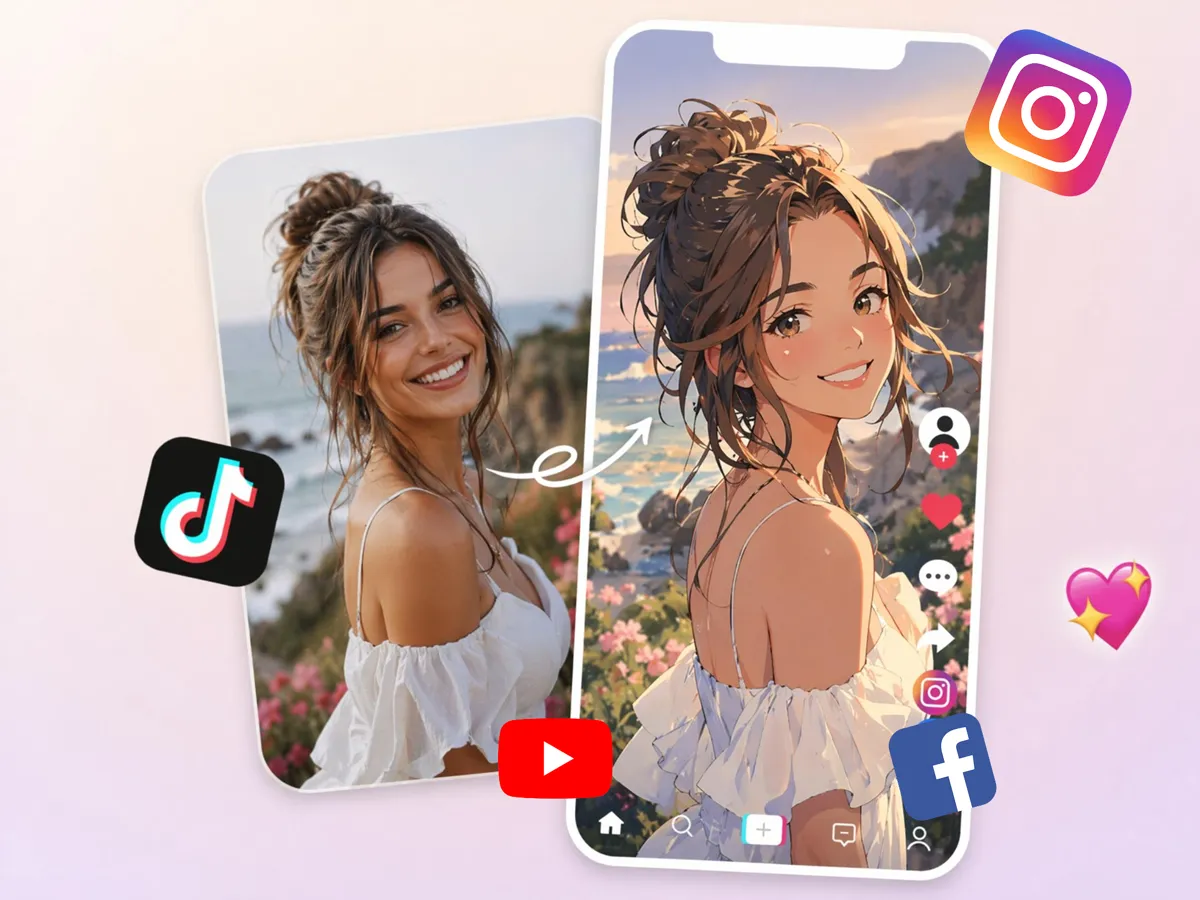
Create Eye-Catching Visuals for Any Platform
Creators need fresh visuals for posts, thumbnails, avatars, and content covers. Designkit transforms ordinary photos into distinctive artwork that stands out across Instagram, TikTok, YouTube, Discord, and other online platforms.
AI Filters for Creators, Businesses, and Everyday Users
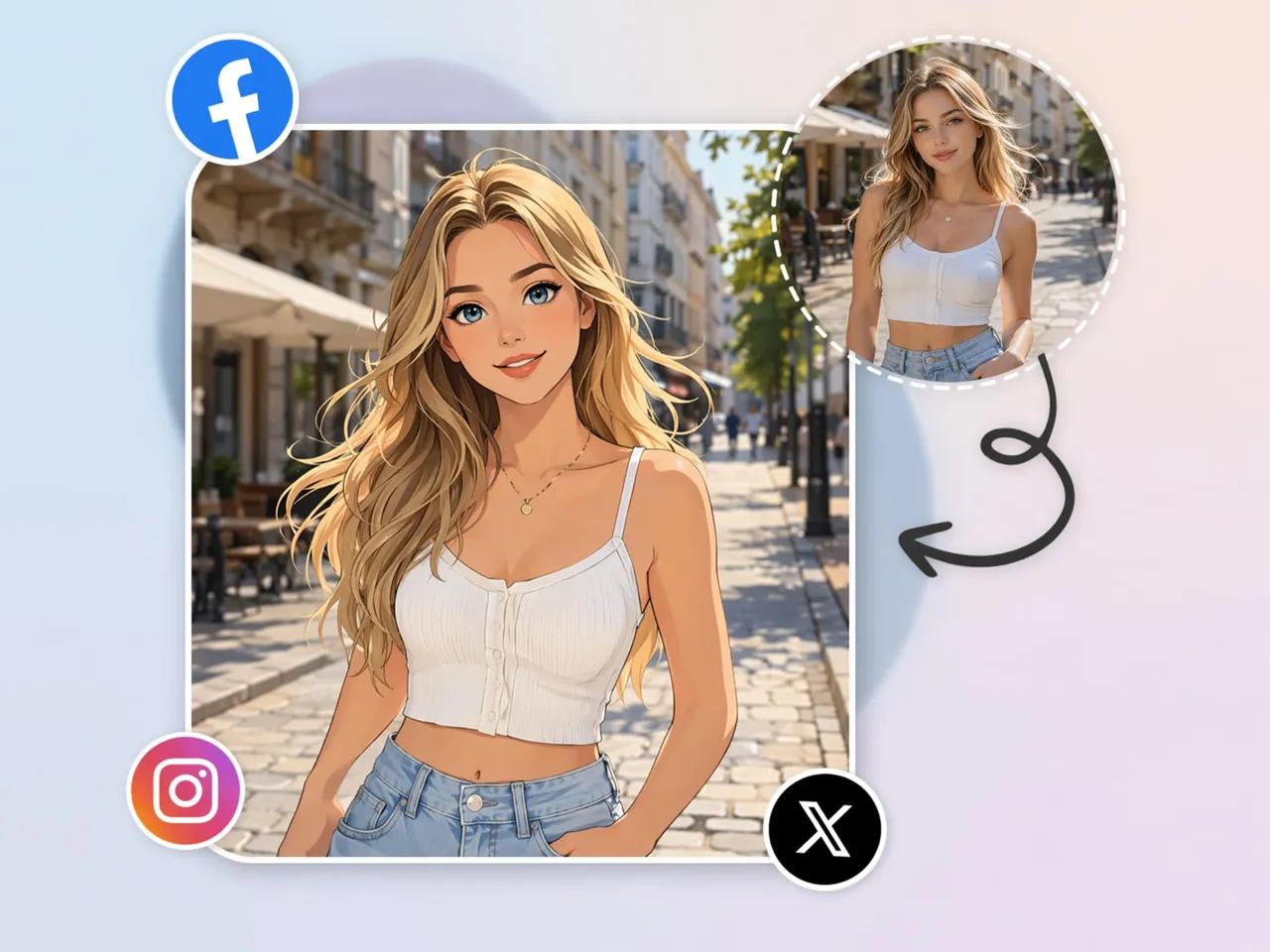
Create Scroll-Stopping Social Content
Social feeds are crowded with similar-looking posts that blend together. Designkit helps creators apply an AI filter effect that transforms ordinary photos into distinctive artwork, giving followers a reason to stop scrolling and engaging.
Why Choose Designkit's AI Filter Tool

Restyles Photos, Not Just Recolors Them
Go beyond basic edits and transform images into entirely new visual styles rather than adjusting tones and colors.

AI Art Styles from One Upload
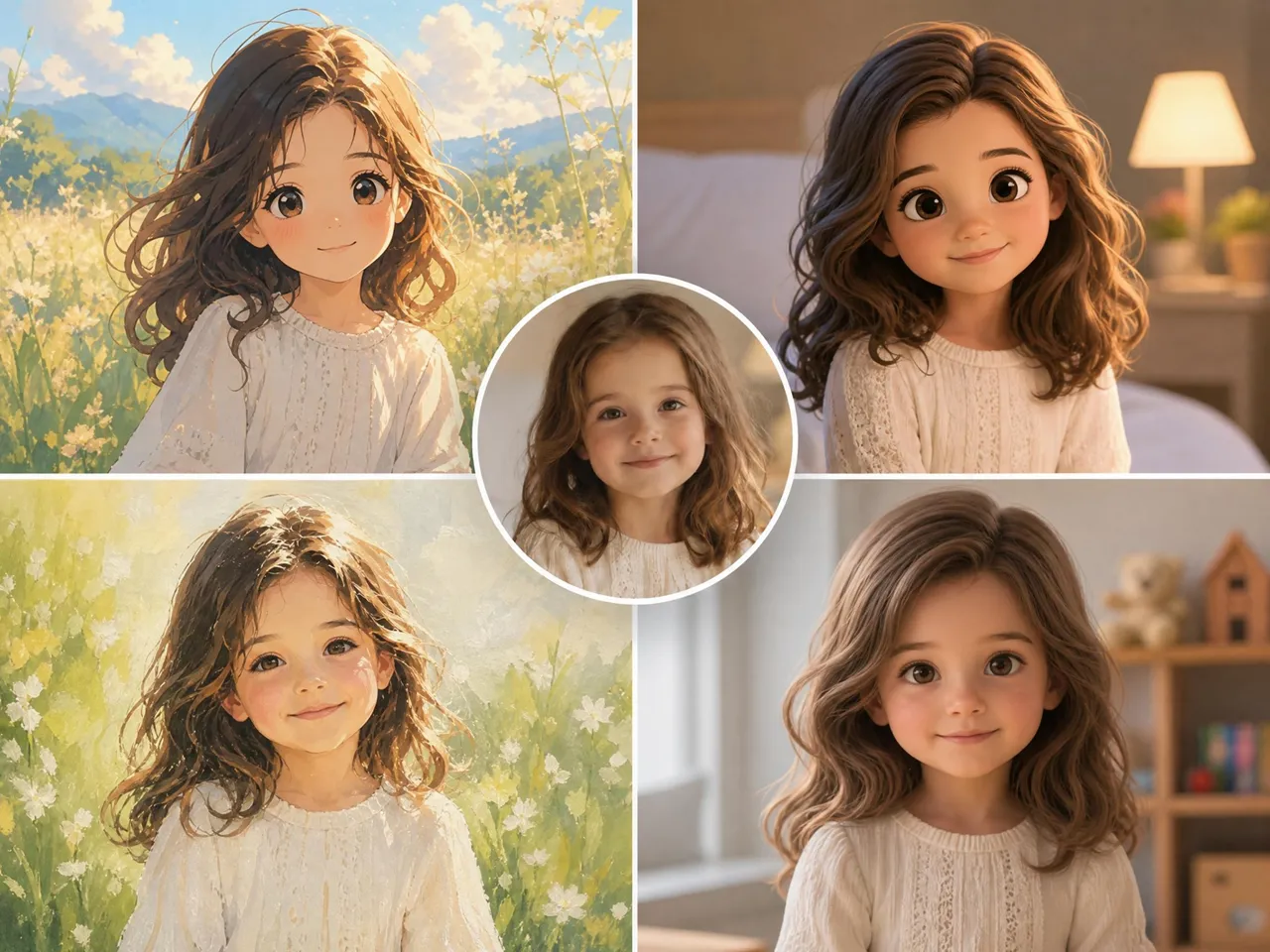
Generate multiple AI image filters from a single photo, reducing the need to create separate artwork from scratch.
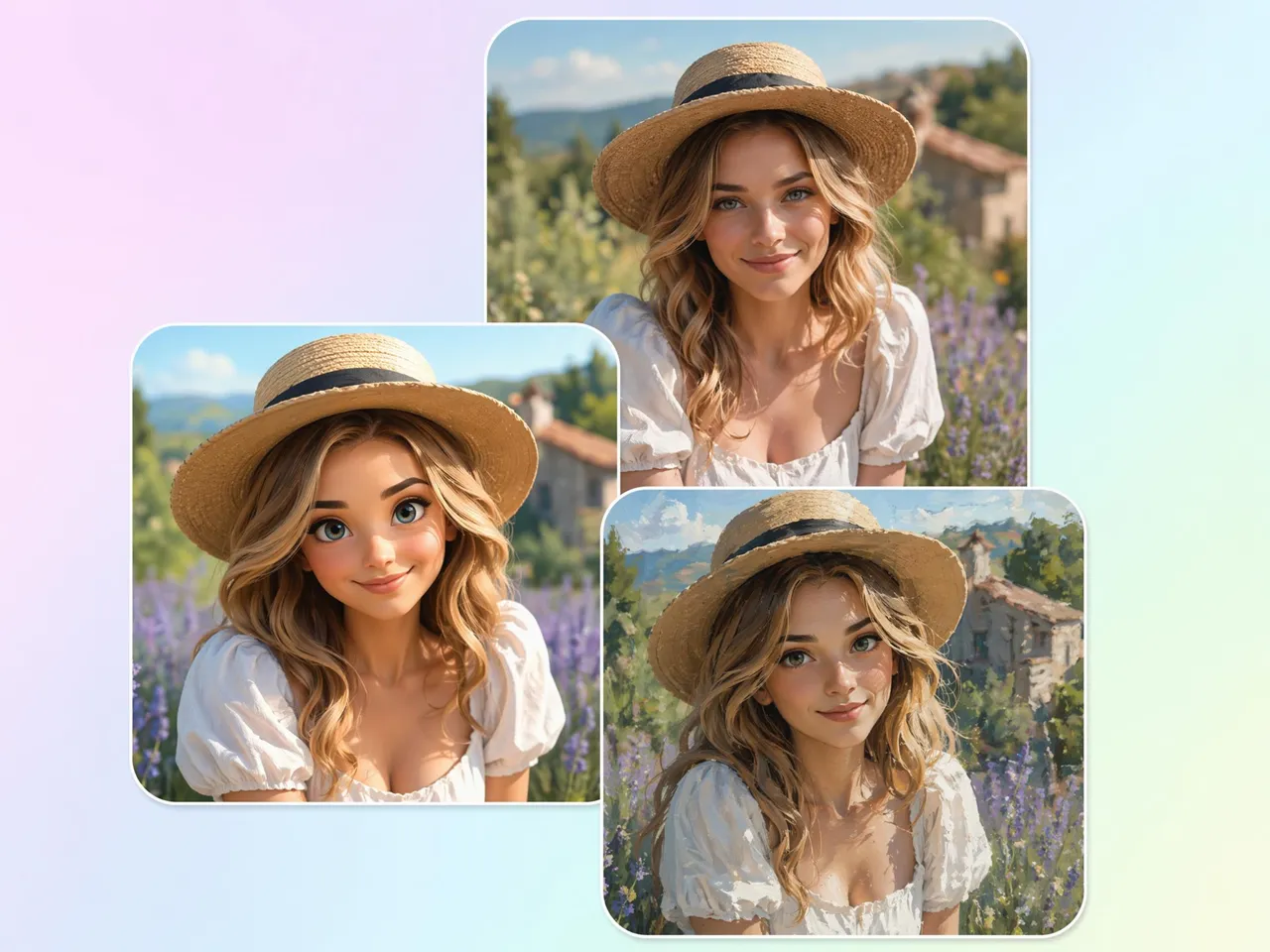
Several Looks from a Single Photo
Compare different creative directions at once, from sketch and painting styles to photo to art AI transformations.
Adjustable Style Strength
Control how subtle or dramatic the transformation appears, making each AI style filter fit your creative goals.

No Editing Skills or Software Needed
Create artistic visuals without learning complex workflows or spending time mastering traditional design tools.

Preview Every Style Before You Download
Review and compare variations before export, helping you apply AI filter online with greater confidence.
Unlock More Creative Possibilities
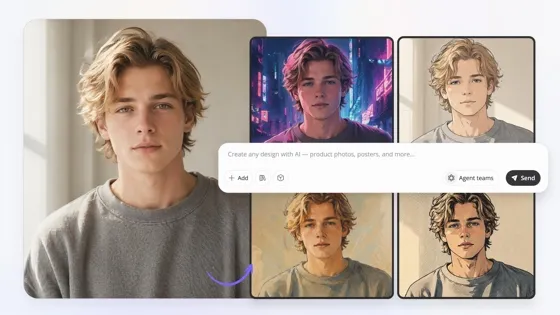
Image to Image AI
Sketch to Image AI
AI Cartoon Character Maker

AI Icon Generator
Frequently Asked Questions
What kinds of AI styles can I apply to a photo?
How is an AI filter different from a normal photo preset?
A normal preset adjusts brightness, contrast, color, or tone while keeping the original photo largely unchanged. An AI art filter goes further by reimagining the image in a new artistic style. With Designkit, the result is a creatively restyled image rather than a photo that has simply been color corrected.
Can I turn portraits and selfies into stylized looks?
Yes, portraits and selfies work especially well for AI style transfer. With Designkit, you can apply artistic looks ranging from illustrated portraits to a photo to anime AI style while keeping the image suitable for avatars, social media profiles, and creative content.
Will the restyled photo still look like the original subject?
Yes, the goal is to preserve recognizable features while changing the visual style. With Designkit, faces, poses, and key characteristics remain identifiable even after applying an AI filter for photos, helping the final image still feel connected to the original subject.
Can I generate more than one style from the same photo?
Yes, one image can be transformed into many different artistic directions. With Designkit, you can create sketch, painting, anime, comic, and cinematic versions from the same upload, making it easy to compare styles before choosing your favorite result.
Can I control how strong the AI style looks?
Yes, style intensity can be adjusted depending on the effect you want. With Designkit, you can create subtle artistic changes or dramatic transformations, giving you more flexibility when generating an AI cartoon filter or other creative visual styles.
Do I need editing experience to use it?
No, prior editing knowledge is not required. With Designkit, you simply upload a photo and describe the look you want in everyday language. The system handles the style generation process, making creative image transformation accessible to beginners and experienced creators alike.
What image formats does Designkit support?
Most common image formats can be used, including JPG, JPEG, PNG, and WEBP files. With Designkit, you can upload existing photos and transform them using various AI photo filters, making it easy to restyle images from different devices and sources.
Transform Your Photos with AI Filters Today
Upload a photo, pick an AI style, and download a restyled version in seconds.



User Reviews of Designkit AI Filter
See how creators, businesses, and photographers use AI filters to transform images faster.
Turned Ordinary Photos Into Creative Artwork
I expected a simple filter, but the result looked more like digital artwork than a color-edited photo. I uploaded one image and generated cinematic, illustrated, and painterly versions that felt completely different from each other.
Explored New Artistic Directions
Instead of organizing a new photoshoot, I used Designkit to transform existing product photos into artistic campaign visuals. The AI generated several creative styles that helped us produce seasonal content much faster.
Explored New Artistic Directions
I often experiment with different visual styles before committing to a concept. Designkit helped me turn the same photo into sketch, painting, and cinematic versions, making it easier to explore creative directions without manual editing.
Turned My Selfie Into Art
I uploaded a regular selfie and got back something that looked illustrated rather than filtered. It still looked like me, but in a completely different artistic style. I ended up generating several versions just to compare the results.
Found a Style That Felt Unique
Most filters end up looking similar, but this felt different. I described the aesthetic I wanted and generated anime-inspired, comic-style, and digital art versions from the same photo. It helped me create visuals that felt more personal and recognizable.
Turned Travel Photos Into Artwork
I had a collection of travel photos that looked ordinary on my own. Designkit transformed them into watercolor, vintage poster, and anime-inspired artwork from the same originals. It gave me completely new ways to share memories without needing advanced editing skills.