
Create Original AI Art From Text Prompts or Photos
Describe a scene, upload a reference image, or restyle a photo. Designkit generates original artwork in fantasy, anime, pixel, and illustration styles.
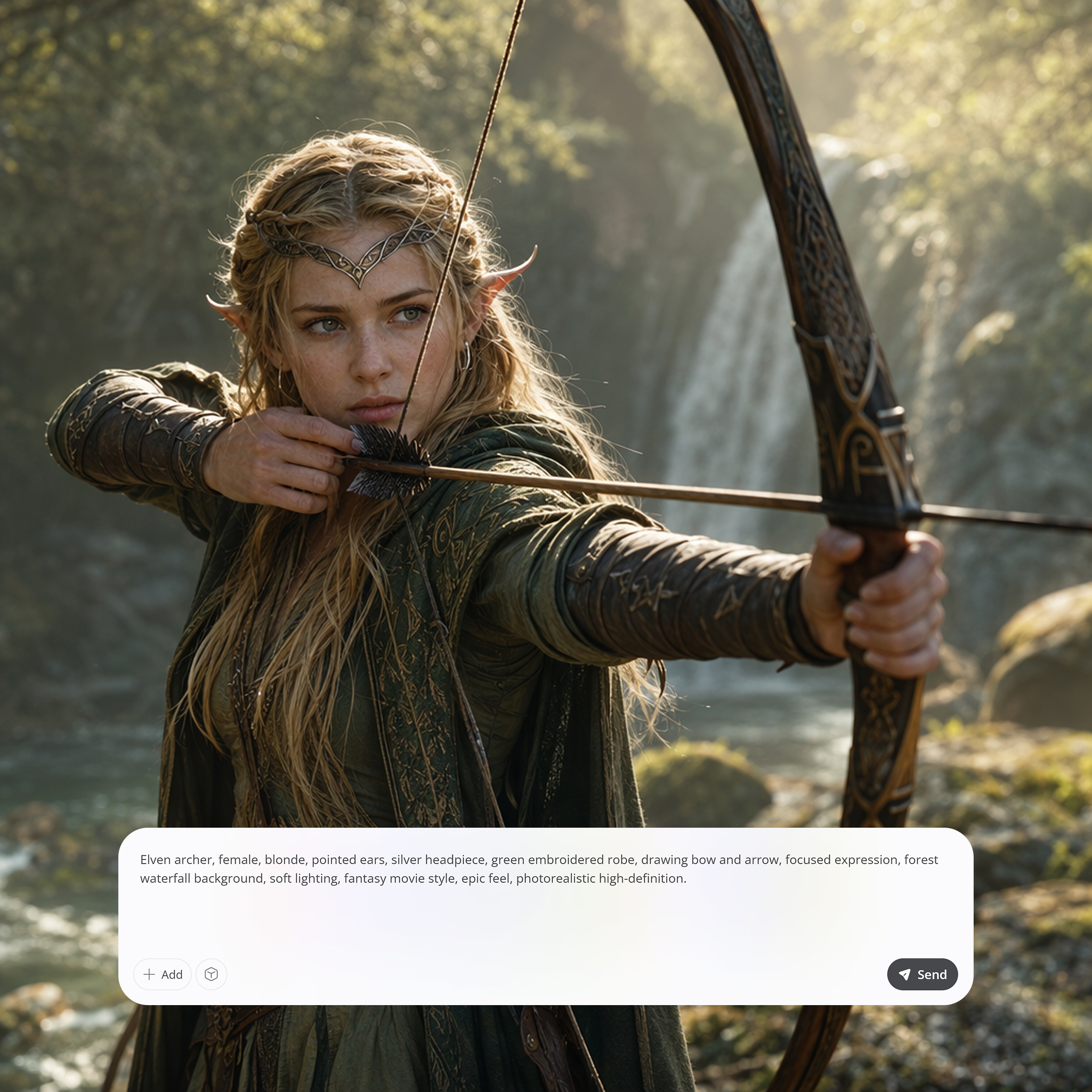
Create Custom Visuals for Any Project
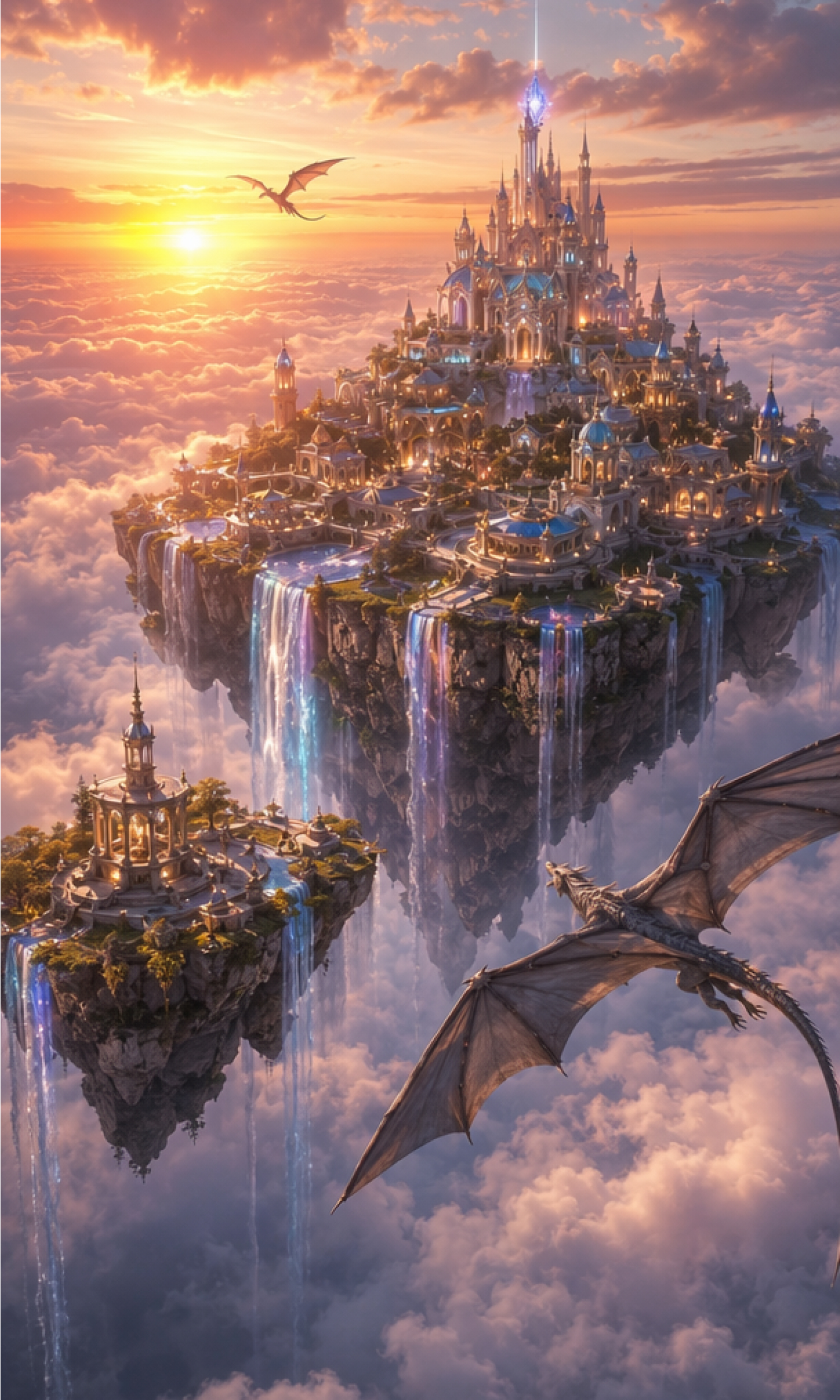
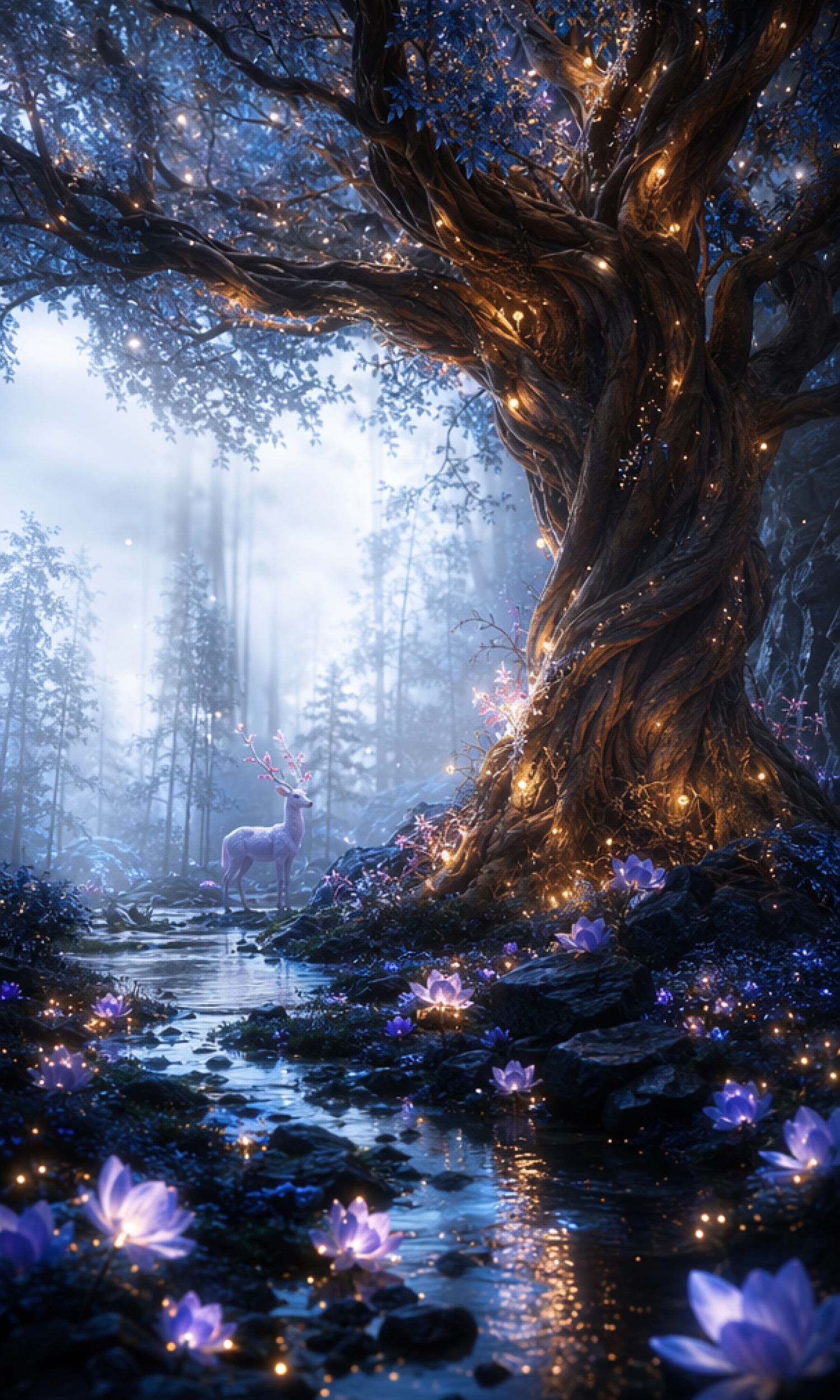
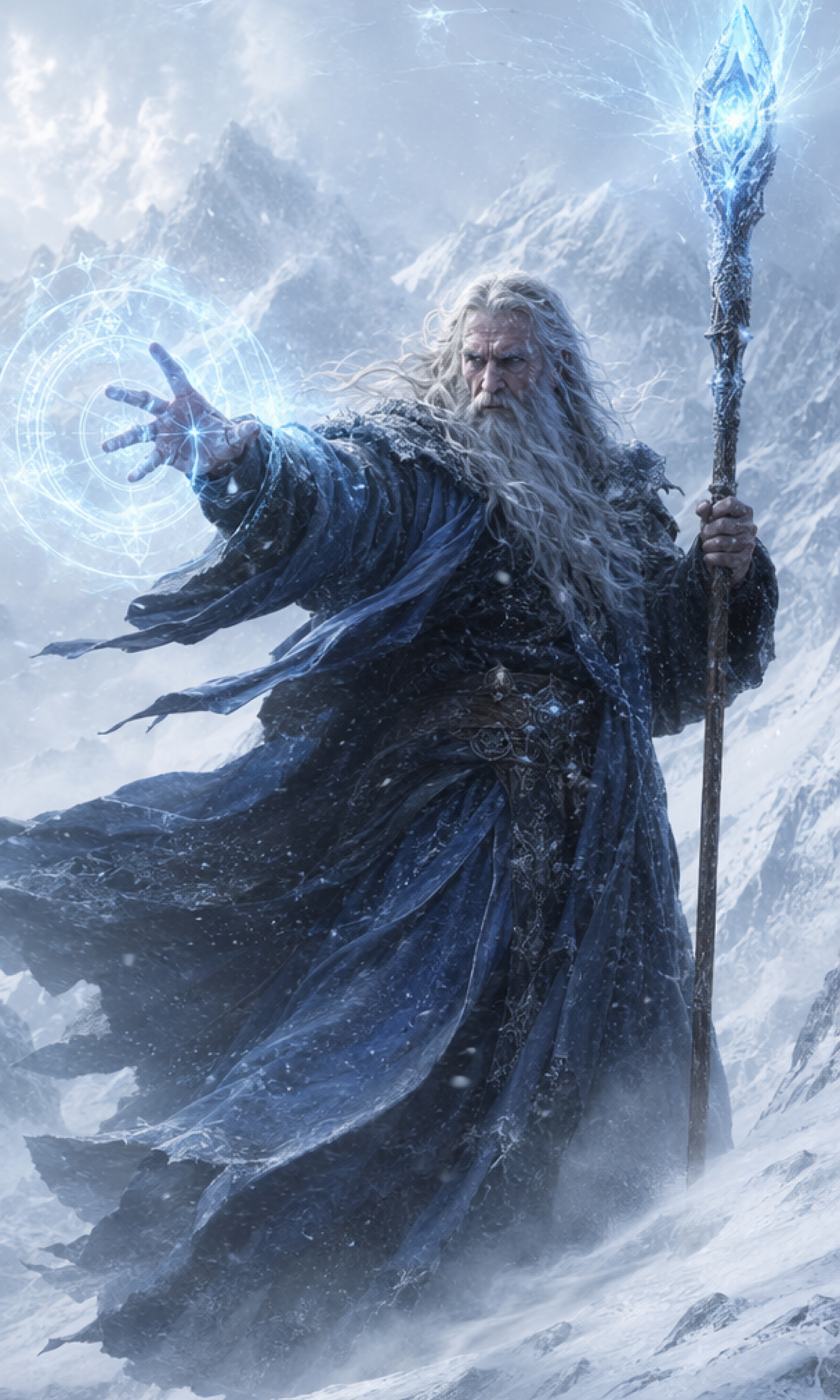
How to Create AI Art in 3 Steps
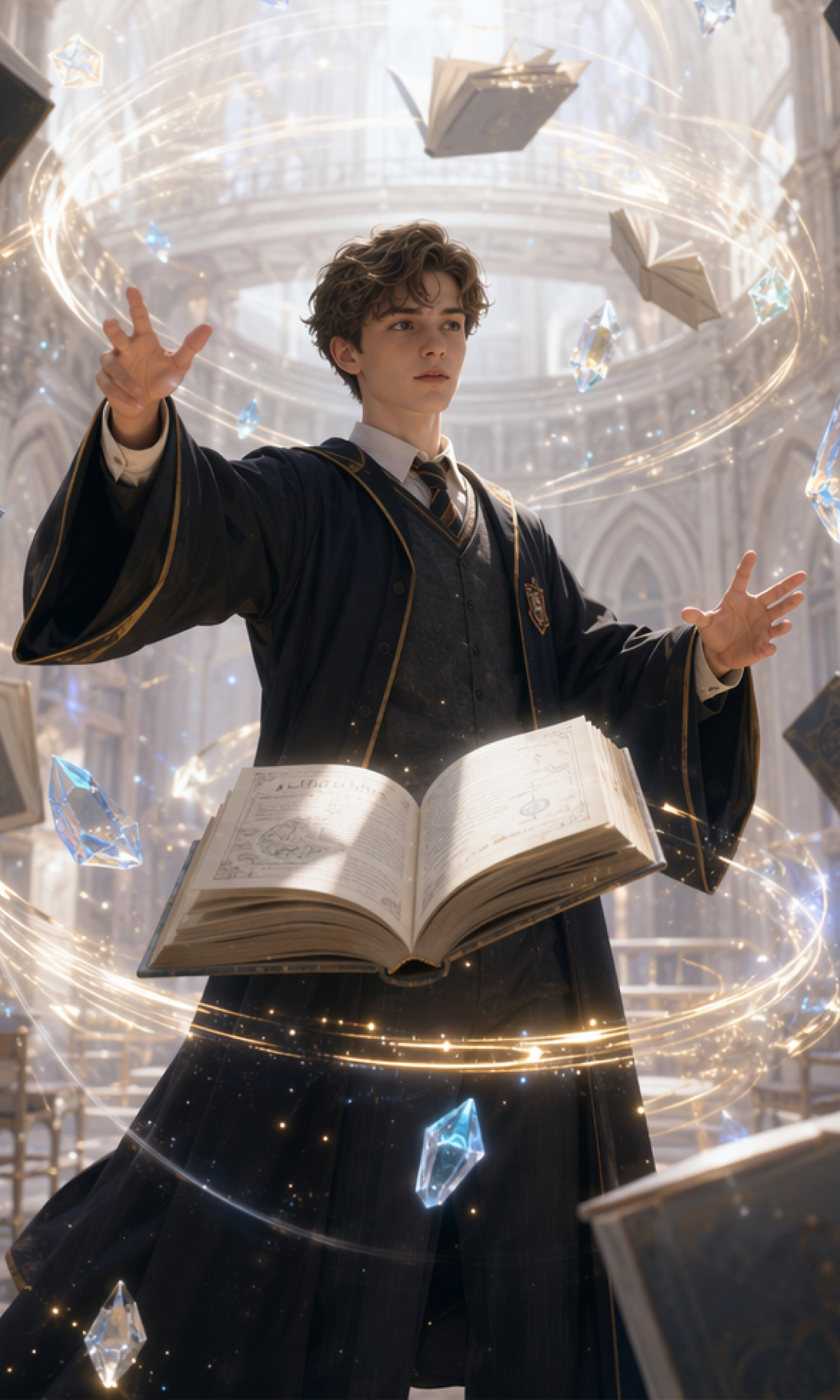
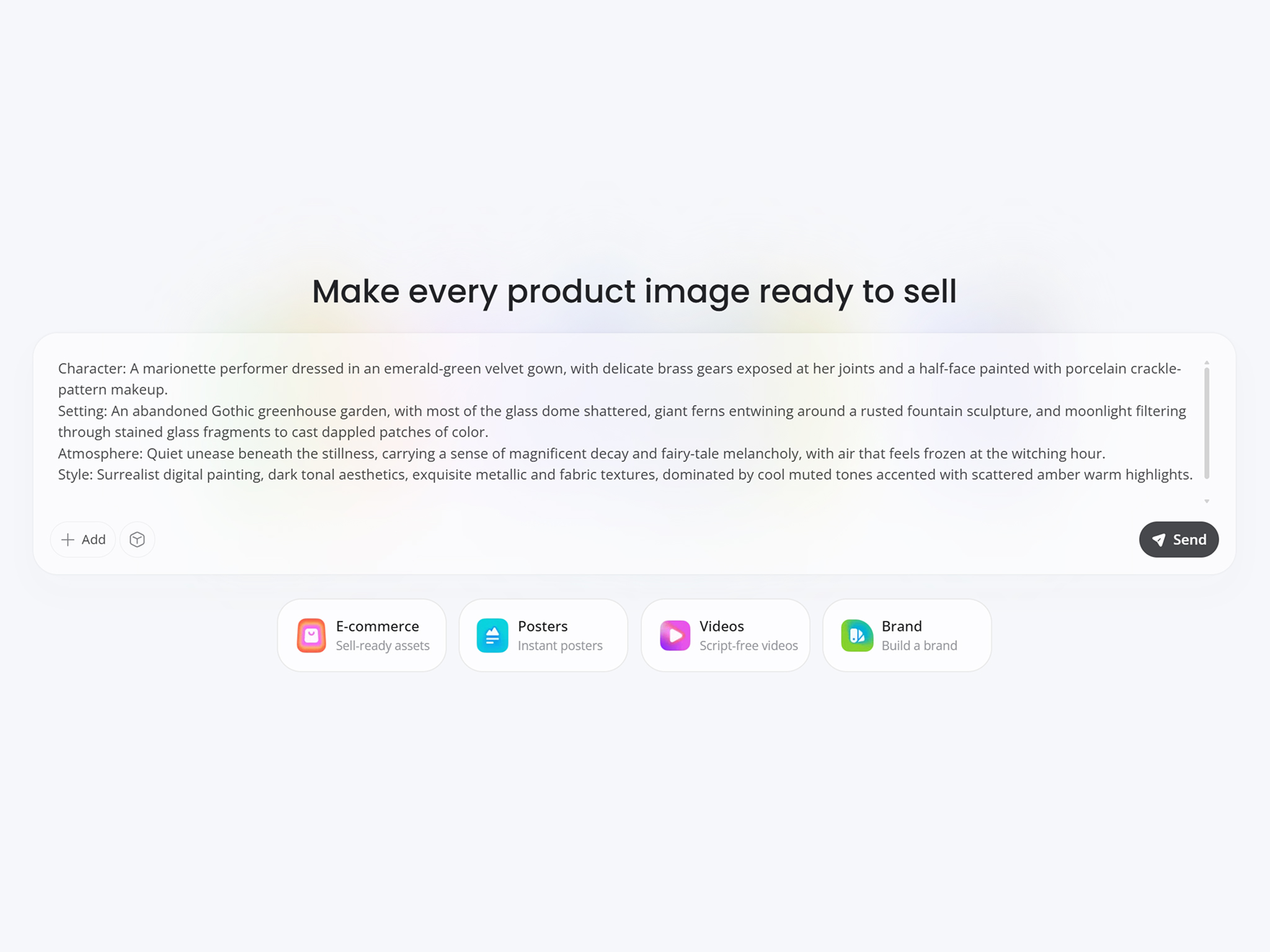
Describe Your Creative Idea
Write a prompt describing your character, scene, mood, or style. Clear details help Designkit generate artwork that better matches your vision.
Select Your Preferred Art Style
Type your preferred visual style, aspect ratio, colors, or upload a reference image to guide the artwork toward your creative vision.
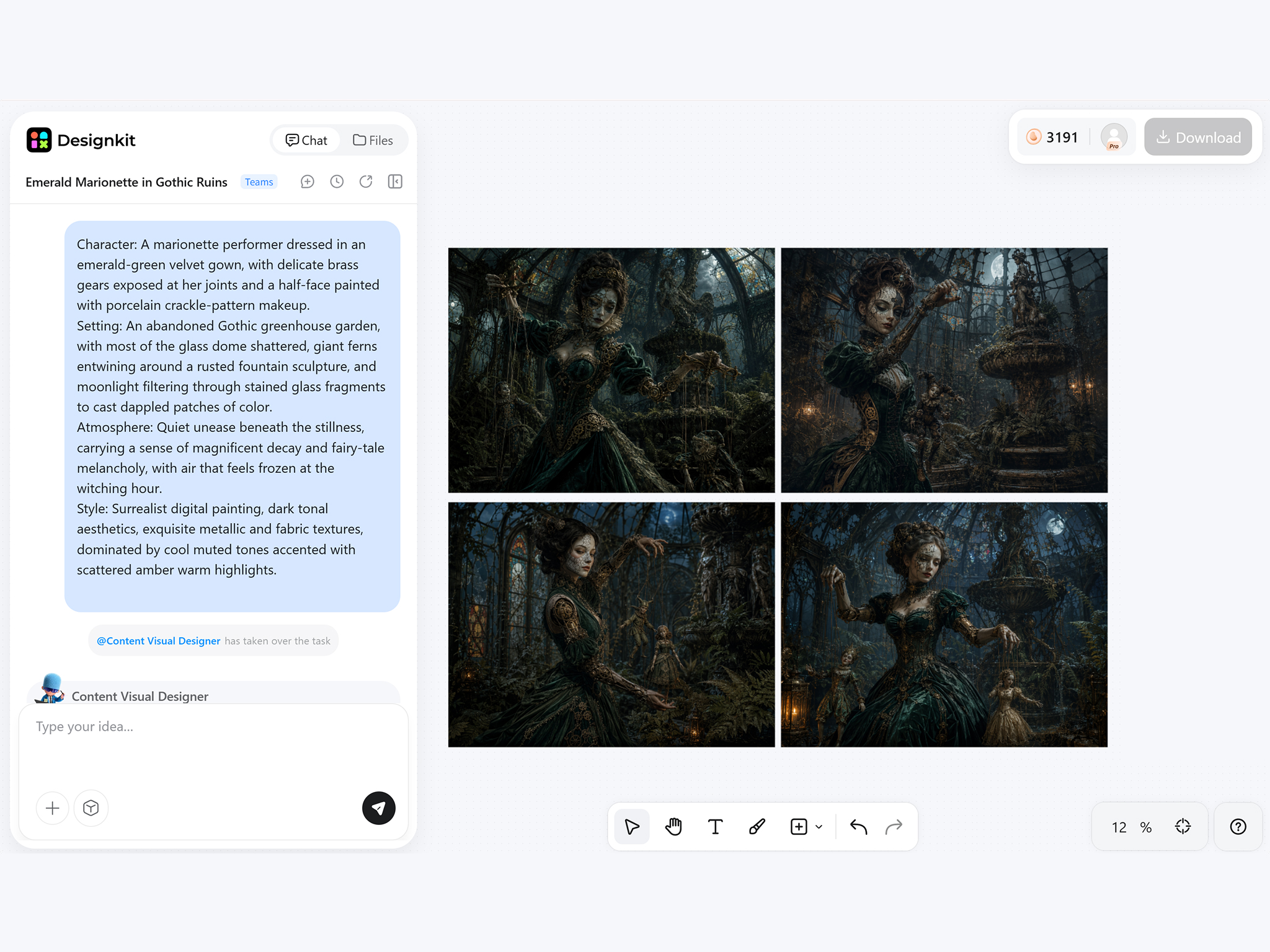
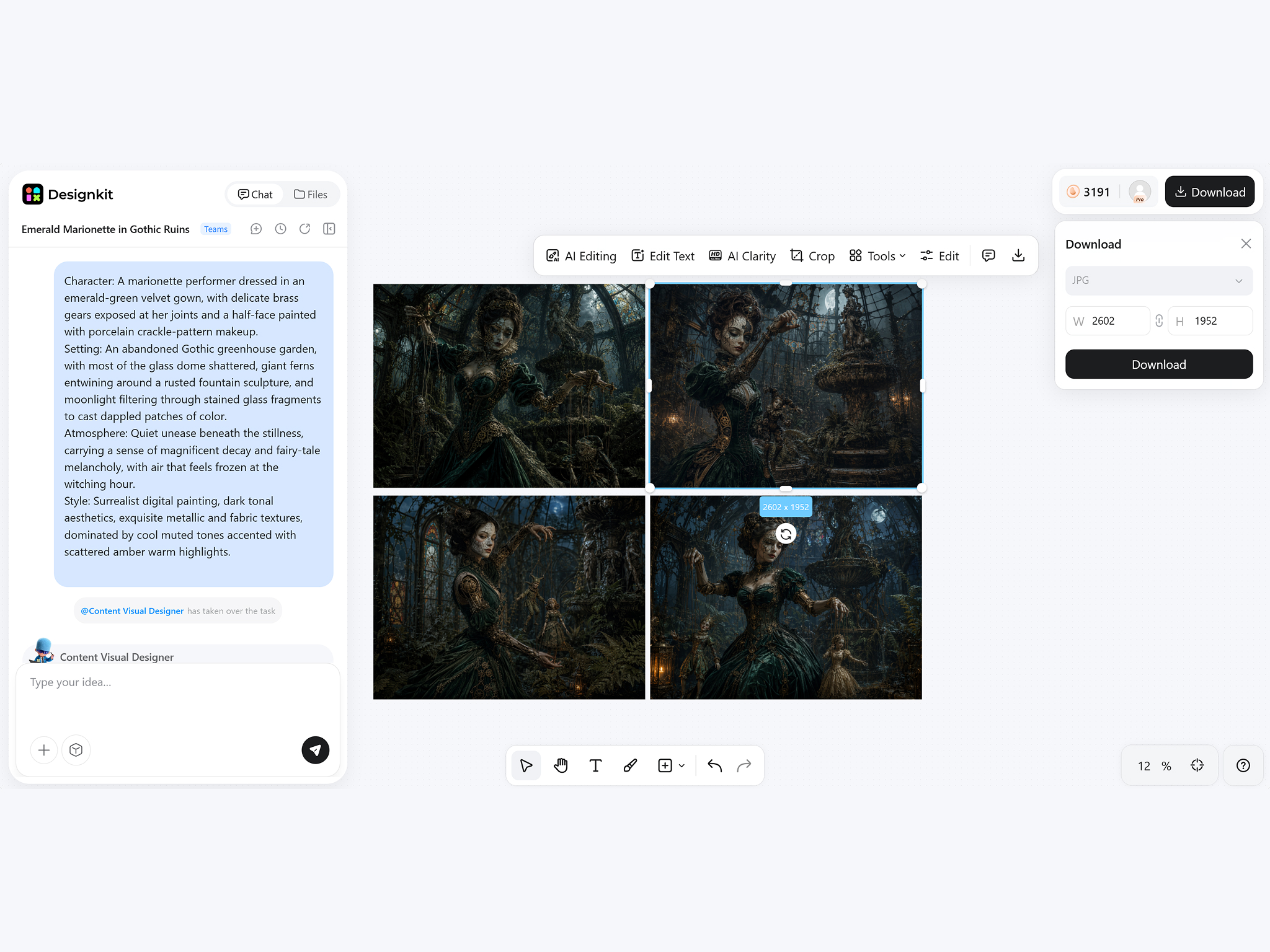
Generate and Download Your Artwork
Review multiple artwork variations, select your favorite result, and download a high-resolution image ready to share, print, or publish.
What You Can Create With Designkit AI Art Generator
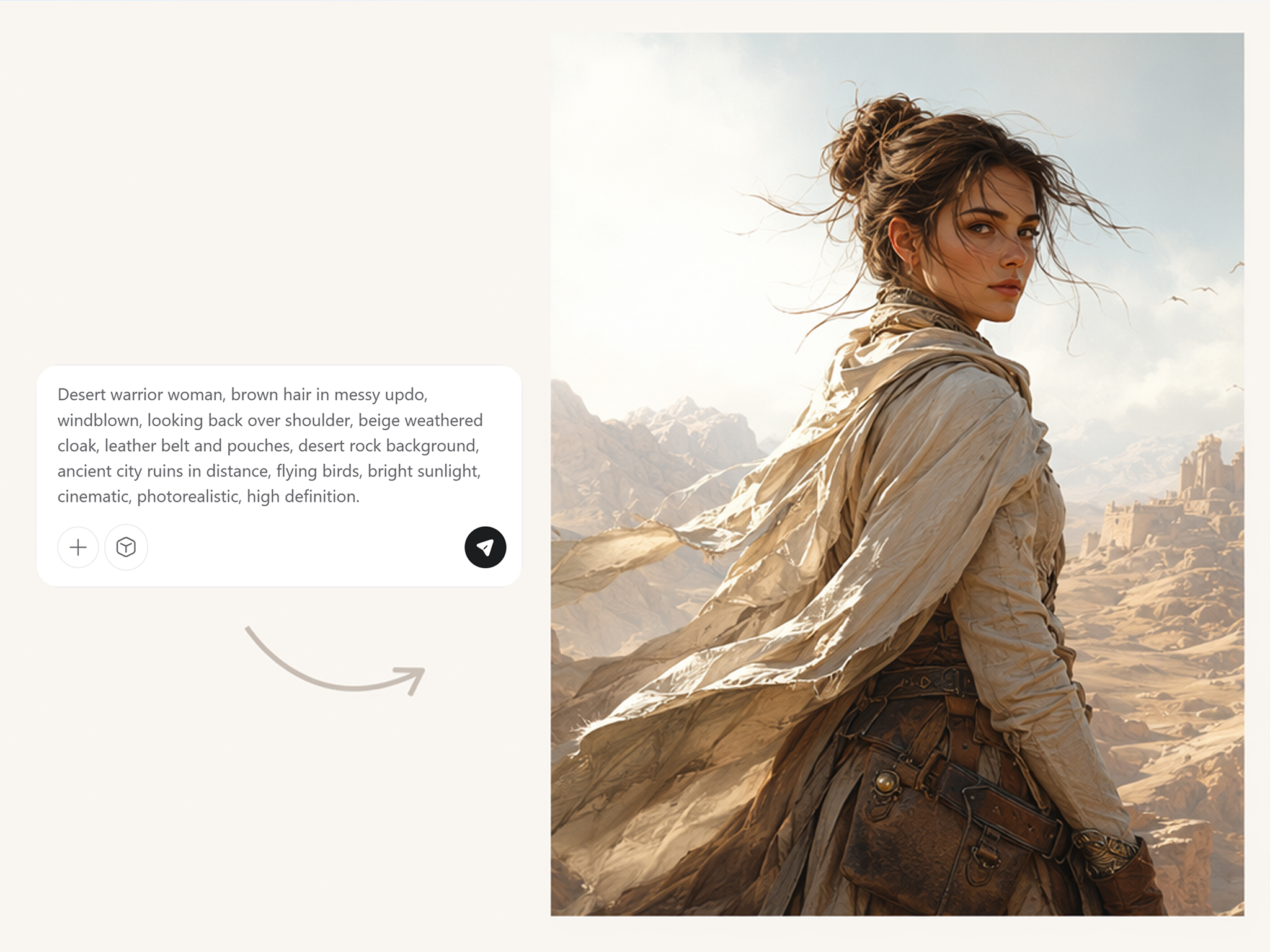
Turn Simple Ideas Into Gallery-Worthy Artwork
Start with a few words and let the AI art generator from text create original illustrations, concept art, or digital paintings. Skip rough sketches and quickly explore fresh creative directions before refining your favorite ideas.
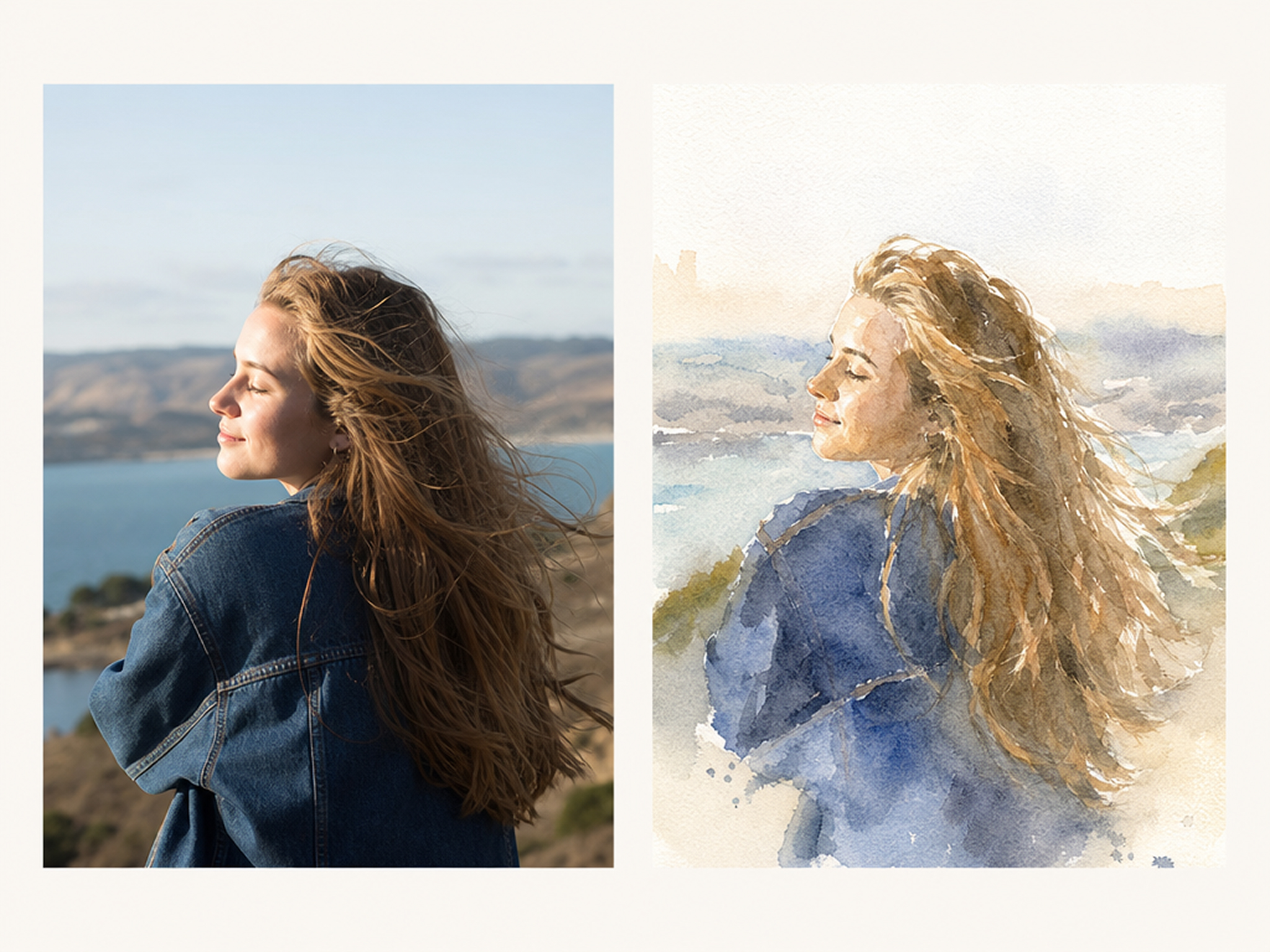
Transform Your Photos Into New Artistic Styles
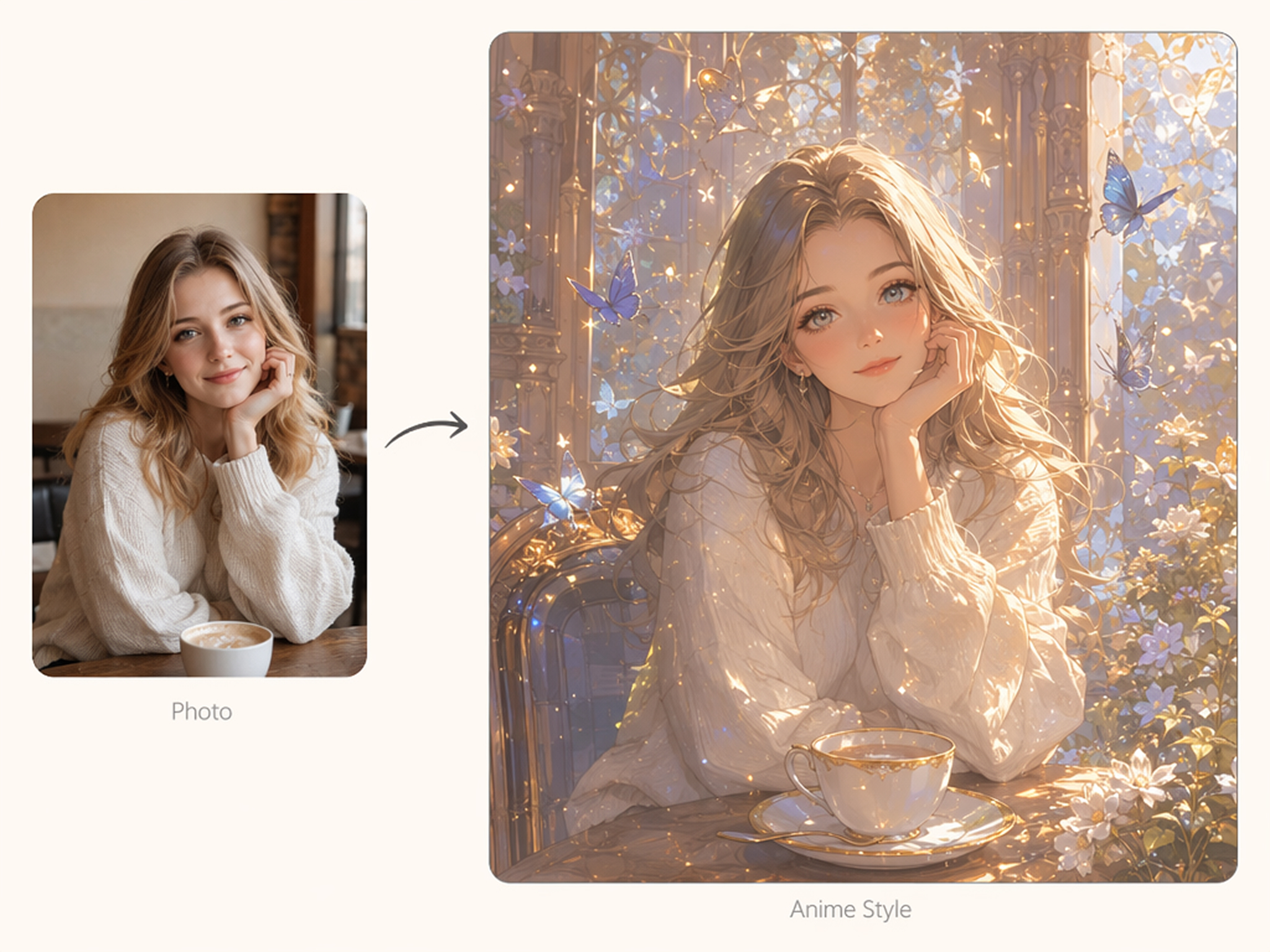
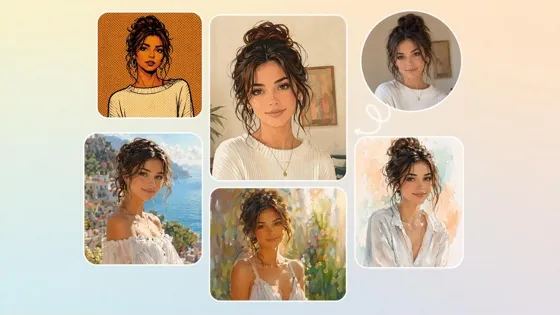
Give existing photos an entirely different look by combining prompts with your own images. The AI art generator with reference images preserves key visual details while reimagining them in fresh artistic styles.
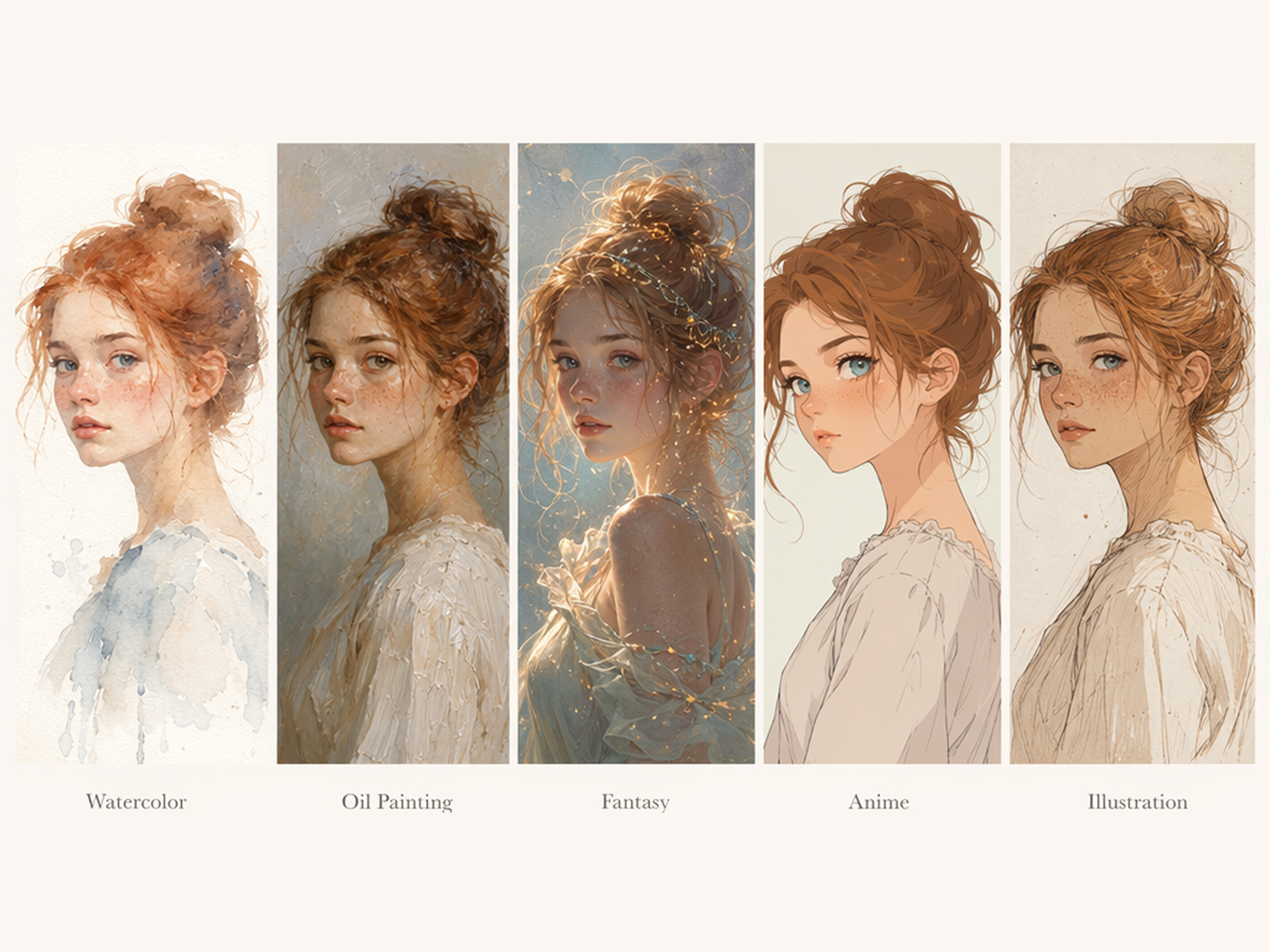
Switch Art Styles Without Rewriting Prompts
Keep your main idea while exploring watercolor, oil painting, fantasy, anime, or illustration styles. Pair your creations with the AI image generator to expand creative possibilities from the same prompt.
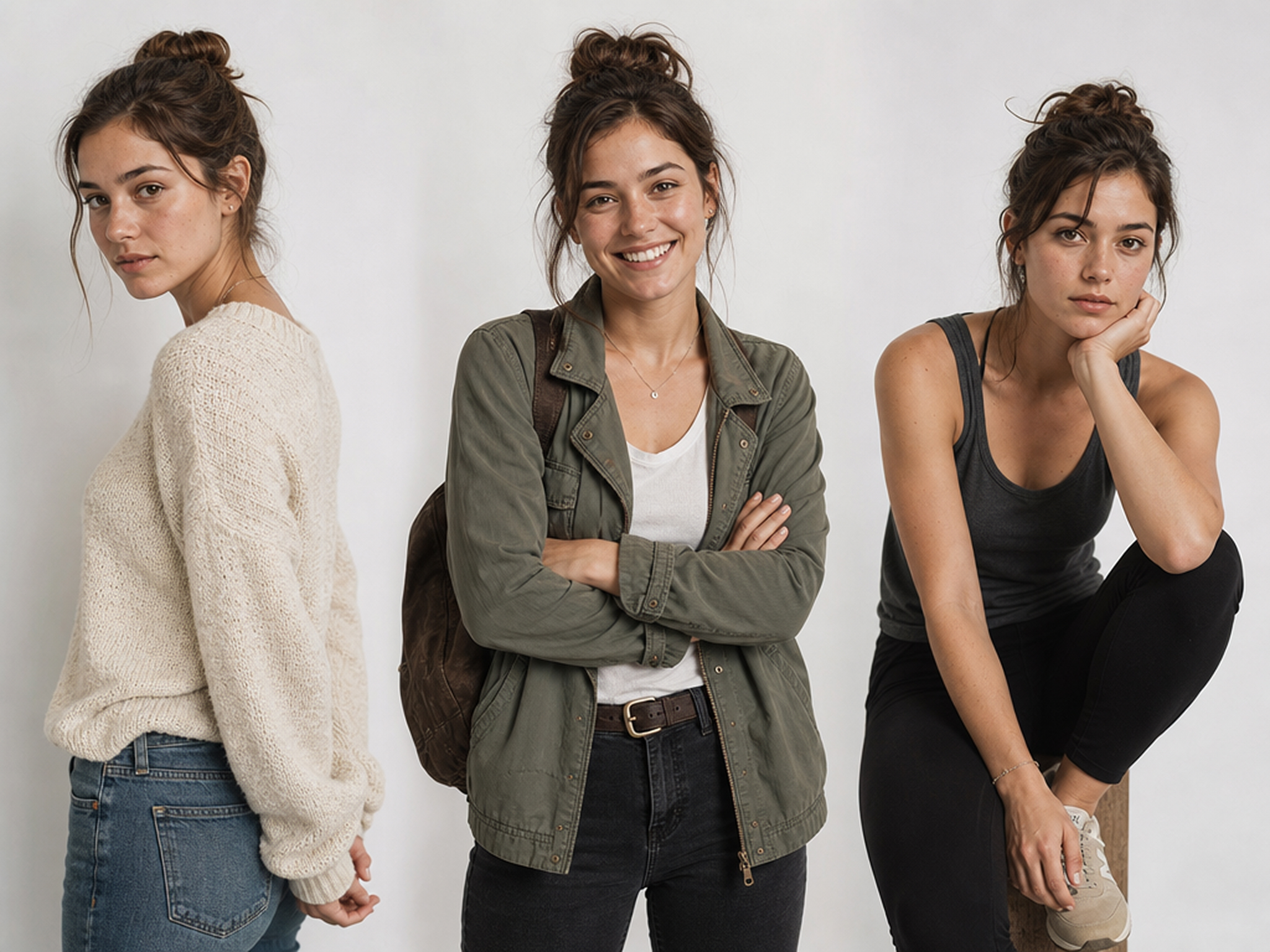
Build Characters With Distinct Personalities
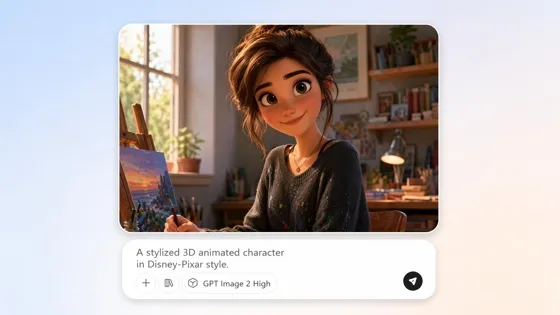
Design memorable heroes, villains, creatures, or original avatars with the AI character art generator. Adjust expressions, clothing, poses, and visual details to create artwork suited for games, stories, branding, or personal projects.
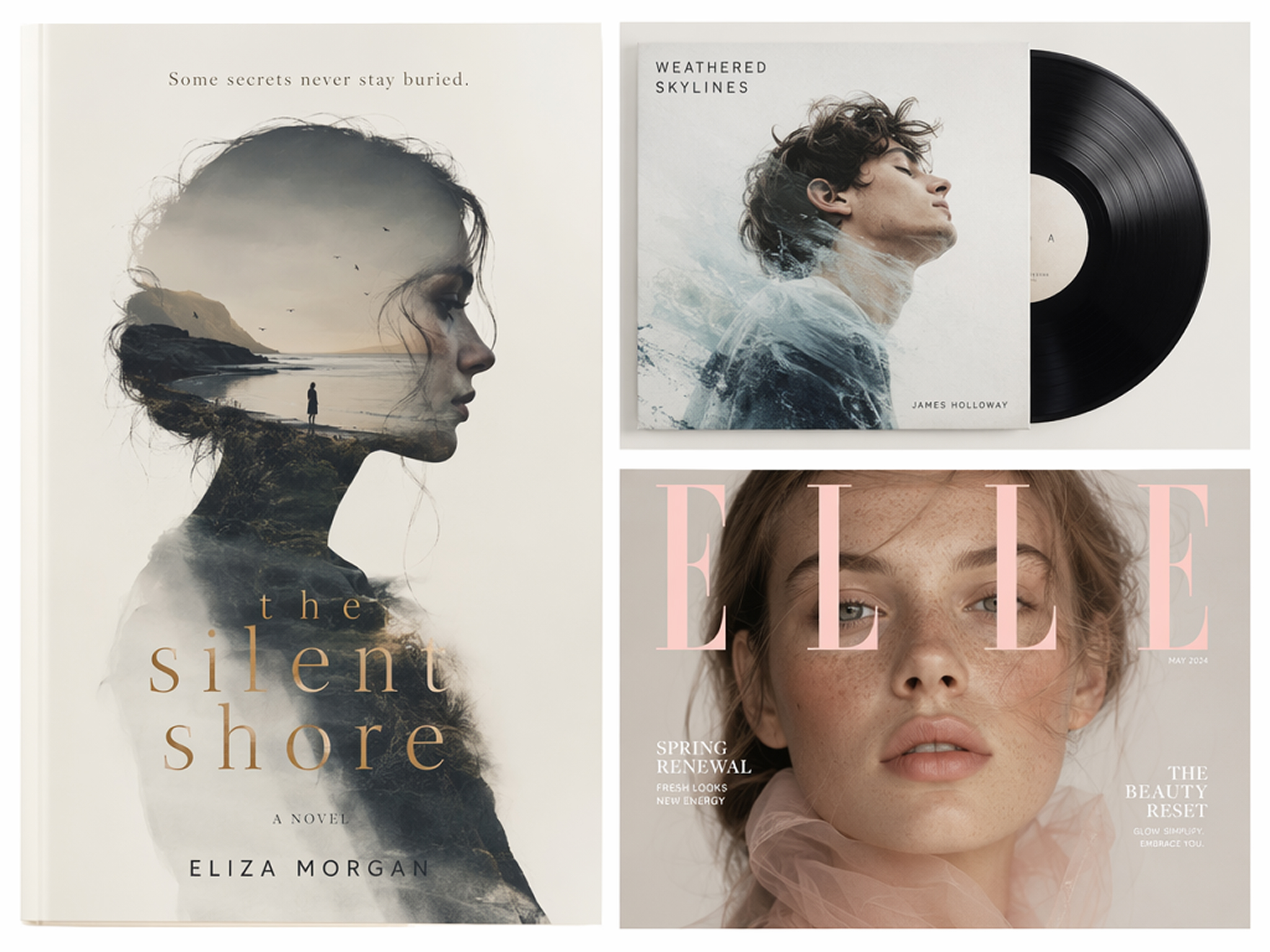
Produce Artwork for Publishing Projects
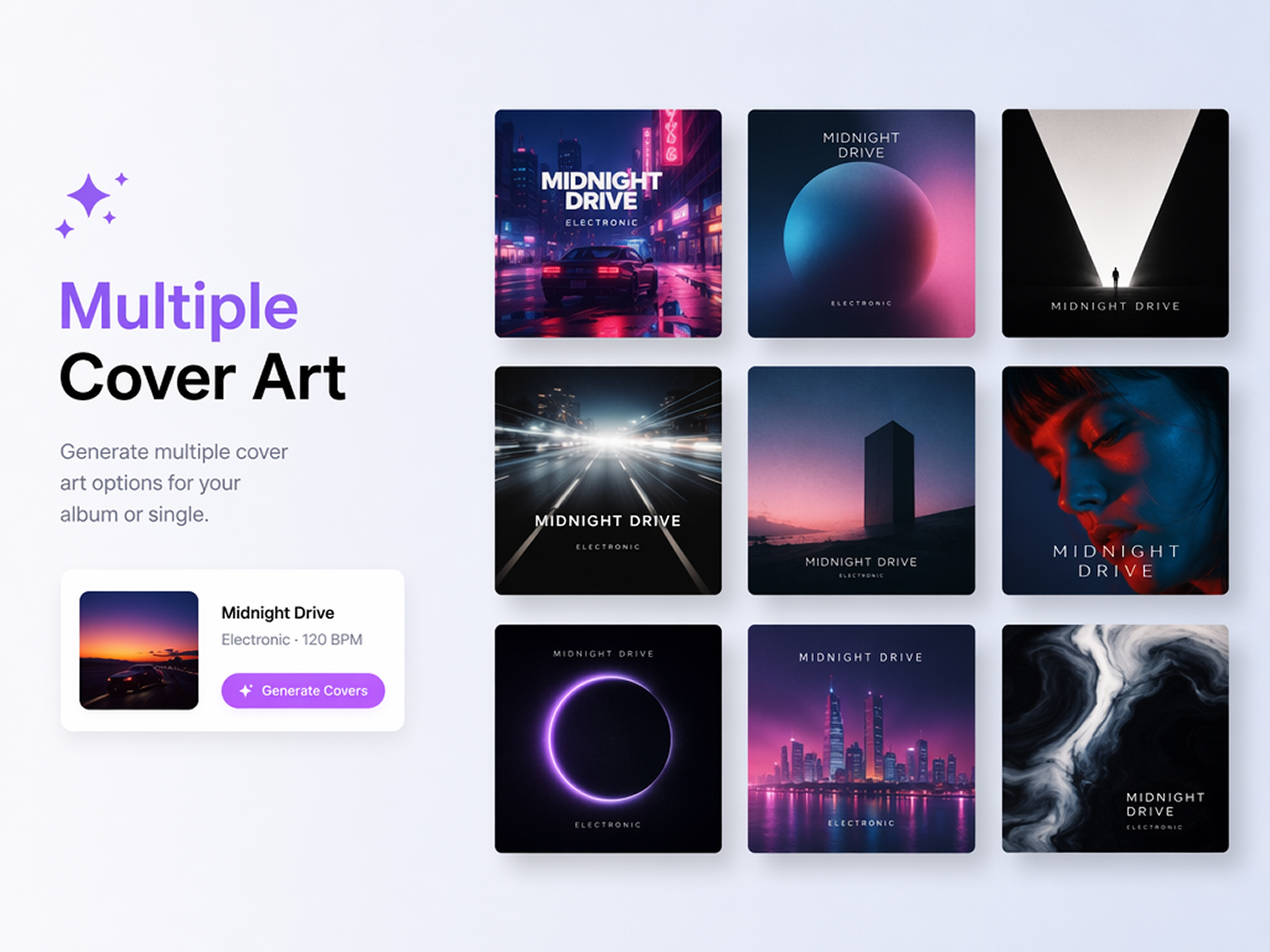
Create visuals for novels, music releases, magazines, podcasts, and digital publications using the AI cover art generator. Finish your artwork with the image enhancer for sharper, presentation-ready results.
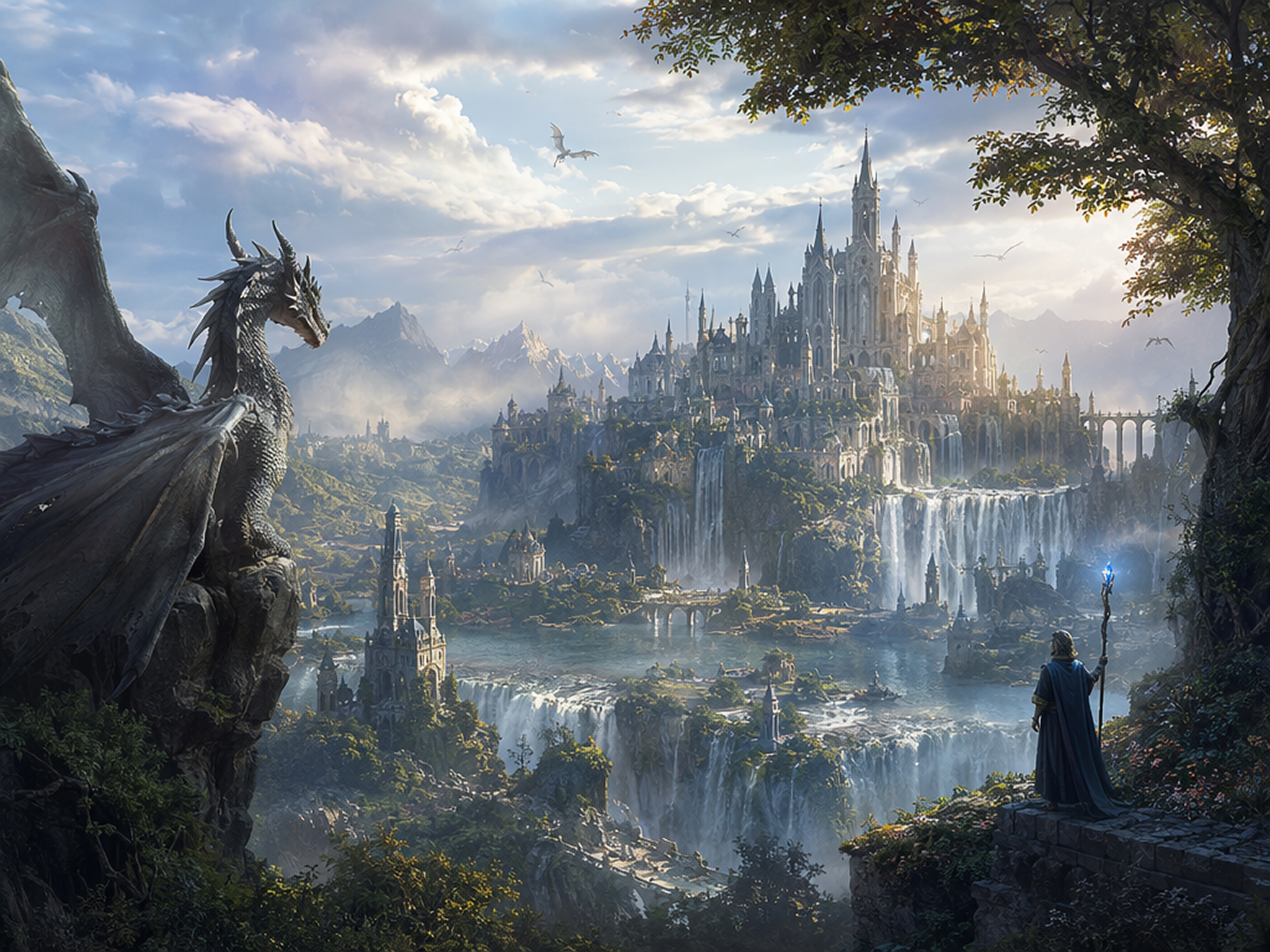
Generate Fantasy Scenes, Creatures, and Landscapes
Bring magical worlds to life with the AI fantasy art generator. Create castles, mythical creatures, enchanted forests, and cinematic landscapes that capture the atmosphere of your stories, games, or creative projects.
Creative Workflows Powered by AI Art
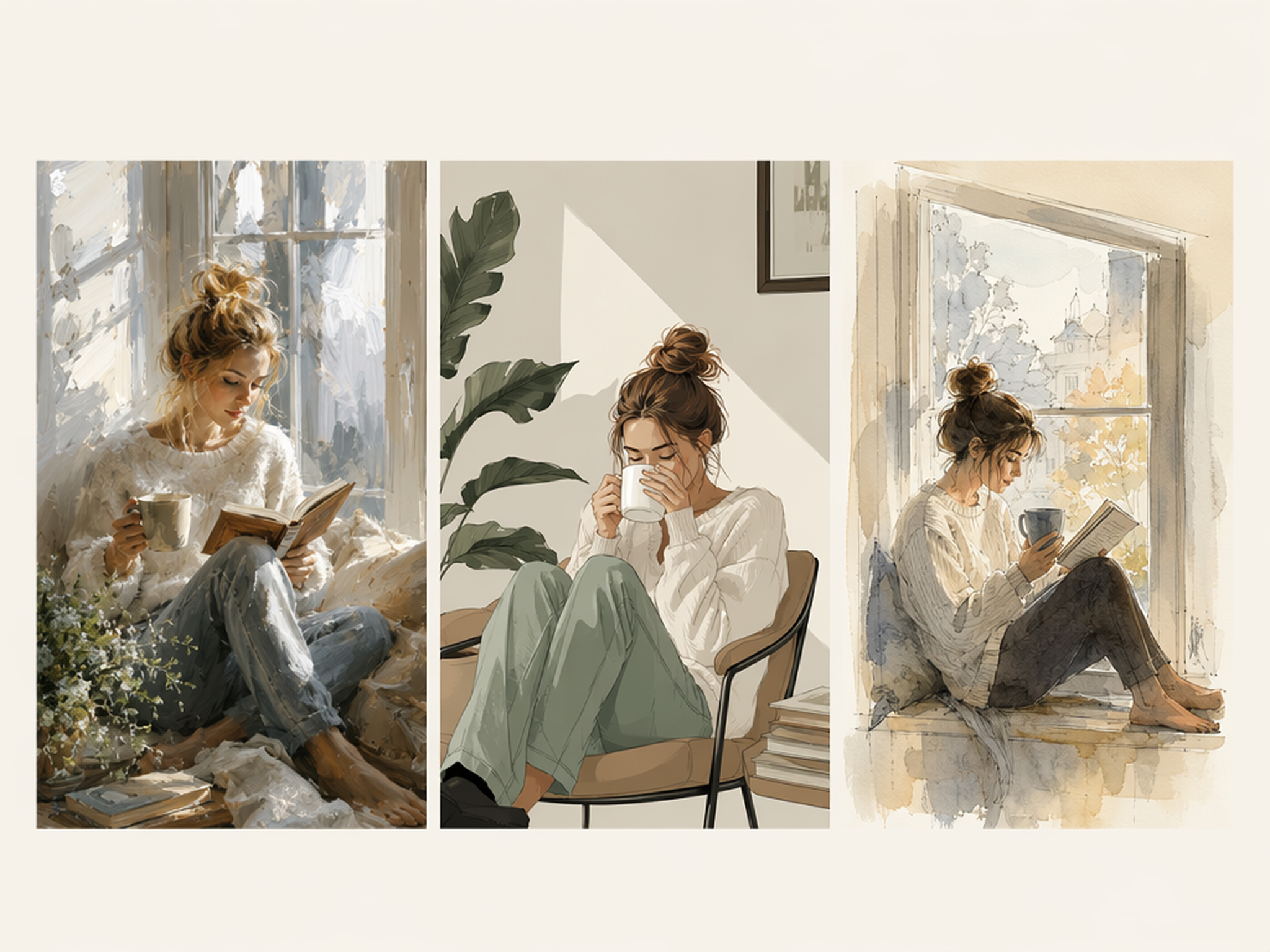
Explore New Artistic Directions Faster
Test styles, compositions, and visual ideas before committing to a final illustration. The AI art generator online makes it easier to experiment with different creative directions while keeping your original concept intact.
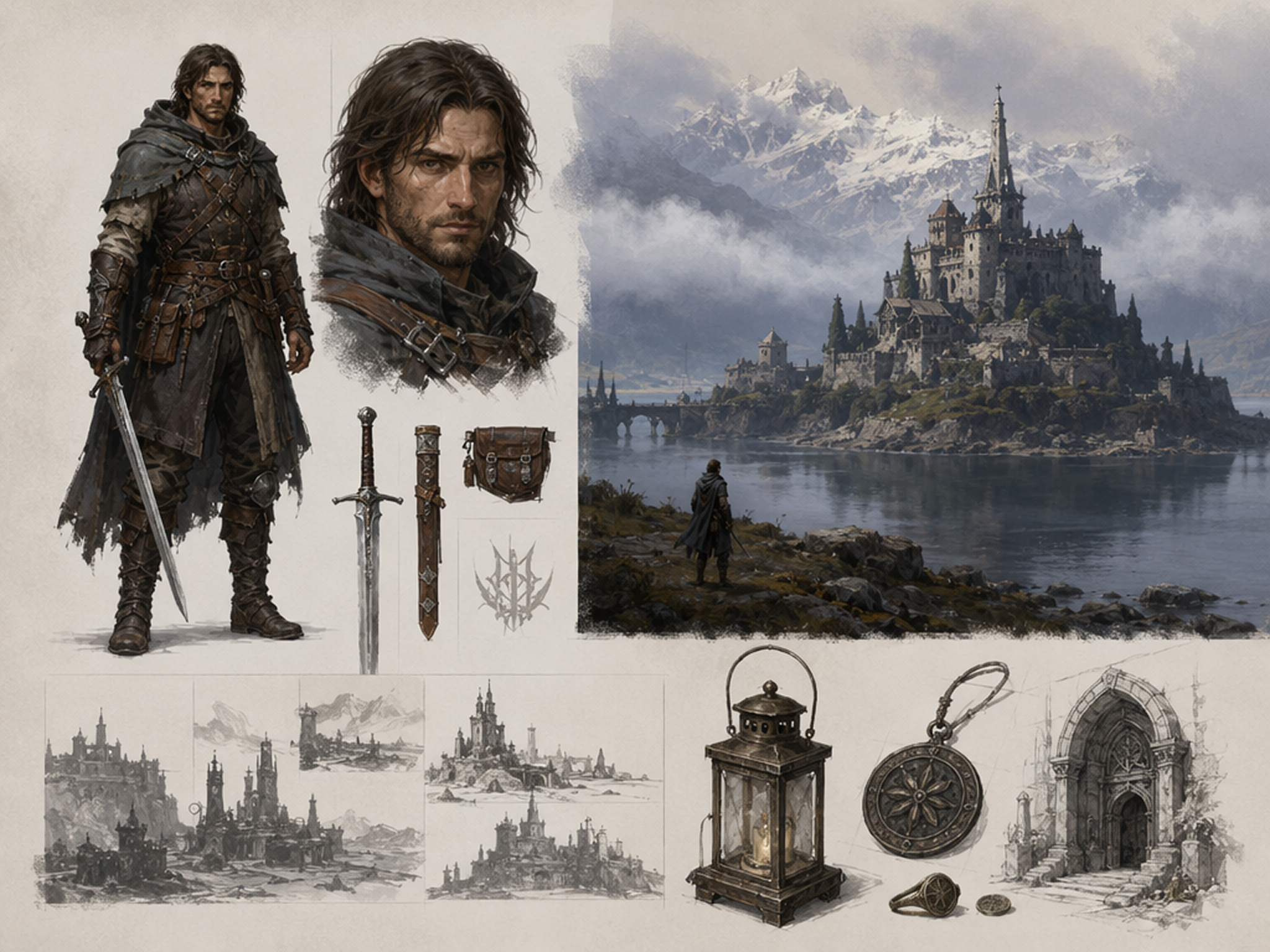
Why Choose Designkit for AI Art Creation
Keep Every Creative Option Open
Compare multiple visual directions before choosing one, making creative decisions more confidently and with less rework.
Start From Photos, Sketches, or Mood Boards
Upload photos, sketches, or mood boards to the AI image generator and guide every artwork with greater creative control.
Create Across Different Art Categories
Move from fantasy worlds to anime, cover art, and illustrations without changing your creative workflow.
Refine Prompts and Compare Variations
Adjust prompts, compare new versions, and improve results until every artwork matches your creative vision.
One Workspace for Art, Covers, and Concept Visuals
Create character art, cover designs, and concept illustrations without switching between different creative tools.
Explore Before Investing
Use the free AI art generator with signup credits to discover styles and creative possibilities before upgrading.
Unlock More Creative Possibilities
Turn Photos Into Art Styles
AI Action Figure Generator
AI Cartoon Character Maker
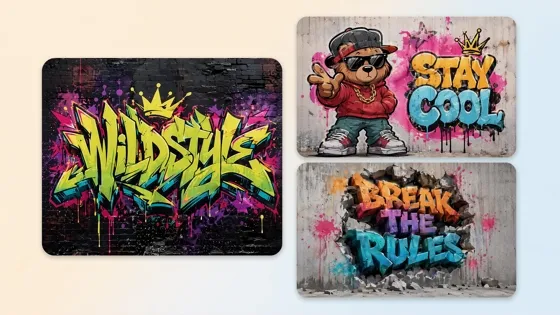
AI Graffiti Generator
Frequently Asked Questions
What is an AI art generator?
Can I use this AI art generator online?
Yes. Designkit is an AI art generator online, so you can create artwork directly from your browser without installing additional software. Simply enter a prompt or upload a reference image, generate different styles, and download your favorite results in just a few clicks.
Can I create AI art from text?
Yes. The AI art generator from text transforms written prompts into original illustrations, fantasy scenes, anime artwork, concept art, and digital paintings. Describe your idea in natural language, then refine the prompt or generate multiple variations until the artwork matches your vision.
Can I generate artwork from my own photos?
Yes. Upload your image to use the AI art generator from a photo, or combine it with prompts and reference images for more personalized results. This makes it easy to restyle portraits, landscapes, or everyday photos into completely new artistic creations.
Does Designkit support reference images?
Yes. The AI art generator with reference images helps guide composition, colors, poses, and overall style while creating original artwork. Combine your reference with a text prompt to produce visuals that stay closer to your creative direction.
Does AI-generated art look professional enough to publish?
Yes. Designkit creates artwork suitable for books, marketing, games, websites, and digital publishing. Generate fantasy illustrations, anime art, concept designs, cover artwork, and other creative visuals that are ready to refine or publish.
Is the AI art generator free to use?
Yes. New users receive signup credits to try the free AI art generator before upgrading. Explore different artistic styles, compare multiple generations, and discover what works best for your projects before choosing a paid plan.
Can I use AI-generated artwork commercially?
Images created on eligible paid plans can generally be used for commercial projects, including marketing, publishing, merchandise, websites, and client work. Please review the latest licensing terms before publishing or distributing your generated artwork.
Start Your Next AI Art Project Today
Write a prompt or upload a reference image and download original artwork. Start free with signup credits.

How Creative Communities Use Designkit AI Art Generator
Artists, storytellers, designers, and creators use Designkit to turn ideas into original artwork for personal and commercial projects.
Built Better Fantasy Concepts
Early concept sketches often slowed my workflow because I explored only one idea at a time. Designkit helps me generate multiple fantasy environments first, making it easier to compare compositions and spend more time refining the strongest direction.
Accelerated Character Development
Designing characters for a new game usually means days of sketching before finding the right look. The AI character art generator gives me several strong concepts in one session, helping the team move into production much sooner.
Created Album Artwork Independently
Every release deserves artwork that captures the story and emotion within. I try out the AI cover art generator to see what different looks like, and then pick art that I think will work well on streaming platforms and promotional stuff.
Turned Travel Photos Into Digital Art
I upload my favorite travel photos and use the AI art generator from photos to create watercolor paintings, fantasy scenes, and artistic illustrations. Each destination becomes more memorable while keeping my content visually original.
Expanded My Digital Print Shop
Keeping my store updated with fresh artwork every week was difficult. Designkit lets me explore new collections more consistently while maintaining a recognizable style, giving customers more variety without increasing production time.
Improved Story Visuals for Readers
The creation of character portraits and world-building art has made my stories feel more immersive. Readers connected with the characters earlier, and promo copy now conveys the mood of each book so much better. FAQs