
AI Photo Editor for E-Commerce Sellers
Edit product images with plain-language instructions. Designkit changes only what you ask and keeps the rest of the image intact.
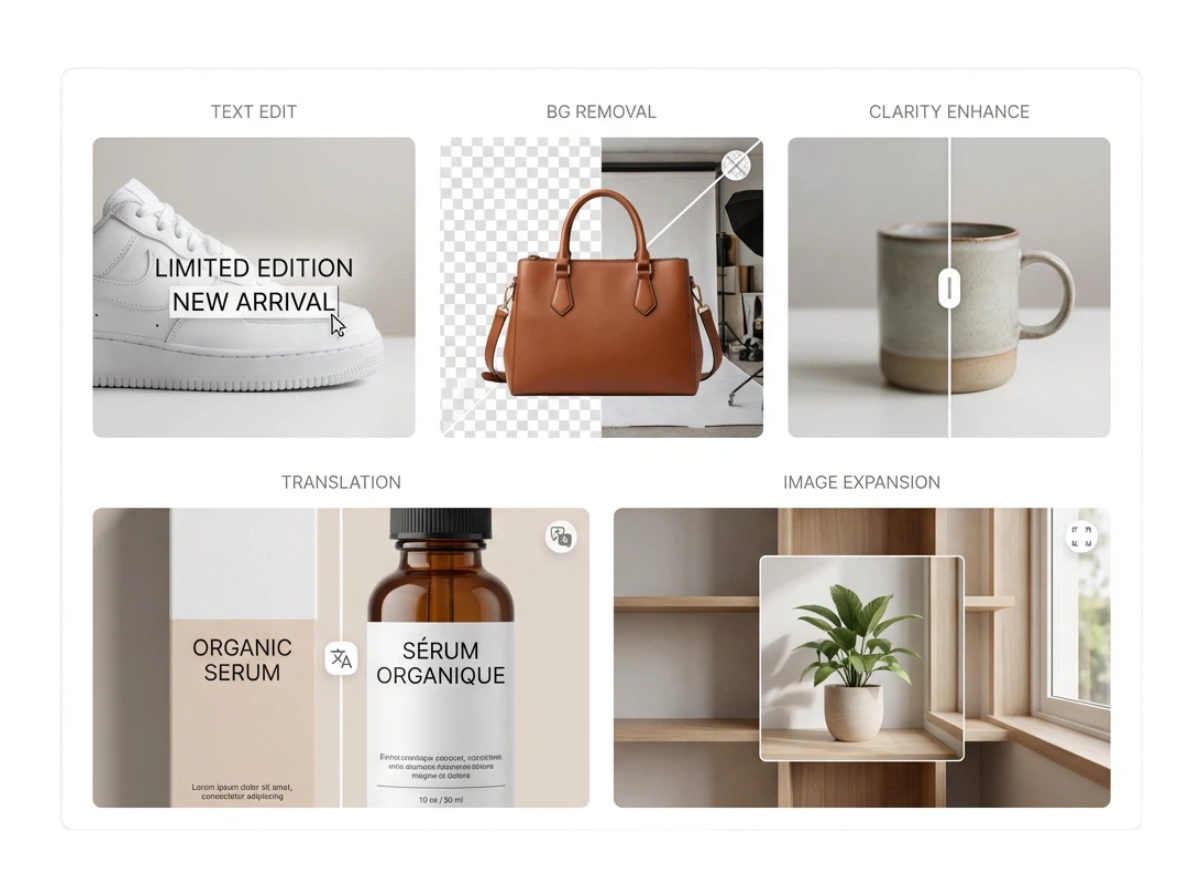
How to Edit Product Images With AI
Upload your product image
Upload the image you want to edit directly into the platform. The AI supports a wide range of formats and ensures your image quality is preserved for the best results.
Describe the changes in plain text
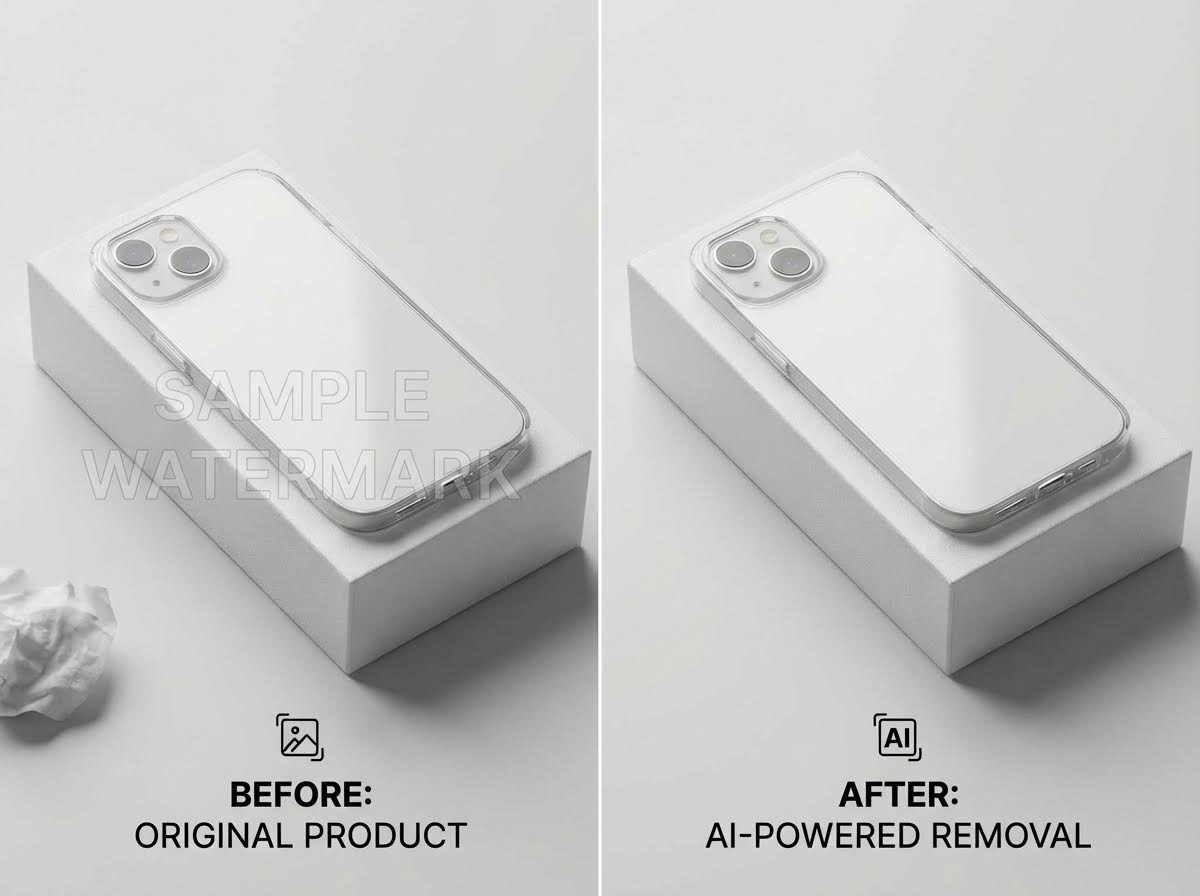
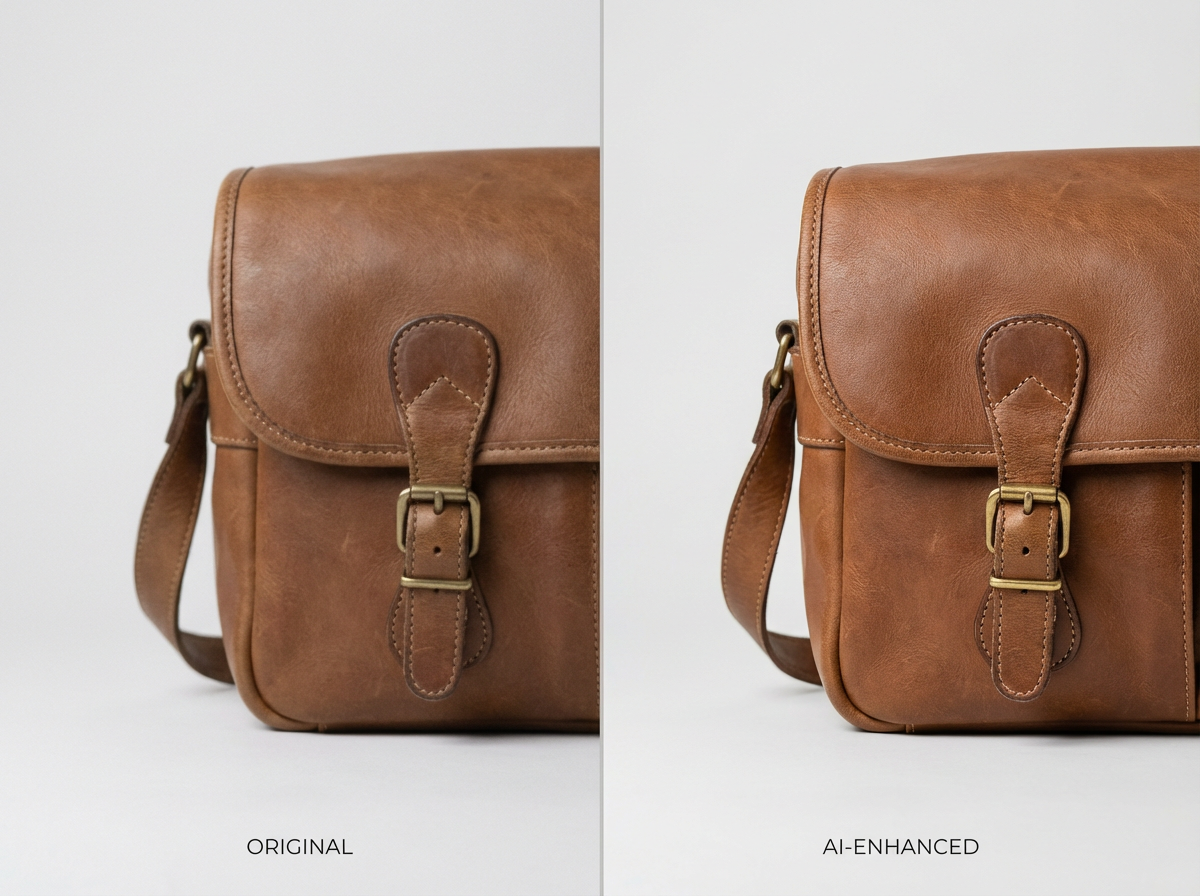
Simply type what you want to change, whether it’s text edits, removing objects, or enhancing clarity. The AI understands your instructions and the context of the image, so no technical skills are required.
AI Edits Your Image, and Export
The AI applies your requested changes accurately while maintaining the original layout, style, and details. Once complete, you can download the updated image immediately, saving time and effort compared to manual editing.
AI Photo Editing for Better Ecommerce Product Images
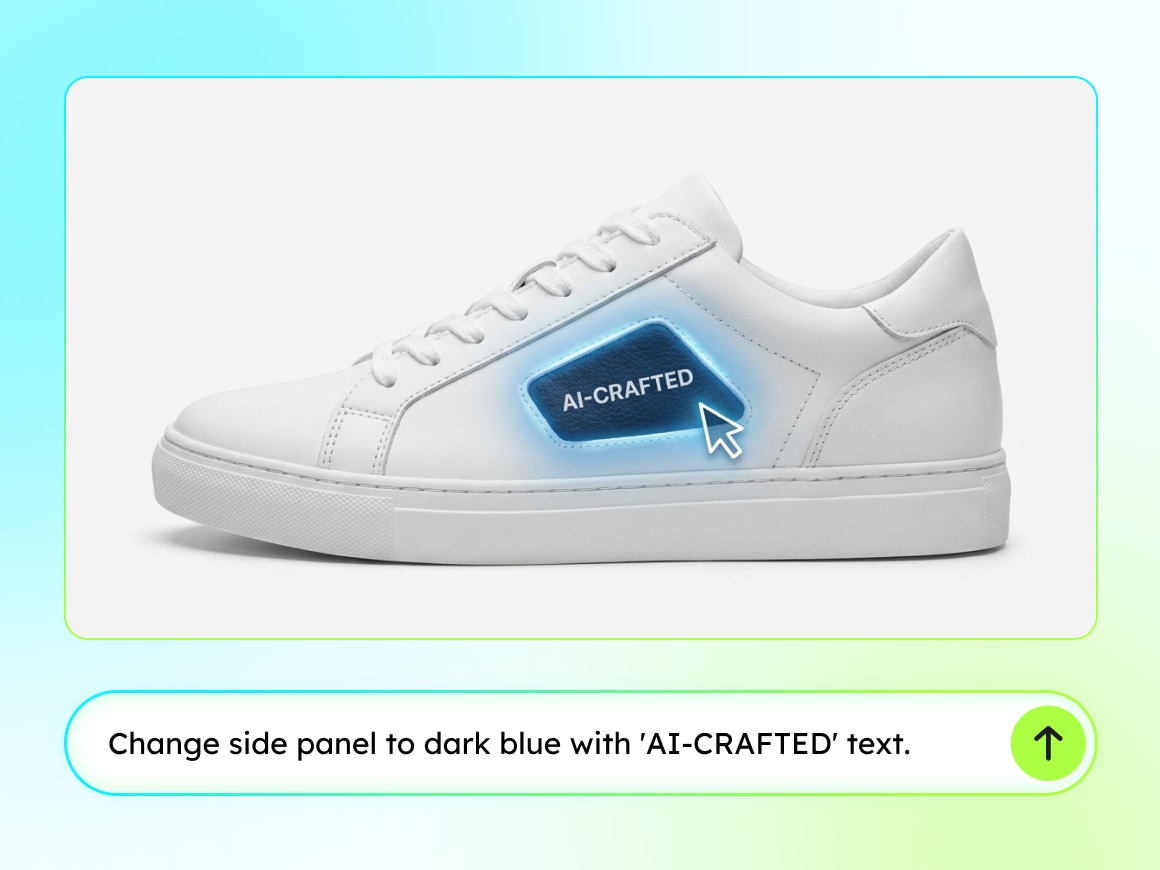
Instruction-precise editing
The Agent executes edits strictly based on the given instruction, no more and no less. Only the explicitly referenced elements are modified, while all other visual components remain untouched. This minimizes unintended changes and enables reliable, repeatable edits across large image sets.

Context-aware visual reasoning
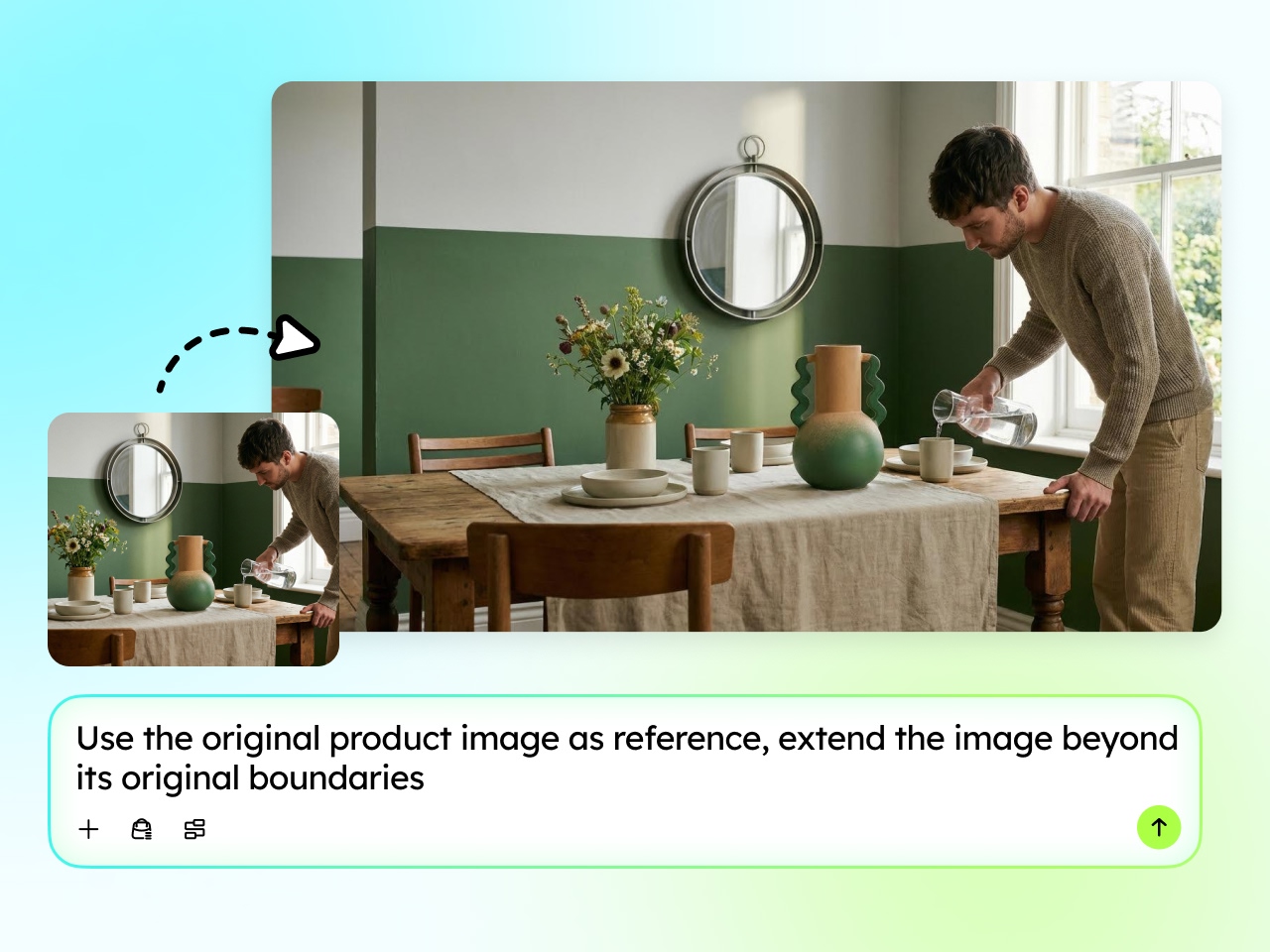
Text hierarchy, spatial layout, background structure, and visual relationships are automatically understood and preserved. Even when editing complex compositions, the Agent maintains alignment, proportions, typography, and overall visual balance.
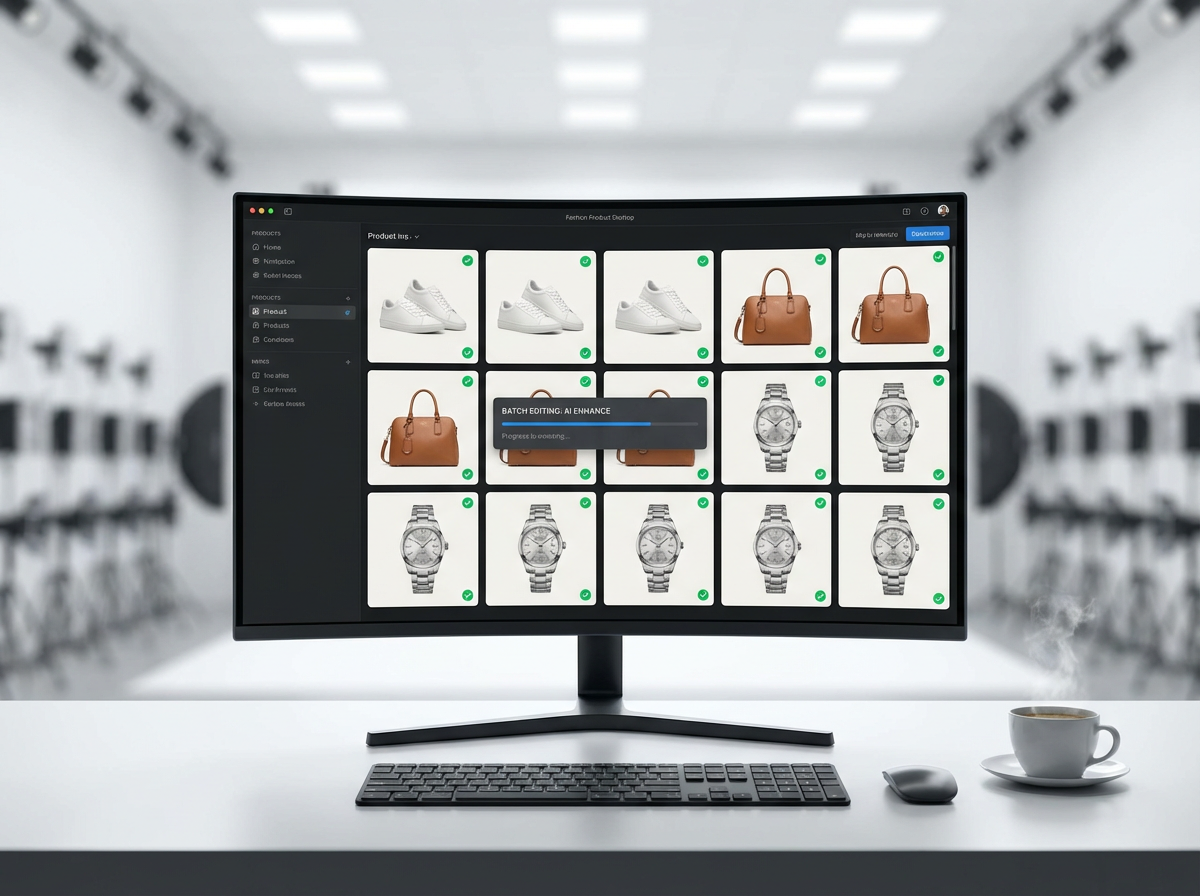
Designed for production-scale image workflows
Editing behavior is optimized for consistency, accuracy, and repeatability rather than exploratory design. The Agent produces stable results that meet quality and structure requirements across batches, making it suitable for large-scale image production.
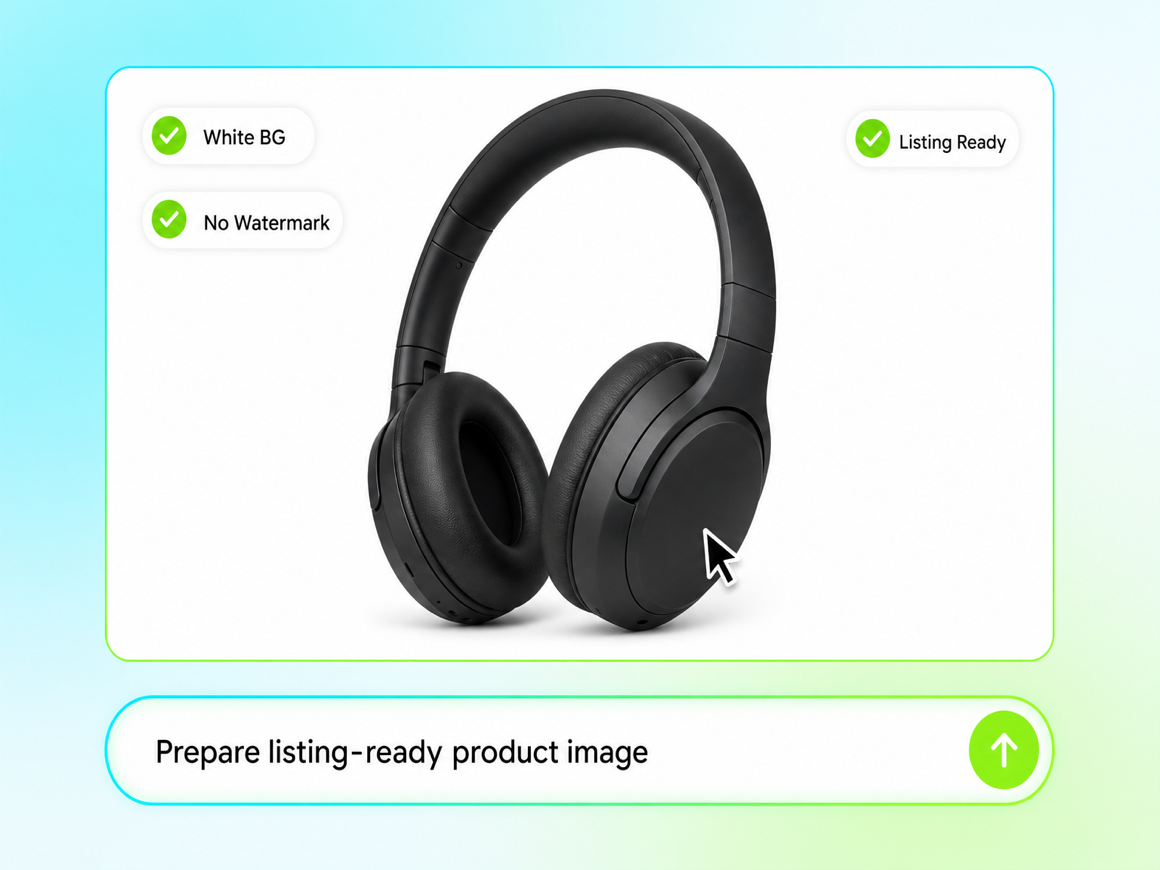
Prepare Listing-Ready Product Images from One Instruction
Ecommerce listings need clean crops, readable text, and marketplace-safe backgrounds, not just a finished-looking edit. Designkit turns one plain-language instruction into listing-ready product images while keeping product shape, color, and layout intact. Use the same flow for main images, detail shots, and localized variants without rebuilding files in a separate editor.
What You Can Do with AI Photo Editing
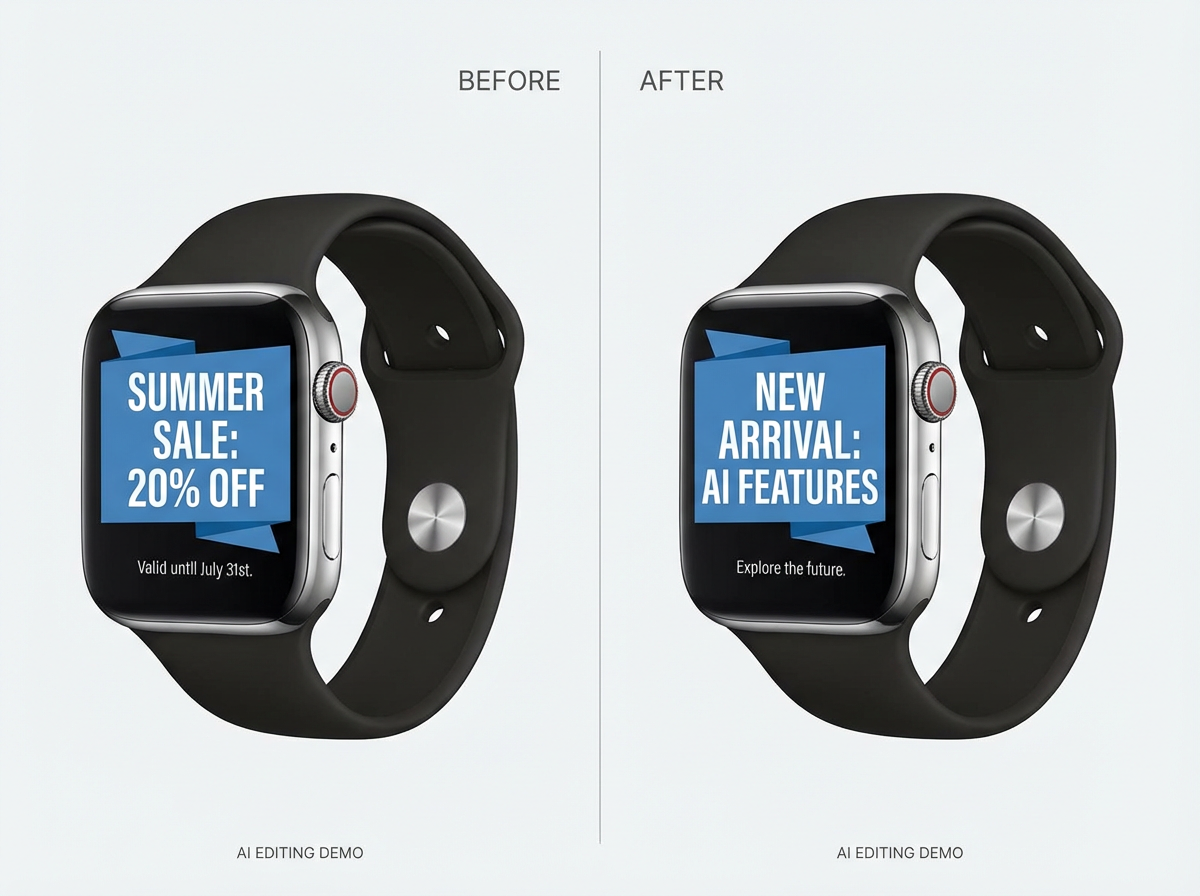
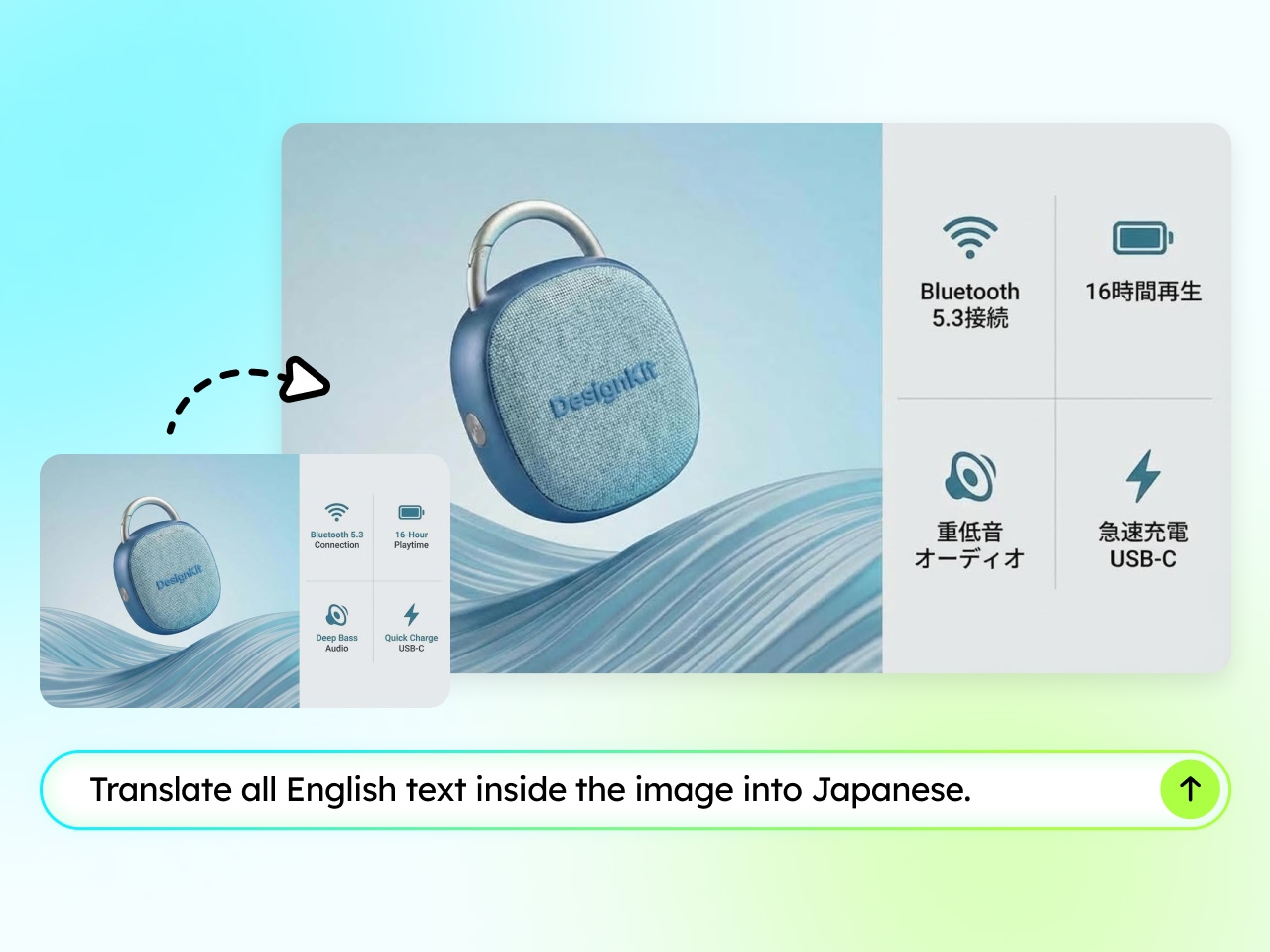
Seamless Text Editing Inside Images
Modify text directly within images by describing what should change. The Agent updates wording while preserving the original layout, background, alignment, typography, and special text effects. This allows text changes without re-rendering the entire image or disrupting its visual balance.
Frequently Asked Questions
What makes AI photo editing for ecommerce different from a regular photo editor?
Will AI photo editing reduce the quality or make my product images look artificial?
No. The AI is built to enhance and edit images while preserving their original style, lighting, and details, so your e-commerce visuals stay natural instead of looking over-processed or fake.
Can I use this AI photo editor for Amazon product photos and other marketplaces?
Yes. Designkit supports common Amazon product photos requirements, including white backgrounds, listing image sizing, and localized visuals, and the same edits work for Shopify, eBay, and other marketplace listings.
How accurate is the AI background removal on complex or detailed products?
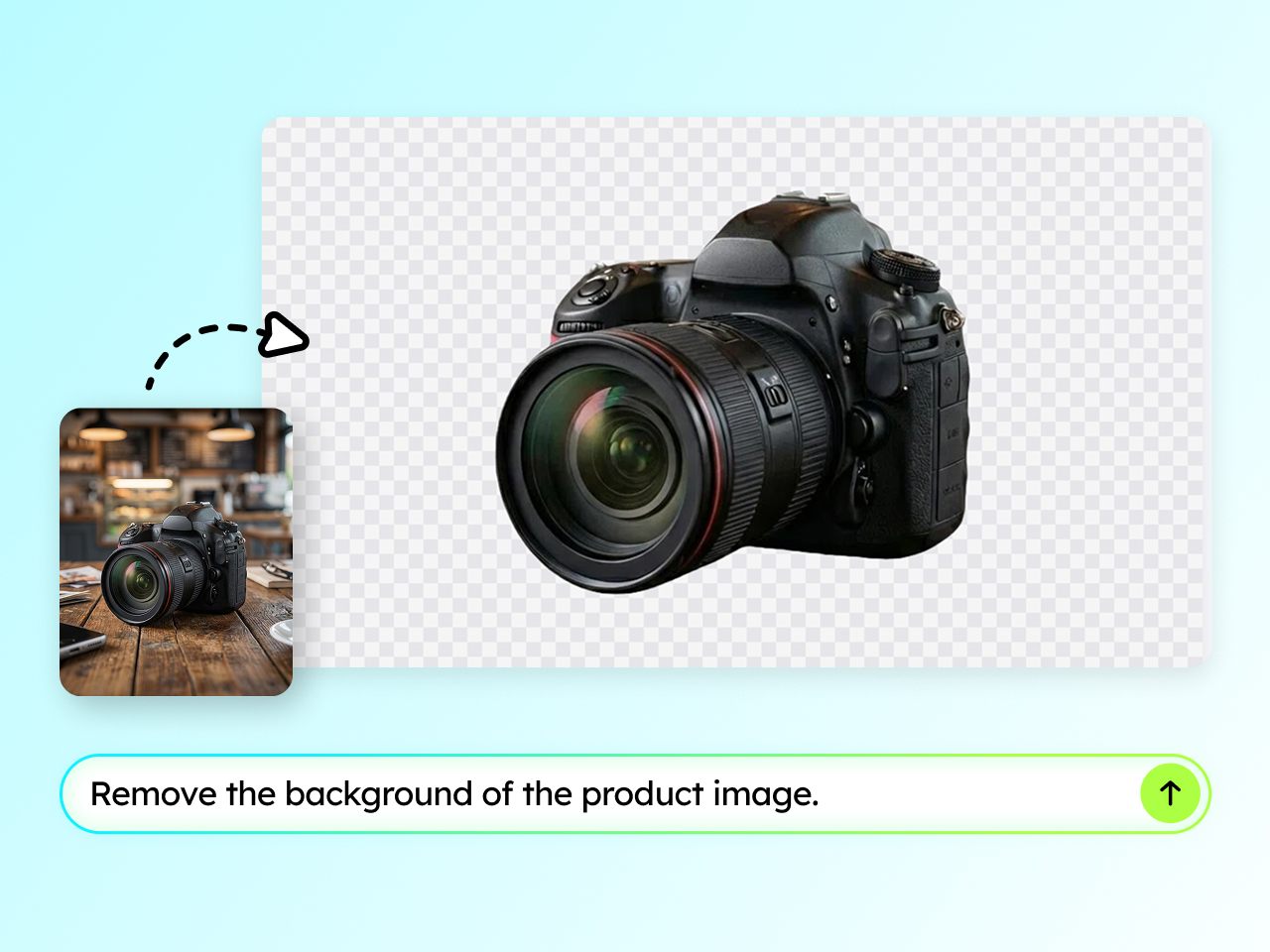
The AI background removal uses precise edge detection to preserve fine details like jewelry chains, fabric textures, and transparent materials, so manual masking or cleanup is rarely needed afterward.
Can AI text editing update wording without breaking the image's original design?
Yes. AI text editing changes only the wording you specify while keeping the original font, layout, spacing, and background intact, which also makes it useful for creating localized, multilingual versions of the same image.
Do I need design experience, and can this e-commerce image editor handle bulk product photos?
No design skills are required, since edits are made through plain-text instructions. Designkit is also built for production-scale product image editing, so sellers can apply consistent edits across large batches of images rather than one at a time.
Start AI Photo Editing for Your Ecommerce Store
Upload your photo, describe the edit, and let Designkit's AI photo editor deliver images ready for every marketplace.

A Faster Way to Edit Product Photos
Designkit's AI photo editing for ecommerce completely changed how our small team handles product shoots every week. What used to take a designer several hours now takes only minutes, since I just describe the edit I want and the AI photo editor gets it right the first time. It's become a core part of our daily workflow and budget planning.
Fixed Our Amazon Listing Compliance Issues
I sell across multiple Amazon categories, and image compliance has always been a constant headache for our small operations team. This tool understands Amazon product photos requirements, including clean white backgrounds, proper sizing, and no stray text, then fixes flagged listings in a single pass. It has already saved me from several costly image rejections this quarter.
The Most Accurate Background Removal I've Used
The AI background removal is honestly the feature I rely on the most every single day. Fine details like delicate jewelry chains and soft fabric edges come out clean without the halo effect I always got from other apps. As a product image editing tool, it's genuinely more accurate and reliable than anything I've tried before this year.
Localizing Product Images Without Redesigning
We localize product images for five different regions every quarter, and AI text editing inside the photos has genuinely been a game changer for our small team. It swaps the copy while keeping fonts, layout, and background completely untouched. There's no more redesigning from scratch for every single language variant we launch.
Consistent Visuals Across Our Entire Catalog
Multi-Brand Retailer Consistency across hundreds of SKUs used to be nearly impossible to maintain manually with our old workflow. As a reliable e-commerce image editor, Designkit keeps our e-commerce visuals uniform in lighting, framing, and style across the entire catalog, batch after batch, without any noticeable drift in quality or tone.