
Create AI Thumbnails From Videos, Images, and Ideas
Turn your video content, images, or creative ideas into engaging thumbnails. Designkit creates platform-ready video covers with layouts, text, and visuals that match your content style.
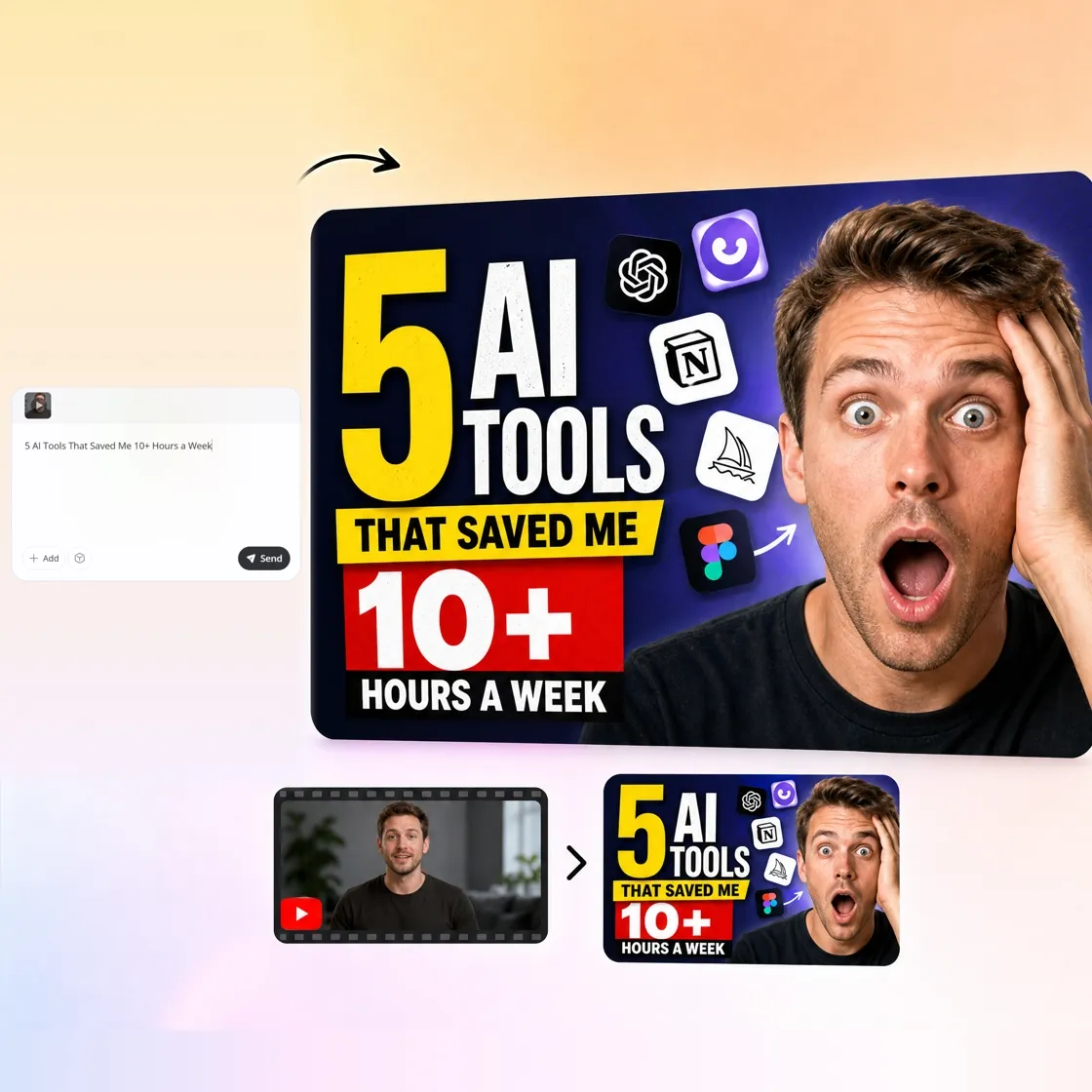
How to Create an AI Thumbnail in 3 Steps
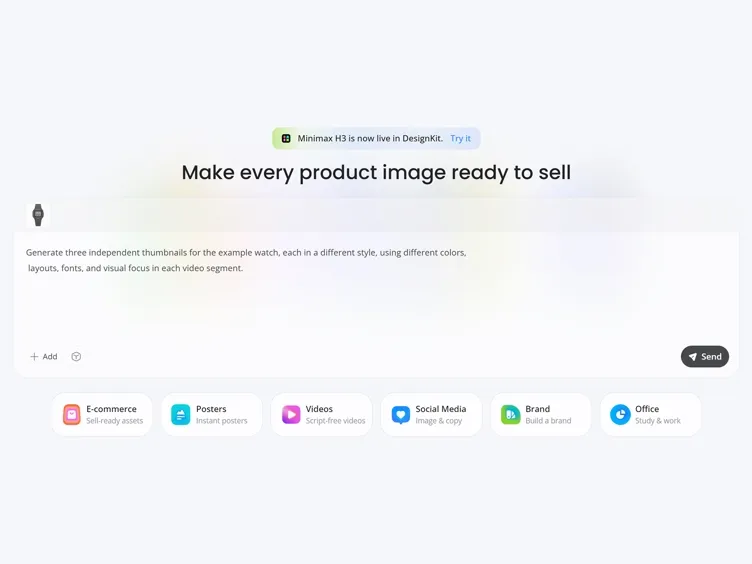
Describe Your Thumbnail
Enter a prompt or upload a reference image. Include your topic, style, colors, and headline if desired.
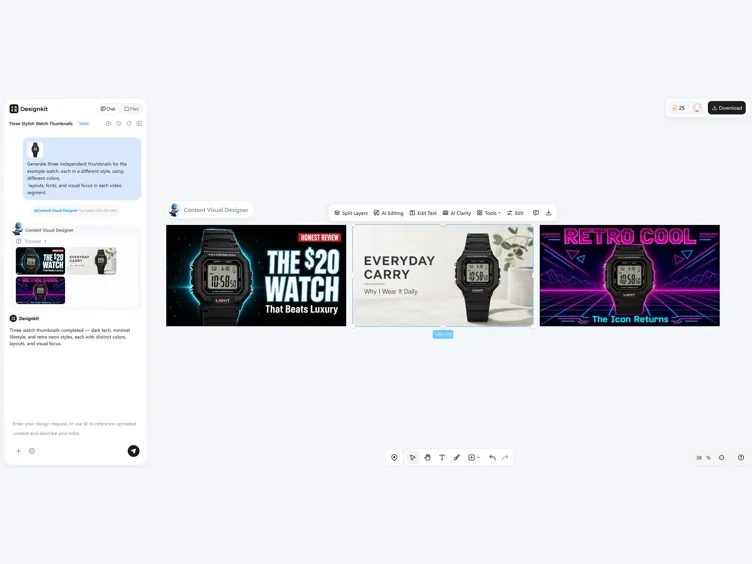
Customize the Design
Adjust fonts, colors, layouts, icons, backgrounds, and visual effects to match your content.
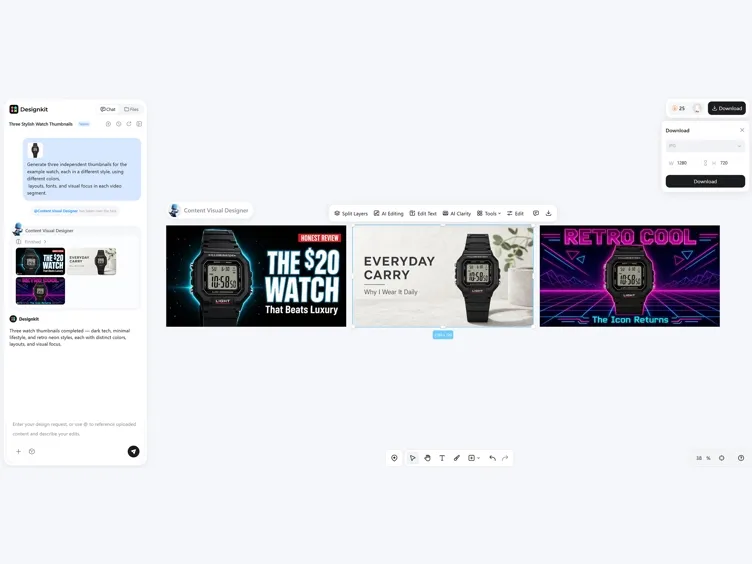
Generate and Download
Preview multiple thumbnail variations and download your favorite in high resolution for YouTube or social media.
What Makes Designkit AI Thumbnail Generator Different
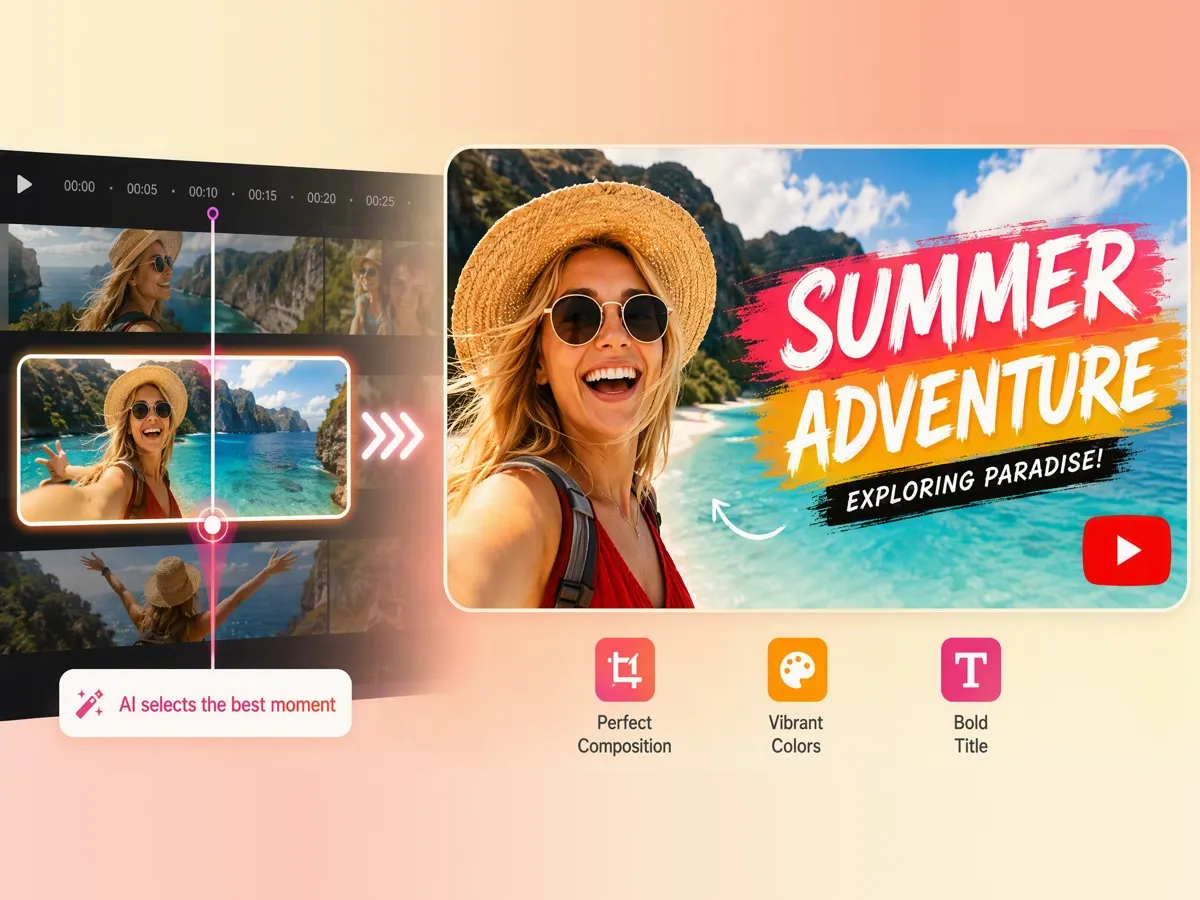
Turn Videos Into Ready-to-Use Covers Automatically
Designkit can analyze generated videos and create matching video covers based on the content and platform size. Turn one video into a complete publishing package with a suitable thumbnail without manually selecting frames or designing covers.
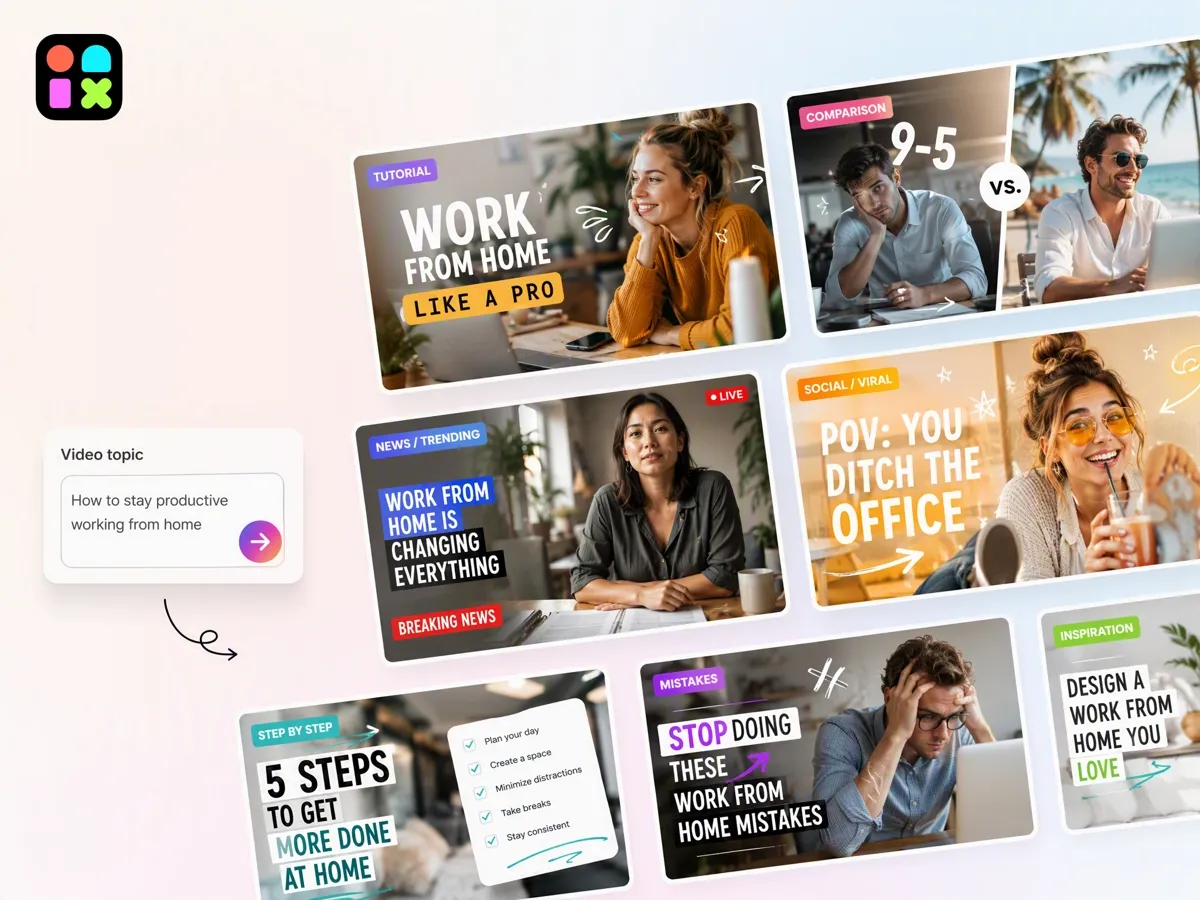
Generate Thumbnail Concepts From Any Idea
Describe your video topic, product, or content style, and Designkit creates thumbnail concepts with visuals, layouts, and headline suggestions. Turn a simple idea into a complete thumbnail direction before publishing.
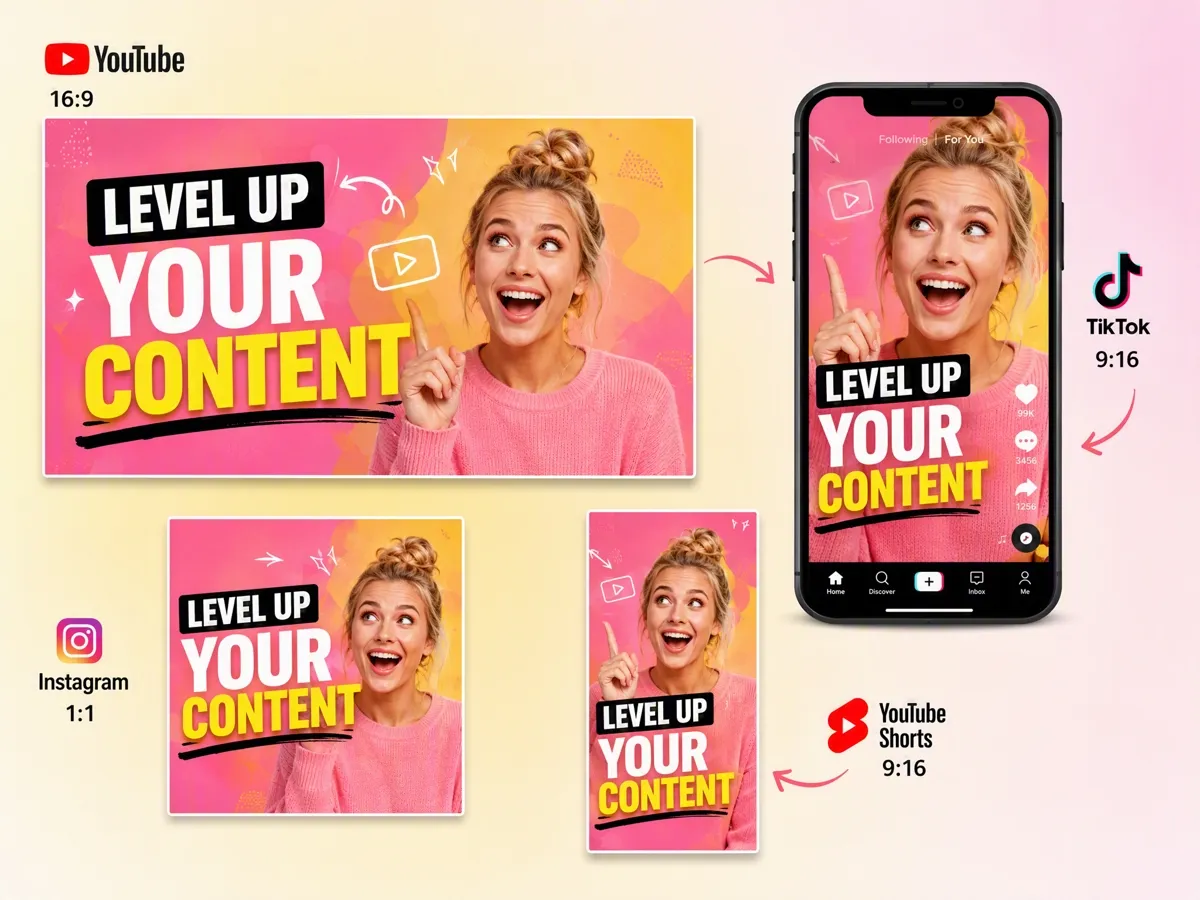
Create Platform-Specific Thumbnail Sizes
Different platforms require different cover formats. Designkit's YouTube thumbnail resizer helps adapt thumbnail designs for YouTube videos, Shorts, social posts, podcasts, and other channels while keeping the main visual message clear.
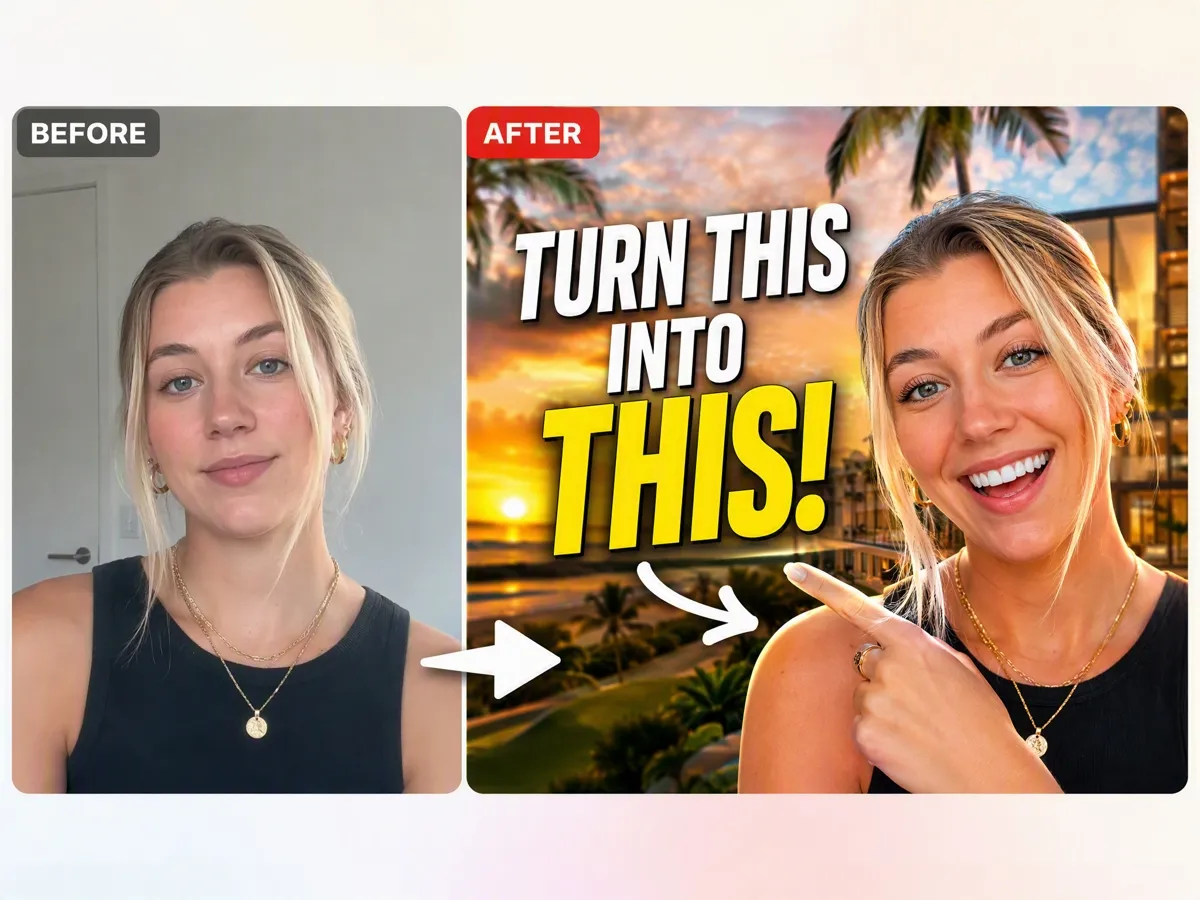
Improve Existing Images for Thumbnail Use
Upload existing photos, screenshots, or product images and refine them into stronger thumbnail visuals. Adjust backgrounds, composition, and visual elements to make your images more suitable for video covers.
Who Uses Designkit AI Thumbnail Generator
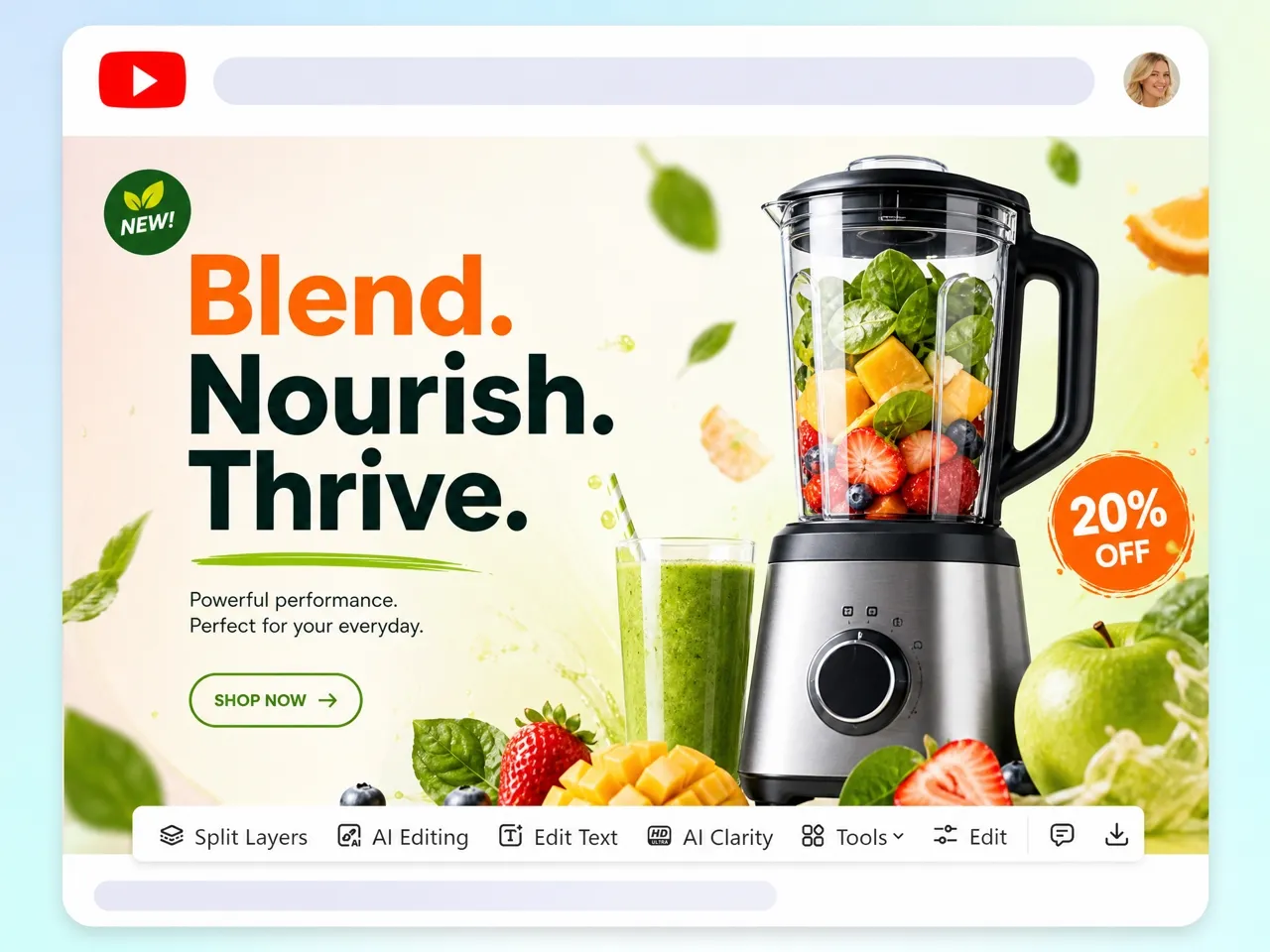
Improve Video Click Appeal With Better Thumbnail Concepts
Creators compete for attention in crowded feeds. Designkit helps turn video topics into clear thumbnail concepts with strong visuals, readable messaging, and layouts designed for YouTube content.
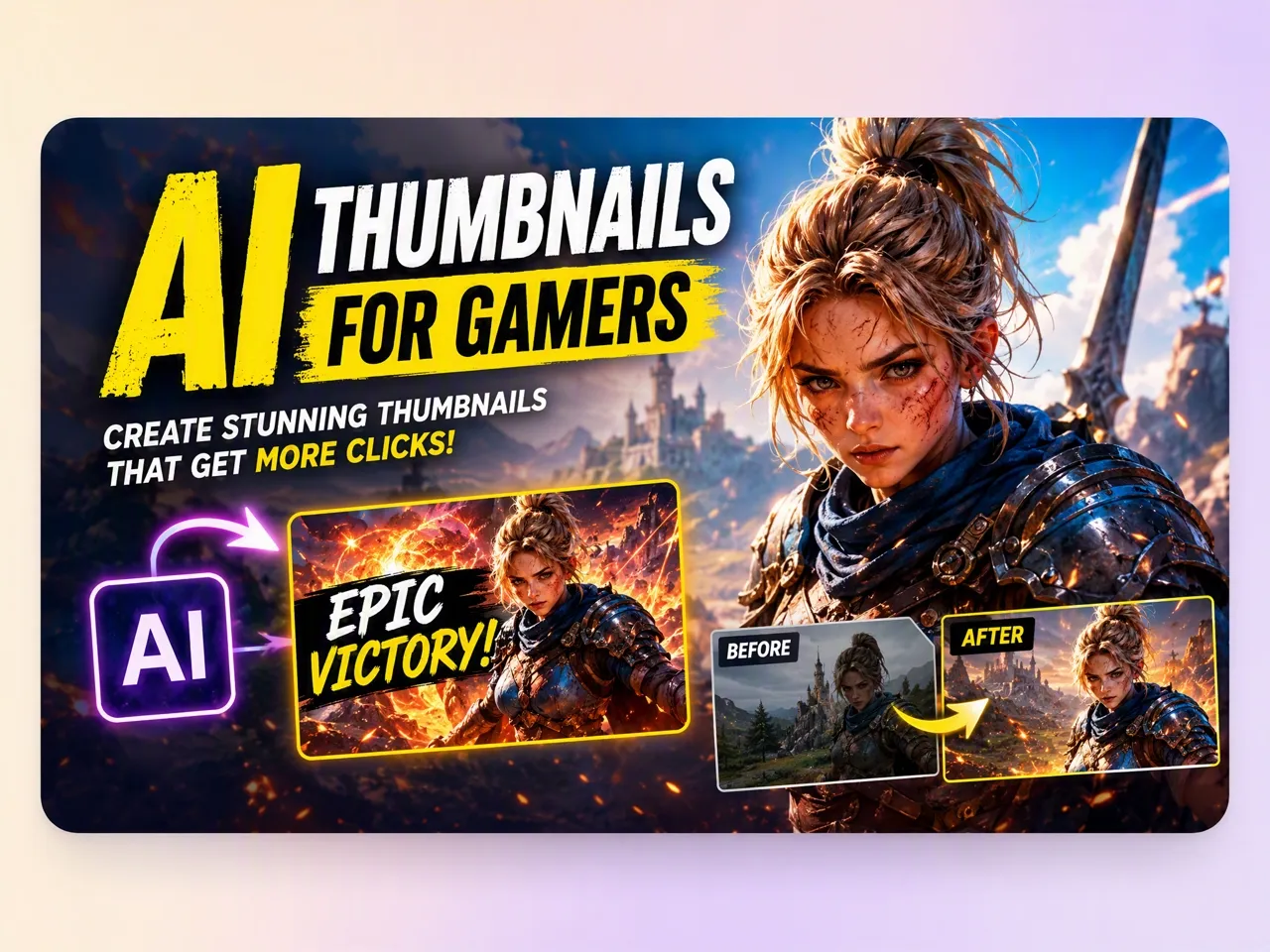
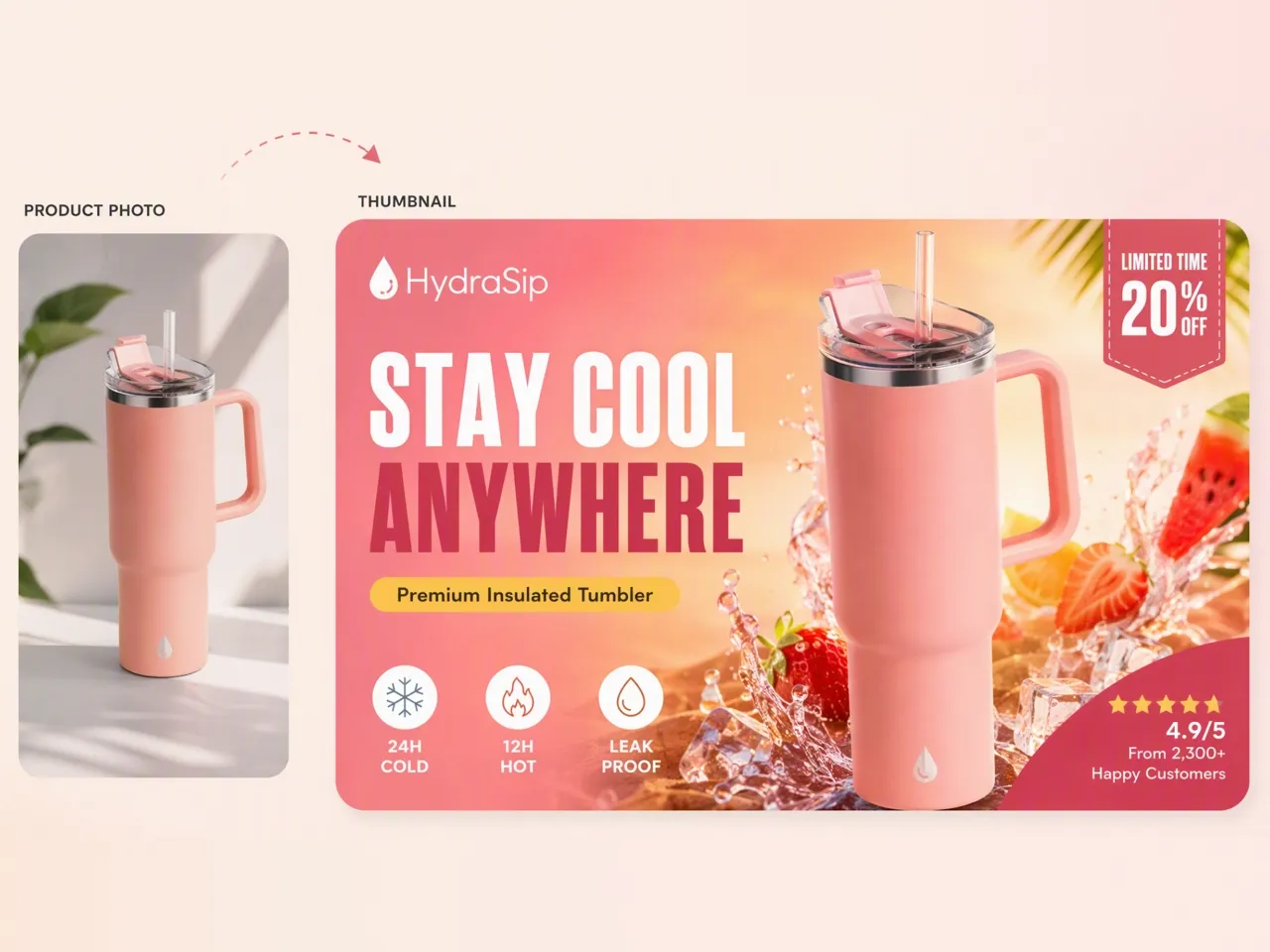
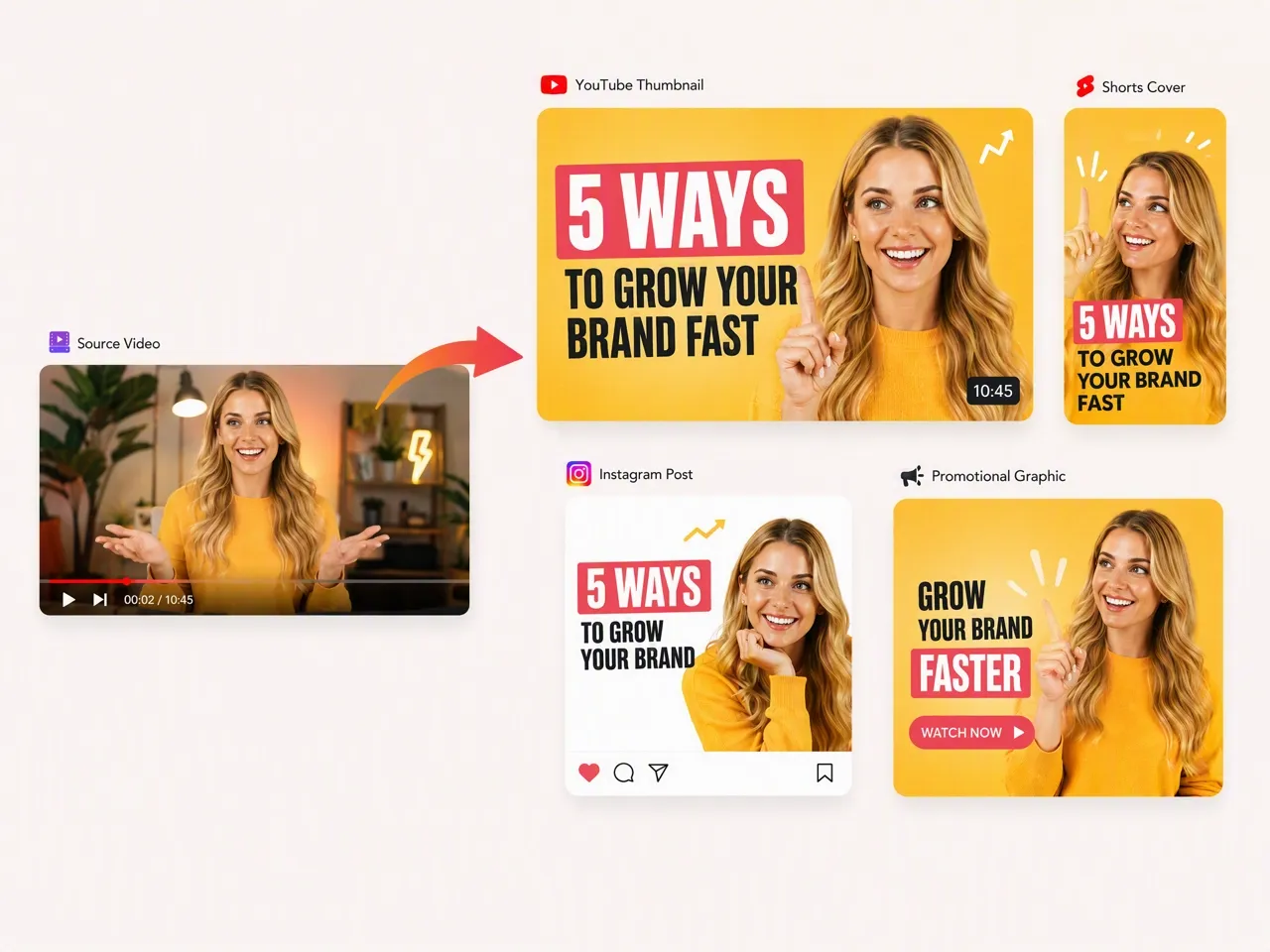
Unlock More Creative Possibilities
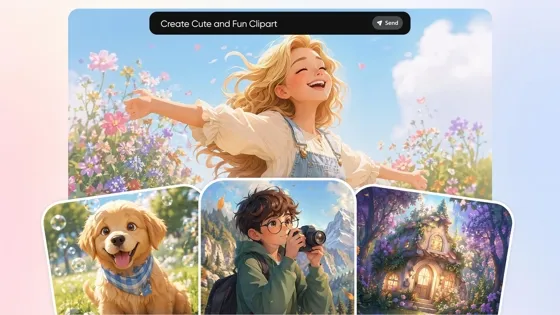
AI Clipart Generator: Make Custom Clipart From Text or Photos
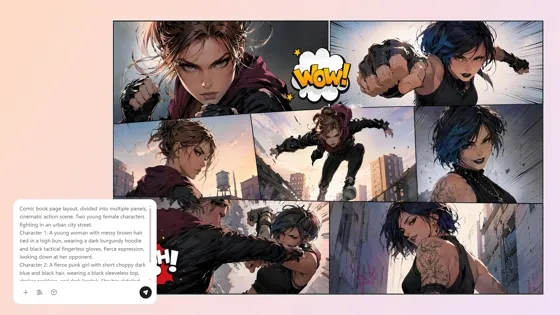
AI Comic Generator: Create Comics from Text or Photos
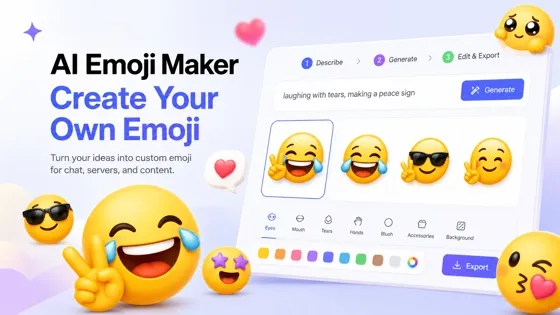
Emoji Maker: Create Custom Emoji From a Prompt
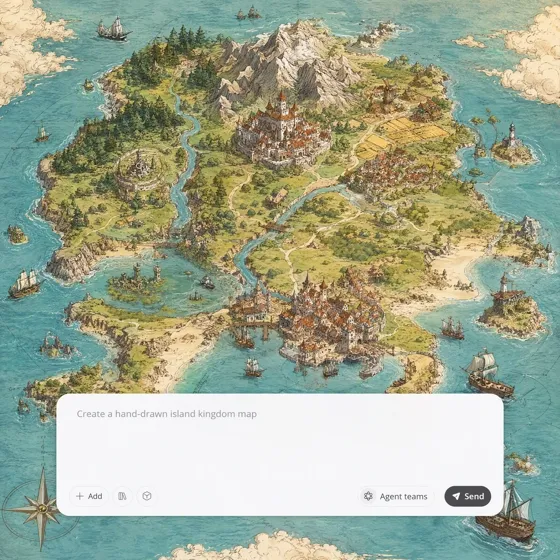
Fantasy Map Generator: AI Maps for Novels and Campaigns

AI Icon Generator: Make Custom Icon Sets Online
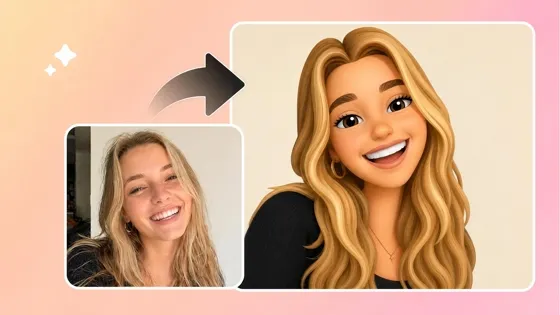
Image to Emoji Converter: Create Custom Emojis from Photos
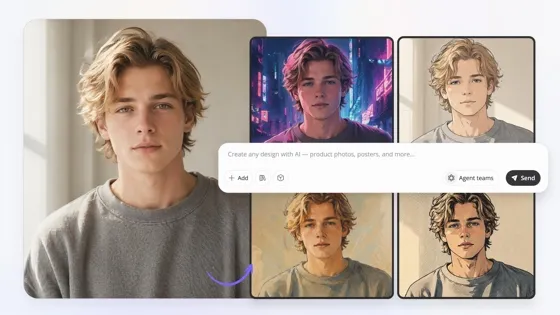
Image to Image AI: Transform Images into New Styles Online
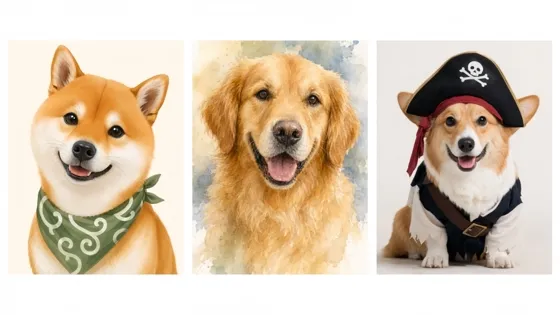
AI Pet Portrait Generator from Photo

AI Self Care Checklist Generator for Daily Routines
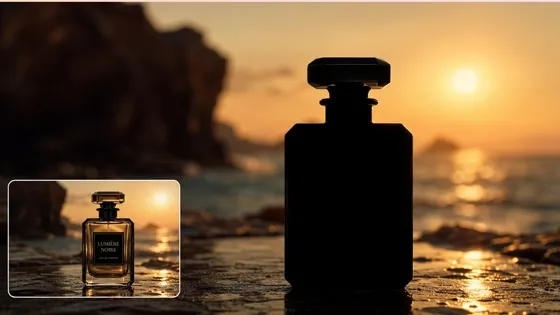
Silhouette Maker: Turn a Photo Into Clean Silhouette Art Online
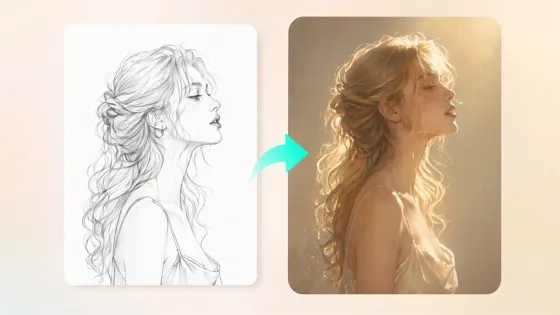
Sketch to Image AI: Turn Drawings into Realistic Images
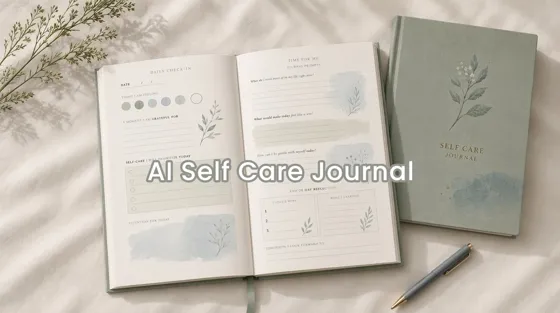
AI Self Care Journal Design Tool for Custom Pages
Frequently Asked Questions
What is an AI thumbnail generator?
What makes a good YouTube thumbnail?
A good YouTube thumbnail usually has a clear subject, readable text, strong contrast, and a visual style that matches the video's content. Designkit helps organize these elements into a balanced thumbnail design.
Can AI create a thumbnail from my video?
Yes. Designkit can analyze your AI-generated video content and create a matching video cover based on the video's topic and format. This helps keep your thumbnail aligned with the actual video instead of designing a separate image that does not match the content.
Why do my AI-generated thumbnails look too generic?
AI thumbnails can look less effective when the prompt does not include enough context about the video topic, audience, or visual style. Designkit allows you to provide more details and refine the generated design until it better matches your content.
Can I create thumbnails from text only?
Yes. You can describe your video topic, title idea, or creative direction, and Designkit's AI thumbnail maker can generate a visual concept from your description. You can then adjust the generated thumbnail before downloading the final design.
Create AI Thumbnails That Match Your Content
Turn your video ideas, images, or AI-generated videos into professional thumbnails designed for YouTube, social media, and marketing campaigns. Start creating with free signup credits.
Why Choose Designkit for AI Thumbnail Creation

Go Beyond Template-Based Thumbnail Design
Traditional design tools often require users to search templates and manually adjust layouts. Designkit generates thumbnail concepts based on your video topic, visual direction, and content purpose instead of forcing every project into a fixed template.

Create Marketing-Ready Visuals Without Design Expertise
Professional thumbnails usually require skills in composition, typography, and visual hierarchy. Designkit helps creators and marketers produce structured thumbnail designs without mastering complex design software.

Start Creating AI Thumbnails With Free Credits
Try Designkit's AI thumbnail generator with free signup credits. Explore different thumbnail styles, creative directions, and video-cover workflows before upgrading.



What Creators Say About Designkit AI Thumbnail Generator
Creators, marketers, and business owners share how they use Designkit to create thumbnails for videos, campaigns, and online content.
I Finally Stopped Staring at a Blank Thumbnail Canvas
I usually have a clear idea for my videos, but making the thumbnail was always the last thing I wanted to do. I would spend a lot of time trying different layouts and still not feel confident about the result. Designkit gives me a few starting points that actually match my video topic, so I can pick one and adjust it instead of designing from zero.
It Helps When the Video Is Ready, But the Thumbnail Is Missing
I finish editing a video and realize I still need a thumbnail before uploading. I used to put together something basic just to publish it. Now I can describe the video idea in Designkit and get a thumbnail concept that fits the actual content much quicker.
I Use It When I Need More Ideas, Not Just One Design
The hardest part of making thumbnails is usually deciding what direction to take. I like testing different styles before choosing one, such as a product-focused layout, a text-heavy version, or something more visual. It helps our team discuss ideas before spending time on final designs.
I Don't Need to Learn Another Complicated Design Tool
I have used design software before, but I don't create thumbnails often enough to remember every feature. For my course videos, I mainly need something clean and readable. Designkit helps me create a good starting point without spending time learning complicated tools.