
AI Icon Generator for Apps, Brands, and UI
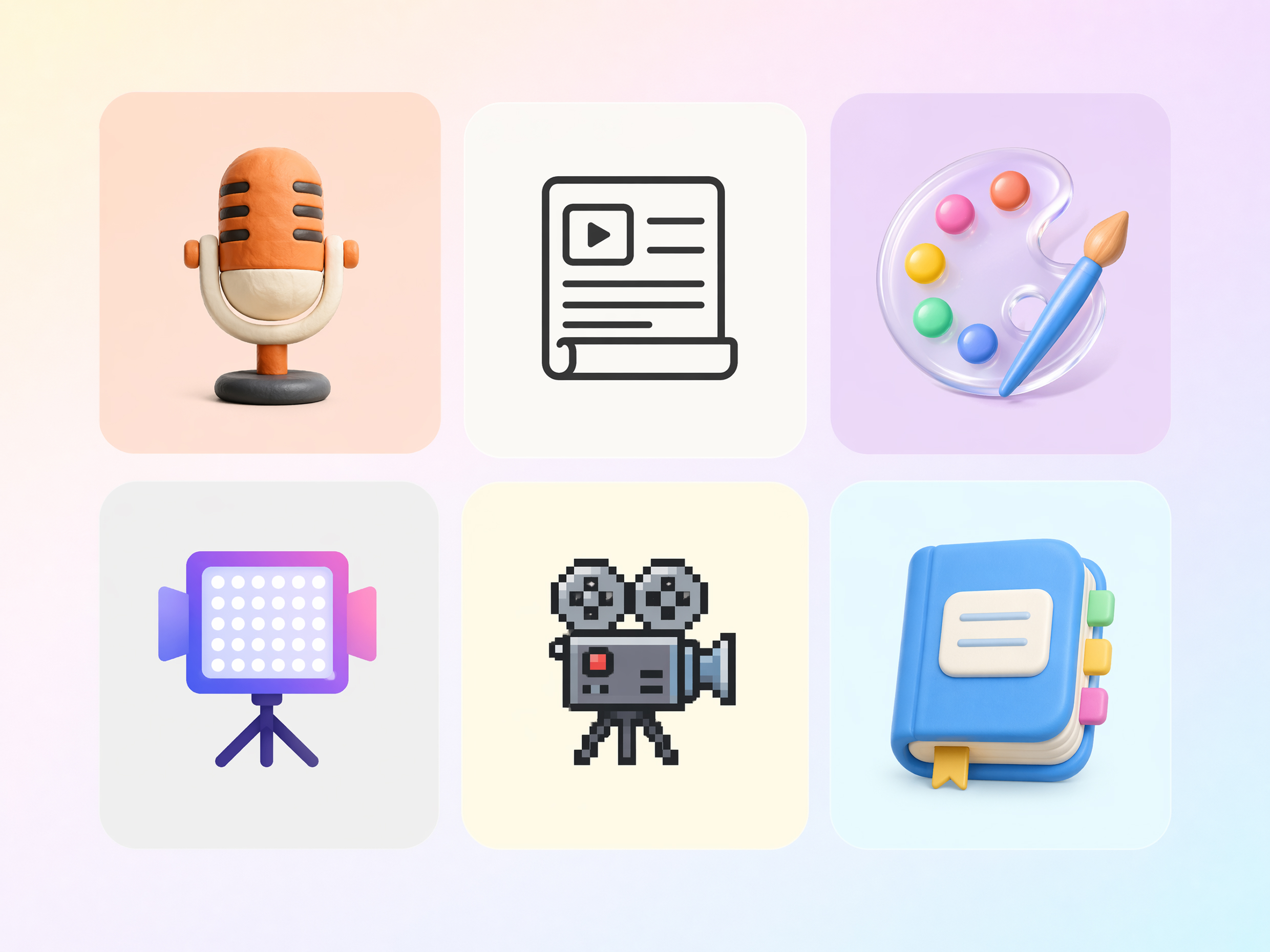
Missing an icon? Describe it or upload an image and get a custom one back. Generate a full set in the same style so your app, website, or dashboard stays consistent.
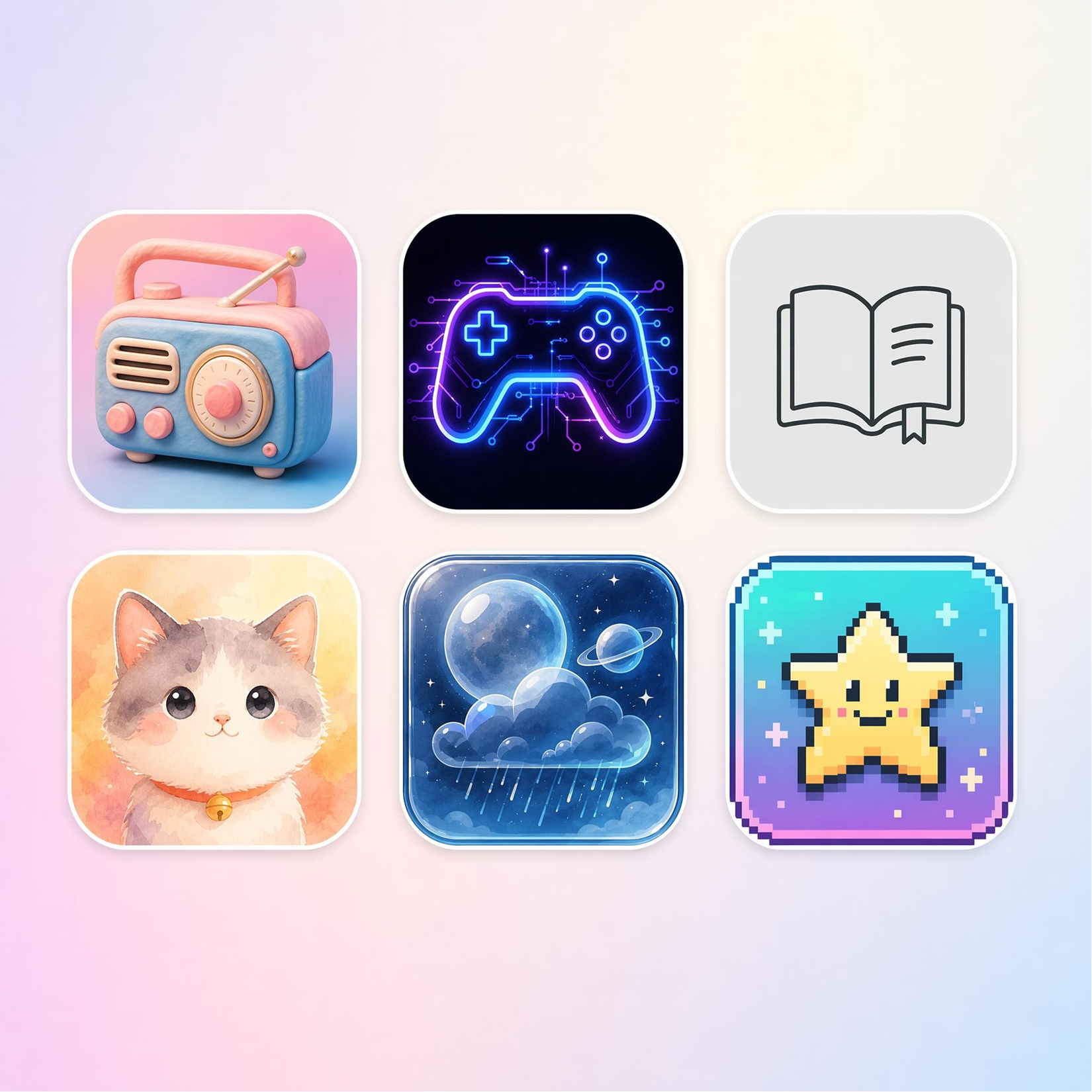
Design Icons Faster Than You Think
How to Generate Icons in 3 Steps
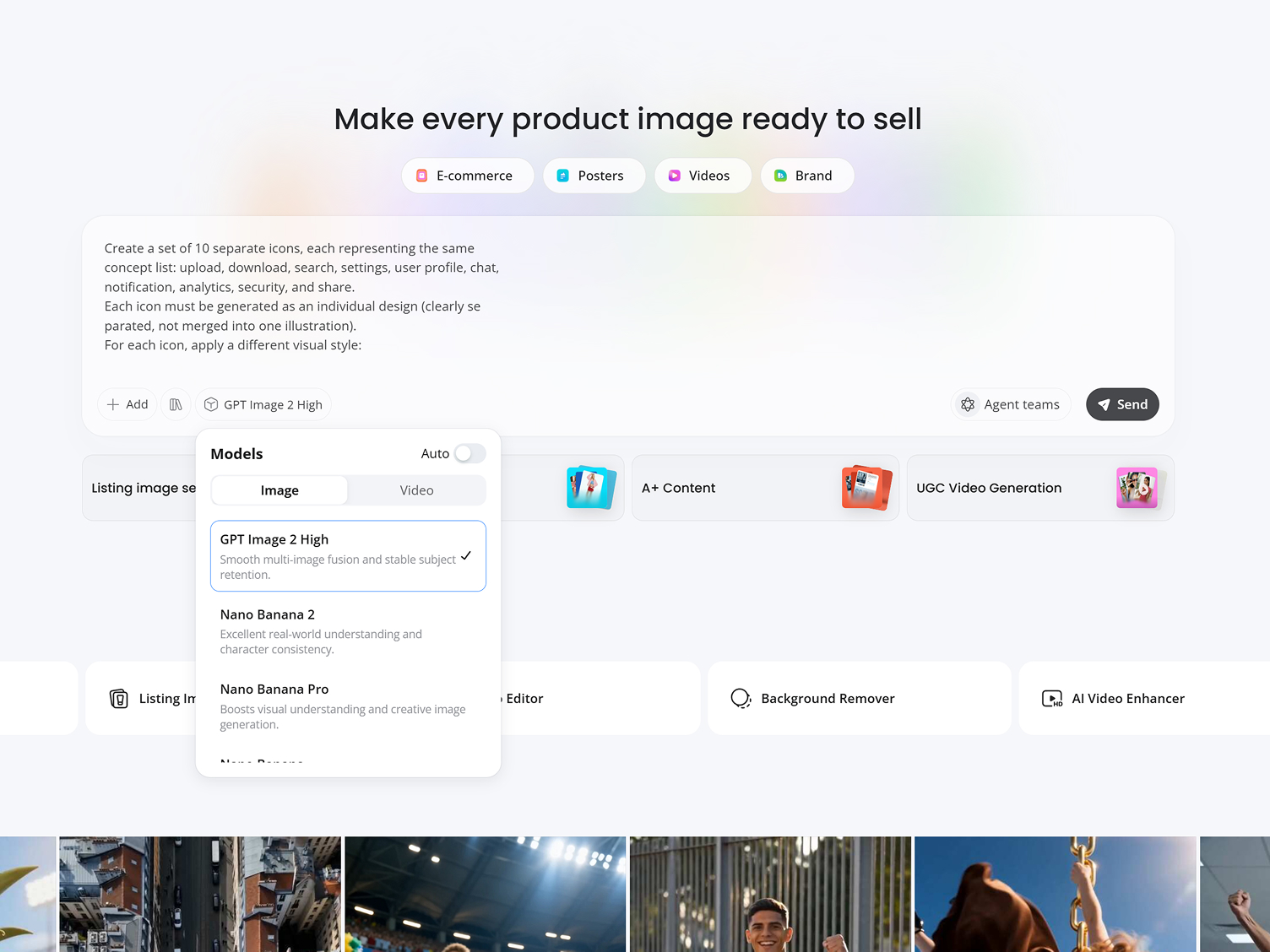
Describe or Upload
Type what you want the icon to represent, including objects, themes, colors, styles, and usage, or upload an image to base it on.
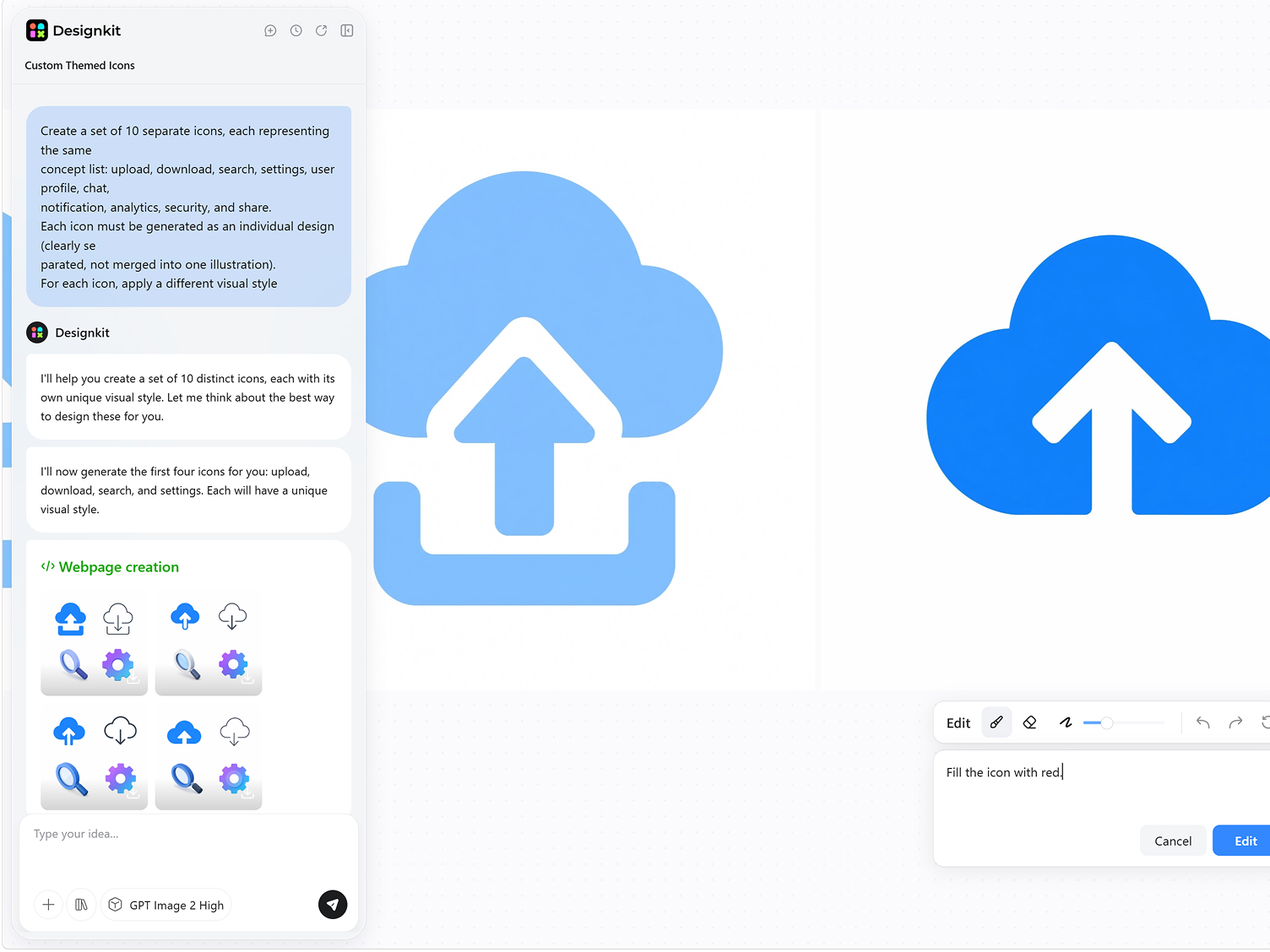
Generate Icon Styles
Get several icons in one consistent style, so the whole set works together instead of one-off icons.
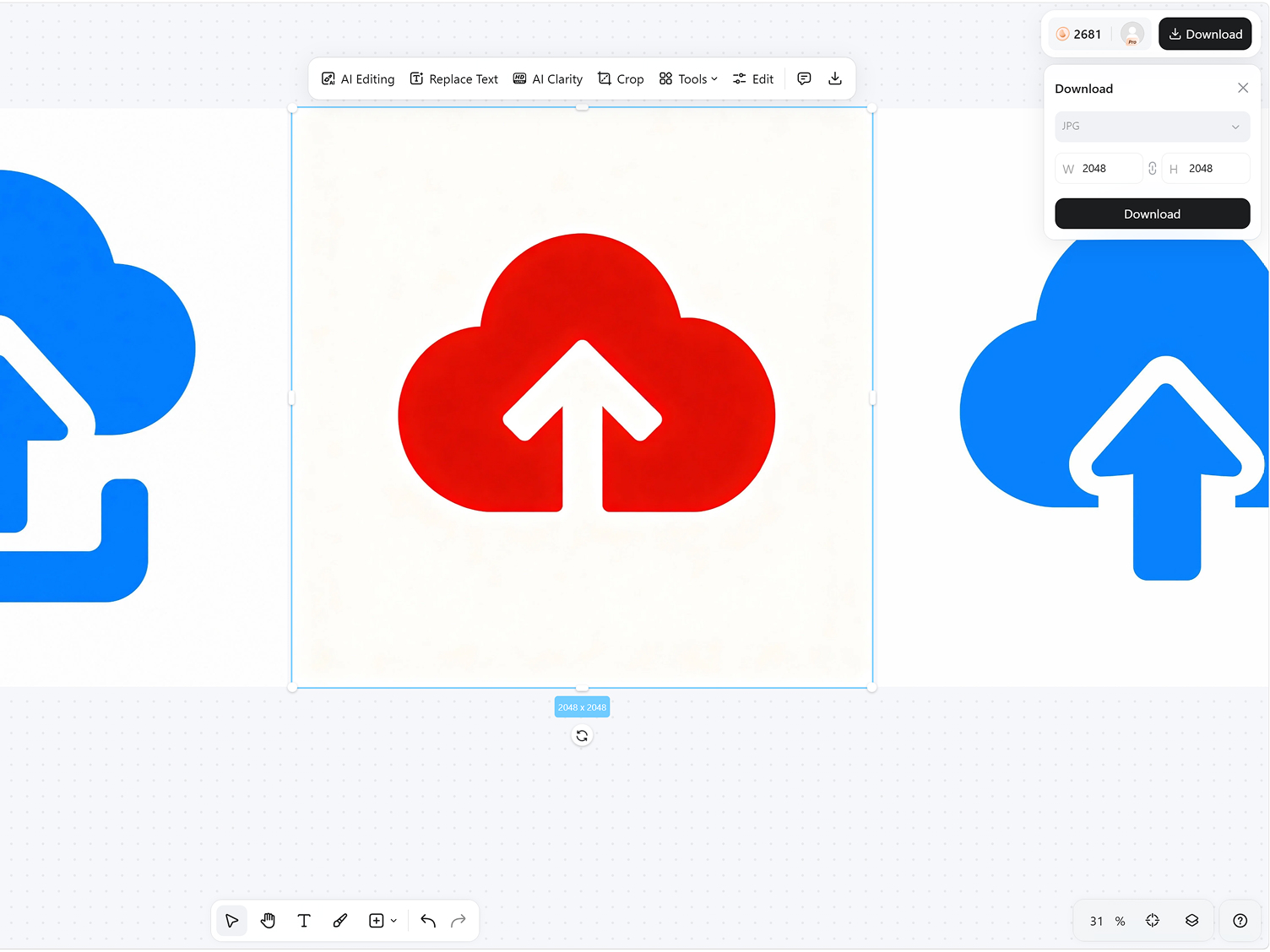
Refine and Download
Choose the icon that fits your project and download it for websites, apps, branding, or content creation.
What You Can Do with the AI Icon Generator
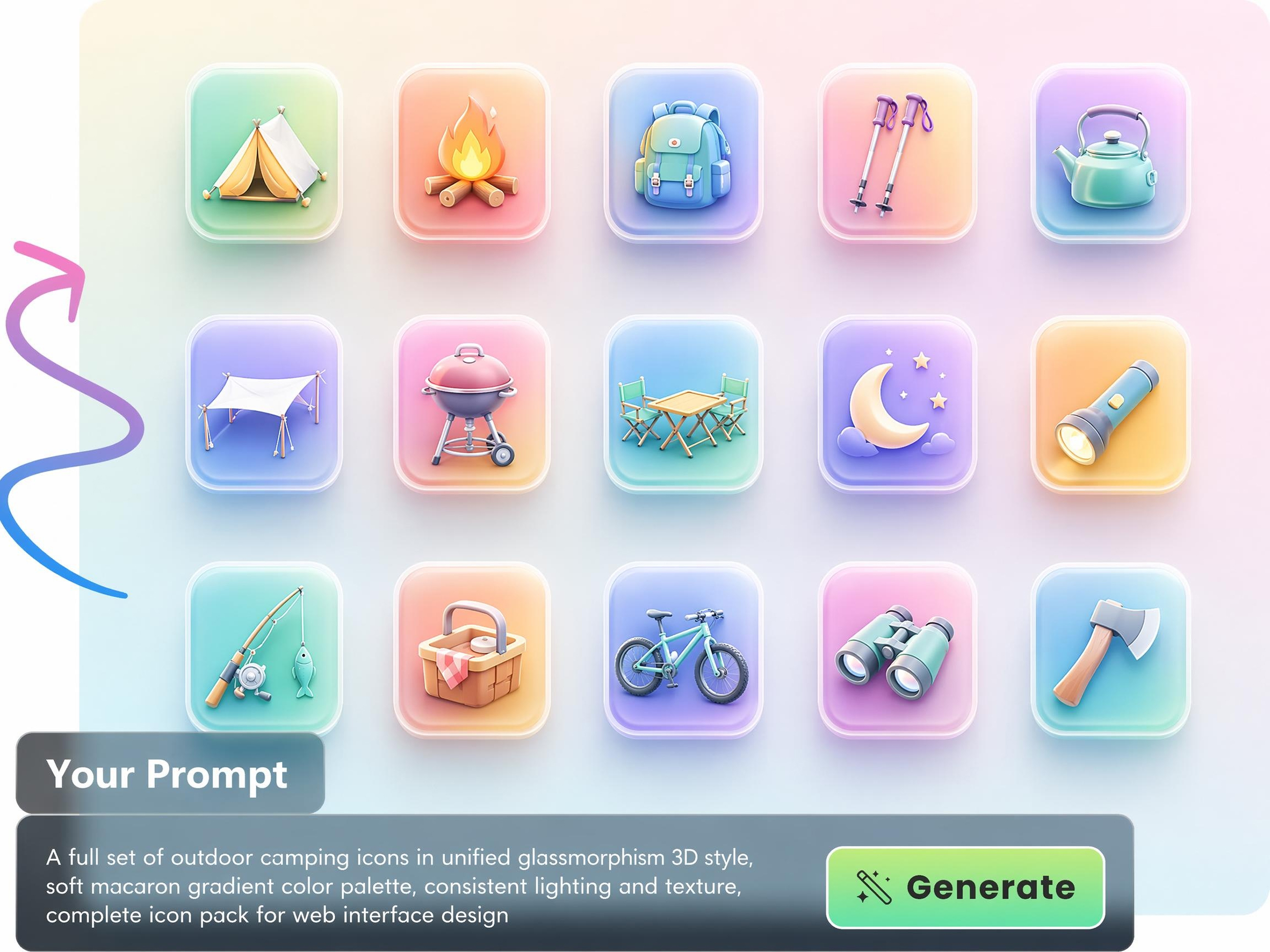
Make a Full Icon Set in One Style
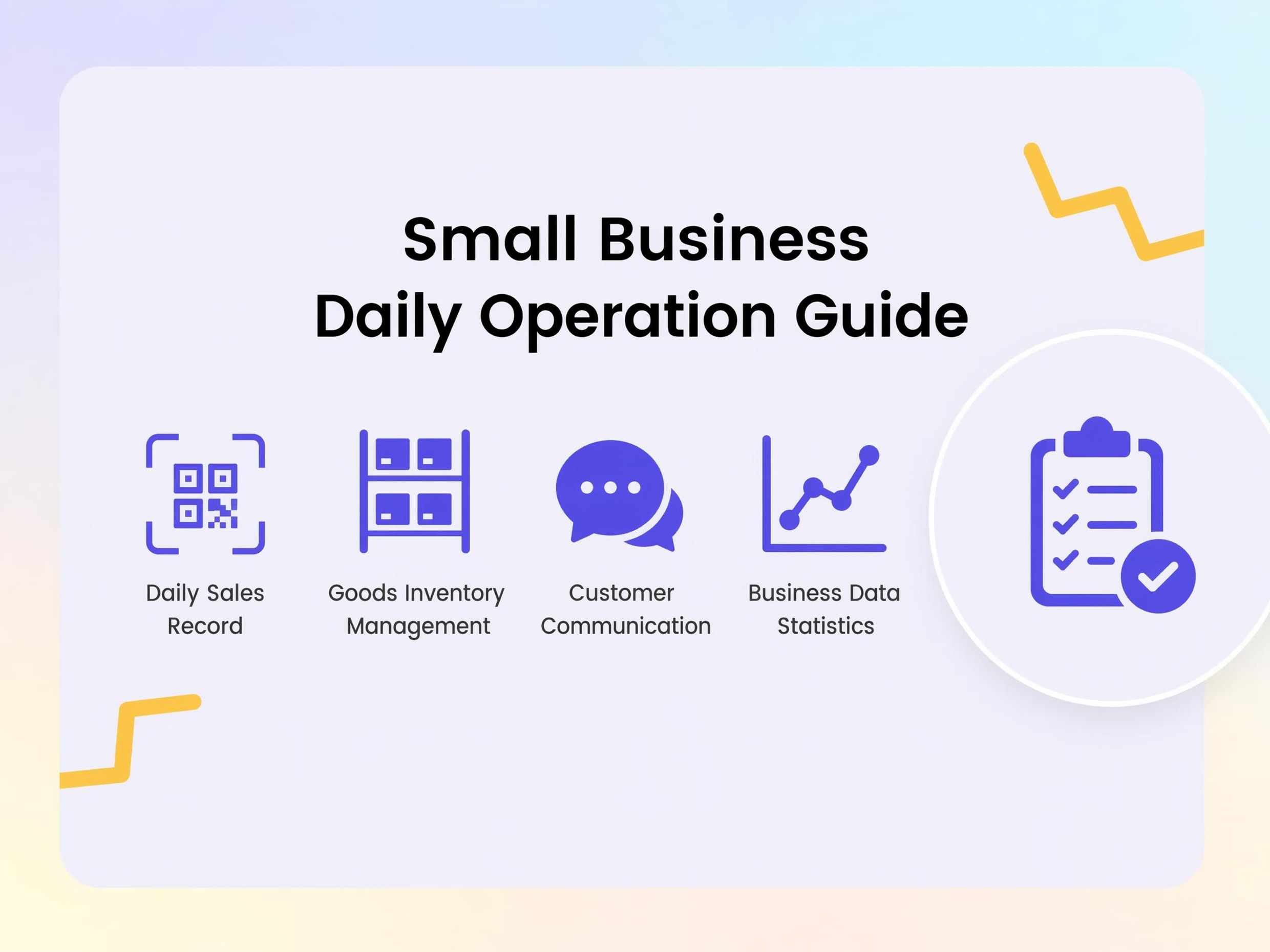
Launch an app, website, or dashboard with icons that share the same visual language without mixing assets from different libraries. Generate an entire matching set in one workflow to keep navigation, menus, and feature sections visually aligned.
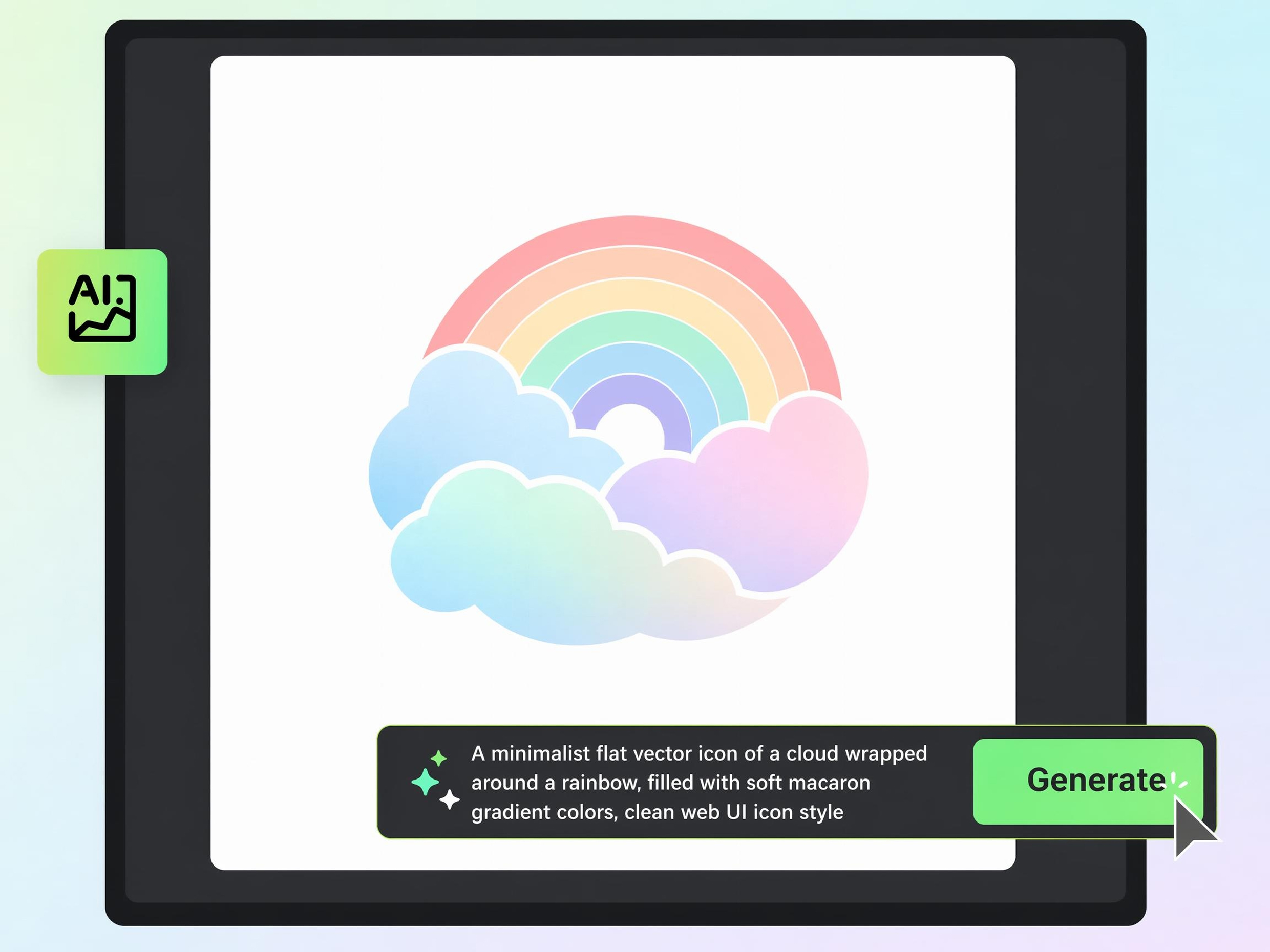
Turn a Text Description Into an Icon
Describe what you need in plain language and turn that idea into a custom icon without sketching or searching stock libraries. Designkit's AI image generator converts your text into icon concepts that fit your object, feature, or use case, saving time on early design work.
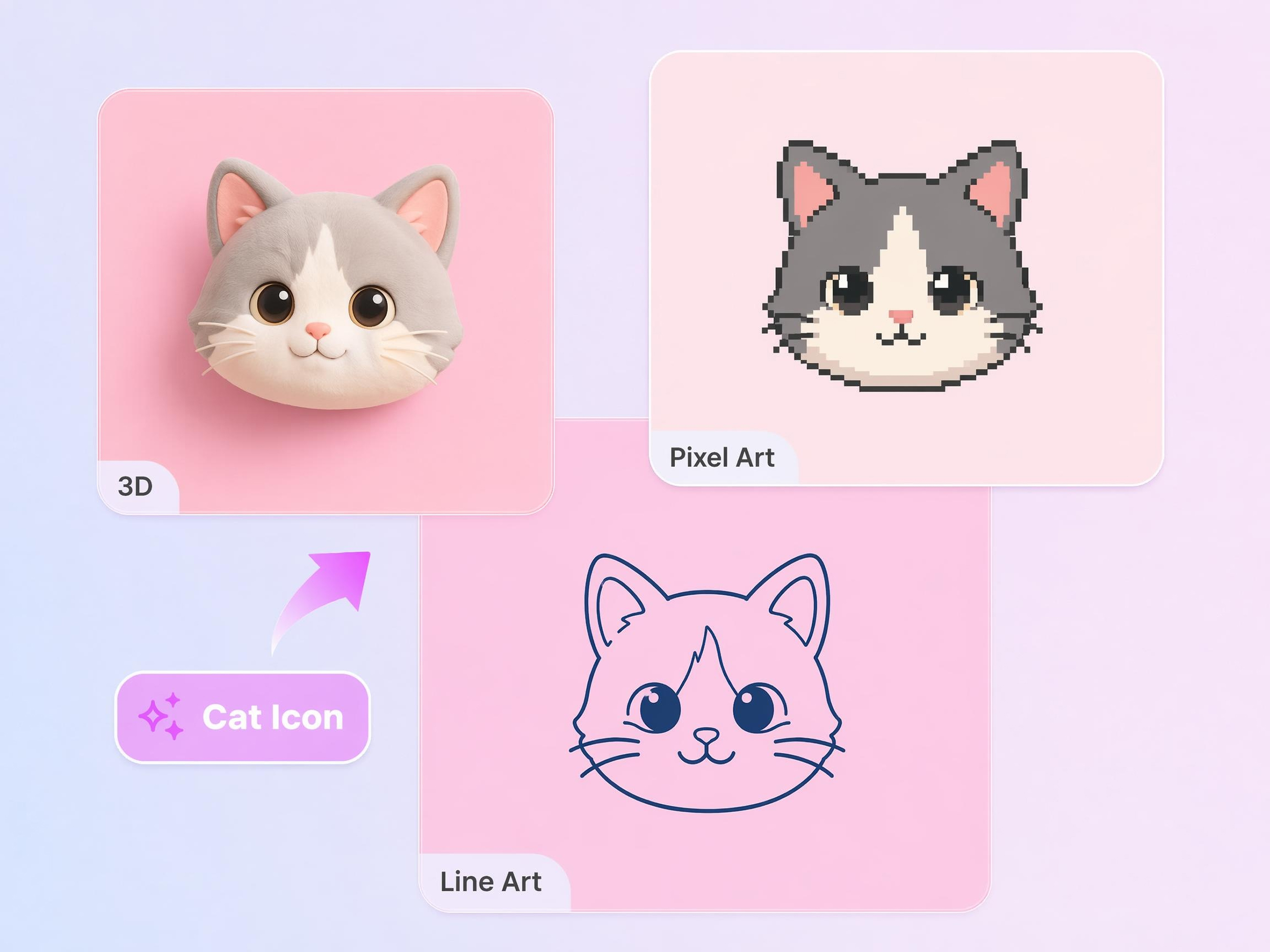
Turn an Image Into a Custom Icon
Upload a logo, sketch, or reference image and reuse its core shapes instead of rebuilding the icon from scratch. Designkit transforms the source into a clean icon that works for apps, websites, presentations, and brand assets.
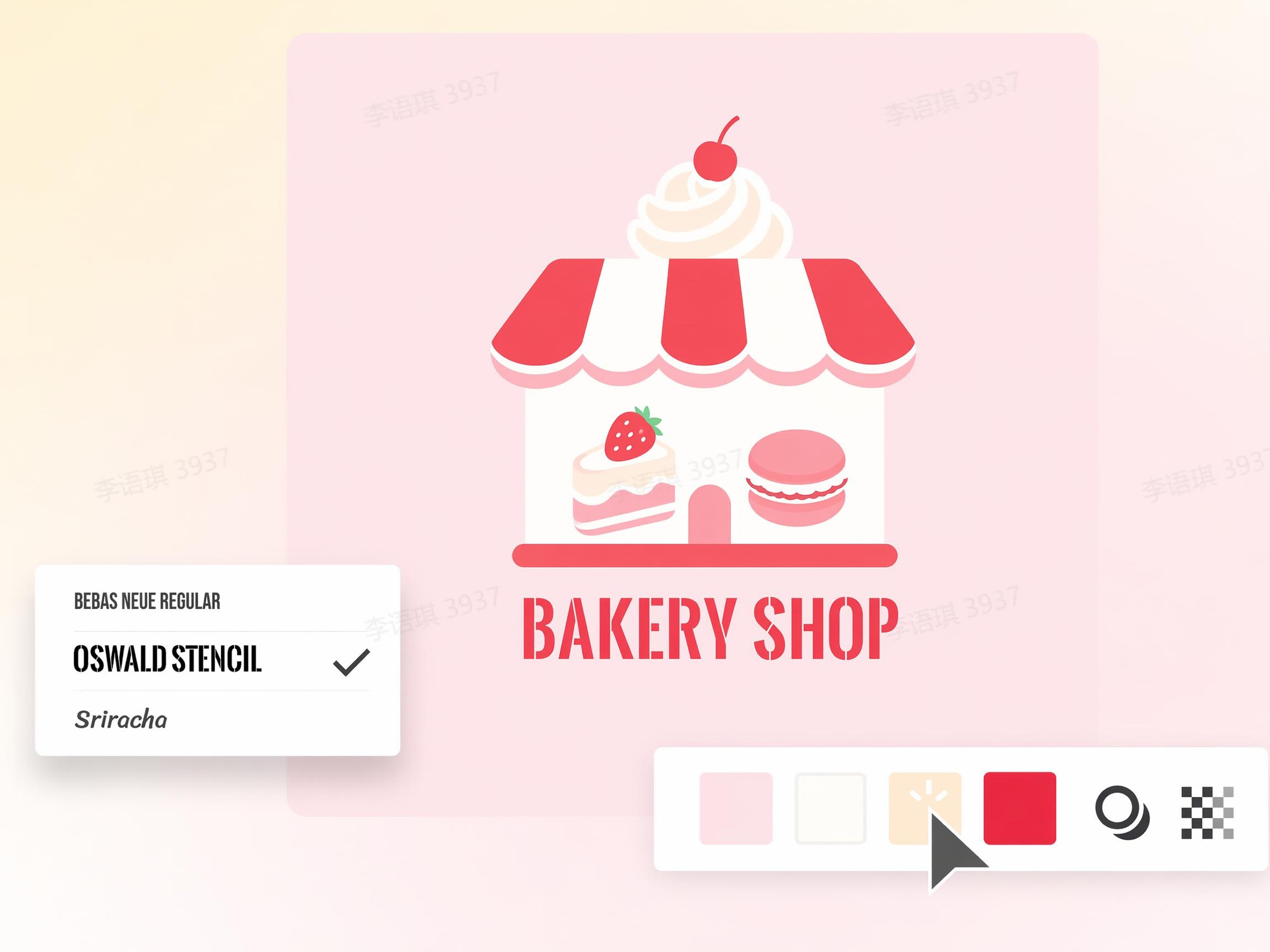
Set the Style and Colors
Keep icons aligned with your brand by defining the colors, style, and overall look before generation. Instead of recoloring each asset by hand, create icons that fit your website, product interface, or marketing materials from the start.
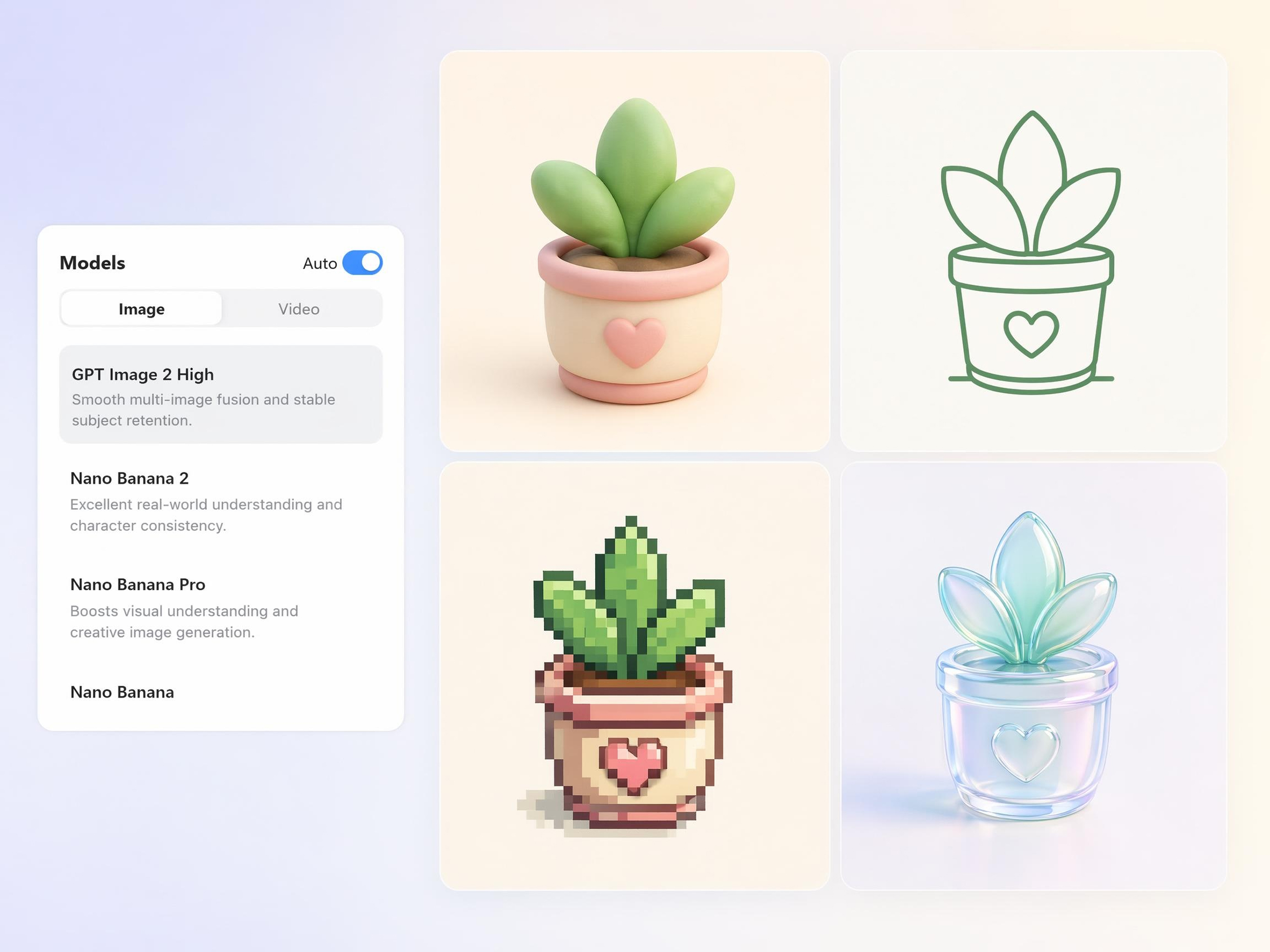
Choose From Multiple AI Models
If one result does not fit your project, try the same prompt across different AI models, from GPT Image 2 to Nano Banana Pro. This makes it easier to find the icon style that matches your audience, product tone, or visual direction without starting over.
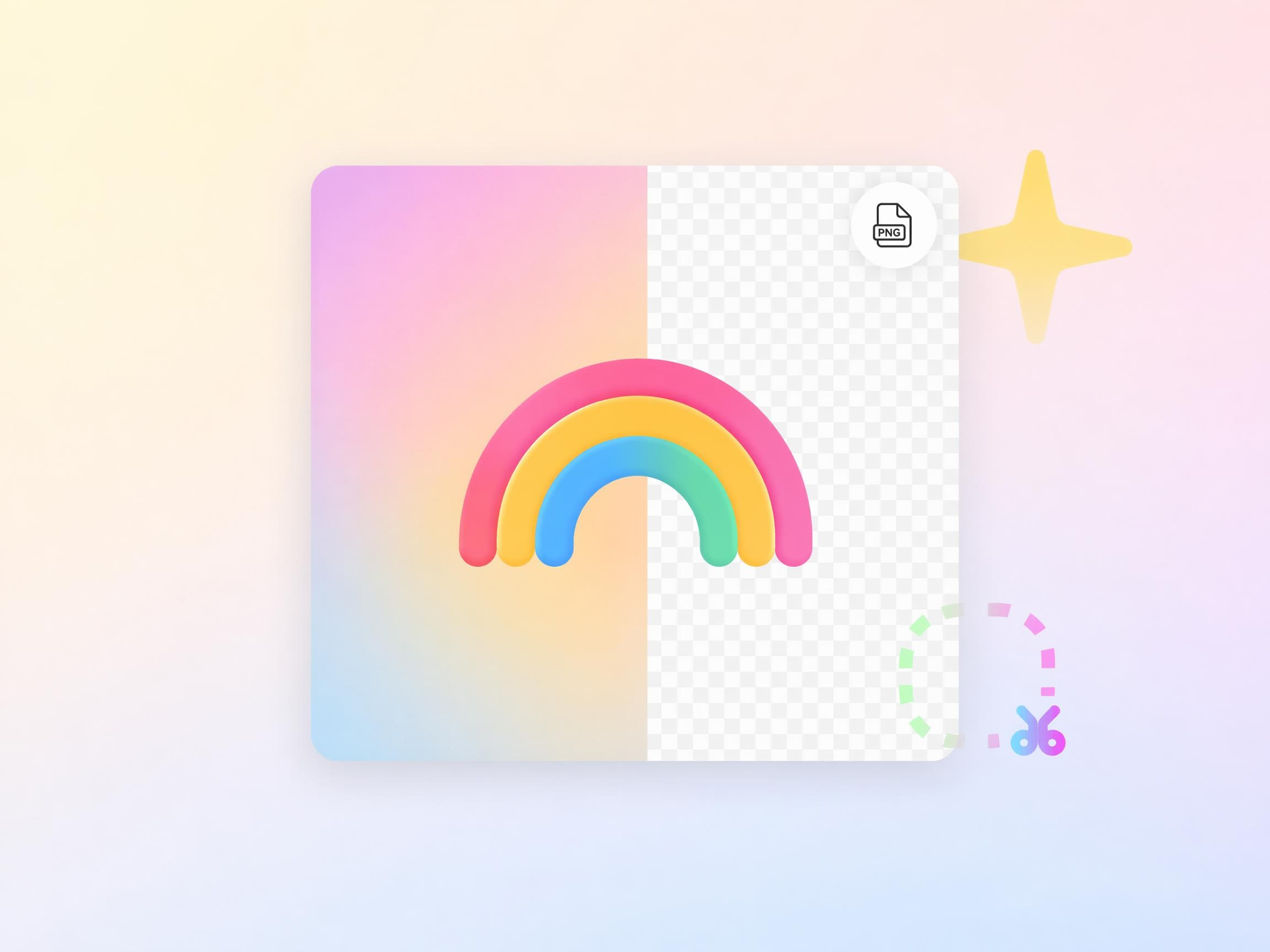
Download Icons With a Transparent Background
Place icons directly on websites, slides, mobile apps, packaging, or ads without removing white backgrounds first. Transparent exports make it easier to drop each icon into any layout and keep your design workflow moving without extra editing.
Built for Every Team That Needs Better Icons
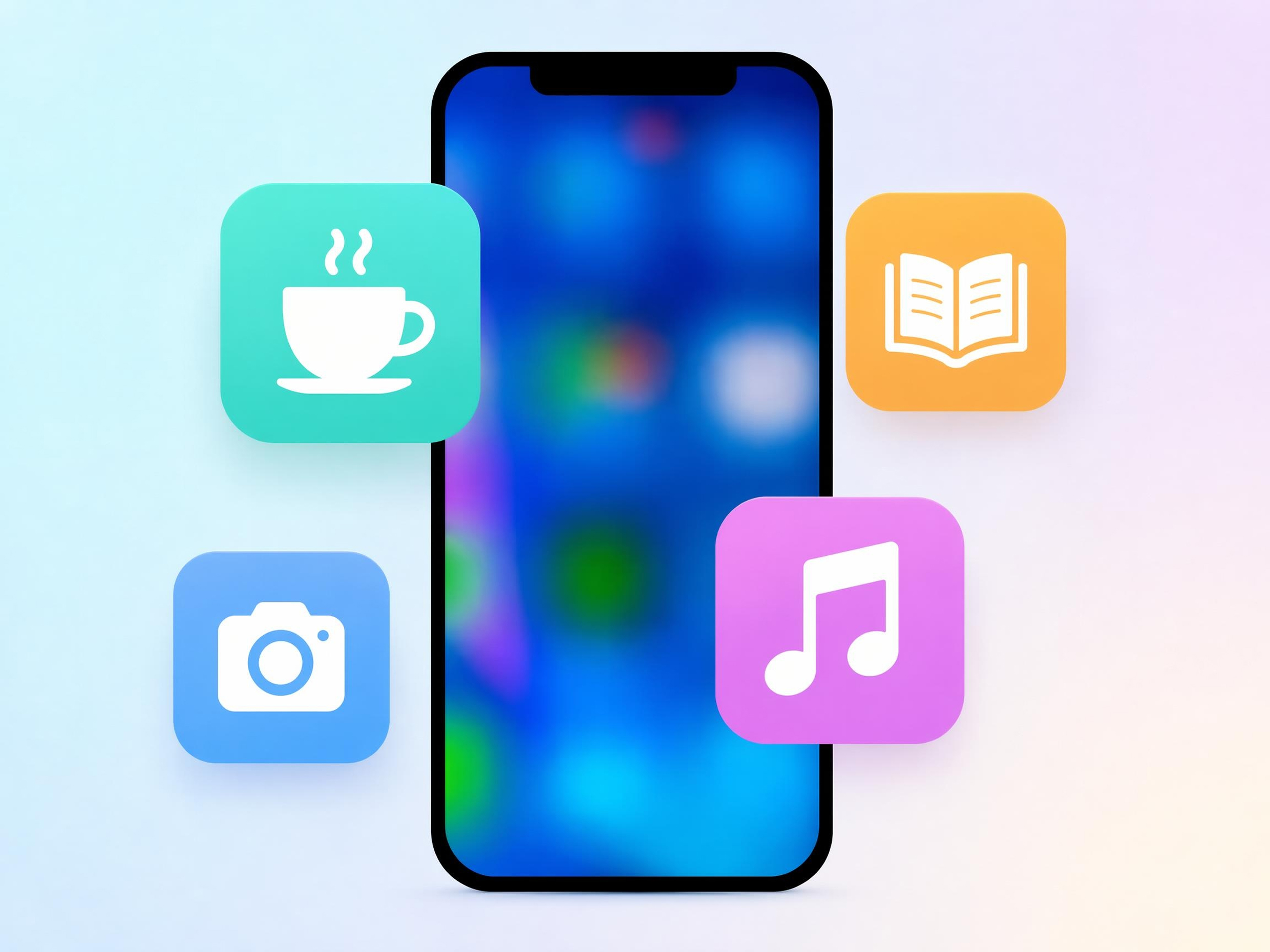
Create Unique App Icons
App updates often require new icons for features, actions, and navigation, creating constant design requests. Designkit helps developers create custom icon concepts on demand, reducing bottlenecks and speeding up product releases.

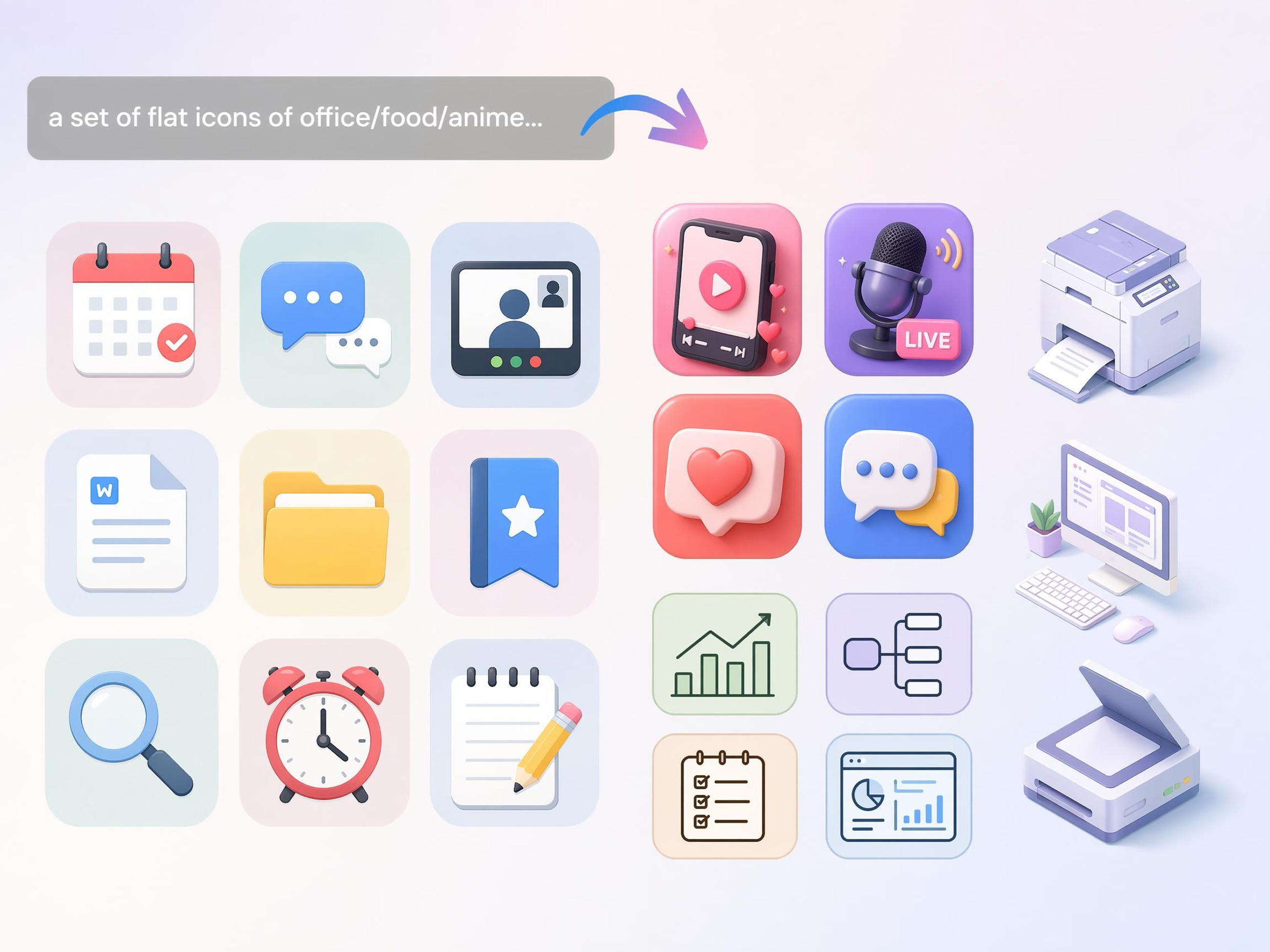
Why Users Prefer Designkit's AI Icon Generator

Create Complete Icon Collections with Ease
Build matching icon sets for entire products instead of designing each icon individually from scratch.
Go from Concept to Icon in Minutes
Turn rough ideas into usable icon concepts quickly, reducing time spent on sketching and revisions.
Switch Between Multiple AI Models
Compare different visual approaches in one workflow to find stronger icon directions with less effort.
No Design Experience? No Problem
Create product-ready icon concepts without learning vector tools, illustration, or icon design principles.
Discover New Styles and Creative Possibilities
Explore visual directions that may not emerge through traditional icon libraries or template-based tools.
Fine-Tune Every Detail Until It's Right
Refine concepts through iteration, helping teams reach approval faster and reduce redesign cycles.
Unlock More Creative Possibilities
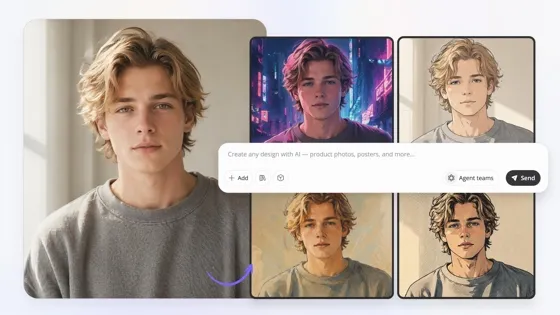
Image to Image AI
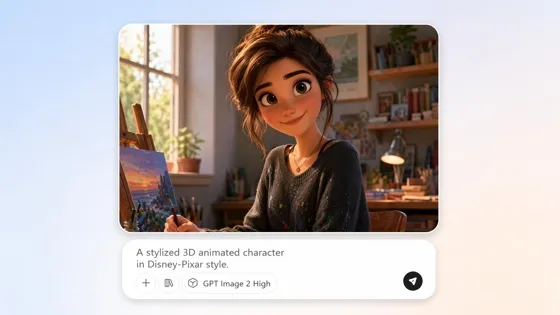
AI Cartoon Character Maker
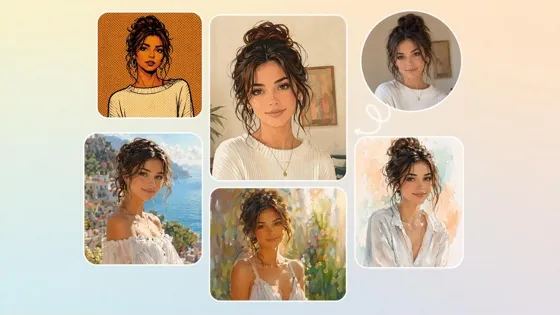
AI Filter
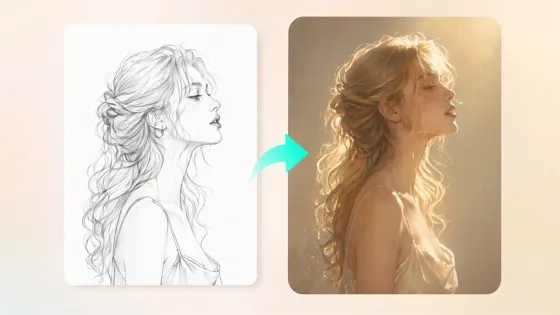
Sketch to Image AI
Frequently Asked Questions
Can I use the AI icon generator if I've never designed an icon?
How does generating an icon from text work?
You describe the icon you want, and the system converts that description into visual concepts. Designkit's AI icon generator from text analyzes keywords, objects, styles, and design intent to generate matching icons. You can refine the prompt and generate new versions until the result fits your project. This removes much of the manual drawing and design work traditionally required.
Can I make a set of icons that all share one style?
Yes, consistent icon sets are important for apps, websites, dashboards, and software interfaces. Designkit can generate multiple icons using the same visual direction, helping maintain similar shapes, line weights, and overall appearance. This allows teams to create matching icon collections rather than designing each icon separately and trying to align styles afterward.
Do the icons look clean and professional enough to use in a product?
Icons generated for products typically need clear shapes, recognizable symbols, and readable designs of different sizes. Designkit creates icons that can be refined and evaluated for real-world use in websites, applications, presentations, and digital products. As with any design asset, final review is recommended to ensure the icon fits your brand and product requirements.
Is it useful for app, UI, and software icons?
App and interface projects often require many icons covering different actions and features. Designkit helps teams create icons for navigation menus, dashboards, mobile apps, software tools, and digital products. Generating concepts from descriptions can significantly reduce the time spent creating early icon drafts and visual directions.
Can I use an image as the starting point instead of text?
Yes, existing images, sketches, references, or visual concepts can be used as starting points. Designkit functions as an AI icon creator by analyzing the uploaded image and generating icon-style variations based on its key visual elements. This can be helpful when adapting existing artwork into cleaner icon concepts.
How is this different from a traditional online icon maker?
Traditional tools usually rely on pre-made icon libraries, templates, or manual editing. Designkit can generate icon concepts from custom instructions or reference images, producing original visual directions rather than limiting you to existing assets. This offers more flexibility when creating icons for unique products, brands, or applications.
Create a Matching Icon Set Without Design Skills
Describe your idea, generate icon concepts, and find the perfect visual for your app, website, brand, or project.



What Users Say About Making Icons with Designkit
Discover how businesses, creators, and professionals use Designkit to generate custom icons quickly and easily.
Finally Found an App Icon We Loved
We spent days feeling stuck and frustrated because our team couldn't agree on an app icon. Every idea felt wrong. Then we tried Designkit. Within minutes, we saw several creative options, and one instantly felt perfect. It was such a relief. The whole team got excited, and we finally moved forward with confidence.
Built an Entire Icon Set
Creating matching icons for a product used to take me hours. I often worried that the icons looked inconsistent. Designkit made the process so much easier. It generated icons that felt connected and professional. I felt less stressed, saved valuable time, and could focus more on improving the overall user experience.
No Design Skills Needed
I needed icons for my website but had no design experience at all. I felt overwhelmed by complicated software and expensive design services. Designkit changed everything. I simply described what I wanted, and the results looked clean and professional. It gave me confidence and helped my business look much more trustworthy.
Made My Product Look More Professional
Our product worked well, but visually it felt incomplete. The icons didn't match, and the interface lacked personality. After using Designkit, everything looked more polished and organized. I was honestly surprised by the difference. Customers noticed the improvement too, which made me feel proud of what we had built.
Perfect for Creative Exploration
I had so many ideas but couldn't decide which icon style fit my brand. Designkit helped me explore different directions without starting over each time. Seeing multiple creative options was exciting and inspiring. It helped me discover a style that truly felt like me, and my brand now feels much more unique.
Saved Time Before Launch
We were getting close to launch and still needed icons for several product features. The pressure was building, and time was running out. Designkit helped us generate strong concepts incredibly fast. It removed a huge burden from our team. We launched on schedule and felt much more confident about the final product. FAQs