
Create a Self Care Journal That Feels Personal
Design a self care journal with calming covers, thoughtful page layouts, and wellness themes that fit your routine.
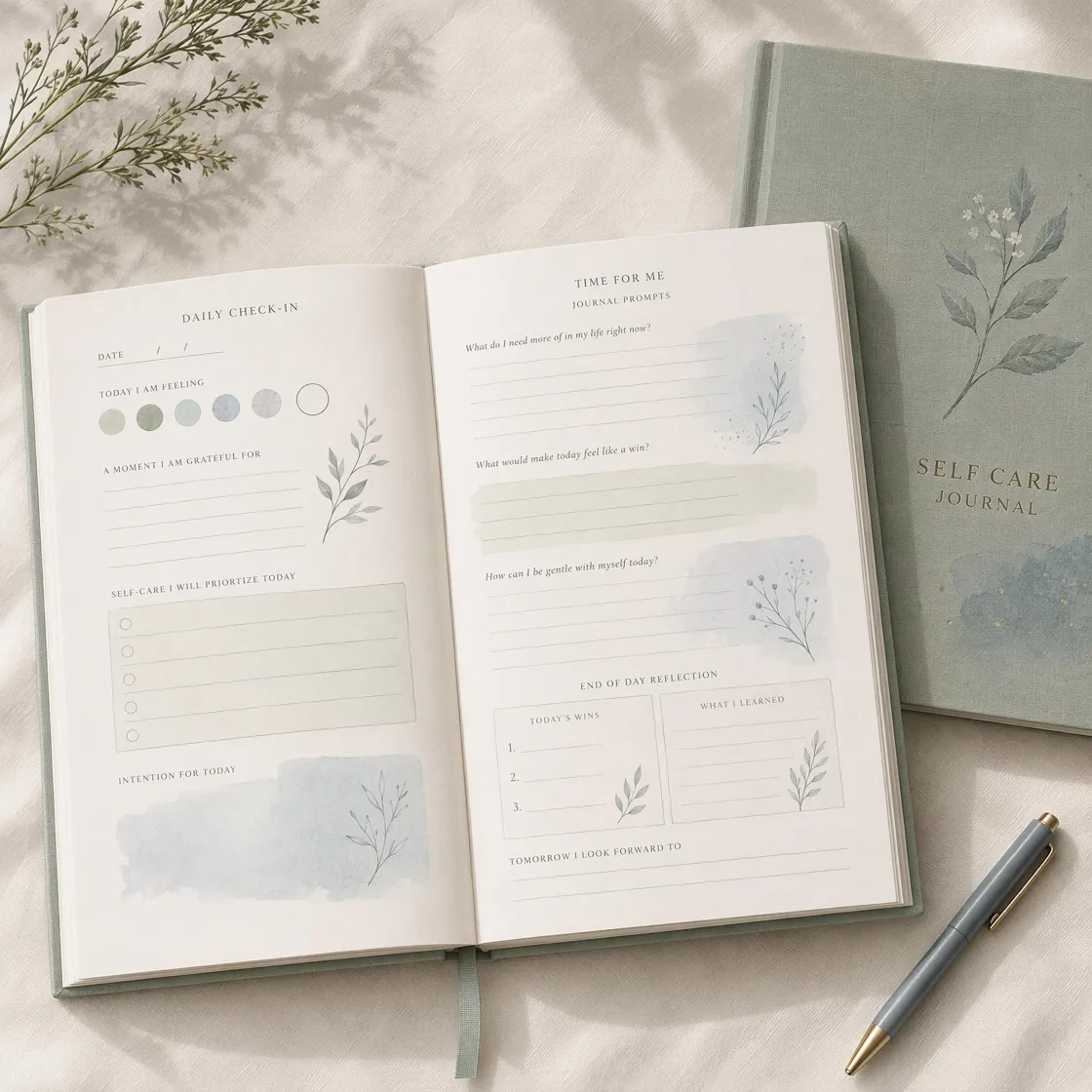
Explore AI Self Care Journal Page Designs
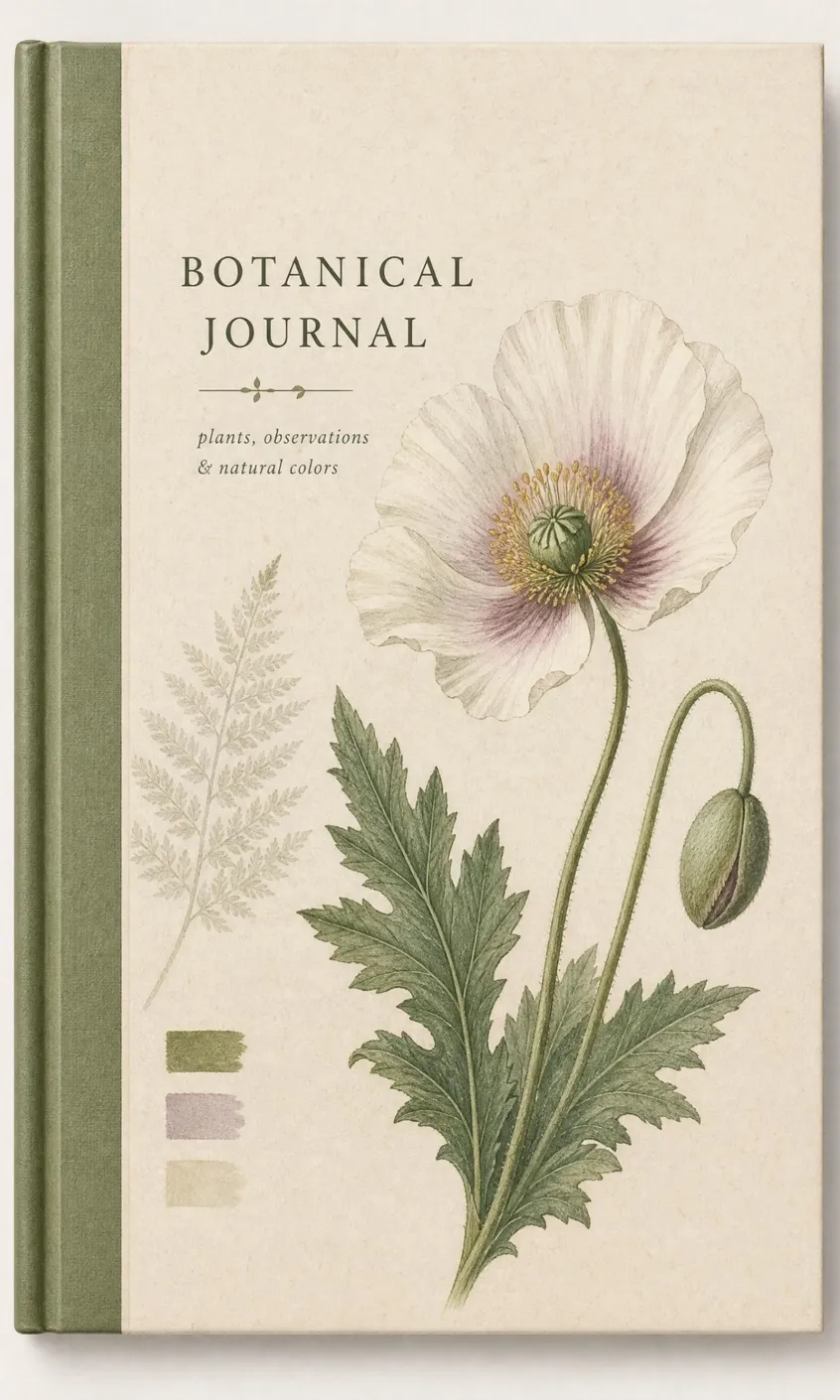
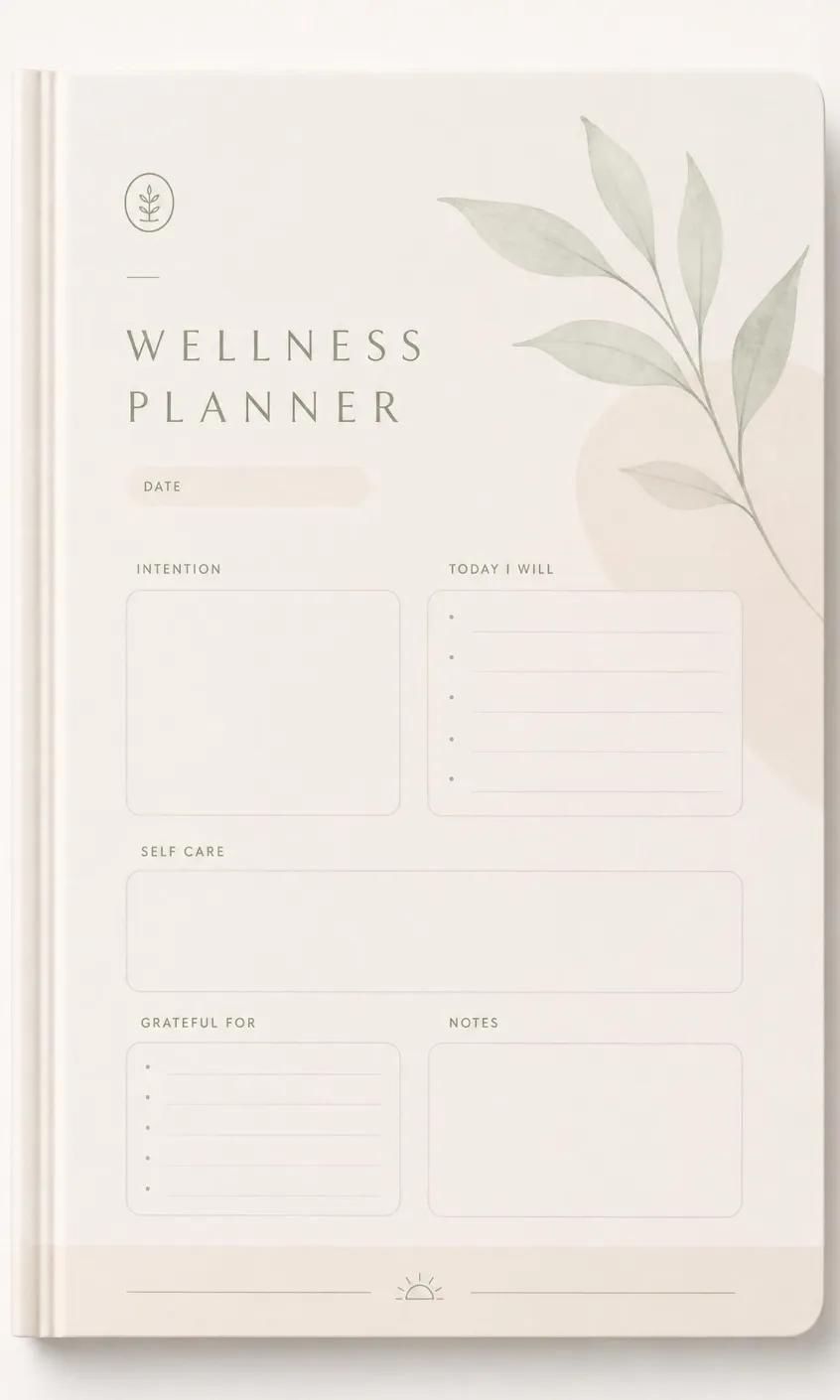
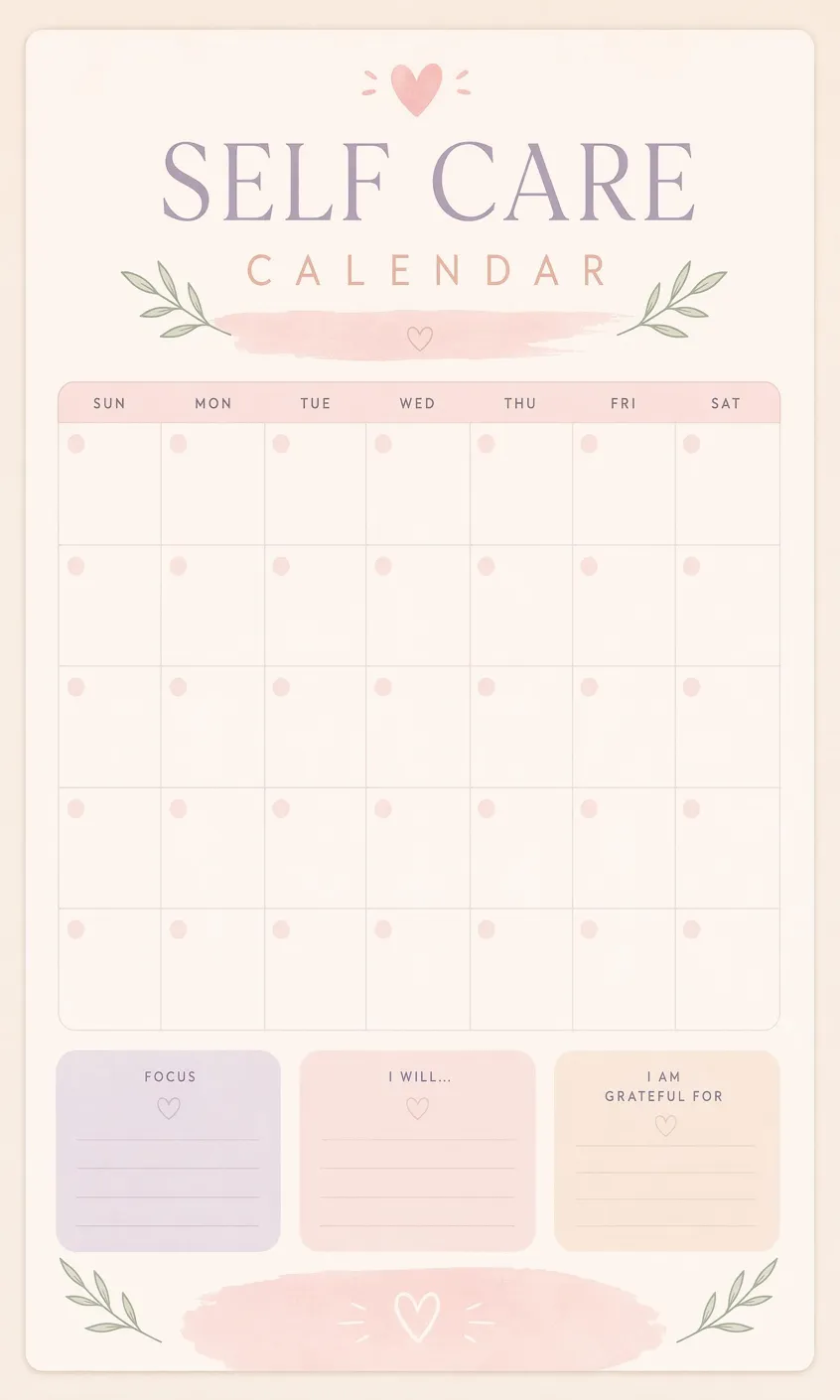
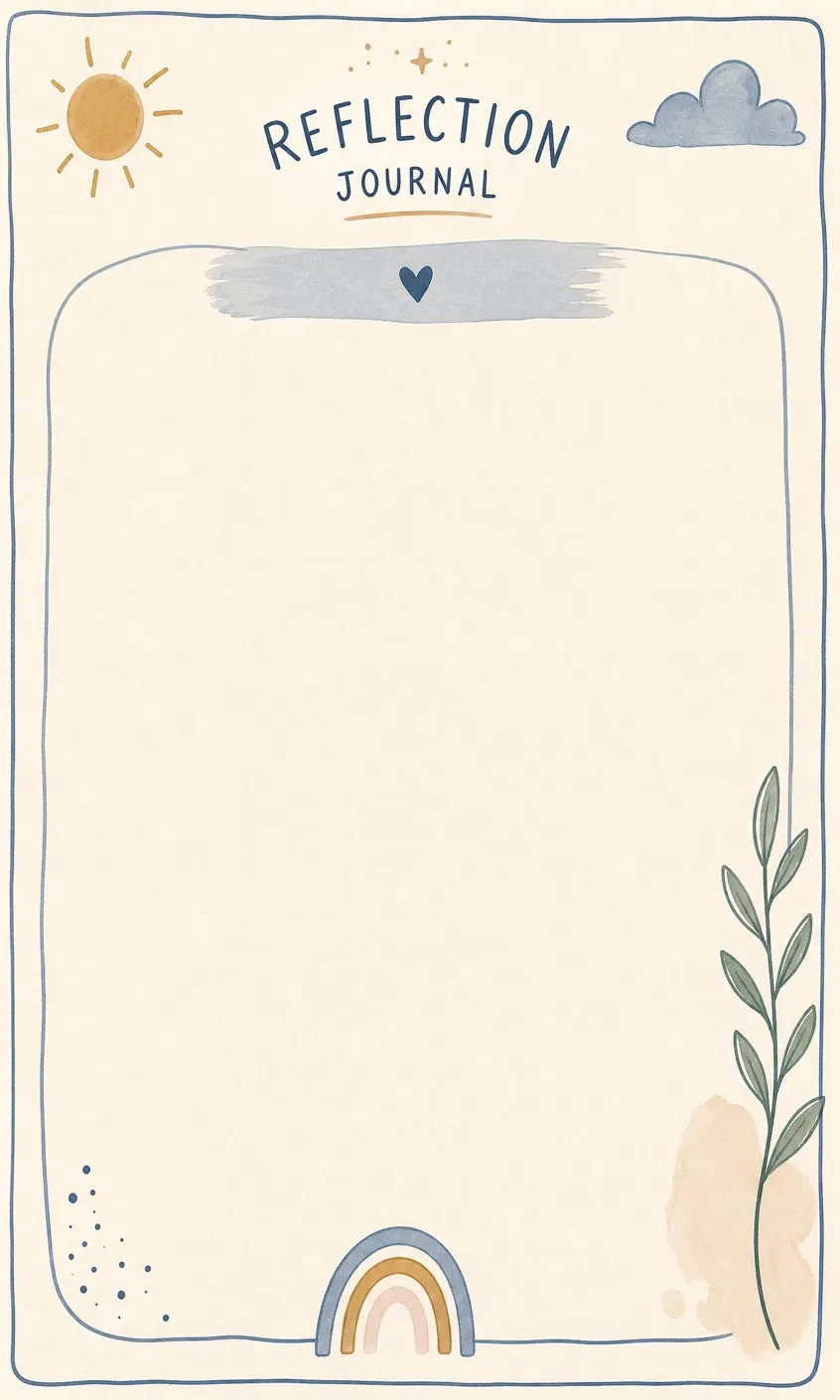
Shape Every Part of Your Self Care Journal
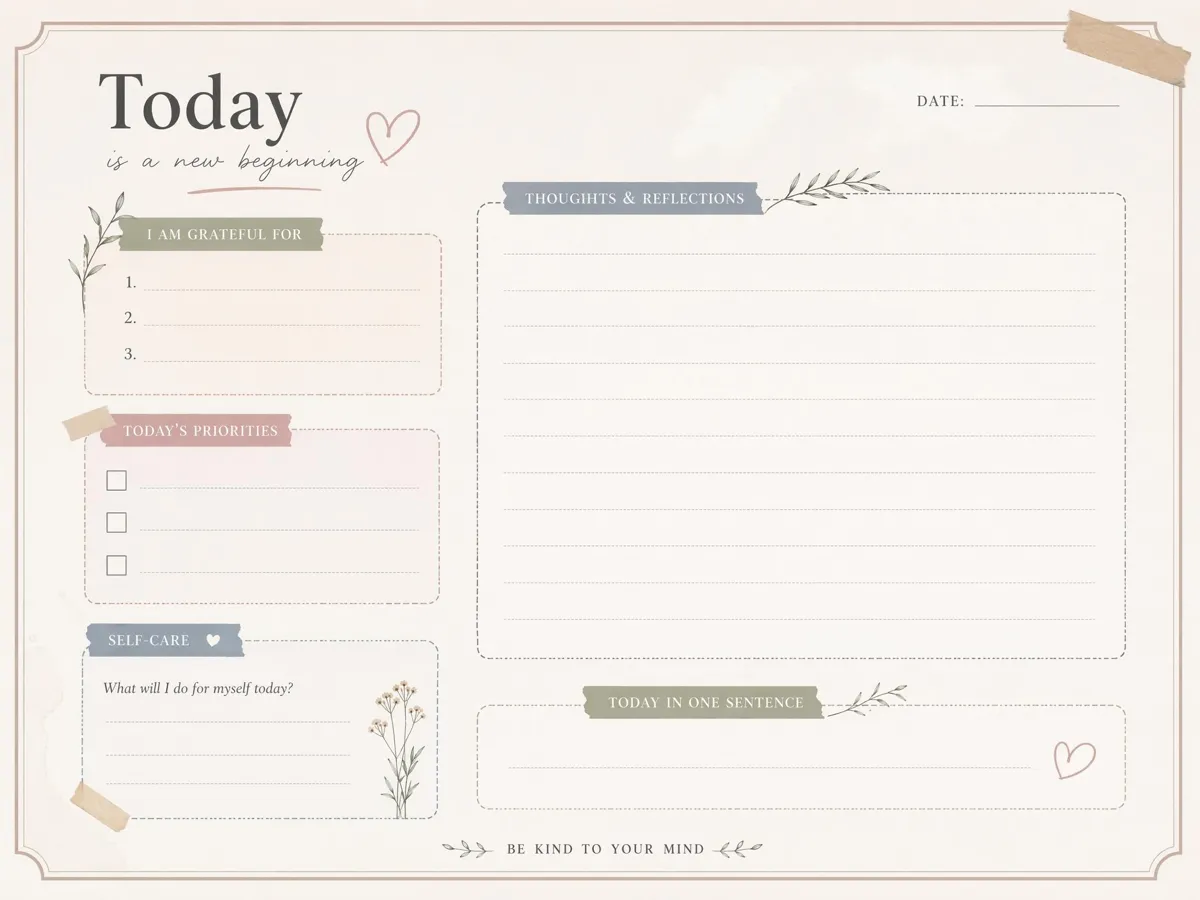
Shape the Page Composition
Describe the page purpose, preferred writing space, and placement of decorative elements. Designkit turns these instructions into a balanced composition, helping each page stay clear, practical, and easy to personalize.
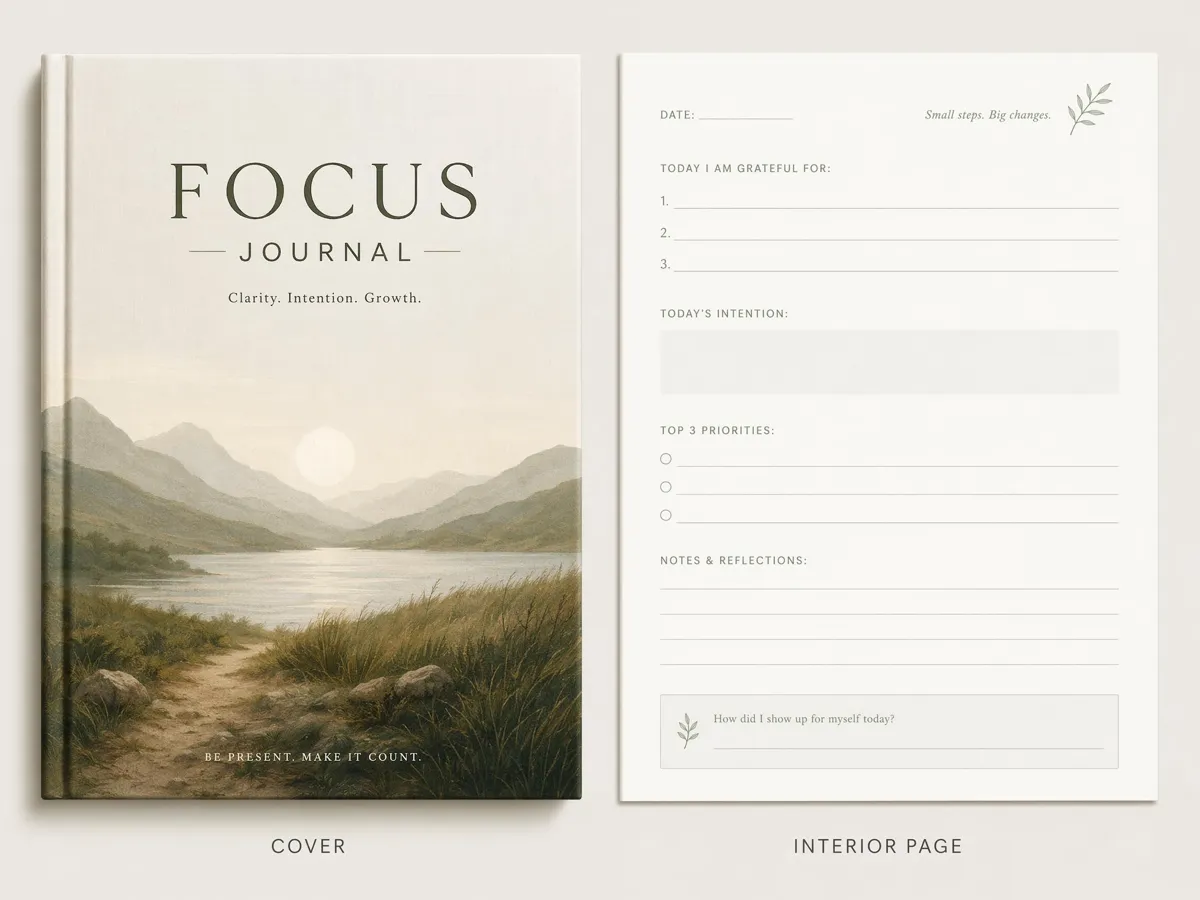
Create Covers and Interior Pages
Develop each part of your self care journal as a separate design. Start with the cover, then generate planner spreads, habit trackers, and reflection sheets that serve different purposes within the same journal project.

Set the Visual Mood
Set the atmosphere through color, texture, illustration style, and decorative detail. Shape a self care journal that feels calm, playful, natural, or modern while keeping the result aligned with your personal taste and routine.
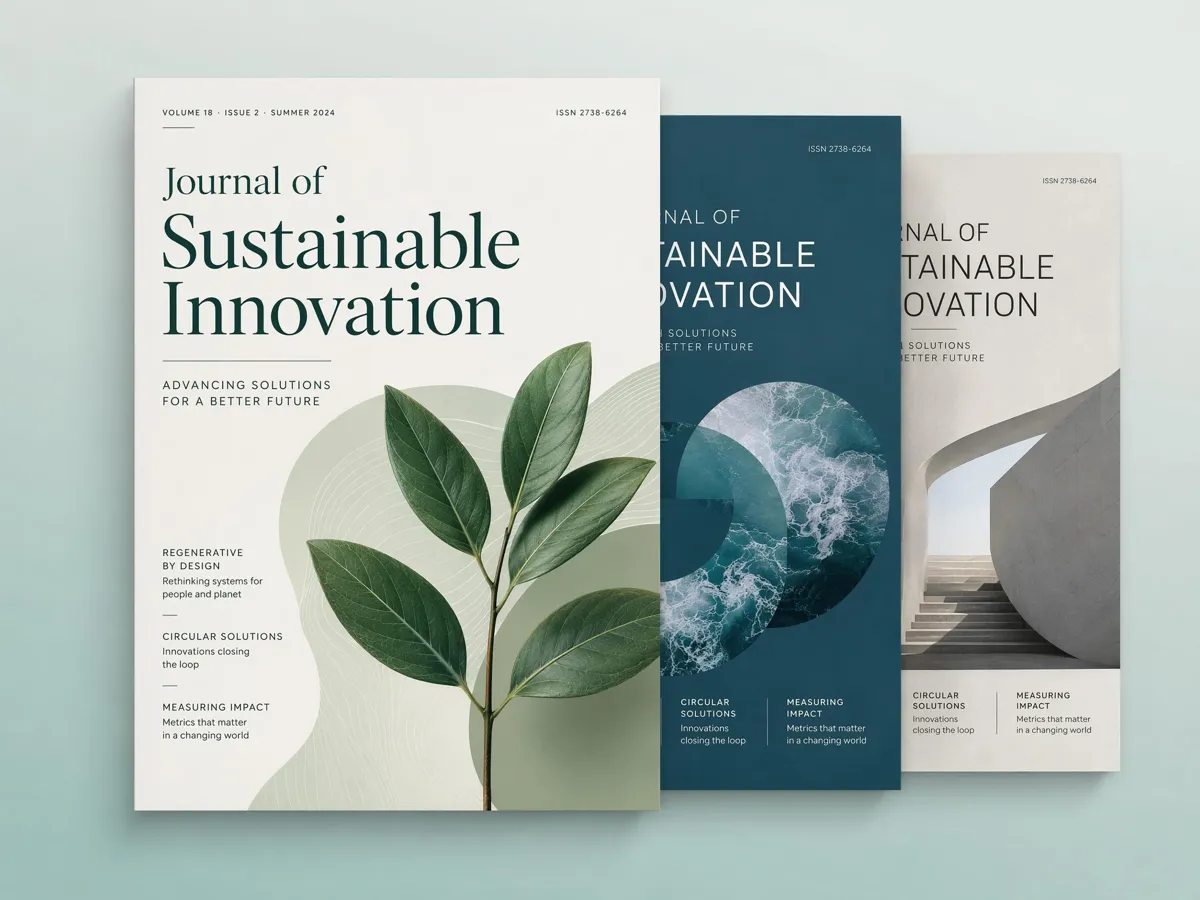
Compare Different Creative Directions
Generate several interpretations of the same journal idea before choosing a final design. Compare how each option handles the composition, color, and decorative details, then continue with the version that provides the strongest foundation.
How to Create a Self Care Journal with AI
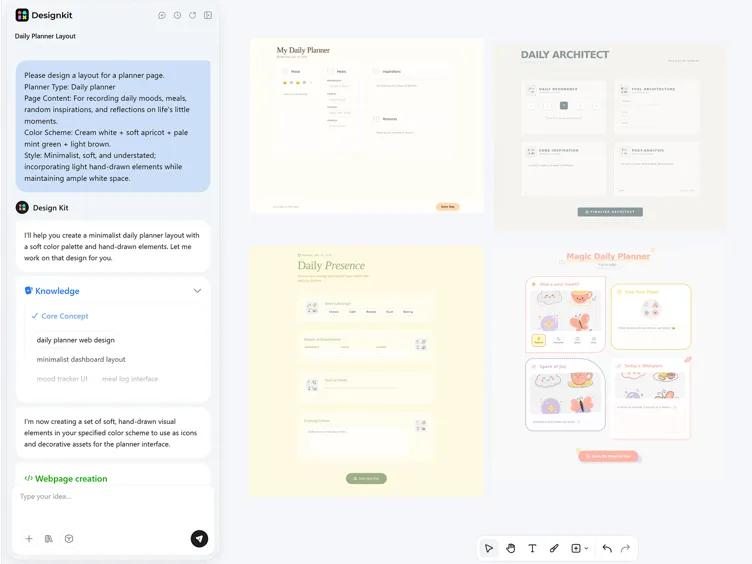
Describe Your Journal
Enter a prompt with the journal type, page purpose, preferred colors, and overall style you want to see.

Generate Journal Designs
Designkit interprets your description and produces visual options with coordinated layouts, themes, and decorative elements.
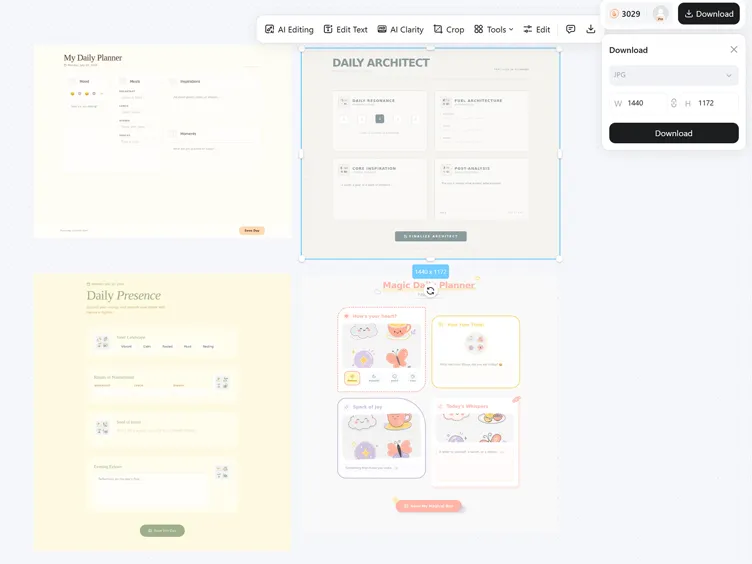
Refine and Download
Choose the result that fits your idea, make any final adjustments in the editor, and download your journal design.
Self Care Journal Designs for Different Users

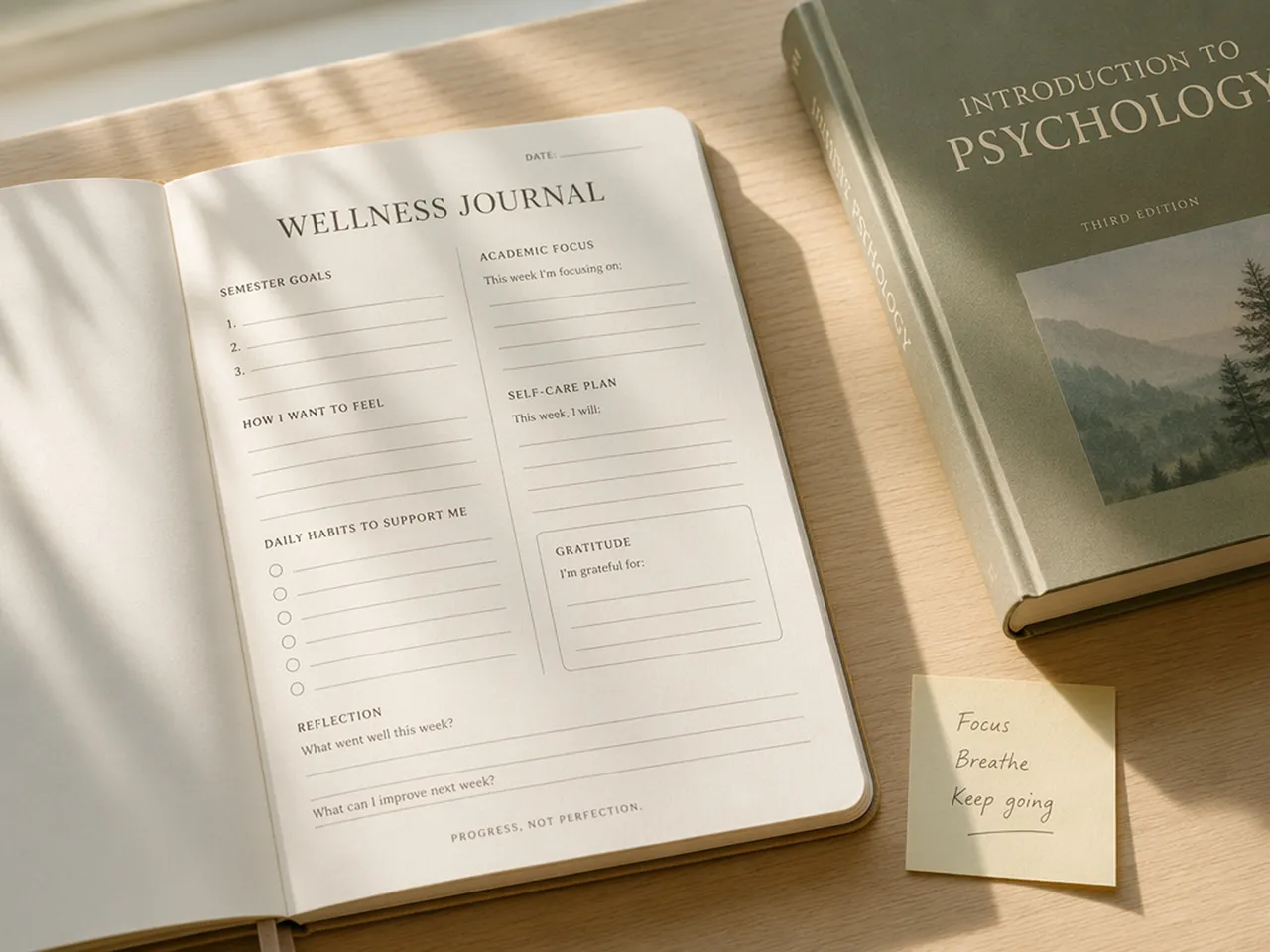
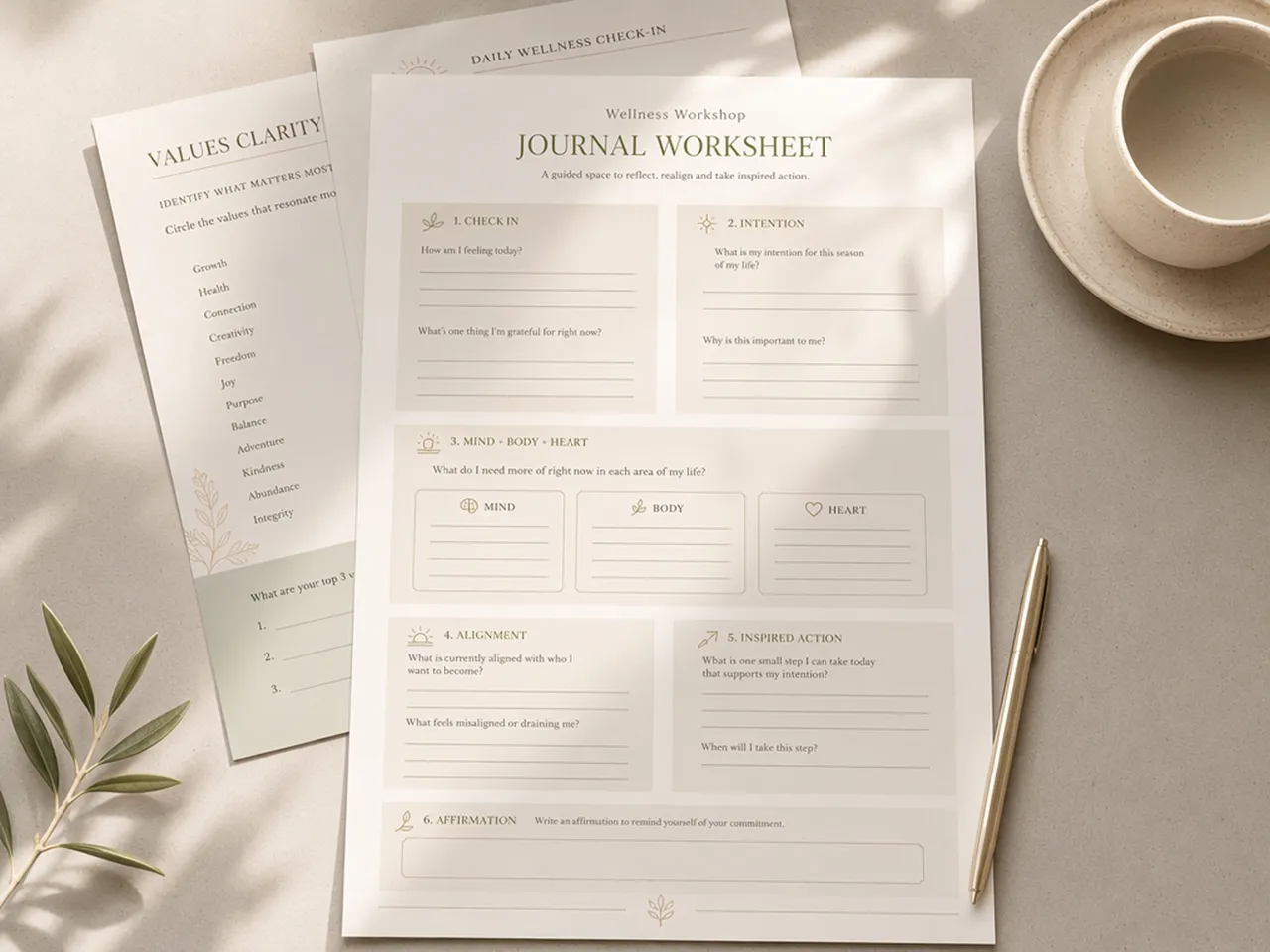
Shape a Journal Around Your Own Routine
Design a personal journal that reflects how you prefer to plan, write, and check in with yourself. Combine covers, reflection pages, and self care trackers within one visual style, then adjust each page to match the routines and topics you want to revisit regularly.

Unlock More Creative Possibilities
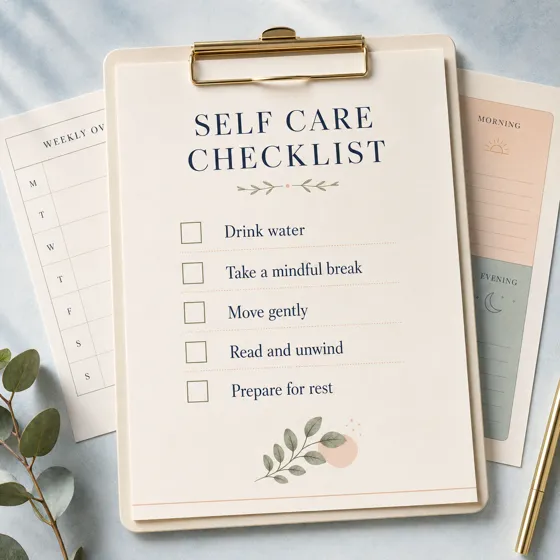
AI Self Care Checklist Generator

Image to Image AI

Sketch to Image AI

Cartoon to Realistic AI
Frequently Asked Questions
Can Designkit generate an entire self care journal at once?
Will the generated journal text be accurate?
Use AI-generated results as the visual foundation of the page. Important headings, journal prompts, dates, and longer passages should be added or checked in the editor to ensure the final wording is clear and accurate.
How can I leave enough space for writing?
State in your prompt that the page needs open writing areas, simple decoration, or clearly separated content sections. Explaining the intended page function helps the generator produce a more suitable composition.
How do I keep different journal pages consistent?
Repeat the same key style details across your prompts, including the color palette, illustration approach, background treatment, and overall mood. You can also use an approved page as the visual reference for later designs.
What page size should I use for a self care journal?
Choose an aspect ratio that matches your intended format before generating. Consider the final print dimensions and leave enough space around important elements so they are not placed too close to the page edges.
Can I print the journal designs I create?
Yes. Download the finished image and confirm that its dimensions suit your intended print size. Review the text, margins, spacing, and image quality before using the design for physical journal pages.
Create a Self Care Journal Around Your Routine
Describe the pages and style you have in mind, then generate a personalized journal design that gives your self care practice a place to grow.



What Users Say About the Self Care Journal Creator
See how Designkit makes journal projects more approachable, efficient, and enjoyable for users with different creative goals.
Easy to Begin with No Design Background
I knew the mood I wanted but could not translate it into a finished journal page. Starting with a written description made the process much less intimidating. The generated concept gave me enough structure to move forward while still leaving room to make the design feel personal.
Less Time Spent Preparing Each Project
Creating layouts manually used to take up most of my preparation time before I could even review the content. Designkit helped me establish a polished visual foundation much earlier, so I could spend more time improving the journal itself instead of arranging every element from scratch.
More Motivation to Keep Using the Journal
The finished pages feel far more personal than the standard printables I had downloaded in the past. Seeing my preferred colors and style reflected in the journal makes the routine feel more inviting, and I am much more interested in returning to it throughout the week.
Clearer Feedback During Team Reviews
Generated concepts gave my team something concrete to review before we prepared the final workshop materials. We could discuss the composition, tone, and overall presentation directly instead of interpreting separate references, which made our feedback more specific and kept the project moving.
A More Cohesive Starting Point
I previously collected backgrounds, illustrations, and layout references from several different sources, but the results never felt fully connected. Beginning with one complete concept gave the project a clearer foundation and reduced the amount of unrelated material I needed to combine manually.