
Sketch to Image AI: Turn Rough Drawings into Real Visuals
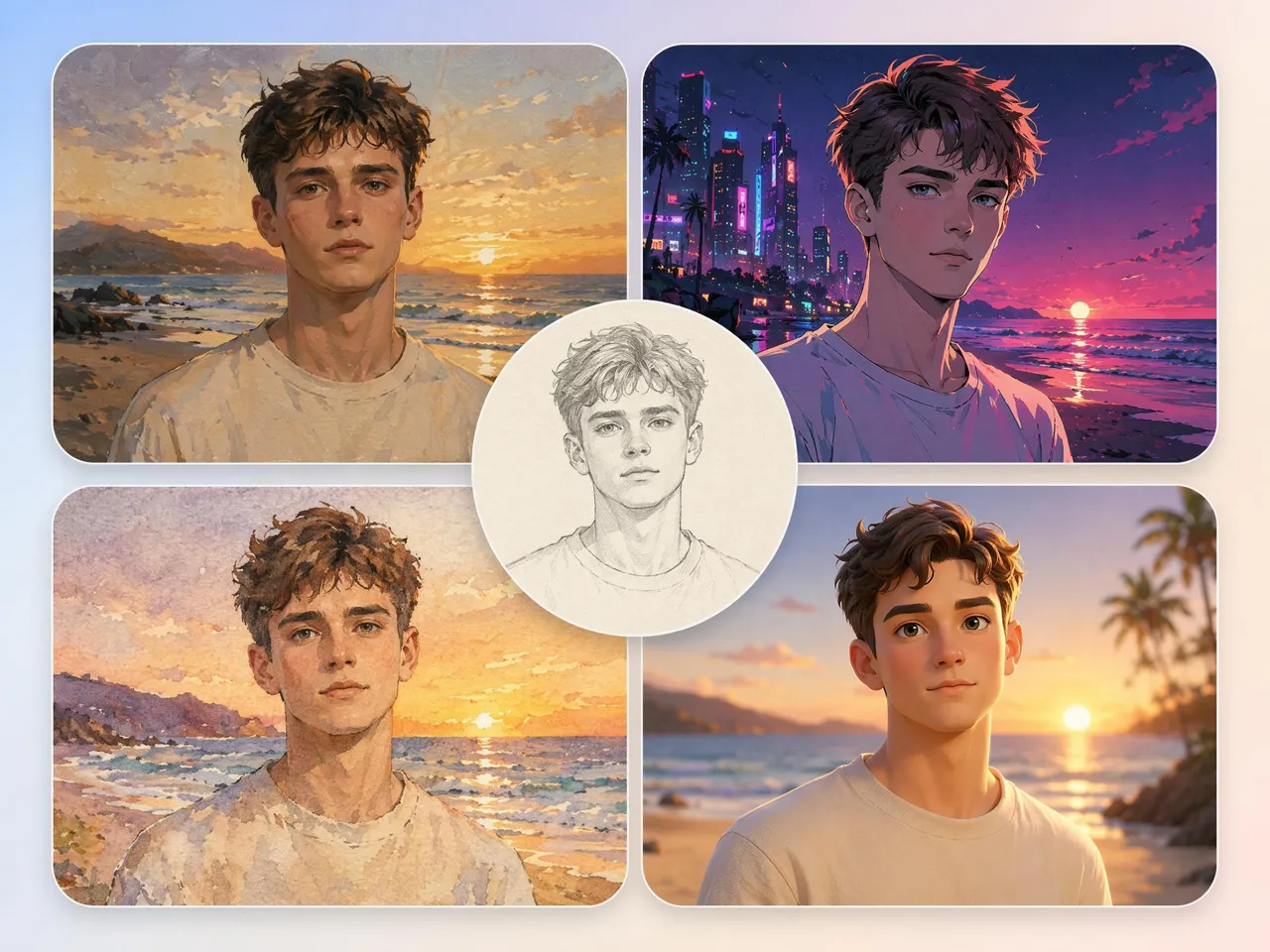
Upload a rough sketch and get a realistic image you can present, share, or use in a project. Keep your original layout, choose an AI model, and get a few versions to pick from.
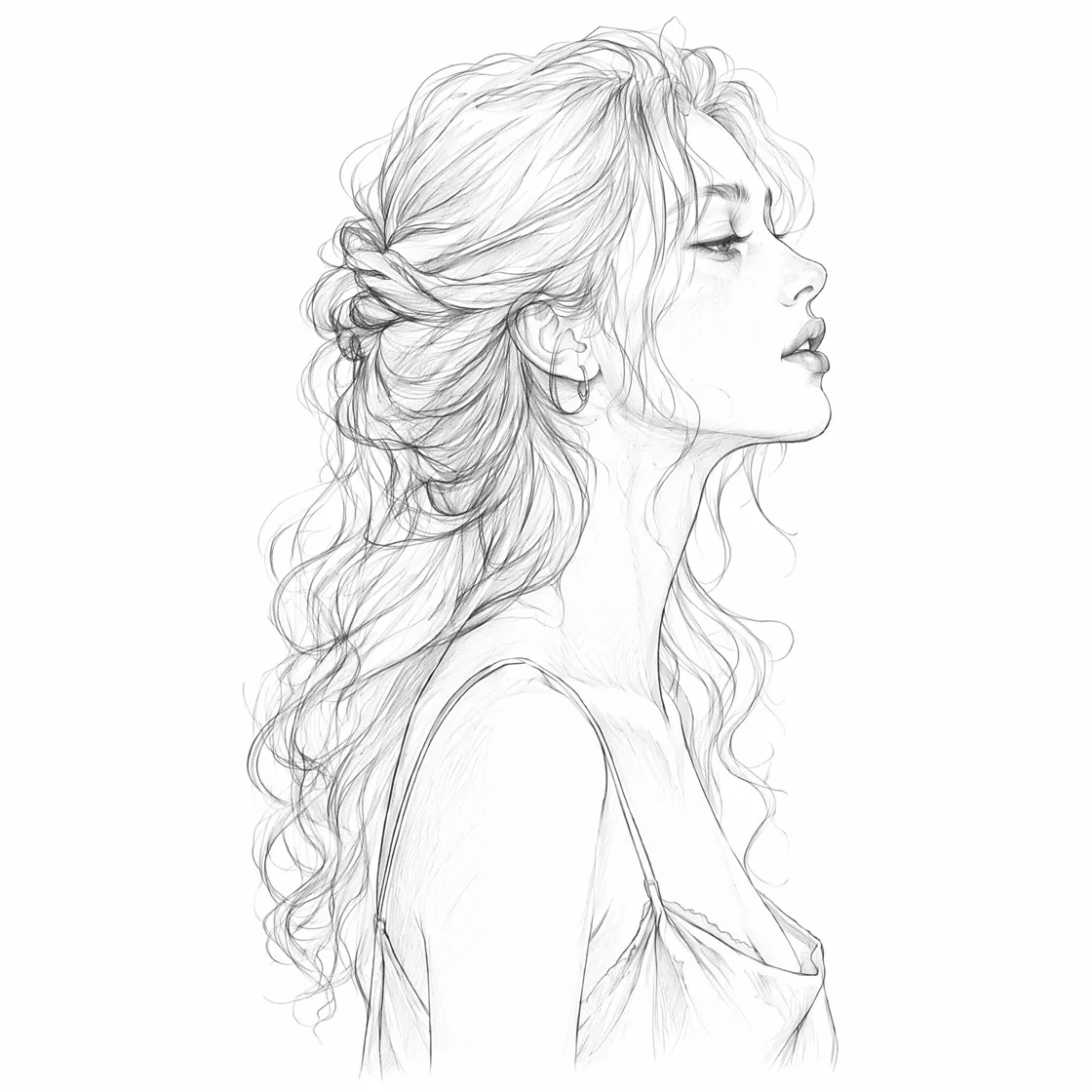
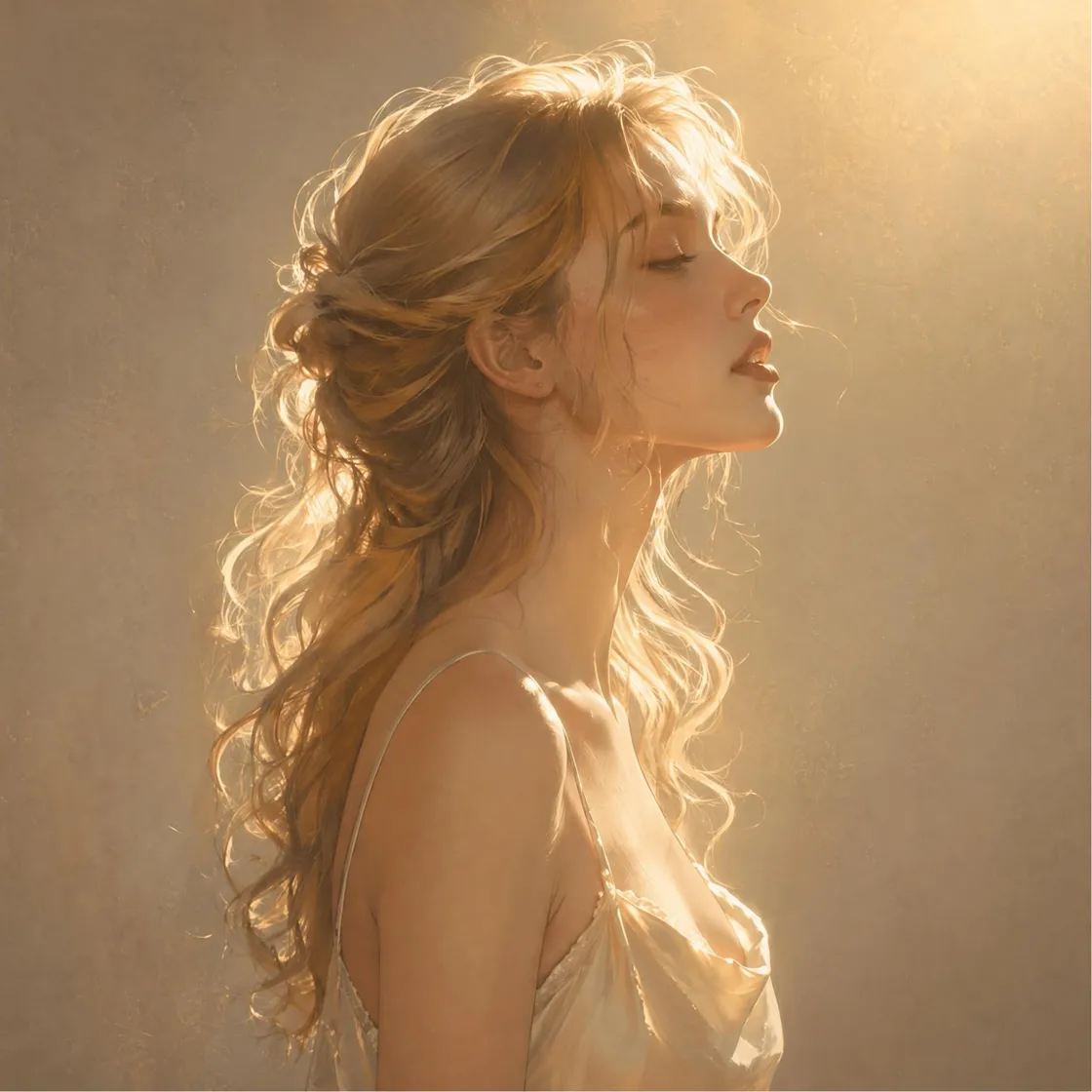
Sketch it. See it.
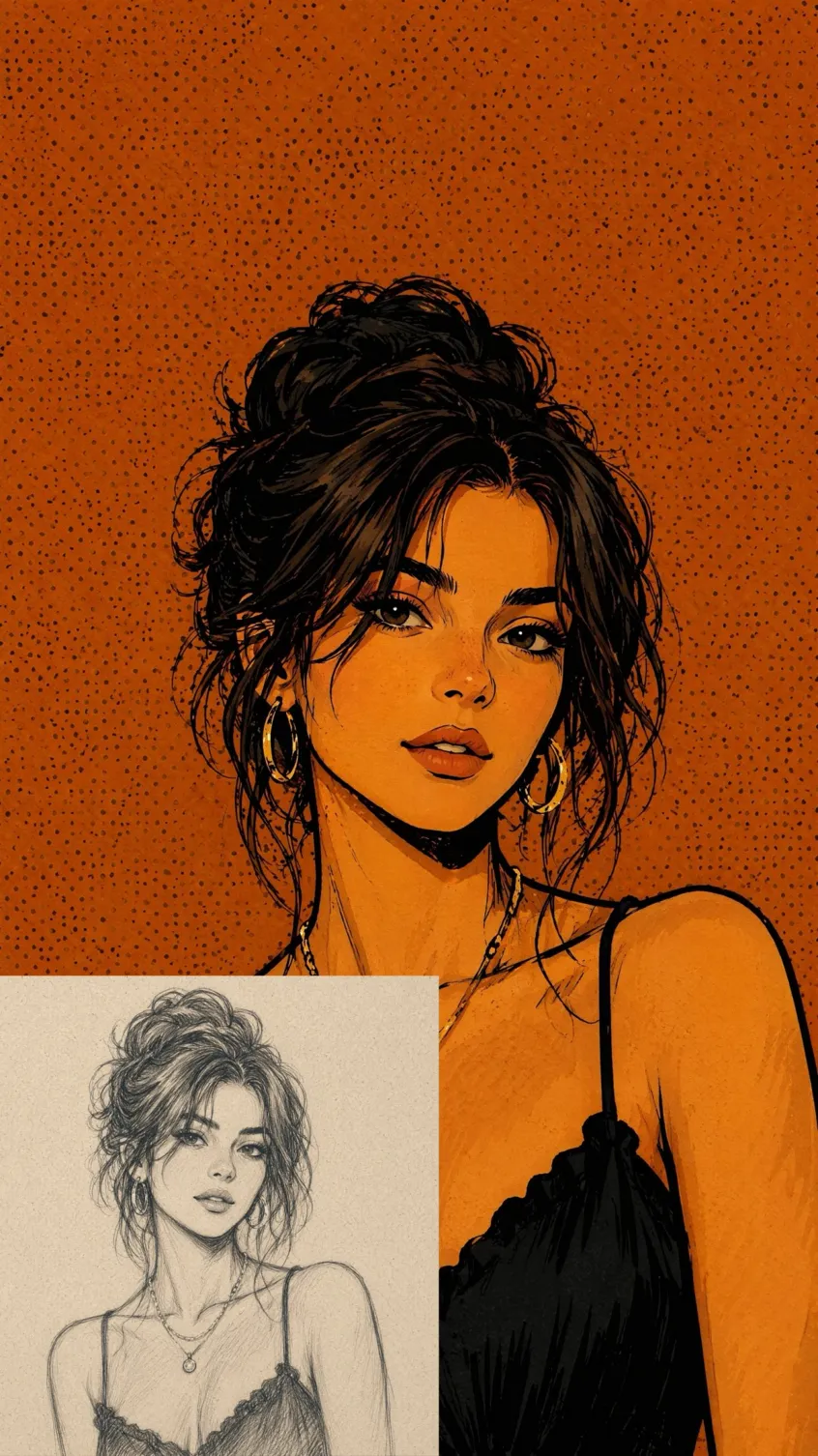
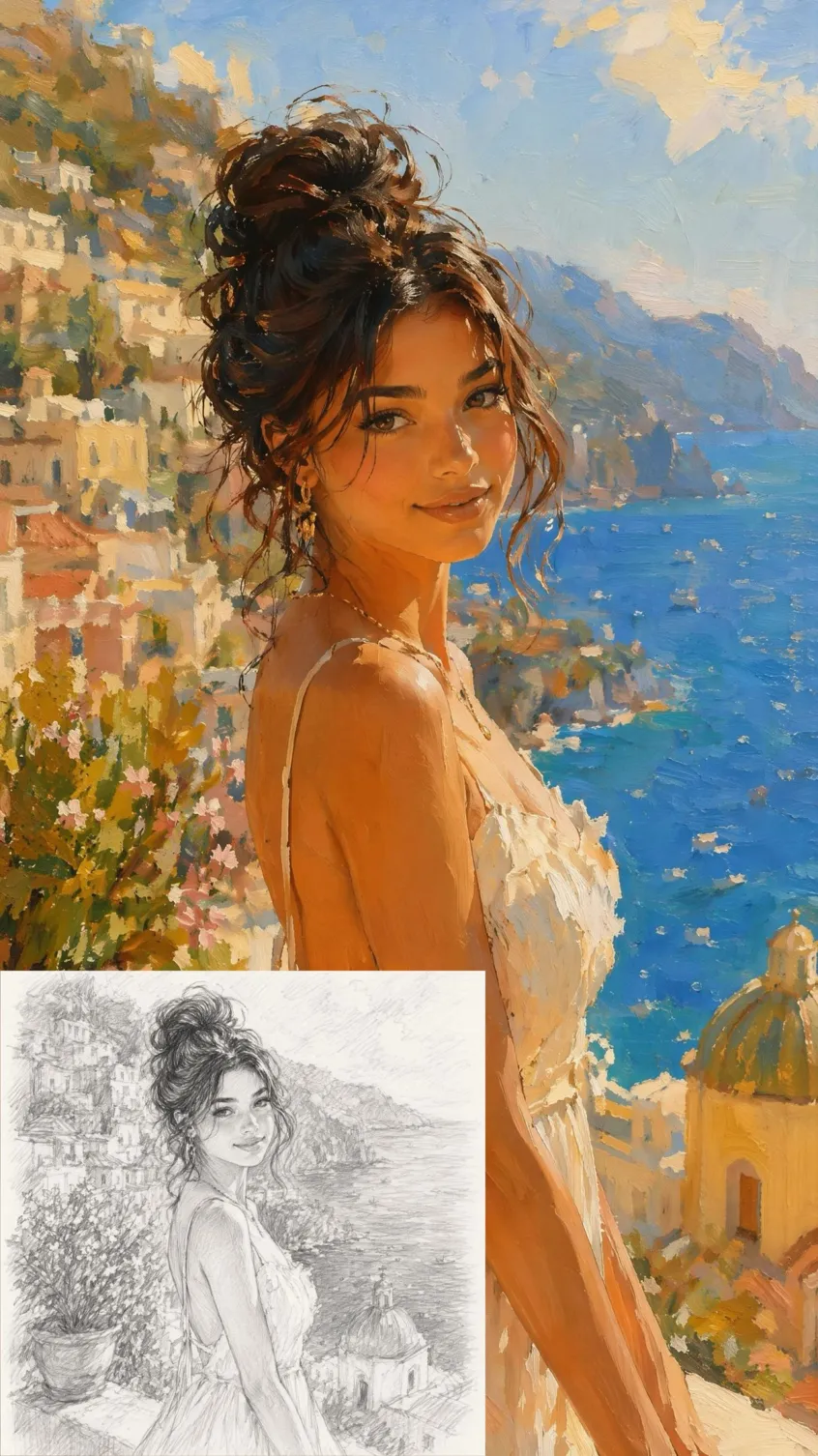
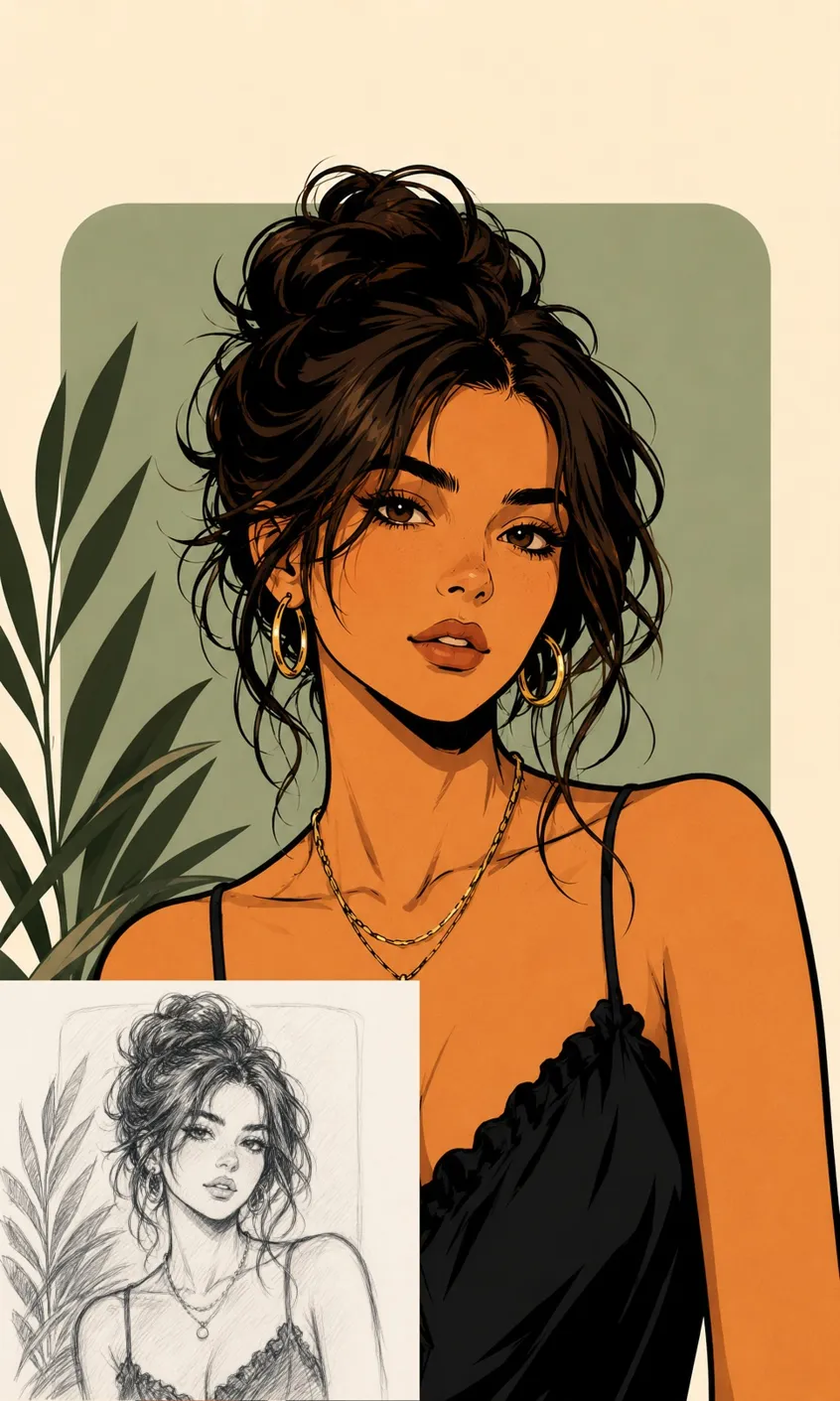
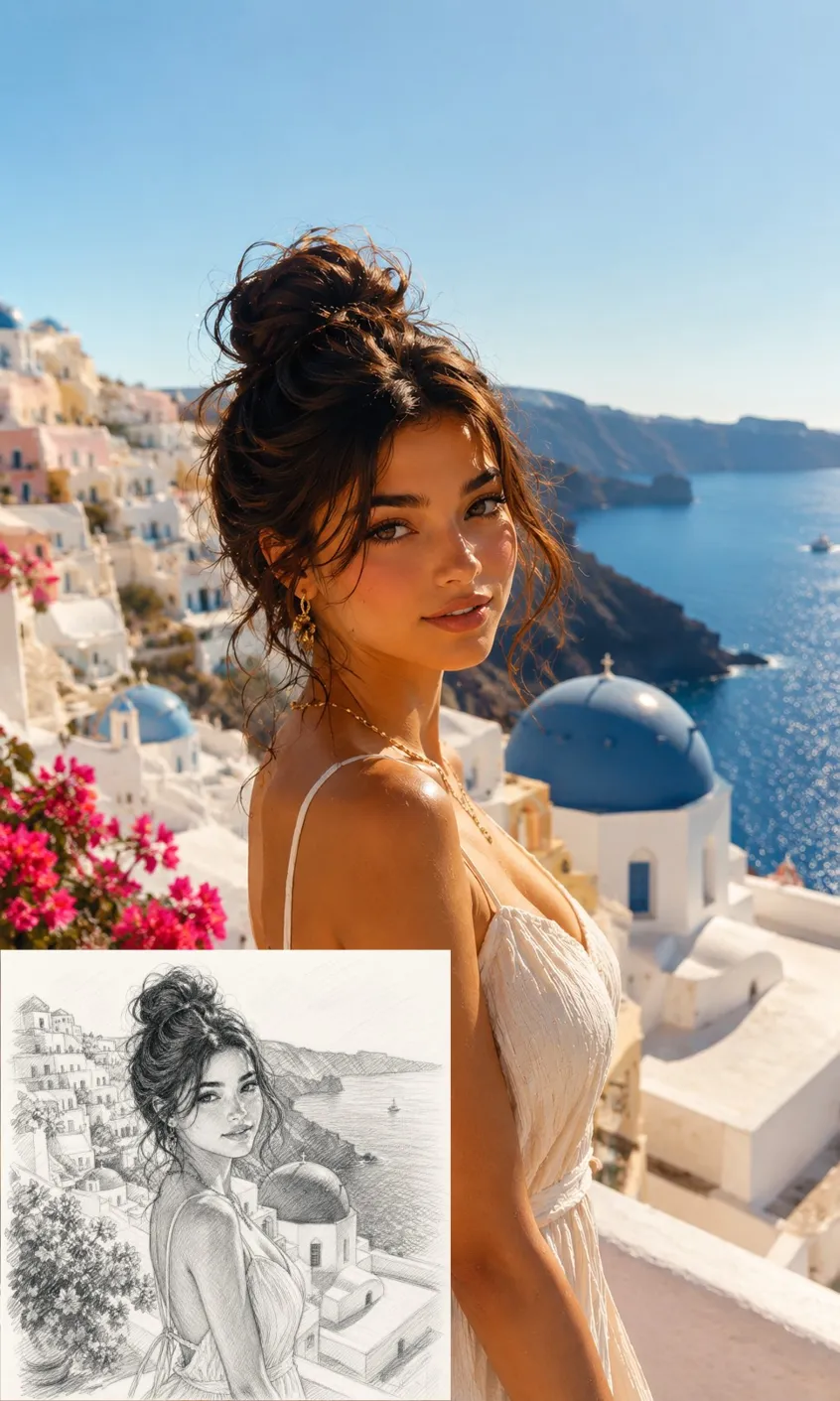
How to Convert a Sketch to an Image in 3 Steps
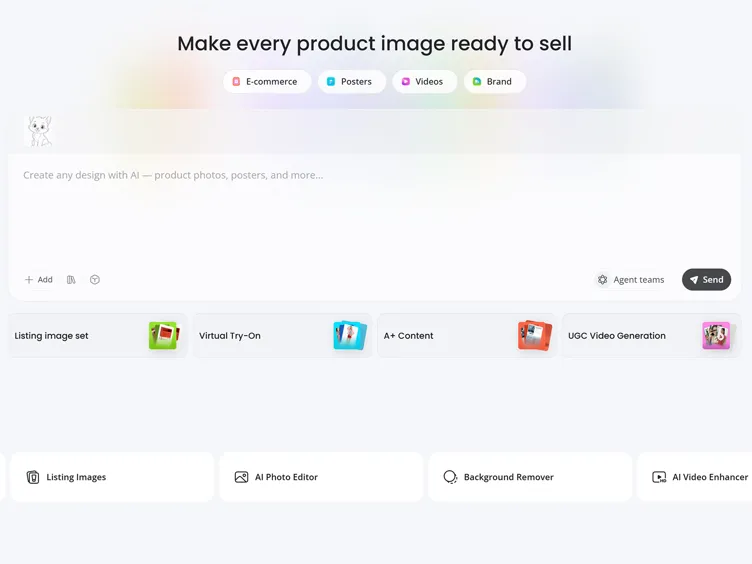
Upload Your Sketch
Upload a hand-drawn sketch, line art, doodle, or rough concept. Designkit reads the shapes and outlines to build on them.
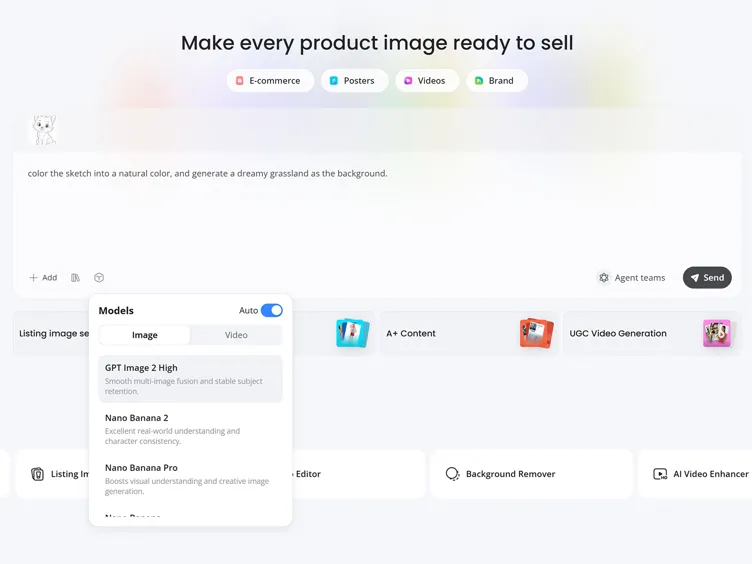
Describe the Result
Type what the image should look like and pick an AI model. Designkit turns the sketch into digital artwork, a product render, or a concept illustration.
Preview and Download
Check the result, adjust the prompt or style for new versions, and download the one that fits your idea.
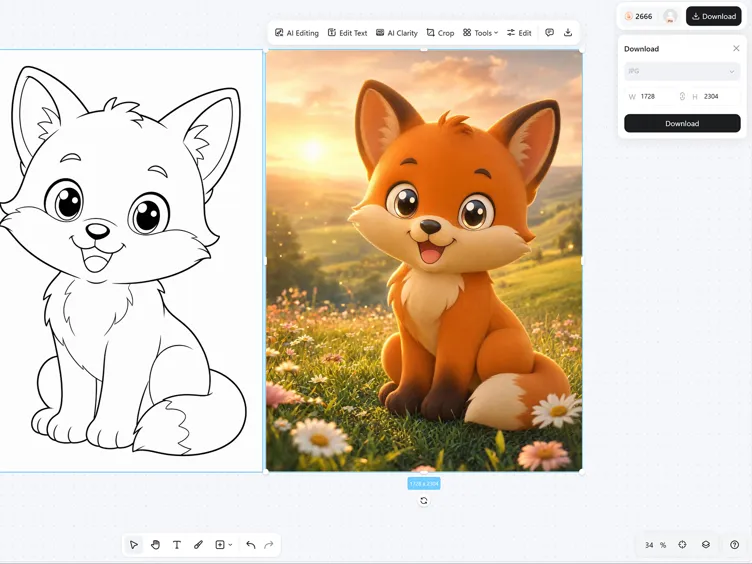
What You Can Do with Sketch to Image AI
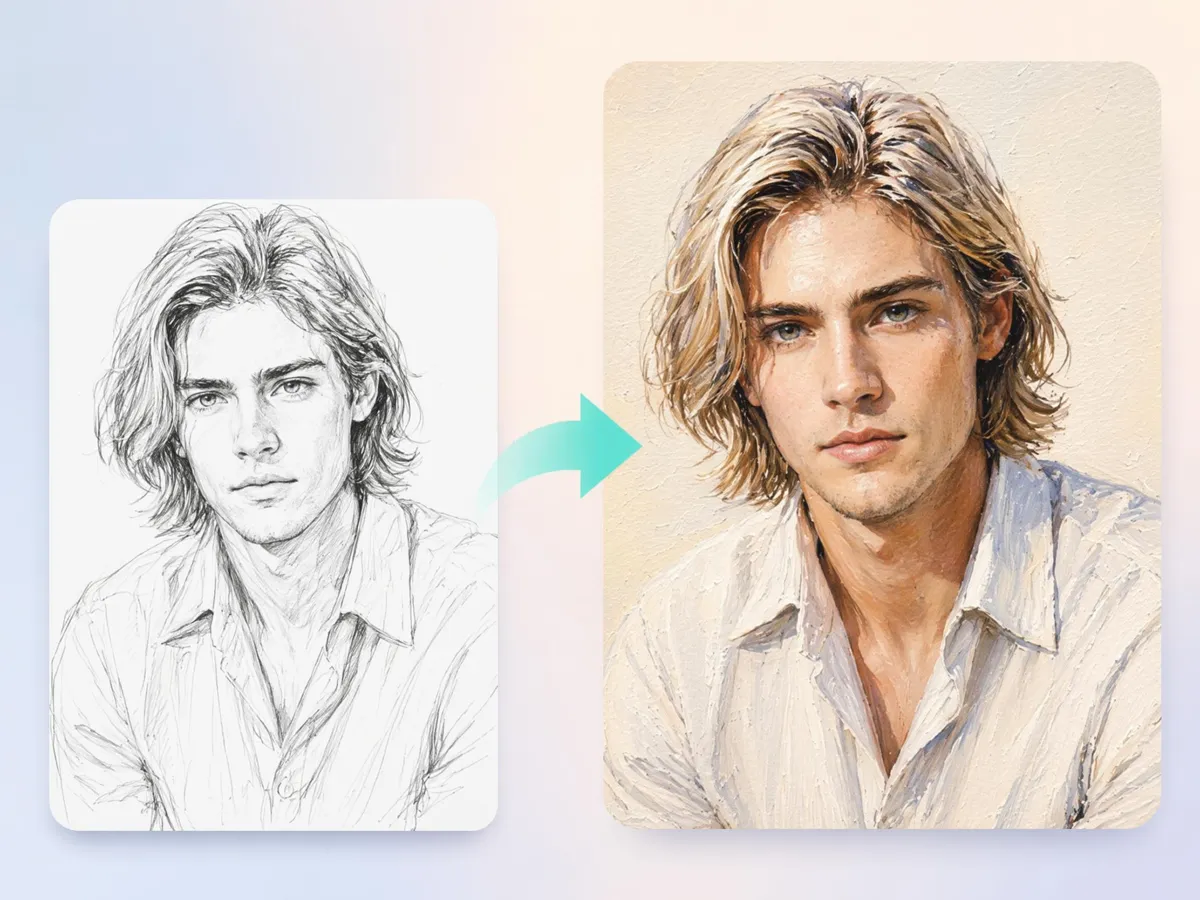
Keep Your Sketch Structure Intact
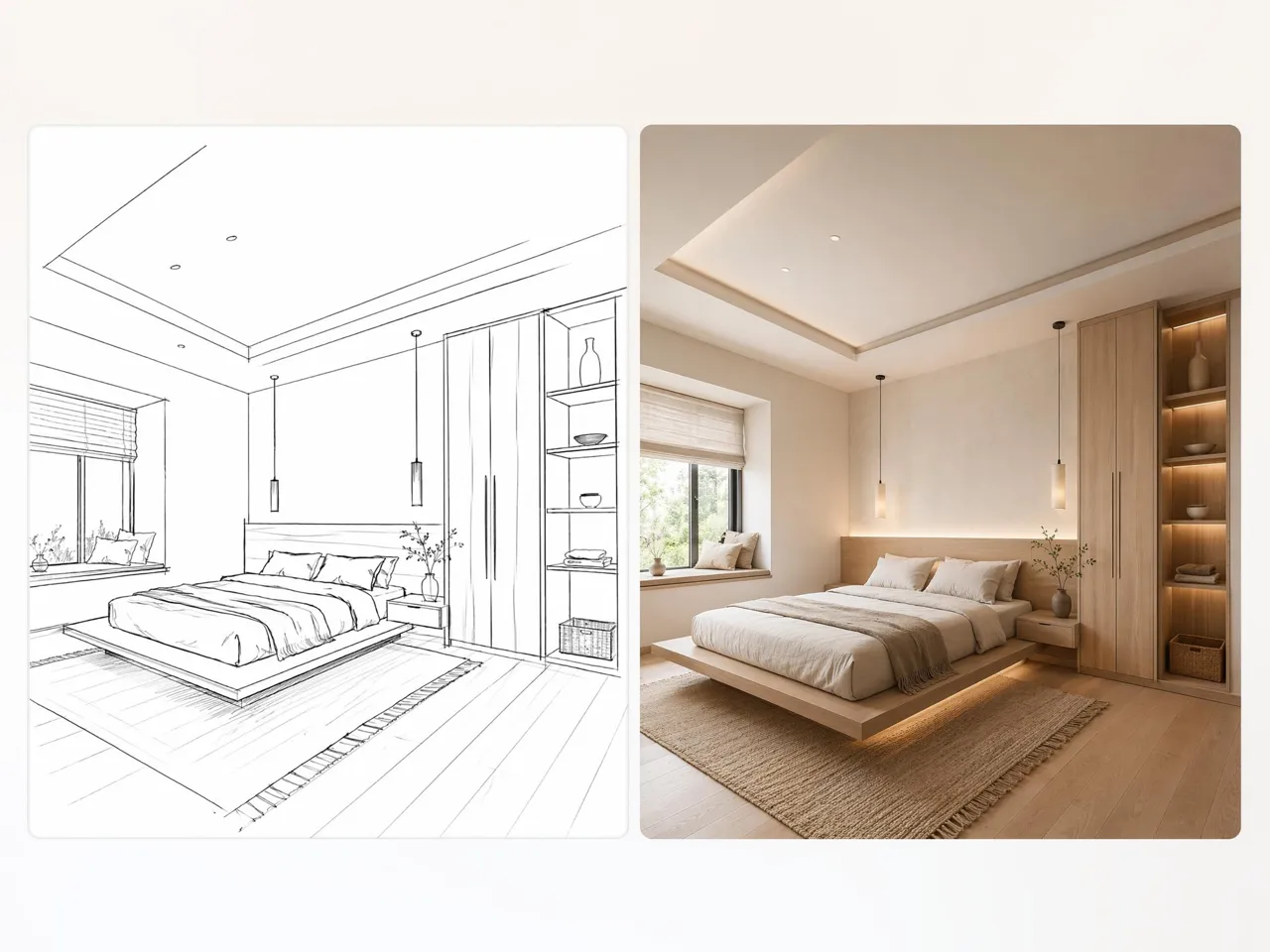
Turn hand-drawn concepts into finished visuals without losing the layout, proportions, or key elements that make the idea recognizable. Designkit's sketch to image AI keeps your original concept at the center of the generation process.
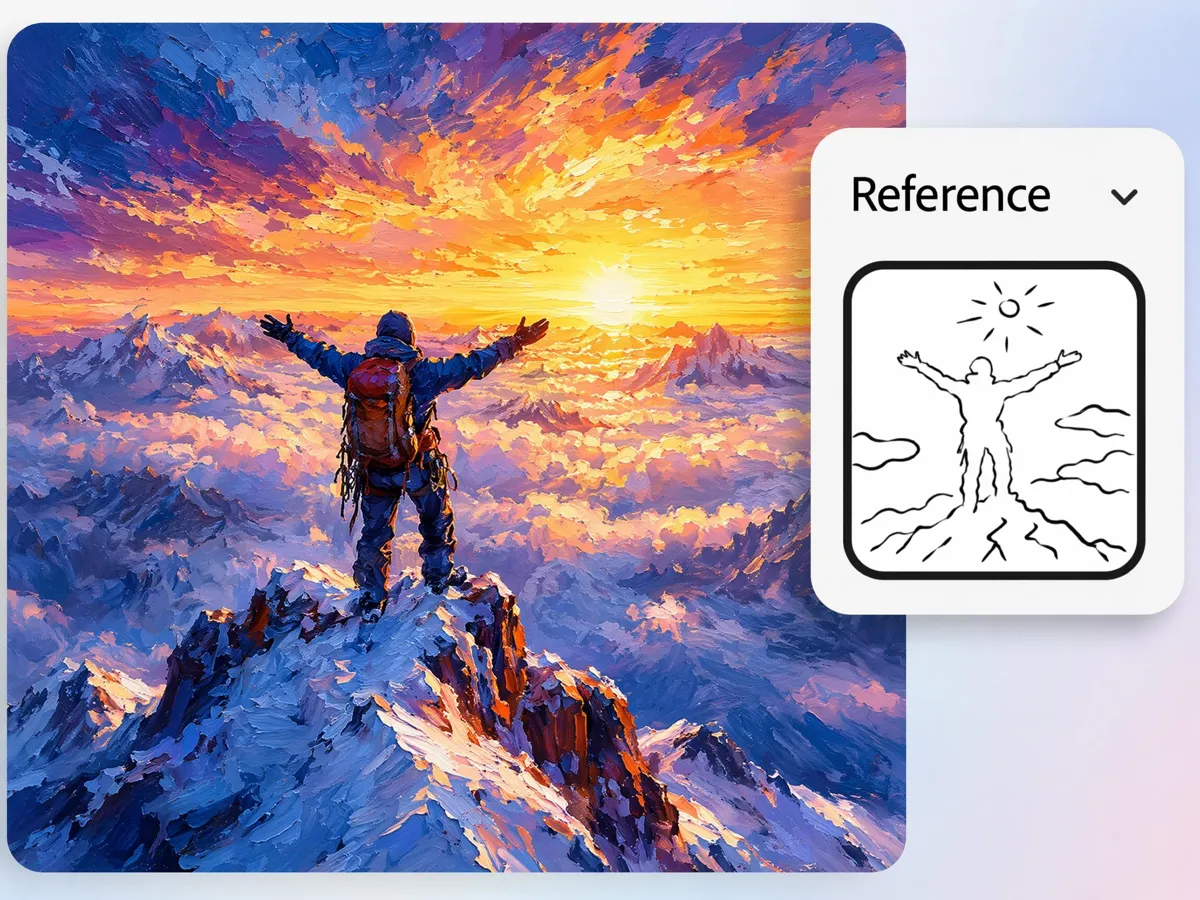
Turn Rough Drawings into Realistic Visuals
Early sketches often communicate ideas clearly but lack the detail needed for presentations or reviews. Designkit helps make sketches realistic by adding materials, lighting, textures, and visual depth while preserving the original concept.
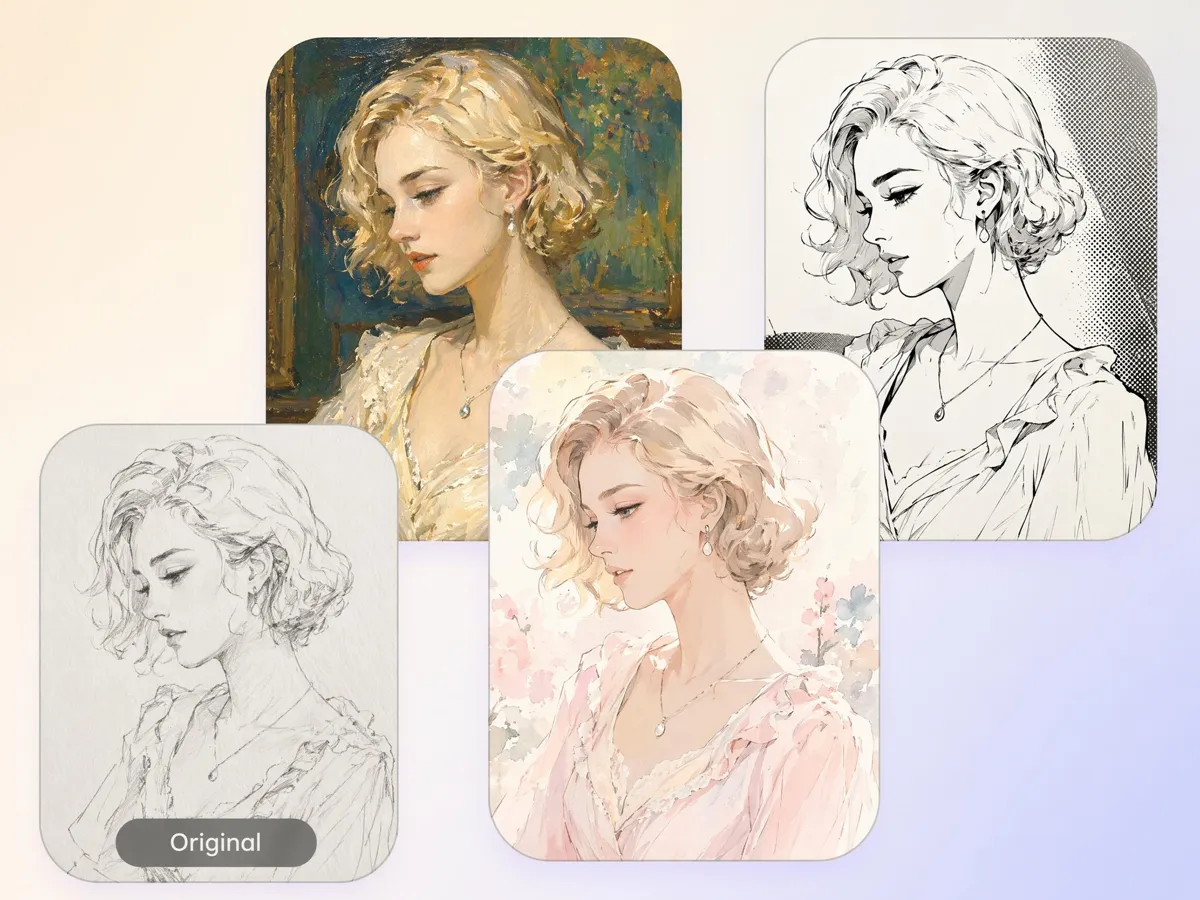
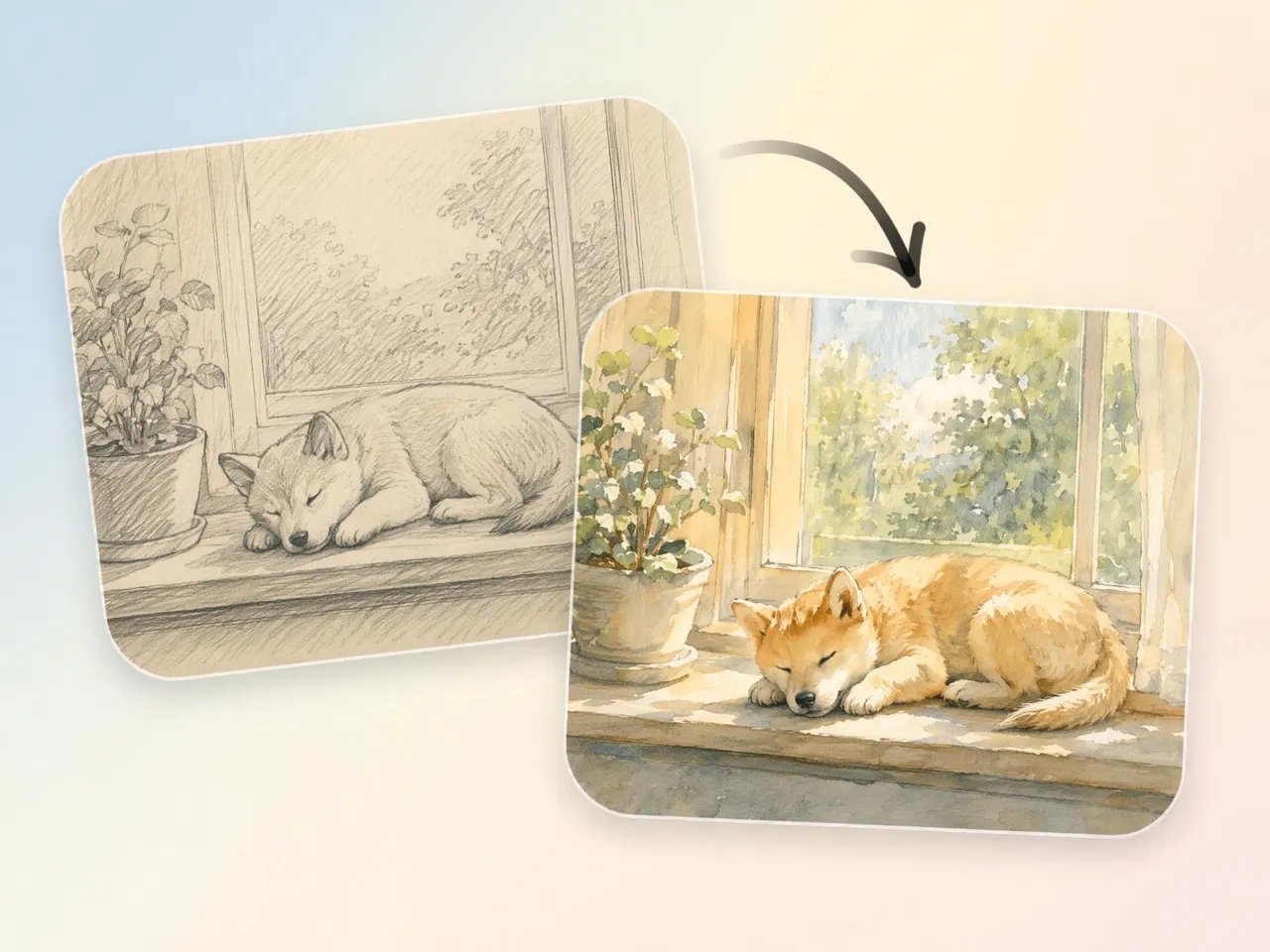
Turn One Sketch Into Multiple Visual Directions
A single concept can lead to many creative outcomes. Generate different styles, moods, and interpretations from the same drawing, making it easier to compare options before committing to a final direction. Available through sketch to image AI free workflows.
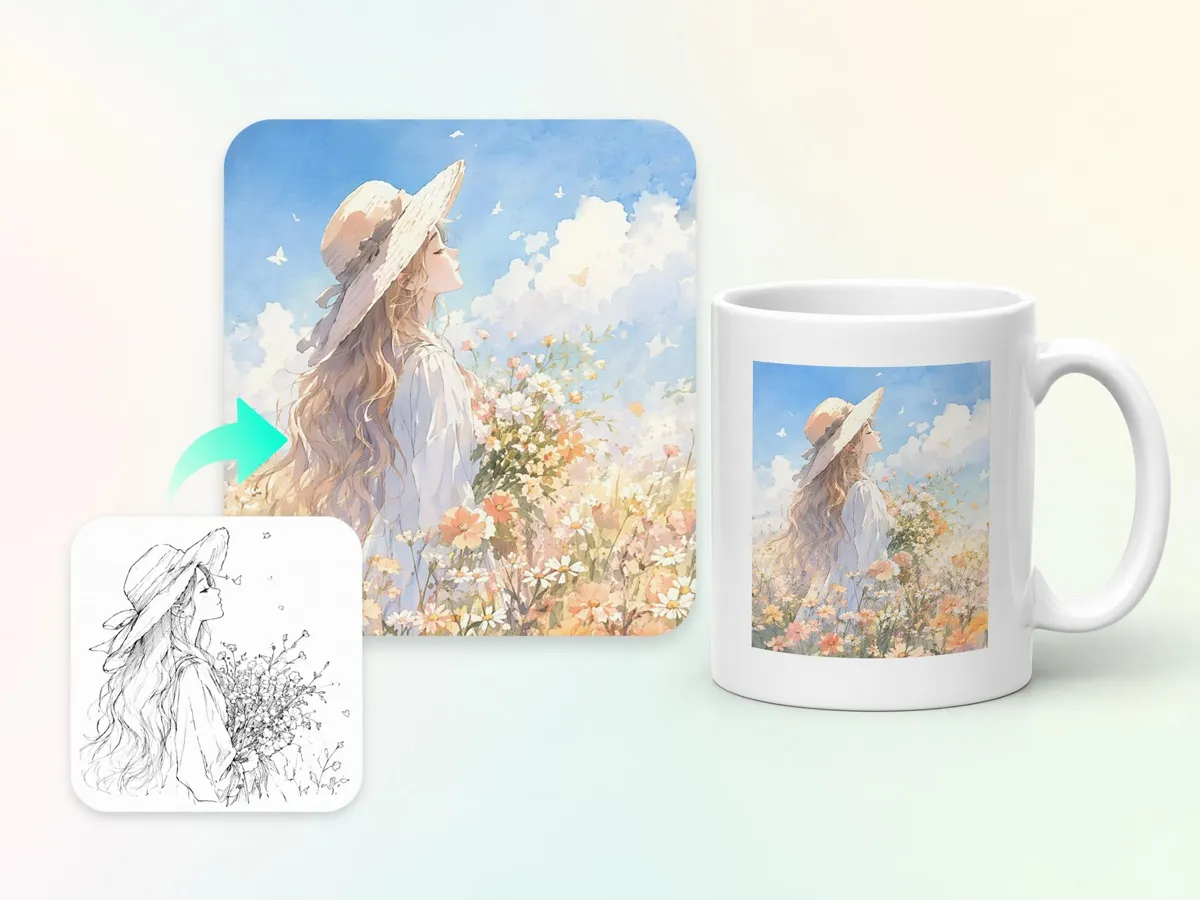
Convert Sketches Into Product or Concept Renders
Turn rough product ideas, packaging concepts, inventions, or design drafts into presentation-ready visuals. Designkit helps convert sketch to photo style renders that are easier to review, share, and refine with teams or clients.
Who Uses Sketch to Image AI and What They Make
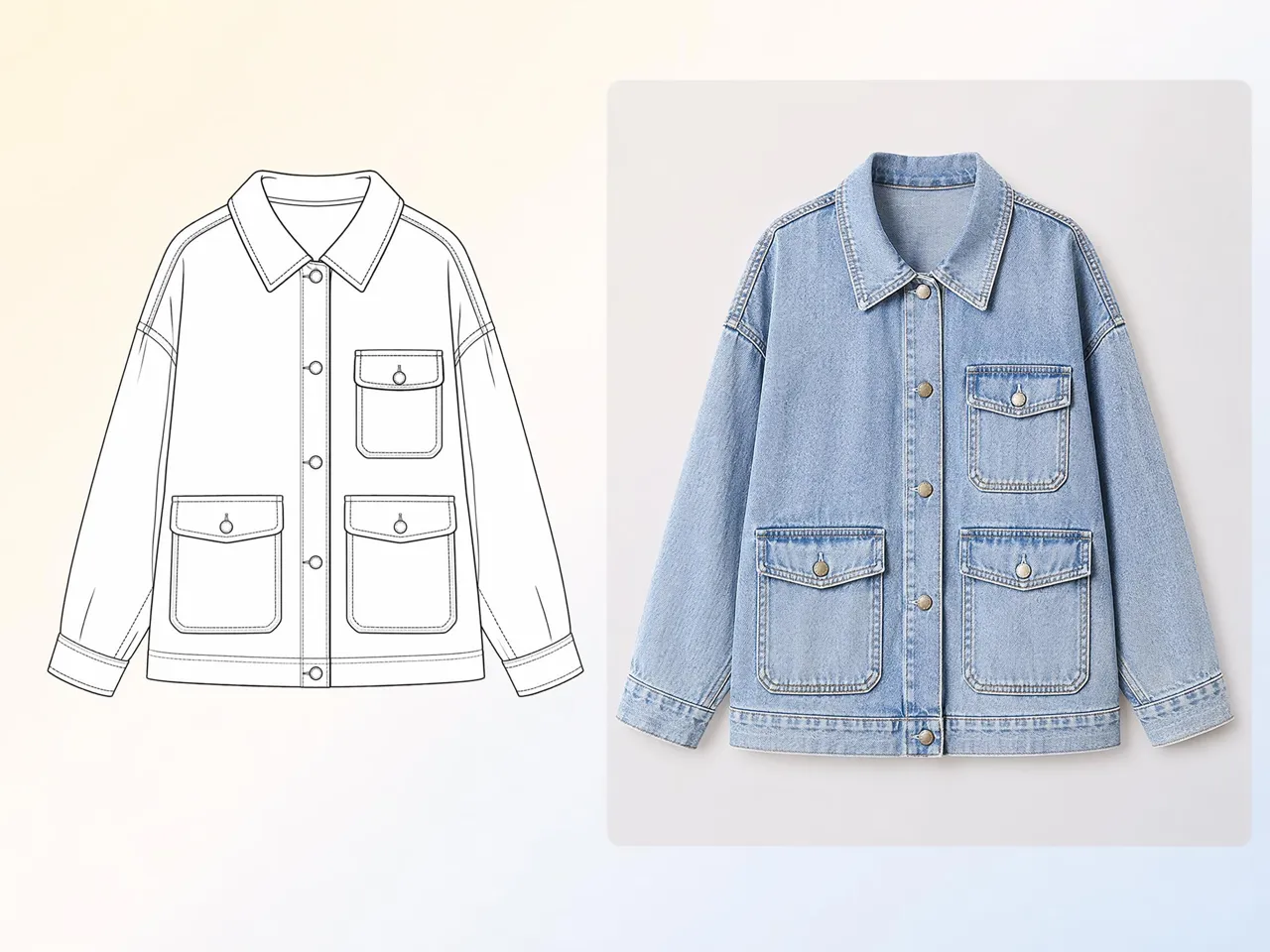
See a Product Concept Before You Build It
Building prototypes before validating a concept can consume significant time and budget. Designkit turns sketches into realistic product visuals, helping teams review ideas earlier and identify improvements before production begins.
Why Creators Pick Designkit for Sketch to Image

Start From Any Rough Drawing
Turn simple sketches into usable visuals without rebuilding ideas from scratch or recreating structure manually.
Realistic Results Without Manual Rendering
Skip time-consuming rendering work and move from concept sketches to detailed visuals ready for presentation.

Control Output With Multiple AI Models
Compare different generation outputs in one place to refine direction without repeating manual redraw cycles.
Turn One Sketch Into Many Versions
Expand a single concept into multiple visual directions, reducing dependency on repeated illustration work.

Fast Feedback for Creative Projects
Speed up review cycles by turning drafts into clear visuals that stakeholders can understand and respond to quickly.
No Advanced Design Skills Required
Create finished-looking visuals from sketches without mastering complex illustration tools or drawing to image AI workflows.
Unlock More Creative Possibilities
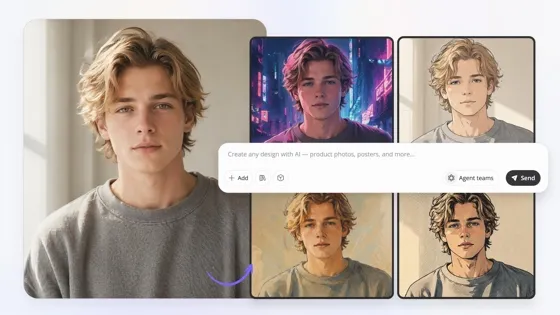
Image to Image AI
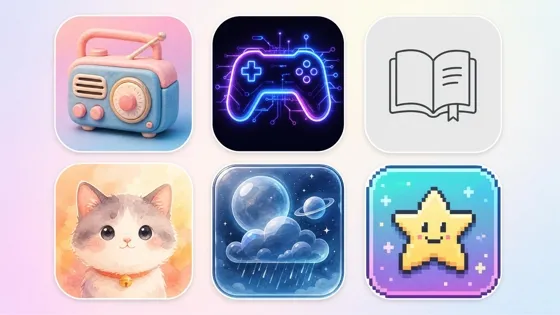
AI Icon Generator
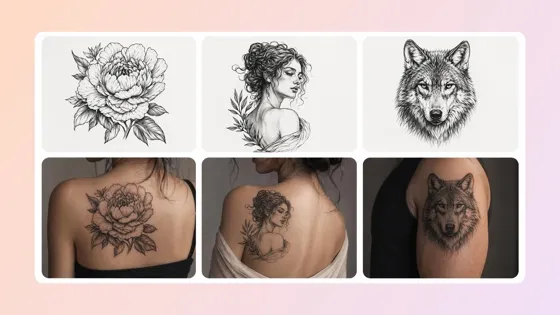
AI Tattoo Generator
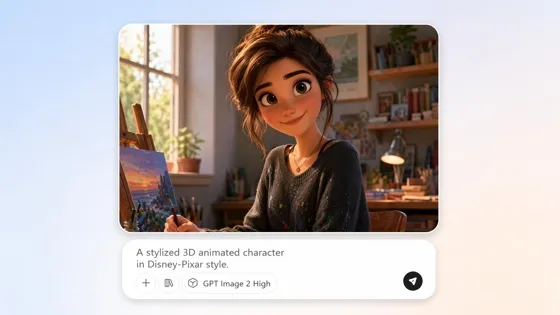
AI Cartoon Character Maker
Frequently Asked Questions
Can I use sketch to image AI if my drawing is very rough?
What kinds of sketches can I convert, from line art to detailed drawings?
You can convert simple doodles, line art, product sketches, character drafts, and more detailed illustrations. The tool analyzes structure and intent rather than artistic quality. With Designkit, sketches are processed through an AI drawing generator workflow that adapts different drawing types into refined visual results suitable for sharing or review.
Do the generated images look realistic enough to show clients or in a presentation?
Yes, generated outputs are designed to communicate ideas clearly for reviews and presentations. The system enhances structure, depth, and context while staying aligned with the original sketch. Designkit helps turn concepts into presentation-ready visuals, making it useful when using an online sketch to image AI tool for client discussions or project approvals.
Does it keep my original sketch layout, or make a different picture?
The original layout is preserved as the foundation of the result. The AI builds on top of your drawing rather than replacing it entirely, so proportions and composition remain recognizable. Designkit ensures your concept stays intact when you turn a turn drawing into AI image process into a refined visual version.
Can I convert drawing to digital image online free for school or portfolio projects?
Yes. Sketch conversion can be used for educational work, portfolios, and personal projects. You upload your drawing and receive a digital visual interpretation that can be downloaded and used for assignments or presentations. Designkit supports workflows similar to convert drawing to digital image online free, helping students visualize ideas without manual rendering.
Can I get several versions of the same sketch?
Yes. One sketch can generate multiple interpretations with different styles, moods, or visual directions. This helps compare ideas before finalizing a concept. Designkit creates variations from a single input, making it easier to explore options when working on design development or early concept testing.
Can AI drawing generator tools help with character and concept art?
Yes. These tools are commonly used for character design, environmental concepts, and early-stage visual development. You can describe or sketch an idea and generate multiple artistic interpretations. Designkit helps support concept exploration when using an AI drawing generator for storytelling, games, or illustration projects.
Is it free to convert a drawing for a school or portfolio project?
Access depends on the platform plan, but basic sketch conversion workflows are often available for entry-level use cases like learning and portfolios. You upload a drawing and receive a generated image that can be reviewed or downloaded. Designkit supports AI drawing generator use cases for students and beginners exploring creative workflows.
Turn Your Sketch Into Something People Can Actually See
Upload a sketch and get your first realistic image back for free. Pick a model, try a few versions, and download the one that matches your idea.



What Users Say About Turning Sketches Into Images
From rough sketches to polished visuals, users bring ideas to life with Designkit.
Finished My Project So Much Faster
I was honestly surprised by how fast everything worked. I uploaded a rough sketch and got realistic product images within minutes. Before Designkit, I spent hours explaining ideas and creating mockups. Now I can show my team exactly what I mean almost instantly. It feels like a huge weight has been lifted from my workflow.
Saved Money While Exploring Ideas
I needed visuals for a new product concept but didn't have the budget for expensive design work. Designkit helped me turn simple sketches into professional-looking images without extra costs. Being able to test different ideas before investing more money gave me real confidence. It felt like having a creative partner that fits my budget.
The Results Looked Better Than Expected
My sketches are usually very rough, so I wasn't expecting such high-quality results. The images looked polished, detailed, and much closer to the vision in my head. Seeing my concepts transformed so beautifully was genuinely exciting. It made my presentation look far more professional.
Helped Me Stay Within Brand Style
I needed visuals that matched our brand's look and feel. Designkit made it easy to generate images that felt consistent with our style. Instead of starting from scratch every time, I could quickly create concepts that looked like they belonged to our brand. That saved a lot of stress during campaign planning.
Easy to Use From Day One
I'm not a designer and I don't use complicated creative software. I simply uploaded my drawing and described what I wanted. The process felt simple, clear, and beginner-friendly. Seeing my sketch turn into a realistic image was such a fun moment. I was creating useful visuals within minutes.
Gave Me More Confidence Sharing Ideas
I often worried that rough sketches would make my ideas look unfinished. Designkit helped me create clean, professional visuals that were easier to present to classmates and instructors. It also helped me follow project requirements more clearly because everyone could understand the concept right away. I felt much more confident sharing my work.