
Turn Any Photo Into a Clean Silhouette
Upload a person, pet, product, or object photo. Designkit builds a sharp silhouette with clean edges, ready for logos, crafts, and print.
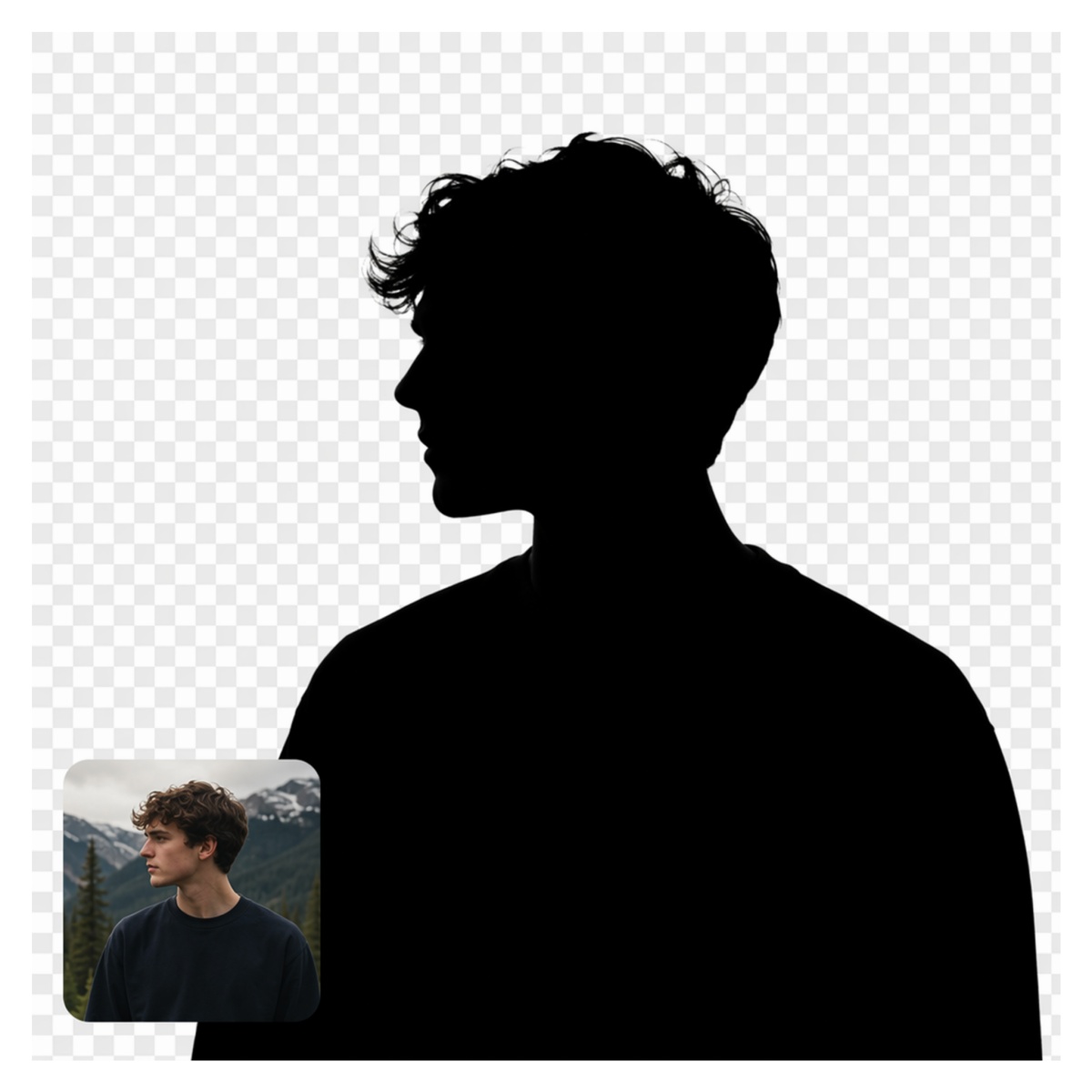
How to Make a Silhouette From a Photo in 3 Steps
Upload Your Photo
Upload a portrait, pet, product, object, or landscape image. Designkit prepares it for accurate silhouette generation with clean edge detection.
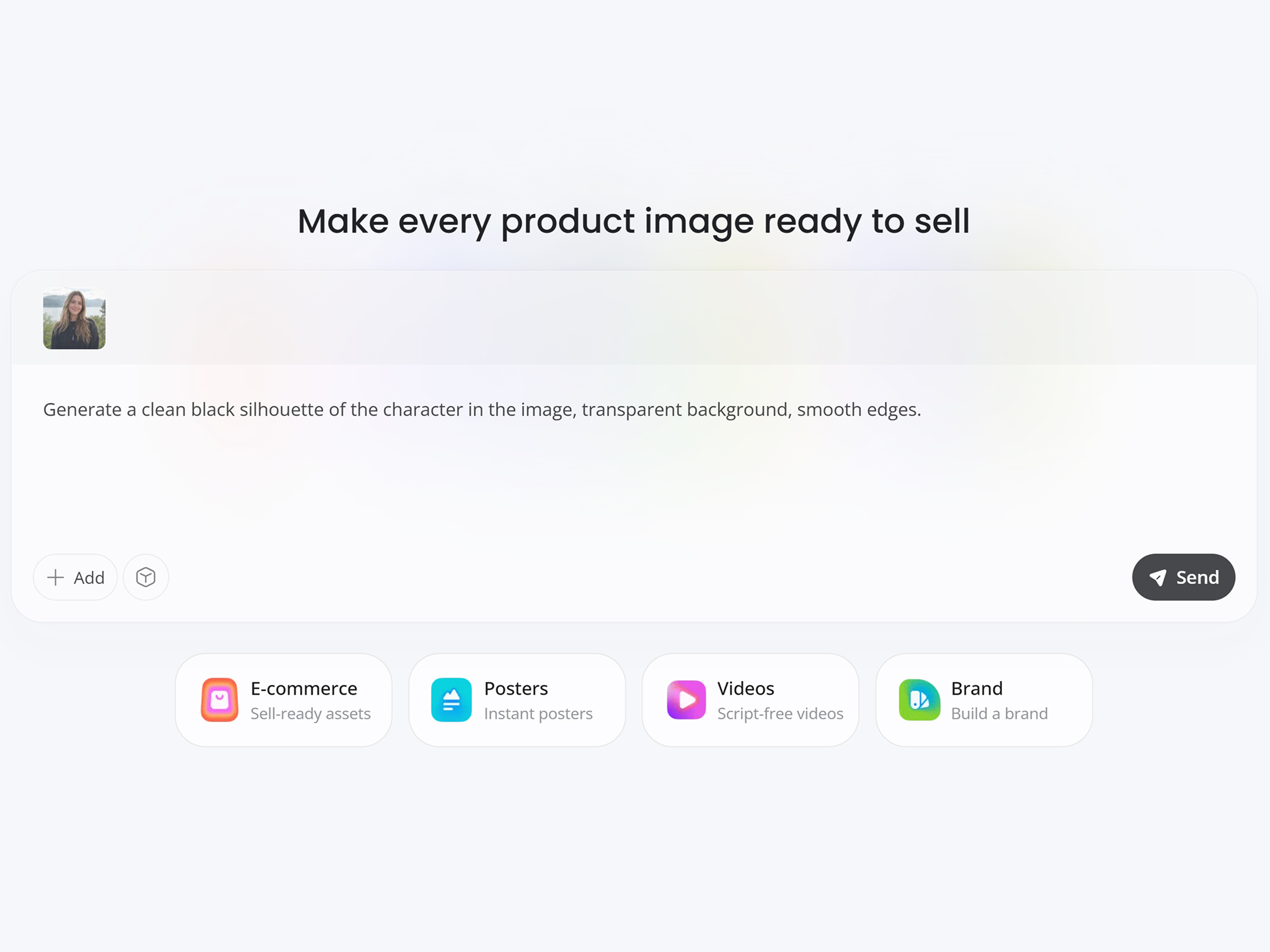
Detect and Convert
Designkit automatically identifies the main subject, removes distracting background details, and converts your image into a sharp silhouette.
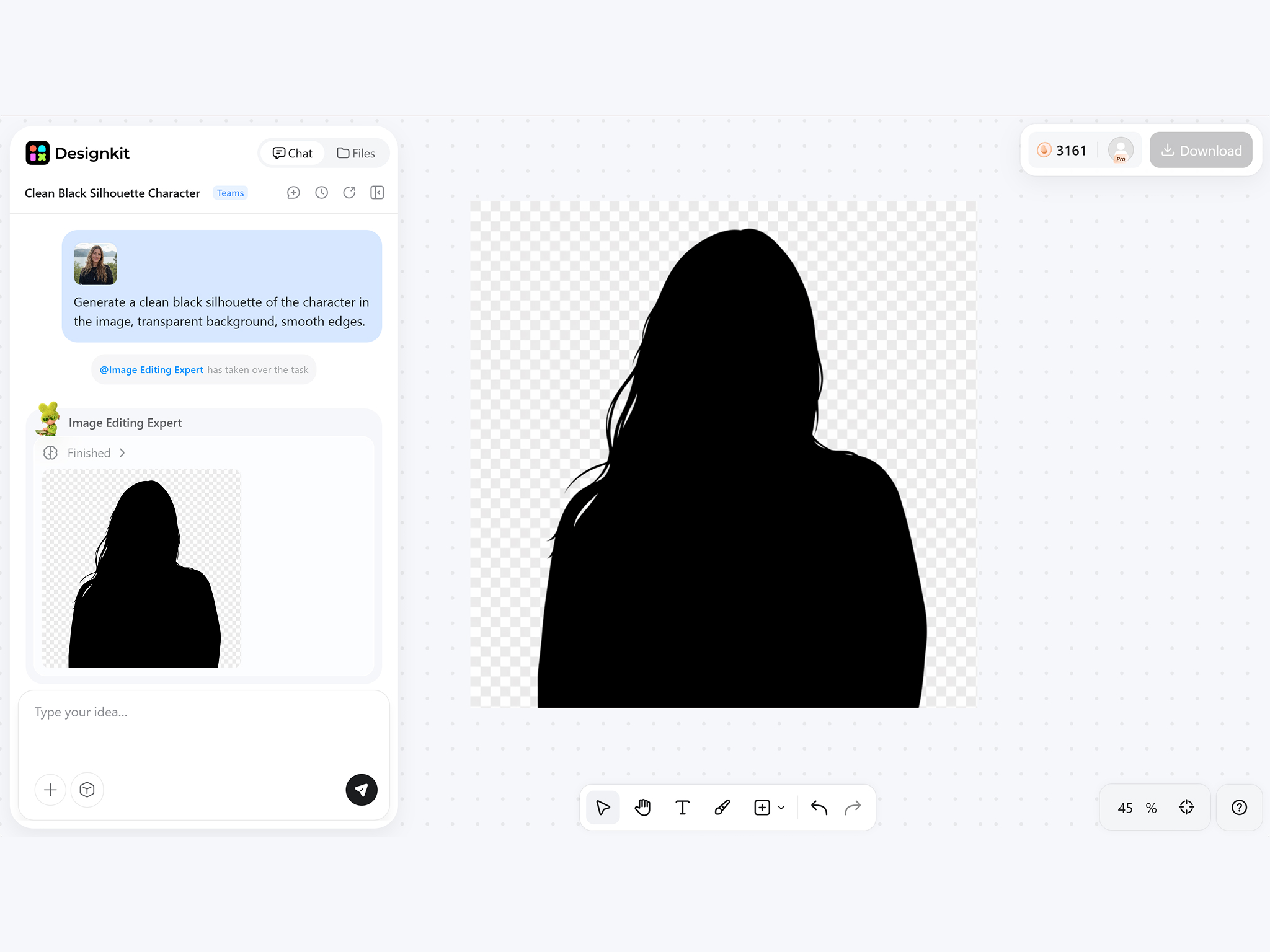
Download Your Silhouette PNG
Export transparent PNG ready for logos, Cricut crafts, stickers, social media, print projects, or creative designs without extra editing.
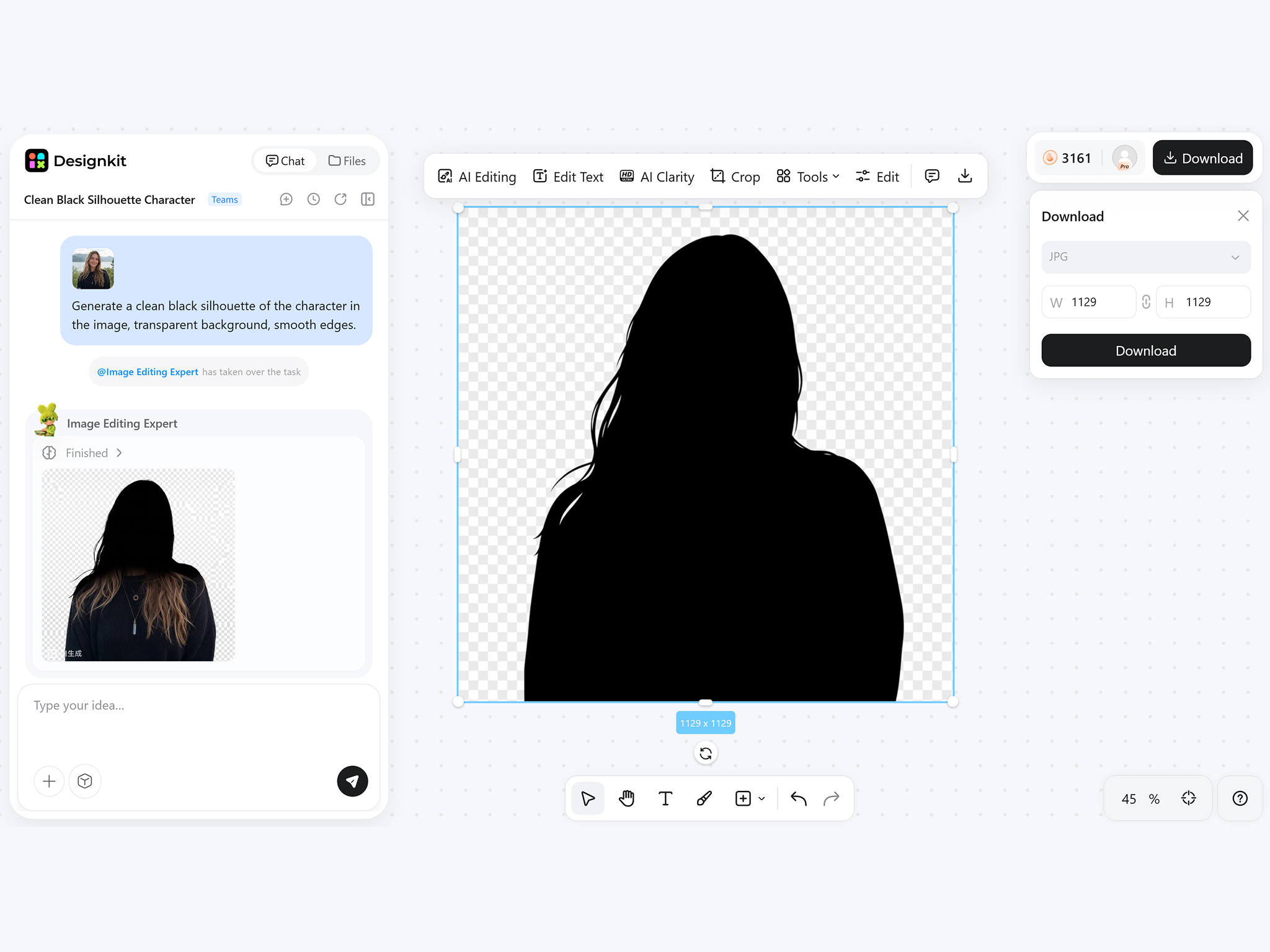
What Makes Designkit AI Silhouette Maker Different
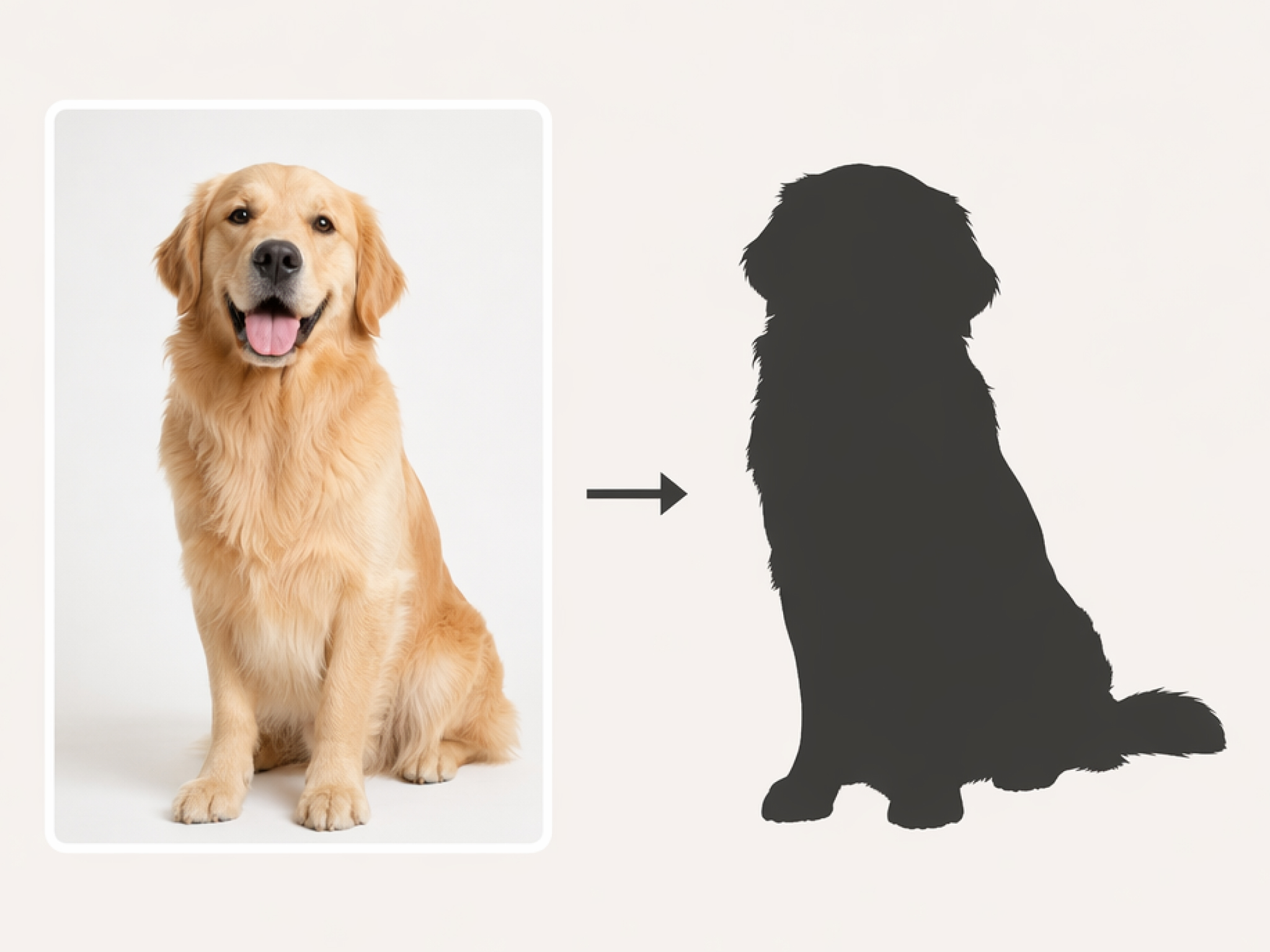
Convert Photos Into Clean Outline Shapes
Upload any portrait, pet, product, or object, and the AI silhouette maker removes unnecessary details while preserving a crisp outline. It's an easy way to turn a picture into a silhouette that's ready for print, branding, or creative projects.
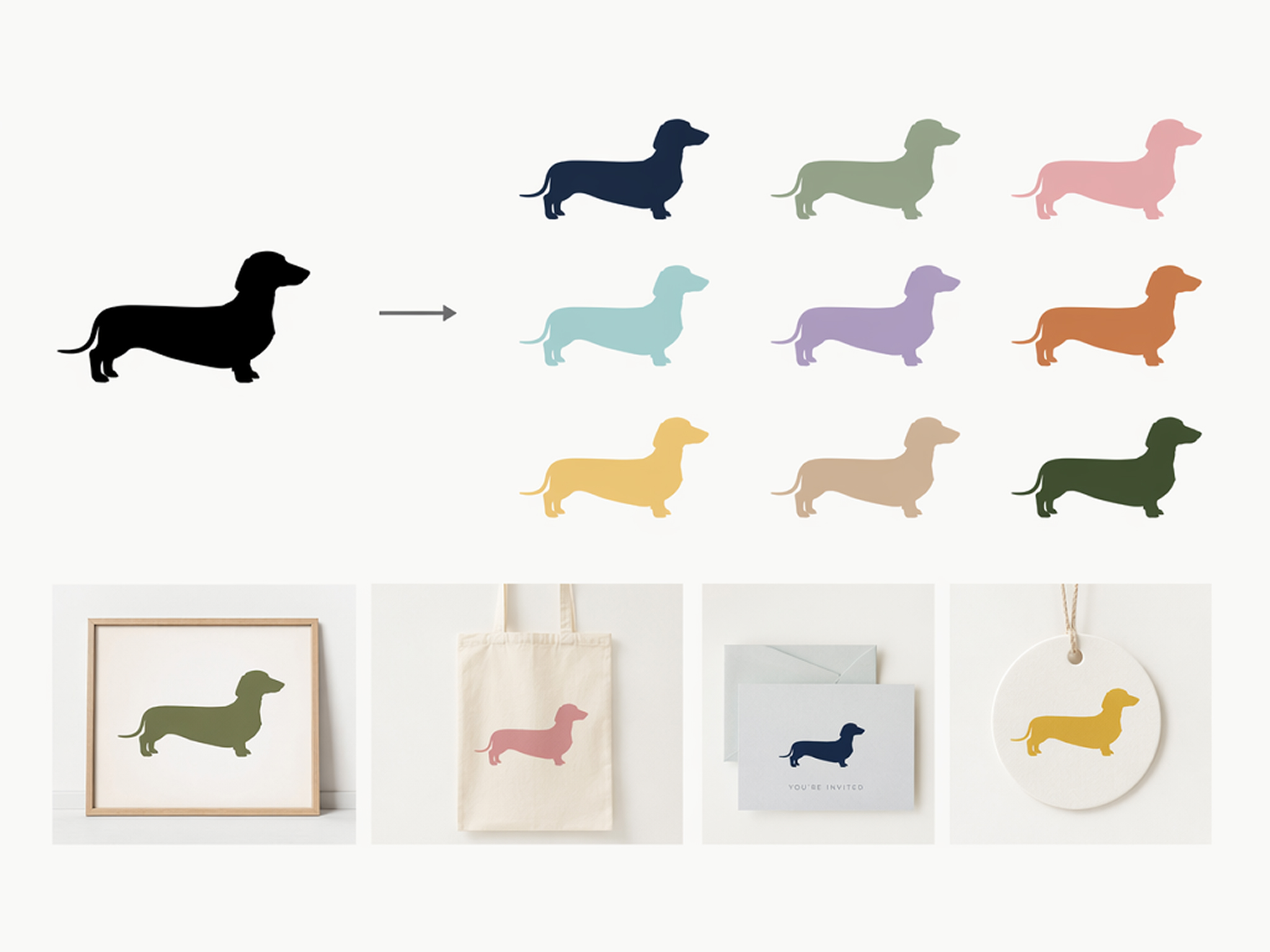
Switch Between Black and Custom Color Looks
Start with a classic black silhouette, then switch to custom colors for posters, logos, invitations, or branded graphics. The black and white silhouette maker gives you flexibility without recreating the design from scratch.
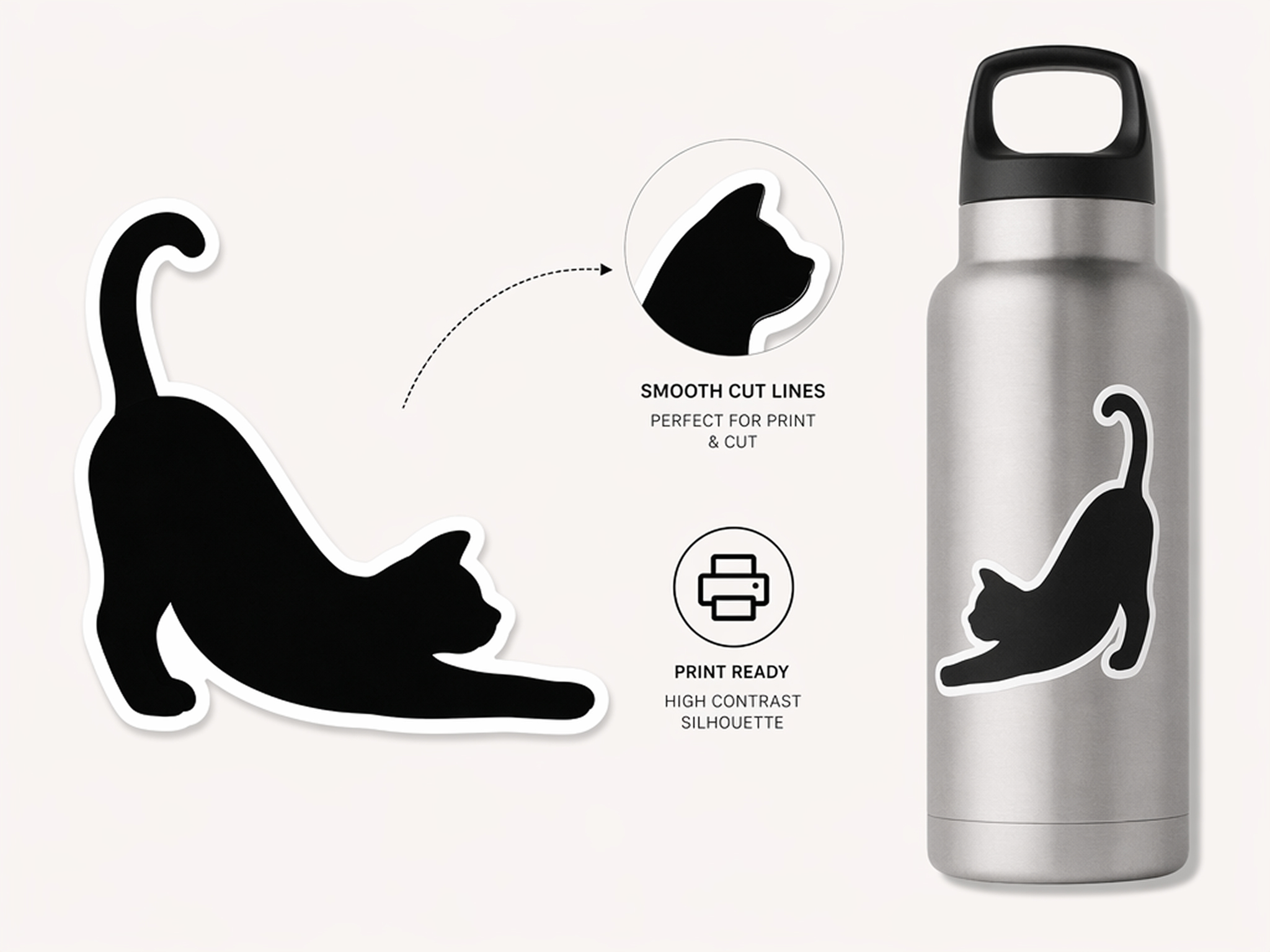
Create Sticker-Ready High-Contrast Graphics
Generate bold, high-contrast silhouettes that print cleanly and cut with precision. Pair your artwork with Designkit's sticker maker to create labels, merchandise, product packaging, and custom stickers with sharp, production-ready edges.
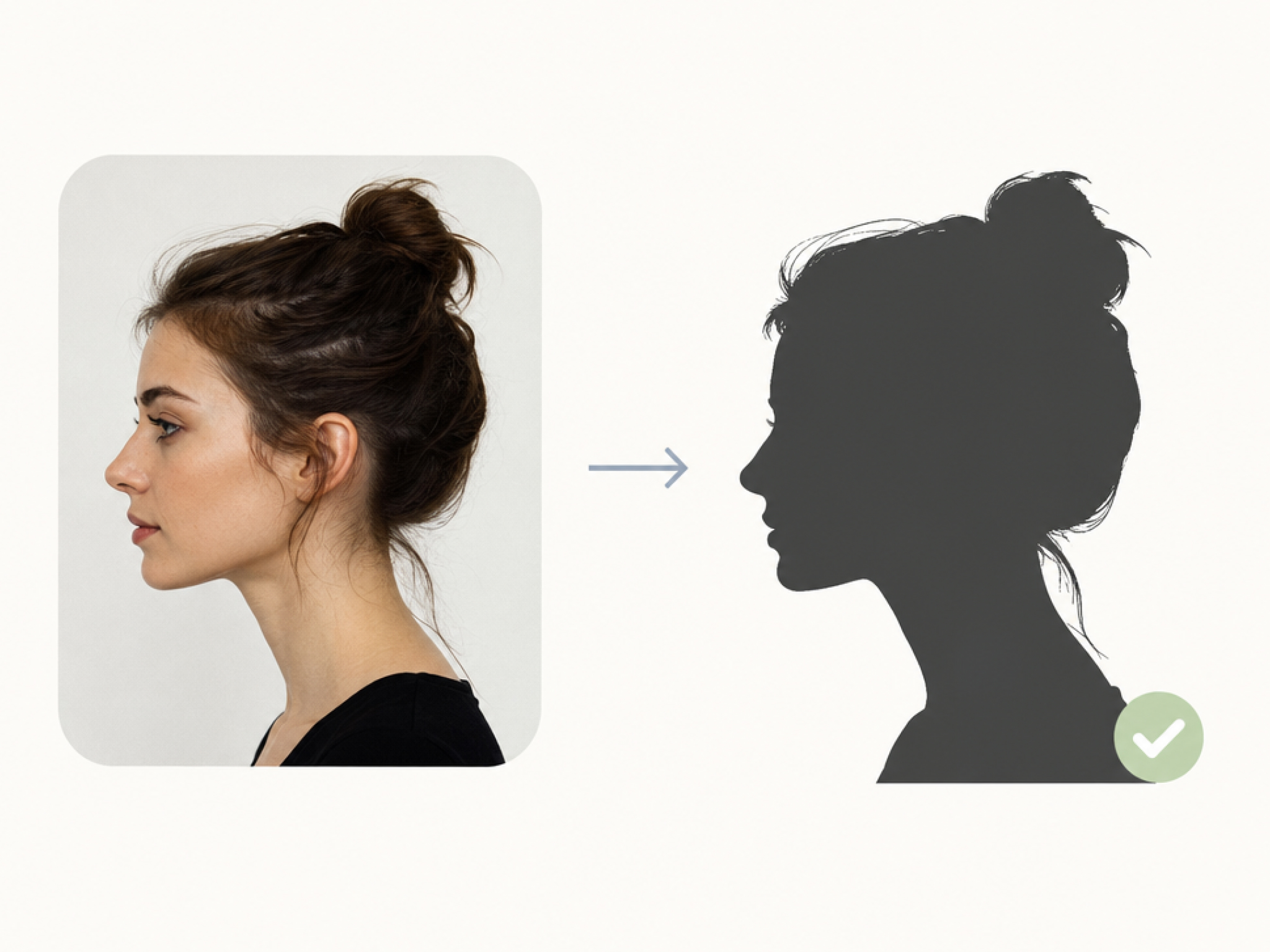
Keep Faces and Objects Recognizable
A strong silhouette should still capture the original subject. The photo silhouette maker preserves facial profiles, pet features, and distinctive outlines, producing clean graphics that remain easy to recognize at a glance.
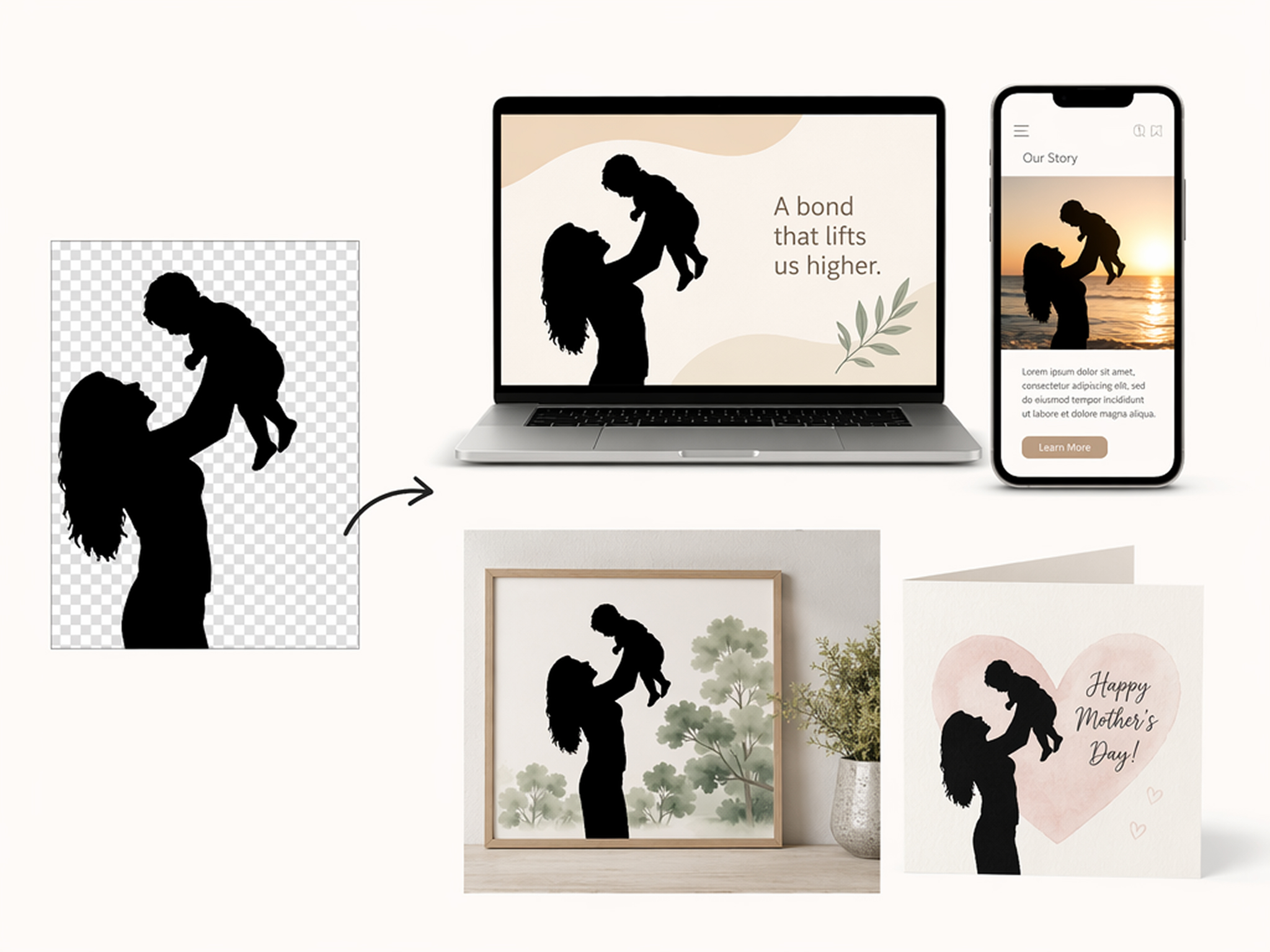
Export Transparent PNG Silhouettes
Download transparent PNG files that fit smoothly into Canva, presentations, websites, and print layouts. The image silhouette maker creates clean exports that are ready to use without additional background cleanup or editing.
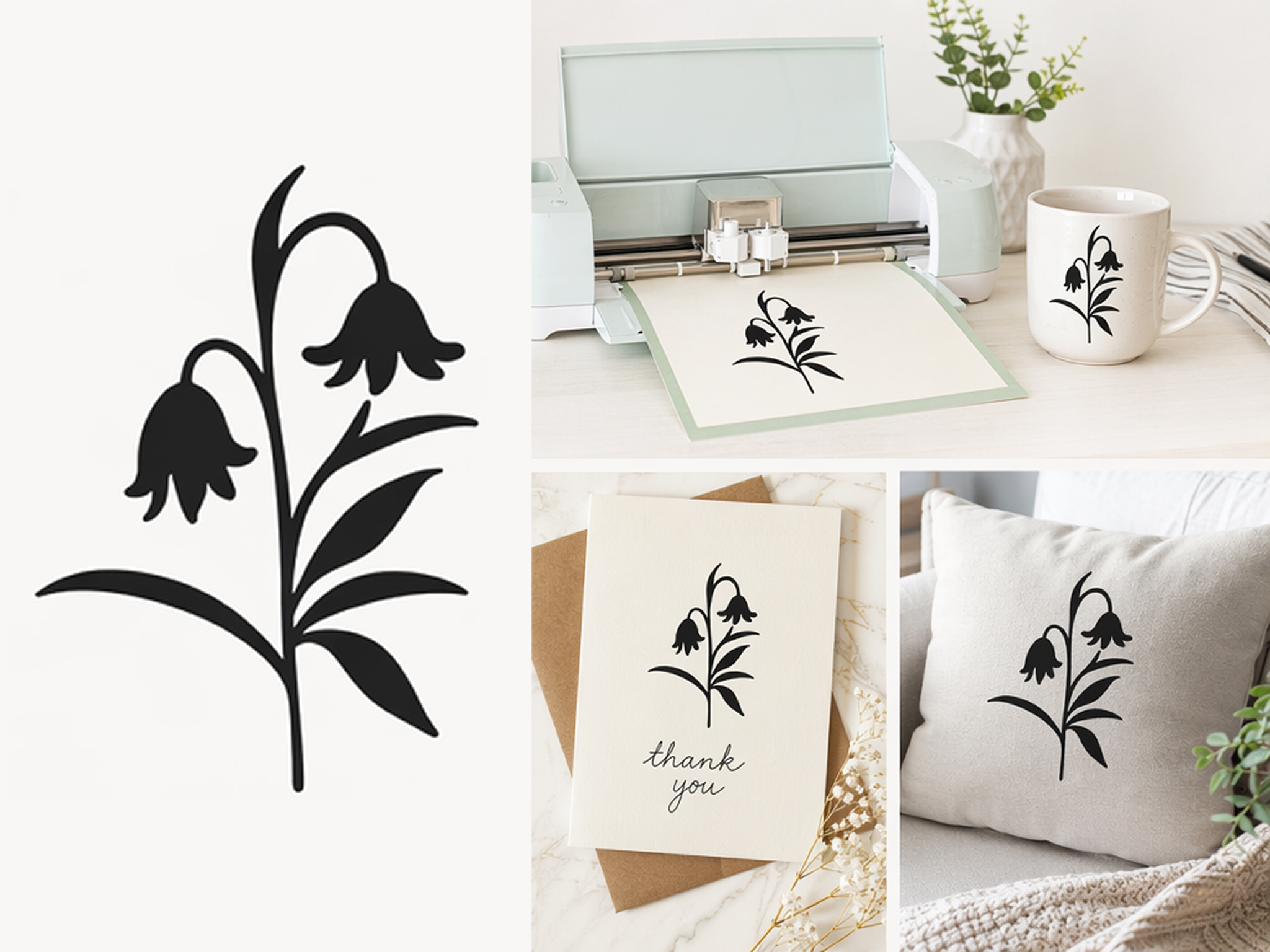
Prepare Files for Cricut and DIY Crafts
From vinyl decals to greeting cards and home décor, you can create silhouettes from photo projects with smooth edges that work well for Cricut machines, cutting tools, and a wide variety of creative craft applications.
Who Uses Designkit Silhouette Maker
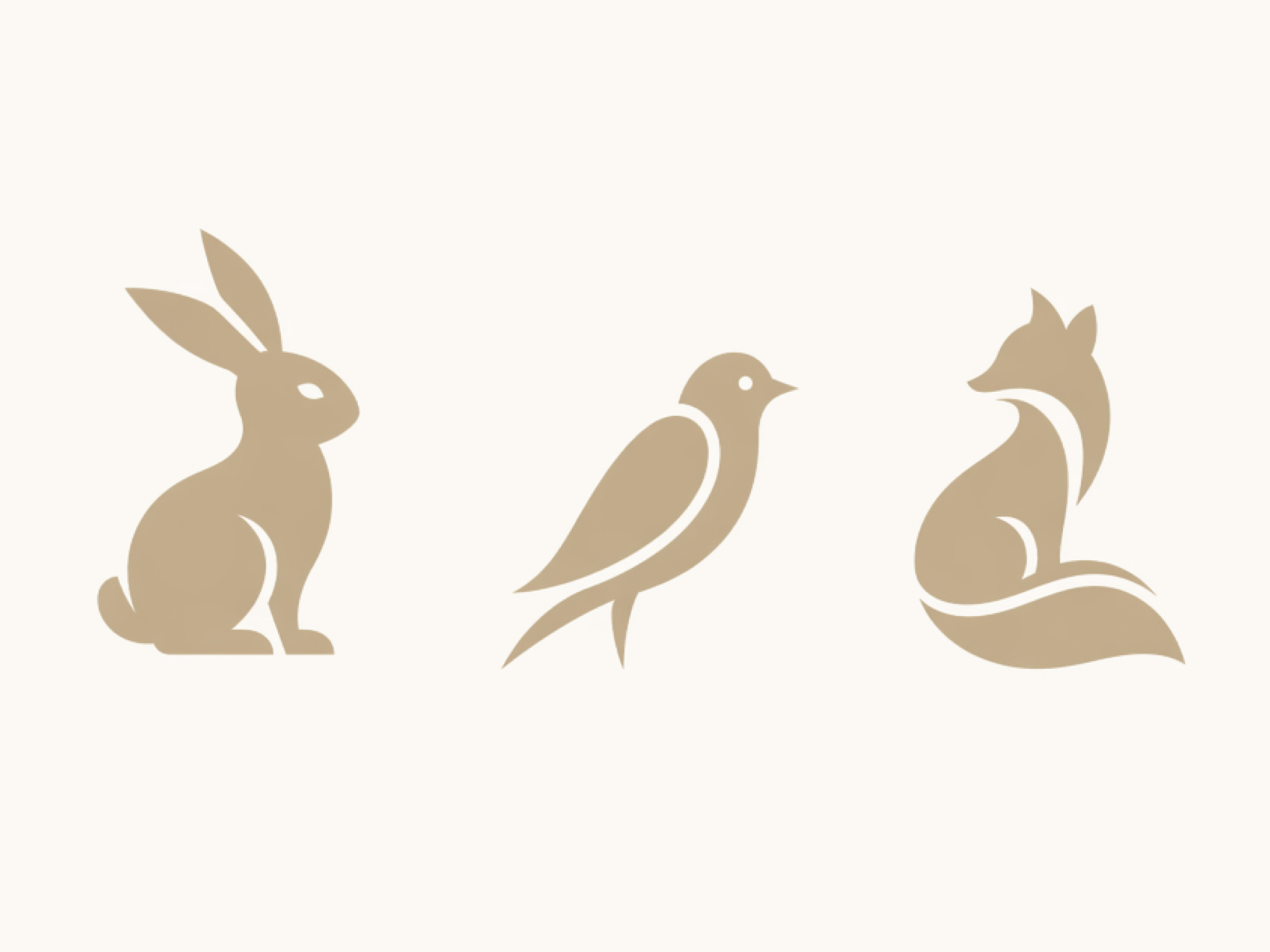
Create Logos and Brand Graphics From Existing Photos
Turn products, mascots, or icons into clean brand graphics with the AI silhouette maker. It's an easy way to turn images into silhouette artwork for packaging, business materials, promotional campaigns, and digital branding.
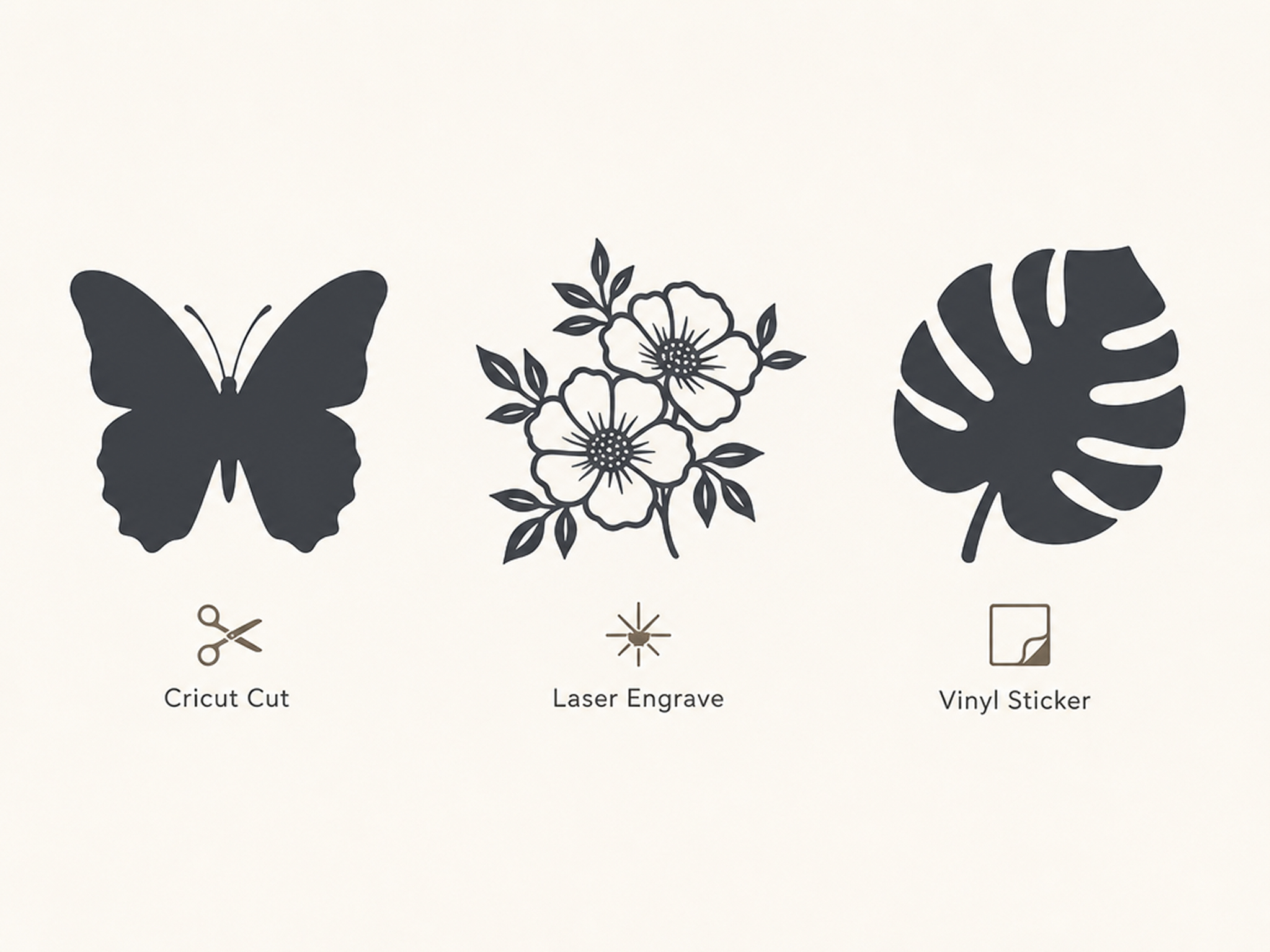
Why Choose Designkit for Silhouette Design

Skip Manual Photo Tracing
Create a clean silhouette from one upload instead of tracing outlines manually with brushes or selection tools.
One File for Logos, Stickers, and Crafts
Reuse one silhouette across logos, stickers, and crafts. Pair it with the background remover for cleaner source images.
Shapes Stay Easy to Recognize
Preserve clear outlines and distinctive profiles so people, pets, and objects remain recognizable at any size.

Adjust the Result Without Re-Uploading
Refine contrast, edges, or colors anytime without uploading the original image again or restarting your workflow.
Works for Personal and Commercial Projects
Create silhouettes for gifts, branding, merchandise, marketing materials, and client projects from the same image.
Start Free With Signup Credits
Try the free AI silhouette maker with signup credits before upgrading for additional exports and creative projects.
Unlock More Creative Possibilities
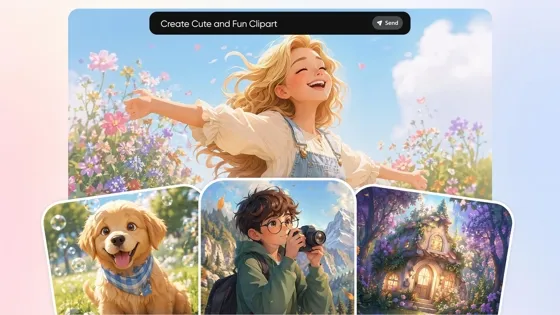
AI Clipart Generator
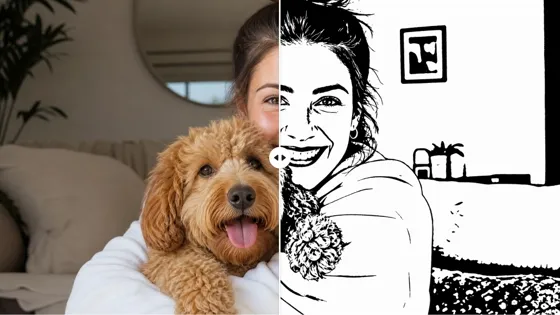
AI Stencil Maker
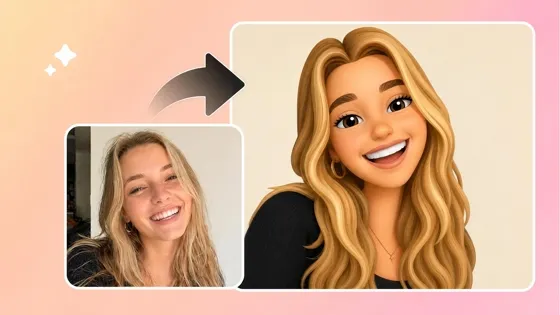
Image to Emoji Converter
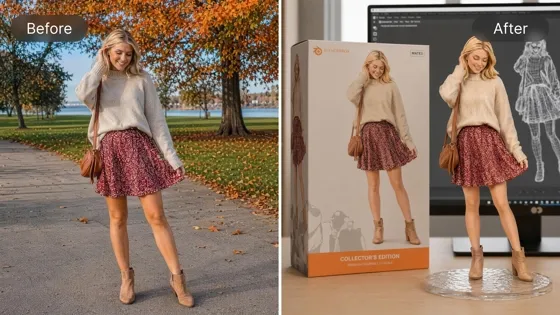
AI Action Figure Generator
Frequently Asked Questions
What is a silhouette maker?
How do I make a silhouette from a photo online?
A silhouette maker transforms a photo into a simplified graphic that highlights the outline and shape of the subject while removing unnecessary details. Whether you're creating logos, crafts, stickers, or printable artwork, Designkit helps produce clean silhouettes with just a few clicks.
How do I make a silhouette from a photo online?
Upload your image, and Designkit automatically detects the main subject before creating a clean silhouette with smooth edges. It's a simple way to make a silhouette from a photo online without manually tracing outlines or using advanced editing software.
Can I make a black and white silhouette?
Yes. The black and white silhouette maker creates classic high-contrast silhouettes that are ideal for logos, Cricut projects, posters, stickers, and printable artwork. You can also adjust the color later if you want a different style while keeping the same clean outline.
Is the silhouette maker free to try?
Yes. New users receive signup credits to explore the AI silhouette maker before upgrading. Upload different images, compare silhouette styles, and download results to see which designs work best for your personal or professional projects.
Can I create silhouette stickers?
Yes. Designkit works as a silhouette sticker maker, producing bold shapes with smooth edges that are ready for labels, merchandise, packaging, and vinyl cutting. The exported PNG files are easy to use for printing or digital design projects.
Does the silhouette maker remove the background automatically?
Yes. The tool automatically separates the main subject from the background before generating the silhouette. This image-to-silhouette workflow saves time and produces clean results without requiring manual selections or masking.
Can I change the silhouette color?
Yes. Start with a traditional black silhouette, then switch to different colors to match your brand, artwork, or creative project. You can refine the appearance without uploading the original image again or repeating the entire editing process.
Will the silhouette still look like the original photo?
Yes. Designkit preserves important outlines, proportions, and profile details, so the finished silhouette remains recognizable. Whether you turn a picture into a silhouette or create artwork from a pet or product photo, the final design keeps the subject easy to identify.
Make a Silhouette From Your Photo Today
Upload one image and download a clean silhouette PNG for logos, crafts, or gifts. Start free with signup credits.

What Creators Say About Designkit Silhouette Maker
See how professionals, hobbyists, and businesses create silhouette graphics for branding, crafts, and creative projects.
Created a Pet Memorial Artwork
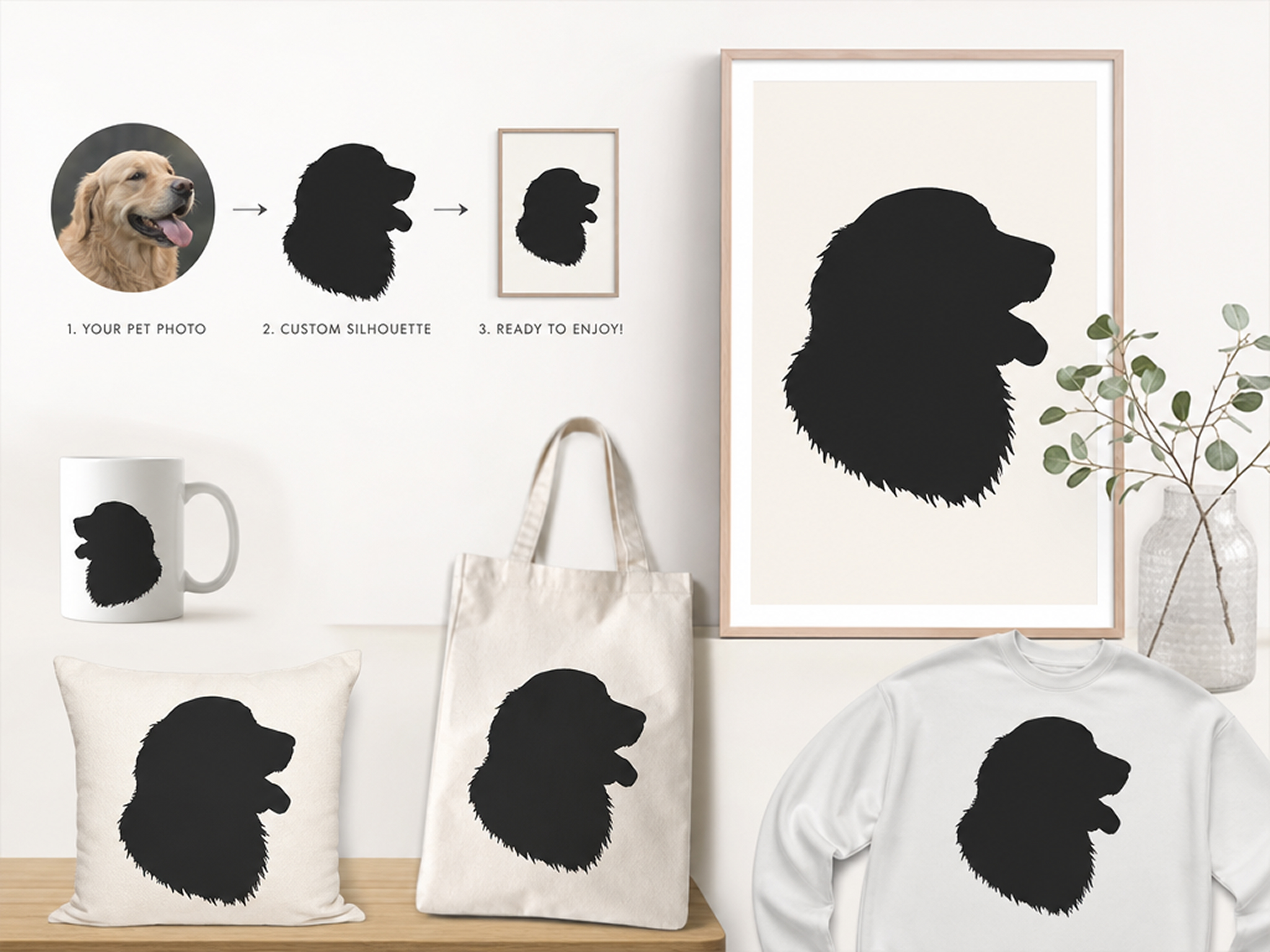
I wanted to remember my dog with something personal instead of another printed photo. Designkit helped me turn a picture into a silhouette that captured his profile beautifully, creating artwork my family now proudly displays at home.
Created Wedding Decorations From Family Photos
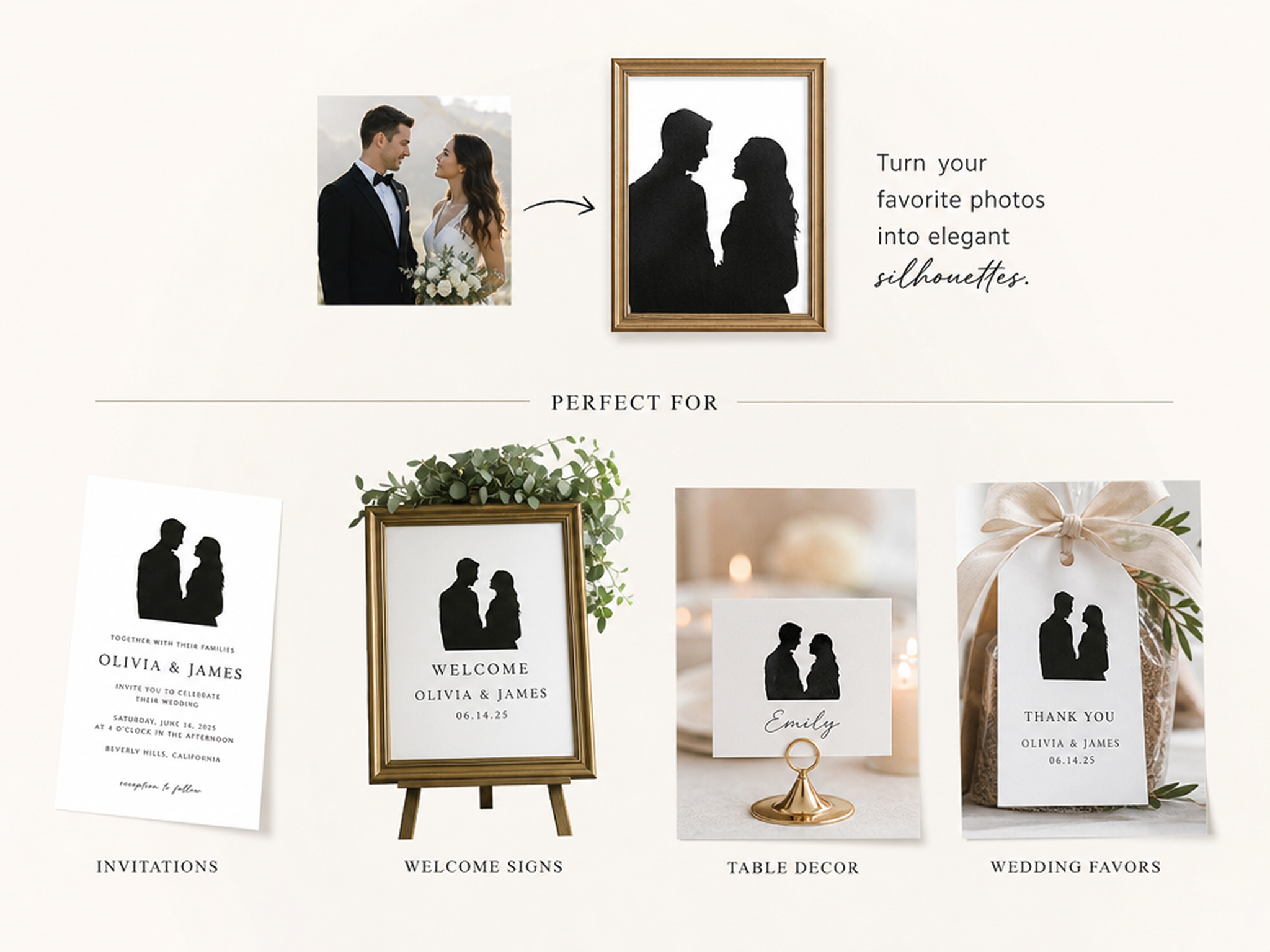
We transformed engagement and family photos into elegant silhouette artwork for welcome signs, invitations, and keepsake gifts. The finished designs looked polished, and we completed the entire project without hours of manual editing.
Produced Better Classroom Materials
Simple silhouettes help younger students recognize shapes and objects more easily during lessons. I create printable classroom resources from everyday photos in minutes, giving my students engaging visuals without searching for clipart.
Designed Logos From Client Photos
Some clients want branding inspired by a favorite product, pet, or object. Designkit lets me turn images into silhouette artwork that becomes a strong starting point for logo concepts and early client presentations.
Expanded My Printable Art Collection
Adding fresh silhouette collections used to take hours of manual editing. Now I create several printable designs from one photo session, helping my shop stay active while maintaining a consistent visual style.
Saved Time on DIY Craft Projects
Preparing artwork for vinyl cutting often meant cleaning rough edges by hand. Designkit generates crisp silhouettes that work smoothly with my cutting machine, making personalized gifts and home décor projects much faster to finish.