
AI Headshot Generator for Professional Business Profiles
Turn a casual selfie into a professional headshot that still looks like you. Make LinkedIn photos, resume portraits, and team headshots without a photographer, studio, or appointment.
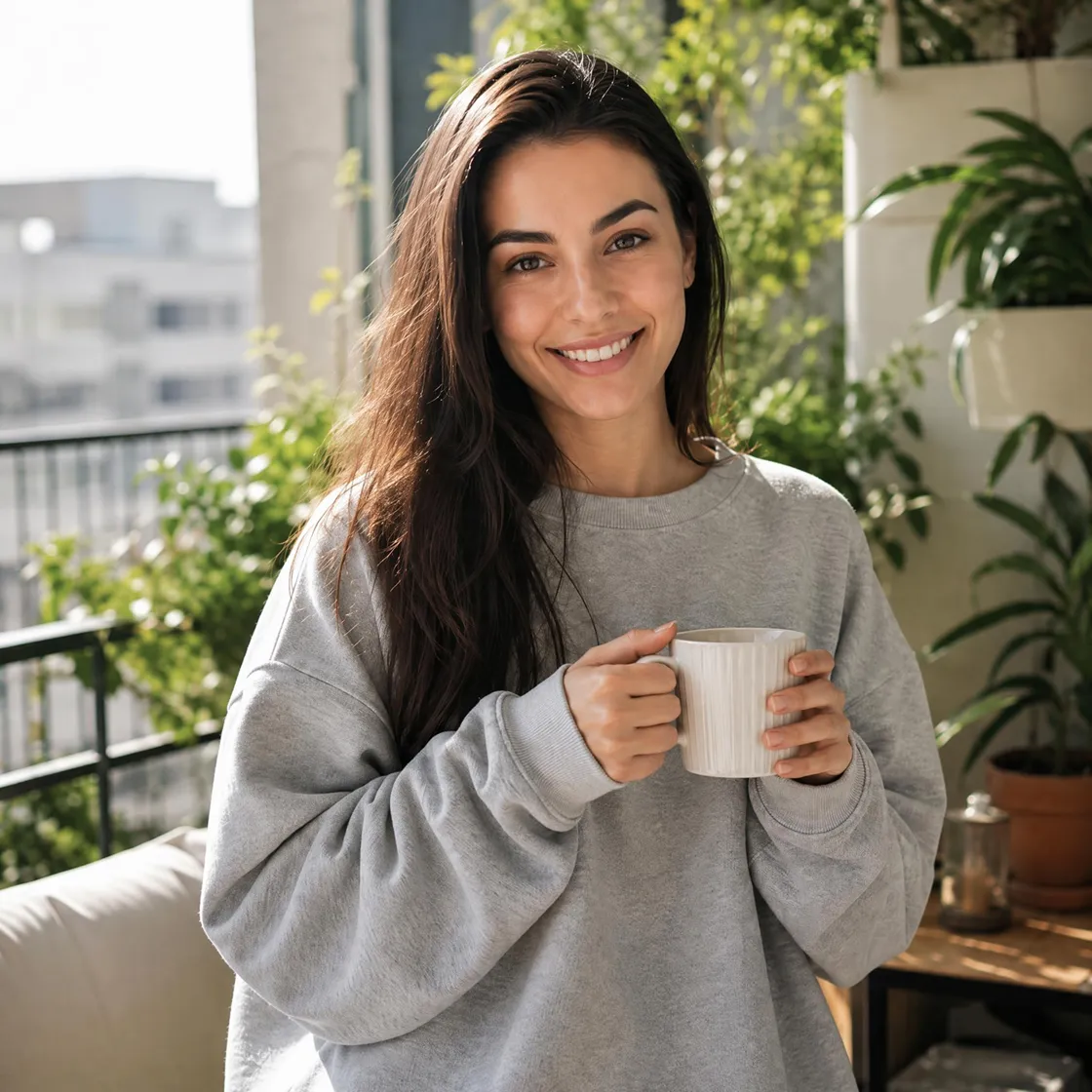
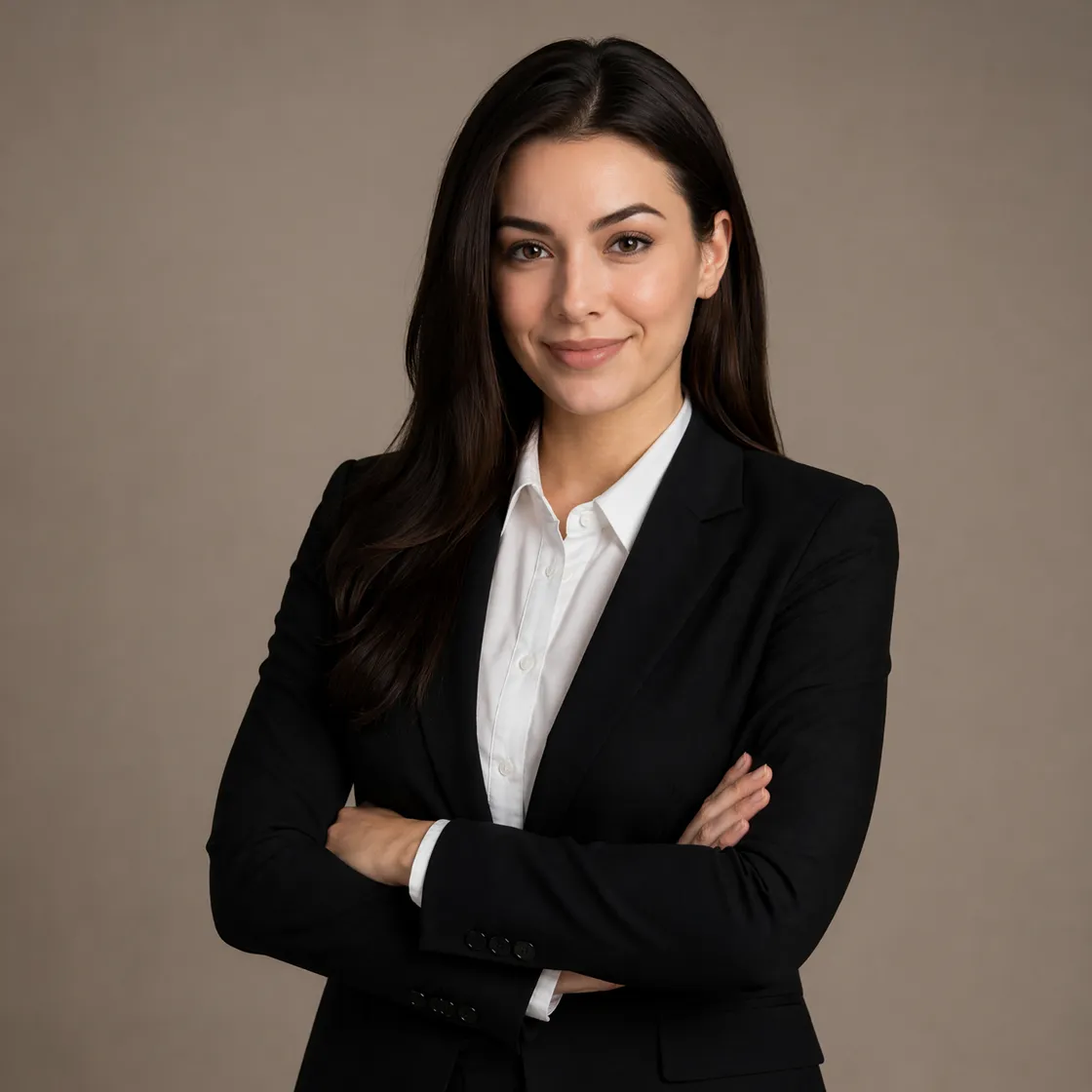
Turn Any Photo Into a Professional Headshot
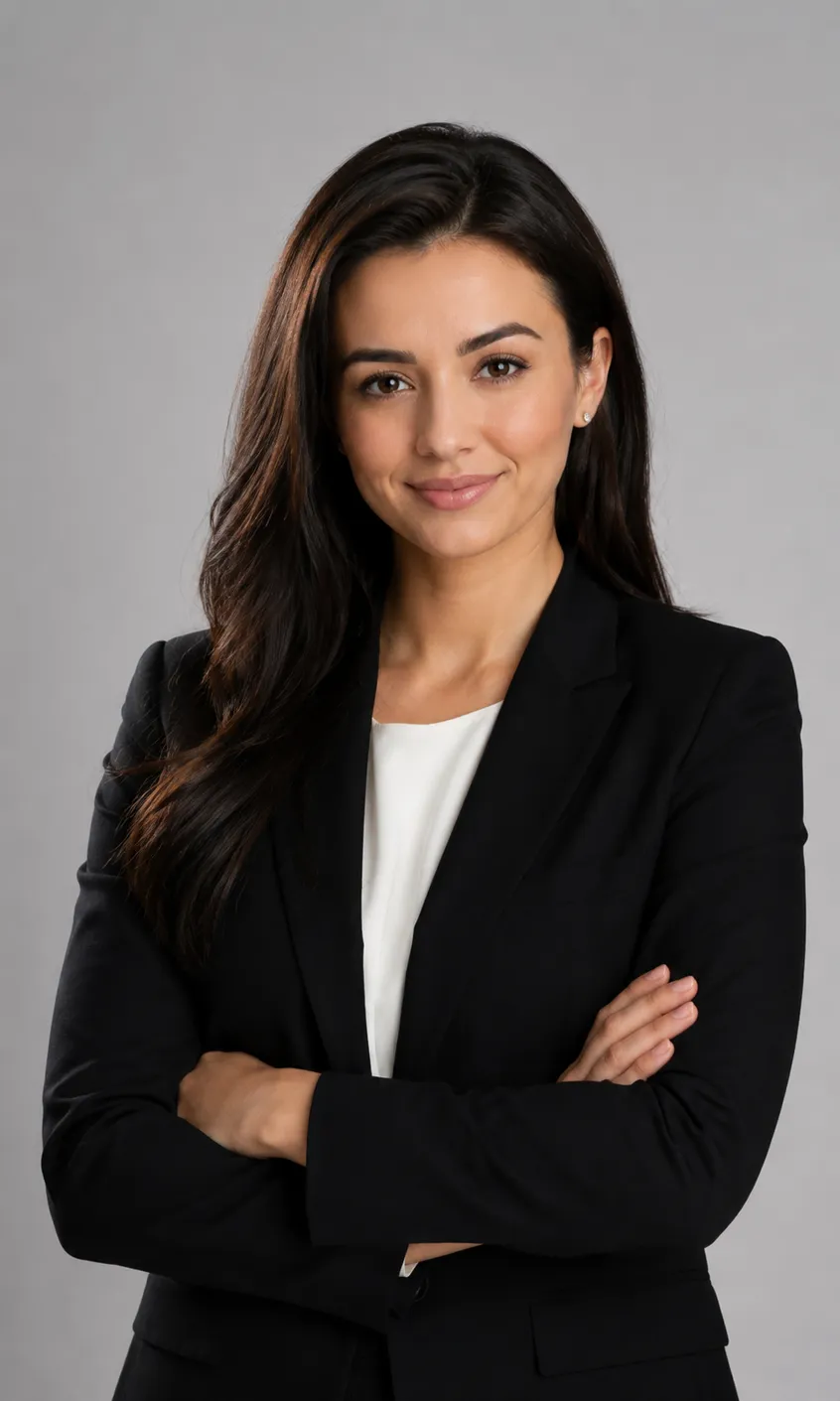
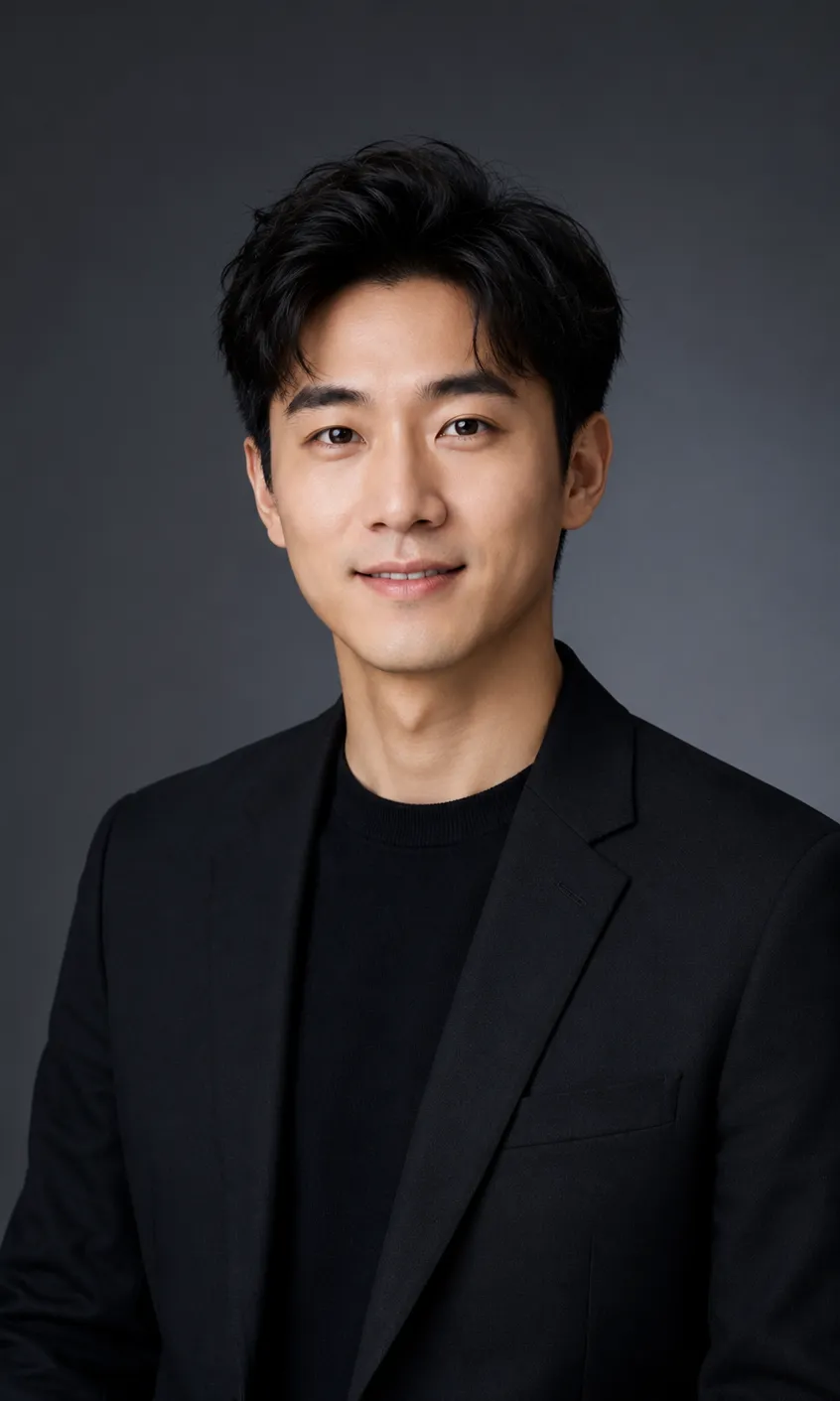
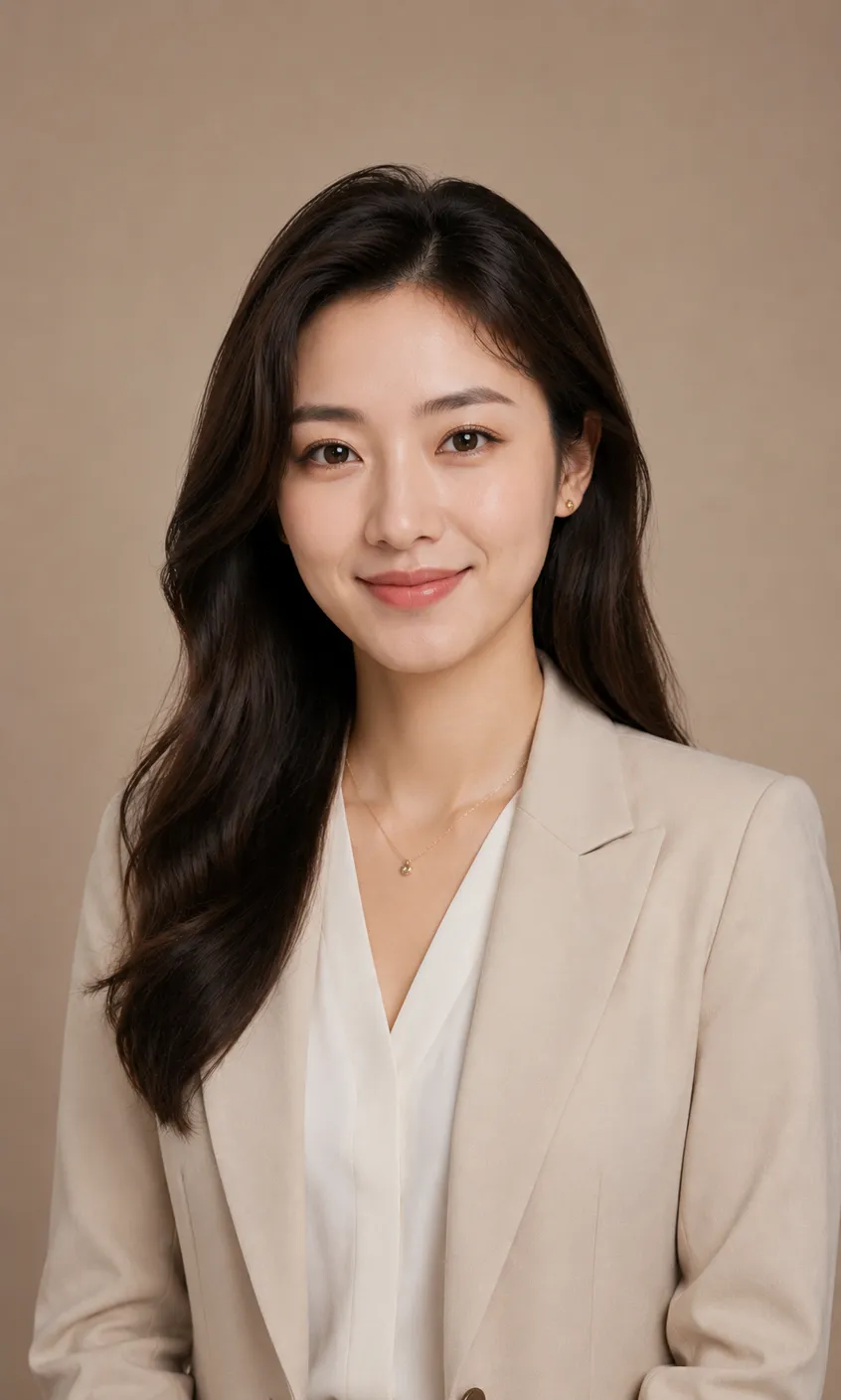
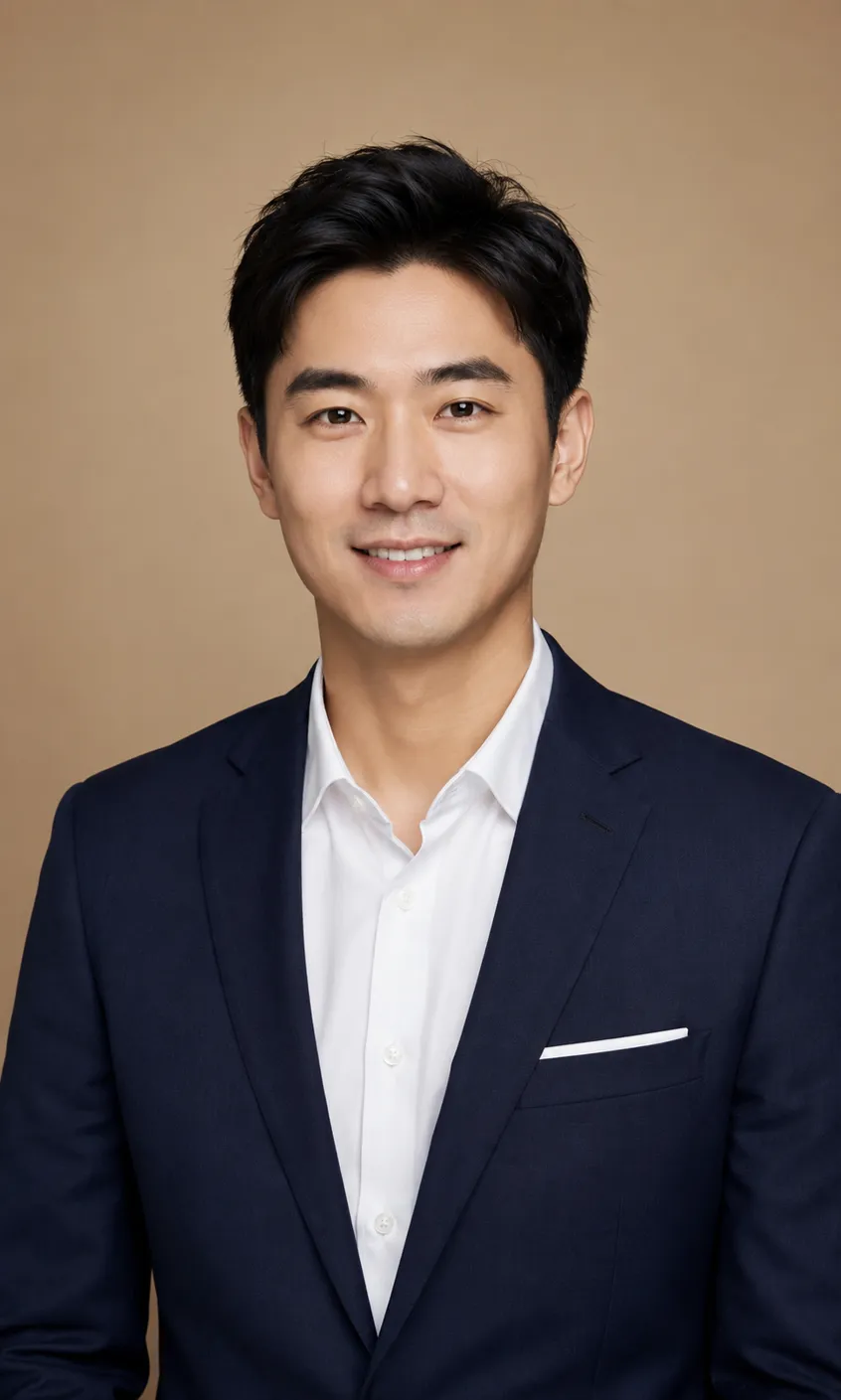
How to Create a Professional Headshot in 3 Steps
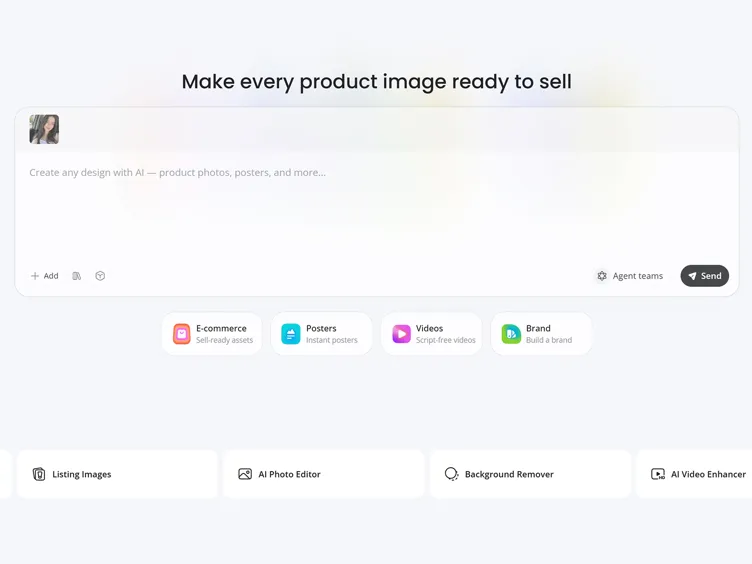
Upload a Clear Photo
Add a well-lit, straight-on selfie or portrait. A clear face and simple background give the best result.
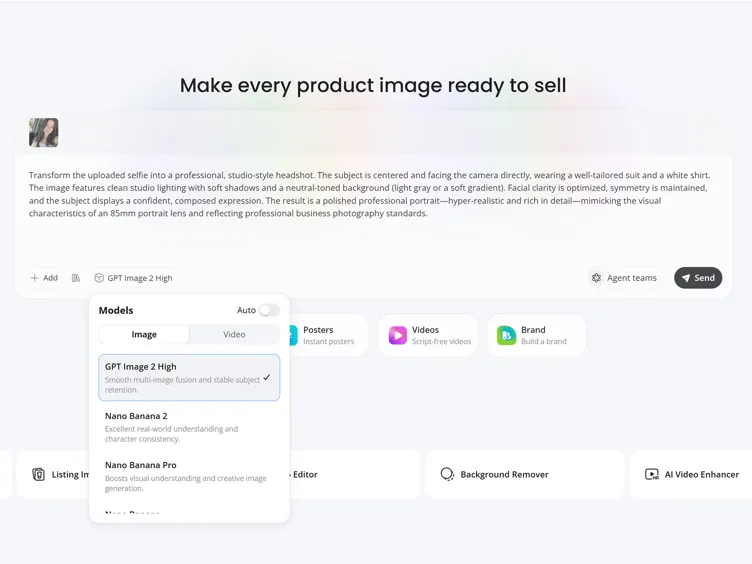
Enter Your Headshot Prompt
Write a prompt that explains your ideal professional look. For example: "Create a corporate executive headshot with a navy suit, modern office background, natural lighting, confident expression, and LinkedIn-ready quality".
Generate and Download
Review the headshot options, adjust the prompt if needed, and download the resolution you need.
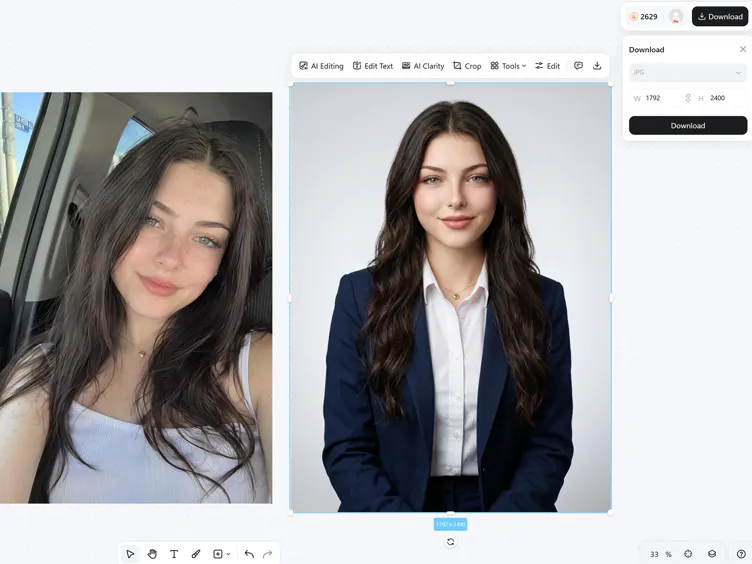
What Makes Designkit Ideal for Headshot Creation
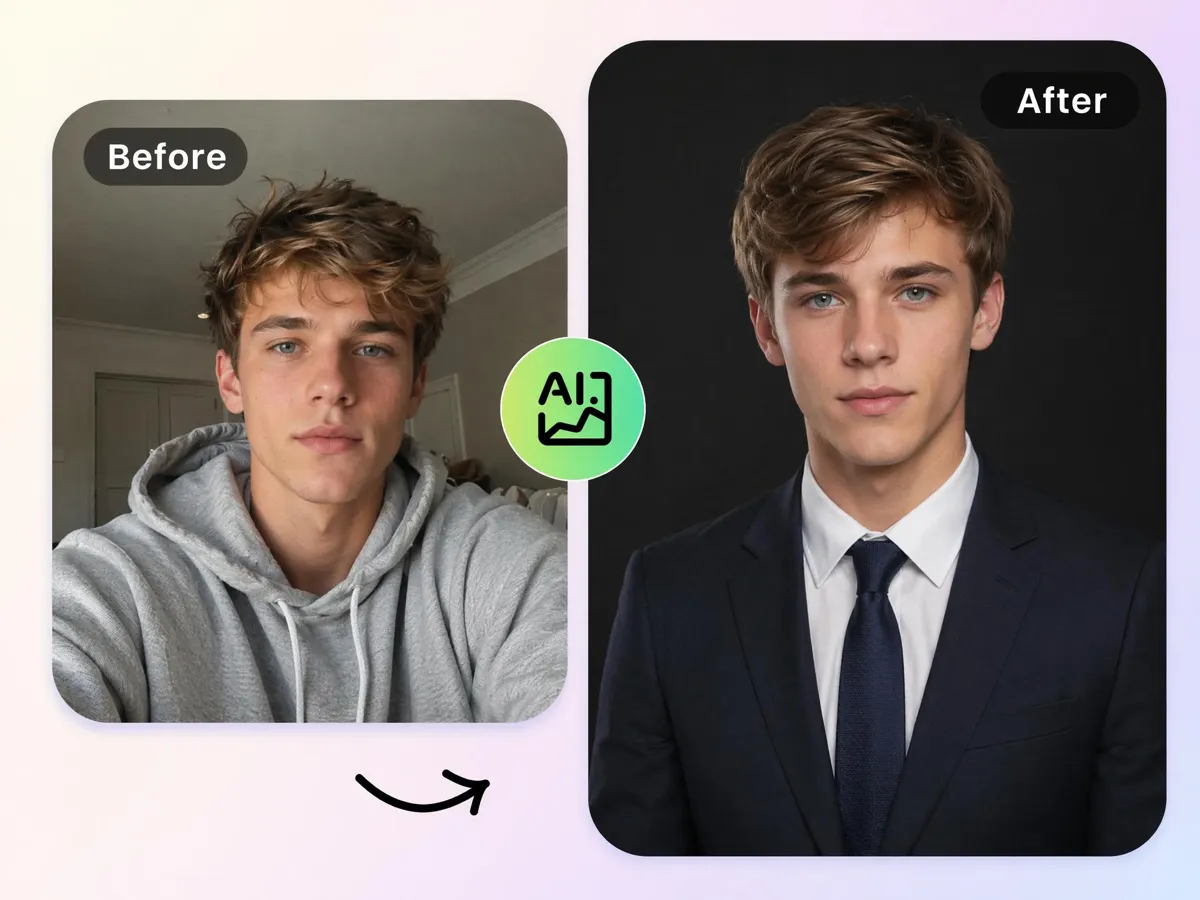
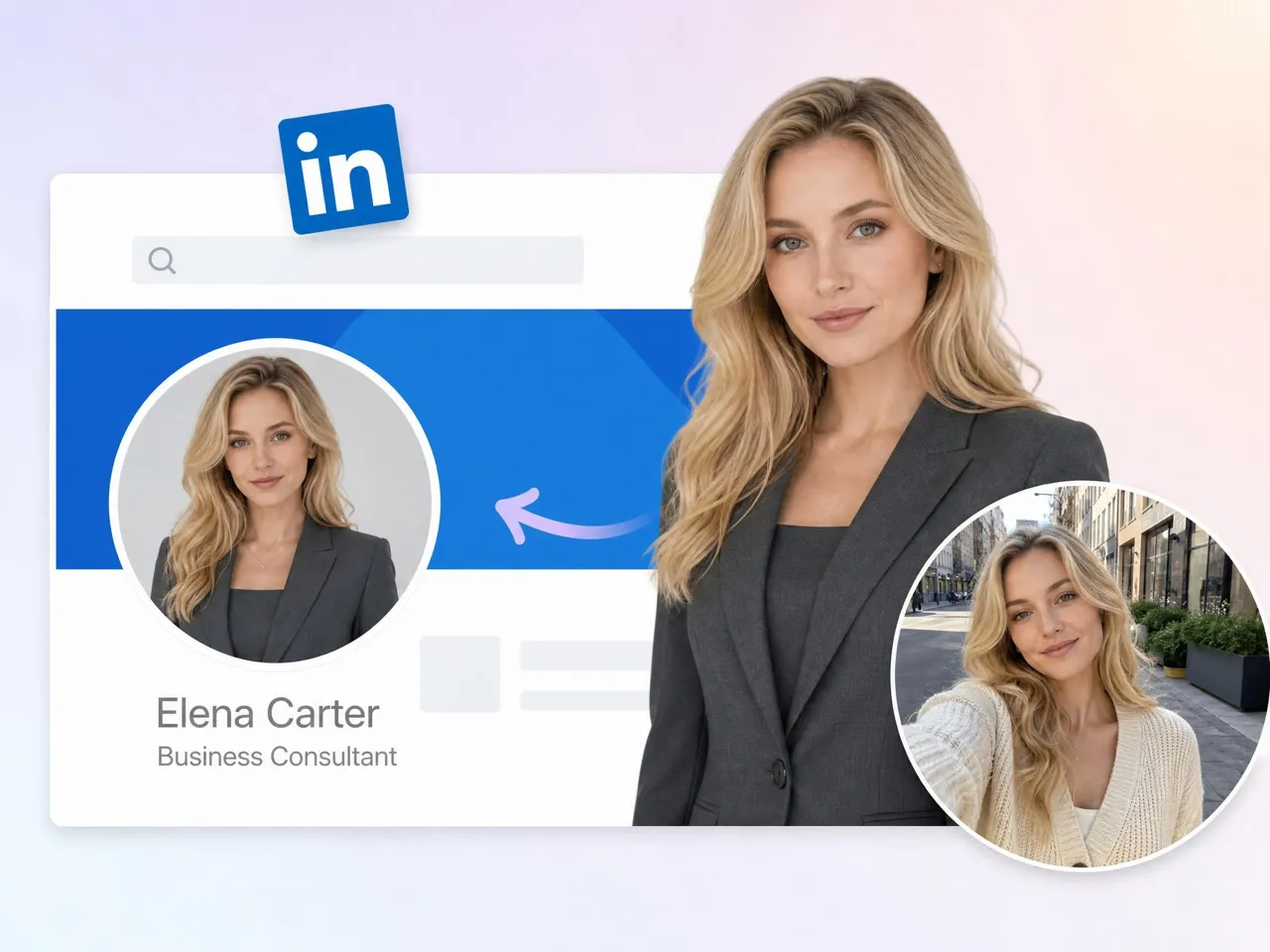
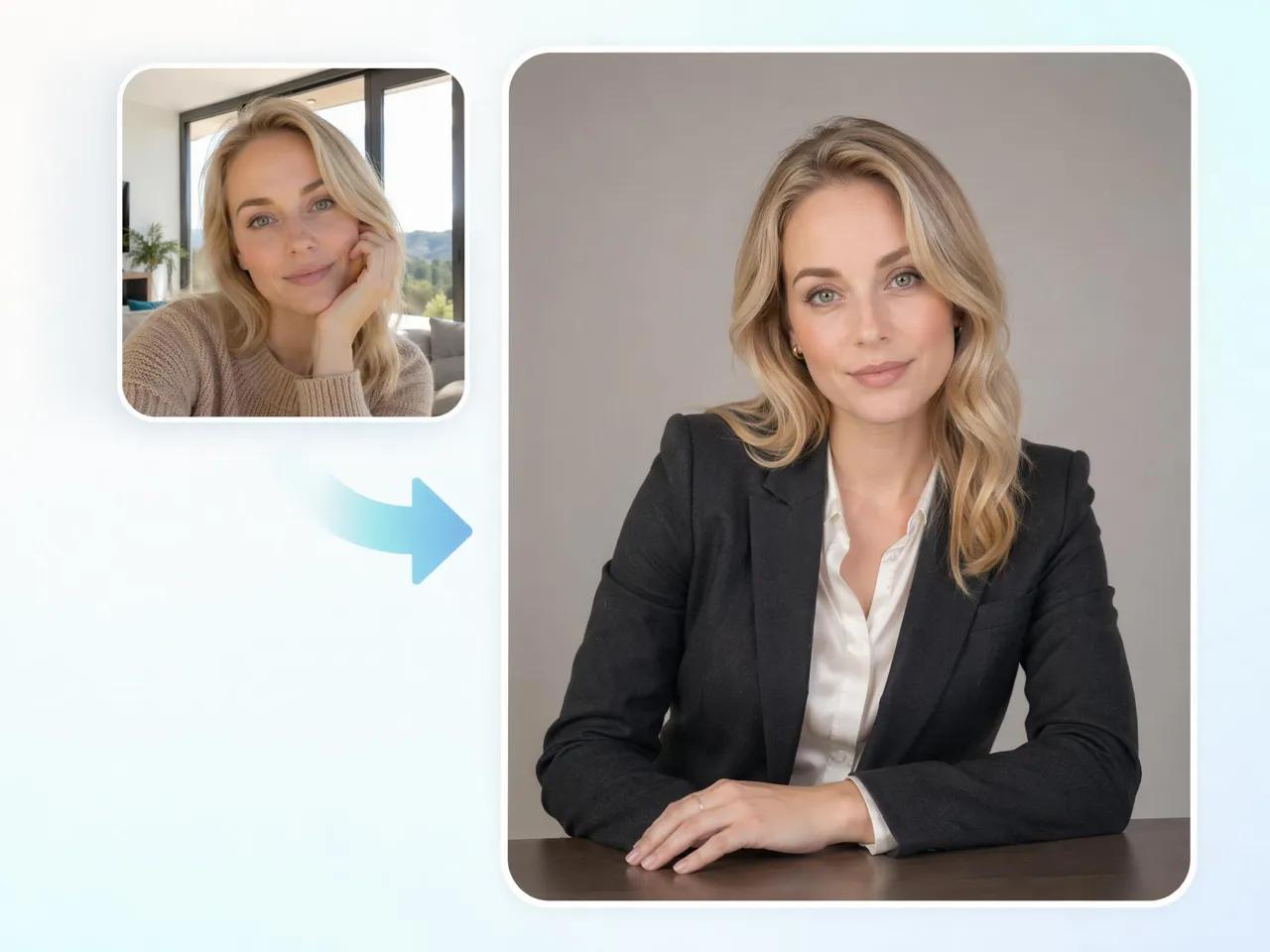
Turn a Selfie Into a Professional Headshot
Replace casual photos, cropped group shots, or outdated profile pictures with a headshot suitable for resumes, company profiles, and networking platforms. Designkit's AI image generator turns photos into professional headshots without booking a photographer or scheduling a studio session.
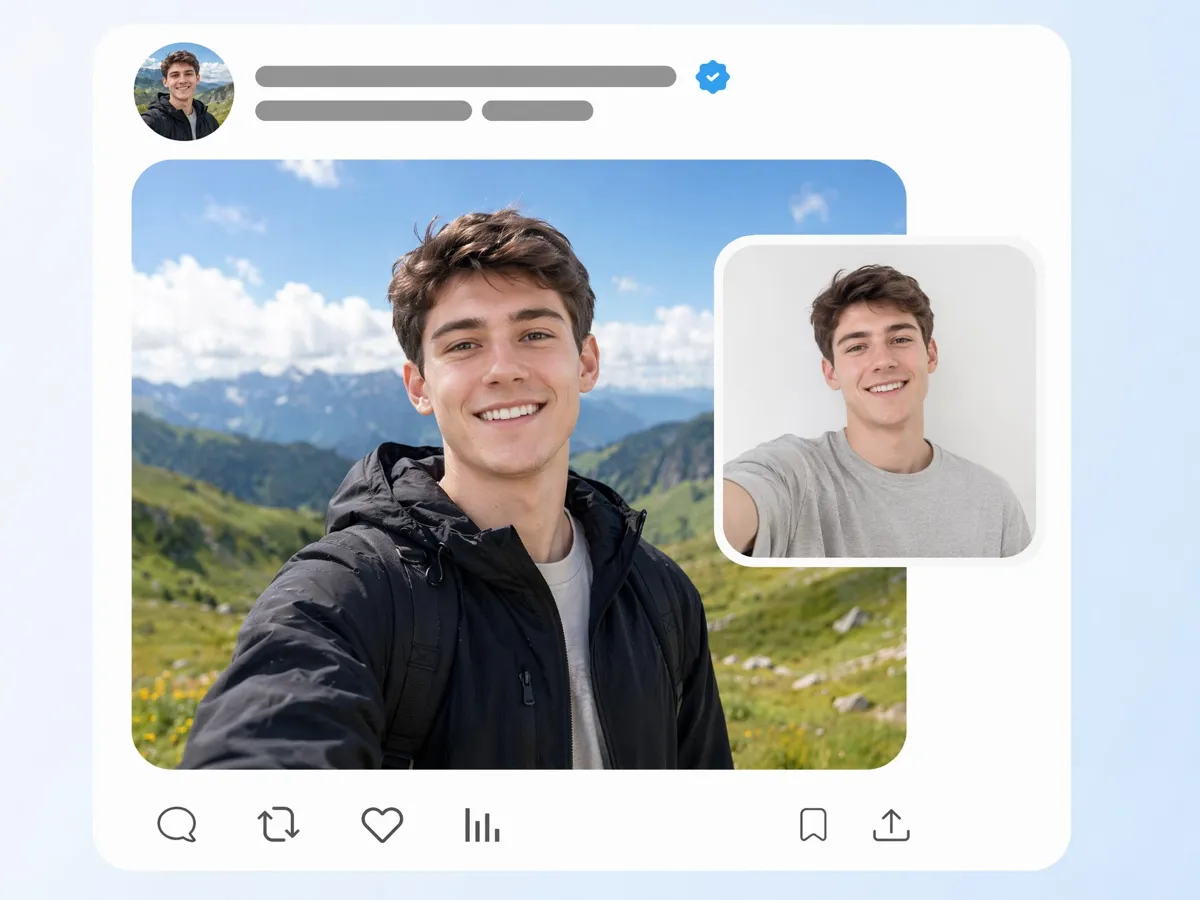
Still Looks Like You, Just More Polished
Many AI portraits change facial features too much, making the result feel unfamiliar. Designkit improves presentation while preserving key facial traits, helping you create a credible image that still looks like you in professional and social settings.
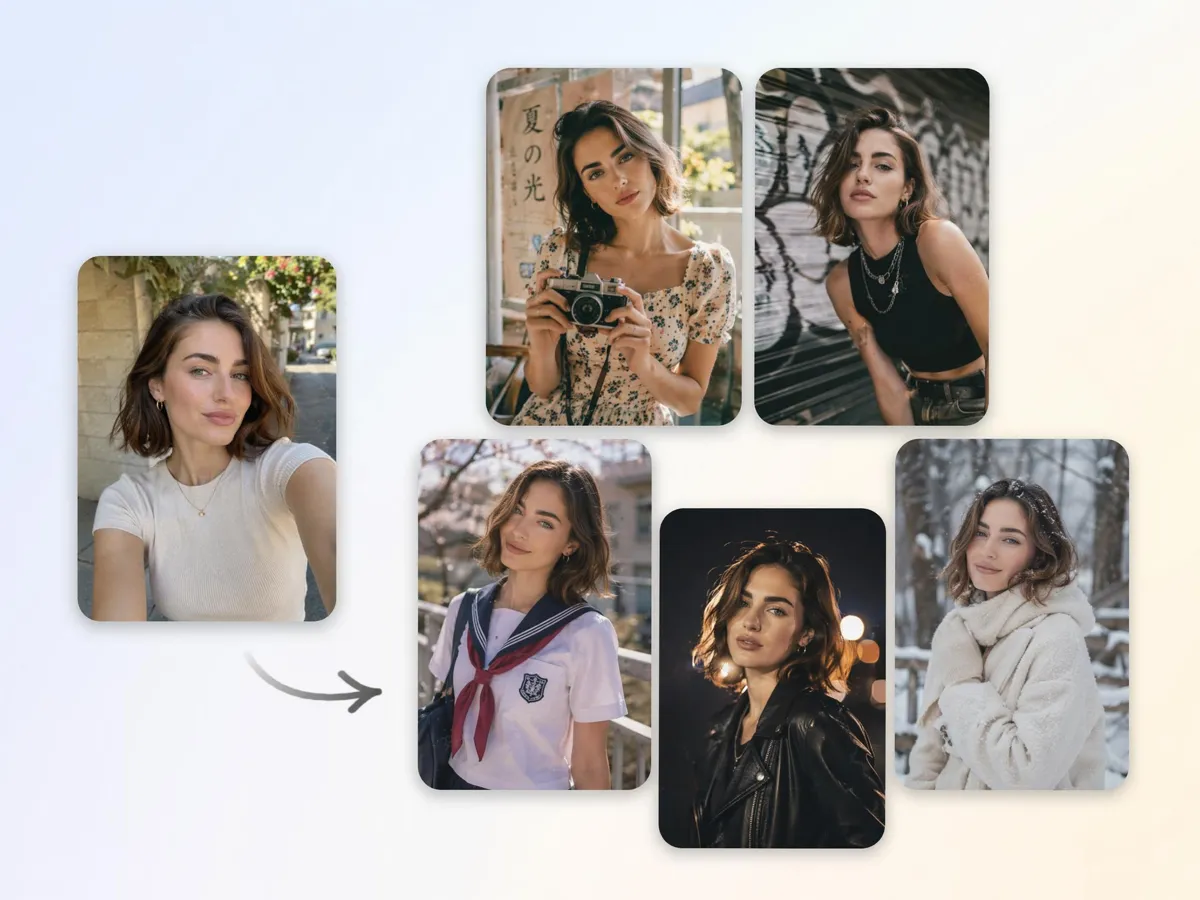
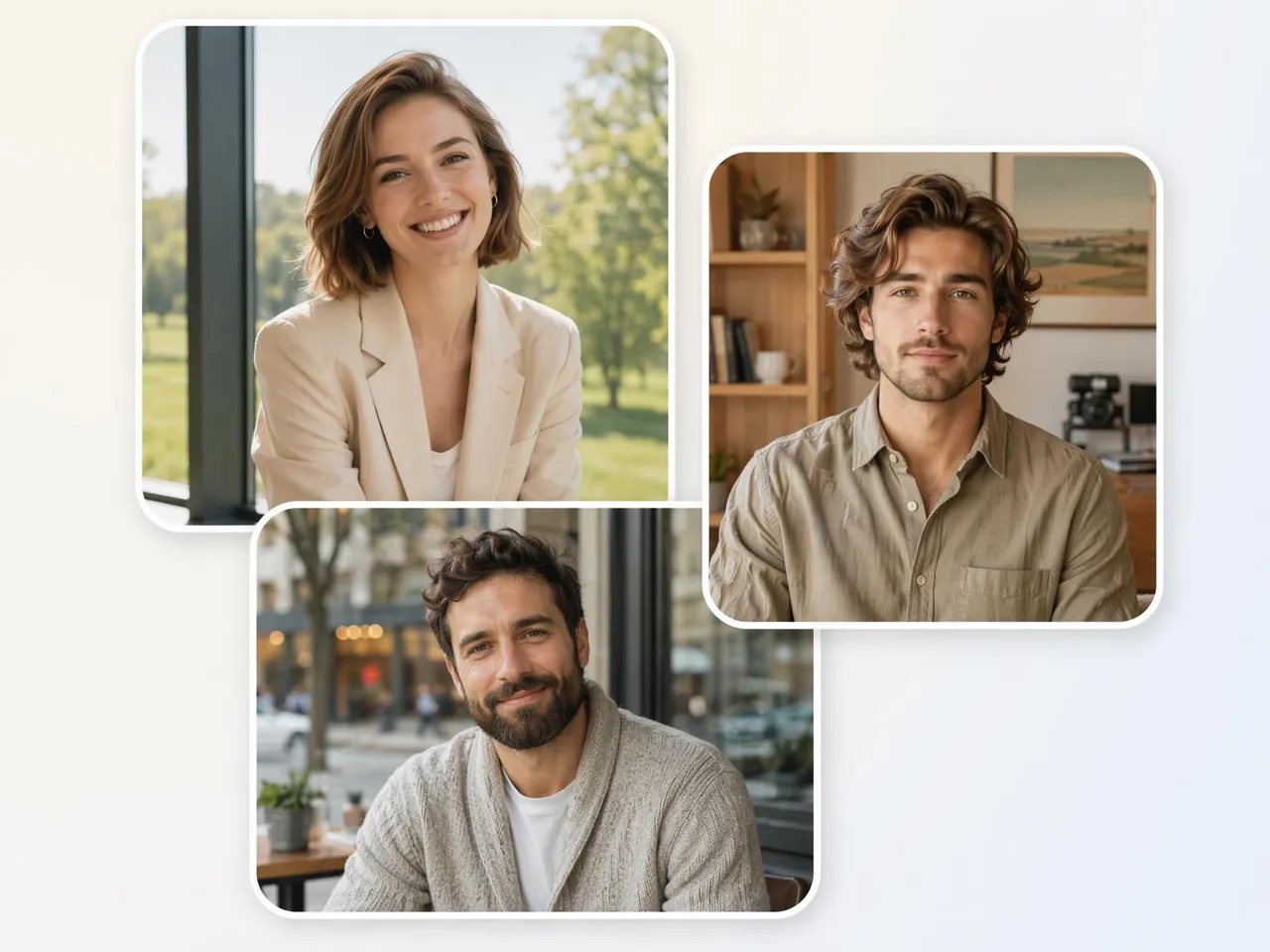
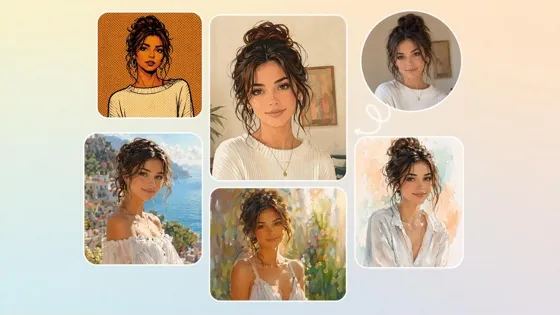
Create Multiple Professional Styles from One Photo
Different platforms often require different profile images. Generate formal, corporate, creative, or modern looks from a single upload with our headshot photo generator, reducing the need for multiple photoshoots and retakes.
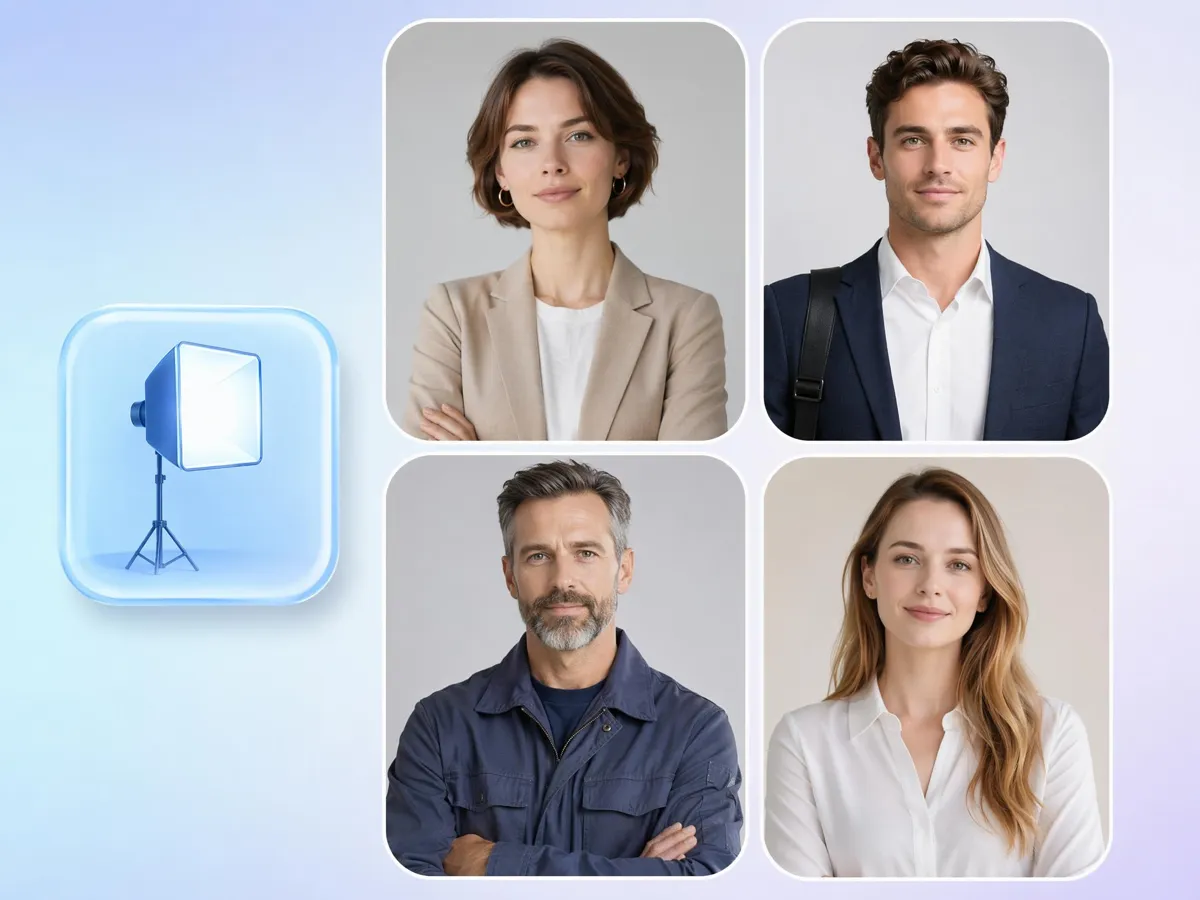
Recreate Studio Lighting Without Studio
Fix uneven lighting, harsh shadows, or dim indoor photos without reshooting. Designkit recreates balanced portrait lighting from existing images, helping users achieve cleaner results when a studio setup isn't available.
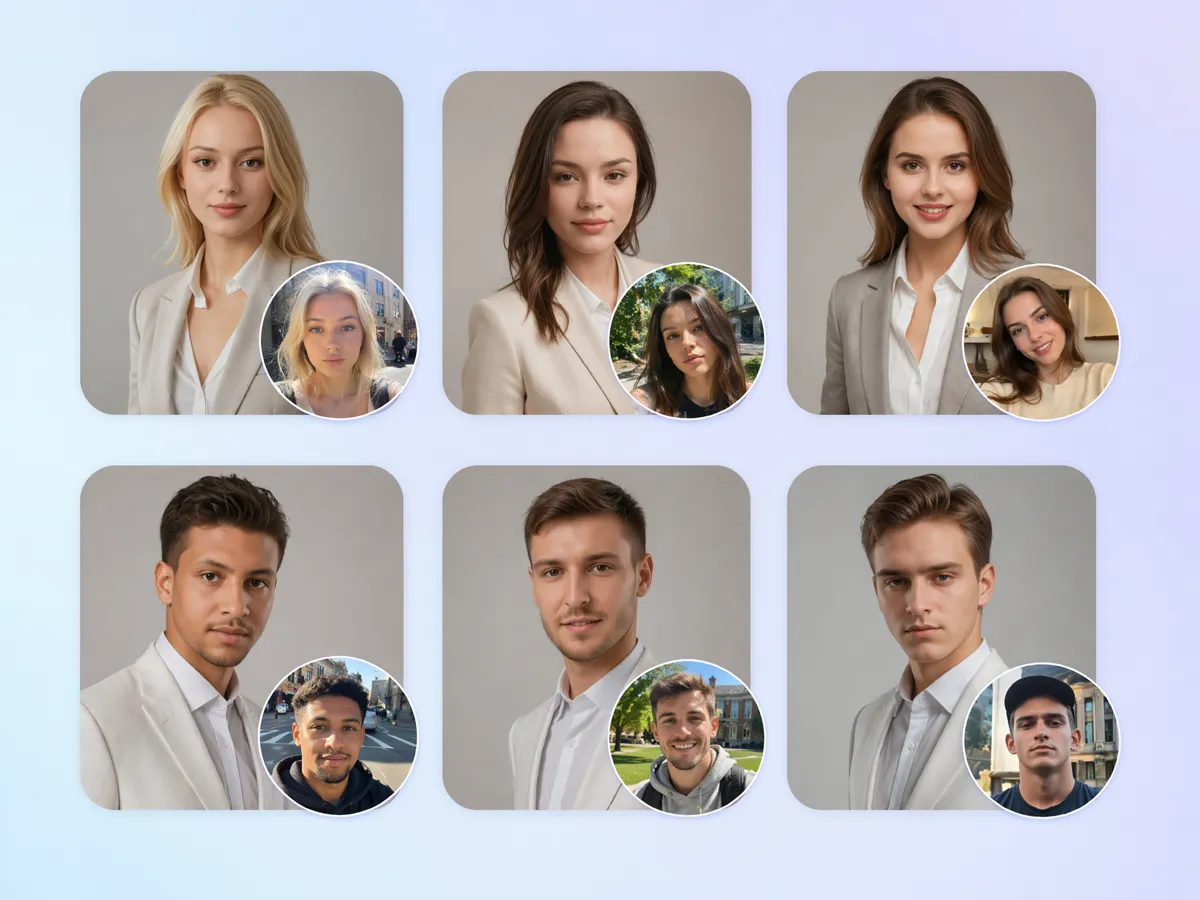
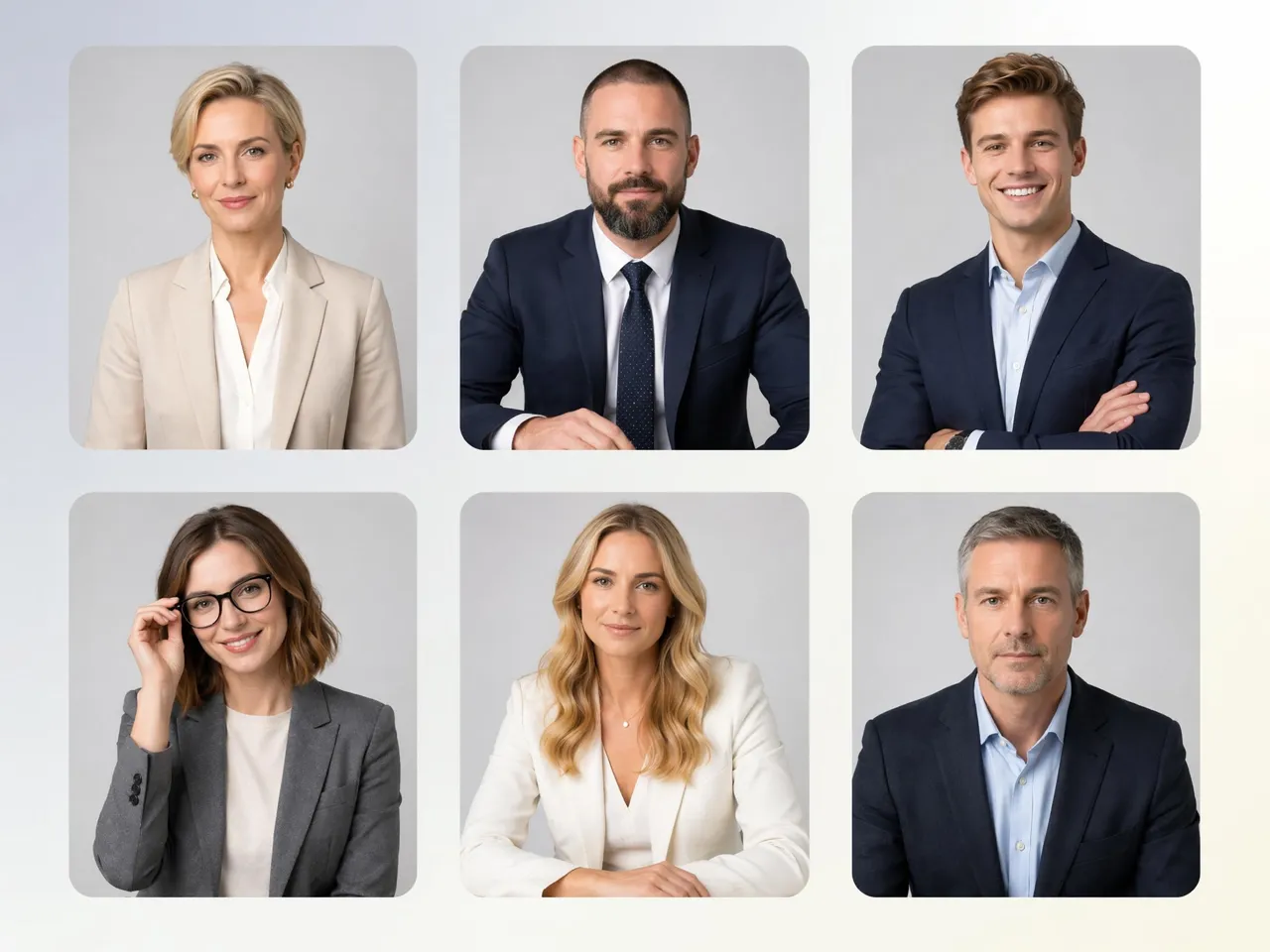
Match a Whole Team's Headshots
Growing companies often struggle with mismatched employee photos taken at different times and locations. Designkit helps teams create a unified appearance across staff directories, company websites, presentations, and recruitment materials.
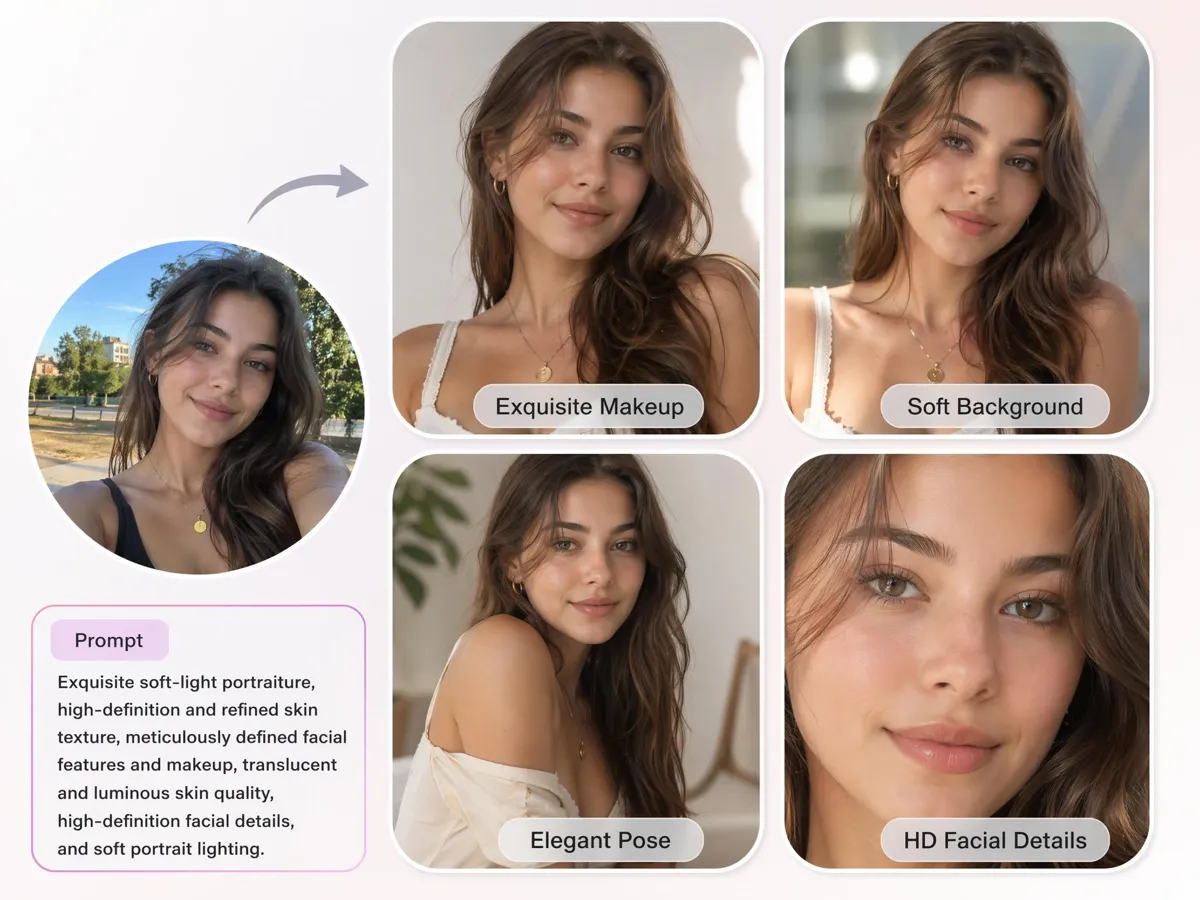
Refine Face And Style Details
Need a different outfit style, background, or presentation level? Designkit lets you adjust details through simple instructions, making it useful as a free AI professional headshot generator for testing different professional looks before downloading.
Built for Everyone Who Needs Better Profile Images
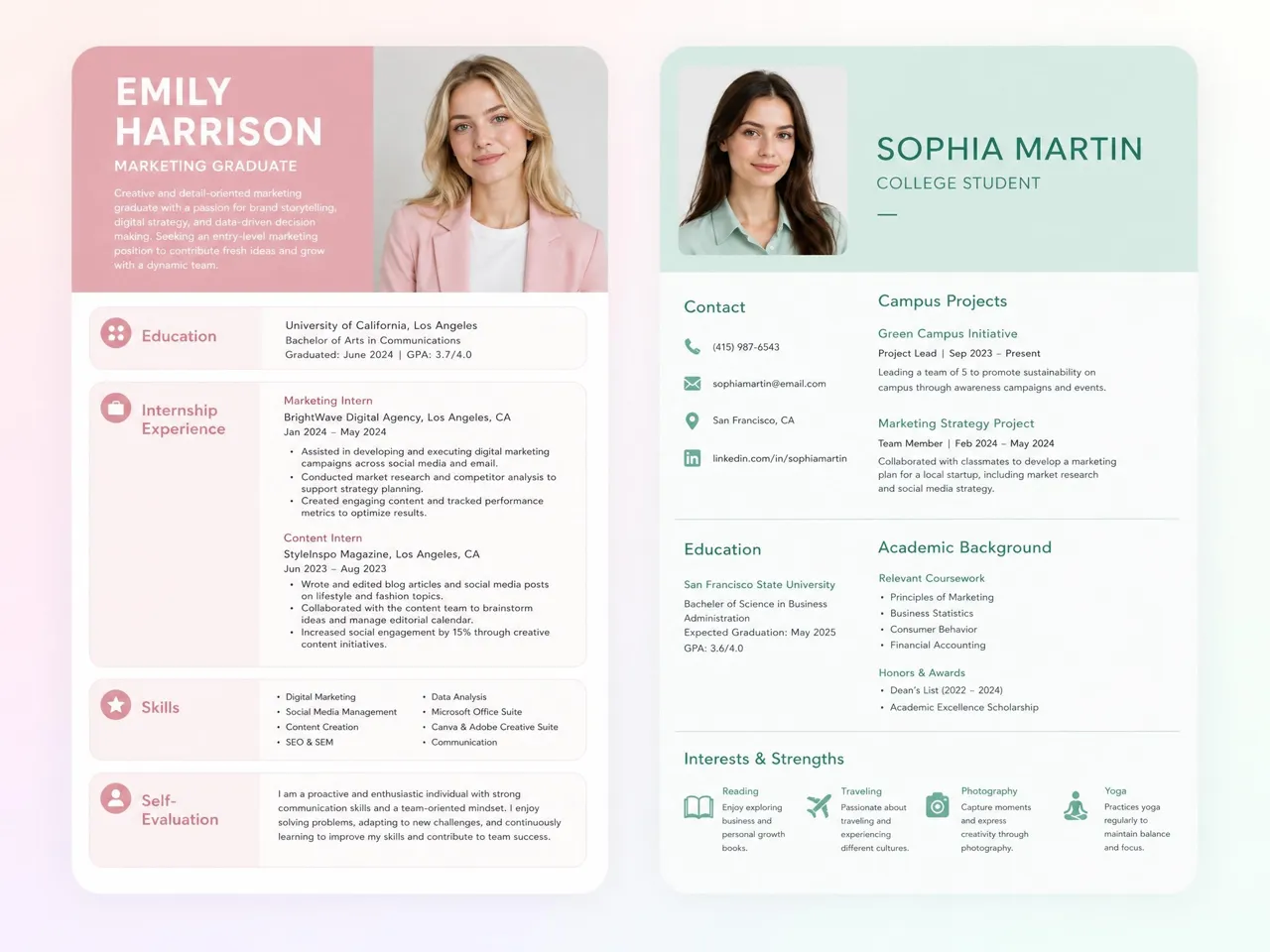
Improve First Impressions During Applications
Many candidates apply with cropped selfies or outdated photos that weaken their first impression. Designkit helps create a stronger profile image for resumes and networking platforms, including use cases such as a free AI headshot generator for LinkedIn when preparing for job searches.
Why Professionals Choose Designkit for AI Headshots

Keeps Your Real Face, Just More Polished
Create headshots that remain recognizable across platforms while reducing the need for repeated photo retakes.
No Photographer, Studio, Or Appointment
Replace lengthy booking, shooting, and coordination processes with a workflow that starts from an existing photo.

Several AI Models in One Workspace
Compare different visual approaches in one place and select the result that best fits your industry, role, or brand image.

One Consistent Style for a Whole Team
Standardize employee photos across directories, websites, and company materials without coordinating a large photoshoot.
Change Background, Outfit, and Lighting by Prompt
Update visual presentation for different business needs without retaking photos whenever roles, branding, or platforms change.
Several Looks from a Single Photo
Generate multiple usable headshots for LinkedIn, company pages, speaker profiles, and marketing materials from one image.
Unlock More Creative Possibilities
AI Filter
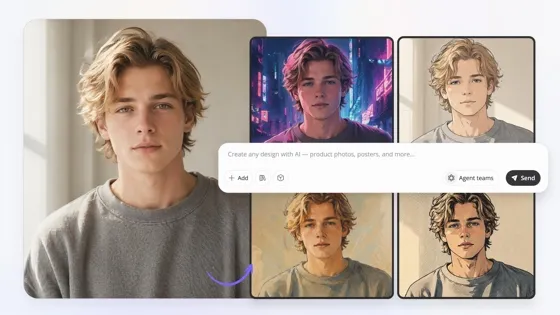
Image to Image AI
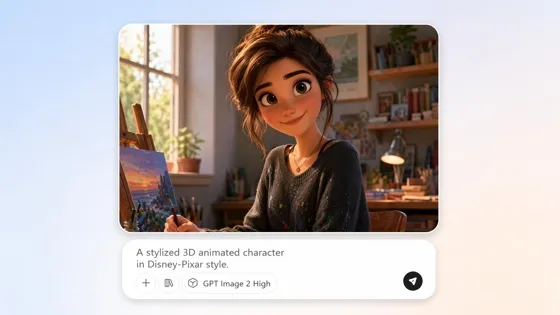
AI Cartoon Character Maker
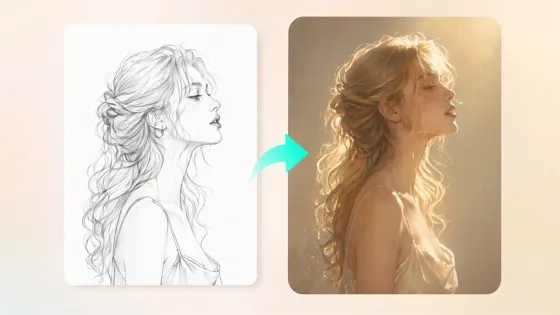
Sketch to Image AI
Frequently Asked Questions
Can I use a free AI headshot generator from a photo if I only have casual pictures?
What kind of photo works best for a good result?
A photo with good visibility of your face, natural expression, and minimal obstructions usually works best. Designkit uses the uploaded image as the foundation for generating the headshot, so clear facial details help produce more accurate results. Professional camera equipment is not required; many users start with standard smartphone photos and still achieve strong outcomes.
Will the headshot still look like me, or will it change my face?
A quality headshot should still look like you. Designkit focuses on improving presentation rather than replacing facial identity. It uses your uploaded image to preserve key facial features while refining elements such as styling, lighting, and background. The goal is a headshot that feels authentic and recognizable rather than creating a completely different person.
Do the results look natural, or do they look obviously AI-generated?
When generated from a suitable source image, AI headshots can look natural and appropriate for business use. Designkit balances facial details, lighting, and composition to create realistic-looking results instead of exaggerated effects. Final output quality depends on the original photo, but the objective is a believable headshot suitable for profiles, websites, and applications.
Is it suitable for LinkedIn profile photos and resumes?
Yes. Headshots are commonly used for LinkedIn profiles, resumes, company websites, speaker bios, and networking platforms. Designkit helps create images that fit these professional contexts without requiring a dedicated photo session. Many users update multiple career-related profiles from a single uploaded image, helping maintain a strong and current online presence.
Can I get several professional styles from one photo?
Yes. One photo can be used to generate multiple headshot variations. Designkit can create different backgrounds, clothing styles, lighting setups, and presentation options from the same source image. This allows you to compare looks for different purposes, such as corporate profiles, personal branding, speaking engagements, or business websites.
Can my whole team get headshots in one matching style?
Yes. Teams often need photos that look aligned across websites, directories, and company materials. Designkit can generate headshots using similar visual settings, so employee photos share a unified appearance. This approach helps organizations update team images at scale without scheduling individual studio sessions for every employee.
Turn Everyday Photos Into Professional Headshots
Upload a photo, generate professional portraits, and create a stronger first impression for your career and business.



What Users Say About Their AI Headshots
Professionals create polished AI headshots with Designkit, no studio needed.
Helped Me Land Better Opportunities
My LinkedIn photo was an old vacation picture cropped into a profile image. It never felt professional. Designkit transformed one of my casual photos into a polished headshot that looked like it came from a studio. Within weeks, I noticed more profile views and recruiter messages than before.
Saved Me Before an Interview
I was applying for a role and realized my profile photo looked outdated. There wasn't enough time to schedule a photographer. Designkit gave me several professional options from photos already on my phone. The result looked polished and helped me feel more confident during the application process.
Fixed Our Team Photo Problem
Everyone on our company website had different photo styles, backgrounds, and image quality. It made the team page feel unorganized. Designkit helped us create much more consistent headshots across departments, giving the company a more professional appearance.
Finally Looked Like My Business Deserved
I spend a lot of time building trust with potential clients, but my profile photo wasn't helping. Designkit created a professional headshot that matched the quality of my services. It sounds small, but it completely changed how I felt presenting myself online.
Gave Me More Professional Options
Different platforms require different types of professional images. Designkit let me compare several looks from the same photo, including corporate and startup-friendly styles. Having options helped me choose the version that best matched my personal brand.
Better Than Using Another Selfie
I needed a professional photo for internships but couldn't afford a studio session. Designkit transformed a simple photo into something I felt proud to use on applications and networking platforms. It made entering the job market much less stressful.