
Create AI Portraits From a Photo or Text Prompt
Upload a selfie or describe the portrait you need. Designkit generates polished headshots, pet portraits, and creative character art without booking a photographer.
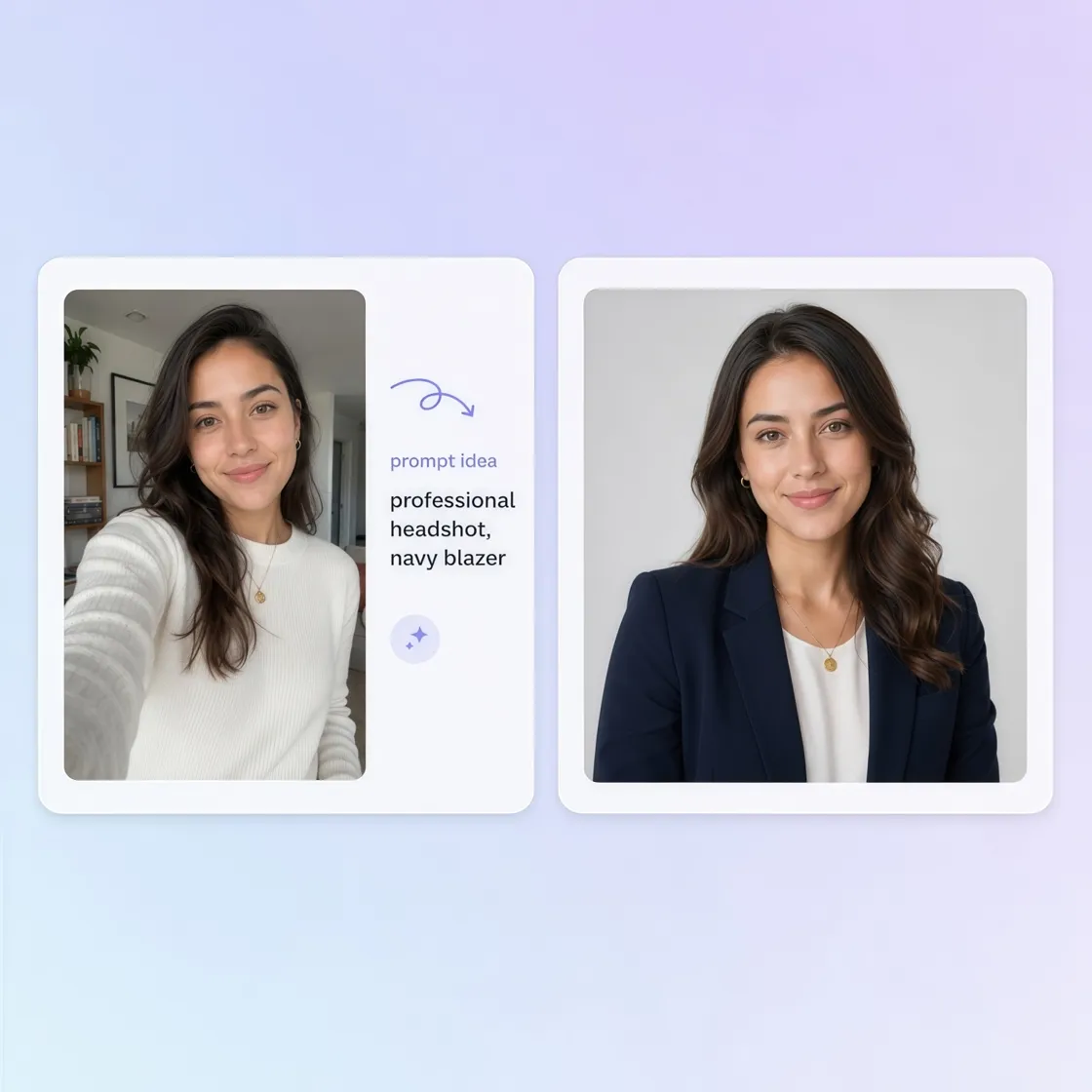
How to Generate an AI Portrait in 3 Steps
Upload a Photo or Write a Prompt
Start with a phone selfie, pet photo, or a short text description of the person, pet, or character you want to portray in the image.
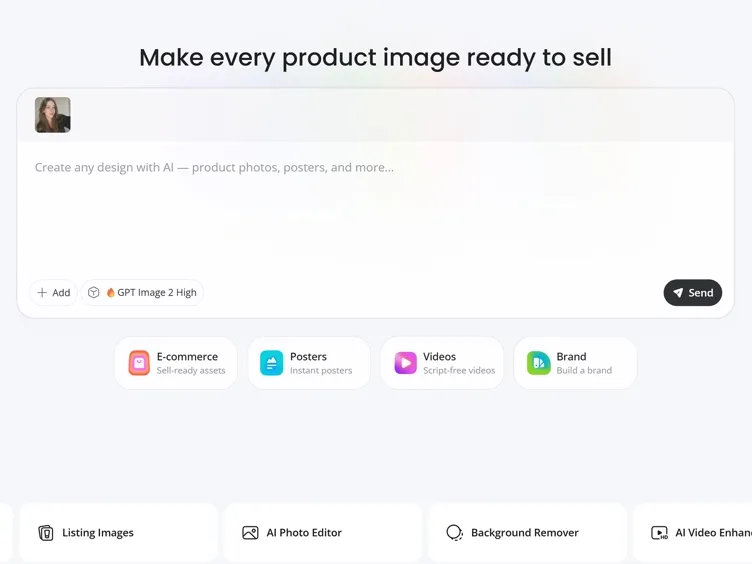
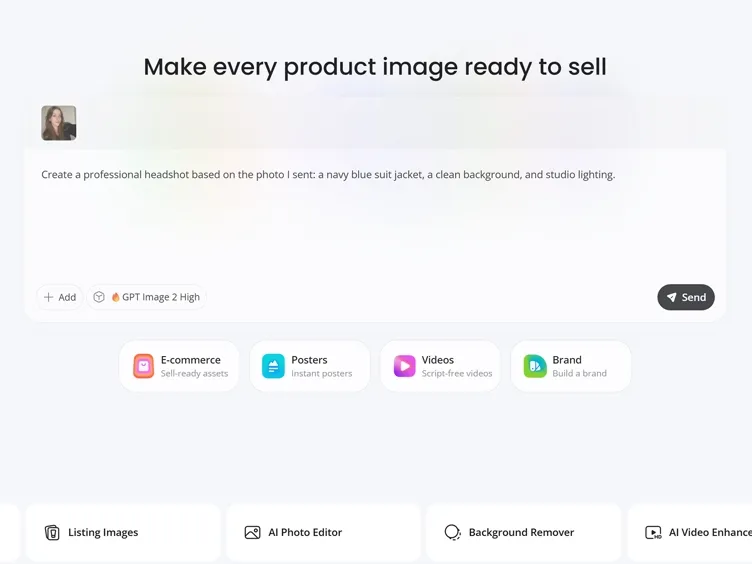
Describe Your Portrait Style
Describe a realistic, artistic, professional, or creative style. Designkit adjusts lighting, composition, and visual details based on your direction.
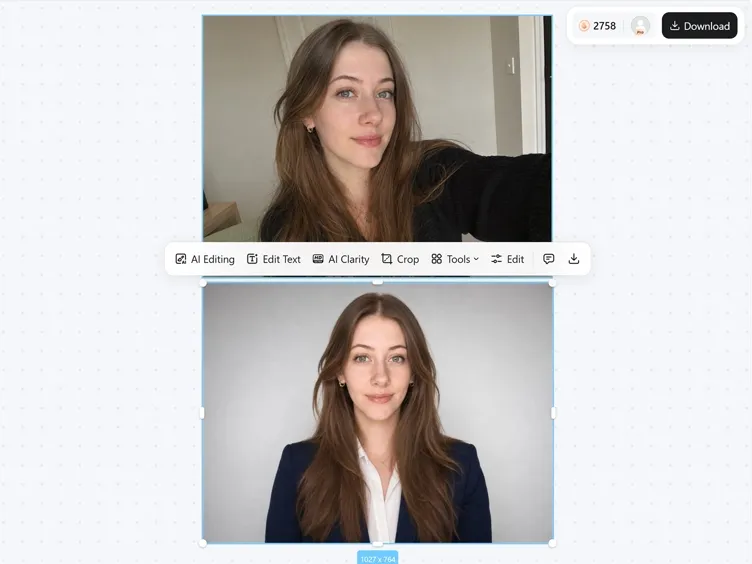
Download Your AI Portrait
Get a ready-to-use portrait for your profile, social media, website, creative project, or personal photo collection.
Create Custom Portraits With Designkit's AI Portrait Generator
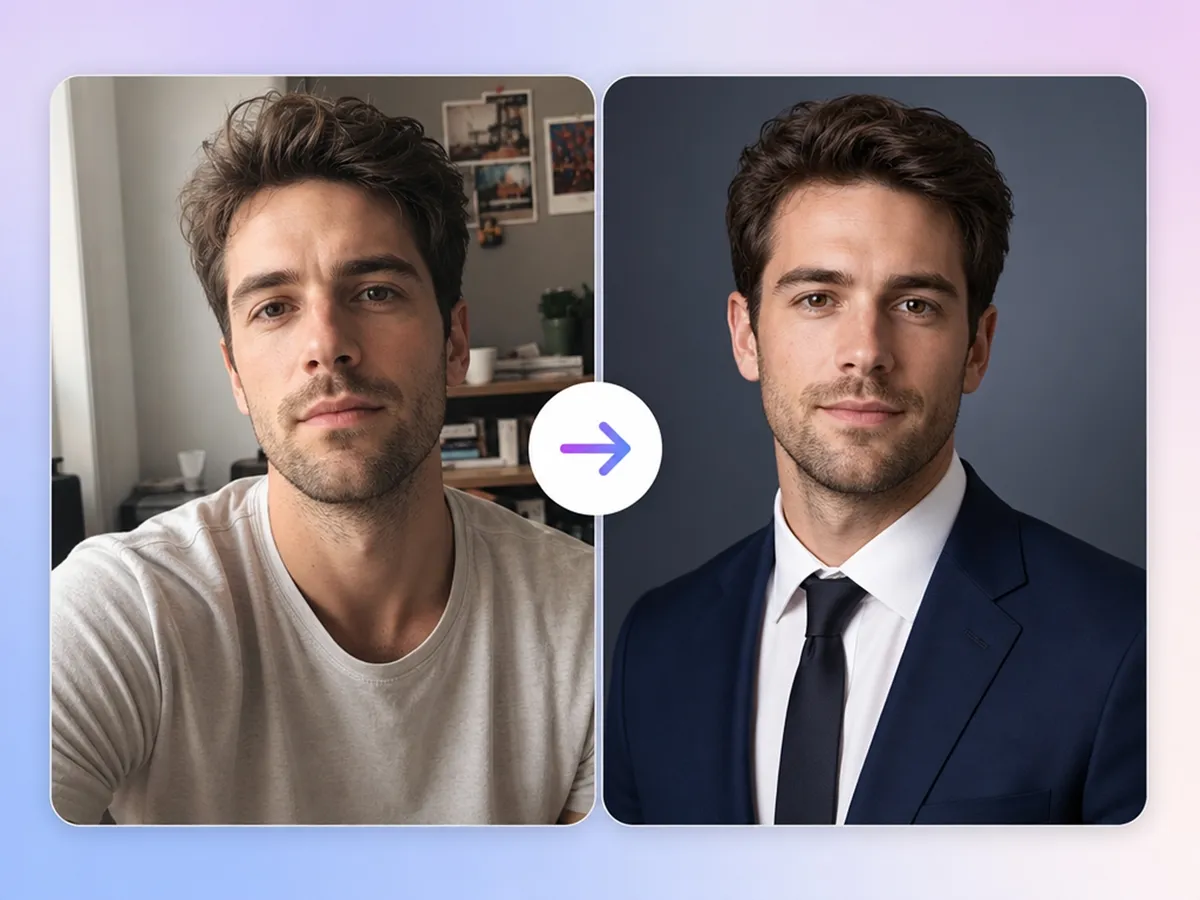
Turn Any Selfie Into a Professional Portrait
Upload a casual selfie and use image to image AI to create a polished headshot with improved lighting, background, and composition.
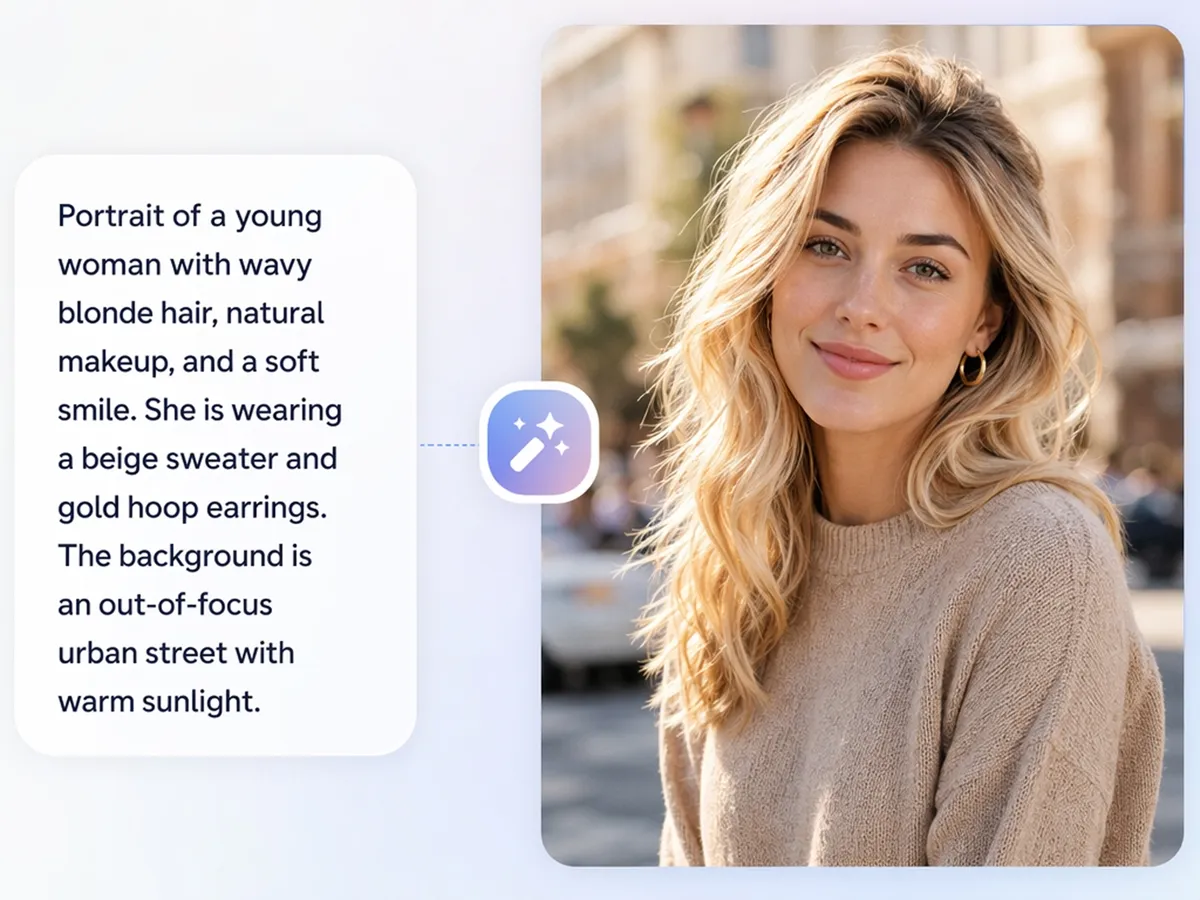
Generate Portraits From Text Without a Photo
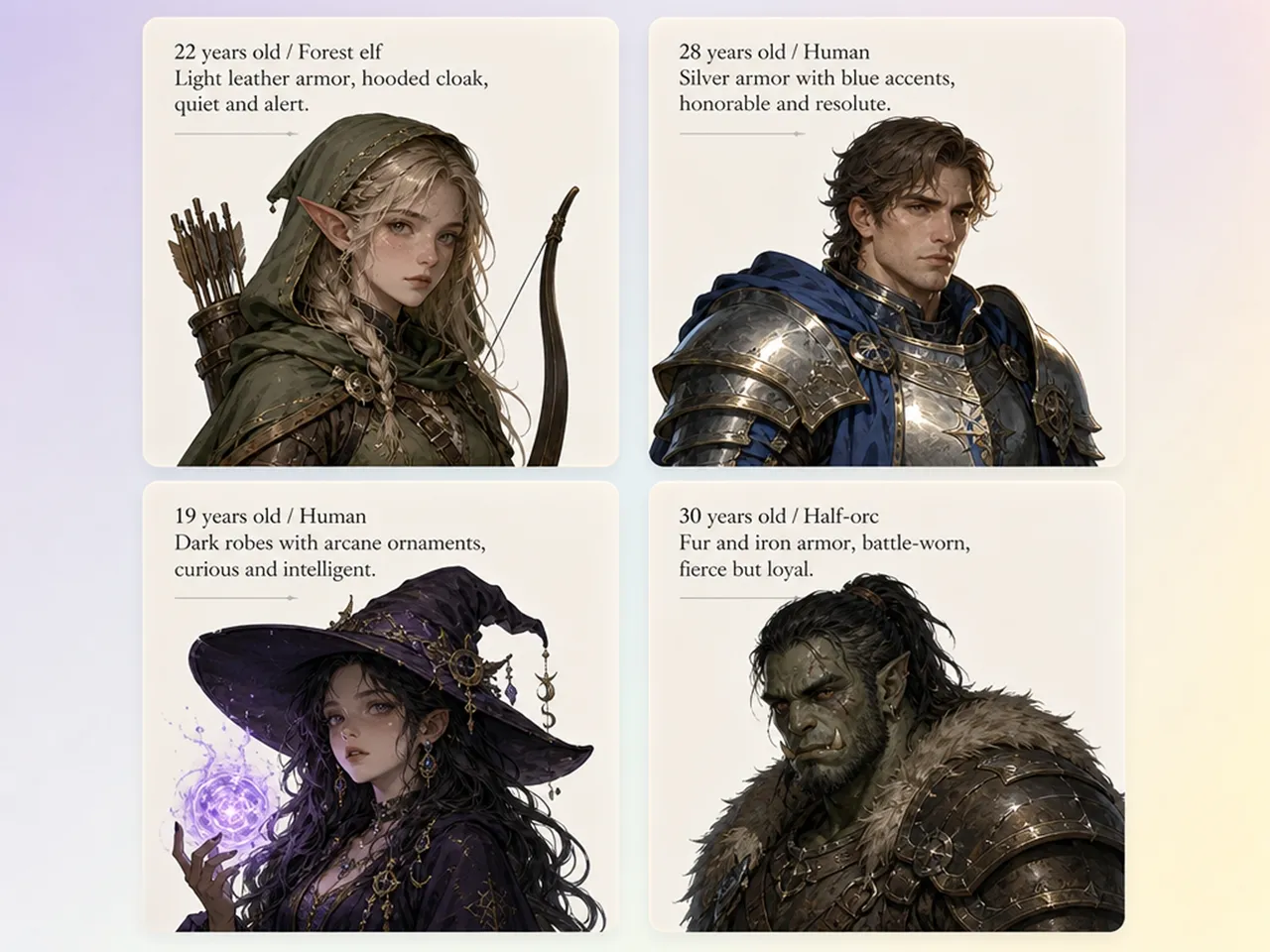
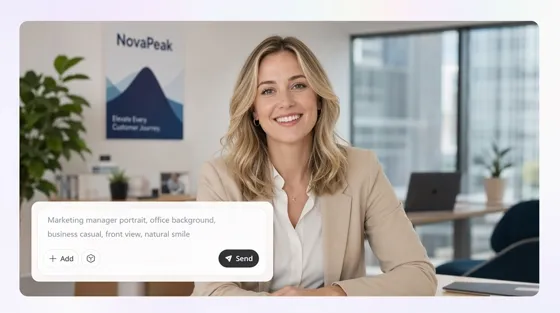
Type the age, outfit, expression, and background you want, and the AI image generator creates a portrait from your text prompt without requiring a reference photo.
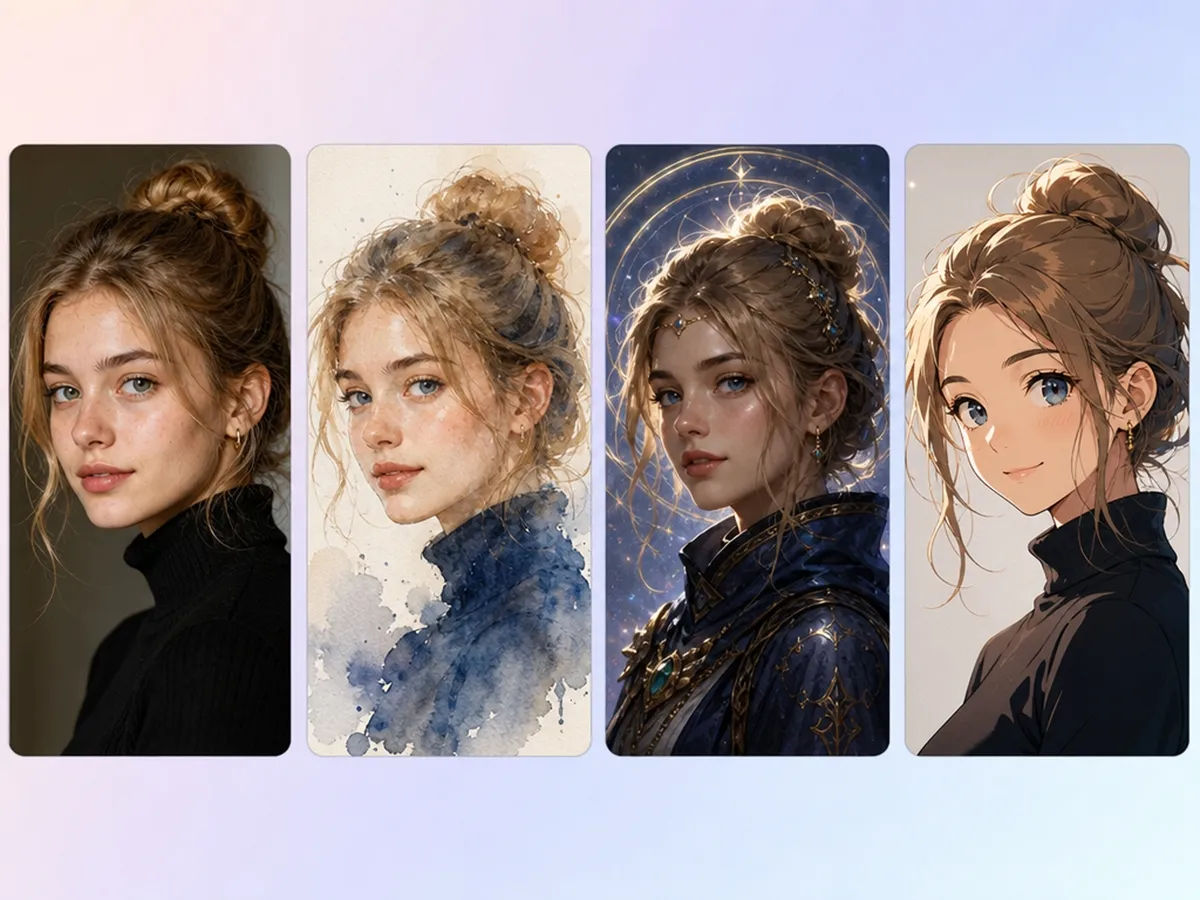
Try Realistic, Artistic, and Themed Portrait Styles
Create portraits that match your creative vision, whether you need a realistic headshot, a painterly illustration, an anime-inspired avatar, or a fantasy character. Simply upload a photo or enter a prompt and let Designkit generate multiple portrait variations.
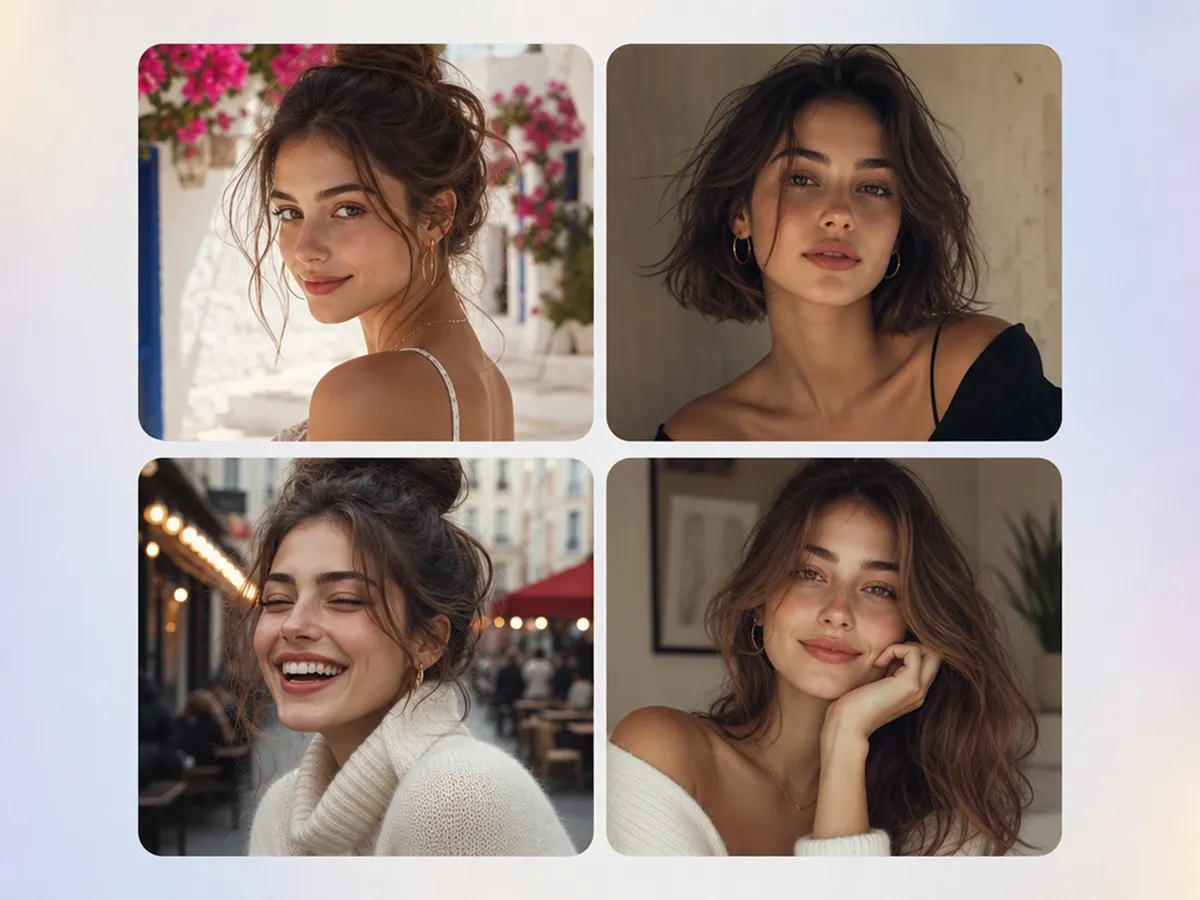
Create Multiple Portrait Options Instantly
Generate multiple portrait variations from the same photo or prompt, making it easy to compare different styles before downloading your favorite.
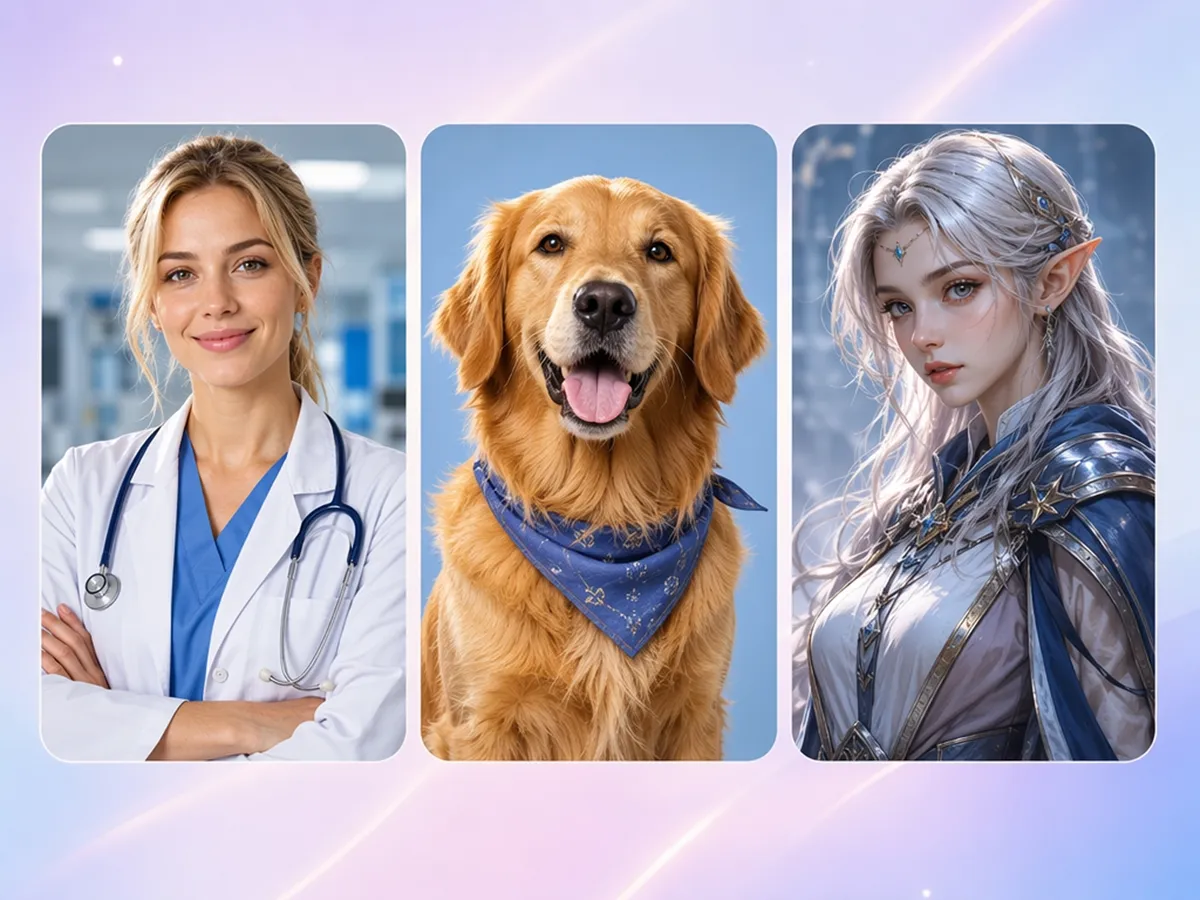
Create Portraits for People, Pets, and Characters
Turn selfies into professional headshots, transform pet photos into artistic portraits, or create original characters for books, games, and creative projects. Designkit uses the same simple workflow for every portrait type.
Who Uses Designkit's AI Portrait Generator
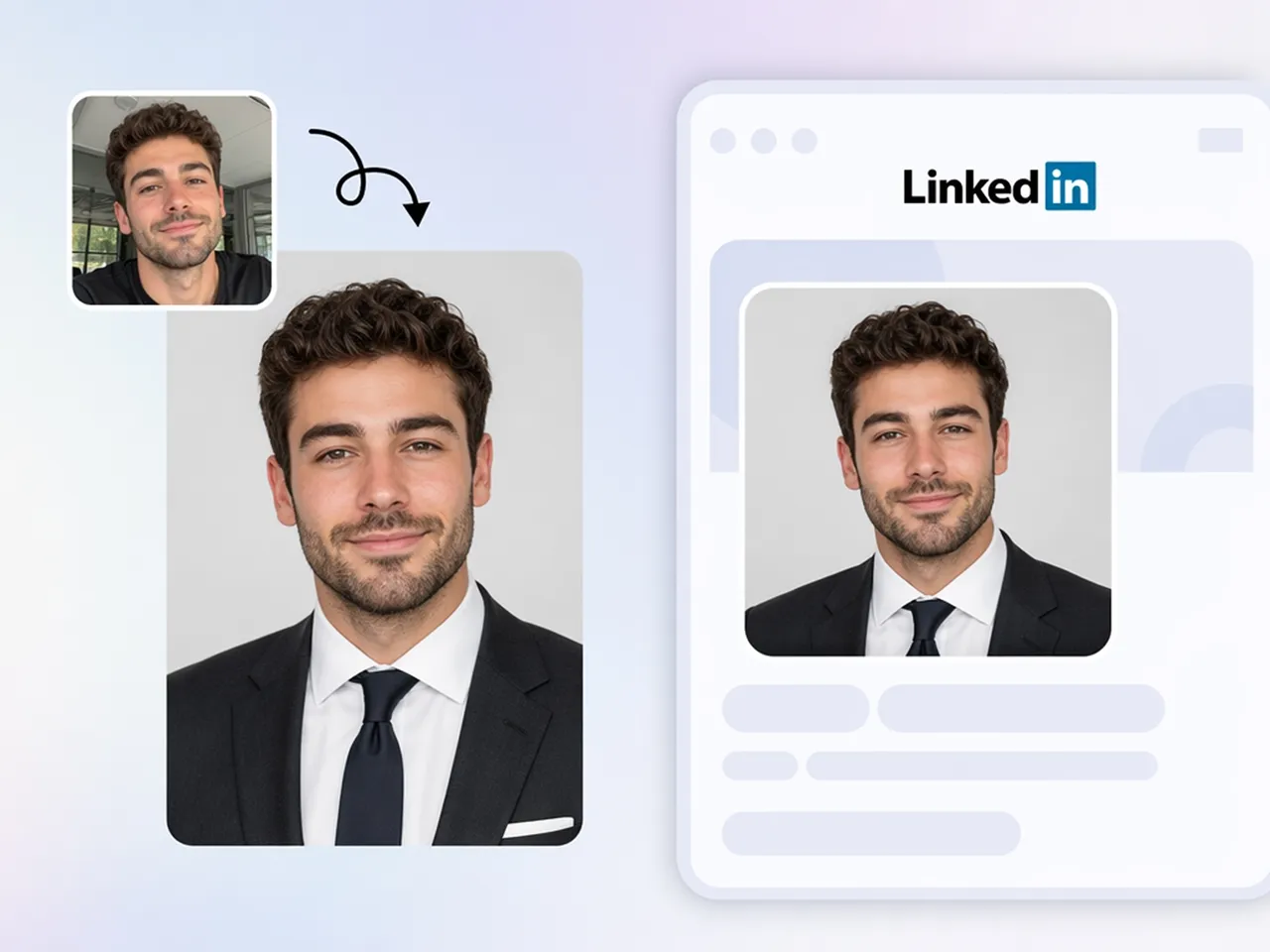
Create LinkedIn Headshots and Team Portraits Without a Photographer
Refresh LinkedIn profiles, resumes, company websites, and staff directories by transforming everyday selfies into professional-looking headshots.
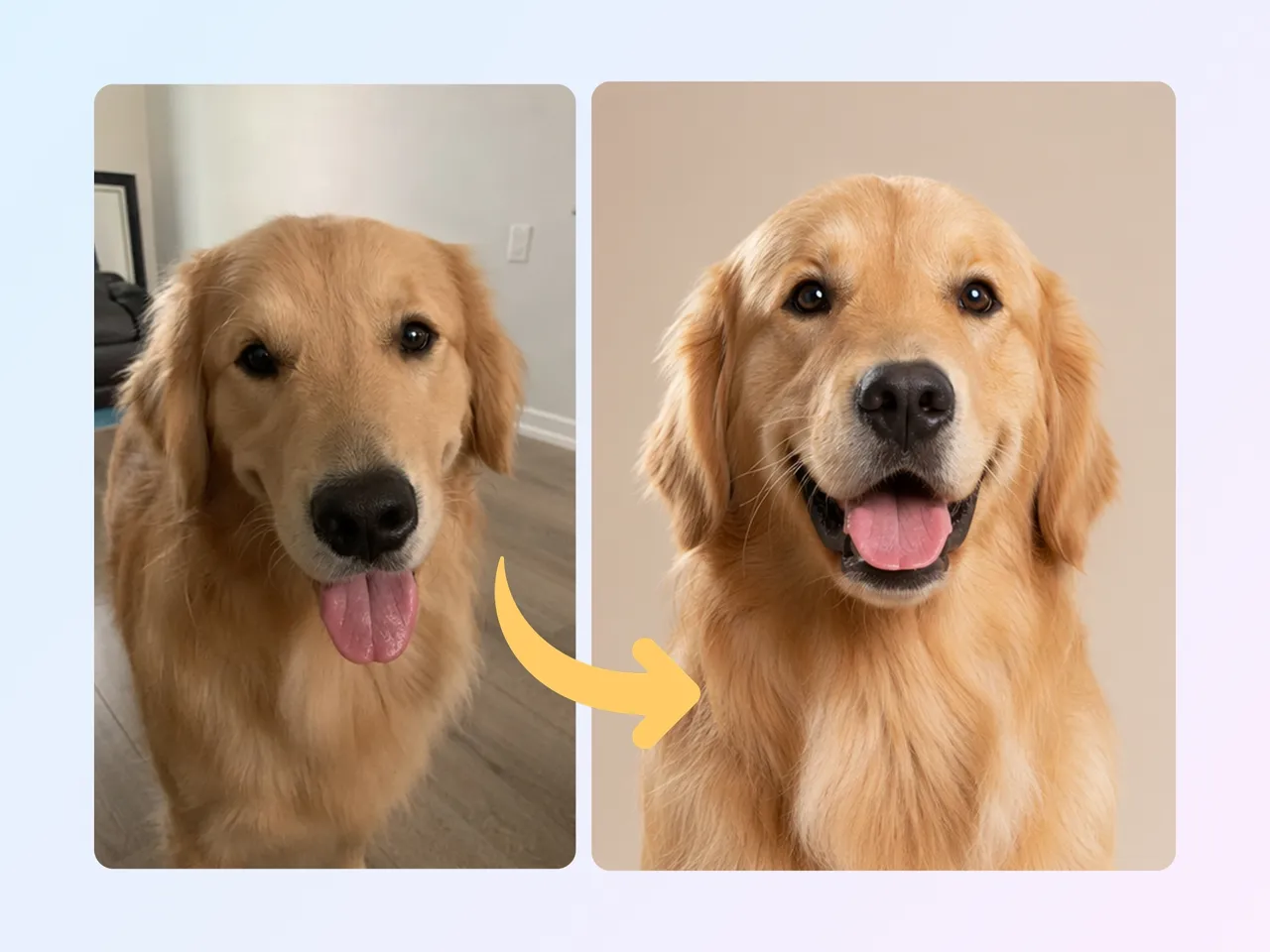
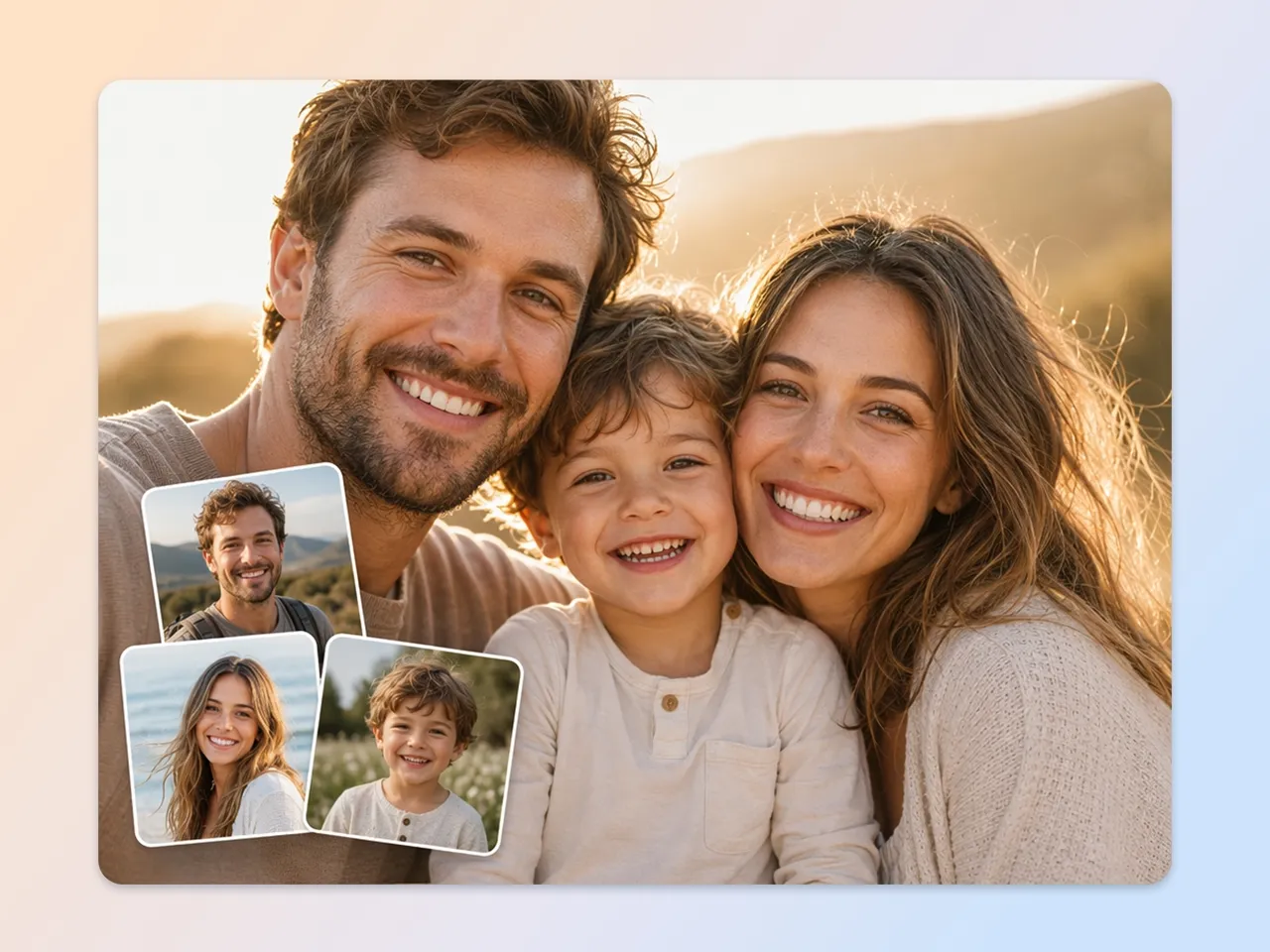
Why Creators and Professionals Switch to Designkit
Skip Photographer Bookings and Studio Fees
Create studio-style portraits without arranging a photoshoot, renting equipment, or coordinating schedules.
Generate From Photos or Text
Use a reference photo when you have one, or describe the portrait you want in a text prompt to generate an image from scratch.

One Photo, Multiple Portrait Styles
Create professional headshots, artistic portraits, and themed designs from the same photo or prompt without starting over each time.
Create Multiple Options Faster
Generate several portrait options in one session, making it easier to choose the style and look that best fits your project.
People, Pets, Families, and Characters in One Tool
Create headshots, pet portraits, family portraits, and character artwork from the same account, with additional creative tools available in the features library.
Start Free Before Upgrading
New users can explore Designkit with free credits before deciding whether a paid plan meets their needs.
Unlock More Creative Possibilities
AI Human Generator
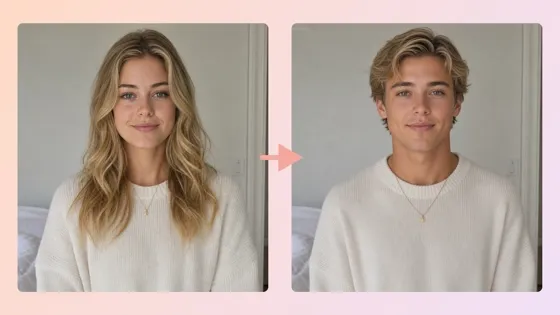
AI Gender Swap
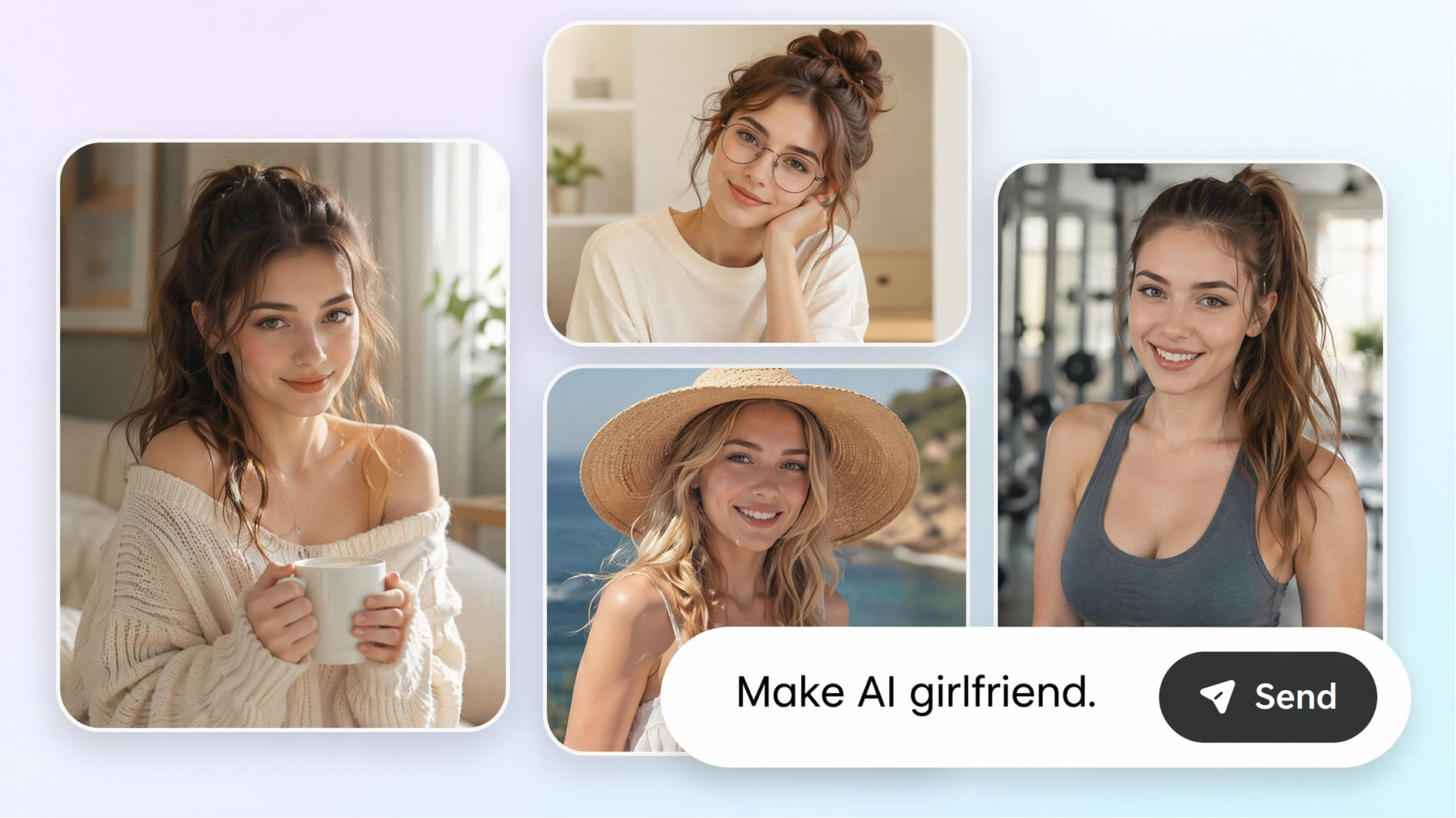
AI Girlfriend Generator
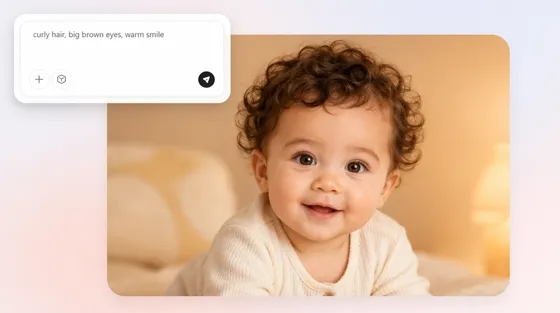
AI Baby Generator
Frequently Asked Questions
How does an AI portrait generator work?
How can I create an AI portrait from a photo?
Upload a selfie or another reference image, then use an AI portrait generator from a photo to create a portrait with updated lighting, background, and composition.
Can I create a portrait from text without uploading a photo?
Yes. Describe the person's appearance, outfit, expression, and setting, and AI portrait generator from text creates a portrait from your prompt. You can also use it to generate original character portraits without a reference image.
Are AI generated headshots realistic enough for LinkedIn and resumes?
Yes, in most cases. Upload a clear photo or provide a detailed prompt, and Designkit generates portraits suitable for professional profiles. The final result depends on the quality of the reference image or prompt.
Is there a free AI portrait generator?
Yes. New users can sign up for Designkit and use the included free credits to create portraits before deciding whether a paid plan is right for them.
Make Your AI Portrait Today
Upload a photo or write a prompt and download a polished portrait in seconds. Start free with signup credits.

What Users Create With Designkit's AI Portrait Generator
Feedback from people who needed portraits without traditional photography.
Got a LinkedIn Photo in Minutes
I needed a headshot fast for a job application and didn't have time to book a photographer before the deadline. Uploaded a casual photo and had a usable result back in a few minutes.
Cheaper Than a Pet Photo Session
Local pet photographers charge more than I expected for a simple portrait of my dog. Generating one from a phone photo cost a fraction of that and still looked genuinely professional.
Solved Our Scattered Family Schedule
Getting everyone in the same place at the same time for a studio shoot never actually worked out for our family. Uploading separate photos and generating one combined portrait solved that problem entirely.
Useful for Early Character Design
Seeing each character before the illustration process begins makes it much easier to communicate my vision. My cover artist spends less time revising concepts, and we reach the final design faster.
Consistent Team Photos, No Studio Day
Coordinating a single photographer for eight different people across our agency was never going to happen with everyone's schedules. Generating portraits from everyone's existing photos gave us a matching look across the whole website.
Tried Several Styles for Fun
I wasn't looking for anything serious, just wanted to see myself rendered in a few different art styles for fun. Generated five versions in about ten minutes and had a good time comparing them.