
Turn Any Product Shot Into a Clean White Background Image
Upload photos taken at home, in a studio, or on location. Get pure white background product images ready for Amazon, Shopify, Etsy, and ads.

How to Create White Background Product Photos in 3 Steps
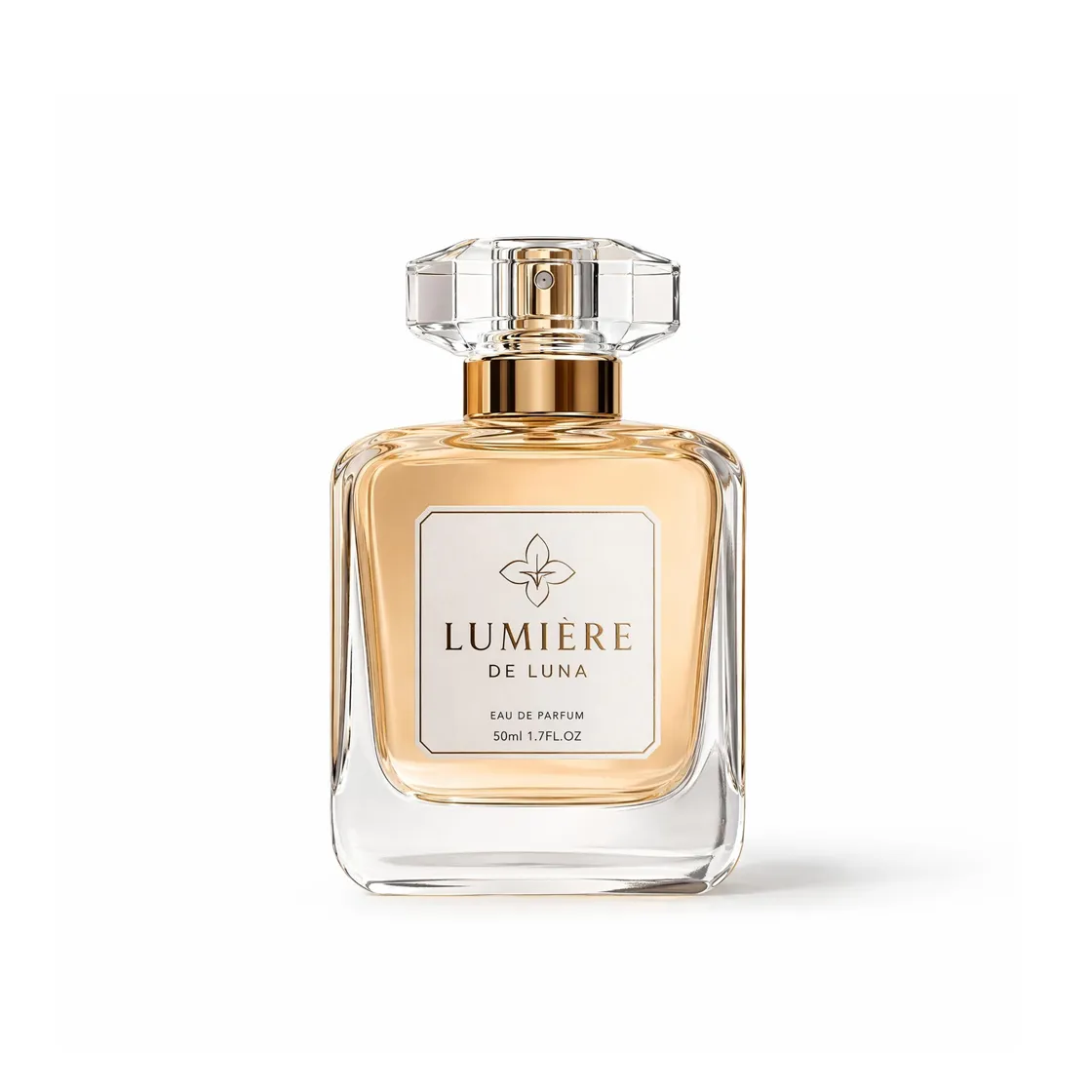
Upload Your Product Photo
Upload one image or a full folder. Works with home, studio, warehouse, or outdoor shots.

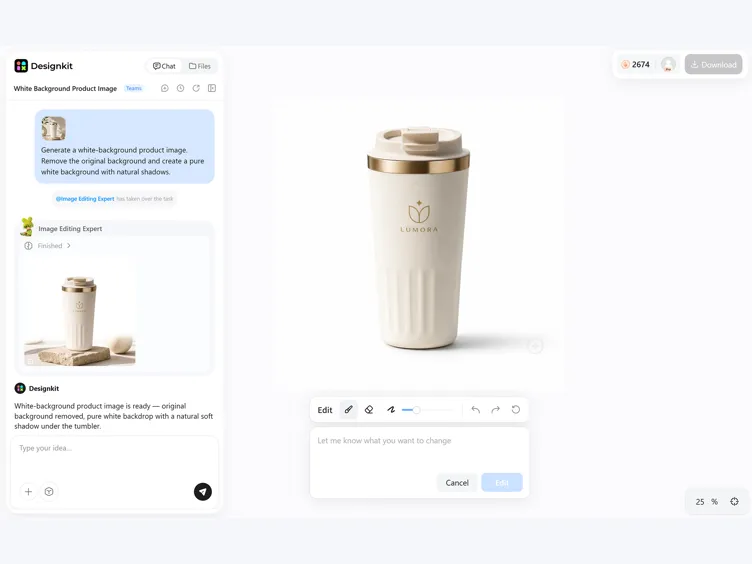
Generate a Clean White Background
AI removes the old background, keeps edges and textures sharp, and places the product on a pure white (RGB 255,255,255) canvas with a natural contact shadow.
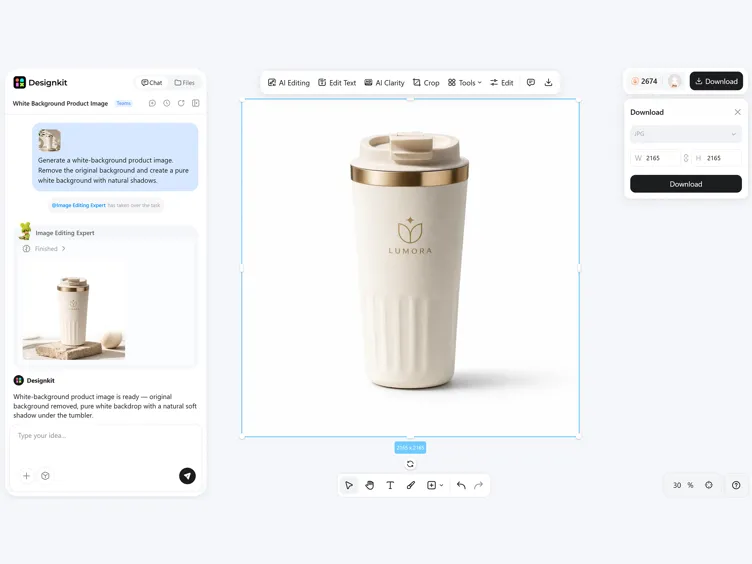
Download Marketplace-Ready Images
Export high-resolution images sized for Amazon, Shopify, Etsy, catalogs, and ad creatives.
What You Get From Designkit's White Background Editor
Export Pure White Backgrounds for Amazon
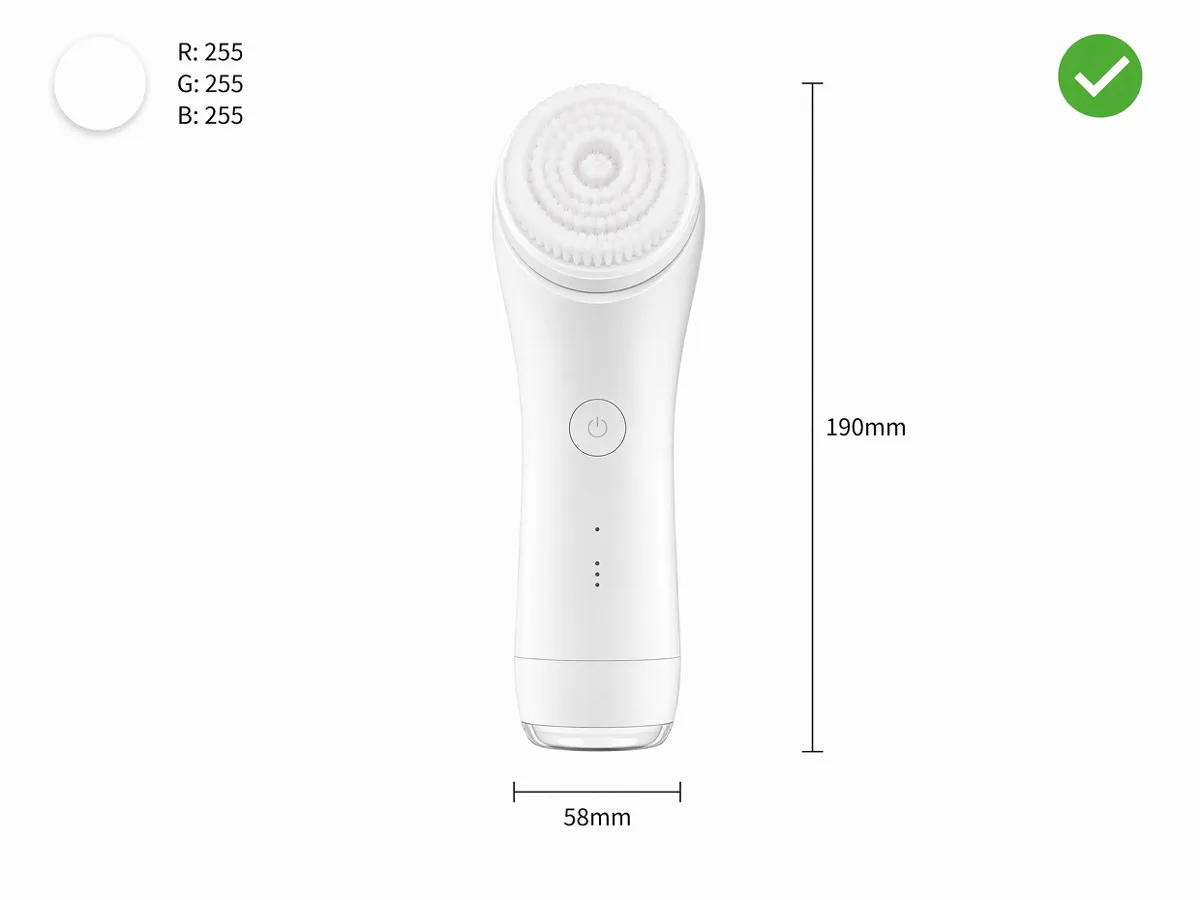
Amazon's main images require a clean white background for product listings. Designkit transforms existing photos into a product on a white background, helping you prepare compliant listing images without manually replacing backgrounds.
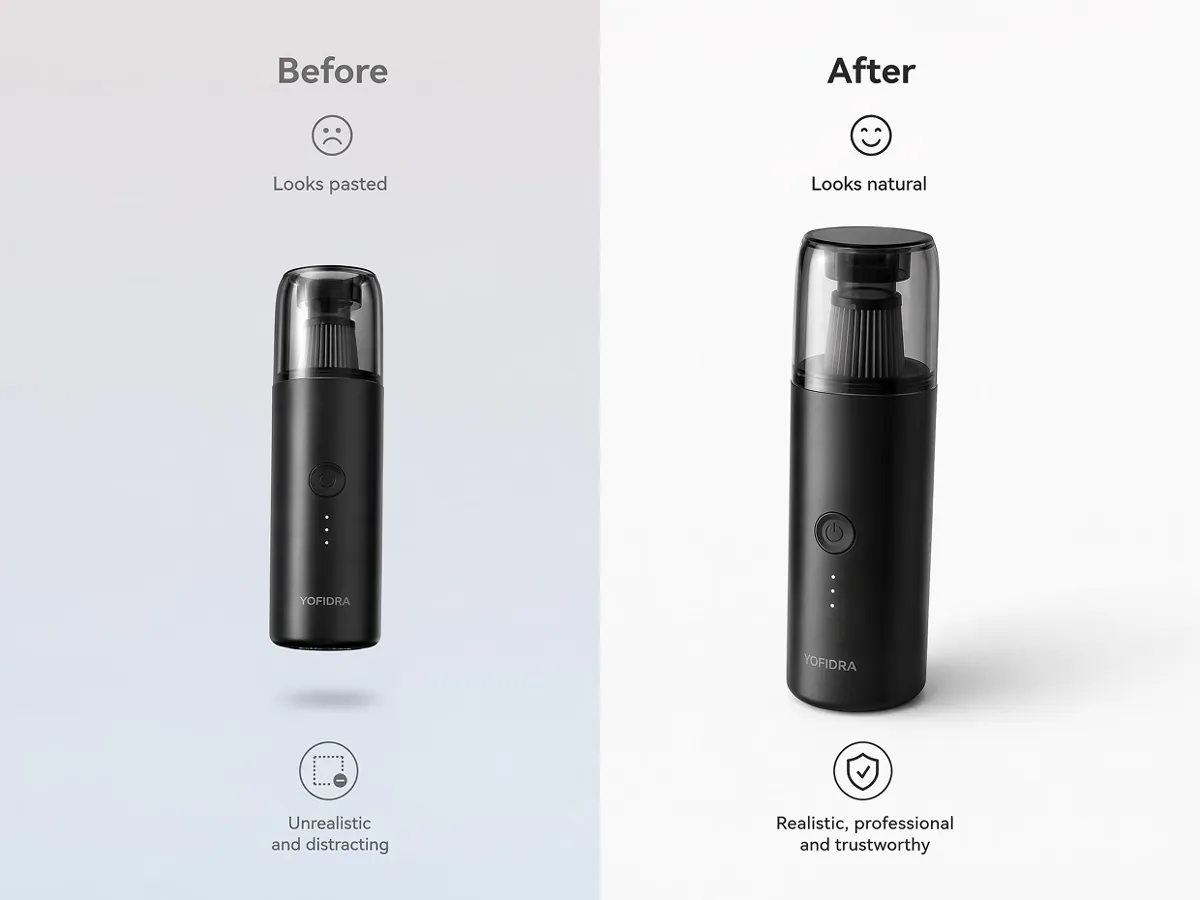
Create Natural-Looking Product Placement
Cut-out products can look artificial when depth and placement disappear. Designkit preserves realistic positioning, so products blend naturally with a white background for product photos, creating a more authentic presentation.
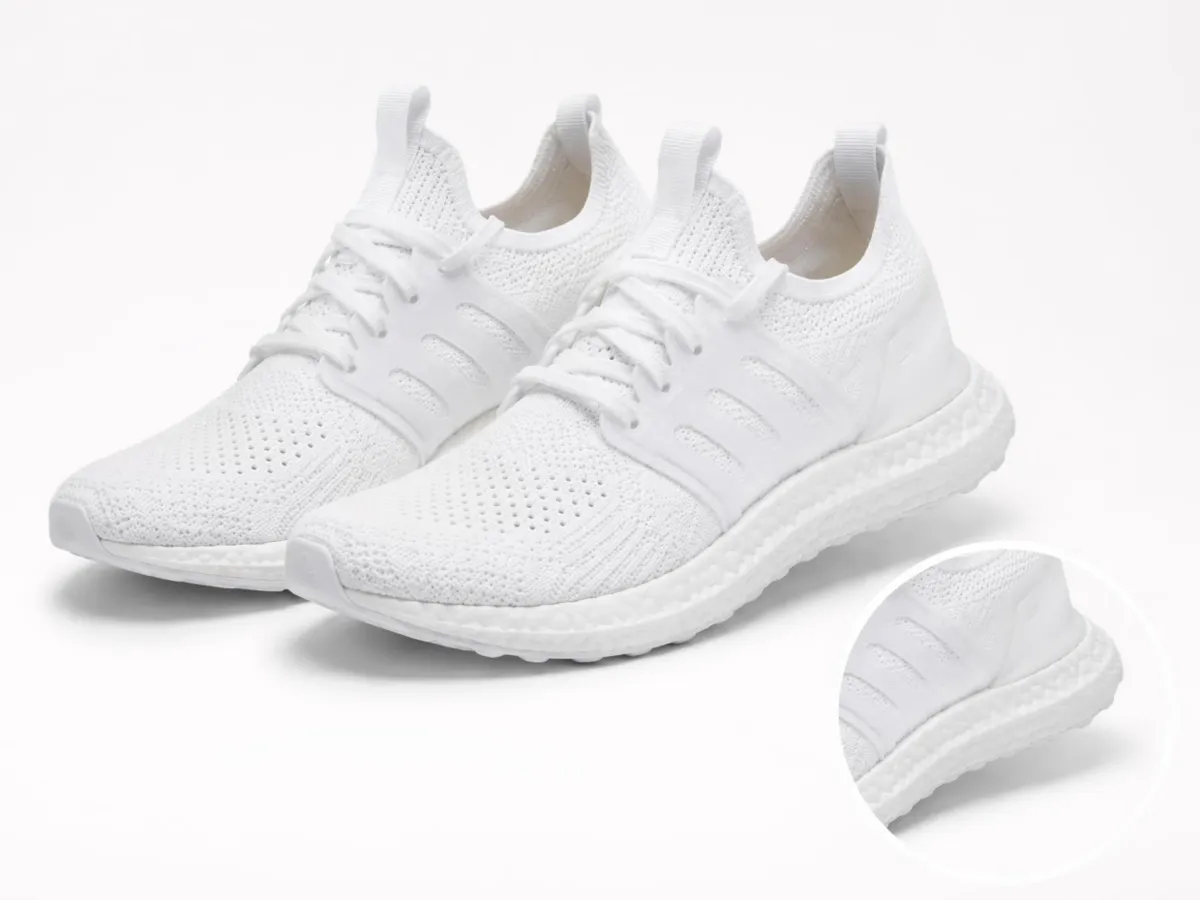
Add Natural Contact Shadows
Floating products reduce buyer confidence and make images feel unrealistic. Designkit recreates subtle contact shadows beneath products, helping them appear grounded while maintaining a clean white background.
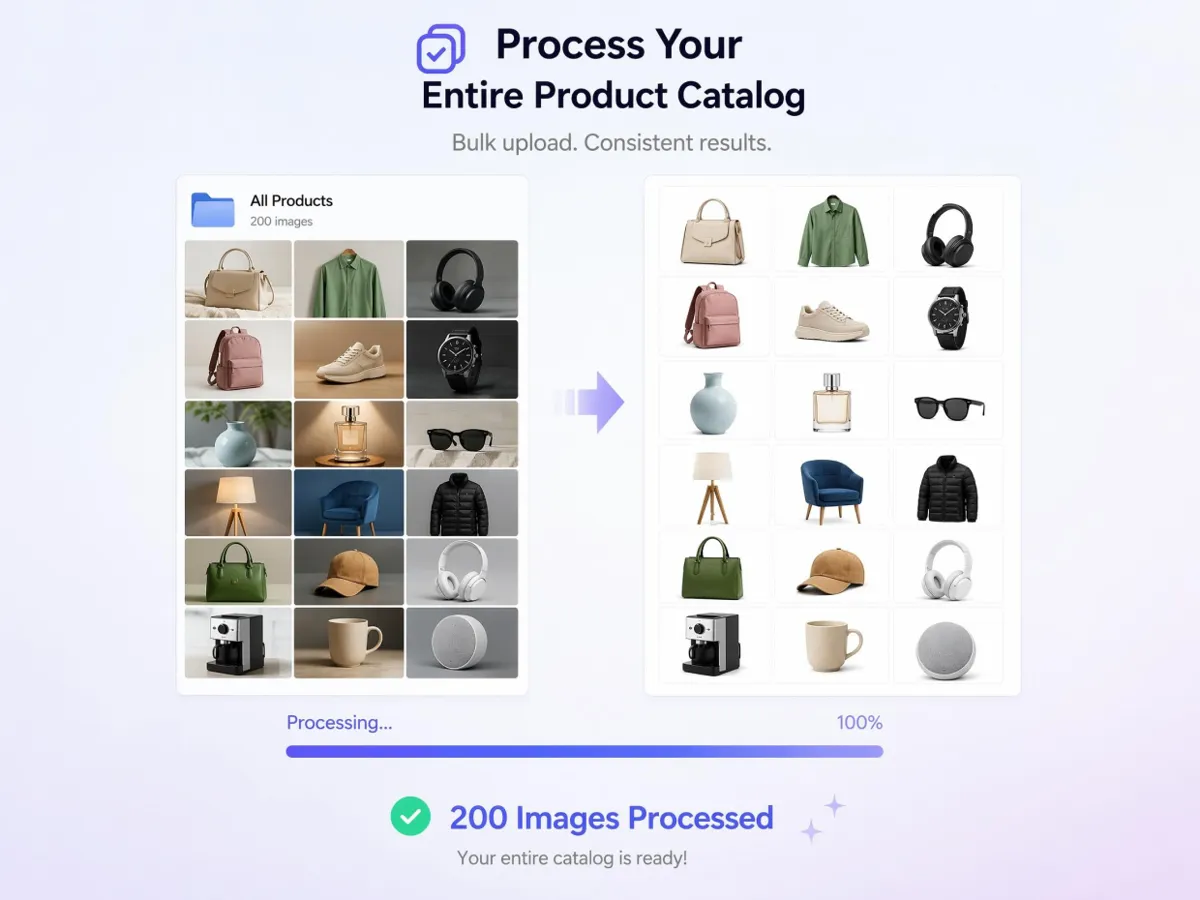
Process a Full Catalog in One Batch
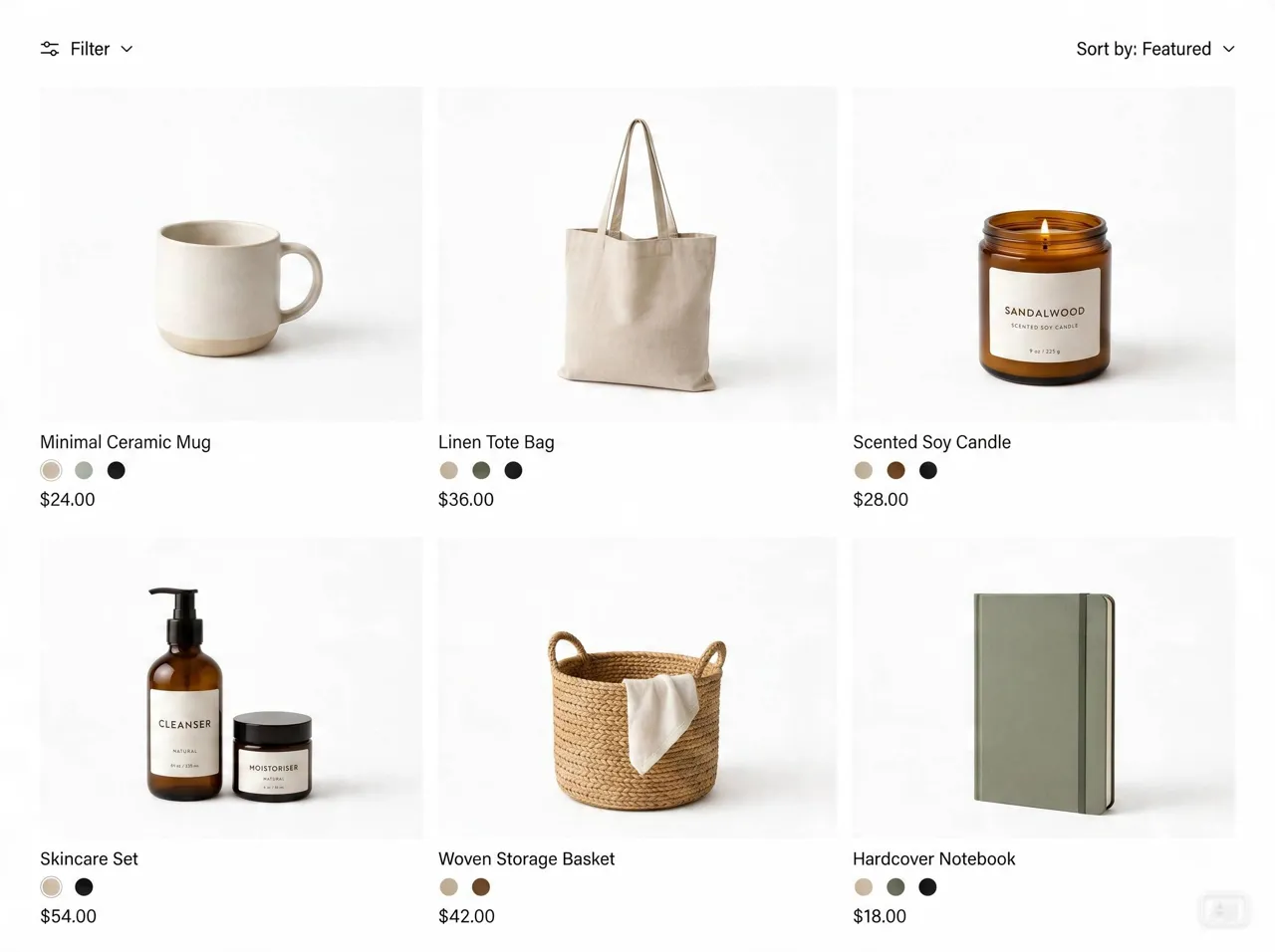
Updating hundreds of product images one by one slows catalog launches. Designkit applies the same white background editing workflow across large batches, helping stores prepare consistent product images with less repetitive work.
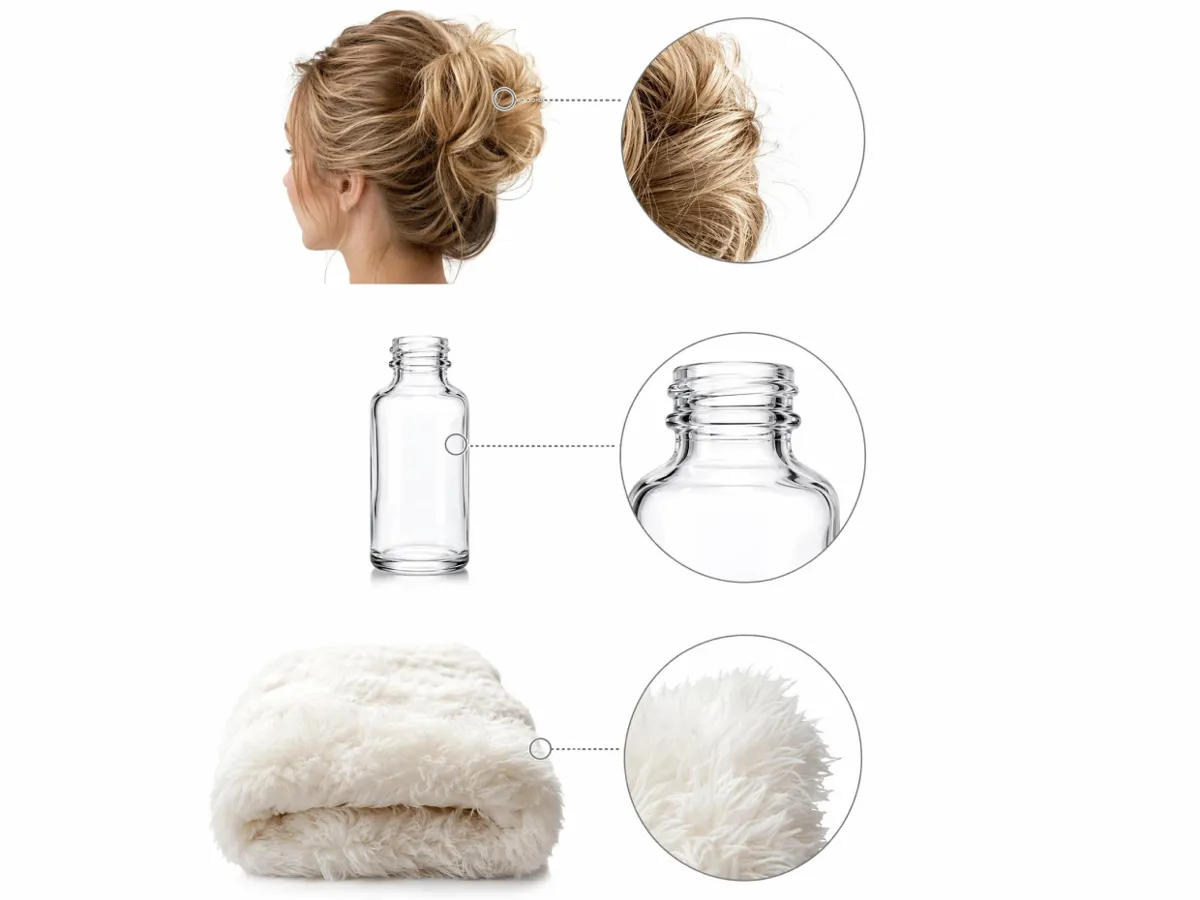
Handle Hair, Glass, and Fine Edges
Fine details like transparent packaging, hair, fabric fibers, and reflective edges are difficult to separate manually. Designkit preserves these complex details during background editing, reducing visible cutout errors in the final image.
Who Uses White Background Product Photos
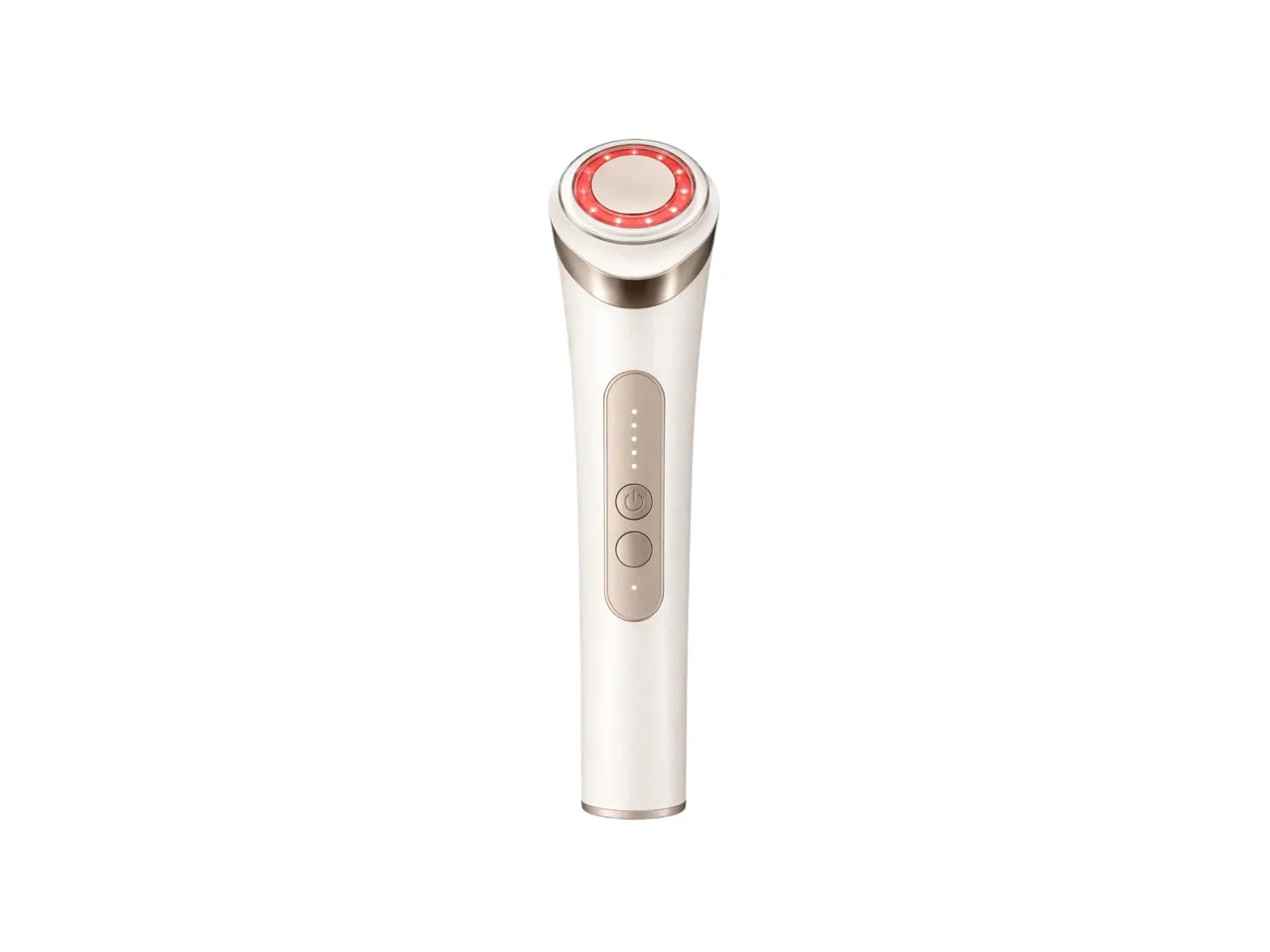
Pass Amazon Main Image Checks Without Reshooting
Marketplace checks can stall a launch when the main image background misses requirements. Designkit creates a white background for product photos from existing shots, so sellers can prepare compliant listings without booking another studio session or redoing the shoot, while keeping the product itself unchanged.
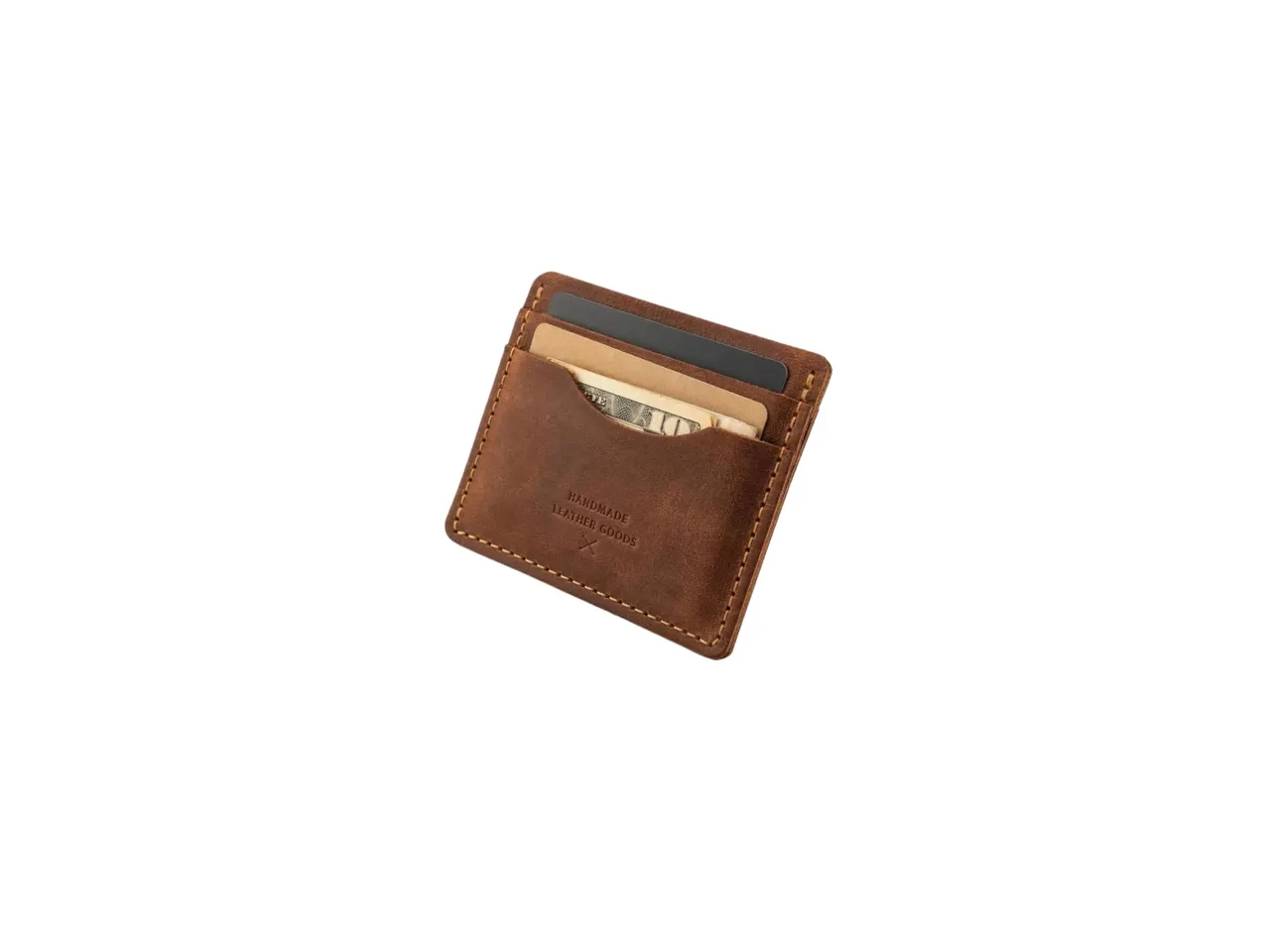
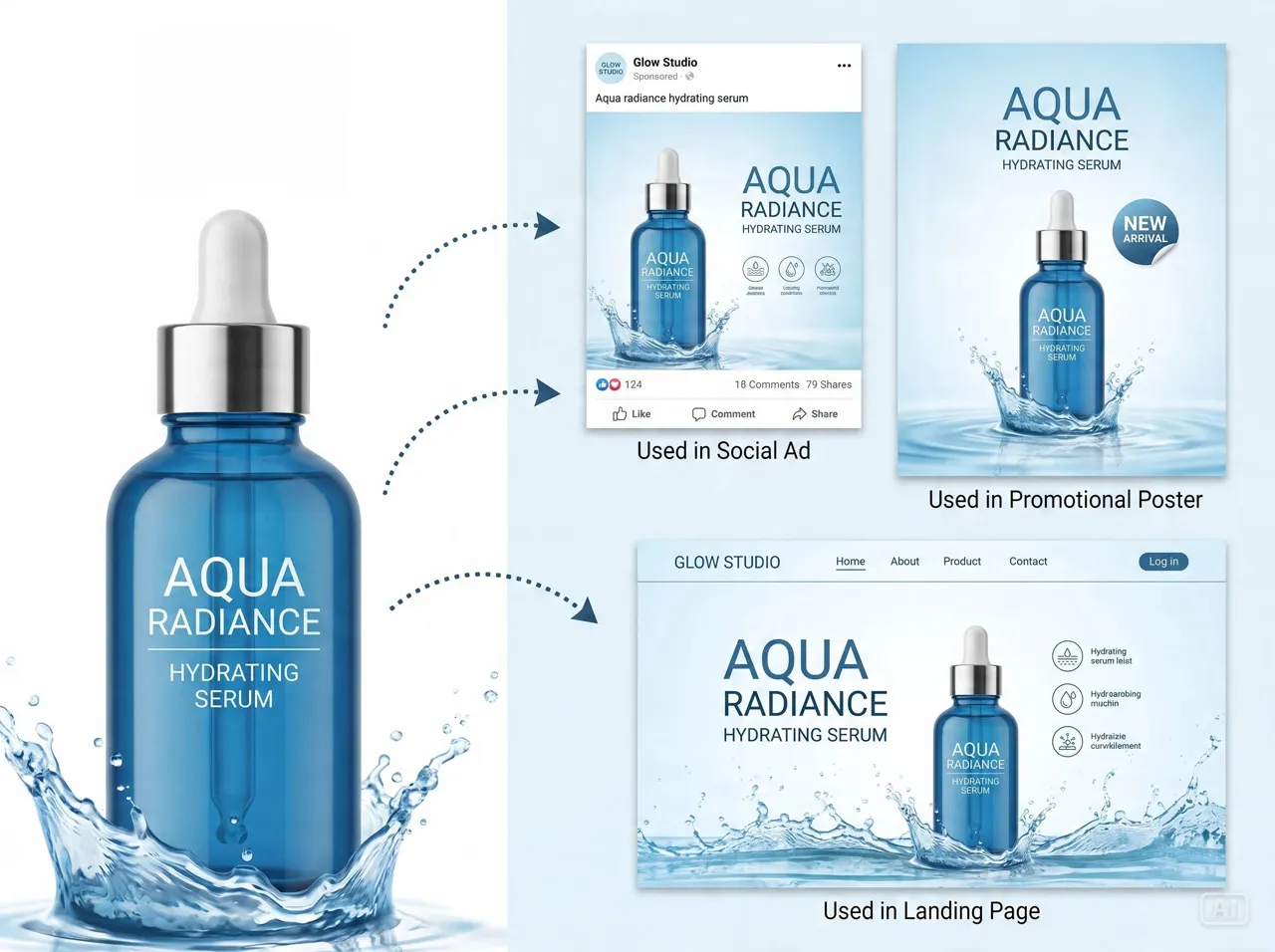
Why Sellers Choose Designkit Over Reshoots and Manual Editing

Skip Repeated Studio Shoots
Reuse existing product photos for new listings and updates instead of booking fresh studio shoots for every change whenever needed

Less Time in Photo Masking Layers
Replace manual masking with a cleaner workflow that cuts repetitive layer work and keeps edits consistent across every product line

Update Seasonal SKUs Without a New Shoot
Refresh seasonal and promotional images from the same source files instead of scheduling another photo session for each SKU update

Scale Product Updates Faster
Apply repeatable edits across large catalogs so every SKU stays aligned without reworking each image by hand for every launch cycle

Support Products of Any Complexity
Handle reflective, textured, and detailed products in one workflow instead of creating separate editing paths for each item category

Keep Your Workflow In One Place
Manage editing, refinements, and exports in one place instead of moving between separate tools and repeated handoffs for every update
Unlock More Creative Possibilities
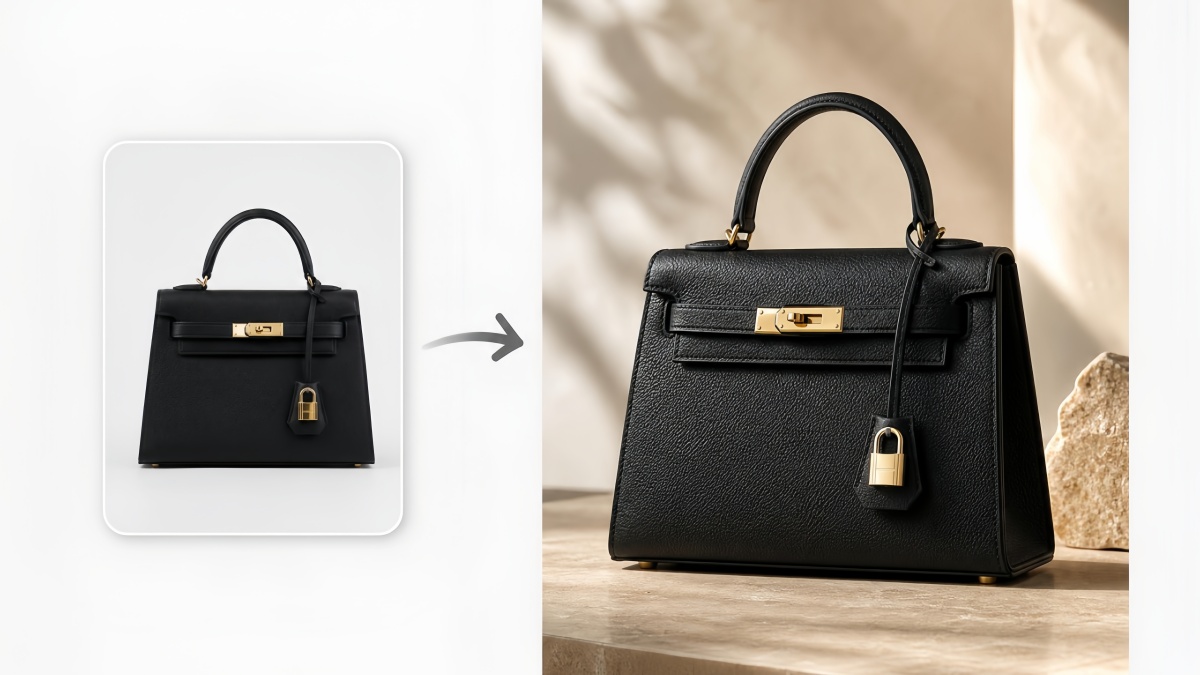
AI Product Photography

Lifestyle Product Photography Generator
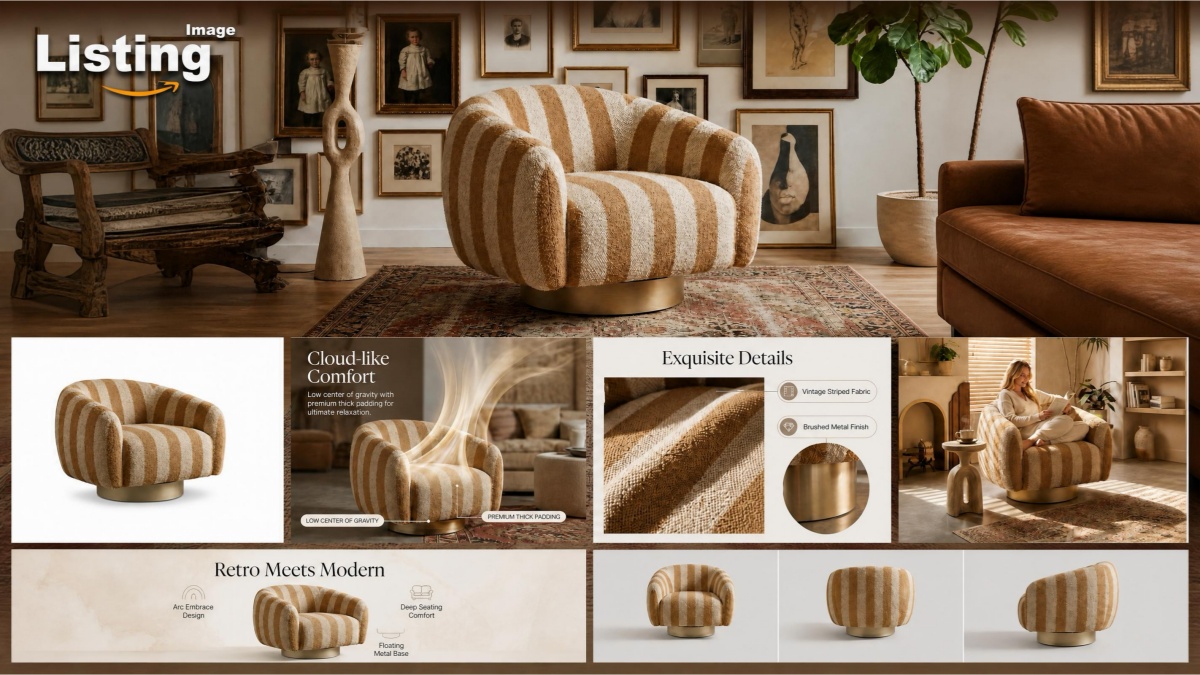
Amazon Listing Images Generator

AI Shopify Product Listing
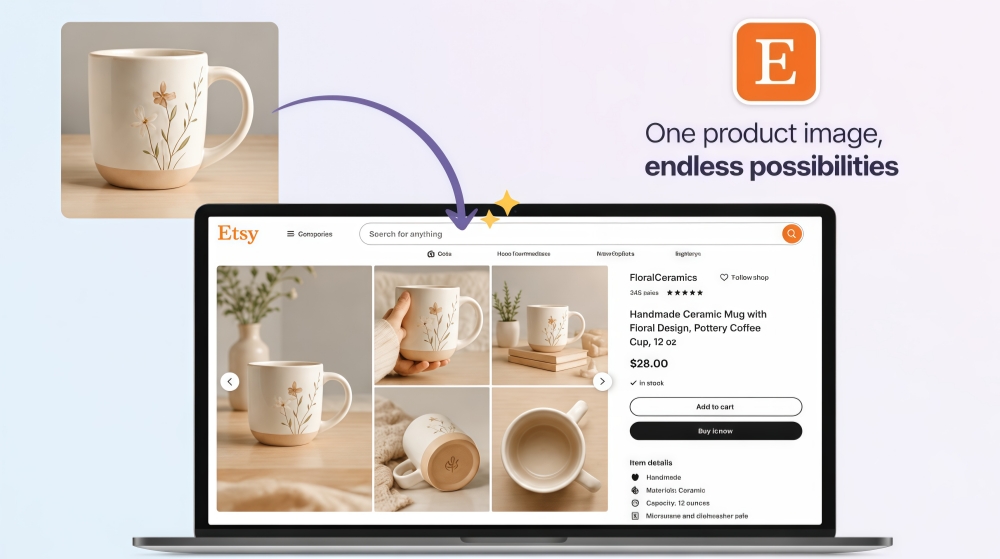
AI Etsy Listing Generator
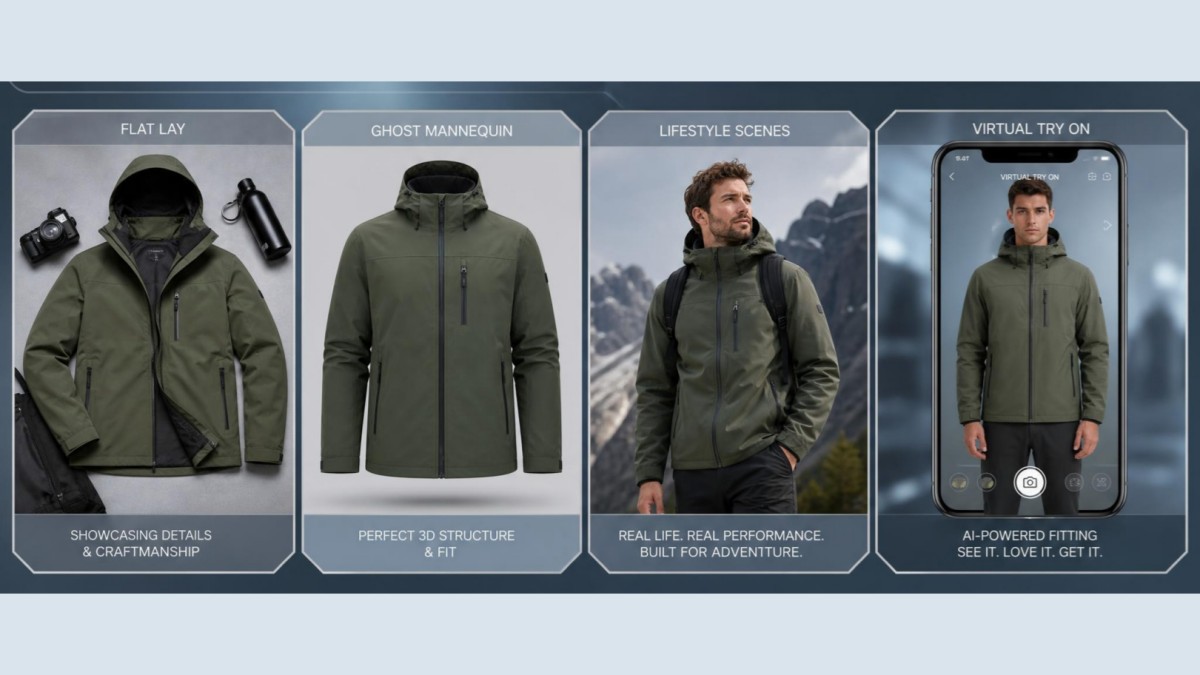
Clothing Photography Generator

Cosmetics Product Photo Generator
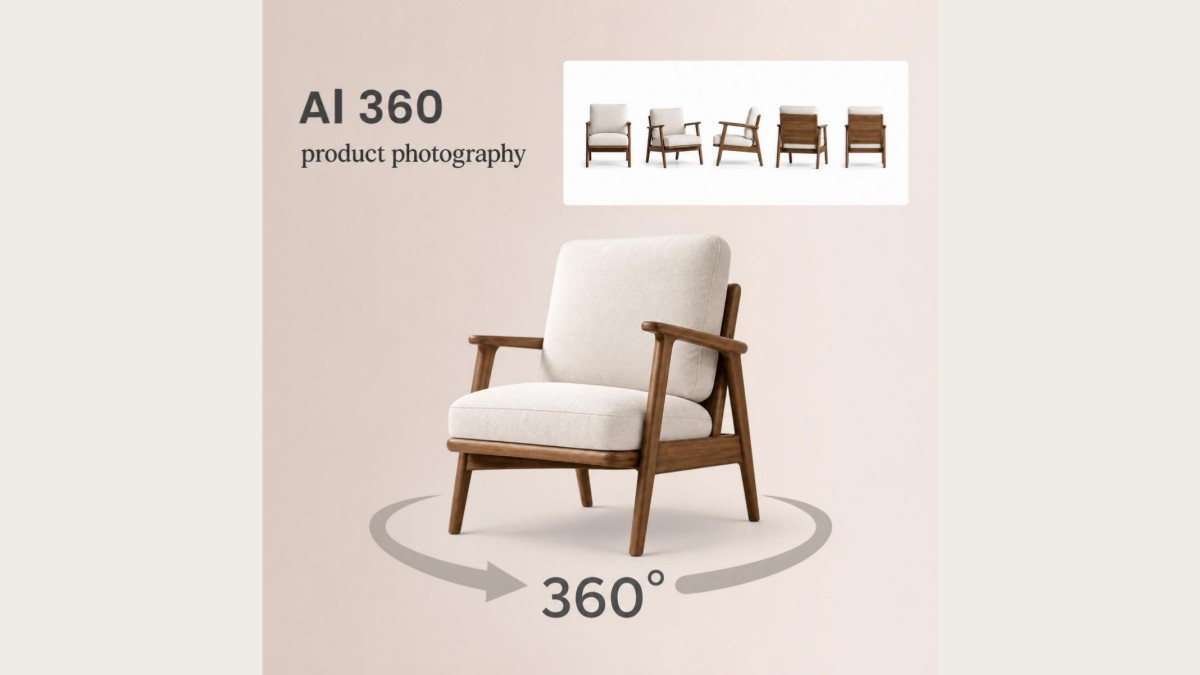
360 Product Photography Generator
Frequently Asked Questions
What does Designkit's white background tool do?
Will small details like labels and stitching stay sharp?
Yes. Fine details such as stitching, labels, textures, and product edges are preserved during background removal whenever the original image provides enough detail. Designkit is designed to retain these important features while replacing the background, helping products remain clear and recognizable in the final image.
Can I get a pure white background for Amazon listings?
Many online marketplaces require or recommend a pure white background for main product images. Designkit replaces existing backgrounds with a clean white canvas suitable for white background product photography, helping your product images meet marketplace presentation requirements before upload.
Does it work with photos taken at home?
Yes. Images captured with a phone or standard camera can be used even if they were taken on a table, in a room, or against a simple backdrop. Designkit removes unwanted surroundings and creates a clean white backdrop for product photography, reducing the need for a dedicated studio setup.
Can I keep the original product shadow?
Natural shadows can often be preserved or recreated to keep products looking realistic rather than floating on a flat background. Designkit blends the subject with a clean white background while maintaining subtle depth, depending on the quality and lighting of the original image.
Can I process multiple product photos in one batch?
Multiple product images can be edited using the same workflow, making it easier to prepare large product catalogs. Designkit applies consistent background removal across batches, helping stores create a uniform visual style without editing every image individually.
Can transparent or reflective products keep natural reflections?
Yes. Glass, acrylic, glossy packaging, and reflective materials can retain realistic highlights when processed correctly. Designkit preserves important reflections and edges while creating a white product photography background, helping transparent products maintain a natural appearance.
What file size should I export to marketplaces?
The ideal export size depends on the marketplace, but high-resolution images are generally recommended to support zoom features and clear product displays. Designkit exports products on white background images in high quality, allowing you to choose settings that fit Amazon, Shopify, Etsy, and other eCommerce platforms.
Upload a Product Photo and Get a White Background in Minutes
Try it on one image or a full folder. Export clean white background photos for your store, marketplace listings, and ads.



What Sellers Say About Designkit White Background Tool
Sellers using Designkit for white background product photos
Updated 200+ Product Images Without Reshooting
We had products shot in different rooms and lighting. Designkit gave us matching white backgrounds across the catalog, so new collections are much faster to launch.
Listing Prep Takes an Afternoon, Not a Week
We used to wait on retouching or schedule new shoots for every update. Now we fix backgrounds on existing photos and move on to the next listing.
Thin Chains and Metal Shine Still Looked Real
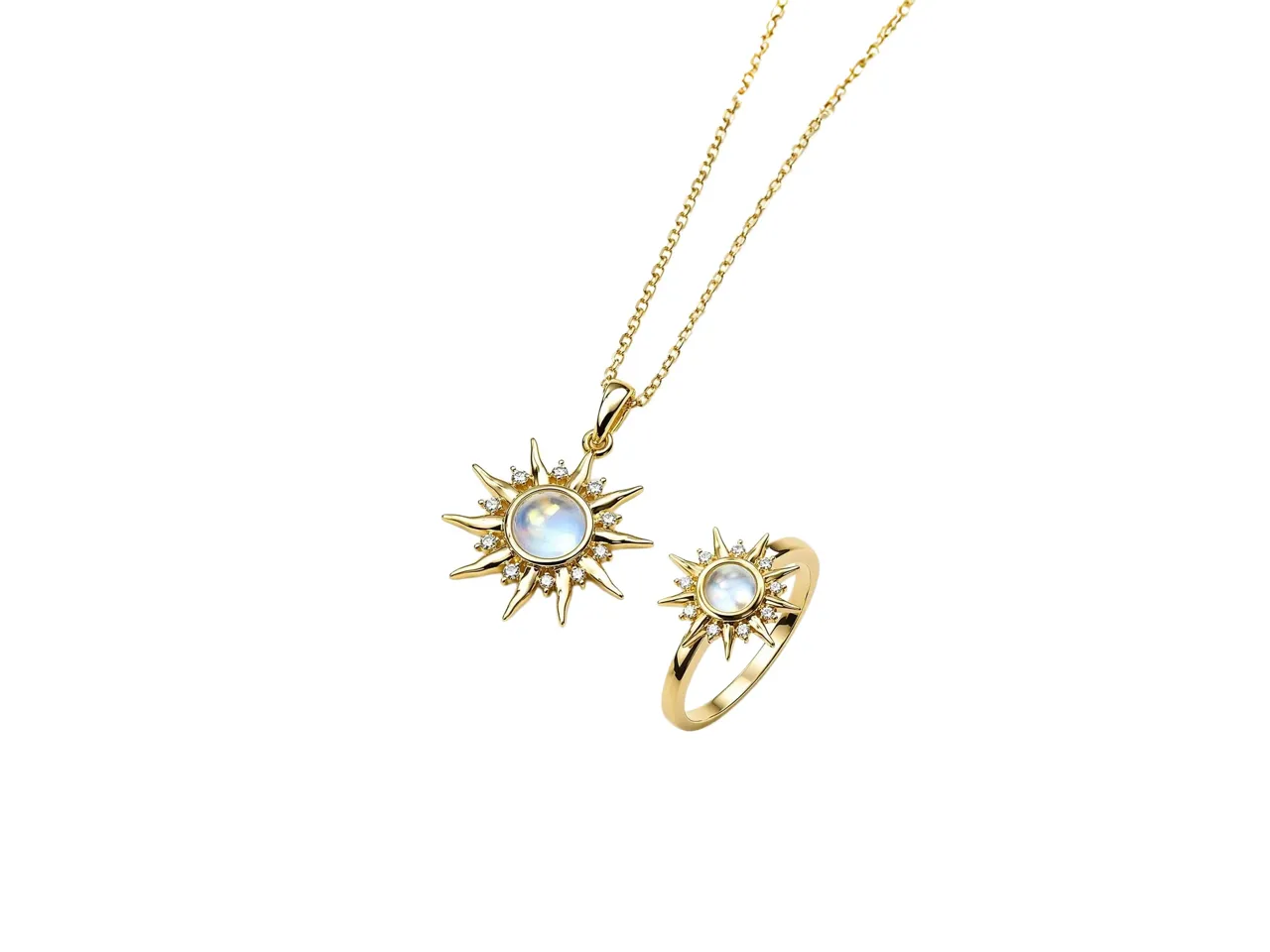
I was worried a white background edit would flatten the metal and lose sparkle. The chains and gems still looked like my product, just on a clean white backdrop.