
Create Product Variant Images from Your Own Photos
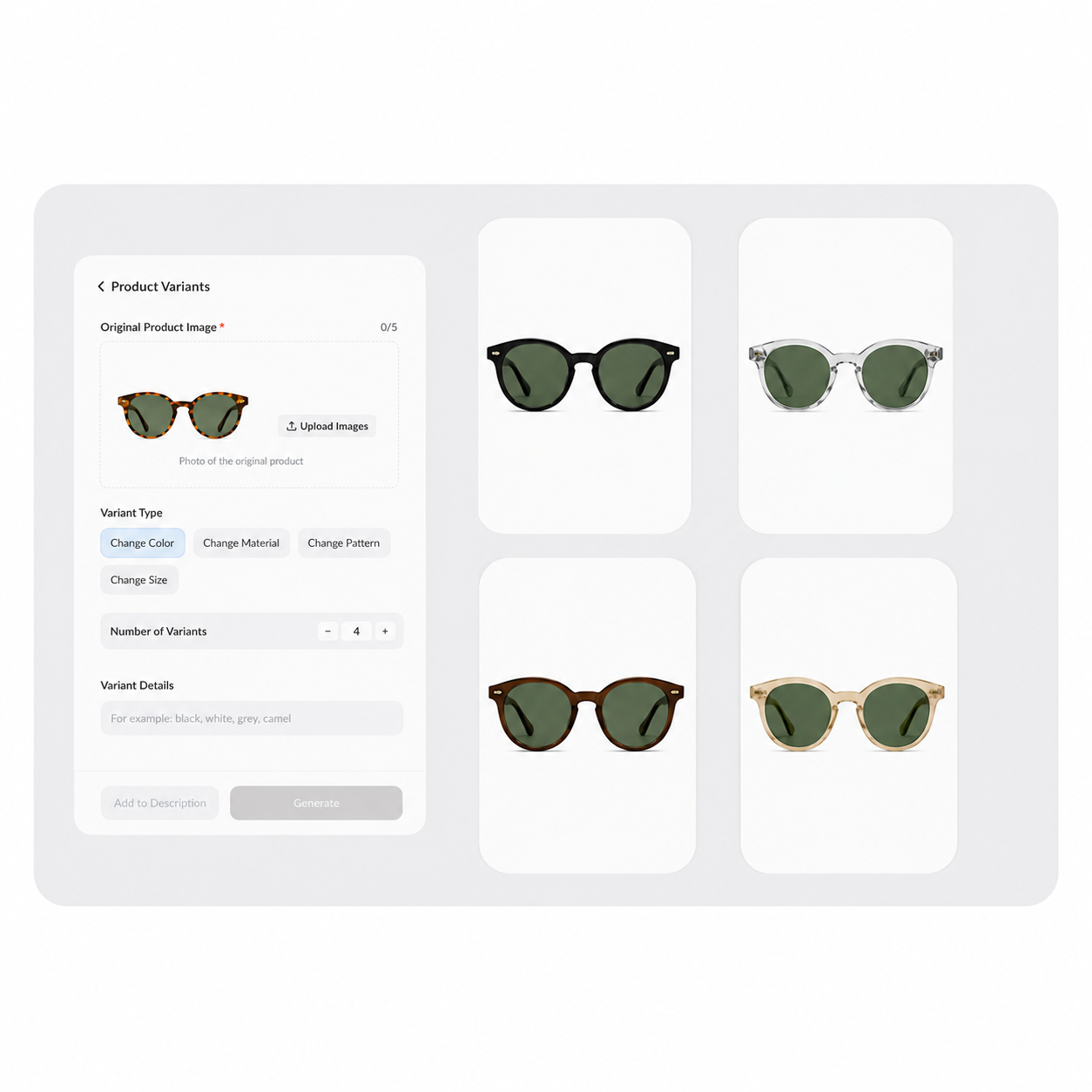
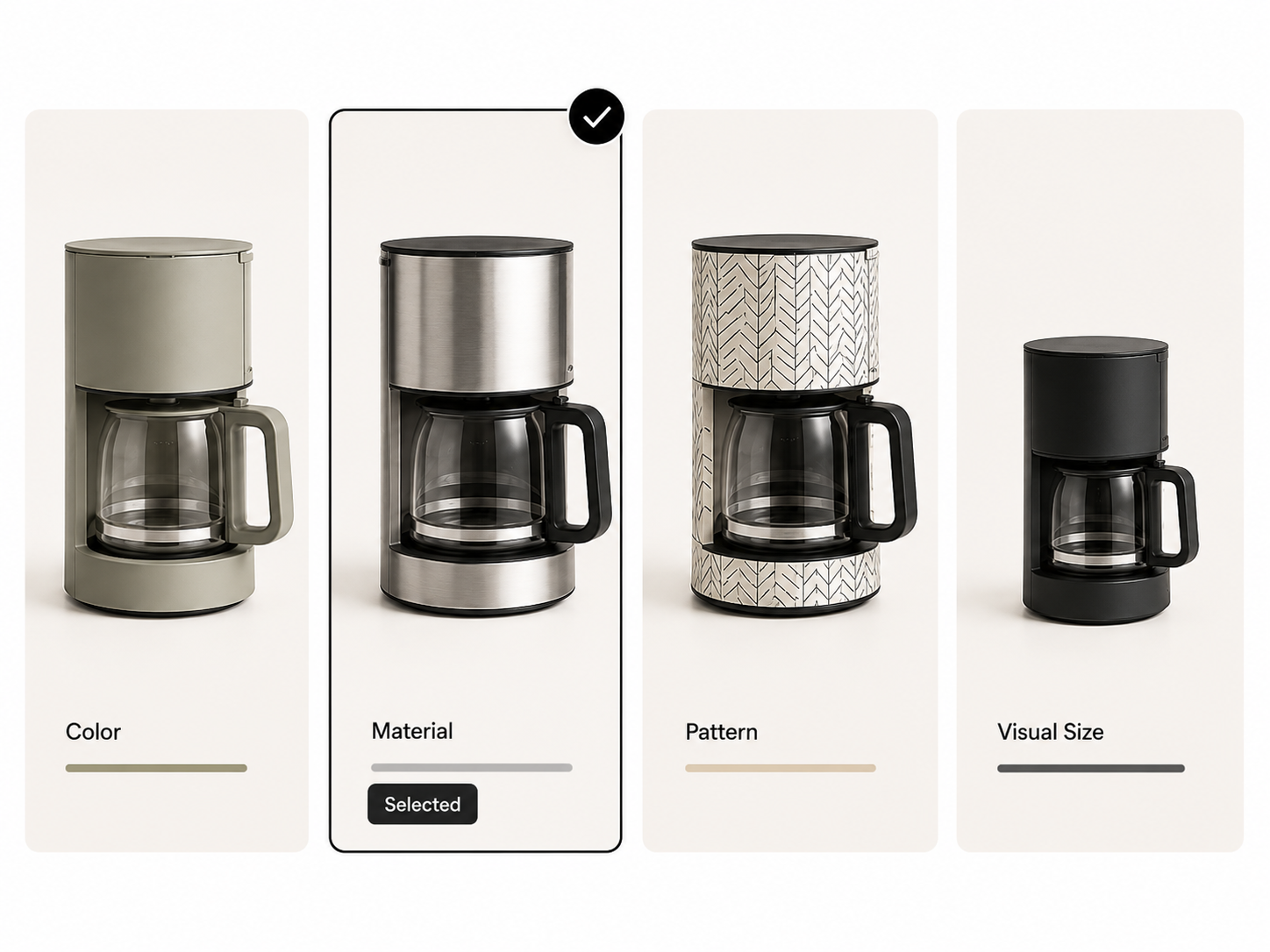
See Product Variants Across Four Attributes
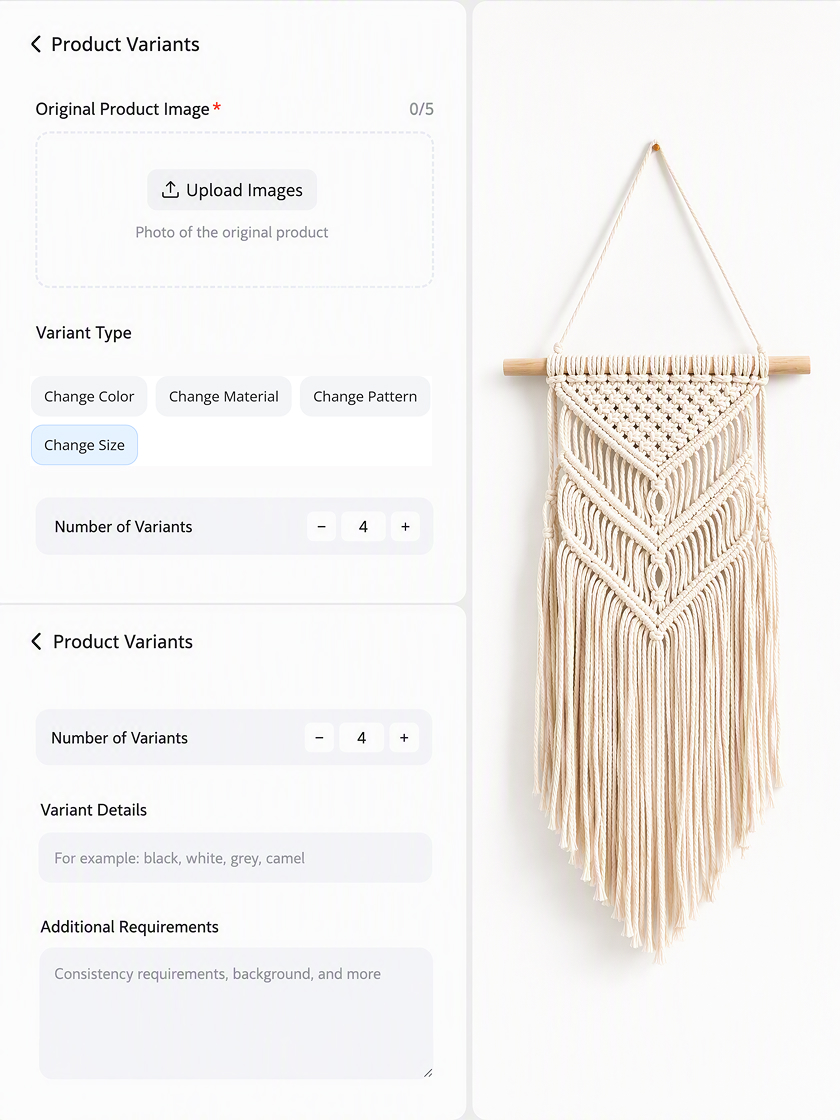
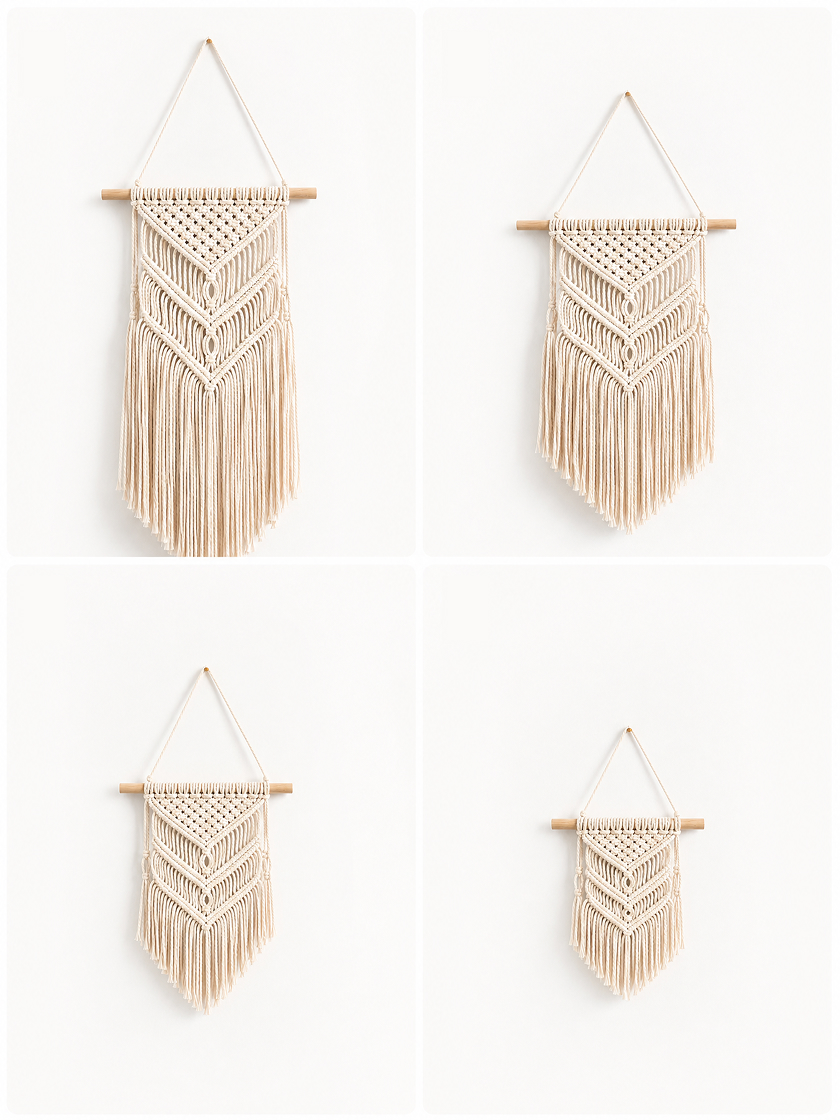
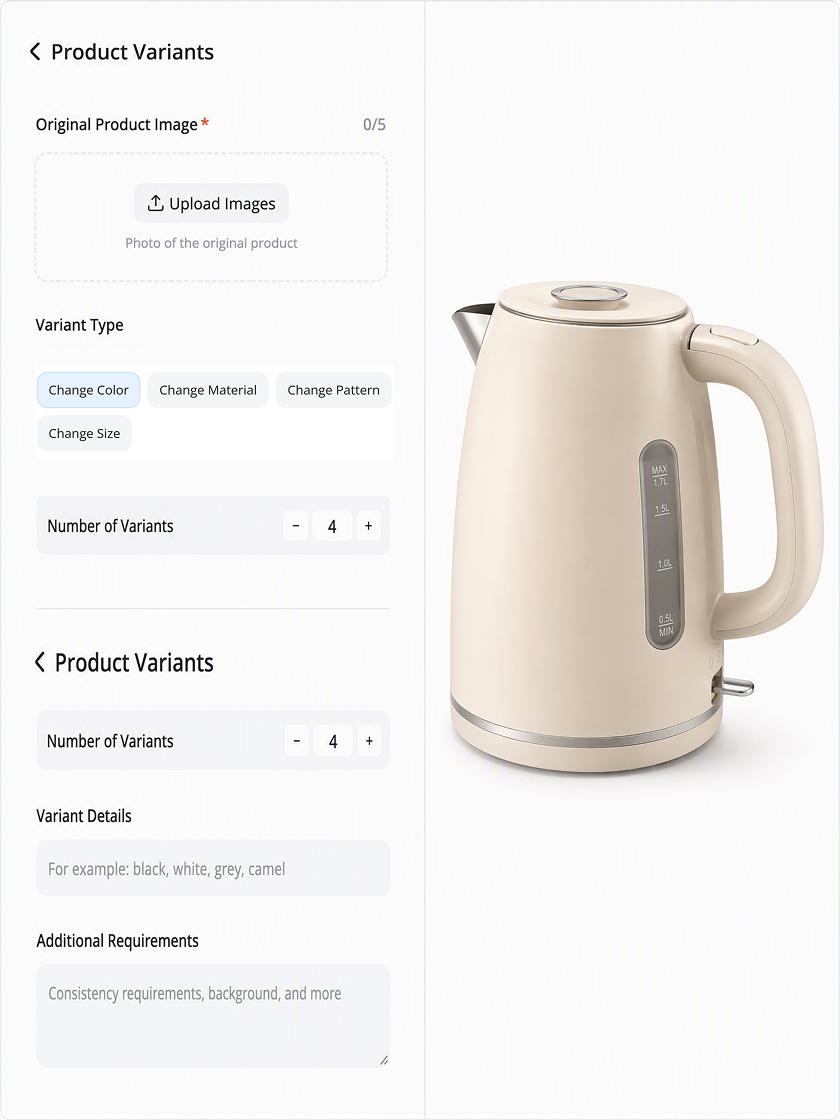
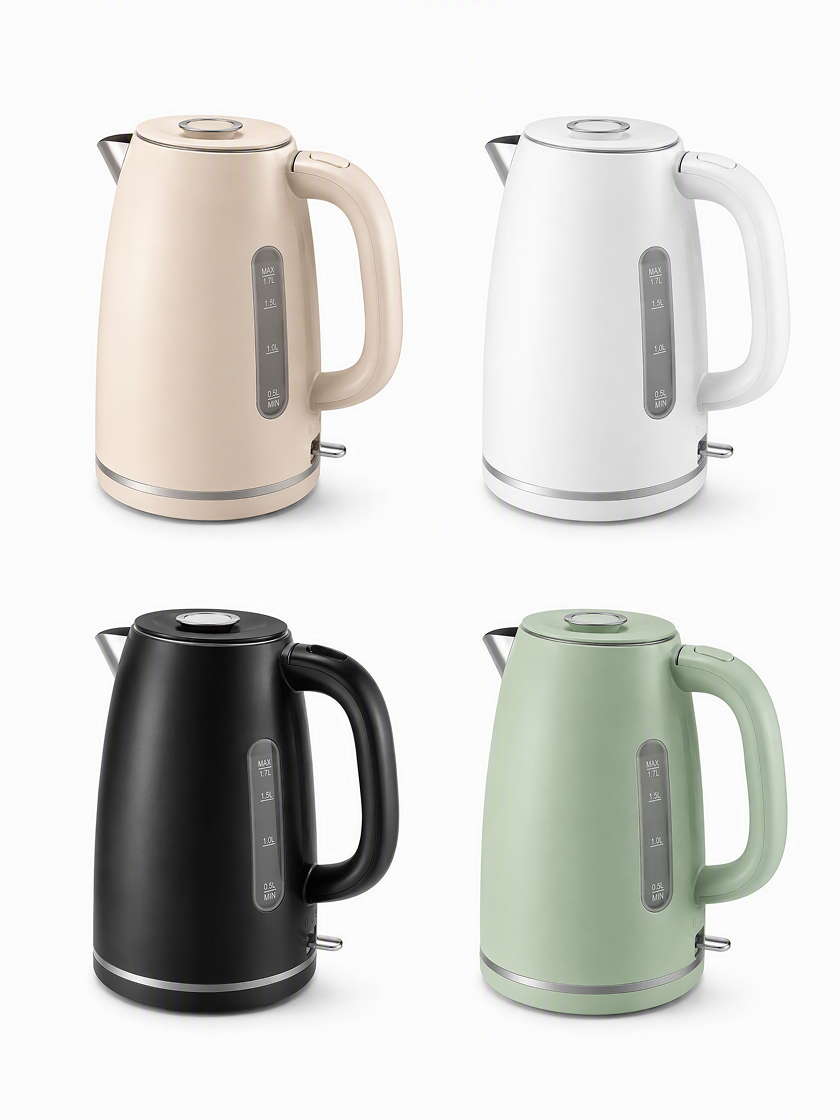
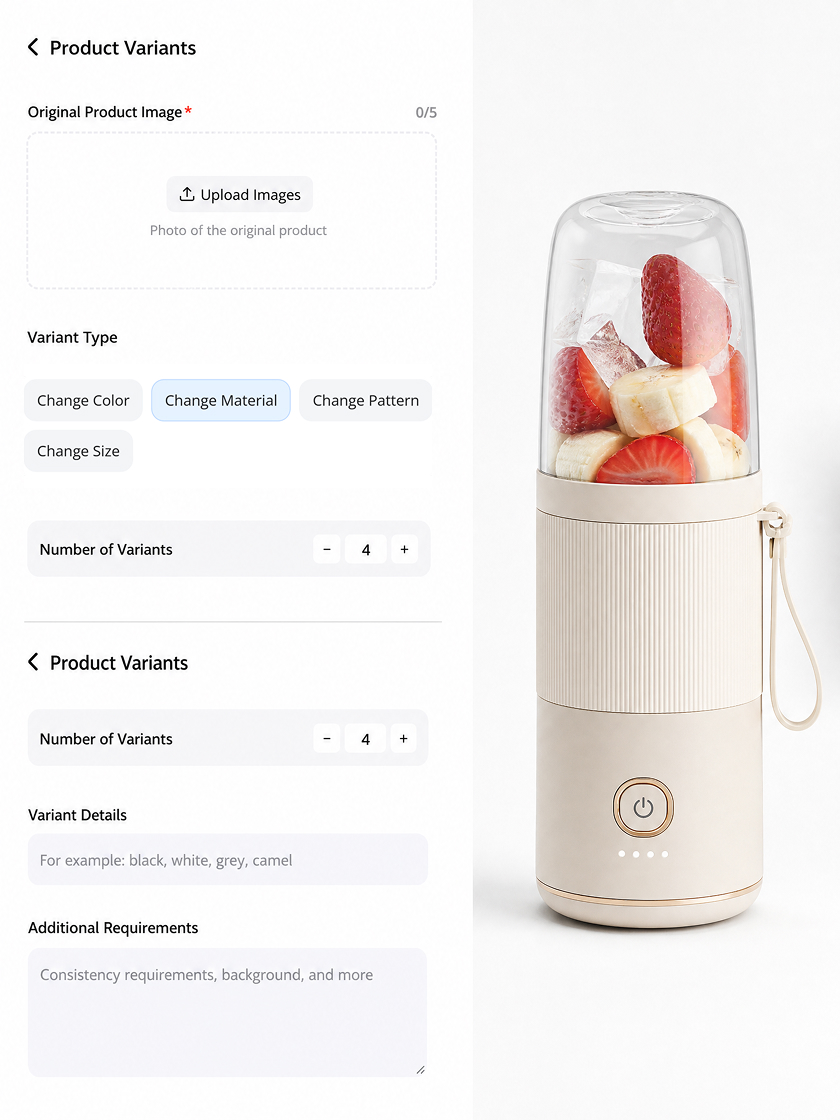
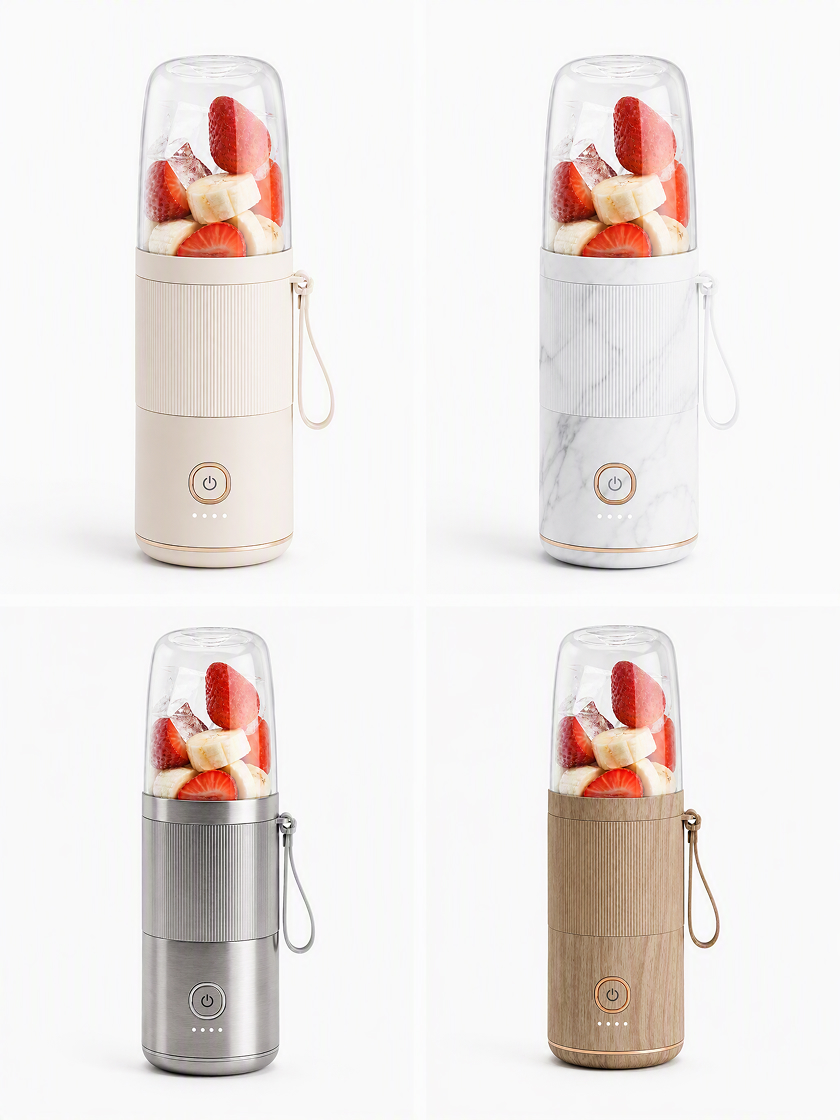
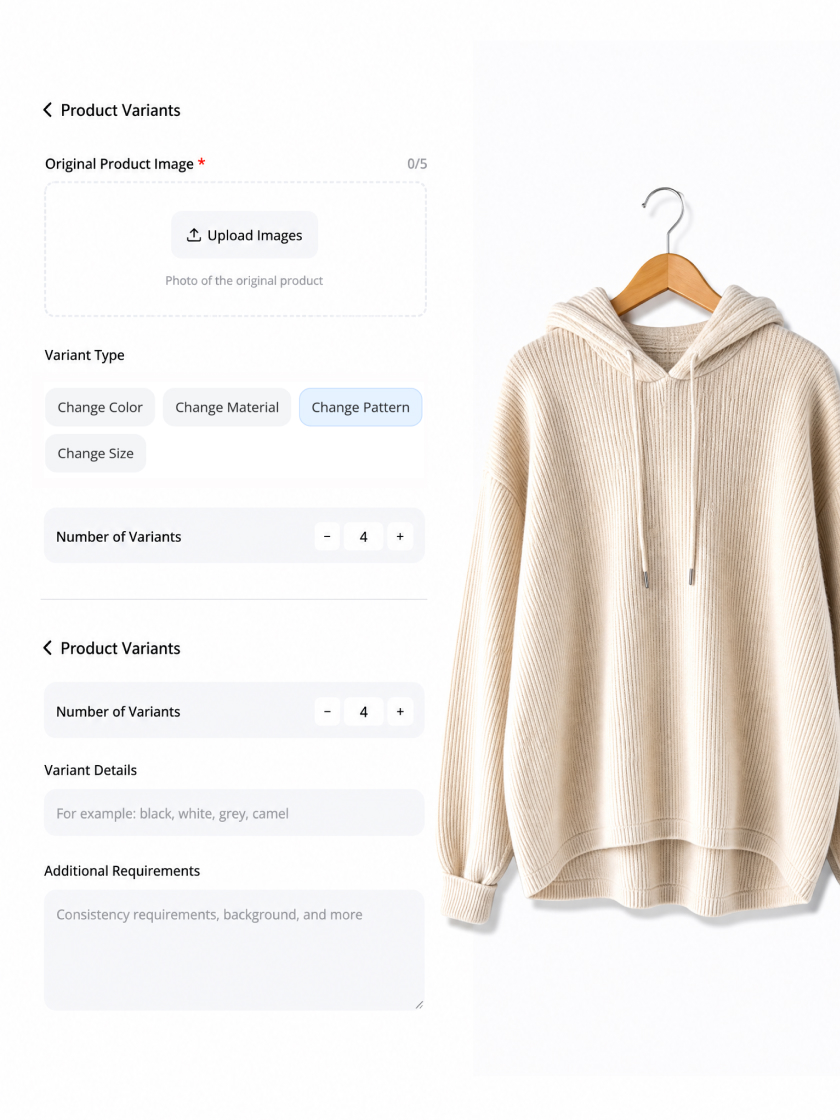
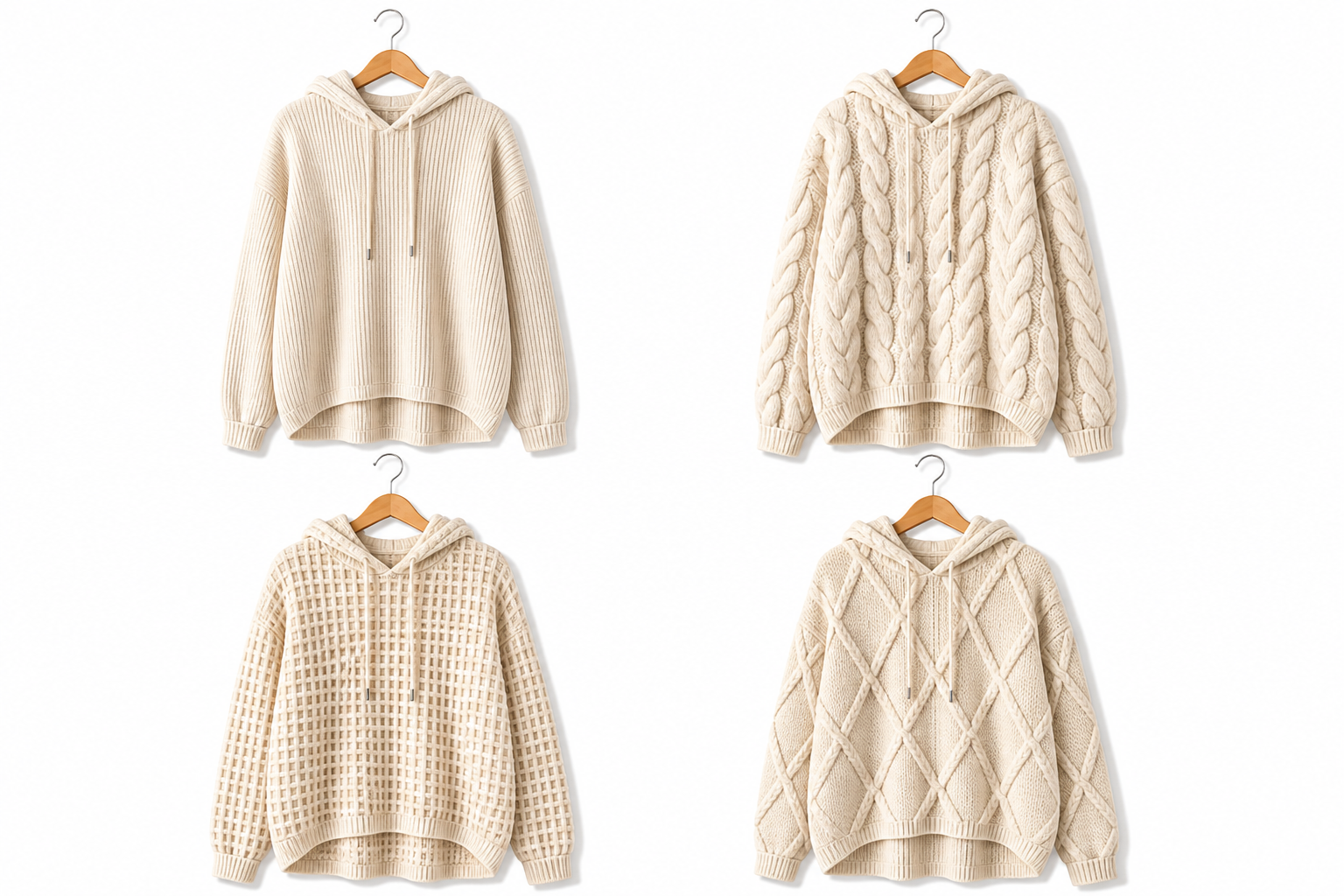
How to Visualize Product Options in 3 Steps
Upload Product Photos
Add one to five clear photos of the same item. Include another view when a defining shape or surface is hidden in the first image.
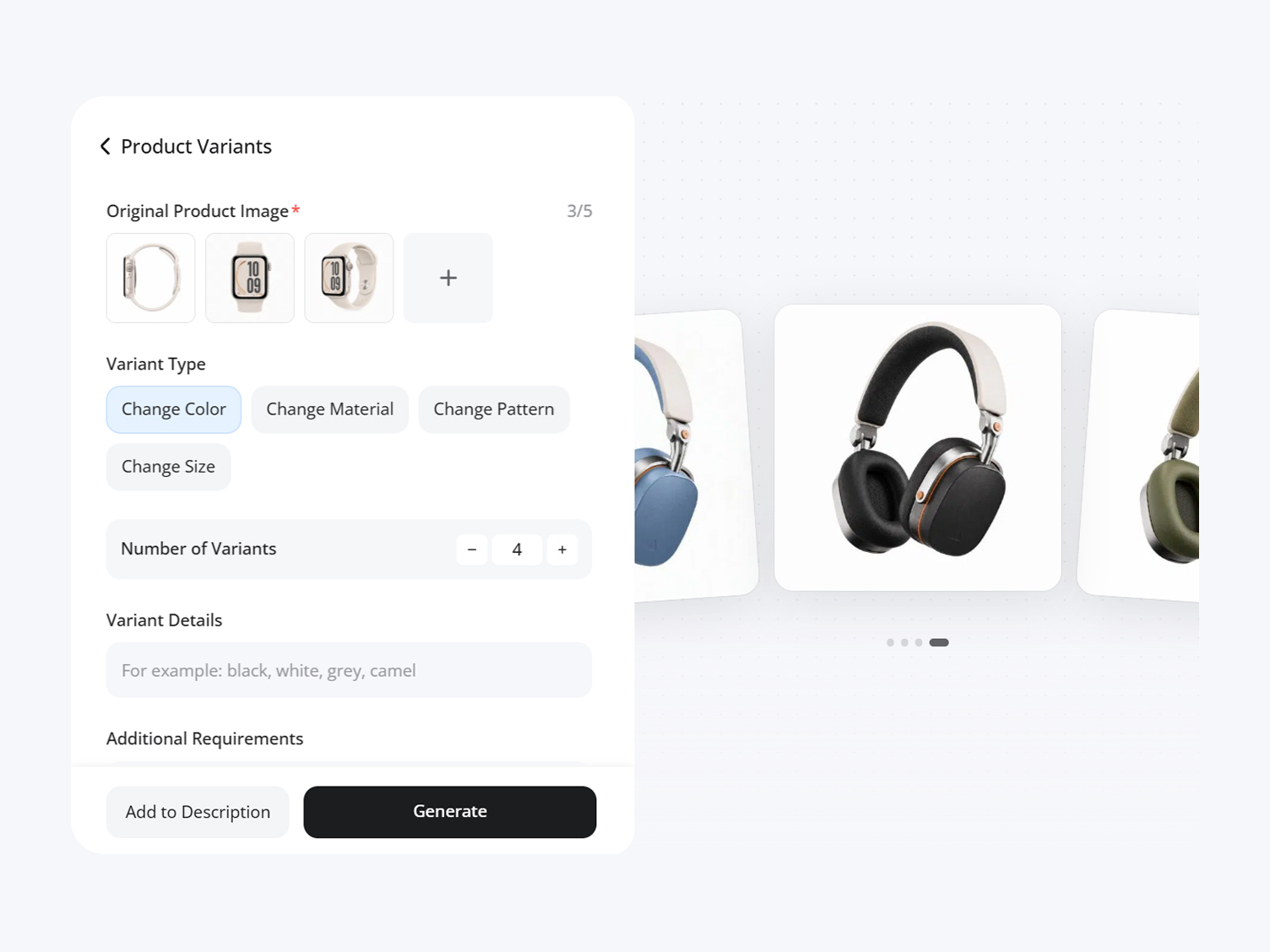
Choose an Attribute
Select one supported attribute, set how many options you need, then describe the specific product variation you want Designkit to consider.
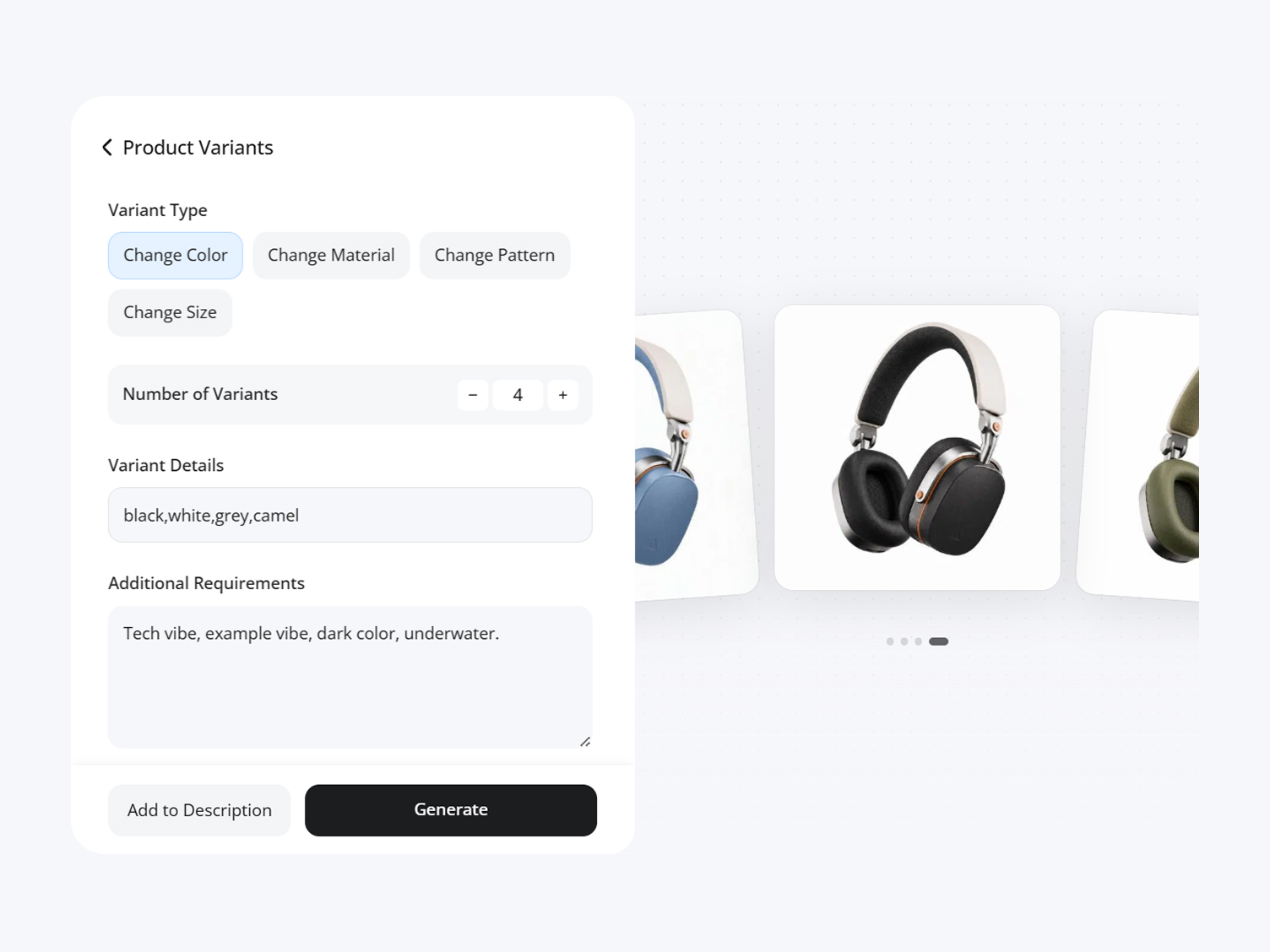
Confirm the Options
Check the proposed names and descriptions. Keep the useful options, replace an unsuitable one, and confirm the variants to generate.
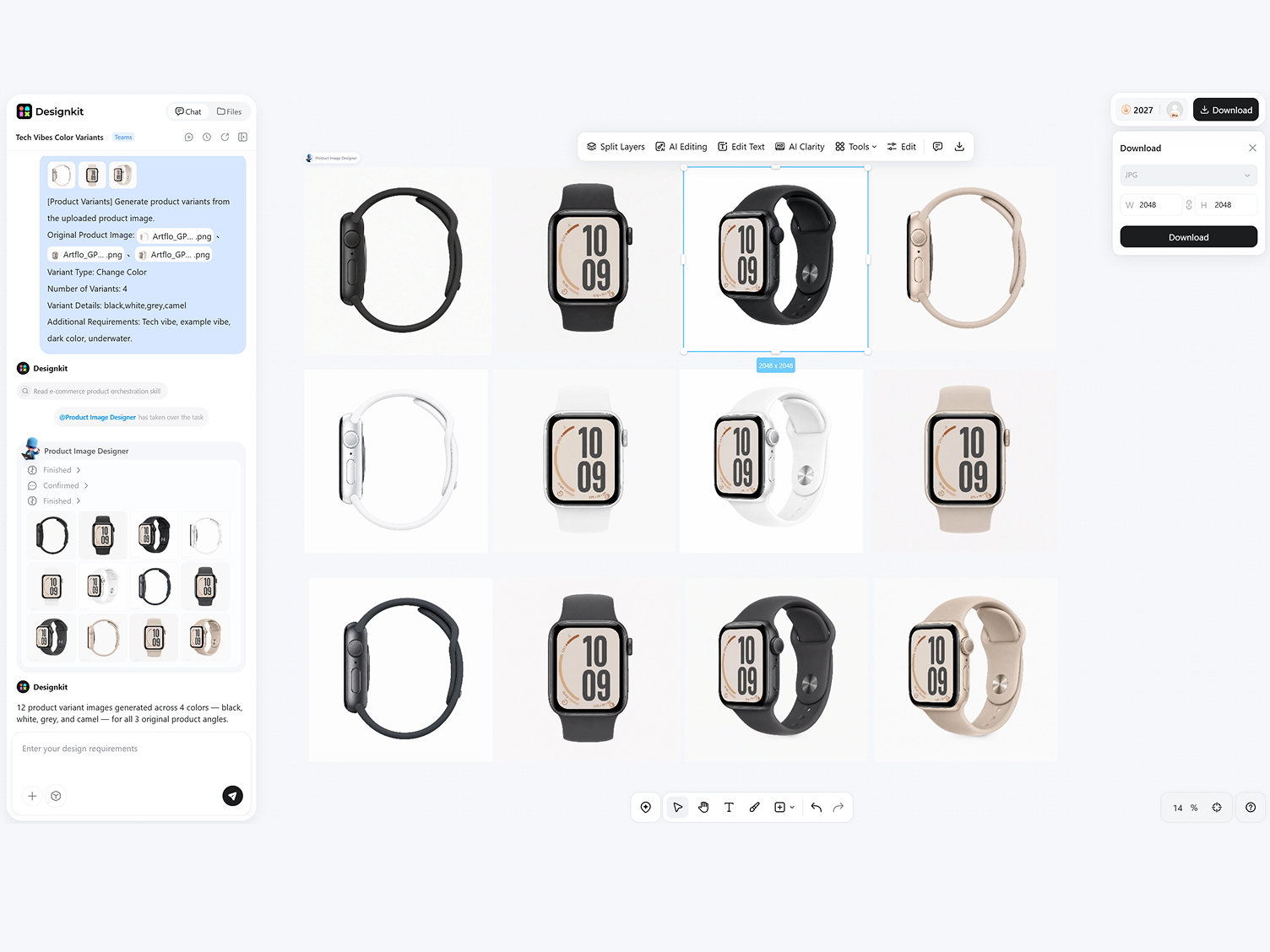
Keep Product Variations Focused and Reviewable
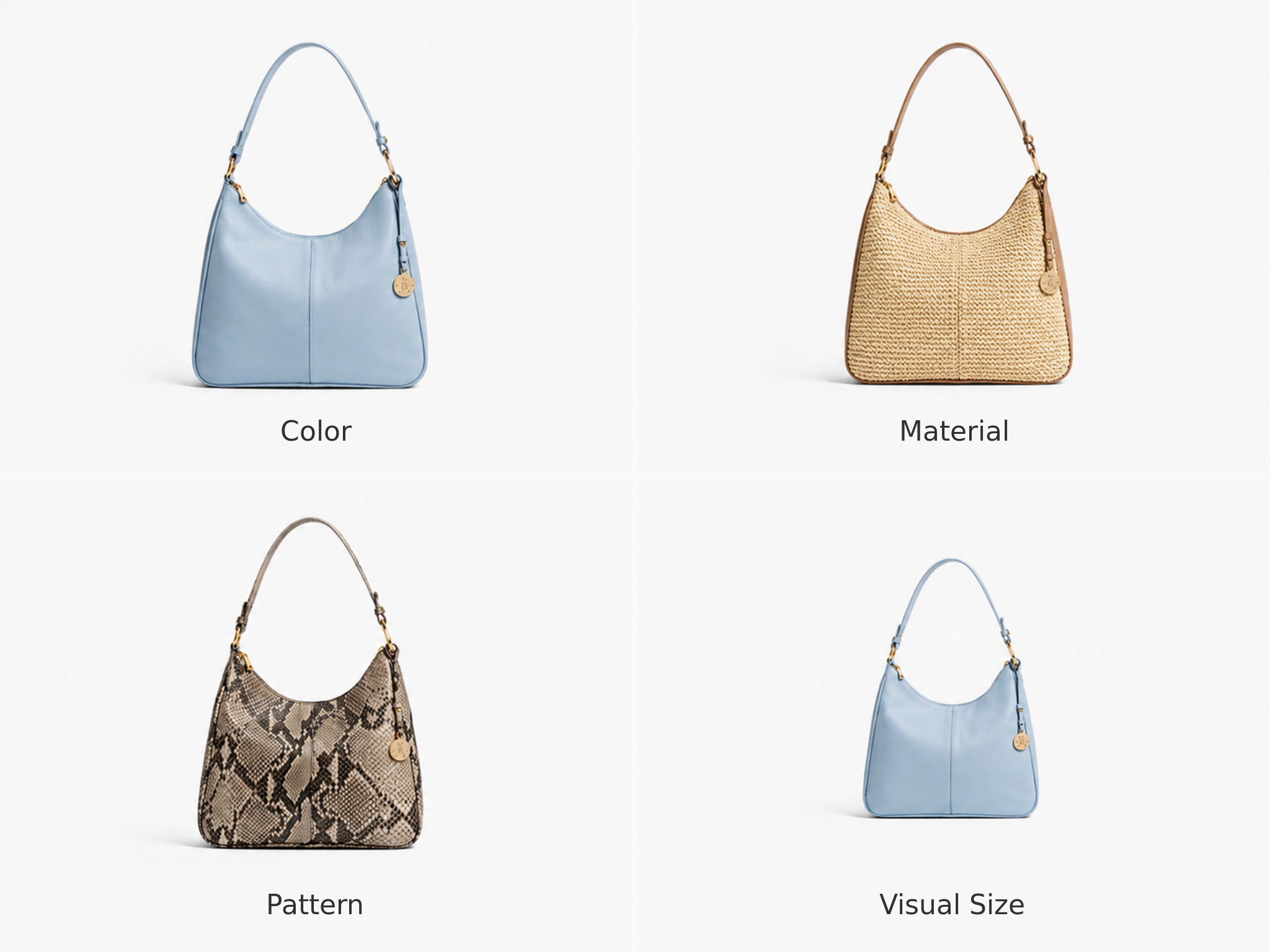
Choose the Product Attribute to Change
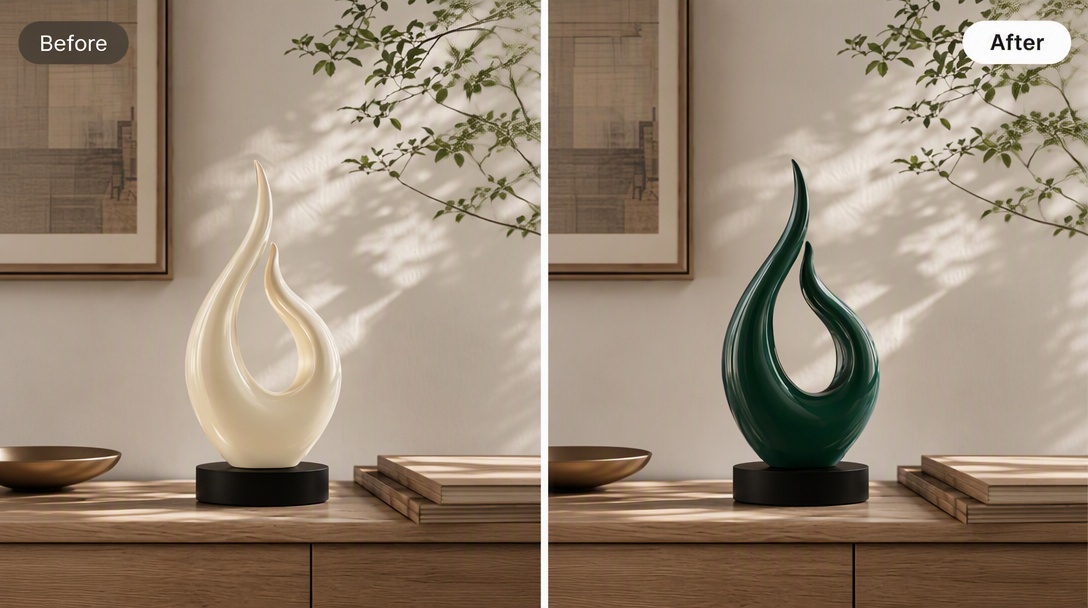
Generate color, material, pattern, or visual size versions while keeping the task tied to one selected attribute. The resulting group is easier to compare because every option answers the same product question.
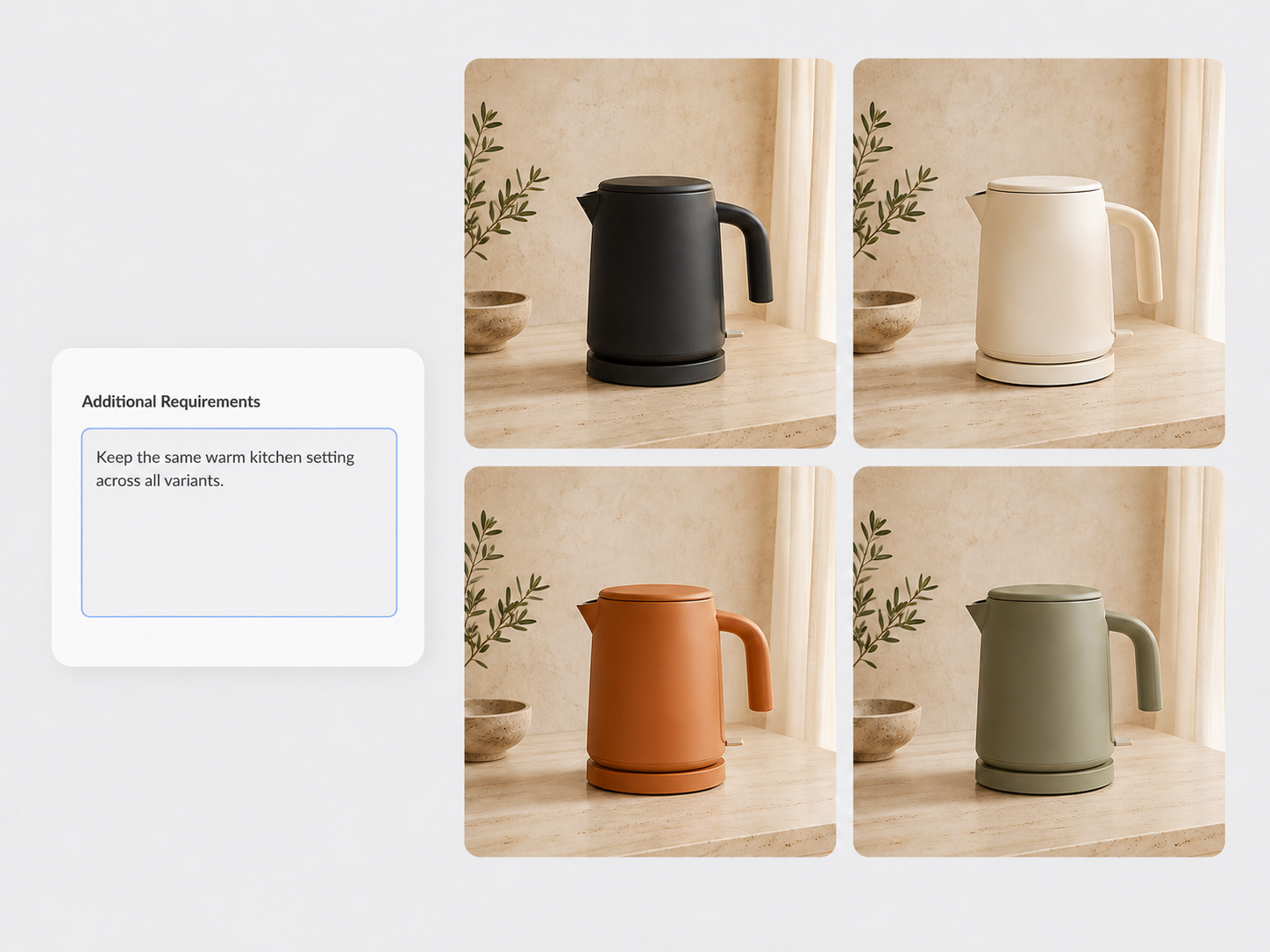
Add Requirements for the New Variant
Upload up to five product photos when one angle leaves an important feature unclear. Additional views give Designkit more context for the item's form and surface while every result remains AI-generated.
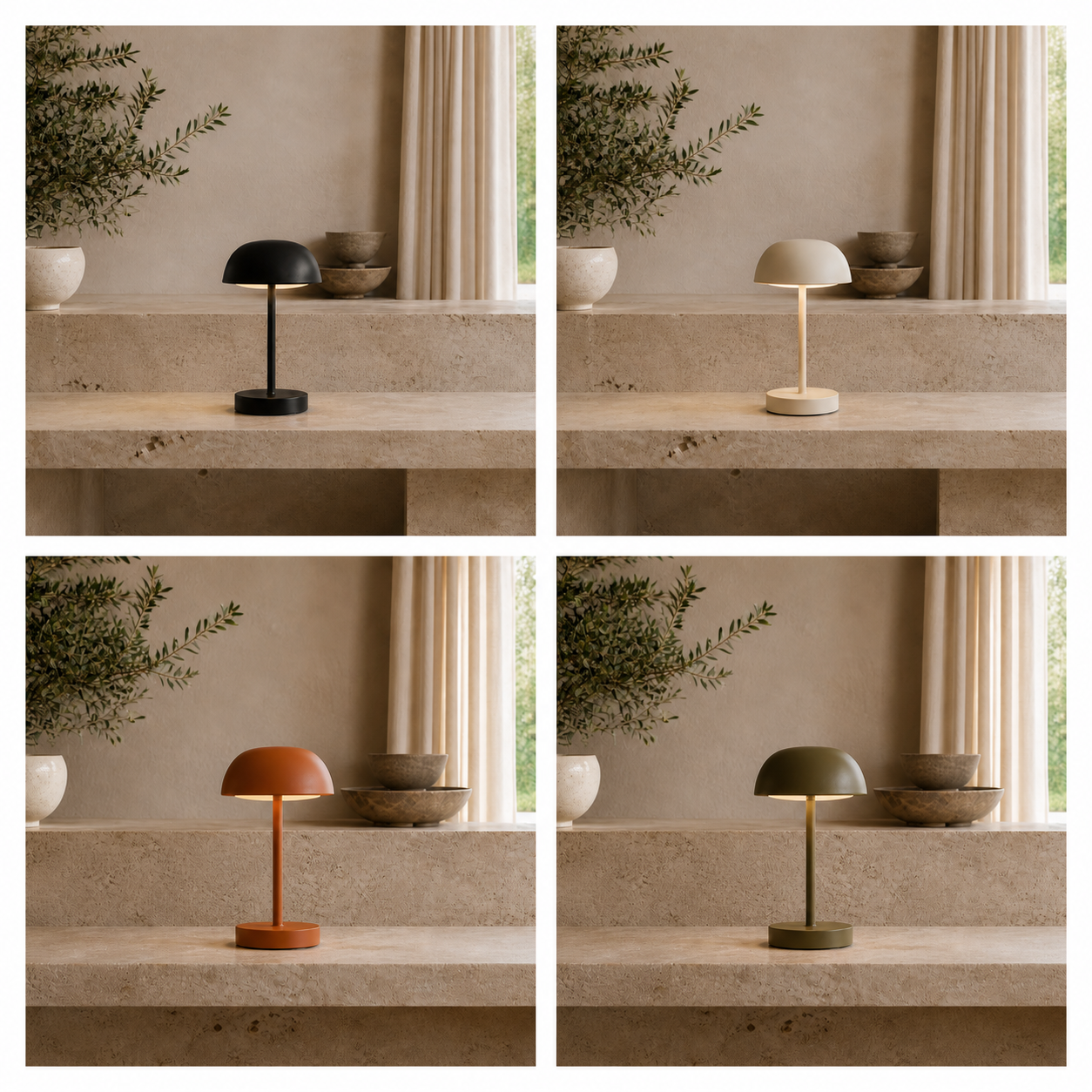
Set Background and Consistency Preferences
Use Additional Requirements for preferences that apply across the generated group rather than to the selected attribute. Add a brief note about the background or overall consistency to guide the final presentation.
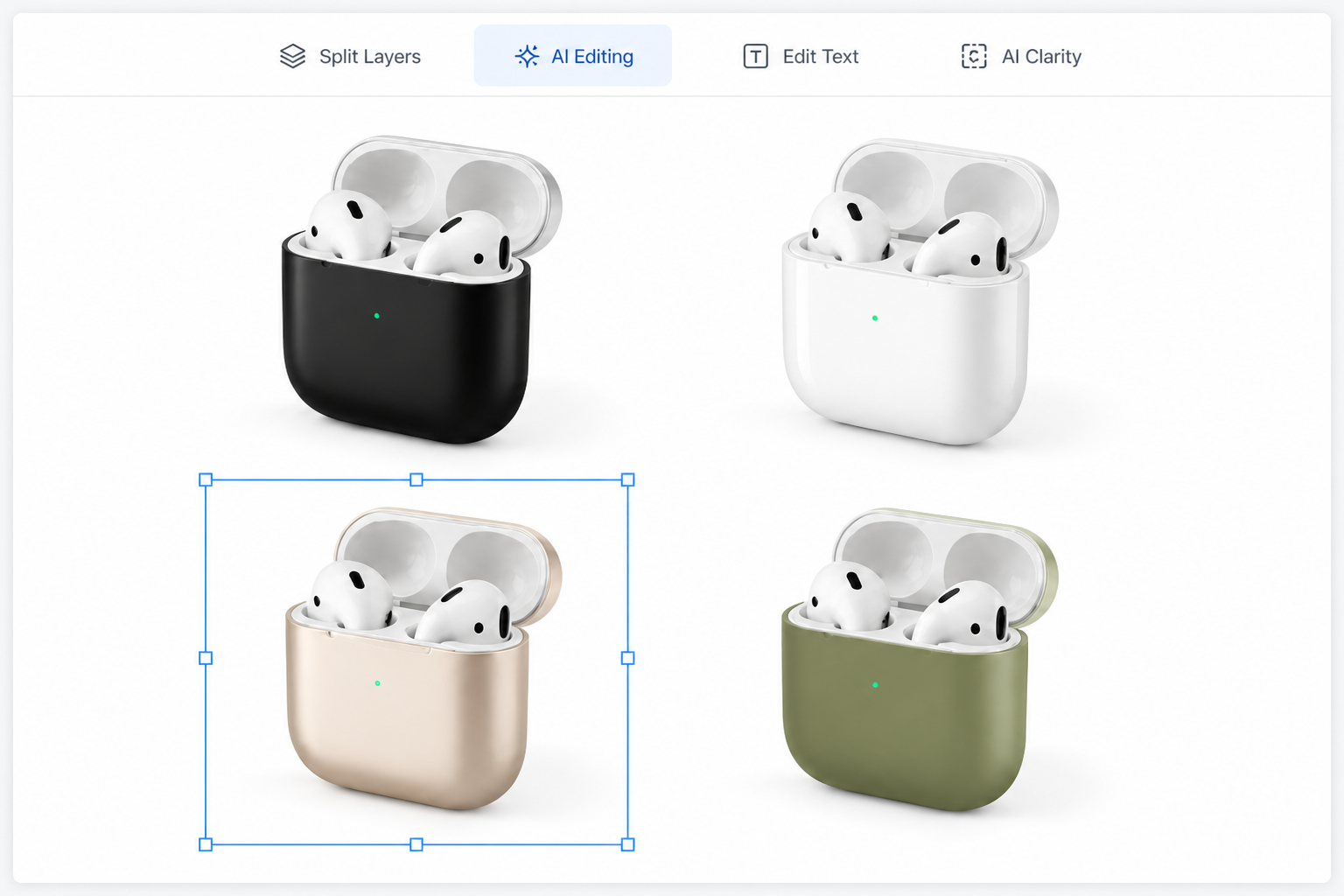
Edit Generated Variants on the Canvas
Generated variants appear on the Designkit canvas instead of ending on a separate result page. Select a promising image and continue with AI Editing, Split Layers, or AI Clarity when further work is needed.
Product Variant Images for Commercial Teams
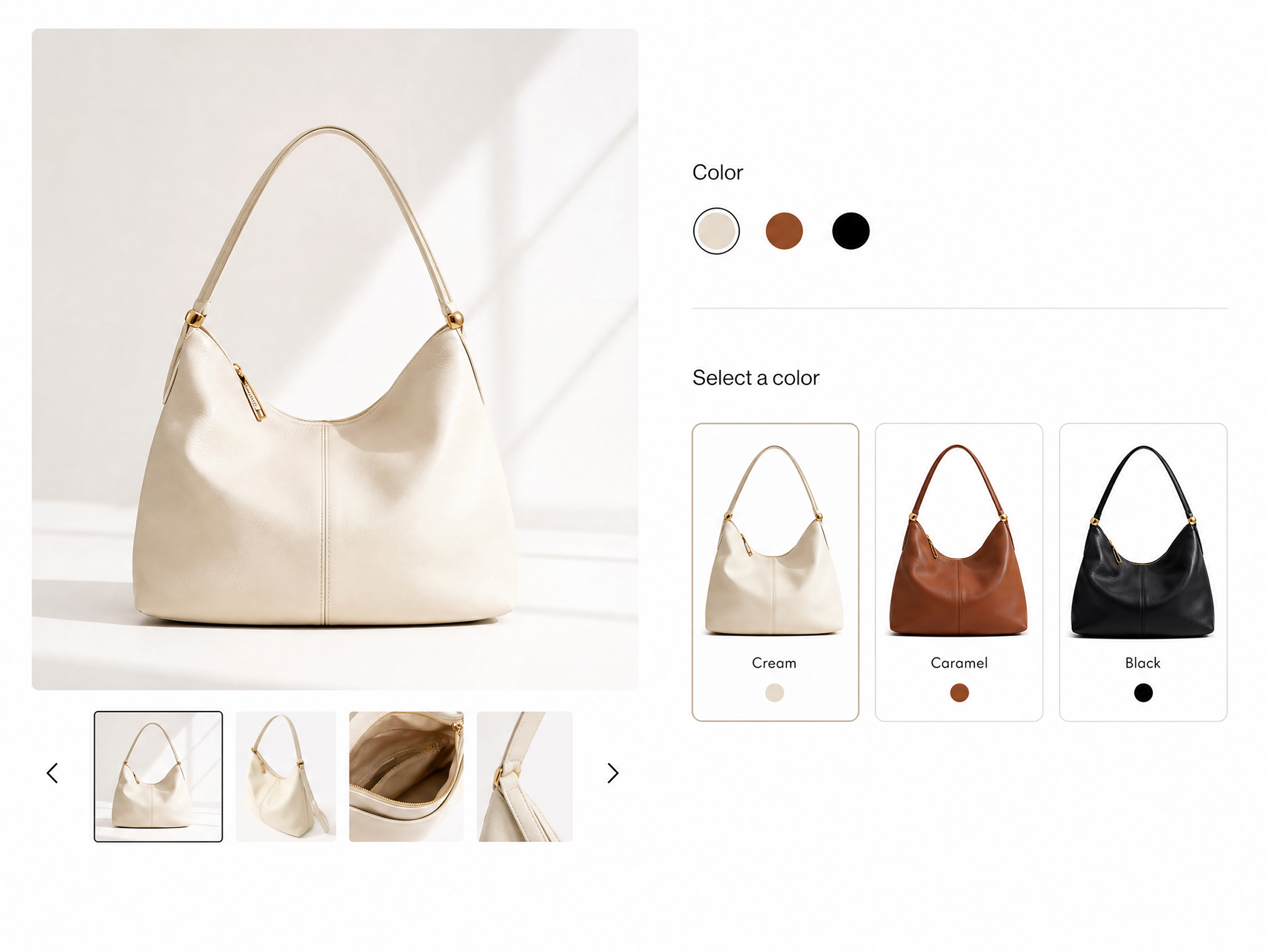
Fill Missing Listing Images
A Shopify or Amazon listing may include an option that has no dedicated photo yet. Generate a provisional image for that variant, assess the gap, and decide what the final photography or listing update requires.
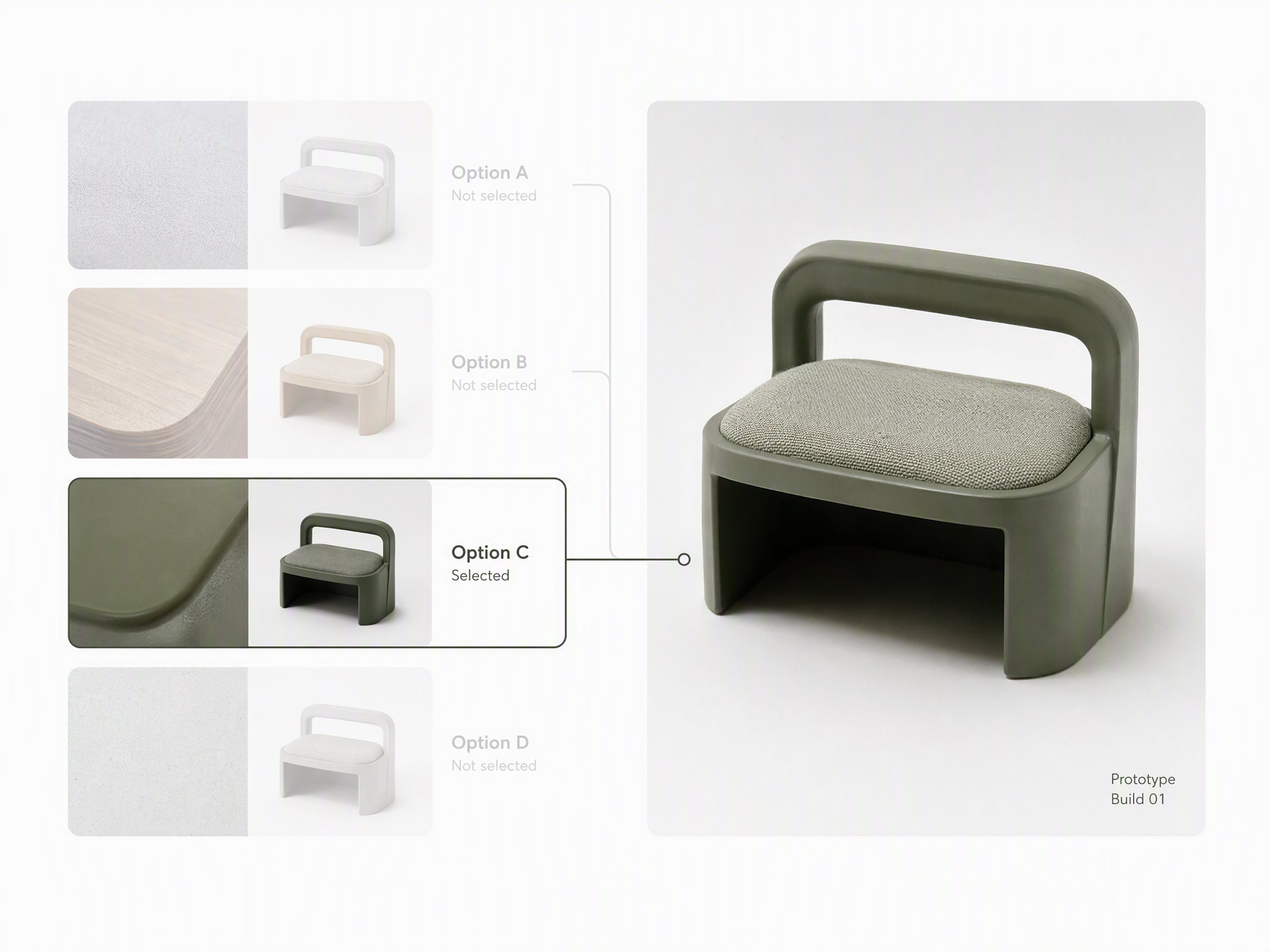
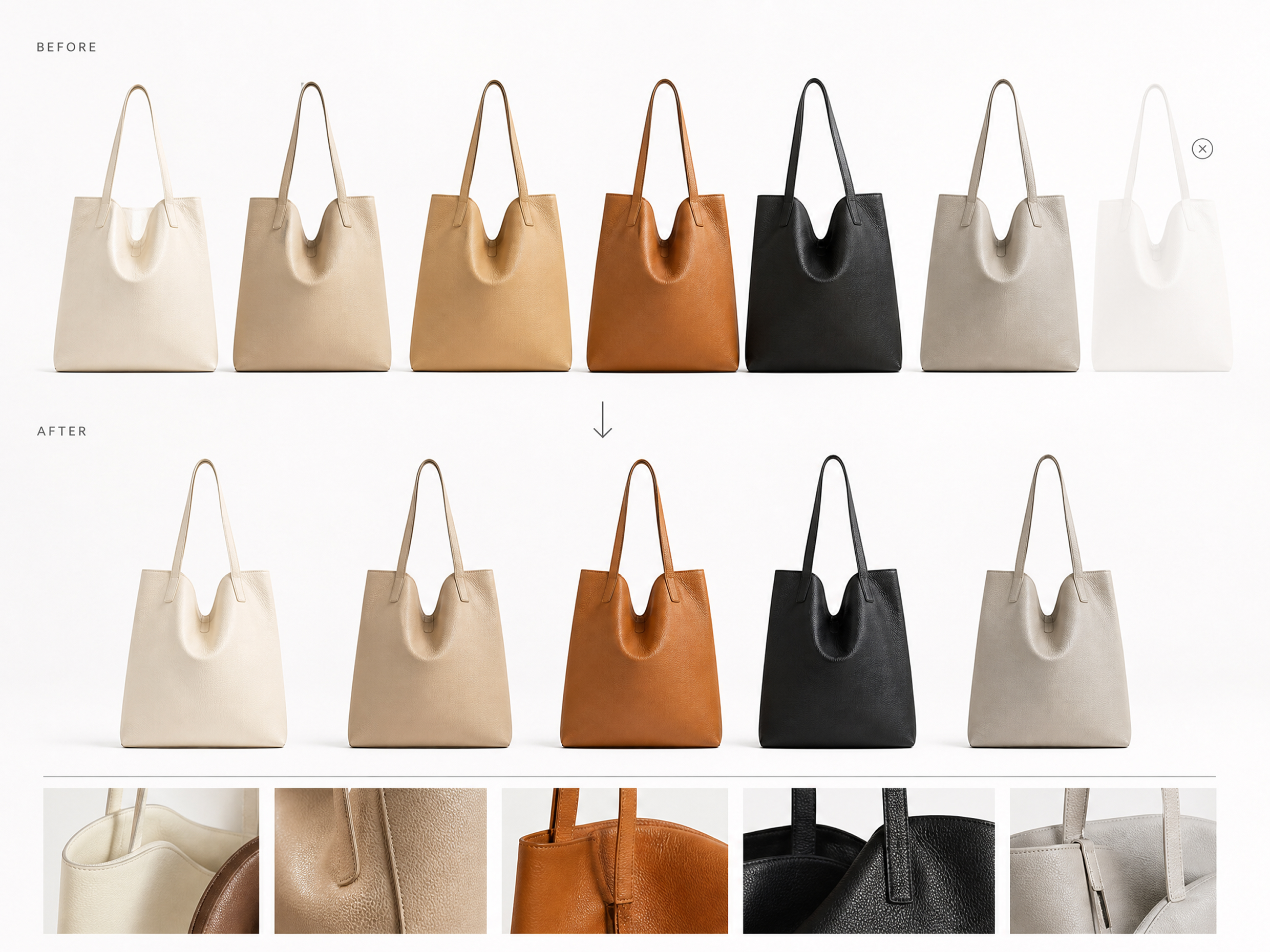
Why Choose Designkit for Product Variant Images

Avoid Blank-Slate Guesswork
Use existing product photos to keep each generated variation connected to a recognizable base item, not a newly invented concept.
Review Before Reshooting
Compare proposed finishes before a reshoot, then focus photography on the options worth developing further.
Visualize Before SKU Setup
Visualize proposed variants before SKU setup, while prices, inventory, and listing records are still being prepared.
Unlock More Creative Possibilities
AI Color Changer
AI Beauty Photo Editor
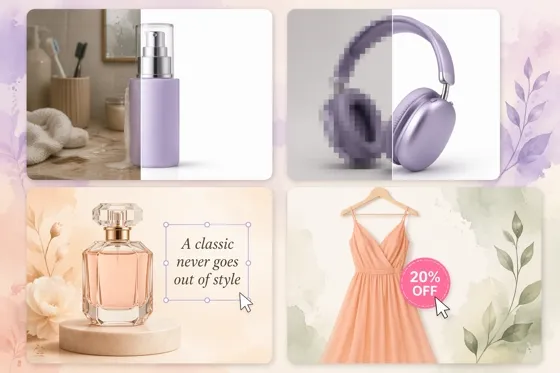
AI Product Photo Editing Tool
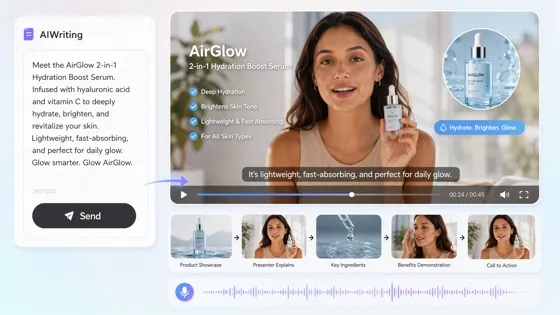
Script to Video AI
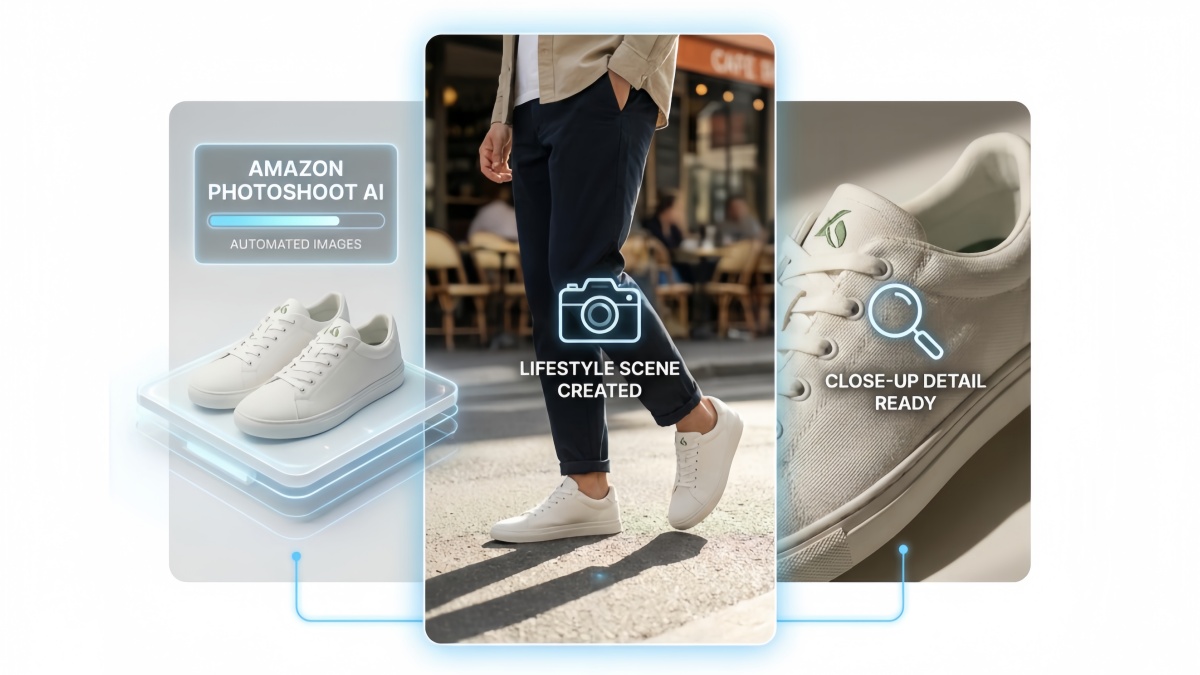
Amazon Photoshoot AI

Bulk Background Generator
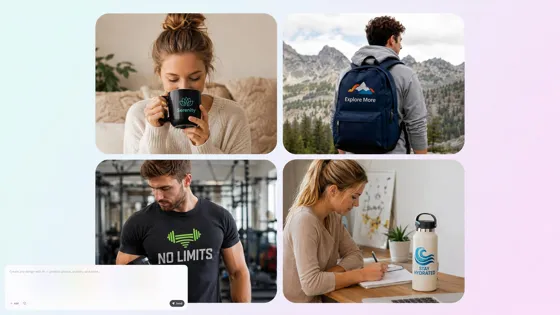
Mockup Generator

Bulk Image Enhancer
Frequently Asked Questions
What does the Product Variants tool create?
Which product attributes can I change?
Product Variants supports color, material, pattern, and visual size changes. Visual size is intended for appearance and relative scale exploration, not exact measurements, size charts, or manufacturing specifications.
How many original product images can I upload?
You can upload one to five original product images. One clear photo may be enough for a simple task, while additional angles can provide more context when important product details are not visible in a single view.
Can I review the options before images are generated?
Yes. Designkit presents named variant directions before generation. You can select or deselect the proposed options and add or modify a direction before confirming which images should be created.
Will each variant preserve the original product exactly?
The uploaded photos provide the visual basis for each variation, but the results are AI-generated and may not reproduce every detail exactly. Check product shape, labels, and other defining features before using an image in a commercial workflow.
Can I use the images for Shopify or Amazon listings?
Generated images can support listing preparation, but every result should be checked against product accuracy and the platform's current image rules before publishing. Designkit does not connect to or publish directly on Shopify or Amazon.
Create Images for Your Product Variants
Use your free credits to visualize an unshot product option and decide if it deserves a final sample, photo shoot, or listing update.



What Teams Say About Designkit for Variant Images
Teams use generated variants to resolve a different question at each stage of product planning.
The Listing Gap Became Visible
One finish in our assortment had no dedicated image, so it kept disappearing from listing reviews. We generated a provisional version and placed it beside the photographed options. The team could finally assess the gap and plan the next shoot around it.
Similar Finishes Left Early
We were preparing samples for five material options, but two looked almost interchangeable once visualized. Removing the weaker directions from the sampling brief let us spend the next round on finishes that made a meaningful difference.
The Buyer Saw the Full Range
Two planned finishes had no photography when we built the retailer presentation. Provisional variants let us show the intended range as one group, with clear notes that final images were pending. The buyer could respond to the assortment rather than an incomplete deck.
The Client Chose One Route
The client kept asking for a warmer treatment but could not define it in words. Several named variants gave them concrete choices. They selected one route, and the next revision followed an approved reference instead of another broad request.
One Result Needed Less Rework
One generated pattern was close, but a local area still needed correction. Since the image was already on the Designkit canvas, I continued with the selected result instead of recreating the full variant group from the original photo.