
Turn Your Ideas and Photos Into Halloween Images
Create spooky Halloween images from simple prompts or transform your photos with eerie effects, haunted scenes, and creepy portraits using Designkit.
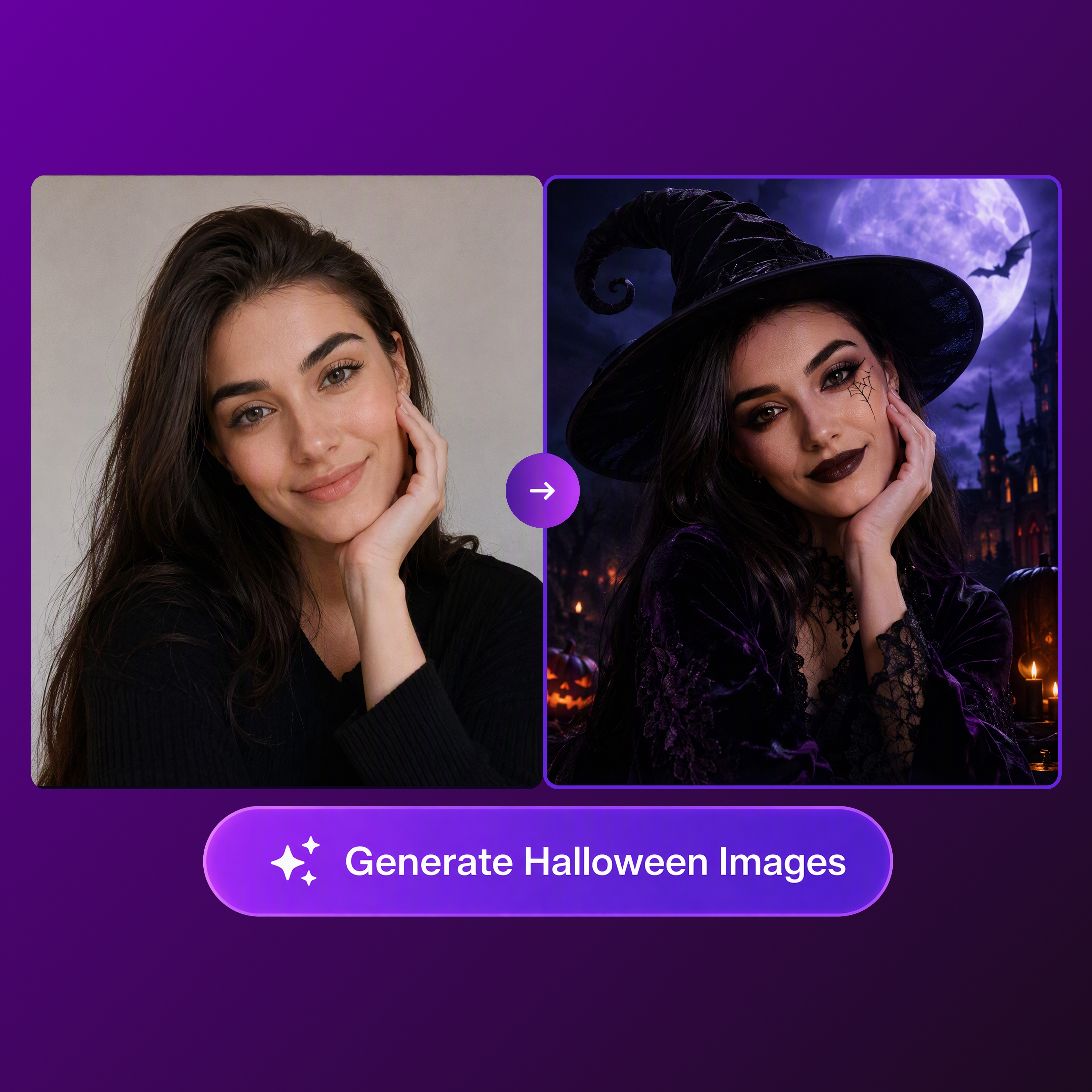
Your Halloween Imagination, Unleashed
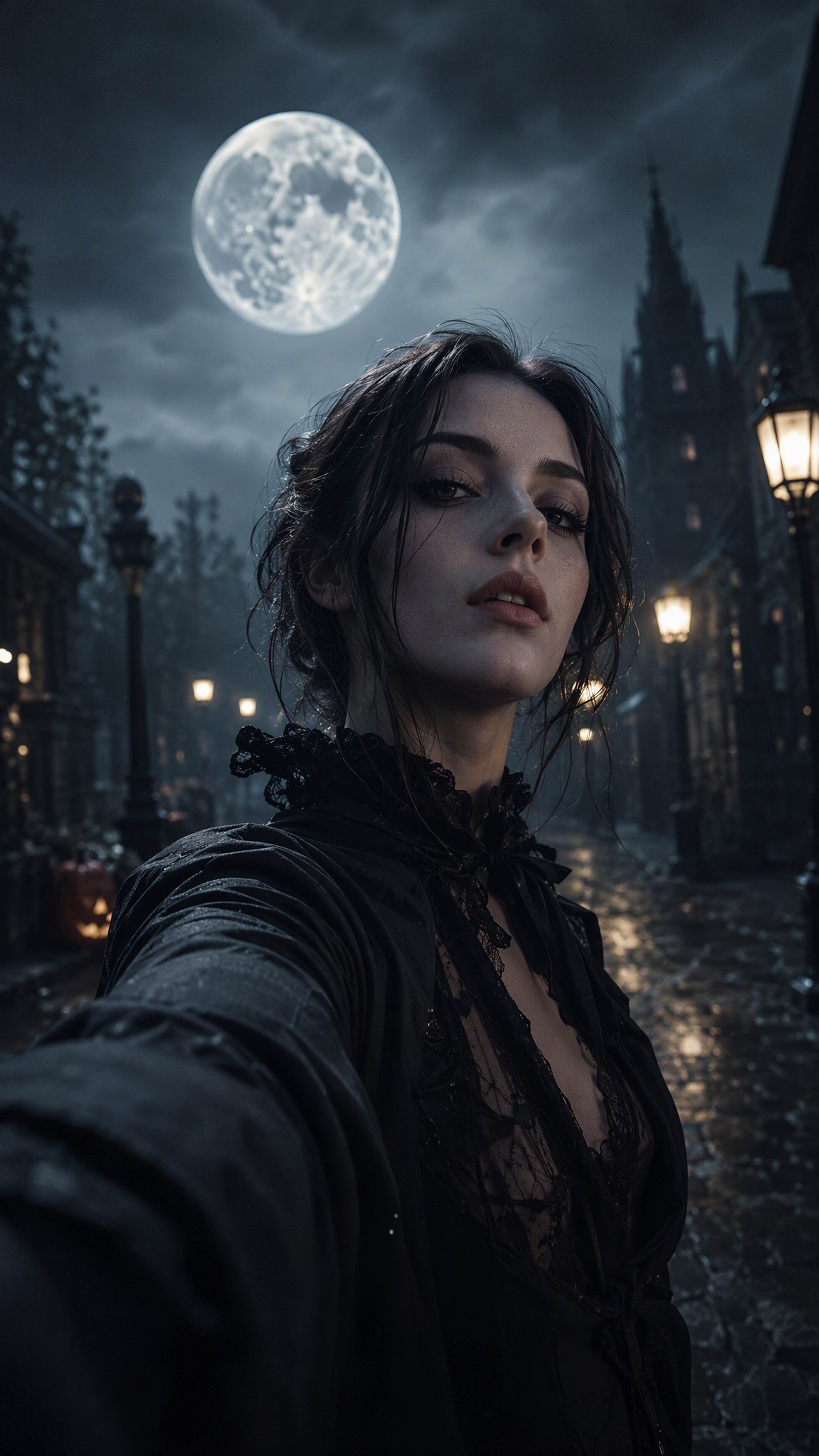
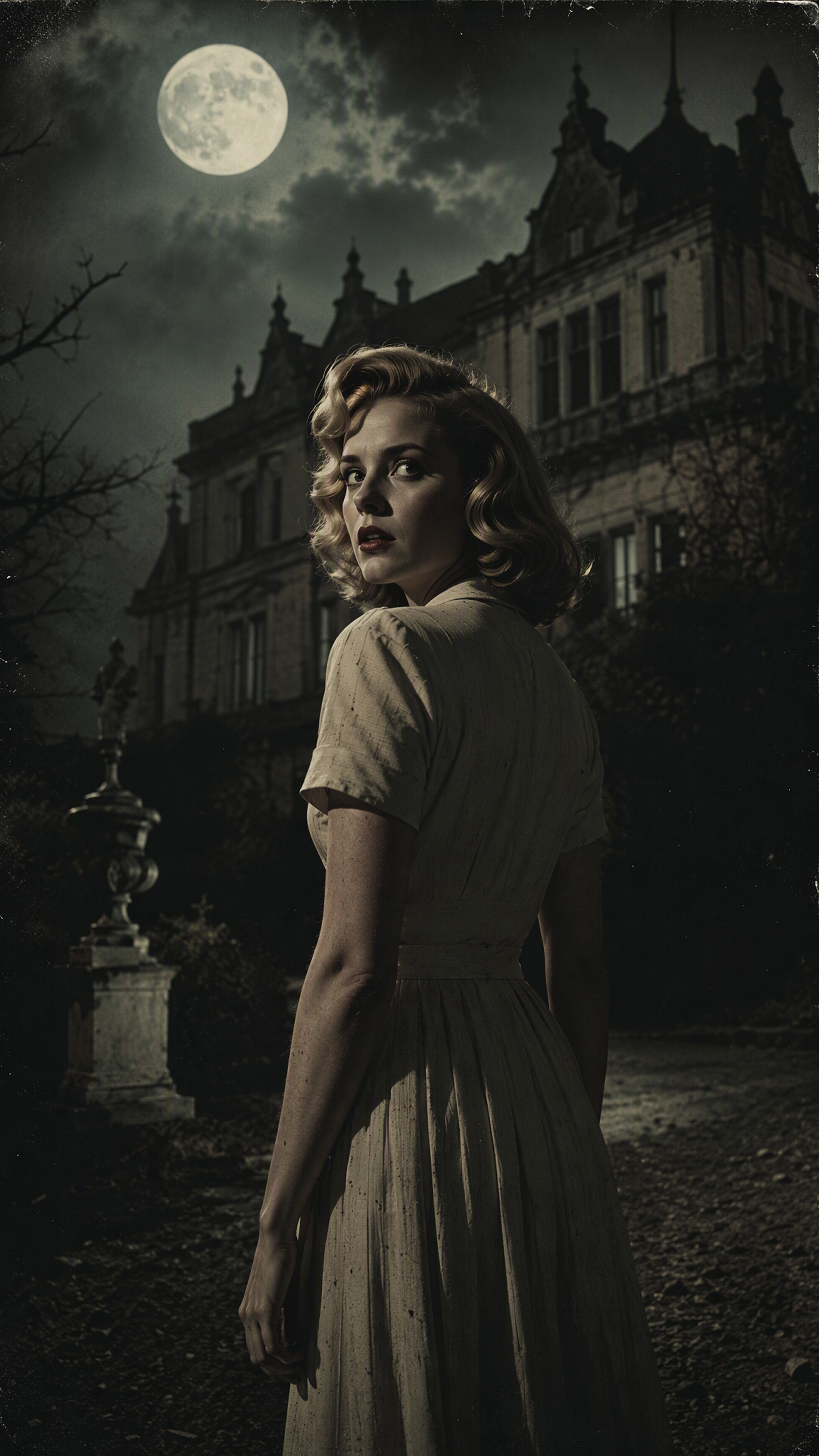
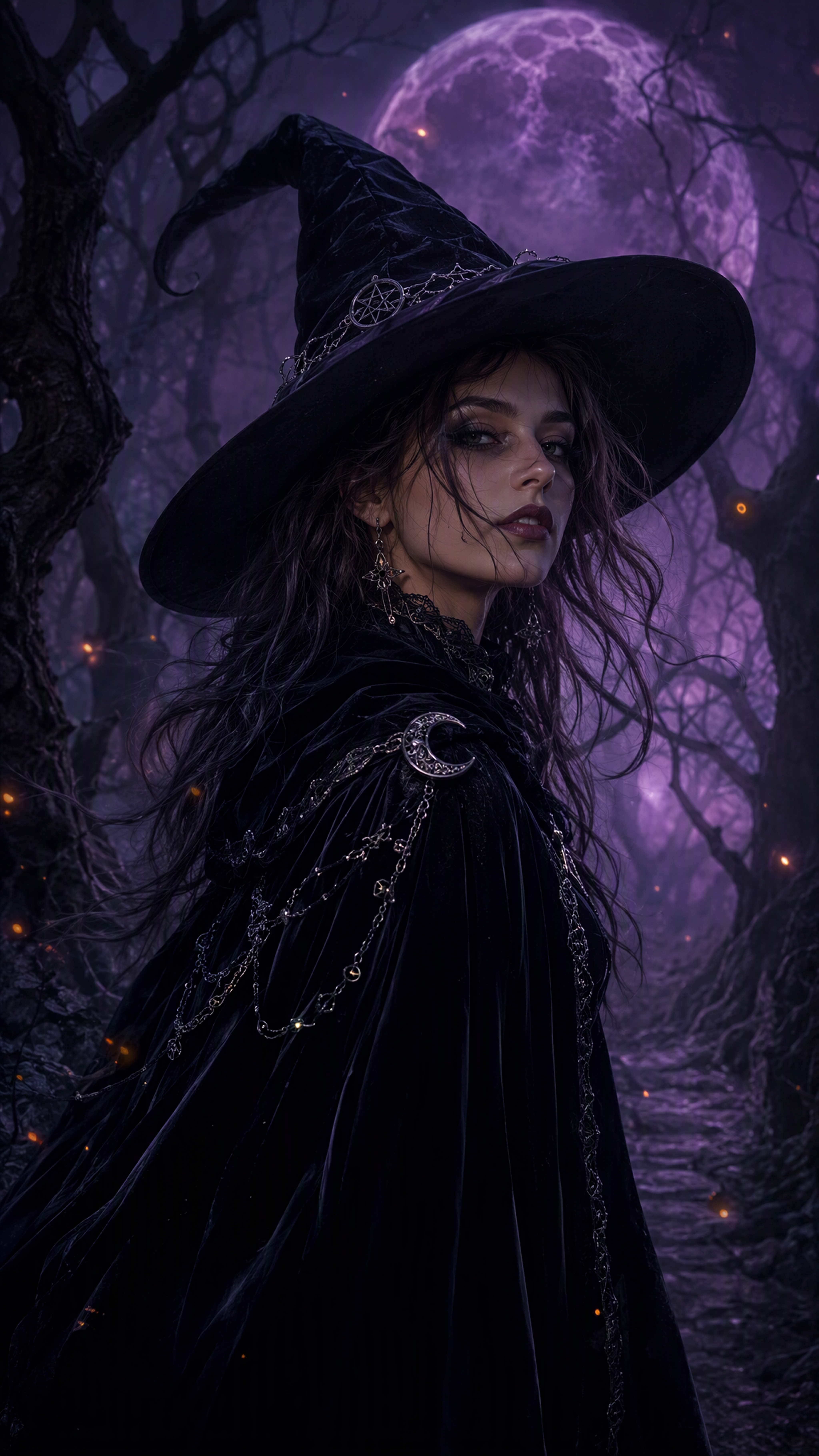
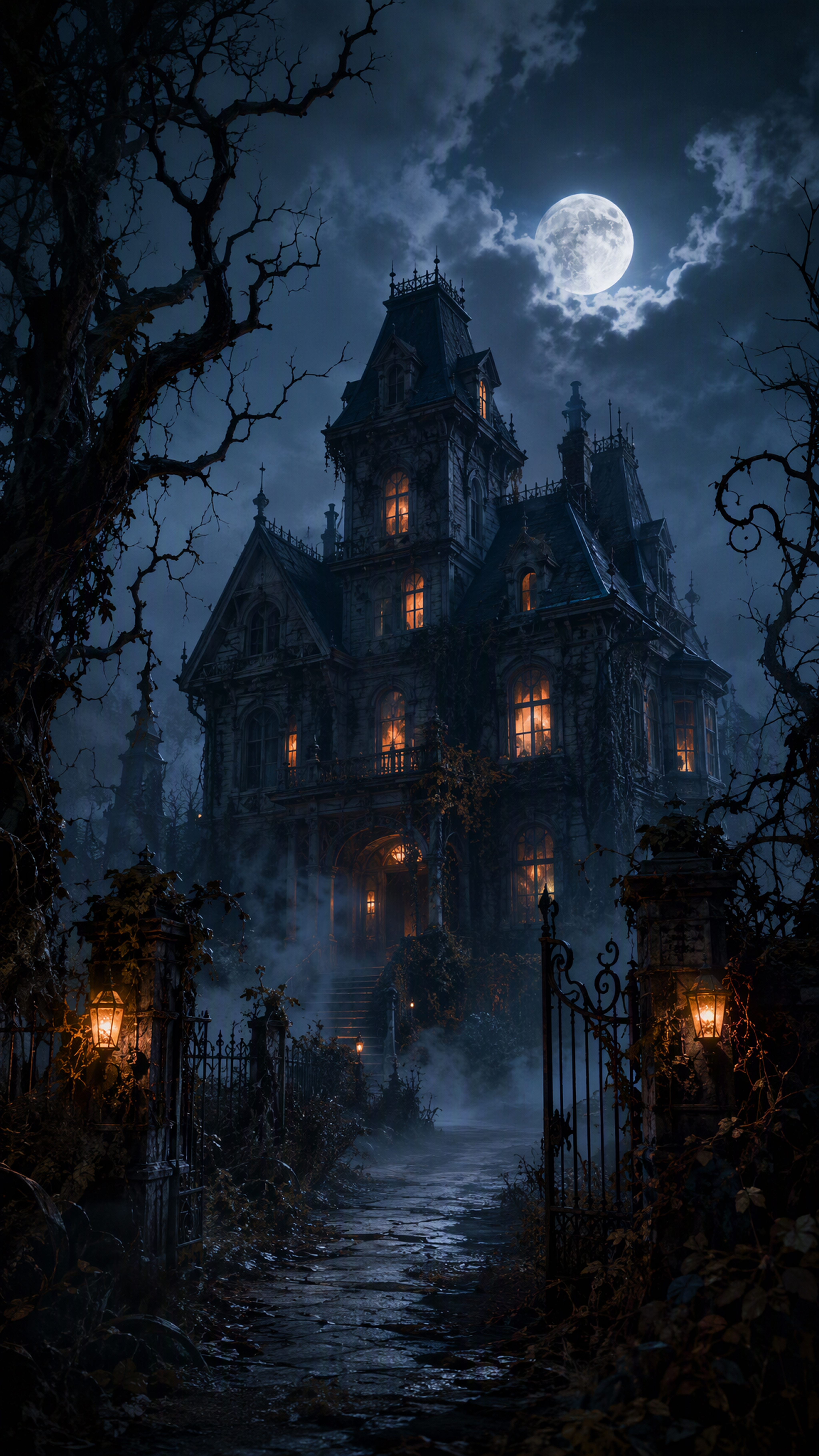
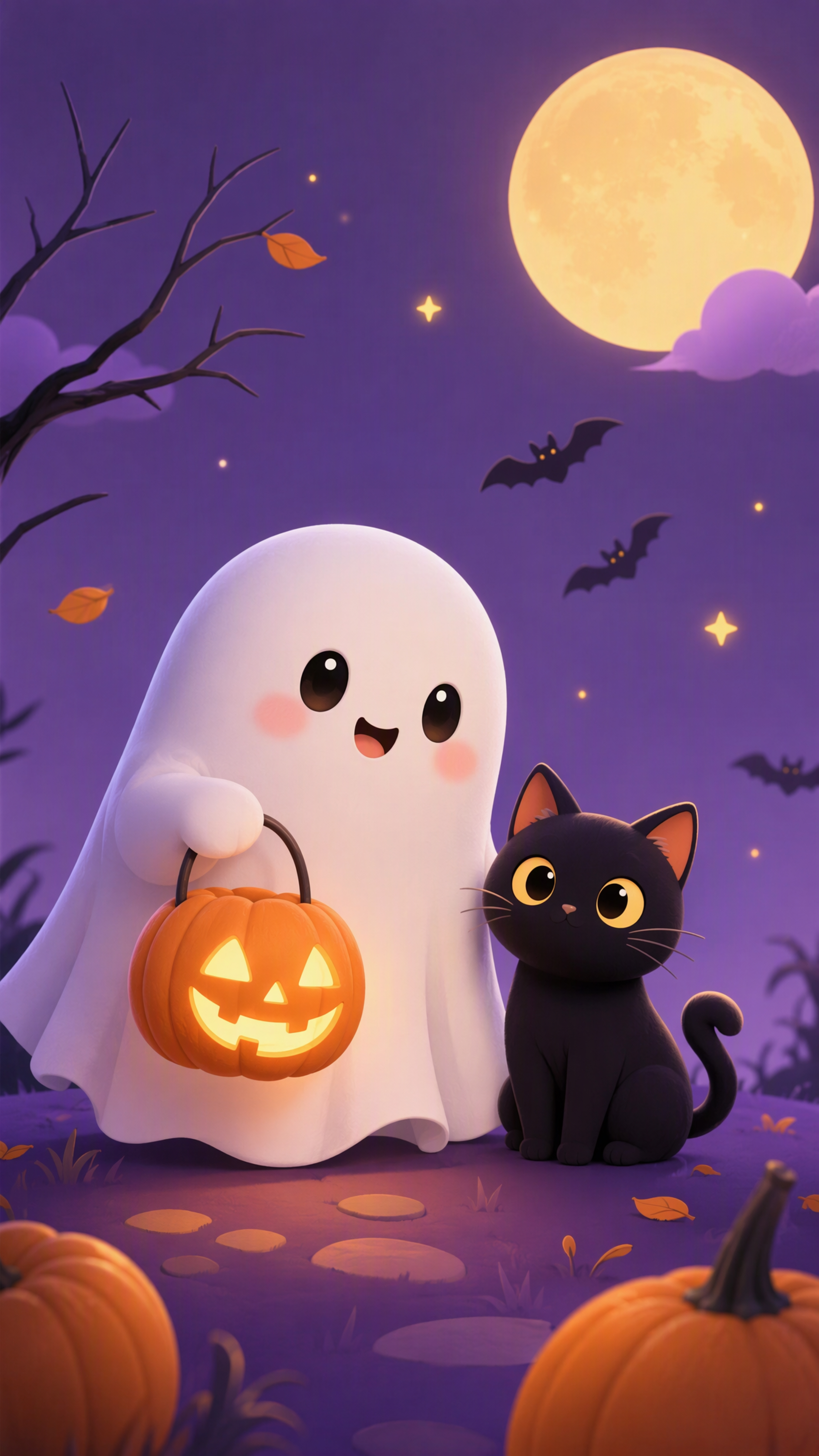
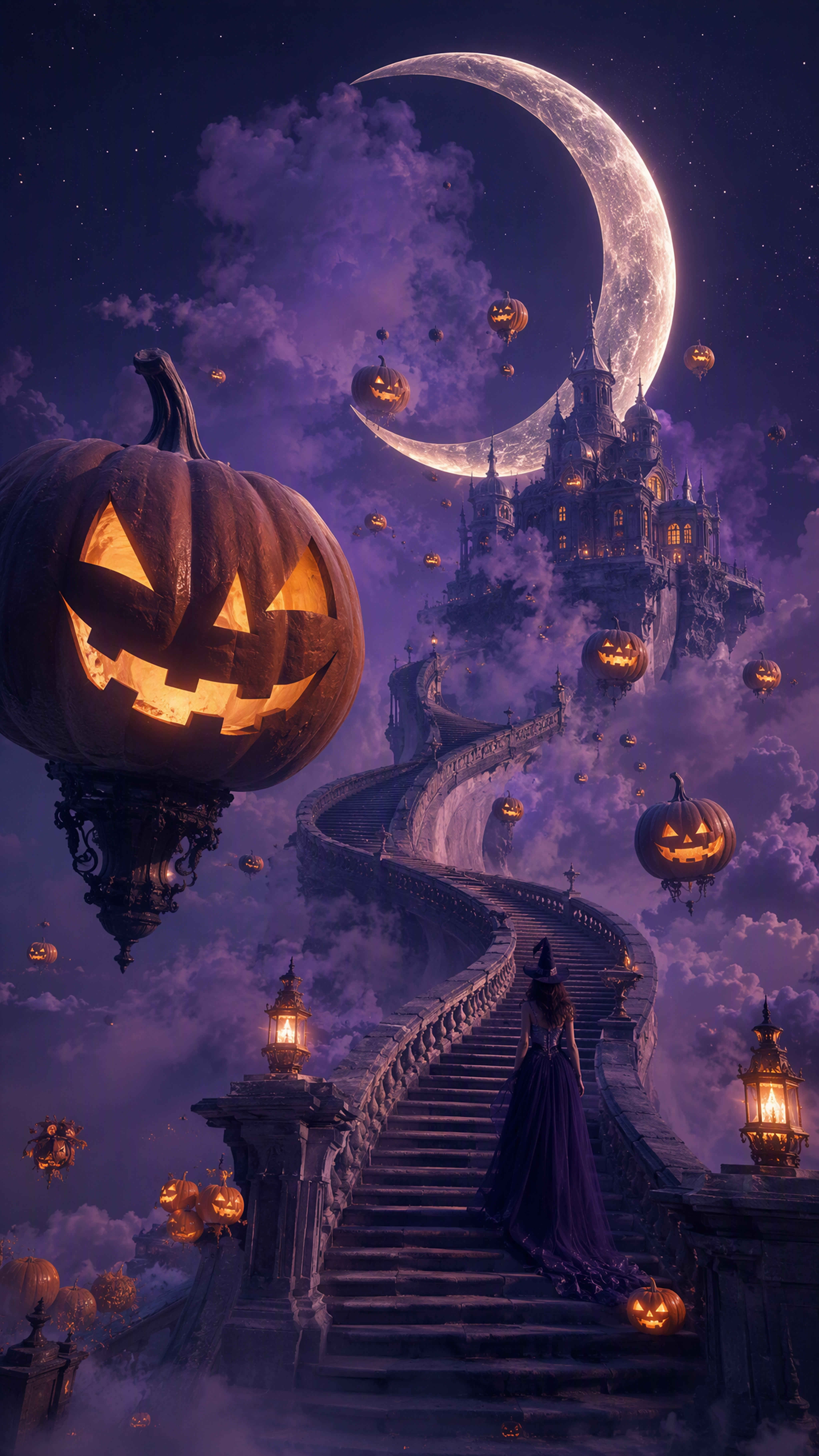
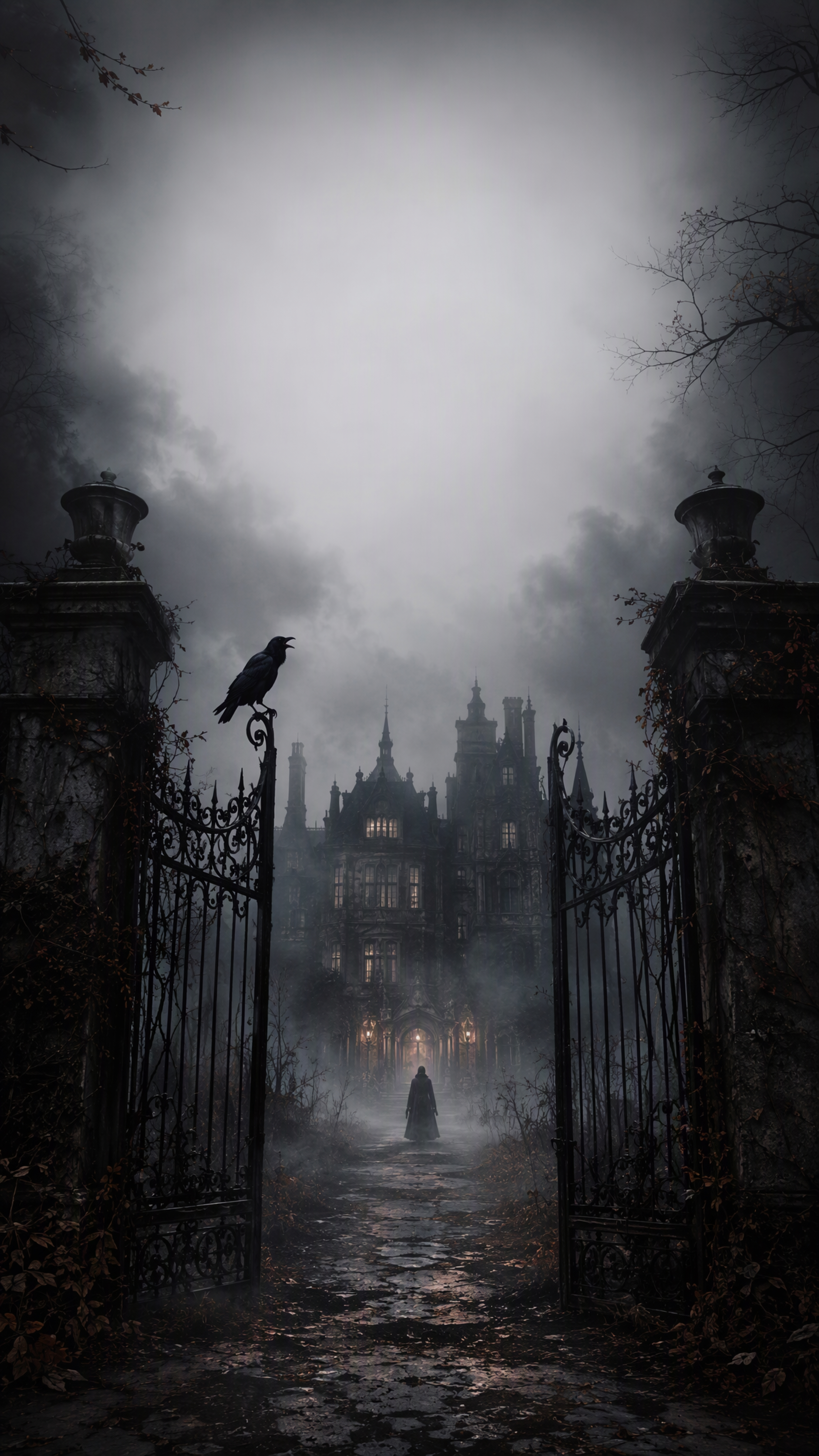
How to Generate AI Halloween Images With Designkit
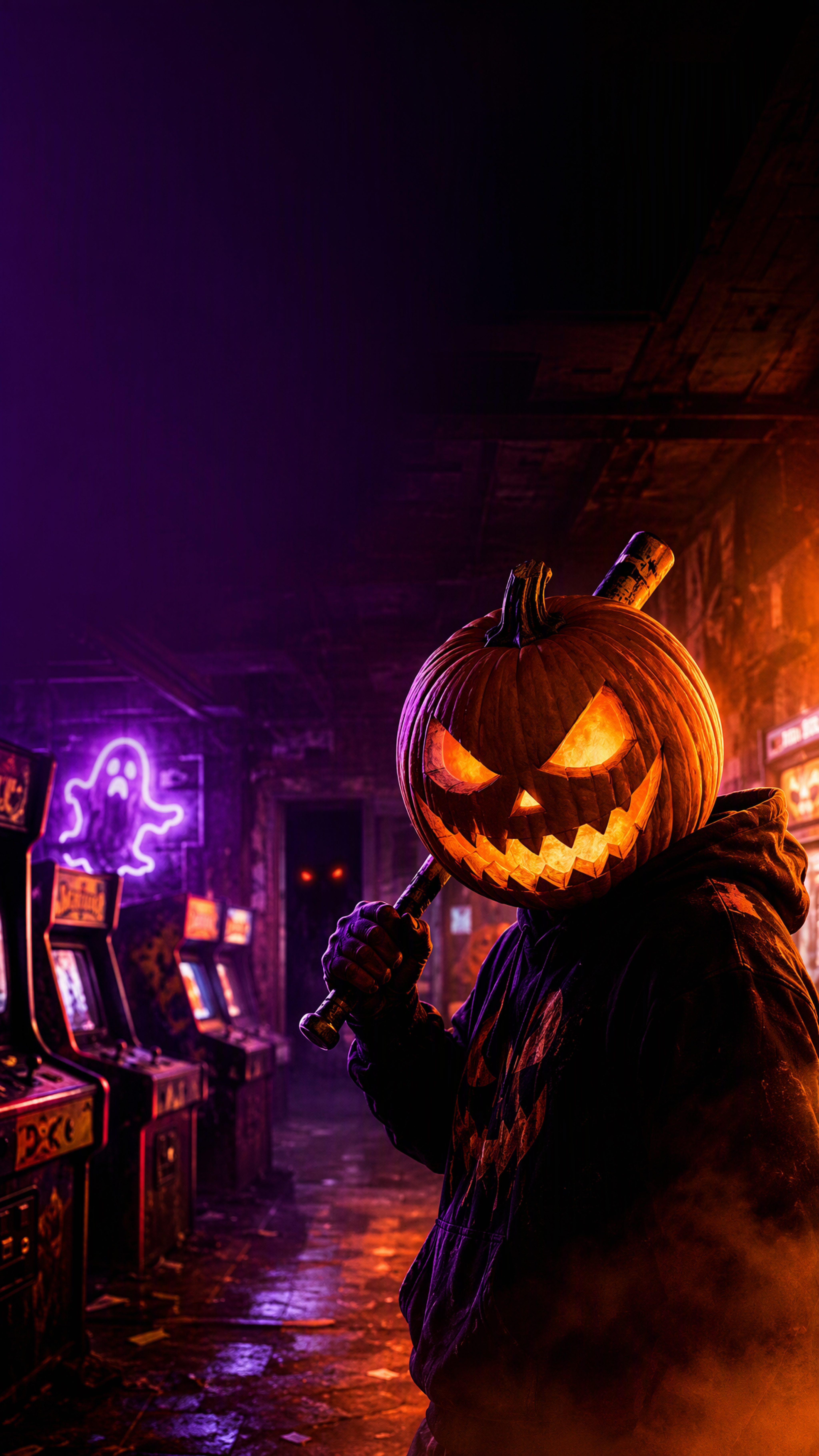
Step 1. Start With a Photo or a Halloween Idea
Open the Designkit workspace and start with a reference photo if your workflow supports uploads, or describe the Halloween image you want to generate. Specify the subject, costume, setting, lighting, mood, and visual style, and note any facial details you want to keep recognizable.
Step 2. Add Details With Halloween AI Prompts
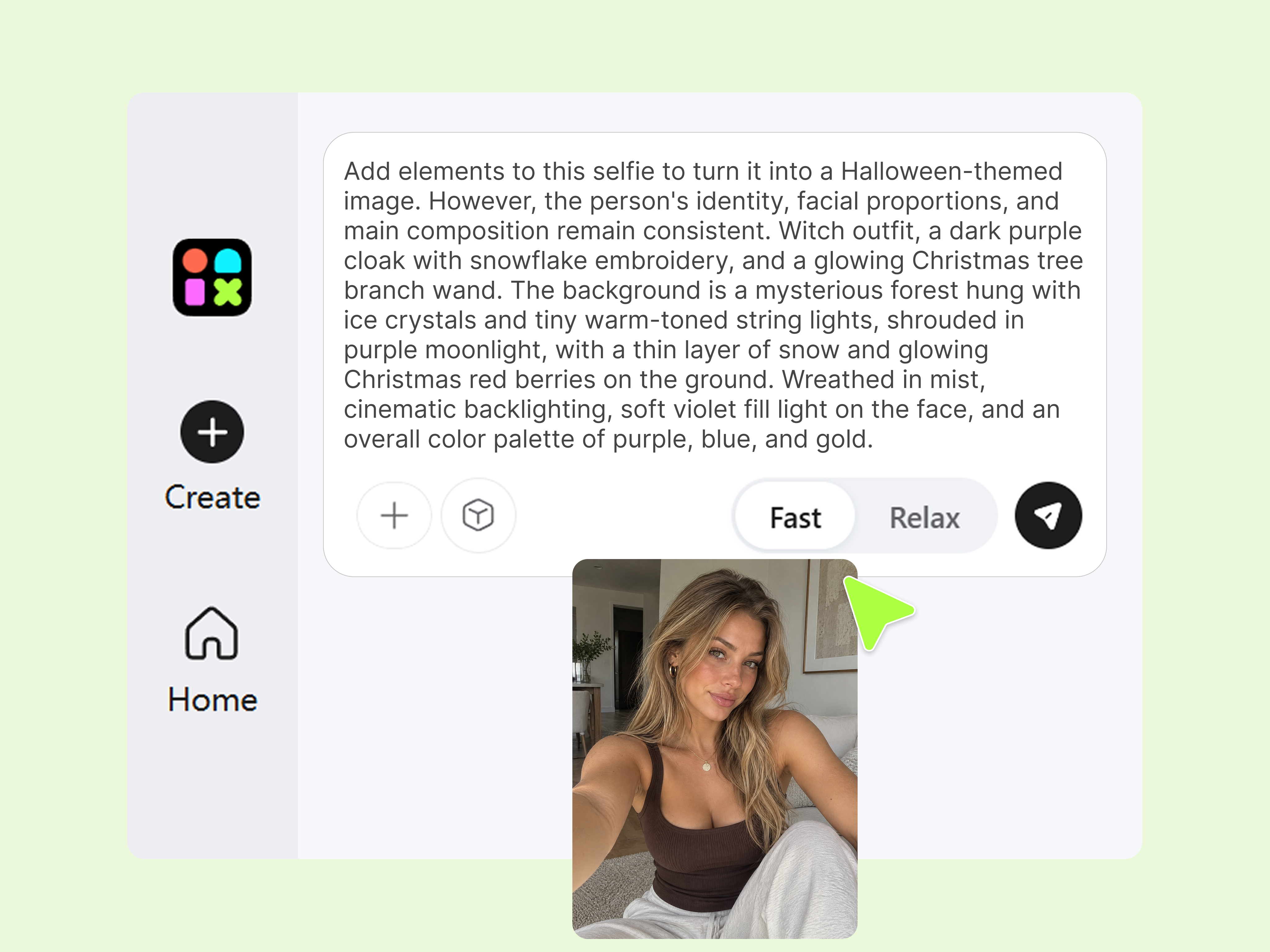
Combine the main subject, Halloween elements, environment, and lighting into a clear prompt. Include details such as camera angle, color palette, composition, and features you want to preserve. For photo transformations, explain which parts should change and which should remain recognizable.
Step 3. Review and Refine Your Halloween Image
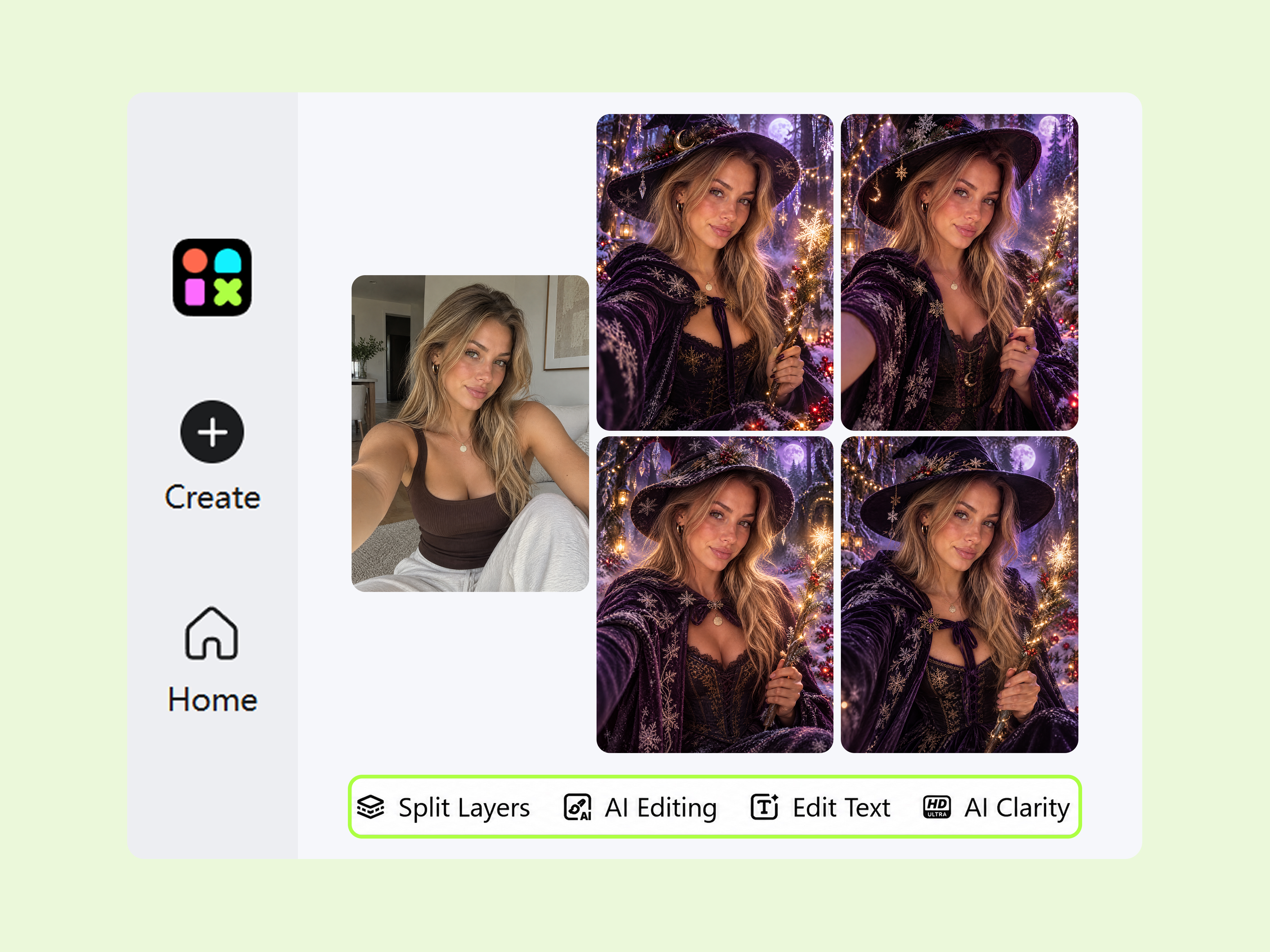
Submit your prompt and review the generated result. Adjust the description if the costume, facial details, atmosphere, or composition misses your intention. Check the final image for unwanted artifacts and text issues, then download it using the available export options.
What Can You Create With Designkit's AI Halloween Generator
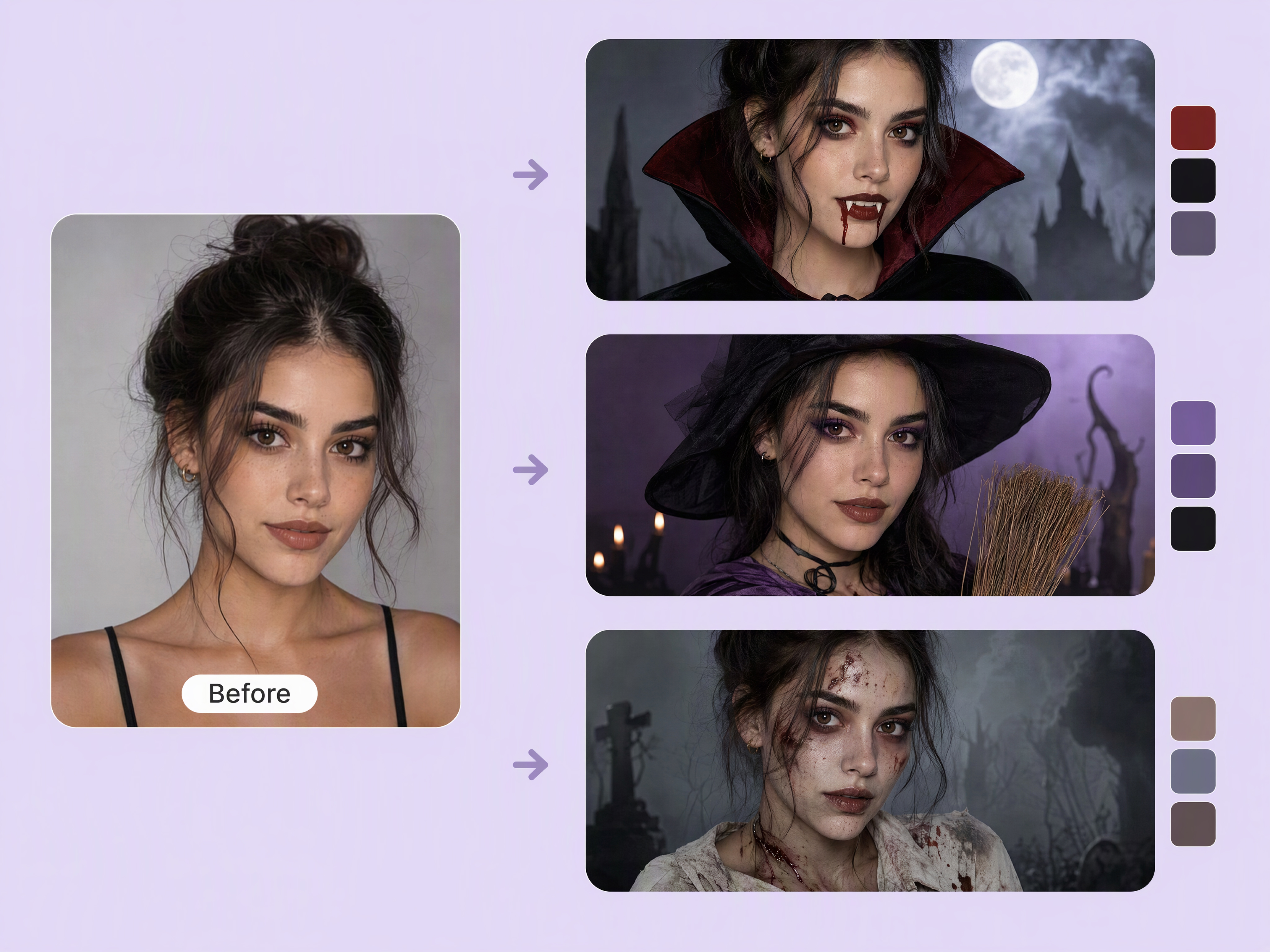
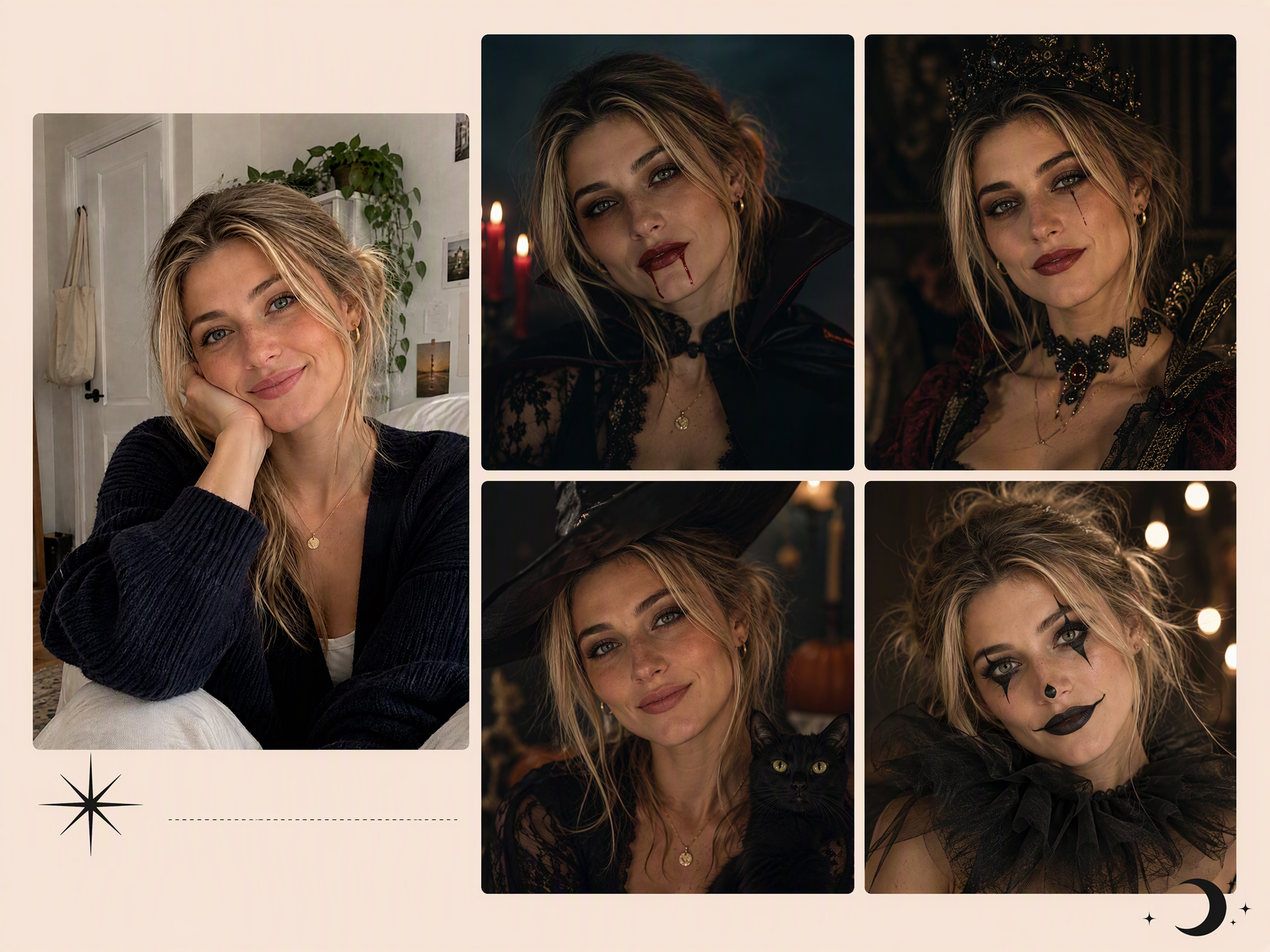
Transform Ordinary Portraits Into Halloween Character Photos
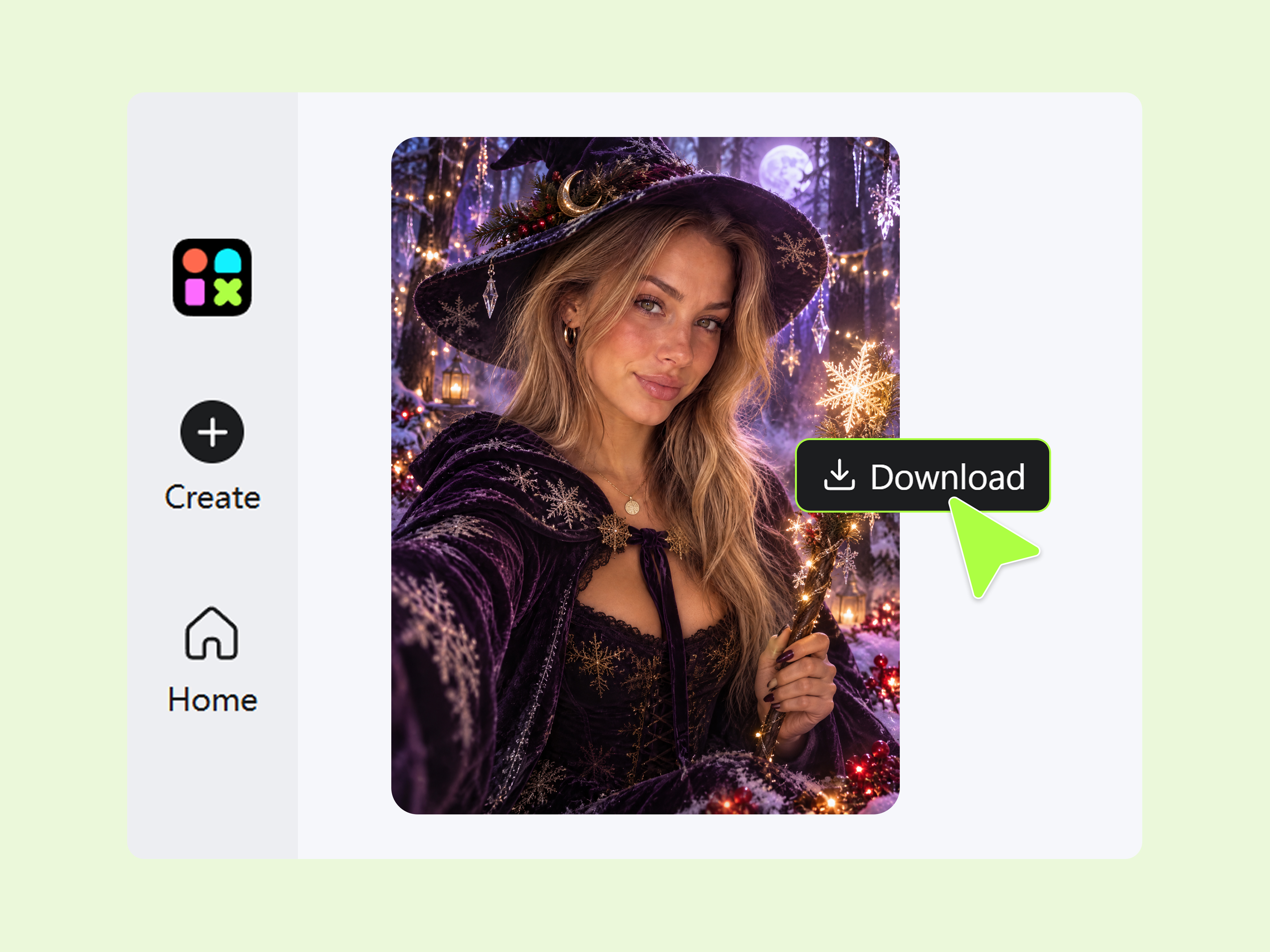
Turn an everyday selfie into a vampire, witch, zombie, or other Halloween character without arranging a costume photoshoot. Use a halloween ai photo generator to explore character makeup, costume details, and atmospheric backgrounds while keeping your portrait recognizable. Designkit helps you create AI Halloween images for themed profile pictures, party invitations, and seasonal social posts.
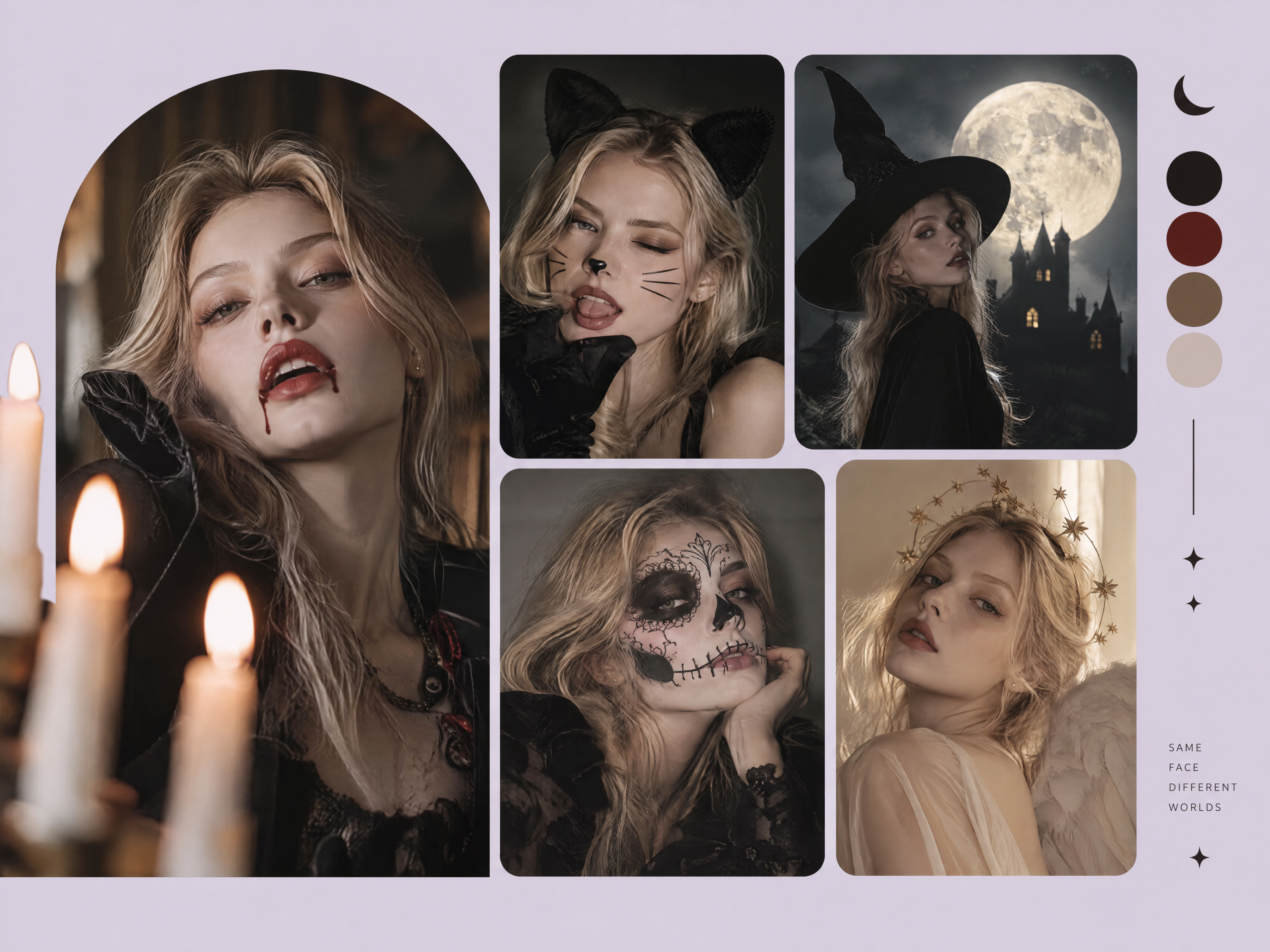
Turn Halloween Photo Ideas Into Trend-Inspired Images
Have a Halloween concept in mind but no finished visual? Describe a trending costume, spooky selfie, or cinematic transformation using specific halloween ai prompts. Designkit helps turn your ideas into AI Halloween pictures, so you can explore an AI Halloween photo trend, compare creative directions, and make visuals suited to your social content without building each scene from scratch.
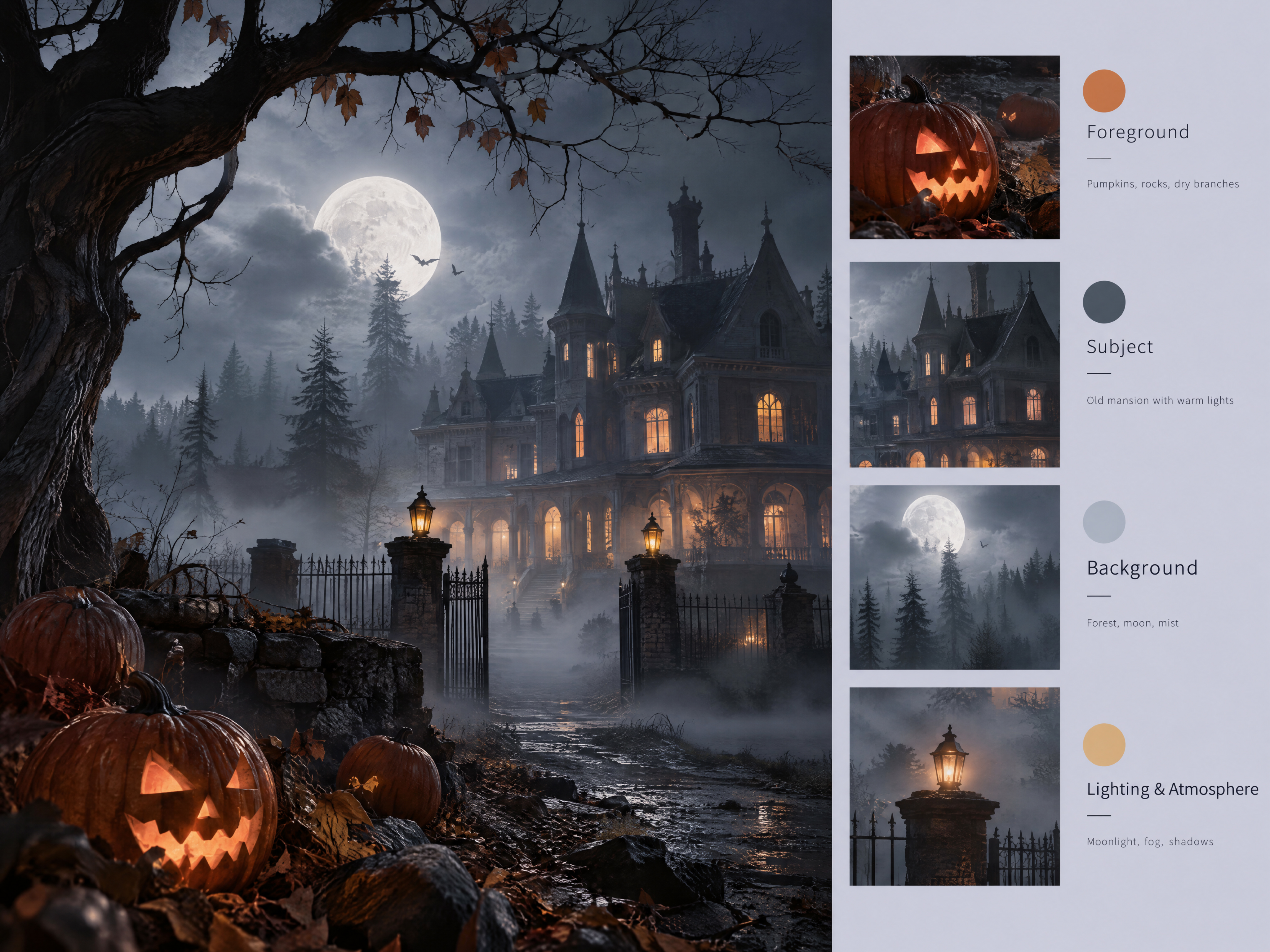
Generate Cinematic Halloween Scenes With Layered Details
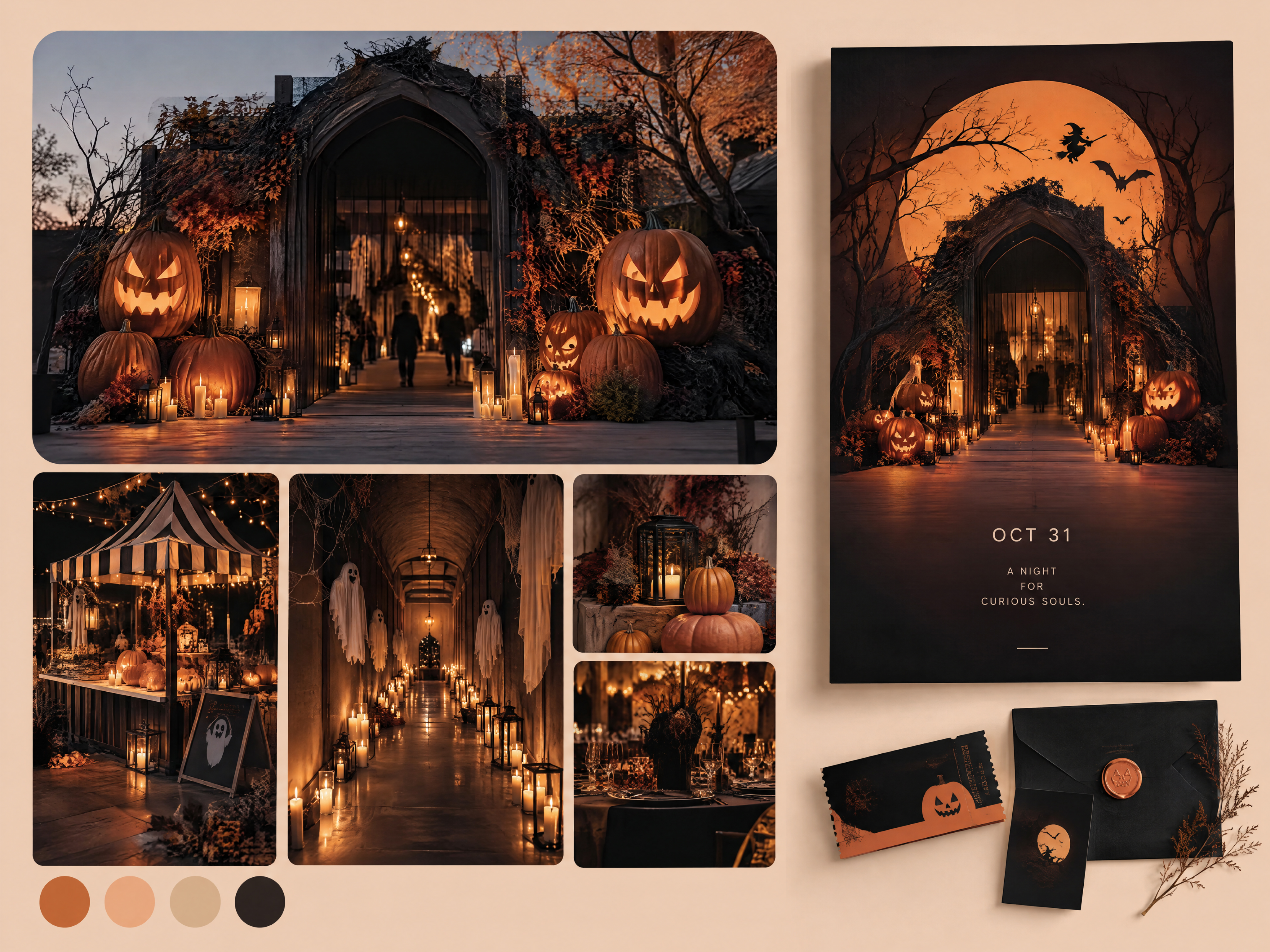
A flat background can make a haunted house or horror portrait feel less convincing. Describe the foreground, setting, lighting, fog, shadows, and distant details to build a more atmospheric scene. Designkit's AI art generator helps you create AI-generated Halloween images with layered visual elements for spooky storytelling, Halloween posters, and social media graphics.
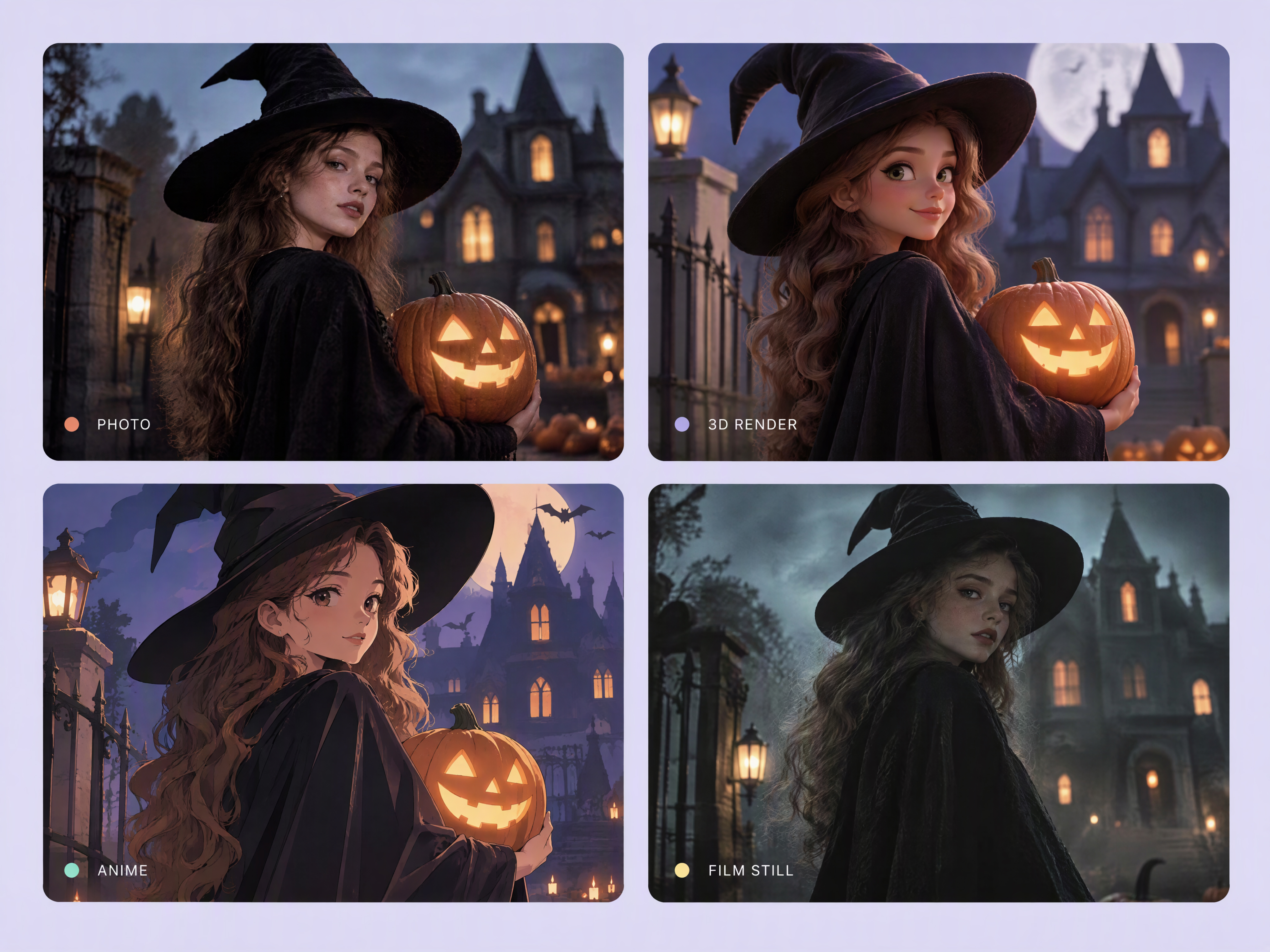
Explore Halloween Looks Across Multiple AI Models
One Halloween concept can look very different in a realistic horror style, a 3D render, anime, or a cinematic film still. Explore different visual directions to find a look that fits your idea, whether you're creating a character portrait or a fantasy scene. Designkit's AI image to image generator can help transform an existing visual into a new Halloween-inspired style.
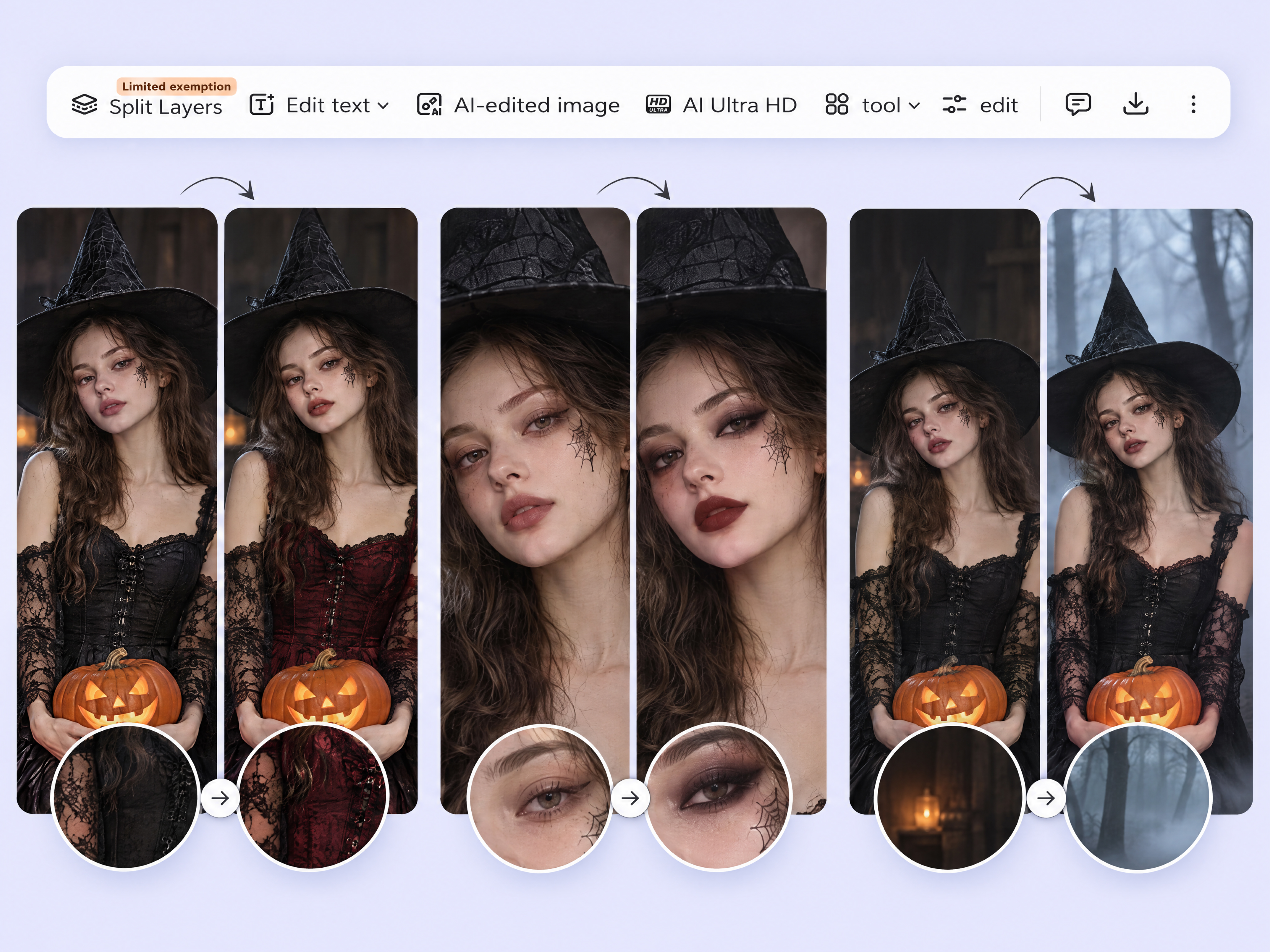
Edit Costume, Makeup, and Background After You Generate Halloween photo
A generated Halloween photo may have the right character but the wrong costume color, makeup, or setting. Use an AI photo editor to refine the elements that need changing instead of rebuilding the entire concept. Designkit supports image editing workflows for adjusting visual details and developing your Halloween photo maker results toward the look you intended.
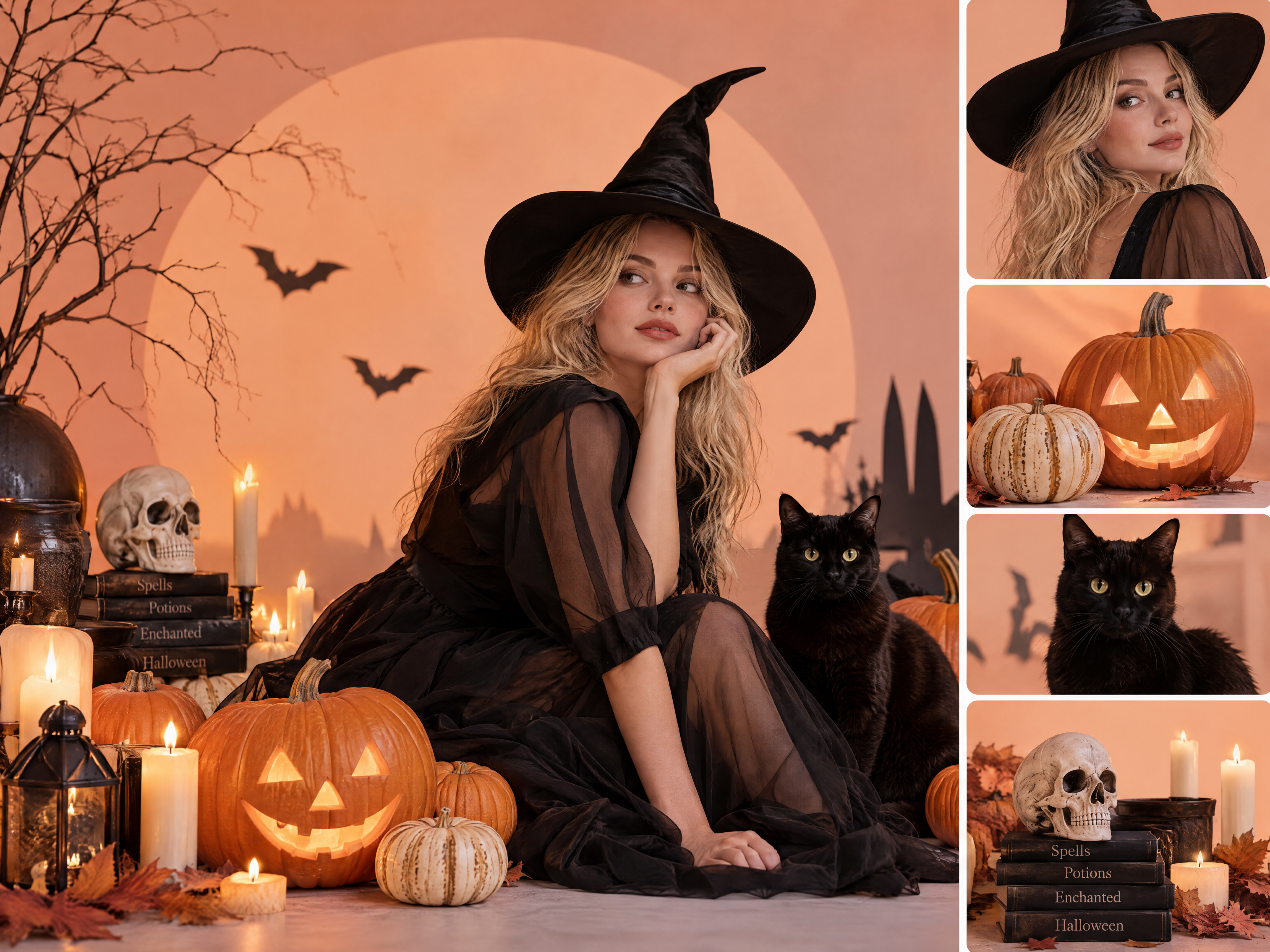
Combine Halloween Characters and Props Into One Scene
Creating a group of Halloween characters, scattered props, and a matching background can be difficult when each element feels disconnected. Describe how witches, pumpkins, candles, skeletons, or other props should appear together, including their positions and the overall atmosphere. Designkit's AI image generator helps you create a composed Halloween scene for party graphics, themed storytelling, or seasonal campaigns.
Create AI Halloween Images for Different Creative Projects
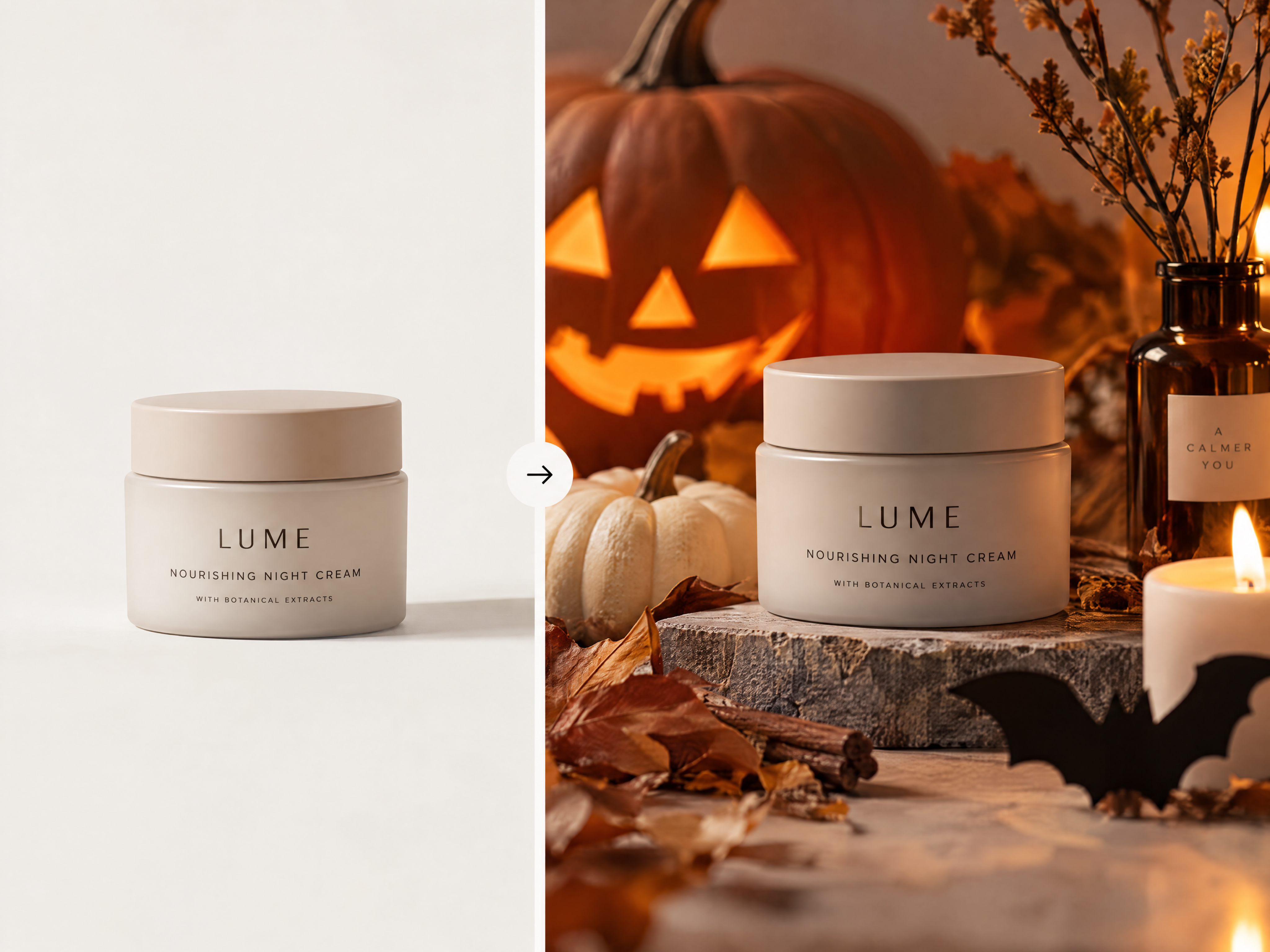
Create Halloween Product Images for Listings
Give product listings a Halloween theme without arranging a new photoshoot. Add pumpkins, spooky props, or autumn-inspired backgrounds to showcase seasonal products while keeping the item recognizable. Use product photo editing to adapt existing visuals for Halloween promotions and marketplace listings.
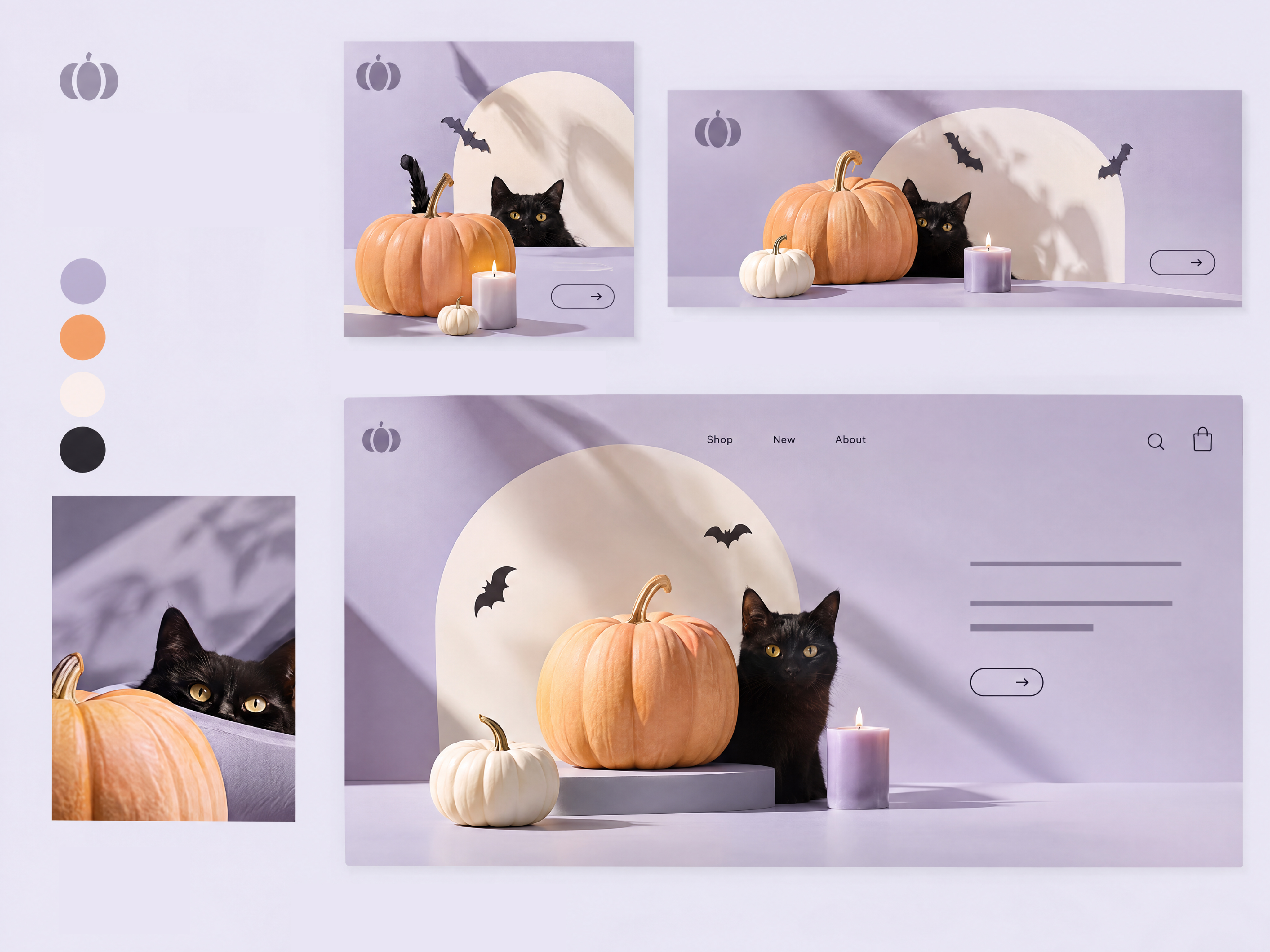
Why Use Designkit as Your AI Halloween Image Generator
Design Spooky Art Without Design Skills
Turn simple ideas into AI Halloween images with character details, spooky backgrounds, and seasonal effects without needing illustration or photo-editing experience.

Set the Mood and Lighting for Every Spooky Scene
Create realistic horror portraits, haunted landscapes, or playful Halloween pictures by adjusting visual styles, lighting, colors, and atmospheric details to match your concept.
Try Your Halloween Ideas With Free Credits
Experiment with Halloween AI prompts, explore different character looks, and test seasonal image concepts using available free credits before deciding which creations to refine.
Explore More Features to Create With AI Images
AI Influencer Generator

Random Image Generator
VTuber Character Maker
AI Sticker Generator
Frequently Asked Questions
How do I generate AI Halloween images?
What should I include in Halloween AI prompts?
Effective Halloween AI prompts specify the main subject, costume, facial details, background, lighting, mood, and visual style. For example, describe a witch in a black velvet dress standing in a foggy forest under a full moon. With Designkit, you can explore different Halloween concepts and refine your prompts to create images closer to your intended result.
Can I use an AI Halloween photo generator to transform my selfie?
An AI Halloween photo generator can transform a selfie into a vampire, witch, zombie, or other Halloween character. Upload a clear portrait and describe the costume, makeup, and atmosphere you want. Designkit helps you explore Halloween-inspired portrait transformations for profile pictures, party invitations, and social media content.
Can I transform my selfie and still look like myself?
Yes, you can improve the chances of preserving your identity by using a clear, front-facing selfie and specifying that your facial features, face shape, and recognizable appearance should remain unchanged. Describe only the Halloween elements you want to add. Designkit can help you create character-inspired portraits, although exact facial preservation is not guaranteed.
Can I create Halloween images from text without uploading a photo?
Yes, text to image generation lets you create Halloween scenes without uploading a personal photo. Describe characters, costumes, haunted settings, color palettes, and lighting to guide the result. Designkit helps you turn written ideas into AI-generated Halloween images for spooky illustrations, seasonal graphics, fantasy scenes, and creative social media posts.
How can I make AI Halloween images suitable for posters or thumbnails?
Start with a clear focal subject, a background that supports the theme, and enough empty space for titles or promotional text. Specify the aspect ratio and composition for your intended platform, then check readability and image quality before publishing. Designkit helps you create Halloween visuals for event posters, video thumbnails, and seasonal promotions.
Make Your Halloween Photo in Minutes
Turn your ideas or photos into spooky portraits, fantasy scenes, and Halloween artwork with Designkit. Use simple prompts to create new visuals or transform existing pictures with eerie effects.



What Different Creators Say About Designkit AI Halloween Images
Explore illustrative scenarios showing how Halloween image creation can address creative challenges, from maintaining visual direction to developing artwork for a specific project.
It Gave Our Halloween Product Photos a Seasonal Look
We wanted to give a few products a Halloween feel without making every image look like it came from the same template. I used AI-generated scenes to explore different backgrounds and seasonal details, then picked the concepts that suited each product. It gave us a clearer starting point for our Halloween listings.
We Could Explore Several Directions for the Campaign
Our Halloween campaign needed visuals that felt a little eerie without making the brand look too dark. I tried a few different scene and lighting ideas before settling on a direction for the campaign. Having visual options to compare made it easier to discuss what fit the message instead of debating everything from a written brief.
We Could Establish the Event's Mood Before Designing the Poster
I wanted to post something for Halloween that felt different from my usual content. I explored a few horror-inspired portrait ideas and played around with the mood and styling until I found one that suited my feed. It gave me a starting point for a seasonal post that felt more personal.
I Could Try a Halloween Trend Without Copying Someone Else's Image
We were planning a Halloween gathering and needed a visual direction that felt atmospheric without looking overly frightening. I explored ideas with fog, warm lighting, and haunted-house details. Those images helped us settle on the mood we wanted before moving on to the event materials. FAQs