
Create Shareable Stickers from Photos with AI
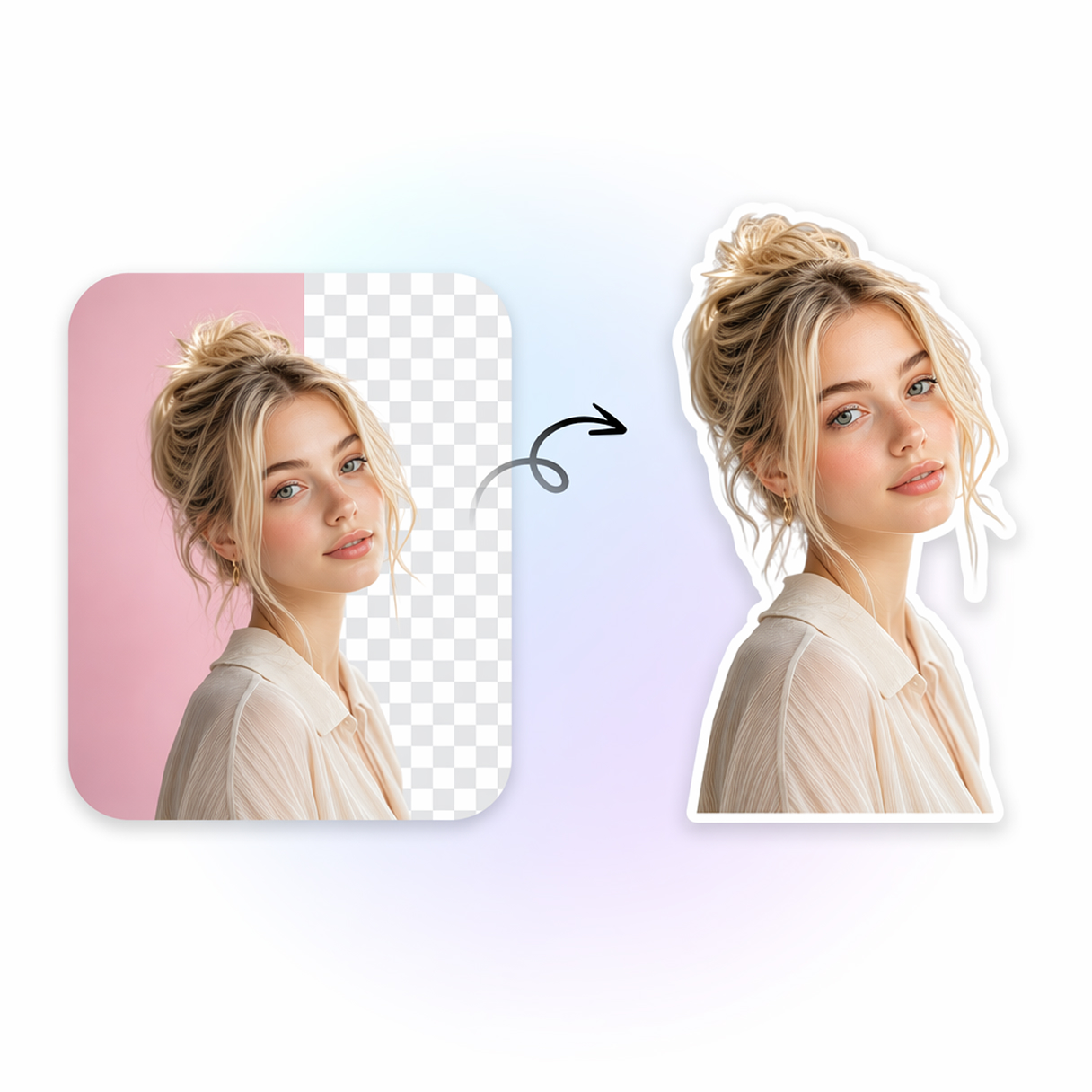
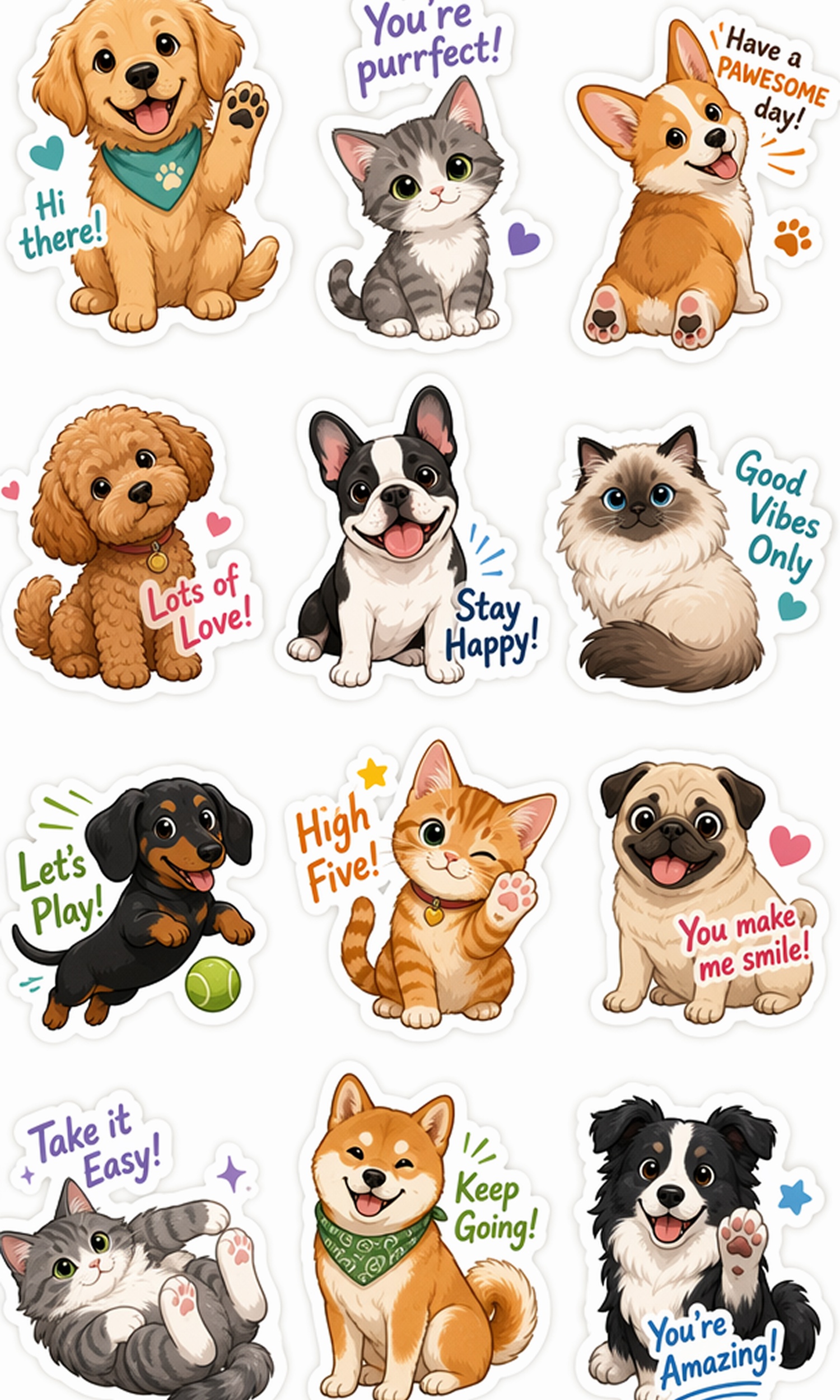
Instantly transform your everyday photos, adorable pet snapshots, or product images into easily shareable, perfectly cut transparent PNG stickers using AI.
AI Image Prompt Templates for Every Sticker Style
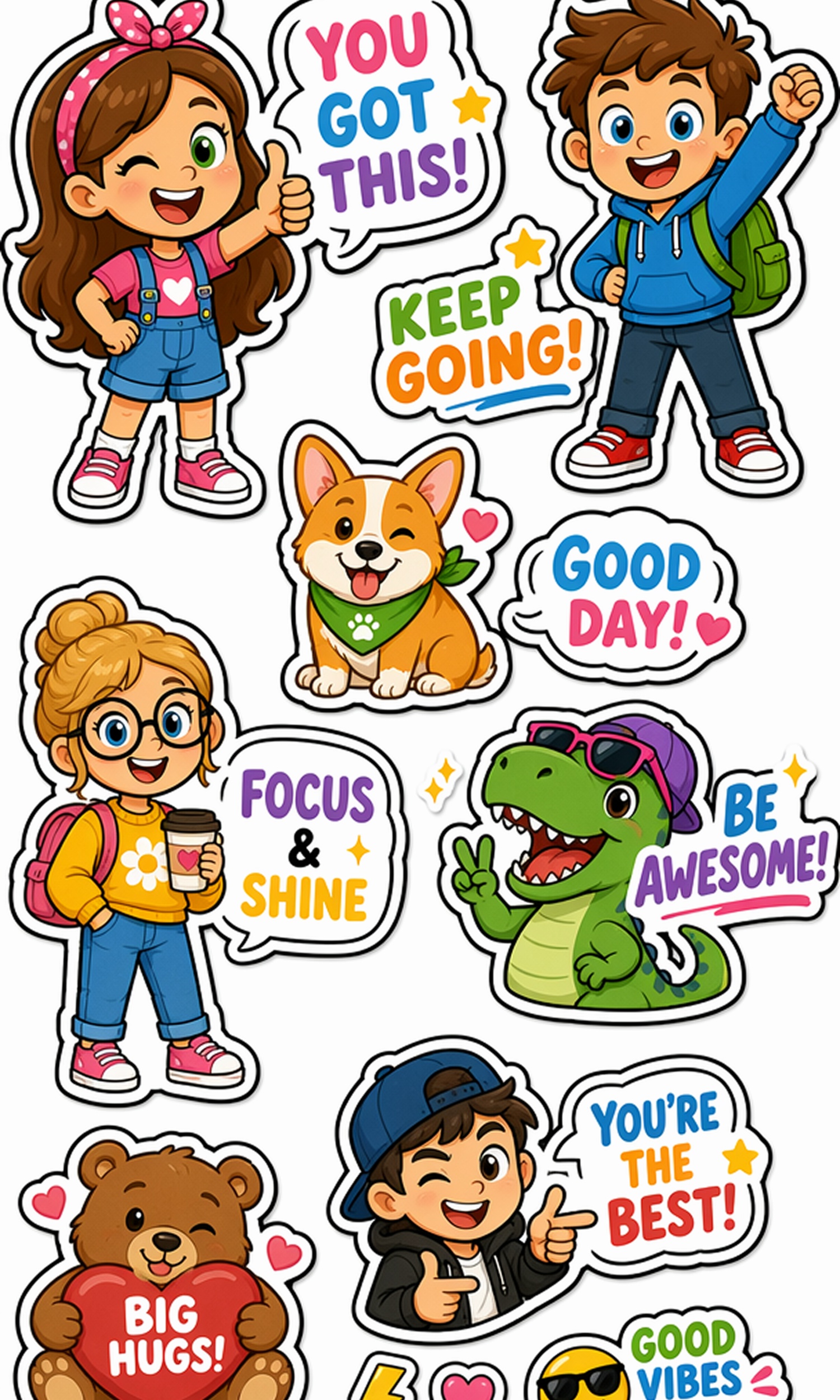
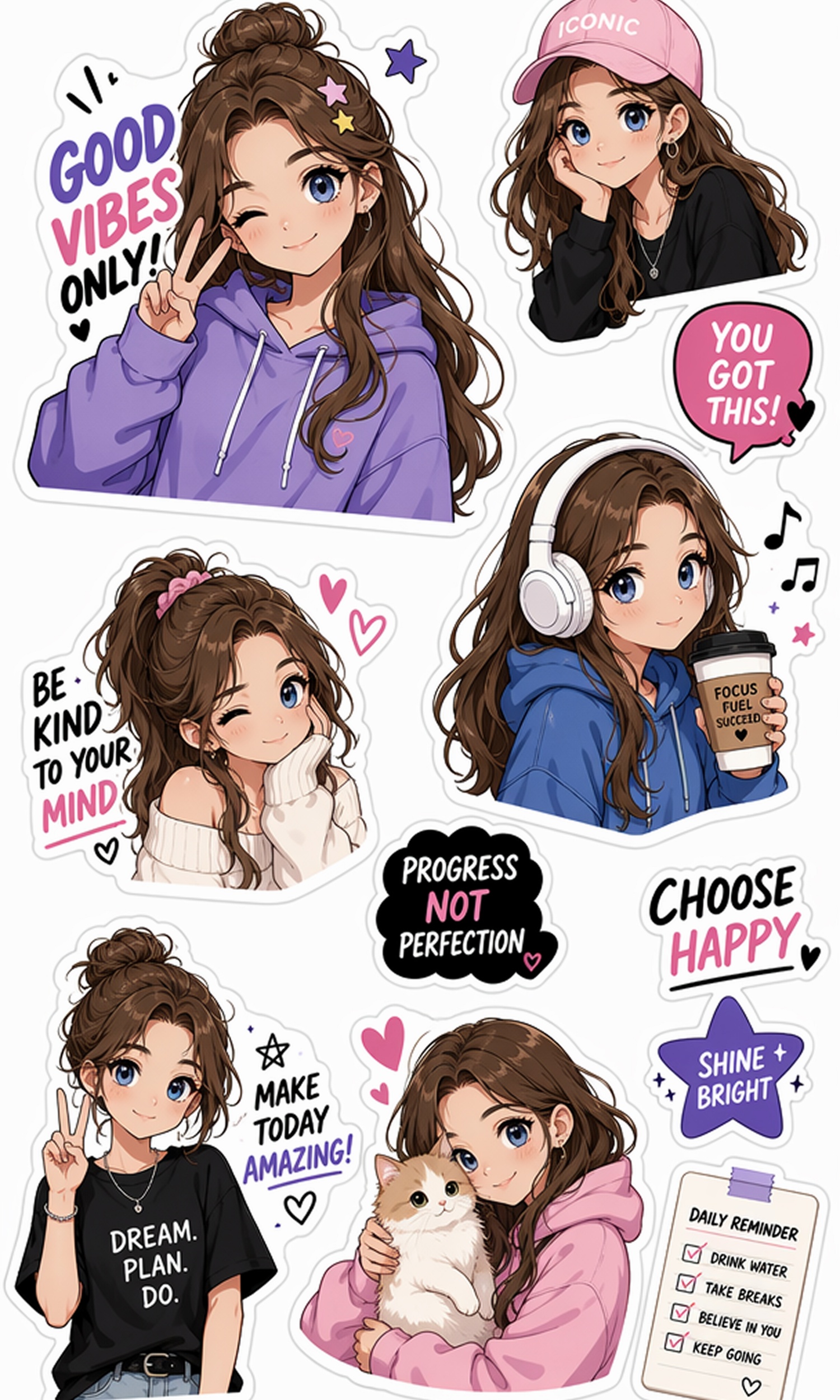
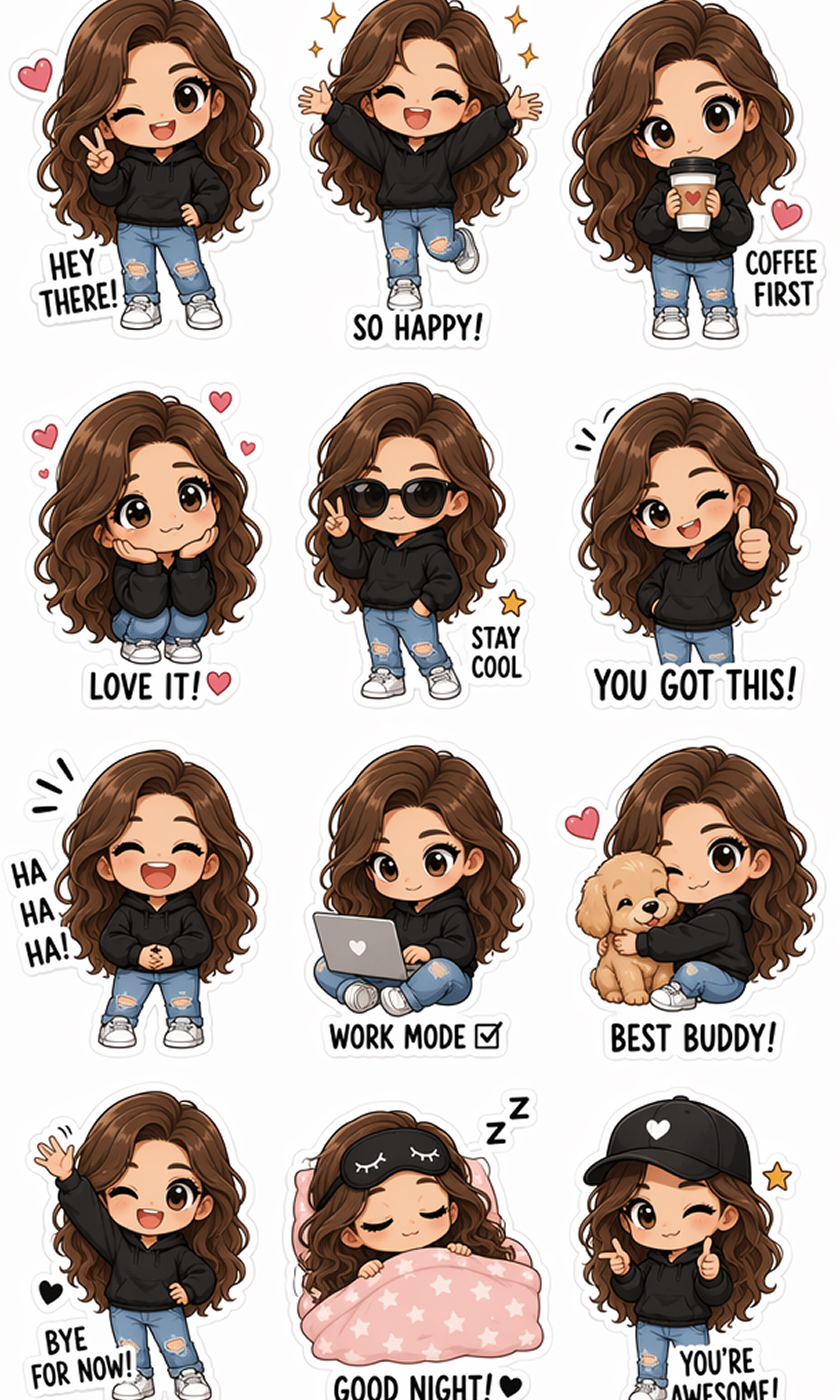
How to Create a Sticker Online in 3 Steps
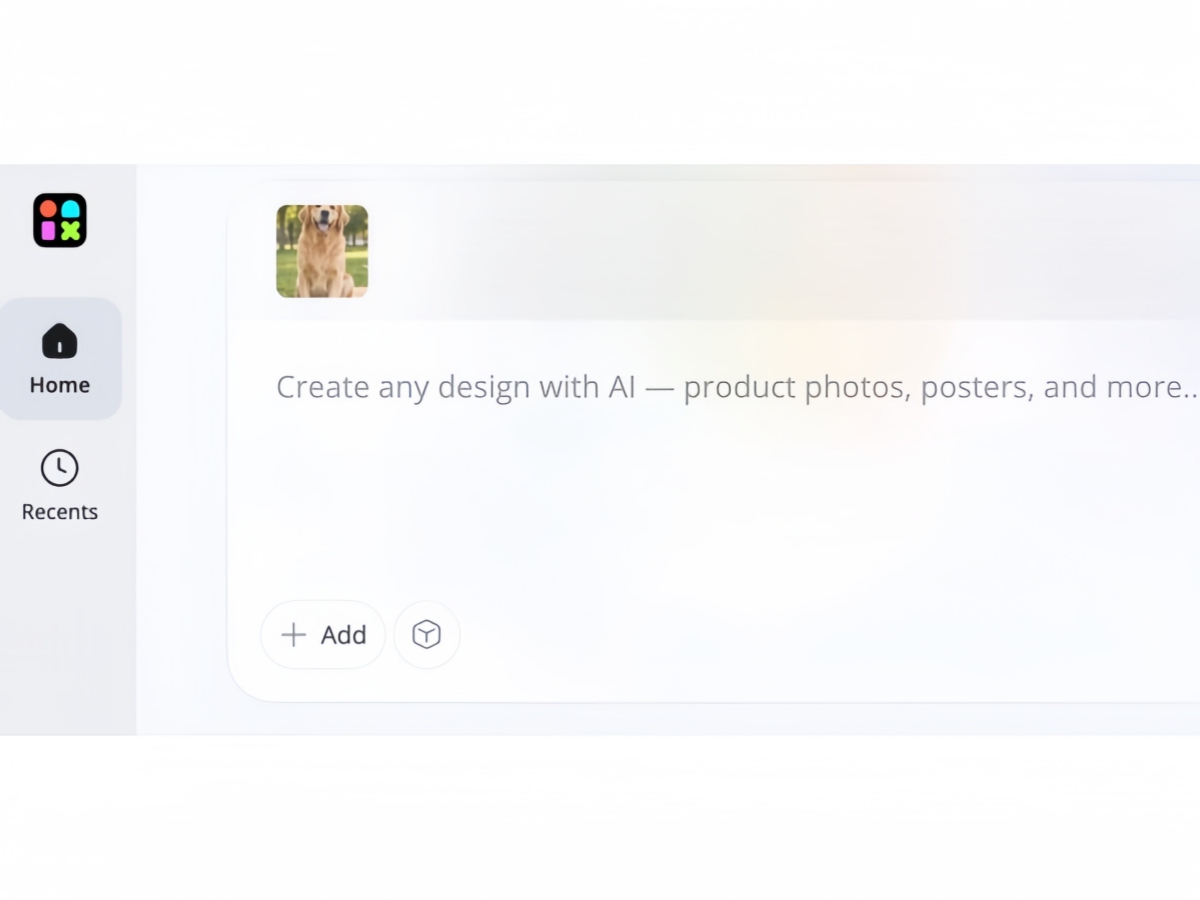
Upload Your Image
Upload a photo, character, pet, logo, or product image. Designkit automatically prepares it for fast sticker generation with clean subject detection.
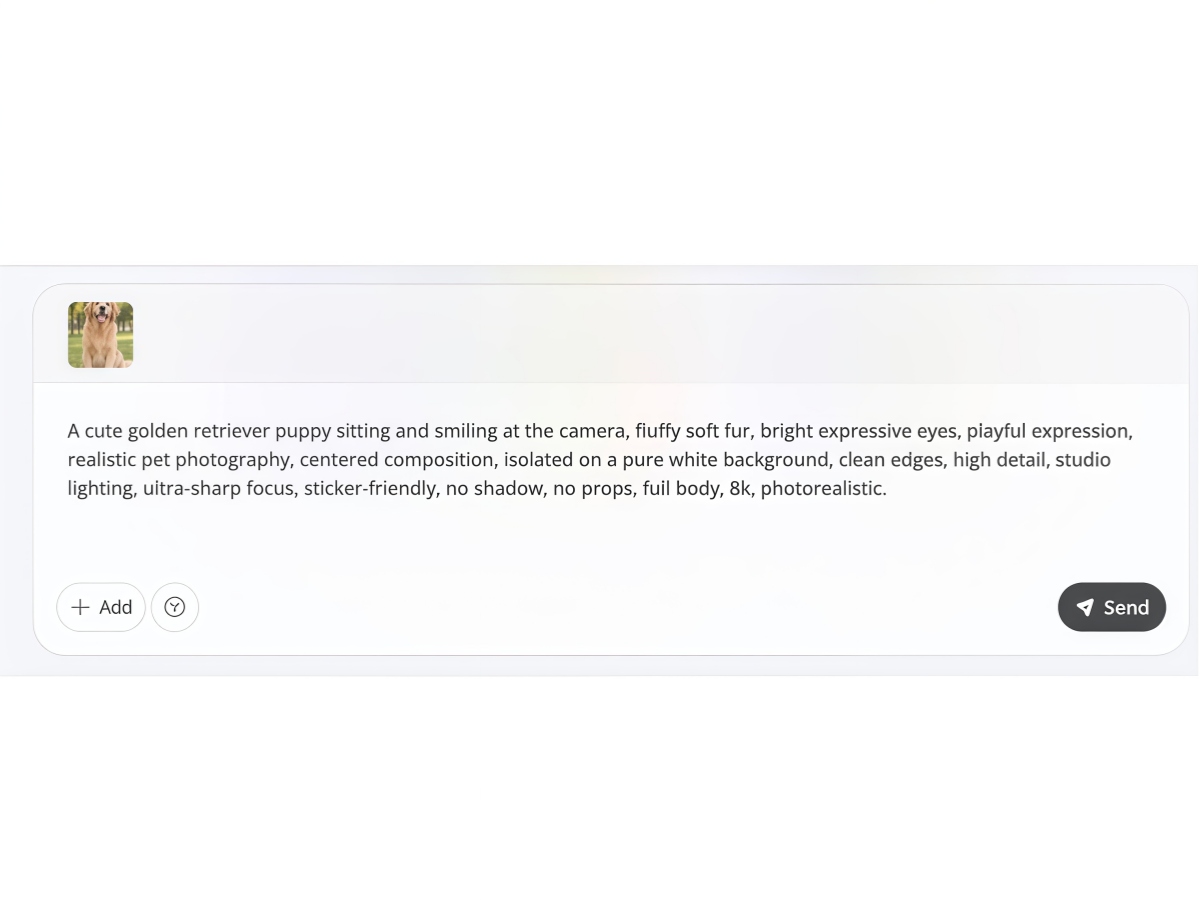
Describe and Generate
Type prompts to describe a cartoon, cute, realistic, 3D, or branded look. Designkit applies the style automatically while preserving the details of your original image.
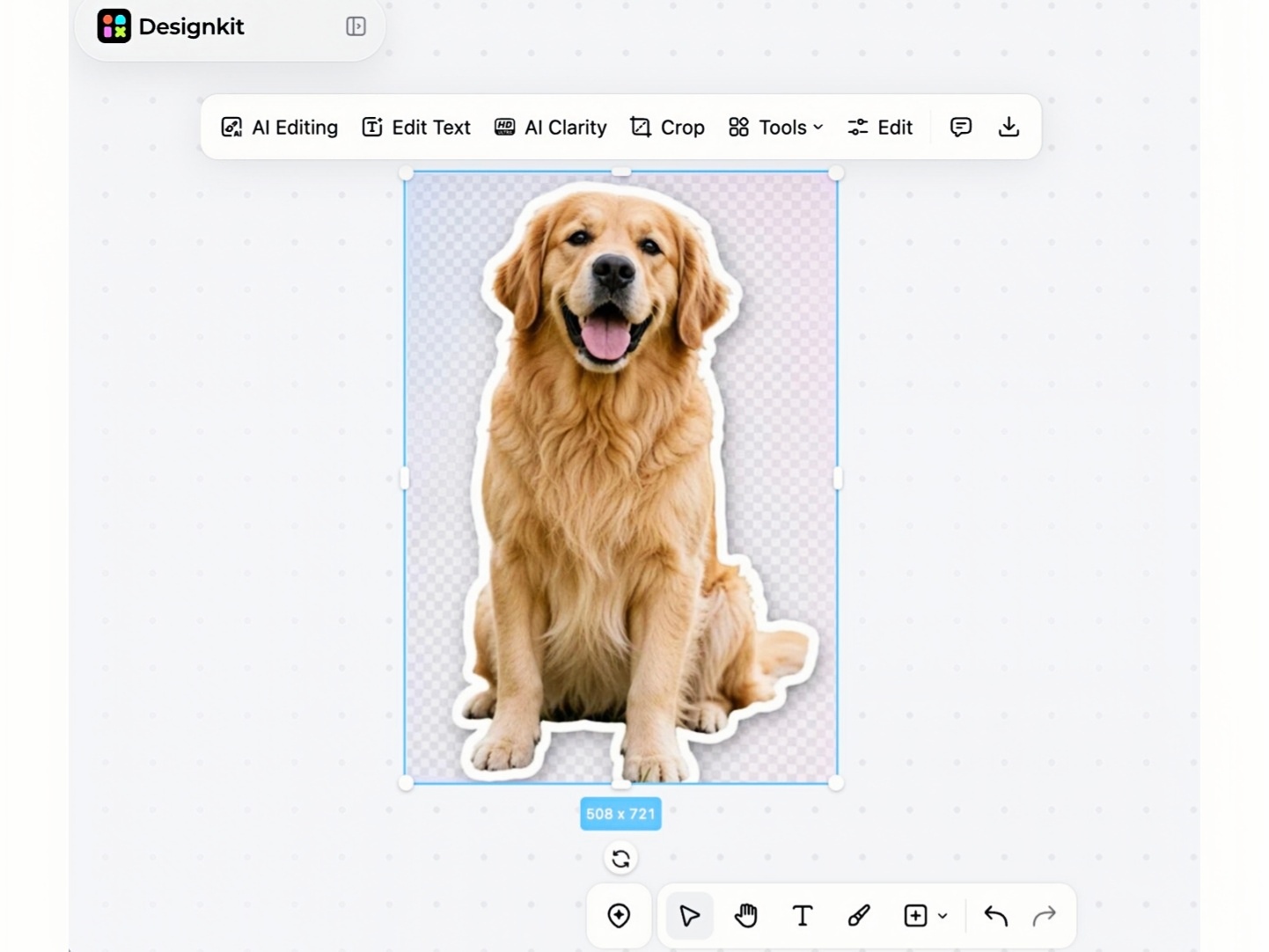
Download and Share
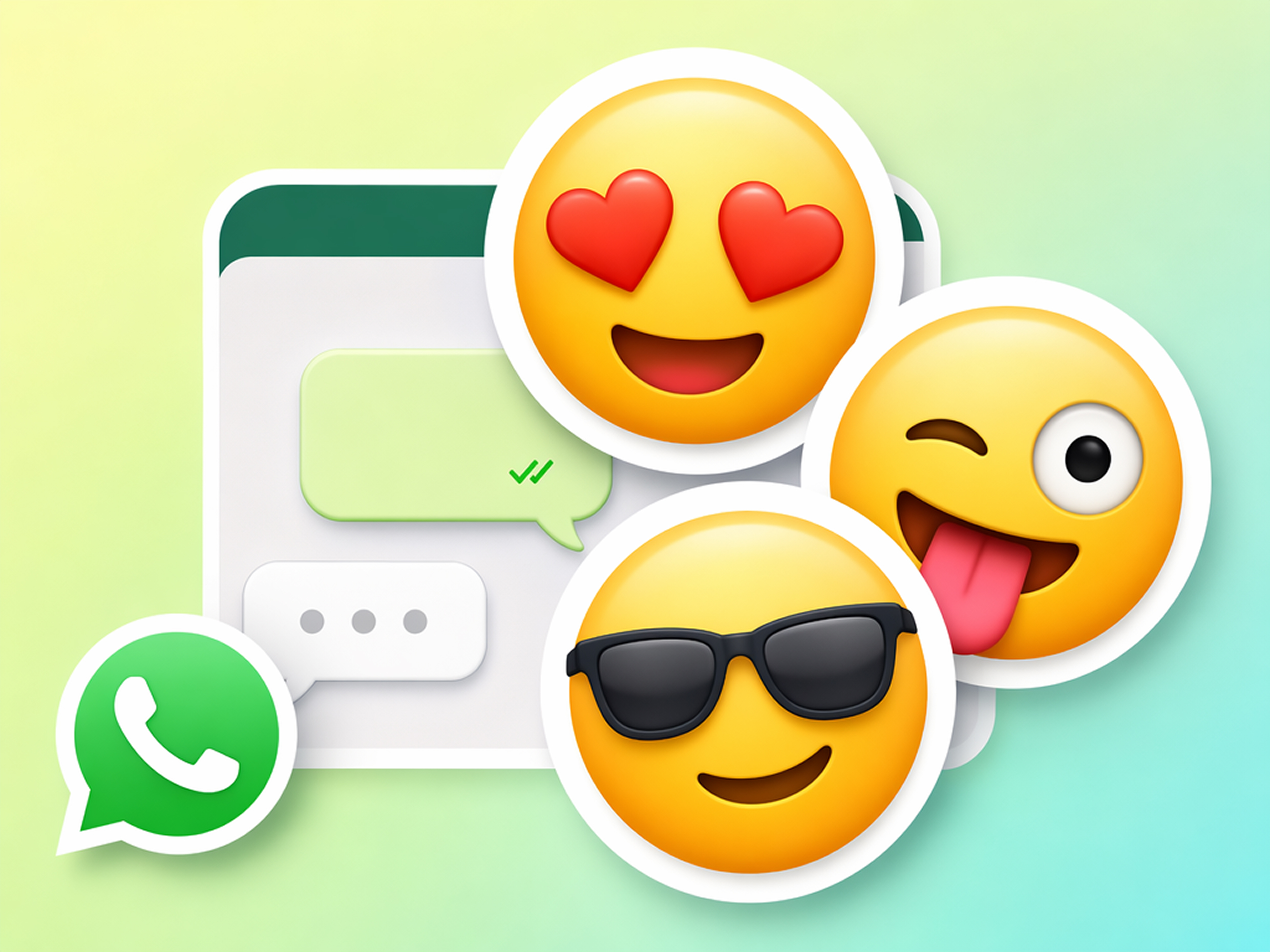
Export a transparent PNG sticker ready for WhatsApp, Instagram, social media, marketing campaigns, product packaging, or personal projects.
What Makes Designkit's AI Sticker Generator Different
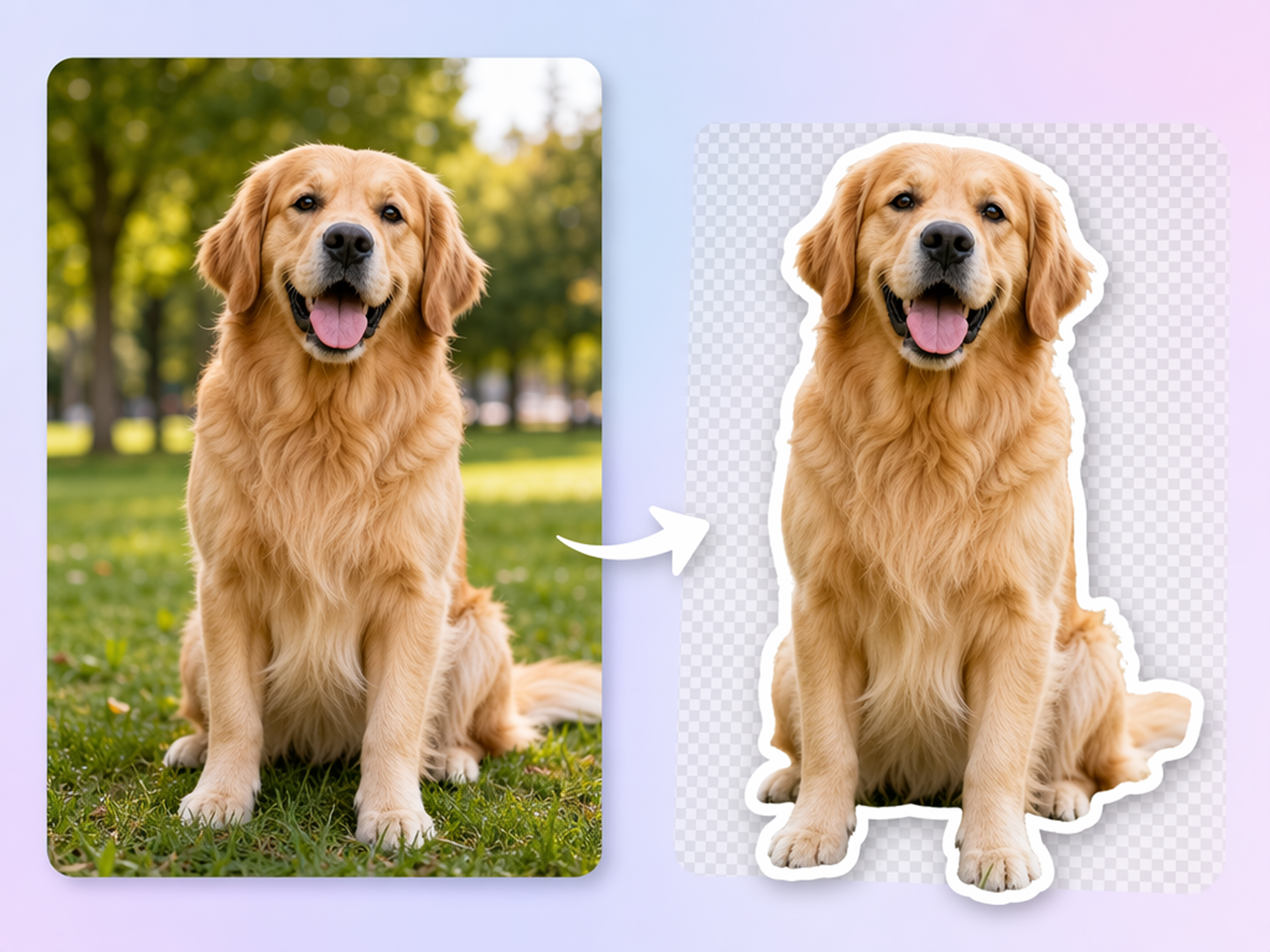
Turn Any Image into a Sticker
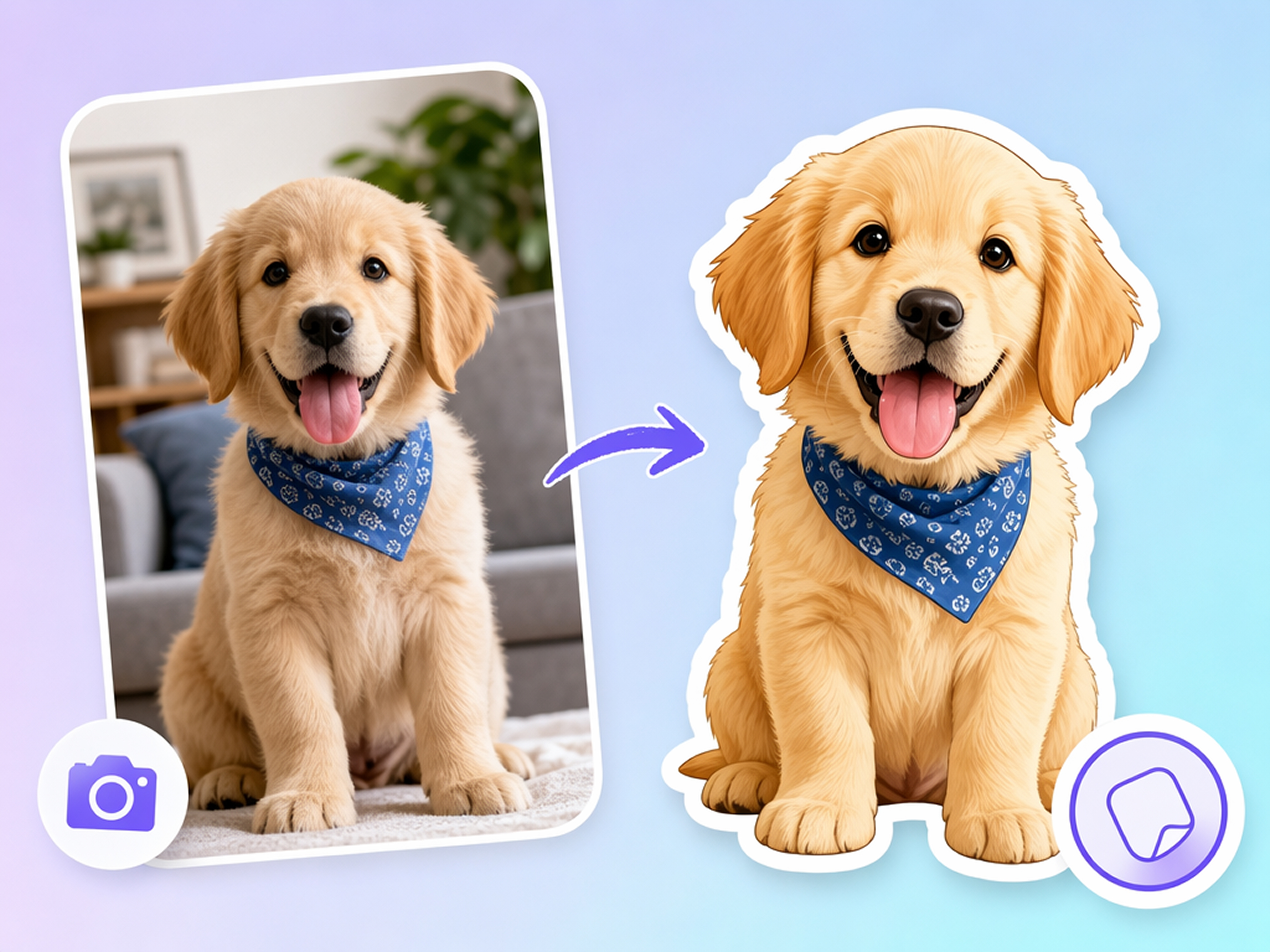
Upload a portrait, pet, product, or logo, and let the AI sticker generator instantly turn a photo into sticker designs with clean outlines and transparent backgrounds. It's an easy way to create polished stickers without manual editing.
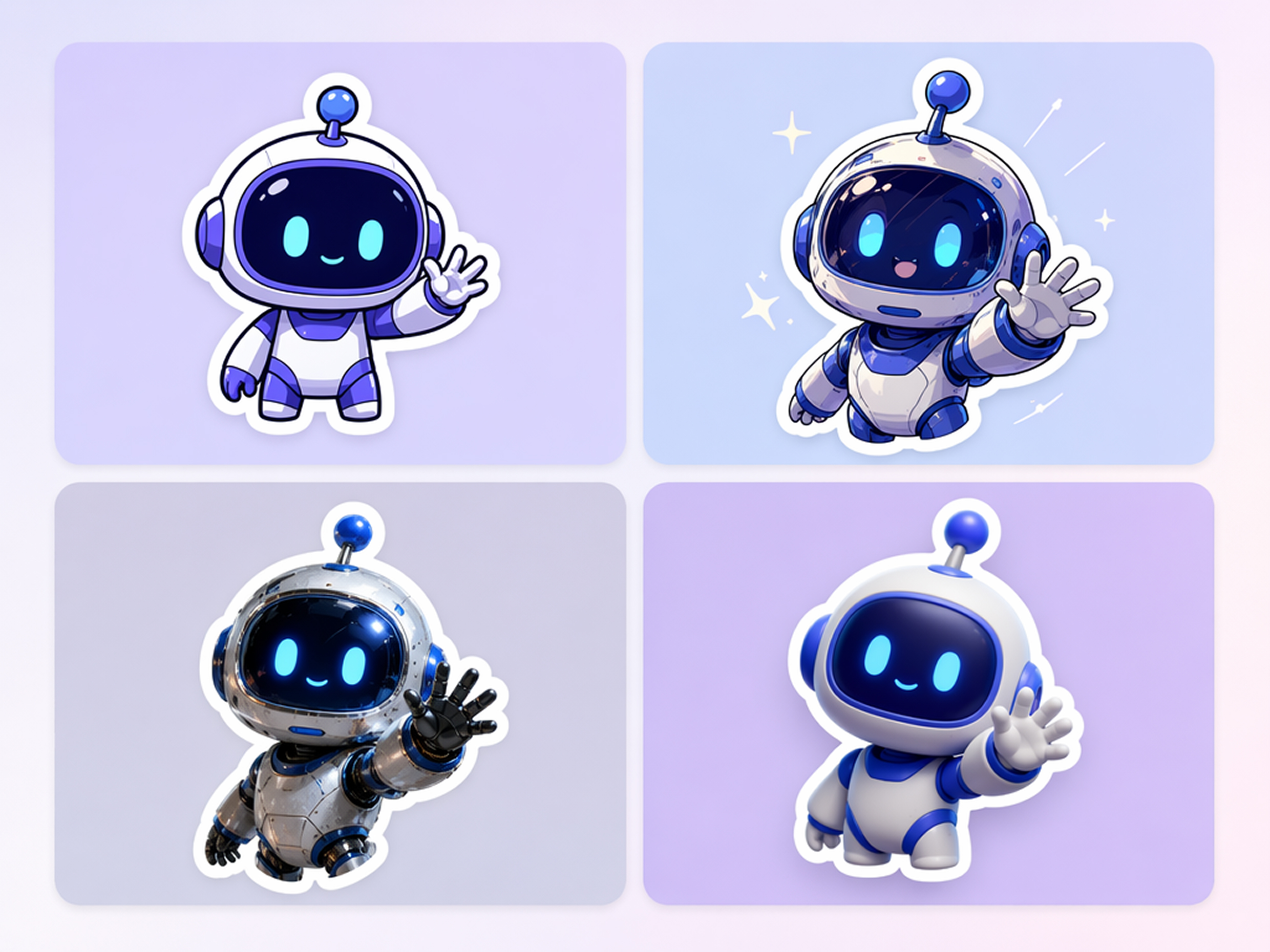
Create Stickers in Any Style
Generate cartoon, anime, realistic, 3D, or branded stickers from one image. The sticker maker online lets you compare different creative styles, then continue refining your designs with the AI image generator to match your vision.
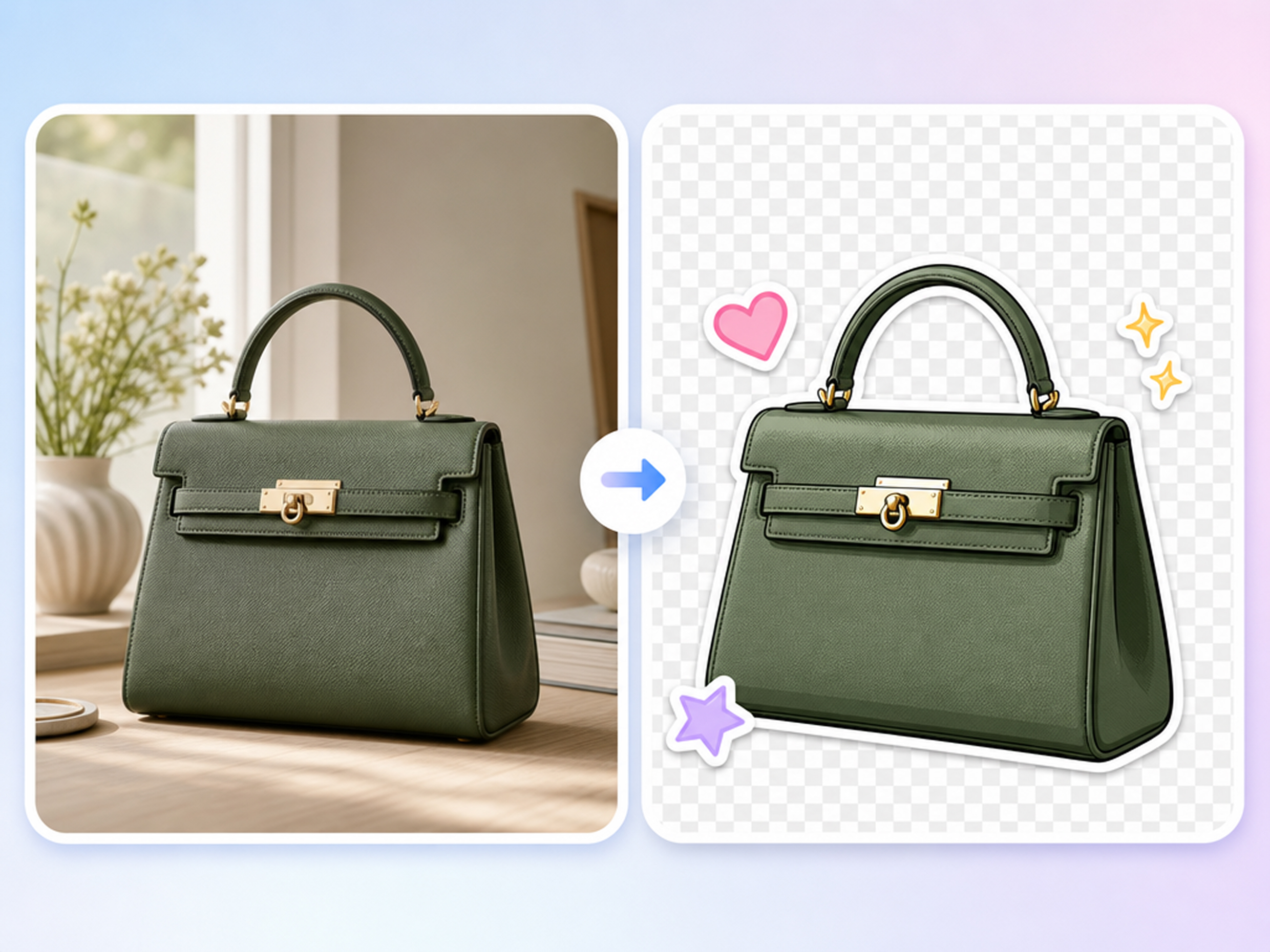
Automatic Background Removal
Skip manual selections and let Designkit remove the background while preserving clean edges around your subject. The image to sticker workflow produces transparent stickers that are ready for sharing, printing, or branding.
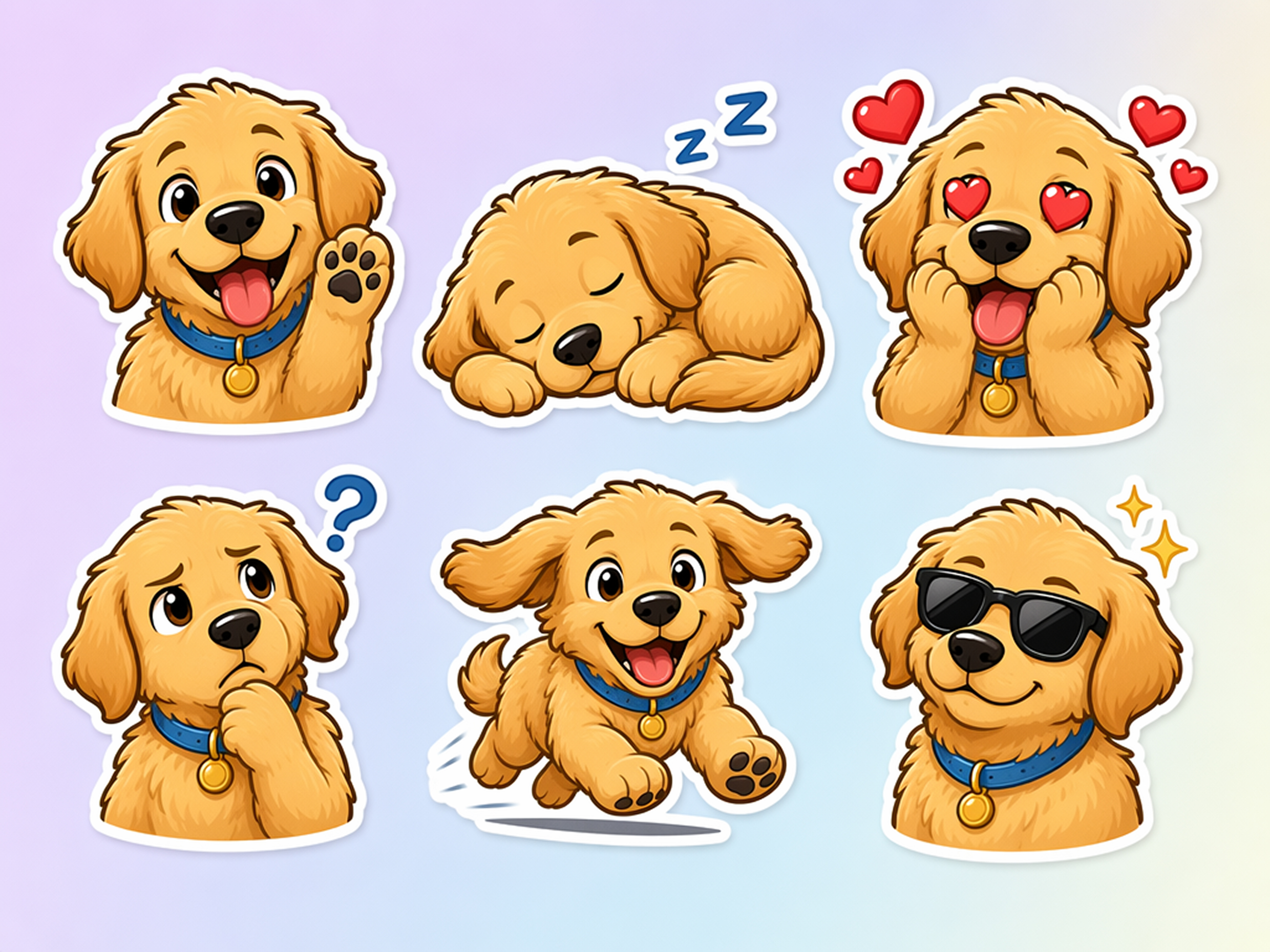
Generate Sticker Packs Faster
Create multiple expressions, poses, or product variations from a single upload. Whether you want to create your own stickers or build themed collections, Designkit helps you generate complete sticker packs in far less time.
Who Uses Designkit's AI Sticker Generator
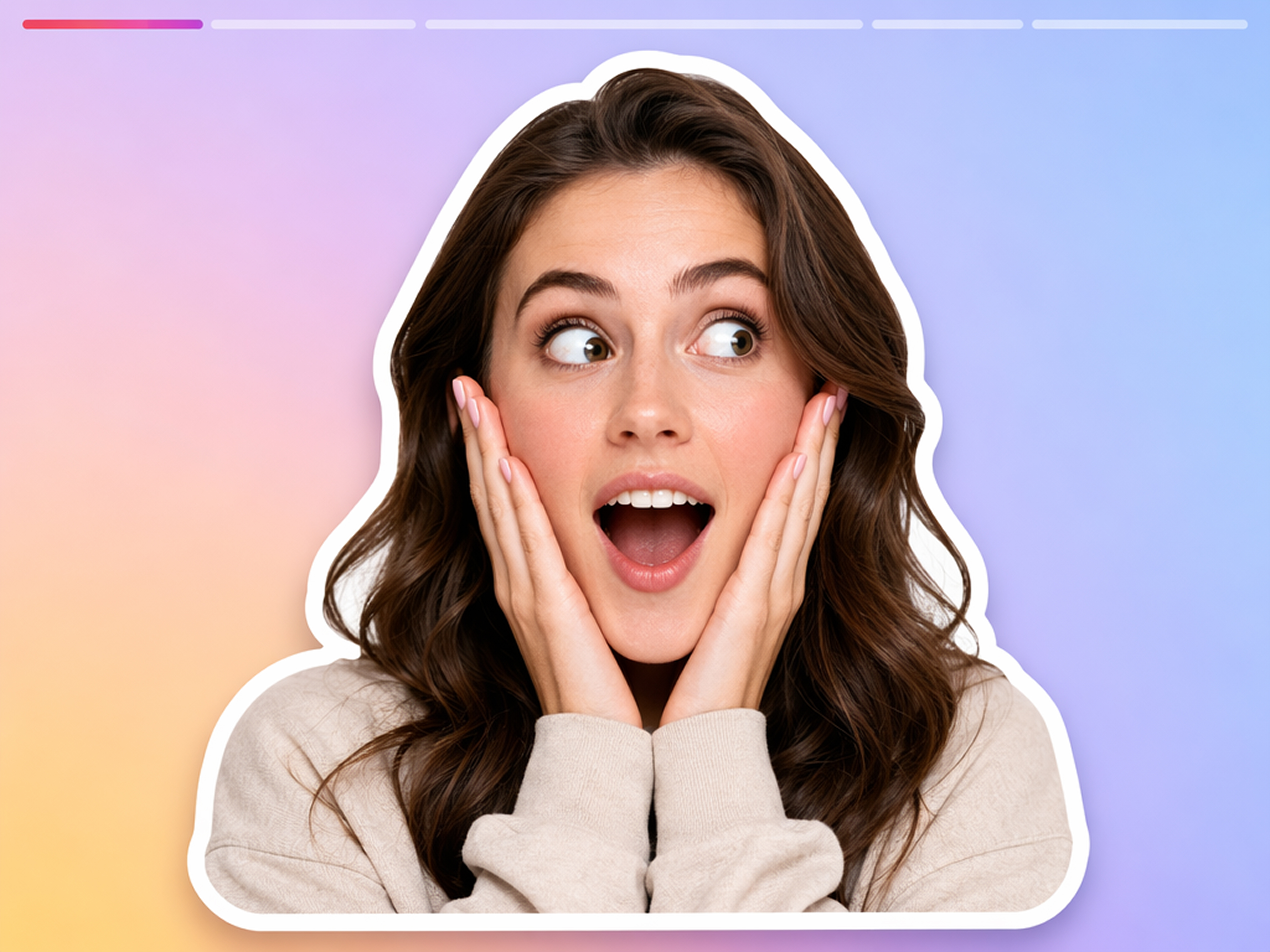
Create Personalized Stickers for Content
Turn selfies, reactions, and product photos into engaging stickers for stories, reels, and posts. The Instagram sticker maker helps your content stand out with original visuals that are easy to share across social platforms.
Why Choose Designkit Sticker Generator
Create From Your Own Images
Turn your own photos into custom stickers instead of relying on generic sticker packs or template libraries.
Style Prompts, Not Template Libraries
Guide the AI with custom text prompts to generate completely unique designs rather than settling for generic, pre-made templates.
Adjustable Die-Cut Outlines
Fine-tune sticker borders for clean cut lines that work well for digital sharing, printing, and packaging.
Build Multi-Sticker Packs in One Flow
Seamlessly generate, organize, and export entire collections of custom stickers in one streamlined process for easy sharing.
Free Credits to Start
Try the sticker creator online with signup credits before creating custom stickers for personal or business use.
No Design Skills Needed
Upload an image, choose a style, and create polished stickers without learning advanced editing tools.
Unlock More Creative Possibilities
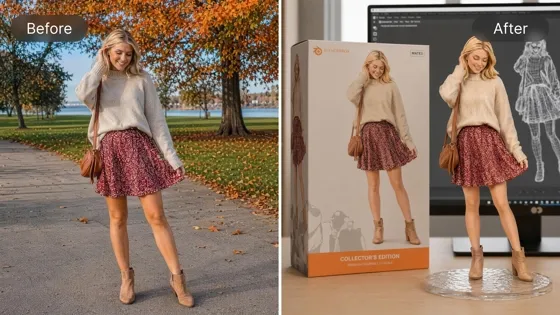
AI Action Figure Generator
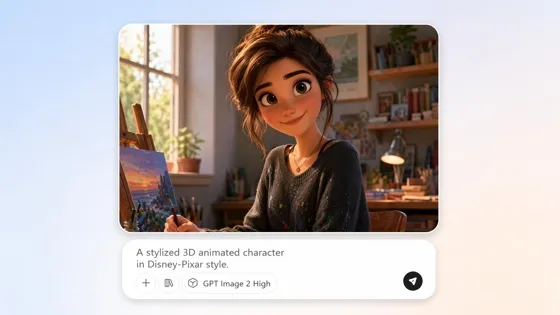
AI Cartoon Character Maker
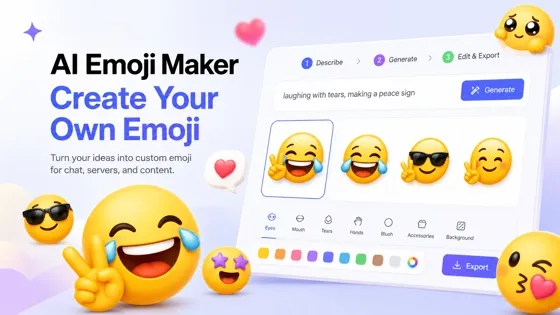
Emoji Maker
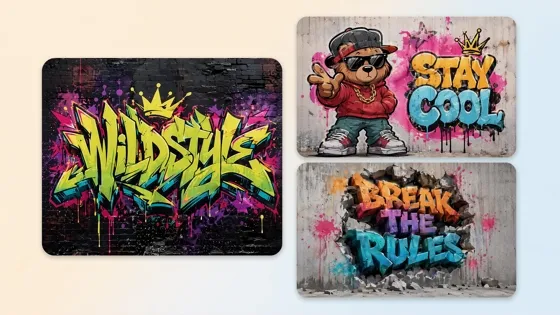
AI Graffiti Generator
Frequently Asked Questions
What is an AI sticker generator?
How do I make a sticker from a photo?
Upload your photo into Designkit's online sticker maker tool. The background is removed automatically, leaving just your subject. You can then add a custom outline, adjust the colors, and download it as a transparent PNG ready for use.
Can I use exported stickers in WhatsApp?
Yes, the exported transparent PNG files are fully compatible with WhatsApp and other popular messaging platforms. Simply save the downloaded sticker to your device and import it into your chat application to instantly share it with friends and family.
Can I make stickers with transparent backgrounds?
Yes, every sticker is exported with a transparent background, making it easy to place on websites, social posts, presentations, packaging, or printed products. The sticker PNG maker creates clean files that blend naturally into different designs.
Will the sticker look natural or overly cartoonish?
The final aesthetic is entirely up to you, as our AI preserves the natural details of your original photo while adding clean, professional die-cut outlines. If you prefer a more stylized, illustrative, or cartoonish appearance, you can easily guide the output using custom text prompts.
Are there free credits available to try the tool?
Yes, every new user receives free signup credits to test the online sticker creator. This allows you to explore the features, experiment with different images, and generate a few custom designs before committing to a plan.
Are the generated files suitable for physical printing?
Absolutely, the high-resolution PNG exports feature crisp cut lines and transparent backgrounds, making them perfect for physical applications like custom product packaging, merchandise, or printed sticker sheets.
What types of images work best for creating stickers?
While you can upload almost any photo, images with clear, well-lit subjects—such as portraits, pets, or standalone product shots—yield the best results. The AI can more easily isolate well-defined subjects from the background to create highly precise sticker cutouts.
Turn Any Image Into a Custom Sticker
Your next viral sticker is just a click away. Upload a photo, let the AI remove the background, and download your custom sticker. Try it free today.

What Users Say About Designkit's Sticker Generator
Real feedback from creators who turned images into stickers.
Cut Campaign Creation Time in Half
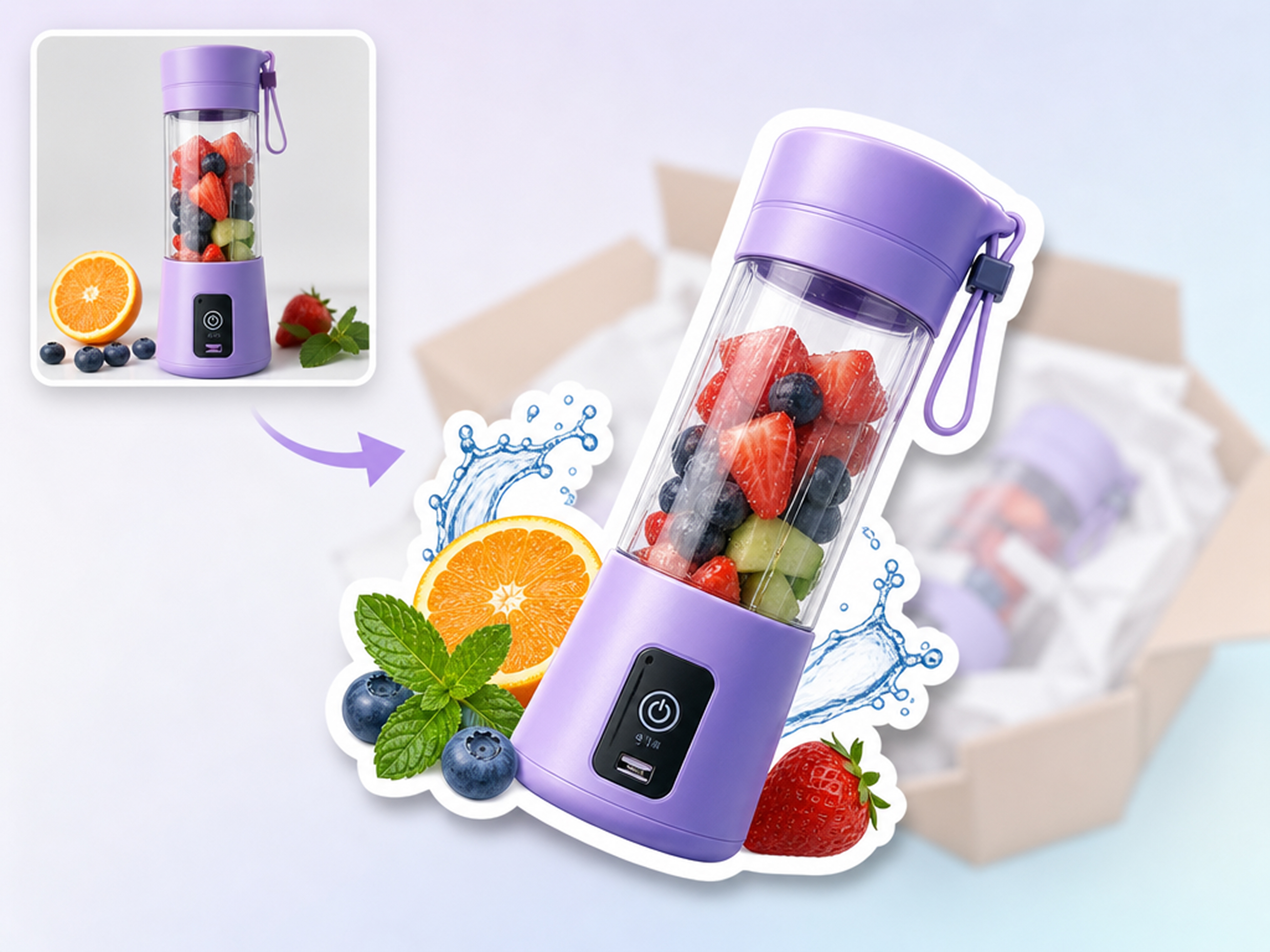
Creating custom Instagram stickers for our brand used to require a designer and hours of back-and-forth. Designkit simplifies the process by turning our product shots into transparent stickers in one click. Our story engagement went up by 30%.
Exported Event Photos as WhatsApp Chat Stickers
Keeping our community chat active was a challenge. I used Designkit to turn event photos into funny WhatsApp stickers. Tasks that once required complex editing software are now done in seconds, keeping our members highly engaged.
Perfect PNG Exports for Digital Products
I sell digital planners and needed a quick way to create matching sticker packs. Designkit removes the background cleanly and adds perfect white borders every time. I launched my new digital sticker pack without touching a professional editor.
My Pet Became a Sticker Pack
I always wanted to turn my dog's funny expressions into custom stickers, but creating them manually felt too complicated. Designkit helped me transform everyday pet photos into cute sticker designs instantly. Now I can share personalized stickers with friends and family that actually feel unique. FAQs