
Create an AI Influencer for Social Content and Campaigns
Build a virtual influencer with a recognizable look, style, and personality, then create UGC-style images, product content, and short-form videos around the same persona.
How to Create an AI Influencer With Designkit
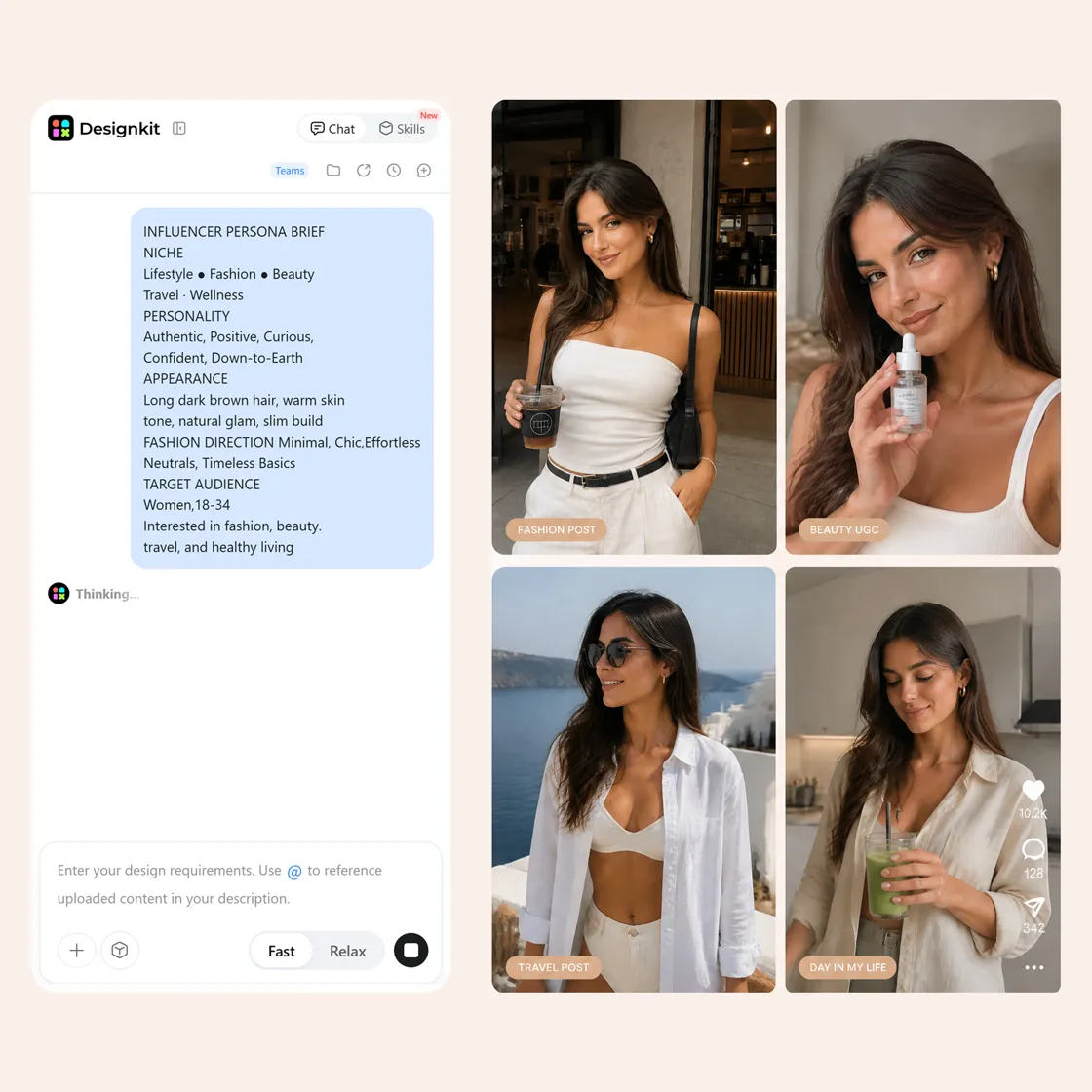
Step 1. Define Your Influencer Persona
Sign up or log in to Designkit. Describe the niche, personality, appearance, fashion direction, target audience, and content type. Add a reference image when you already have a visual direction in mind.
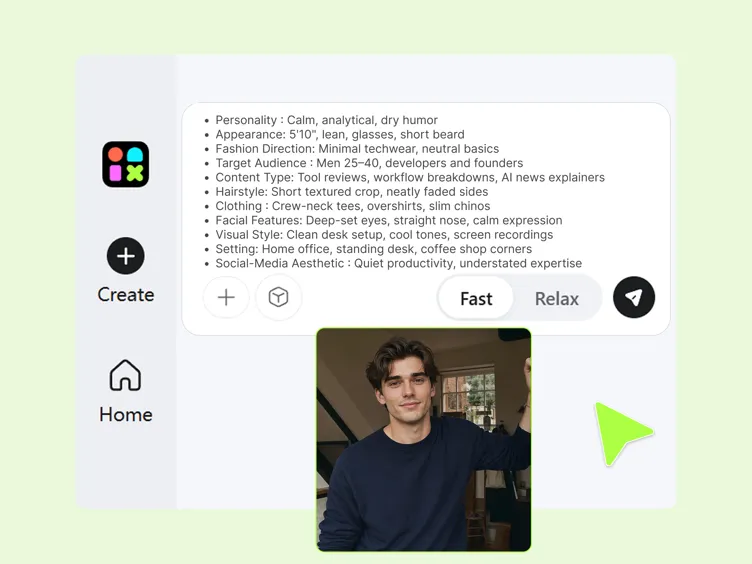
Step 2. Build the Look and Content Style
Set the character's hairstyle, clothing, facial features, visual style, setting, and overall social-media aesthetic. Think about how the persona should appear across recurring posts rather than designing just one image.
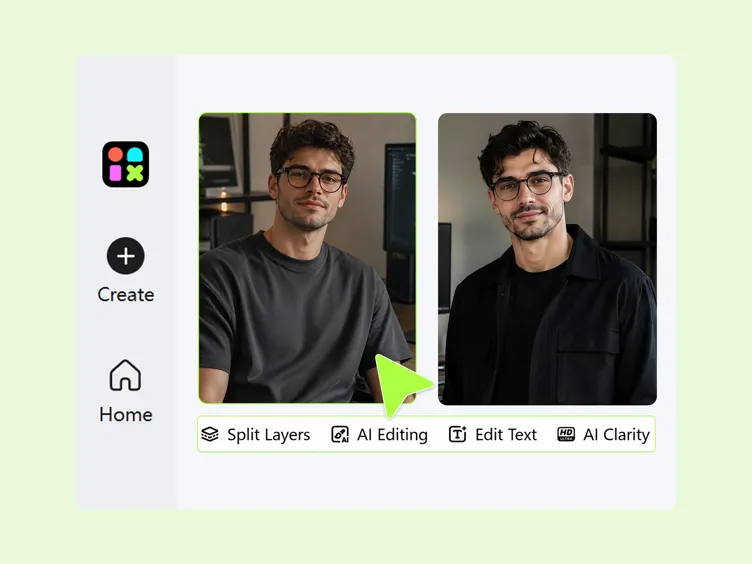
Step 3. Create Content With Your Persona
Generate new scenes, outfits, product visuals, UGC-style posts, and video concepts around the influencer persona. Refine the direction when you want to change the character's look or content style.
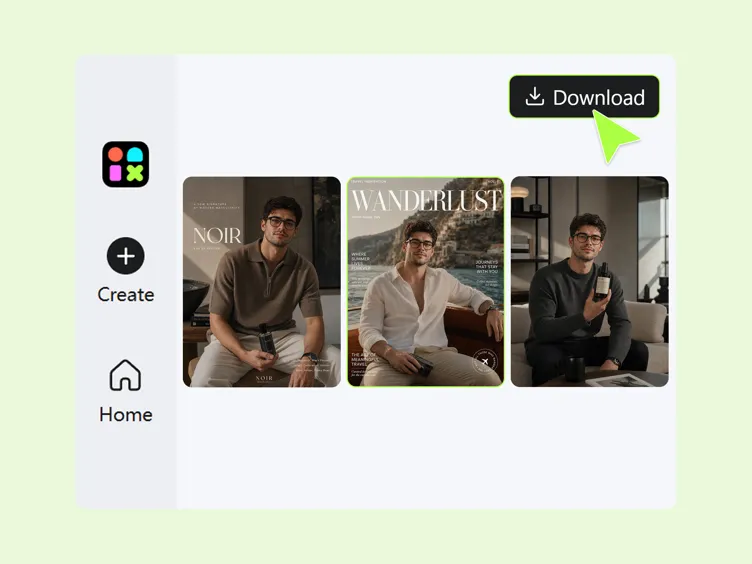
What Can You Create With Designkit's AI Influencer Generator
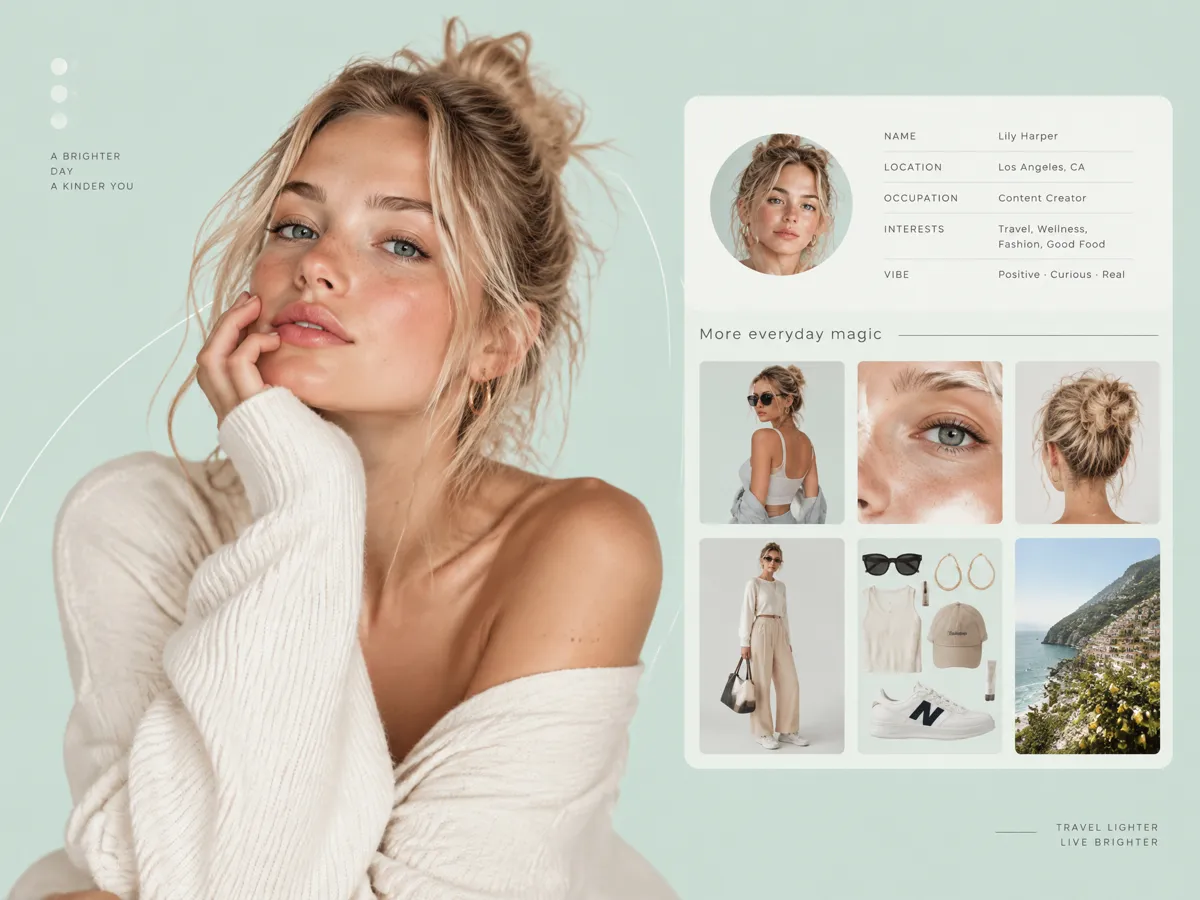
Build One Recognizable Influencer Persona First
Create an AI influencer with a defined appearance, style, and visual identity that can be used across different content ideas. Designkit helps you develop the initial character direction and refine the look, making it useful when you want to create your own AI influencer instead of generating unrelated people for every post. You can also explore different looks through AI models.
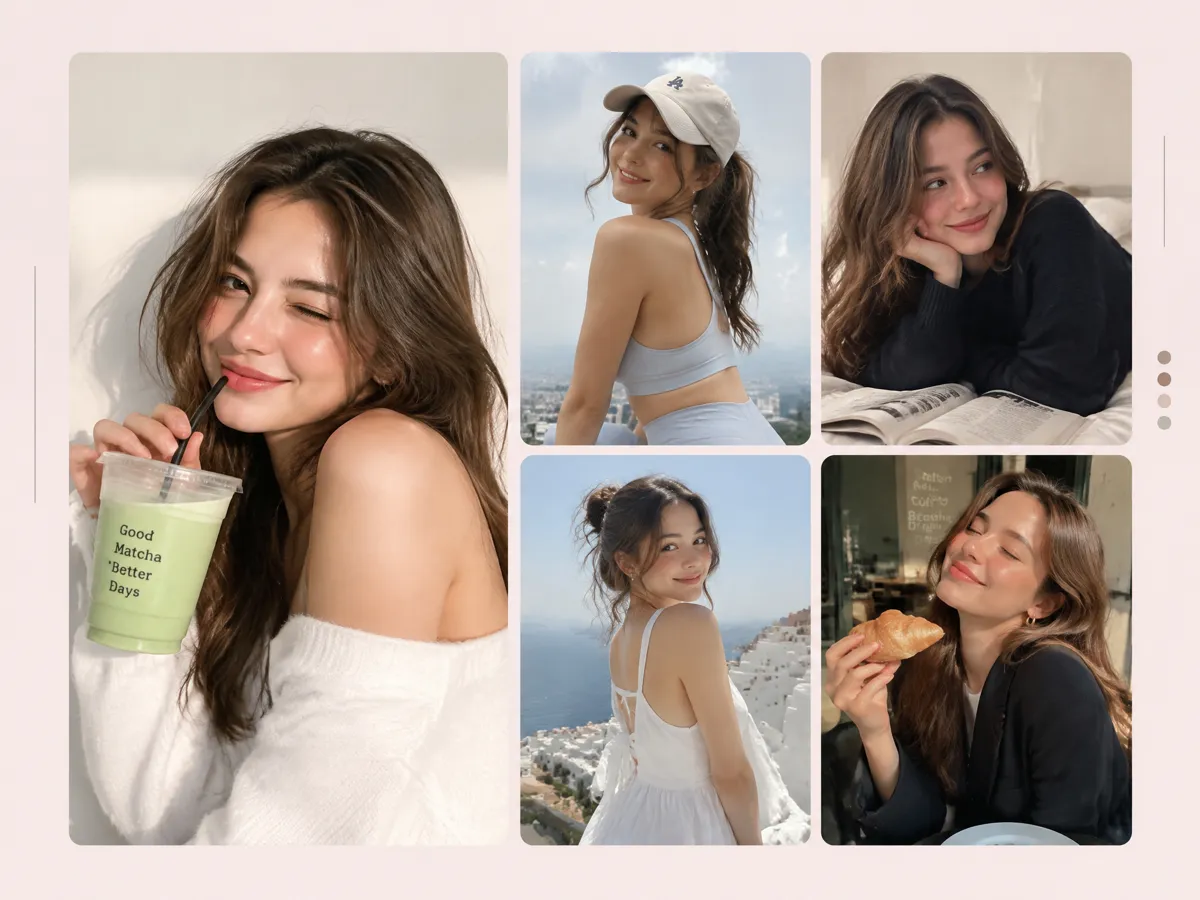
Keep the Same Influencer Across New Content
A recognizable persona works better when their appearance remains connected across different posts and campaigns. Designkit helps you develop new visuals around an established influencer direction, so you can create content without rebuilding the concept every time. This makes the workflow useful for AI social media influencers who need a repeatable visual identity across platforms and campaigns.
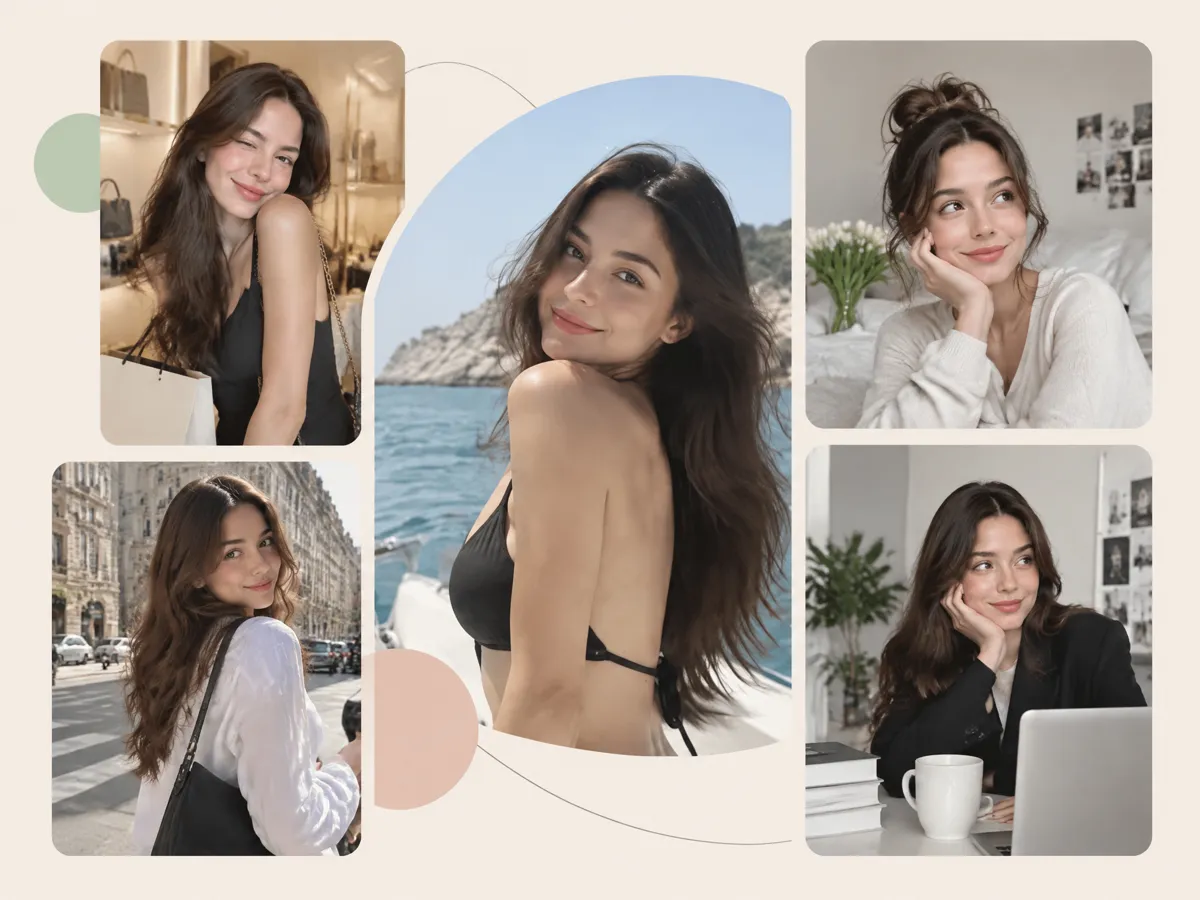
Change Scenes and Looks Without Another Shoot
Create new settings, outfits, poses, and visual situations without arranging a physical photoshoot for every variation. Designkit can help adapt your influencer concept to different creative directions, including fashion-focused content. For clothing campaigns, you can combine this workflow with an AI fashion model or explore virtual try on visuals to show products in different contexts.
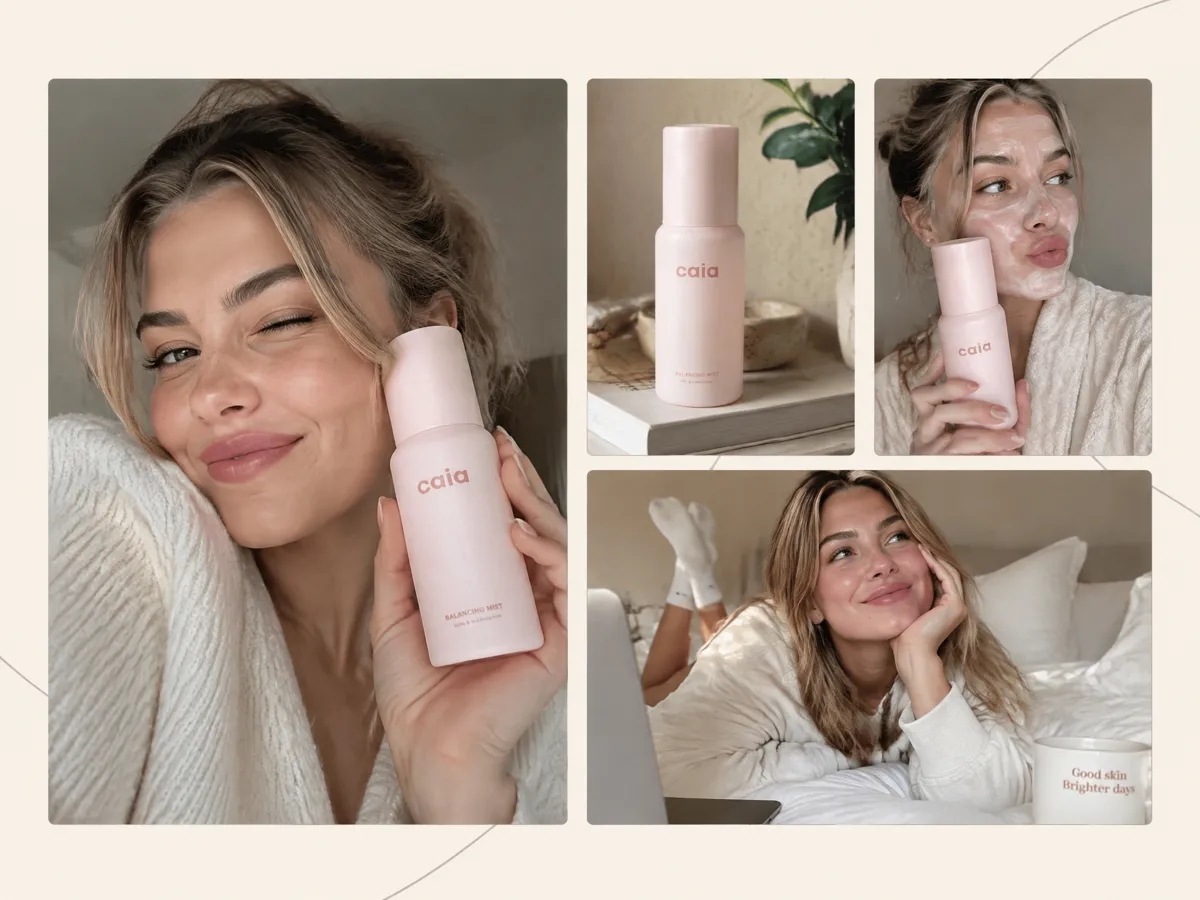
Create Influencer Content With a Real UGC Feel
Create influencer-style visuals designed around natural settings, relatable poses, everyday situations, and product interactions. Designkit helps you build content that can fit social campaigns without requiring a physical creator for every concept. This can support influencer marketing workflows when brands need multiple creative directions for products, promotions, or audience-specific campaigns.
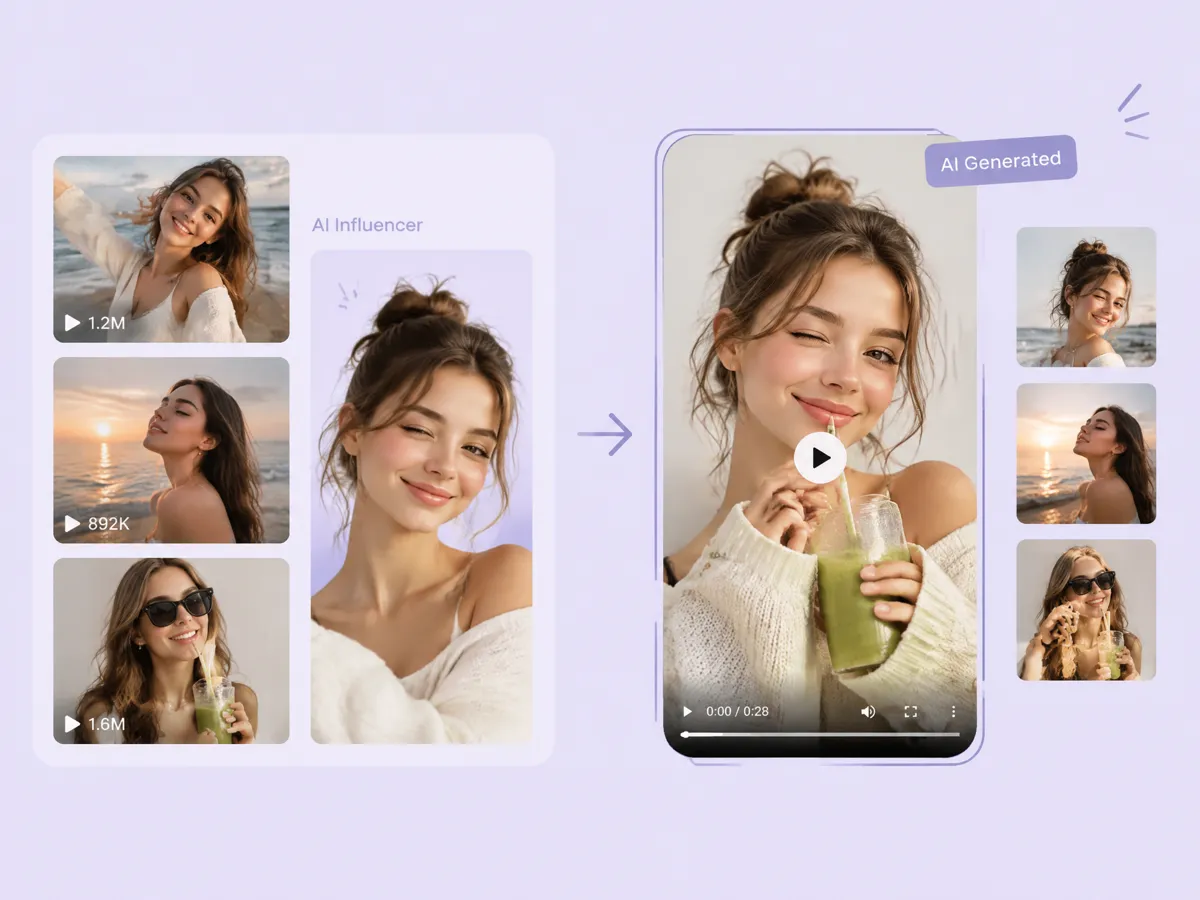
Recreate a Viral Format Using Your Own Influencer
Use a familiar content format as creative inspiration and adapt the concept to your own AI influencer. Designkit lets you develop new scenes, poses, styling, and compositions around the established persona instead of starting with a blank canvas. This makes the AI influencer generator free workflow useful for exploring timely social content ideas before turning them into campaign assets.
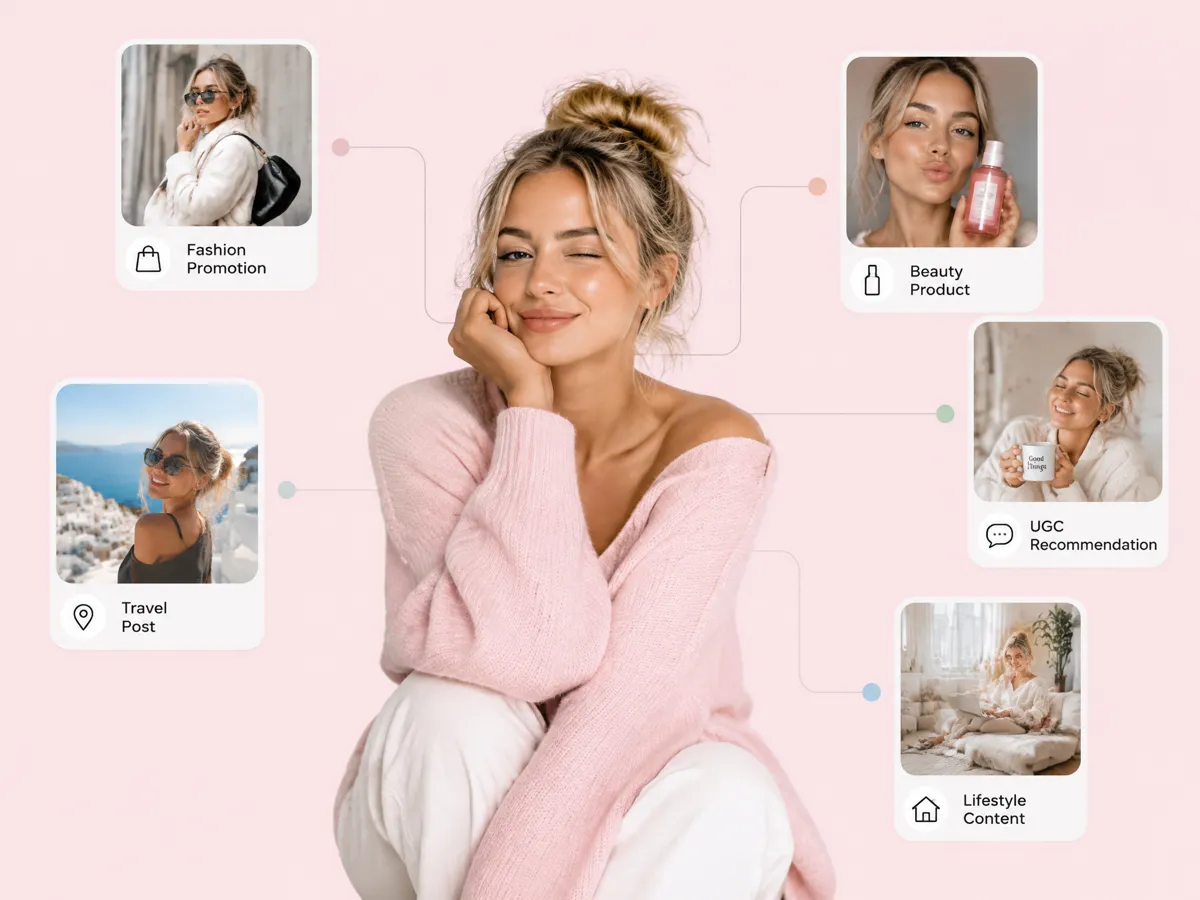
Build One Persona, Then Scale Your Content Ideas
Once you have an influencer persona, develop multiple content directions around products, campaigns, lifestyle themes, and social formats. Designkit helps extend one character concept into a broader content workflow, making it easier to create AI influencer visuals for different marketing needs. You can move from a single persona to varied promotional concepts without arranging a new shoot for every idea.
Who Can Use Designkit to Create AI Influencers
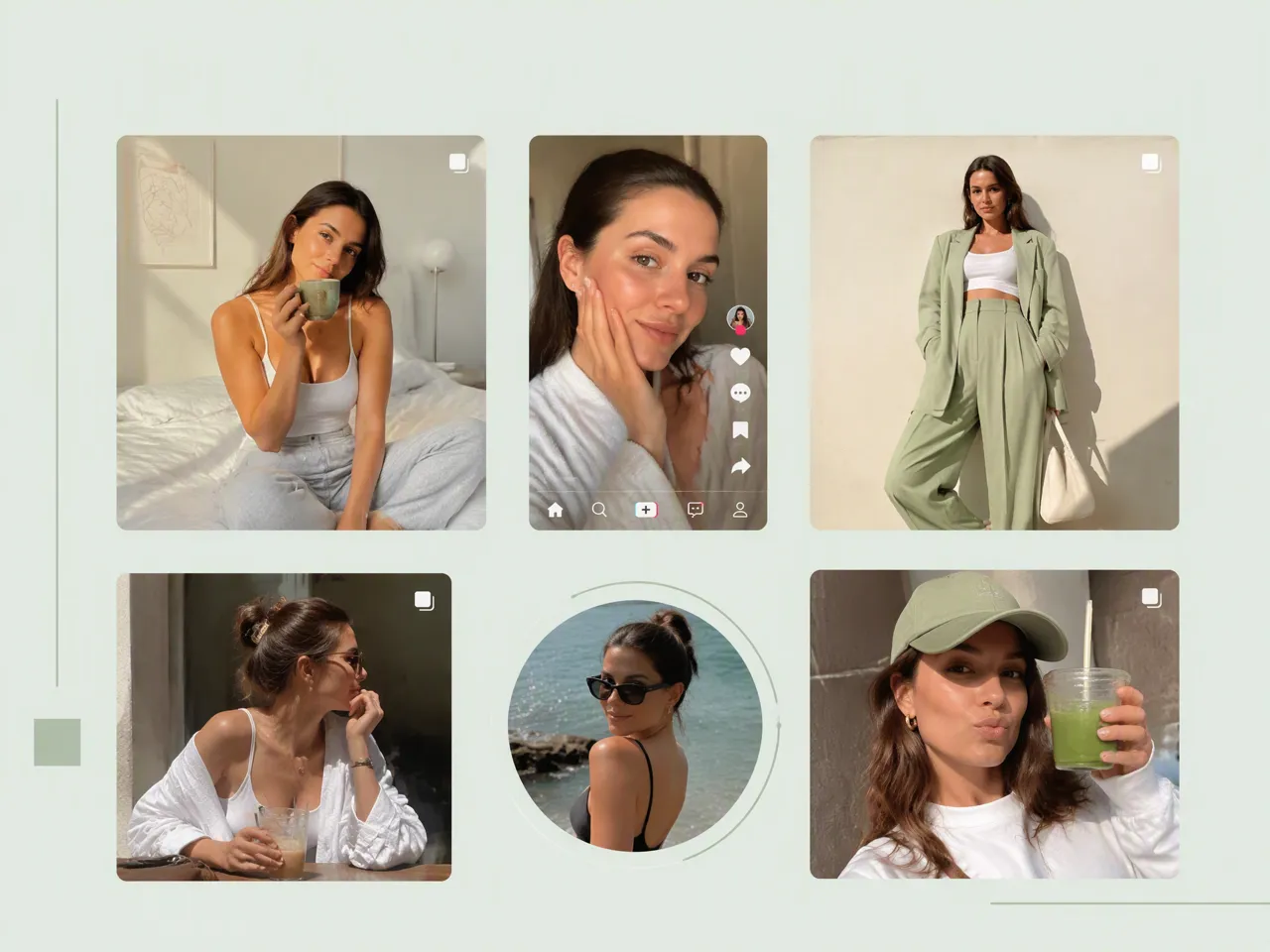
Build A Recurring Persona for Instagram and TikTok Content
Create a recognizable virtual persona for recurring posts, short-form videos, and platform-specific content. Designkit helps creators develop consistent visuals and explore ideas for an AI influencer generator for free, from everyday posts to trend-based content.
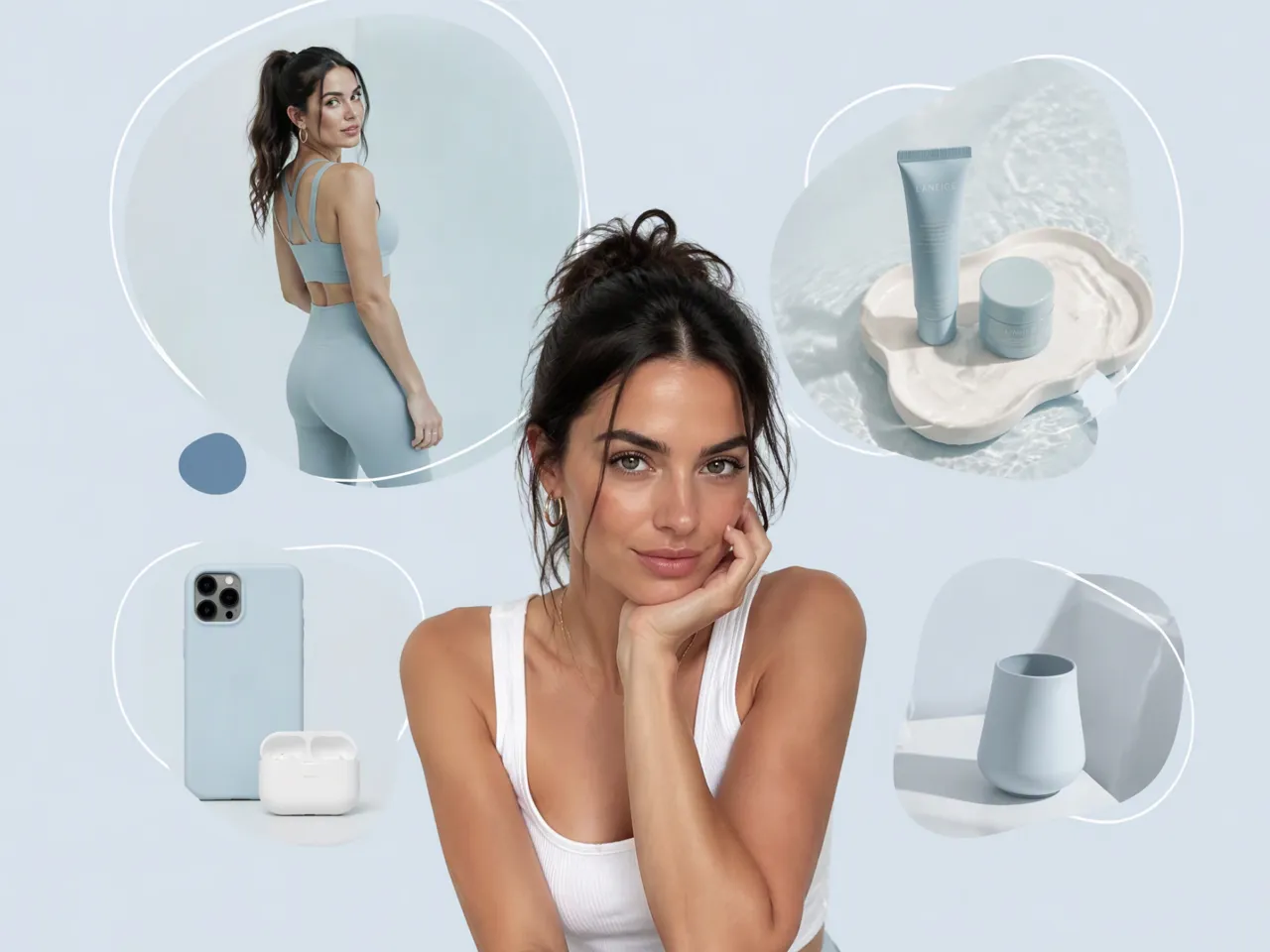
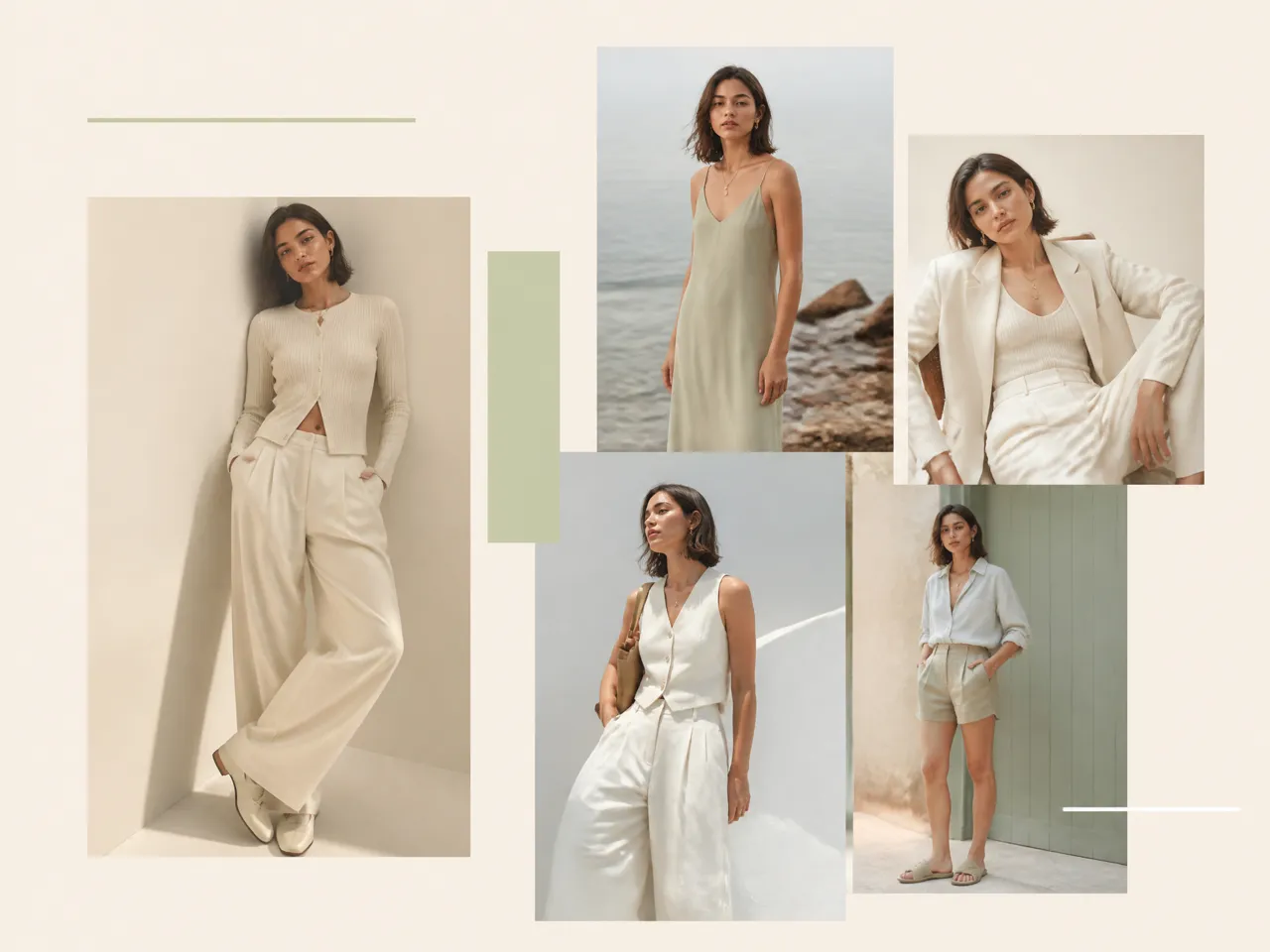
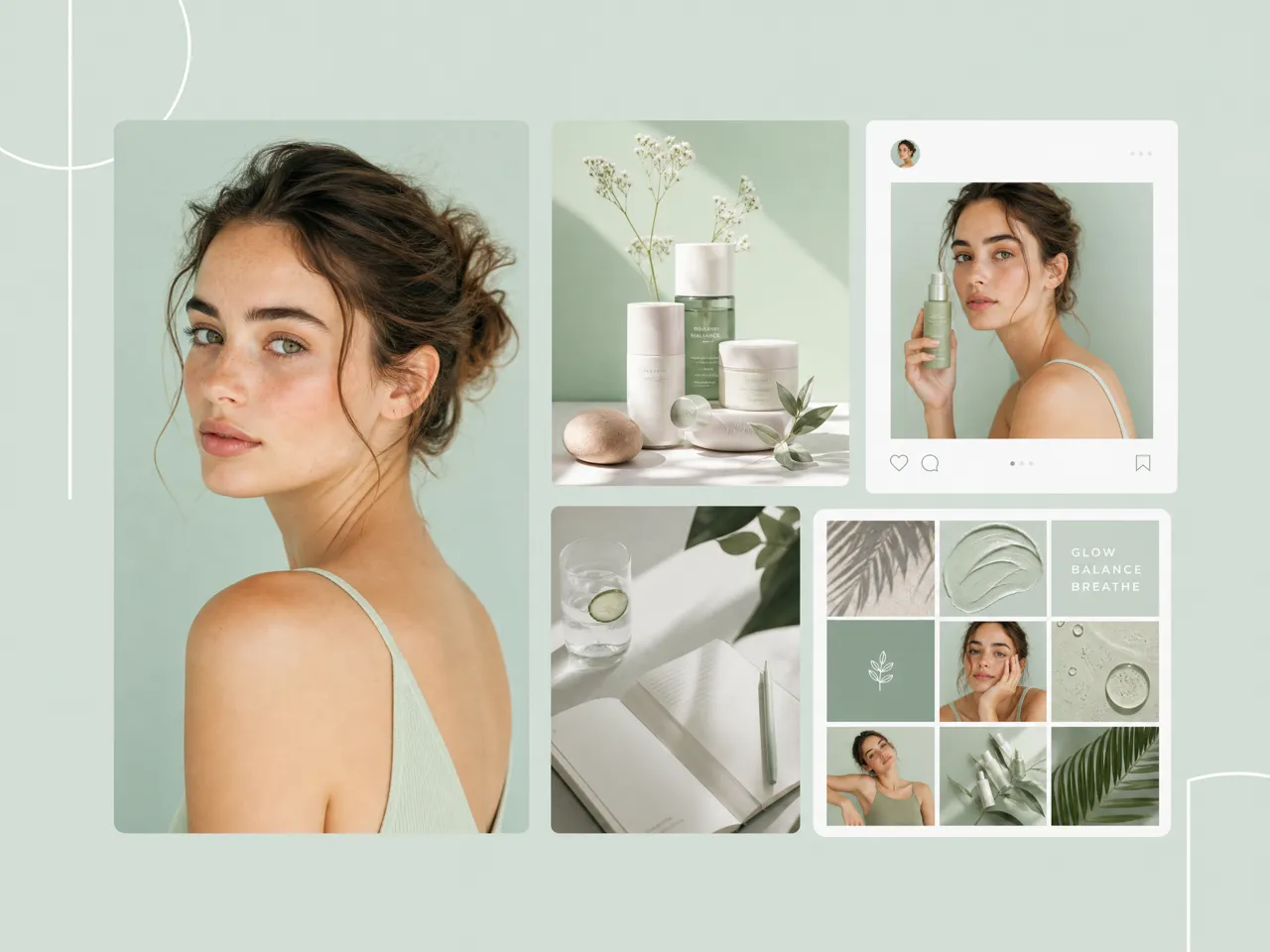
Why Create an AI Influencer With Designkit
Create Influencer Content Without Hiring Models
Develop virtual influencer visuals without arranging model bookings, studios, photographers, or repeated photoshoots for every content idea.

Experiment Before Committing to a Full Campaign
Try different personas, content directions, products, and scenes before deciding which concept deserves more production time and resources.
Try AI Influencer Creation With Free Credits
Start creating your virtual influencer with free credits and explore different personas, looks, and content ideas before committing to a larger campaign.
Unlock More Ways to Create Fashion and UGC Content

AI Fashion Model Maker
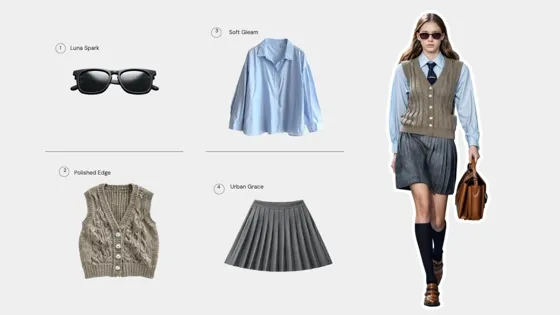
AI Virtual Try-On

Fashion Try-On Solution
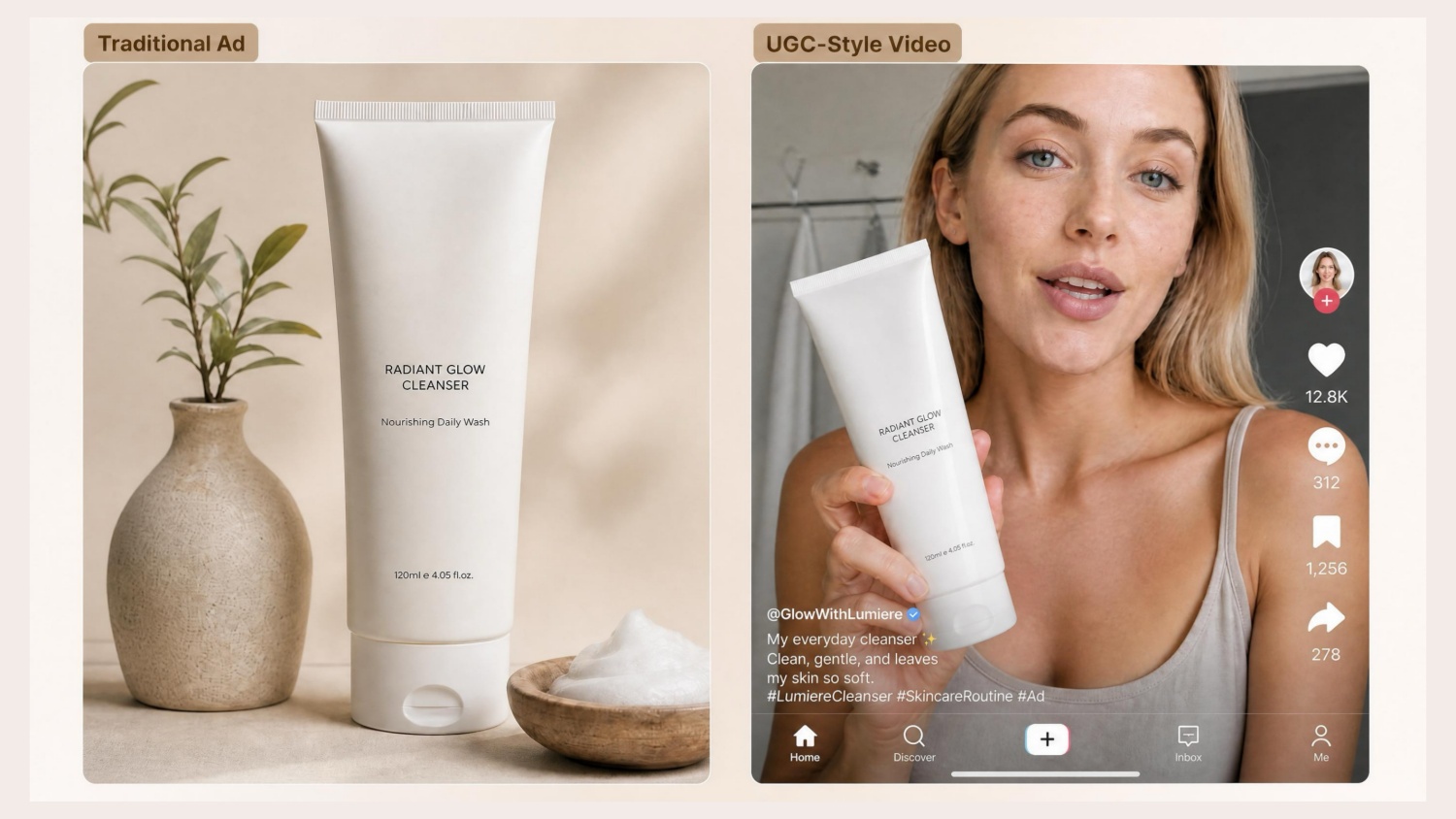
AI UGC Video Ad Maker
Frequently Asked Questions
What types of AI influencer videos can I create?
What is an AI influencer generator used for?
An AI influencer generator is used to create virtual personalities for social posts, product promotion, campaign concepts, and recurring content. With Designkit, an AI influencer generator for free can help you develop a recognizable persona, place that character in different scenes, and create visual content around products or campaign ideas without needing a physical influencer for every shoot.
Do AI influencer images and videos look realistic enough for Instagram and TikTok?
AI influencer content can be realistic enough for social media when the character, lighting, styling, expressions, and scene are generated with suitable references and direction. Designkit can act as an AI Instagram model generator, helping create influencer-style visuals for Instagram and TikTok while giving you room to adjust outfits, backgrounds, poses, and product-focused scenes.
How can I keep the same AI influencer across different posts?
Use consistent character references, appearance details, styling cues, and visual direction when generating new content. Designkit helps you build an AI influencer around a defined persona and reuse that creative direction across different scenes, outfits, and campaign ideas. This makes it easier to develop a recognizable virtual identity instead of creating a completely different character for every post.
Can I recreate a viral video with my AI influencer?
You can use a viral format as creative inspiration and adapt its structure, movement, setting, or storytelling style to your own virtual persona. Designkit lets you develop AI generated influencers and place them into new content concepts, so you can explore trending formats while changing the character, product, visual direction, and campaign context to fit your brand.
Can I create an AI influencer from my own photo?
Yes, you can use your own photo as a visual reference and build an AI influencer concept around it, depending on the generation workflow and reference options available. Designkit supports image-based creative workflows that can help transform a reference into new influencer-style scenes, while an AI influencer creator approach lets you explore different outfits, environments, poses, and content concepts.
Can I create my own AI influencer for free?
You can start creating an AI influencer without committing to a full production setup, although available free generations or credits depend on the current plan. Designkit lets you create AI influencer concepts from prompts and references, experiment with personas and content ideas, and develop visuals for social media, product promotion, and influencer marketing before investing in repeated photoshoots.
Build an AI Influencer for Ongoing Content
Create a recognizable virtual persona, then develop UGC-style content, product scenes, and social videos around the same character.



Real Creator Feedback on Designkit AI Influencers
Different creators use AI influencer generation to develop virtual personalities, compare content directions, and test social ideas before producing larger campaigns.
I Finally Kept One Consistent Influencer Look
I kept getting different-looking people whenever I tried AI images, which made the account feel disconnected. Once I worked around one influencer concept, the posts started to feel like they belonged to the same person. That made the whole content direction much easier to build.
We Didn't Need Another Shoot for Every New Idea
We used to plan product content around when we could get a creator and the products to them. That made small campaigns surprisingly difficult. Being able to test influencer-style product scenes first gave us a lot more room to experiment.
I Needed a More Natural Social Look
Some AI influencer images looked way too polished for the kind of content I wanted. I was looking for something closer to what people actually post on social media. Once I started building more casual scenes and everyday looks, the content felt much more natural.
One Persona Became Part of Our Ongoing Brand
We had one character direction that the team liked, but we weren't sure what to do with it after the first few posts. Trying different settings, outfits, and product situations gave us enough ideas to start thinking about the persona as an ongoing part of the brand. FAQs