
Random Image Generator for Ideas, Placeholders, and Creative Assets
Generate random AI images for creative ideas, temporary assets, and visual exploration. Create photos, characters, objects, backgrounds, and artwork from simple prompts.
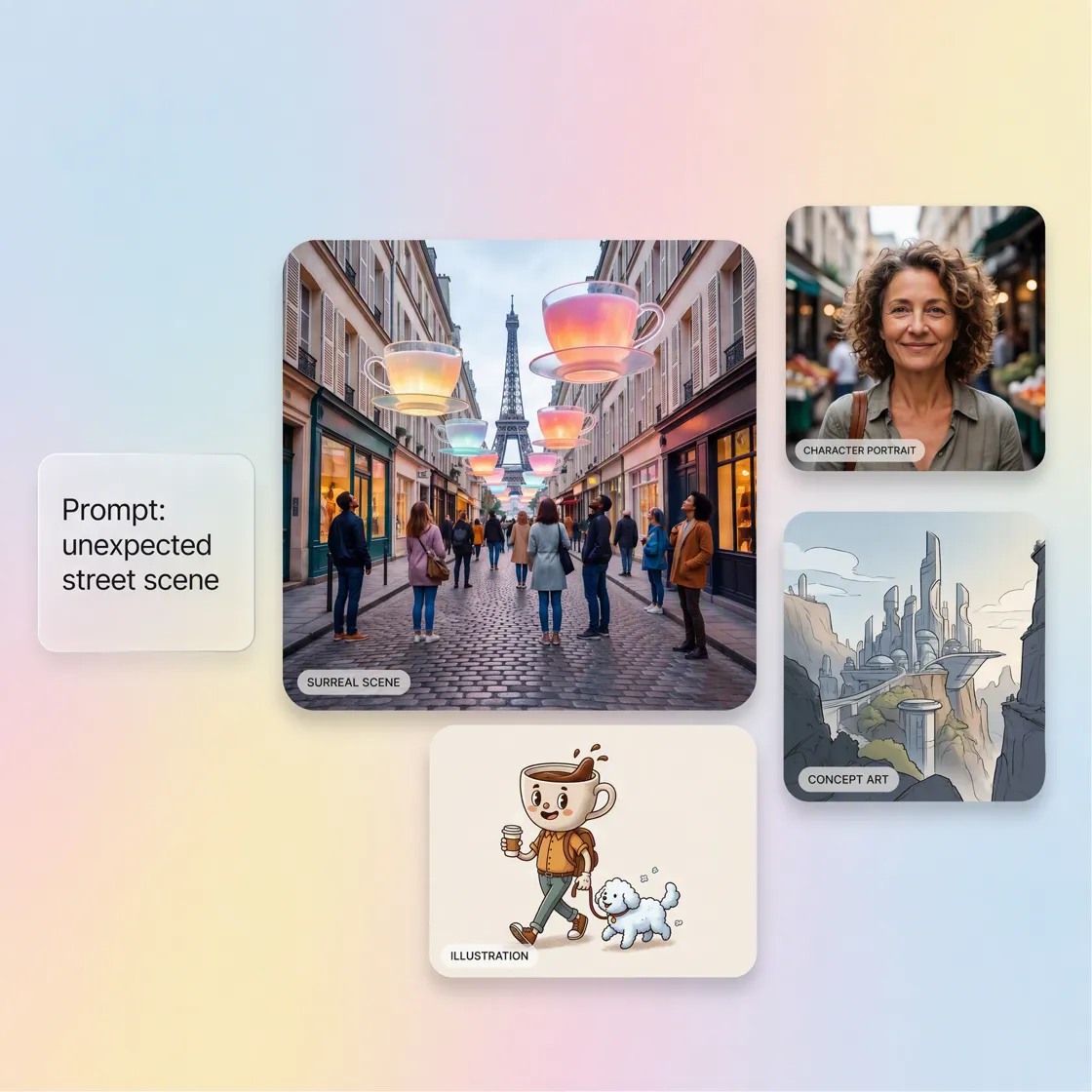
How to Create Random Images With Designkit
Step 1. Start With a Theme, Subject, or Visual Need
Describe whatever you have in mind, such as a type of image, mood, object, character, setting, or visual style. You don't need a fully developed concept to get started.
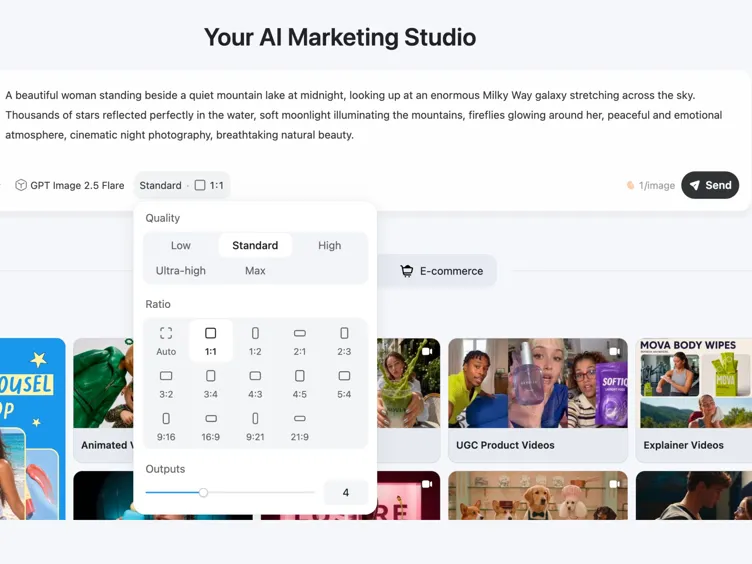
Step 2. Generate and Explore Different Visual Directions
Create your first random image, then compare different interpretations of the idea. Change the subject, style, setting, or visual direction when you want to explore something new.
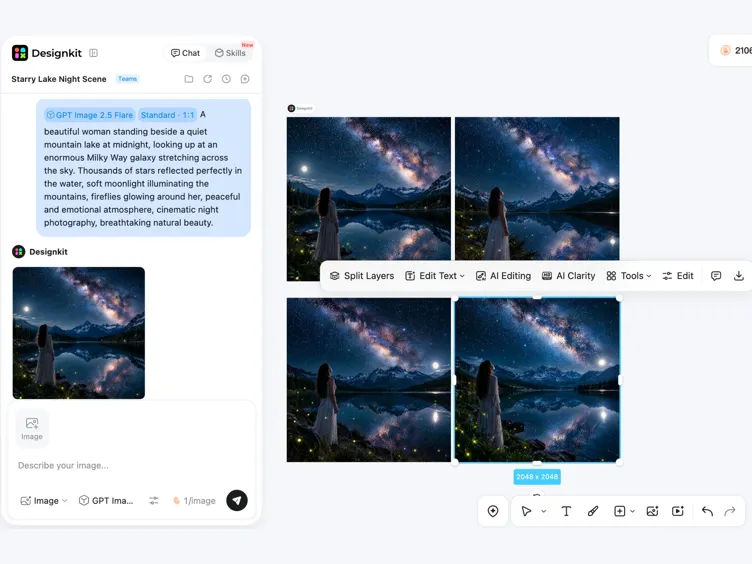
Step 3. Refine and Finish the Image You Want to Keep
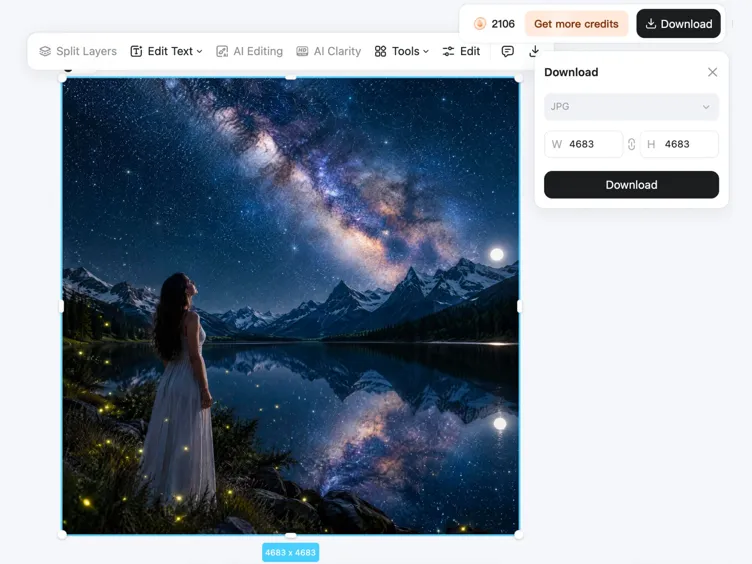
Keep the result that fits your project and edit it in Designkit. Adjust the background, remove unwanted elements, resize the canvas, or make other changes before downloading.
What Can You Do With Designkit's Random Image Generator
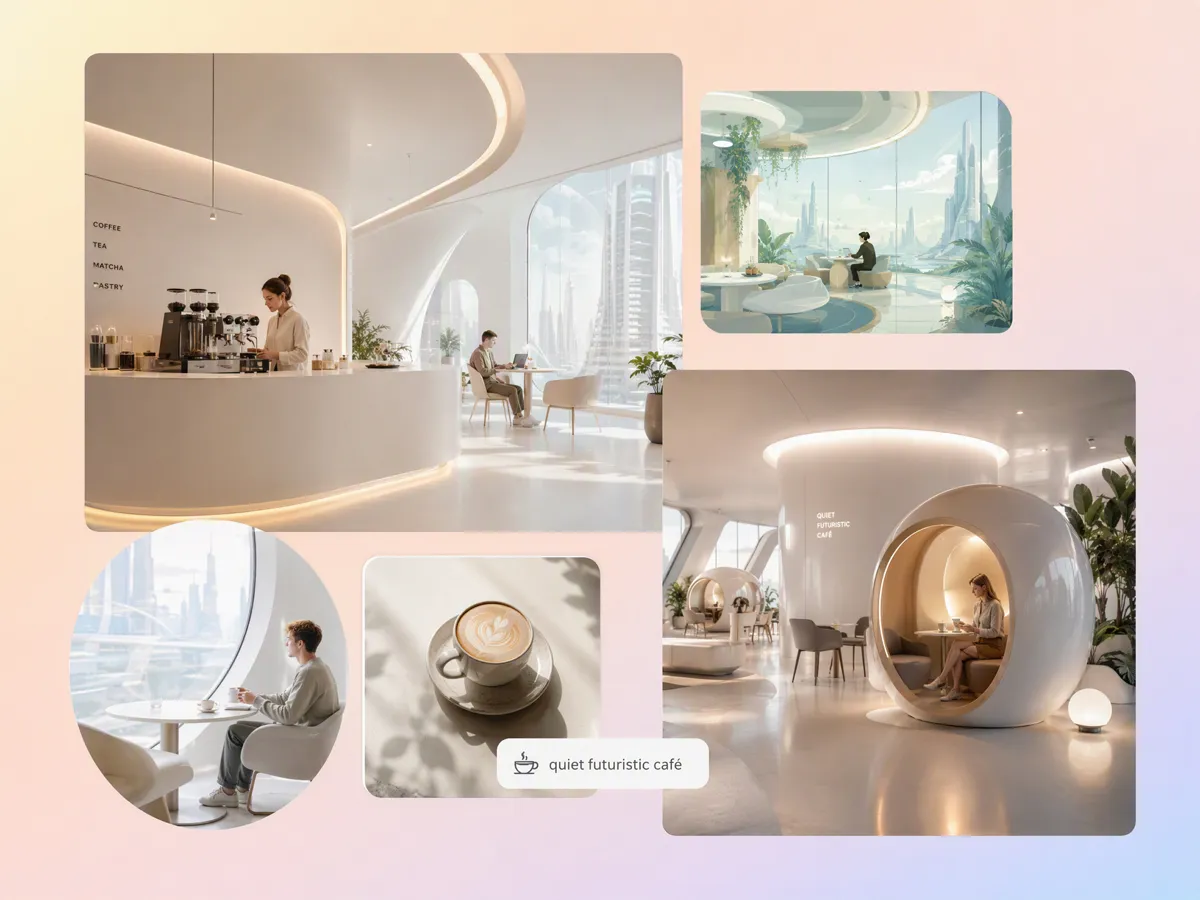
Find a Visual Direction When You Only Have a Rough Idea
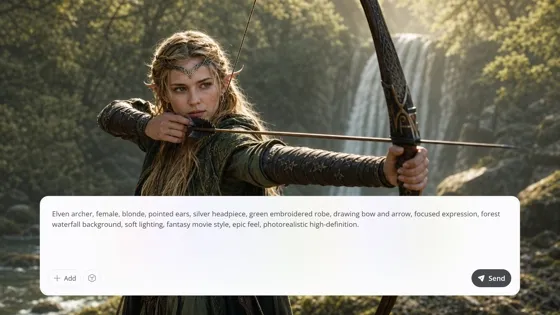
When you know the mood but not the exact image, a random picture generator can help you explore different subjects, compositions, colors, and styles without starting from a fixed reference. Designkit lets you turn rough prompts into varied concepts, then refine promising results with tools such as AI text to image for more controlled visual exploration.
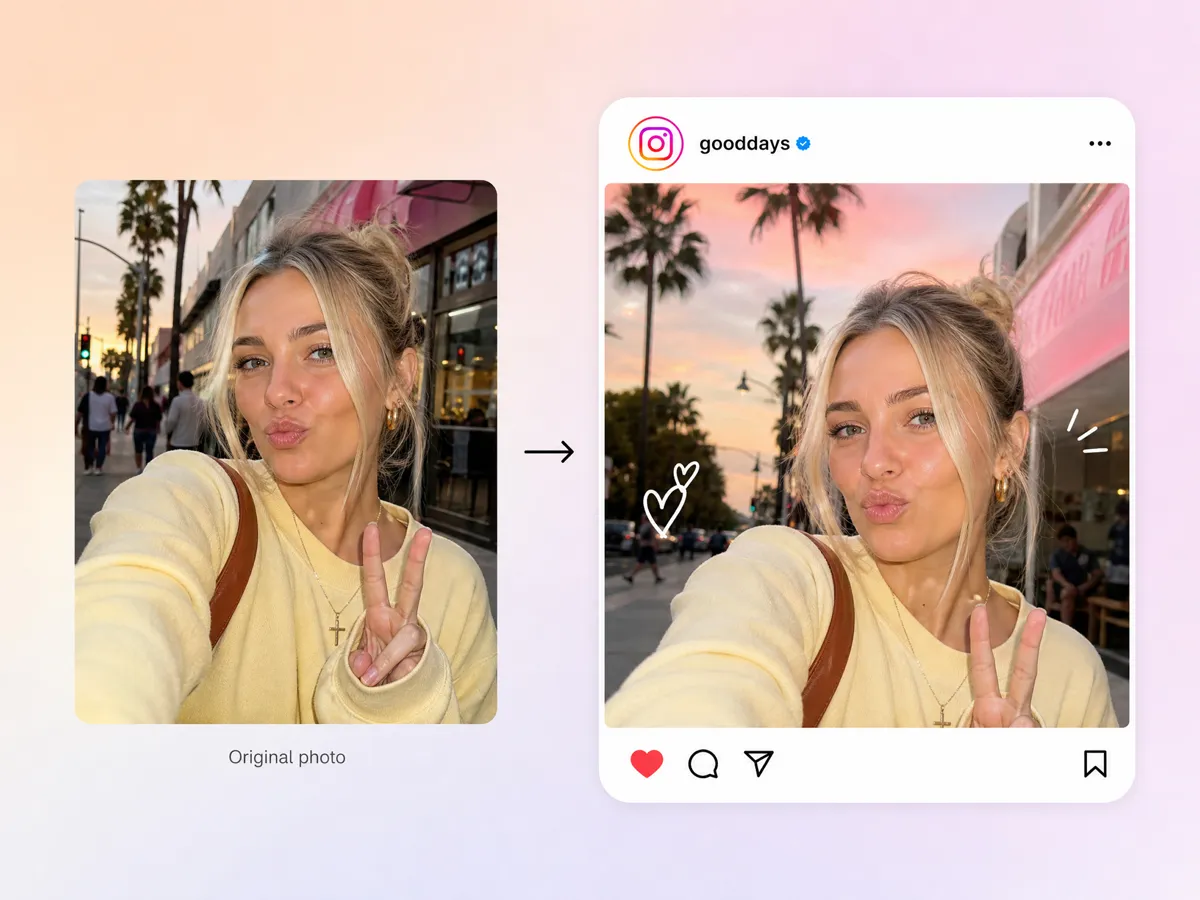
Fill UI Mockups With Realistic Placeholder Images
Realistic placeholder visuals can make a UI mockup easier to review before final assets are available. A random photo generator can produce people, products, scenes, or lifestyle imagery suited to different layouts. With Designkit, you can generate a starting visual and use the image enhancer to improve details when the placeholder needs to look more presentation-ready.
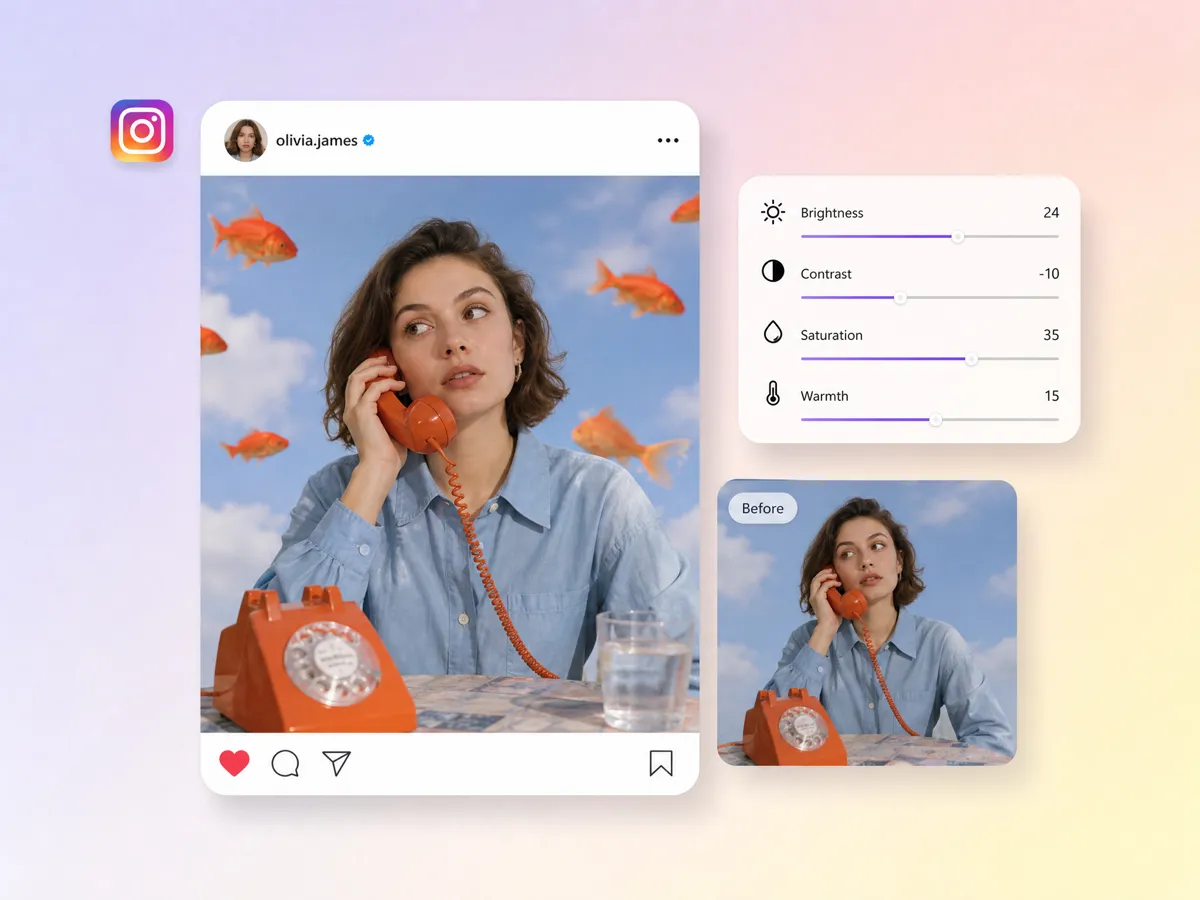
Create Visuals You Can't Easily Find in Stock Libraries
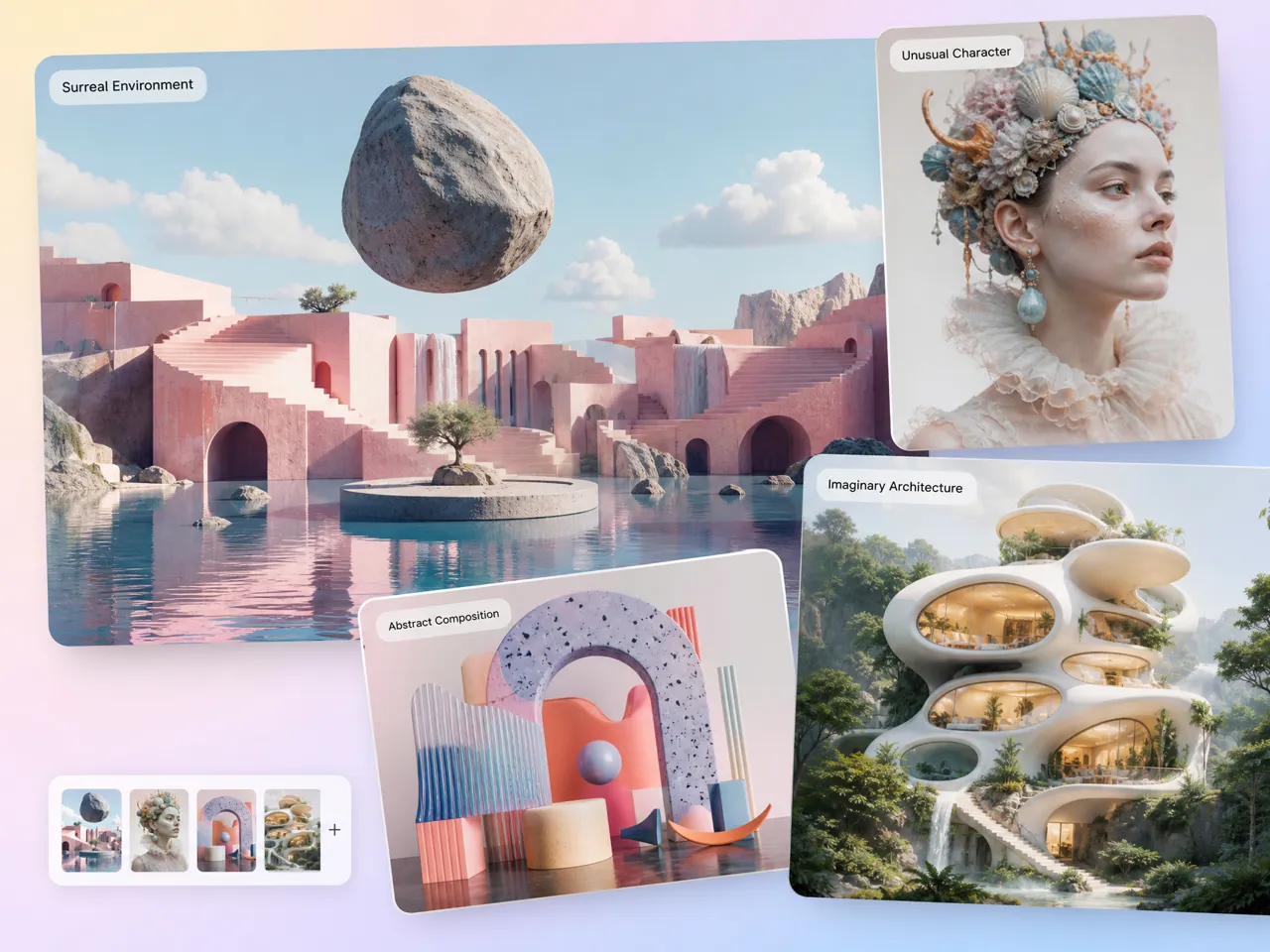
Some concepts are too specific, unusual, or visually demanding to find through ordinary stock searches. A random image workflow lets you describe an uncommon subject, scene, or visual combination and explore generated possibilities instead. Designkit can take that idea further with its AI art generator, helping you develop distinctive imagery from a simple creative direction.
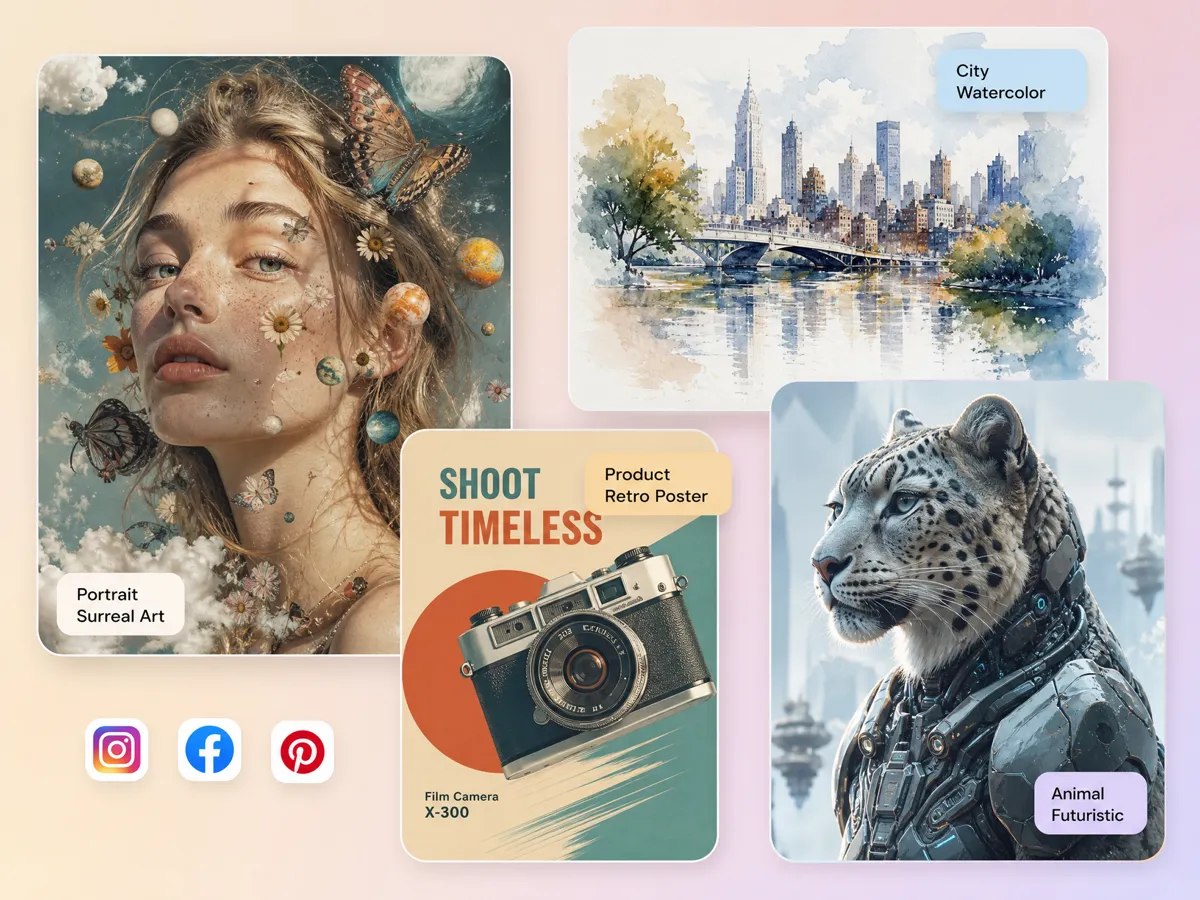
Test Unexpected Prompt and Style Combinations
Experimenting with unrelated subjects, visual styles, and unusual prompts can reveal directions you may not have considered. A random AI image generator makes this exploration less dependent on finding the right reference first. Designkit lets you test these combinations and refine useful results with AI image to image generator workflows when you want to build on an existing visual.
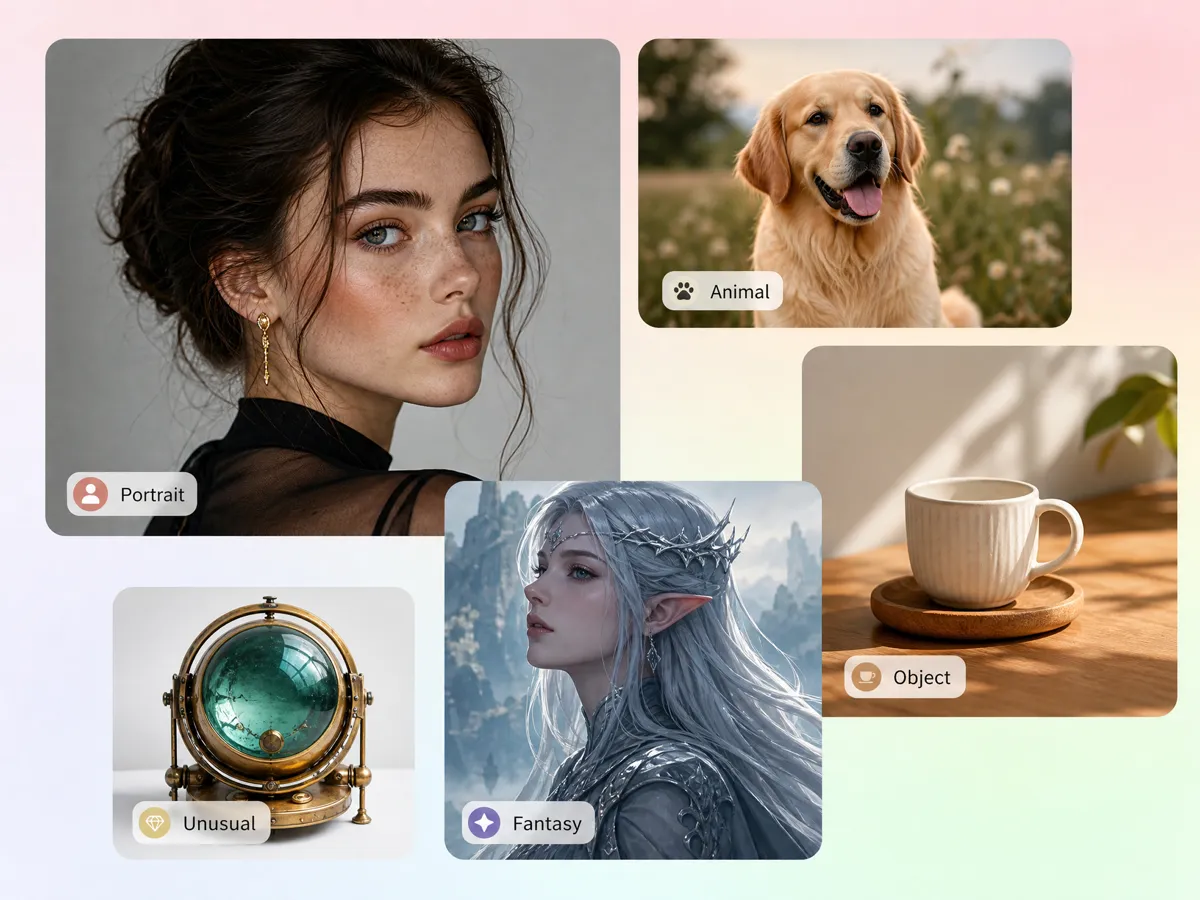
Generate Random People, Objects, Animals, and Characters
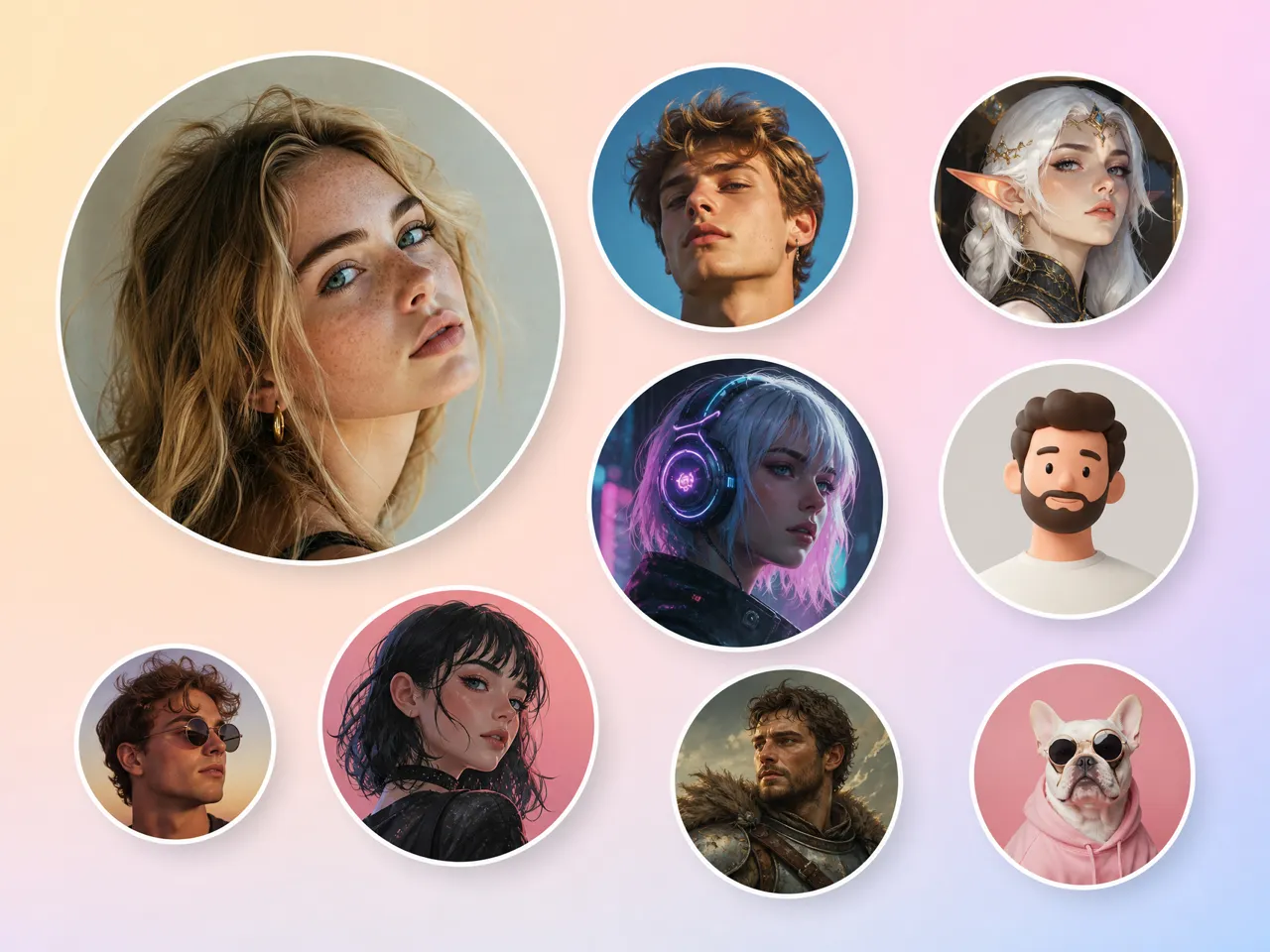
You can generate a wide range of subjects when you need inspiration, concept visuals, or temporary creative assets. A random profile picture generator can explore different faces and character directions, while Designkit gives you more control over the result. You can also use AI sketch to image generator workflows to turn rough character or object ideas into developed visuals.
Random Images for Design, Development, Art, and Creative Exploration
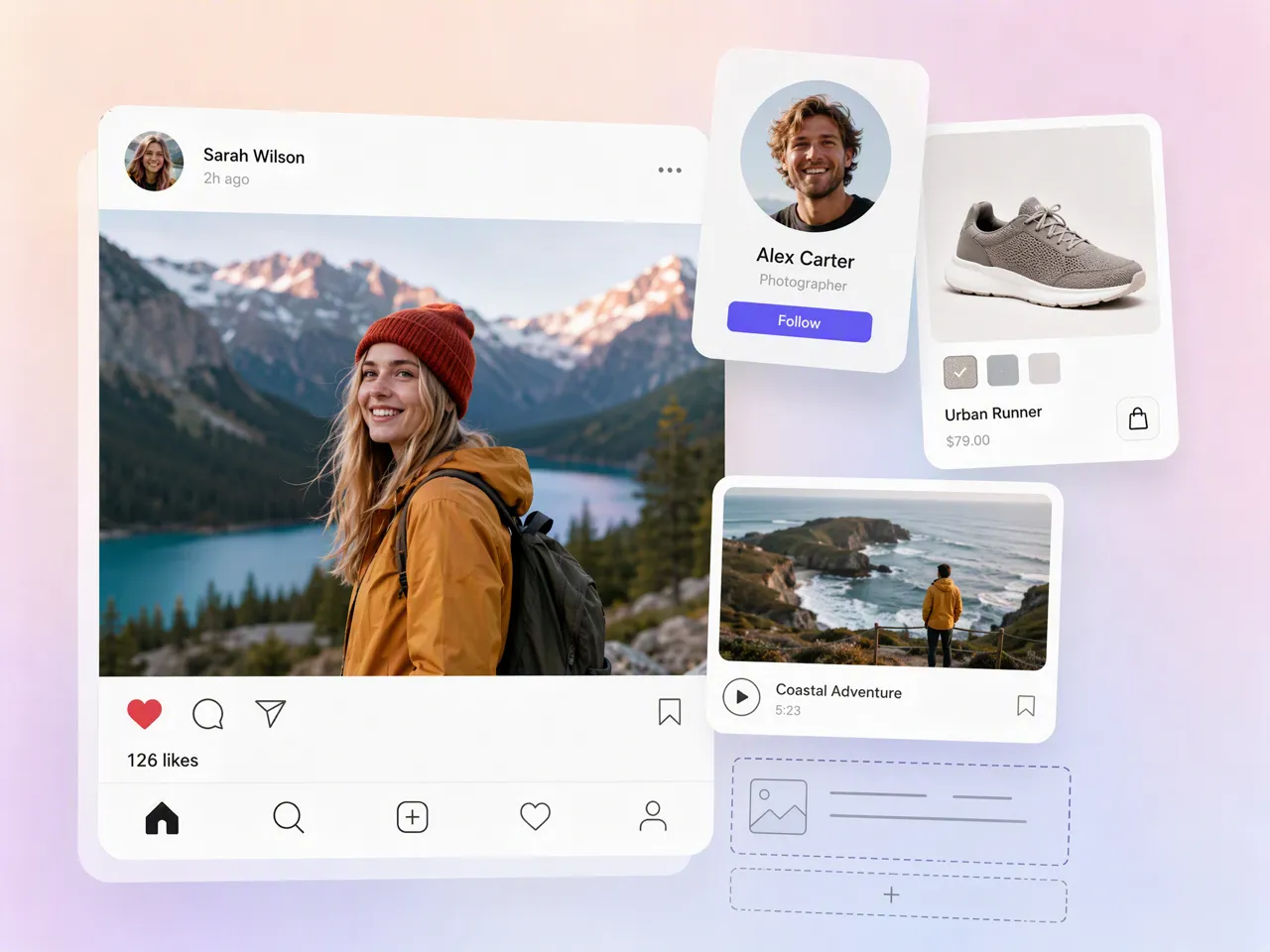
Fill Wireframes and Prototypes With Real Images
Use a random image with text to replace blank image boxes in wireframes and prototypes. Designkit helps create visuals that fit different layouts, letting designers test image placement, proportions, and hierarchy before final assets are ready.
Why Explore Random Images With Designkit

Replace Placeholder Hunting With Original Visuals
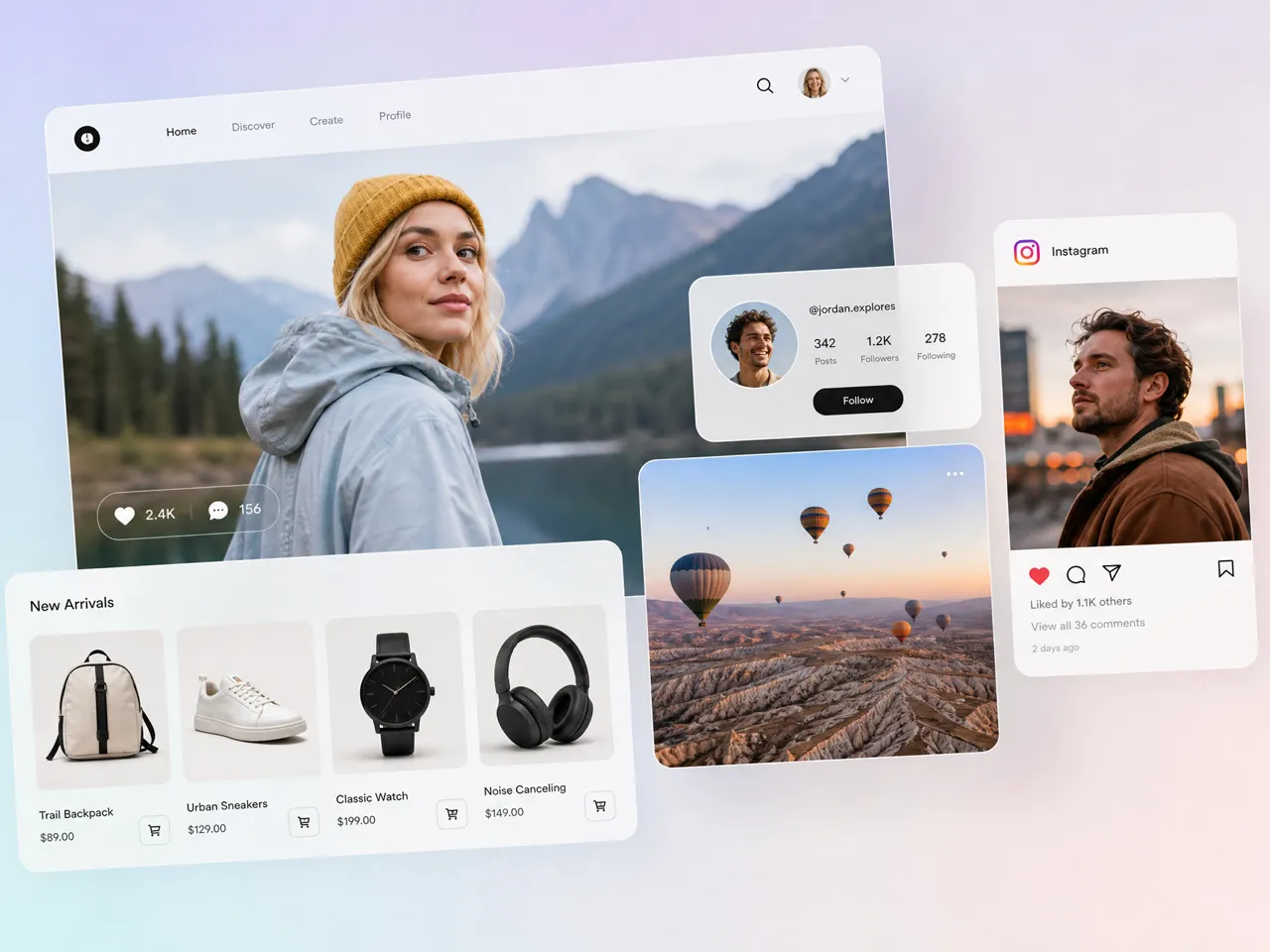
When you need temporary images for a prototype, landing page, or layout test, create visuals that fit the space instead of searching through unrelated stock images.
Keep Exploration and Editing in One Workflow
Take an unexpected generation directly into Designkit's editing tools instead of moving the image into another application for basic refinements.
Try Random Image Generation With Free Credits
Start exploring random photos, artwork, characters, and visual ideas with free credits, so you can try the workflow before committing to a larger creative project.
Unlock More AI Generators for Creative Work
AI Art Generator
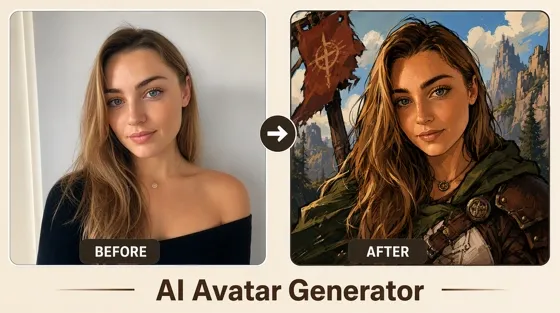
AI Avatar Generator
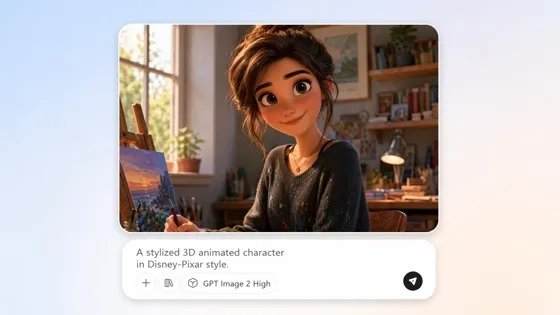
AI Cartoon Character Maker
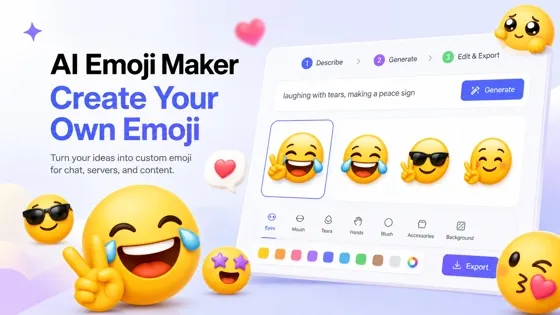
Emoji Maker
Frequently Asked Questions
How Do I Generate a Random Image Without Knowing What I Want?
Can I Use a Random Image Generator for UI and Website Mockups?
Random images can fill empty spaces in wireframes, website layouts, dashboards, landing pages, and app prototypes while you test the overall design. Designkit can generate visuals suited to your layout and content needs, while its AI photo editor lets you adjust or refine generated assets before using them in your mockup.
Can I Create Multiple Random Images From One Prompt?
Yes, you can explore multiple interpretations of the same idea by changing the subject details, style, composition, or visual direction in your prompts. Designkit helps you generate varied random AI images from creative ideas, giving you different options to compare before refining a selected result with additional generation or editing tools.
Can I Create Random Profile Pictures and Avatars?
Yes. You can generate profile pictures and avatars with different faces, characters, backgrounds, styles, and visual themes for social accounts, communities, gaming profiles, or test accounts. Designkit lets you create these concepts from prompts and references, then use its AI photo editor to make adjustments when the generated avatar needs further refinement.
What Is the Difference Between a Random Image Generator and an AI Image Generator?
A random image generator focuses on unexpected visual exploration, while an AI image generator can provide more directed results based on specific prompts, references, and creative requirements. Designkit supports both approaches, so you can begin with loose ideas for discovery and then refine the concept into a more intentional image using generation and editing tools.
Generate Your First Random Image Free
Generate random photos, artwork, characters, objects, and placeholder visuals, then refine the results into something you can actually use.



What Different Users Say about Designkit Random Image Generation
See how random visuals can become starting points for design, development, content, and creative exploration.
The Layout Finally Felt Like a Real Product
I didn't have the final images yet, but I needed the screens to look realistic enough for our design review. I generated different portraits and lifestyle scenes for the cards and sections. It made it much easier to judge the layout before the real assets were ready.
We Didn't Have to Wait for the Final Assets
The actual photos were still being prepared, but I couldn't keep building the page with empty boxes. I used generated images to test the cards, grids, cropping, and responsive layouts. Once the real assets arrived, swapping them in was straightforward.
One Random Image Gave Me the Direction
I knew I wanted to draw something but had absolutely no idea what. One of the generated images had a combination of shapes and colors I wouldn't have thought of myself. I didn't use it as the final artwork, but it gave me somewhere to start.
Stock Images Just Couldn't Match the Brief
I needed a very specific scene for a campaign mockup, and I couldn't find anything that matched the subject and setting together. Generating the image was much more practical than trying dozens of stock searches for something close enough.