
Remove Blemishes Without the Airbrushed Look
Upload a portrait and clear acne, spots, and skin marks while keeping pores, lighting, and facial features intact so the result still looks like you.
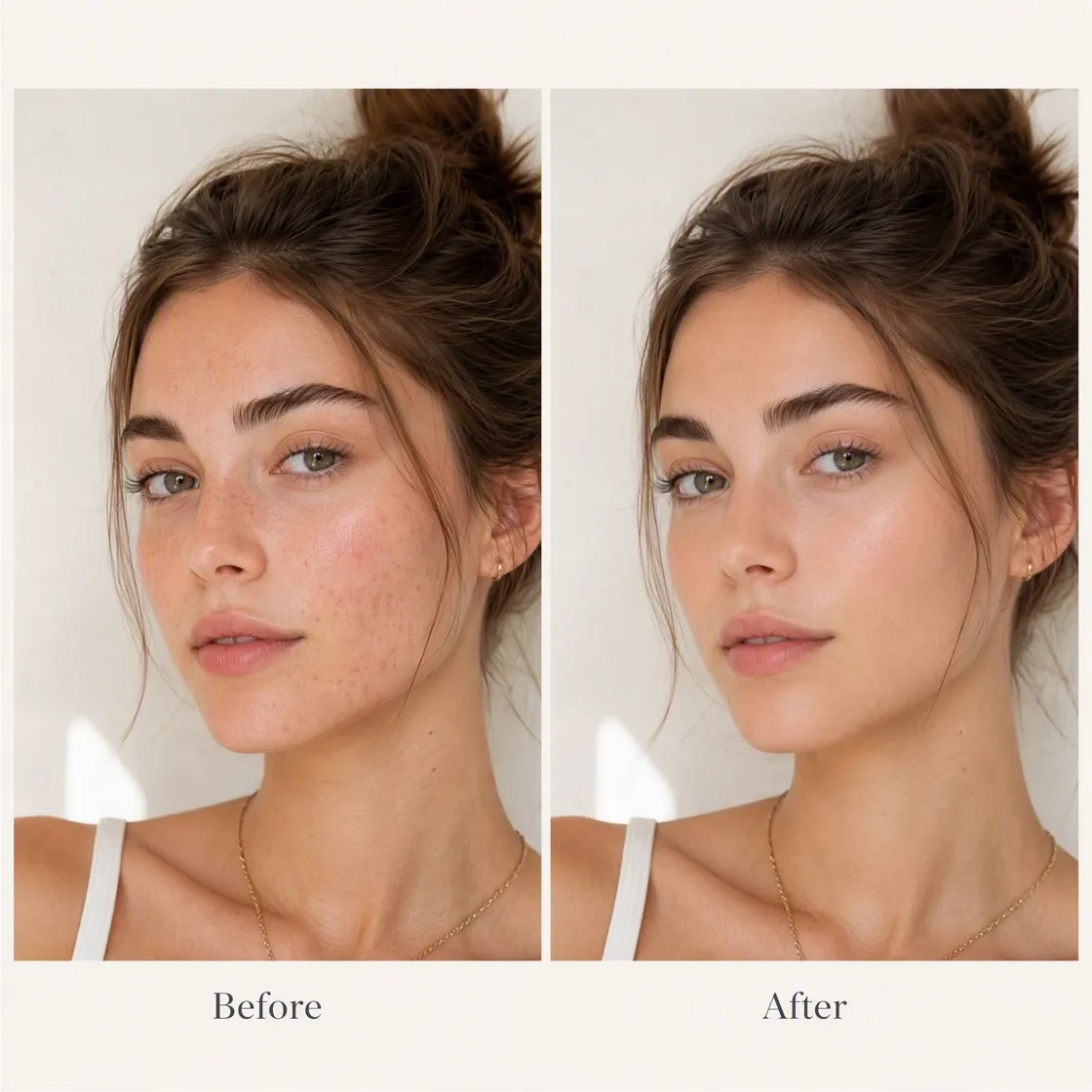
How to Clean Up Portrait Blemishes in 3 Steps
Upload Your Photo
Upload a selfie, headshot, or portrait with unwanted blemishes. Designkit analyzes the image and identifies areas that need retouching.

Describe the Retouching You Want
Use simple prompts to describe your desired edit, such as "remove acne spots" or "clean up facial blemishes." Designkit applies targeted adjustments without changing your overall appearance.
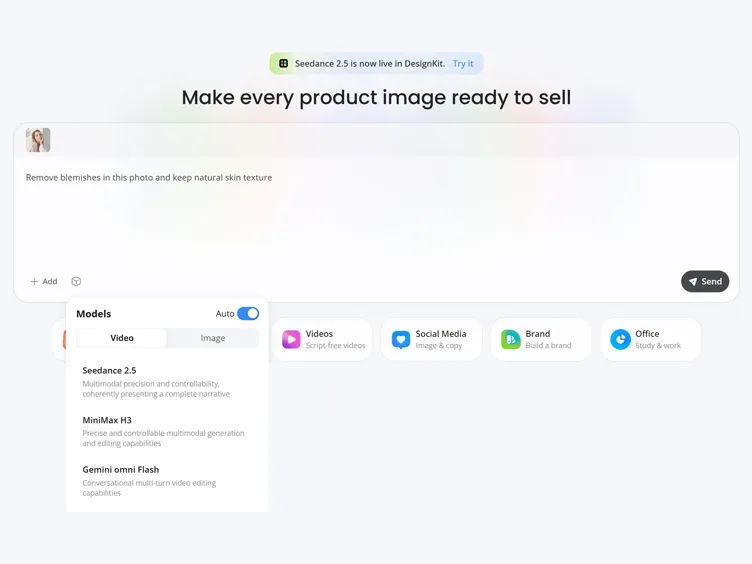
Preview and Download
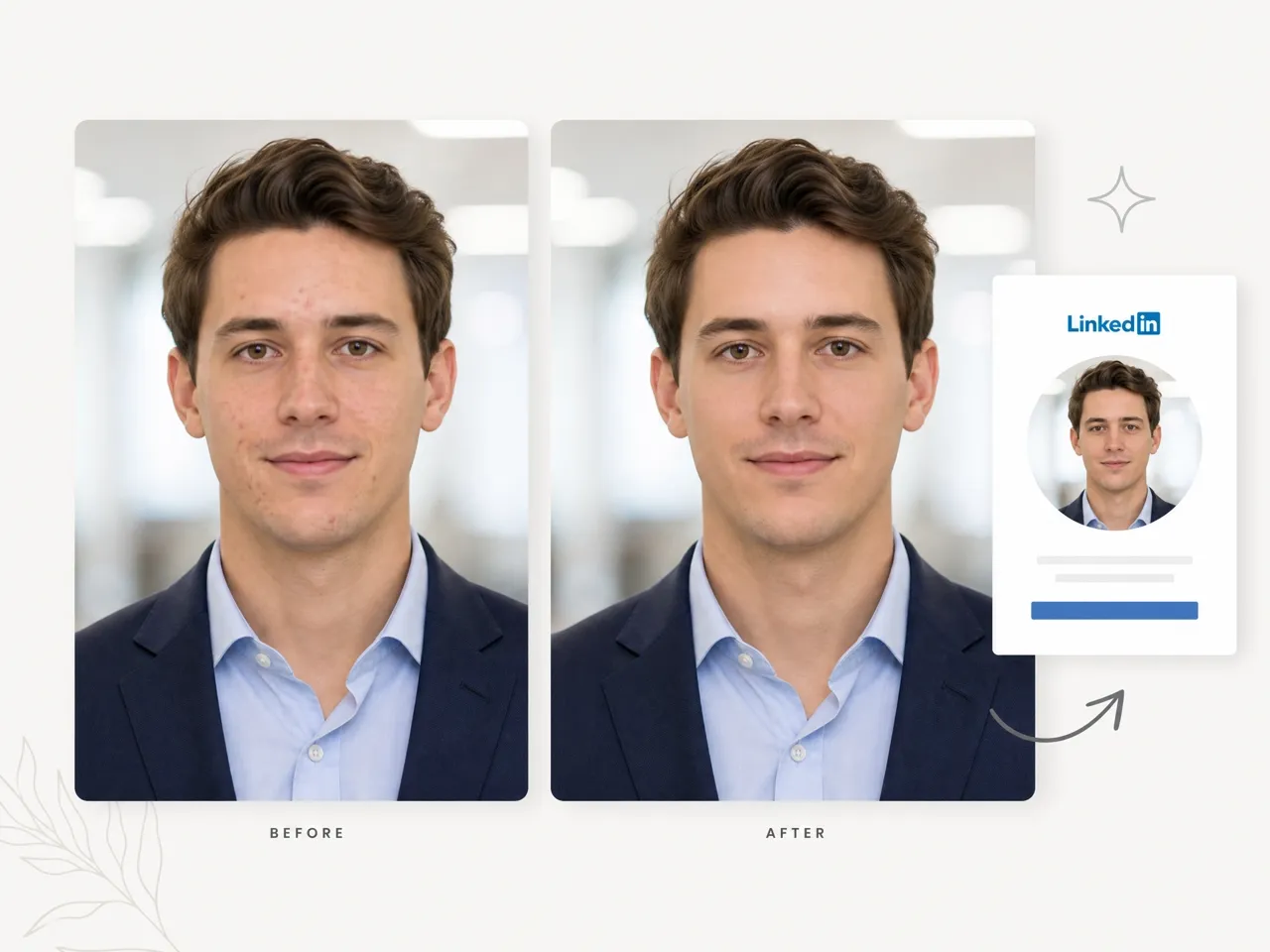
Compare the edited version with the original photo, then download your retouched portrait for social media, professional profiles, or personal use.
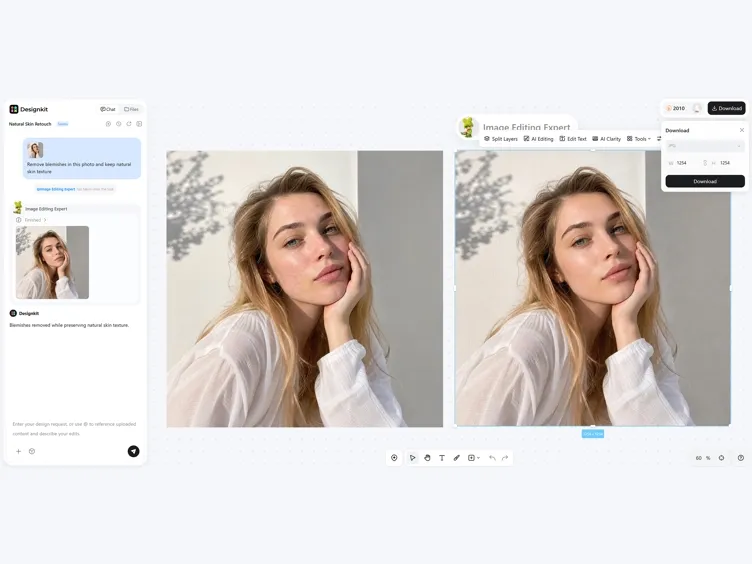
What Makes Designkit a Natural Blemish Remover
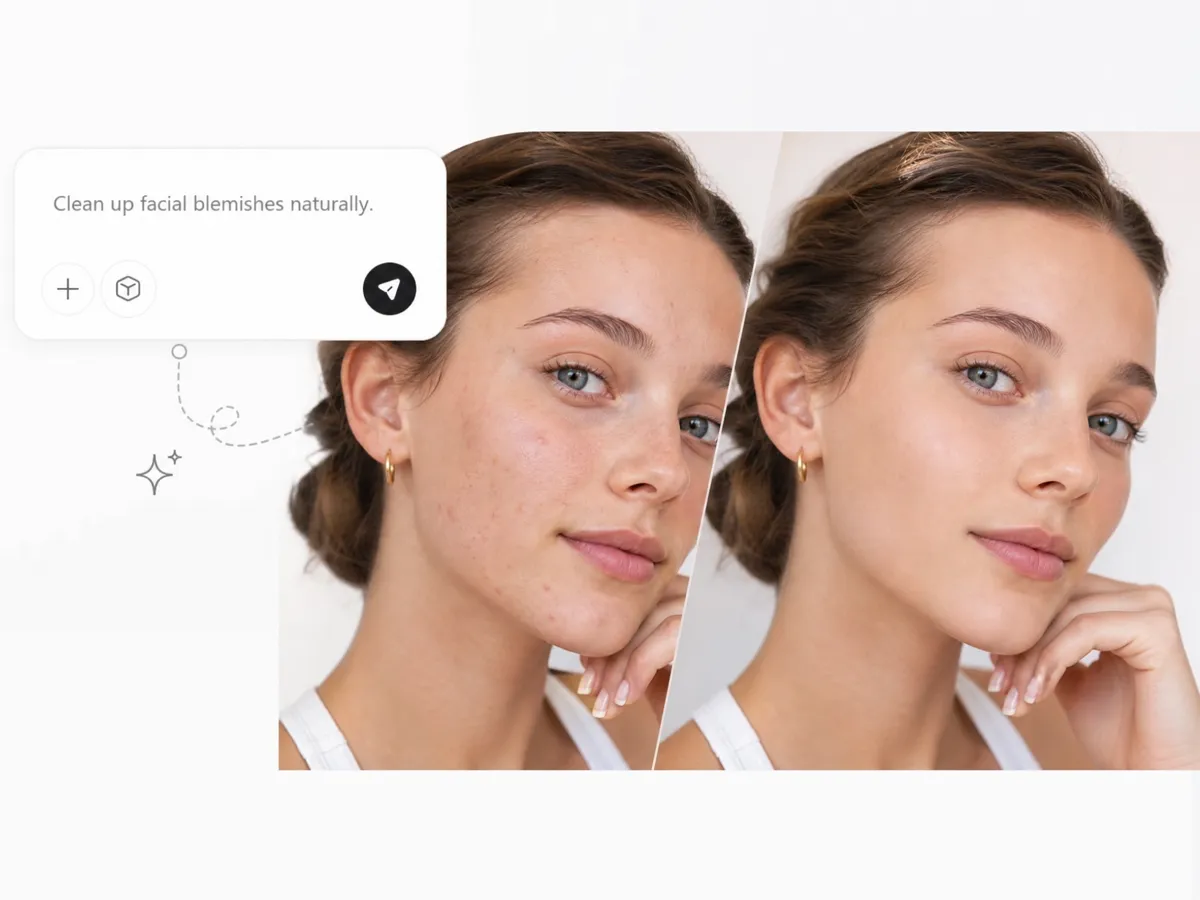
Describe Your Retouching Goal Instead of Editing Manually
Traditional photo retouching requires tools like healing brushes, masks, and detailed adjustments. Designkit's AI photo retouching lets you describe what you want to fix with natural language prompts and applies AI-powered blemish removal automatically.
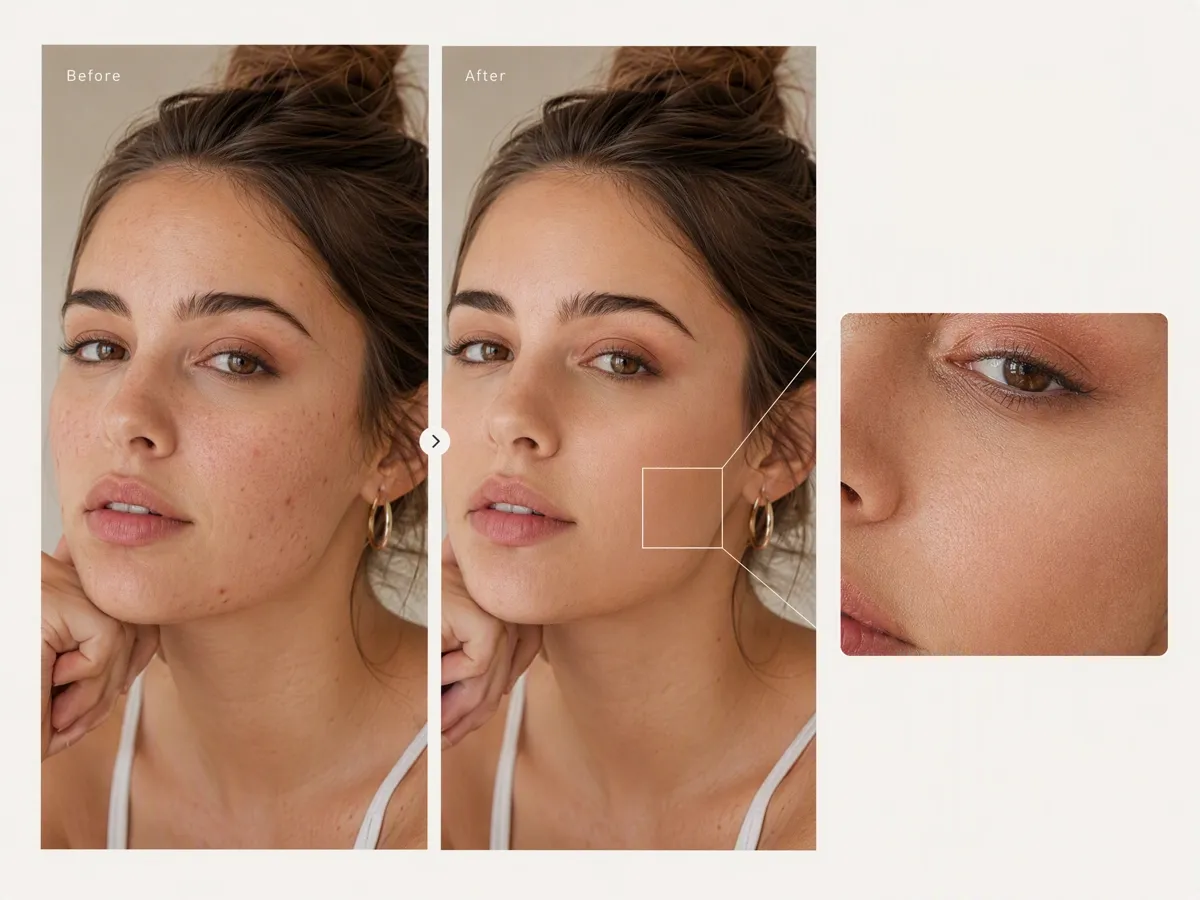
Remove Blemishes While Keeping Real Skin Texture
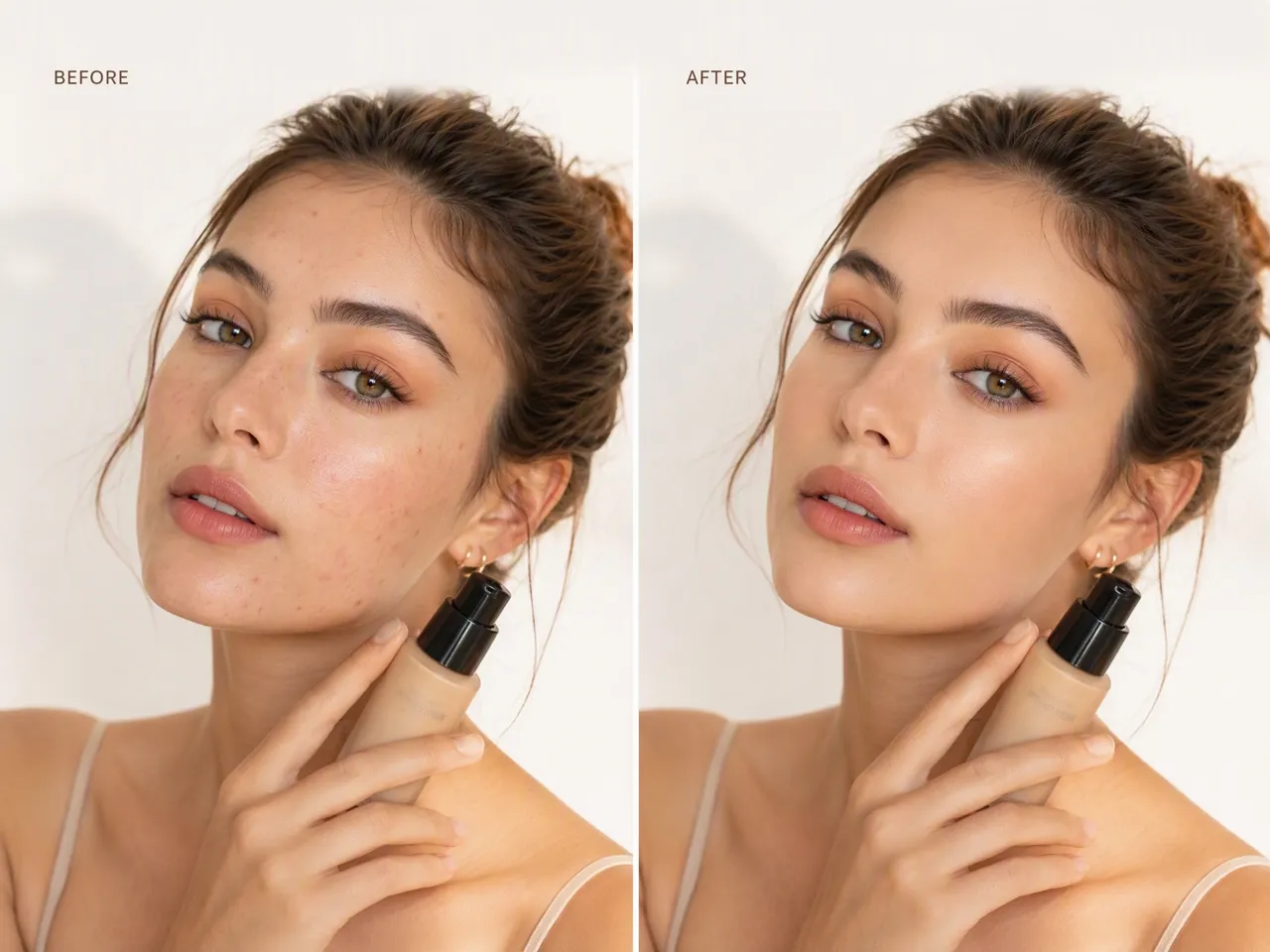
A good photo blemish removal should improve a portrait without making the skin look artificial. Designkit removes temporary imperfections while preserving pores, lighting, makeup, and natural facial details.
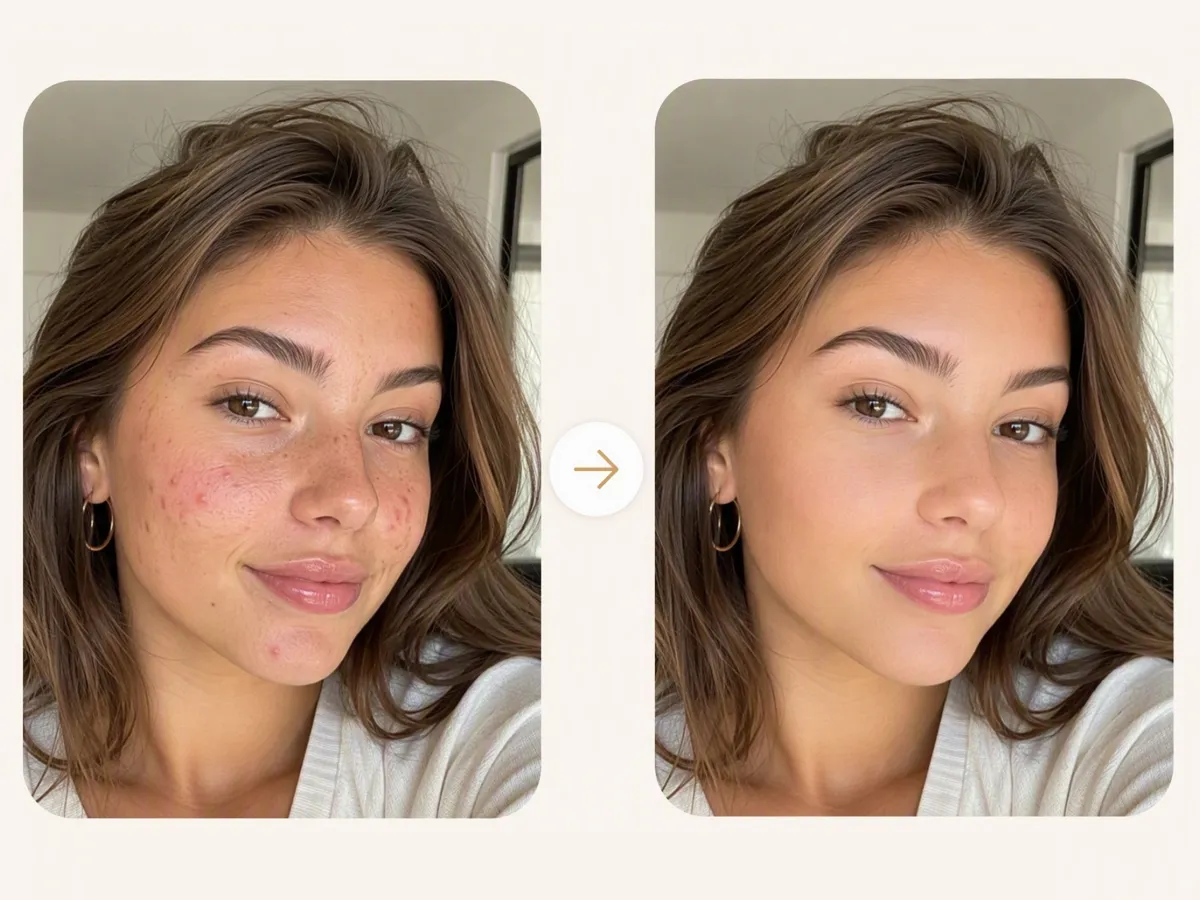
Fix Portraits Without Scheduling Another Photoshoot
A sudden breakout or small skin mark can affect an otherwise great photo. Designkit's face enhancer helps restore portraits that cannot be recreated, saving the cost and time of another photo session.
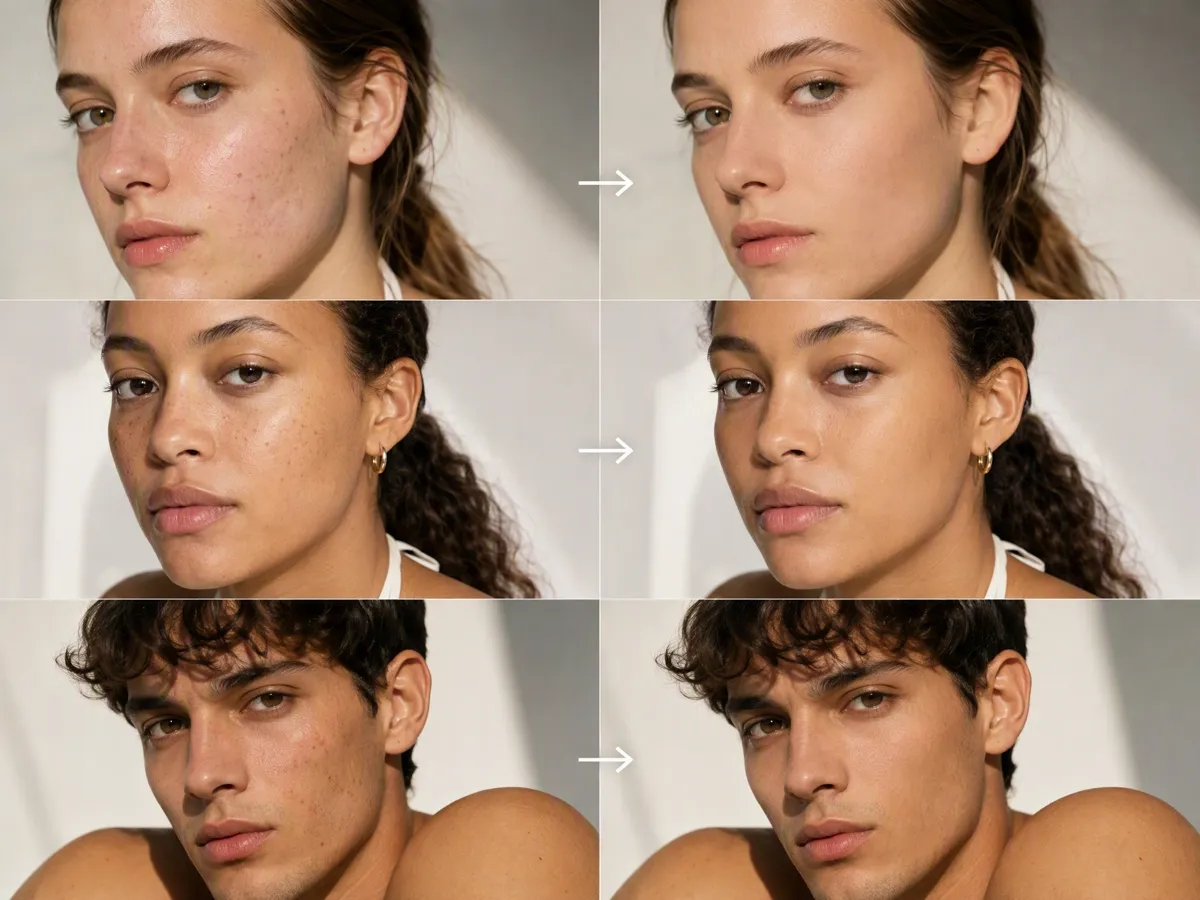
Maintain Consistent Retouching Across Photo Collections
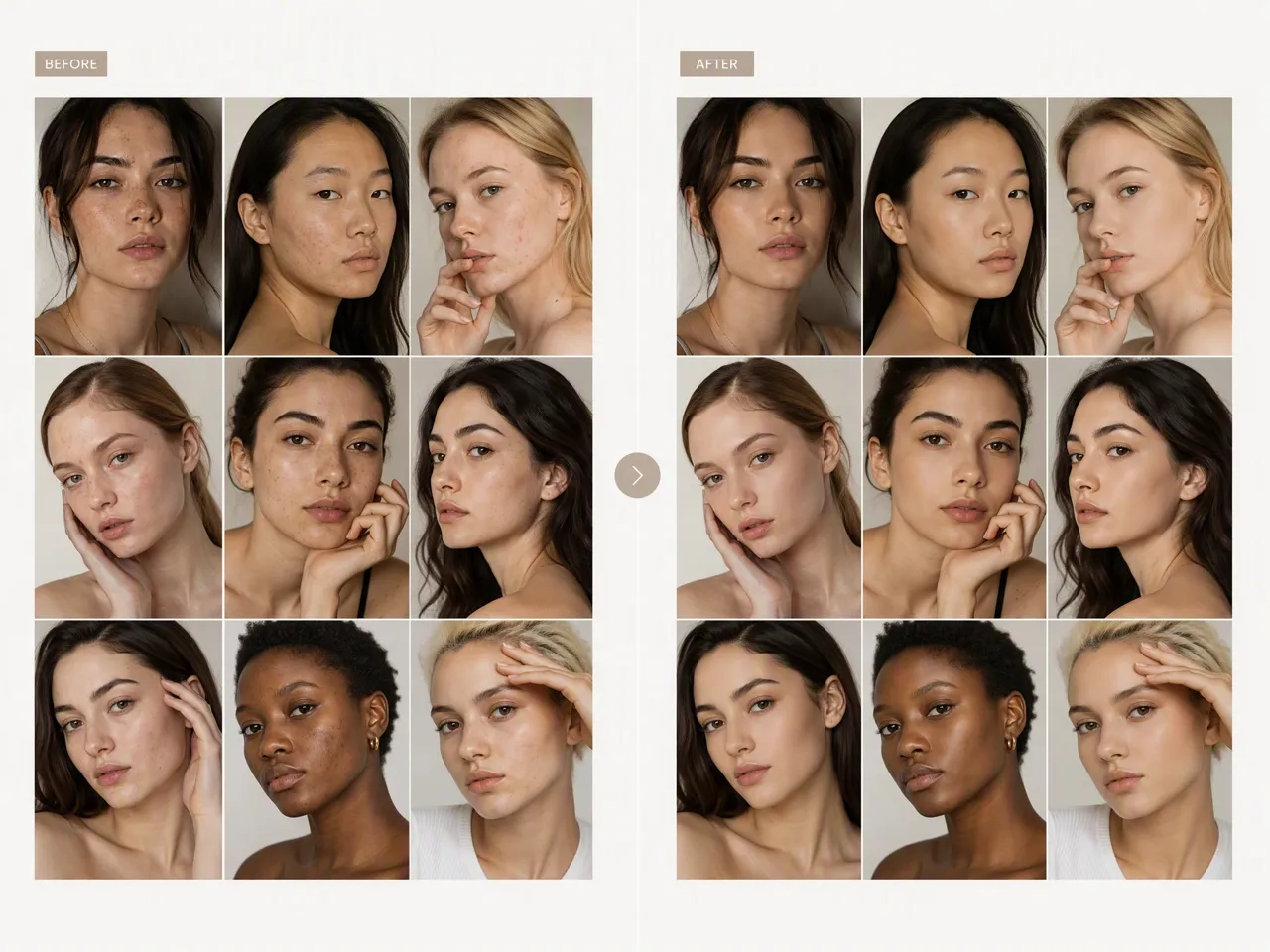
Photographers, brands, and creators often edit multiple portraits from the same campaign or session. Designkit helps maintain a consistent retouching style across different images without repeating manual corrections.
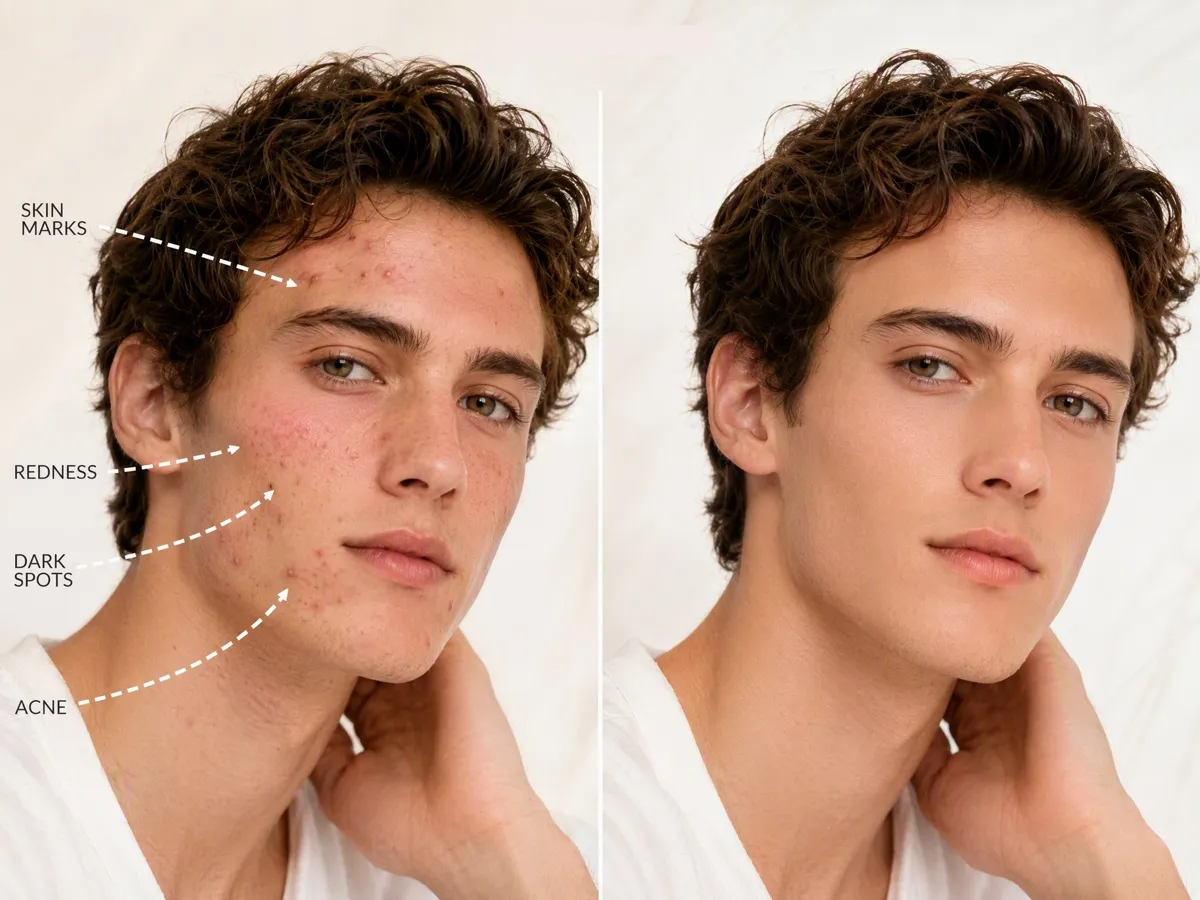
Remove Different Types of Facial Imperfections
From acne and pimples to temporary marks and uneven spots, Designkit works as a flexible face blemish remover for different portrait situations. It focuses on unwanted imperfections while keeping the original identity of the person.
Blemish Removal for Portraits, Brands, and Everyday Photos
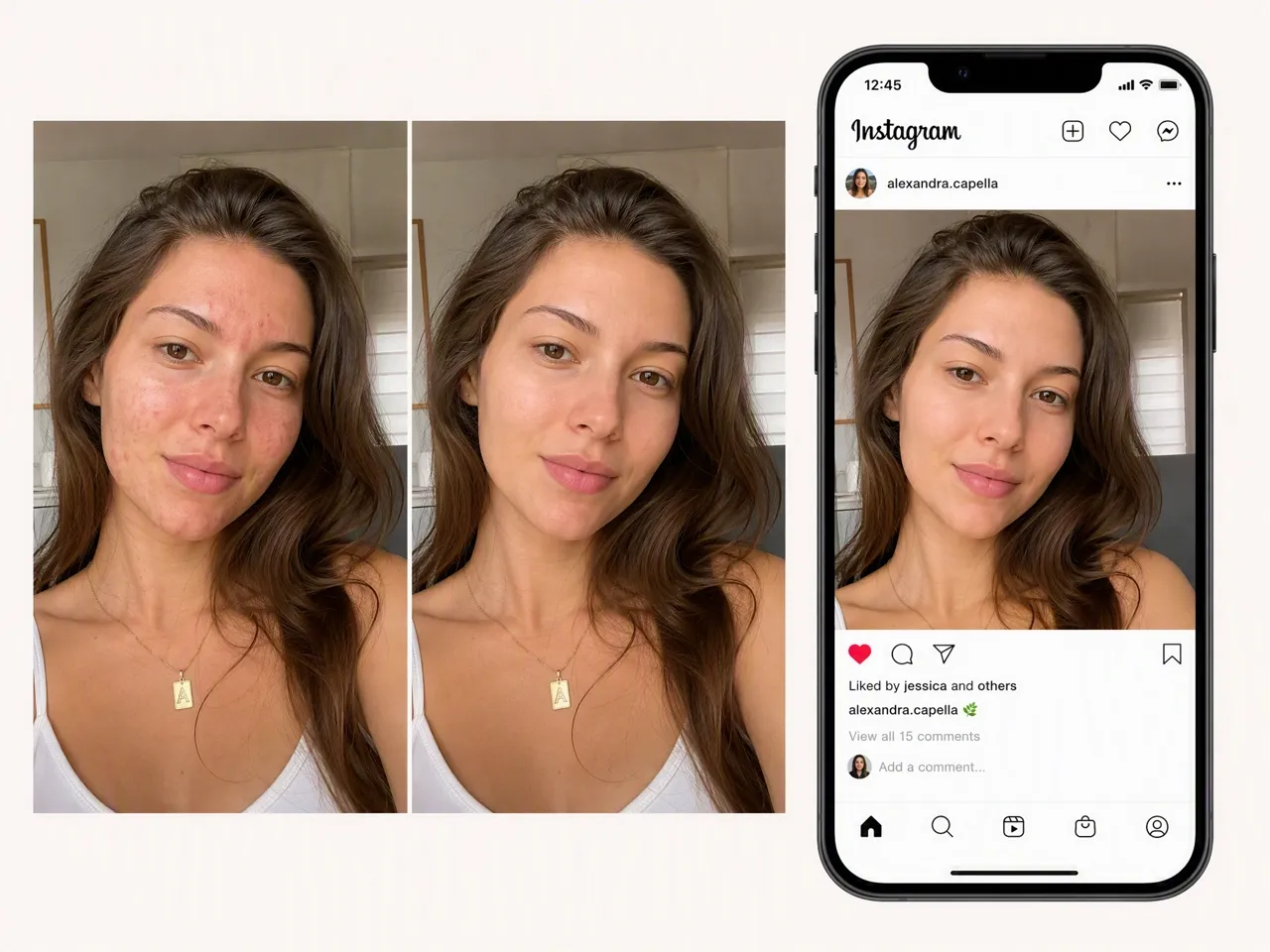
Prepare Social Media Photos Without Heavy Beauty Filters
Creators often need polished photos for Instagram, TikTok, and personal branding. Remove temporary blemishes while keeping your real appearance, makeup, and unique style.
Why Choose Designkit for Photo Blemish Removal

AI Retouching Without Professional Editing Skills
Remove acne, spots, and skin imperfections without learning complex tools like layers, masks, or healing brushes.

Natural Results Instead of Heavy Beauty Filters
Designkit focuses on targeted blemish removal rather than smoothing the entire face, helping portraits keep realistic skin details.

Try With Free Signup Credits
Remove blemishes from photos online free with signup credits and explore Designkit's AI editing tools before choosing a plan.
Unlock More Creative Possibilities
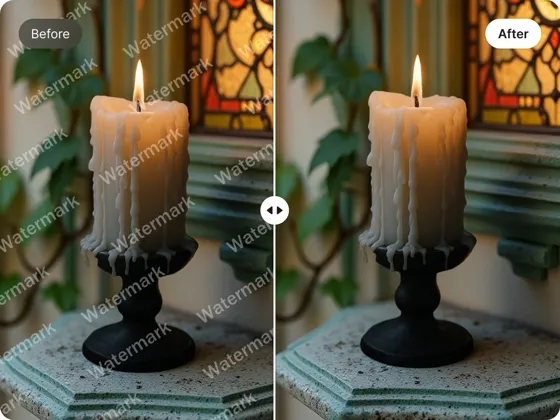
AI Object Remover: Remove Objects from Photos Online
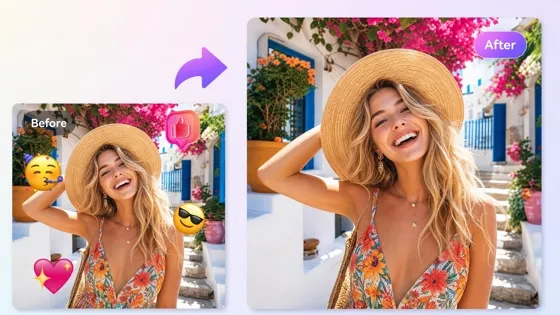
Emoji Remover from Photo: Remove Unwanted Emojis & Memes Online Free
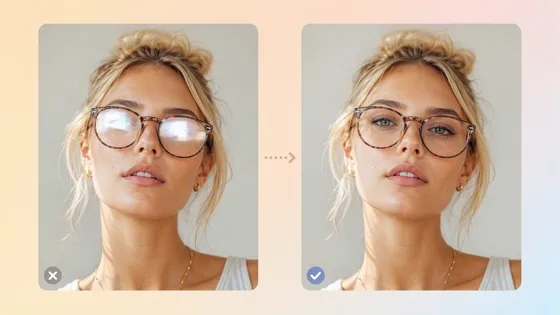
Remove Glare From Photo: Fix Glasses Reflections With AI
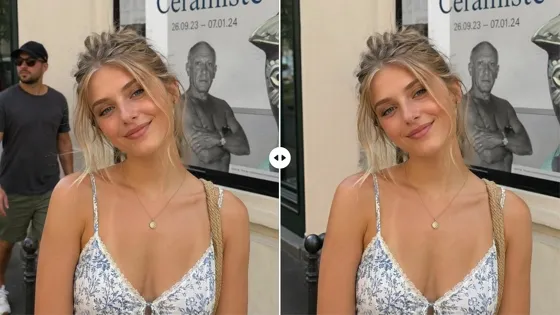
Remove People From Photo Online with AI: Erase Strangers
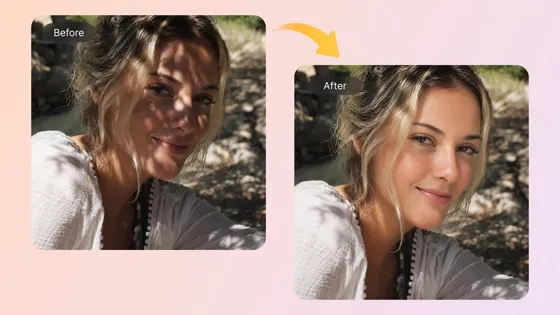
AI Shadow Remover Online: Remove Shadows from Photos
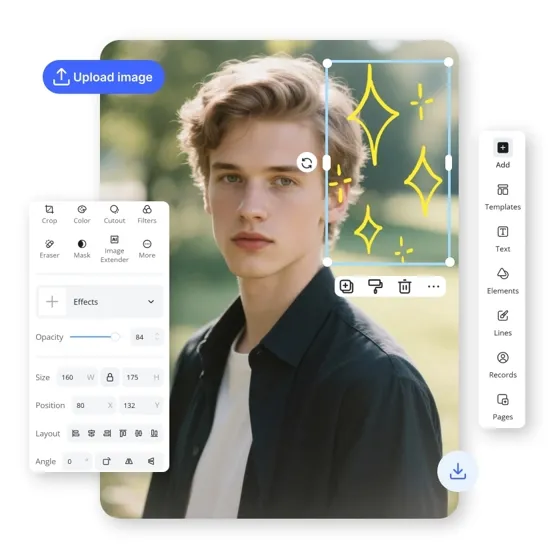
AI Photo Editor Online: Edit Images with AI

Image Combiner: Merge Multiple Photos into One Online
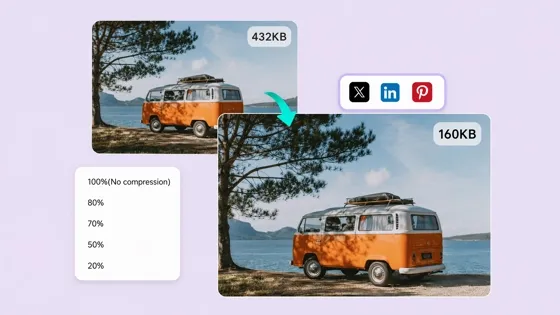
Image Compressor: Shrink JPG & PNG Online Without Extra Blur
Frequently Asked Questions
Will a blemish remover make my skin look too smooth or unnatural?
Can I remove acne and pimples from a selfie?
Yes. Selfies taken with phones often capture temporary breakouts, uneven spots, or small marks that you may not want in the final image. Designkit can help clean up these imperfections while keeping your original skin tone, facial details, and personal style.
Can I remove blemishes without affecting my makeup?
Yes. Many creators use blemish removal when preparing beauty content, portraits, or social media photos. Designkit focuses on removing unwanted skin marks while keeping makeup colors, eyeliner, lipstick, and other important details unchanged.
Can a photo blemish remover fix old photos?
Yes. Old photos can often contain visible spots, marks, or small imperfections that distract from the original memory. Designkit can help clean up these details while preserving the expressions, composition, and overall feeling of the original portrait.
What is the difference between a blemish remover and a beauty filter?
A beauty filter usually applies broad changes such as skin smoothing, face reshaping, or preset effects. A blemish remover focuses on specific issues like acne, pimples, and temporary marks. This makes it better for users who want a cleaner photo without changing their natural appearance.
Can I remove multiple blemishes from several photos?
Yes. If you are editing portraits from the same event, photoshoot, or campaign, a consistent workflow can help maintain a similar look across images. Designkit allows you to apply AI editing instructions across different photos while keeping each portrait natural.
Fix Small Photo Imperfections Before Sharing
Clean up acne, spots, and temporary skin marks while keeping your portrait natural. Upload your photo and explore AI-powered blemish removal with free signup credits.

What Users Say About Designkit Blemish Remover
Real users share how they clean up unwanted skin imperfections while keeping their portraits looking natural.
Fixed a Photo I Thought I Had to Retake
I needed a new profile photo, but I noticed a few breakouts after taking the pictures. I didn't want to schedule another shoot just for that, so I tried Designkit. It removed the spots without making my skin look overly smooth, and I was able to use the original photo.
Helped Me Handle Small Retouching Requests
Most of my clients don't want heavy retouching, but they often ask me to remove small imperfections. Designkit works well for those quick adjustments because it keeps the person's features the same. It saves me from spending extra time fixing every tiny spot manually.
Made My Graduation Photos Ready to Share
My graduation photos turned out great, but I had a few temporary blemishes that stood out. I wanted the photos to look like me, just a little cleaner. Designkit removed those small marks without changing my face or the overall style of the photo.
Kept My Makeup Details in Brand Photos
When creating beauty content, I need my makeup and skin tone to stay accurate. Some retouching tools make everything look too smooth, which doesn't work for product content. Designkit helped remove small blemishes while keeping the makeup details visible.
Saved a Family Photo I Wanted to Keep
We had a family picture that we really liked, but one small skin mark was noticeable in the final image. Since we couldn't recreate that moment, I wanted to fix the photo instead. Designkit helped remove the distraction while keeping everyone's expressions and the original feeling of the picture. FAQs