
Remove Glare From Photo Without Losing Natural Eye Details
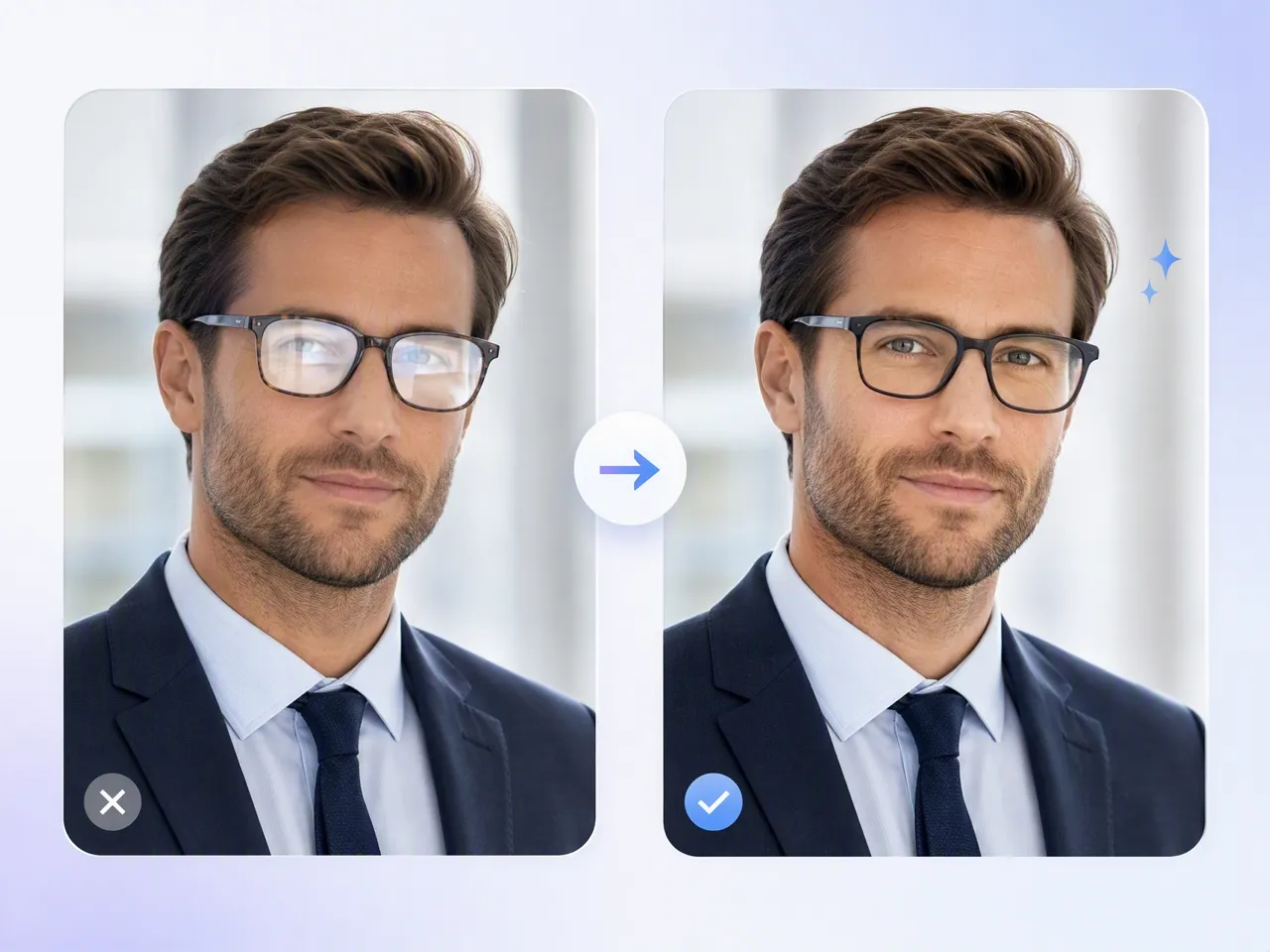
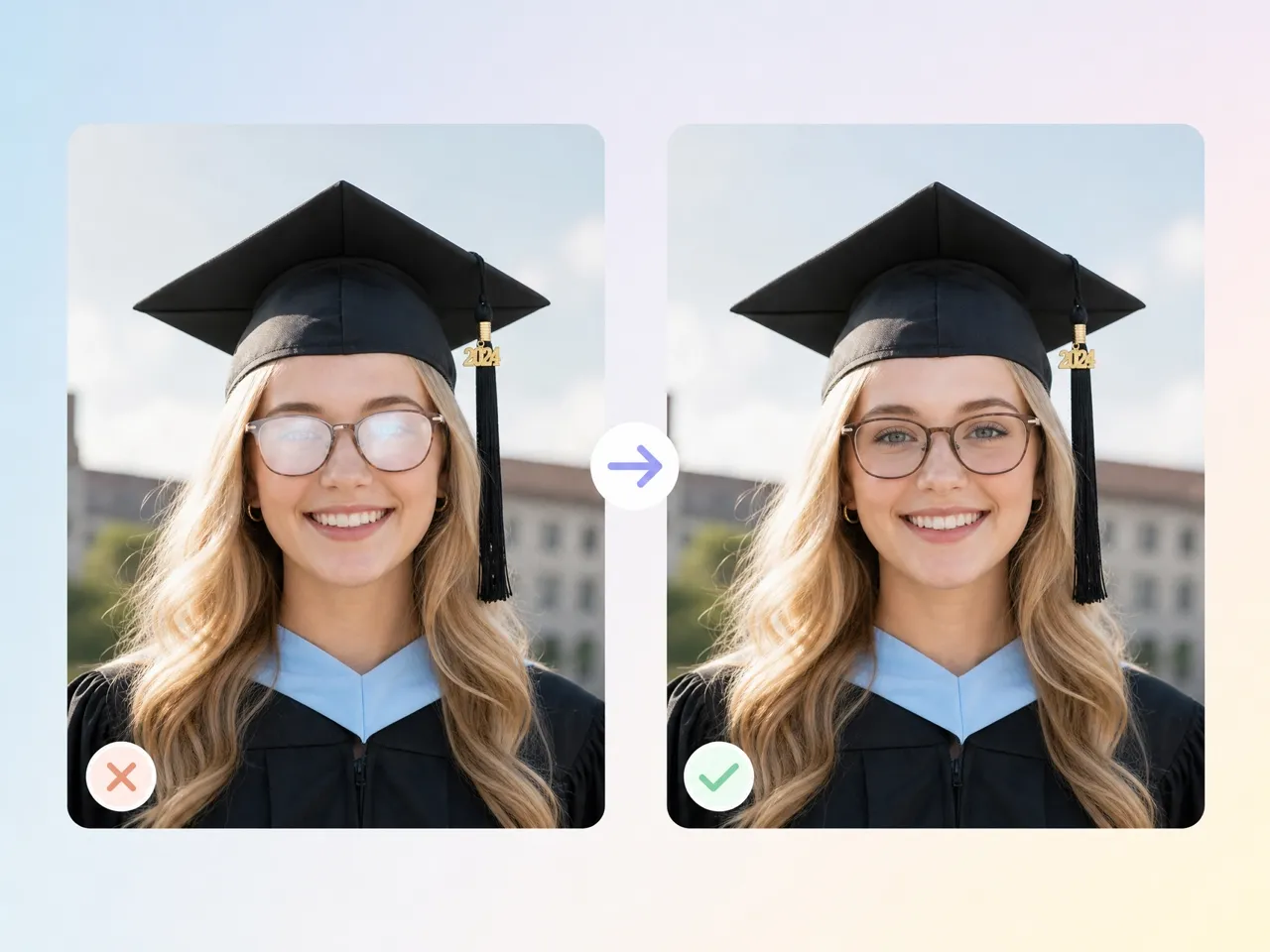
Remove glasses glare and unwanted reflections while keeping natural eyes, facial details, and portrait lighting intact.
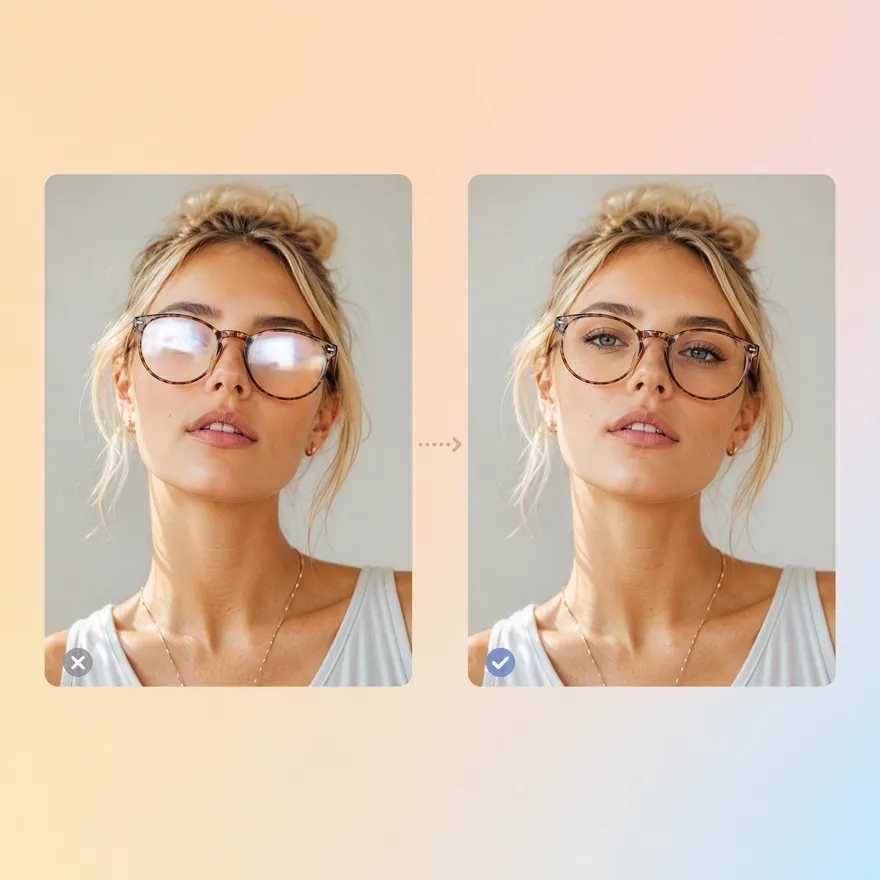
How to Remove Glare From a Photo in 3 Steps
Upload Your Photo
Upload a portrait with glasses glare or unwanted reflections. Designkit analyzes the affected areas before applying the edit.

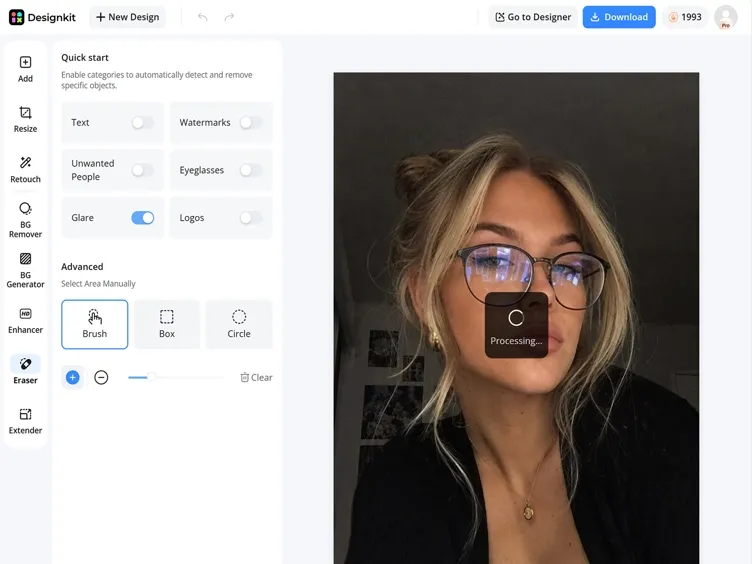
Detect and Remove Glare
Designkit reduces glare from glasses and reflective surfaces while preserving eyes, skin tone, facial structure, and original lighting.
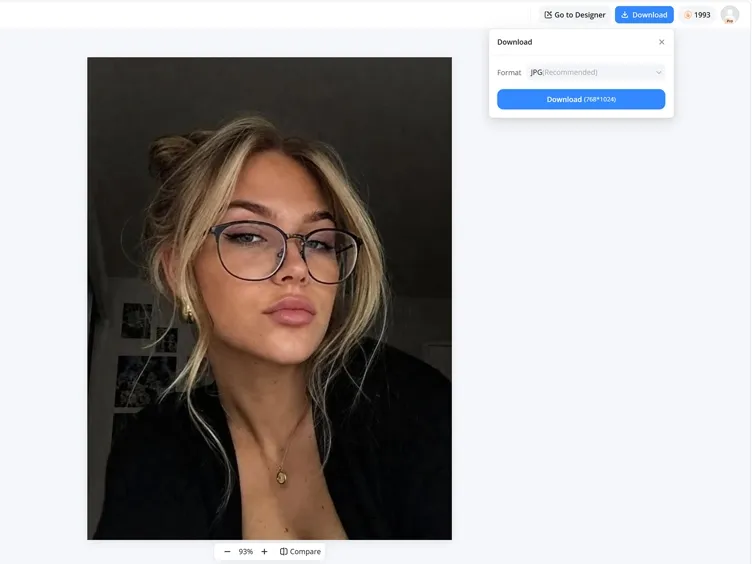
Preview and Download
Compare the original and edited versions, then download your glare-free photo for personal, professional, or creative use.
What Makes Designkit Ideal for Removing Glare From Photos
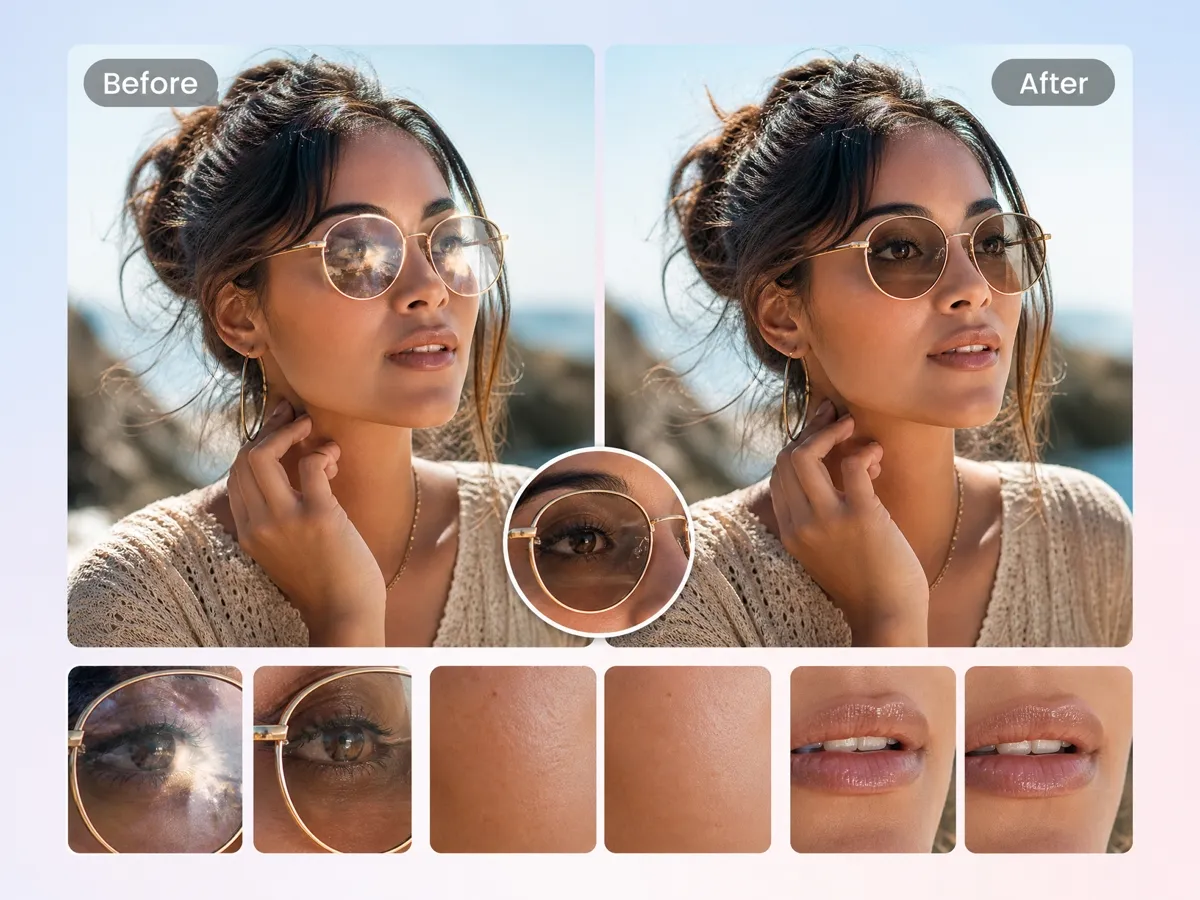
Restore Eyes Hidden Behind Lens Reflections
Glasses glare can hide eye contact and facial expressions in important portraits. Designkit's object remover deletes distracting reflections while keeping eyes, skin tone, and facial details looking natural.
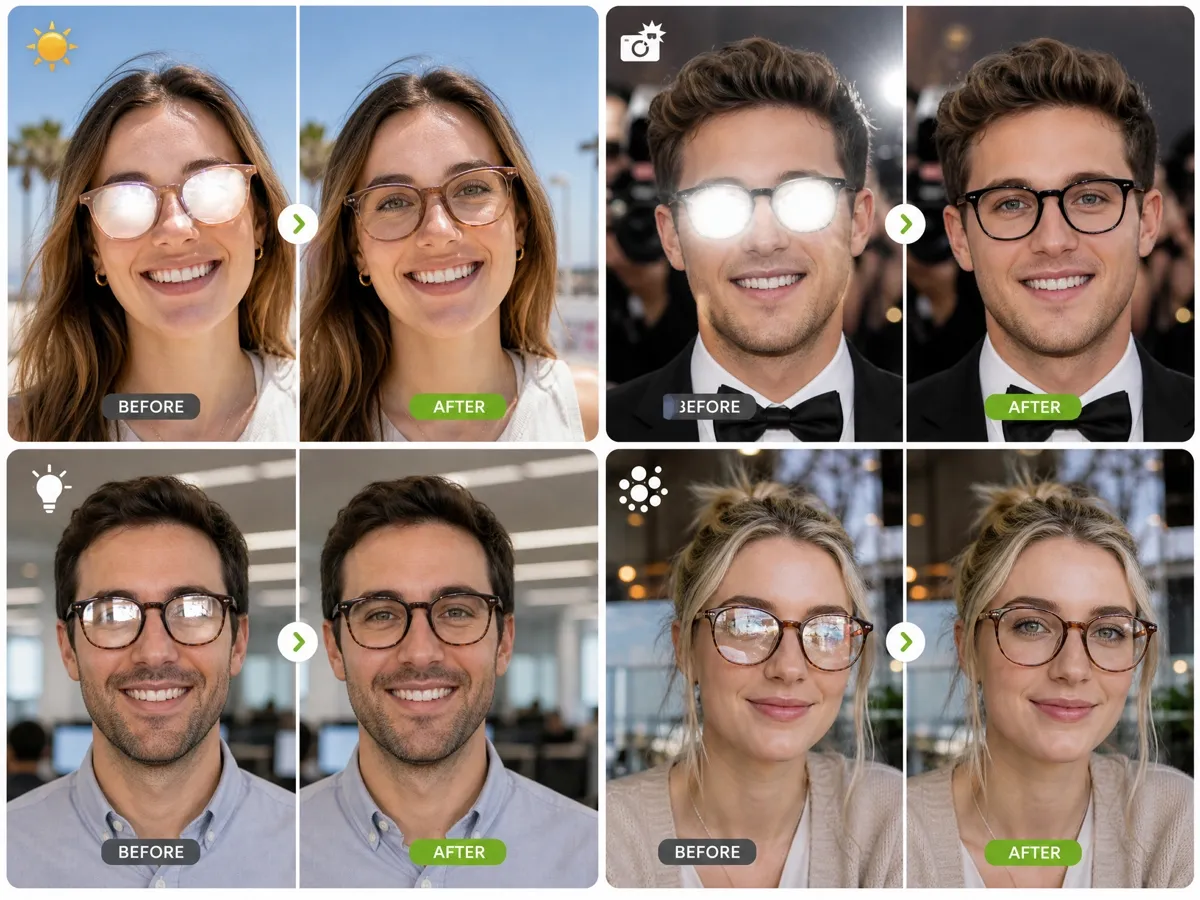
Handle Sunlight, Flash, and Studio Glare
Different lighting conditions create different reflection problems. Designkit helps reduce glare caused by sunlight, camera flash, and studio lights while keeping the portrait balanced and realistic.

Skip Manual Photoshop Masking
Traditional glare removal requires manually selecting lenses and adjusting affected areas. Designkit detects reflections automatically, reducing repetitive retouching work for photographers and creators.
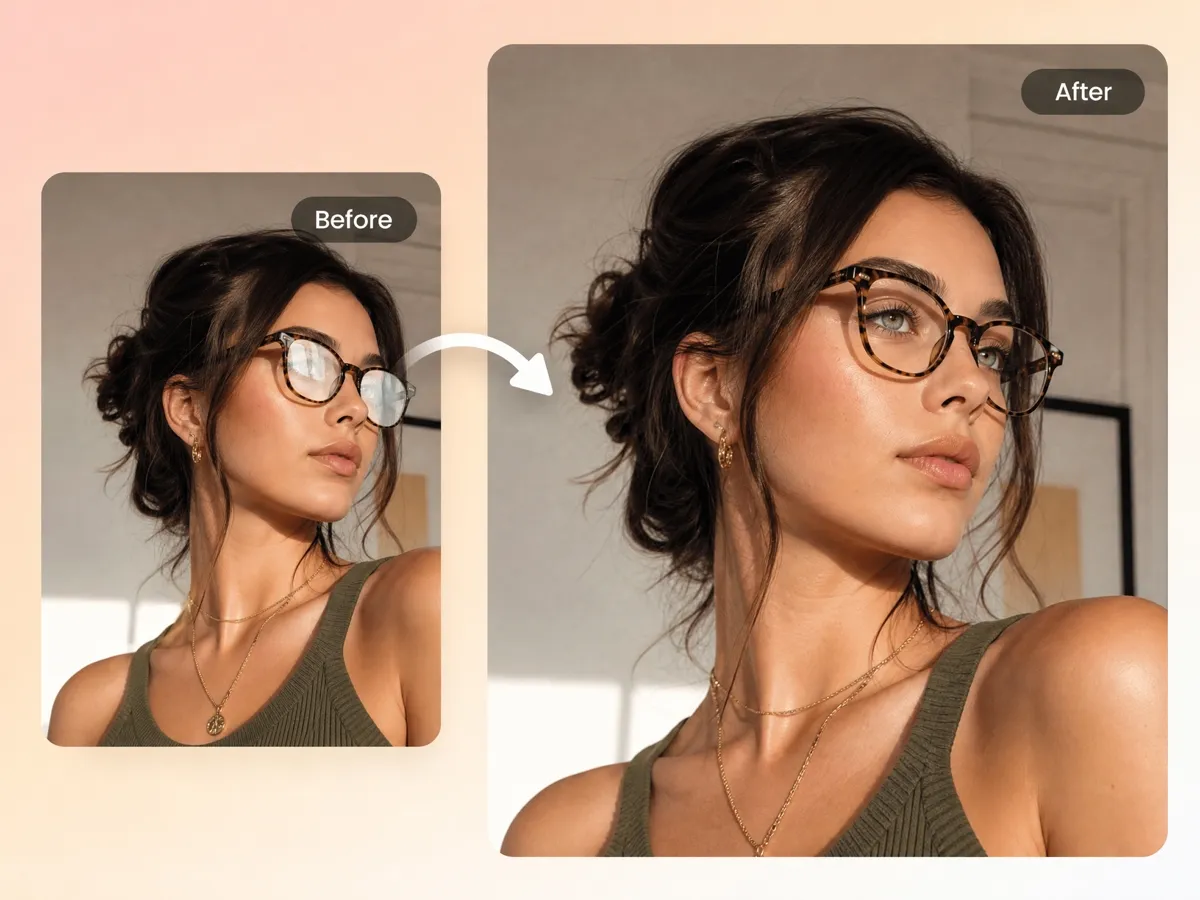
Remove Different Glass Reflection Types Automatically
From eyeglass glare to bright lens reflections, Designkit helps handle different reflection patterns in portraits. The AI glare remover adapts edits based on the image instead of applying a basic color filter.
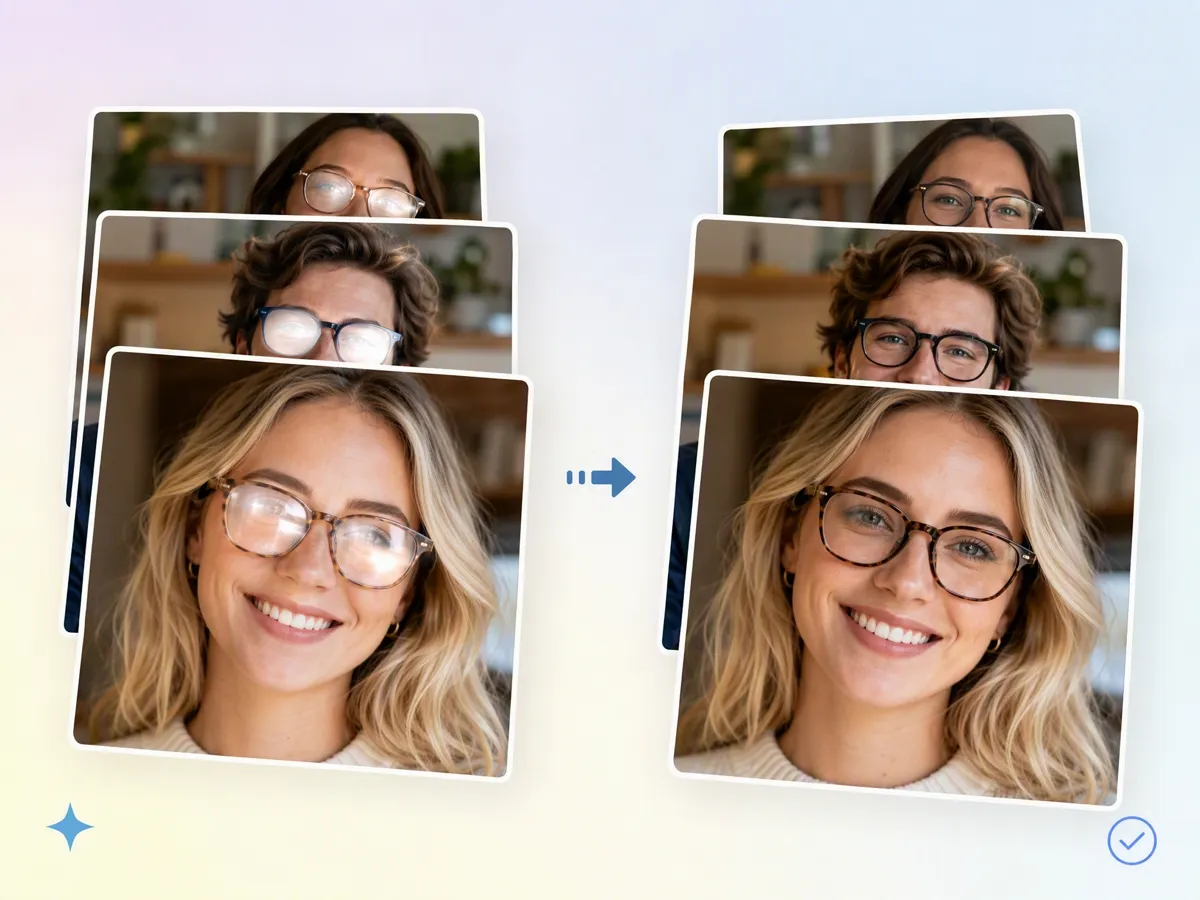
Remove Glare From Multiple Photos in One Workflow
Editing portraits one by one can become repetitive when photographers, studios, or businesses need to process large image collections. Designkit's batch photo editor helps remove glare from multiple photos with a consistent editing workflow, making it easier to prepare portrait galleries and professional image sets.
Remove Glasses Glare for Different Photo Needs
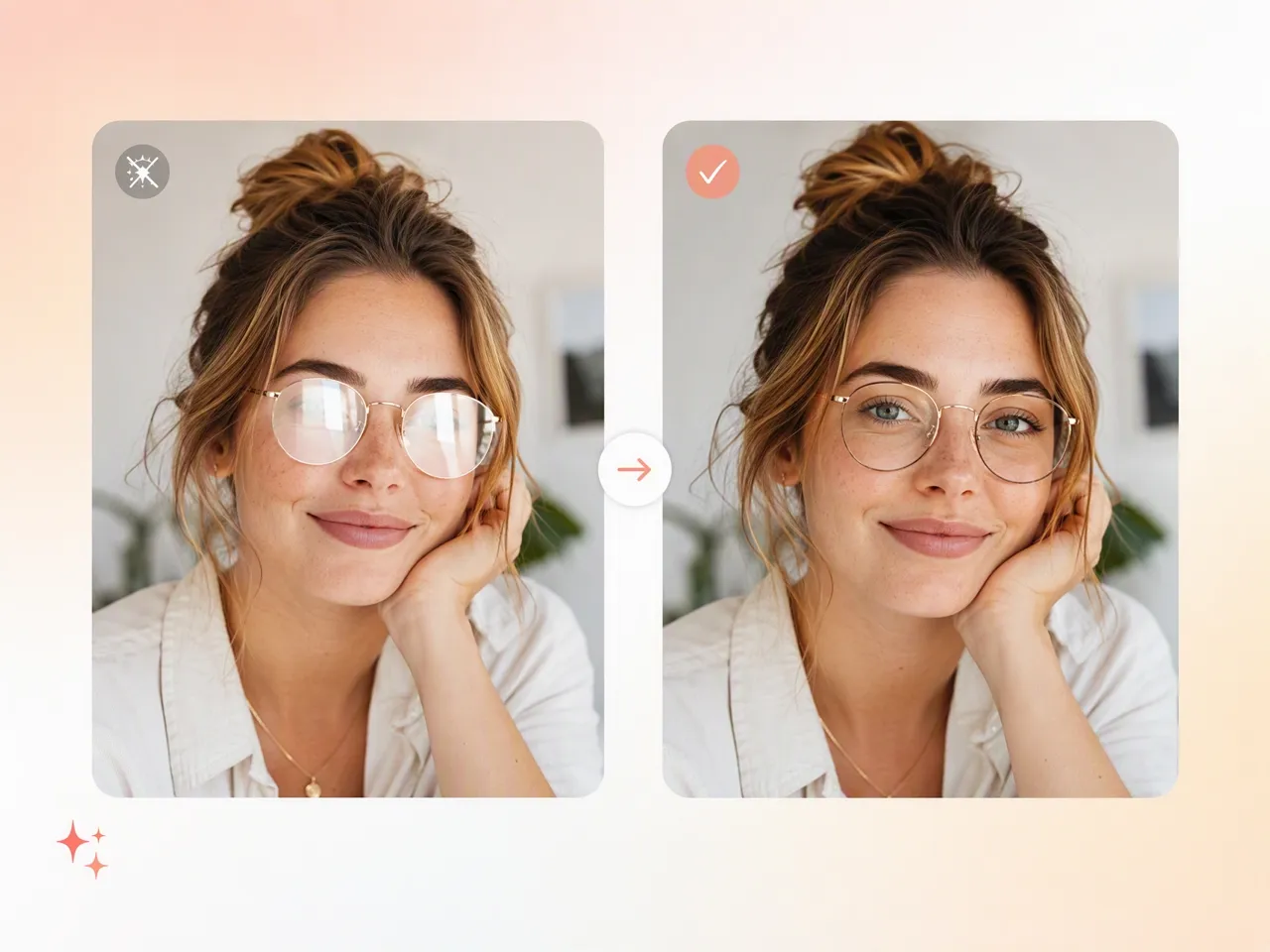
Deliver Cleaner Client Galleries
Outdoor sessions and studio portraits often capture unwanted reflections on glasses. Remove glare from photos before delivery and avoid spending extra time fixing each image manually.

Why Choose Designkit for Glare Removal

AI Editing Without Professional Retouching Skills
Remove glasses glare without complicated masking, layer adjustments, or desktop editing software. Designkit helps anyone improve portrait photos with AI-powered editing.

Restore Existing Photos Instead of Reshooting
Fix glare problems from photos you already captured, saving time and avoiding unnecessary retakes for portraits, events, and professional images.

Start With Free Signup Credits
Try Designkit's glare removal features with free signup credits before upgrading.
Unlock More Creative Possibilities
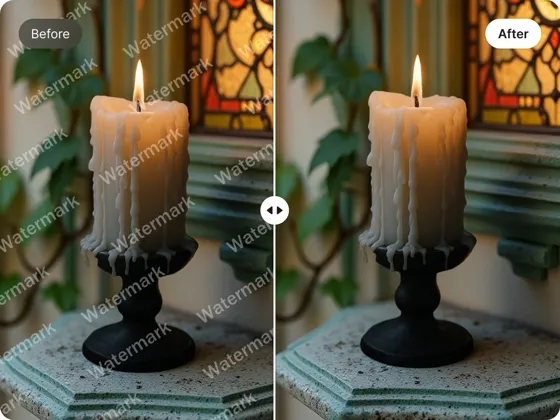
AI Object Remover: Remove Objects from Photos Online

Emoji Remover from Photo: Remove Unwanted Emojis & Memes Online Free
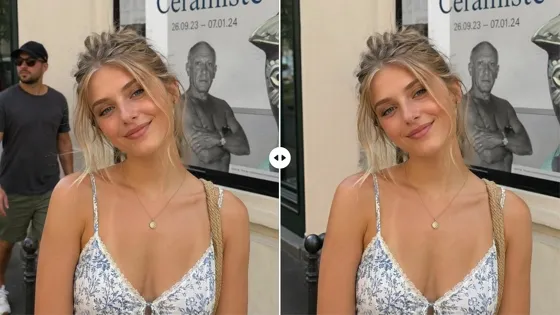
Remove People From Photo Online with AI: Erase Strangers
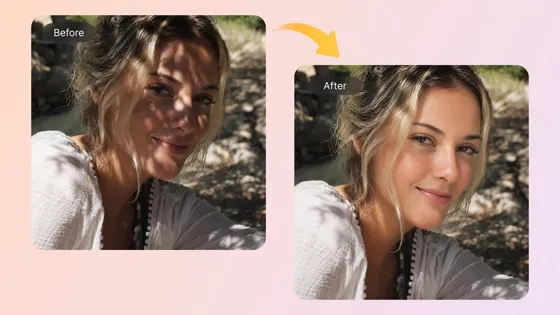
AI Shadow Remover Online: Remove Shadows from Photos
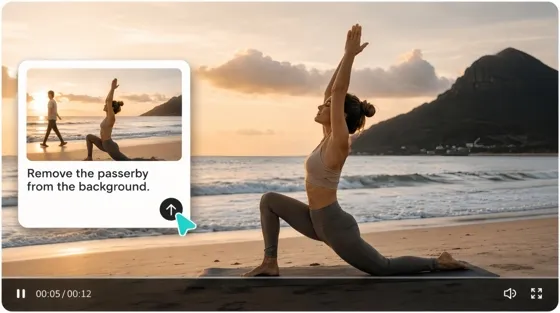
AI Video Object Remover: Remove Unwanted Objects from Videos Online
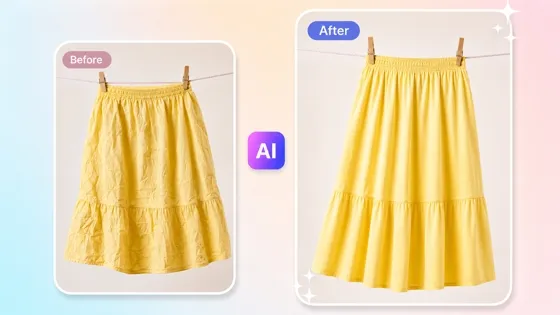
Remove Wrinkles From Clothes Photos With AI
Frequently Asked Questions
How do I remove glare from glasses in a photo?
Can AI remove glasses glare without changing the eyes?
Yes. A good AI glare remover focuses on the reflection rather than replacing the entire face. Designkit is designed to reduce glare while keeping important details like eye direction and facial features.
Can I remove glare from old photos?
Yes. AI glare removal can help improve older photos that have reflections from glasses or shiny surfaces. It is useful for restoring family pictures, scanned portraits, and images that cannot be recreated.
Will the photo quality decrease after glare removal?
No. Glare removal focuses on the affected areas rather than compressing the entire image. Designkit keeps the original resolution and important portrait details during editing.
Can I remove glare from multiple photos?
Yes. If you have several portraits from the same event or photoshoot, AI editing tools can help process them with a consistent workflow instead of correcting each image manually.
Is Designkit glare removal free?
Yes. New users can try Designkit with free signup credits before choosing a paid plan. You can test the glare removal result with your own photo first.
Bring Your Best Photos Back to Life
Remove distracting reflections from glasses and restore portraits that deserve another look. Upload your image and see the difference with Designkit.

What Users Say About Designkit Glare Removal
Real experiences from photographers, professionals, and everyday users who fixed photos affected by glasses glare.
I Didn't Want to Lose a Good Portrait Because of Glare
I had several outdoor portraits where the lighting looked great, but the glasses reflections were distracting. Designkit helped clean them up without making the eyes look unnatural, so I could keep the original photos.
It Saved Us From Scheduling Another Photo Session
Some employee headshots had noticeable reflections from office lights. Instead of asking everyone to retake their photos, we used Designkit to remove the glare and update our profile images.
The Photo Was Too Important to Leave Unfinished
A family photo from a special event had strong reflections on my husband's glasses. I thought we would have to accept it, but the glare removal helped make the photo much more usable.
Useful for Testing Portrait Edits Quickly
I usually spend time fixing small issues before sending previews to clients. Designkit helps handle glare first, which makes the rest of my editing workflow smoother.