
Generate Virtual Glasses Try-On Images from a Portrait
Upload a portrait, choose a glasses style or add your own frame image, and generate a photo-based try-on.
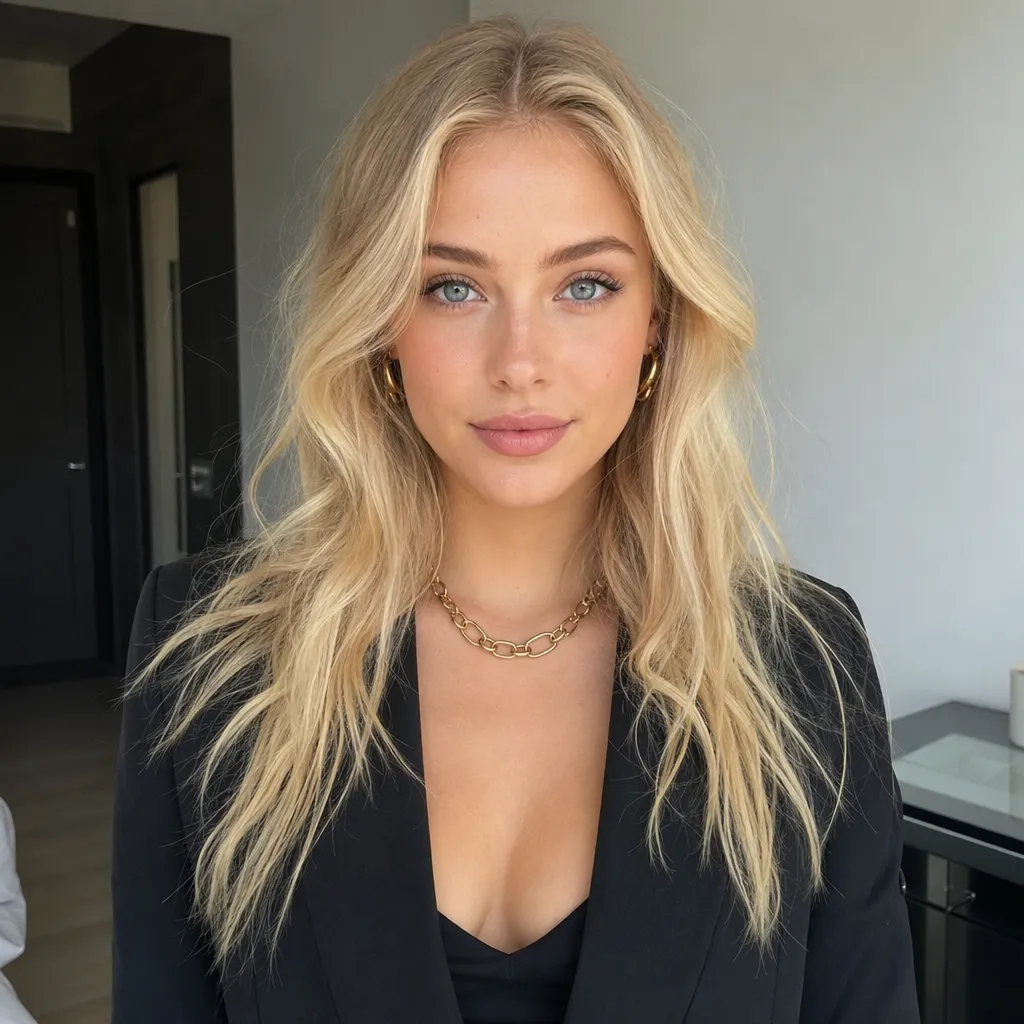
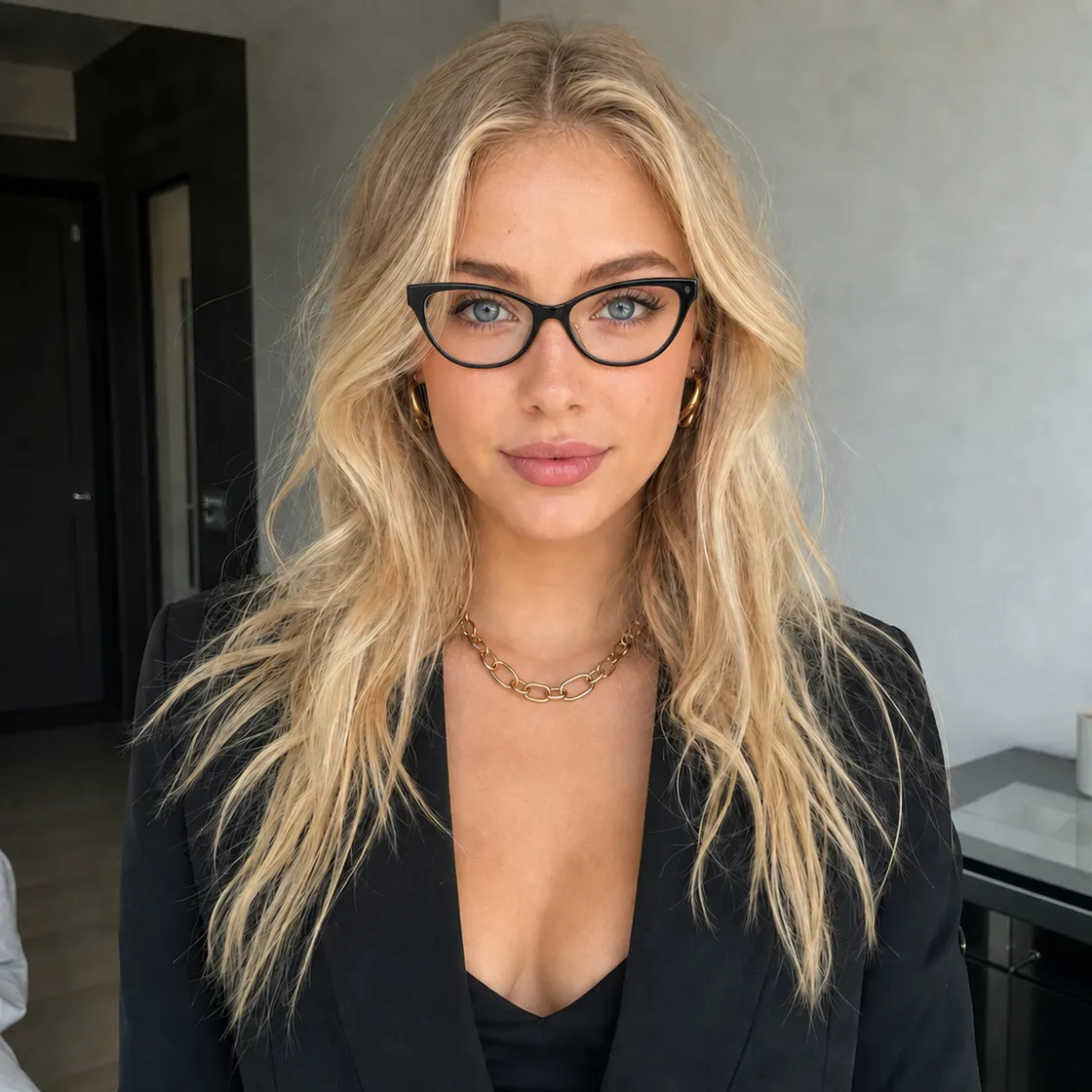
Preview Specific Glasses on a Portrait
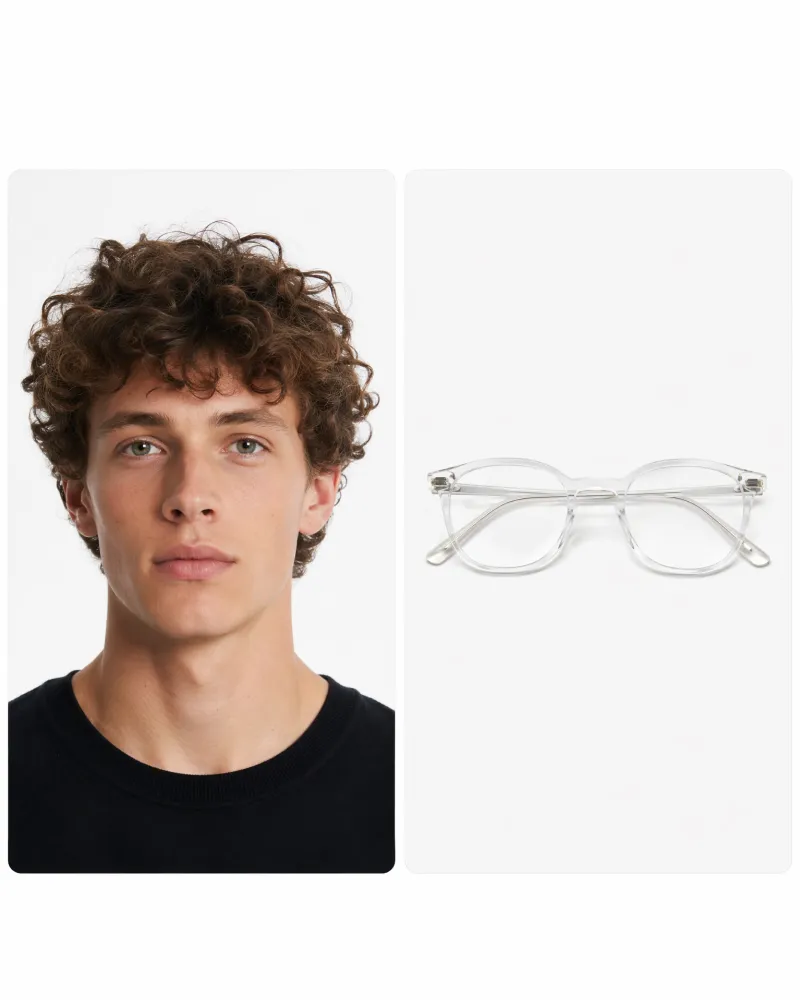
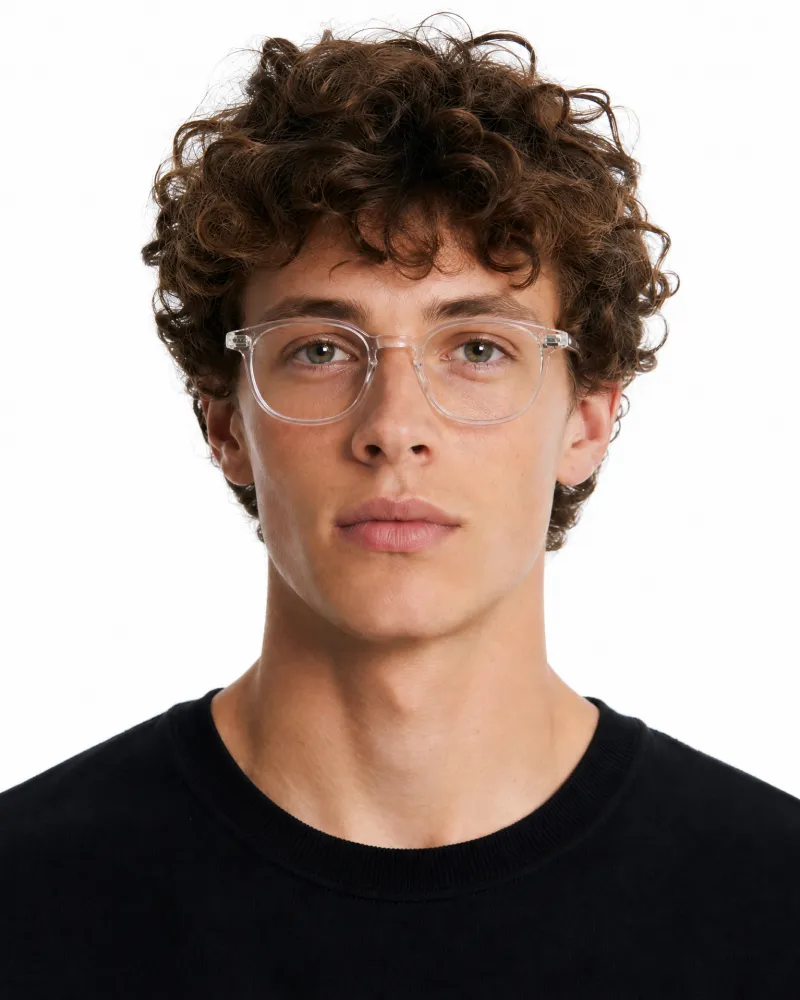
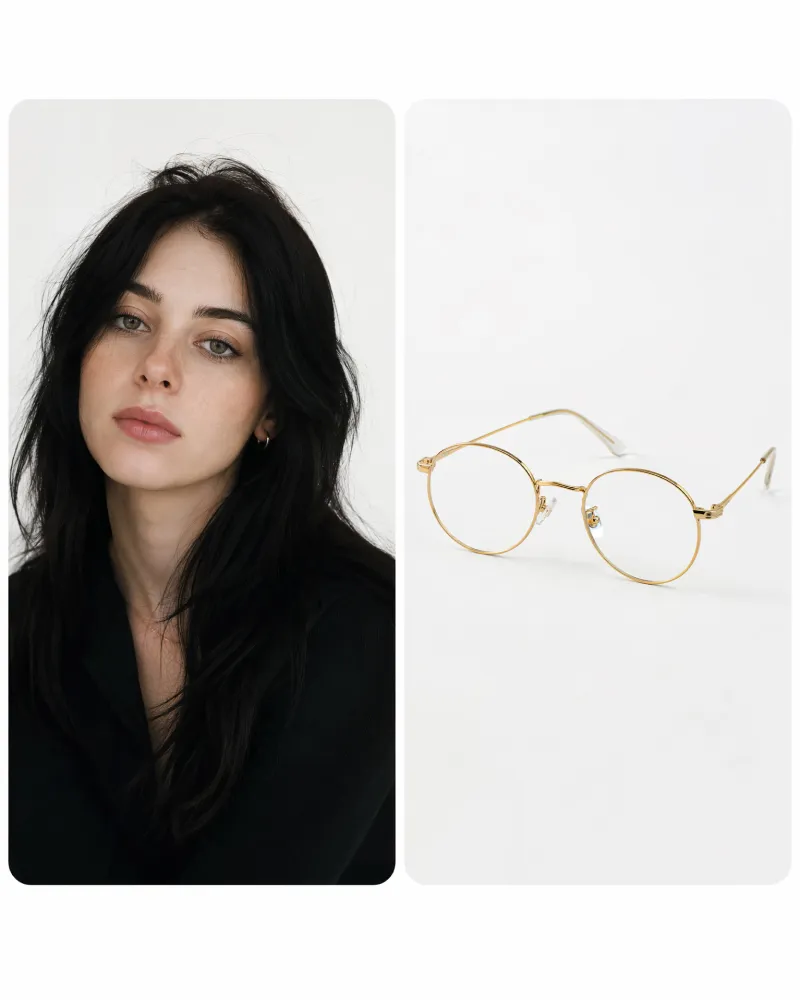
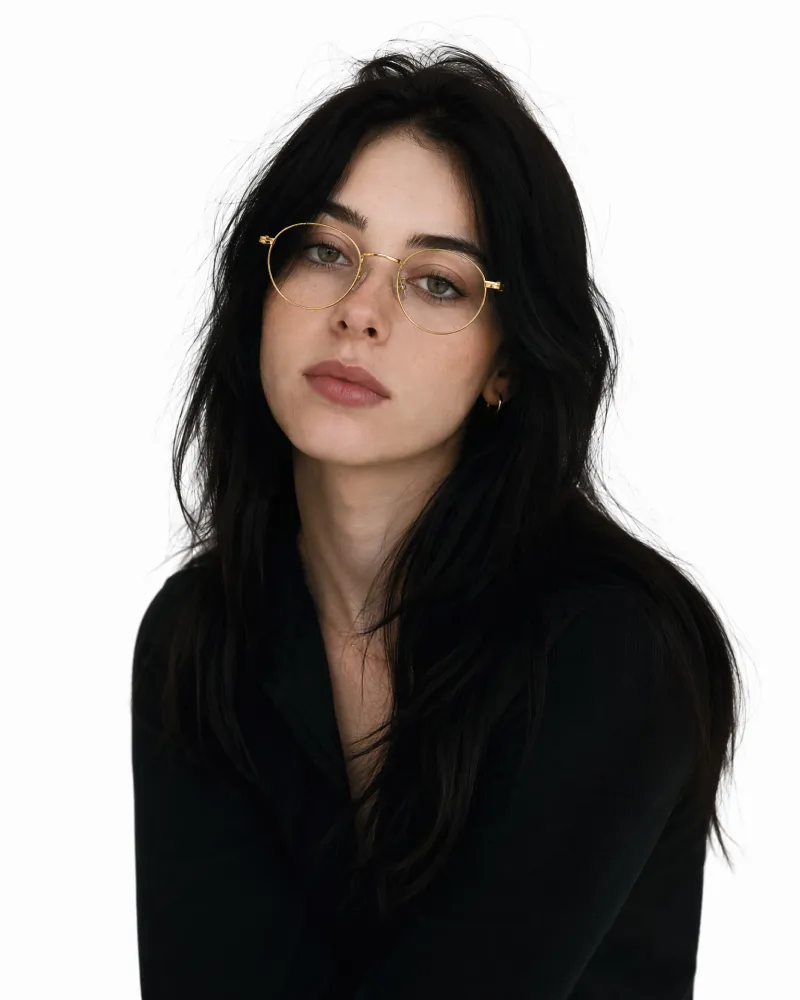
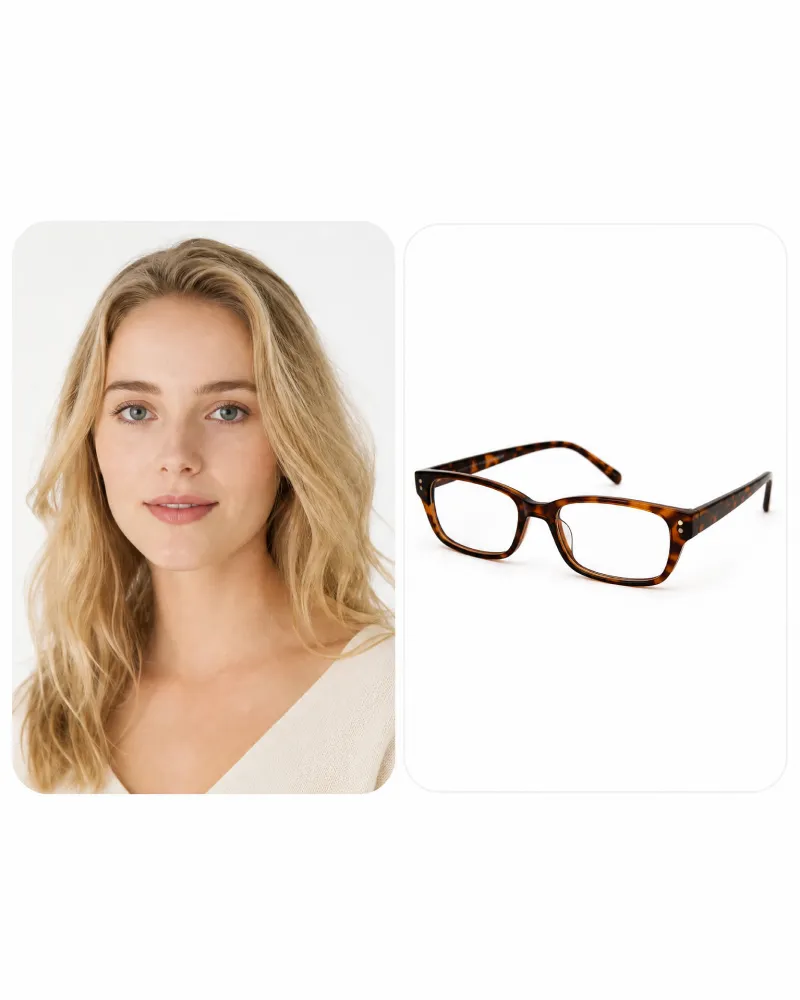
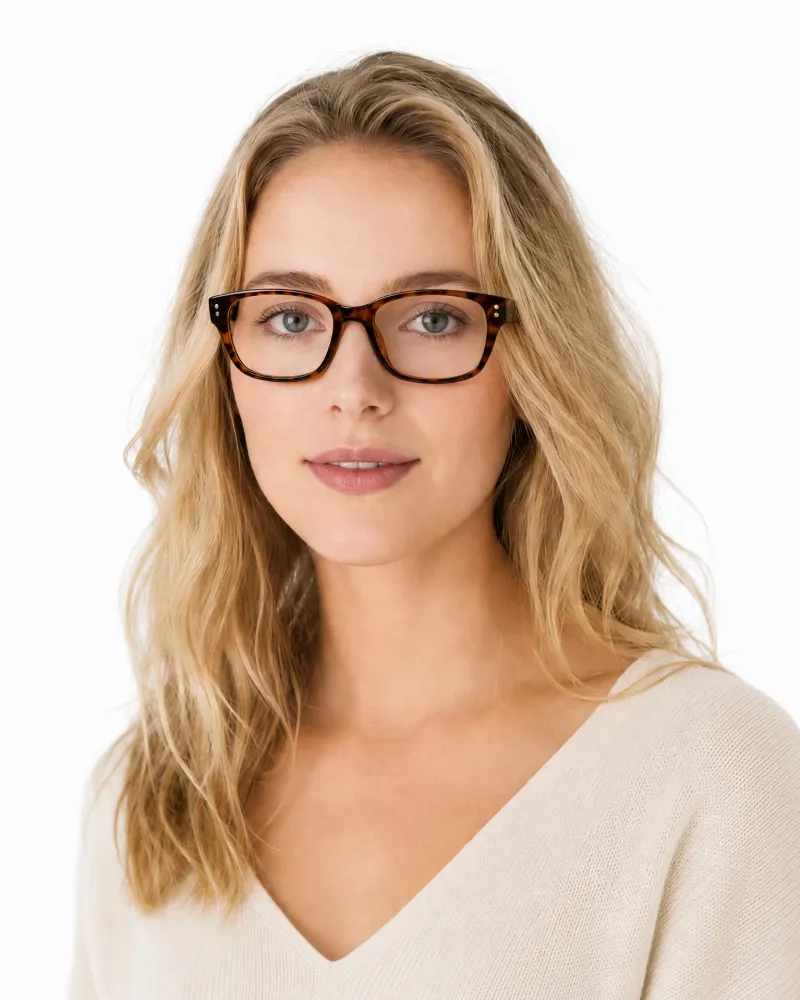
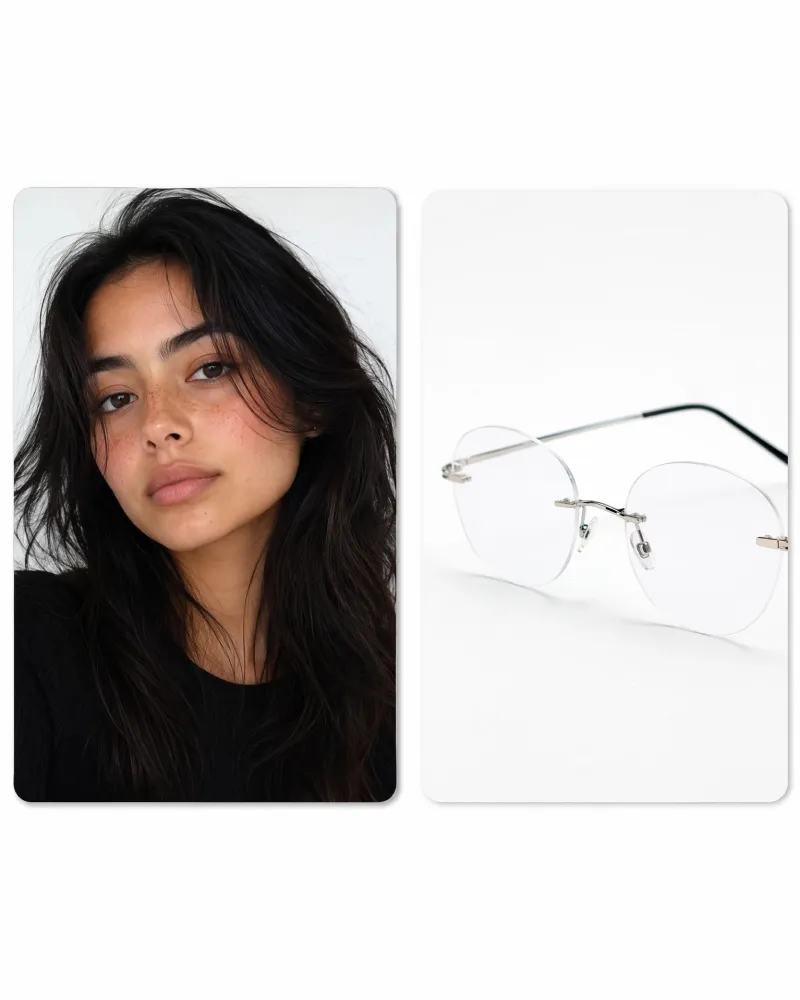
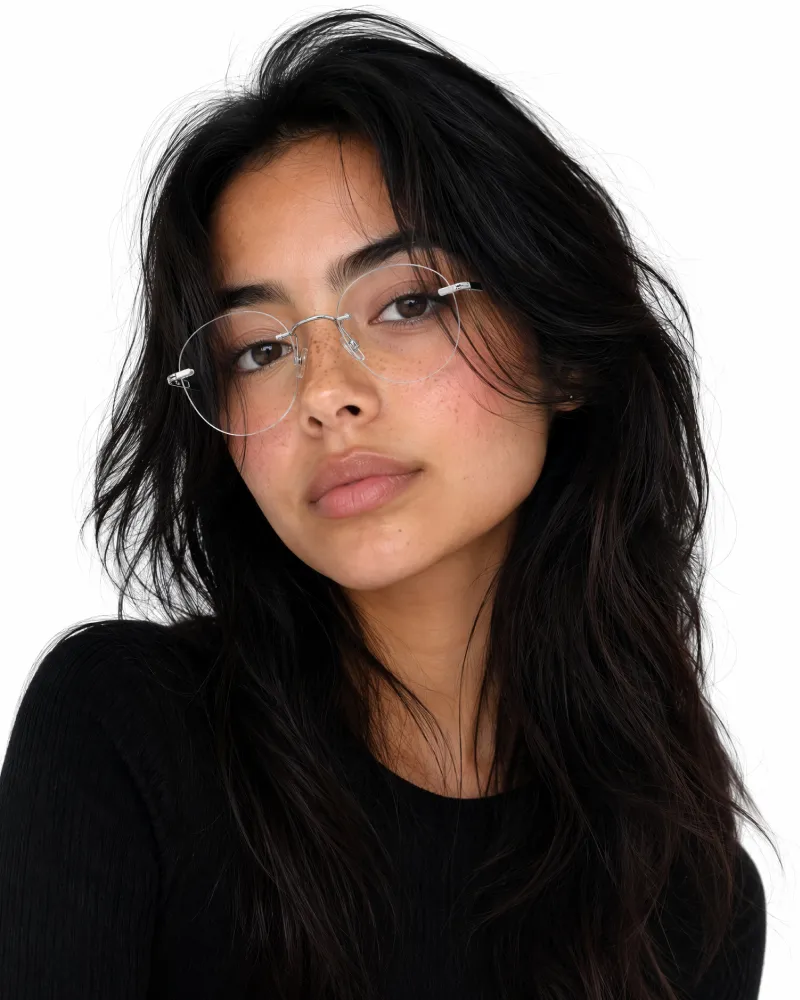
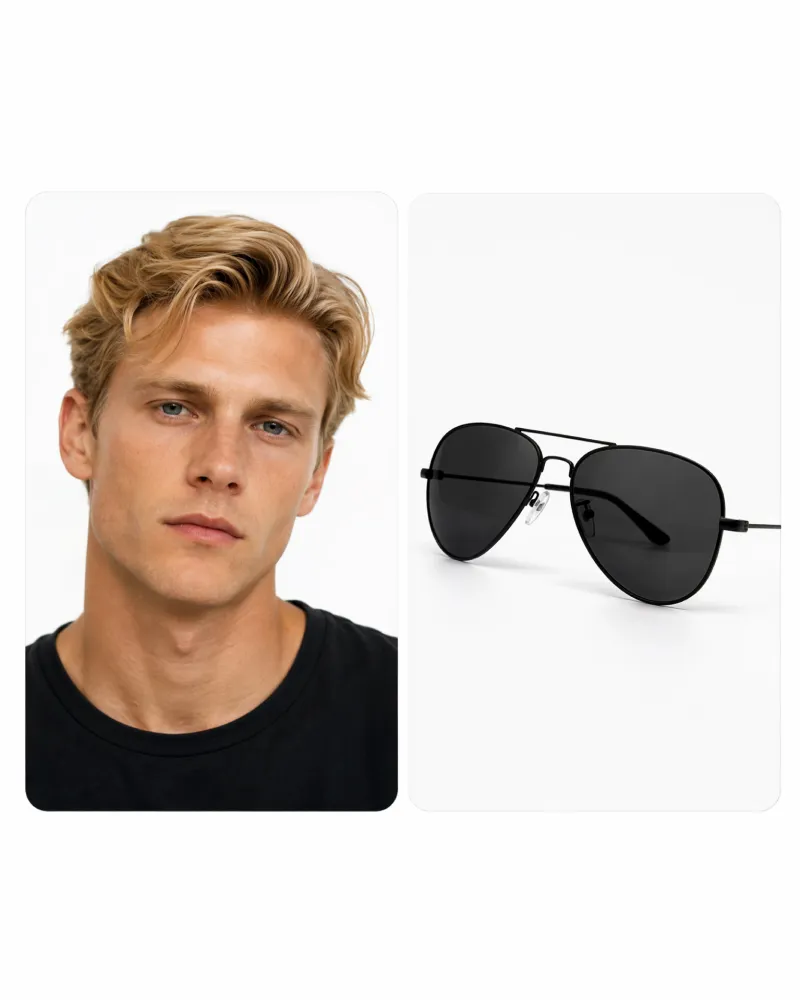
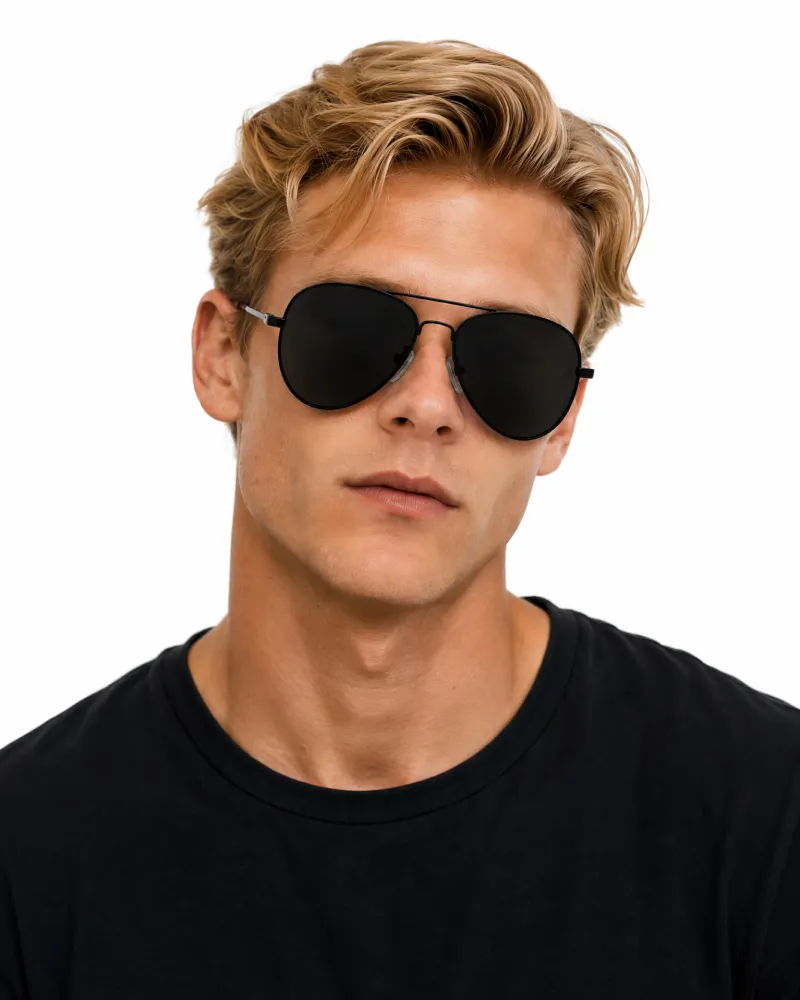
Try Popular Glasses Styles on Your Photo
Choose a style as your template, upload your portrait, and create a personalized virtual glasses try-on.
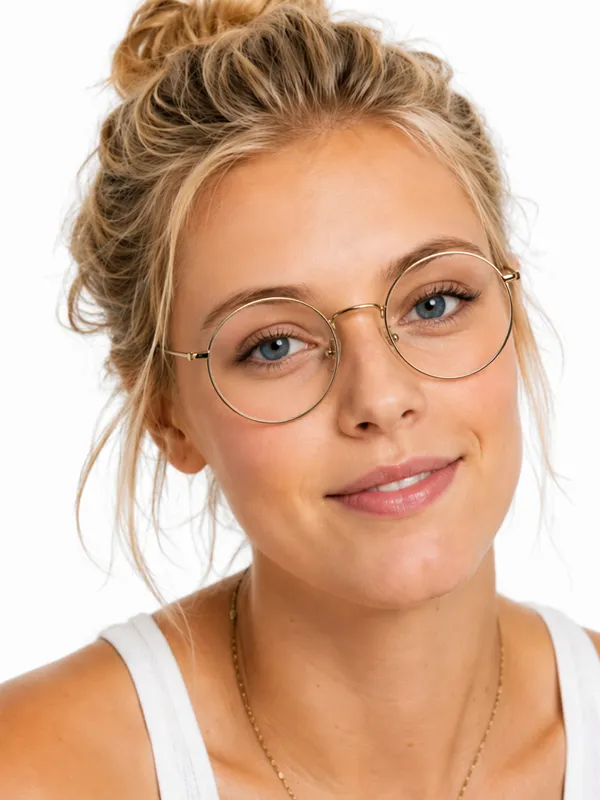
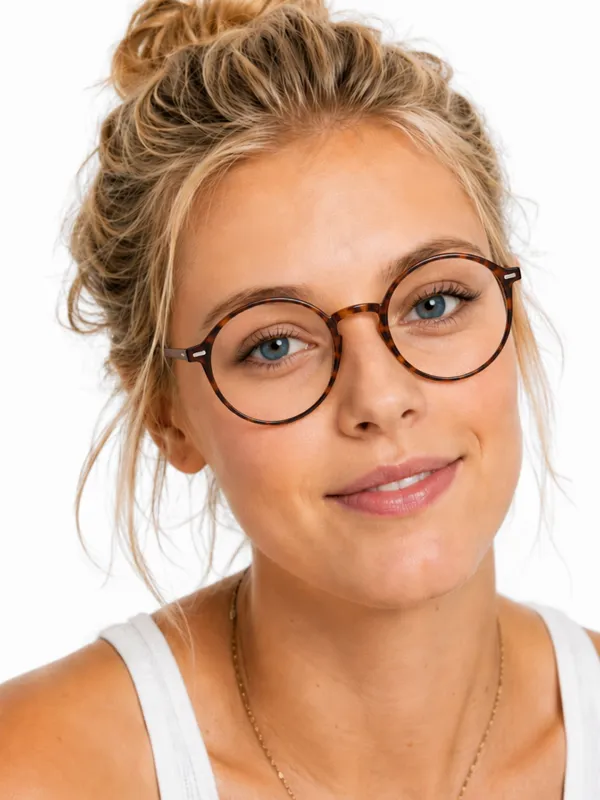
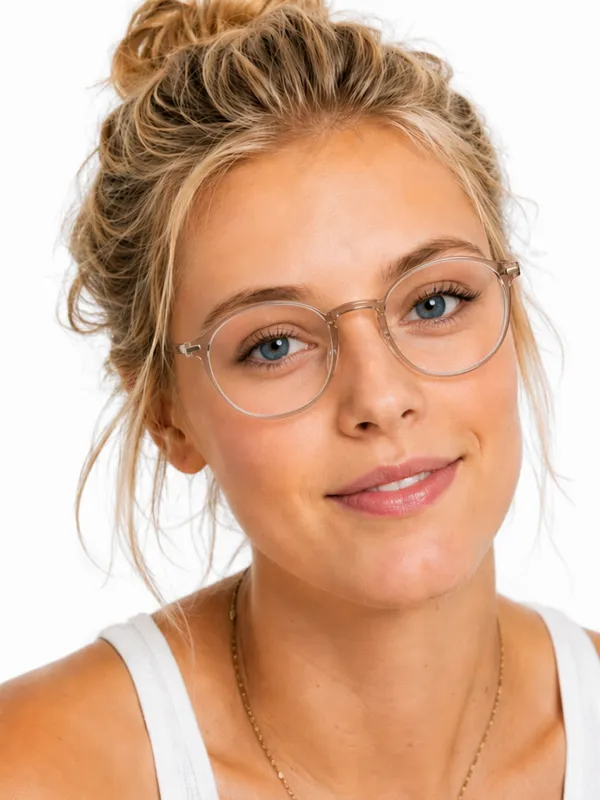
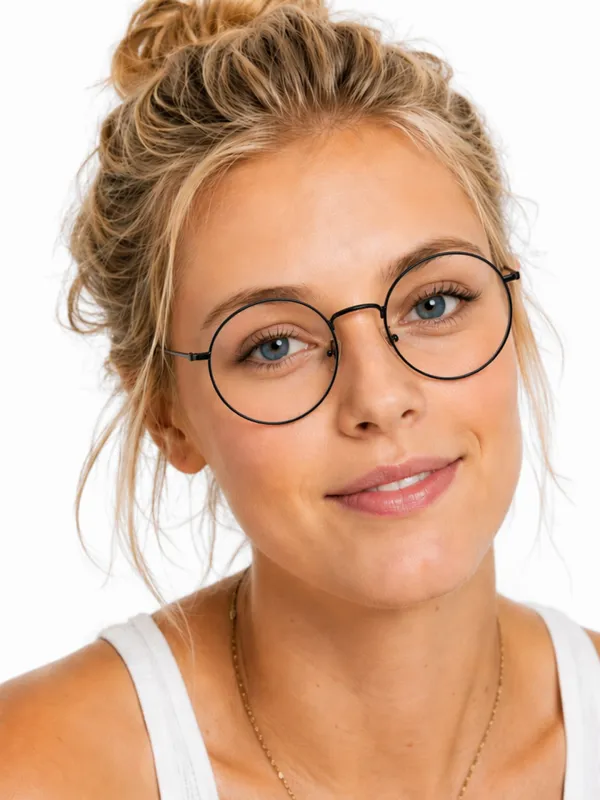
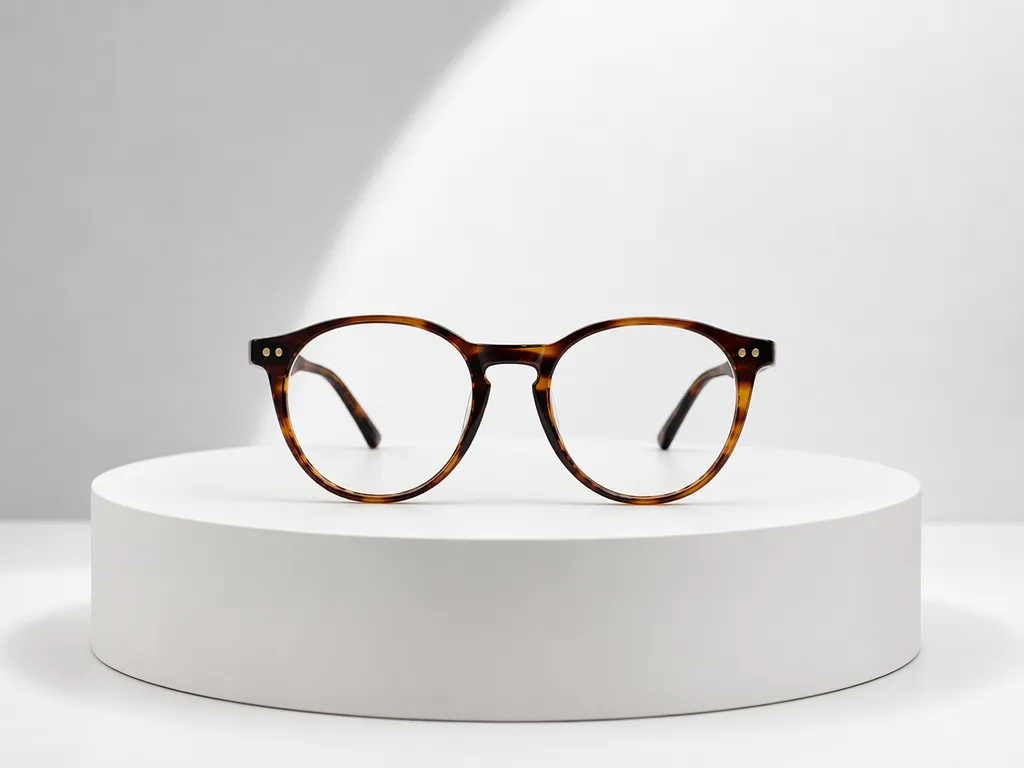
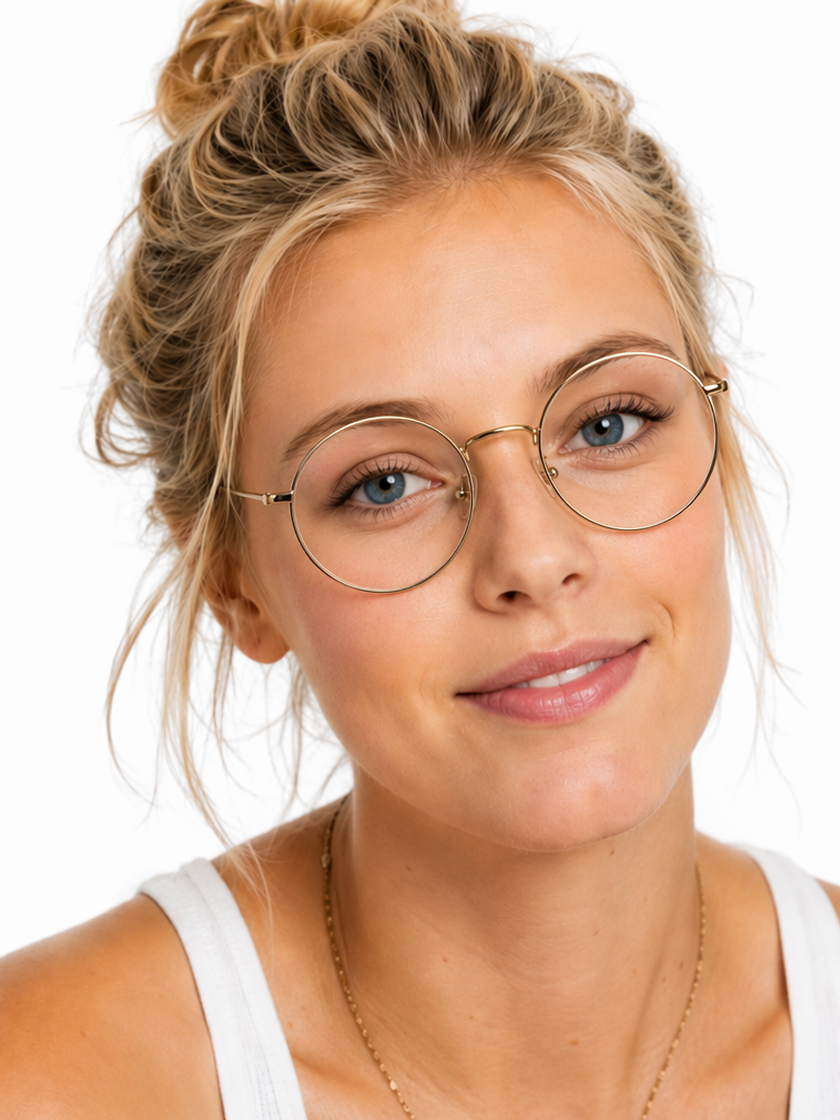 Round Frames
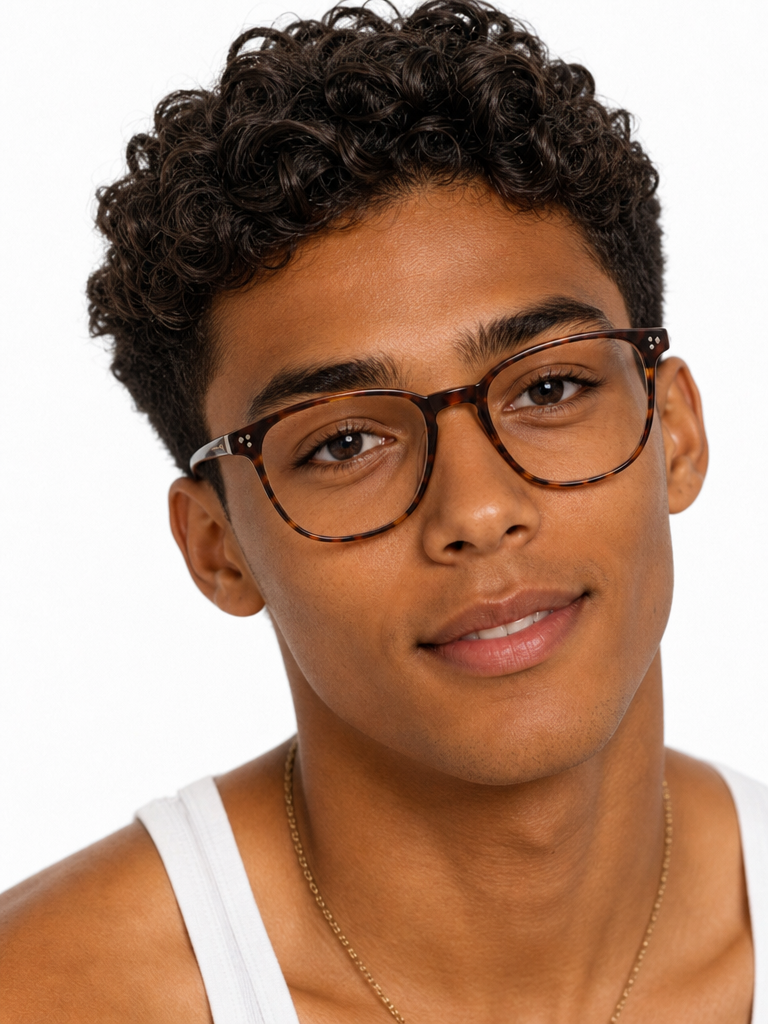 Square Frames
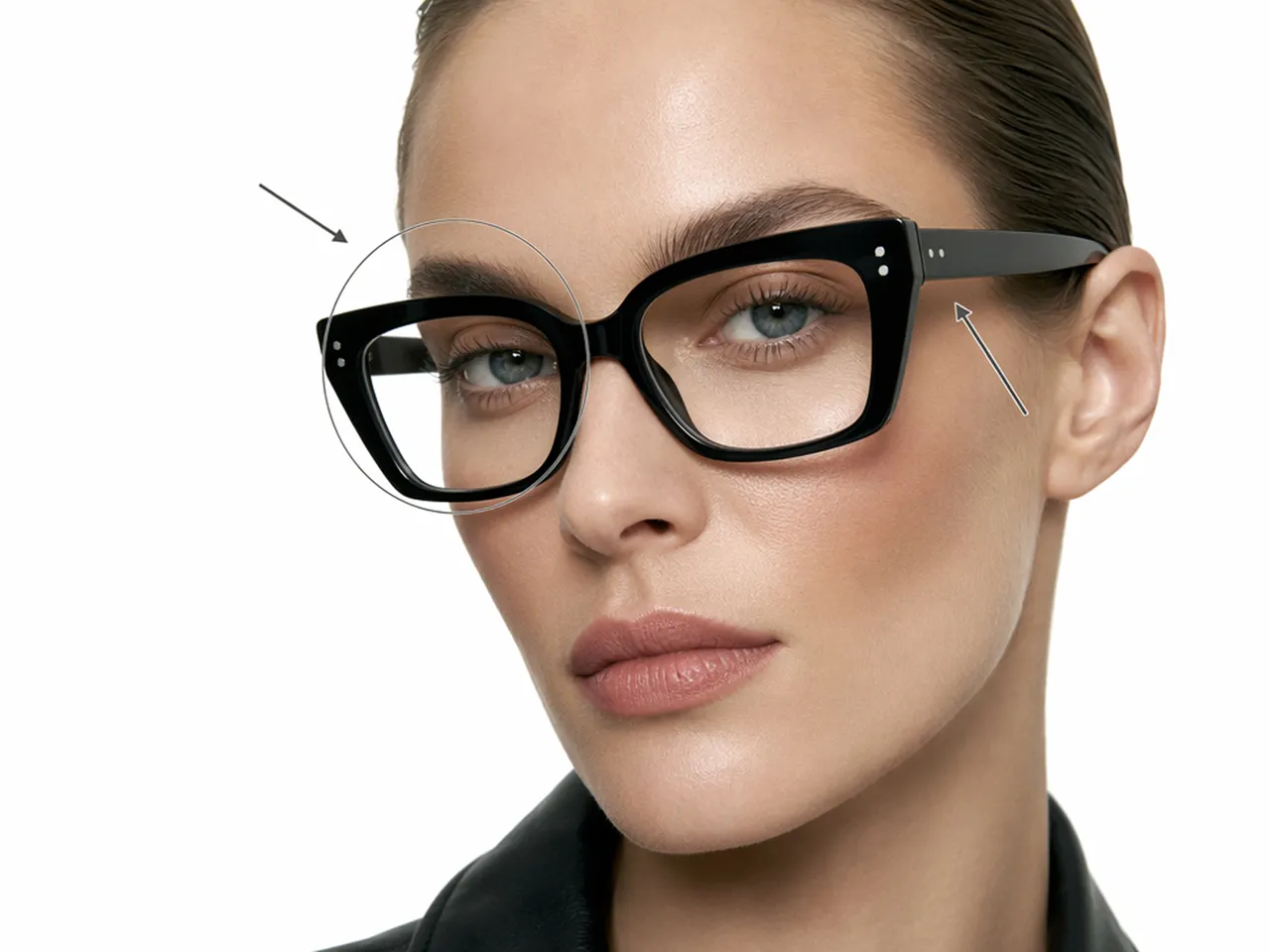
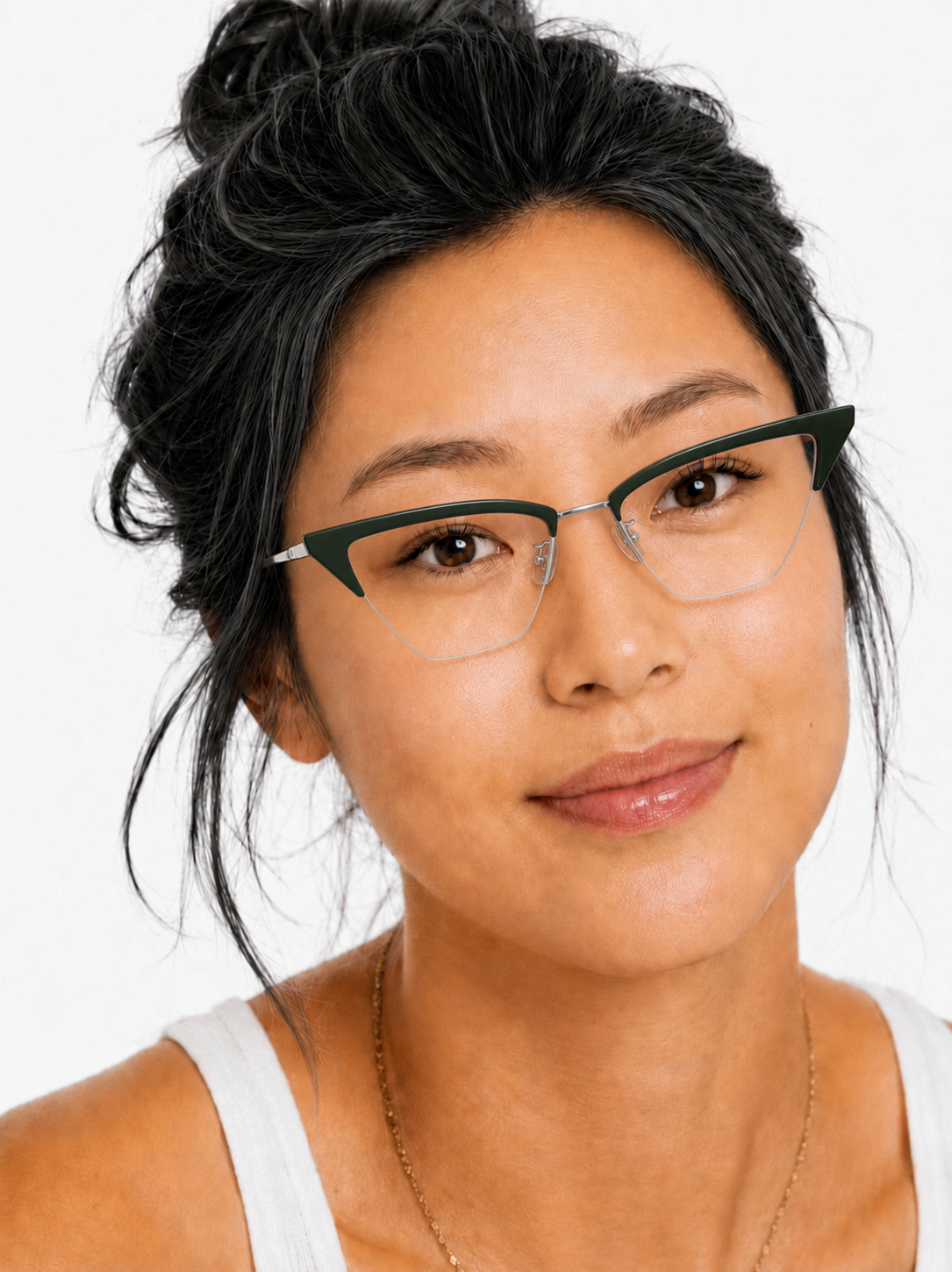 Cat-Eye Frames
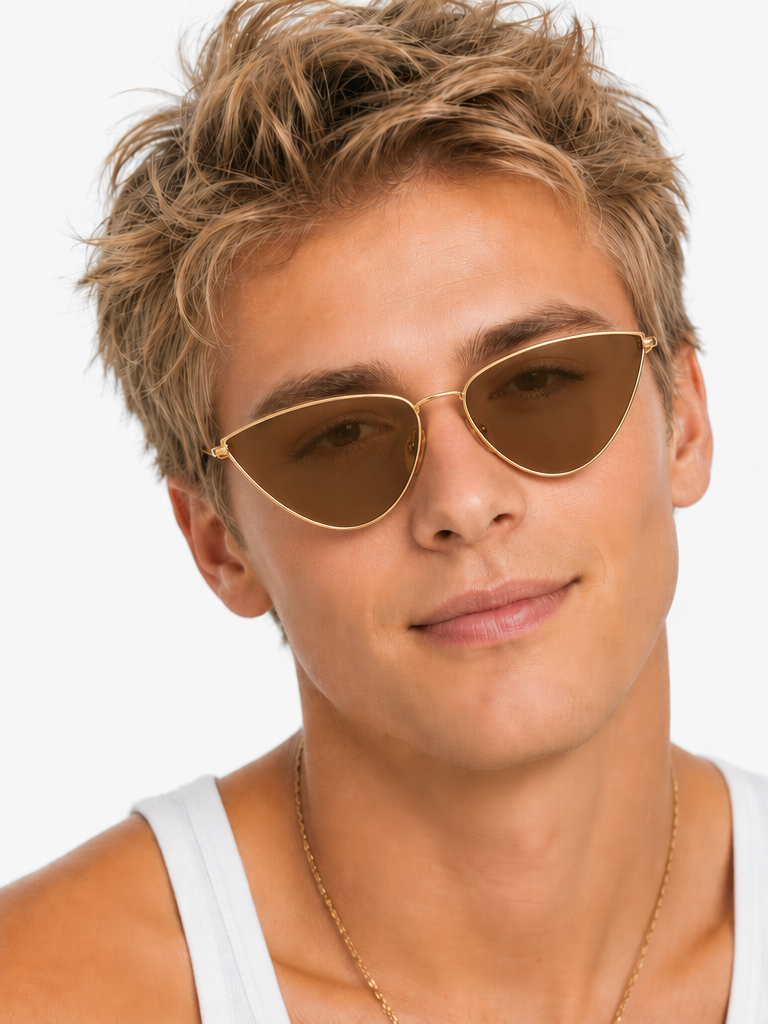 Sunglasses
Create Your AI Glasses Try-On With AI
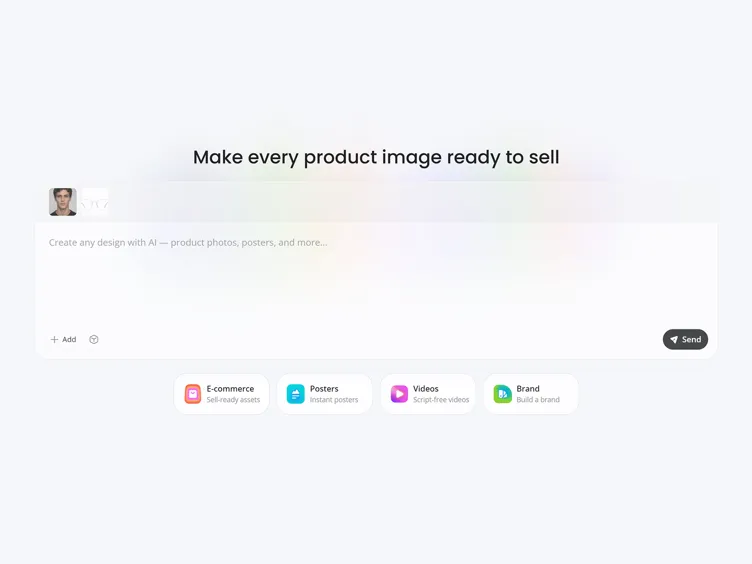
Upload Your Portrait
Choose a clear, front-facing photo with your eyes and facial outline fully visible.
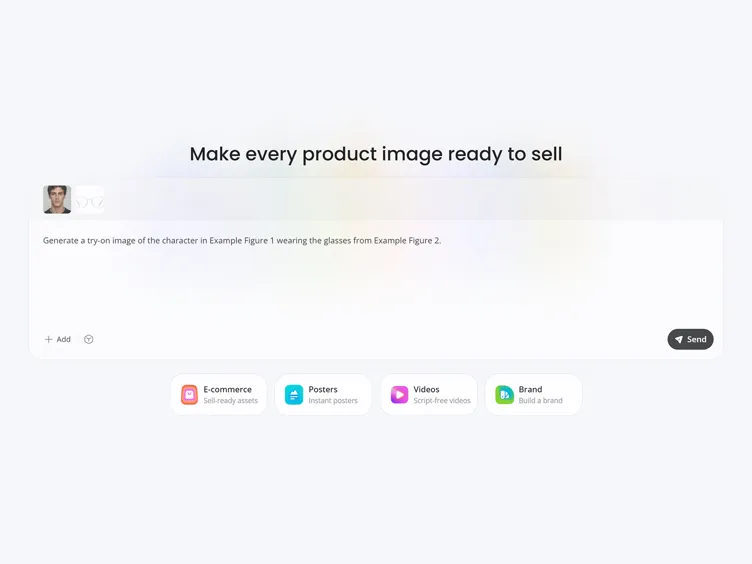
Choose or Add the Glasses
Use a style template, describe the frame in a prompt, or upload an image of the exact pair you want to preview.
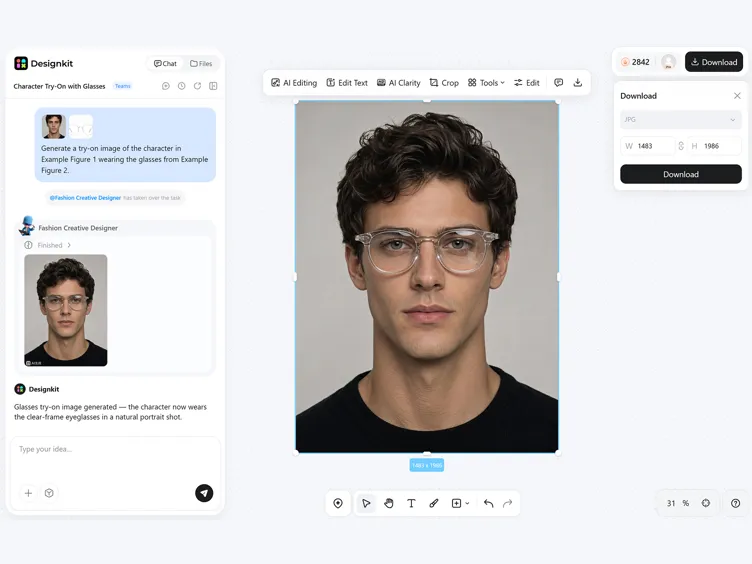
Generate Your Try-On
Let AI place the glasses on your face, then review and download the completed image.
More Control Over Your Virtual Glasses Try-On
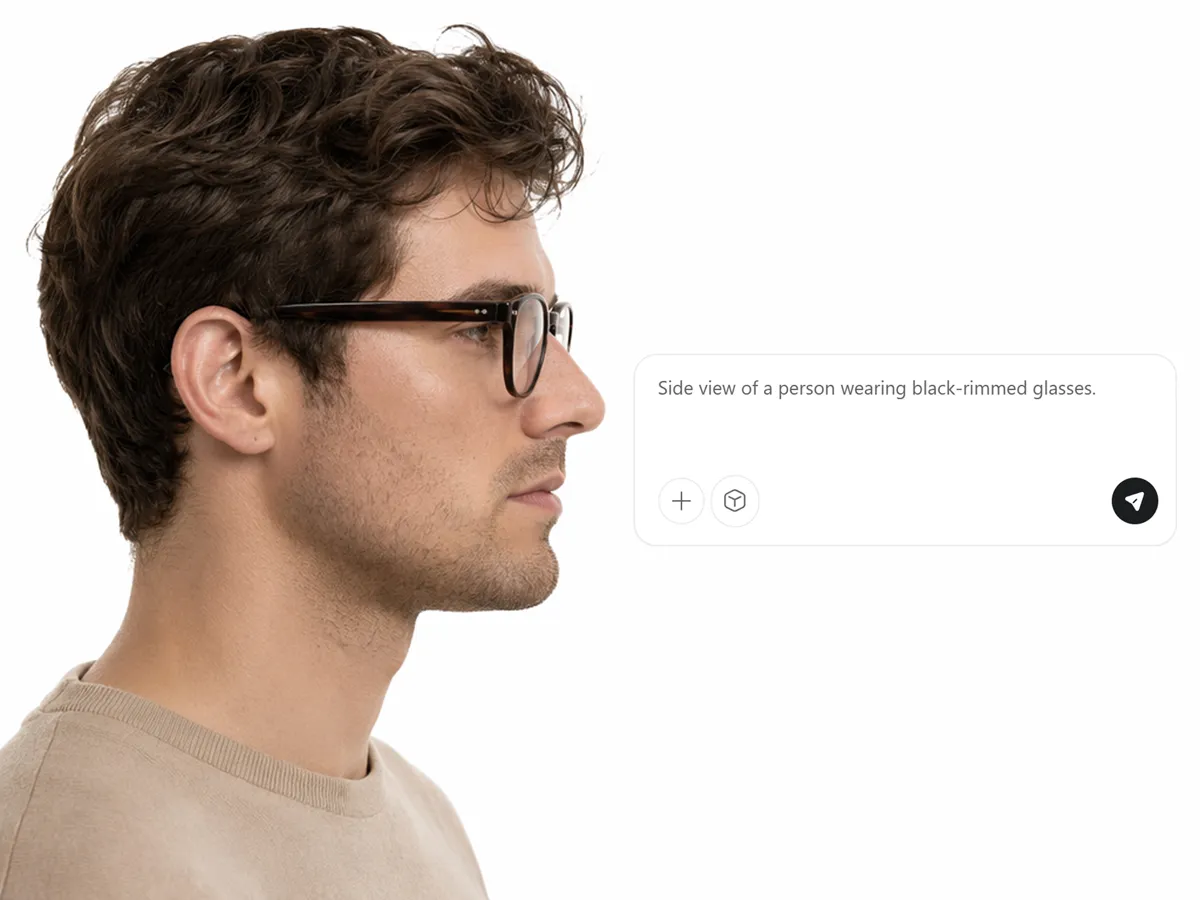
Refine Frame Details with a Prompt
Describe the eyewear you have in mind when you do not yet have an exact product image. The prompt gives the AI a clearer creative direction and lets you refine the concept through new variations while keeping the main design idea consistent.
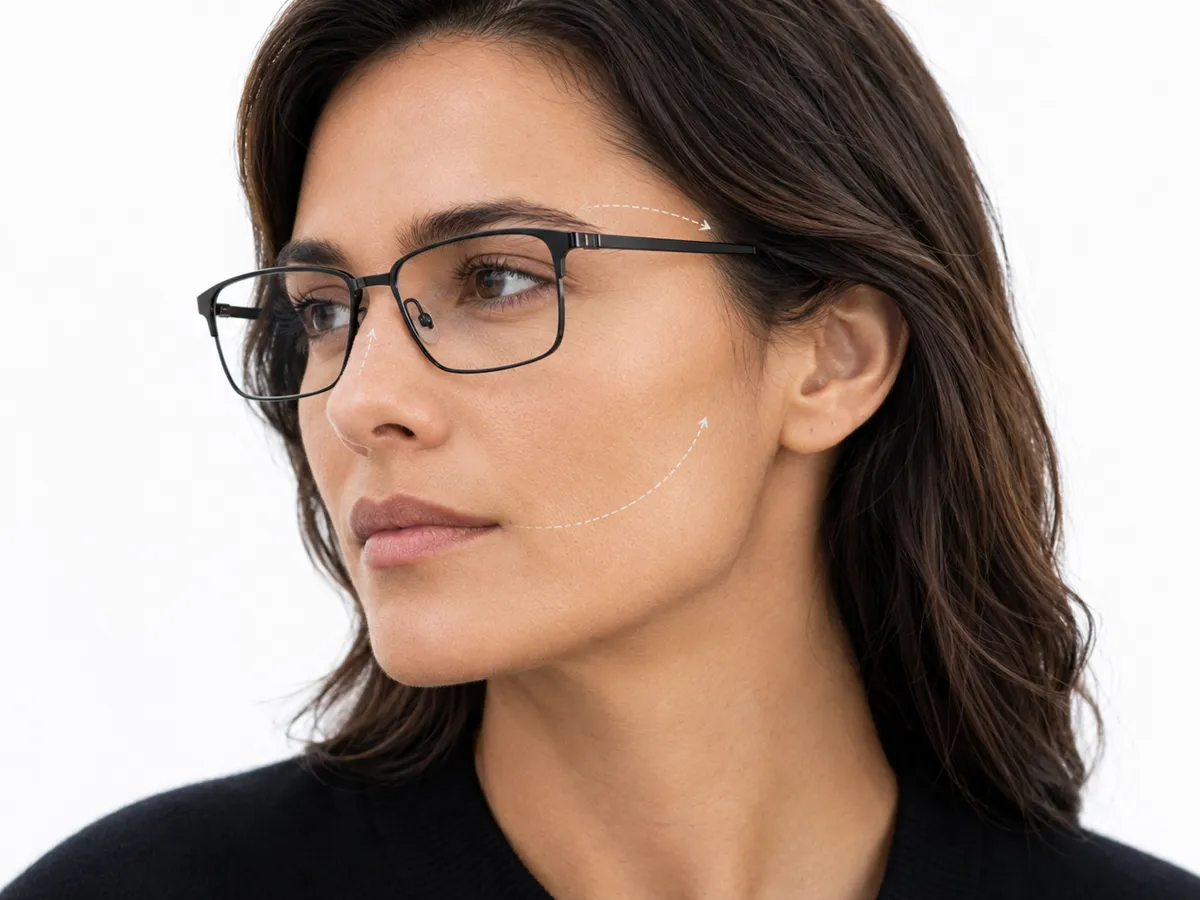
Fit Eyewear to the Face Position
The AI reads the visible angle, scale, and perspective of the face before positioning the glasses. This allows the frame to follow the portrait more naturally and creates a convincing worn effect rather than a flat accessory placed over the image.
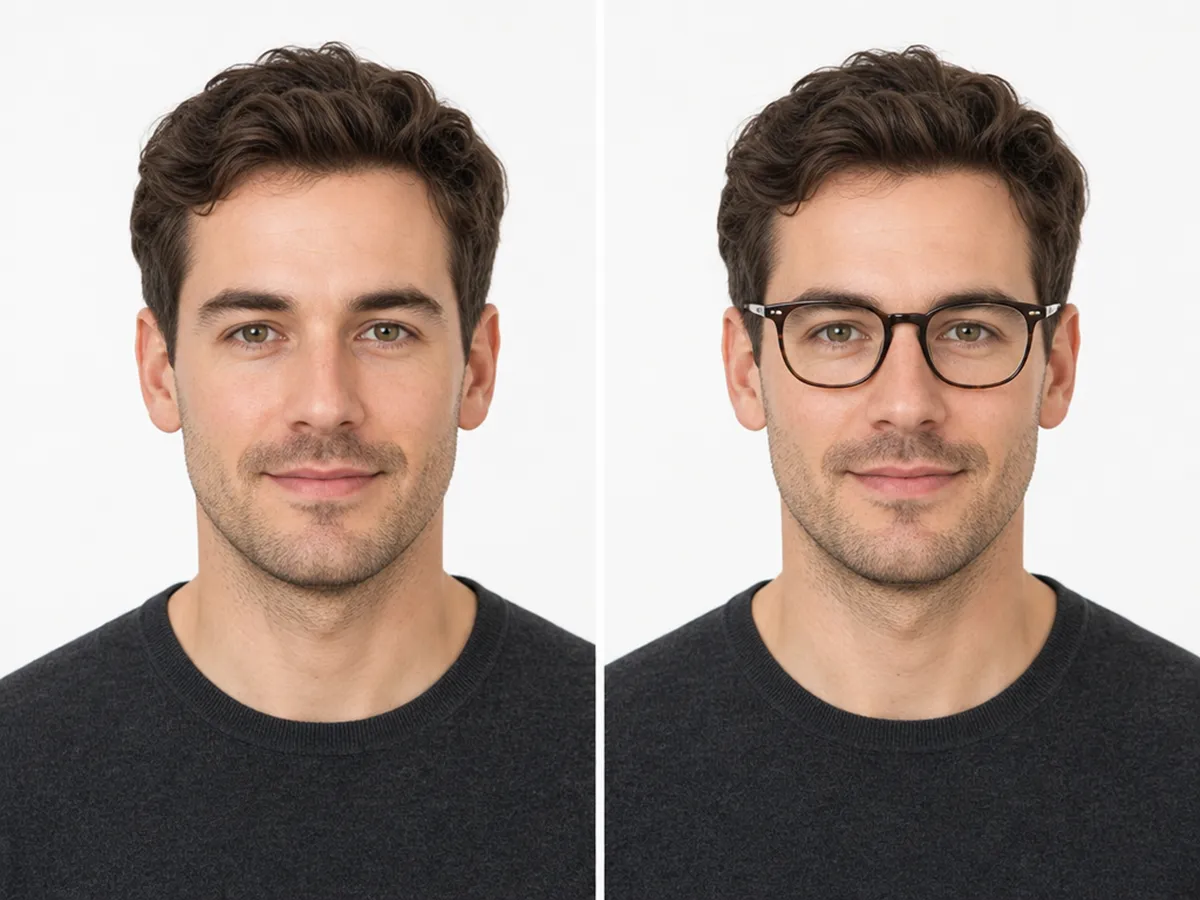
Keep the Original Portrait Consistent
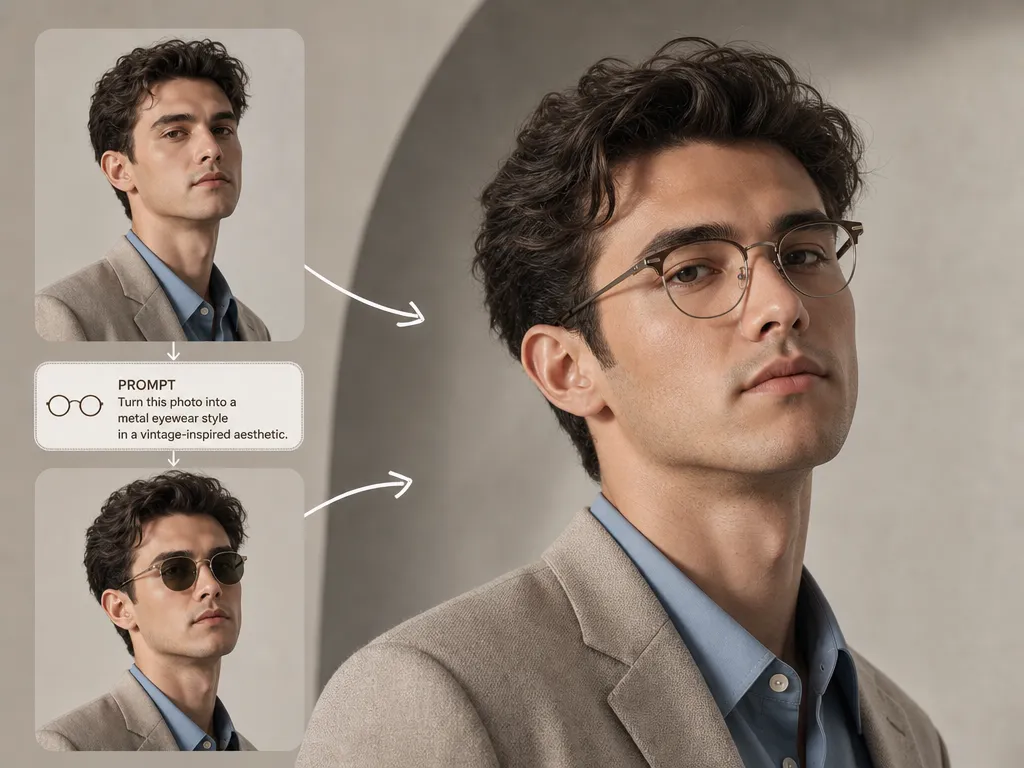
Reuse a finished portrait for a different eyewear direction without recreating the entire image. The generated result retains the recognizable subject and overall setting, allowing the glasses to change while the visual character of the original photo remains intact.
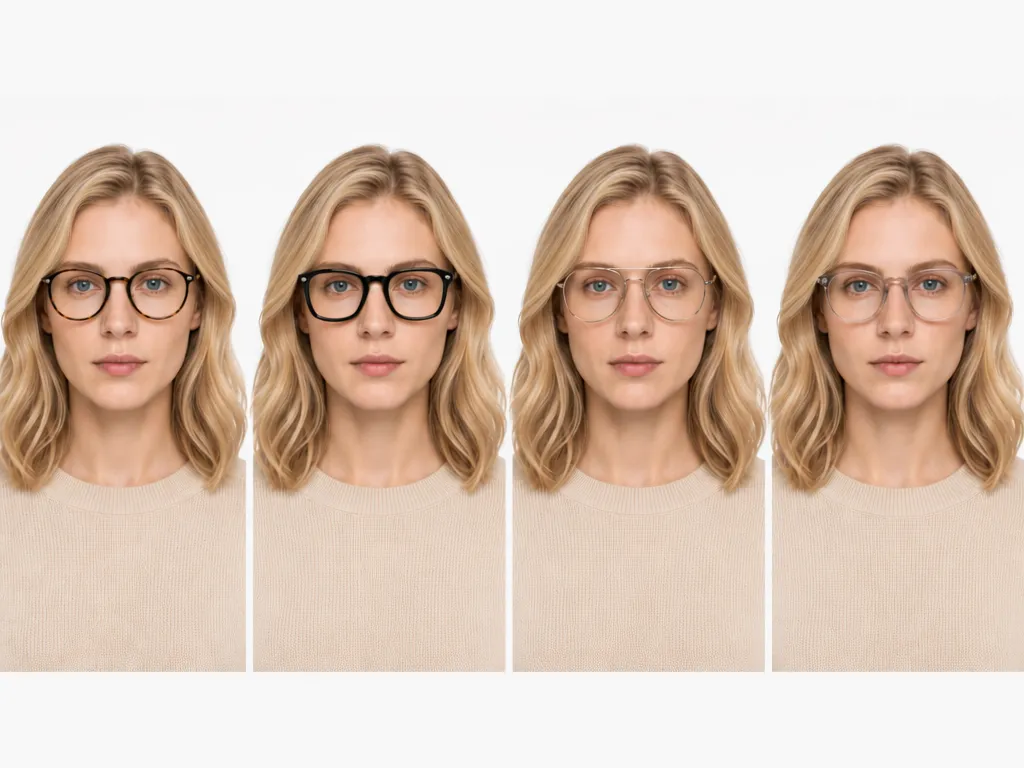
Compare Frame Styles on the Same Portrait
Apply different eyewear directions to one portrait while maintaining a consistent visual reference. Because the pose, lighting, and composition remain stable across the results, you can focus on how each frame changes the overall appearance and compare the options more accurately.
Virtual Glasses Try-On for Different Needs
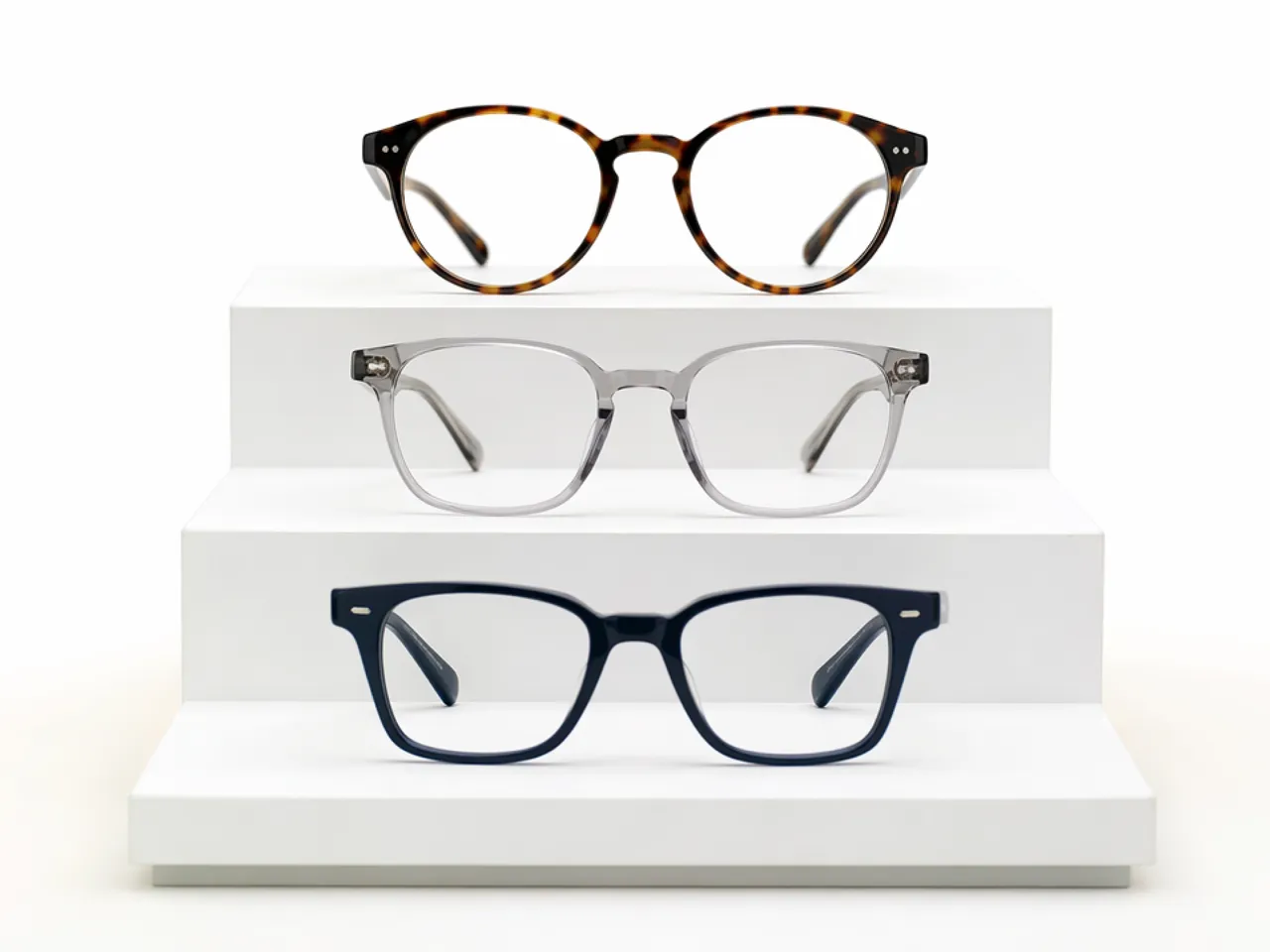
Online Shoppers Shortlisting Frames Before Ordering
Bring together frame images saved from different stores and apply them to one clear portrait. Review how each style reads in the photo, remove weaker options from your shortlist, and then confirm measurements, prescription requirements, and return terms with the seller before ordering.
Why Use Designkit for Glasses Try-On?
Use Photos Instead of a Live Camera
Work from saved images rather than opening a live camera, making the process easier to fit around personal or planned image projects.
Go Beyond One Retailer’s Catalog
Bring in frames from different sources instead of relying on the styles available through one store’s built-in try-on collection.
Keep Style Preview and Real Fit Separate
Use each result as a visual reference, then confirm measurements, prescription details, and physical fit with the eyewear seller.
Virtual Try-On Tools You Can Use with Designkit
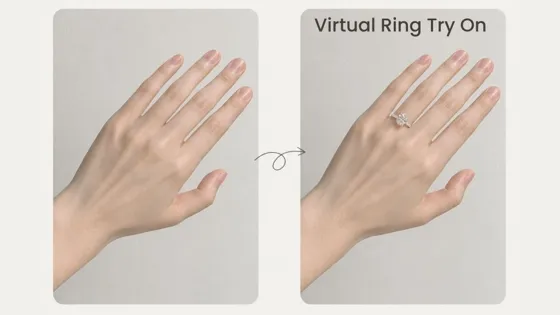
AI Virtual Ring Try On

AI Outfit Generator Online
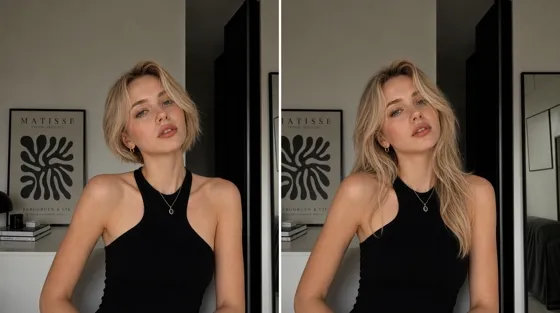
AI Hairstyle Changer
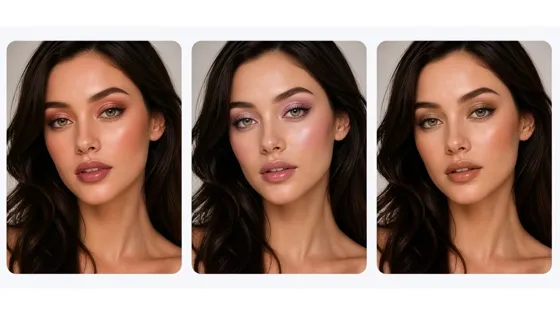
AI Virtual Makeup
Frequently Asked Questions
How does the virtual glasses try on work?
Can I upload an image of the exact glasses I want to try?
Yes. Upload a clear image showing the complete front of the frame so its shape, color, material, and distinctive details can be reflected in the result.
What type of portrait should I upload?
Use a sharp, front-facing portrait with clear lighting and an unobstructed view of your eyes. Avoid images where hair, hands, or accessories cover a large part of the face.
Do AI glasses try-on results look realistic?
The frame is positioned according to the visible face angle to create a natural photo preview. Result quality still depends on the clarity, lighting, and perspective of the source images.
Can I try on both eyeglasses and sunglasses online?
Yes. You can preview optical glasses, sunglasses, and fashion frames on your portrait, including different shapes, colors, and lens styles.
Does the virtual try-on show the exact physical fit?
No. The generated image is intended for visual style comparison rather than optical measurement. Confirm the frame width, bridge fit, lens position, and prescription suitability with the seller.
Can I use the generated images for product presentation?
The results can support product listings and marketing content. Make sure you have permission to use the source portrait and glasses image, and review the current usage terms before publishing.
Preview Your Next Frame on Your Photo
Add your portrait and chosen eyewear to create a photo-based try-on you can compare before buying or styling your next look.



What Users Say About the Glasses Try-On
See how users apply their try-on images beyond the initial generation step.
The Process Made Sense Immediately
I understood what to add and where each image belonged without working through a long tutorial. Starting with a prepared style also helped me see the kind of result I could expect before I uploaded a specific pair
Feedback Became More Useful
I sent two finished options to my sister before ordering anything. Having actual images to react to made her feedback much more useful than sending product links, and our conversation quickly narrowed down which direction was worth pursuing.
I Arrived with a Clearer Starting Point
The generated images helped me prepare for an in-store appointment. I arrived with a clearer idea of the shapes I wanted to test and the details I was unsure about, so the staff could make more relevant suggestions from the beginning.
The Team Could Discuss One Clear Direction
I placed one of the try-on images in an early moodboard for a portrait series. It communicated the accessory choice clearly enough for the photographer and art director to discuss the direction before we started planning the final shoot.
We Prioritized Photography More Carefully
We used the previews internally to decide which new frames should receive additional lifestyle photography. The merchandising team could review the collection first and reserve the larger production budget for the styles we planned to feature most.