
AI Tattoo Generator: Create Custom Tattoos from Text or Photos
Turn a name, symbol, memory, or photo into a tattoo design, then upload your own photo to preview it on your body before you book. Just describe your idea, no drawing skills needed.
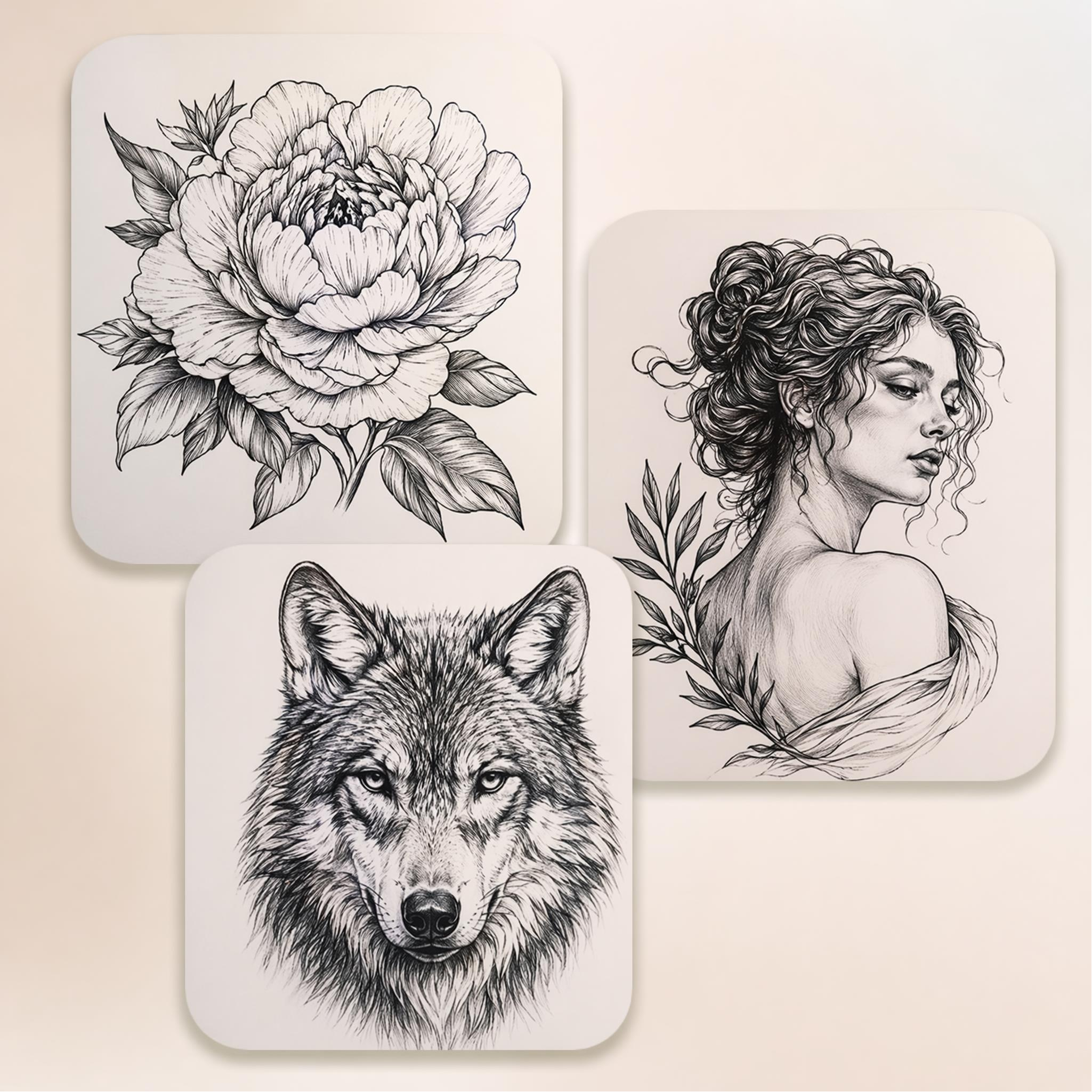
Design Tattoos That Hit Different
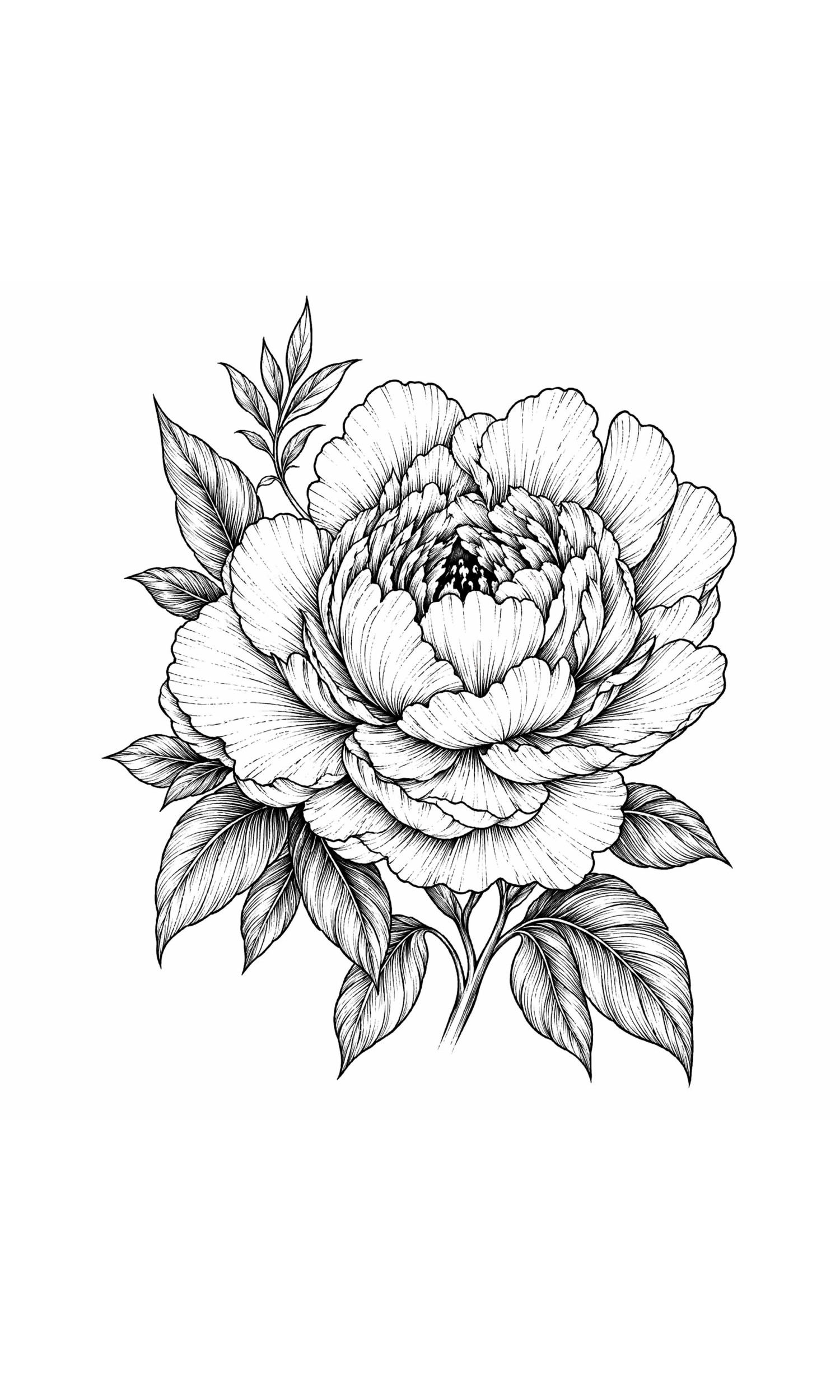
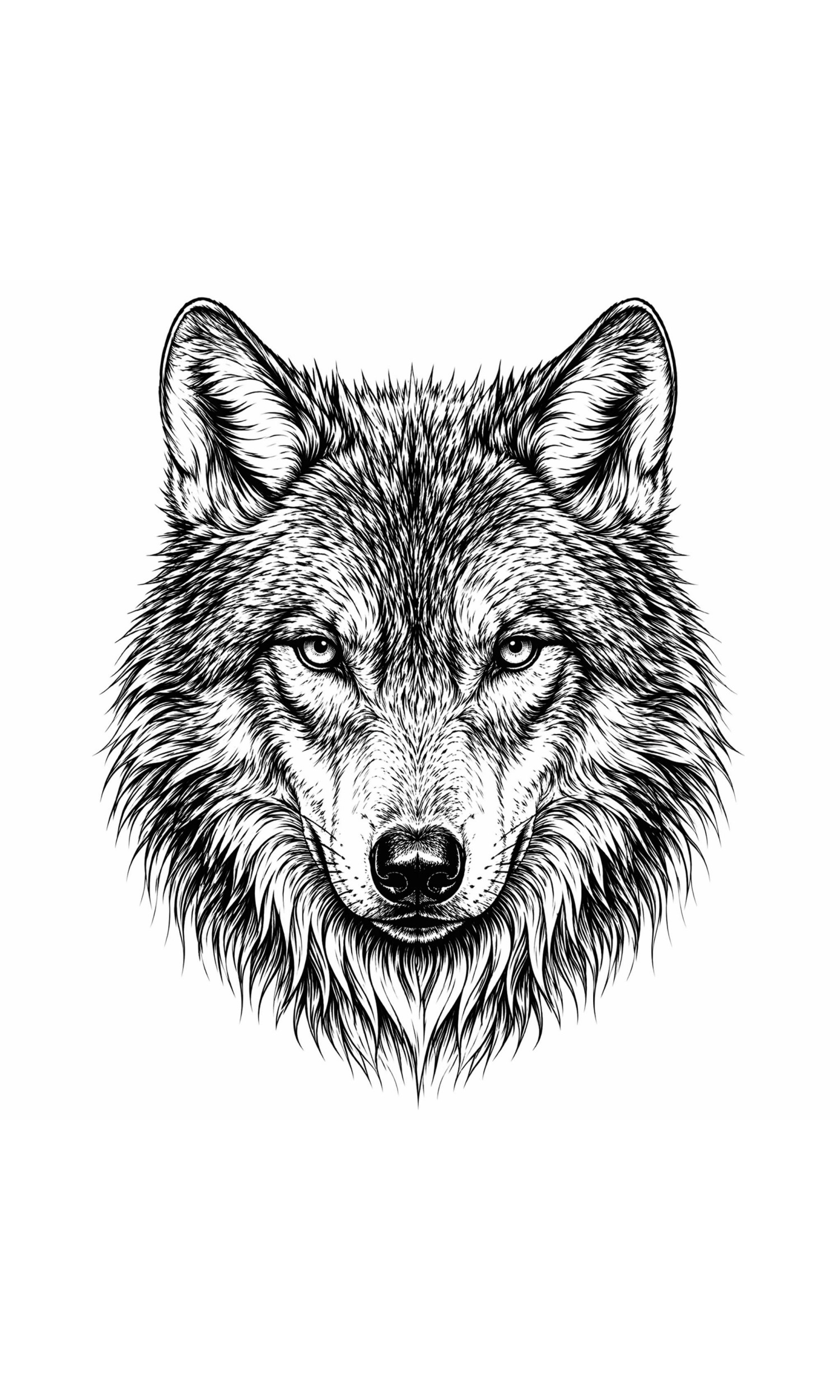
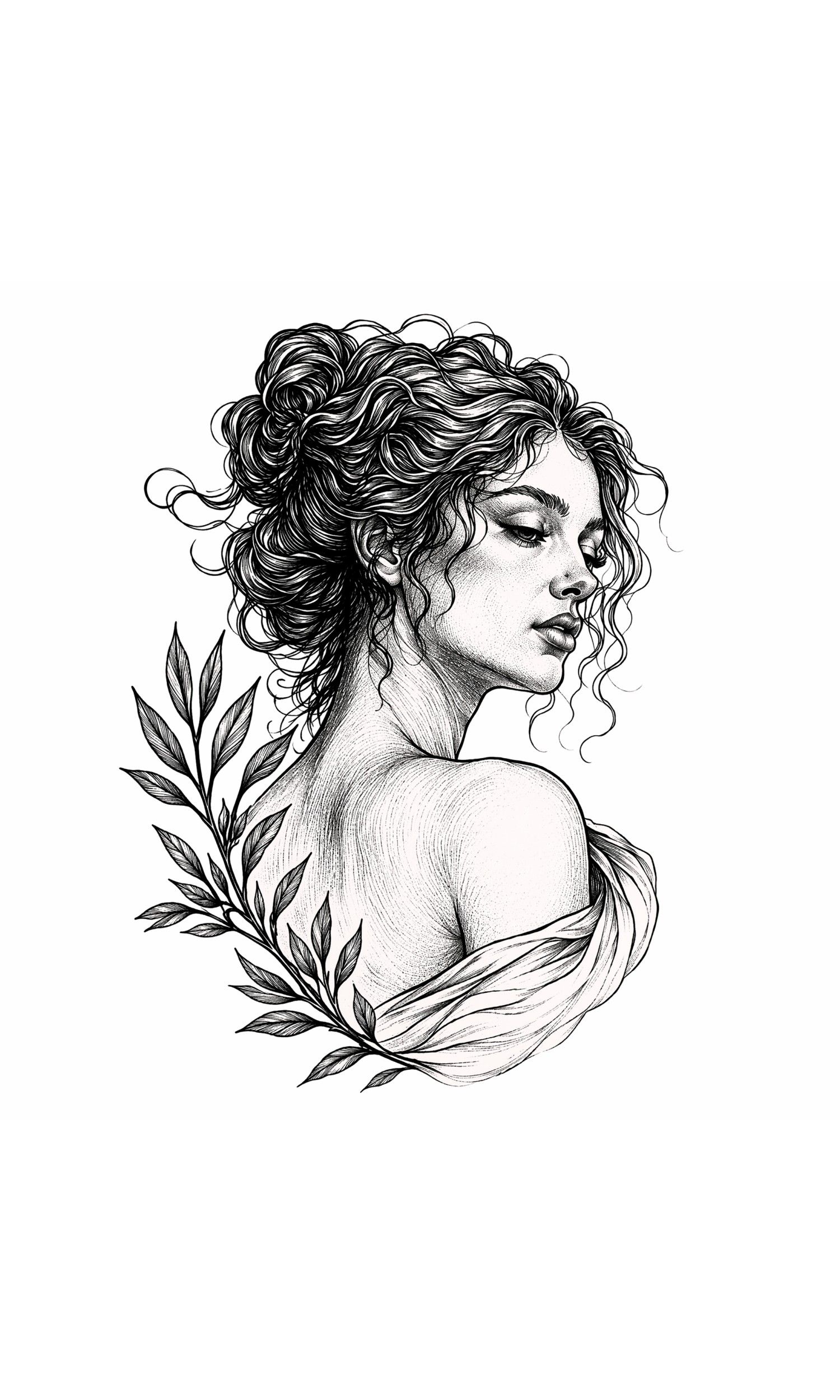
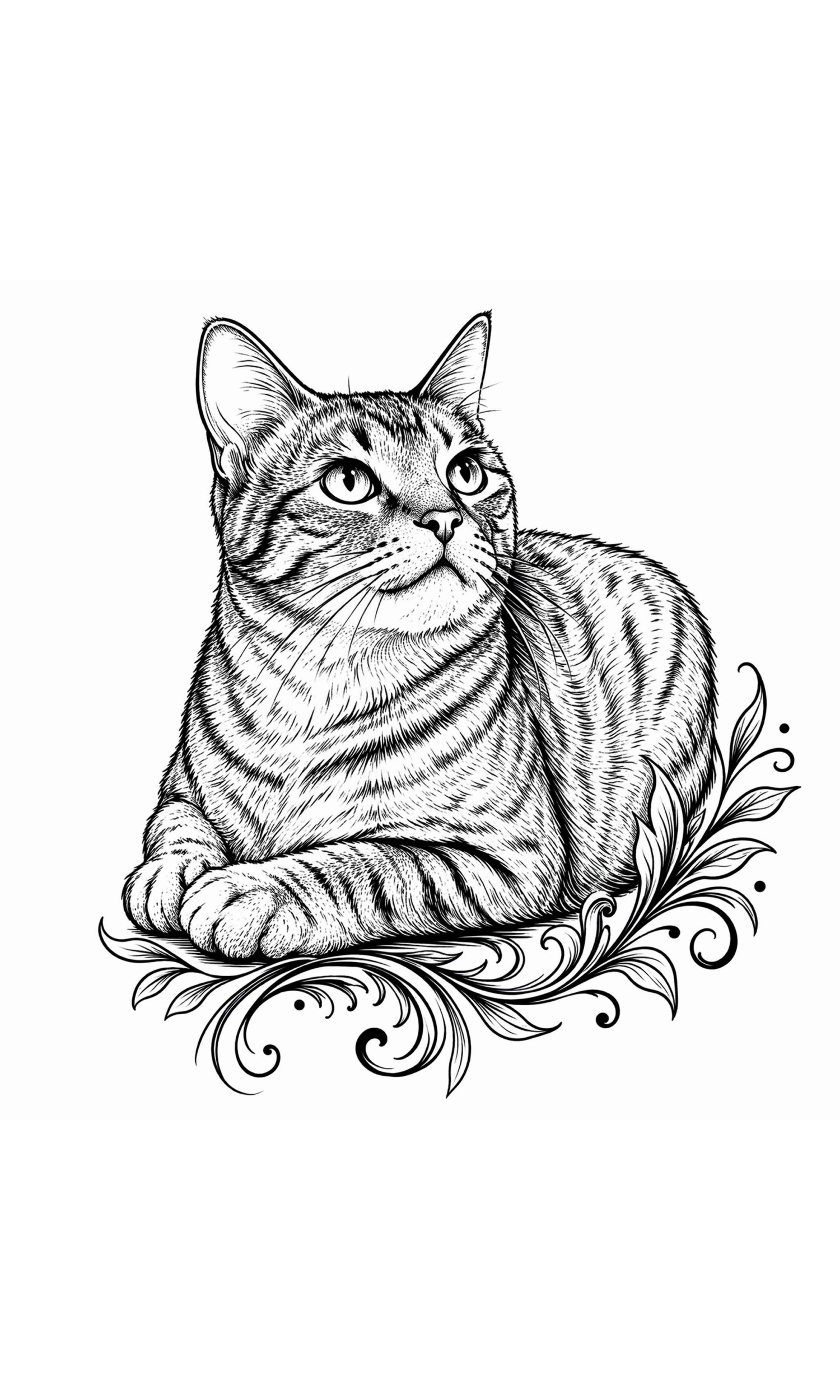
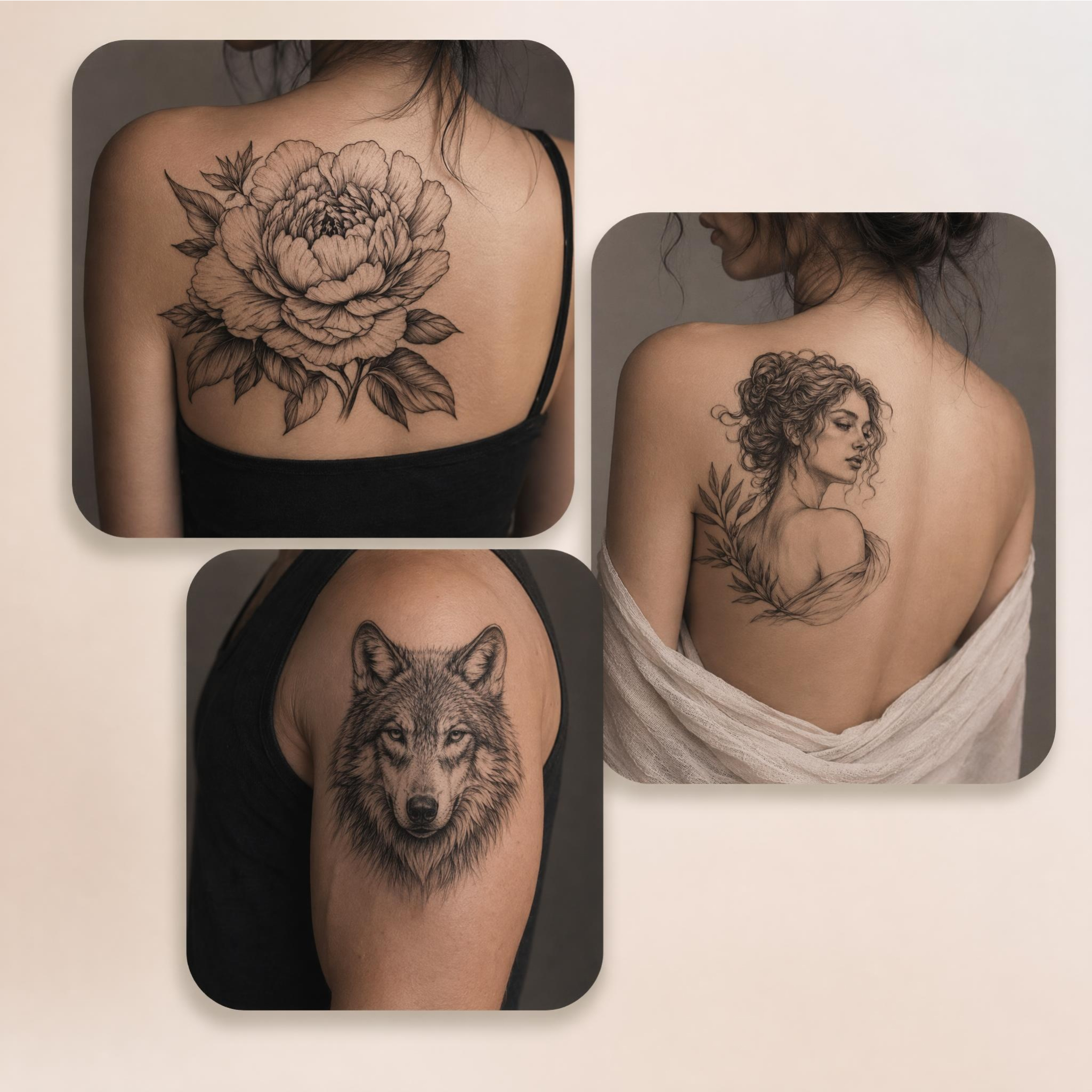
How to Create Tattoo Designs in 3 Steps
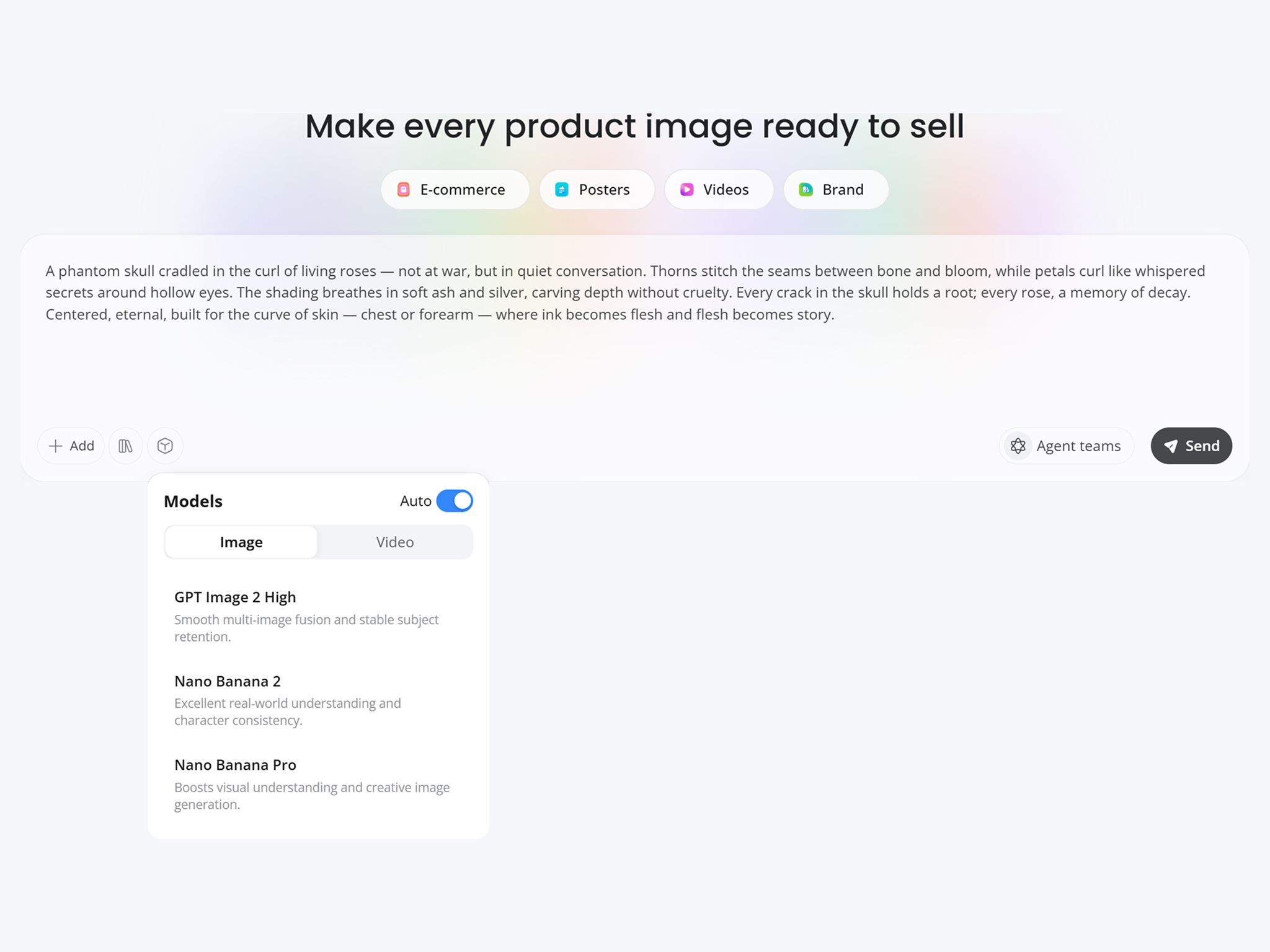
Describe Your Tattoo Idea
Type what you want, like a name, a quote, or "a fine line mountain range on the forearm." You can also upload a reference image to start from.
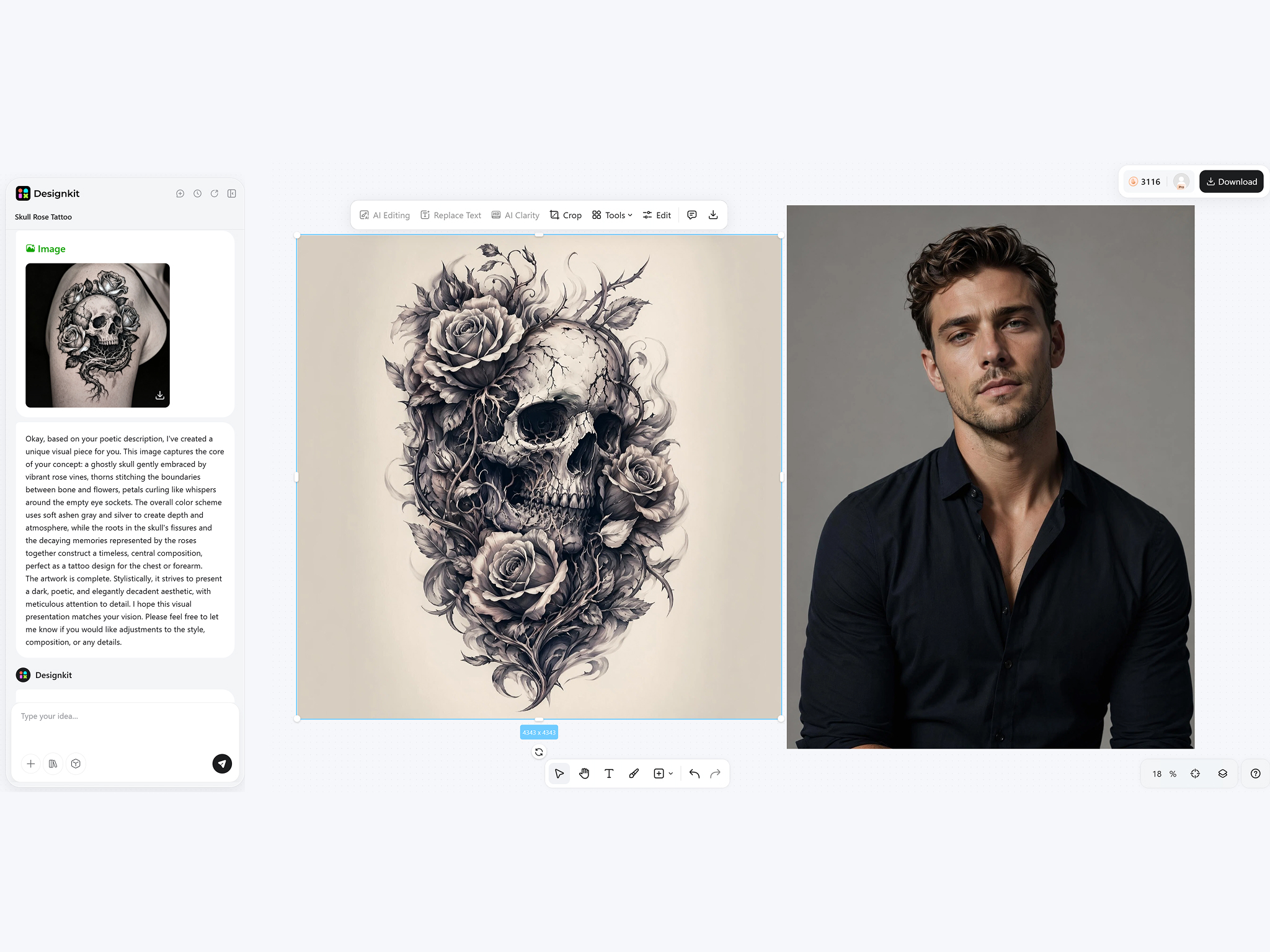
Generate and Refine Designs
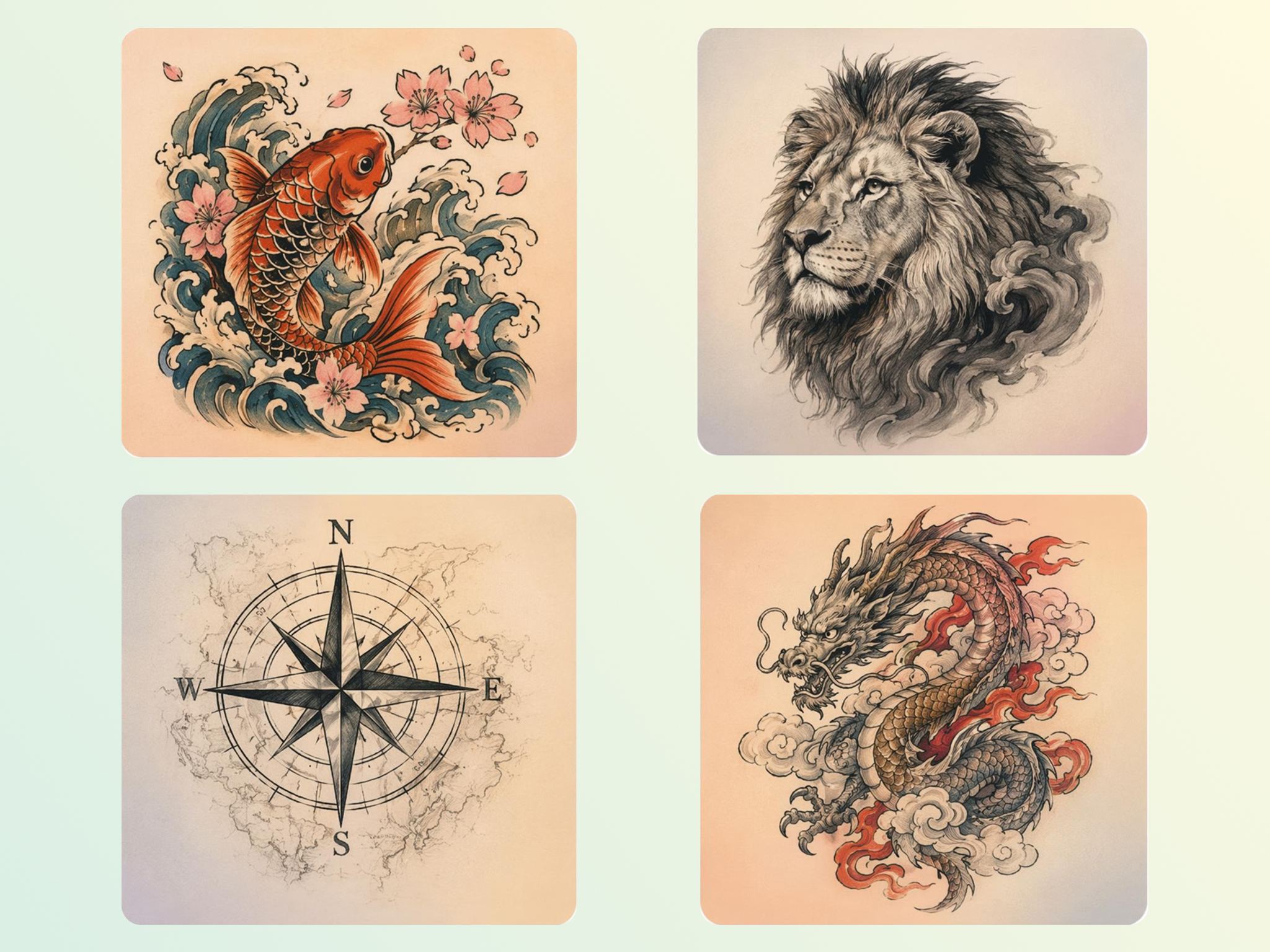
Designkit turns your idea into several concepts. Adjust them with prompts and explore styles like fine line, lettering, minimal, or bold ink.
Preview and Download
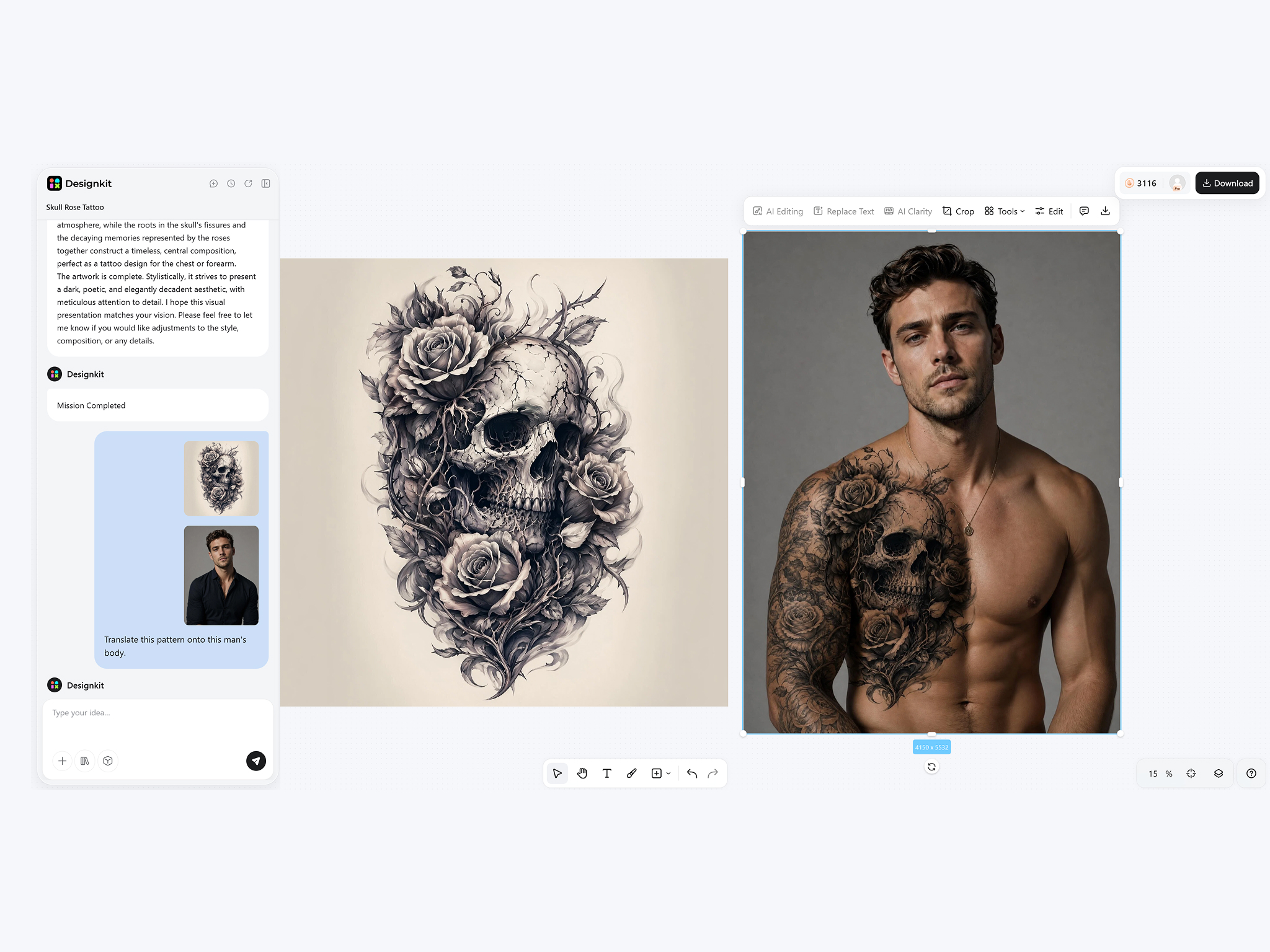
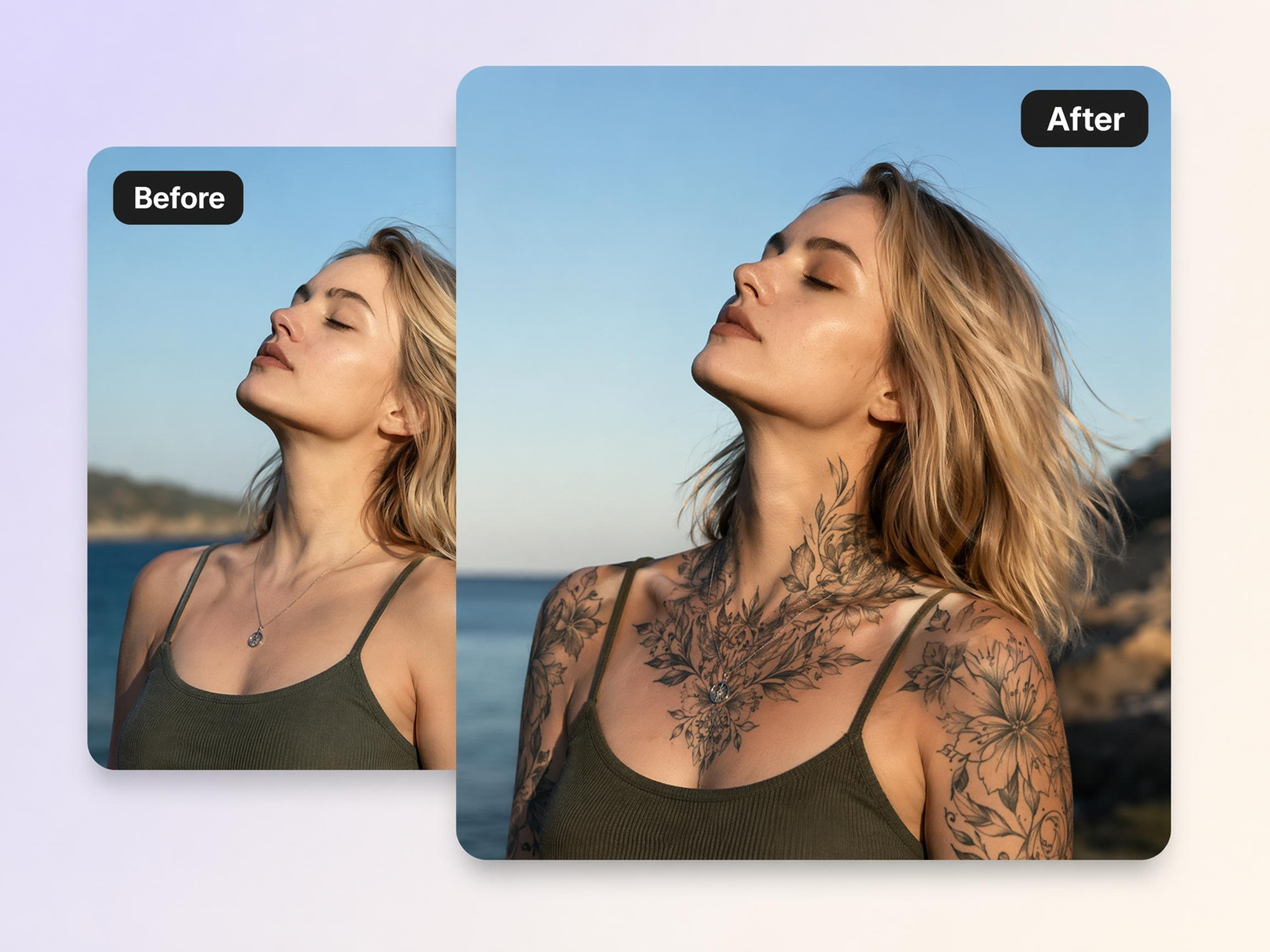
Upload your photo to try tattoo placement on your body and see how it looks in real life before deciding. Then download your final design.
Capabilities of Designkit for Tattoo Generation
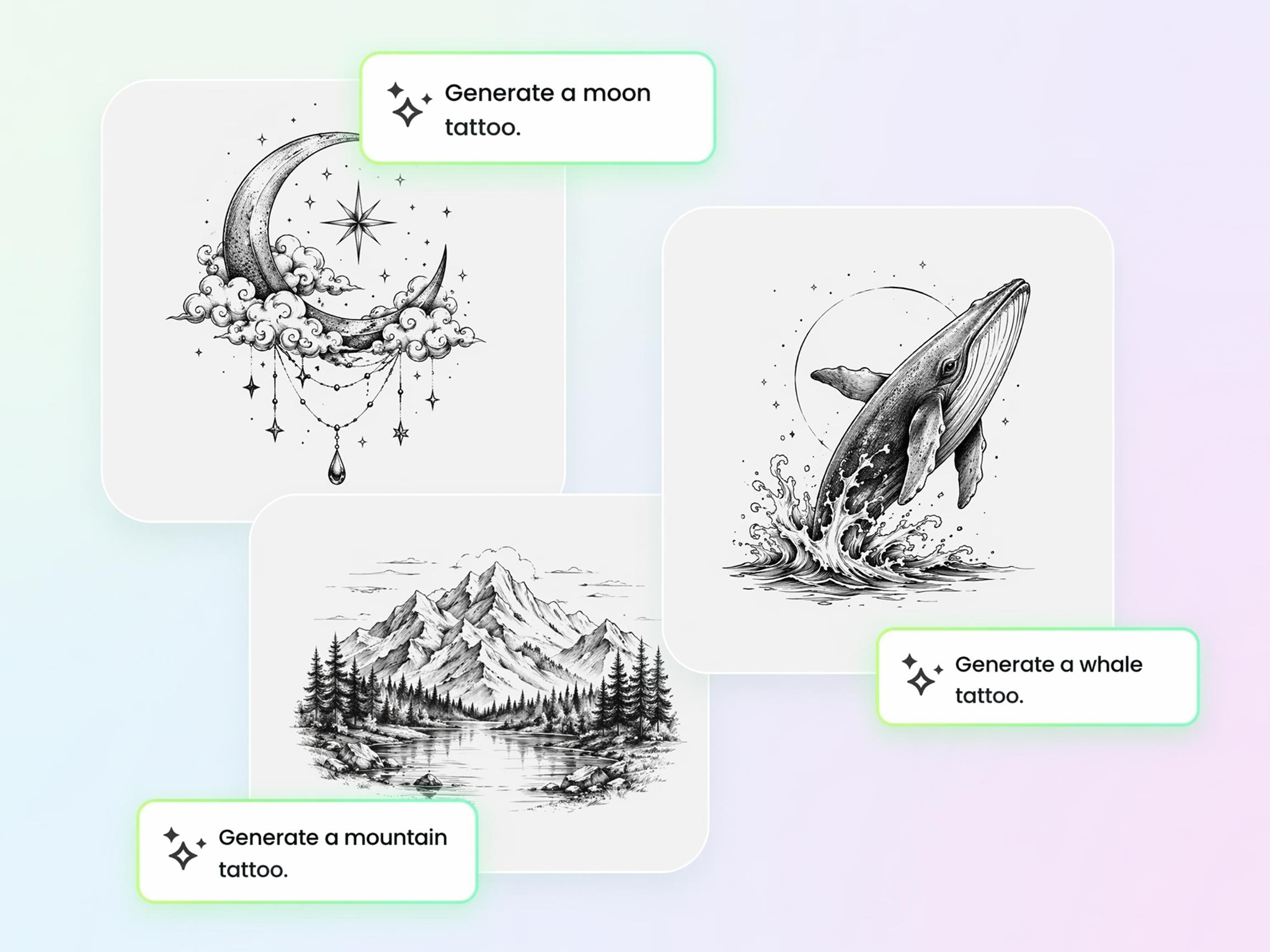
Generate Tattoo Designs From a Text Idea
Turn a concept, symbol, phrase, or theme into a visual tattoo design without sketching it yourself. Designkit's tattoo generator AI helps transform written ideas into tattoo concepts that can be refined before committing to a final design.
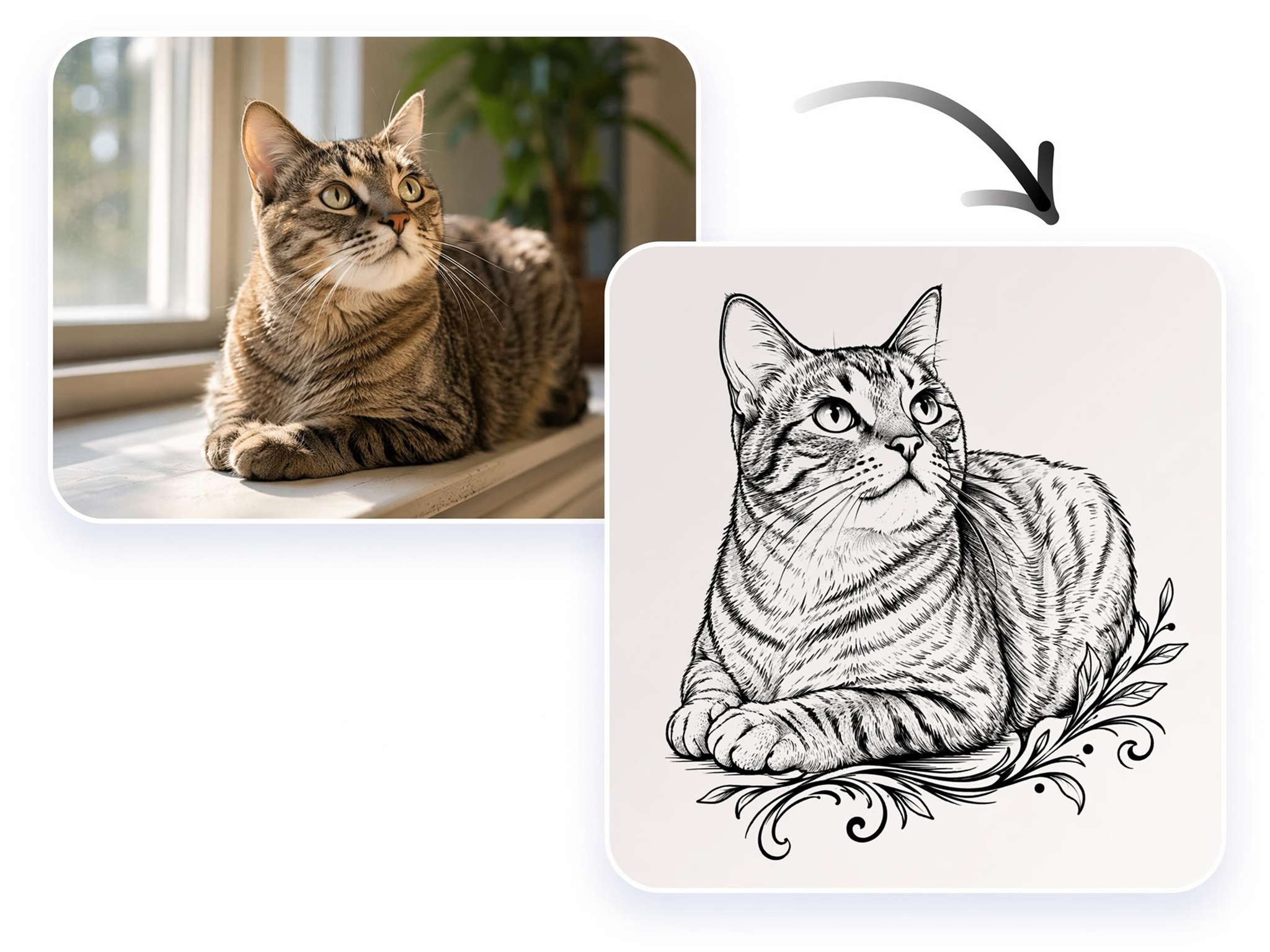
Turn a Photo or Sketch Into a Tattoo
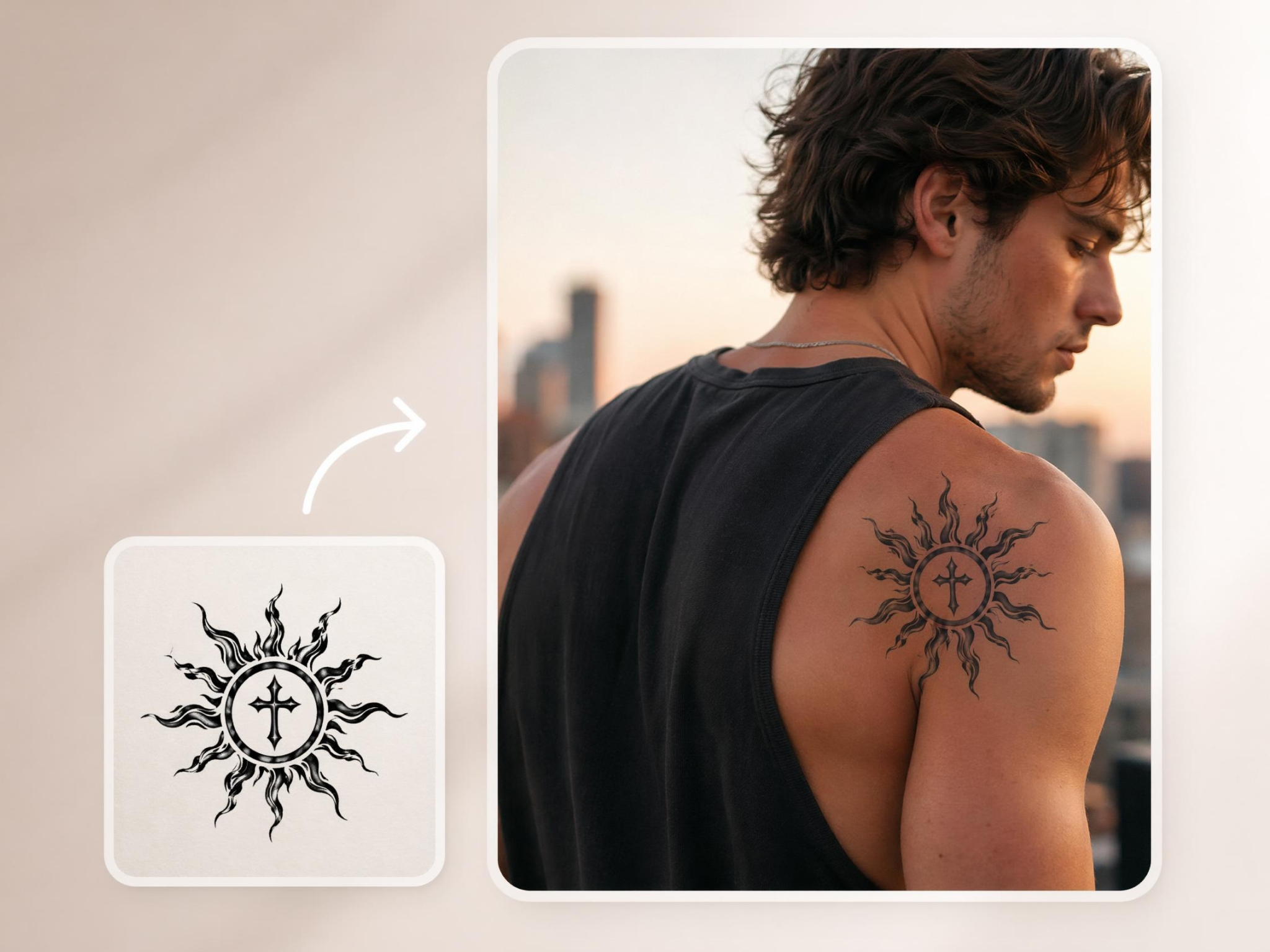
Personal photos, drawings, and rough sketches can be difficult to convert into tattoo-ready artwork. Using a tattoo generator from a photo, Designkit adapts key shapes, outlines, and visual elements into designs suitable for tattoo inspiration.
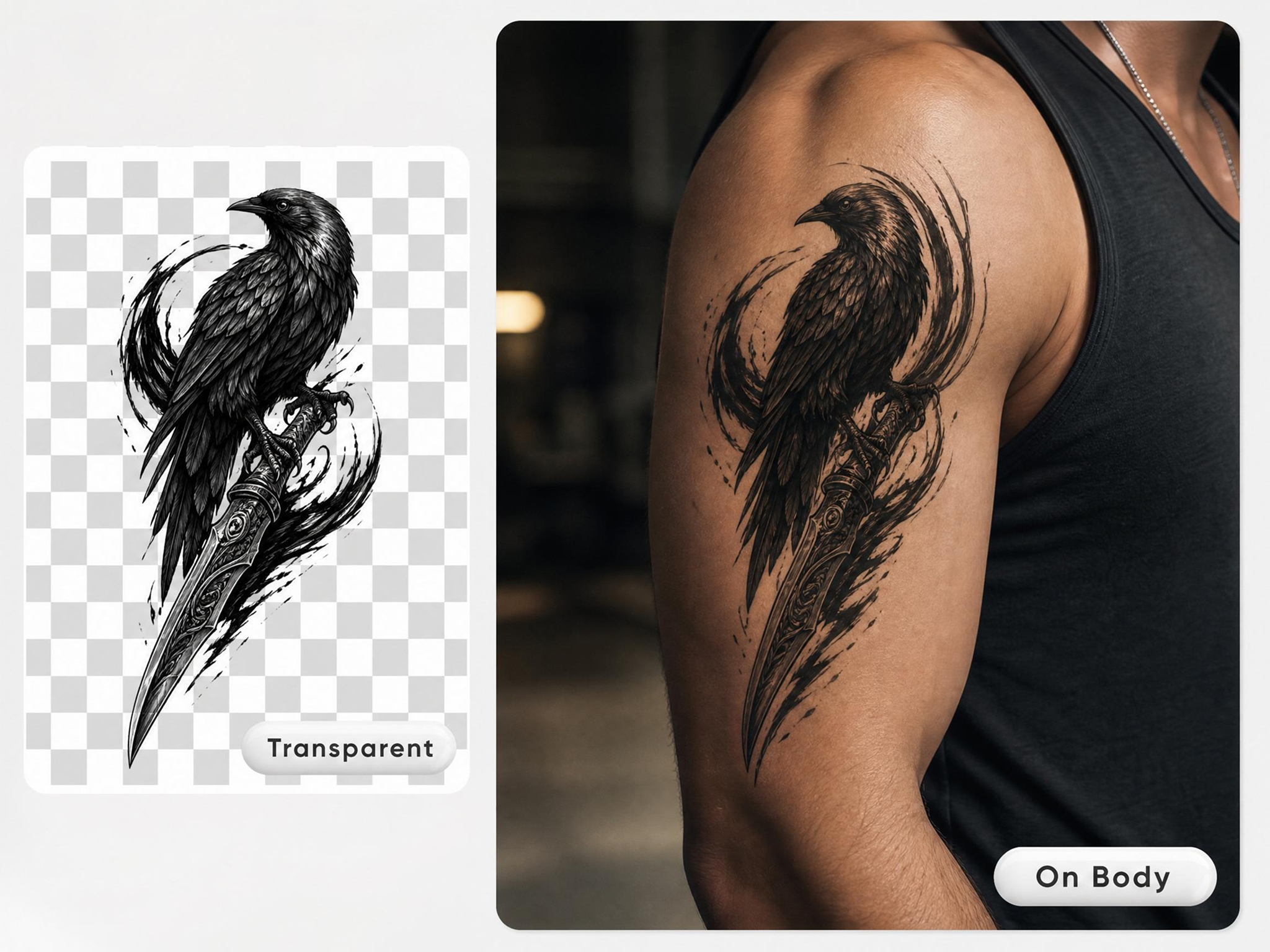
Try a Tattoo On Your Own Photo
Choosing a tattoo placement can be challenging without seeing it first. Designkit's virtual try-on lets you preview designs on your own body, so you can evaluate size, position, and overall appearance before making a decision.
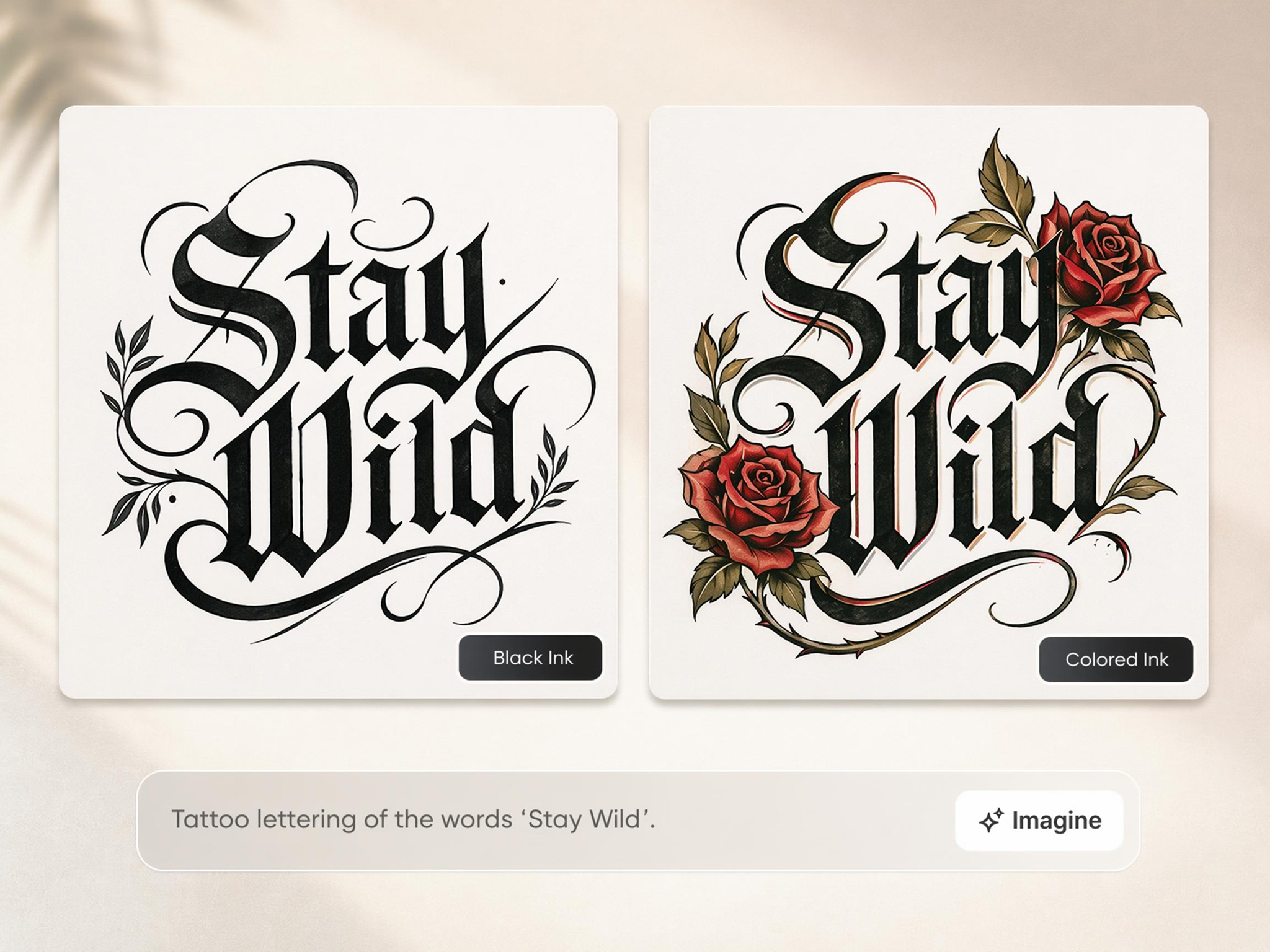
Design Lettering and Name Tattoos
Names, quotes, dates, and meaningful phrases often require testing different layouts and typography styles. Designkit helps generate lettering concepts that make it easier to compare visual options before selecting a design.
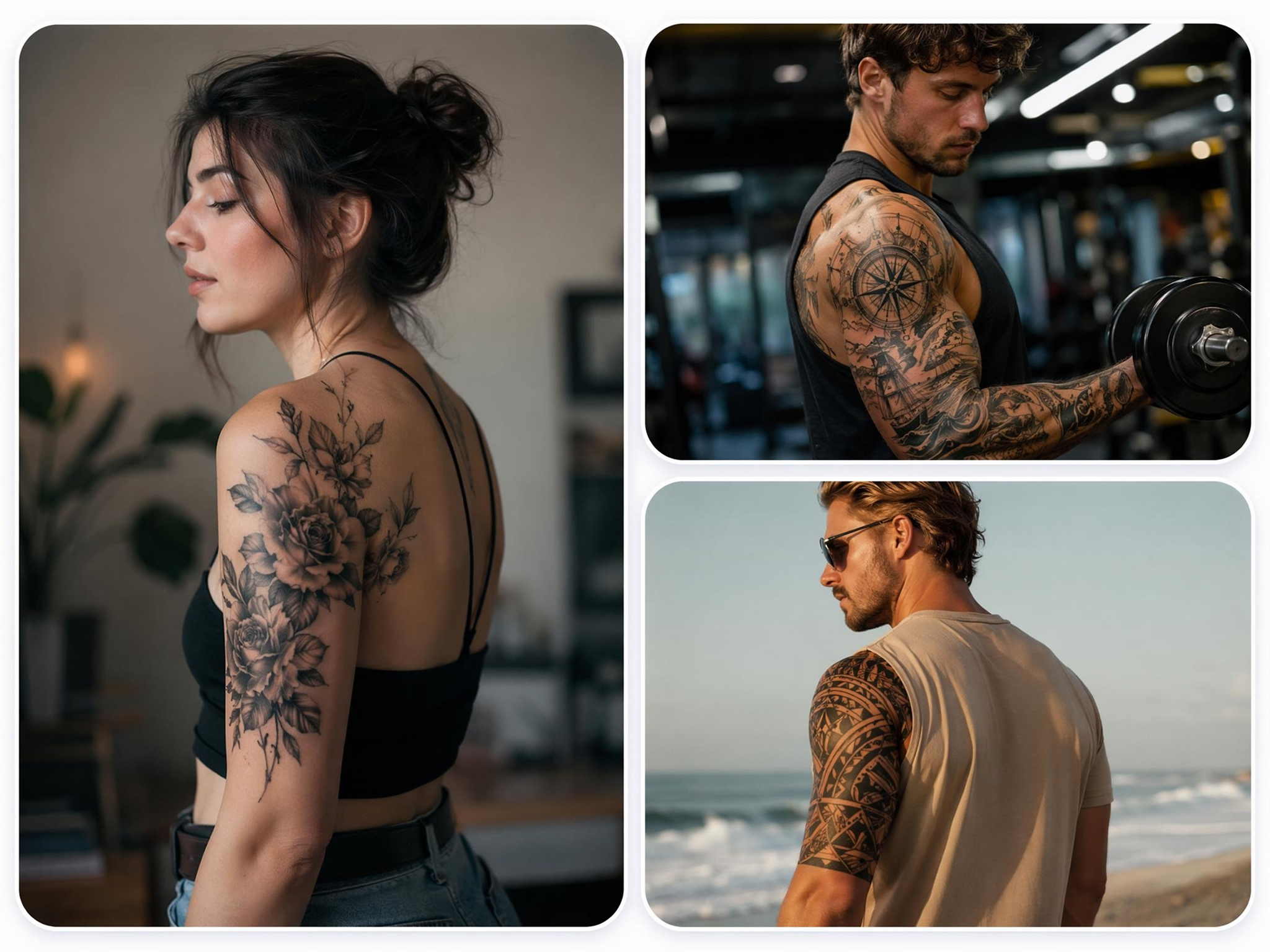
Compare Styles Like Fine Line, Minimal, and Bold
Different tattoo styles can create very different results from the same idea. Designkit's AI tattoo generator from text helps you explore fine line, minimalist, bold, and illustrative approaches so you can identify the style that best matches your vision.
Built for Every Person Who Wants a Tattoo Without Regret
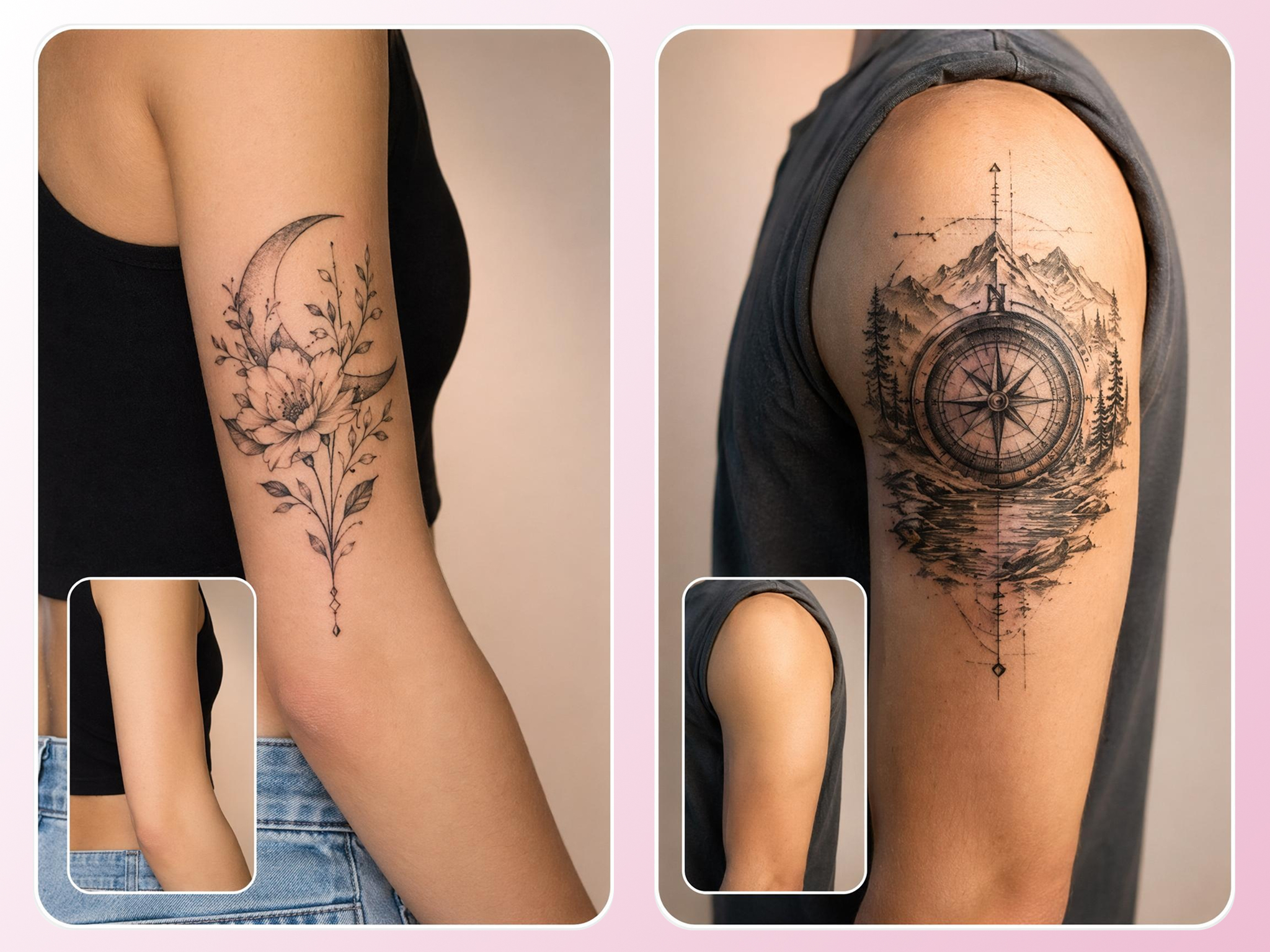
See the Design Before Your First Appointment
Many first-time clients know what they want to express but struggle to picture the final result. Designkit acts as a tattoo design generator, helping users visualize concepts, styles, and layouts before meeting with a tattoo artist.
Why Designkit Is a Better Choice for Creating Tattoo Designs
See a Tattoo on Your Body First
Preview designs before getting inked, reducing uncertainty and helping avoid placement or sizing regrets.
Adjust Placement, Then Commit
Test different body locations digitally, so design decisions can be made before booking an appointment.
Original Designs from a Simple Idea
Turn personal concepts into unique tattoo artwork without relying on generic reference images or templates.
Many Styles from One Description
Compare multiple interpretations of the same idea, making style selection more informed and efficient.
Preview the Look Before a Consultation
Bring clearer visual references into artist consultations, reducing back-and-forth concept discussions.

Free to Start, No Drawing Skills Needed
Create tattoo concepts from text, photos, or ideas without sketching experience or design knowledge.
Unlock More Creative Possibilities
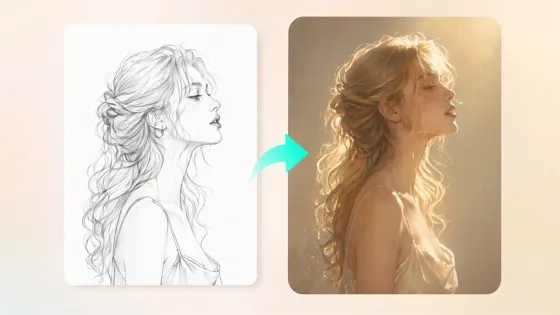
Sketch to Image AI
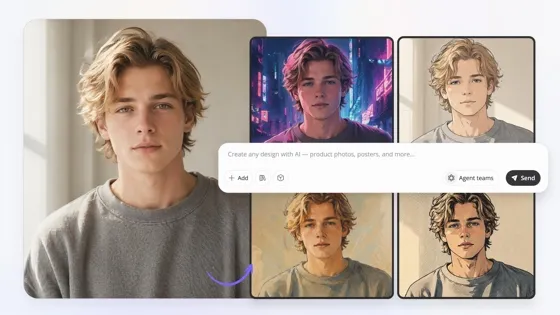
Image to Image AI
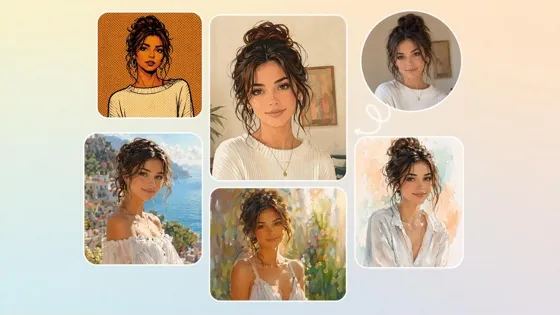
AI Filter
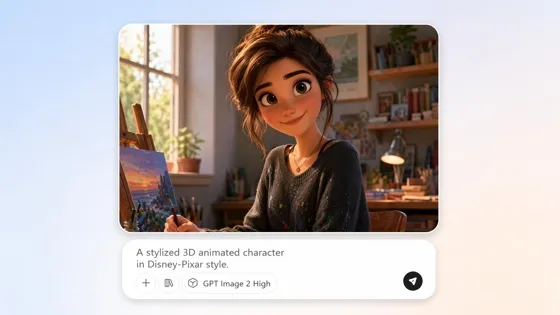
AI Cartoon Character Maker
Frequently Asked Questions
Can I use the tattoo generator if I only have a rough idea?
How does trying a tattoo on my photo help before I get inked?
Seeing a tattoo on your own body helps you evaluate placement, size, and overall appearance before making a permanent decision. With Designkit, you can preview designs on photos of yourself and identify potential issues early, reducing uncertainty before your appointment.
Can I upload my own photo to preview a tattoo on my body?
Yes, you can upload a personal photo and test tattoo placement directly on it. Using Designkit's tattoo generator from photo, you can visualize how a design may look on different body areas before choosing the final location for your tattoo.
Can Designkit create custom lettering, name, and quote tattoos?
Yes, names, quotes, dates, and custom lettering can all be turned into tattoo concepts. Designkit includes tattoo text generator capabilities that help users explore different layouts and text-based tattoo designs before selecting a final version.
How close is the body preview to a real tattoo?
The preview is designed to provide a realistic visual reference for planning purposes. With Designkit, you can assess placement, scale, and overall style on your photo, although the final tattoo may vary depending on the artist's technique and application.
Can I preview more than one design on my body?
Yes, comparing multiple designs is often the best way to make a confident choice. With Designkit, you can test different tattoo concepts, styles, sizes, and placements on the same photo before deciding which option fits you best.
Can tattoo artists use Designkit during client consultations?
Yes, tattoo artists can use Designkit to generate early concepts and visual references during discussions with clients. This helps communicate ideas more clearly, explore alternative directions, and shorten the concept development stage before creating final artwork.
See Your Tattoo Before It's Permanent
Turn your idea into a design, try it on your body, and compare styles before making a lifelong decision.



What Users Say About Designing Tattoos With Designkit
Real users on exploring ideas, trying placements, and landing on a design.
Turned a Personal Story Into a Tattoo I Love
This tattoo meant a lot to me, but I struggled to explain the idea in my head. I felt stuck for months. After using Designkit, I finally saw my story come to life through different tattoo concepts. It was honestly exciting and emotional. For the first time, I felt confident walking into a tattoo consultation.
Saved Me From a Tattoo Decision I Might Regret
I was completely sure I wanted my tattoo on my forearm until I used the virtual tattoo try on feature. Seeing the design in my own photos changed everything. It actually looked much better on my shoulder. That simple preview gave me peace of mind and helped me avoid a decision I might have regretted later.
Created a Meaningful Tribute That Felt Right
I wanted a memorial tattoo for someone very special to me, so choosing the right style felt overwhelming. Designkit showed me several versions of the same idea, from fine lines to minimalist designs. One design immediately stood out and gave me an emotional feeling I couldn't describe. It helped me create a tribute that truly felt personal.
A Faster Way to Start With Clients
When a client isn't sure what they want, I generate a few directions to react to instead of starting from a blank page. It gets the conversation moving and helps them point at what actually fits.