
Create a Realistic Face Swap From Two Photos
Upload the photo you want to keep and a clear face reference. Designkit fits the new face to the original pose, expression, and lighting.
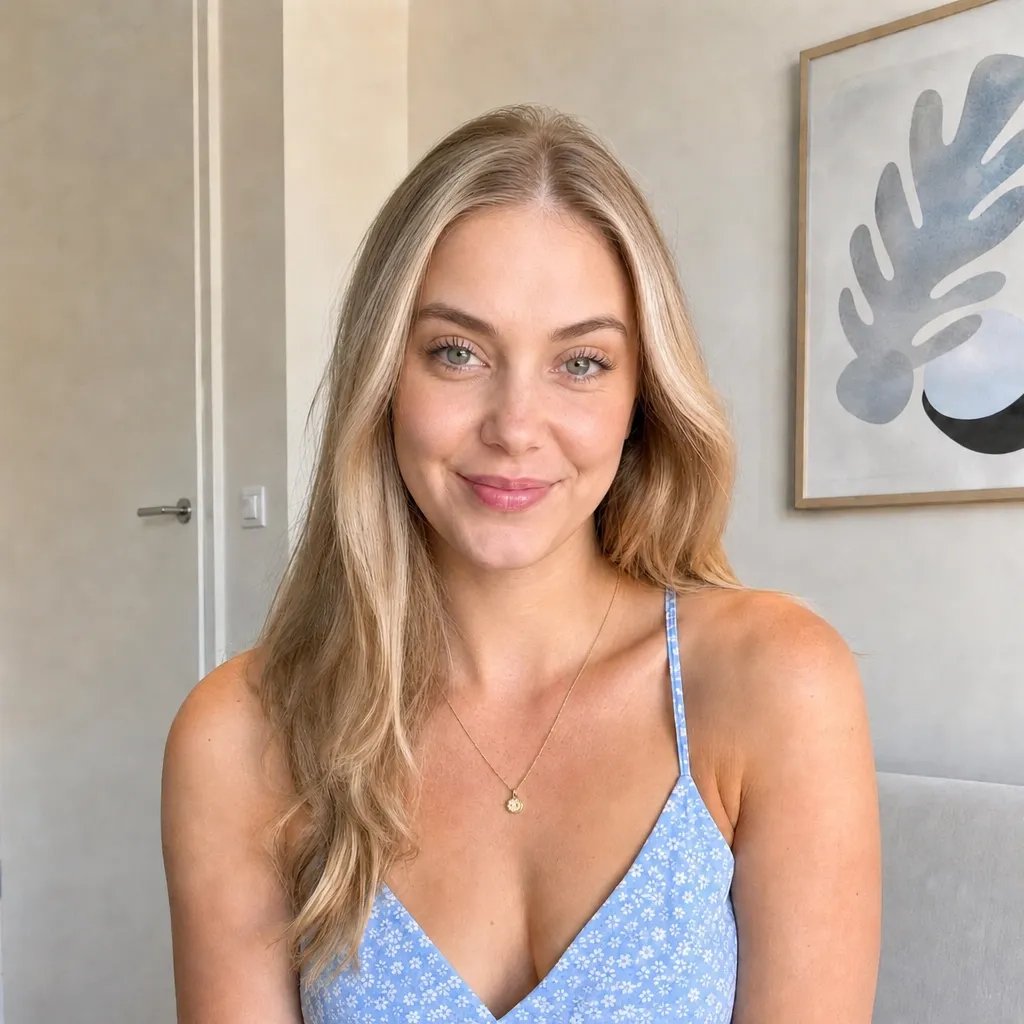
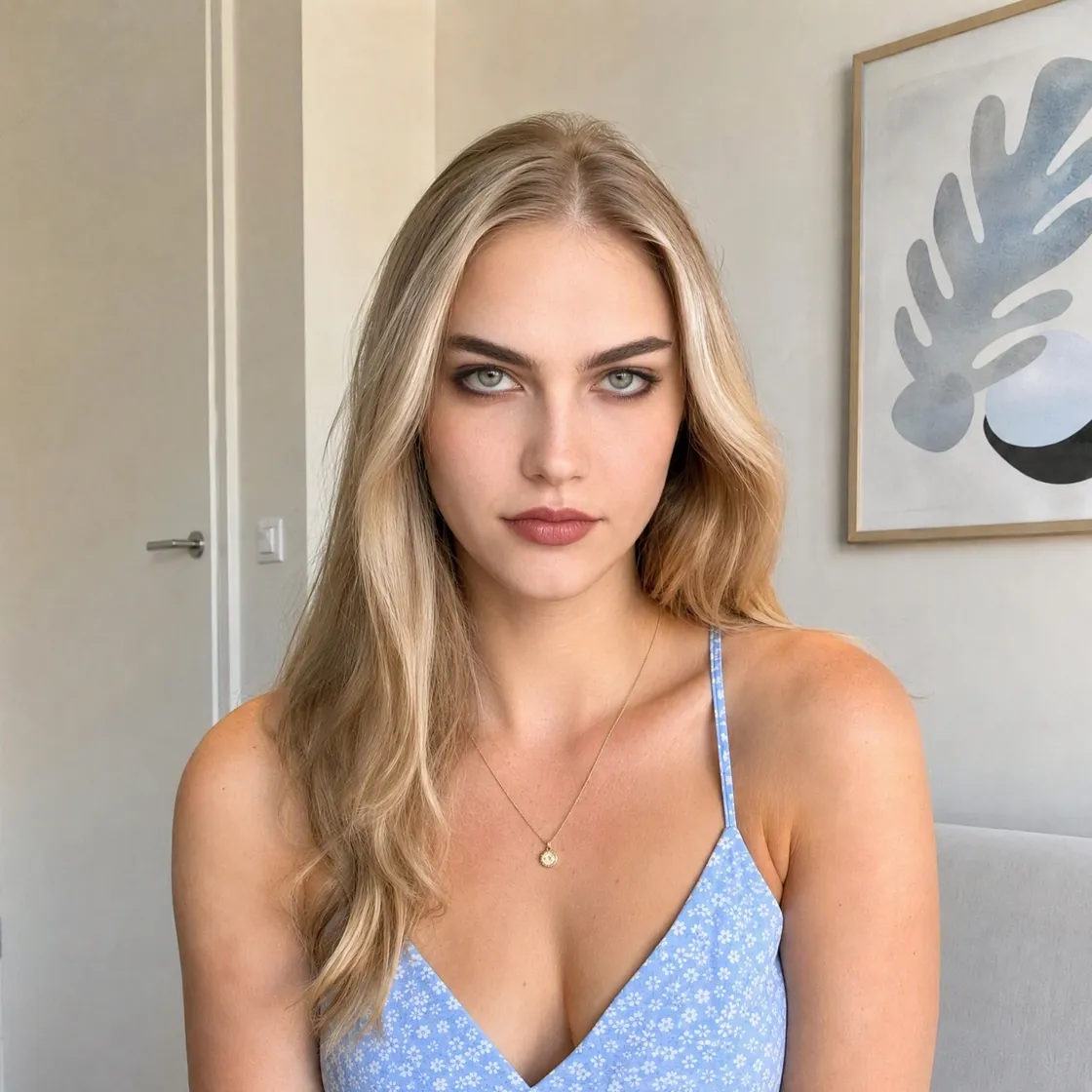
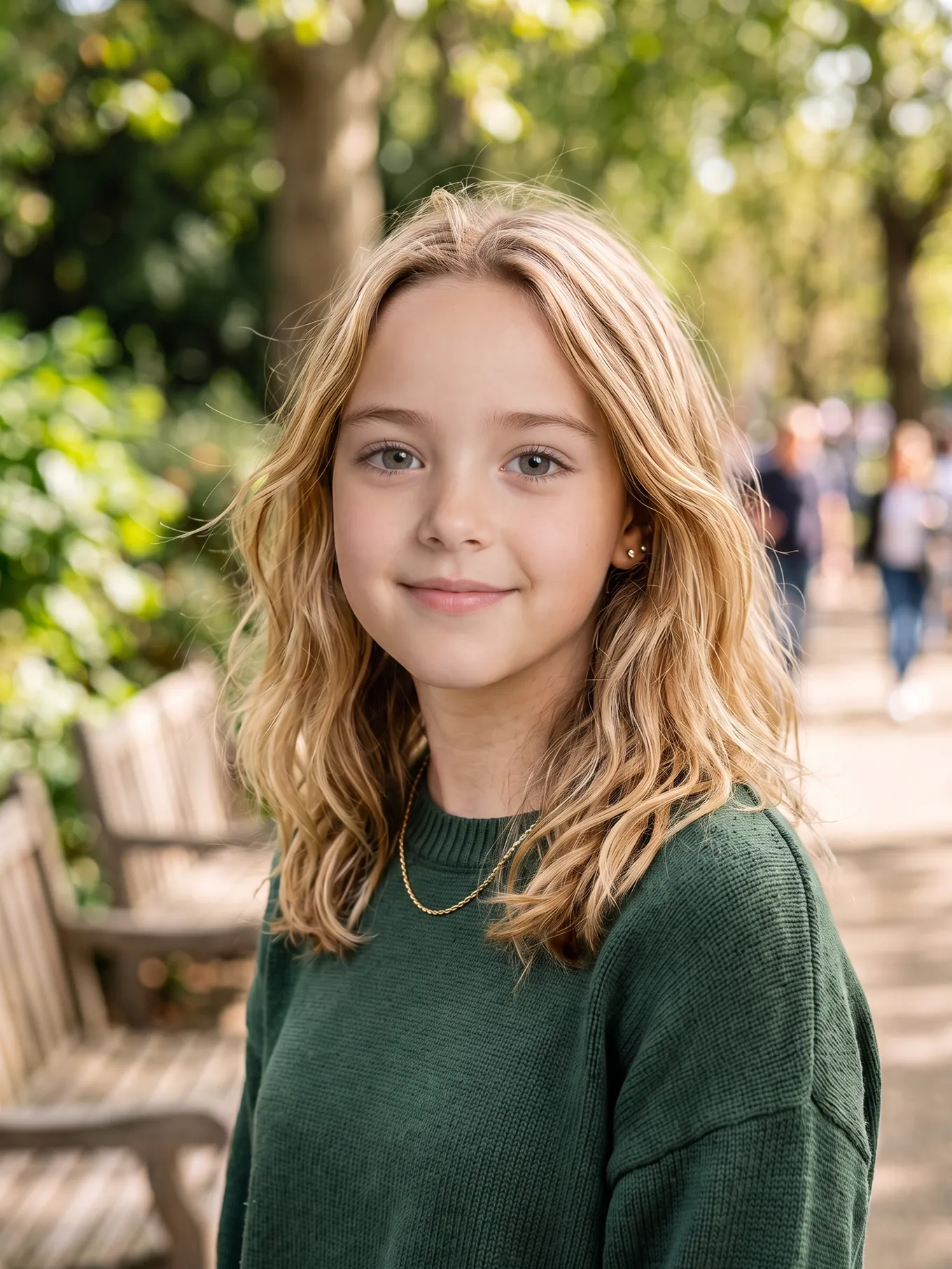
See What You Can Create With Face Swap
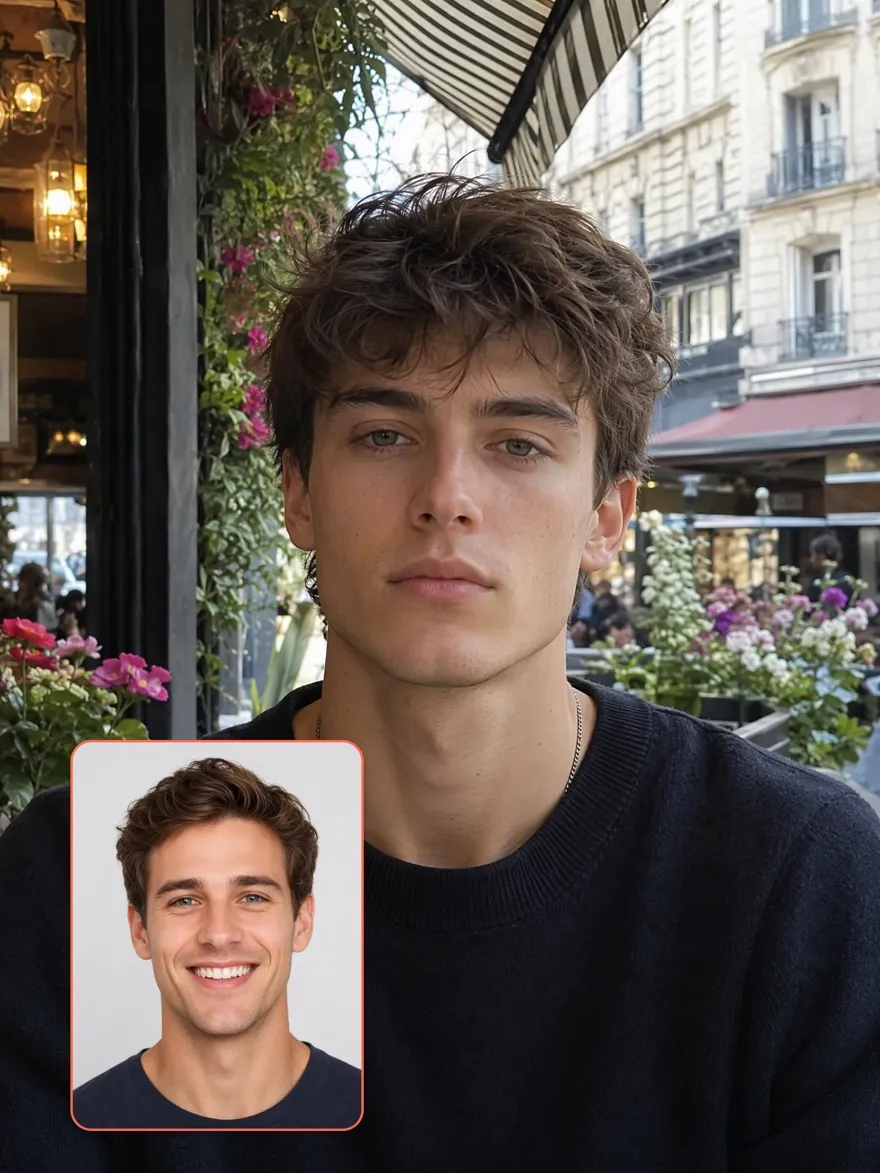
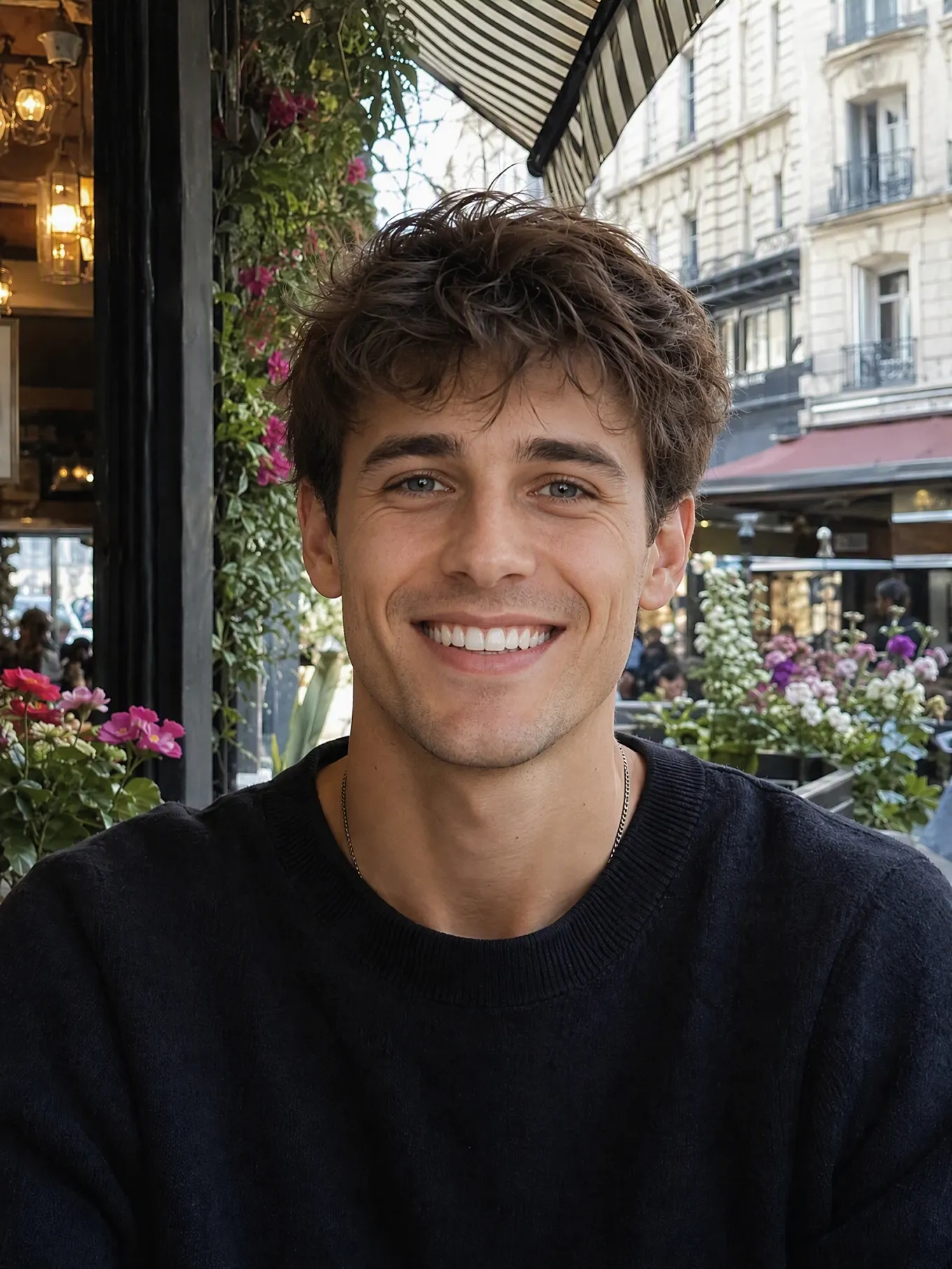
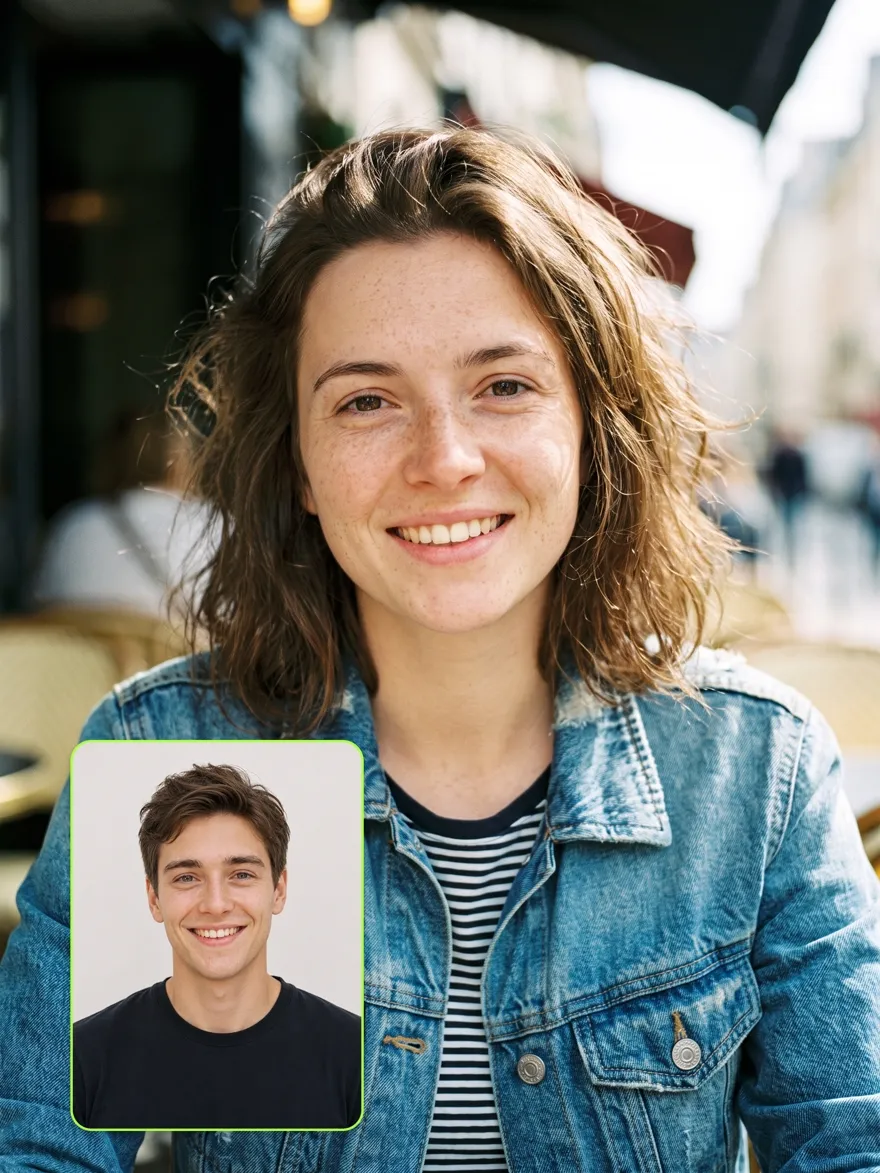

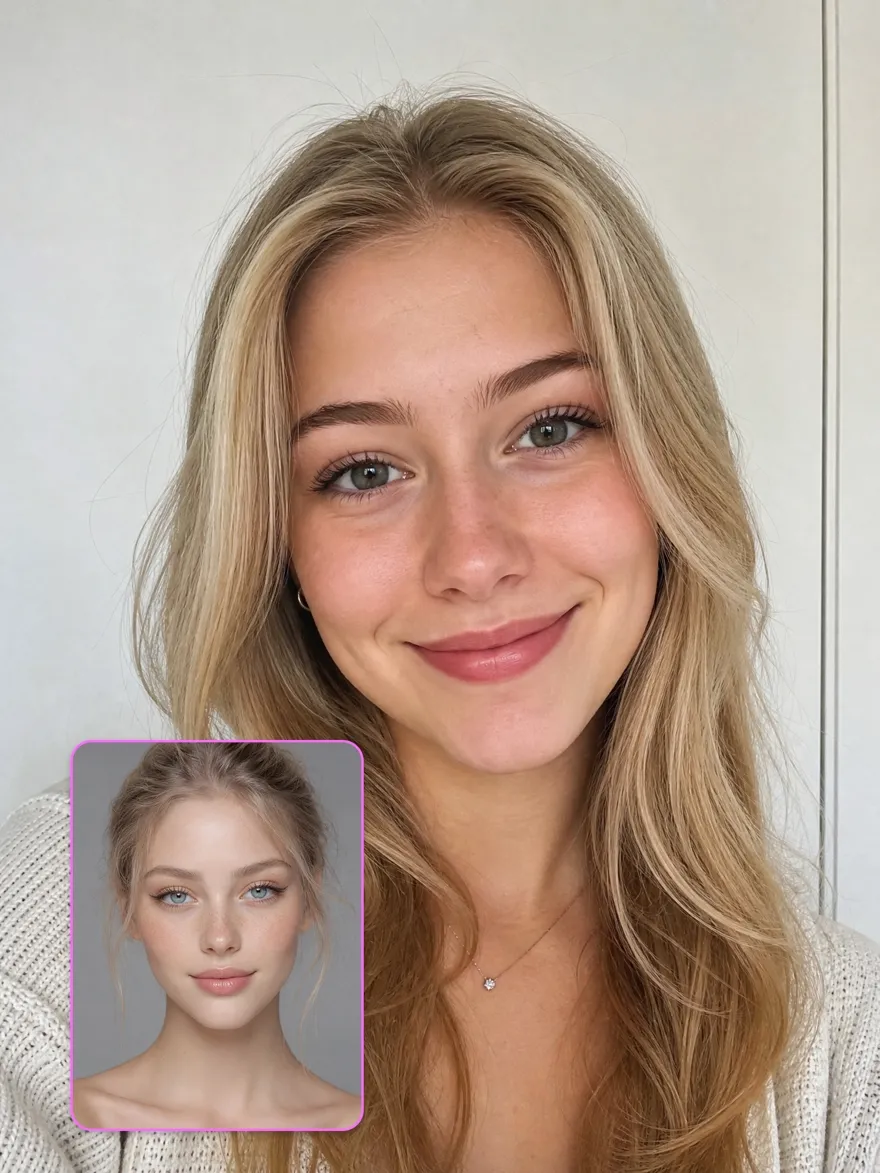
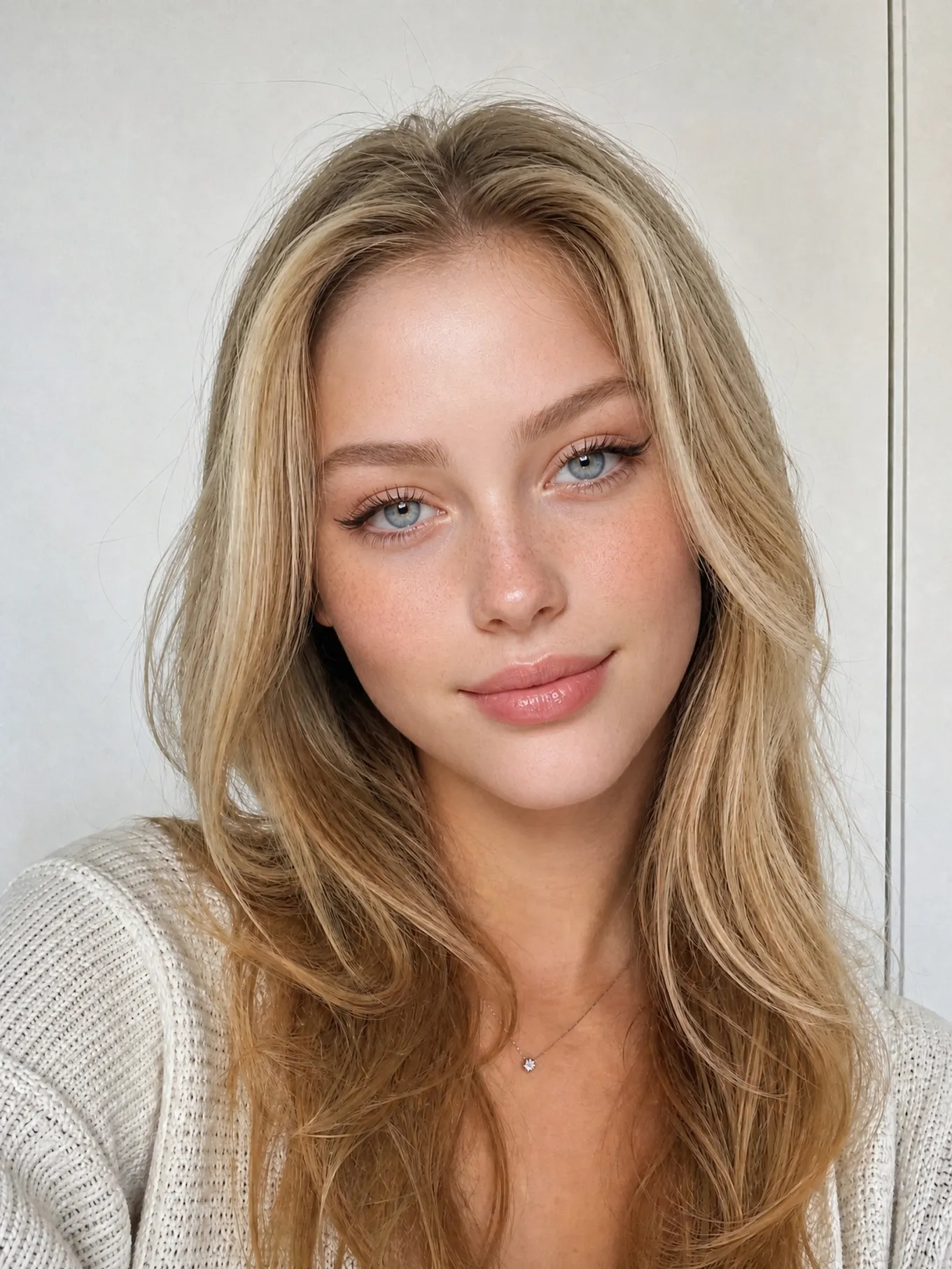
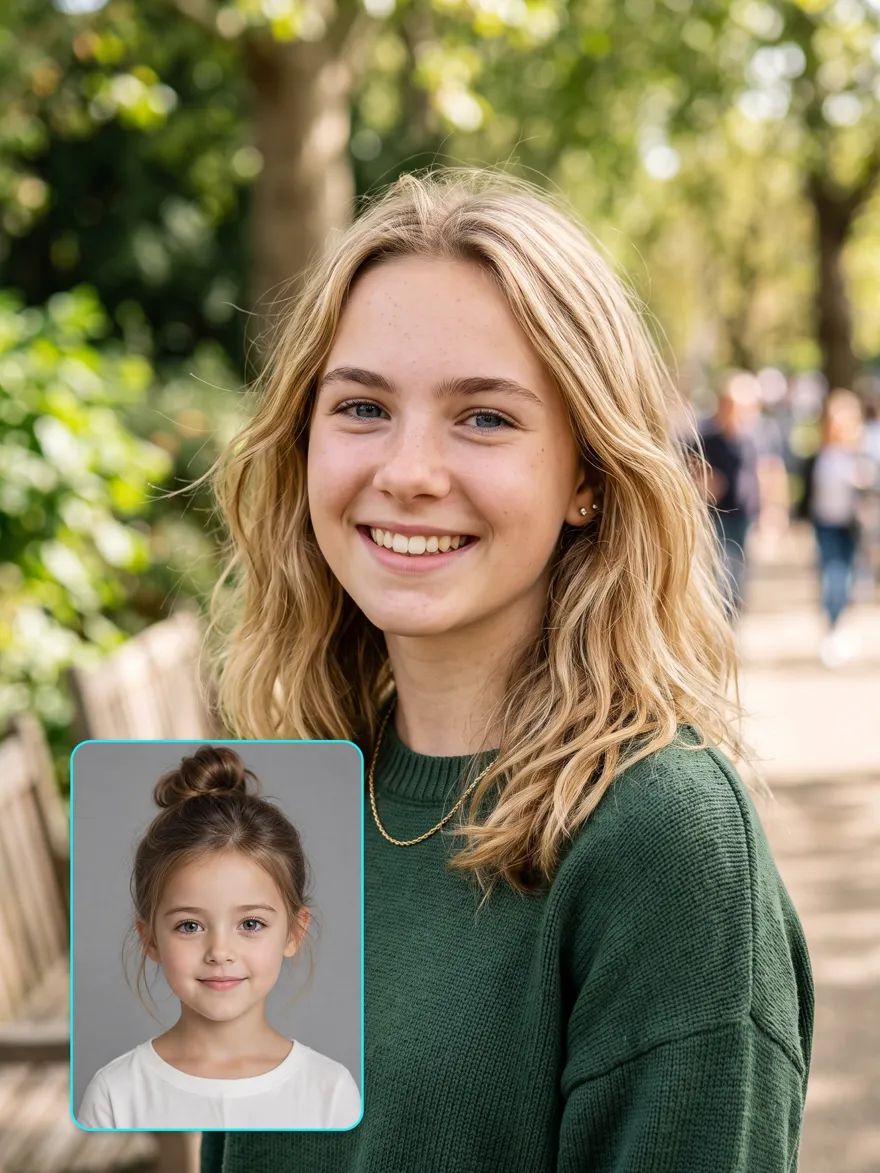
How to Create a Face Swap in 3 Steps with Designkit
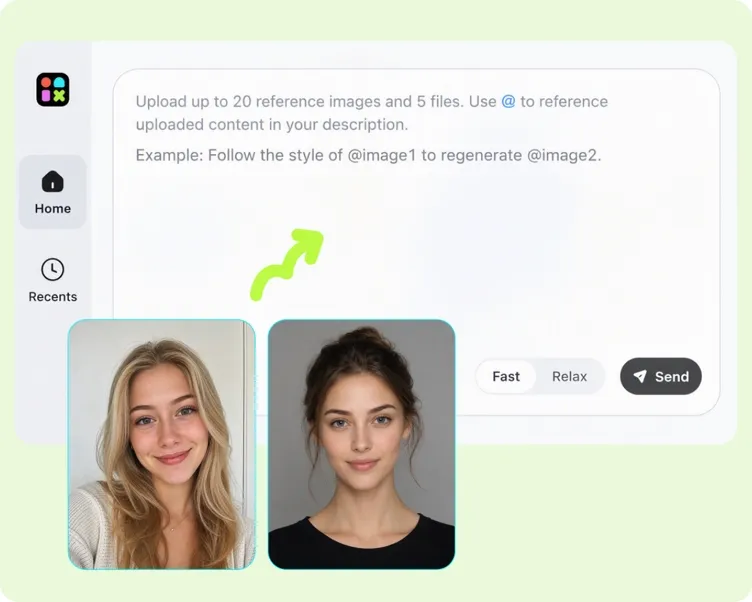
Upload Two Photos
Add the photo you want to keep and a clear reference for the face you want to use. Only upload photos you own or have permission to use.
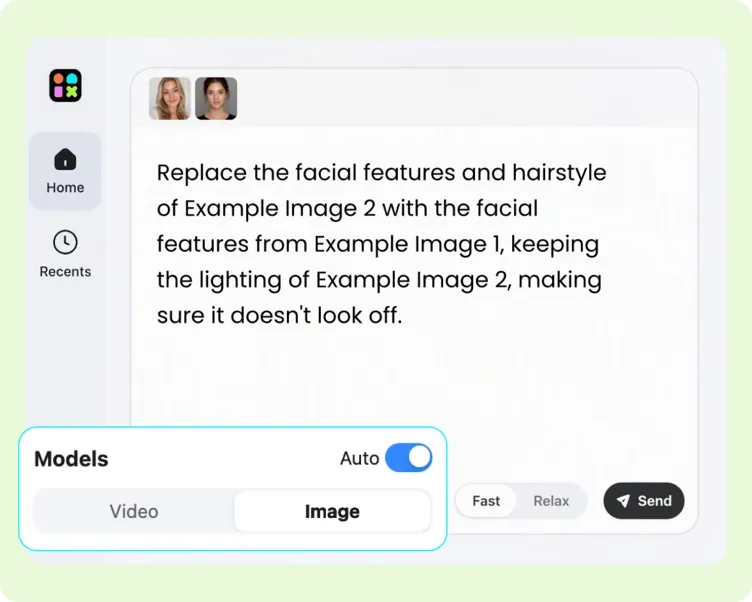
Generate the Swap
Designkit places the reference face into the first photo and fits it to the existing pose, expression, and lighting.
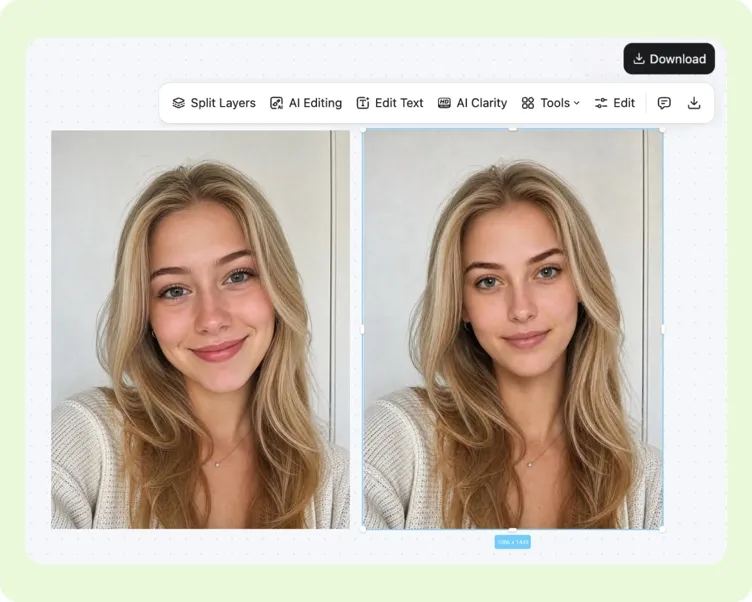
Review and Download
Check the new face and the rest of the photo, then download the result or generate another version if needed.
Use Face Swap for Personal and Creative Work
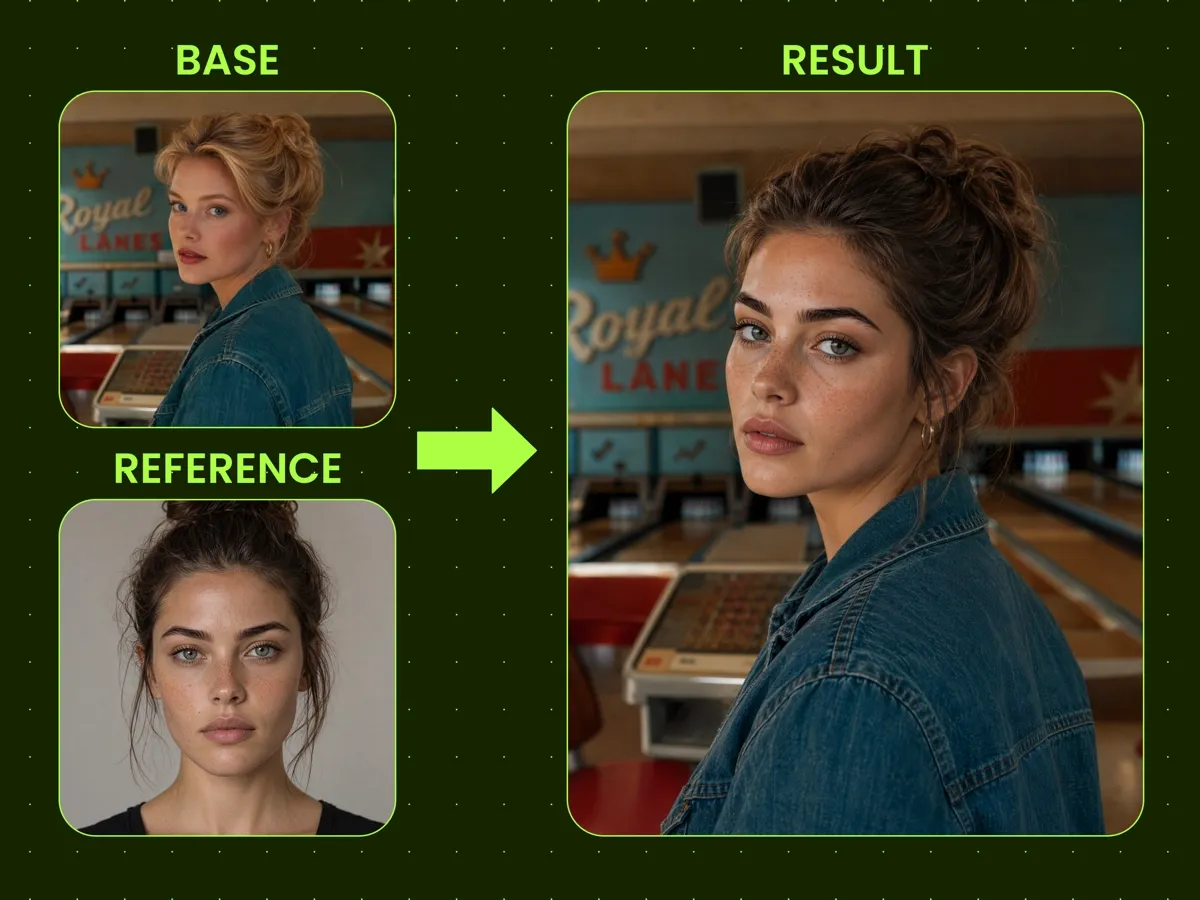
Keep the Reference Face Recognizable
The person in the result should be easy to recognize. Designkit keeps the key facial details from the reference photo, so the new face looks like that person rather than a similar but generic replacement.
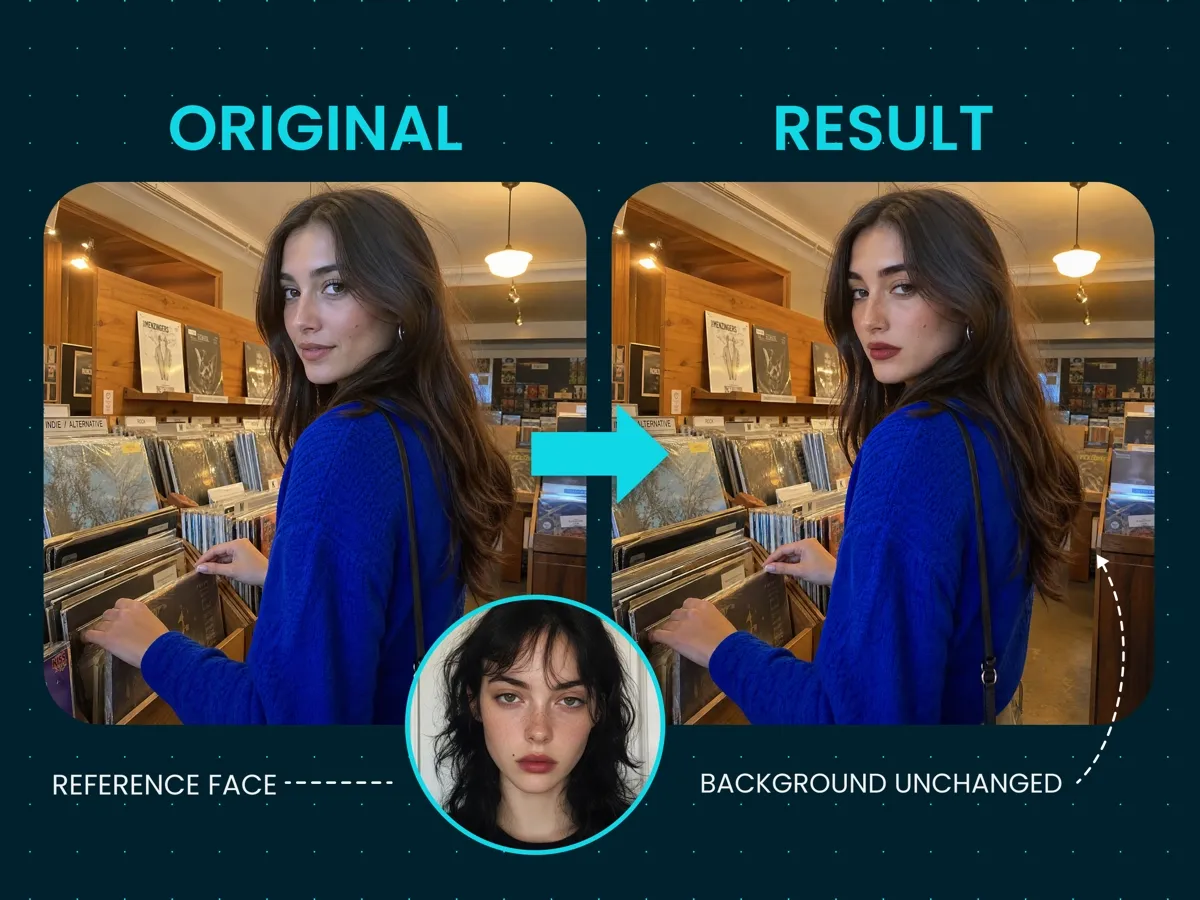
Change the Face, Keep the Original Photo
Use a target photo when its pose, clothing, and setting already work. Designkit replaces the face while keeping those parts in place, so the face swap does not change the rest of the image you chose.
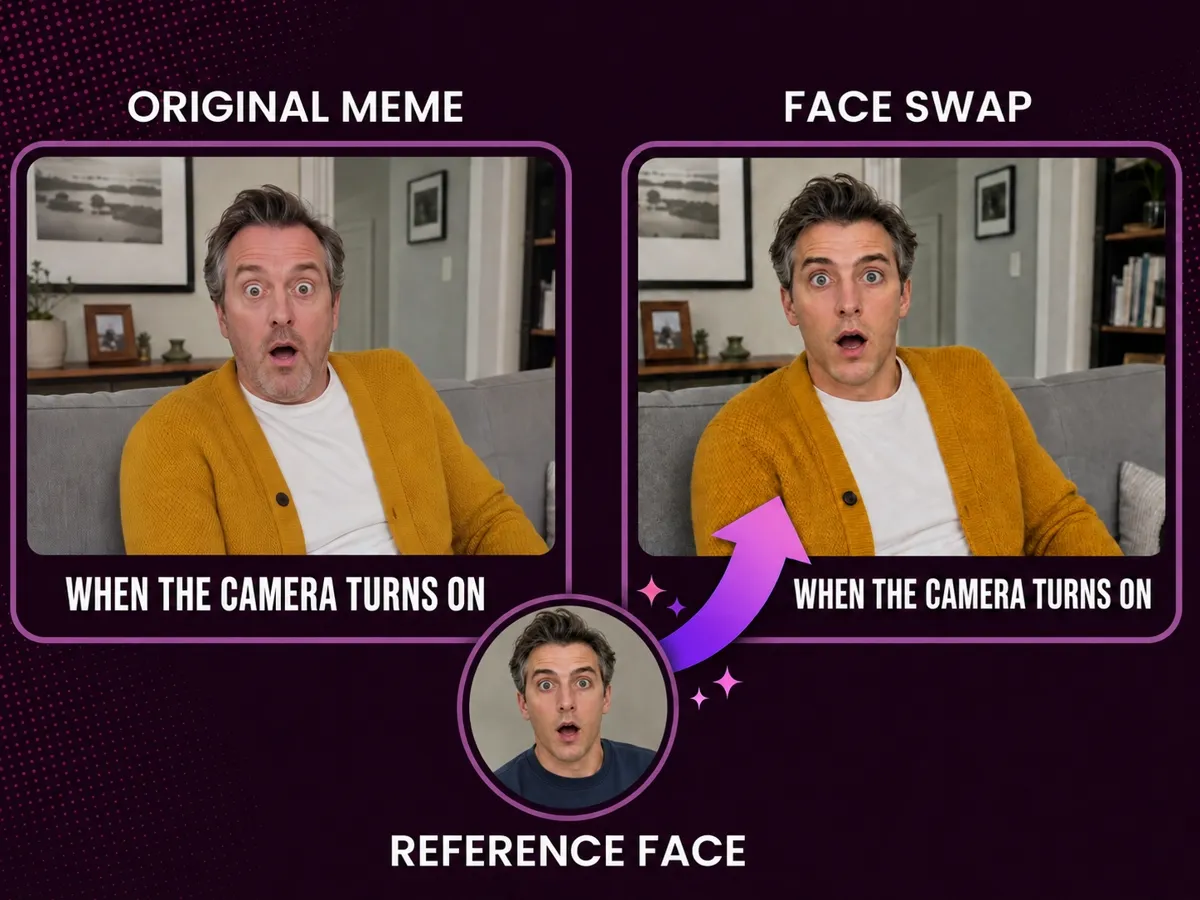
Put a Familiar Face Into a Meme
Replace the person in a meme or reaction image with your own face or an authorized face. The original joke stays clear, while seeing a familiar person in the image creates a new version to share.
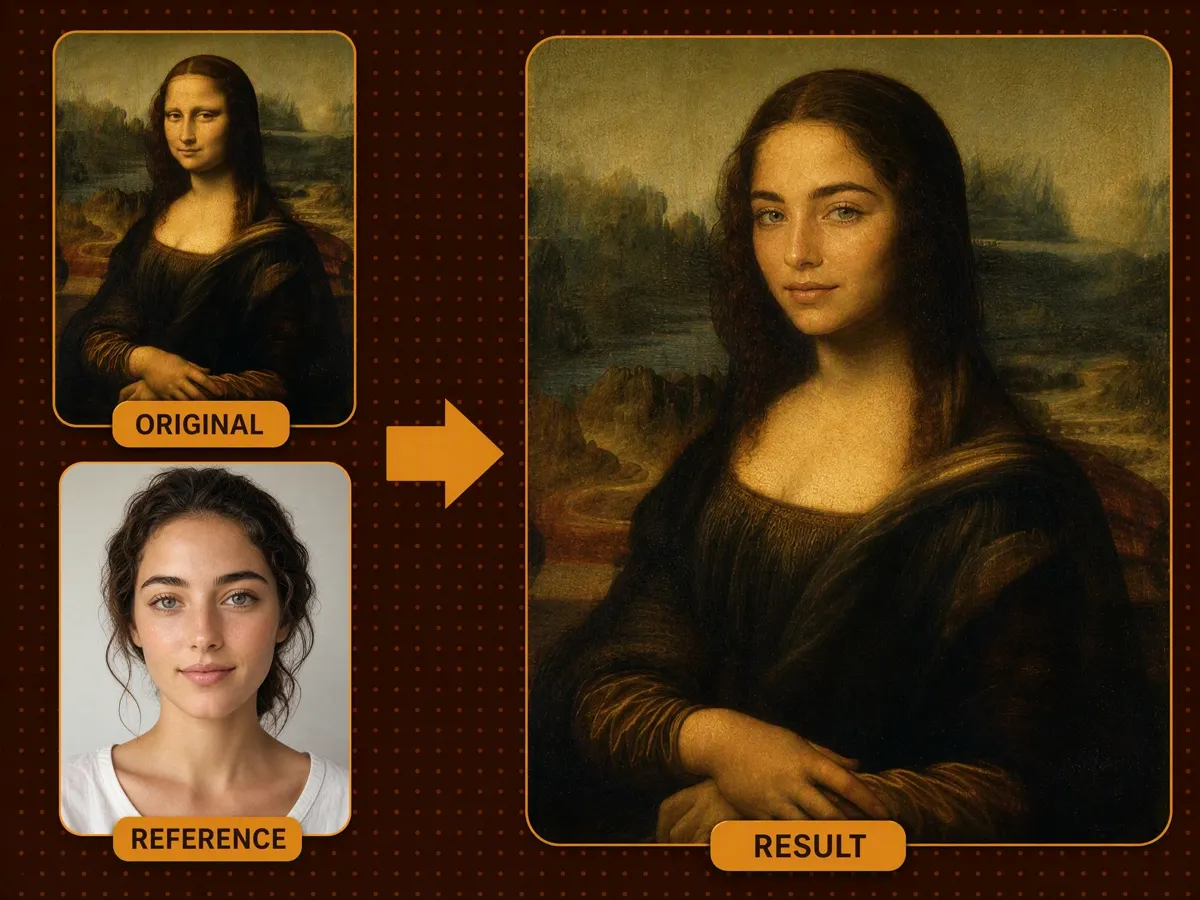
Put Your Face Into a Famous Painting
See yourself as the subject of a classic public-domain portrait. Designkit replaces the original face with yours, giving familiar artwork a personal twist. Use the result for a funny post or an art-themed profile image.
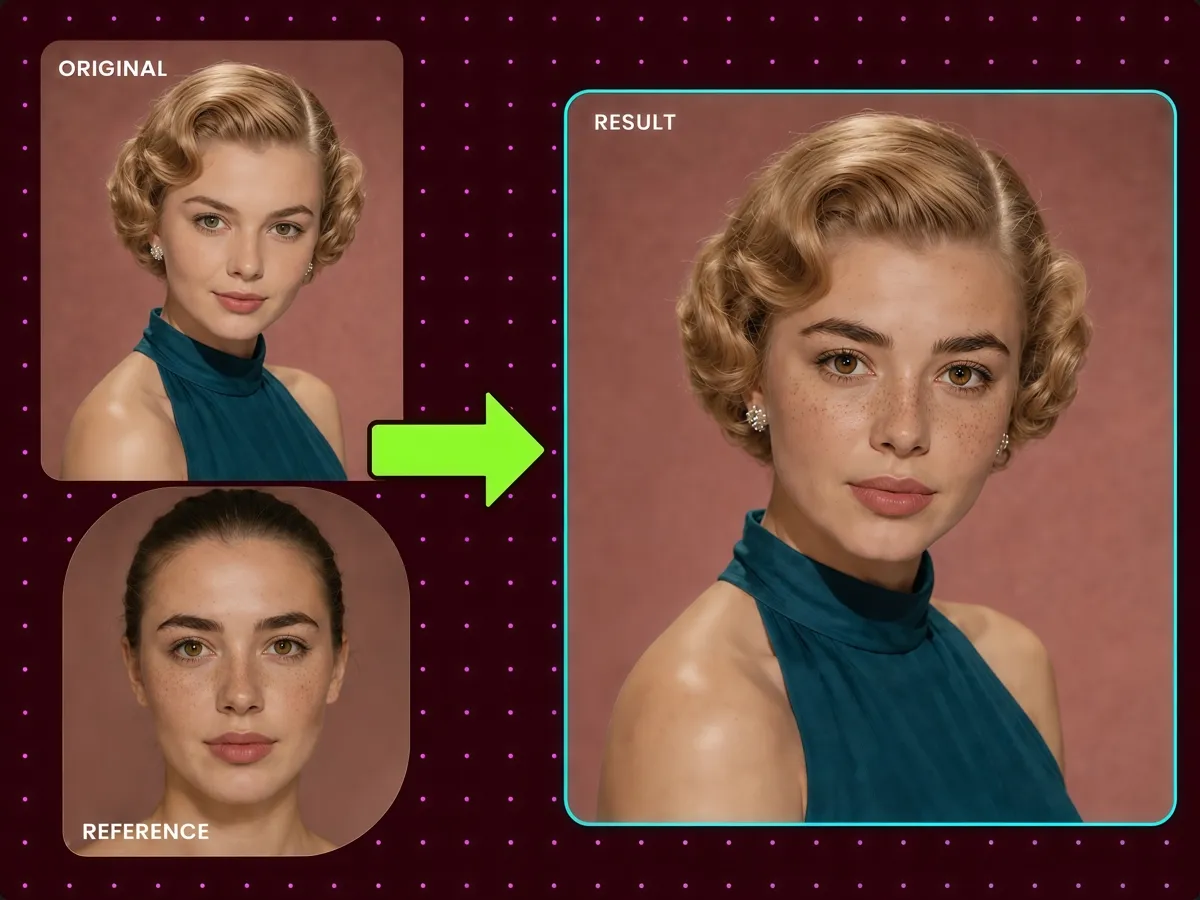
Try a Different Era With Your Own Face
Place your face into a portrait inspired by another era. Keep the original hairstyle, clothing, pose, and photographic character while seeing yourself in a classic period look.
Why Choose Designkit for Face Swap
Work Online Without an Install
Open Designkit in your browser and create a face swap with no editing software to download or set up.

No Photoshop Skills Needed
Designkit places and blends the new face for you, so you do not need to cut it out, create masks, or align it by hand.

Try Face Swap Free
New users receive free credits after signing up. Try Face Swap with your own photos before purchasing more credits.
Unlock More Creative Possibilities
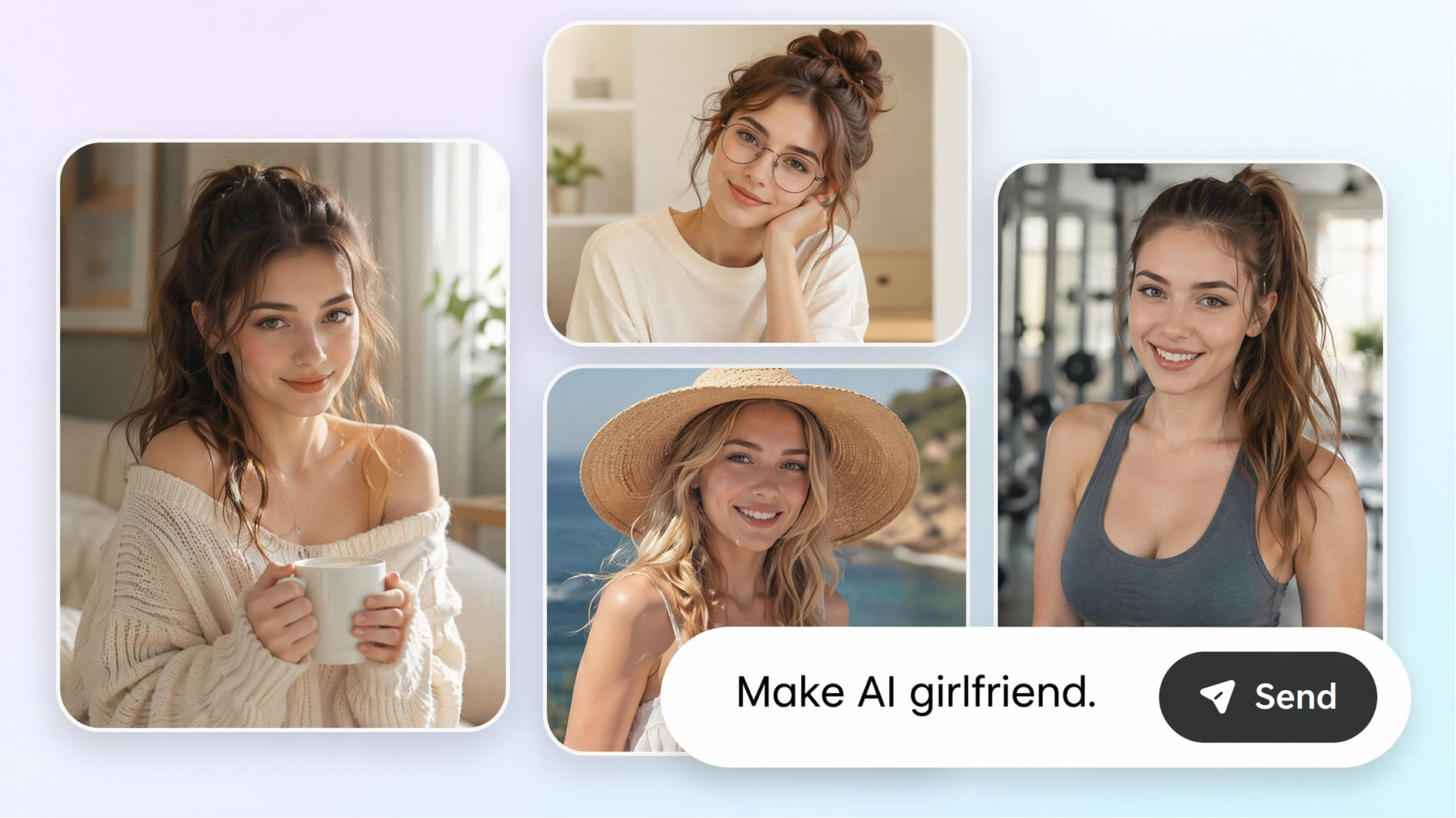
AI Girlfriend Generator
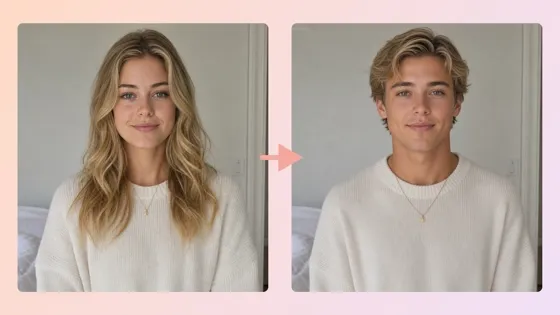
AI Gender Swap
AI Icon Generator
AI Human Generator
AI Storyboard Generator
AI Portrait Generator
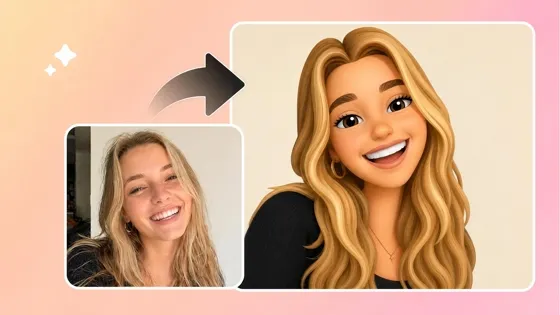
Image to Emoji Converter
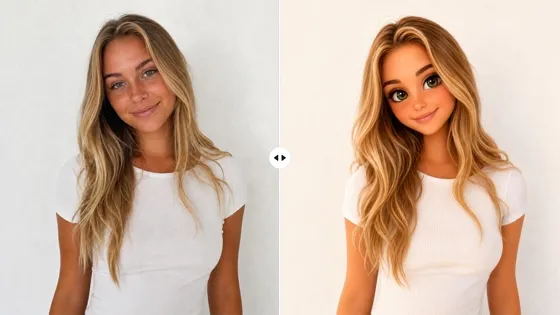
AI Barbie Doll Generator
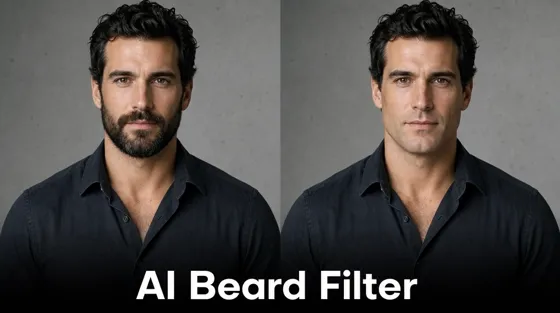
AI Beard Filter
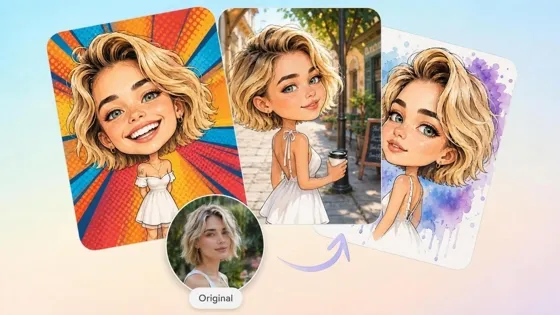
AI Caricature Generator
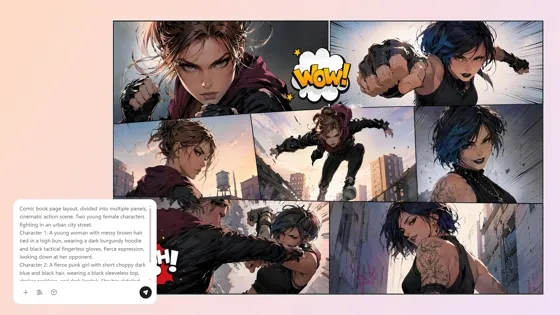
AI Comic Generator
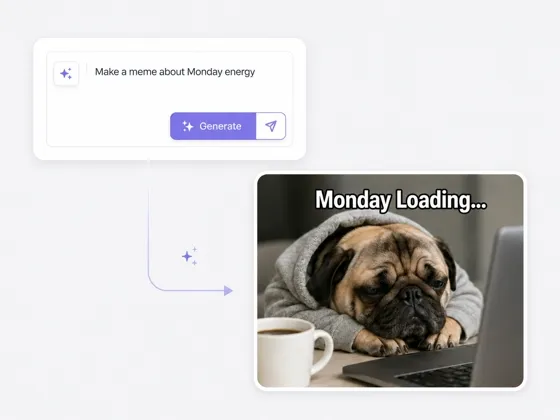
AI Meme Generator
Frequently Asked Questions
How do I swap faces in a photo with Designkit?
Is Face Swap free to try?
New users receive signup credits that can be used to try Face Swap. More generations require additional credits or a paid plan.
What photos work best for Face Swap?
Use a clear reference photo and a base image with one visible face. Similar head angles and lighting give Designkit a stronger match to work from.
Will the face swap look realistic?
It can create a natural-looking result, but quality depends on the photos. Check that the face remains recognizable, follows the original expression, and blends with the surrounding light before downloading.
Can I use someone else's face?
Only use faces and photos you own or have permission to use. Do not upload a celebrity or another person's likeness without authorization.
Does this tool support video face swaps?
This page is for image face swaps. Video face swap is a separate workflow and is not included in this tool.
Create Your First Photo Face Swap
Upload a base photo and a clear face reference. Use your signup credits to create the first result and decide if you want more.

How Creators Use Face Swap to Create More
Face Swap Saved My Favorite Portrait
The portrait with the best pose caught the subject with my eyes closed. I used another photo from the same session as the face reference, and Designkit gave me a version I could keep instead of choosing a weaker frame.
The Profile Swap Still Looked Like Me
I used my selfie as the face reference for a licensed retro portrait. The swap kept enough of my features that friends recognized me right away, so I used it as my profile photo instead of treating it as a throwaway effect.
The Birthday Swap Made Him Laugh
I made a birthday image from a costume photo and a face photo my friend had given me. He laughed as soon as she saw it and asked for the image to share, which was exactly the reaction I wanted.
I Saw Myself in the AI World
I used AI face swap to put my face onto the sci-fi character still. The costume and world stayed the same, so I could finally see how I would look inside that AI universe.
We Avoided a Second Product Shoot
The product shot had already passed review, but the final image needed a different approved model face. The swap let us keep the pose and product placement, so the team did not have to photograph the setup again.