
AI Stencil Maker: Create Print-Ready Stencils from Any Photo
Turn photos, artwork, logos, and text prompts into clean stencil designs. Generate printable stencils with crisp edges for painting, DIY projects, laser cutting, vinyl, and crafts.

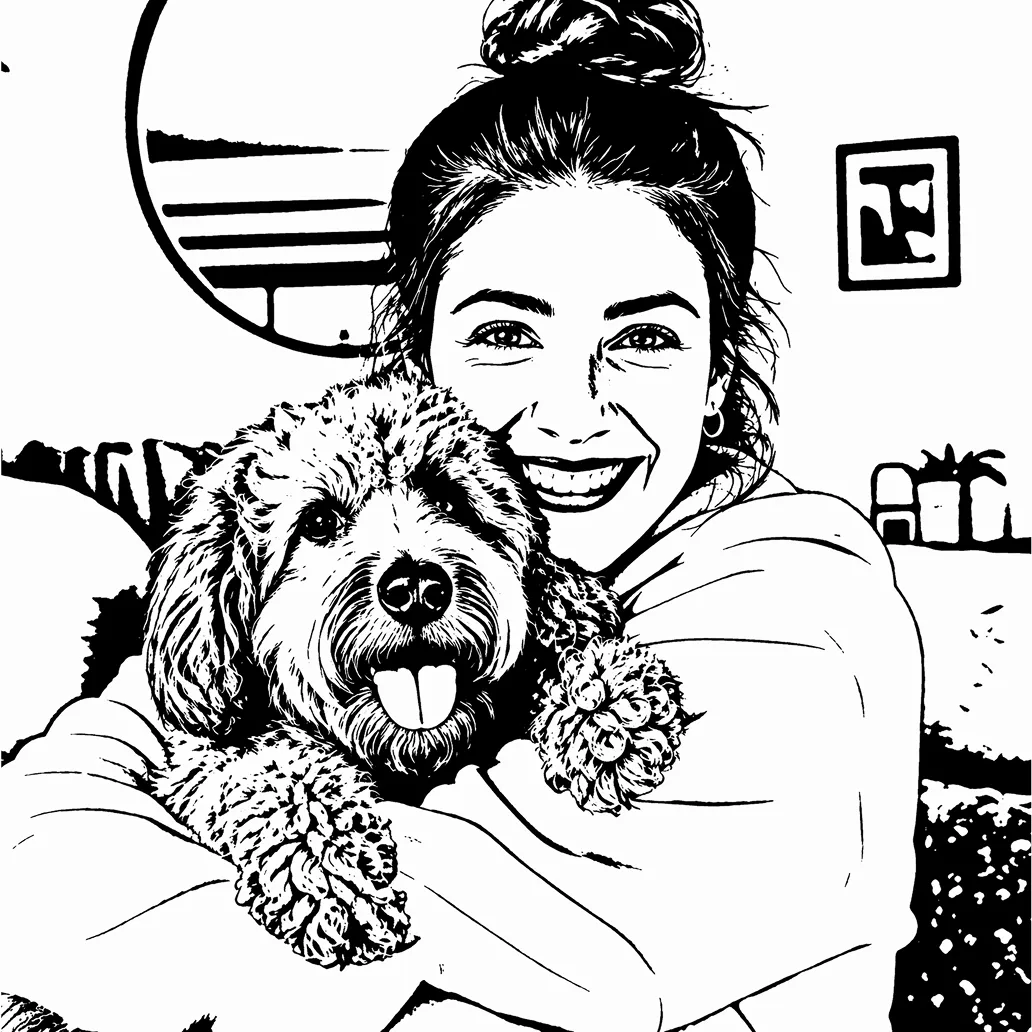
Turn Ordinary Photos into Clean, Artistic Stencil Designs in Seconds
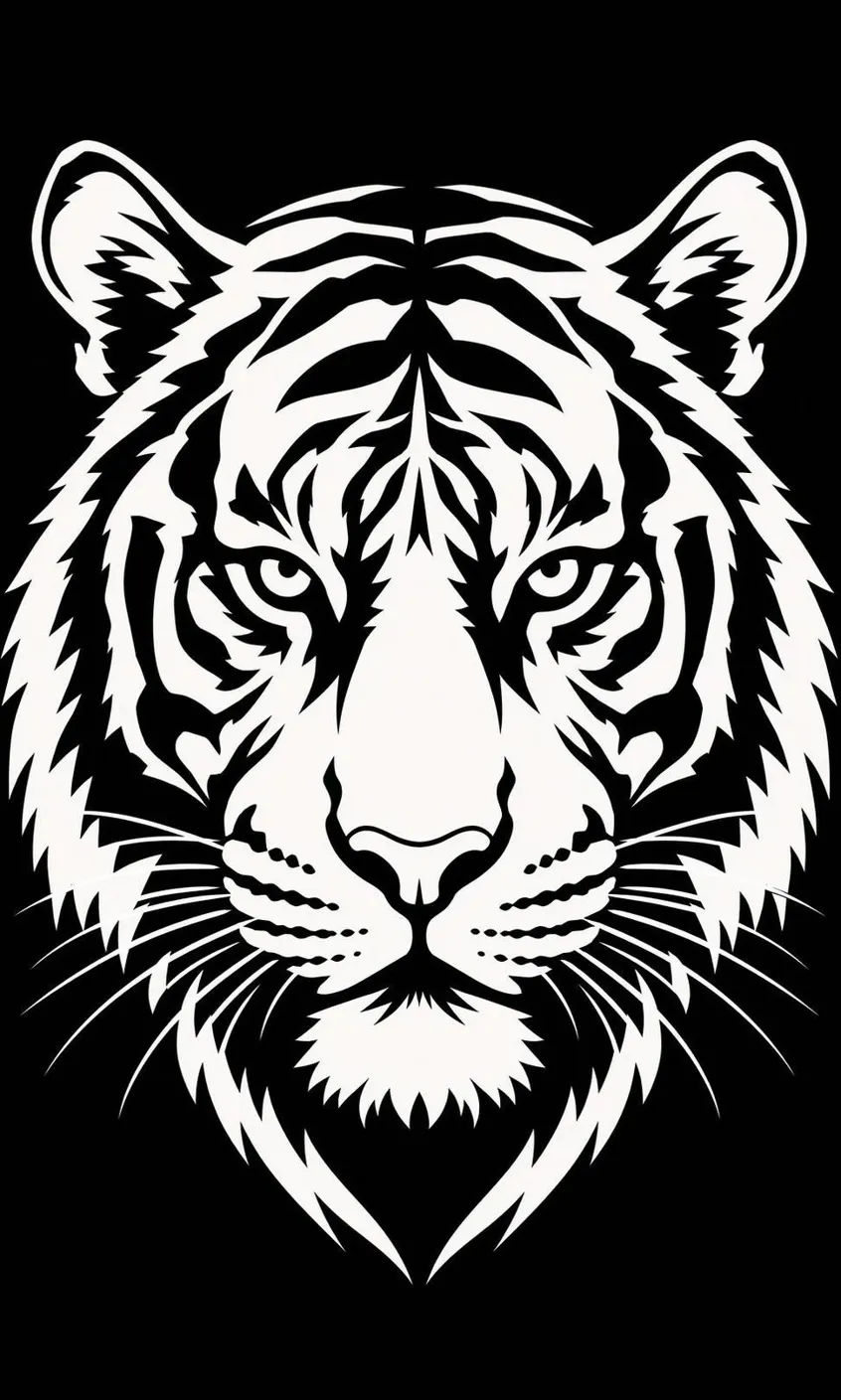
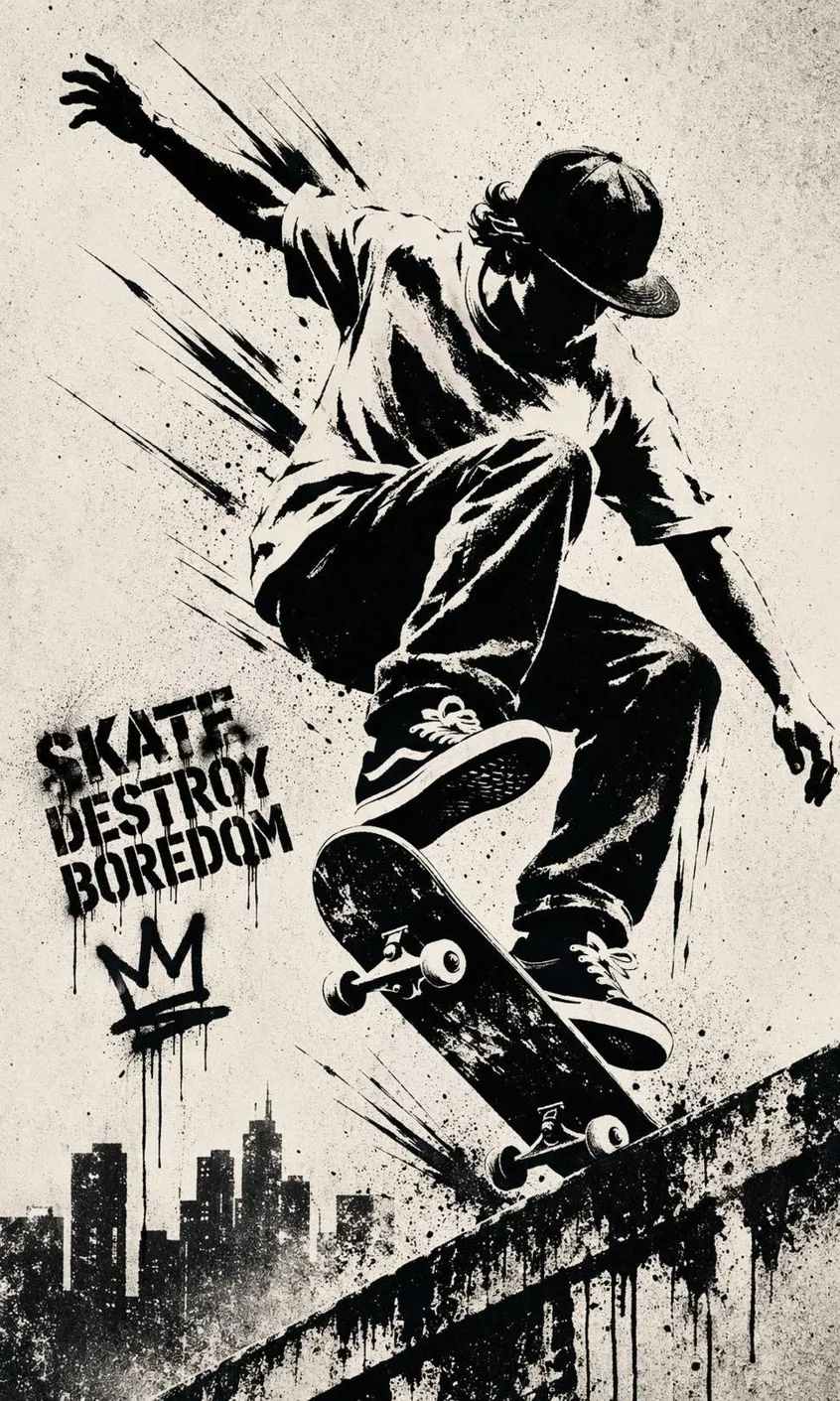
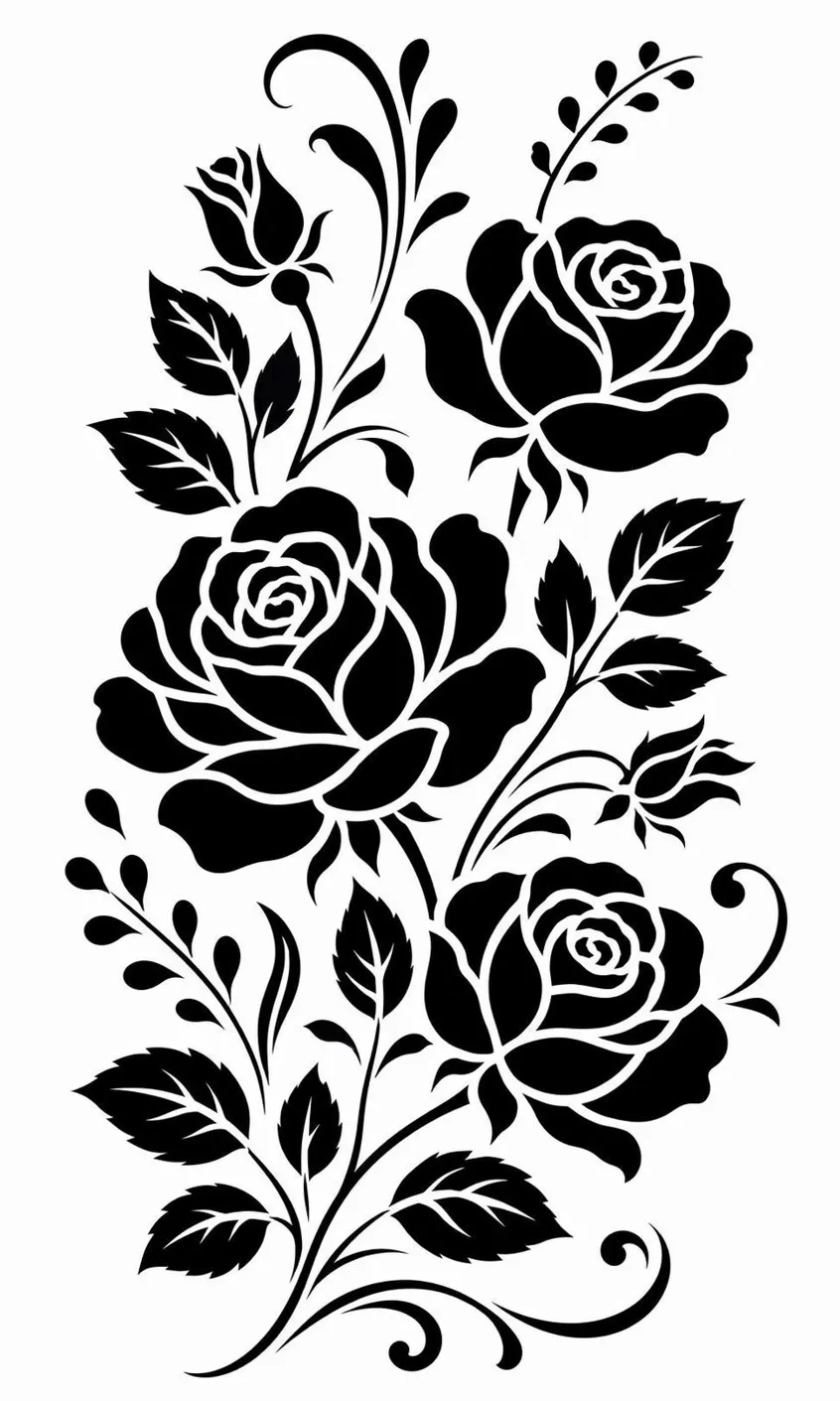
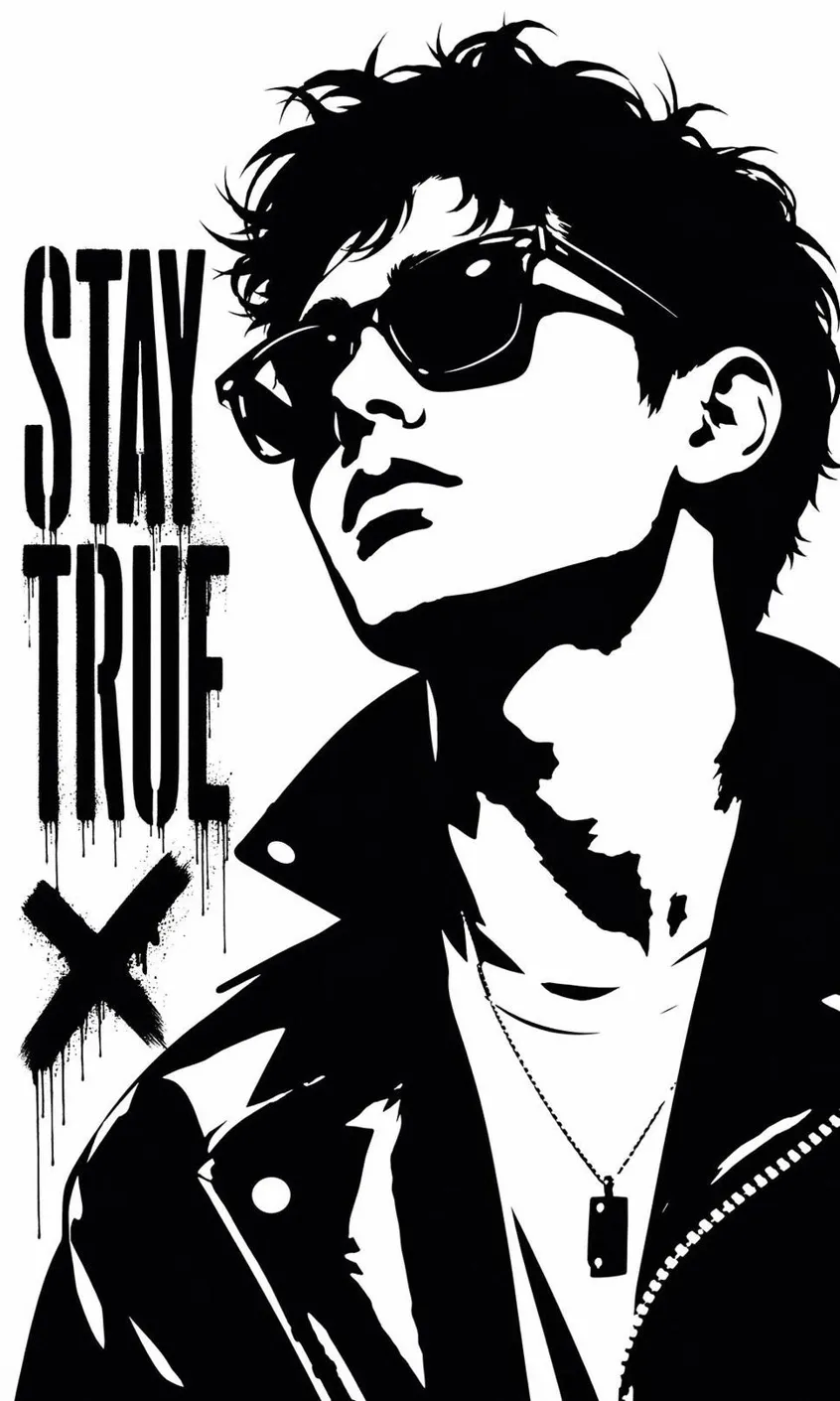
How to Make a Stencil in 3 Steps
Upload a Photo or Describe Your Design
Import a portrait, logo, artwork, or type a prompt to define the stencil shape you need.
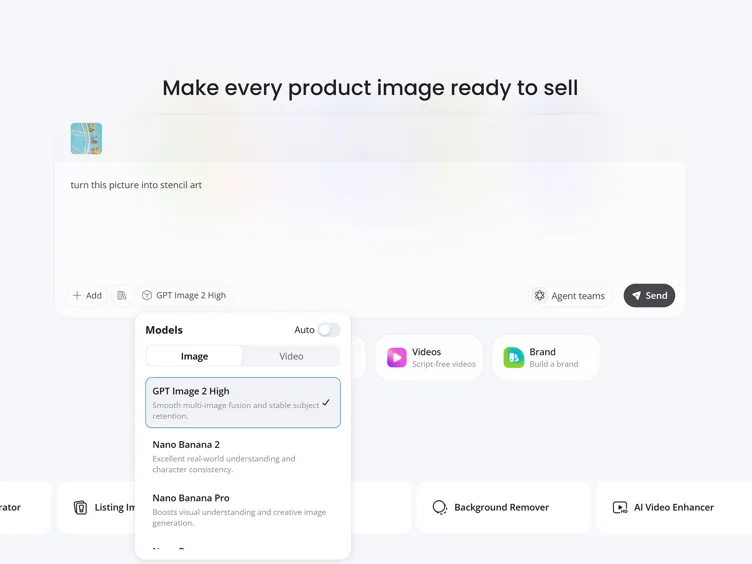
Adjust the Stencil Design
Simplify details, clean edges, remove backgrounds, and optimize contrast for cutting or painting.
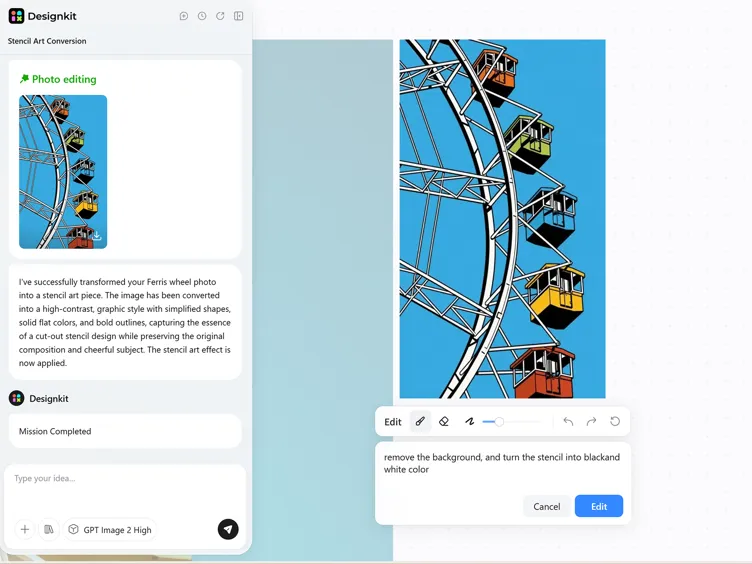
Download Your Stencil
Compare detail levels, fine-tune with editing tools, and export a high-resolution file ready to print or trace.
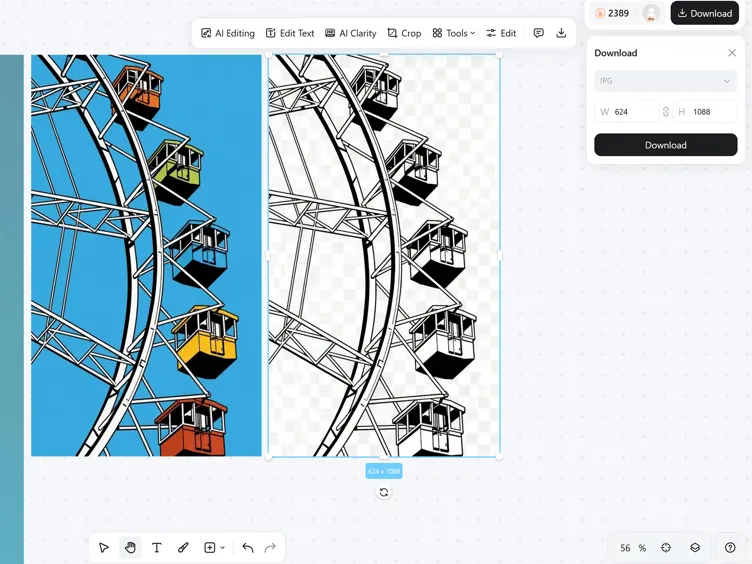
Capabilities of Designkit's Stencil Maker from Photo
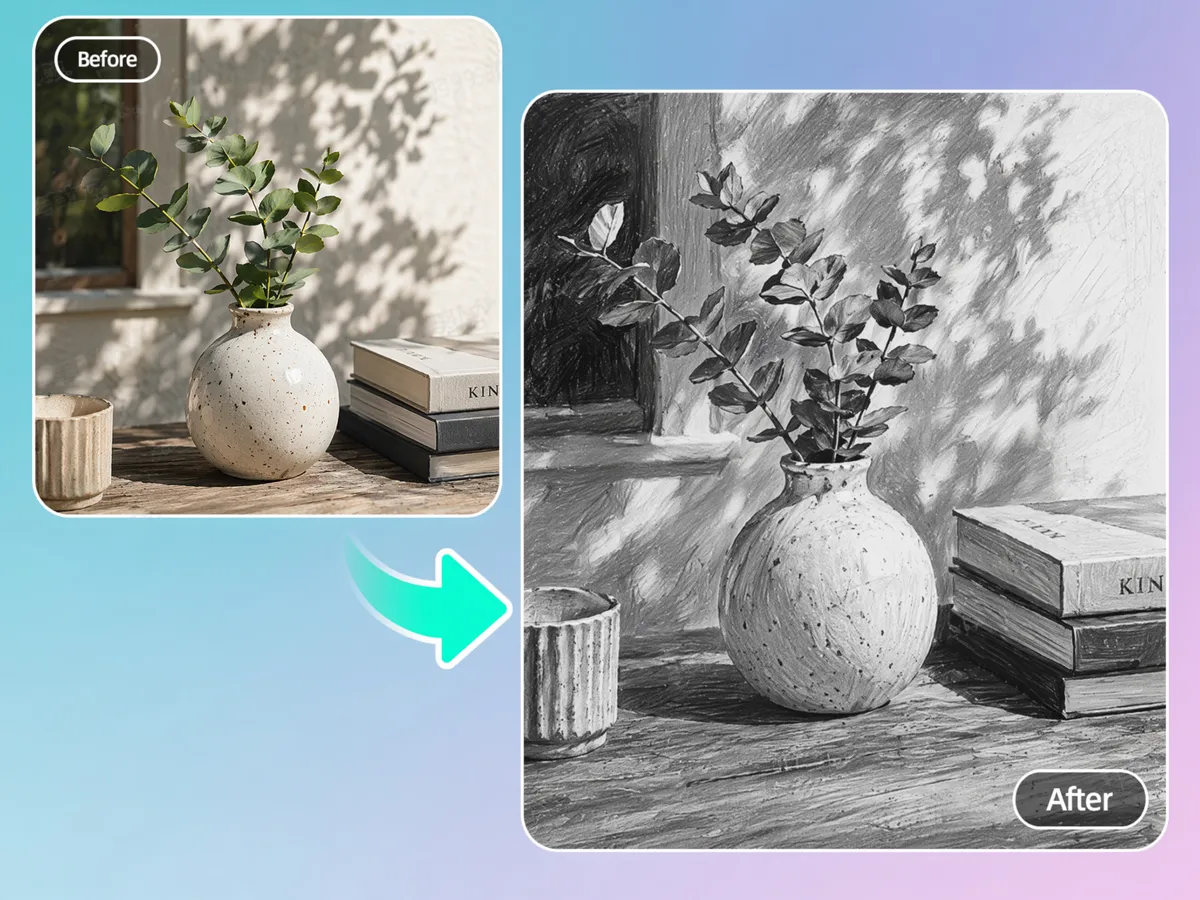
Convert Photos into Clean Stencils
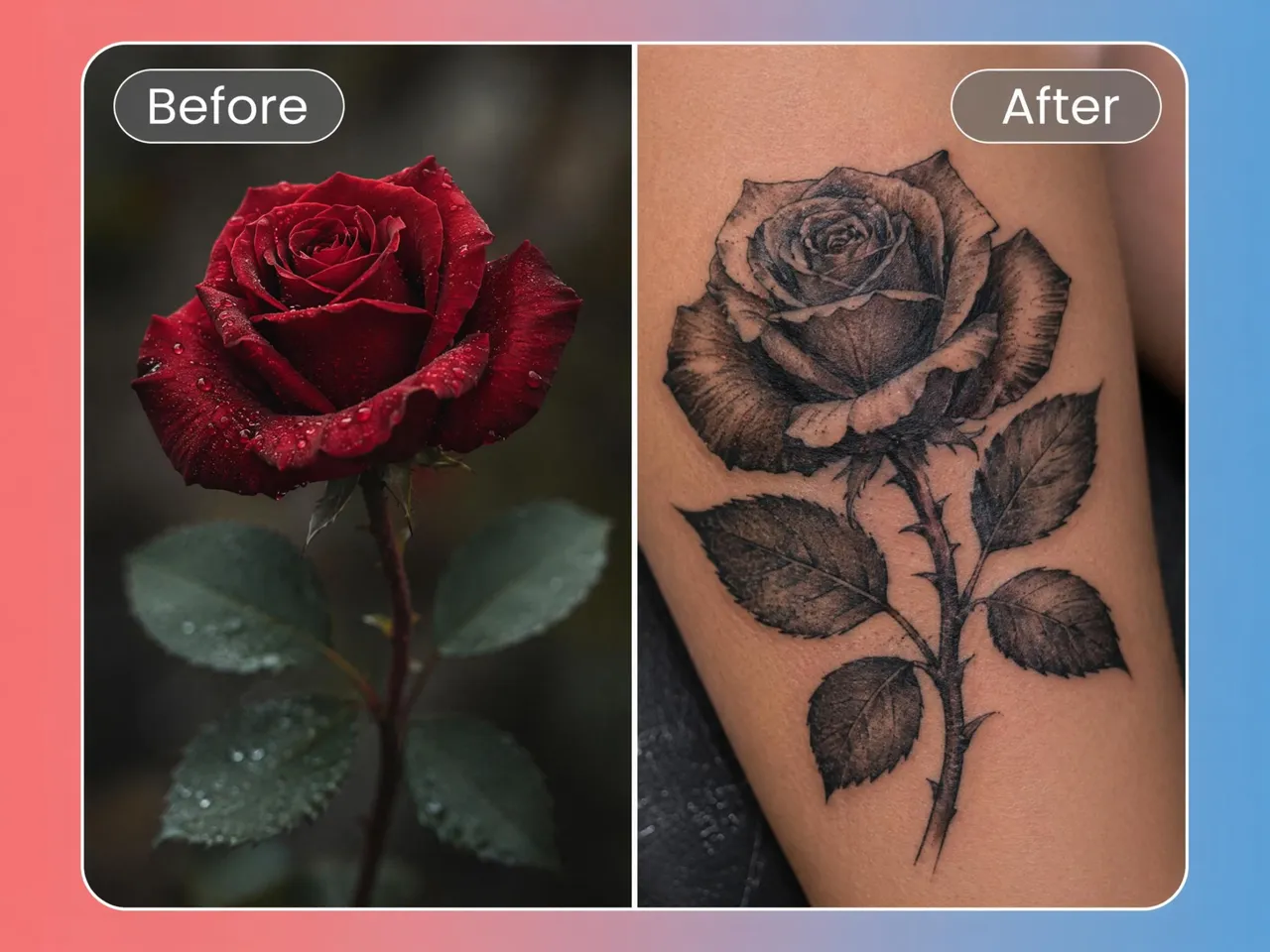
Turn a portrait, pet photo, logo, or object into a clean stencil in minutes with Designkit. The stencil maker from photo simplifies complex details into clear-cut lines while preserving the shapes needed for painting, crafting, engraving, or laser-cut projects.
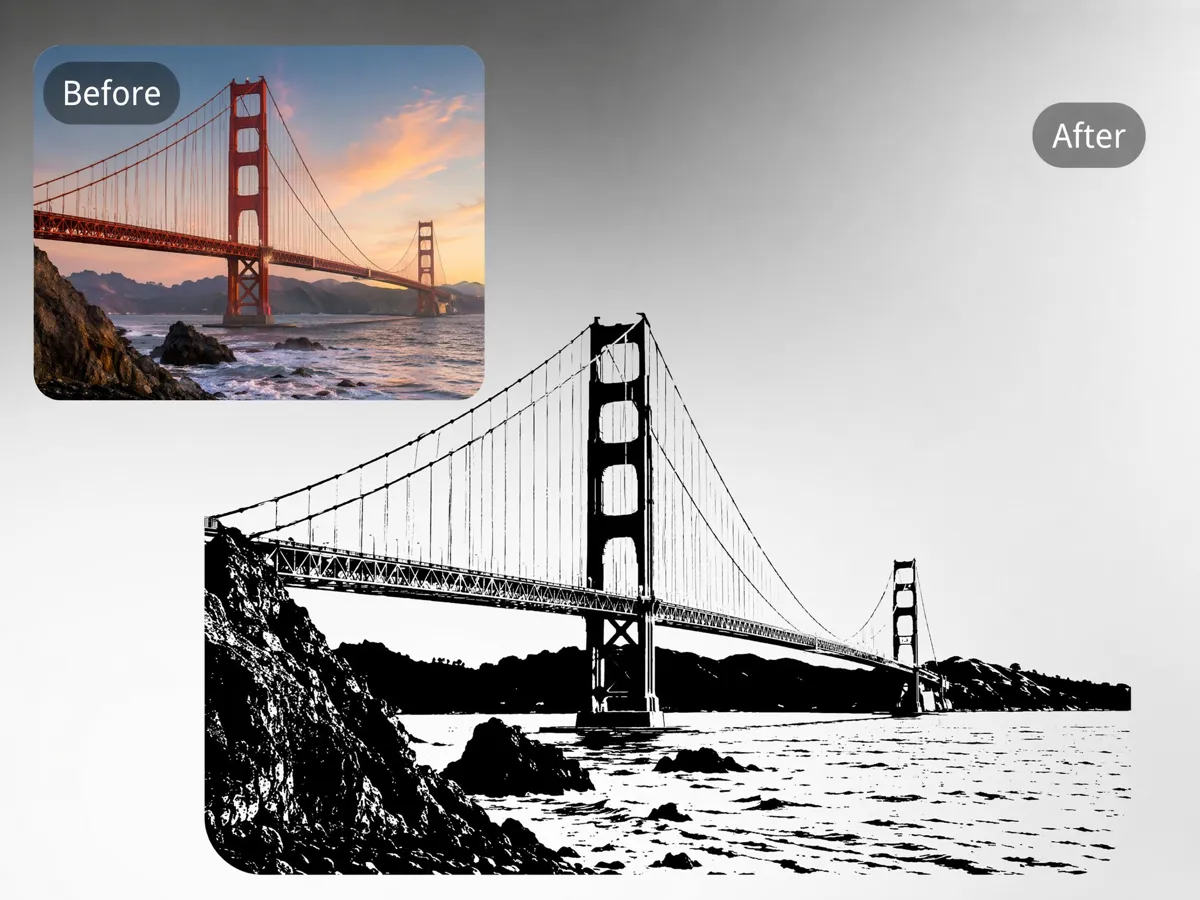
Auto-Remove Background and Boost Contrast
Messy backgrounds and uneven lighting can make stencil designs difficult to trace or cut. Designkit automatically removes distractions and improves contrast, helping every stencil produce cleaner outlines for printing and painting.
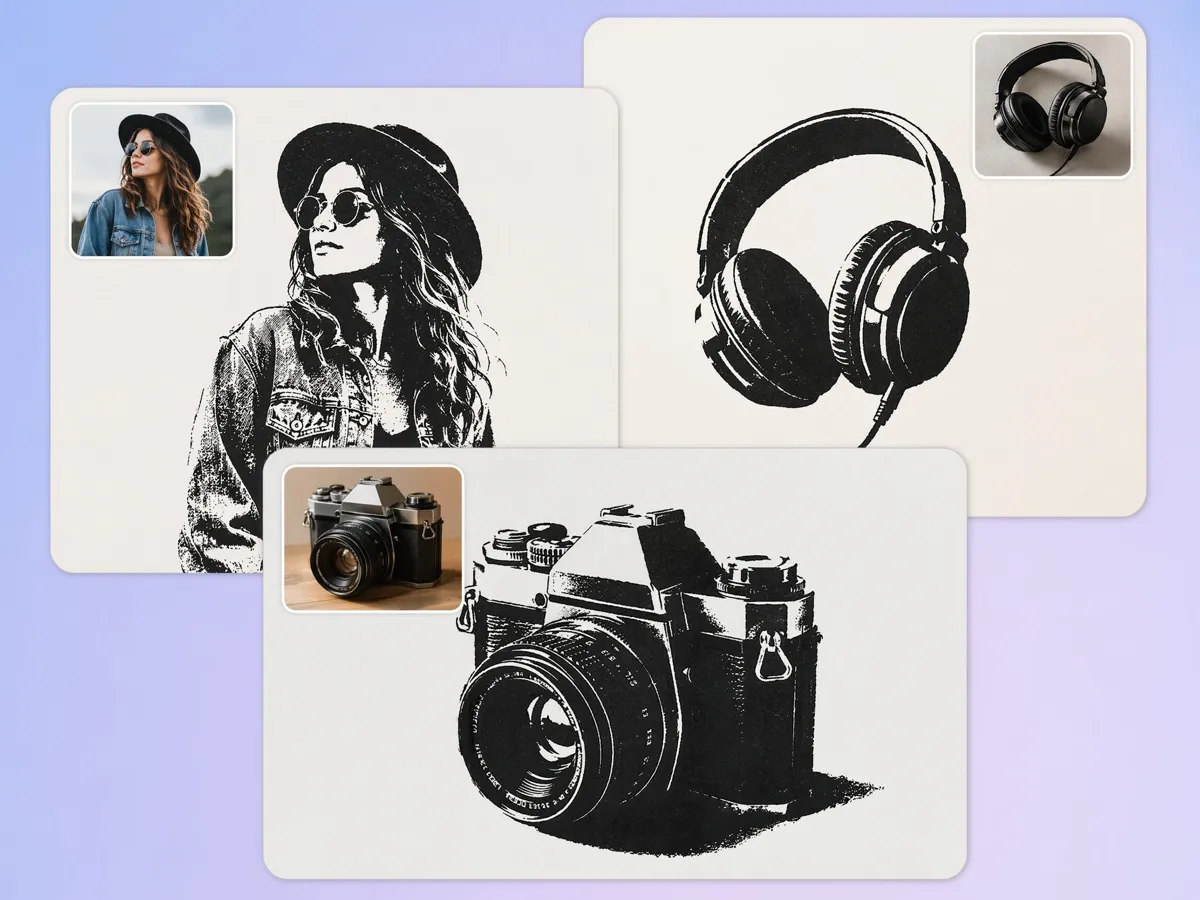
Generate Stencils in Multiple Styles
Create portrait, logo, tattoo, graffiti, decorative, or text-based designs from the same image. Designkit works as an AI stencil maker, allowing you to compare different artistic styles without recreating the design from scratch.
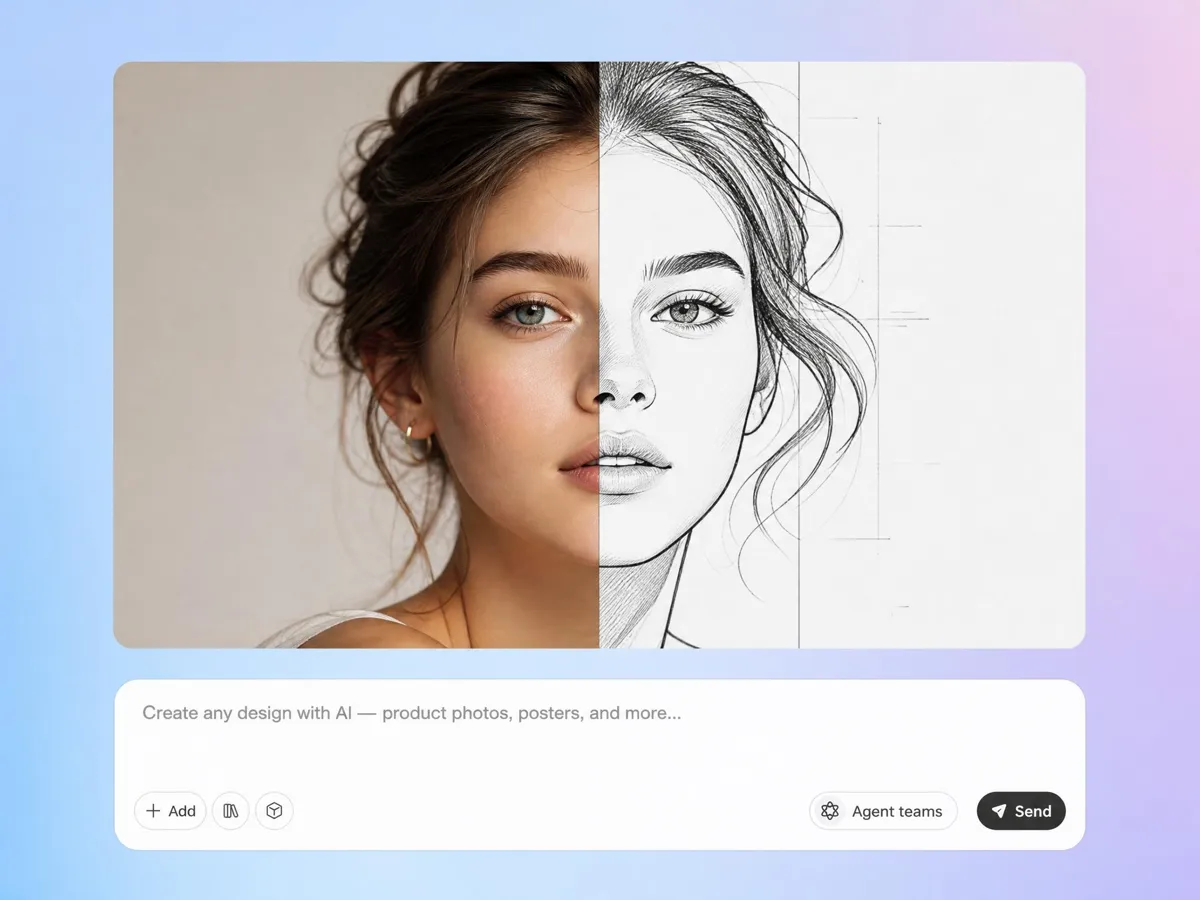
Edit and Refine Without Starting Over
Need thicker lines, cleaner edges, or a different size? Designkit lets you edit existing stencil artwork instead of generating a new version, making it easier to prepare designs for cutting machines, printing, or handmade crafts.
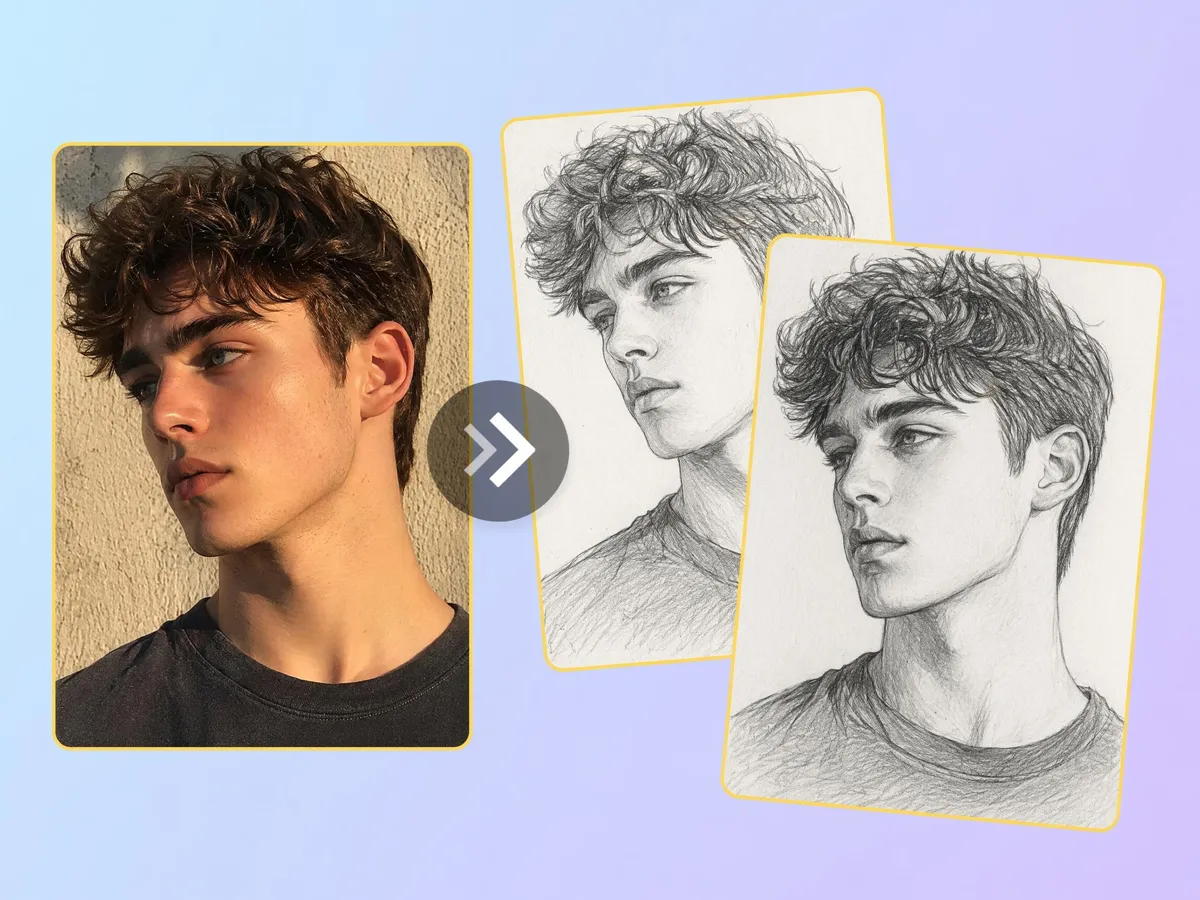
Produce Matching Stencil Variations
Compare multiple versions of the same artwork with different levels of detail before choosing the final design. A built-in stencil creator helps you select the stencil that best fits painting, engraving, vinyl cutting, or DIY projects.
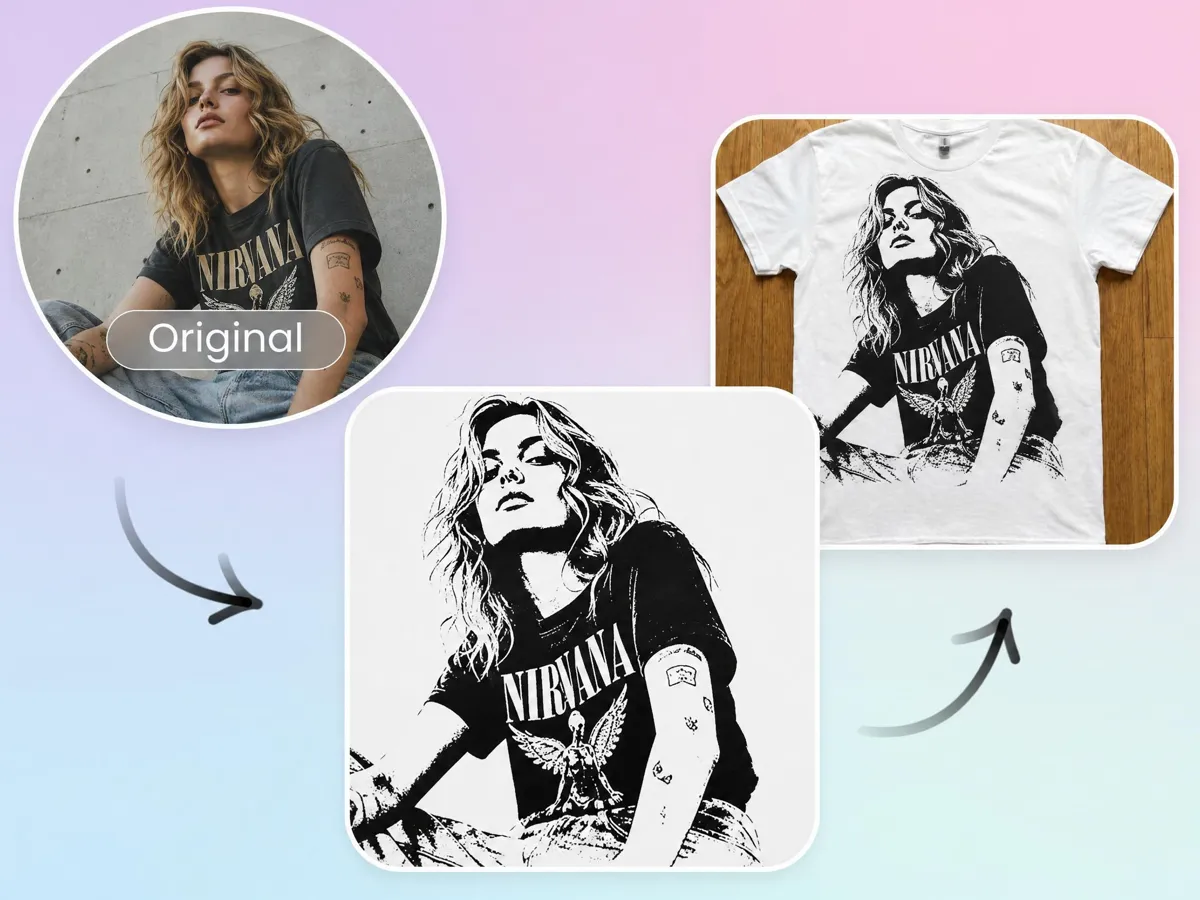
Export High-Res Files Ready to Print
Download sharp, high-resolution stencil files sized for home printers, tracing paper, vinyl cutters, or craft machines. Whether you need a stencil maker for painting or printable artwork, Designkit delivers files ready for your next project.
Built for Every Creator Who Needs Custom Stencils
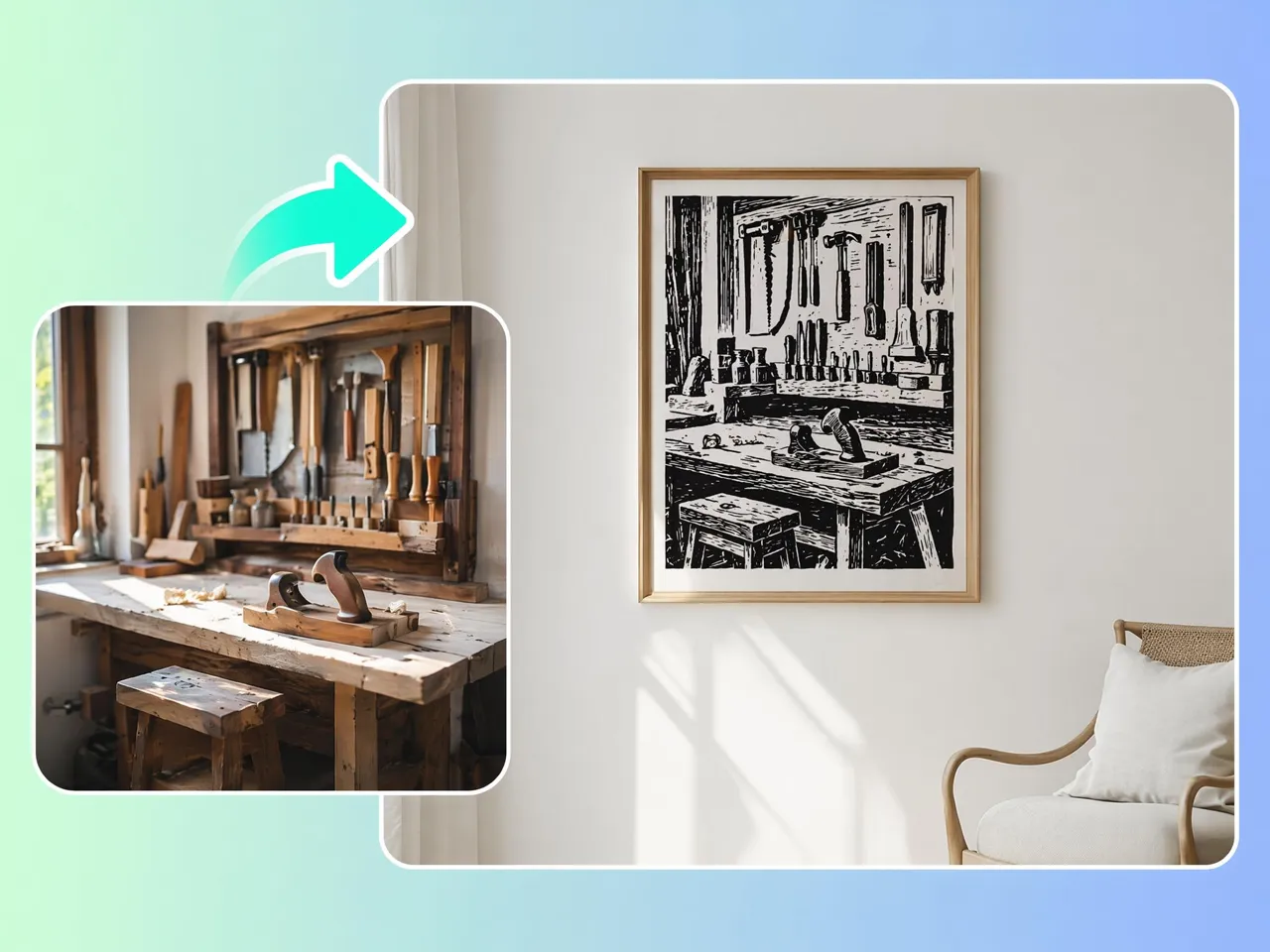
Wall and Furniture Painting Stencils
Hand-drawing stencil outlines for walls or furniture often takes longer than the painting itself. Designkit helps you create stencils from photos by converting pictures into clear, reusable designs that are easier to paint, trace, or cut for DIY projects.
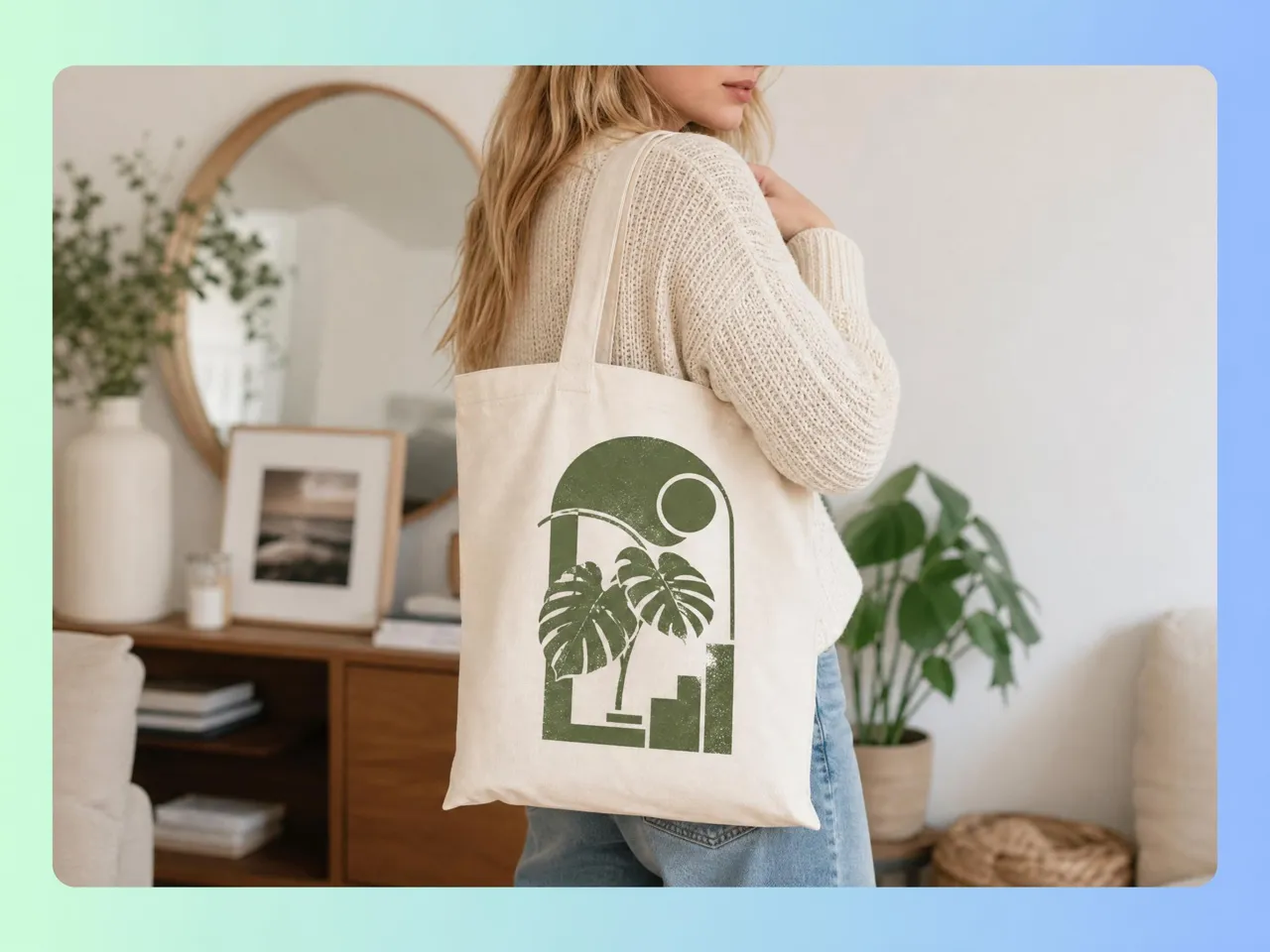
Why Choose Designkit for AI Stencil Making
No Manual Tracing in Photo Editing
Skip hours of tracing paths and cleaning outlines by converting photos into cut-ready stencil artwork in fewer steps.

Sharper Edges Than Basic Threshold Filters
Produce cleaner outlines with fewer broken lines and unwanted details than standard black-and-white image filters.
Build Consistent Stencil Collections
Generate matching stencil sets from one source image, making it easier to reuse designs across multiple creative projects.

One Workflow from Photo to Finished Stencil
Move from image conversion to final export without switching between separate design, editing, and enhancement tools.

Batch Variations from a Single Image
Create multiple stencil versions with different detail levels from one image instead of rebuilding every design manually.
Works with Any Photo: Portraits, Logos, Sketches
Transform portraits, logos, drawings, pets, and product photos into stencil-ready artwork using the same repeatable workflow.
Unlock More Creative Possibilities
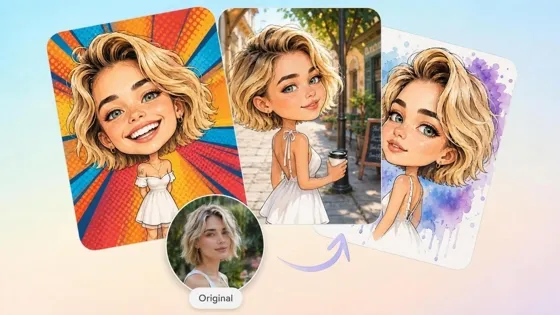
AI Caricature Generator
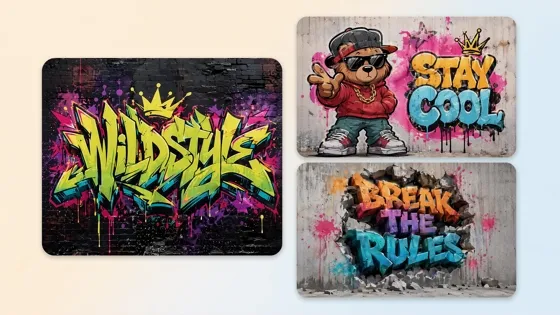
AI Graffiti Generator
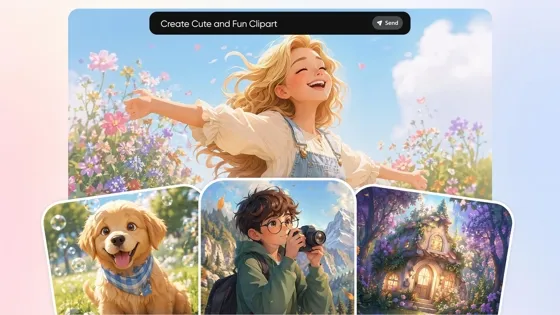
AI Clipart Generator
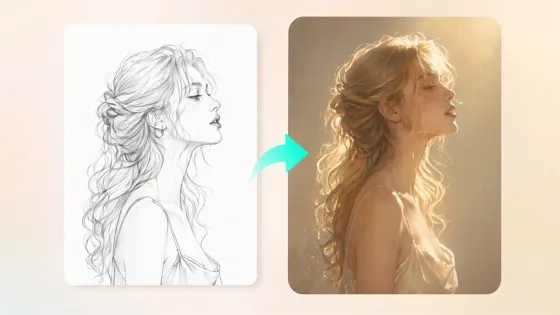
Sketch to Image AI
Frequently Asked Questions
How do I create a stencil from a photo?
Can I generate painting stencils with AI?
Yes. AI can simplify photos, illustrations, and graphics into stencil designs that are suitable for painting on walls, furniture, canvas, and other surfaces. Designkit generates clear stencil layouts that are easier to print, trace, or transfer for a wide range of DIY and creative painting projects.
Which images produce the cleanest stencil results?
Photos with sharp focus, simple backgrounds, and strong lighting generally create the best stencil designs. Clear separation between the subject and background helps preserve important outlines. Designkit also improves contrast and removes distractions to produce cleaner stencil artwork from suitable images.
Can I edit stencil details after generation?
Most AI-generated stencil designs can be refined after they're created instead of starting over. Designkit lets you adjust outlines, improve image quality, resize artwork, and make other edits, so the final stencil better matches your intended use.
Are AI generated stencil files printable?
Yes. Stencil artwork can be exported in high resolution for printing on standard paper, tracing paper, or materials used with cutting machines. Designkit prepares downloadable files that maintain clear outlines, helping produce reliable printed stencil designs.
Can I create logo and text stencils?
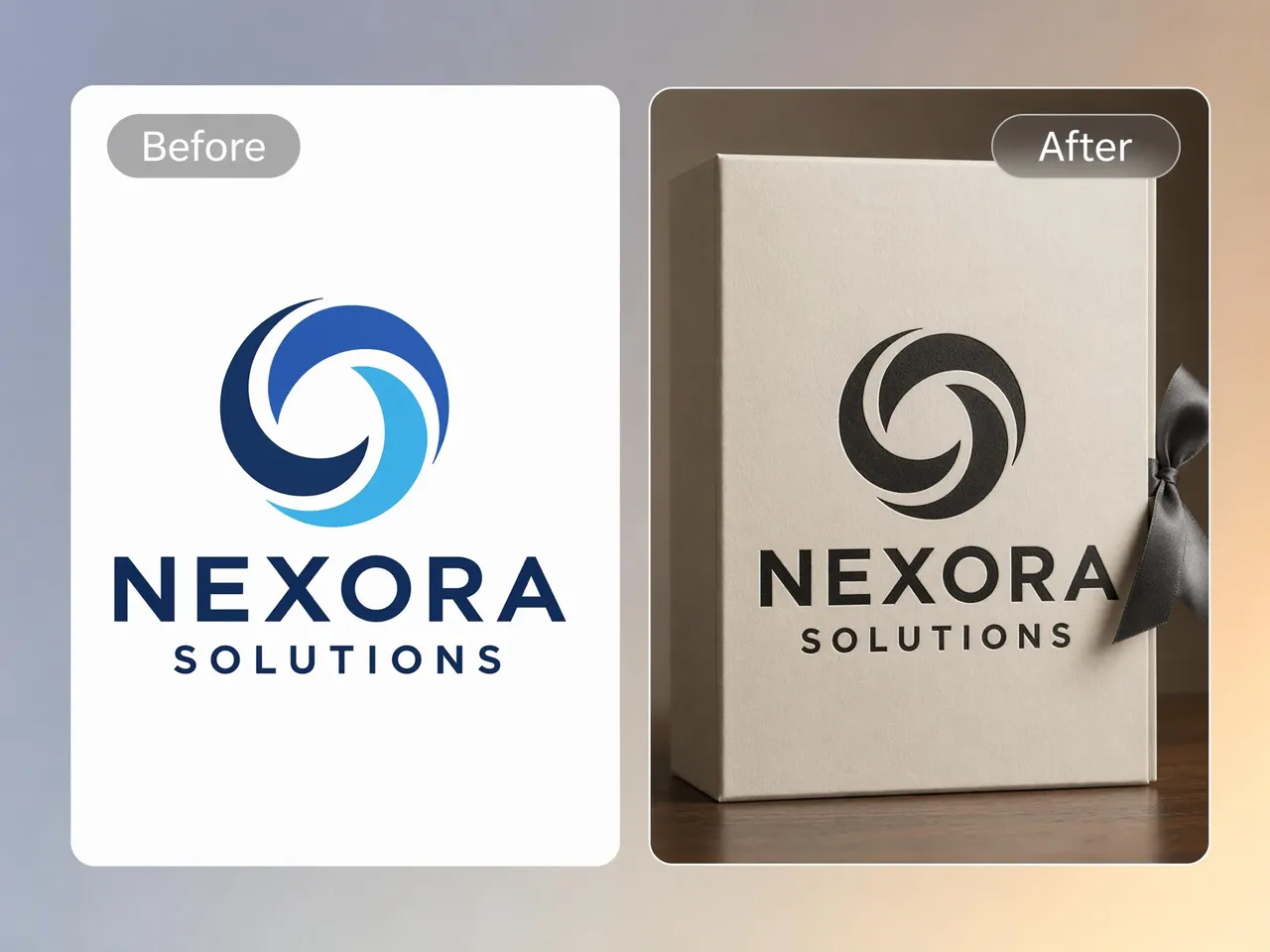
Logos, lettering, symbols, and simple graphics can all be converted into stencil designs suitable for branding, signage, crafts, and painting. Designkit works as a custom stencil maker, helping you generate reusable stencil layouts while preserving the essential shapes of your design.
Does Designkit work for Cricut and laser cutting?
Clean stencil artwork is suitable for many cutting workflows, including Cricut machines and laser cutters, depending on the file format and project requirements. Designkit creates simplified designs with clear outlines that are easier to prepare for cutting and crafting applications.
Do AI-generated stencils have clean enough edges for printing and cutting?
Yes, provided the source image is clear and contains enough visual contrast. AI can simplify unnecessary details while preserving the important outlines needed for cutting or painting. Designkit further improves edge quality with built-in editing and enhancement tools before you export the finished stencil.
Your Next Stencil Is One Photo Away
Upload any image, let AI simplify it into a clean stencil, and download a print-ready file in minutes. Start free with Designkit.



What Creators Say About Designkit Stencil Maker
Real experiences creating printable stencils with Designkit
Reduced Manual Cleanup
I used to spend forever cleaning stencils in design software: erasing noise, fixing broken lines, all of it. Designkit simplified the image automatically and kept the main outlines sharp. Now I can print and prep a stencil way faster than before.
Faster Cricut Projects
(): Most stencil files I found online still needed a lot of edge cleanup before cutting. Designkit gave me cleaner outlines and better spacing right away, so less prep before I send designs to my cutter. Customer orders move faster now.
Better Wall Murals
Large wall stencils often lose important details after resizing. Designkit kept the outlines clear and balanced, even when I scaled the design for a full mural. It made it much easier to transfer the image, paint accurately, and keep the final wall art looking clean.
Simplified Tattoo References
Portrait references usually need a lot of cleanup before they work as stencil layouts. Designkit turned my reference images into simple, usable stencil designs with strong outlines and less clutter. That saved me time before client appointments and sped up prep work.
Consistent Brand Templates
I needed matching logo stencils for packaging, signage, and event displays. Designkit helped me create consistent stencil versions without redrawing each one manually. The results stayed clean across different sizes, which made my branding work faster and more organized.
Improved Classroom Materials
My students needed simple templates for painting lessons, but many designs were too complex to cut by hand. Designkit generated printable stencils with clearer shapes and easier edges, so I could reuse them across multiple classes and spend less time preparing materials.