
Add a Pink Background to Any Photo
Give your photos a fresh look with pink backgrounds, from soft blush to vibrant pink. Keep your subject in focus for polished product photos, portraits, and social graphics.
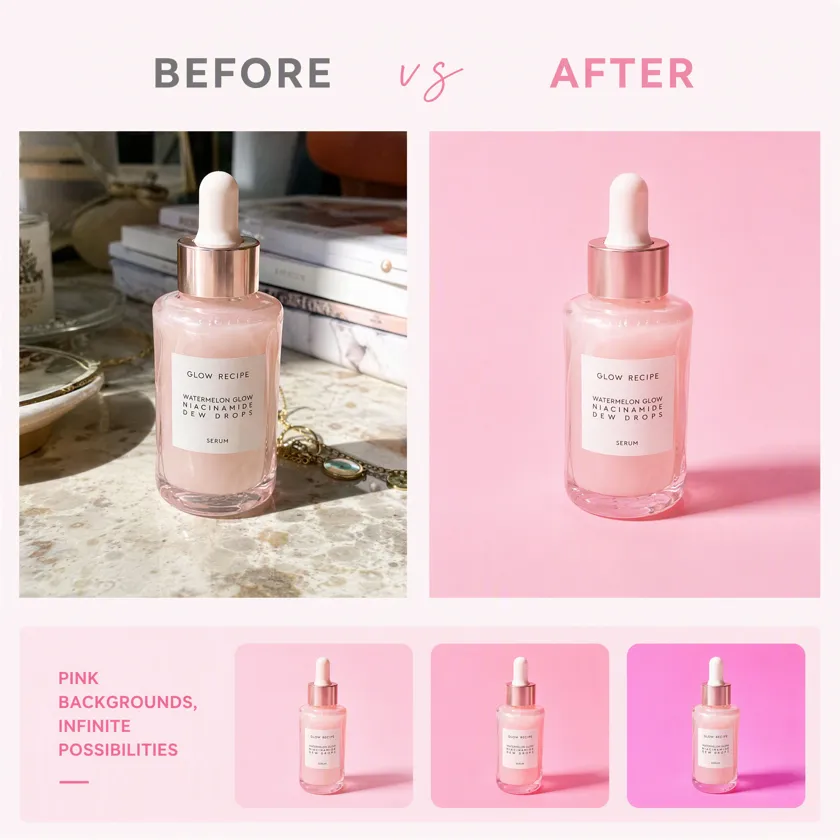
Batch up to 15 photos at once
No picture on hand? Try with one of these:
How to Add a Pink Background to a Photo with Designkit
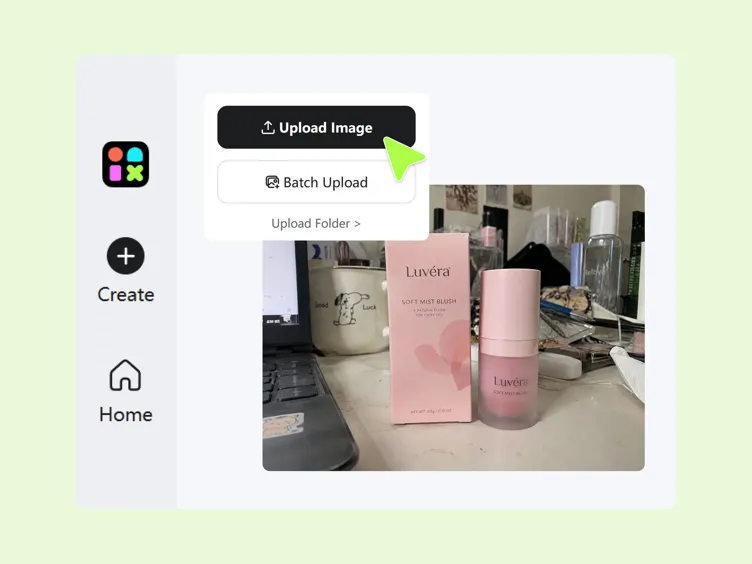
Step 1. Upload Your Photo
Open Designkit and upload the photo you want to edit. Choose a product image, portrait, or promotional visual that needs a pink background to match your desired style.
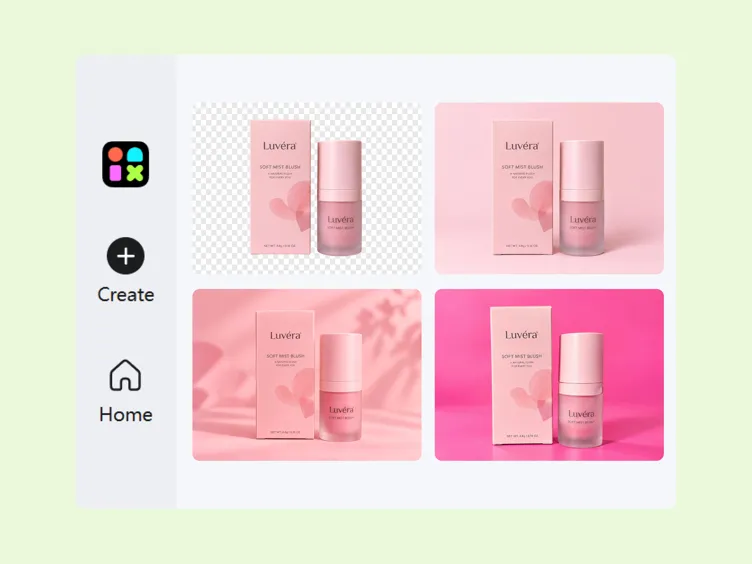
Step 2. Remove and Choose a Pink Shade
Remove the original background and replace it with pink. Choose a shade ranging from pale blush to vibrant hot pink, or enter a HEX color code to match your brand palette or preferred look.
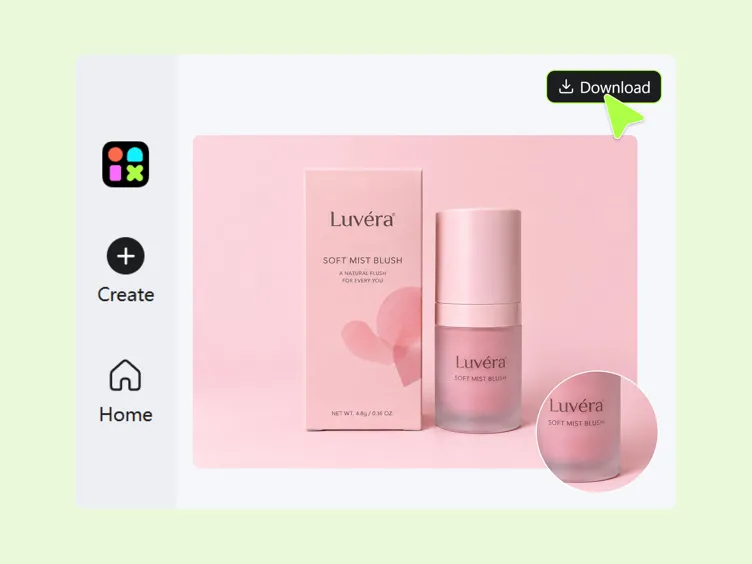
Step 3. Check Edges and Download
Review the result for rough edges, unwanted pink color spill, or changes to the main subject. Once the pink background looks right and the subject remains clear, download your finished image using the available export options.
What You Can Create With Designkit's Pink Background Editor
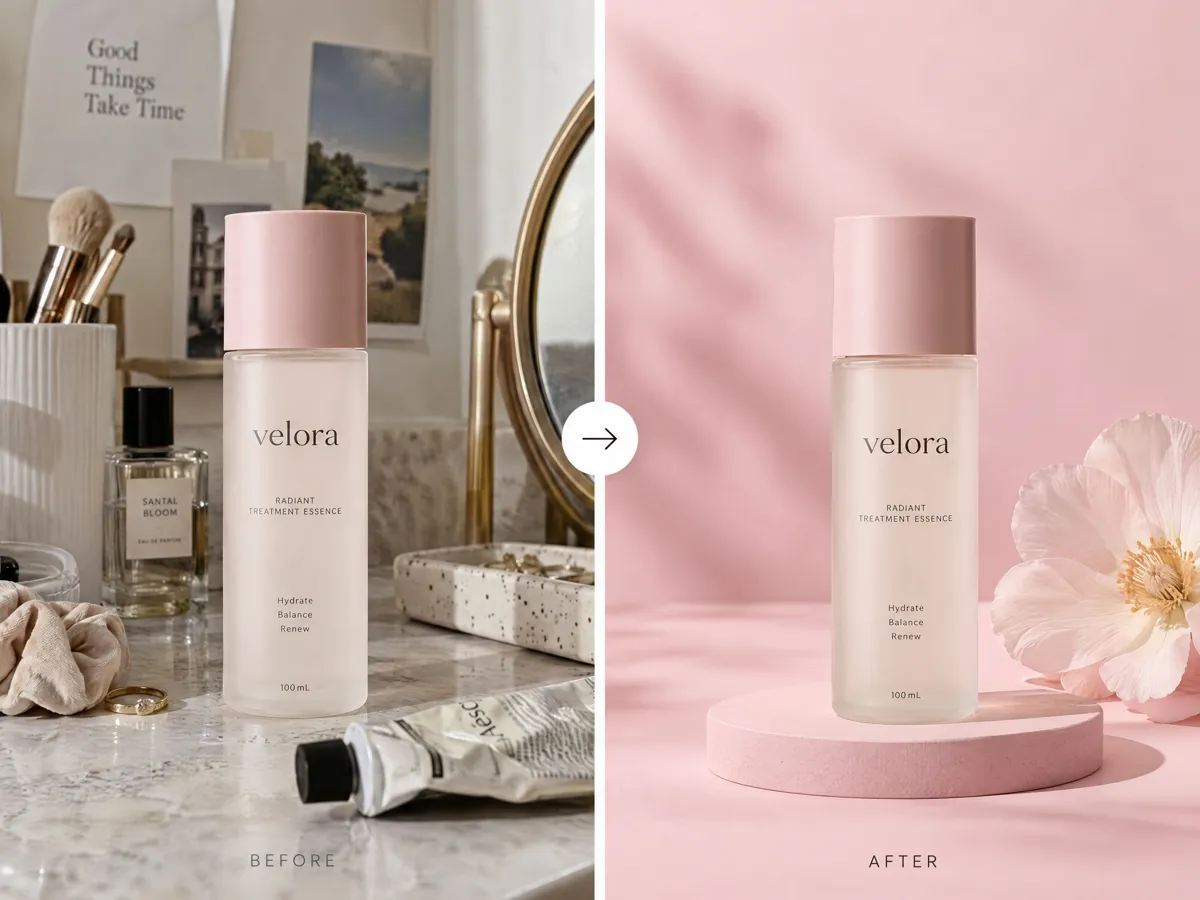
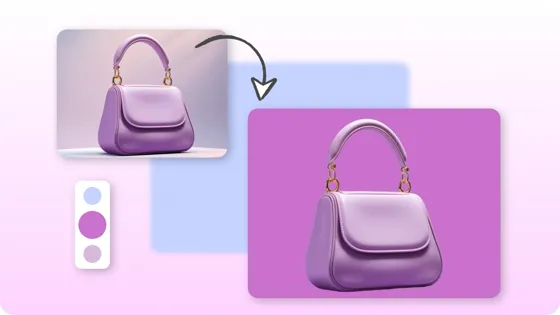
Remove the Original Background and Add Pink in One Edit
Replace a distracting or uneven backdrop with Designkit's pink background editor. Upload your image, remove the original background, and add pink background to photo online for product listings, social posts, or campaign visuals. Choose a shade that complements your subject and creates a cleaner image without arranging another photoshoot.
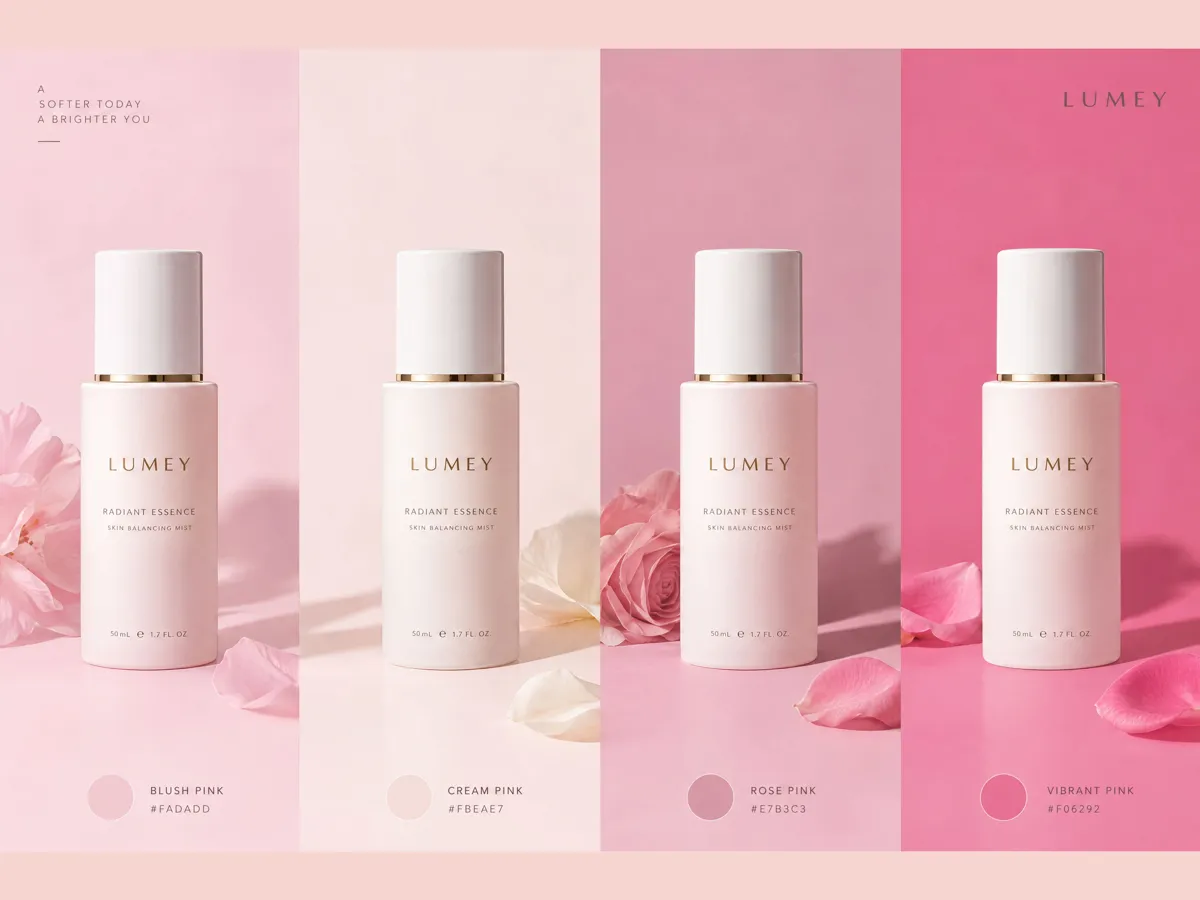
Fine-Tune Pink Shades to Match Your Product
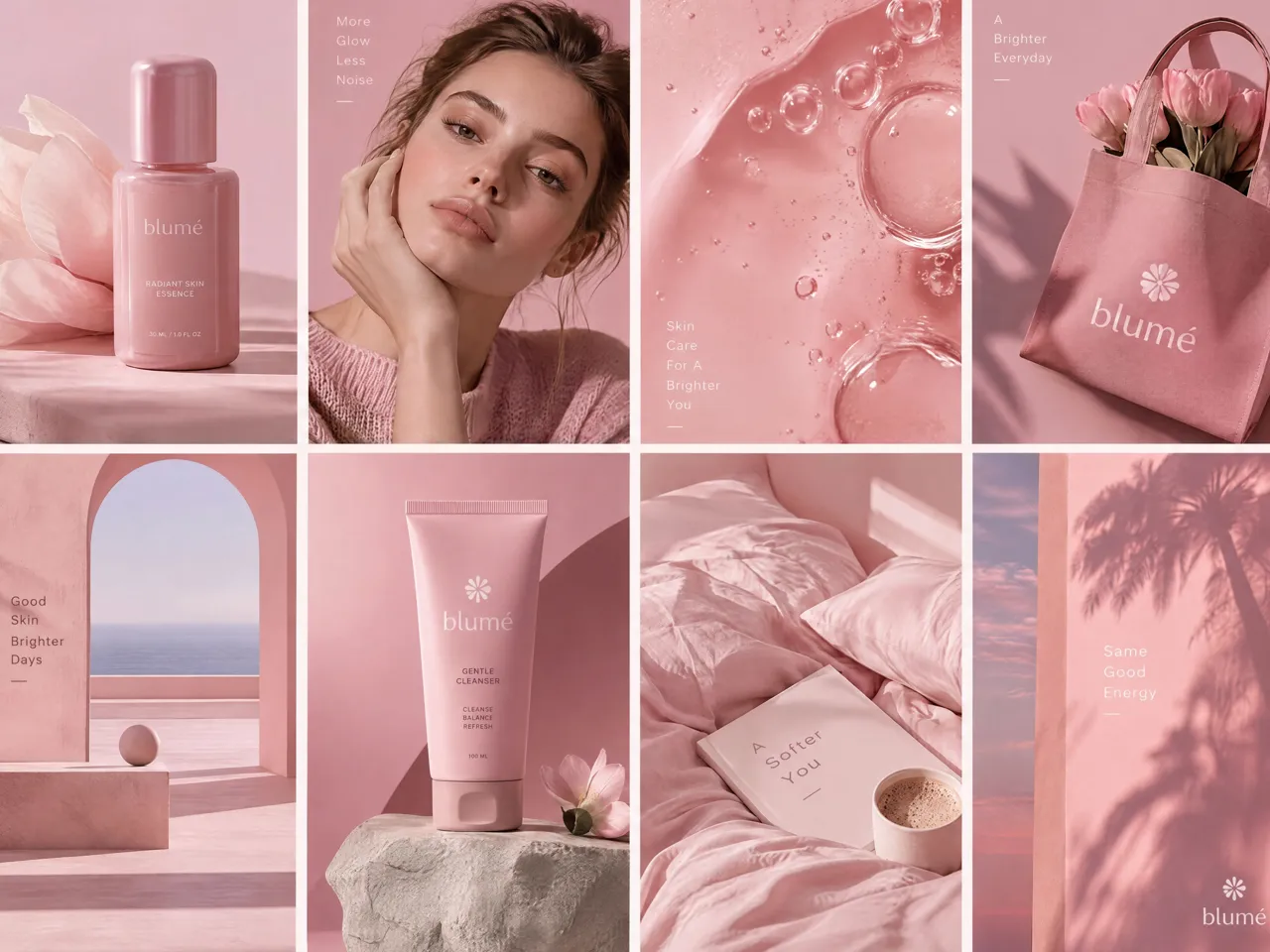
The right pink can change how your product looks across different campaigns. With Designkit, choose a light pink background for editing delicate skincare, beauty packaging, fashion accessories, or lifestyle products, or explore deeper pink tones for bolder promotions. If you're learning how to make a picture pink, adjust the background to complement your product without overpowering its details.
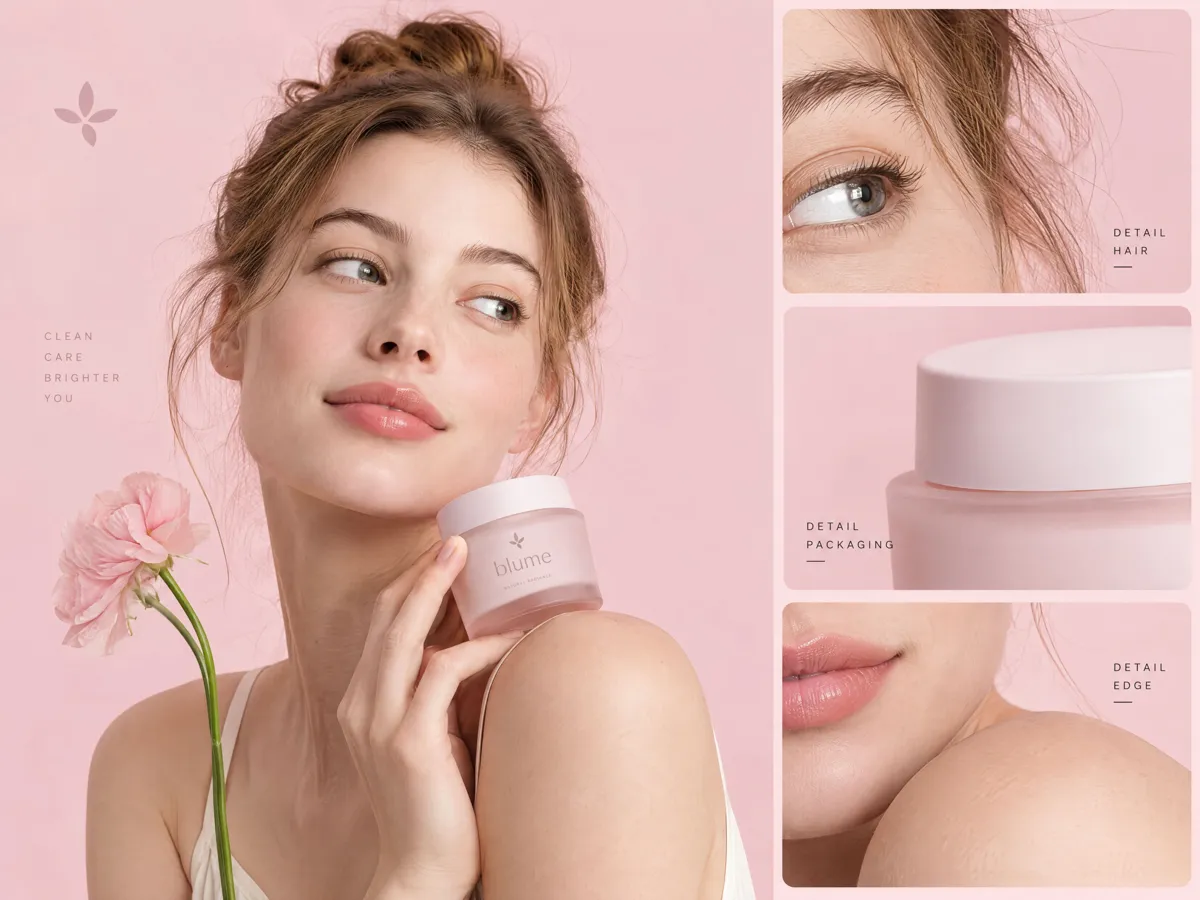
Keep Hair, Edges, and Packaging Clean on Pink
A new background looks convincing only when the subject's edges remain natural. Designkit helps you refine cutouts around loose hair, clothing, and product packaging to reduce distracting halos or leftover background fragments. Whether you're preparing a portrait or catalog image, review the subject against a pink background for edits to create a cleaner composition for its intended use.
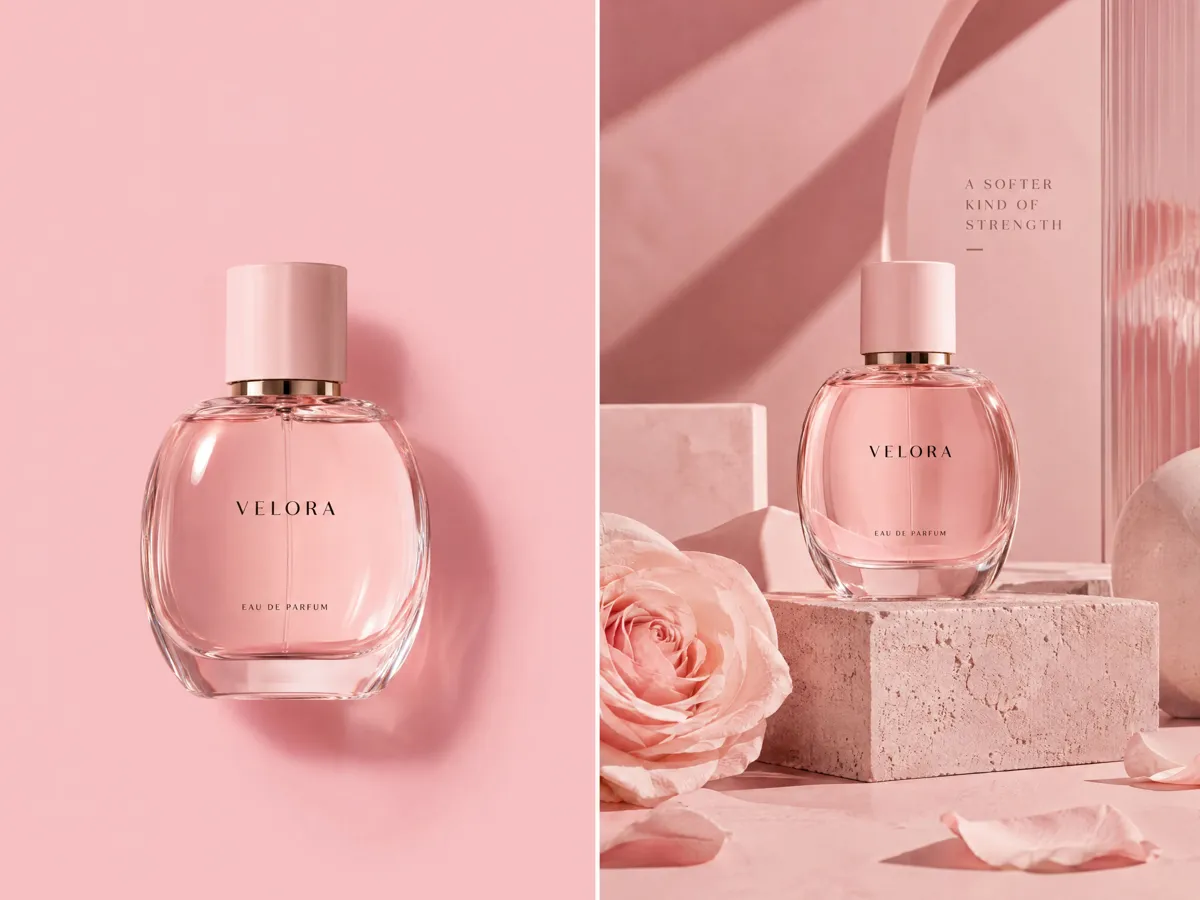
Turn a Plain Pink Backdrop Into a Styled Product Scene
A solid pink backdrop works well for simple listings, but promotional images may need more visual depth. Start with a light pink colour background, then refine the composition with suitable tones and styling that complement your product. For fashion campaigns, explore the AI background changer to create alternative looks while keeping your visual direction aligned with the campaign.
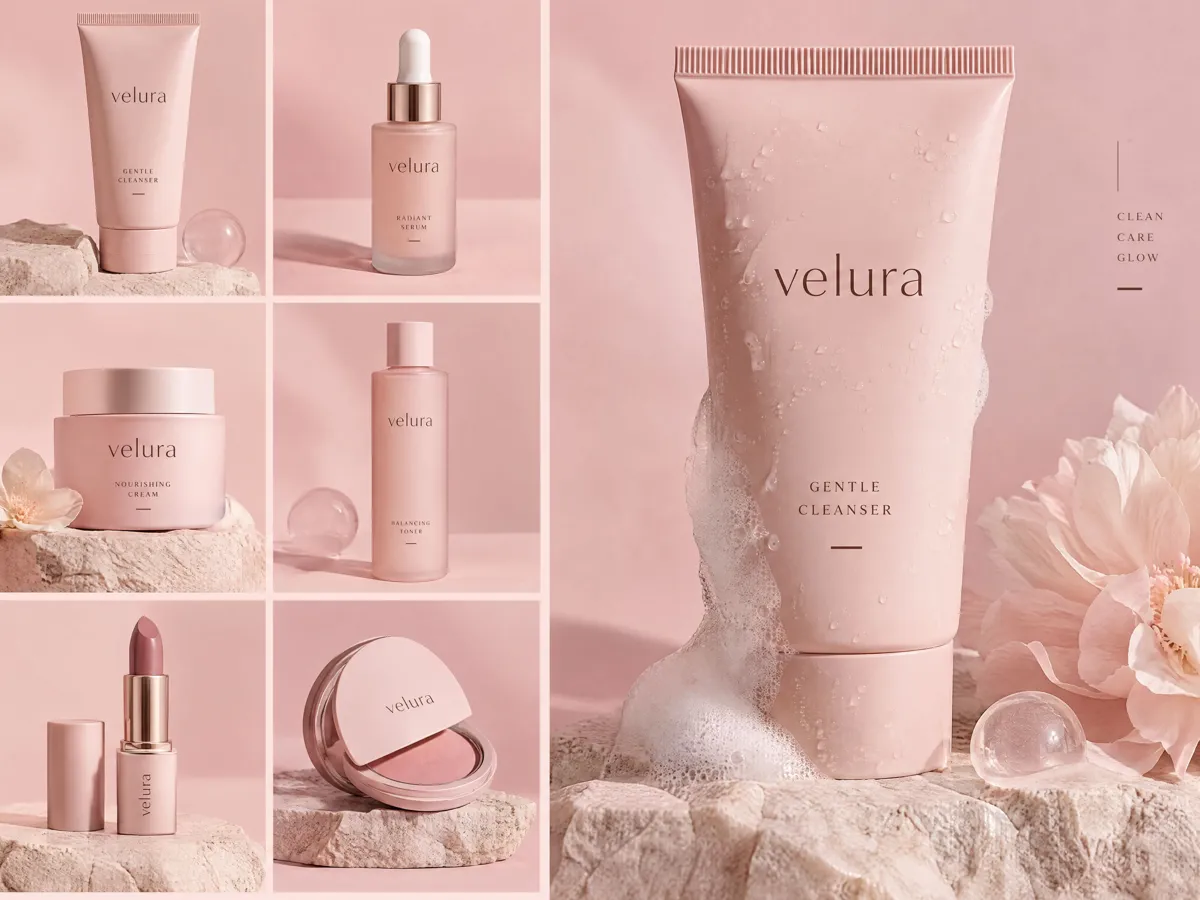
Apply a Consistent Pink Look Across Product Photos
When product photos use different pink tones, your storefront or campaign can feel visually disconnected. Designkit helps you build a repeatable background style by coordinating shades and reviewing each product's lighting, edges, and color balance. Use change background color tool to coordinate product visuals and create a more consistent catalog for e-commerce listings, social media posts, and seasonal promotions.
Where You Can Use Pink Backgrounds
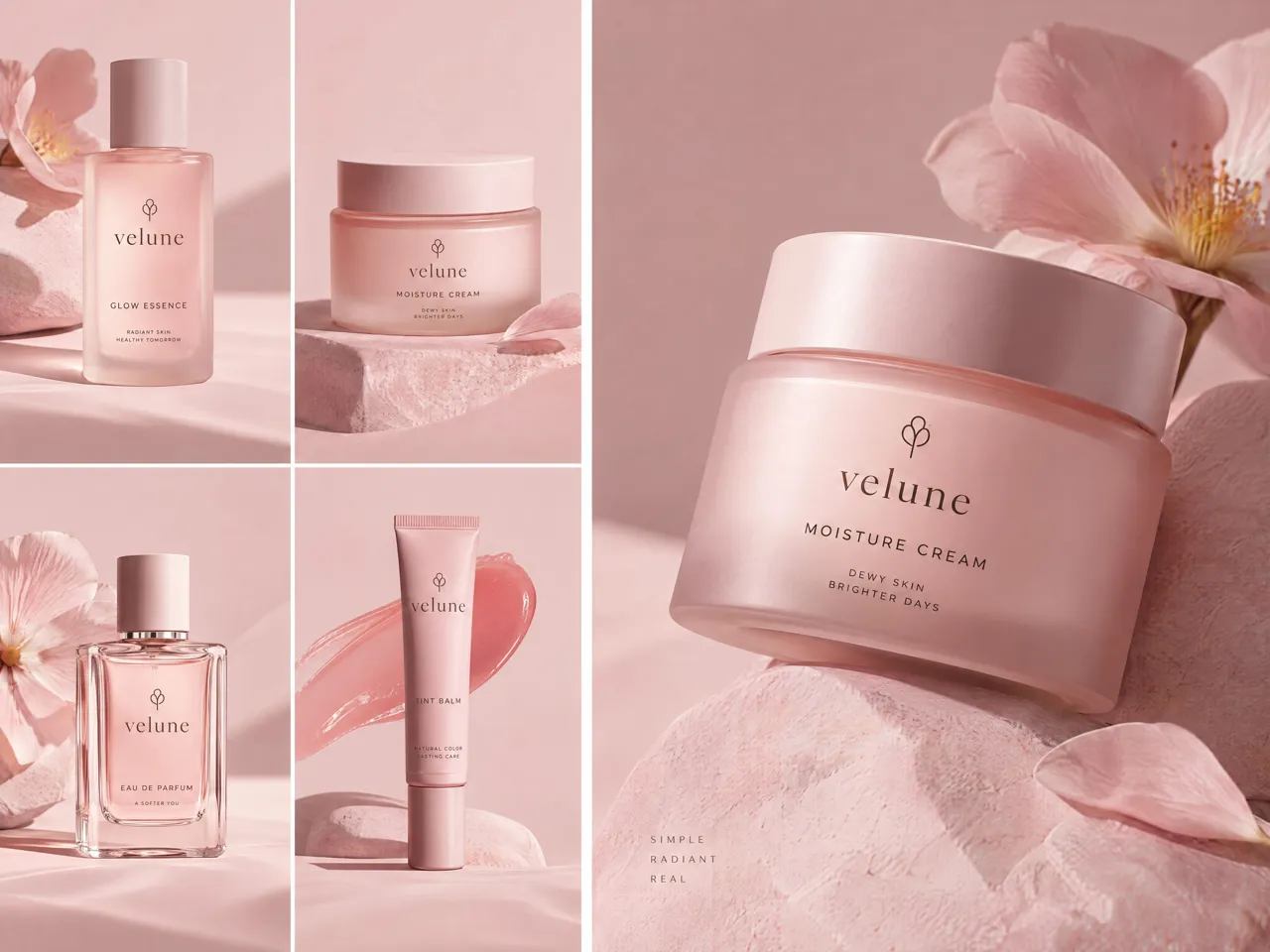
Give Product Listings a Consistent Pink Look
Use Designkit to add a pink background to product photos for Shopify, Etsy, or other online stores. Start with a background remover to isolate your product, then apply a suitable pink shade across your catalog. This helps create coordinated listings while keeping product details visible.
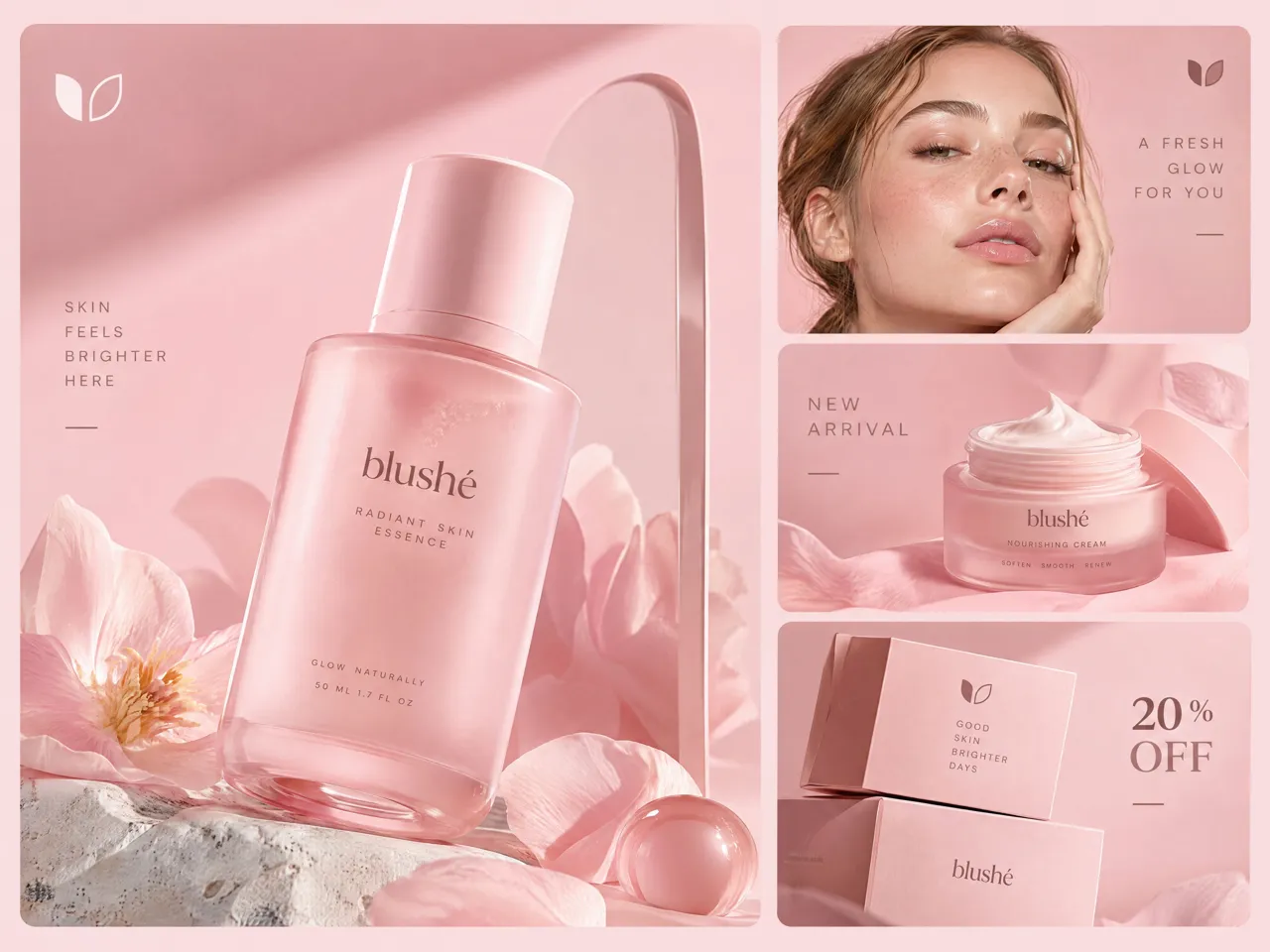
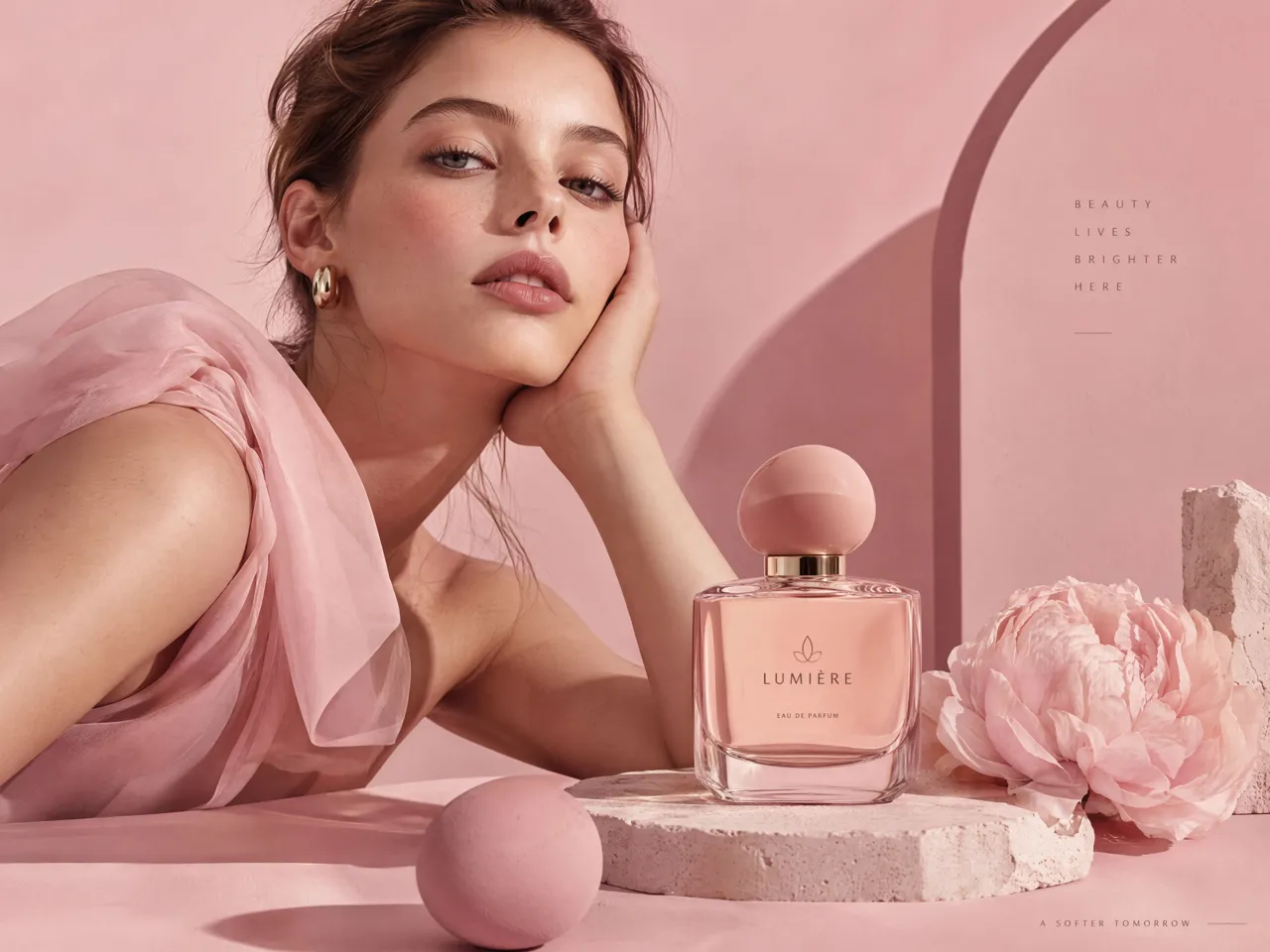
Why Choose Designkit for Pink Background Editing

Spend Less Time Rebuilding Simple Backgrounds by Hand
Use Designkit to replace distracting backdrops with pink in fewer editing steps. Adjust the shade to suit your product without rebuilding the entire composition from scratch.
Reuse Suitable Photos Instead of Reshooting for a New Backdrop
Give existing product photos a fresh look by replacing their backgrounds with pink. Designkit helps you adapt visuals for new campaigns and listings without arranging another photoshoot.
Bring Background Editing Into Your Broader Design Workflow
Edit pink backgrounds for product listings, beauty campaigns, and social posts alongside other creative tasks. Designkit helps keep your visuals aligned with your brand's color palette across channels.
More Tools to Finish Your Image
Change Background Color
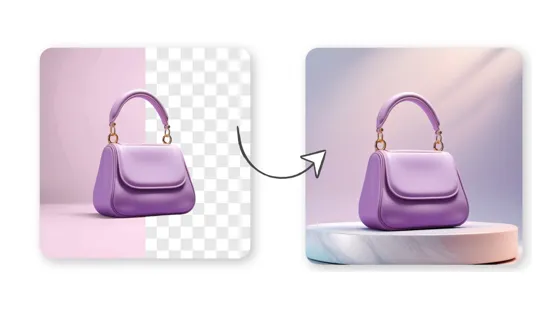
Change Background
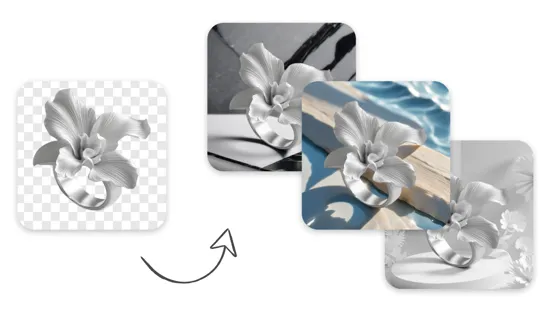
AI Background Generator

Product Background HD
Frequently Asked Questions
How do I add a pink background to a photo online?
Can I add a light pink background for editing product photos?
Yes, a light pink background can complement skincare packaging, cosmetics, jewelry, and fashion accessories without overpowering product details. Designkit lets you replace the original backdrop with a suitable shade, helping you prepare coordinated product photos for online stores, promotional graphics, and seasonal campaigns.
How do I make a picture pink without changing the subject?
To make a picture pink without changing the subject, edit the background rather than applying a pink filter to the entire image. Designkit helps you isolate the main subject and replace its surroundings with pink, preserving the product's original appearance as much as possible. Review edges and colors before using the edited photo.
Can I choose different shades of pink for my background?
Yes, you can choose different pink shades to match your product, lighting, and visual style. A light pink colour background suits soft beauty imagery, while stronger pink tones can create more contrast for promotional graphics. Designkit helps you adapt background colors to your creative direction and campaign requirements.
Will a pink background work for an online store product image?
Yes, a pink background can work for online store product images when it complements the product and meets the marketplace's image requirements. Designkit helps you create consistent product visuals for storefronts and campaigns. Before publishing, check each platform's rules, especially requirements for primary listing images and plain white backgrounds.
How can I keep the same pink background across multiple photos?
To keep the same pink background across multiple photos, reuse a consistent shade and check that lighting, product edges, and color balance remain visually compatible. Designkit helps you coordinate product images around a shared color palette, making it easier to maintain a recognizable look across catalogs, social posts, and marketing campaigns.
Will the pink background look clean around hair and product edges?
A clean pink background depends on accurate subject separation and careful edge refinement. Fine hair, transparent packaging, and intricate product outlines may need extra checking after background replacement. Designkit helps you remove distracting backdrops, but review the final image at full size to spot halos, leftover pixels, or unnatural edges.
Can I download pink background photos for commercial listings?
Yes, you can use downloaded pink-background photos for commercial listings if you have the necessary rights to the original image and comply with the editing tool's terms and the marketplace's policies. Designkit can help prepare product photos for commercial use, but verify applicable licensing, image requirements, and any restrictions before publishing.
Try a Light Pink Background on Your Next Photo
Replace a distracting backdrop, explore the right pink shade, and prepare a cleaner image for your next product listing, portrait, or social post.



How Different Creators Can Use Pink Background Editing
See how users stand out their photos in pink backgrounds with Designkit
I Can Update the Look of a Listing Without Reshooting the Product
Designkit helped me replace distracting backgrounds with a clean pink backdrop while keeping my products front and center. I can give my listings a more consistent look without reshooting every item.
It Helps Our Campaign Visuals Follow the Same Color Direction
With Designkit, I can give campaign visuals a pink background that fits our creative direction, then prepare images for different promotions. It helps our campaign assets feel more connected instead of looking like separate designs.
Pink Gives My Posts a Shared Look Without Making Them Identical
I use Designkit to switch photo backgrounds to pink when I want a more coordinated feed. Being able to update the backdrop without changing the main subject makes it easier to create visuals that fit my content style.
I Highlight Beauty Products With Soft Pink
Designkit helps me choose softer pink backgrounds for skincare and beauty products, so the packaging stays easy to see while the overall image feels more polished. I can explore a different look without changing the product itself. FAQs