
Create Square Podcast Covers From Your Show Brief
Create a square podcast cover from a short show description, then refine the title and look before you download a directory-ready file.
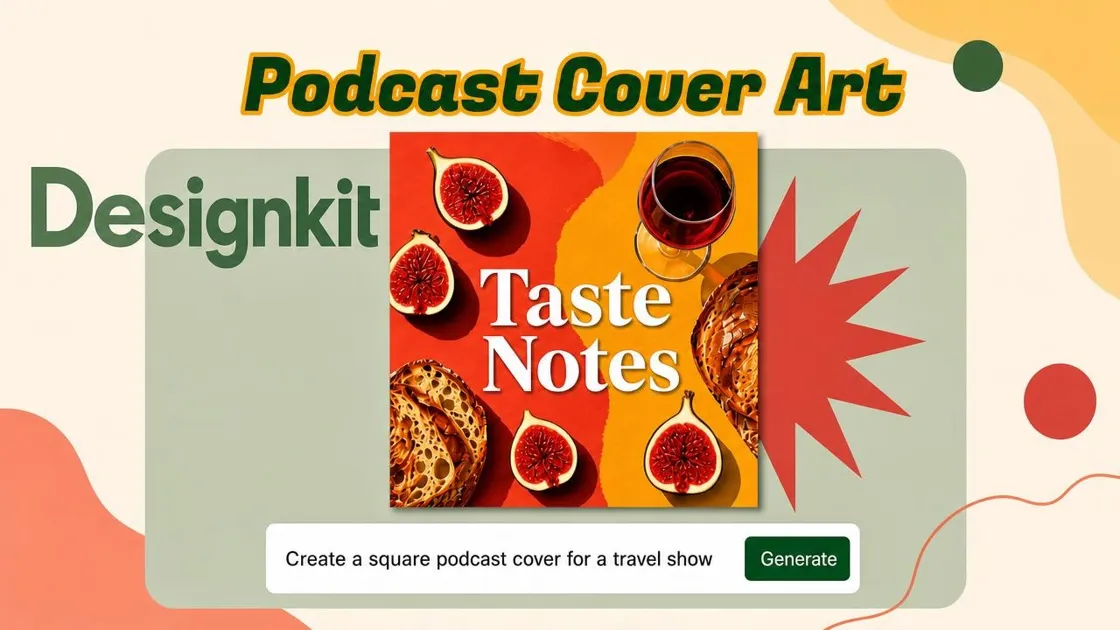
Choose a Podcast Cover Style to Make Your Own
Pick a cover style you like, then add your show title and topic to create a version for your podcast.
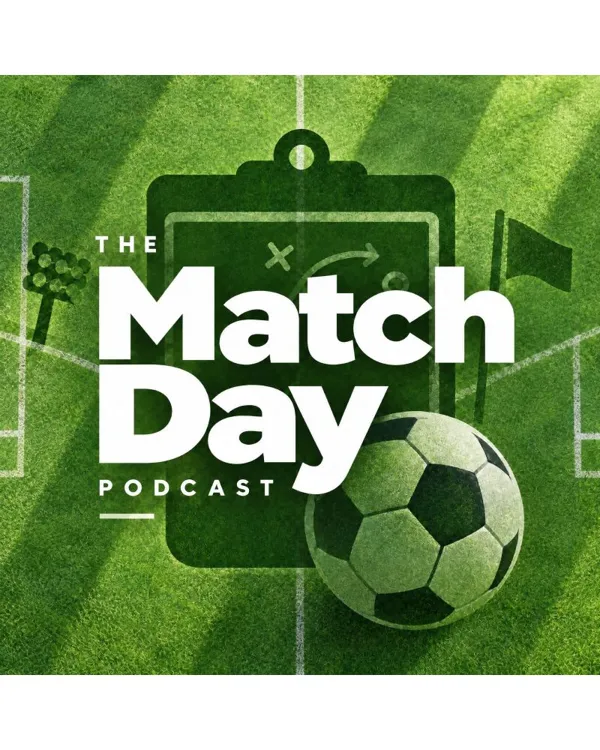
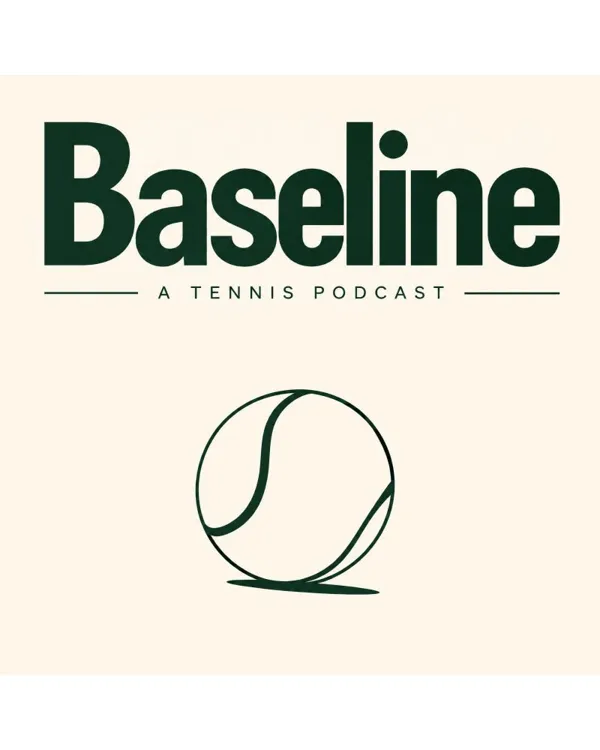
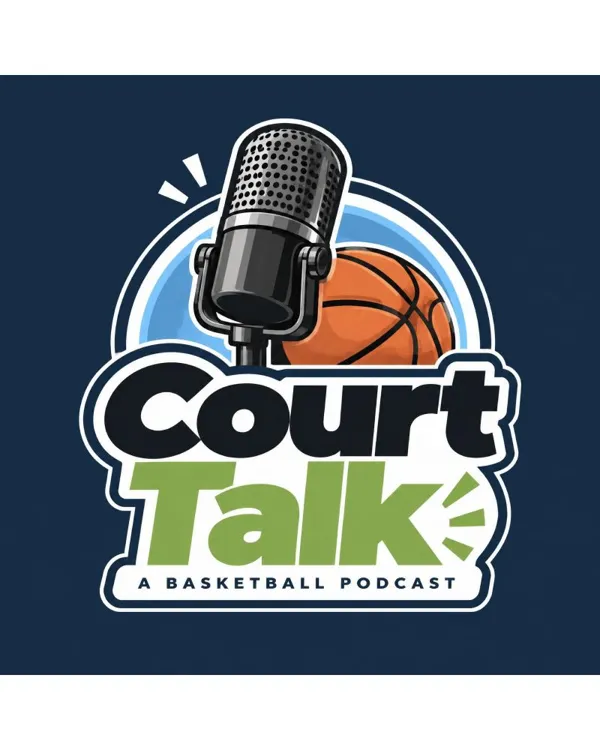
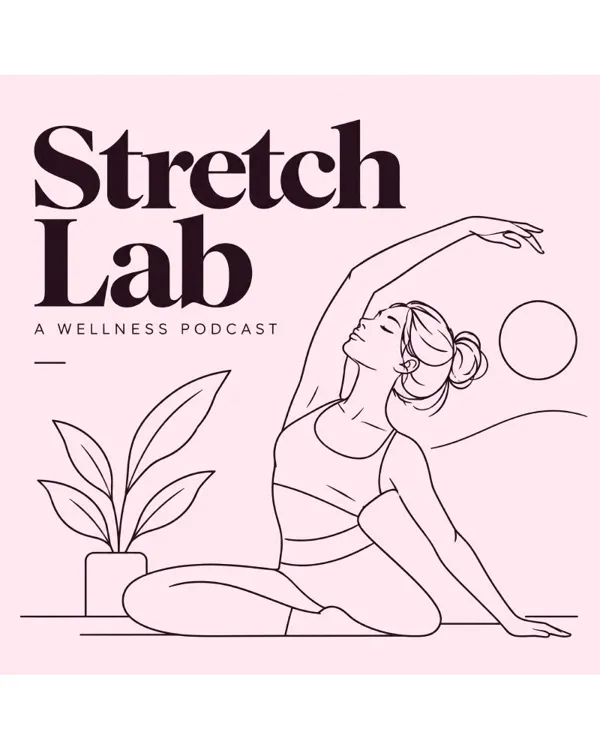
 Fitness
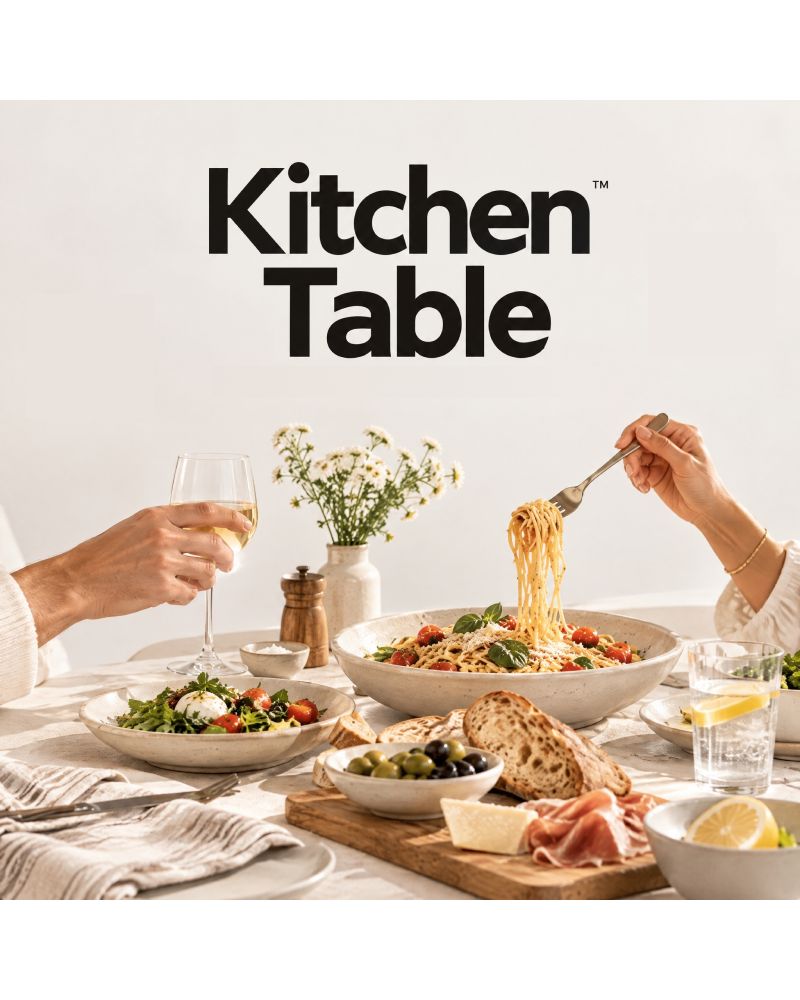 Food
Food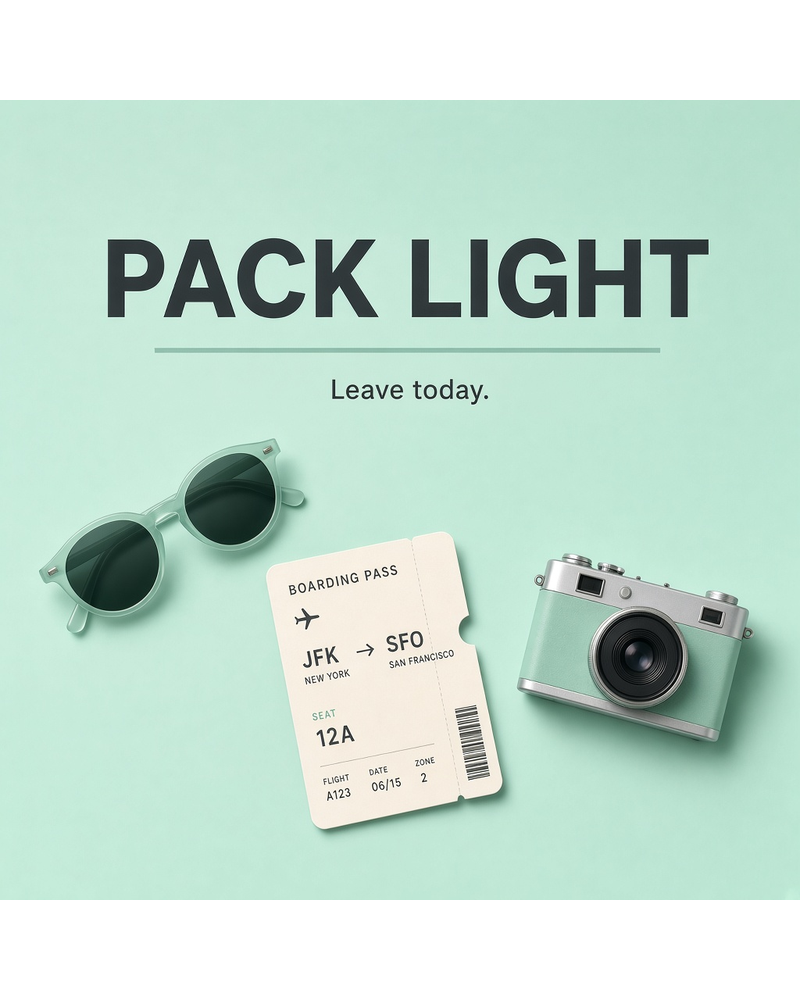 Travel
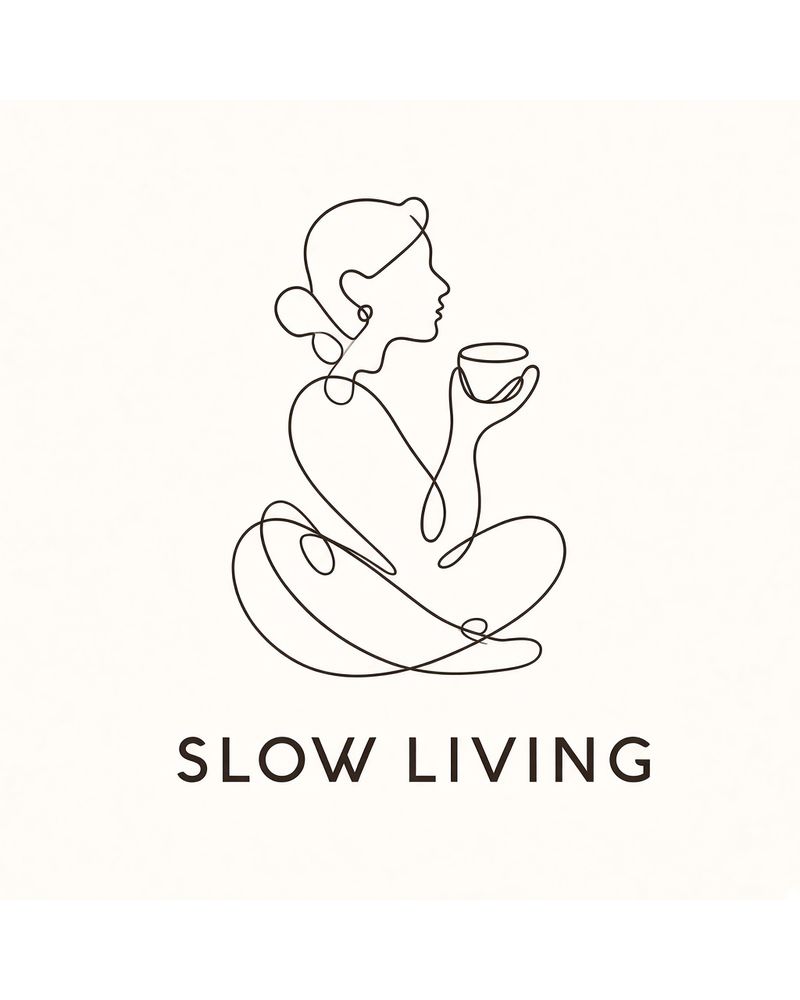 Lifestyle
How to Make a Podcast Cover in 3 Steps
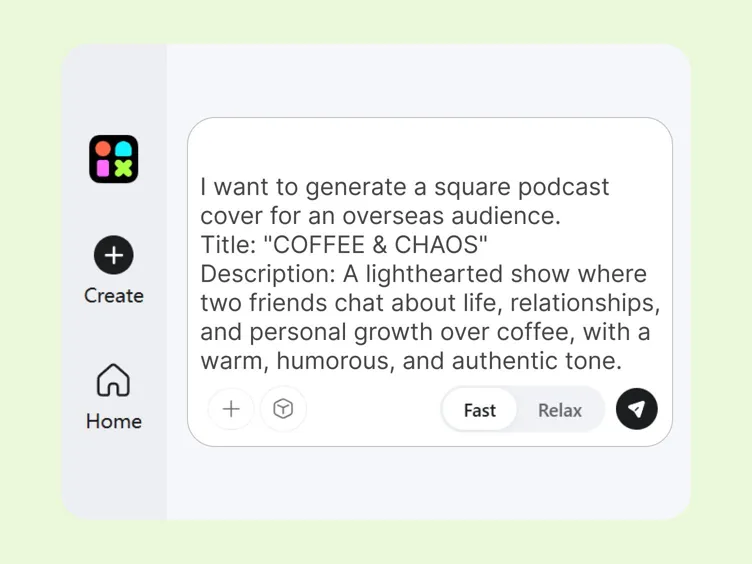
Describe Your Show
Open Designkit and write a short prompt describing your show's topic, tone, audience, and title so the cover matches your podcast's content.
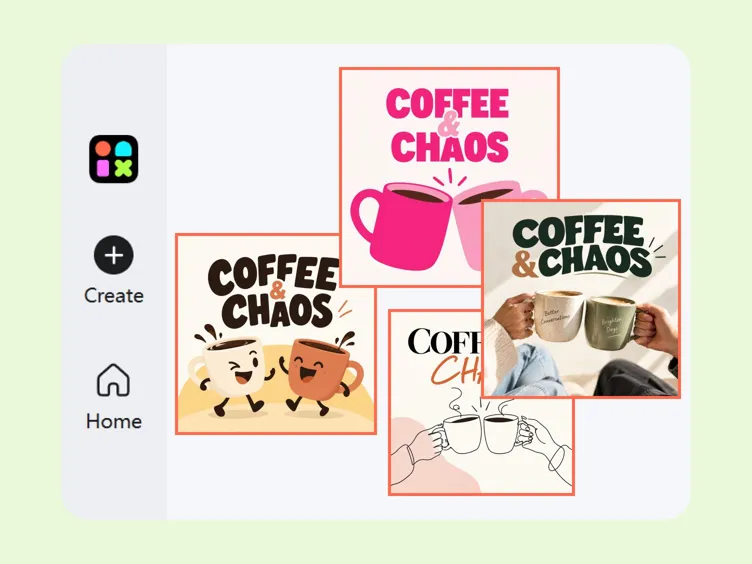
Generate Cover Options
Generate a few square cover options from that description, compare the results side by side, and choose the one that fits your show best.
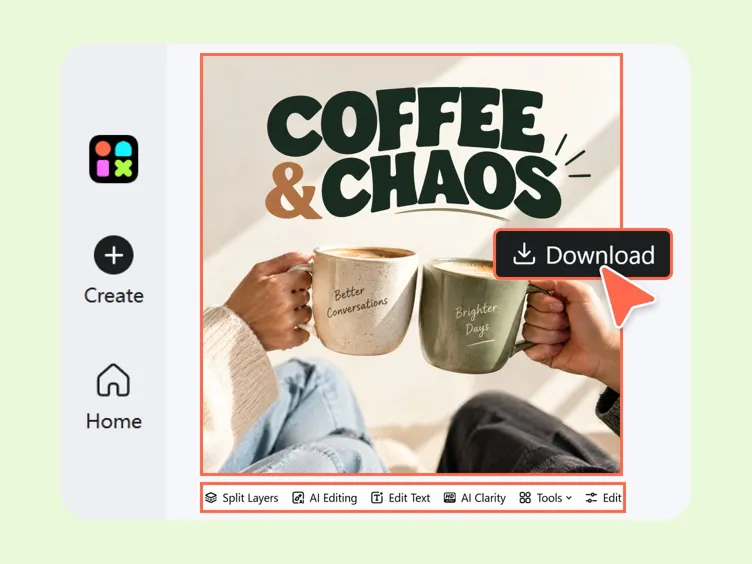
Refine and Download
Adjust the title or colors as needed until the cover looks right in the preview, then download the square image file to use as your podcast cover.
Create and Customize Your Podcast Cover
Keep Titles Readable at Thumbnail Size
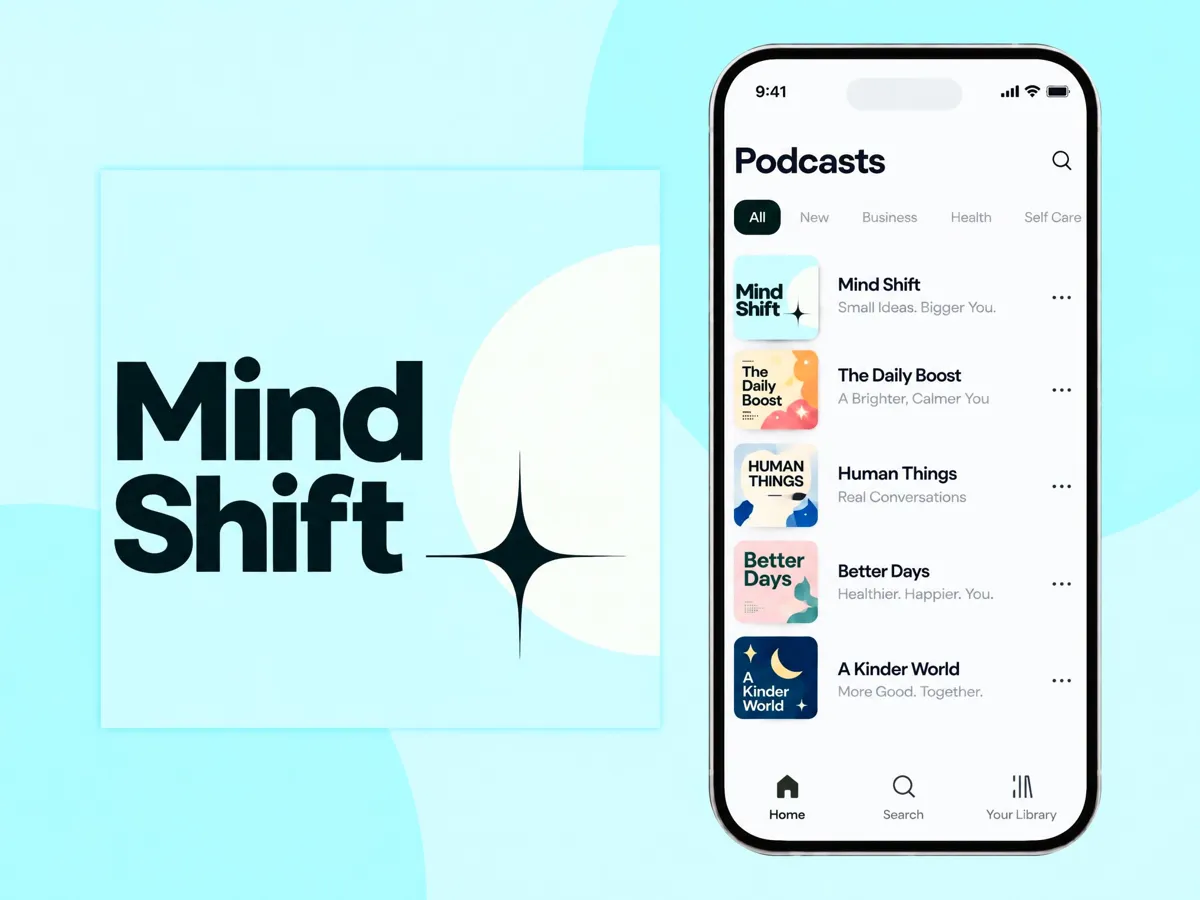
When podcast apps shrink your cover, the show name can get hard to read. Designkit keeps that title large and clear, so listeners can still spot your show while scrolling.
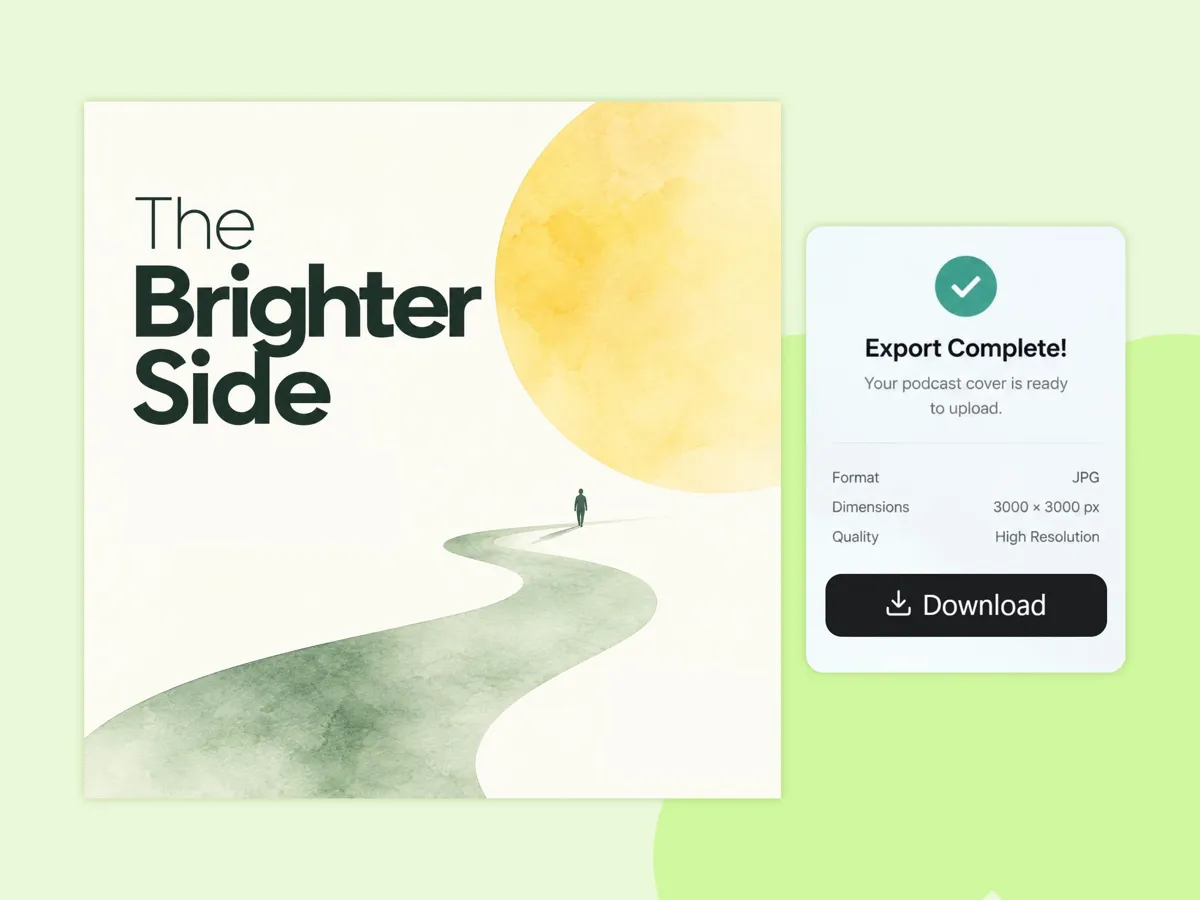
Export Square Covers for Podcast Apps
Your cover stays square and sharp for podcast apps, so you can download a clear, upload-ready file as soon as the layout looks right.
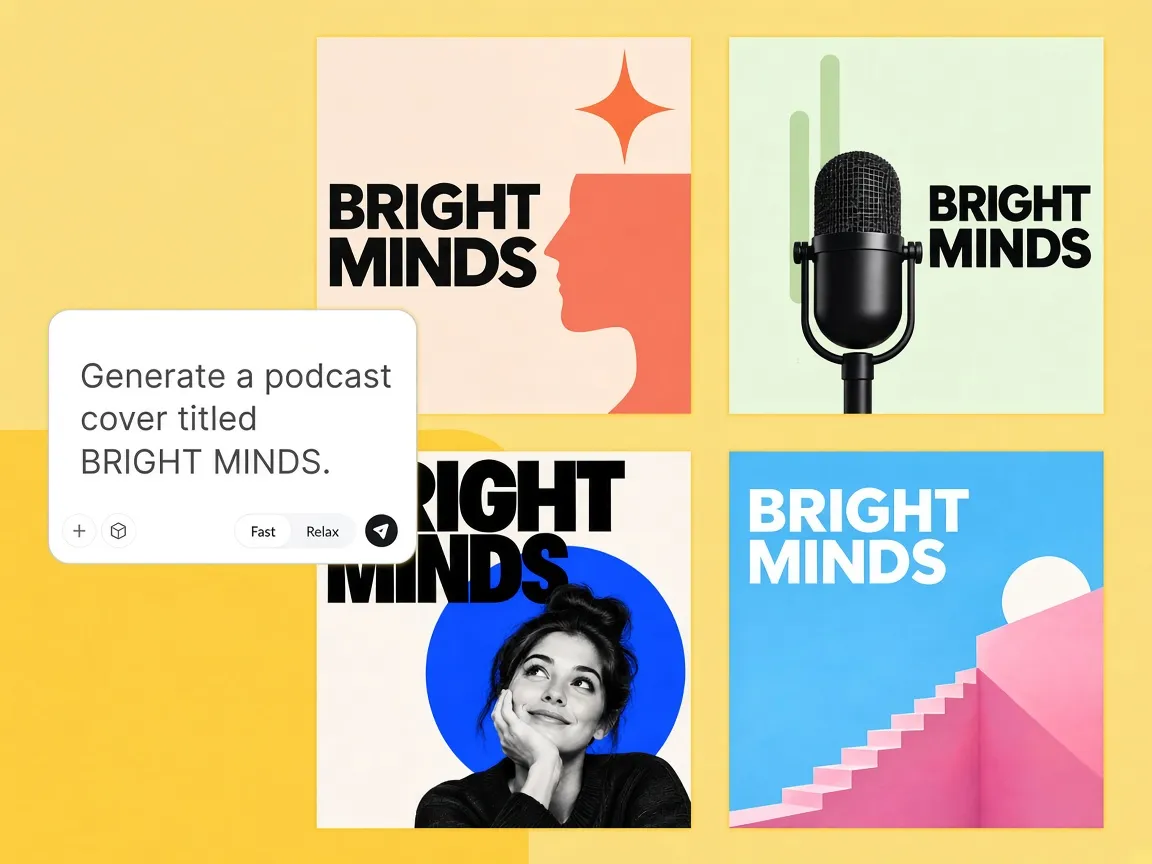
Get Multiple Creative Cover Options
Designkit gives you several different cover looks from one show brief, so you can compare the styles and choose the one that fits your podcast best.
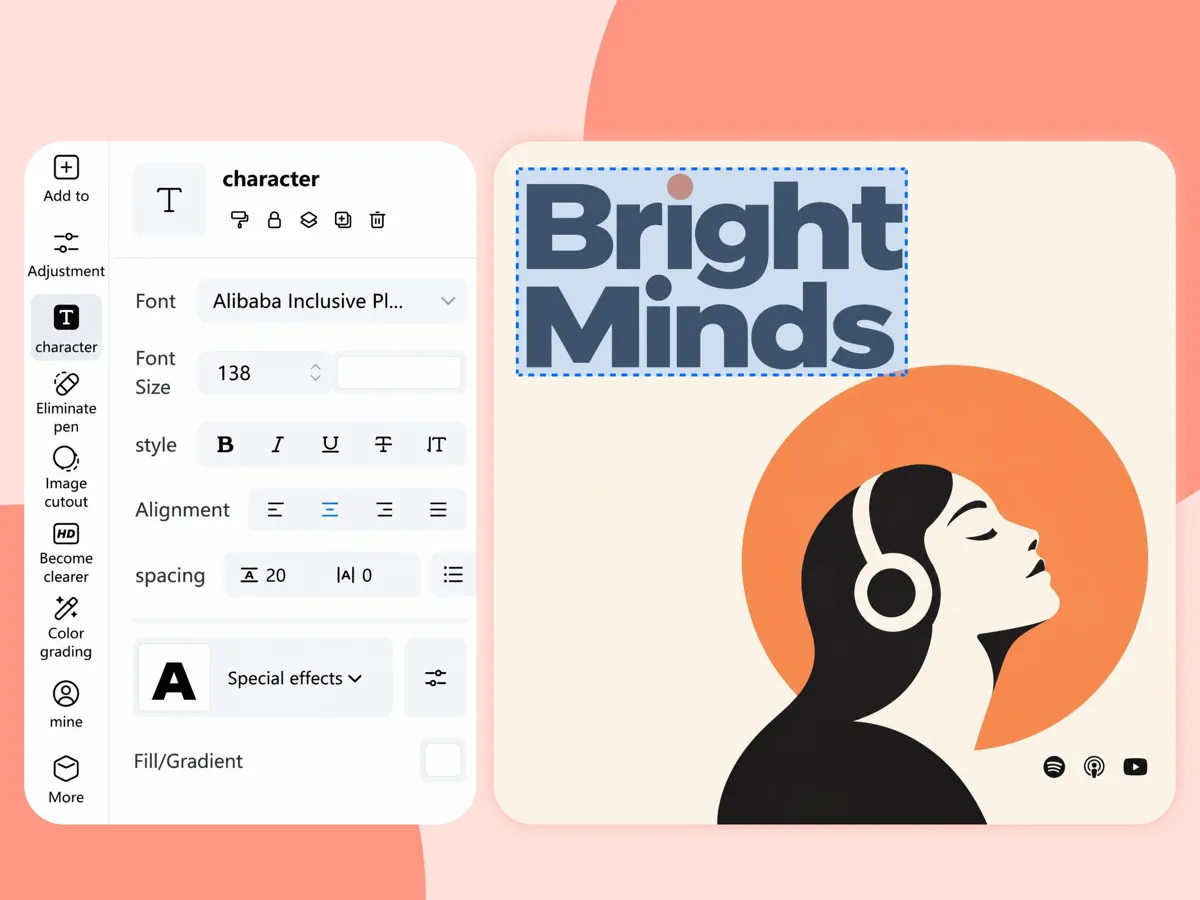
Continue Editing Your Cover in One Place
You can generate the cover, add a host photo, and edit the title in the same workspace, so you do not bounce between separate apps.
Why Choose Designkit for Podcast Covers
Work Directly in Your Browser
Open Designkit, generate your square cover, and download the result in your browser without installing a separate desktop editor.
Try It for Free
Generate your first podcast cover options online for free, with available features and usage limits based on your Designkit plan.
No Design Skills Required
Follow a short prompt-to-cover flow and get a usable show cover, even if you have never used a design tool before.
Unlock More Features Beyond Podcast Covers
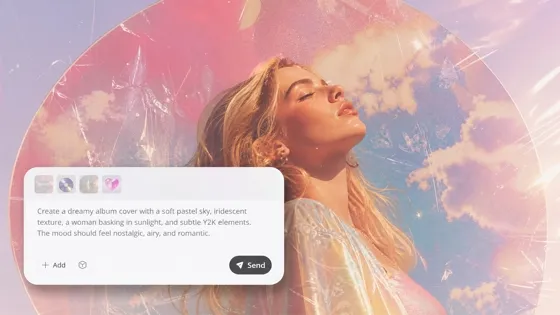
Album Cover Maker
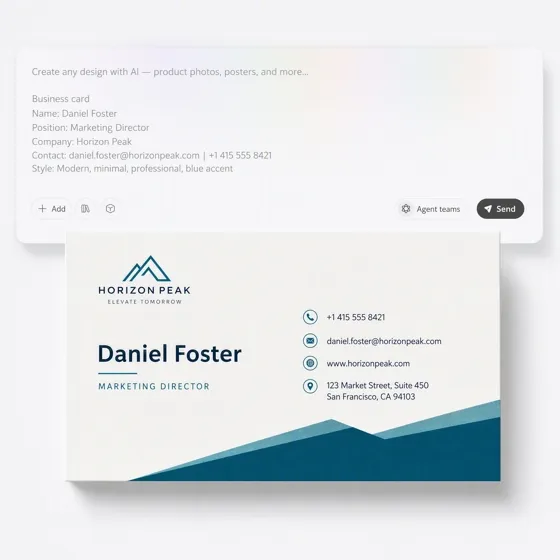
Business Card Maker
ID Card Maker
Image to Emoji
Image to Image AI
Portrait Generator
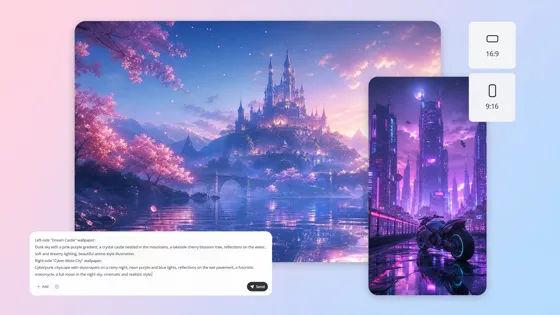
Wallpaper Generator
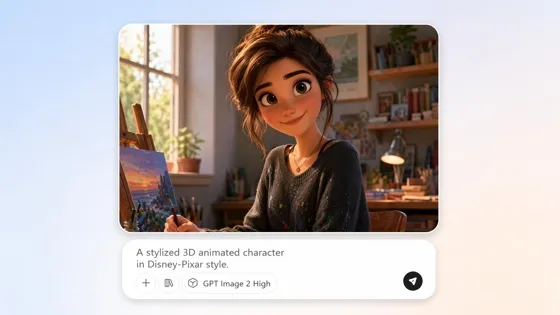
Cartoon Character Maker
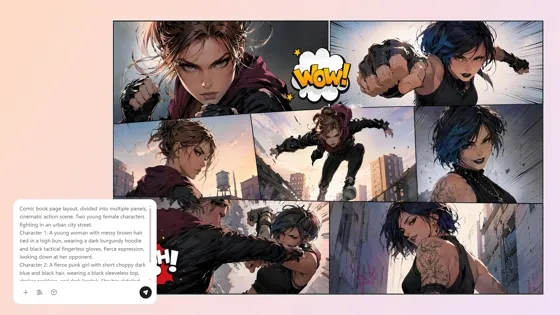
Comic Generator
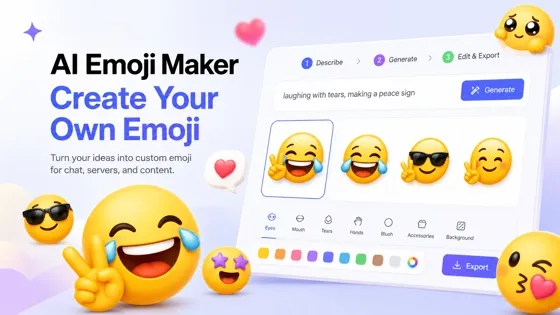
Custom Emoji Maker
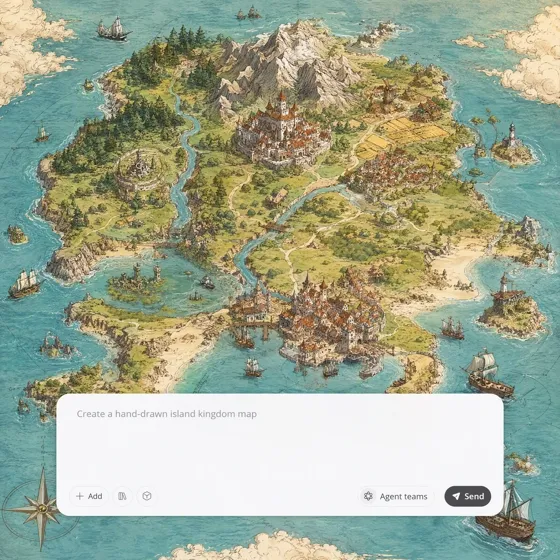
Fantasy Map Generator
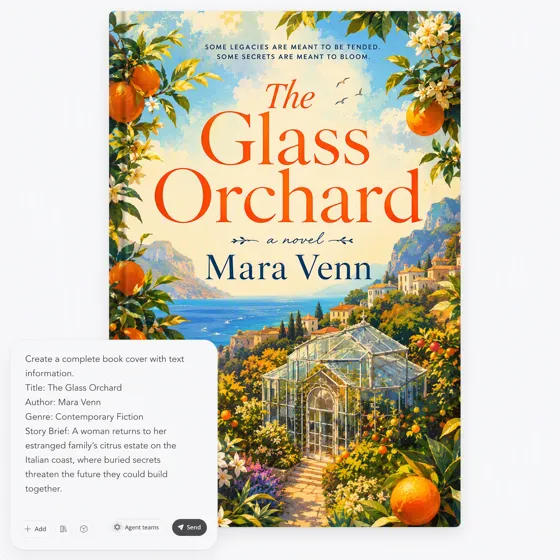
Book Cover Generator
Frequently Asked Questions
What size should a podcast cover be?
Can I change the cover after I generate it?
Yes. Keep the option you like, then adjust the title, colors, or host photo in the same session before you download.
What file format do podcast directories accept?
JPG or PNG in RGB is standard. Keep the file square. Apple often prefers keeping the upload under about 500KB, so start from a sharp master and compress carefully if your host enforces a limit.
Can I put a host photo on the cover?
Yes. Upload a clear photo you own or have permission to use, then place it in the same cover session as the title. Check that the face stays recognizable when the image is small.
How is this different from a Canva template?
A template starts from a shared layout. Designkit starts from your show description or photo and gives you original square options to refine.
Is Designkit free to try for podcast covers?
Yes. You can try making a podcast cover online for free. Available features and usage limits may depend on the account or plan shown in the product.
Create a Directory-Ready Podcast Cover
Describe your show, generate square cover options, and download the file when the thumbnail looks clear.



What Podcasters Say About Covers With Designkit
Creators use Designkit when they need square covers that stay clear in podcast apps.
I Can Spot My Show Name While Scrolling
My old cover looked fine when it was big, but the name got fuzzy when it was small. In Designkit I made the title bigger, cleaned the layout, and checked the small preview before I downloaded. Now I can find my show while scrolling.
Our Cover Finally Looks Like Us
Our old cover looked like every other interview show. I told Designkit our tone and guest style, made a few square options, and picked the one that felt like us. The new cover no longer looks like a shared template.
We Got Both Hosts on the Cover Ourselves
We wanted both of us on the cover, but waiting on a designer every season was too slow. I uploaded our photos in Designkit, cleaned them up, and kept the same title style. We can update the cover ourselves when the season changes.
I Downloaded a Cover Ready to Upload
I used to finish a cover and then scramble to resize it before upload. In Designkit I exported a clear square file once the title looked right. It was perfectly sized. I could upload it to my podcast host right away.
My Episode Covers Finally Feel Like One Show
I needed different episode looks that still felt like the same show. In Designkit I kept the same colors and title style, then only changed the main image for each topic. The feed still looks like one series.