
ID Card Maker for Reviewable Card Drafts
Add names, roles, photos, and logos, then describe the layout. Generate a structured card draft you can check with free credits before printing or sharing.
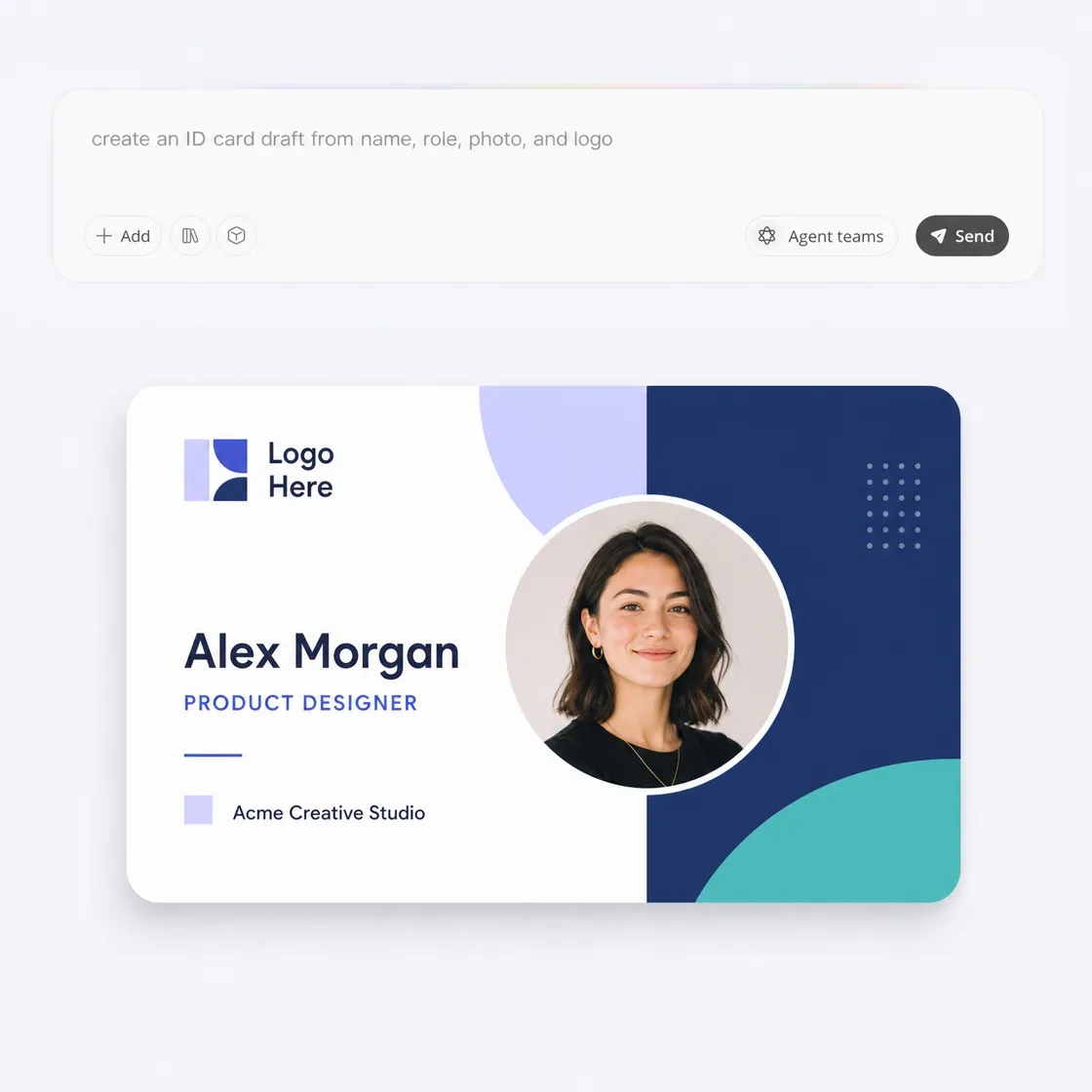
Browse ID Card Ideas for Different Uses
Use these examples as starting points for your own card details, then replace the name, role, organization, colors, and photo style to match the card you need.
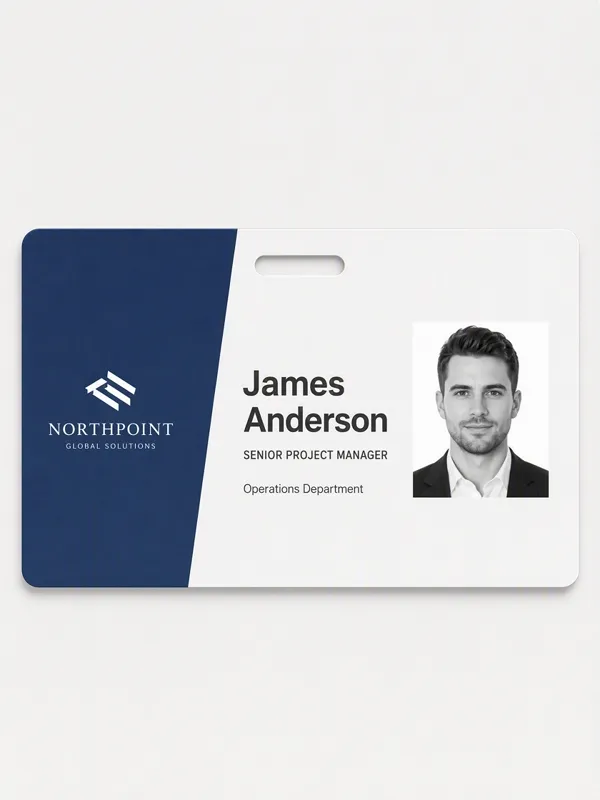
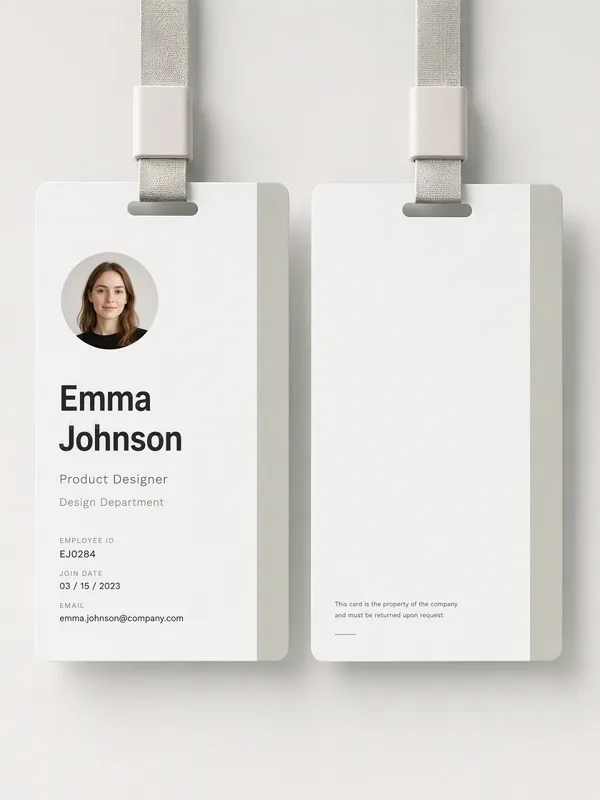
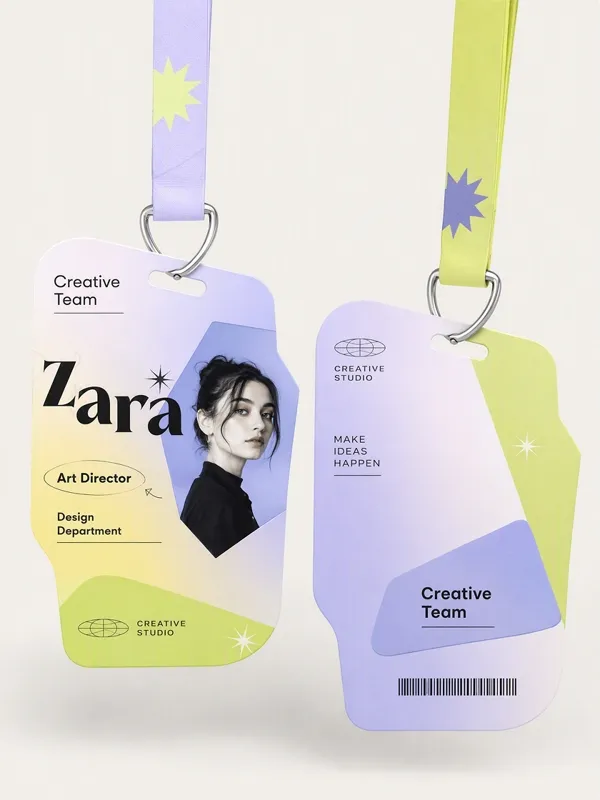

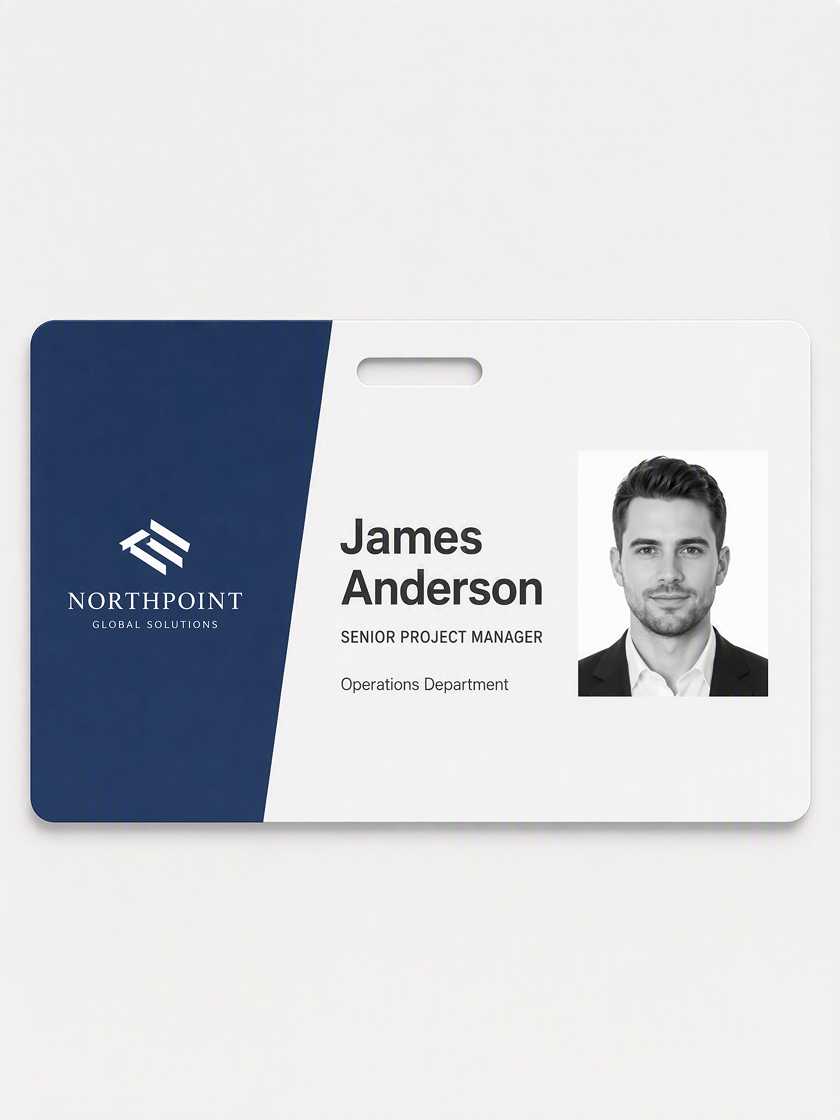 Employee ID Cards
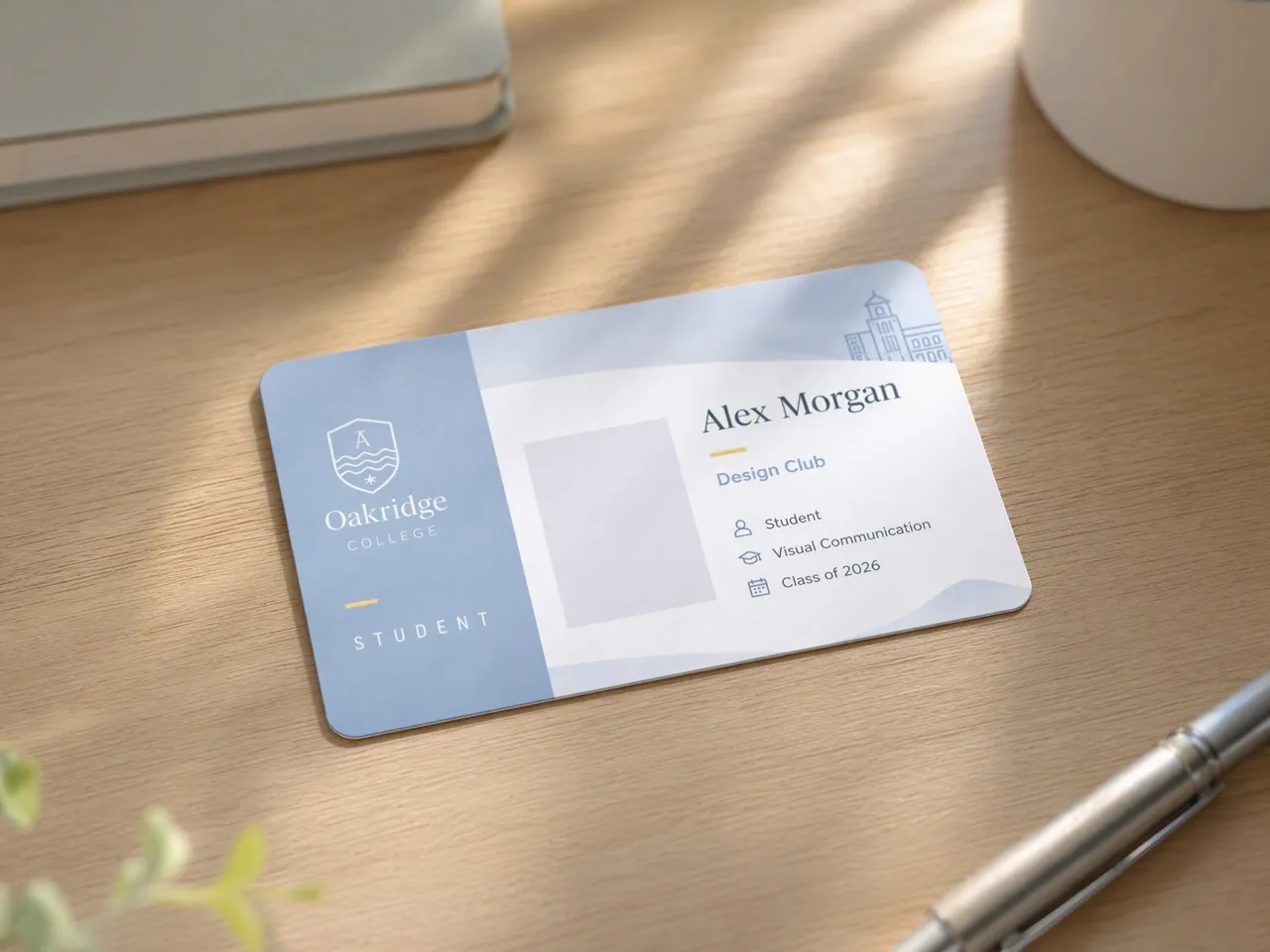
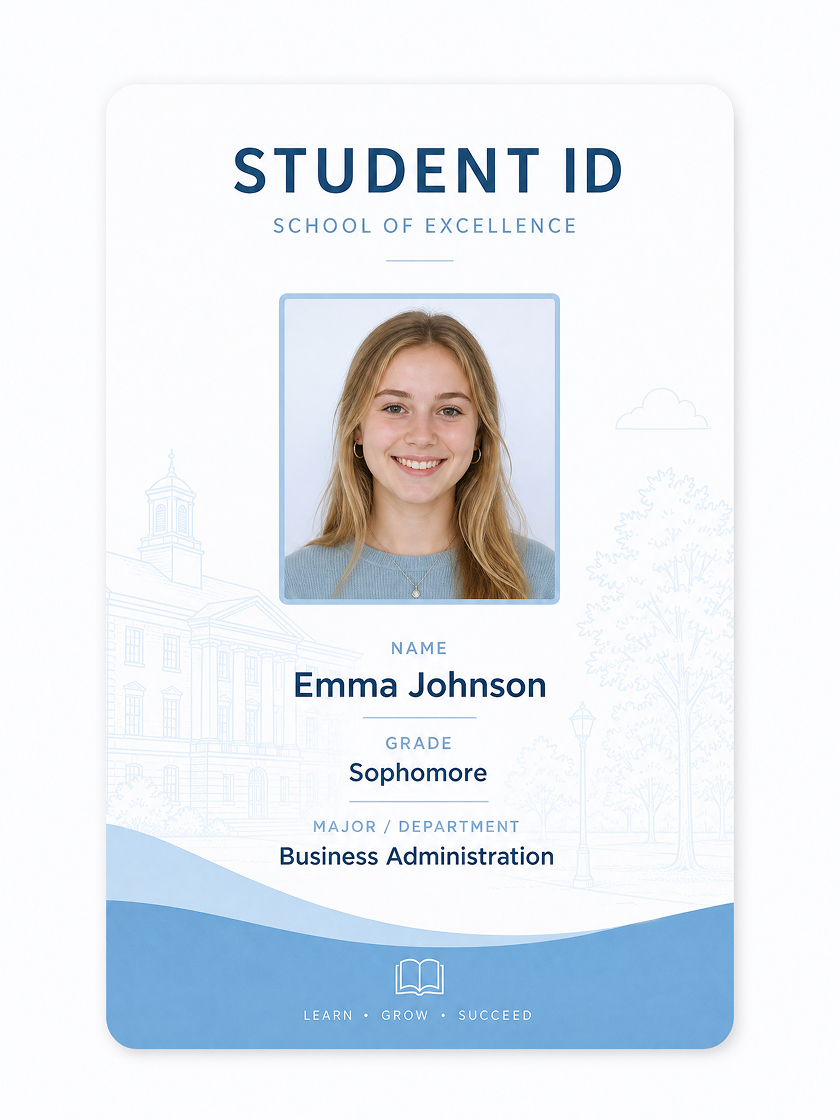 Student ID Cards
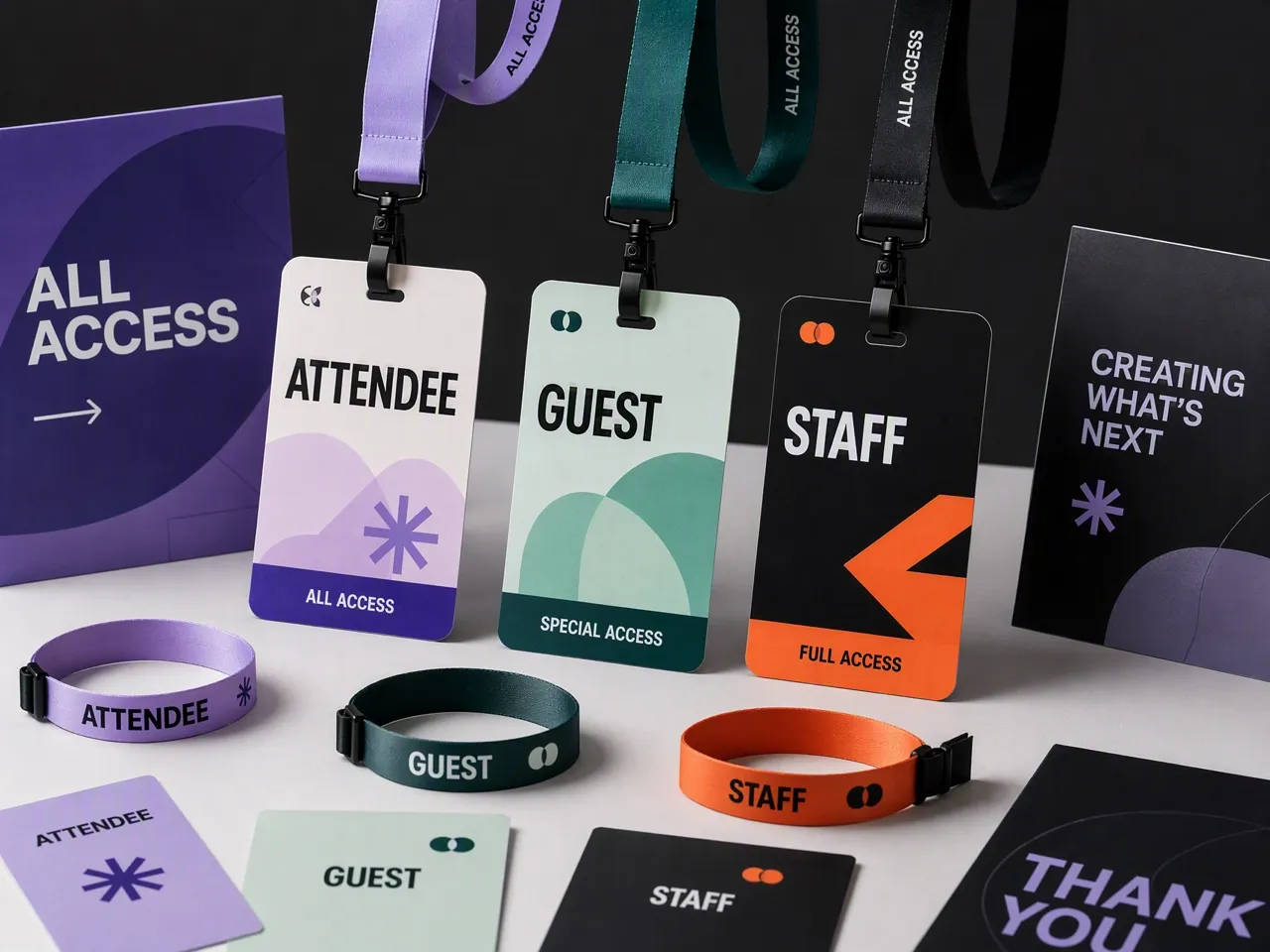
 Event Passes
 Membership Cards
How to Draft an ID Card in 3 Steps with Designkit
Add Fields
Review names, titles, spacing, and hierarchy, then refine and export the card for final use.
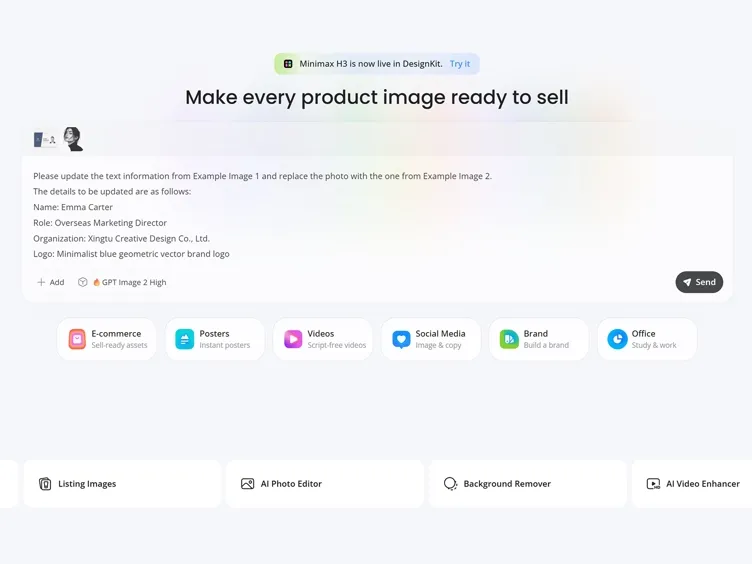
Generate the Draft
Describe the card type, layout style, and color direction so Designkit can create the first version.
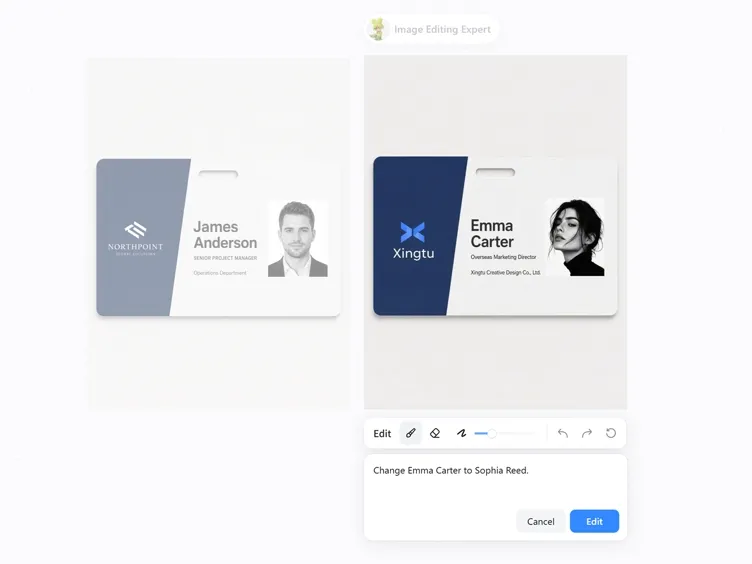
Check and Export
Review names, titles, spacing, and hierarchy, then refine and export the card for final use.
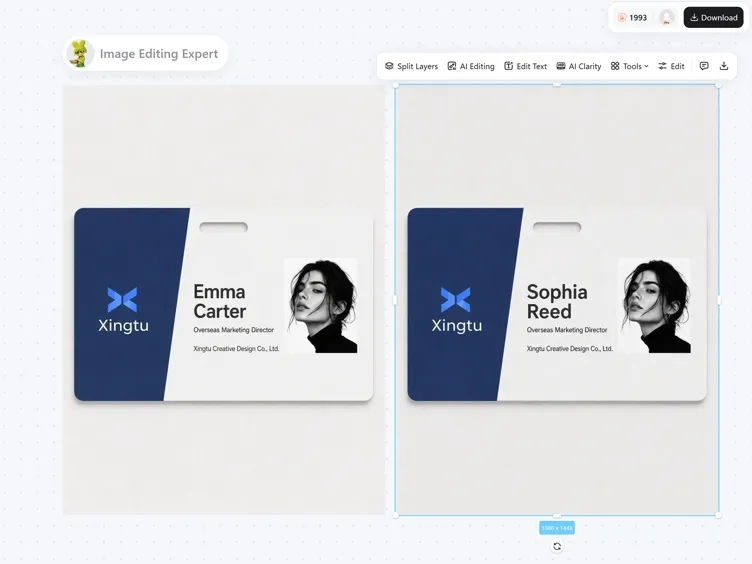
Make Card Details Clear Before Final Use
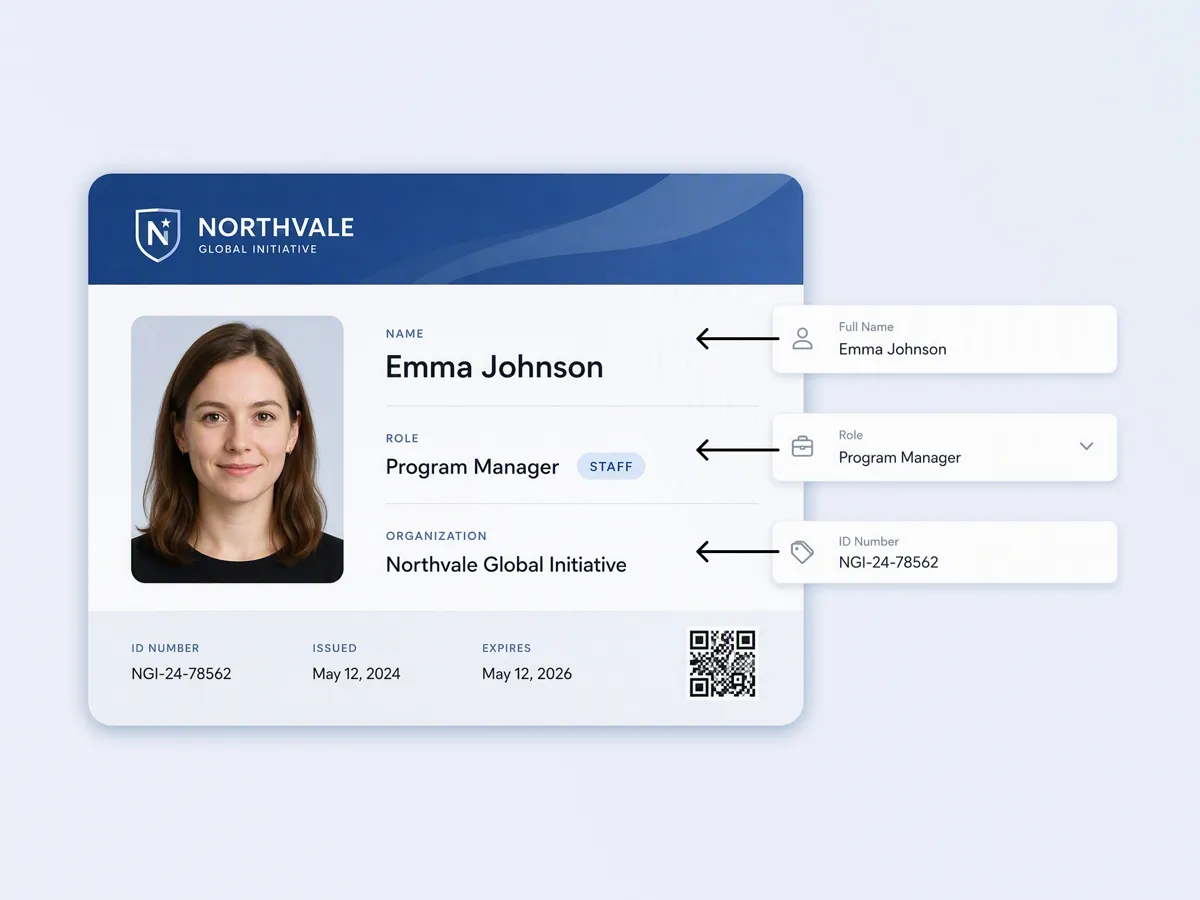
Shape the First Card Structure
A list of fields is hard to judge until it has a layout. Describe the card purpose, required text, and style direction so Designkit can arrange the supplied details into a card draft with a readable structure.

Set a Clear Reading Order
Small cards can become crowded when names, roles, departments, and labels compete for attention. Designkit helps organize the hierarchy so the most important information leads and supporting details stay easy to scan.
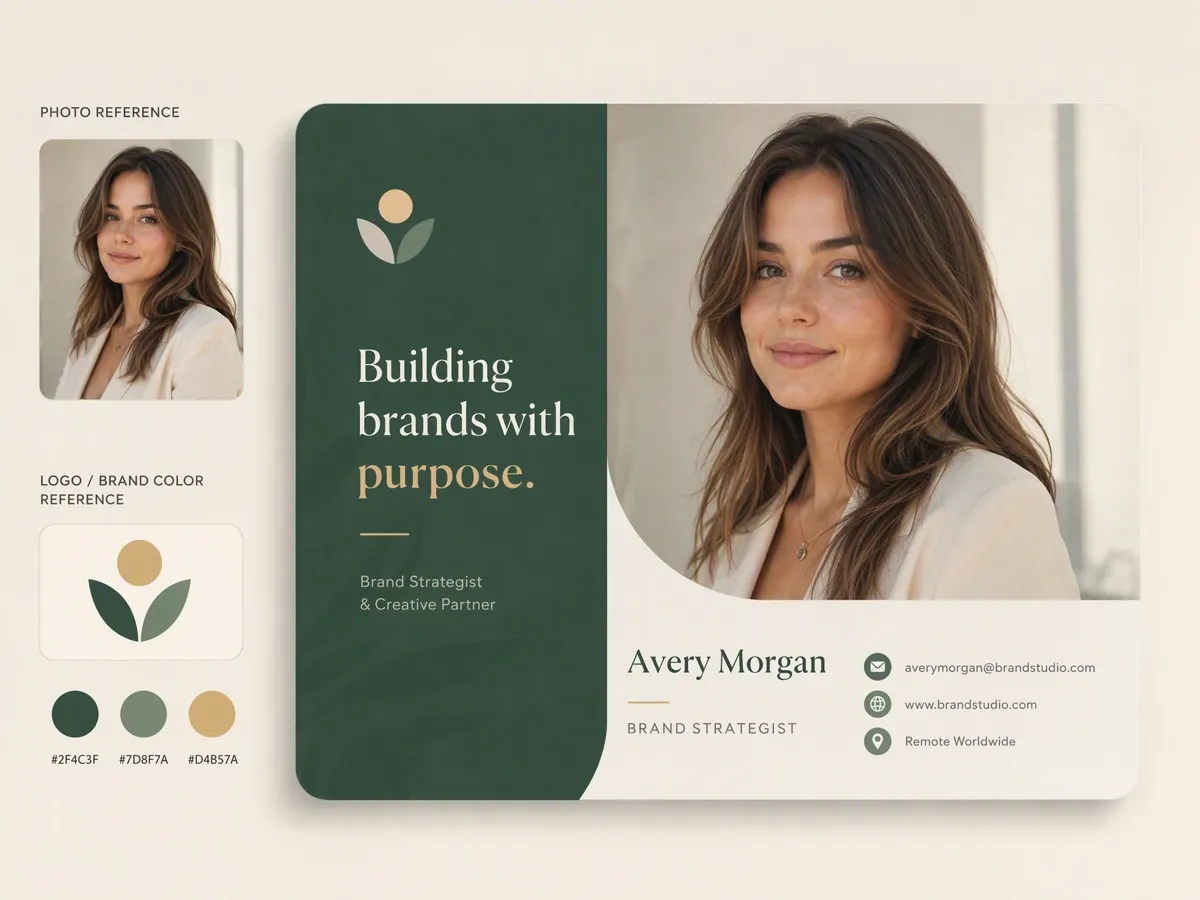
Guide the Design with References
A portrait or logo can make the card feel connected to a real person, team, school, or group. Add references when the draft should carry a specific identity instead of looking like a generic sample card.
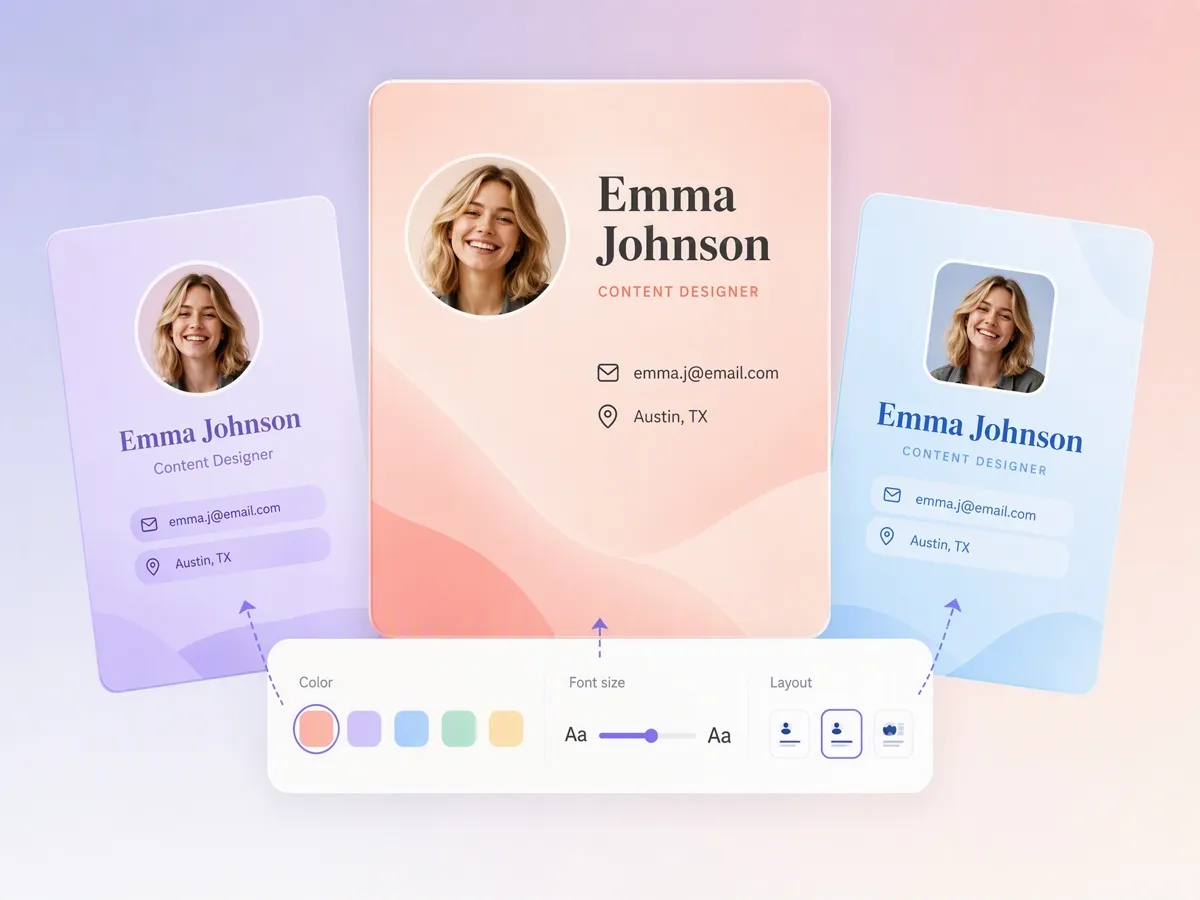
Refine Text and Spacing
Short labels, tiny numbers, and tight spacing can make an ID card look unfinished. Use follow-up instructions to adjust wording, alignment, field placement, and visual balance before the card moves forward.
Create ID Cards for Work, School, Events, and Groups
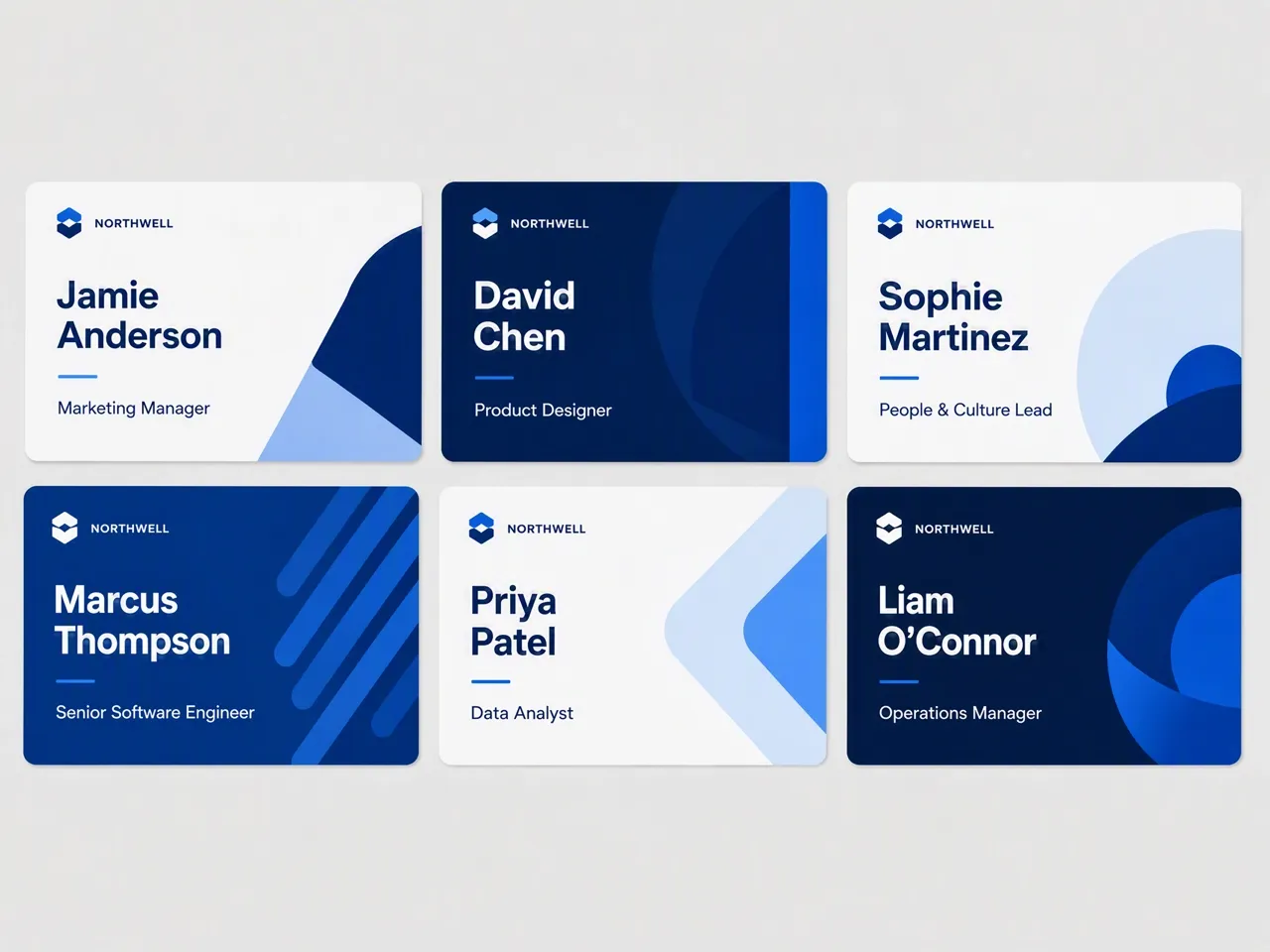
Prepare Staff Cards for Internal Review
Create employee ID card drafts with names, job titles, departments, and company styling. The draft gives operations or HR teams a clearer design direction to review before ordering printed materials.

Why Choose Designkit for ID Card Making

Start with Free Credits
Free credits let you test a card direction before spending more time on extra versions or production planning.

Cover Related Card Needs
One creative flow can support staff cards, student IDs, visitor passes, badges, and memberships.

Plan Before Production
A visual draft makes the card easier to check before printing, ordering, or sharing it with others.
Unlock More Creative Possibilities

Free AI Image Generator from Text or Photo

AI Action Figure Generator: Create Toy Figures in Any Style

AI Art Generator: Create Art From Text, Photos, and References
AI Album Cover Maker: Create Custom Music Cover Art
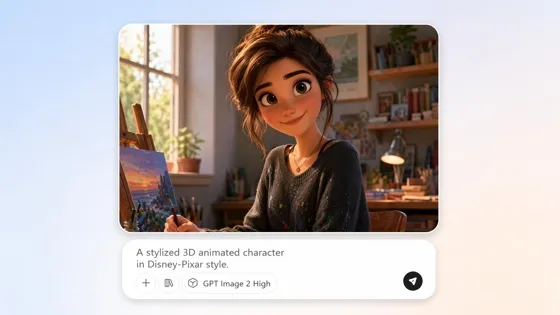
AI Cartoon Character Maker: Create Custom Cartoon Characters

AI Human Generator: Create Realistic AI People Without Photoshoots

AI Icon Generator: Make Custom Icon Sets Online

AI Pet Portrait Generator from Photo
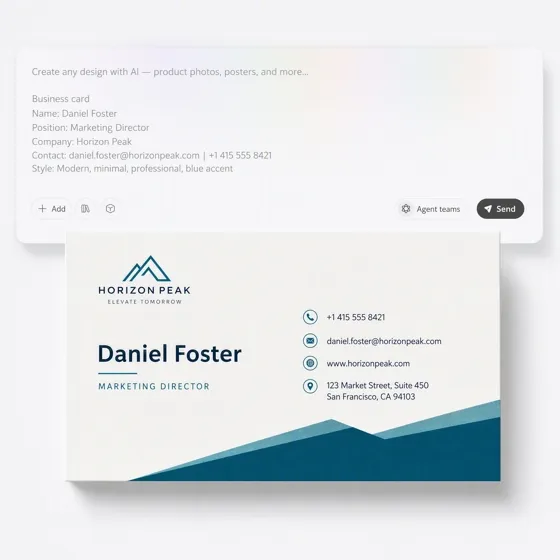
AI Business Card Generator: From Brief to Card
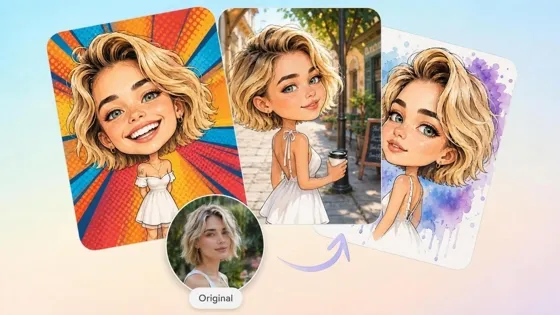
AI Caricature Generator: Turn Photos into Funny Caricatures
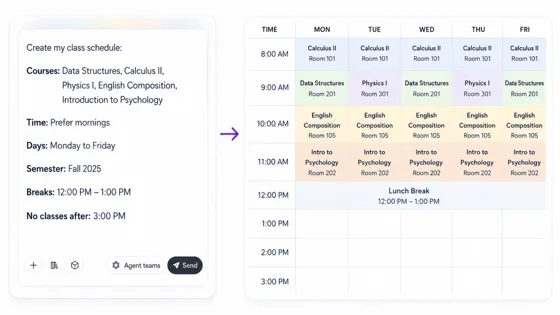
AI Class Schedule Maker for Printable Timetables

AI Clipart Generator: Make Custom Clipart From Text or Photos
Frequently Asked Questions
What can I make with this ID card maker?
Is this a free ID card maker?
Yes, free credits can be used to start an ID card draft. Credit use may depend on the generation settings, so check the current credit rules before making more versions.
Is this the same as a name badge maker?
It can cover name badge layouts, but the scope is broader. A name badge usually focuses on a person’s name and role, while an ID card may also include a photo, organization, department, or membership detail.
Can I use it to make an official ID?
No. This page is for workplace, school, event, or community card concepts that you have permission to create. It should not be used for fake, government, legal, or security credentials.
Will the generated ID card look clear enough to use?
It can produce a polished card draft, but ID cards still need careful review. Check all names, titles, numbers, photos, logos, and spacing before using the result.
Can I add a photo or logo to the ID card?
Yes. Add a portrait or logo reference when the card should connect to a real person, team, school, or organization. Review the generated result and refine any details that need correction.
Is this better than using an ID card template?
Yes, if you need a custom direction rather than a fixed layout. Templates work well when the structure already matches your needs; this workflow lets you describe a card direction and refine the draft with instructions.
Prepare an ID Card Concept for Review
Use free credits to generate a structured card concept, then refine the details before printing or sharing.

What Teams Say About Designkit for ID Cards
These users created clearer card drafts before review, approval, or production.
The Staff Card Got Approved Faster
Our first staff ID layout looked crowded, especially around names, departments, and titles. Designkit helped me turn the same details into a cleaner draft, so the review focused on small corrections instead of rebuilding the whole card direction.
The Club Proposal Looked Real
We needed sample student cards for a club proposal, but plain templates made the idea feel unfinished. After adding the school name, member details, and a simple style brief, we had a card concept that made the proposal easier to picture.
Event Passes Became Easier to Check
The pass copy was approved, but the layout still felt unclear. A generated draft helped us review name size, role labels, and access text together before sending the design onward for production planning.
Membership Cards Found a Direction
Our membership card idea was stuck in notes and rough examples. Designkit turned the member fields and group identity into a complete visual draft, which made it easier to decide what needed refinement.