
AI Book Cover Generator: Shaped by Your Story
Add your title, author name, and a short book brief. Designkit creates a complete front-cover draft you can review before presenting or publishing.
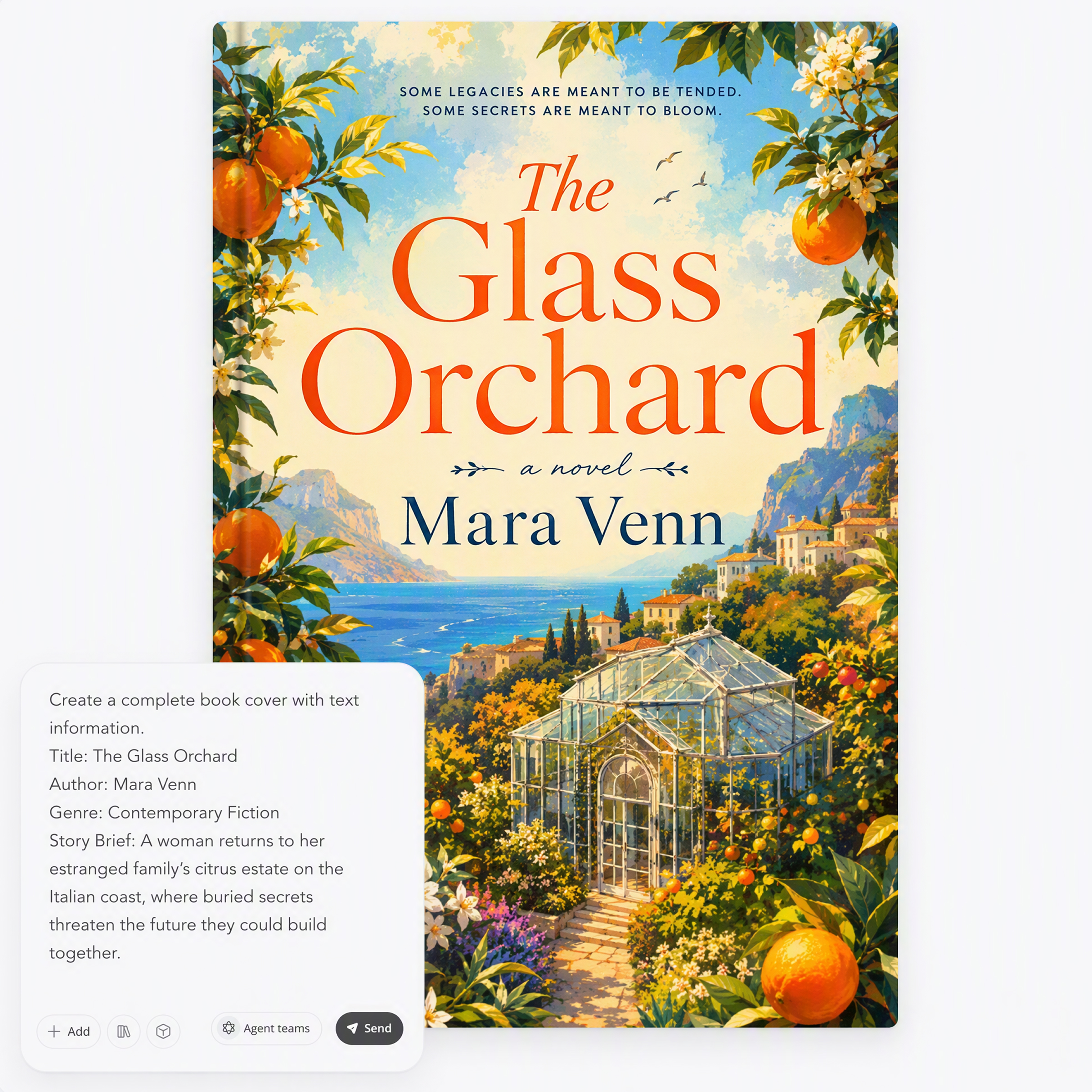
Choose a Book Cover Style to Make Your Own
Pick a cover you like, then add your own title, author name, genre, and story details to create a version for your book.
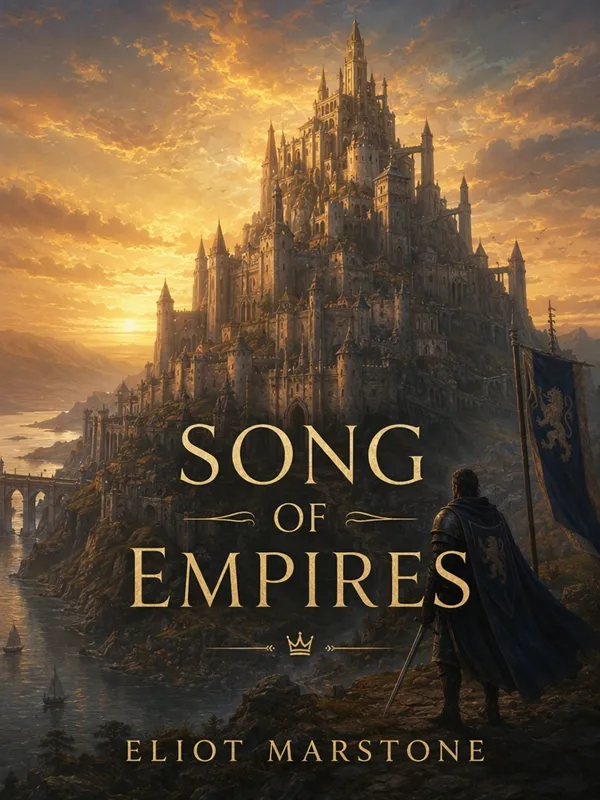
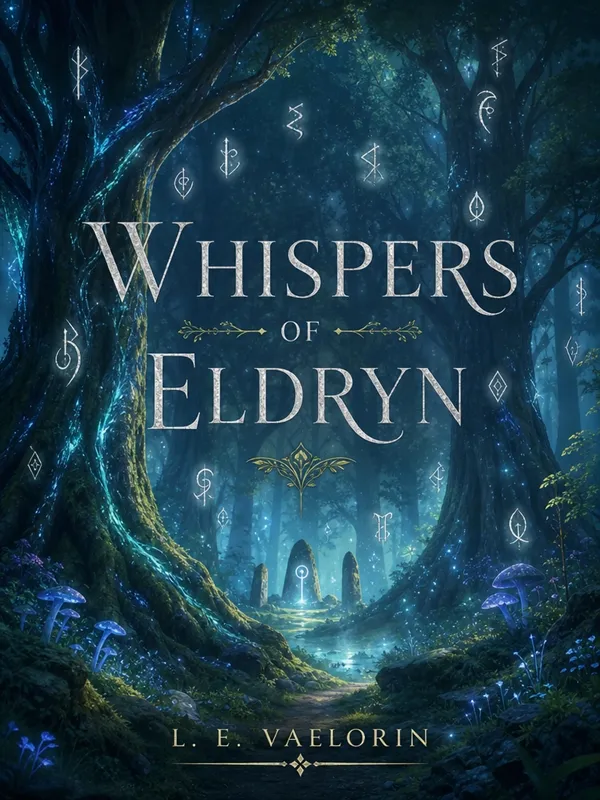
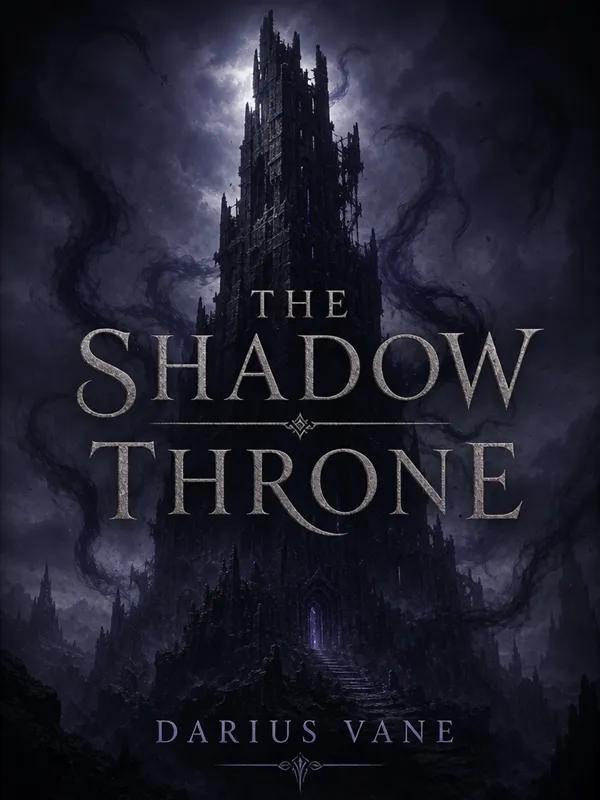
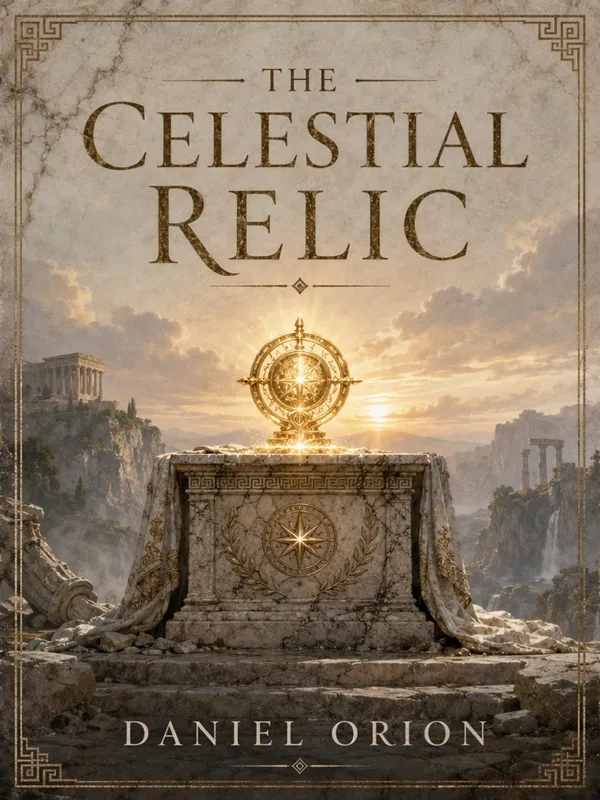
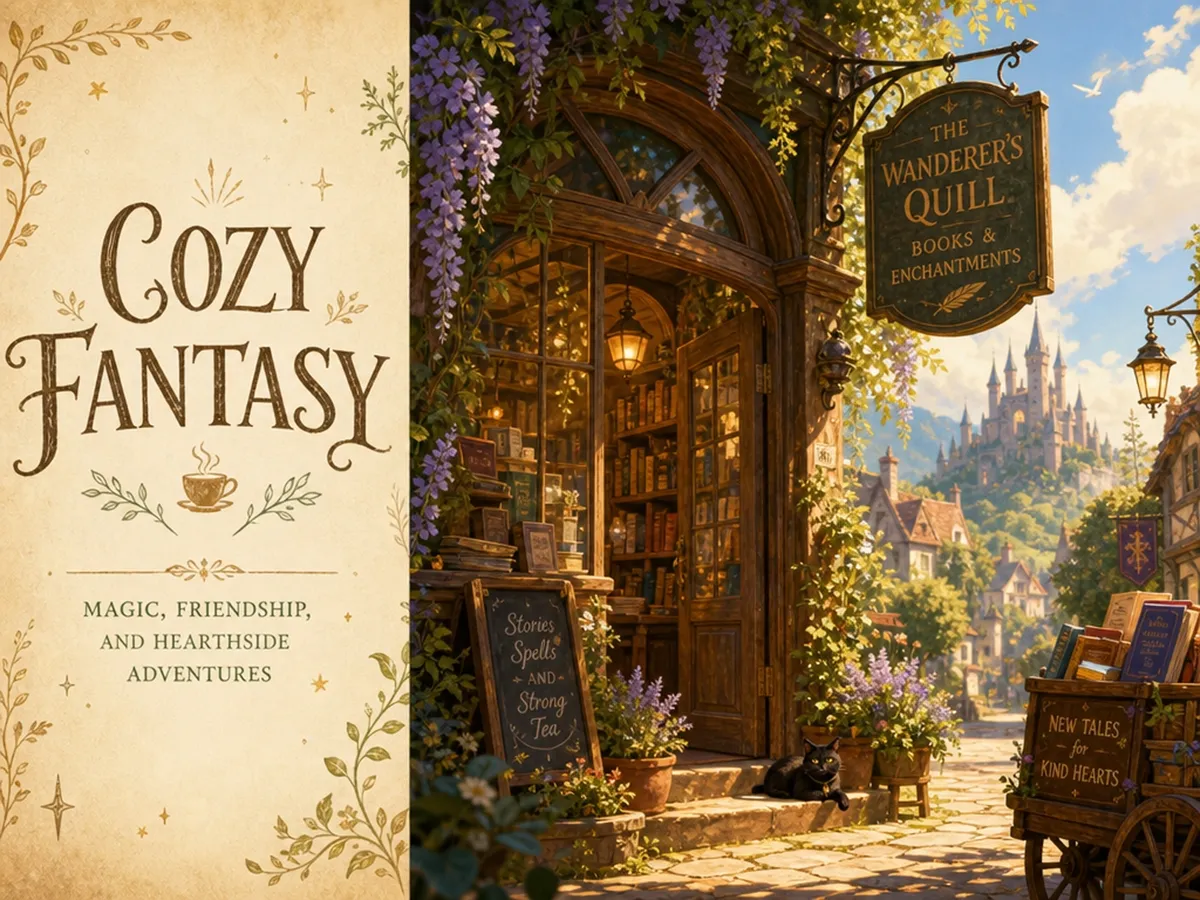
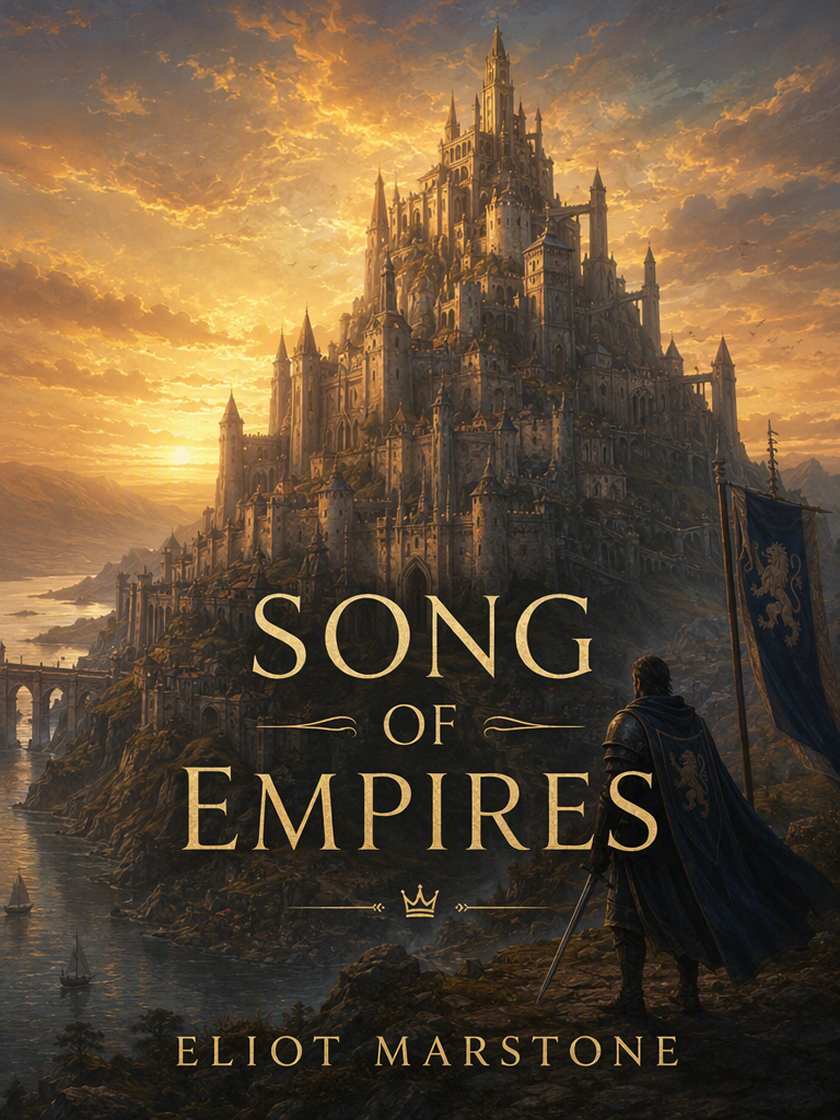 Fantasy Book Covers
 Romance Book Covers
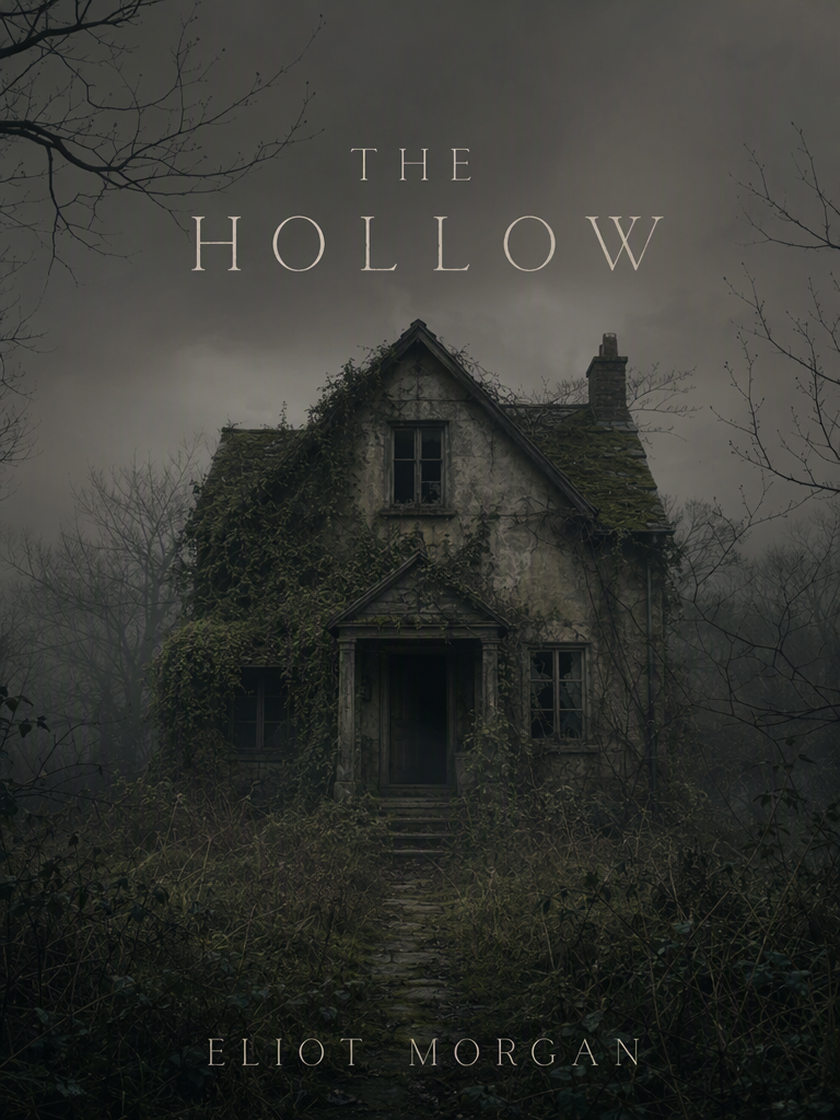 Horror Book Covers
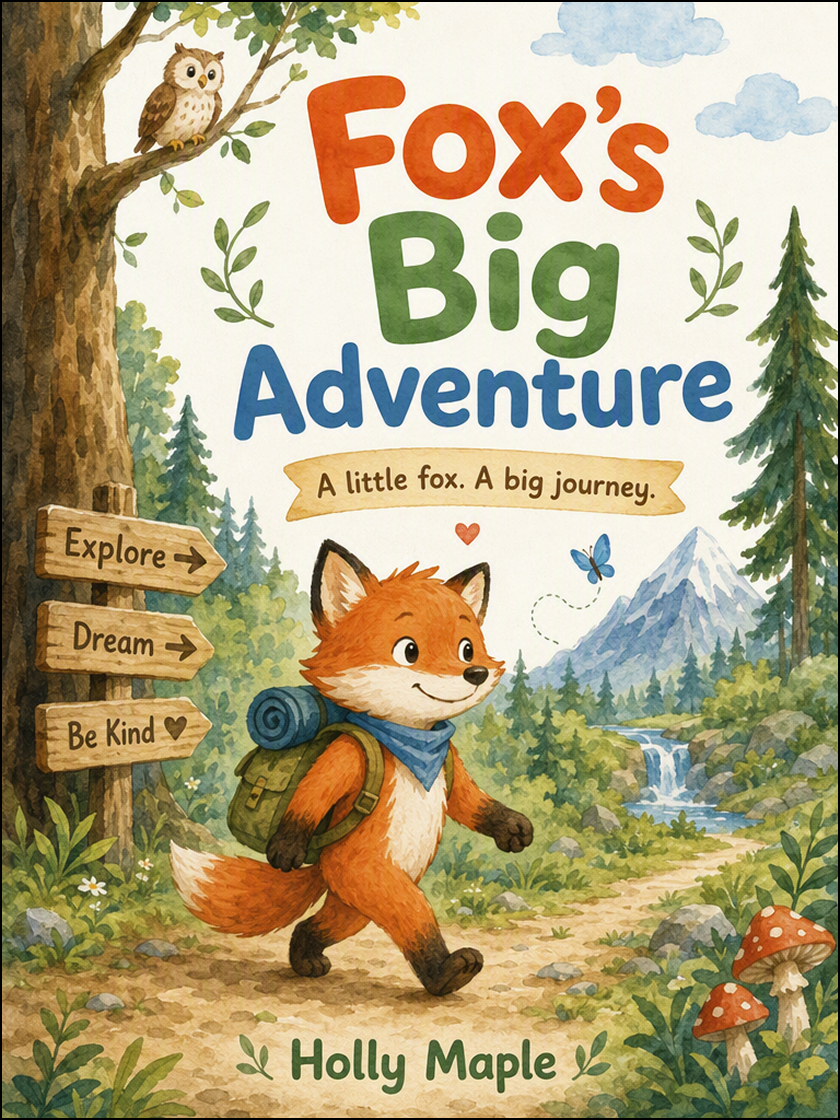 Children’s Book Covers
How to Generate a Book Cover in 3 Steps with Designkit
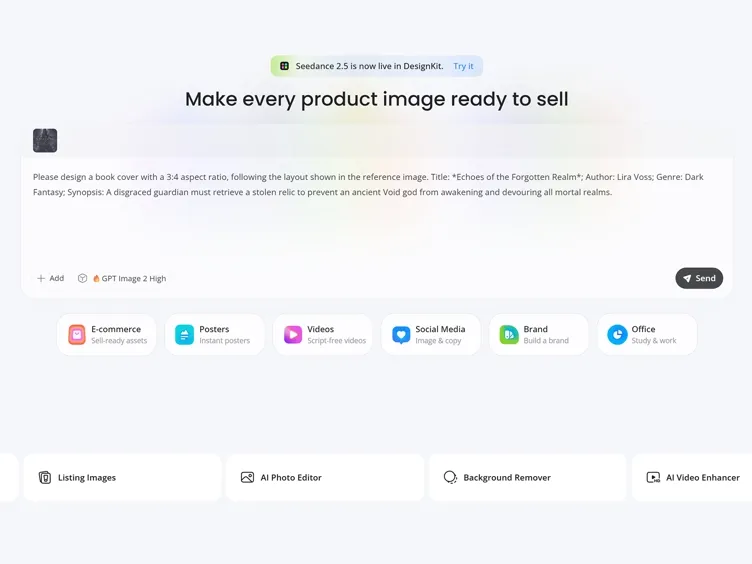
Add Your Book Details
Enter the title, author name, genre, and a short description of what the cover should communicate.
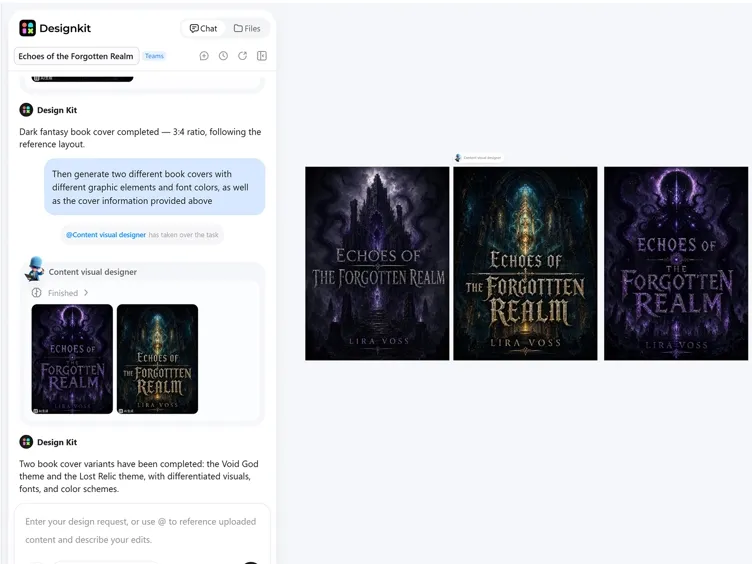
Generate Your Cover
Submit the brief and review how the first version handles the artwork, title hierarchy, and overall tone.
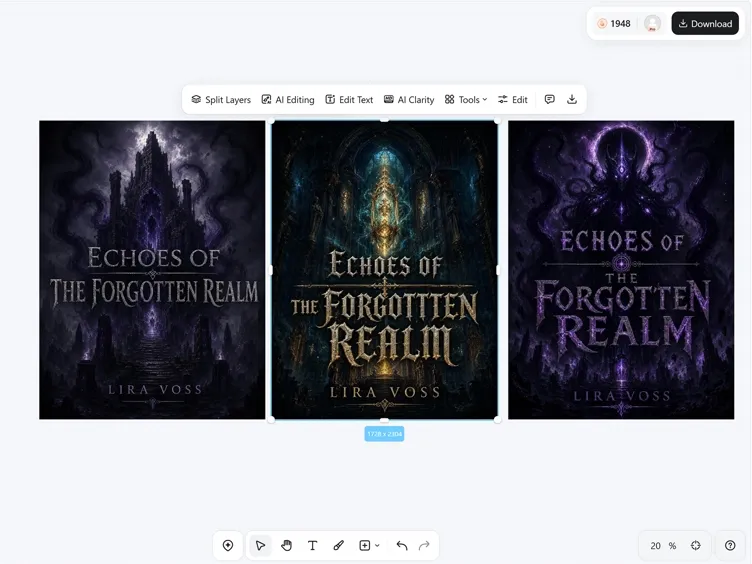
Refine and Export
Correct the wording, request specific visual changes, and export the cover after one complete review.
Shape the Parts Readers Notice First
Give the Story a Clear Focal Point
A broad synopsis can produce a cover crowded with competing ideas. Designkit turns the central theme into one readable composition, giving the artwork a stronger subject and a clearer relationship to the title.
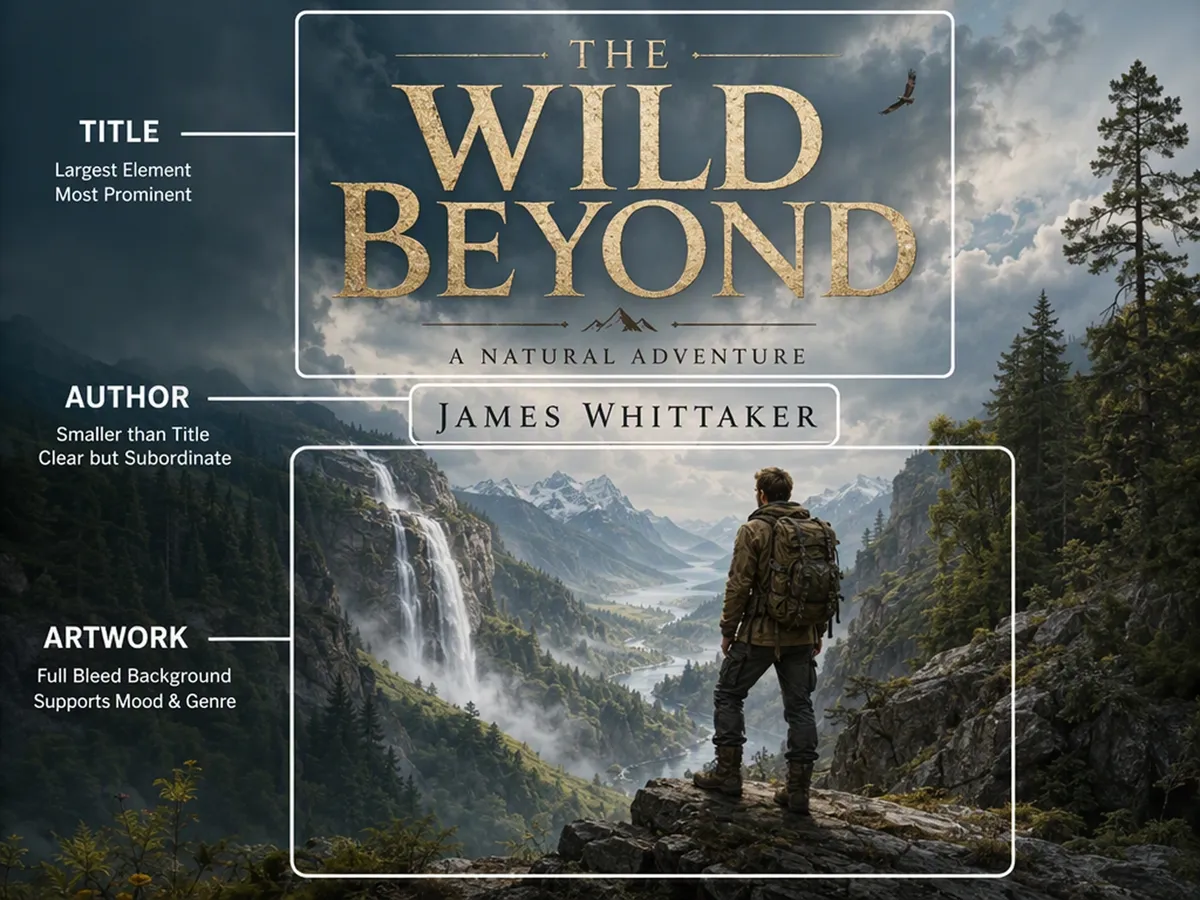
Make the Title Part of the Cover
A strong image can still fail as a cover when the title feels added at the end. Designkit considers the title and author name within the composition, so the type has enough presence without losing the artwork behind it.
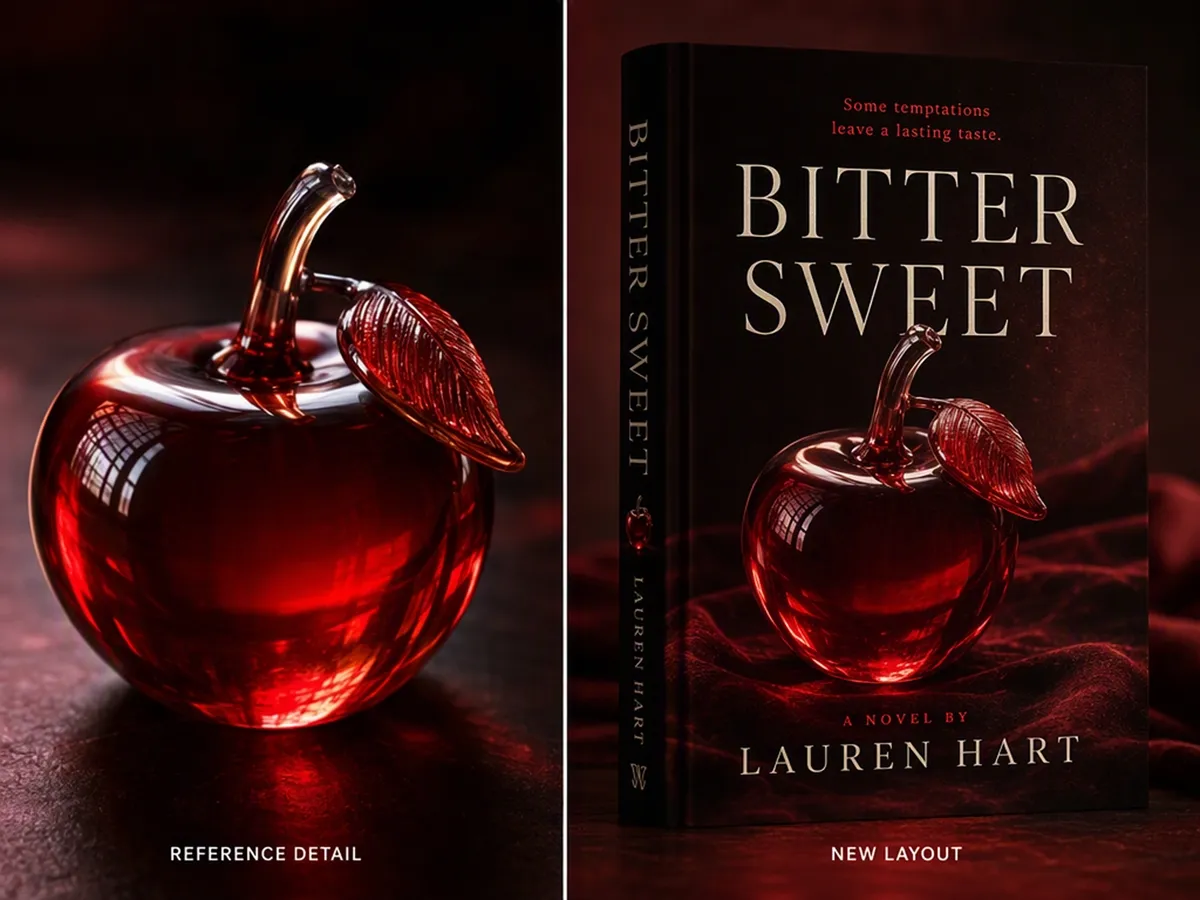
Carry a Reference Into the Design
When a character, object, or existing style matters to the concept, add a reference image with the brief. Designkit uses it to guide the new cover while adapting the surrounding composition to the book rather than copying a fixed layout.
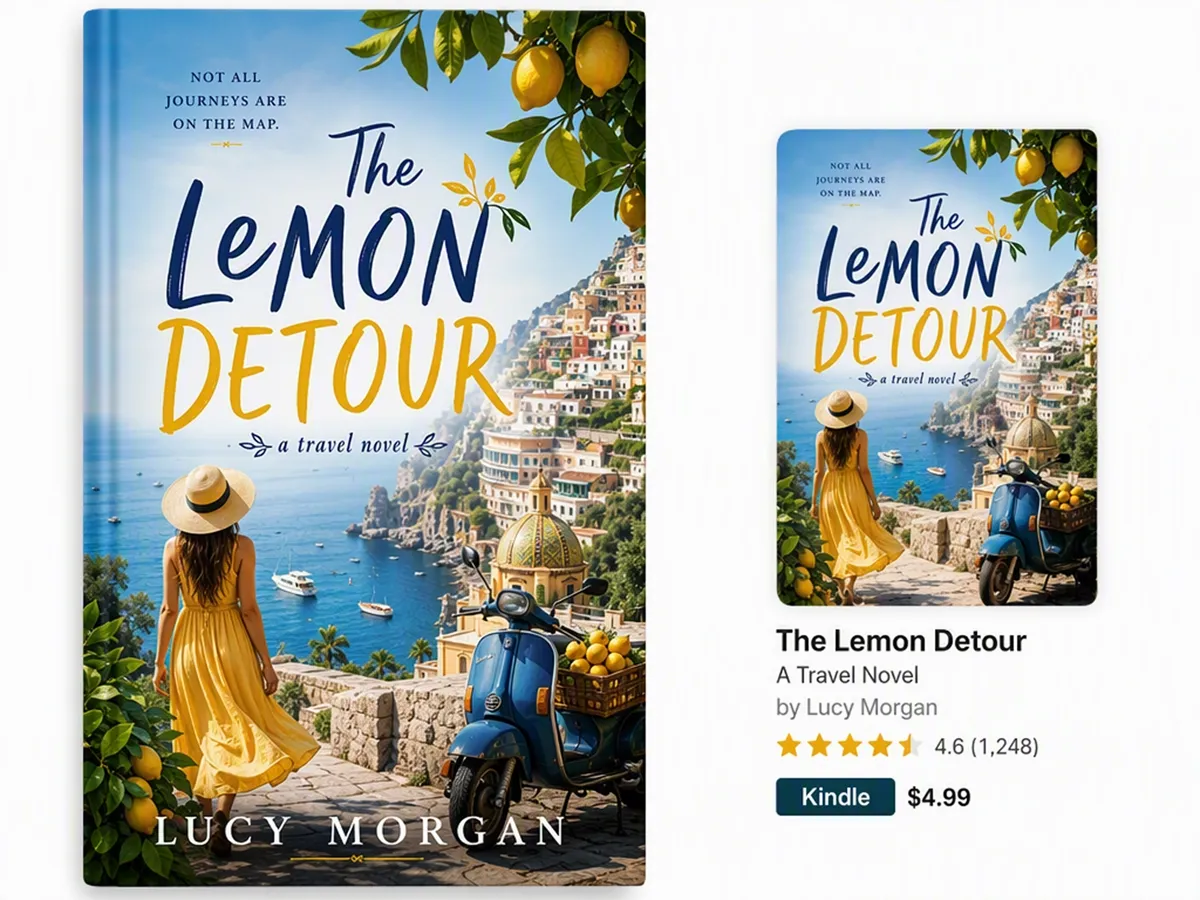
Keep the Main Idea Visible at Thumbnail Size
A cover that works at full size can disappear in a crowded ebook listing. Designkit balances the main subject, contrast, and open space so the central idea remains recognizable when the image is reduced.
Give Every Book Project a Cover People Can Understand
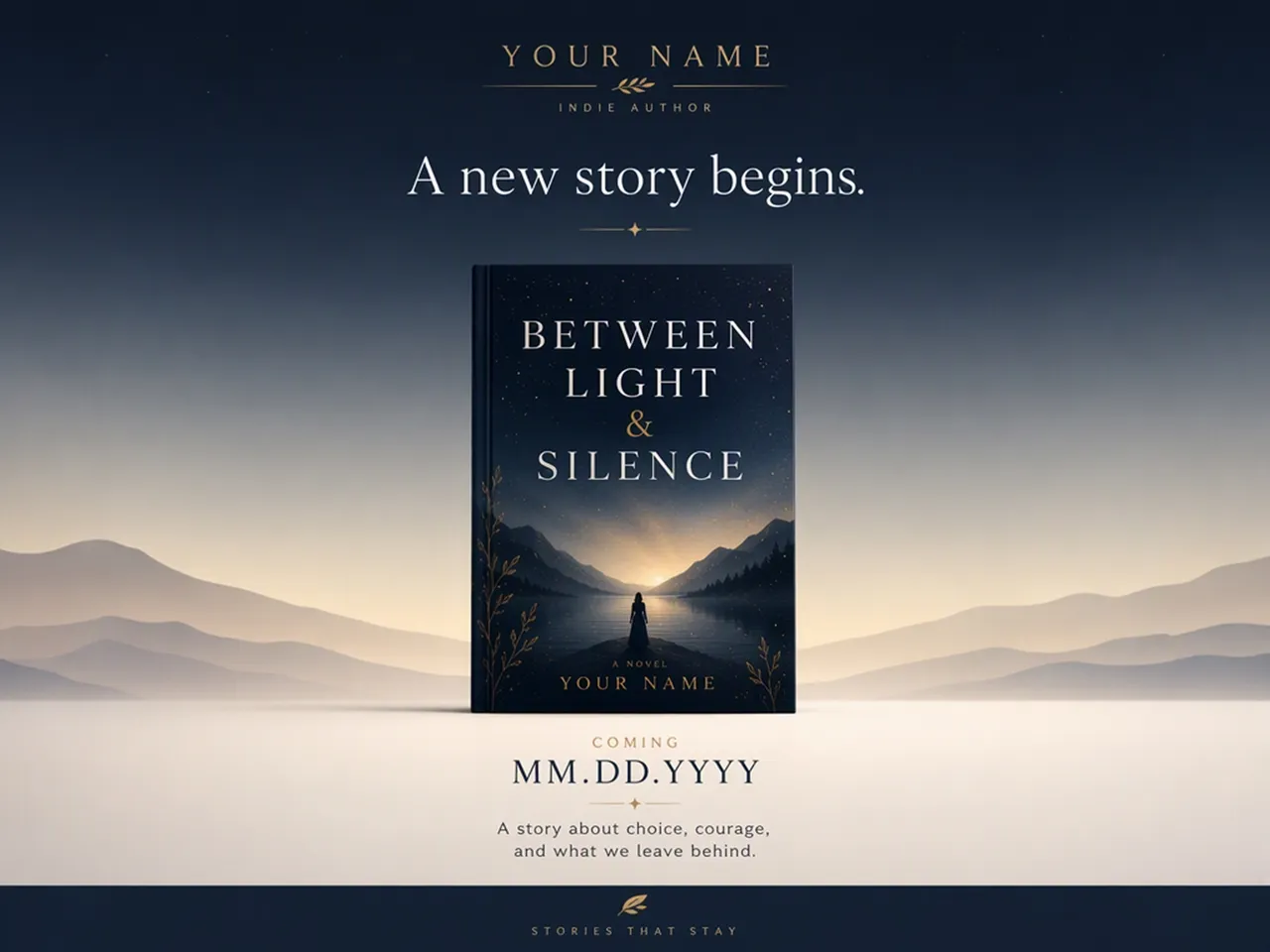
Give a First Release Its Own Identity
A finished manuscript can still feel abstract without a cover. Generate a concrete direction that reflects the story and gives an independent release a recognizable face for early announcements, reader feedback, and launch planning.
Why Choose Designkit for Book Cover Creation

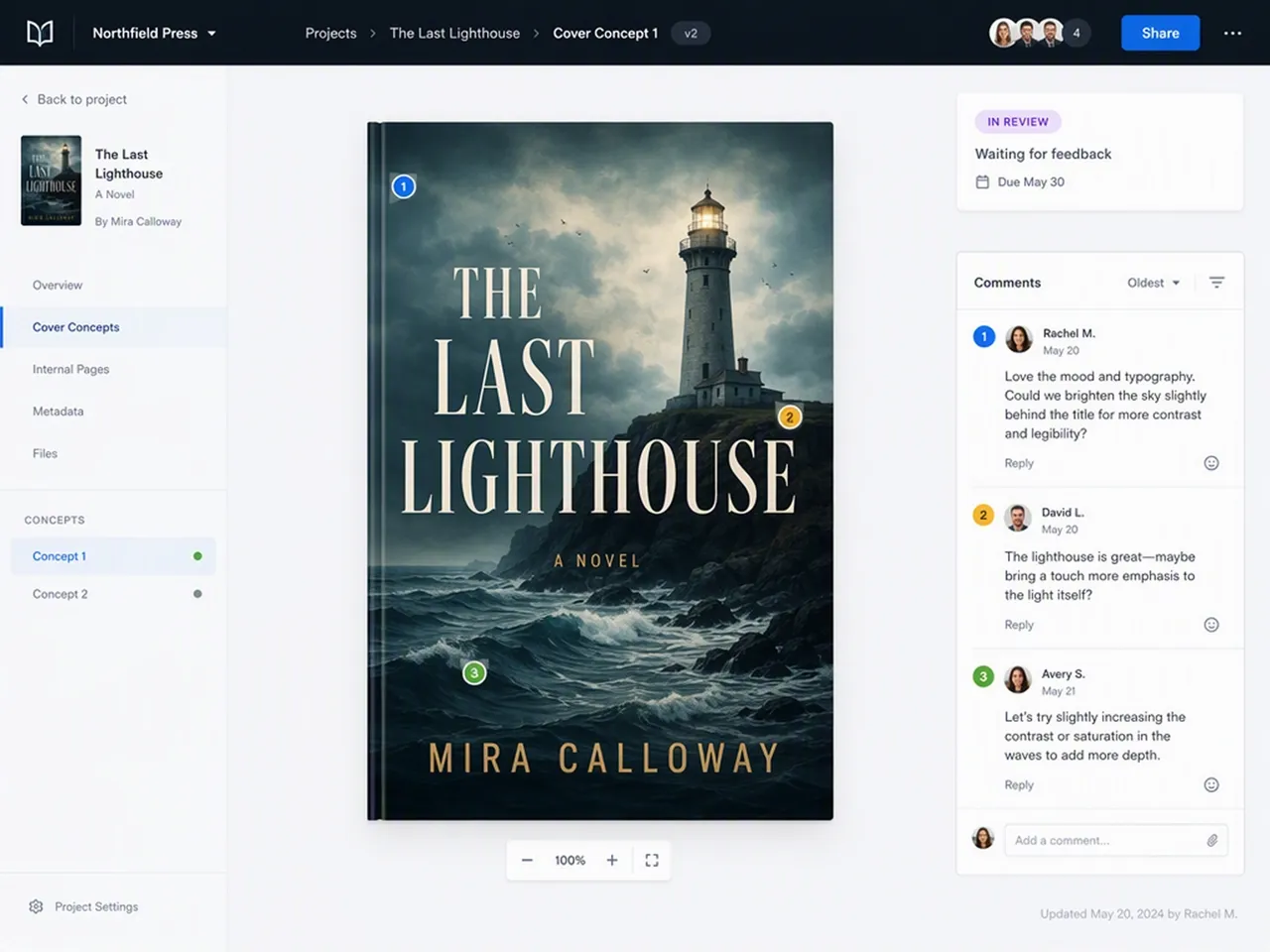
Start With the Book, Not a Template
Describe the manuscript and intended tone instead of forcing the story into a generic layout made for another project.

Keep Revisions in One Workspace
Continue from the strongest draft with written changes instead of exporting elements and rebuilding the cover elsewhere.

Compare More Than One Answer
Generate alternative treatments for one brief, so the first concept does not become the default before you compare them.

Carry a Series Look Forward
Reuse shared style guidance across related titles while giving each book its own subject, mood, and recognizable detail.

Move From Cover to Mockup
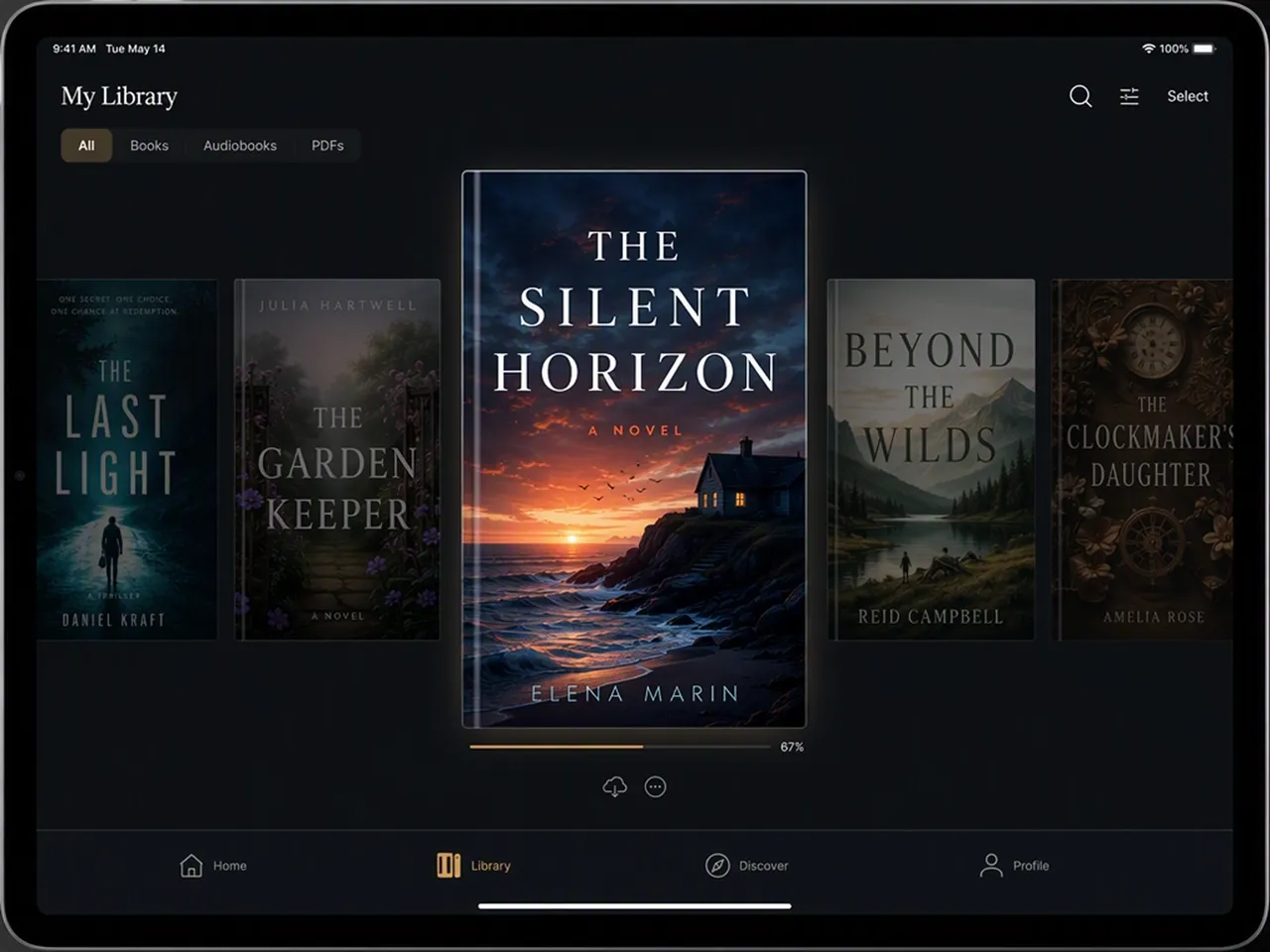
Take the flat cover into Designkit's Book Mockup Generator when the project needs a realistic presentation image.

Try the First Direction With Credits
Signup credits let you test how Designkit interprets the book before deciding how far to take the cover project.
Unlock More Creative Possibilities
AI Class Schedule Maker
AI Album Cover Maker
AI Self Care Checklist Maker
AI Self Care Journal Maker
AI Avatar Generator
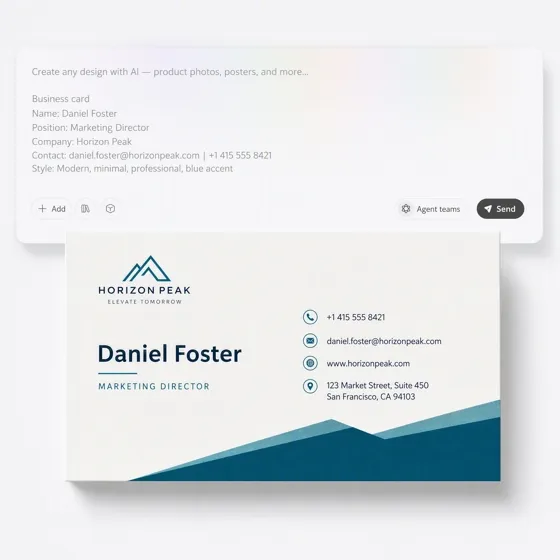
AI Business Card Generator
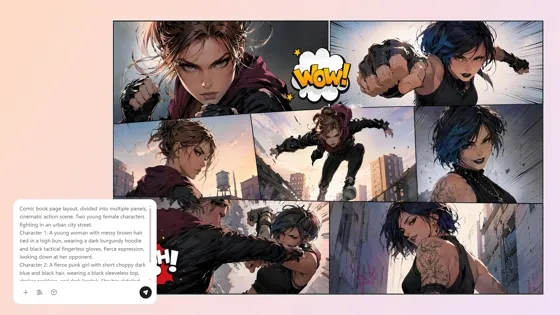
AI Comic Generator
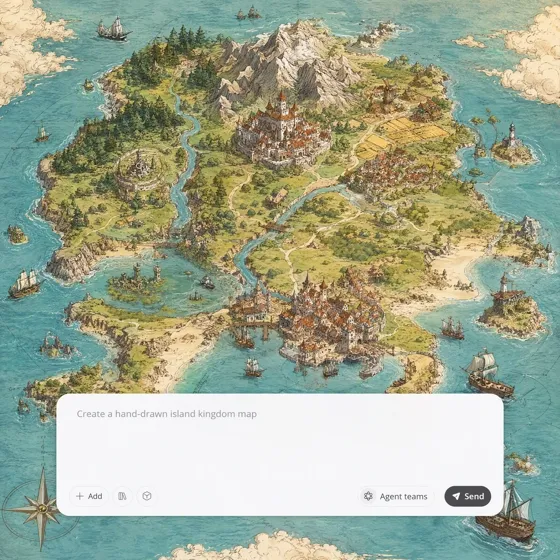
Fantasy Map Generator
Frequently Asked Questions
What is an AI book cover generator?
What should I include in my book cover brief?
Include the exact title and author name, then explain the genre, central idea, intended mood, and one main image or symbol. A focused brief gives the cover a clearer subject than a full plot summary containing every major event.
Can I use a reference image for the cover?
Yes. A reference image can guide a character, object, atmosphere, or broad style. Use material you have permission to provide, explain which qualities matter, and review the generated result rather than assuming every reference detail will remain unchanged.
Can I correct the title after the cover is generated?
Yes. Ask Designkit to correct the wording or adjust how it appears in the composition. Inspect the title, subtitle, and author name at full size before exporting, since small AI-generated text still requires a deliberate final check.
Does Designkit create a complete KDP paperback cover?
This page creates a flat front-cover design. It does not calculate spine width, create a back cover, place a barcode, or verify bleed and safe zones. Complete those production steps with the requirements supplied by your publishing platform.
Can I use an AI-generated book cover commercially?
Commercial use depends on Designkit's current terms and the rights attached to any material you upload. Review those terms before publication, avoid protected characters or unlicensed references, and keep a record of the inputs used for the project.
Create the First Cover for Your Book
Add the title and story behind it, generate a complete front-cover draft, and see which direction deserves the next revision.

What Authors Say About Designkit for Book Covers
See how a clear cover changed the conversations happening around each book.
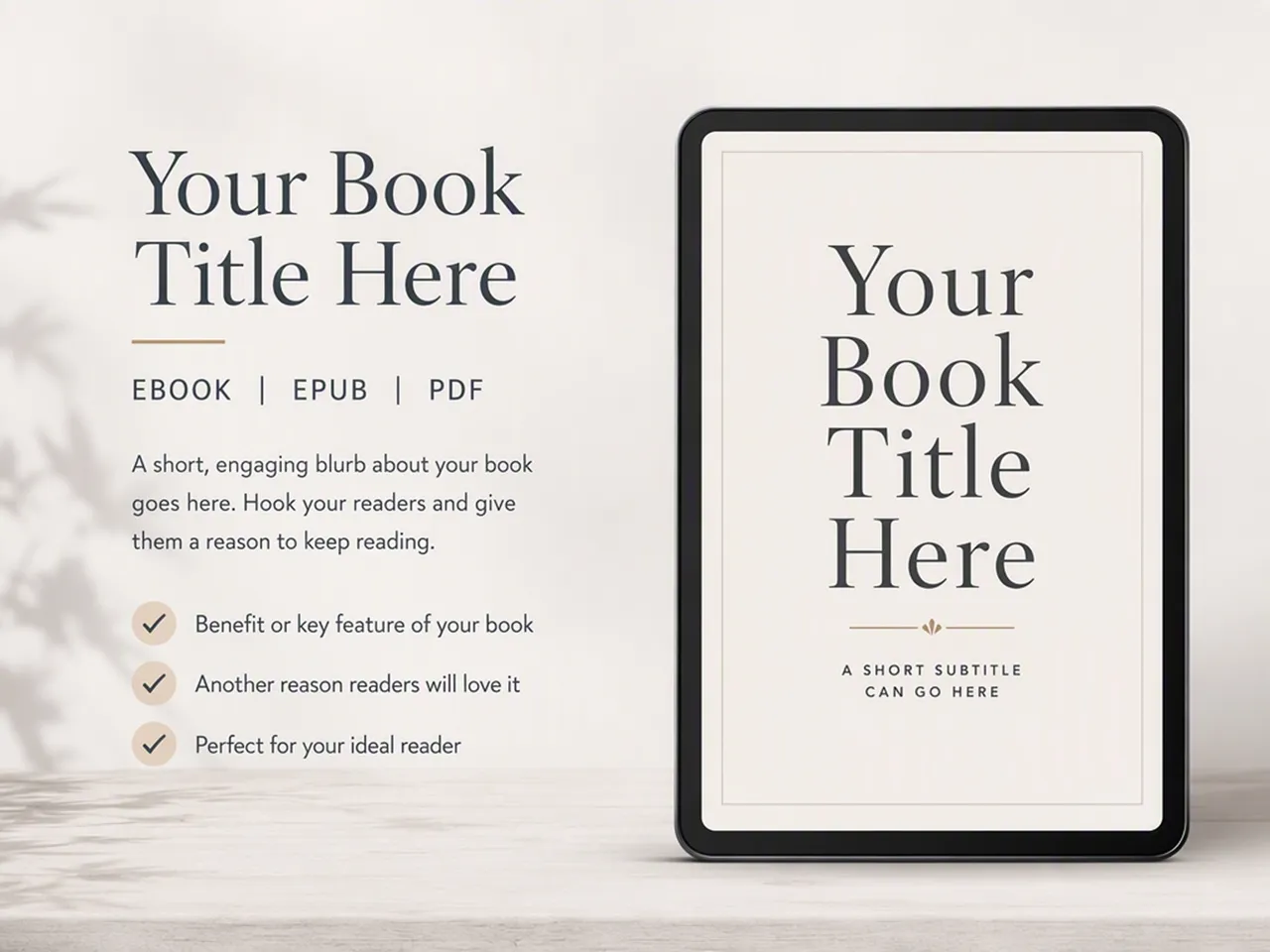
The Cover Survived the Thumbnail Test
The artwork looked strong at full size, but the title disappeared when I viewed it as a small store thumbnail. I simplified the scene and increased the contrast around the wording. The cover became much easier to recognize without changing the atmosphere I liked.
The Pitch Needed Less Explaining
I was sending a synopsis that took several paragraphs to establish the tone. Adding a cover concept gave the editor an immediate sense of the book's restraint and period setting, so our reply focused on the manuscript instead of clarifying how I pictured it.
The Relaunch Found Its Tone
My older ebook had a generic cover that made the collection feel more academic than it was. A warmer, more personal direction changed how I introduced the new edition and helped the relaunch feel intentional rather than like the same file with a new date.
The Long Title Became the Problem
I assumed the artwork was holding the cover back. Once I saw the title in a real layout, it was clear that the wording was too long to carry the hierarchy I wanted. Shortening it solved the problem before I spent time requesting more artwork variations.
The Announcement Could Go Out
We had confirmed the author event but were still waiting on final printed copies. I made a cover concept for the announcement and adjusted it after the author checked the wording. The group finally had one clear image to use across the invitation and event page.