
Generate a Business Card Worth Handing Over
Add your contact details and describe the impression you want to make. Designkit creates a complete card you can review before sharing or printing.
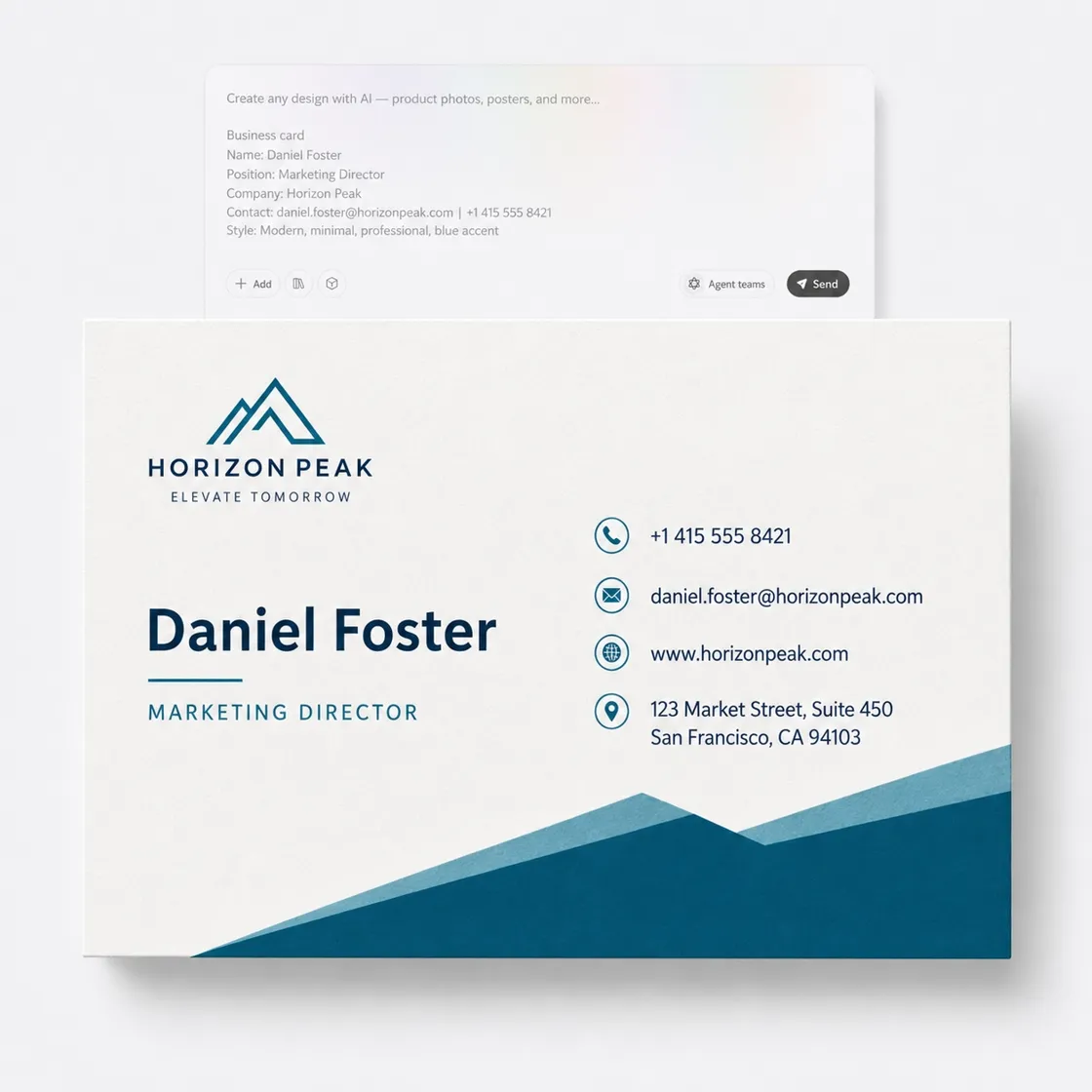
Explore Business Card Designs in Distinct Styles
Use the templates below as inspiration, then add your name, role, contact details, and logo to make the card your own.
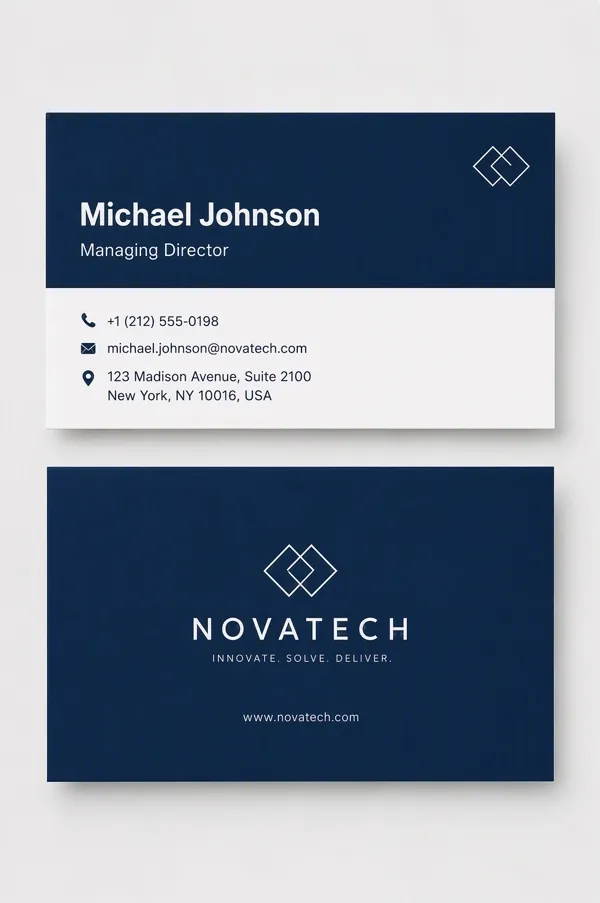
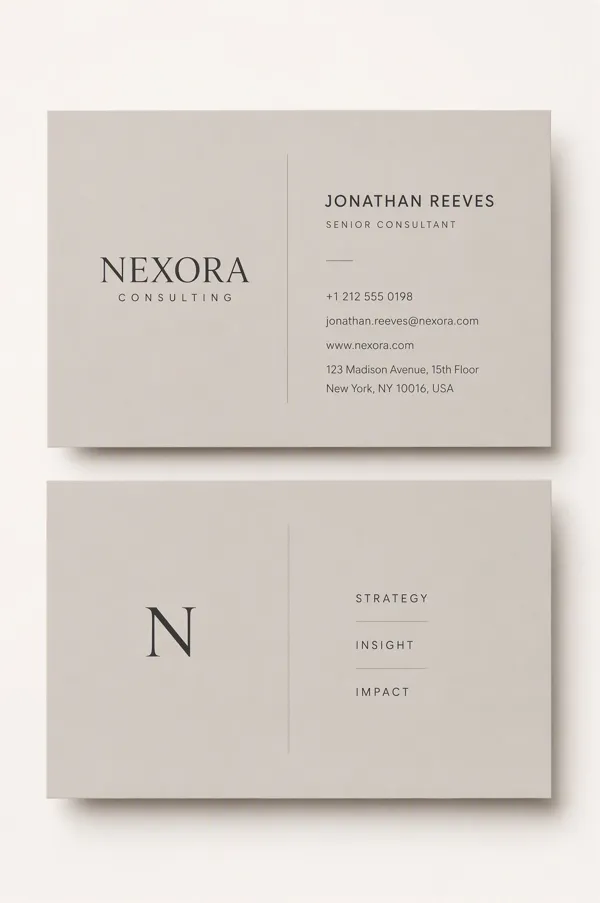
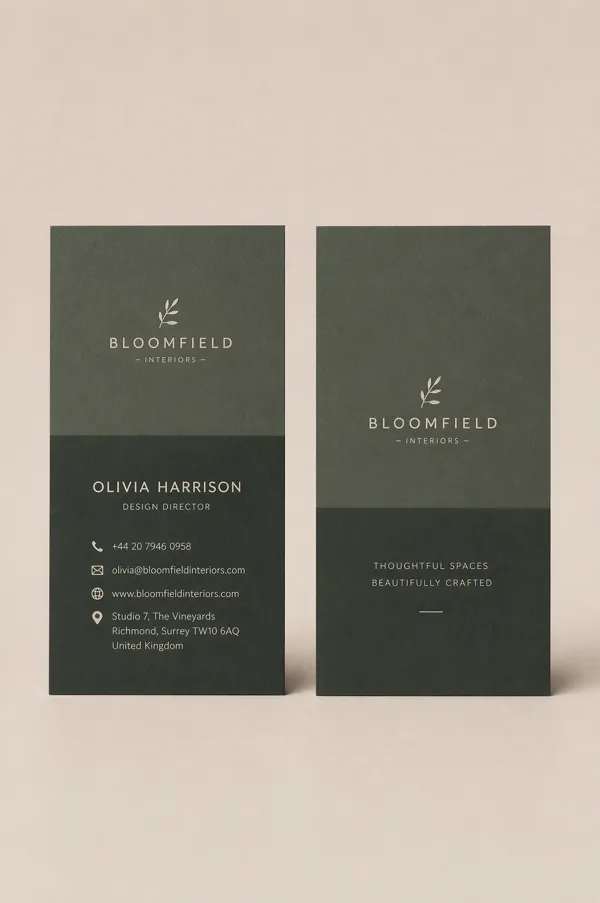
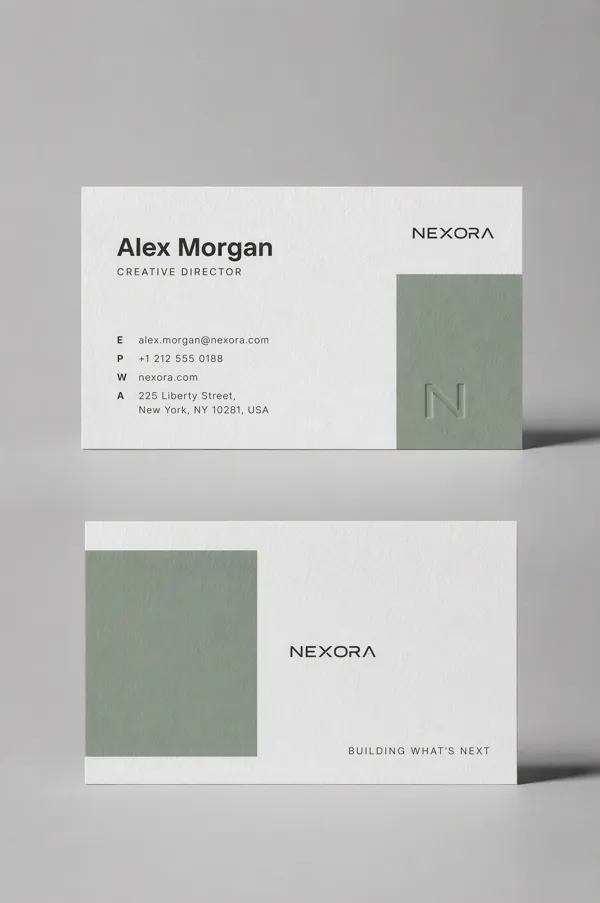
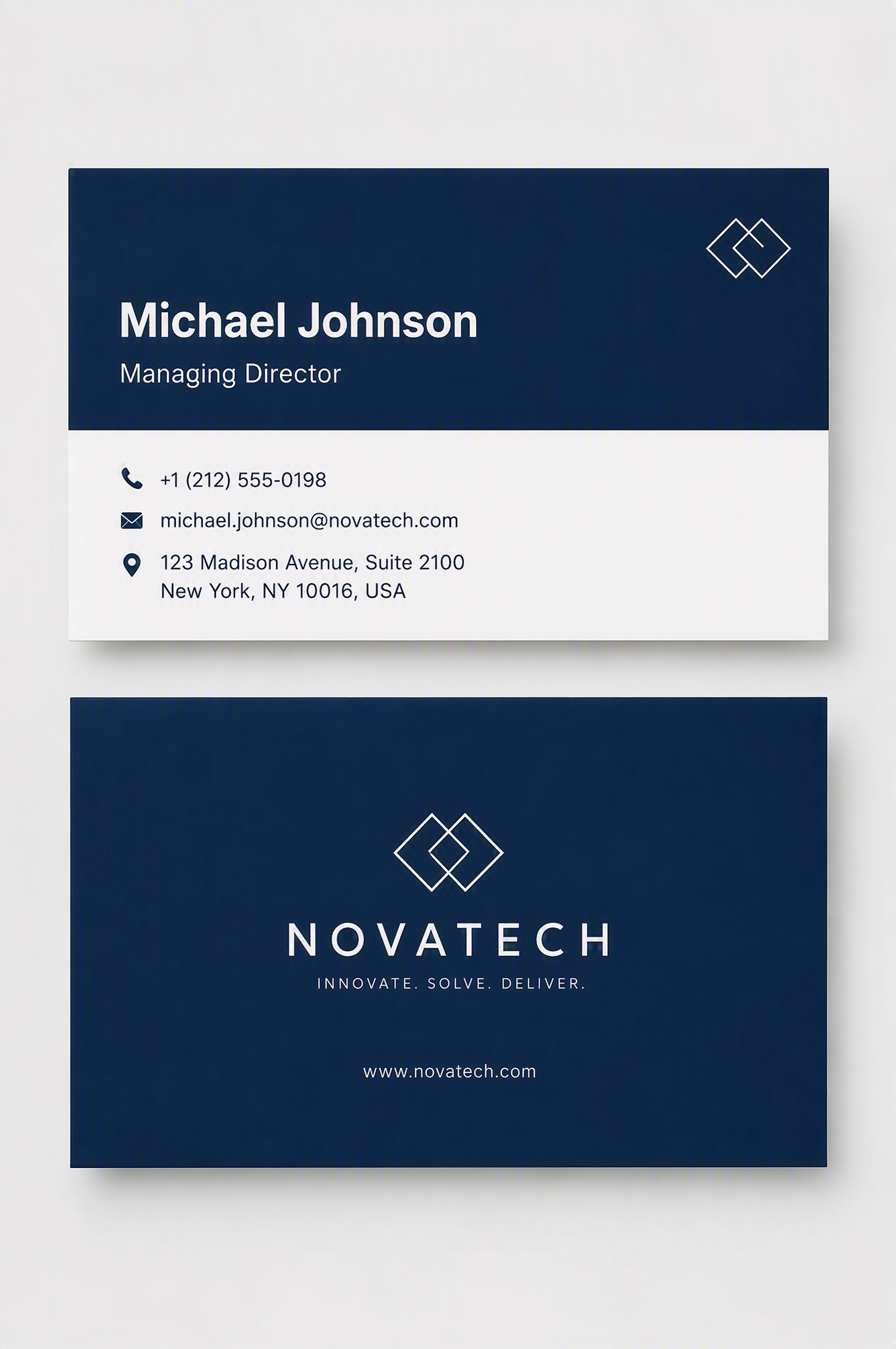 Professional Business Cards
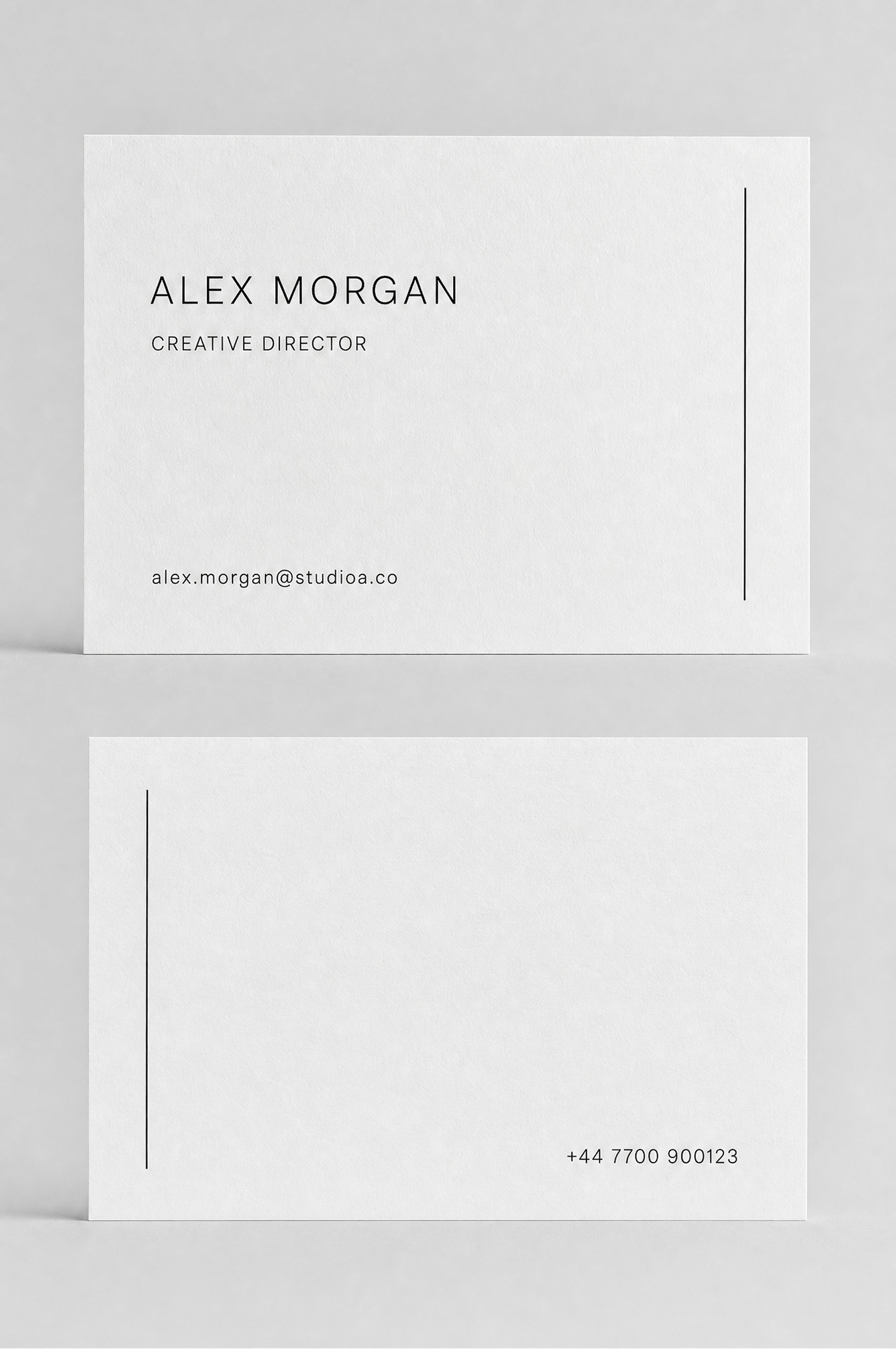 Minimalist Business Cards
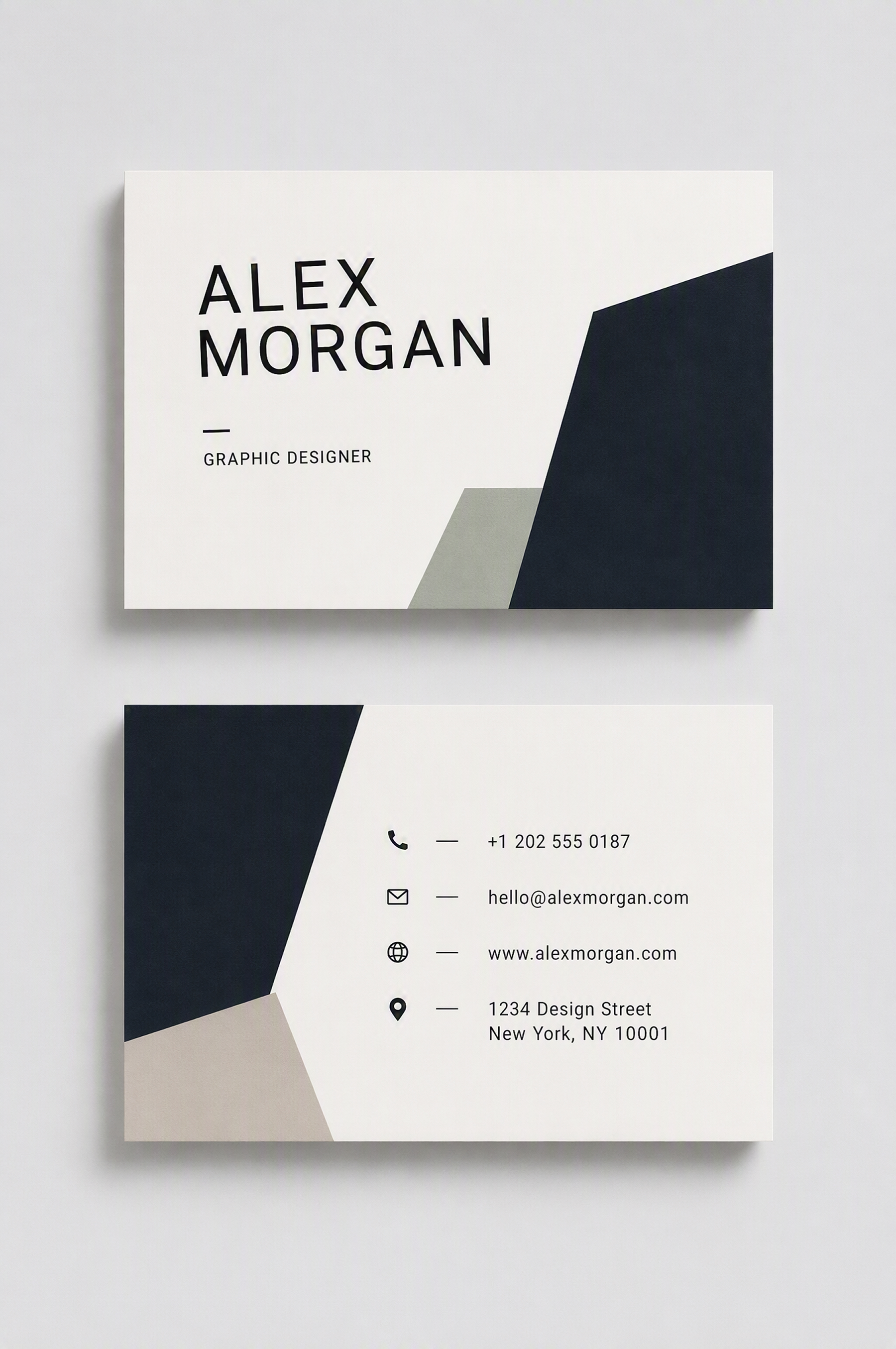 Creative Business Cards
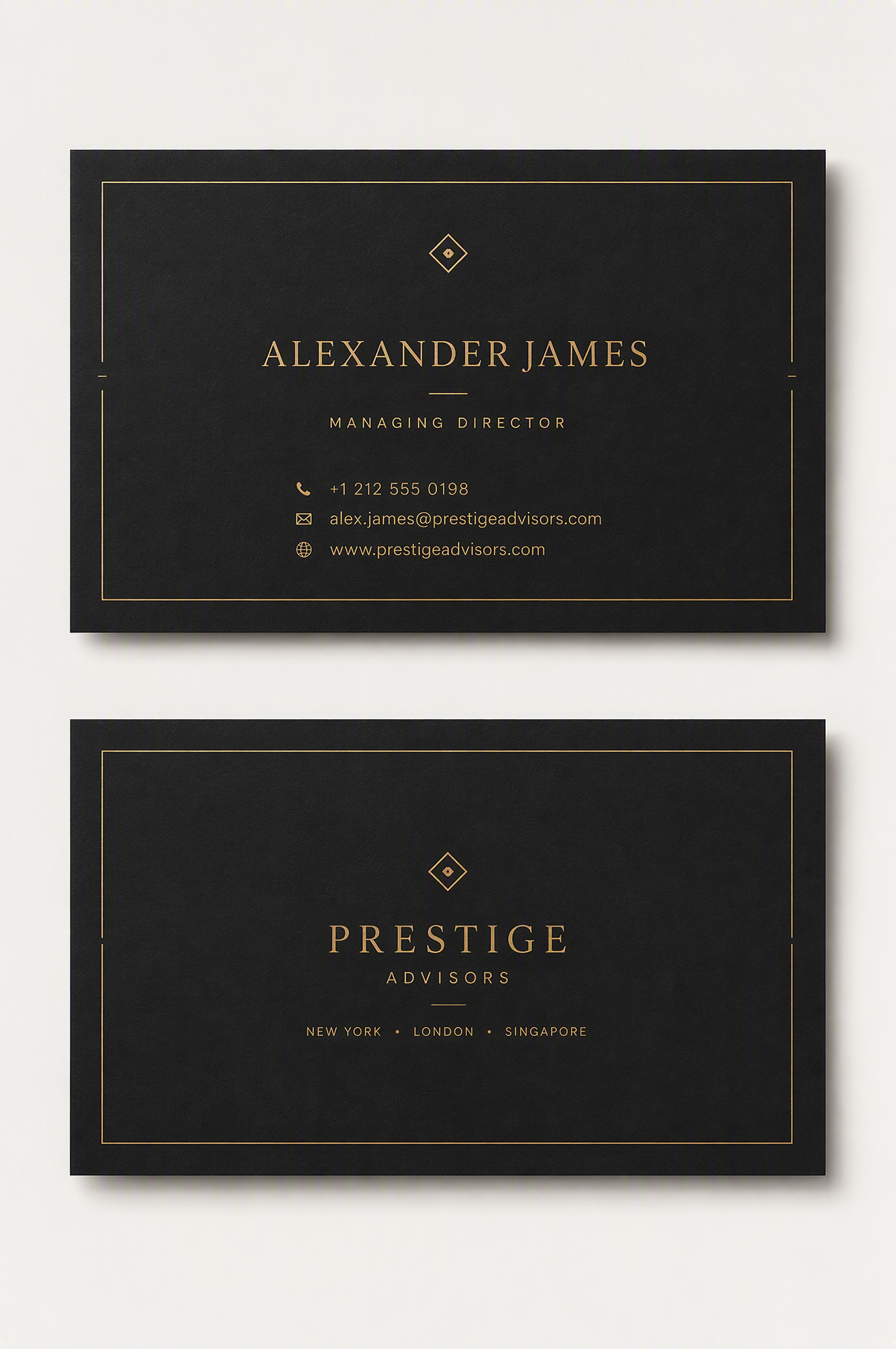 Luxury Business Cards
How to Generate Your Card in 3 Steps with Designkit
Add Your Card Brief
Enter the professional details that must appear and describe the intended style. Add a logo only when it should influence the design.
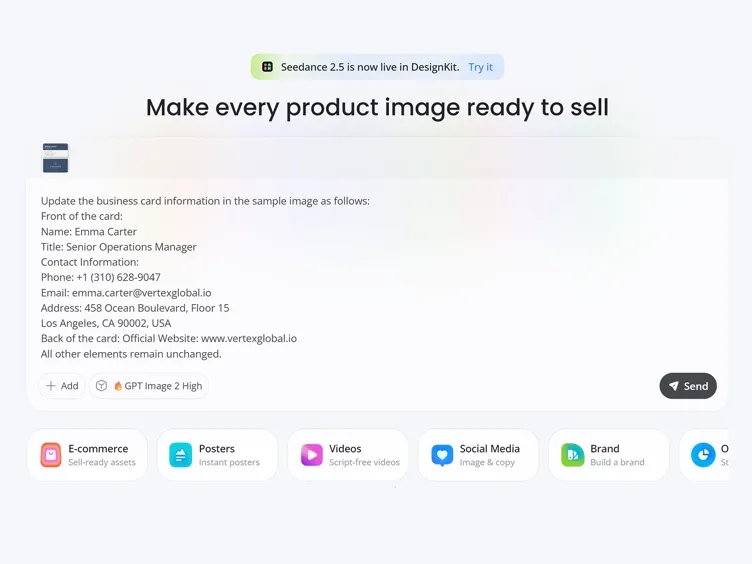
Review Your First Card
Generate the first version and check how it prioritizes your name, role, and contact information.
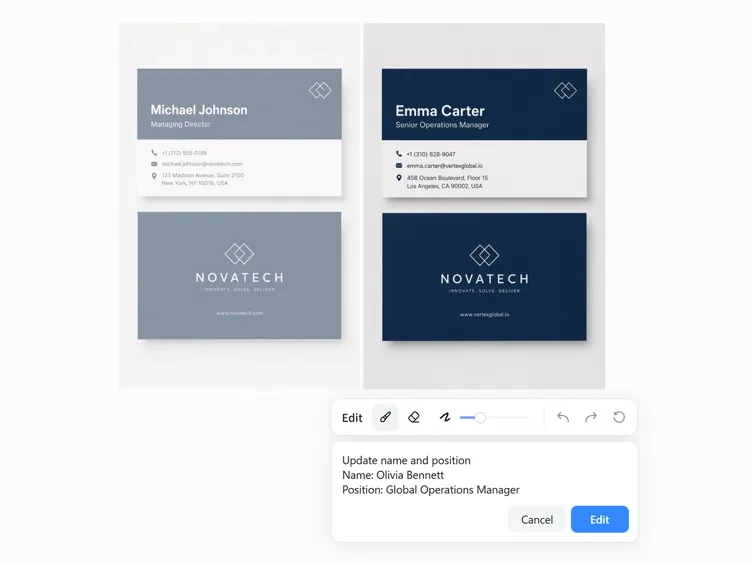
Refine and Export
Correct the wording, request targeted visual changes, and export the final version after one complete review.
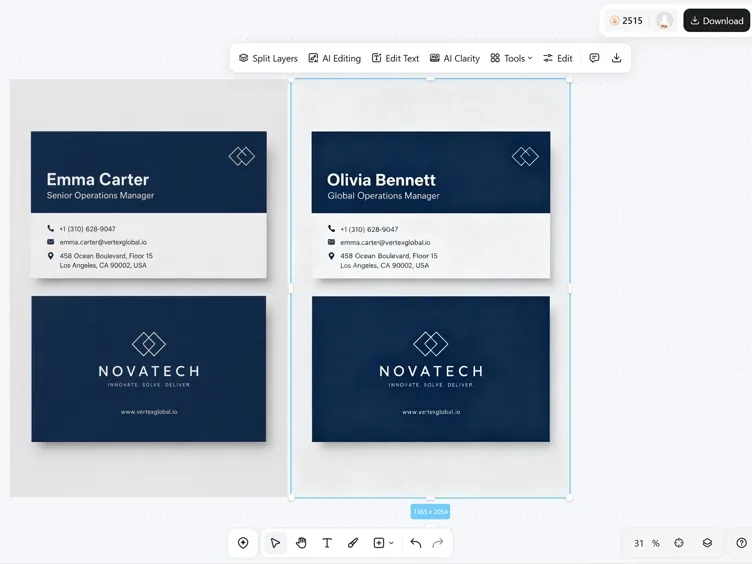
Make Every Part of Your Business Card Feel Intentional
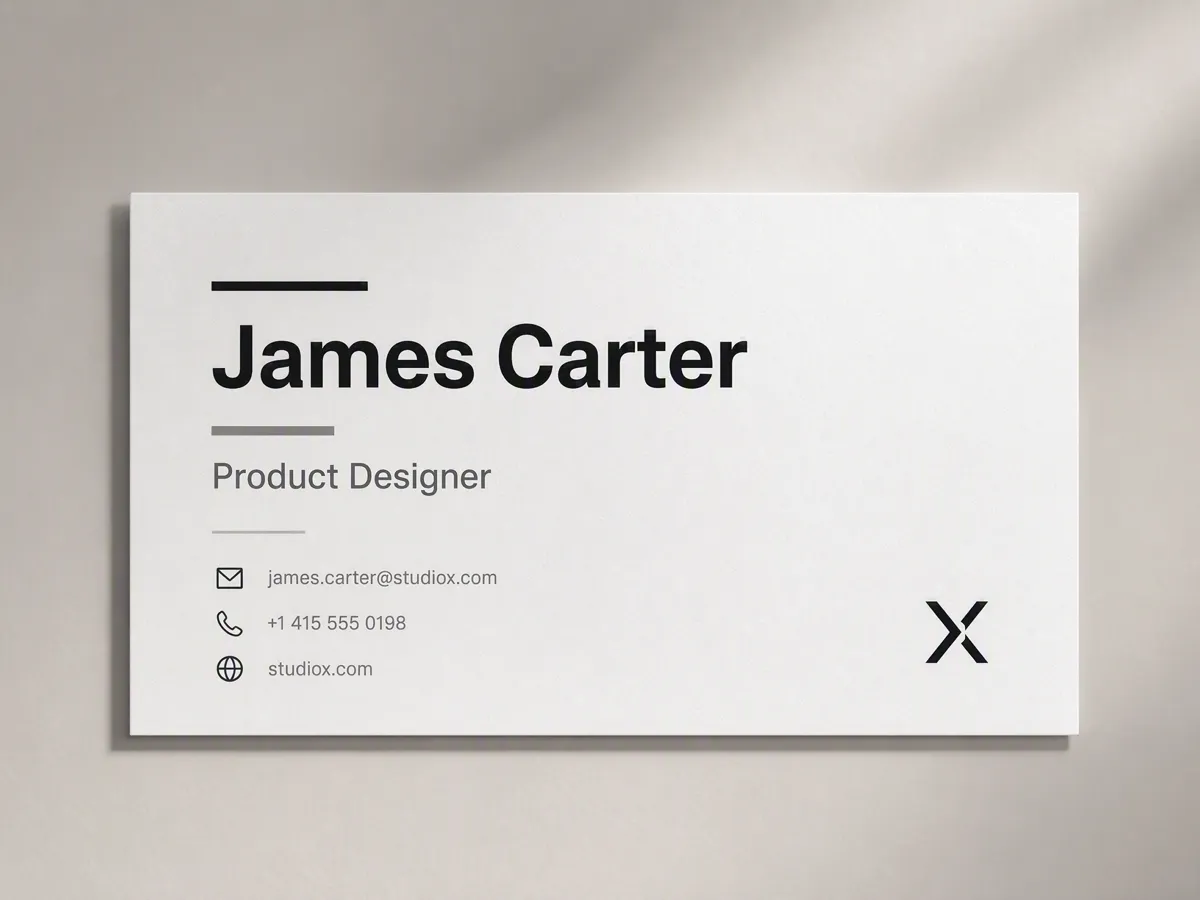
Let the Right Details Lead
People should find the most useful information before the card feels crowded. Designkit establishes a clear reading order across the supplied details, keeping the name and role prominent while supporting information stays easy to scan.
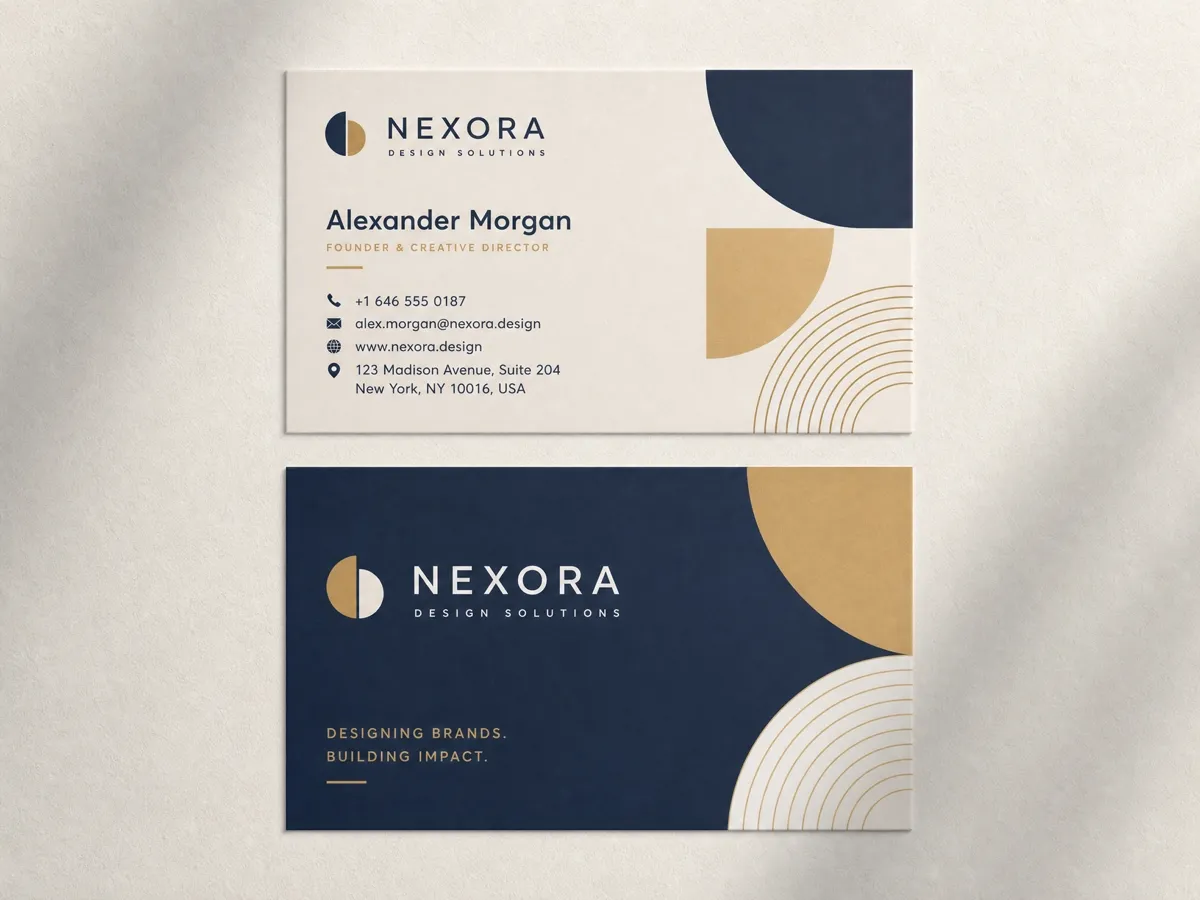
Give the Card One Recognizable Look
Mixed design choices can make a card feel pieced together. Describe the impression you want, and Designkit develops the typography, color treatment, and composition as parts of the same overall look.
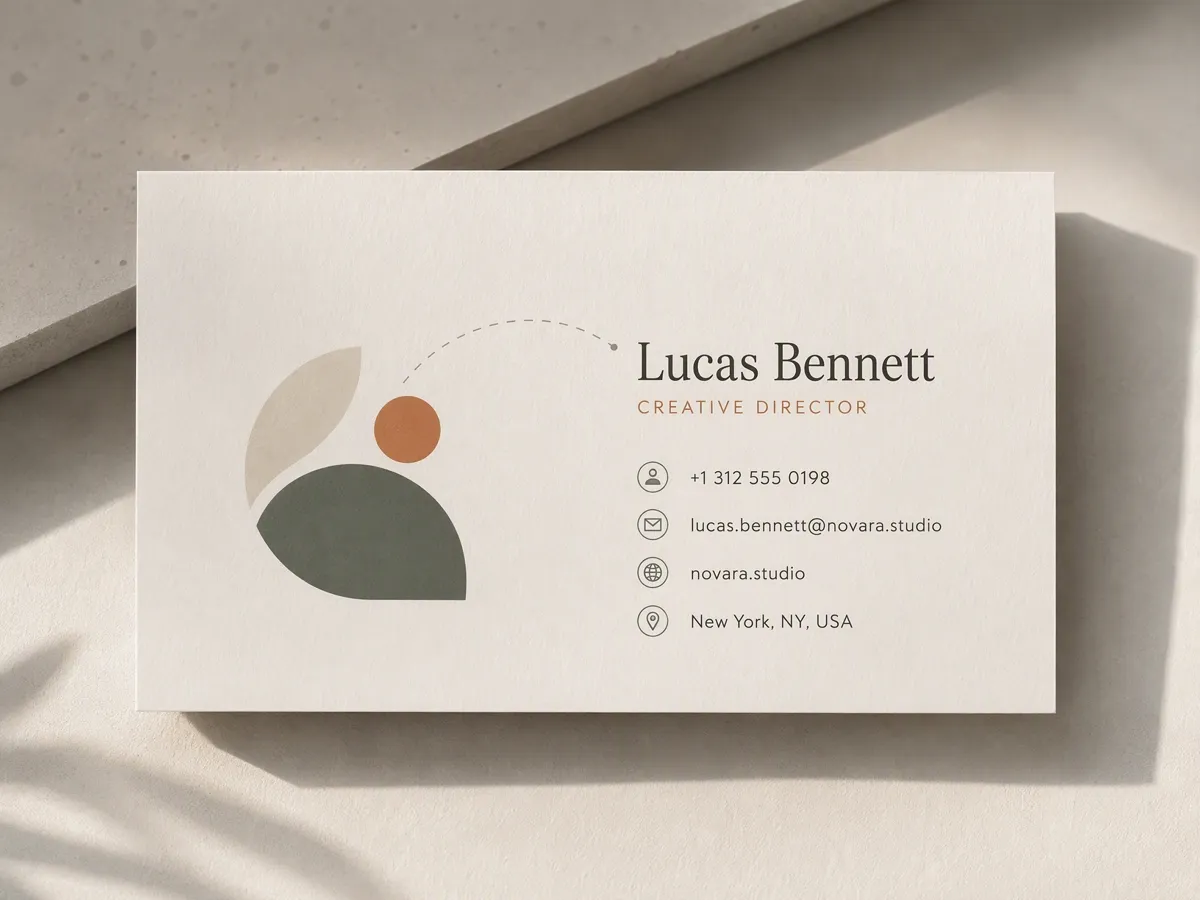
Make the Logo Part of the Layout
A logo should influence the composition rather than occupy leftover space. Add it as an optional reference so the card can respond to its proportions and colors while leaving enough room for the contact details.
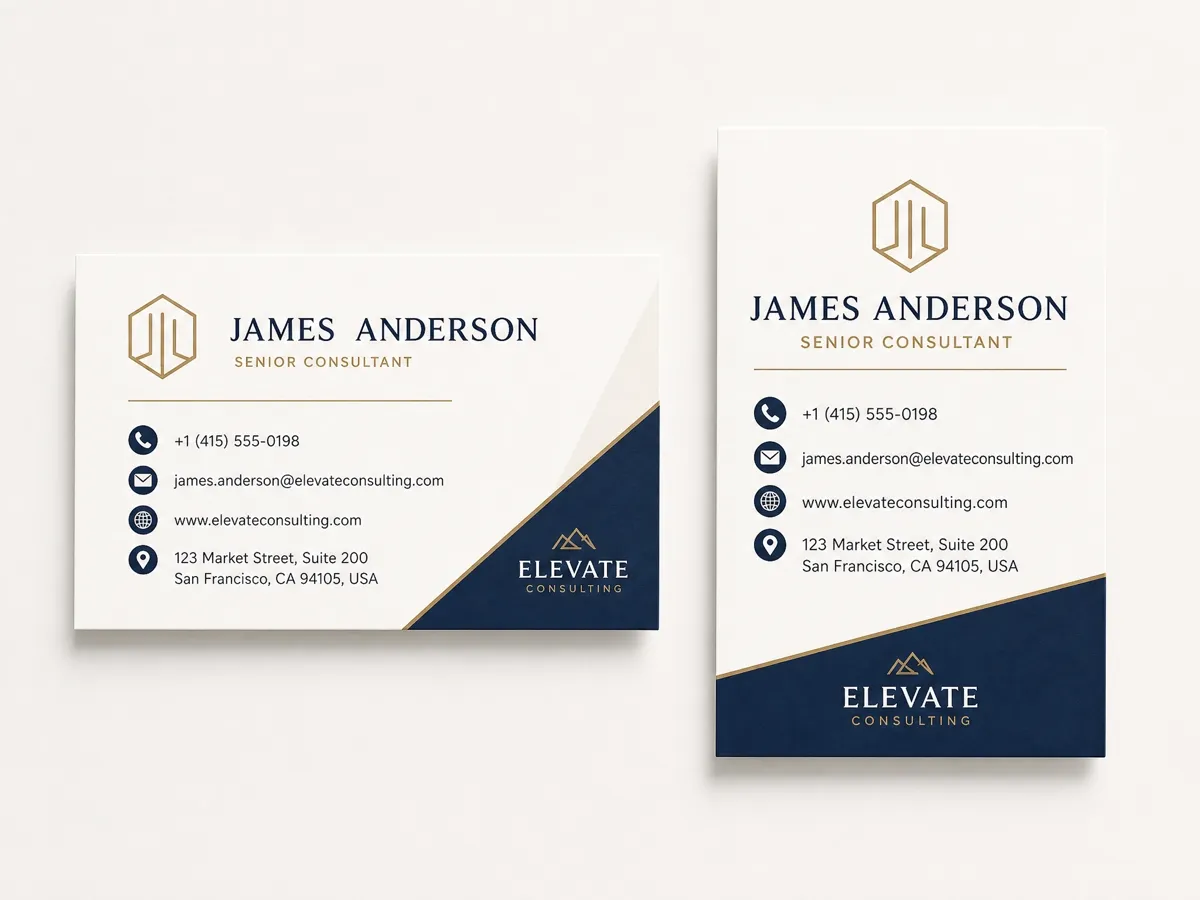
Keep Every Format Well Balanced
Horizontal and vertical cards need different spacing decisions. Choose the intended orientation so Designkit can rearrange the content for those proportions instead of squeezing the same layout into a new shape.
Give Every Professional a Card That Fits the Conversation
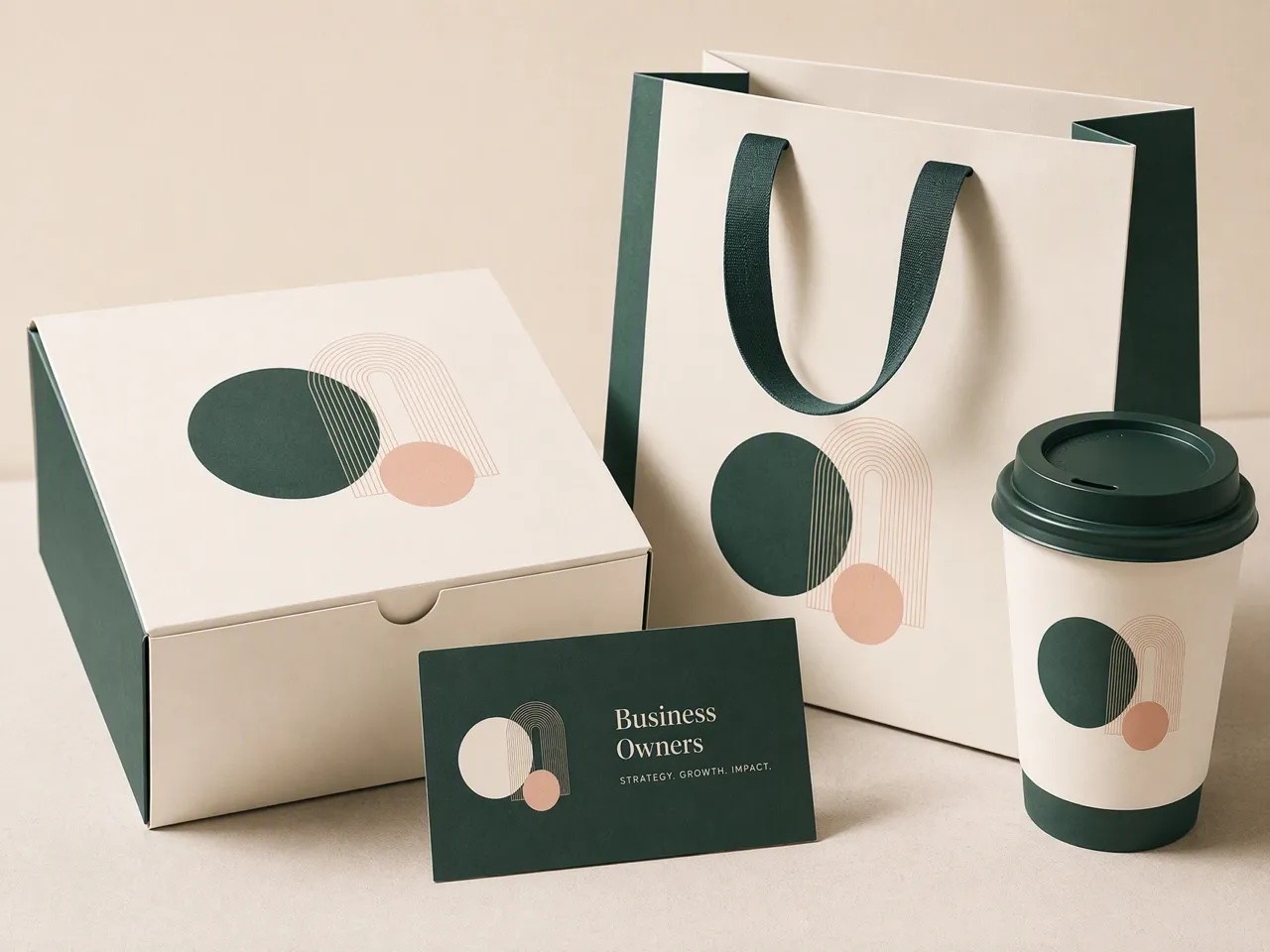
Help New Contacts Remember the Business
An in-person introduction can fade once the conversation ends. Business owners can hand over a focused card that reconnects the name people heard with the company they may need to find later.
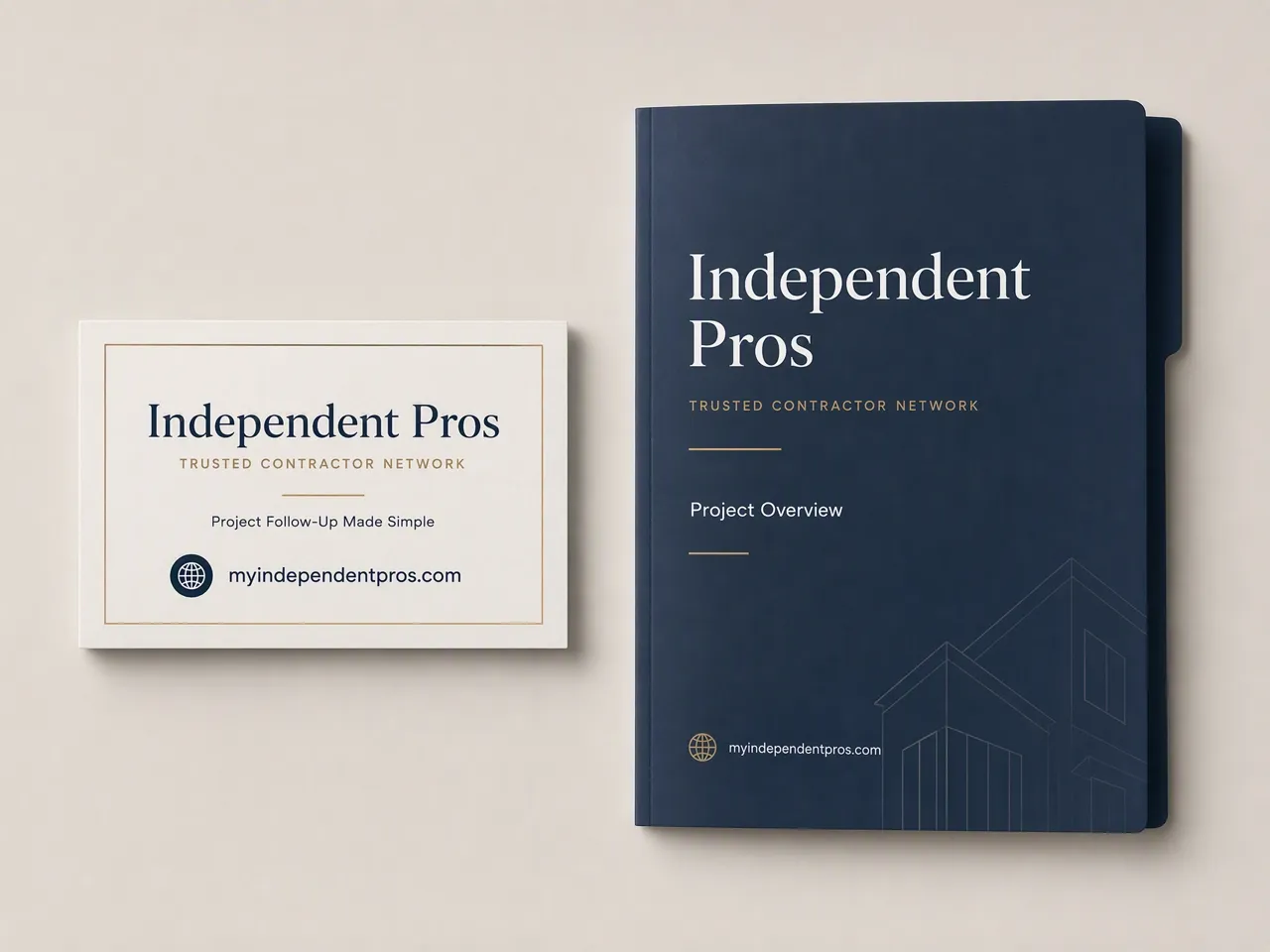
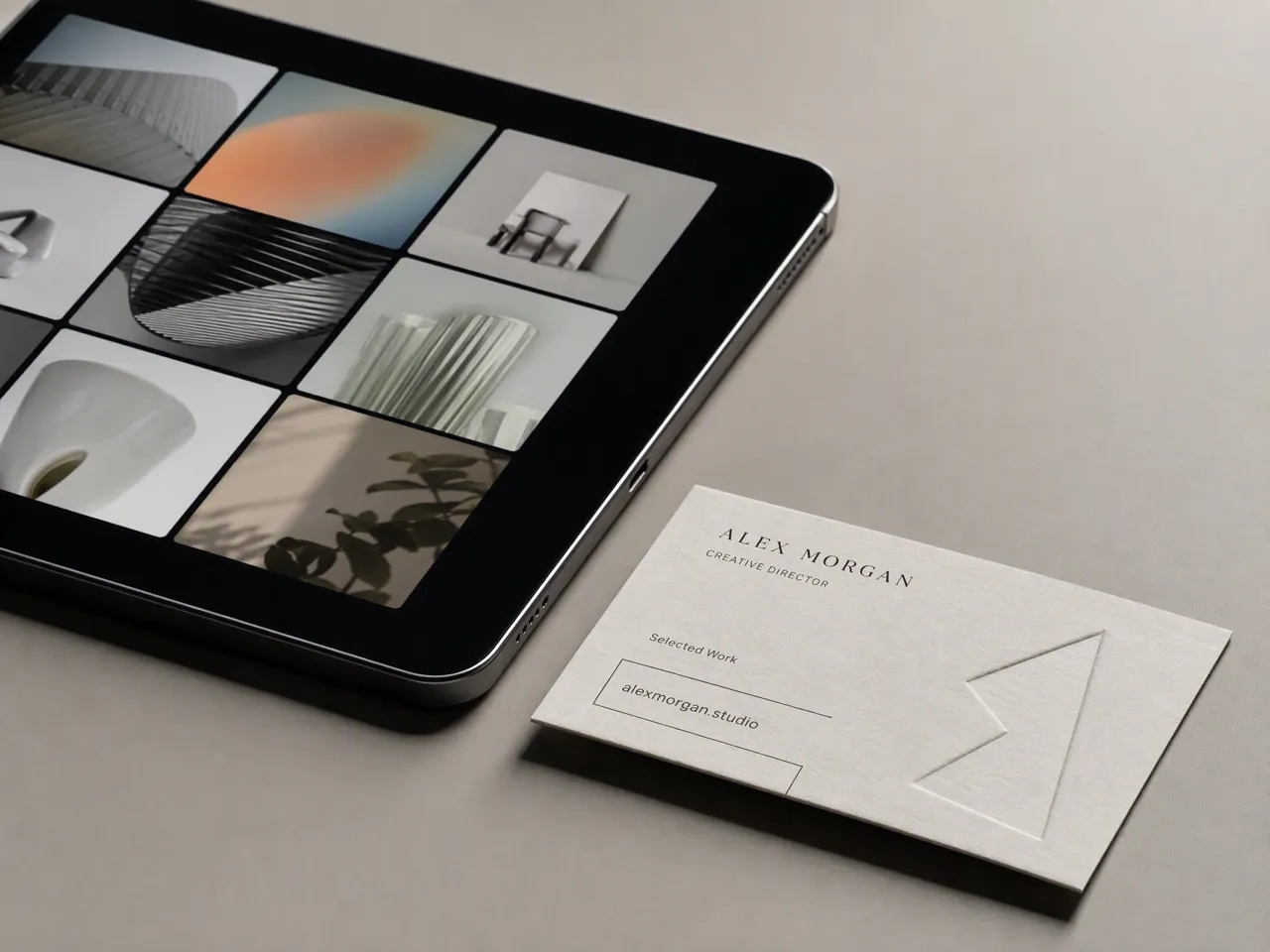
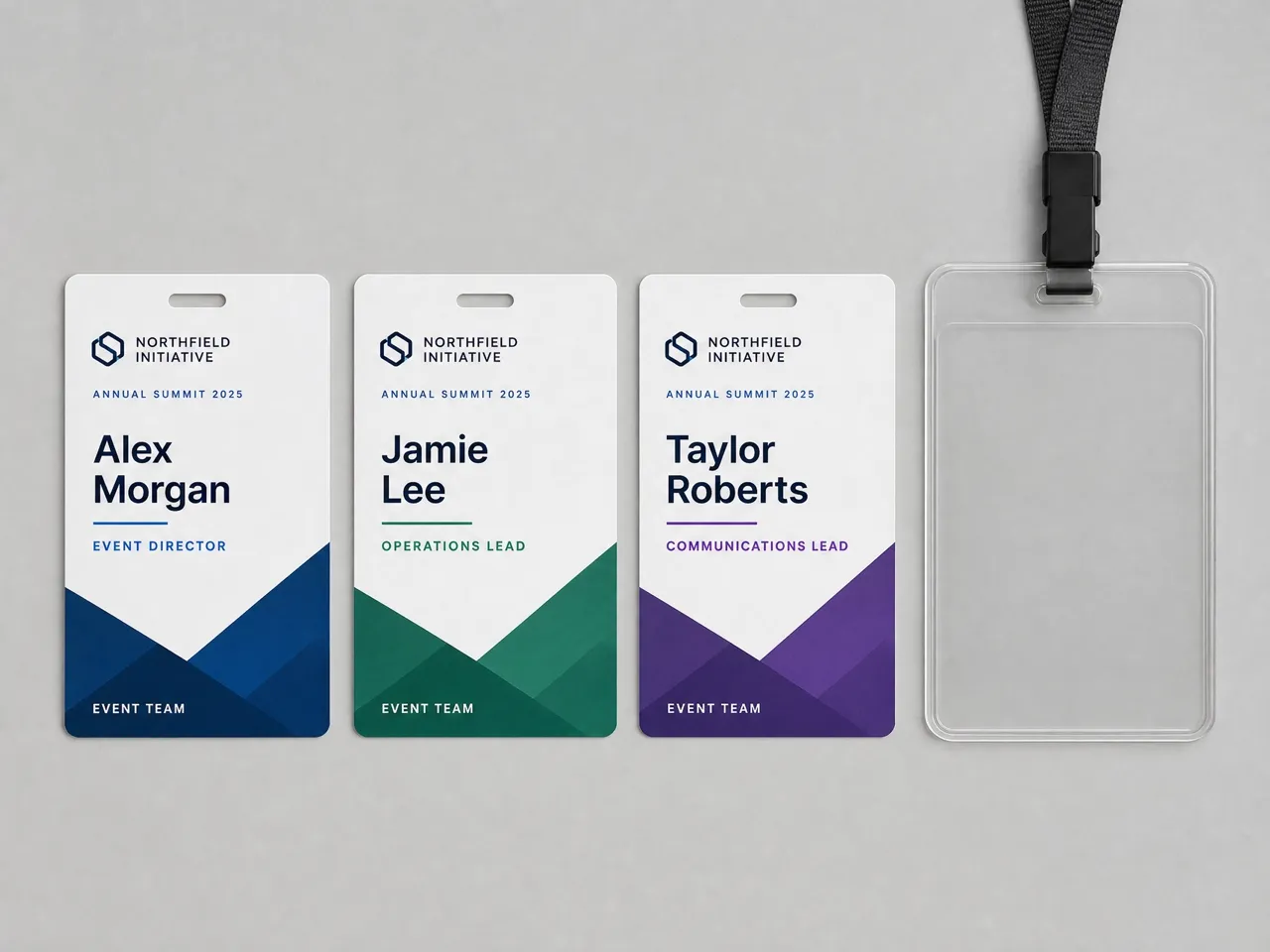
Why Choose Designkit for AI Business Card Design

Compare Several Concepts First
Traditional layouts commit early; Designkit can produce alternatives from one brief before you settle on an approach.

Keep Revisions in One Project
Continue giving targeted feedback in the same project instead of reconstructing the card in another tool.

Show the Final Card in Context
Move the approved flat design into Designkit's Card Mockup Generator for a realistic presentation scene.
Image Types You Can Create with Designkit
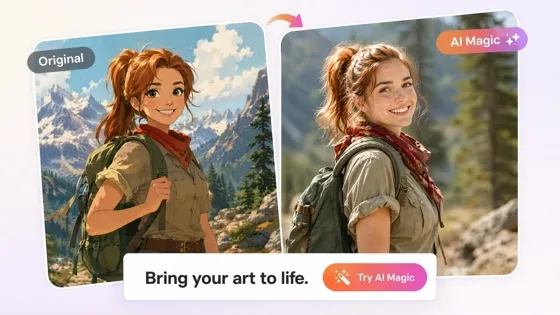
Cartoon to Realistic AI: Bring Cartoon Character into Real Life
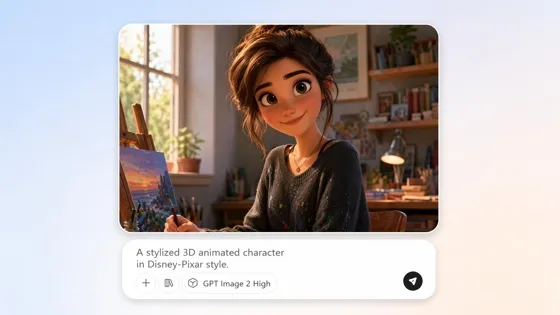
AI Cartoon Character Maker: Create Custom Cartoon Characters
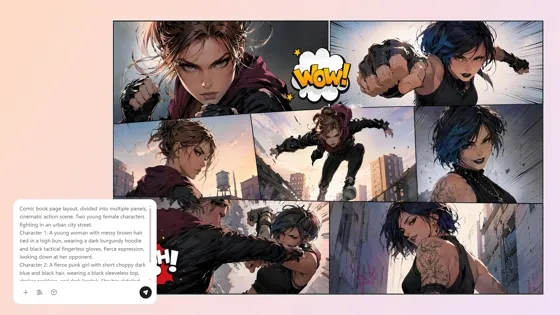
AI Comic Generator: Create Comics from Text or Photos
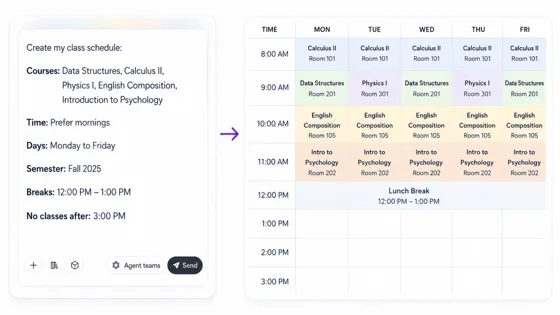
AI Class Schedule Maker for Printable Timetables
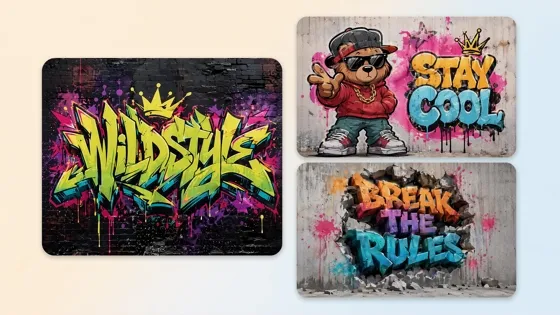
AI Graffiti Generator: Turn Names and Text Into Street Art
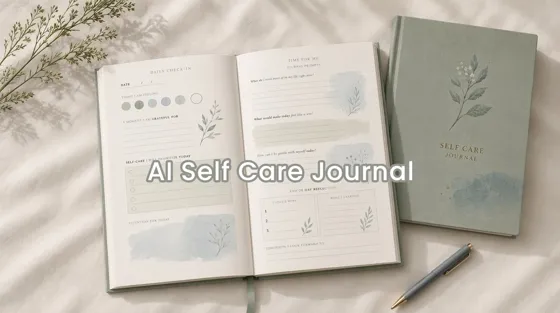
AI Self Care Journal Design Tool for Custom Pages
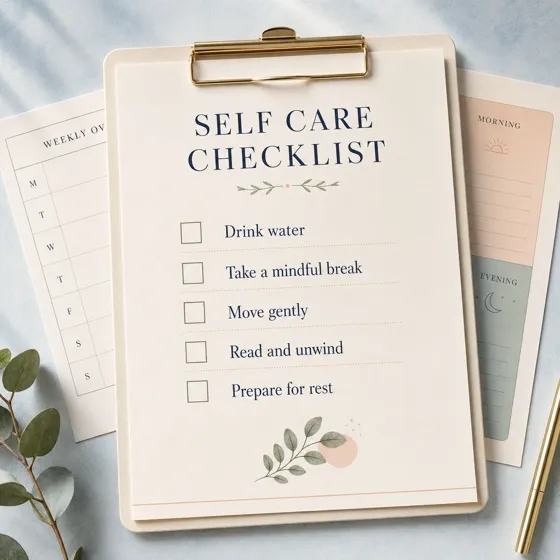
AI Self Care Checklist Generator for Daily Routines
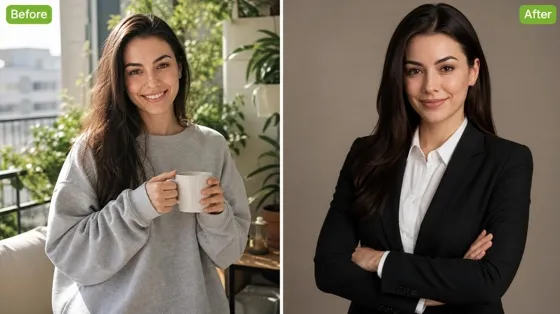
AI Headshot Generator: Turn Selfies Into Professional Photos
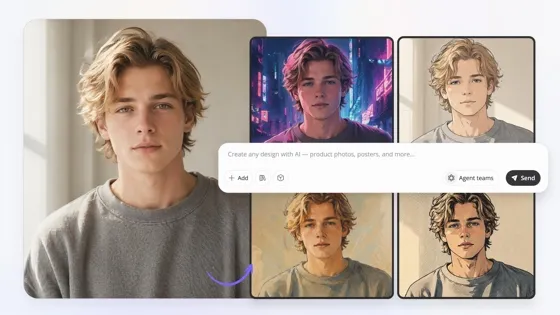
Image to Image AI: Transform Images into New Styles Online
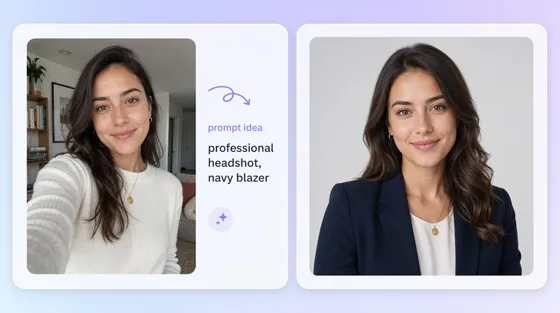
AI Portrait Generator: Headshots, Pets, and Portraits From Photos
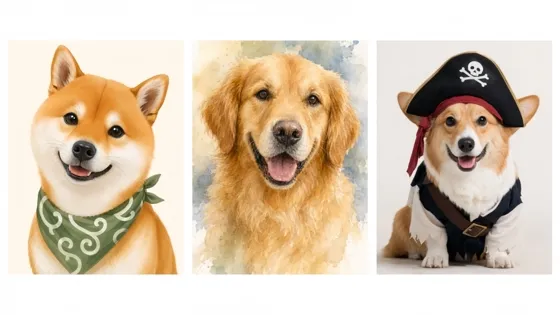
AI Pet Portrait Generator from Photo
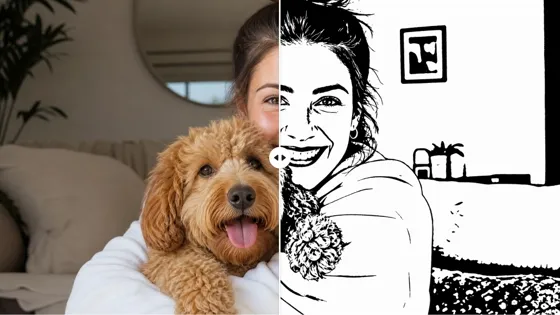
AI Stencil Maker: Turn Photos into Printable Stencils
Frequently Asked Questions
What is an AI business card generator?
What should I include in a business card brief?
Include the professional details that must appear and the impression the card should convey. You may also specify a horizontal or vertical format and add a logo when it should influence the design. Keep the brief focused enough for the generator to establish a clear information hierarchy.
Can I add my own logo to the business card?
Yes. Upload the logo as a reference and explain how prominently it should appear. Review its shape, colors, spacing, and legibility in the generated result, especially when the original file contains small lettering or fine details.
Will AI reproduce every name and contact detail accurately?
AI-generated text may contain errors or substitutions. Check every name, role, number, address, and URL before using the design. Correct inaccurate wording through a follow-up instruction, then inspect the complete export again.
Can I print an AI-generated business card?
You can use the generated design as the basis for a printed card, but confirm the printer's required size, bleed, color mode, resolution, and file format first. A generated image alone does not guarantee print compliance, so let the printer assess the final production file.
Is this the same as Designkit's Card Mockup Generator?
No. The AI business card generator creates a flat card design from your brief. The Card Mockup Generator starts with an existing card file and places it in a realistic presentation scene. Use the first for design creation and the second for display imagery.
Have a Better Card Ready for Your Next Meeting
Start free, check every detail, and decide if the finished card is ready for your next client meeting.



What Professionals Say About Designkit for Business Cards
Users share how seeing a concrete card helped them resolve decisions that had remained unclear in discussion.
I finally knew what to leave out.
My original brief tried to explain the entire business. Seeing everything on one card showed me which message mattered and what belonged on the website instead. The shorter version felt much easier to hand to a new contact.
The team could react to the same idea.
We had discussed an understated feel in vague terms for weeks. Once everyone saw the same concept, the conversation became specific, and we could resolve our disagreements without another round of abstract references.
The new name still felt familiar.
I needed a card after renaming the studio, but I did not want returning clients to feel that everything had changed. Looking at the concepts helped me decide what to carry forward and where the new identity needed more presence.
I caught the problem before production.
My full role title looked far longer on the card than it did in a document. I shortened the wording, checked the contact information again, and gave the printer a cleaner file to assess against its specifications.