
Create an Editable Class Timetable from Your Course Details
Enter courses, times, and school notes to generate a visual class schedule. Edit text, colors, and layout, then export it to print or share.
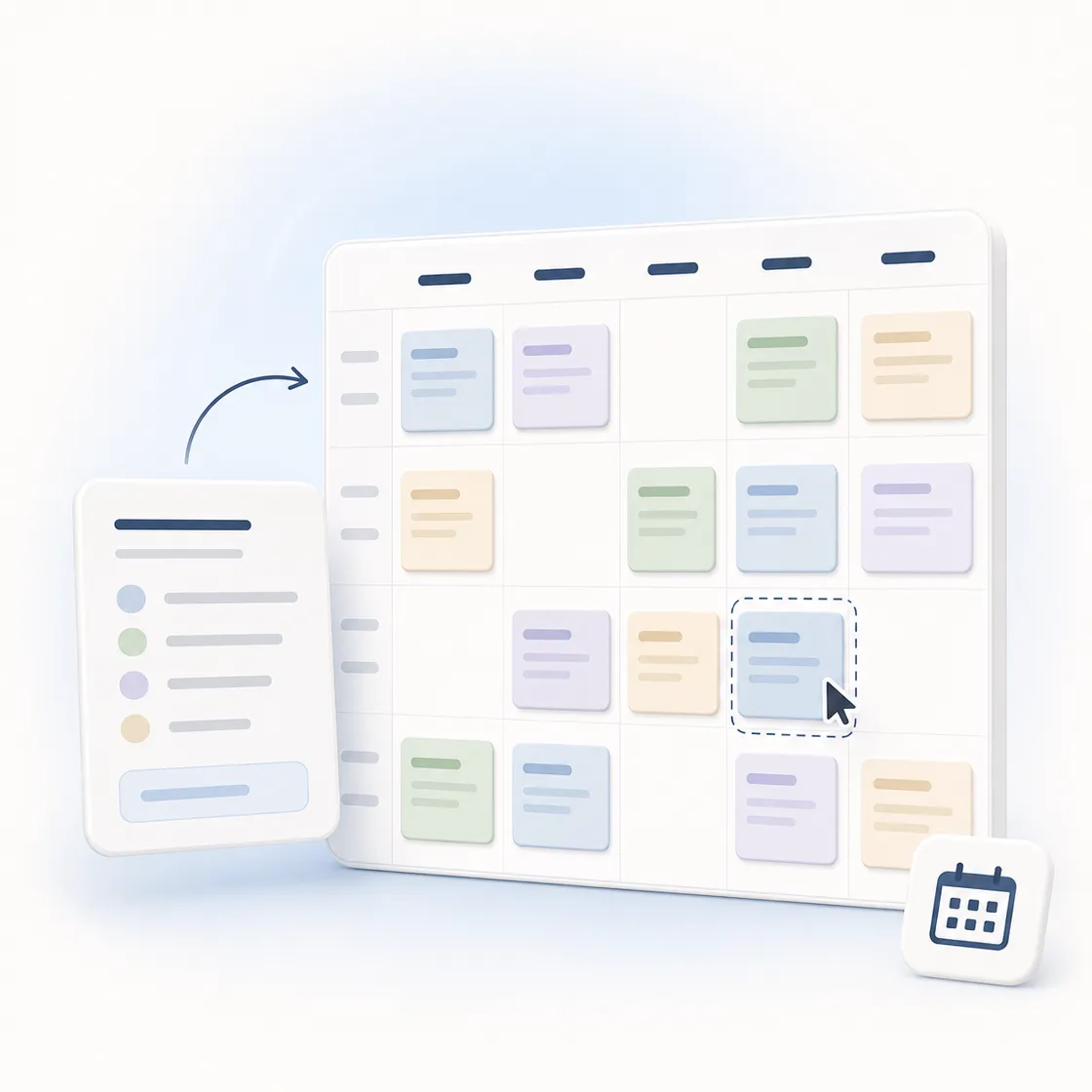
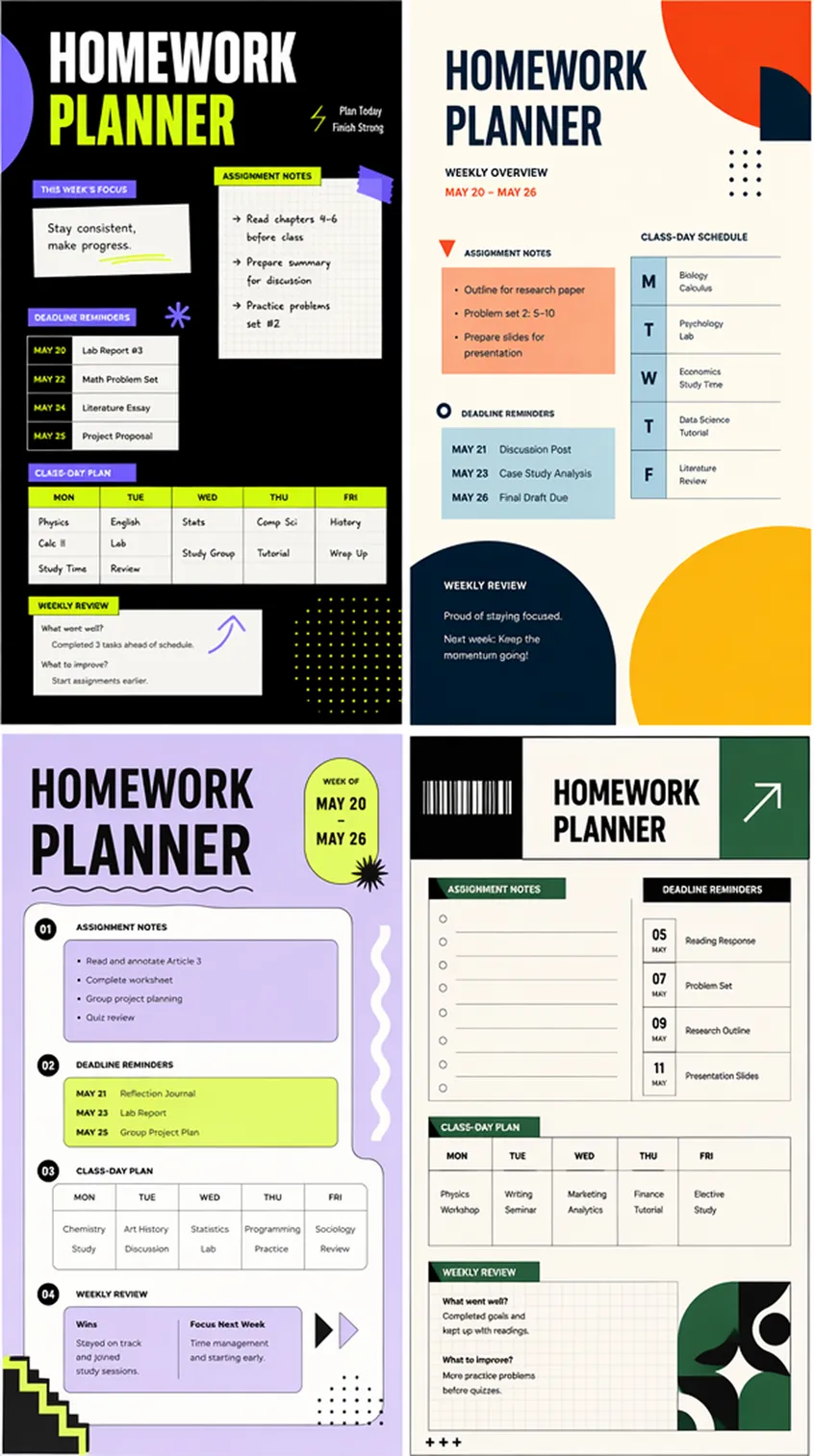
Class Schedule Designs You Can Create
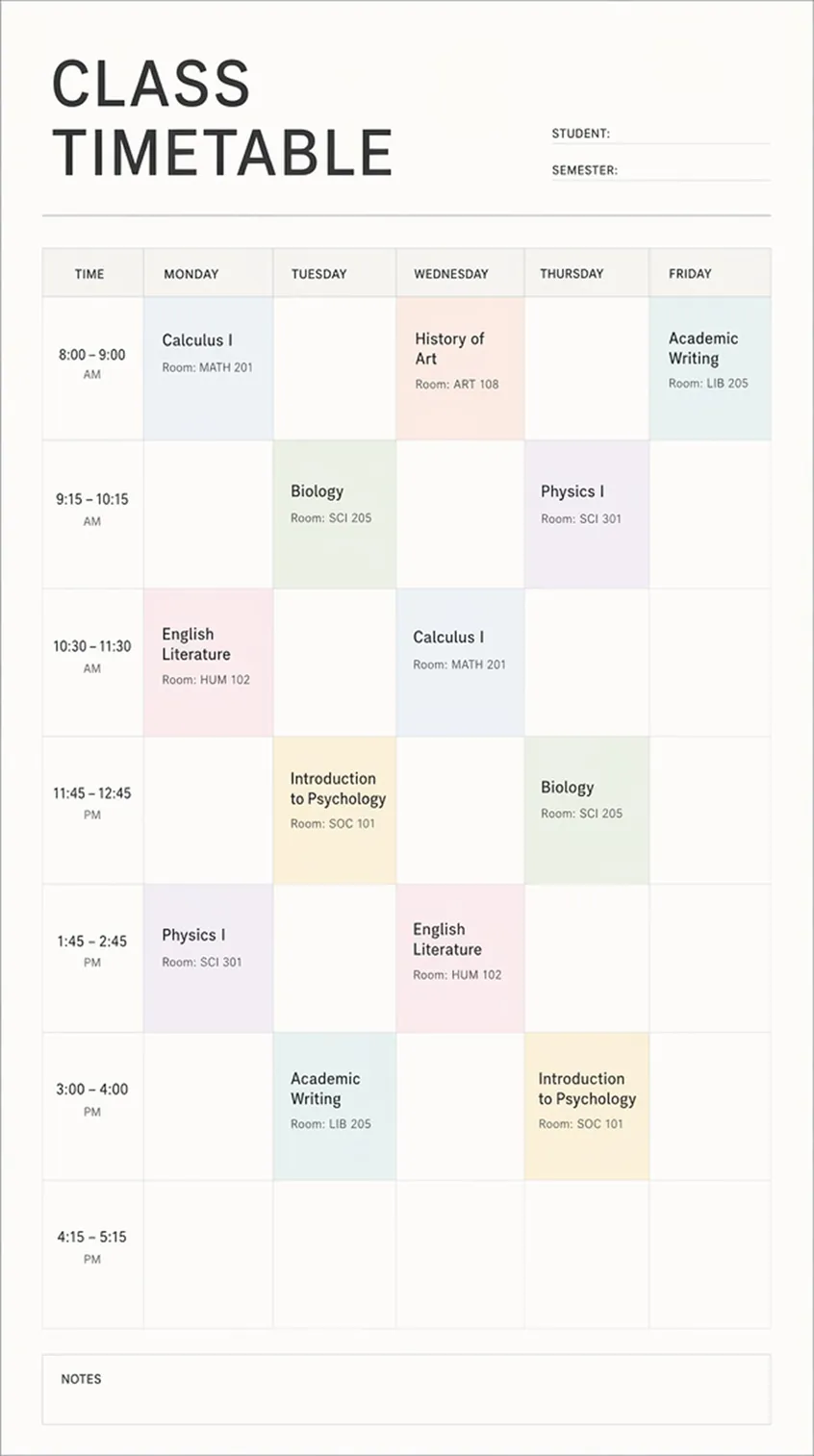
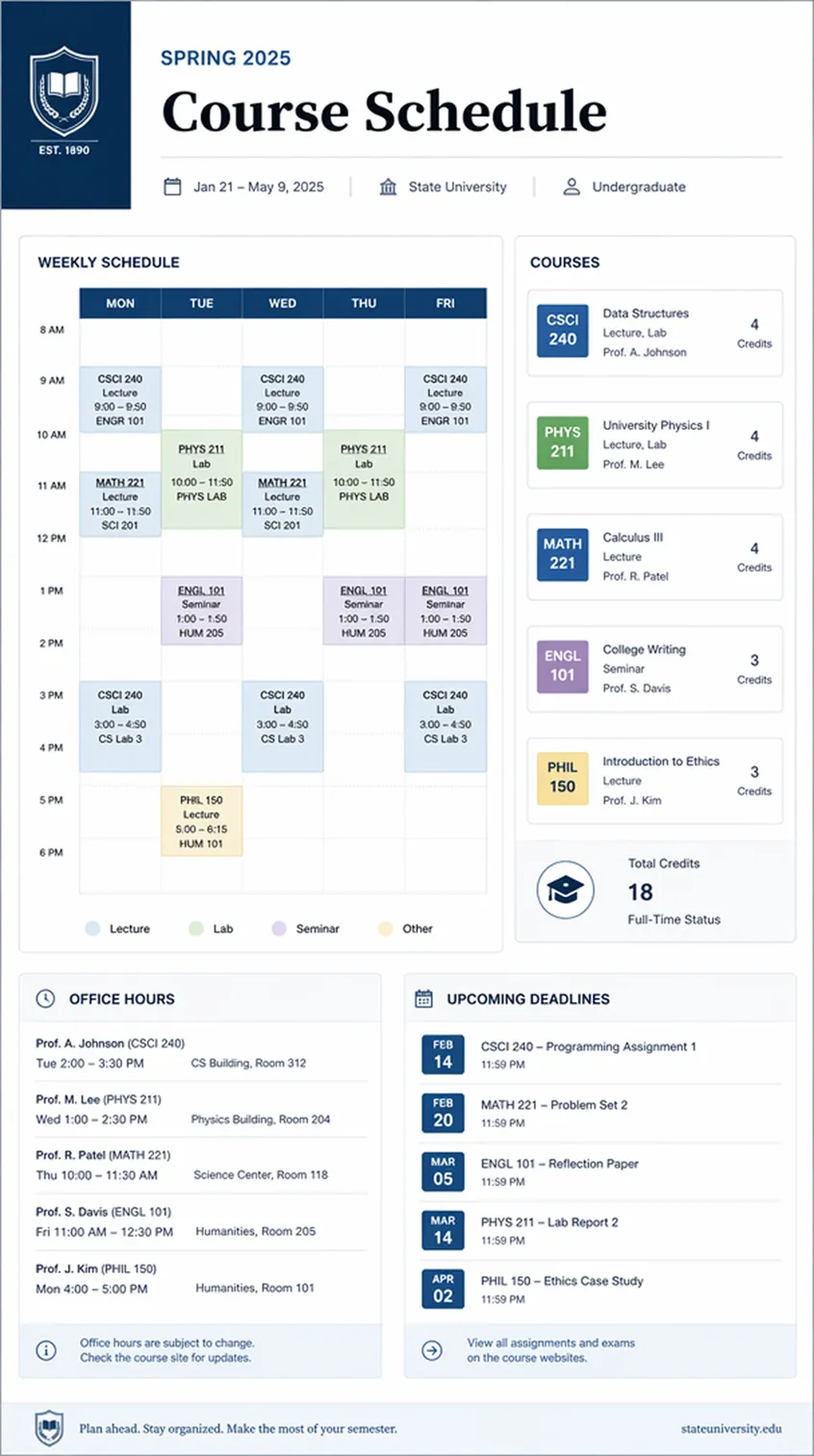
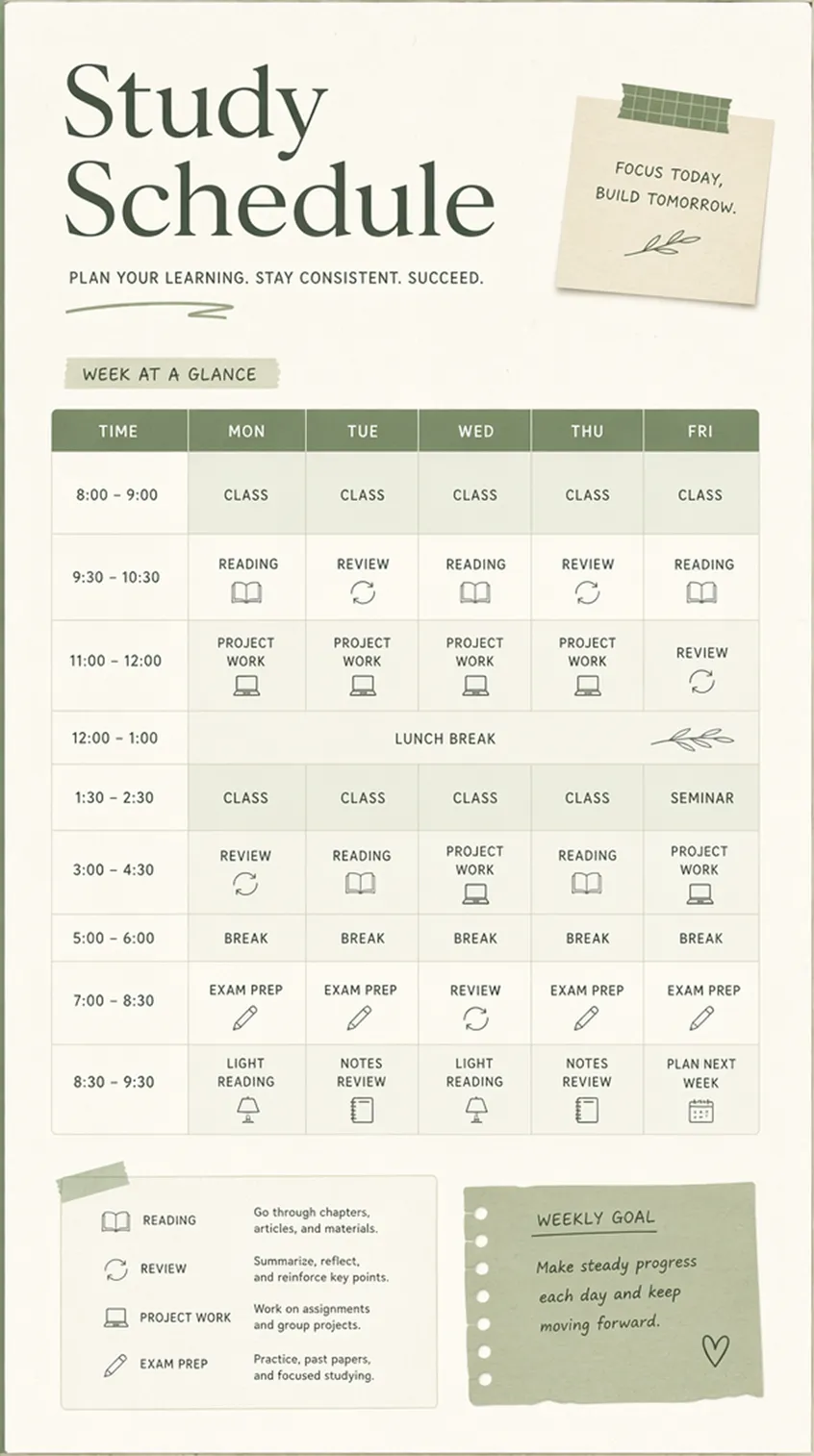
How to Make a Class Schedule With AI
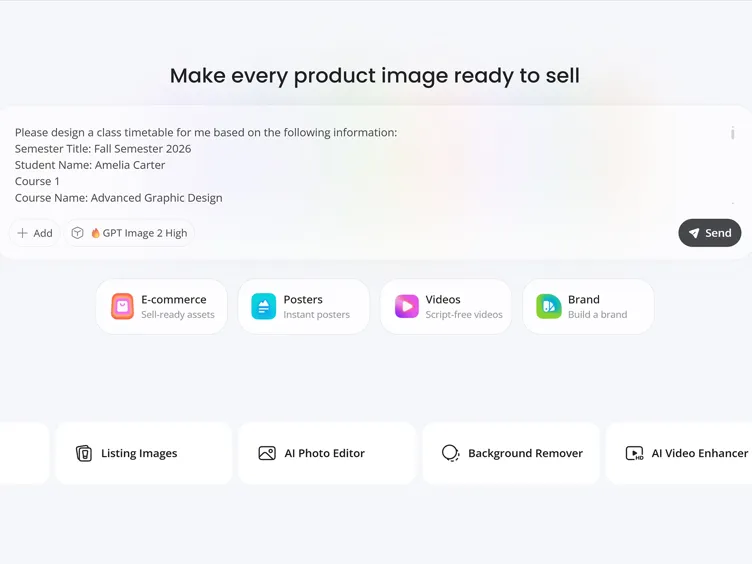
Enter Your Class Details
Add course names, weekdays, time ranges, semester title, student name, room notes, and preferred schedule style.
Generate a Schedule Layout
Designkit arranges your information into a clear timetable with day sections, time blocks, course labels, and balanced spacing.
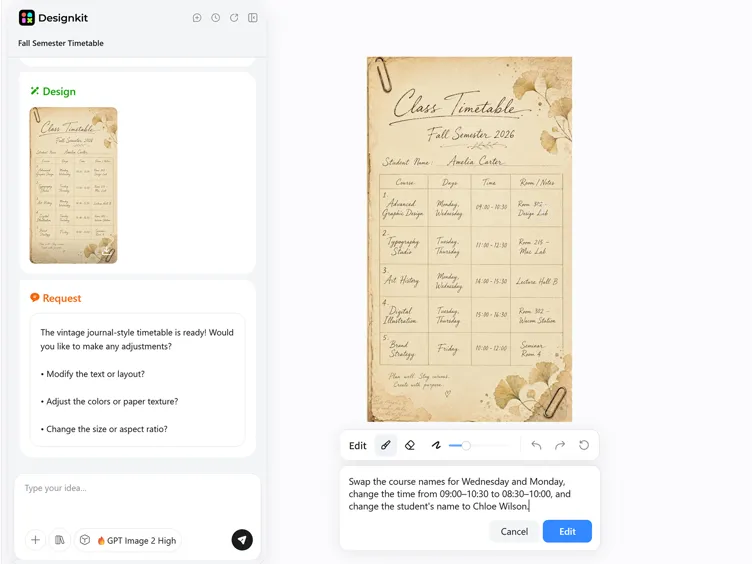
Edit Text and Export
Replace class names, revise time slots, adjust colors, refine layout details, and export the finished schedule.
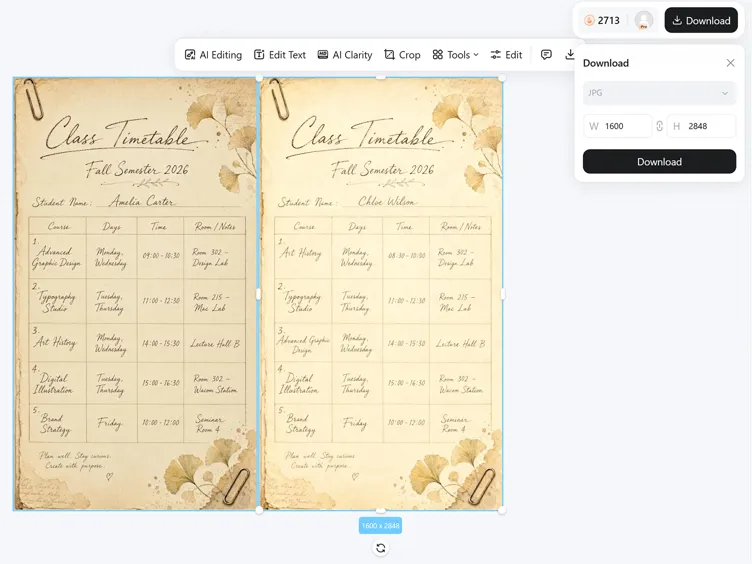
Shape a Class Schedule Around Your Routine
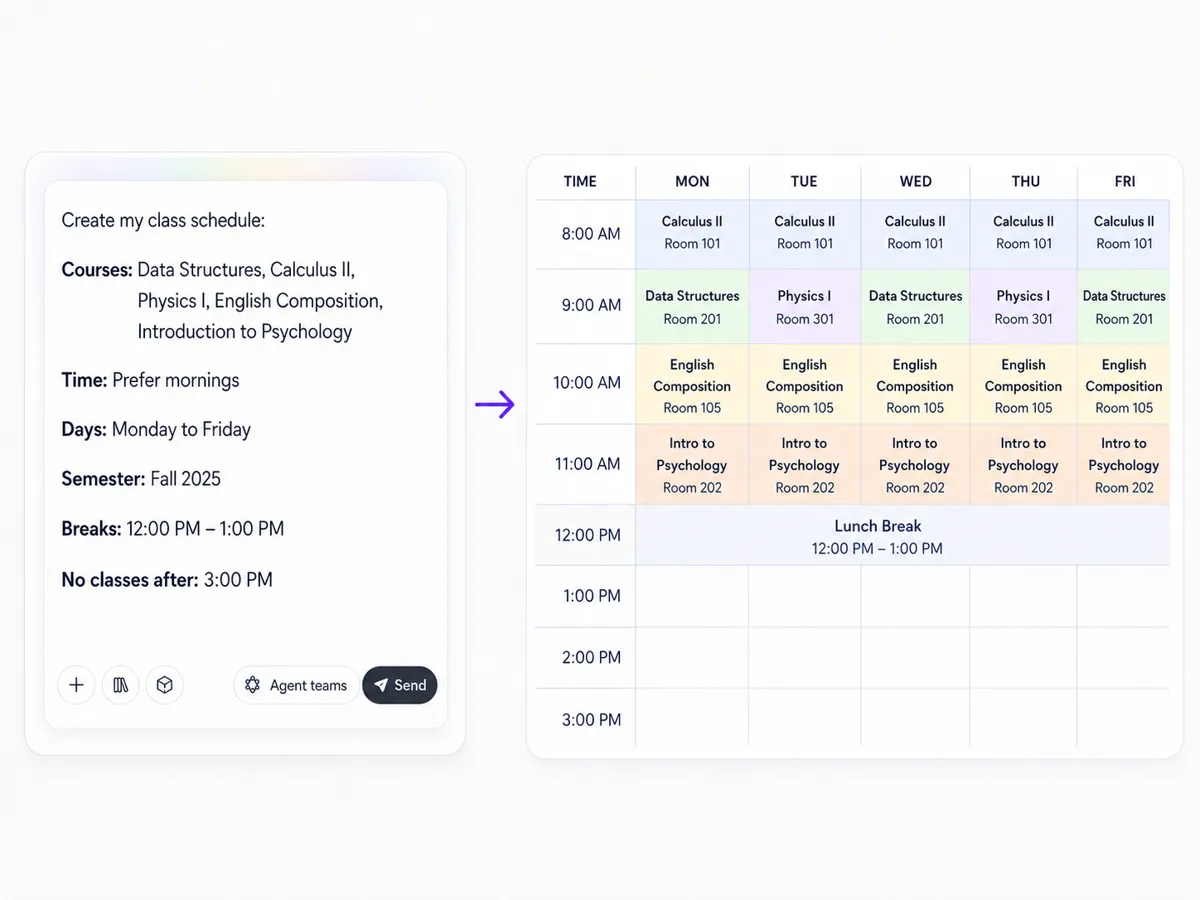
Generate Schedules from Class Details
Turn course names, time ranges, weekdays, room notes, and semester details into a structured class schedule. Designkit helps arrange the information into a visual timetable, so your school details become easier to scan than a plain list or rough planning note.
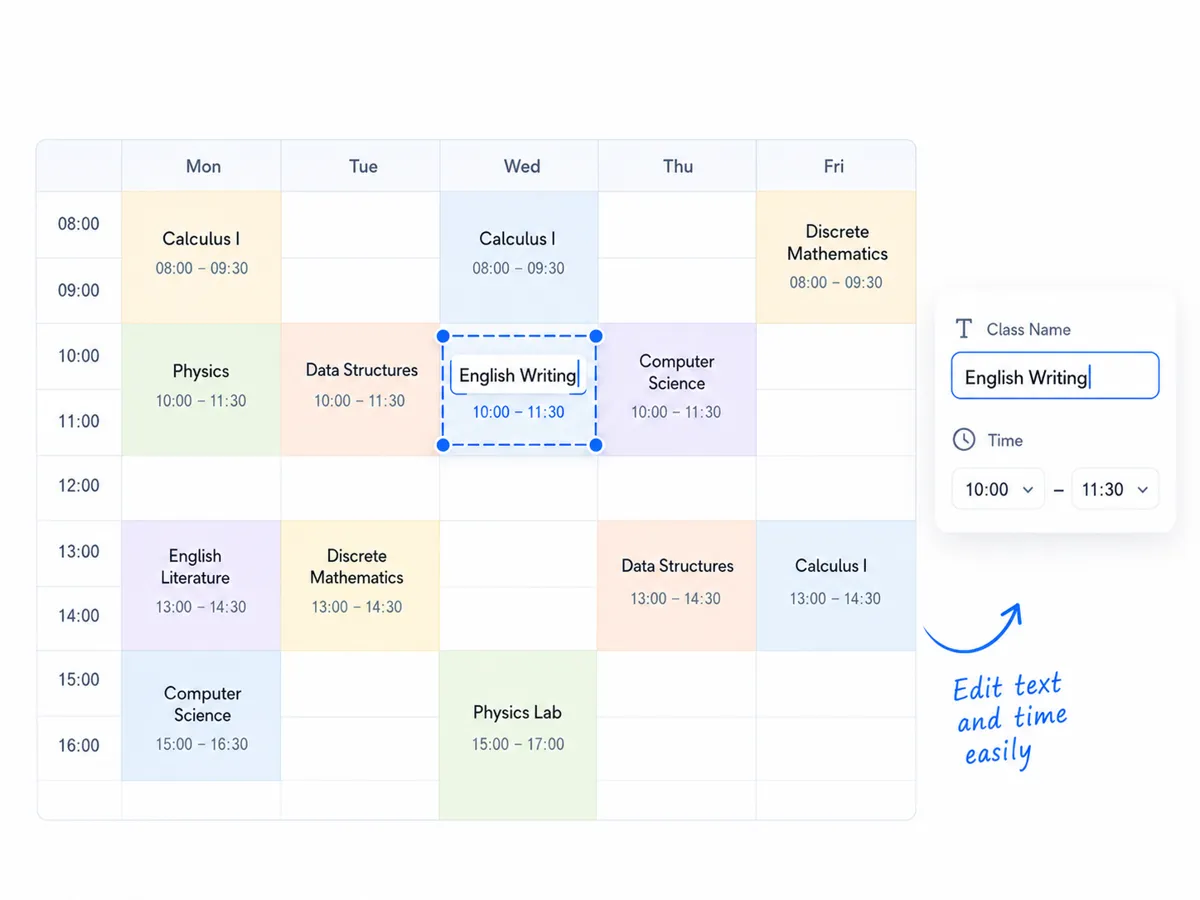
Edit Text Across the Timetable
Update the schedule after generation by replacing course names, changing time slots, revising labels, and adjusting notes. This helps you correct schedule changes, rename classes, or refine the timetable before using it for school, college, or study planning.
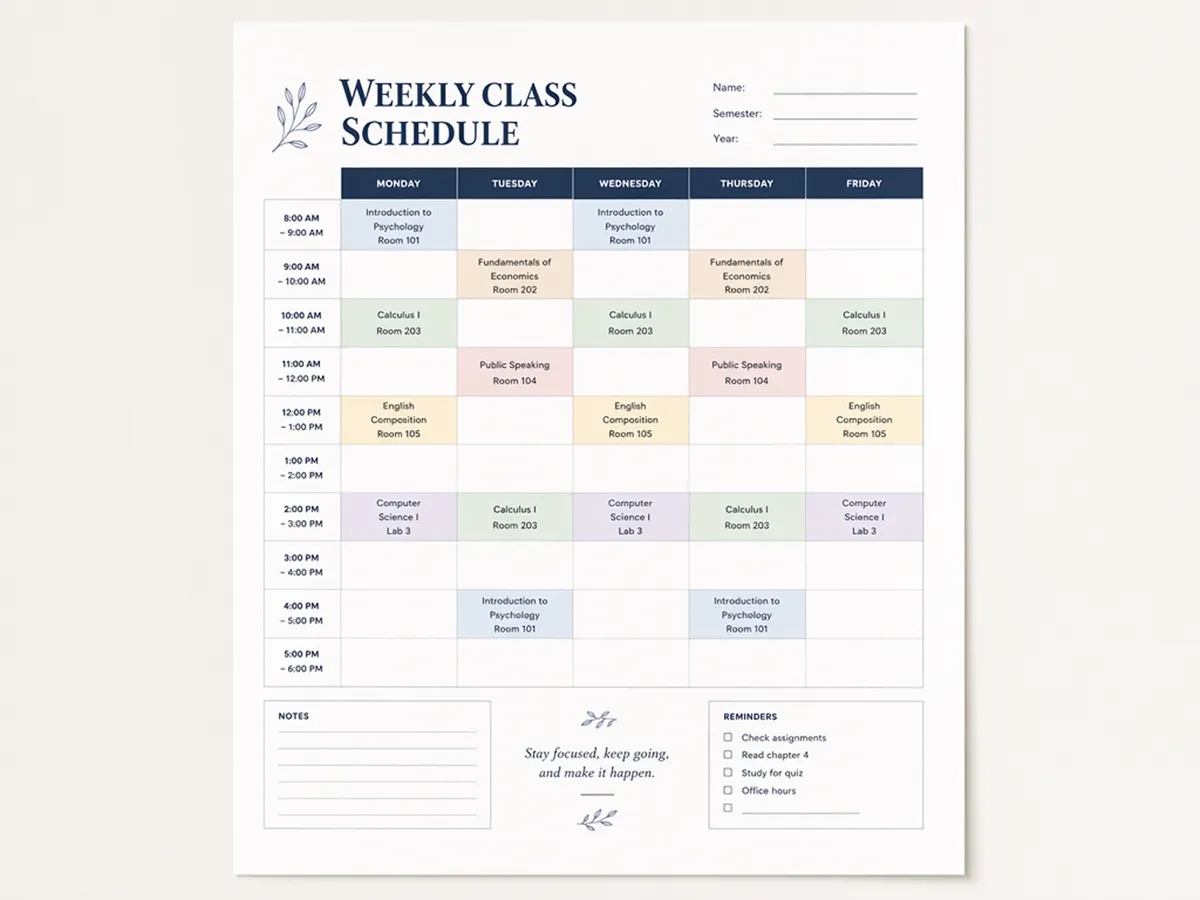
Style the Schedule for Printing
Adjust colors, spacing, background details, and section contrast so course blocks stay easy to read on paper. Keep the timetable clear for printing while still looking like a personal planner page.
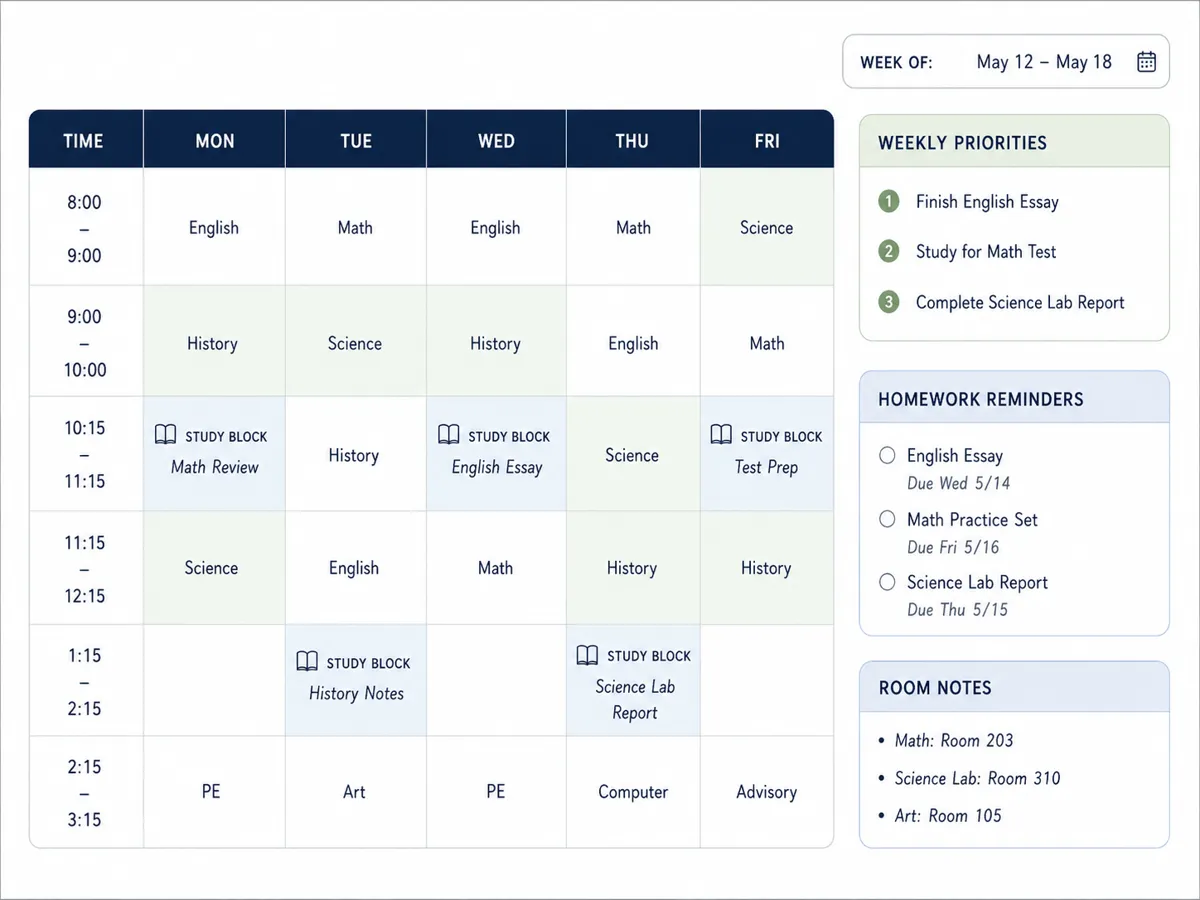
Add Planning Sections Beyond Classes
Extend the class schedule with study blocks, homework reminders, room notes, review periods, or weekly priorities. These extra sections help the final design work as a school planner page, not only a course timetable.
Class Schedules for Students, Teachers, and Homeschool Planners
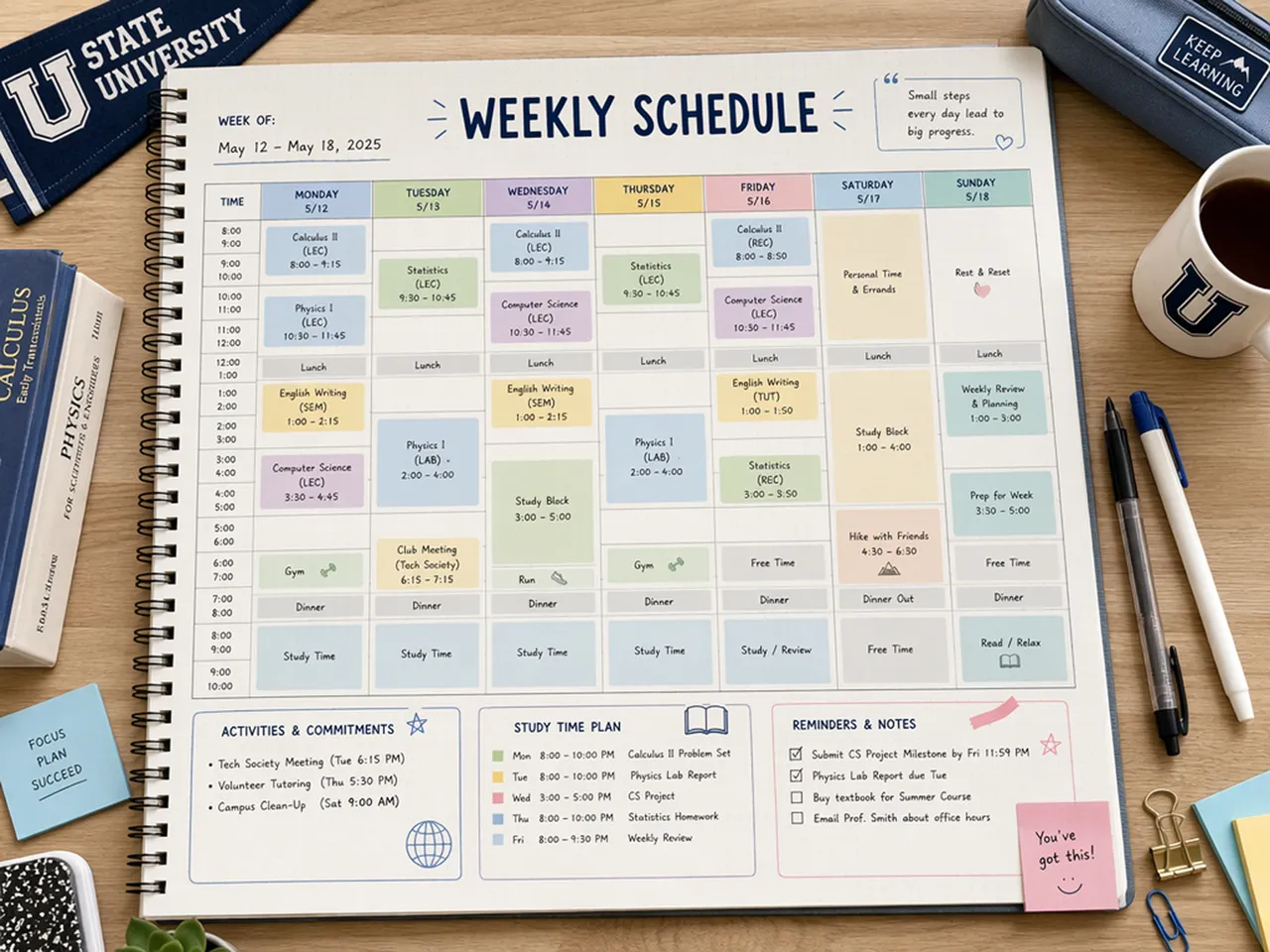
Organize School Days in One View
Students can turn class times, activities, study blocks, and reminder notes into a single schedule page. The result is easier to check before school, during homework time, or while planning the next day. It also gives students a cleaner alternative to scattered notes or a plain table.
Why Choose Designkit for Class Schedules?

Built Around Your Real Week, Not a Stock Template
Template galleries often force your week into someone else’s layout. Here the first draft follows the courses and times you enter, so less time goes to browsing class schedule templates that only partly fit.

Keep Editing After the AI Draft
Some AI schedule tools leave you with an image that is hard to fix. After generation, you can still change labels, times, colors, and spacing before export.

Ready for Handouts and Shared PDFs
School schedules often need to print cleanly or go to parents. Tune contrast and structure so the page works as a binder insert, classroom display, or shared PDF.
Unlock More Creative Possibilities

Text to Image AI Generator

AI Comic Generator

AI Self Care Journal Design

AI Storyboard Generator
Frequently Asked Questions
Can I make a class schedule online with Designkit?
Can I edit the text after generating the schedule?
Yes. You can replace course names, update time slots, revise labels, change colors, and refine the layout.
Is this a class schedule template?
No. This is not a template library. Enter your own school details to generate a custom class schedule, then edit the design before export.
Can I create a printable class schedule?
Yes. You can create a timetable layout and export the finished design for printing, saving, or sharing.
Will the generated class schedule look clear enough to print or share?
Yes. You get a structured timetable layout with day sections and course blocks. Adjust text, colors, and spacing before exporting a print-ready or shareable design.
Can I try the AI class schedule maker for free?
Yes. You can try Designkit free, enter your class details to generate a timetable design, then edit the layout before exporting.
What schedule types can I make?
You can make class timetables, course schedules, study schedules, homework planners, classroom schedules, and homeschool schedules.
Can I use it for college schedules?
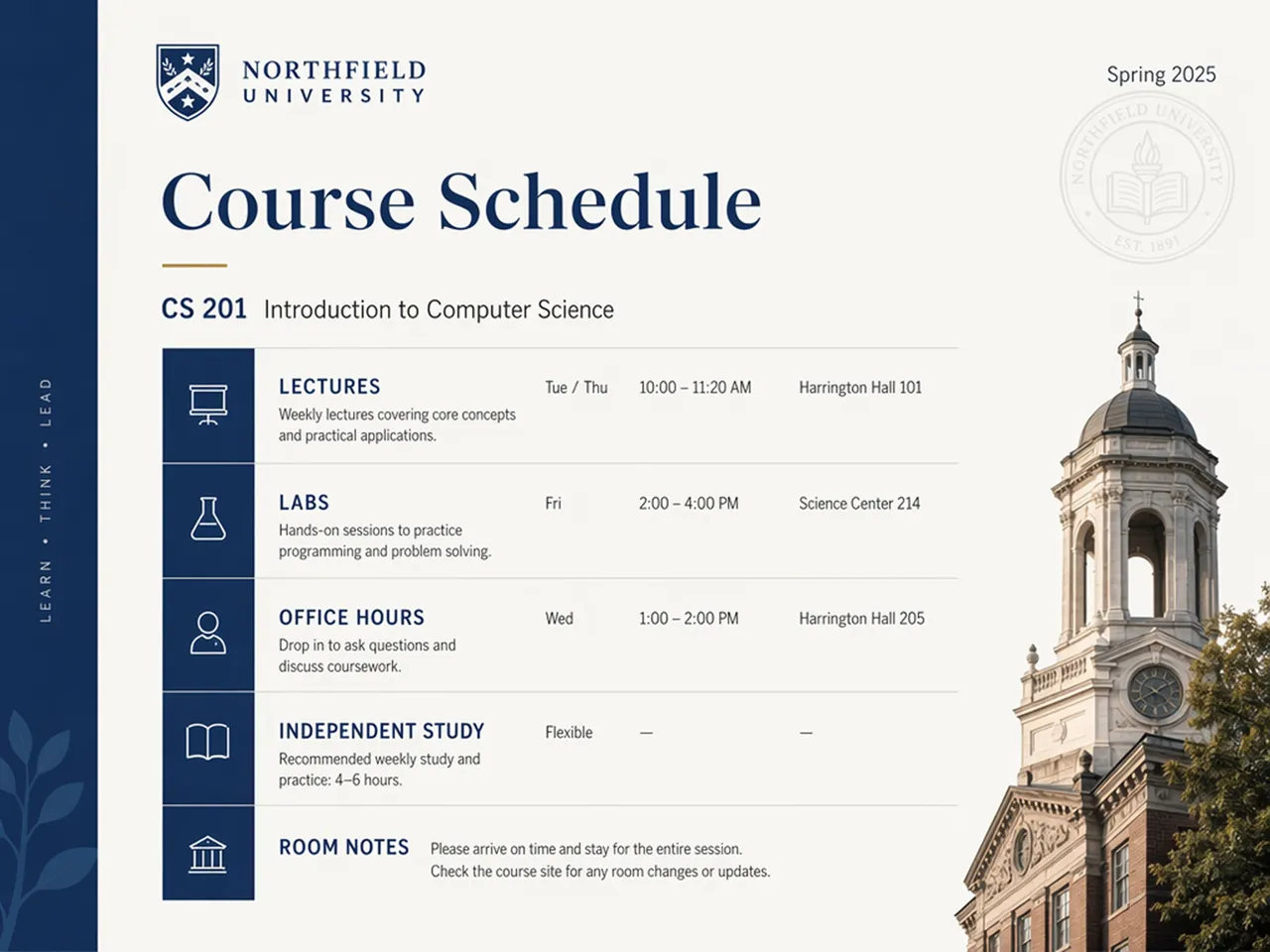
Yes. Add lectures, labs, seminars, study blocks, room notes, and semester details to create a college course schedule.
Make a Class Schedule You Can Follow
Try Designkit free: turn your courses and times into an editable timetable design, then refine the layout before you print or share.



What Users Say About the Class Schedule Maker
See how Designkit helps users organize class times and study plans into clear schedules that are easier to follow.
A Cleaner Course Overview
I used Designkit to make a course schedule before the semester started. It placed my classes into a real timetable structure, then I updated a few labels, changed the colors, and added office-hour notes. The final page was much easier to check than my old course list.
Better Than My Spreadsheet
My old class schedule lived in a basic spreadsheet, and I never liked printing it. Designkit helped me turn the same information into a cleaner schedule with class blocks, study time, and reminders. It looked more like something I would actually keep in my planner.
Clear Enough for Handouts
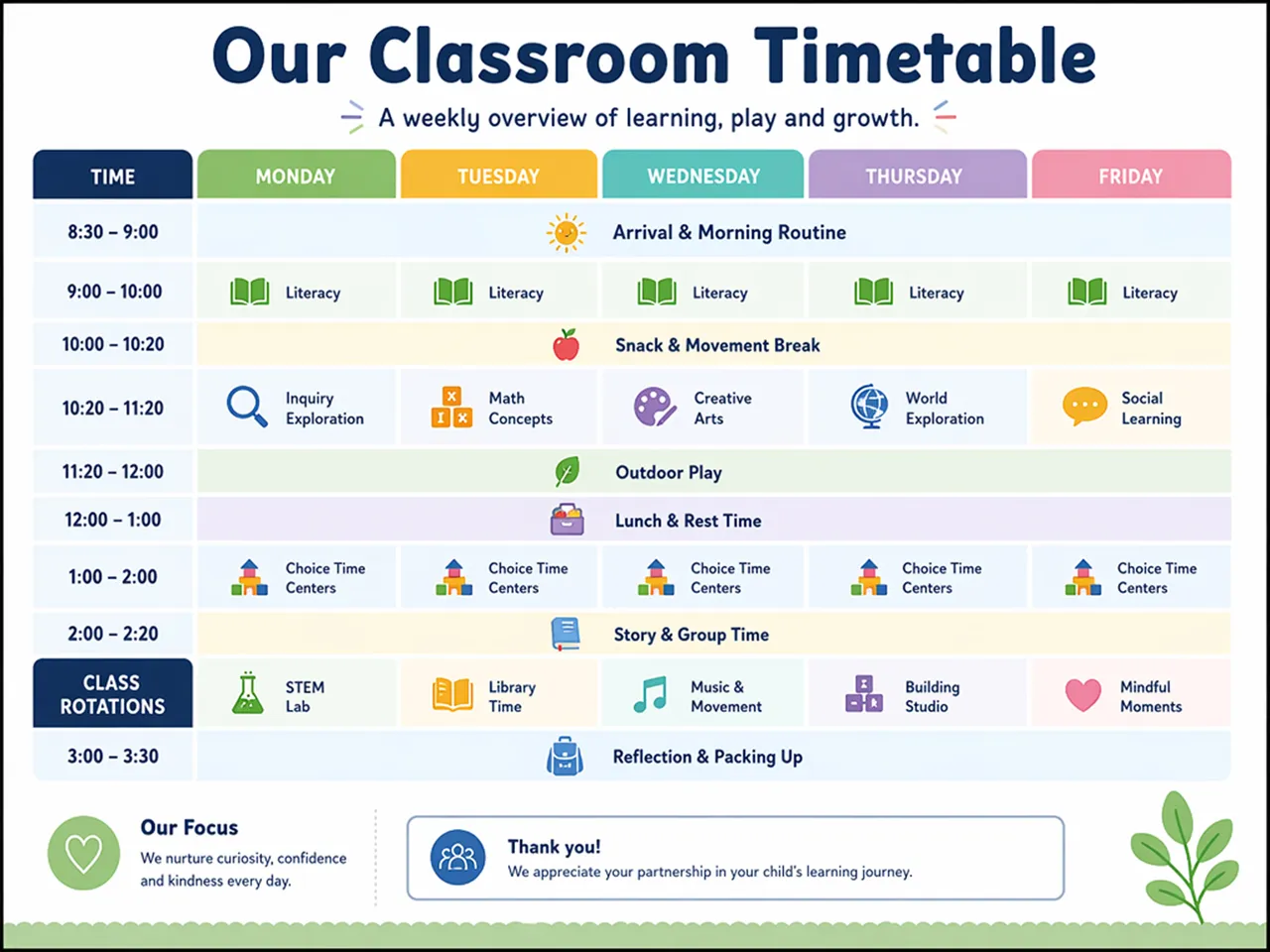
I needed a classroom timetable that students and parents could understand quickly. The generated layout gave me a useful starting point, and I adjusted the labels, spacing, and colors until the page worked well for printing and sharing.
Helpful for Homeschool Planning
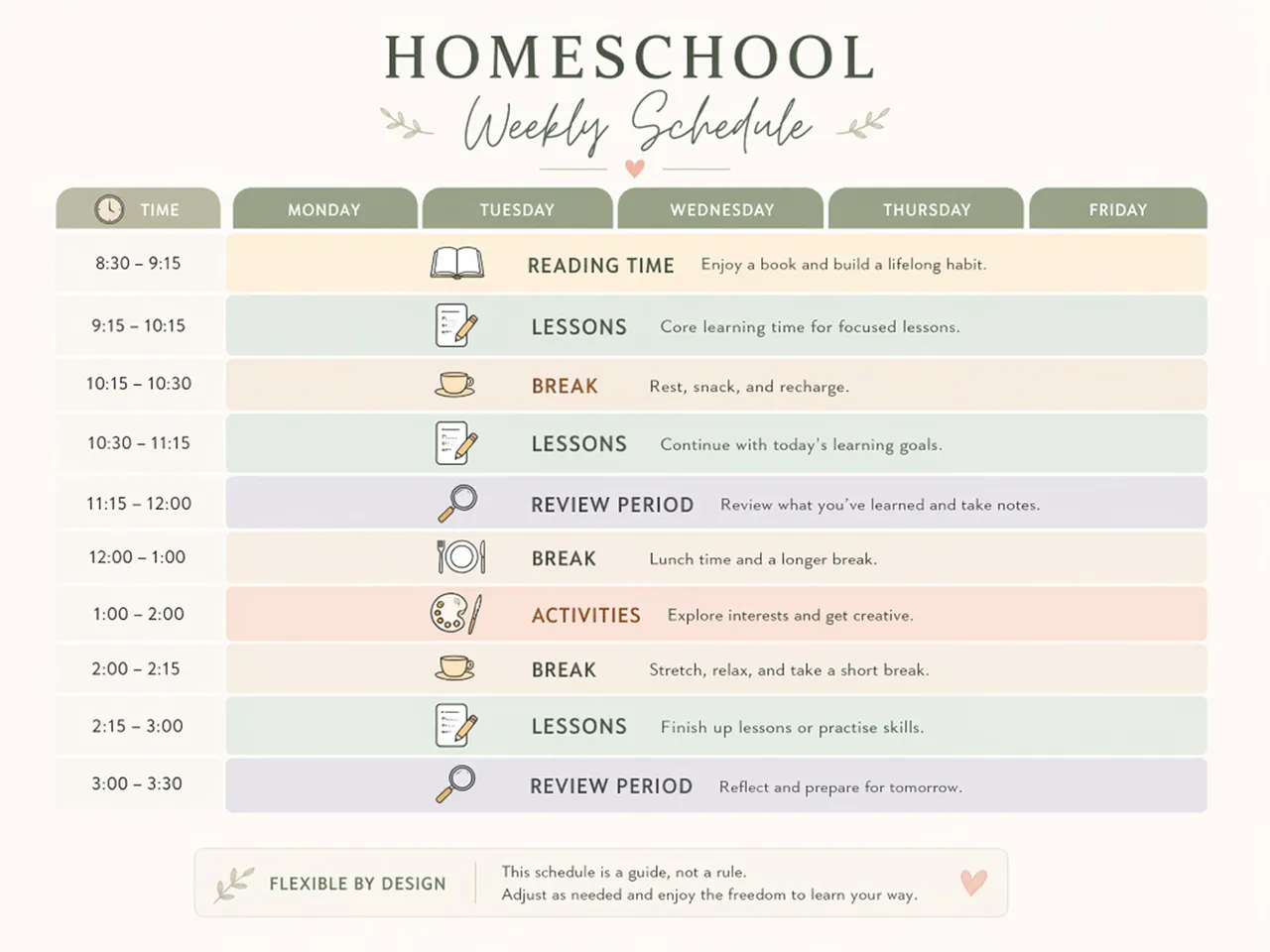
I made a homeschool schedule with lessons, reading blocks, breaks, and activities. The visual layout helped my child understand the routine more clearly, and I could update the labels when our weekly plan changed.