
AI Age Filter: Change Your Age in a Photo
Curious how you may look at another stage of life? Describe the age change you want and create a portrait shaped around your request.
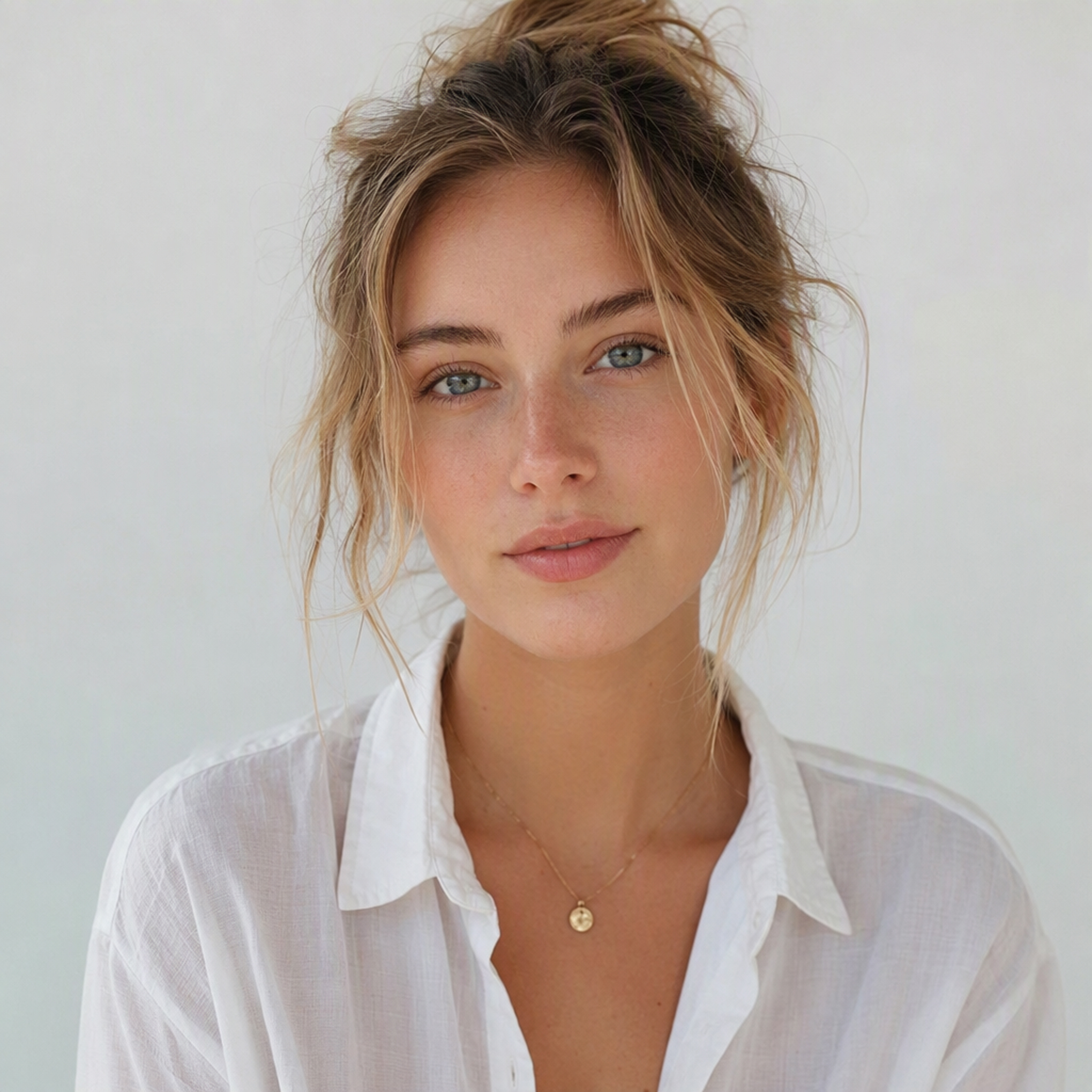
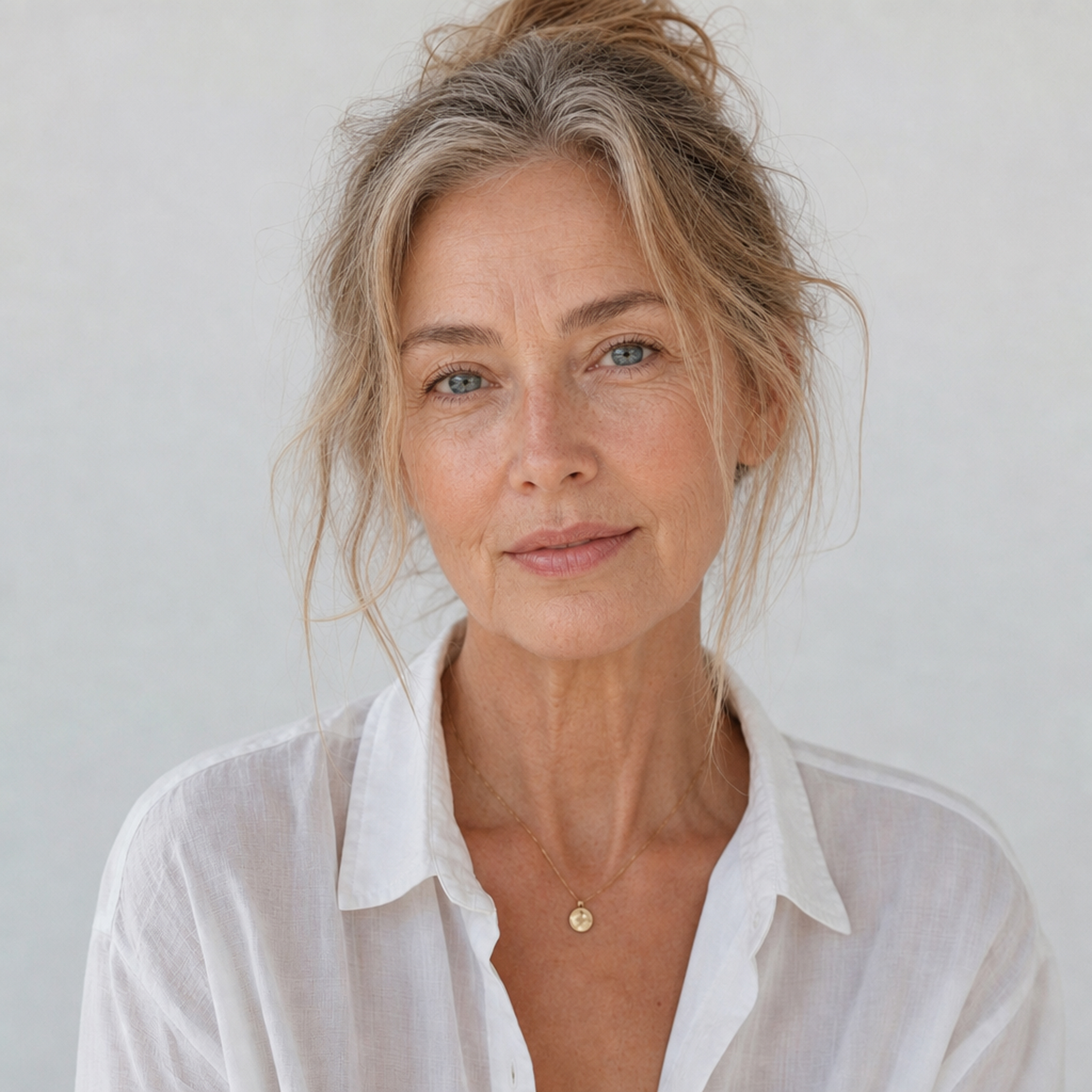
See Yourself Older or Younger with an AI Age Filter
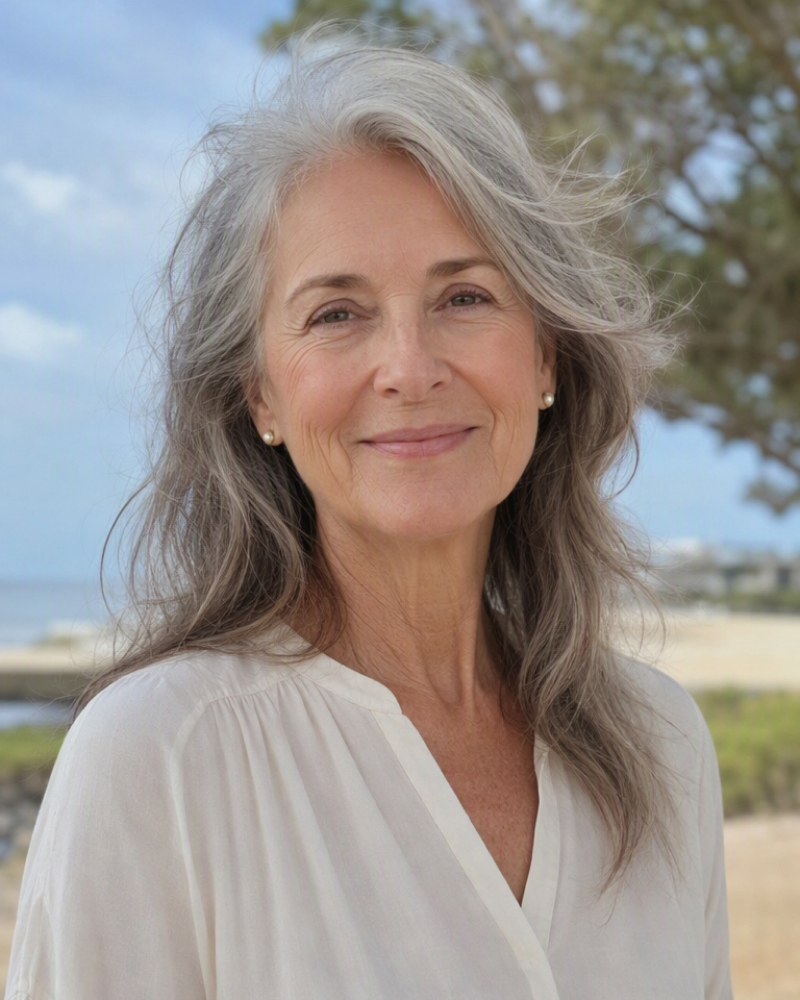
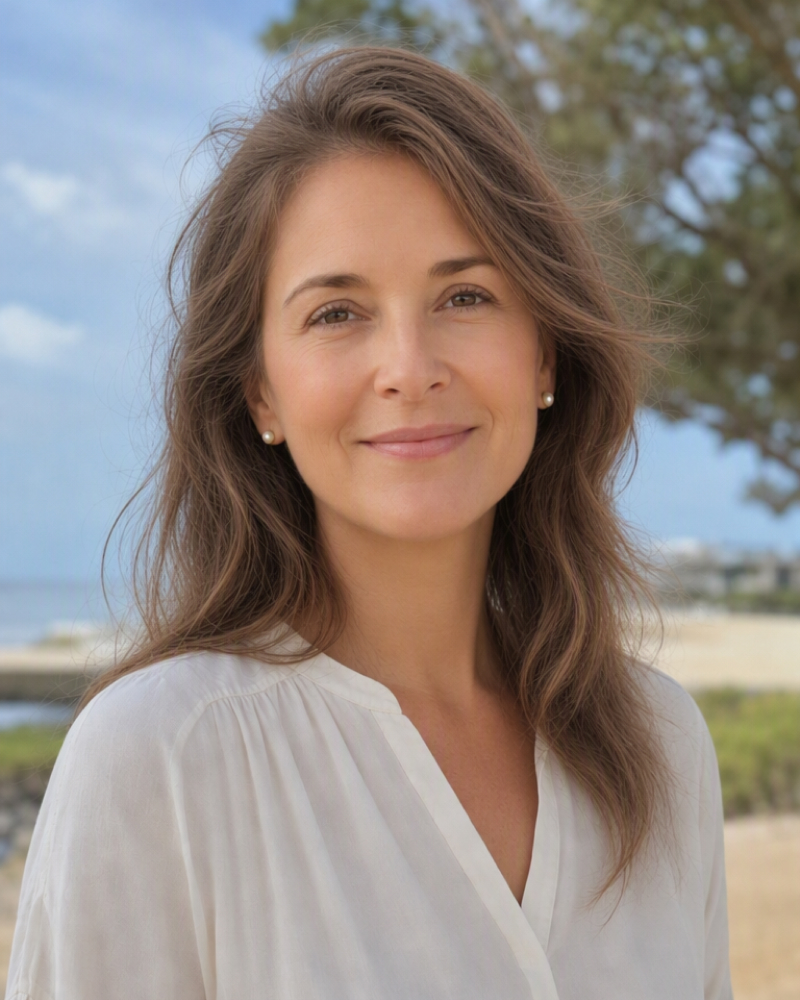
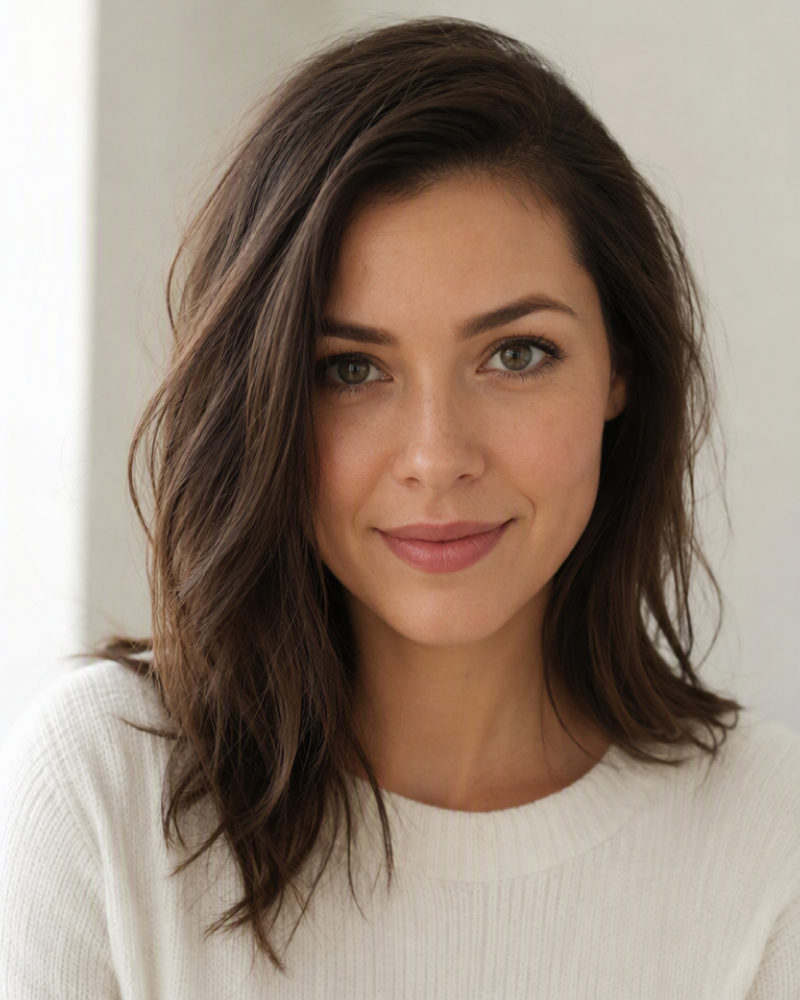
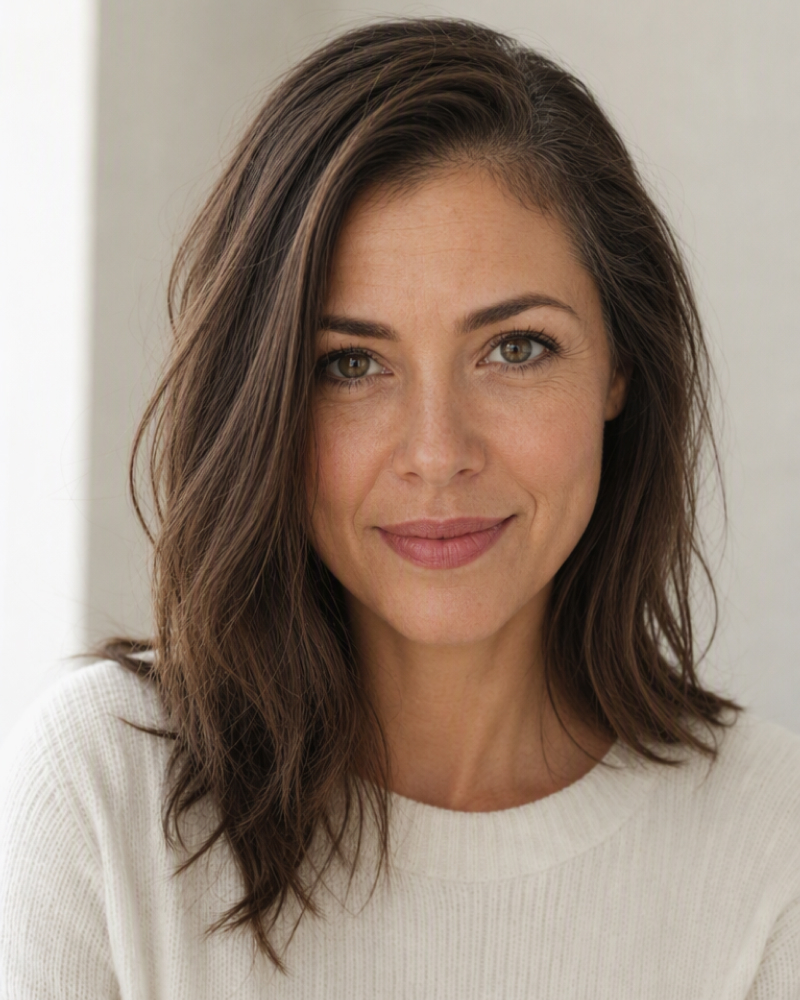
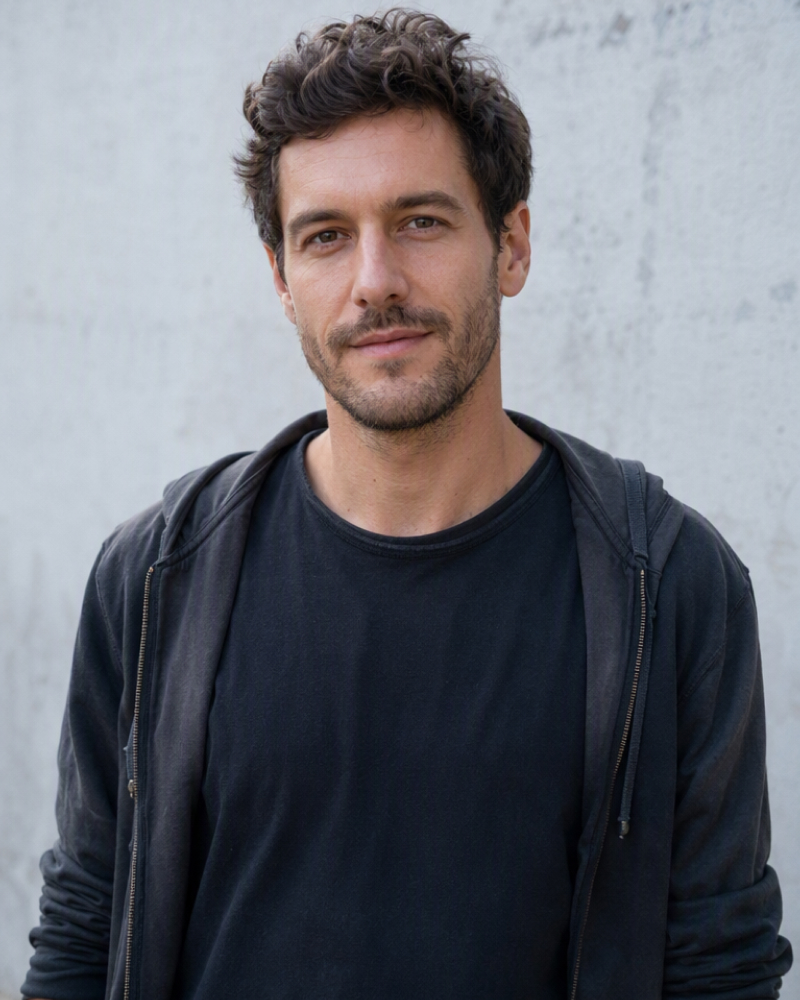
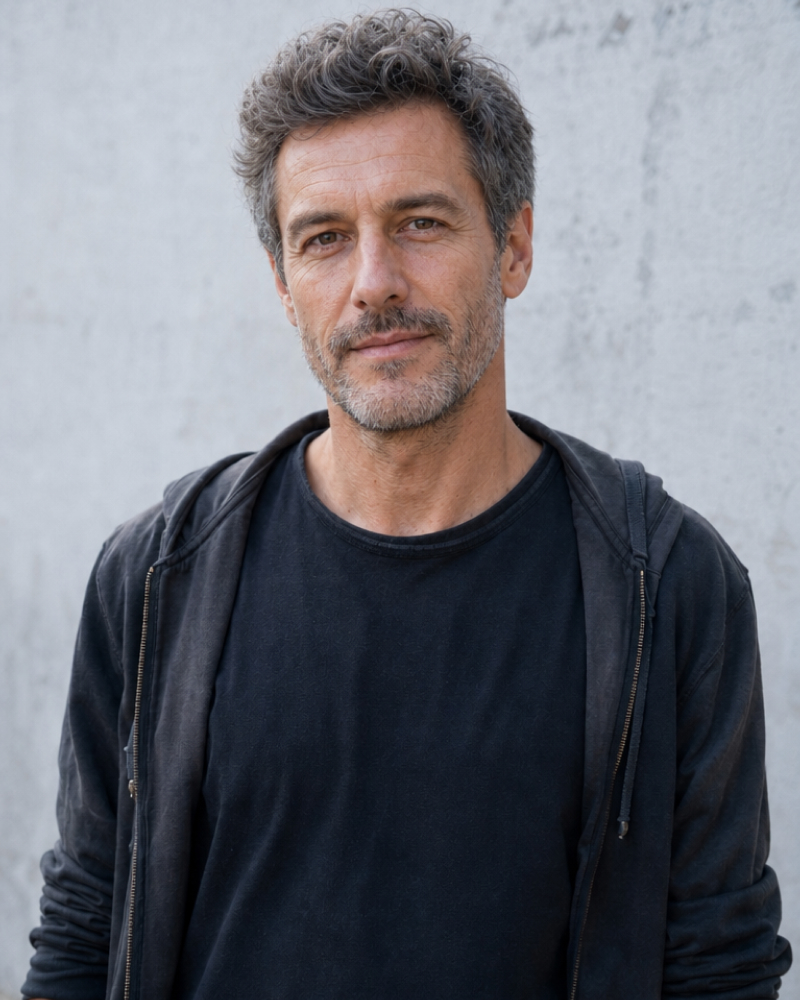
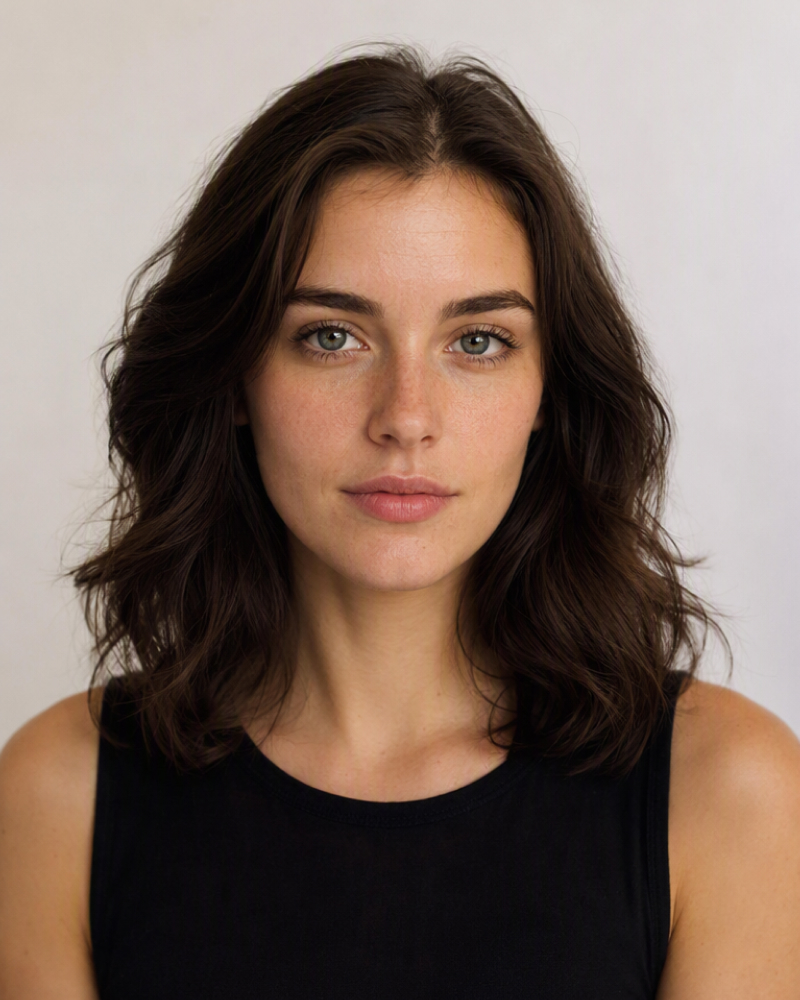
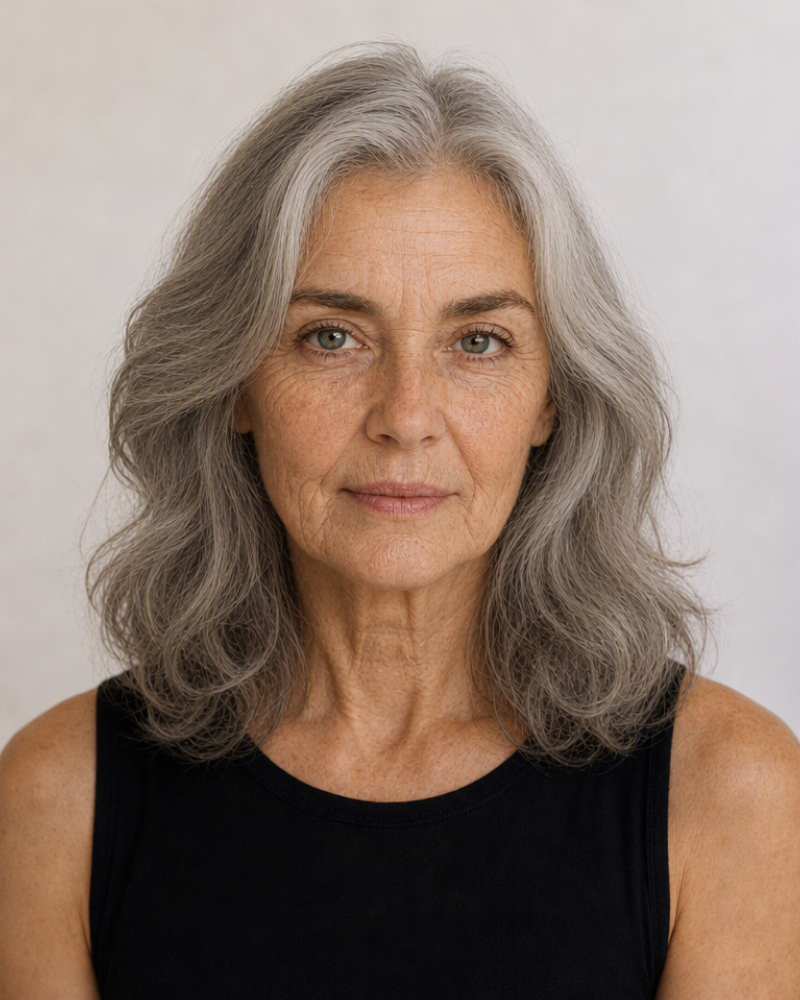
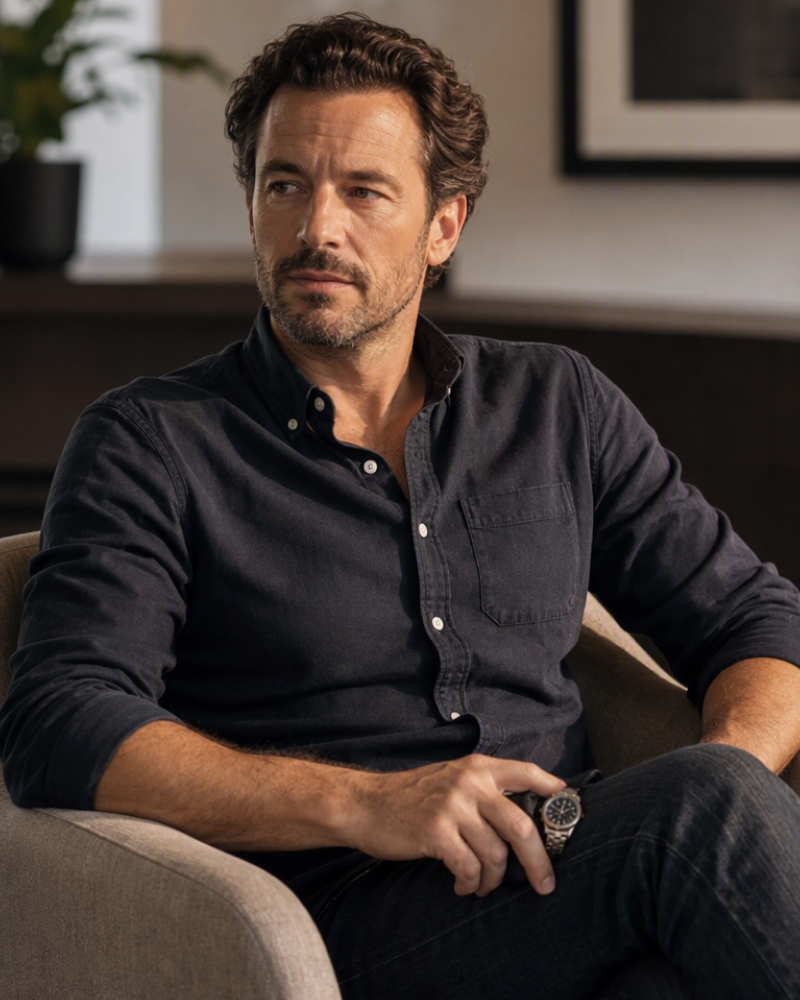
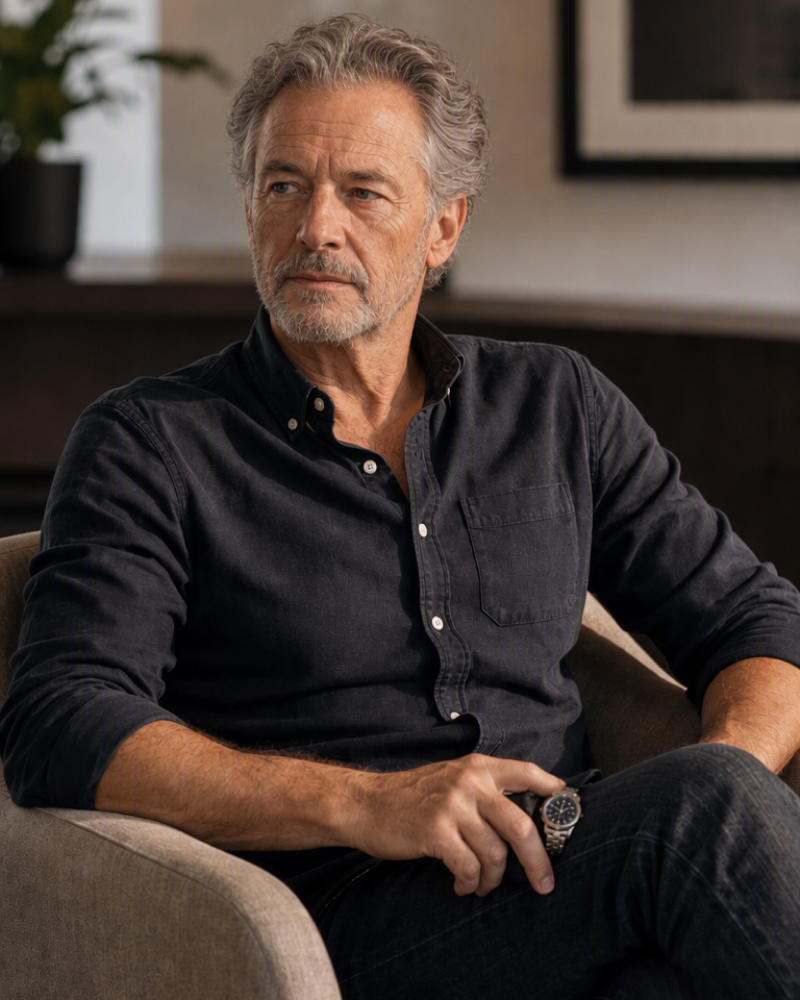
How to Change the Age of a Portrait With AI
Upload Your Portrait
Choose a well-lit image where the face is sharp, visible, and not heavily covered by hair or accessories.

Describe the Change
Enter a prompt describing an older or younger appearance. Add an approximate age or life stage to guide the transformation.

Generate and Adjust
Review the new portrait, then enter a follow-up instruction if the age effect should be subtler or more pronounced.
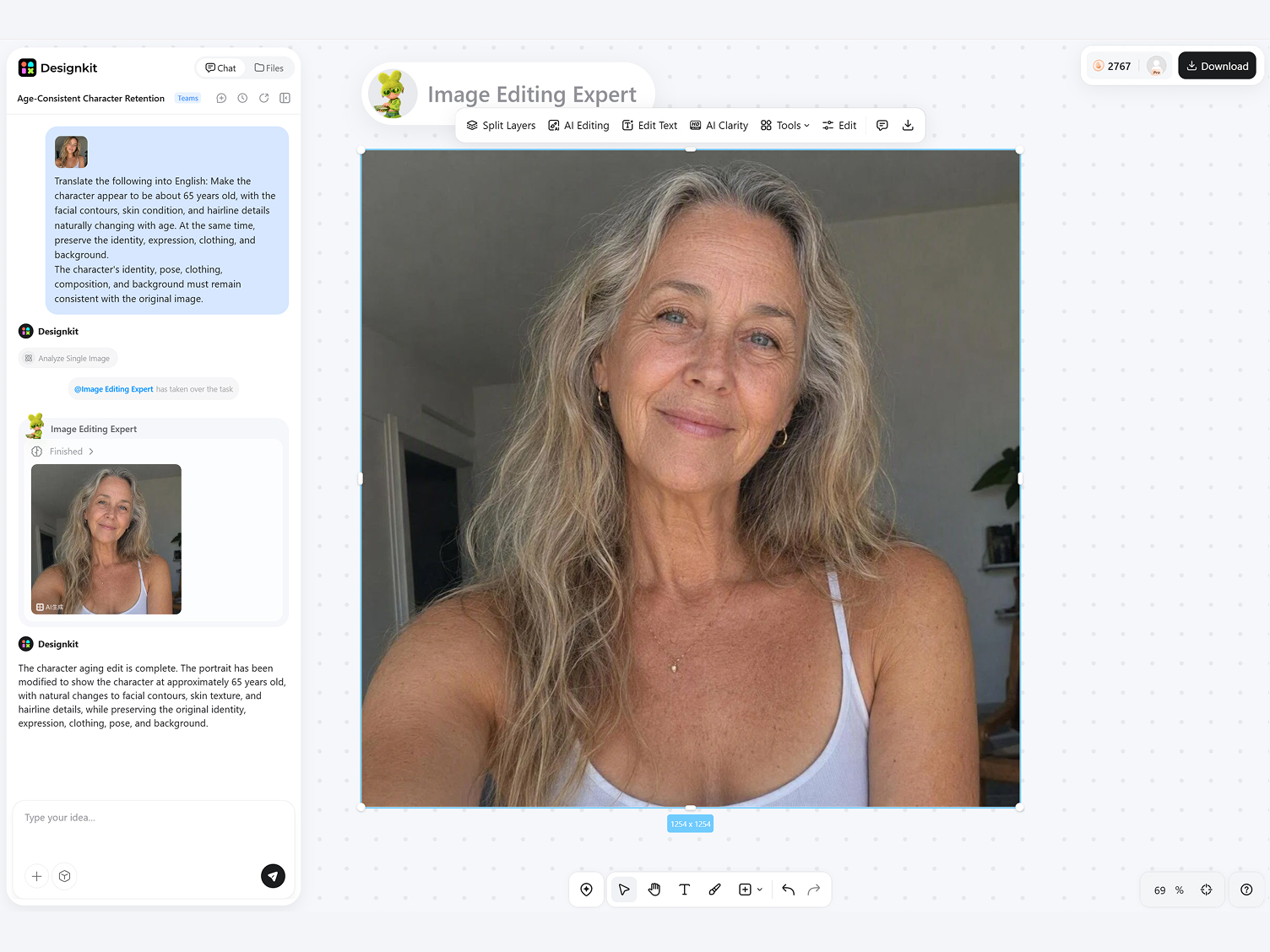
Create Realistic Age Changes That Still Look Like You
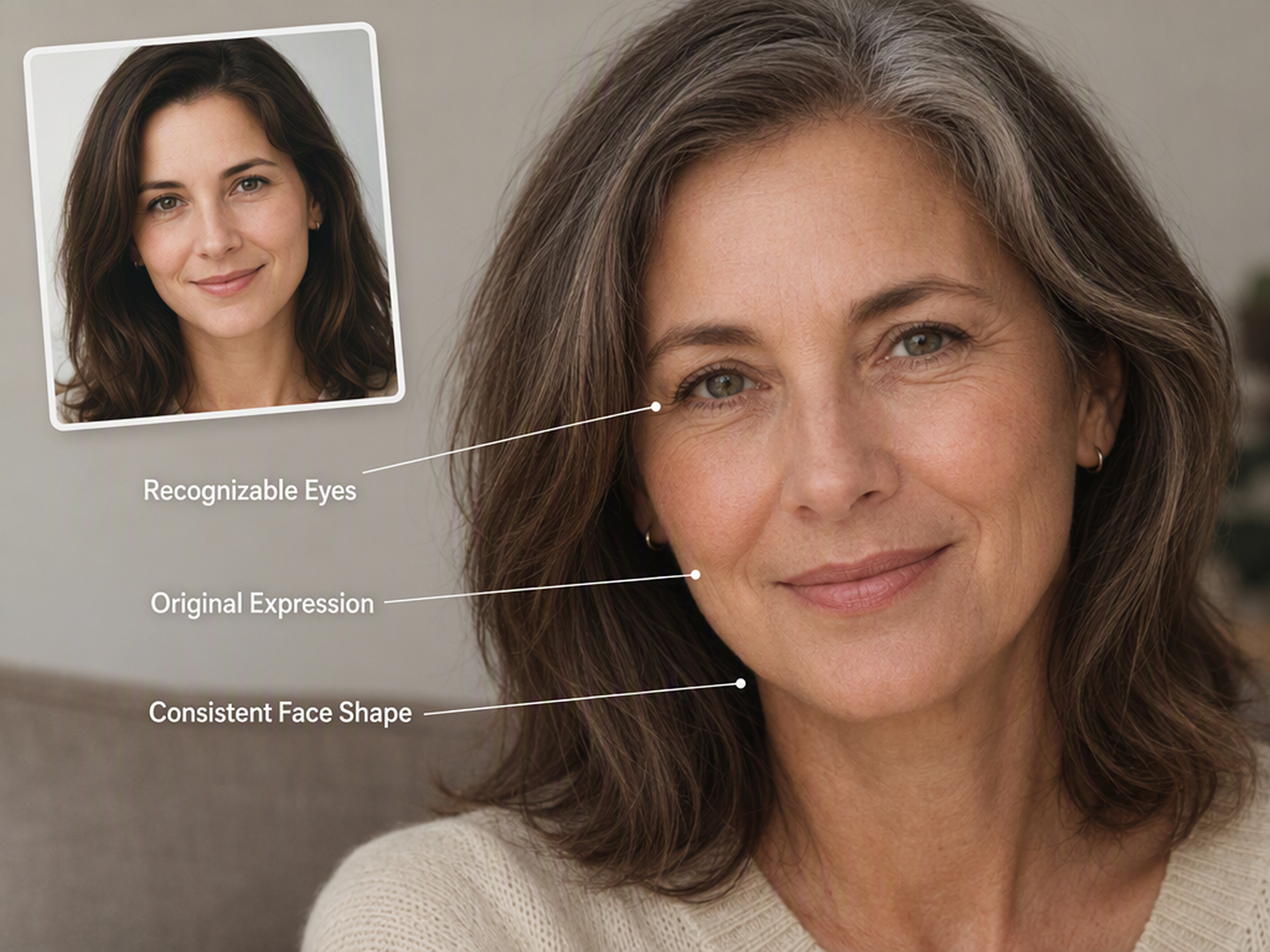
Keep the Same Person in Every Result
Change the subject’s apparent age without replacing them with a generic face. The transformation retains defining facial proportions, expression, and recognizable features, so a substantial age shift remains visibly connected to the original person.
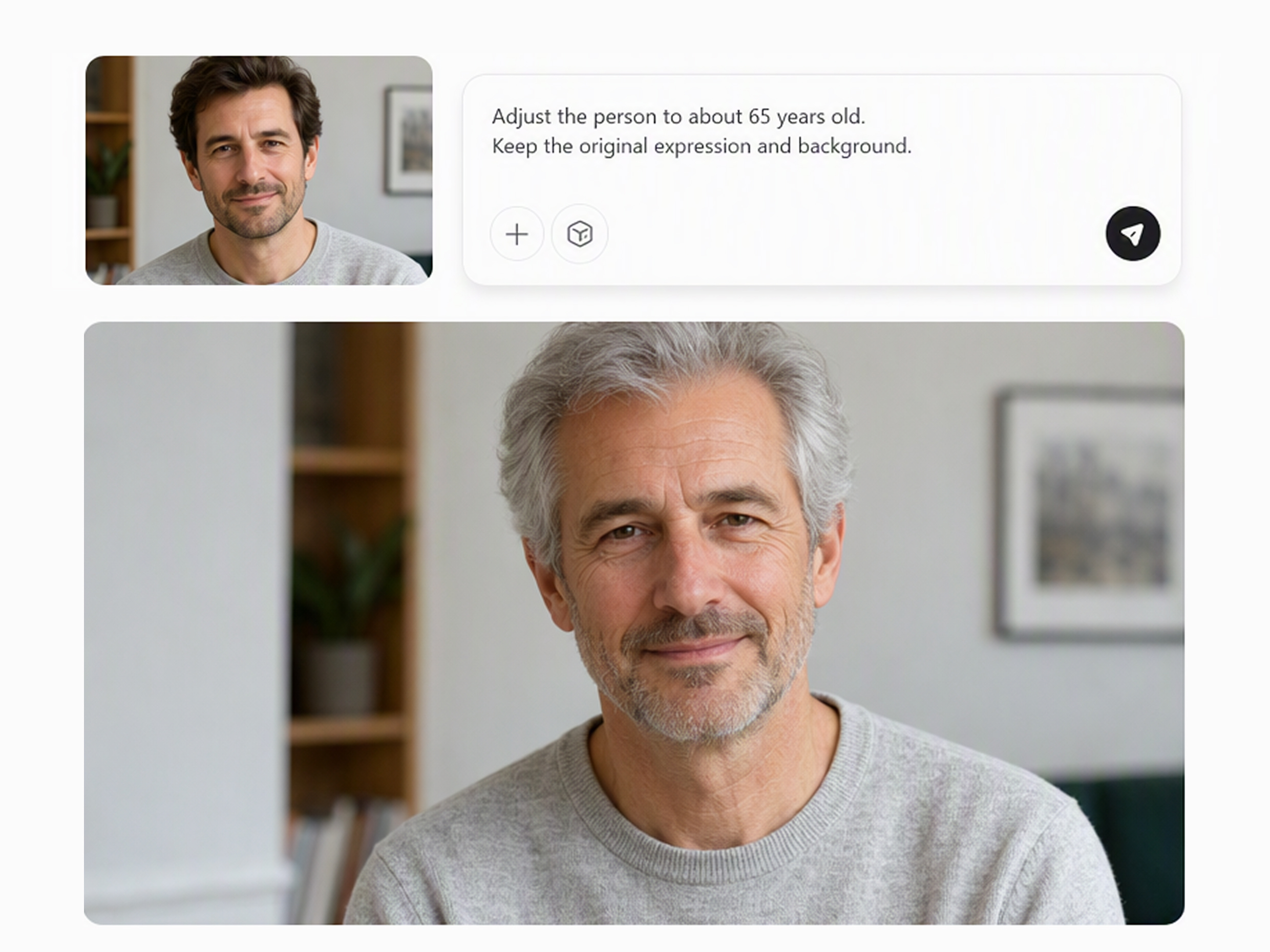
Set a Clear Target Life Stage
Direct the portrait toward a clearer age target through a written prompt. Specify an approximate age, life stage, or degree of change, and the result develops the corresponding age cues instead of applying the same generalized effect to every portrait.
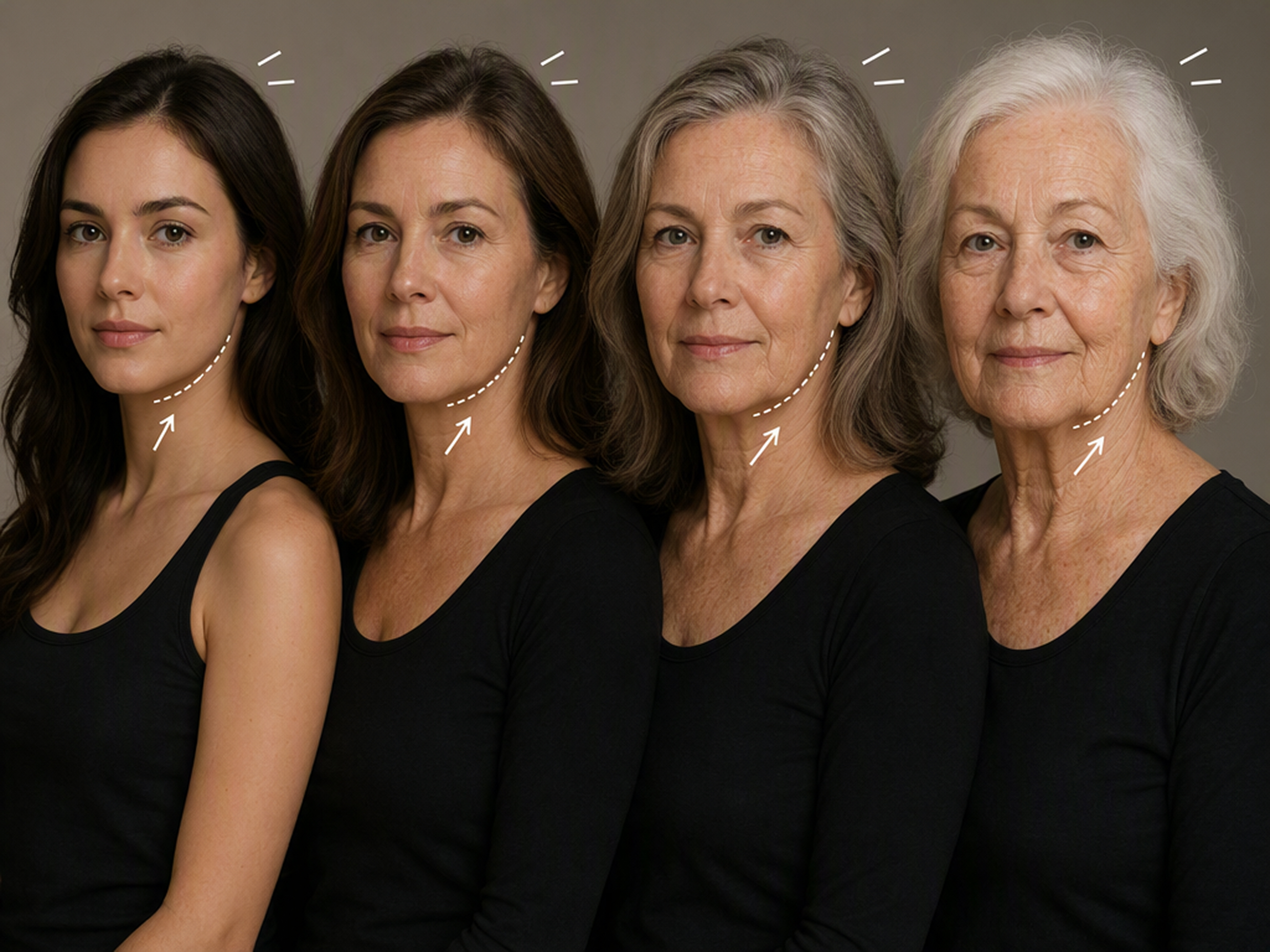
Make Face and Hair Changes Feel Connected
Apply related changes across the face and hair so the result feels visually connected. Skin texture, facial contours, and hair color can develop together instead of looking like separate effects placed over the photo.
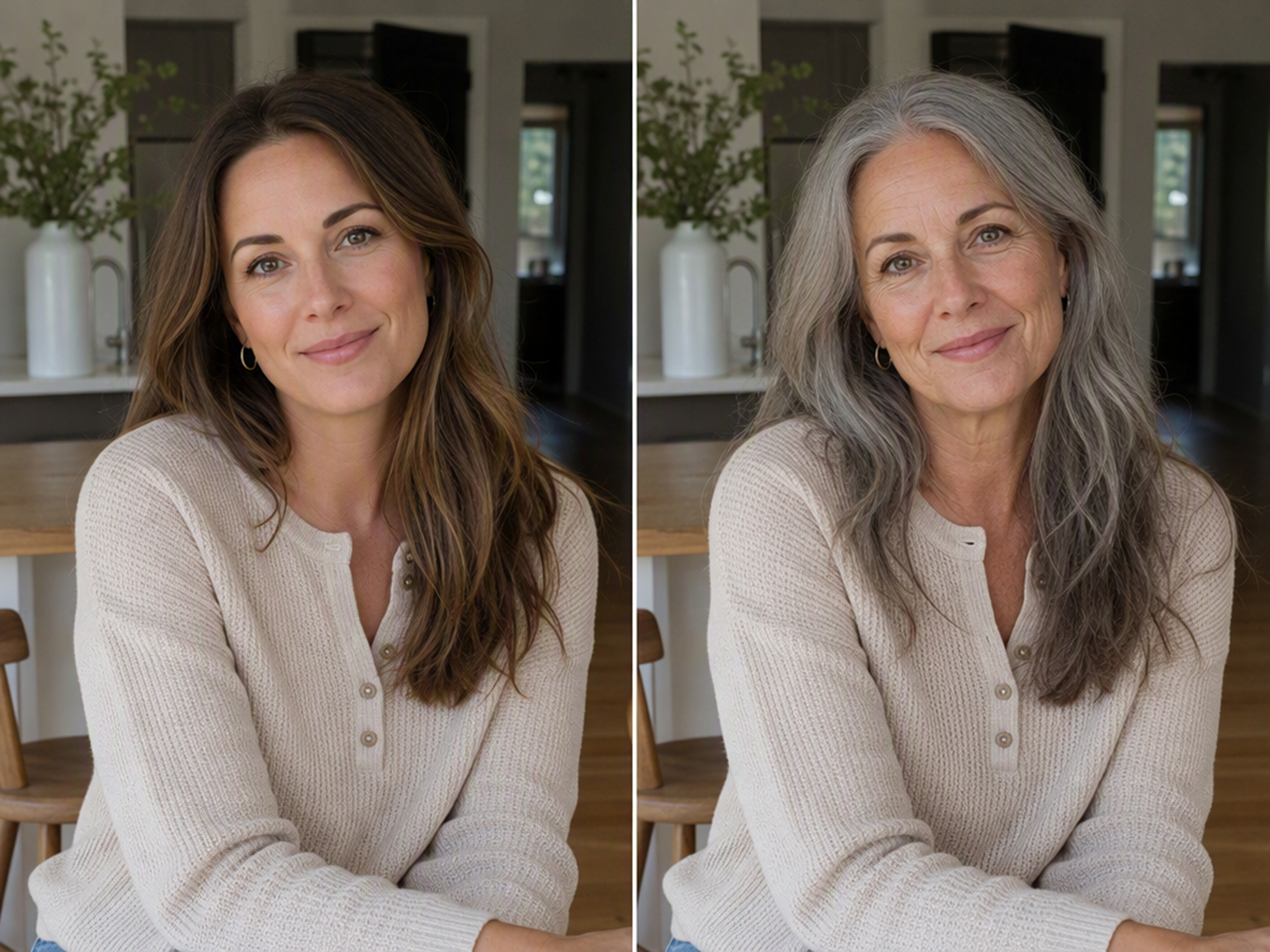
Preserve the Original Pose and Setting
Keep the original pose, clothing, crop, and surrounding setting close to the uploaded image while the subject’s apparent age changes. The familiar composition makes the transformation easier to recognize.
How Different Creators Use the Age Filter
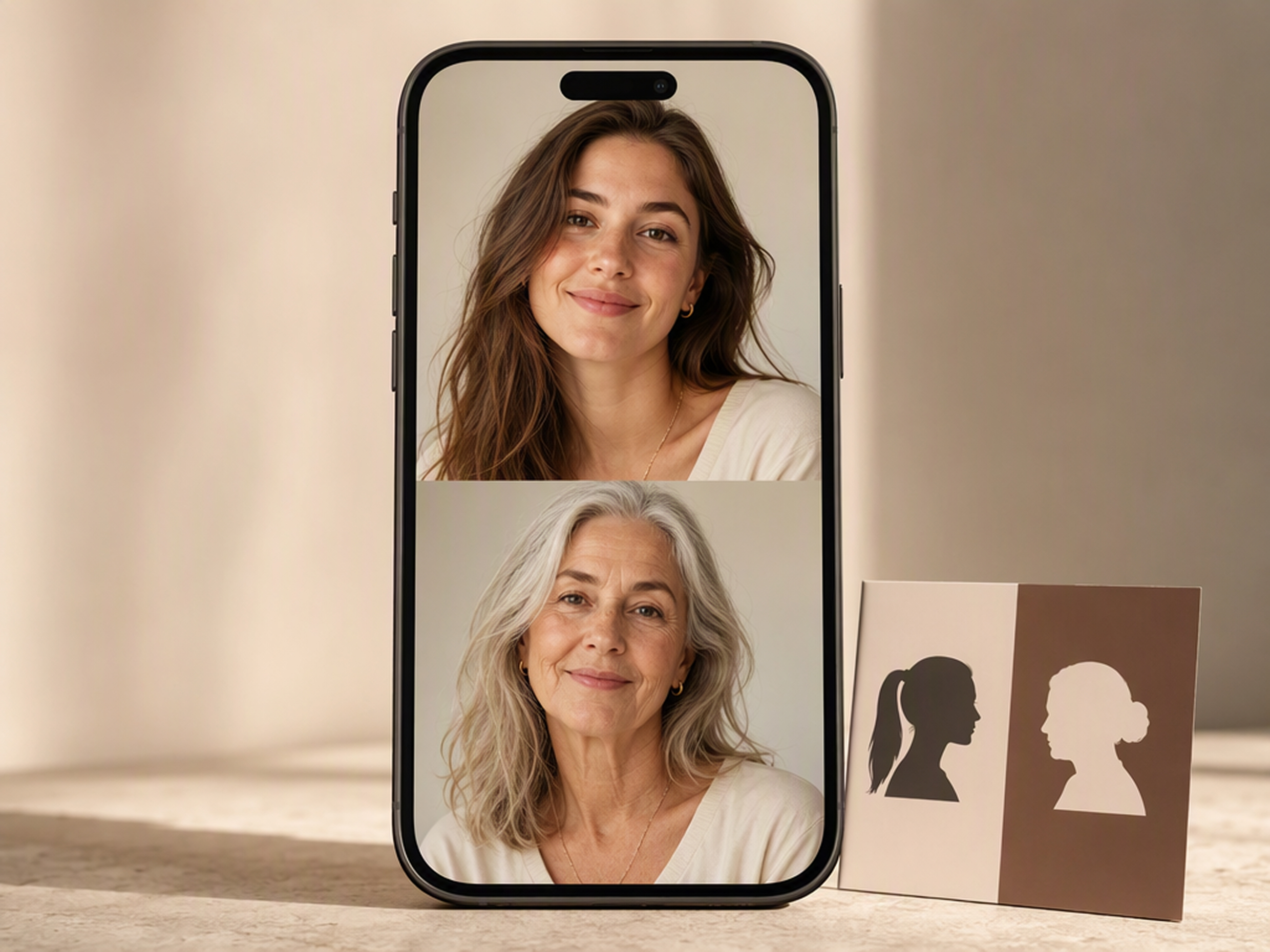
Create an Age-Change Reveal
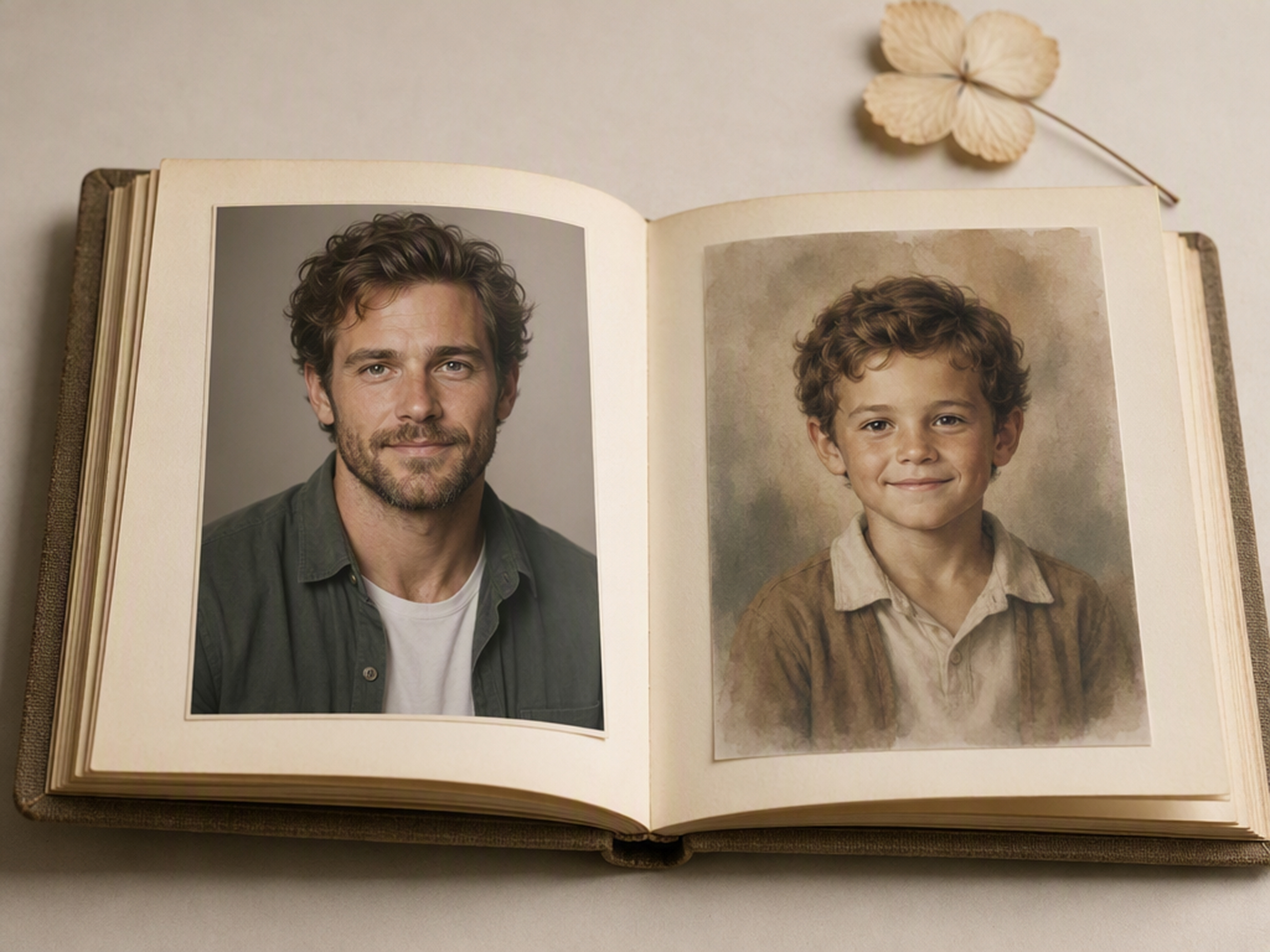
Develop a before-and-after post that places the current portrait beside an older or younger version. The immediate contrast gives a short video, carousel, or reaction post a clear visual premise while leaving room for the creator’s own caption and presentation style.
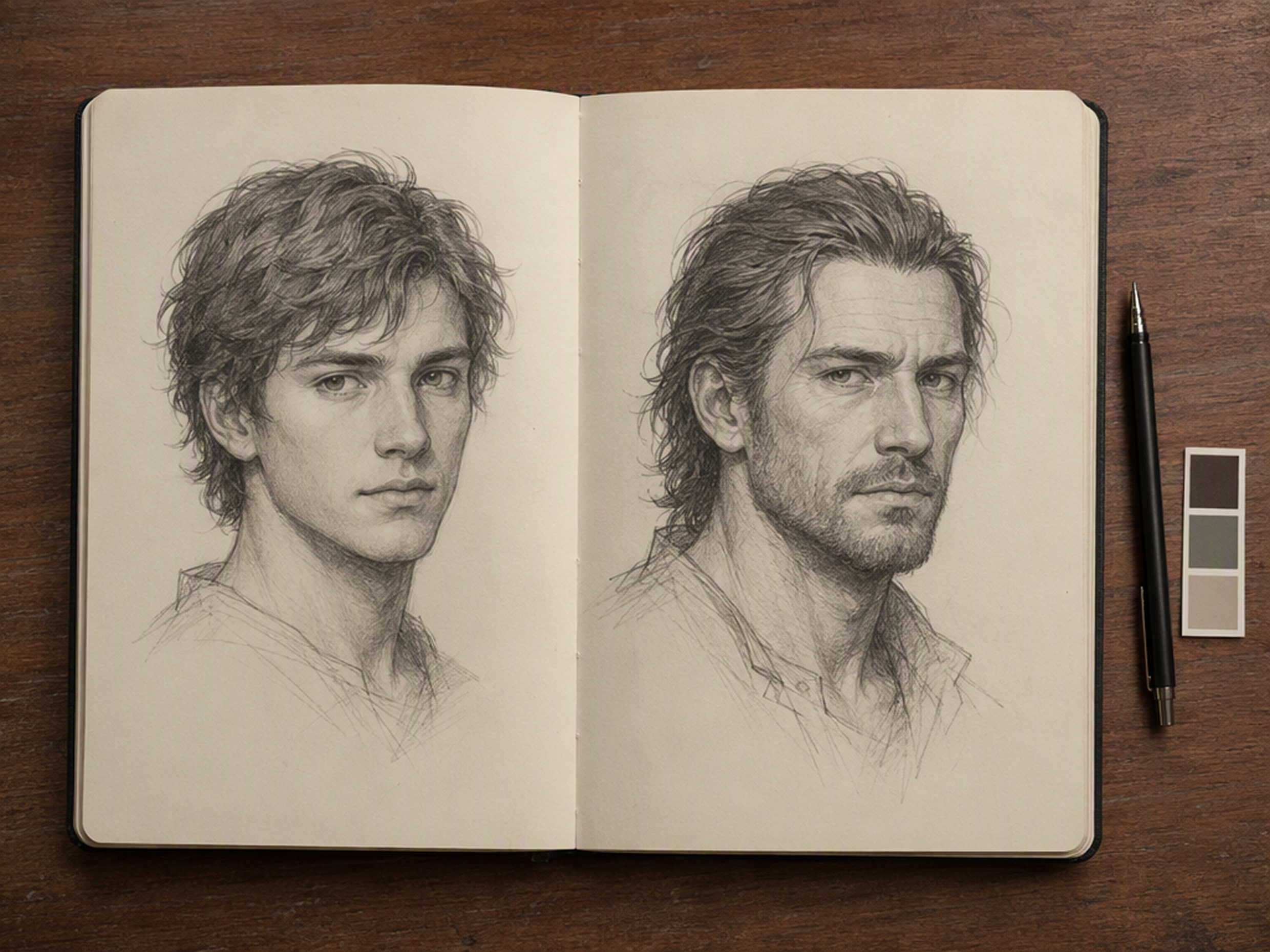
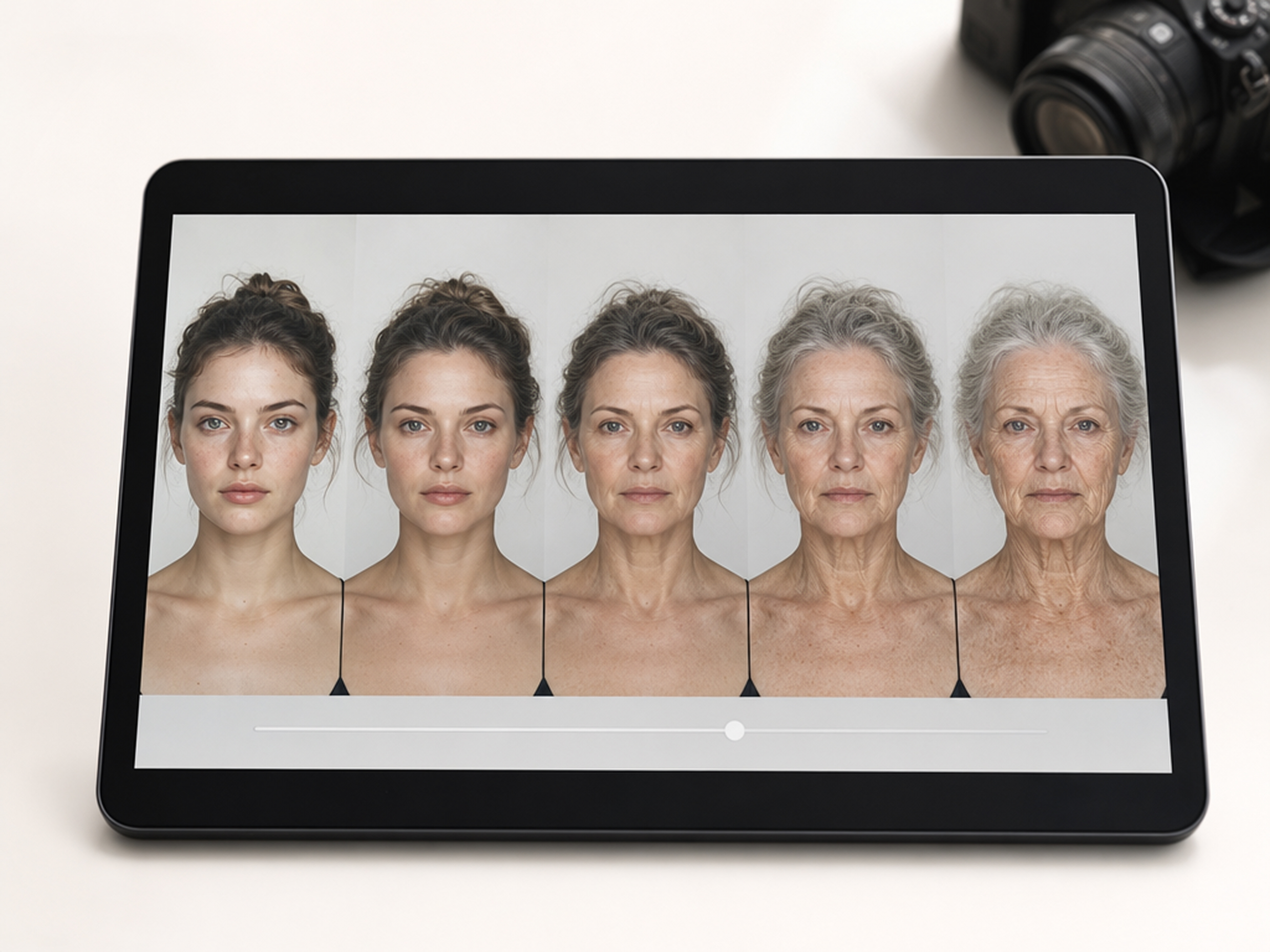
Why Choose Designkit for AI Age Progression?
Continue Editing in One Workspace
Basic age filters stop at generation. Designkit keeps the result in the same workspace for further creative edits.

Compare Multiple Age Versions
Separate uploads make age versions harder to compare. Reuse one portrait to create a connected set of life stages.

Describe More Than a Fixed Preset
Preset filters offer limited effects. Written instructions let you define the life stage and degree of change.
AI Image Types You Can Create with Designkit
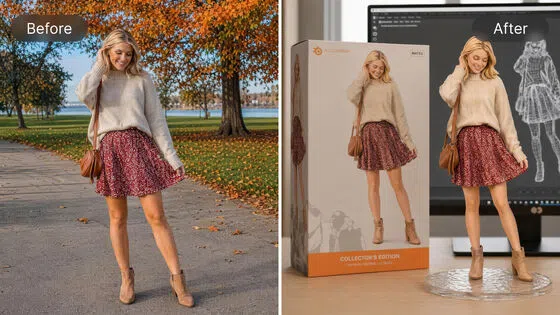
AI Action Figure Generator: Create Toy Figures in Any Style
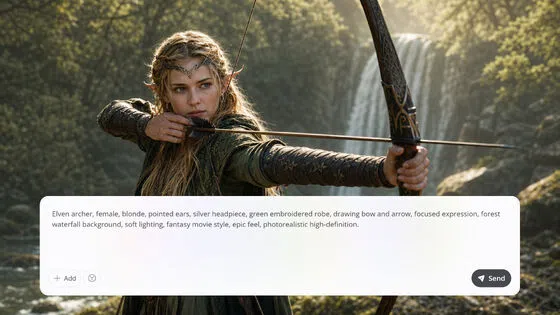
AI Art Generator: Create Art From Text, Photos, and References
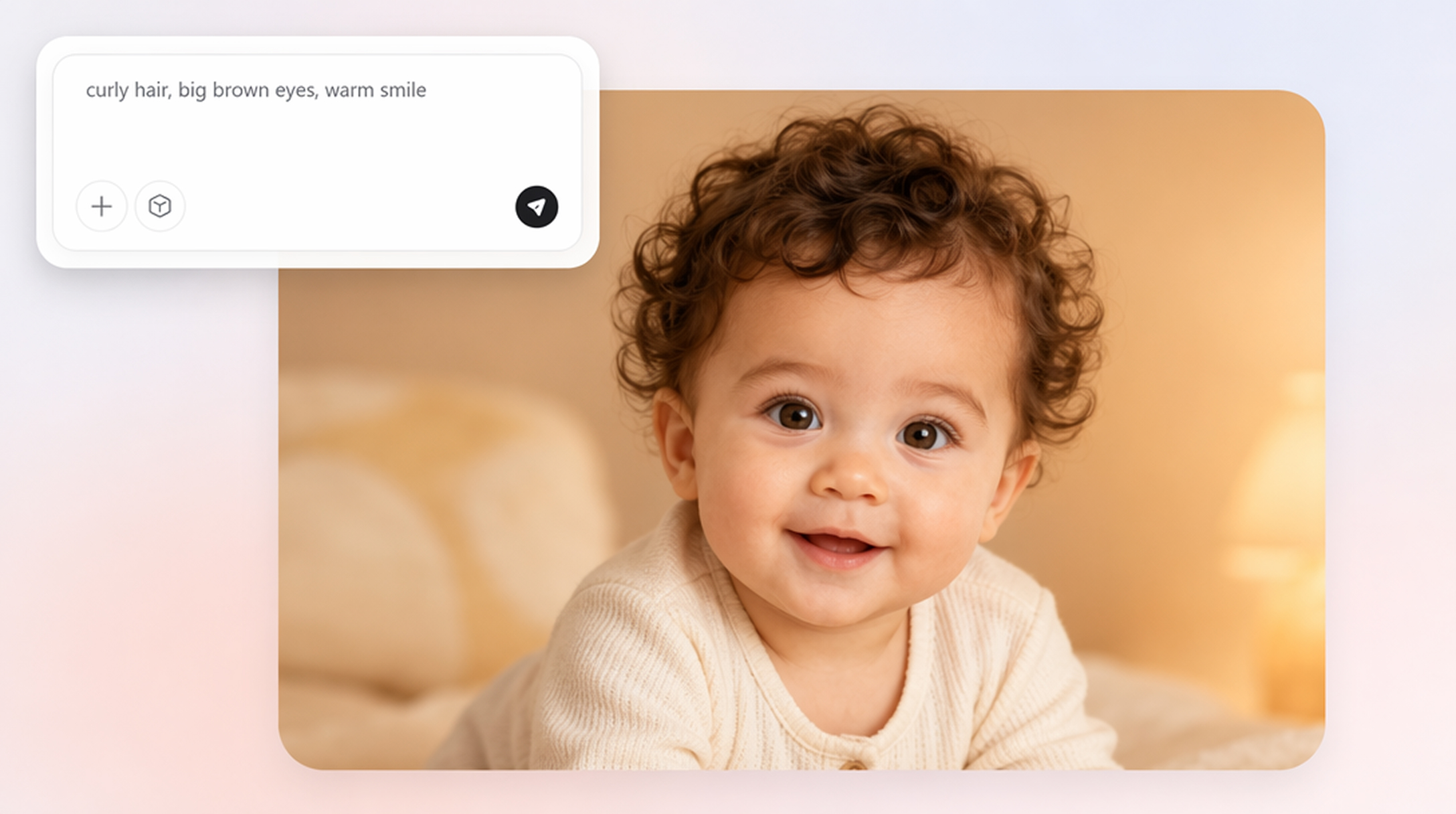
AI Baby Generator: Fun Baby Photos From Prompts or Photos
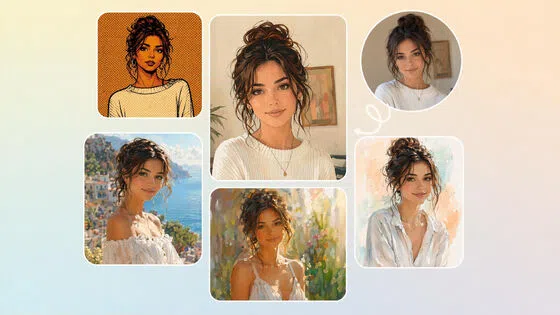
AI Filter: Turn Photos Into Art Styles with AI Effects
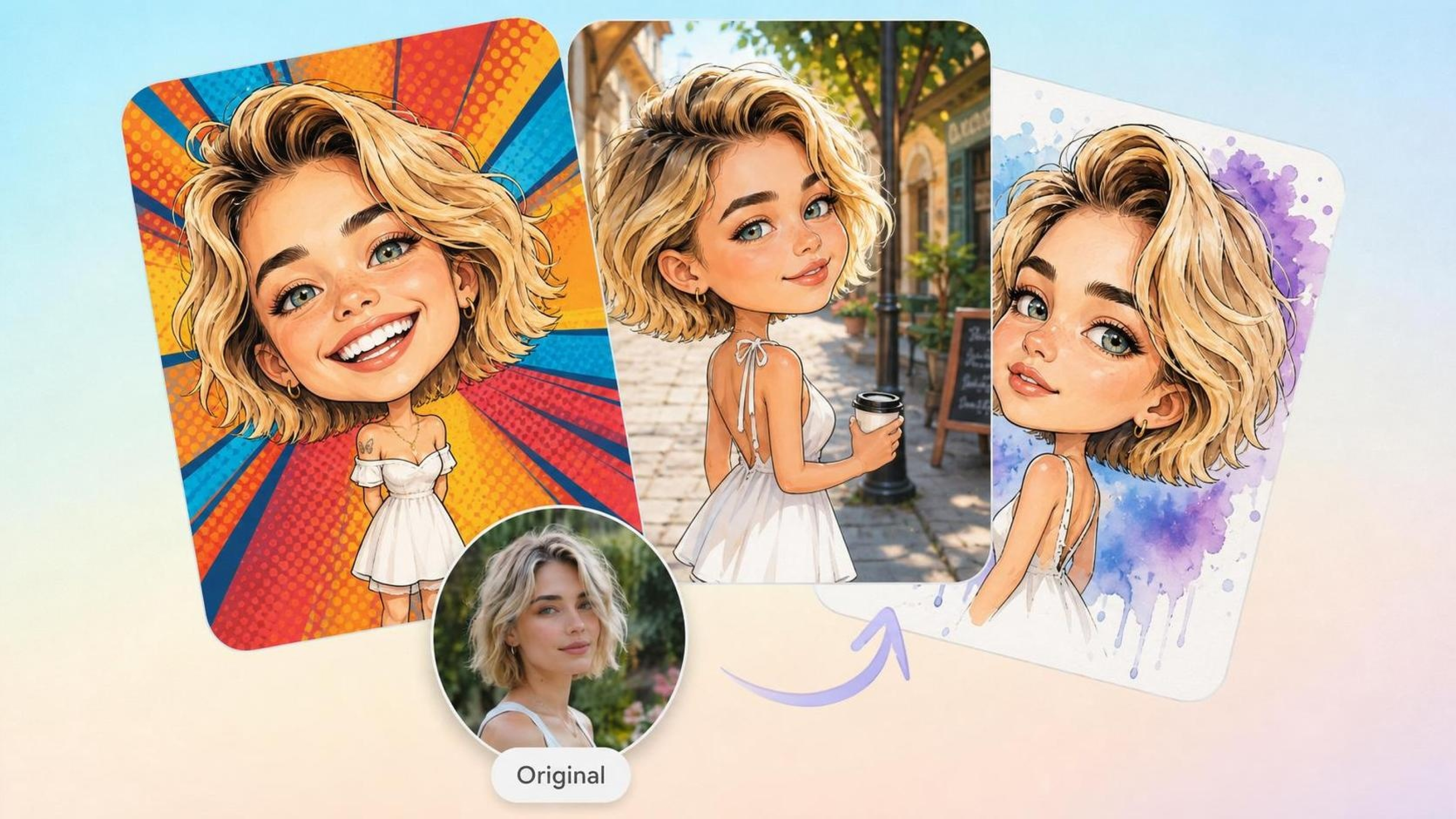
AI Caricature Generator: Turn Photos into Funny Caricatures
AI Cartoon Character Maker: Create Custom Cartoon Characters
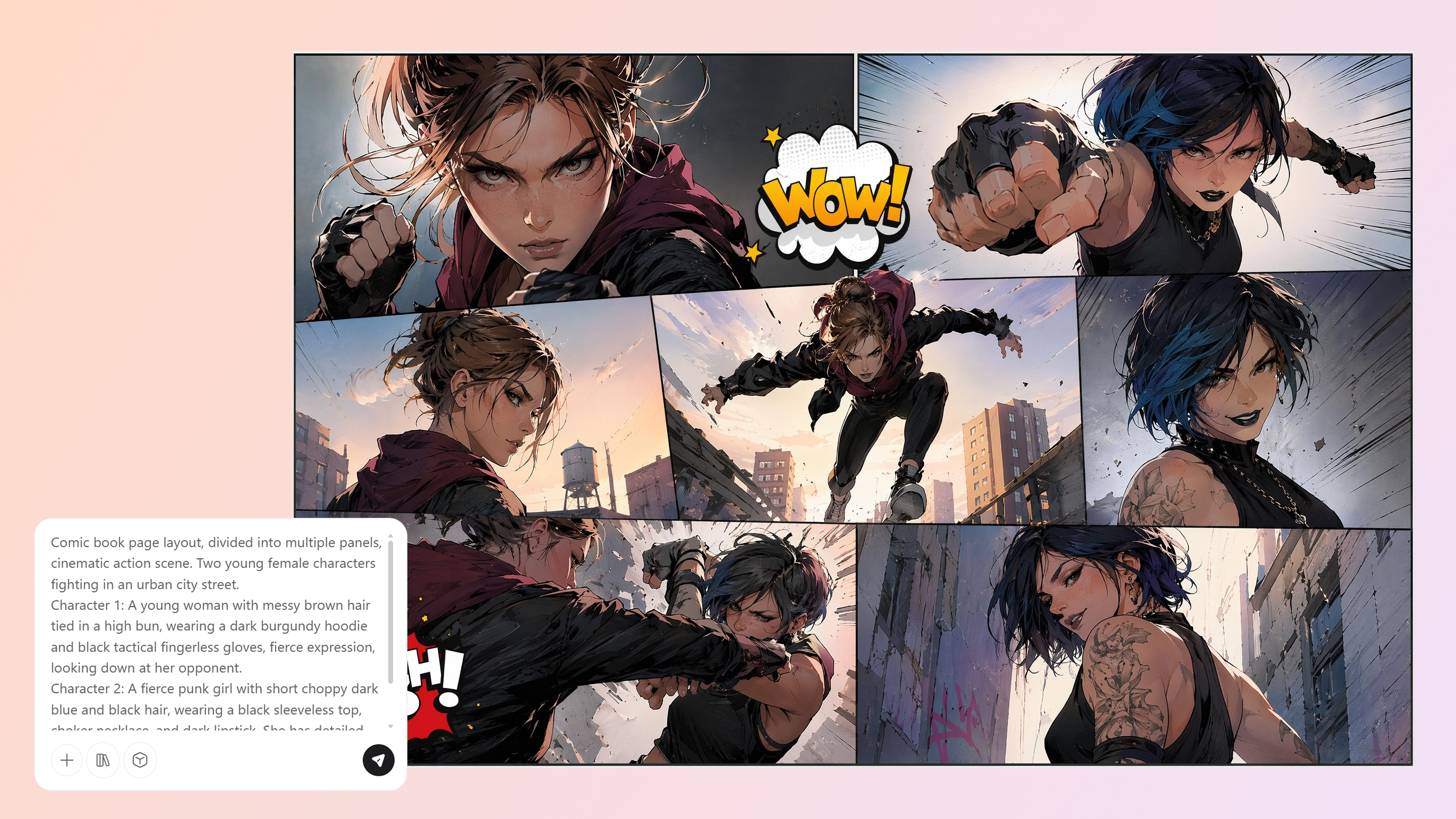
AI Comic Generator: Create Comics from Text or Photos
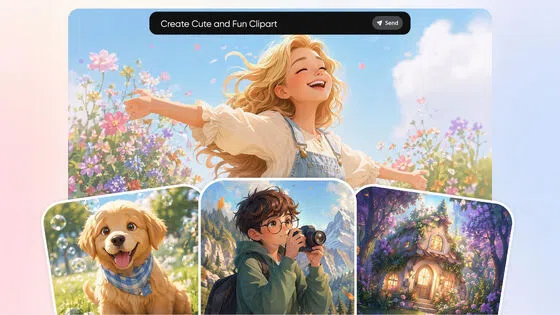
AI Clipart Generator: Make Custom Clipart From Text or Photos
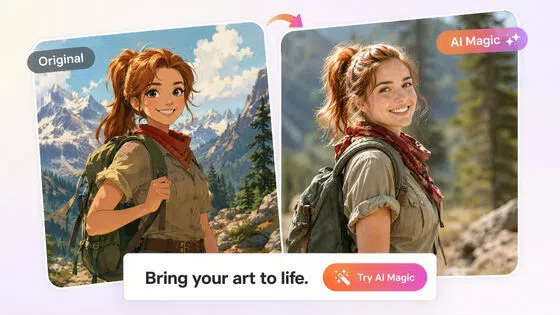
Cartoon to Realistic AI: Bring Cartoon Character into Real Life

AI Girlfriend Generator: Create Your Dreamy Girl from Photo & Text
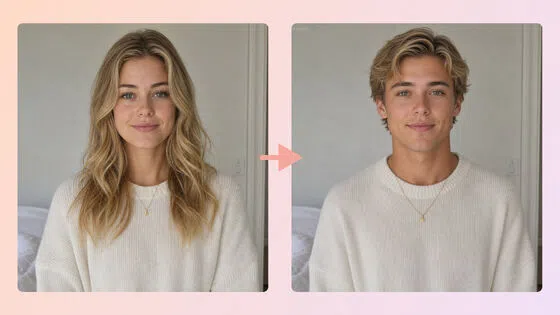
AI Gender Swap: See Your Opposite-Gender Photo Online

AI Human Generator: Create Realistic AI People Without Photoshoots
Frequently Asked Questions
Can the AI age filter make a person look older and younger?
Can I request a specific age?
You can include an approximate age or life stage in the prompt. The output is an artistic interpretation and may not match exactly how a person would appear at that age.
Will the result still look like the original person?
Recognizable facial proportions, expressions, and distinguishing traits can remain connected to the source portrait while age-related details change. Results vary, and a clear, well-lit photo provides a stronger reference.
Does AI age progression predict my future appearance?
No. Genetics, lifestyle, health, and environment all affect real aging. A future self portrait is a creative simulation rather than a scientific or medical prediction.
What photo works best with the face aging filter?
Choose a sharp, well-lit portrait with a clearly visible face. Heavy shadows, extreme angles, low resolution, and large obstructions can make facial details harder to interpret.
Can I adjust the aging effect after generating the portrait?
Yes. Enter a follow-up instruction to request a milder change, a later life stage, a younger version, or a correction to a specific part of the result.
See the Age Change You Have in Mind
Create an older or younger portrait from one photo and guide the result toward the life stage you want to explore.

What Users Say About Designkit’s Age Filter
Users share how the age filter helped them understand the process, evaluate results, and develop clearer ideas.
The Request Was Easy to Describe
I had a general idea of the age change I wanted but did not know how to explain it with professional retouching terms. Writing the request in ordinary language gave me a practical first result and made the tool approachable from the beginning.
The Original Photo Made a Difference
My first image had uneven lighting, and the age details did not read as clearly as I expected. Trying another portrait with a more visible face gave me a better result and showed me how much the source photo influenced the transformation.
The Result Clarified My Brief
I had combined an older appearance with a serious mood in the same description, and the result showed how easily those ideas could blend. It helped me separate the age change from the expression and define what the portrait actually needed.
I Found the Right Degree Gradually
The first portrait changed the face more dramatically than I intended. That version still gave me a useful reference, and a more specific follow-up request brought the effect closer to the degree I originally had in mind.
The Creative Purpose Stayed Clear
I wanted an imagined portrait rather than something presented as a factual forecast. The result worked well within that boundary and gave my personal project an interesting new element without suggesting that it represented a person’s real future appearance.