
Create Fun AI Baby Images From a Prompt or Photo
Describe a baby look or upload a reference photo. Designkit generates playful baby images to share, not a scientific prediction of your future child.
How to Create an AI Baby Image in 3 Steps
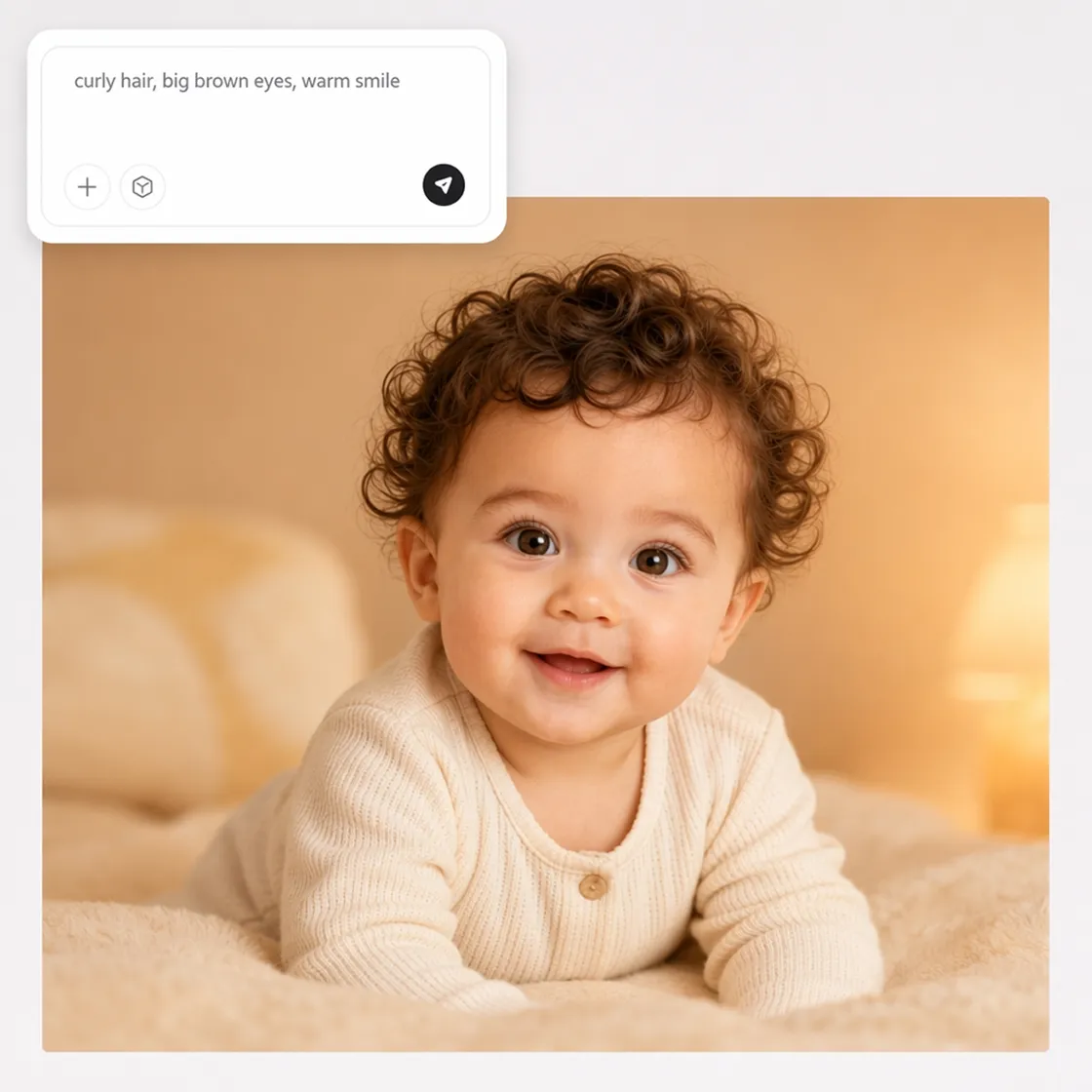
Describe or Upload a Photo
Upload a reference photo or describe the baby look you want, including features, coloring, and overall style.
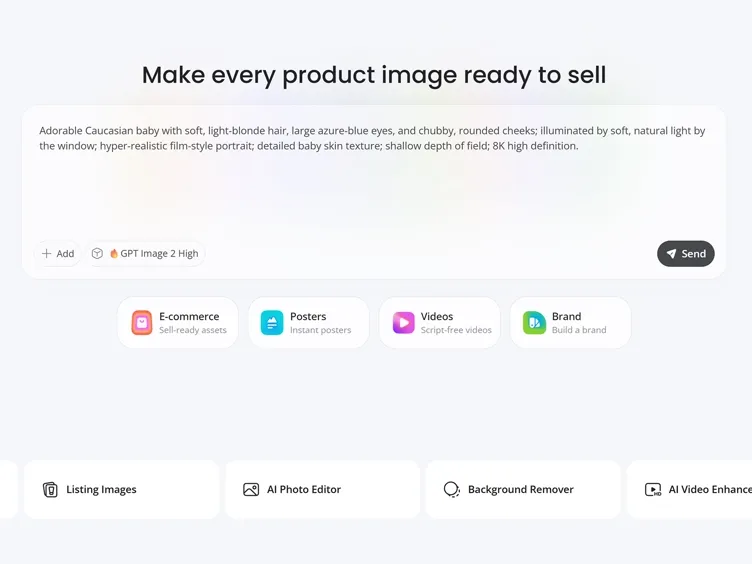
Generate Your AI Baby
Designkit creates baby-style images based on your input and generates a few different variations for you to explore.
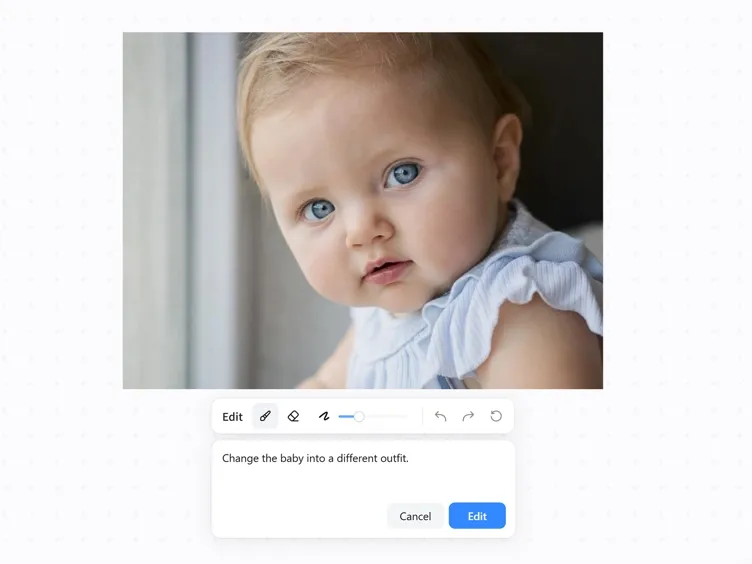
Download and Share
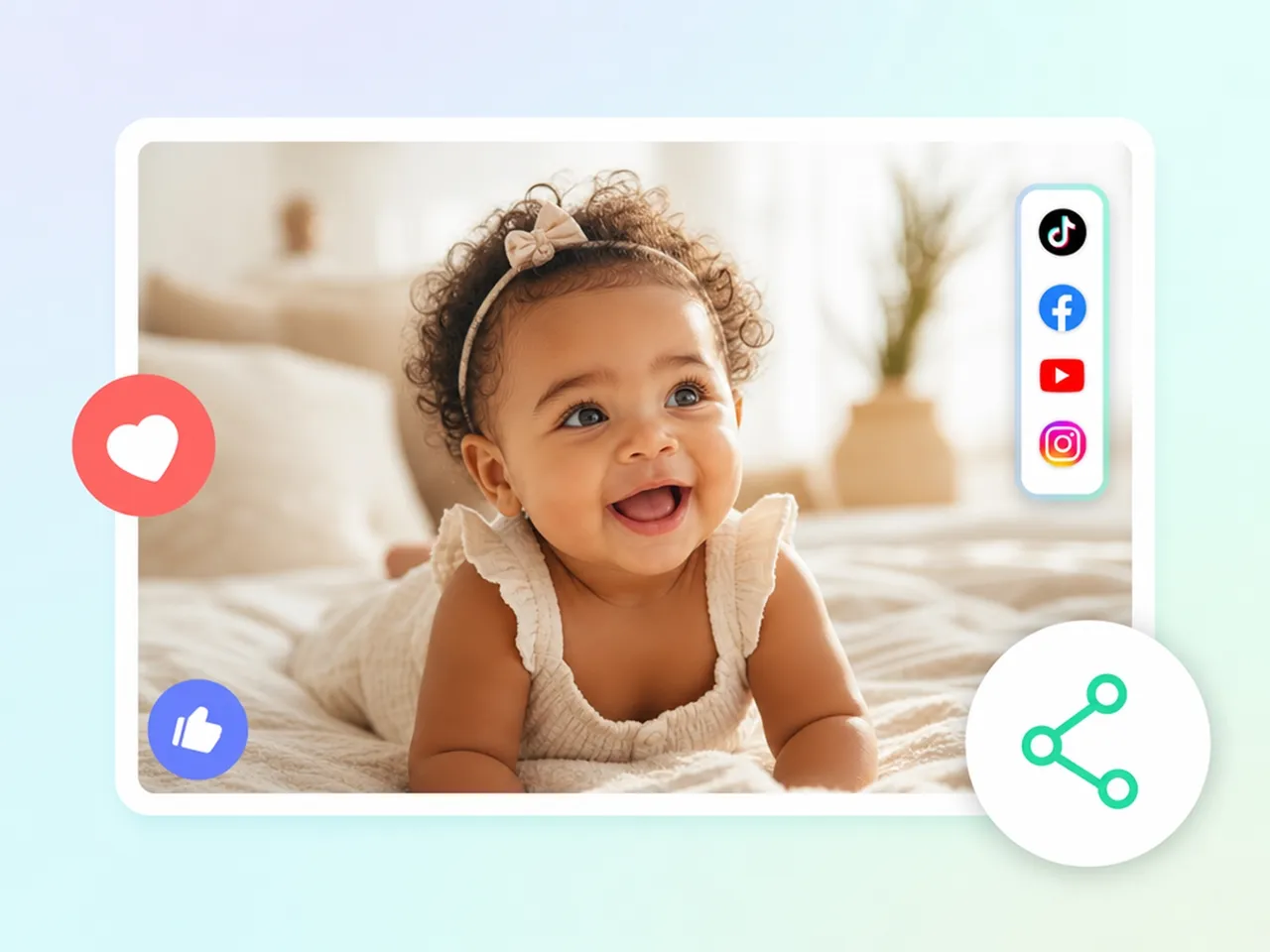
Choose your favorite result and use it for social posts, baby announcements, gifts, or personal keepsakes.
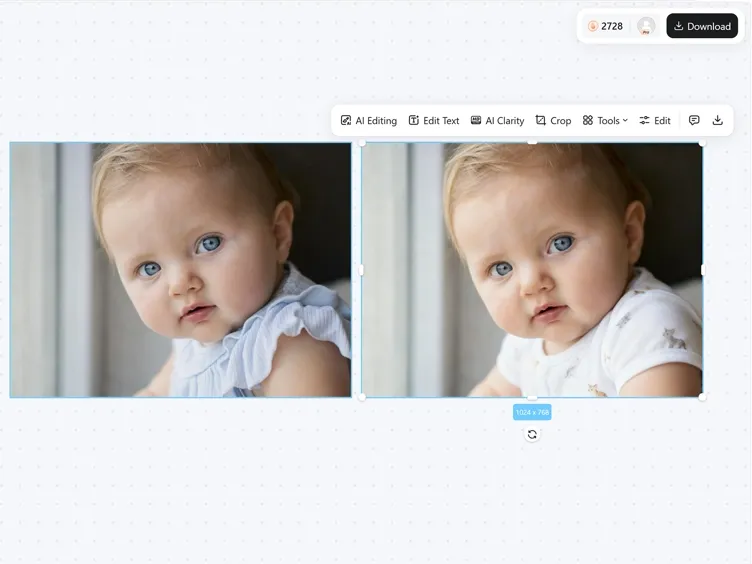
What Makes Designkit's AI Baby Face Generator Different
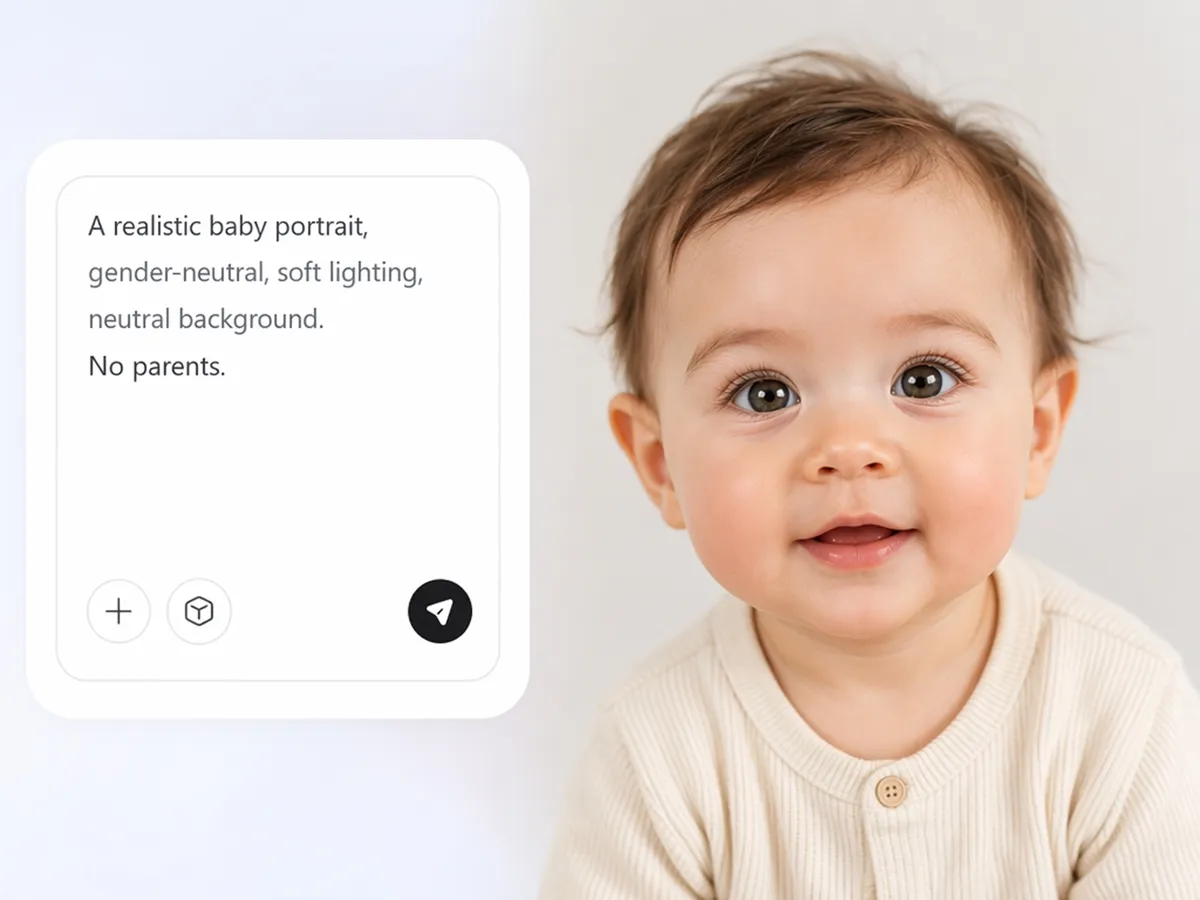
Turn a Description Into a Baby Photo
Describe the baby you want to create, and the AI image generator turns your prompt into a baby image without requiring photos of both parents.
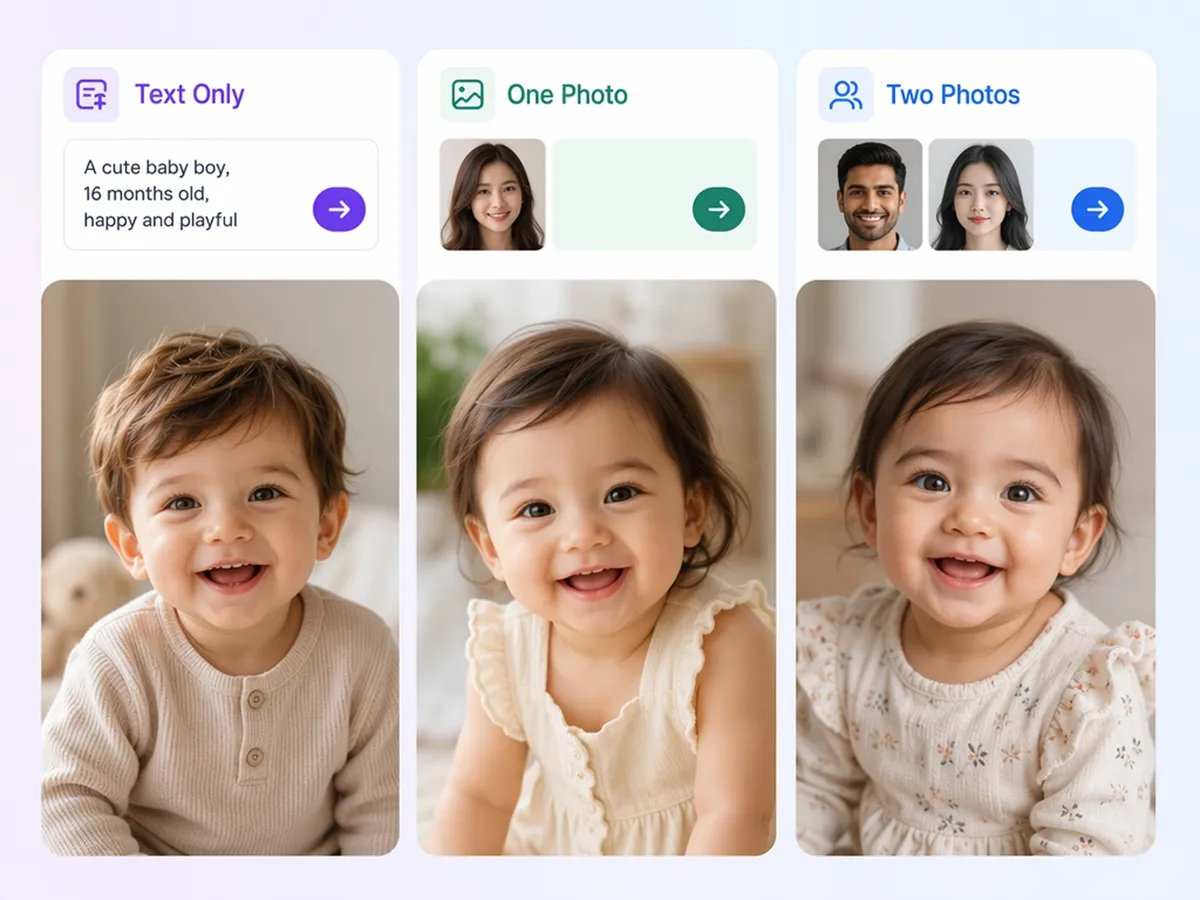
Works With One Photo, Two Photos, or Text Only
Create a baby image from a text prompt alone, or use the image to image to generate new variations from one or two reference photos.
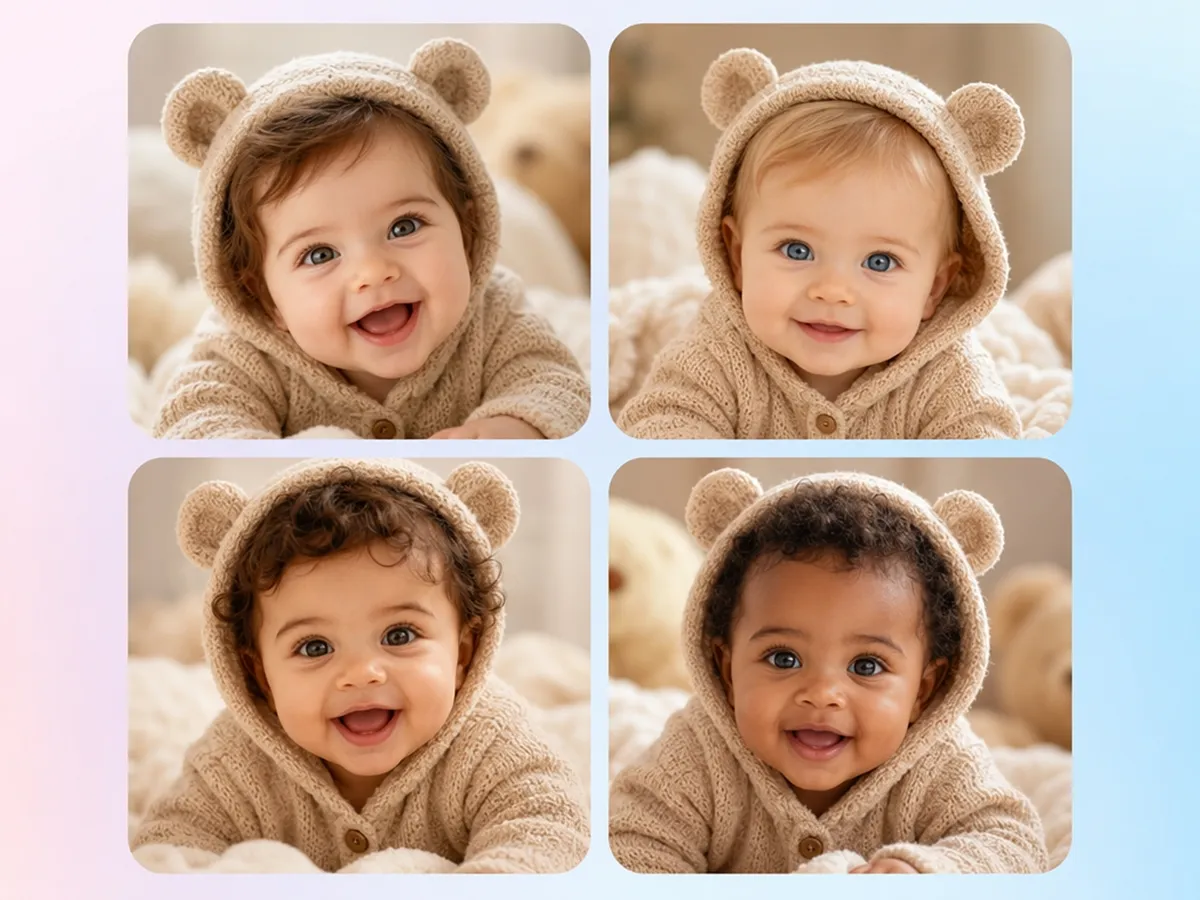
Compare a Few Looks Before Picking One
Generate several baby image variations from the same prompt, making it easier to compare different looks before choosing your favorite.
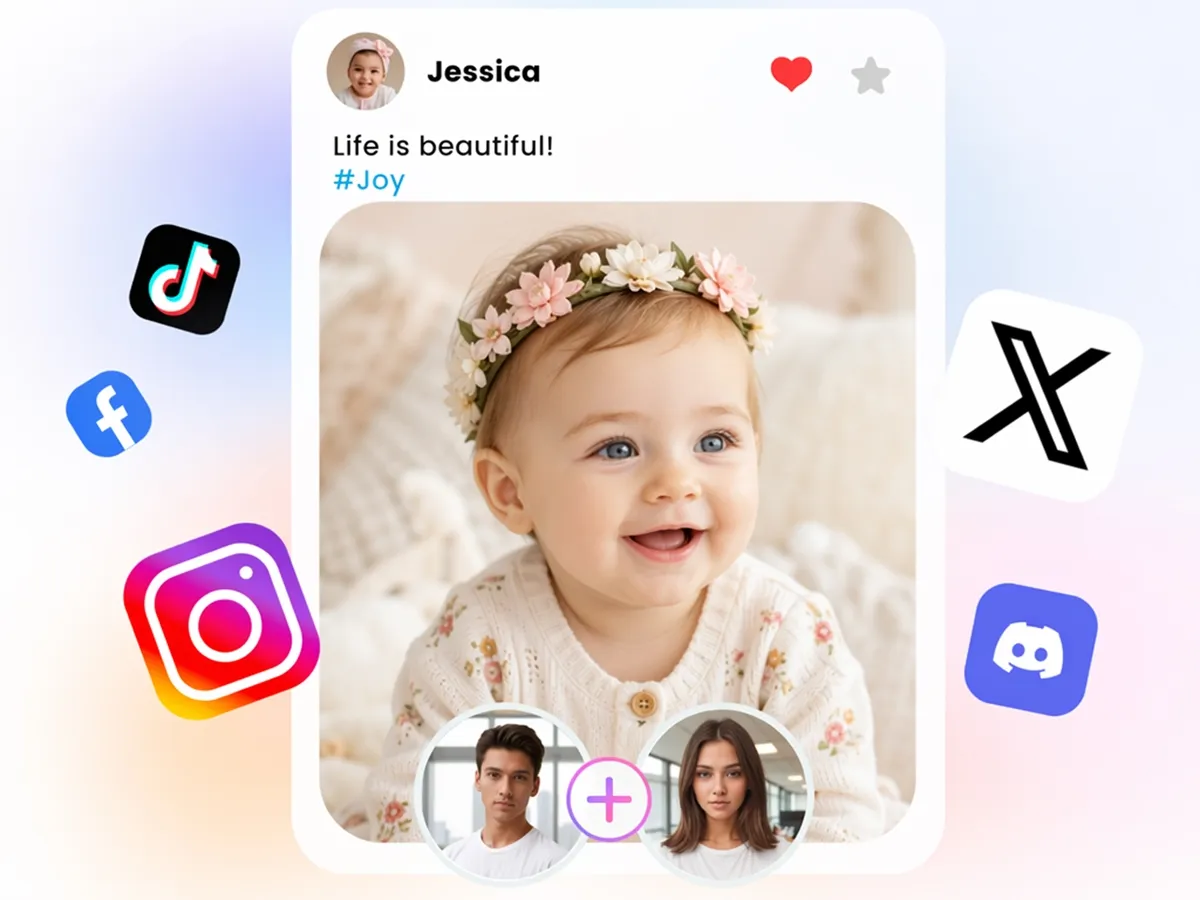
Keep the Result as Just a Fun Visual
Designkit creates imaginative baby images for entertainment and creative exploration rather than predicting what a future child will actually look like.
Built for Everyone Curious About Their Future Baby's Look
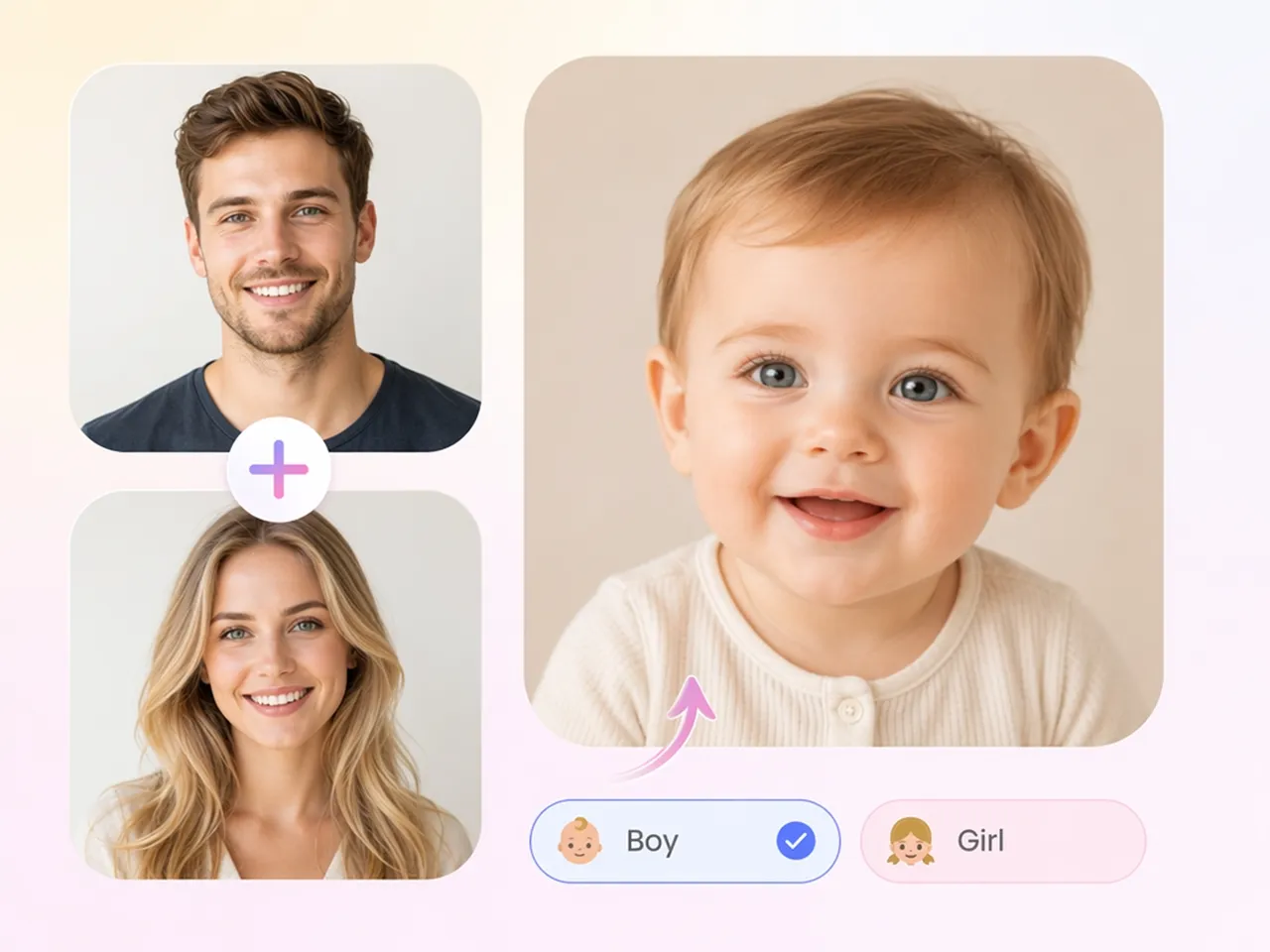
Imagine a Fun Baby Photo Before the Nursery Is Ready
Create a playful baby image to celebrate your pregnancy and imagine what your future child might look like while waiting for the big day.
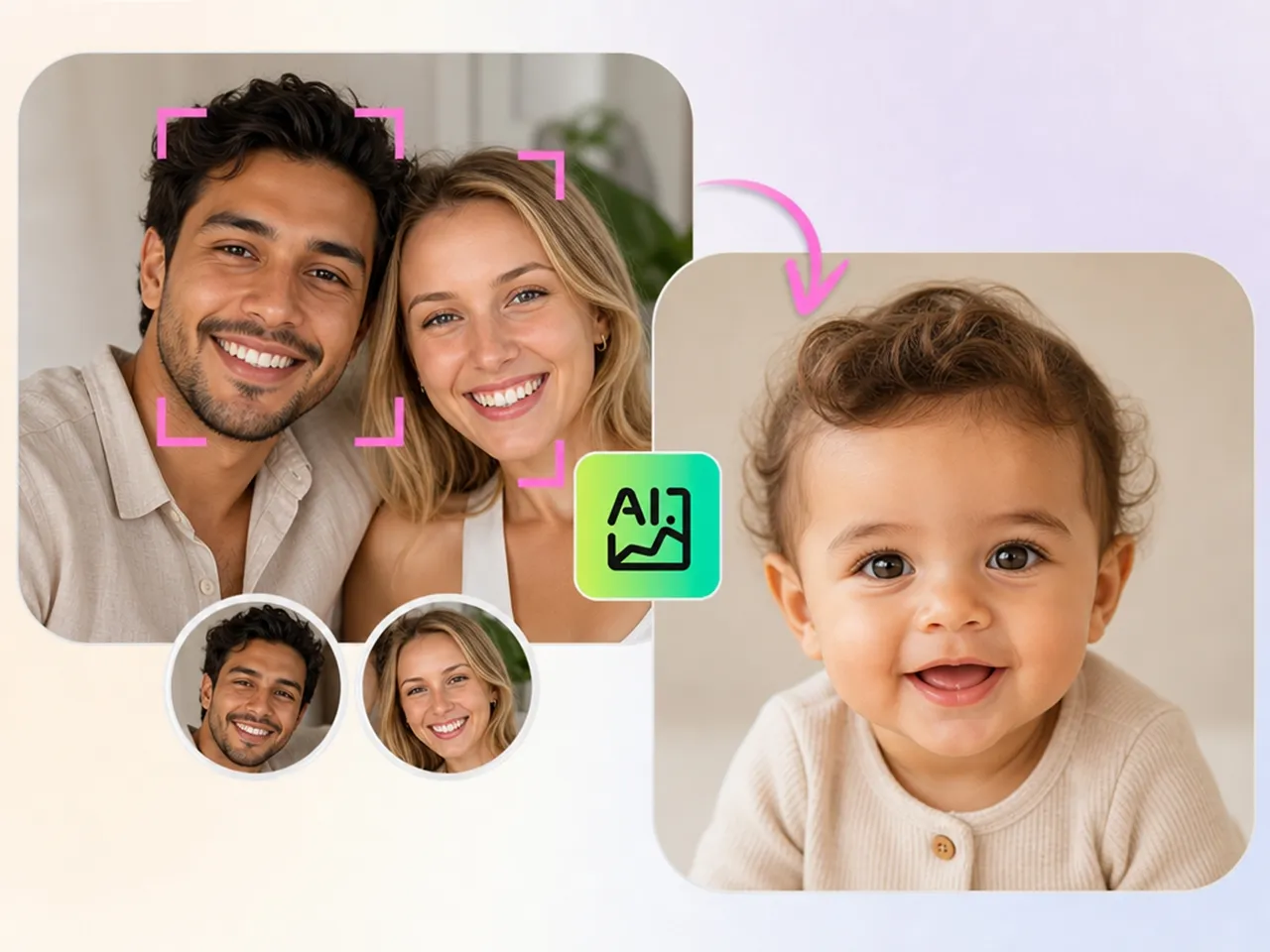
Why Choose Designkit for AI Baby Generation

Works Whether or Not You Have a Partner's Photo
Generate baby images from a text prompt alone, or add one or two reference photos to guide the AI when creating the final image.

Pick From Multiple Variations
Review multiple generated versions from the same prompt, making it easier to choose the style or appearance you like best.

Skip the Subscription Just to Try It
New users receive free signup credits, so you can create a few baby images before deciding whether a paid plan meets your needs.
Use It Without Overpromising Accuracy
Designkit creates AI-generated baby images for creative and entertainment purposes rather than attempting to predict a future child's appearance.

Generate More Than Just Babies
The same Designkit account gives you access to additional image creation tools through the features library, so you can generate more than baby images.
Browser-Based, Nothing to Install
Create and download AI-generated baby images in the same session without installing any software.
Unlock More Creative Possibilities
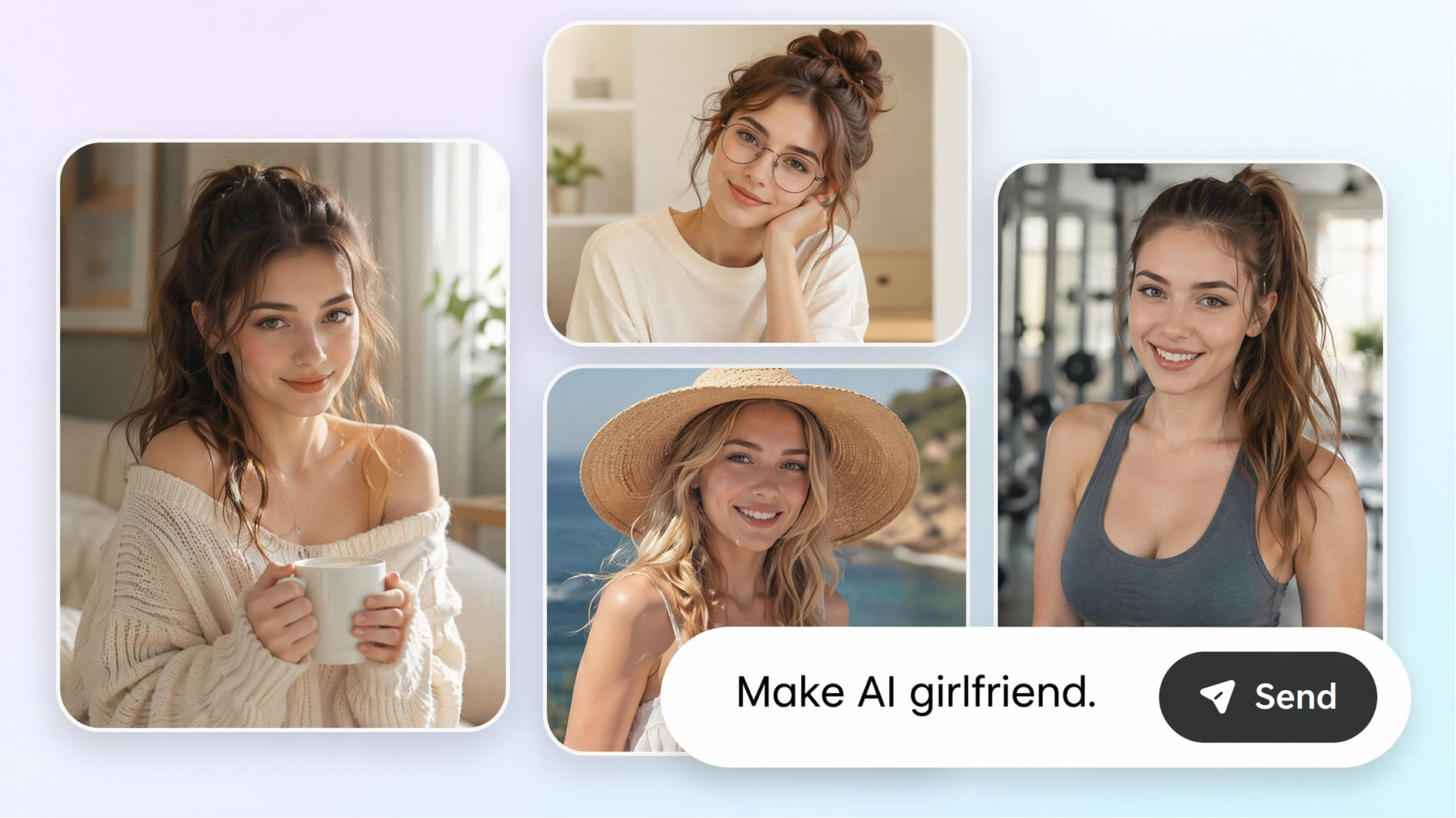
AI Girlfriend Generator
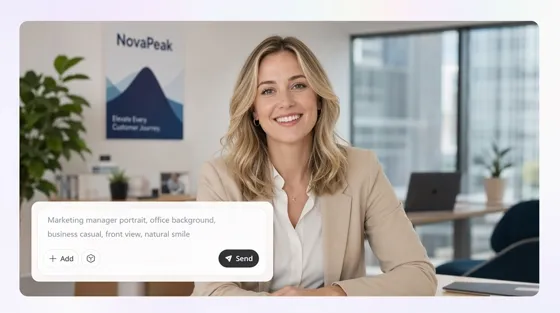
AI Human Generator
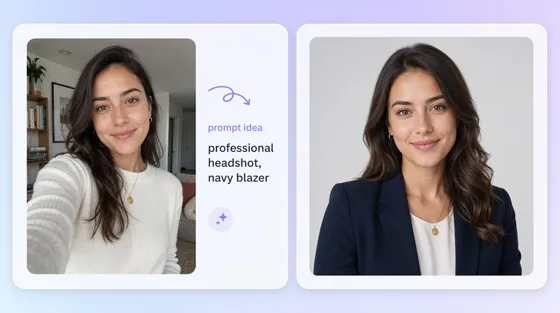
AI Portrait Generator
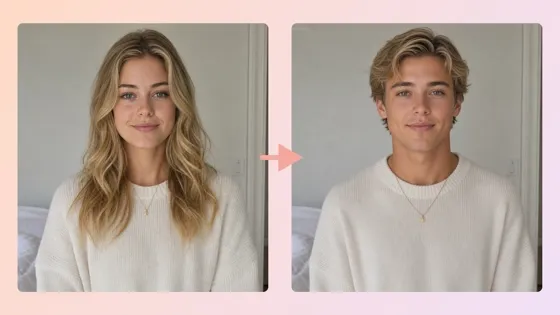
AI Gender Swap
Frequently Asked Questions
Does this actually predict what my real baby will look like?
Is there a free AI baby generator?
Yes. New users can sign up for Designkit and use the included free credits to generate baby images before deciding whether a paid plan is right for them.
Do I need to upload photos of both parents?
No. Enter a text prompt to generate a baby image, or upload one or two reference photos if you want the AI to use them as inspiration for the generated result.
Do free exports include watermarks?
It depends on your plan. Images exported with paid plans are available without a watermark. Check your current Designkit plan to see whether watermark limitations apply to free exports.
How is this different from a baby predictor app?
Baby predictor apps attempt to estimate inherited facial features. Designkit creates AI-generated baby images from your prompt or reference photos without claiming to predict genetic traits or future appearance.
Can I use this baby generator online for free?
Yes. Open Designkit in your browser, enter a prompt or upload a reference photo, generate your baby image, and download the result without installing additional software.
How many images do I get per try?
A single prompt or photo upload typically generates multiple image variations, allowing you to compare different results and choose your favorite.
Is my uploaded photo kept private?
Yes. Photos uploaded to Designkit are processed only to generate the requested image and are not used for other purposes.
Generate a Fun AI Baby Photo Today
Describe a look or upload a photo and download playful baby images, free to start. For fun only, not a real prediction.

What Users Say About Designkit's AI Baby Generator
Real feedback from people who tried this for fun, not for prediction.
Fun Without the Two Photo Requirement
My partner didn't want to upload his photo anywhere online, so most baby generator apps were basically a dead end for us. Describing the look I imagined worked just as well and took less than a minute.
Liked That It Didn't Oversell Itself
Other baby predictor sites acted like the result was basically our real child, down to claiming specific inherited traits with confidence. This one was upfront that it's just a fun image, which honestly made it more enjoyable to try with my partner.
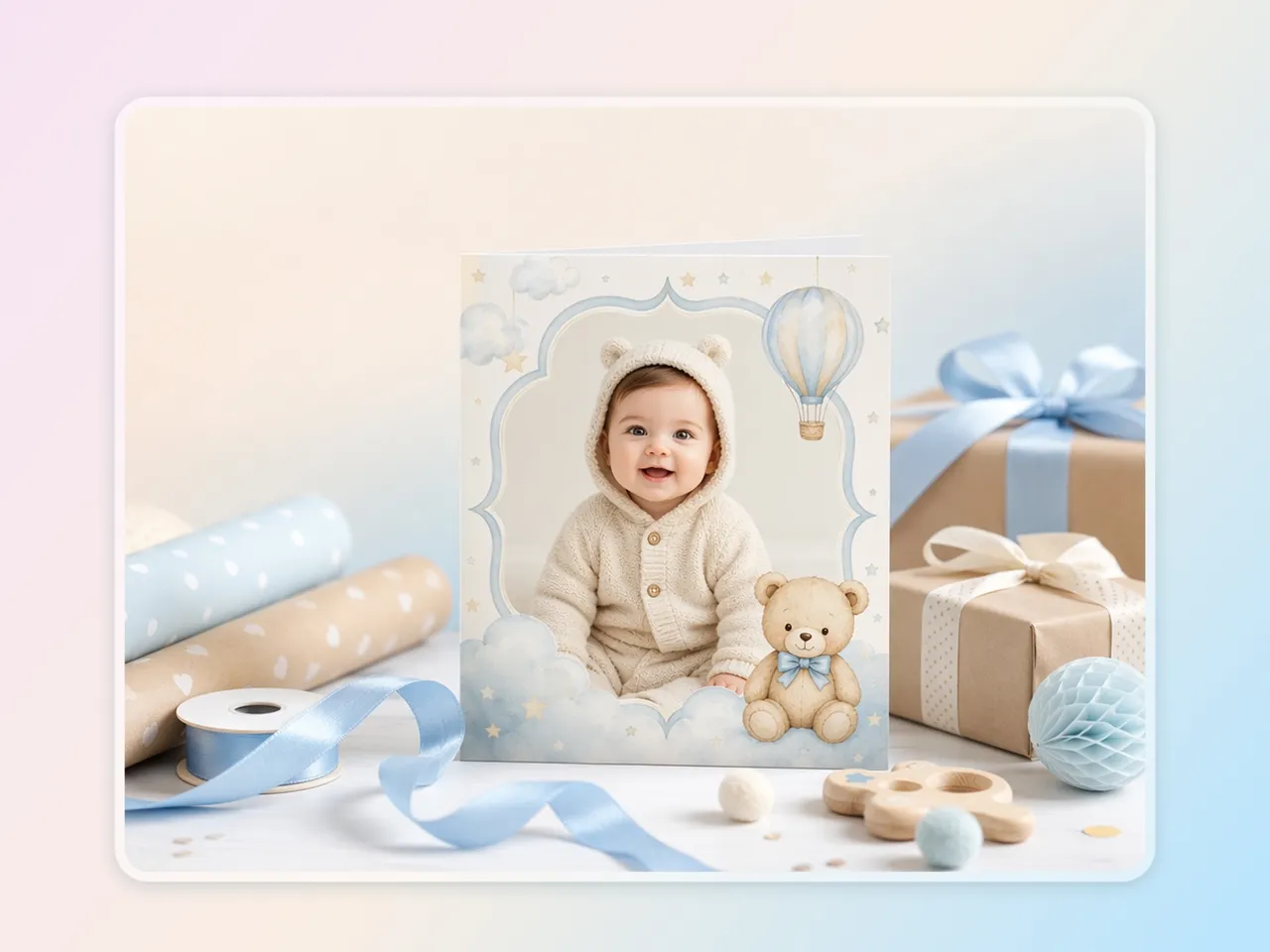
Good for a Baby Shower Card
I generated a playful baby image to put inside a shower card instead of buying a generic printed one from the store. Took a couple of tries to get a look I really liked, but it worked out well in the end.
Quick Activity for a Slow Afternoon
We tried it more out of curiosity than anything serious, just to see what would happen. Got a few different generated images in under five minutes and had a good laugh comparing all of them.
Used It for a Parenting Blog Post
I needed a baby-themed header image for a blog post and didn't want to use a generic stock photo everyone else had already used. Generating one that matched the article's tone took three tries and about five minutes total.
Tried It Solo, Still Worked Fine
I don't have a partner to upload a second photo with, so I just described a look on my own. Got a result back in seconds, which most other tools I tried couldn't manage at all.