
Create Hoodie Designs Ready to Review Before You Print
Create hoodie concepts around your audience, fit, material, direction, and details, perfect for streetwear, team merch, creator brands, events, and apparel collections.
How to Design a Hoodie Concept in 3 Steps
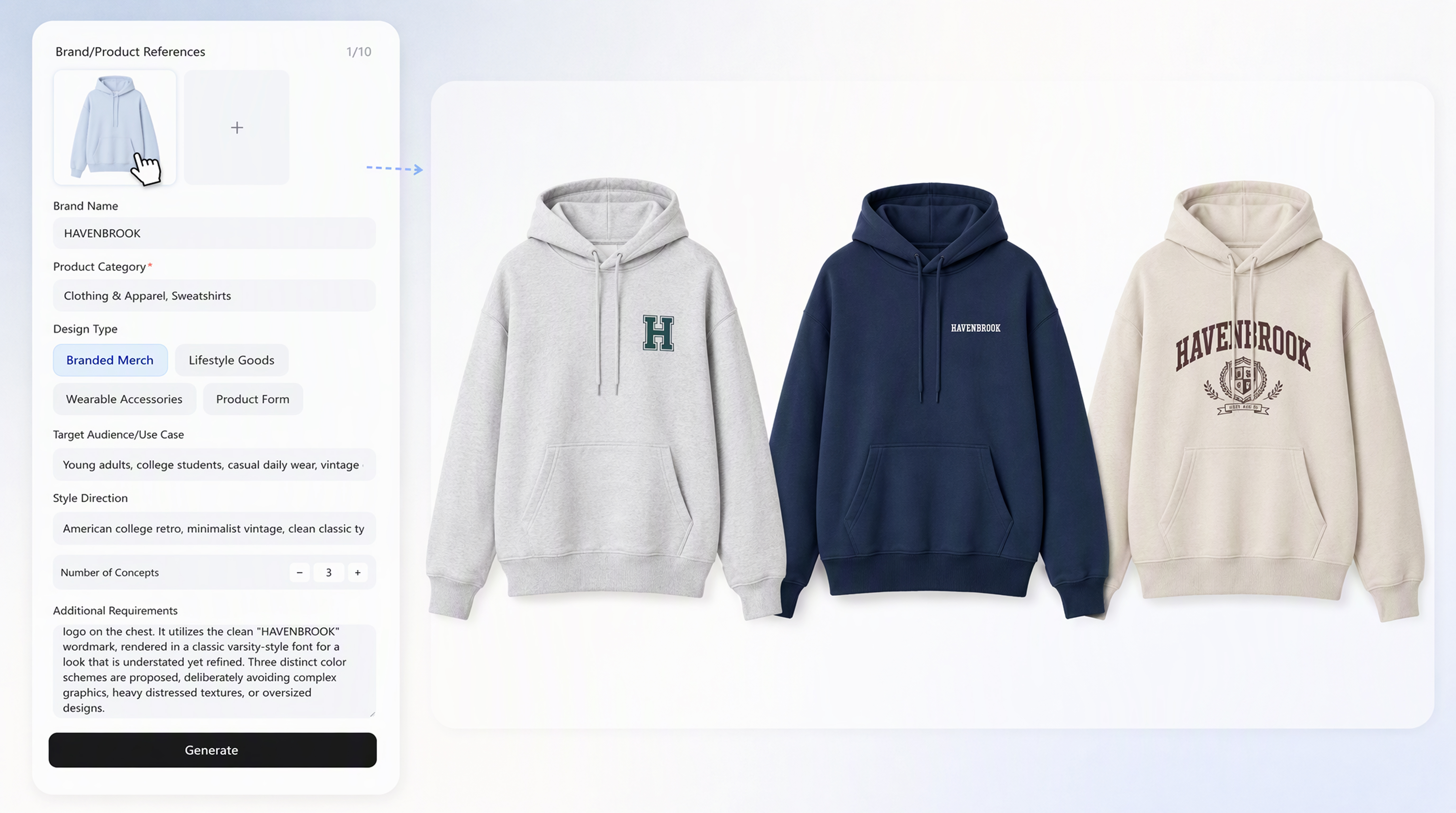
Step 1. Add Your Hoodie and Brand References
Open Brand Design and choose Product Design in Designkit. Upload your hoodie photos, logos, graphics, or brand references, then add the Brand Name and Product Category to establish the starting point.
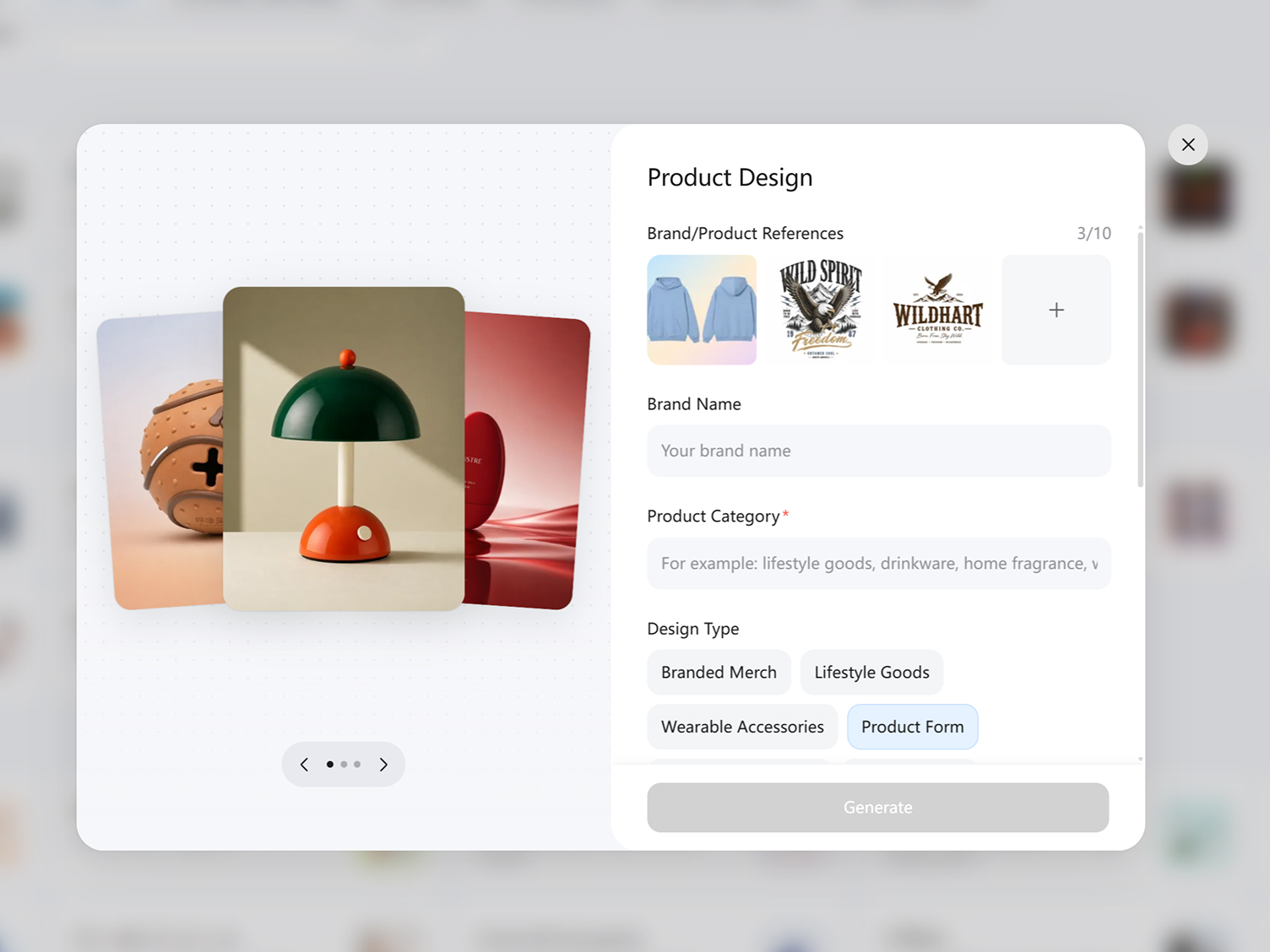
Step 2. Define the Hoodie Design Direction
Specify the Design Type, target audience, graphic placement, colors, and visual theme. Add details such as front or back artwork, sleeve graphics, pocket placement, or print area, then click Generate.
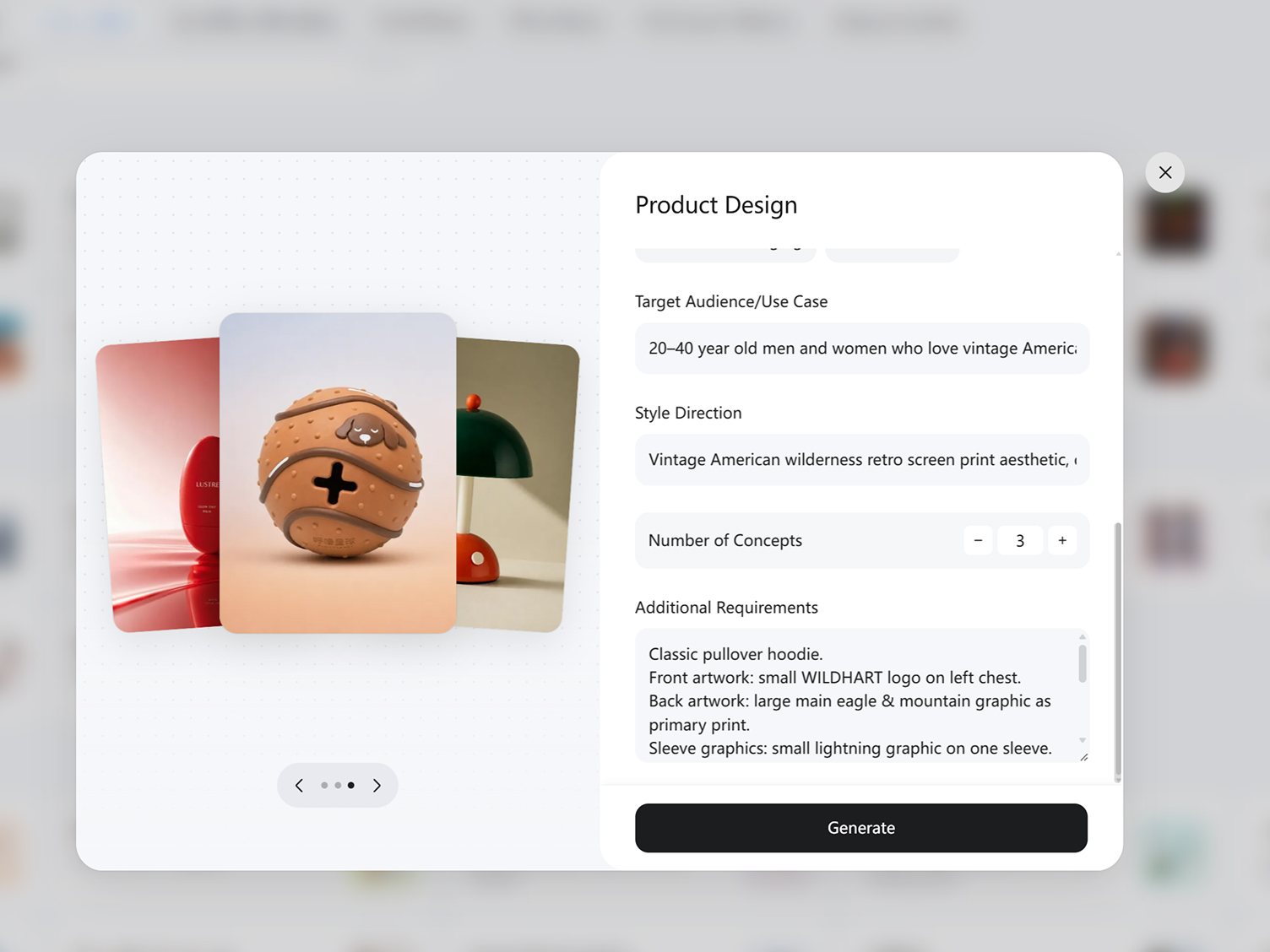
Step 3. Compare, Refine, and Download the Design
Review the generated hoodie concepts and compare the artwork, placement, colors, and overall style. Refine the preferred concept as needed, then click Download to save the finished hoodie design.
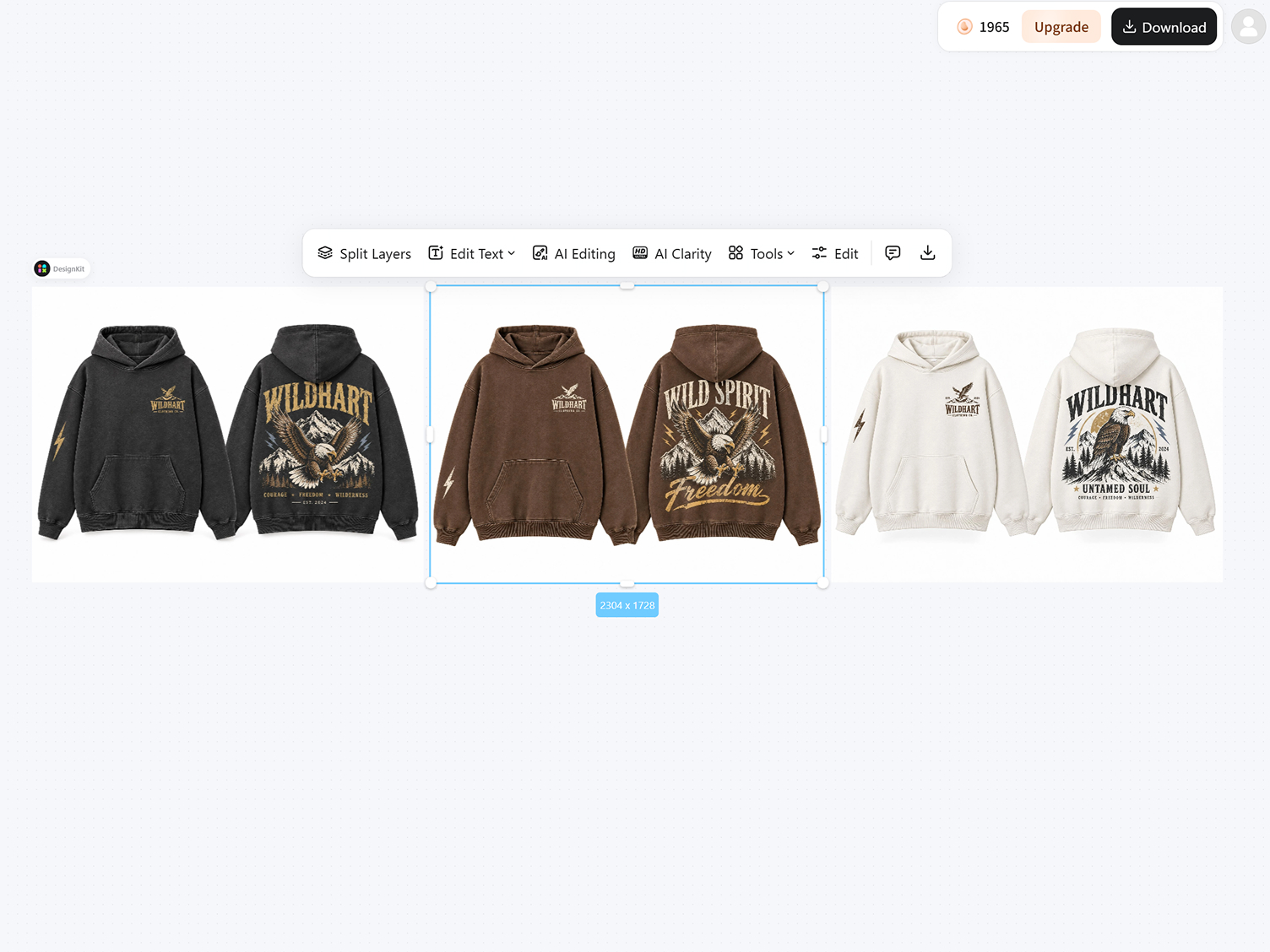
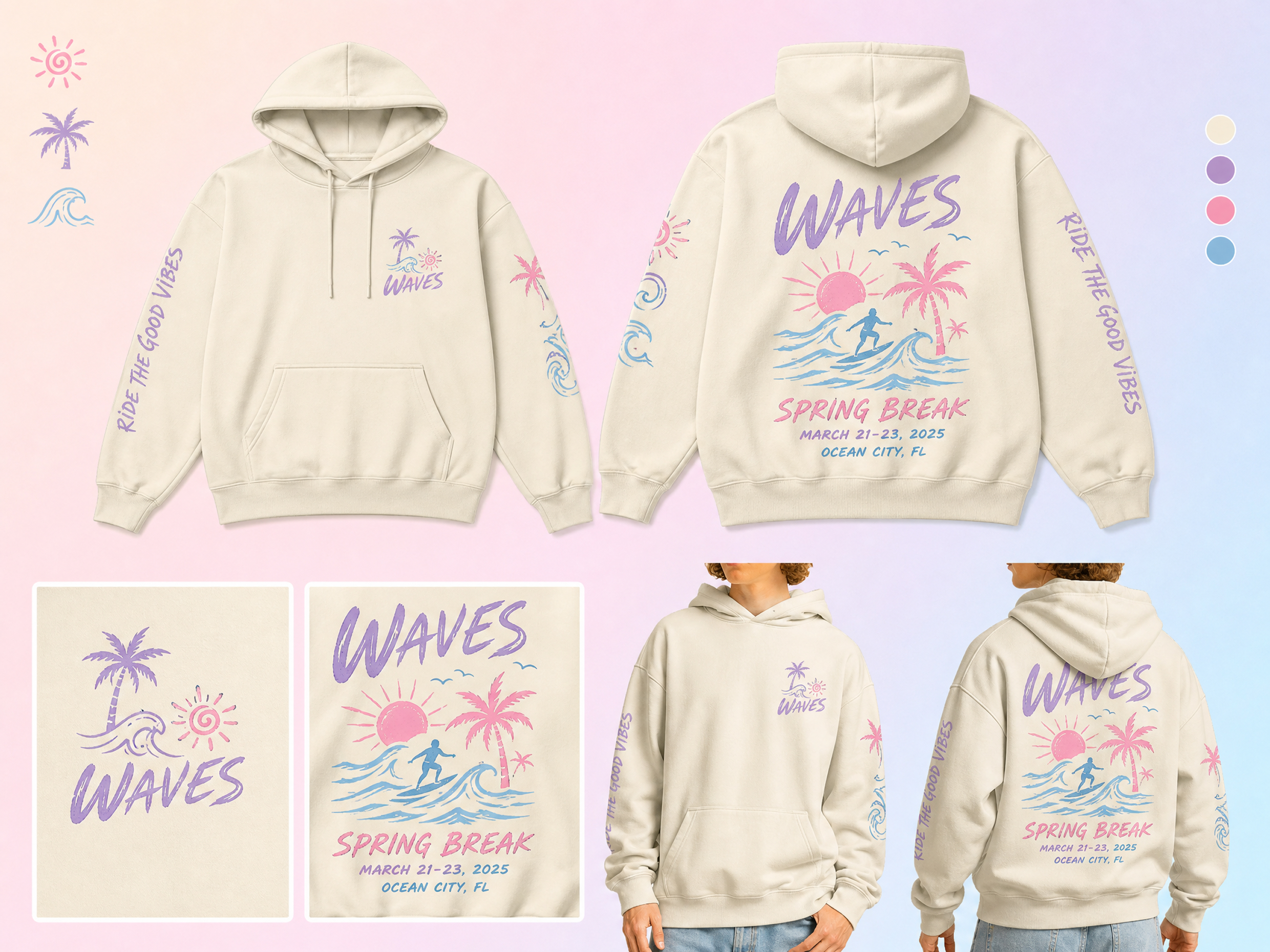
Design Hoodies Around the Way They're Actually Worn
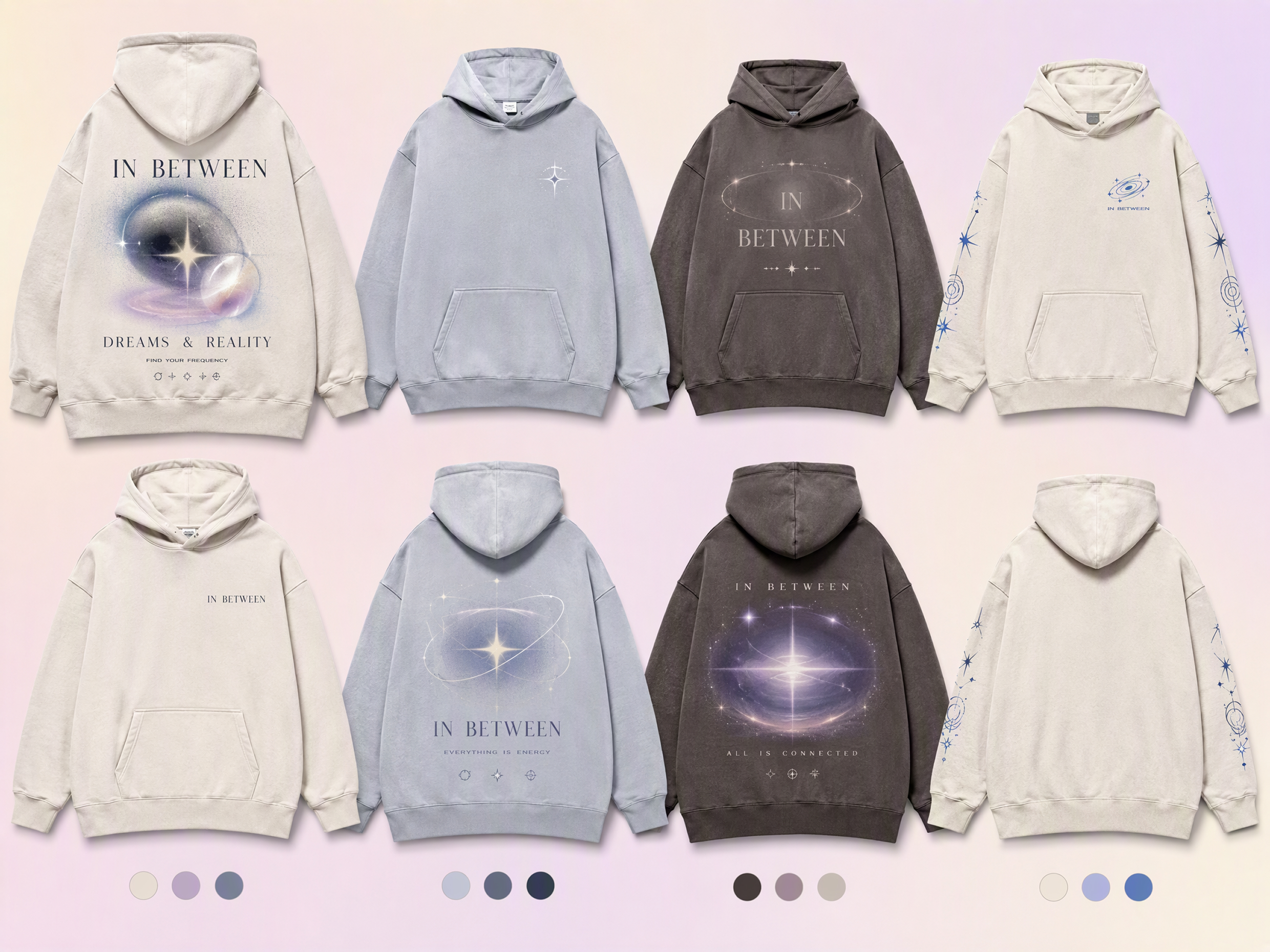
Turn One Hoodie Concept Into Multiple Variations
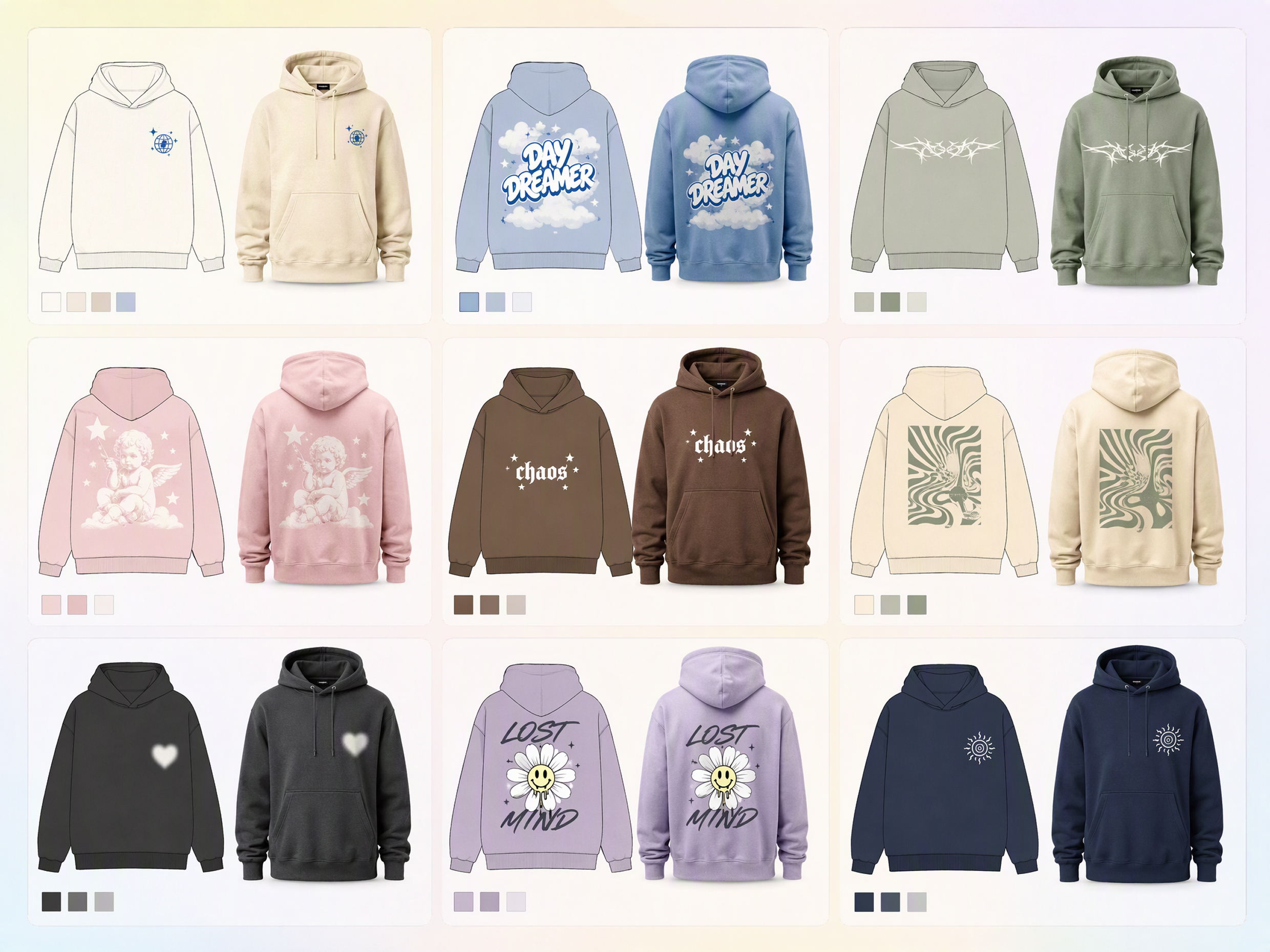
A single hoodie idea can become several design directions by changing graphics, colors, typography, placement, or overall style. Designkit works as a hoodie generator, helping you explore variations for different collections, niches, or audiences while keeping the original concept as a starting point. This is useful when you want more than one option before settling on a final design.
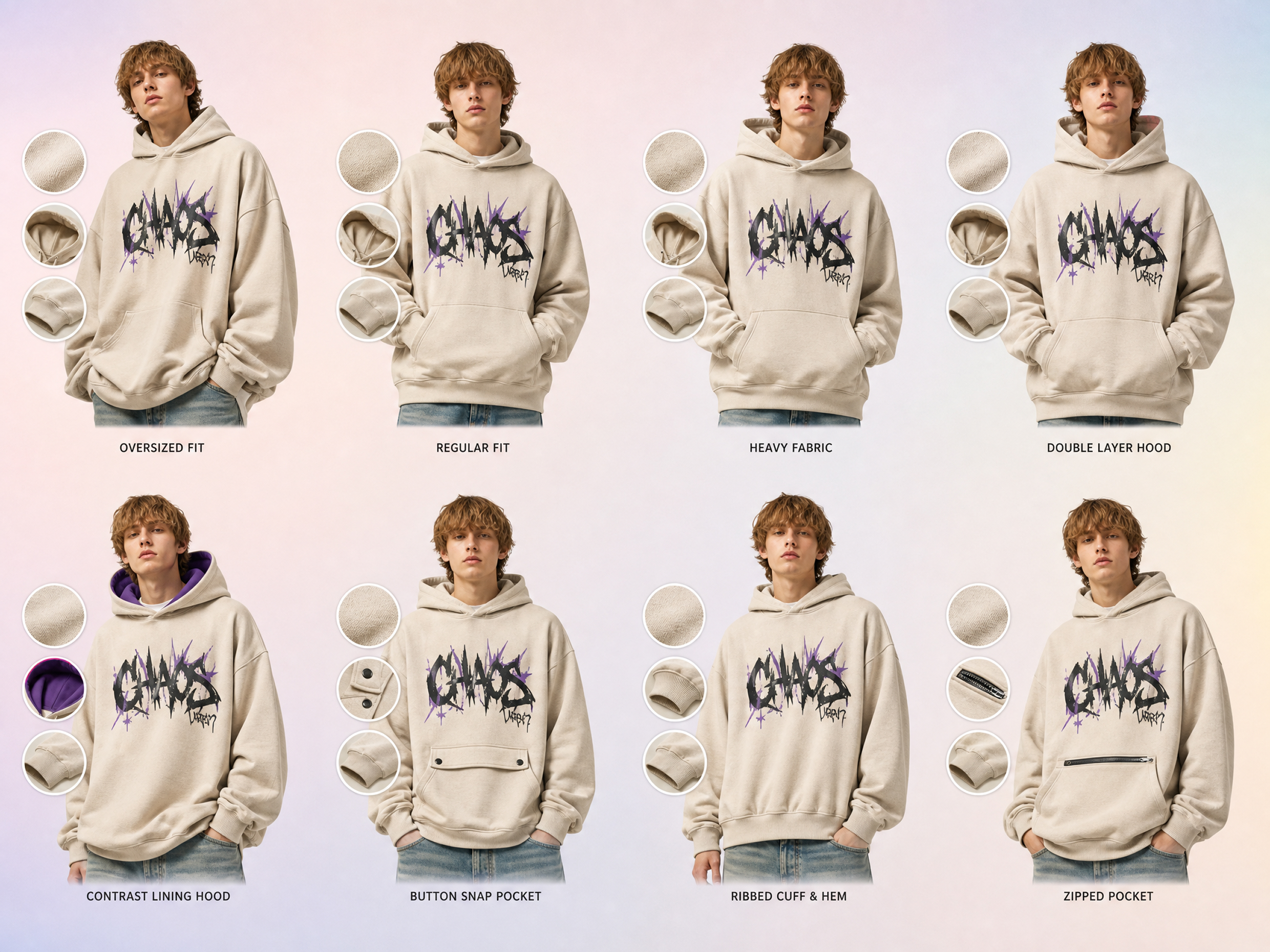
Build Around Fit, Fabric, and Hoodie Details
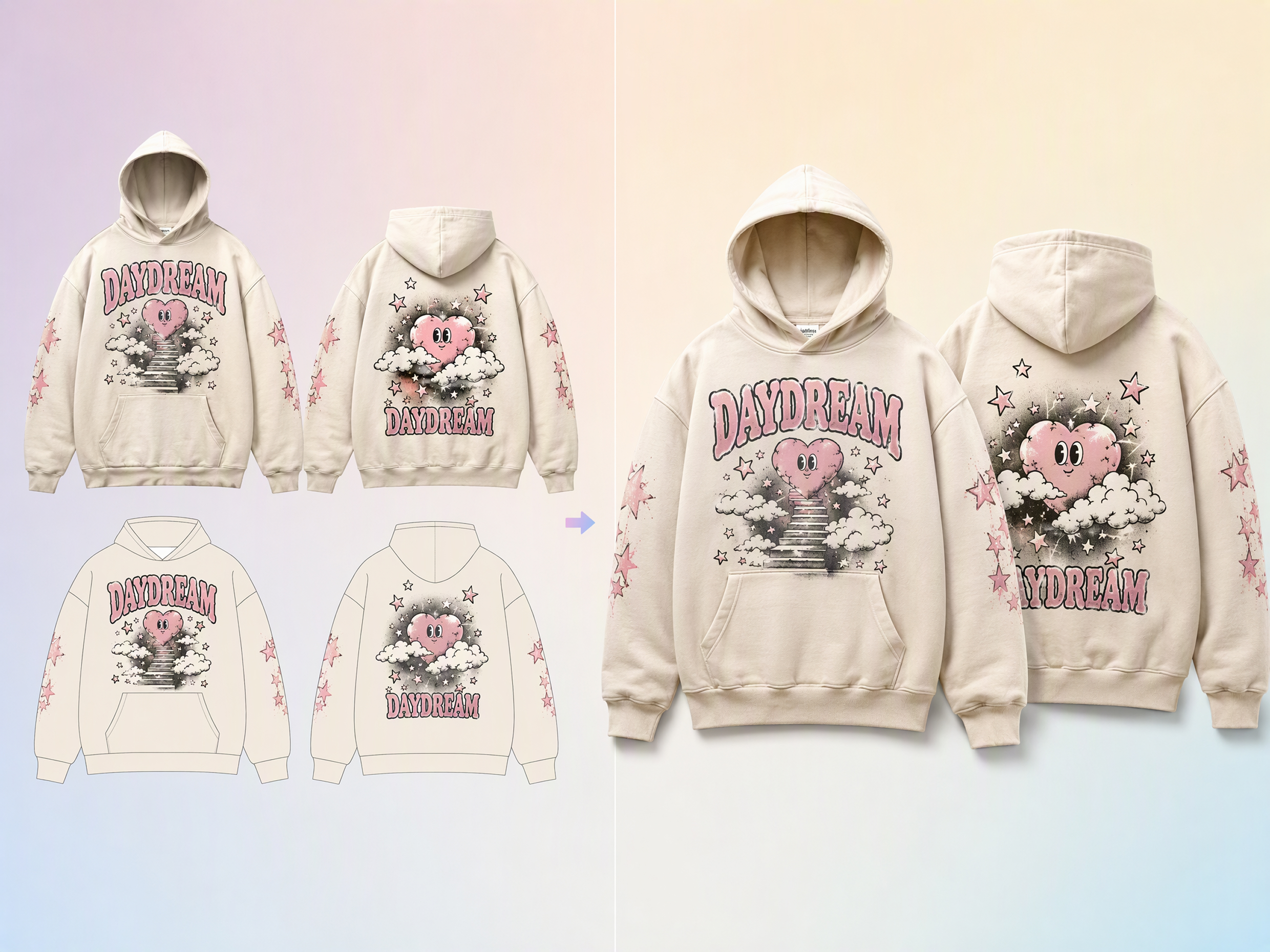
A hoodie design needs to work with its actual construction, including the fit, fabric appearance, hood, sleeves, pockets, and print placement. Designkit helps you develop concepts around these details rather than treating the artwork as a standalone graphic. Use it as a hoodie design maker to explore how different visual elements can work together on the garment.
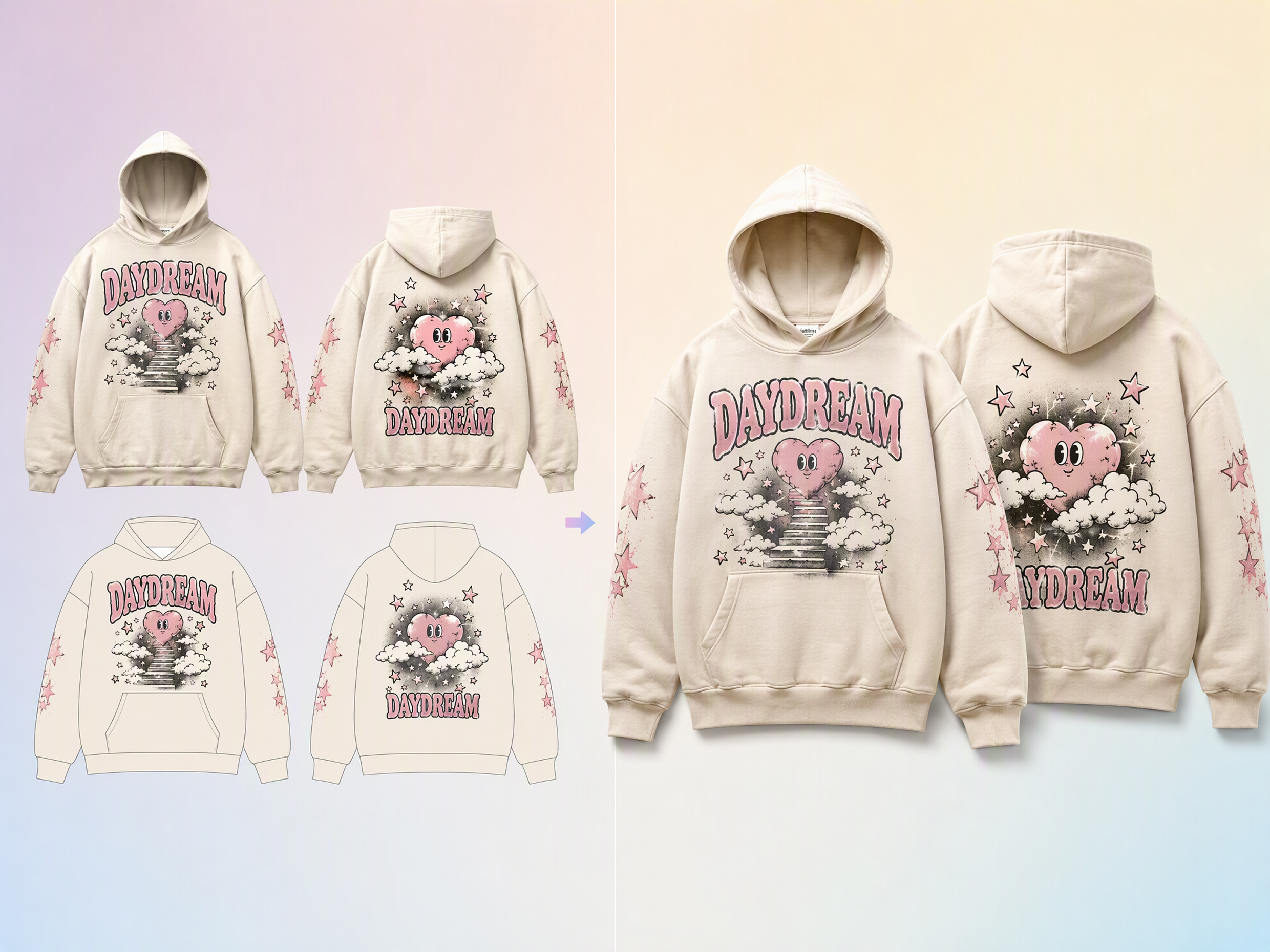
Create a Hoodie Mockup Before Production
A mockup lets you see how a hoodie concept may look like a finished product before ordering samples or preparing a listing. With Designkit, you can develop the artwork, refine its placement, and use mockup generator to create a visual representation of the garment for reviewing designs, presenting concepts, or preparing merchandise visuals.
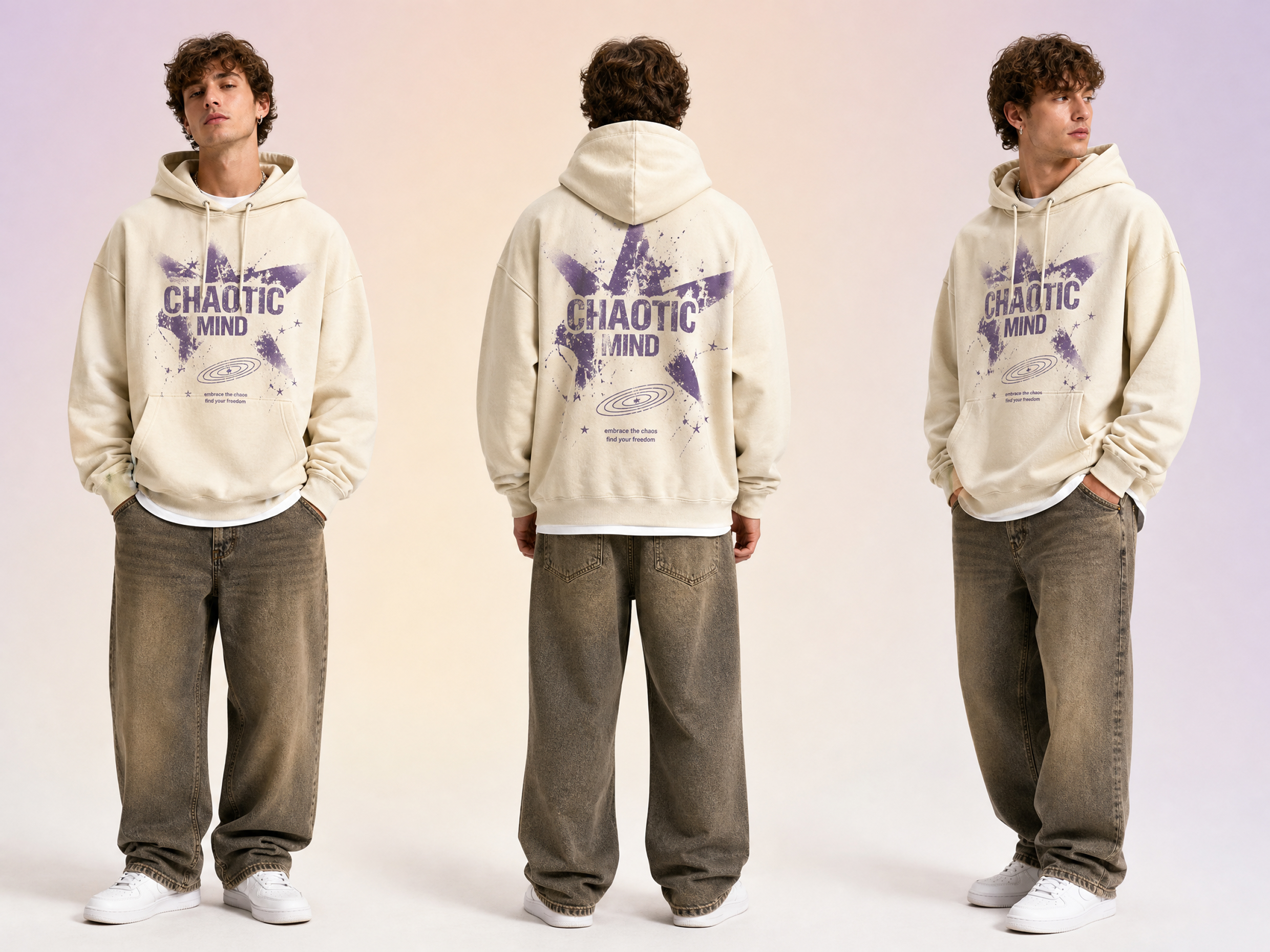
Visualize How a Hoodie Design Looks on a Person
Seeing a hoodie on a person gives you more context than viewing the artwork on a blank canvas. Designkit helps you develop wearable product visuals on AI models so you can review the design's placement, proportions, and overall appearance. If you want to design your own hoodie, you can refine the concept before creating promotional content, product listings, or final production assets.
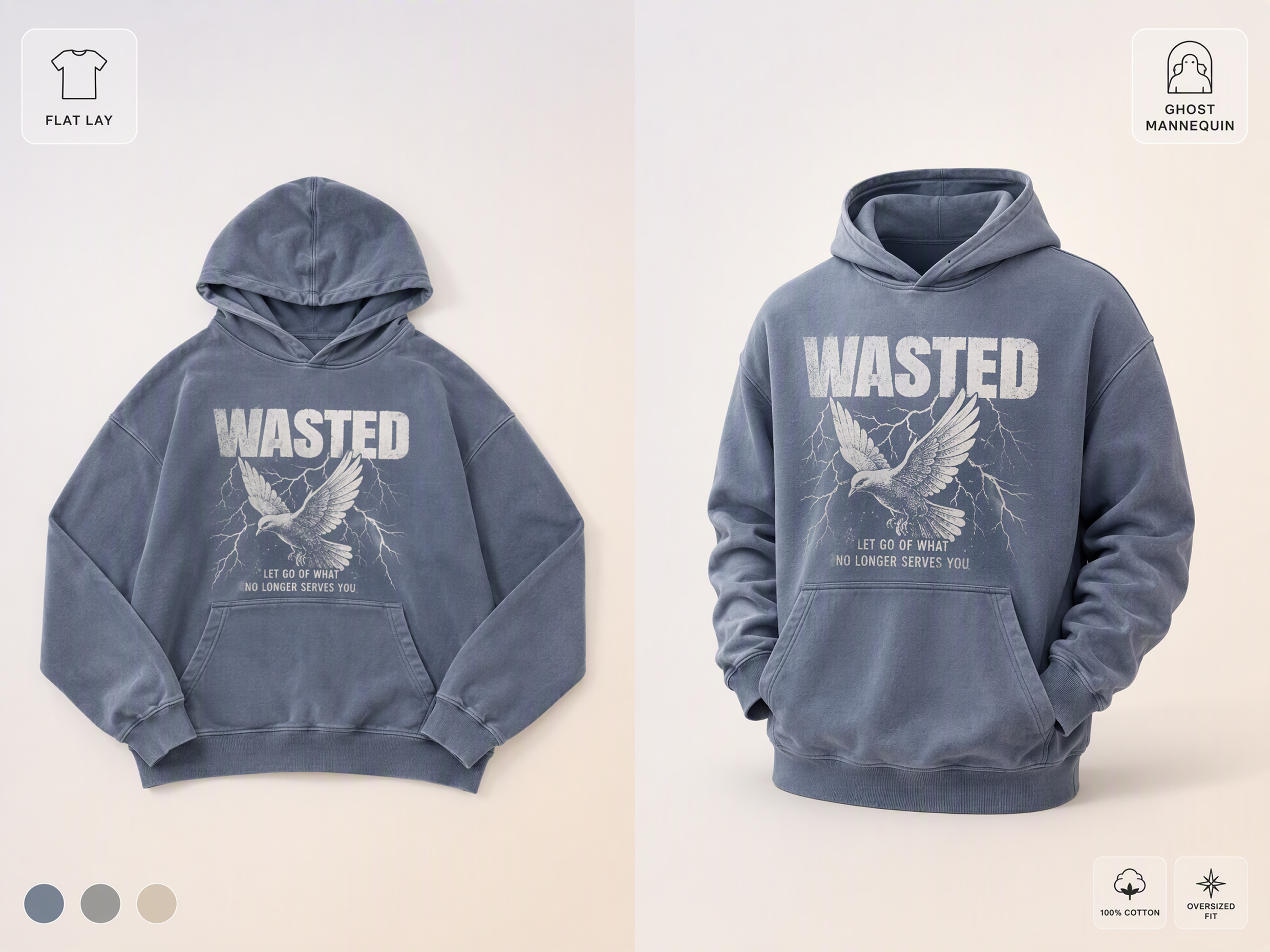
Create Flat Lay and Ghost Mannequin Hoodie Visuals
Create different product-photo styles from the same hoodie concept for ecommerce and marketing. Designkit can support flat lay photography for clean overhead product presentations and ghost mannequin photography for showing the hoodie's structure without a visible model. These variations can give POD sellers more options for product pages, catalogs, and promotional creatives.
Who Uses Designkit for Hoodie Design
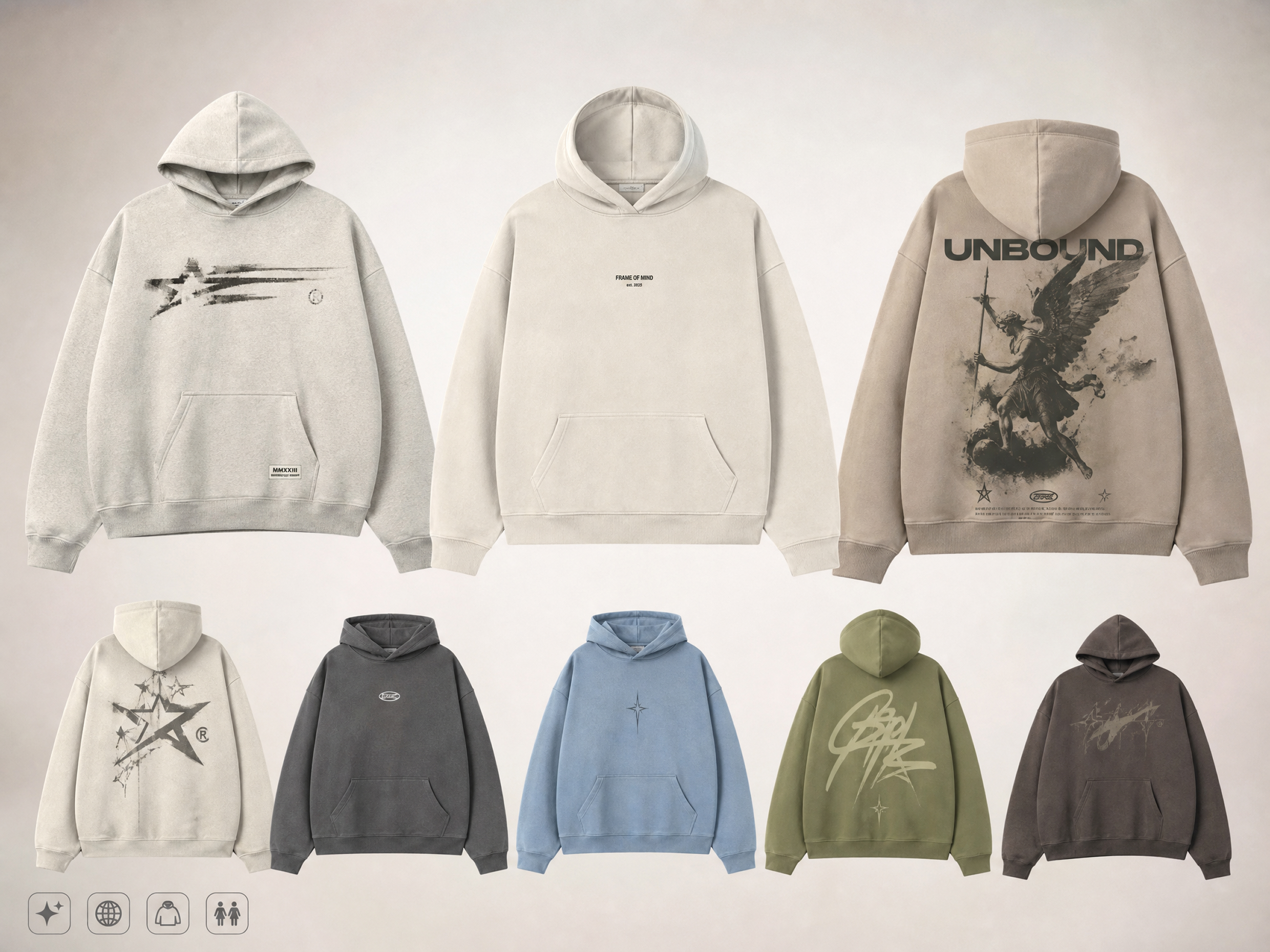
Create Bold Graphics for New Streetwear Drops
Develop bold hoodie concepts around graphics, typography, colors, and streetwear aesthetics. Use [text to image to explore original visual directions, then refine the strongest concept for a new drop or limited collection.
Why Use Designkit for Hoodie Design
Design Hoodies Without Hiring a Designer
Create hoodie concepts from your ideas with Designkit's custom hoodie maker, helping you explore graphics, colors, layouts, and garment details without starting from scratch.
Reuse One Direction Across a Collection
Designkit's hoodie generator turns one visual direction into multiple hoodie concepts. Change graphics, colors, and placements while keeping the collection connected.
Explore Hoodie Design Ideas First With Free Credits
Use Designkit's free credits to explore hoodie concepts before committing to a final direction. Generate variations, refine your favorites, and prepare visuals for your next collection.
Unlock More Creative Possibilities for Your Product
AI T-Shirt Design Maker
AI Hat Design Tool
AI Color Palette Maker
AI Packaging Designer
Frequently Asked Questions
How do I design my own hoodie from scratch?
Can I use my own logo, artwork, or hoodie reference?
Yes. You can use your own logo, artwork, product image, or hoodie reference as part of the design process. Designkit lets you bring visual references into the workflow and develop new directions from them. With image to image, you can explore variations while retaining useful elements from the original reference, then refine the result for your hoodie's graphics, colors, and placement.
How should I design graphics for the front, back, and sleeves of a hoodie?
Plan each placement according to the garment area, viewing angle, and size of the graphic. Front designs can carry the main message, while backs and sleeves can support it with secondary graphics or branding. Designkit helps you develop and refine these visual directions, making it easier to explore a custom hoodie maker workflow before preparing artwork for production.
Do hoodie fit and fabric change how the graphic should look?
Yes. Fit, fabric texture, seams, folds, and garment construction can affect how artwork appears when worn. Oversized hoodies, fitted styles, heavyweight fabrics, and textured materials may require different graphic proportions and placements. Designkit helps you visualize the concept in context, so you can refine the artwork based on the hoodie's appearance rather than judging it only on a flat design canvas.
Will the hoodie design look realistic on a mockup or model?
A well-prepared design can be presented in realistic product visuals, although the result depends on the reference, prompt, garment details, and generated image. Designkit combines AI generation with editing tools to help refine the hoodie concept and its presentation. You can develop a mockup to review placement and appearance before using the design for listings, marketing, or production discussions.
Can I see my hoodie design on a model?
Yes. Viewing a hoodie on a person can help you assess its proportions, graphic placement, colors, and overall appearance in a realistic context. Designkit can help turn your hoodie concept into a worn visual using AI models, giving you an additional way to review the design before creating product photography or publishing it for an ecommerce audience.
Can I turn my hoodie design into an AI product photo?
Yes. A finished hoodie concept can be developed into an AI-generated product photo for ecommerce, social content, or promotional use. Designkit lets you refine the hoodie artwork first, then create product-focused visuals around the finished concept. You can also use an AI product photography flow to explore clean product presentations without arranging a physical photoshoot.
Turn Your Hoodie Idea Into a Product Concept
Design the hoodie itself, explore multiple directions, then show the finished concept on a model or as a product visual.



What People Say about Designkit for Hoodie Designs
Real-world perspectives from apparel sellers, creators, teams, brands, and event organizers.
Creating Hoodies for My Online Store
I wanted to add hoodies to my store without relying on the same generic graphics I had already seen everywhere. I created several concepts around different niches and styles, then narrowed them down for my next merchandise collection.
I Needed Several Concepts to Lock the Collection Style
I was working on the visual direction for a new hoodie line and needed several concepts before deciding on the collection style. Exploring different graphics, typography, and placements helped me see which ideas worked together as a brand.
We Needed Something That Didn't Look Like Generic Merch
We'd made merch before, and it always ended up being a logo in the middle of the hoodie. This time I wanted something with a bit more personality. I tried a few directions before we settled on one that actually felt like us.
I Used the Mockup Before Showing It to the Team
The design looked fine on its own, but I wasn't sure how it would work on an actual hoodie. I made a mockup before sending it around, and that caught a couple of things I wanted to change. FAQs