
Create Merch-Ready T-Shirt Designs With AI
Describe who the shirt is for and the look you want. Explore multiple graphic directions, then refine one for merch, POD listings, or print files.
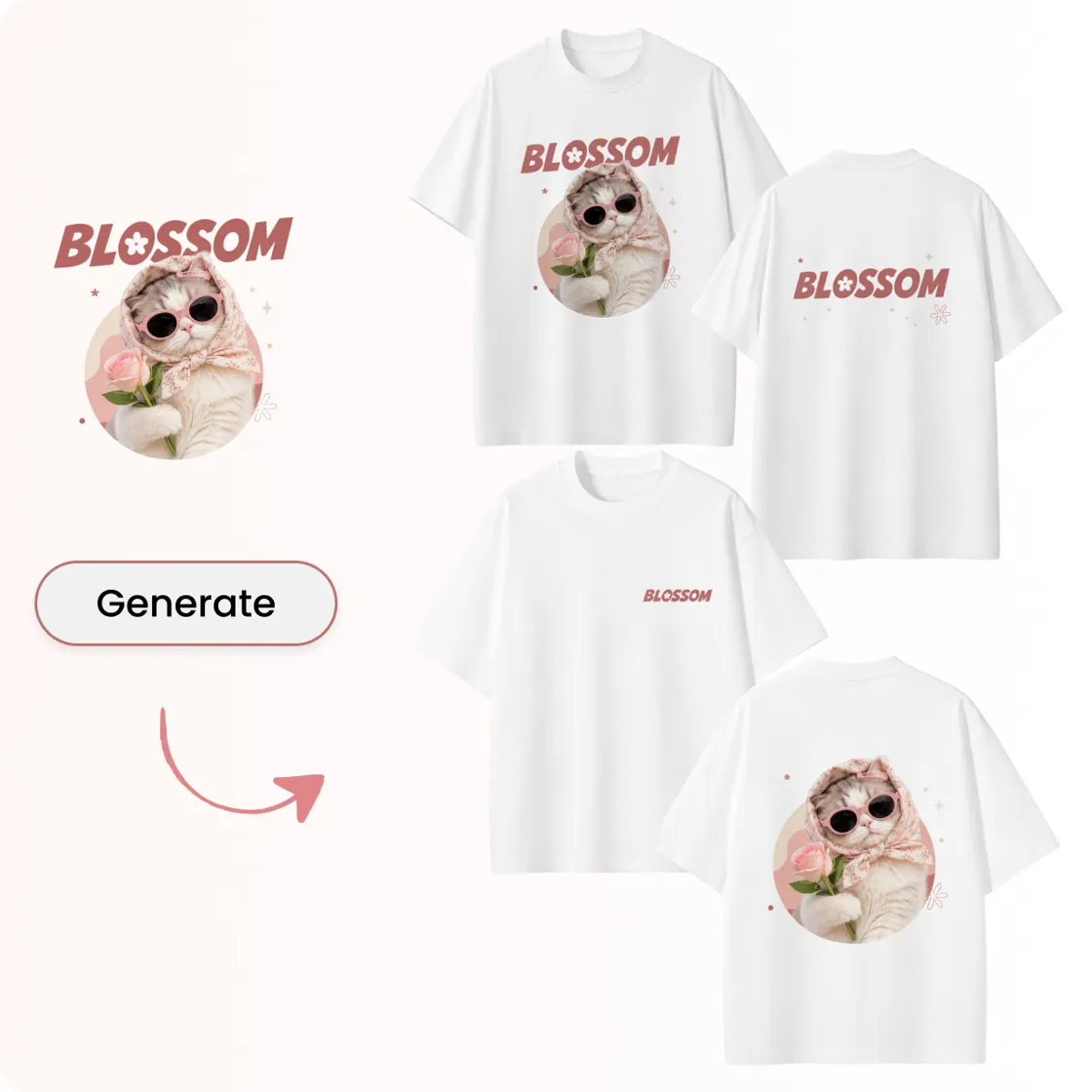
How to Design a T-Shirt With Designkit
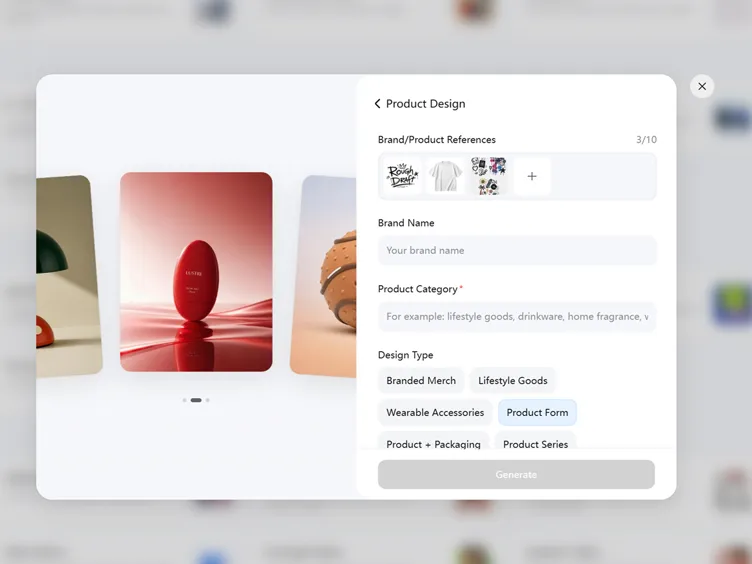
Step 1. Add Your T-Shirt or Brand References
Sign up or log in to Designkit. Choose Brand Design and click Product Design. Upload your T-shirt photos, logos, graphics, or brand references to start.
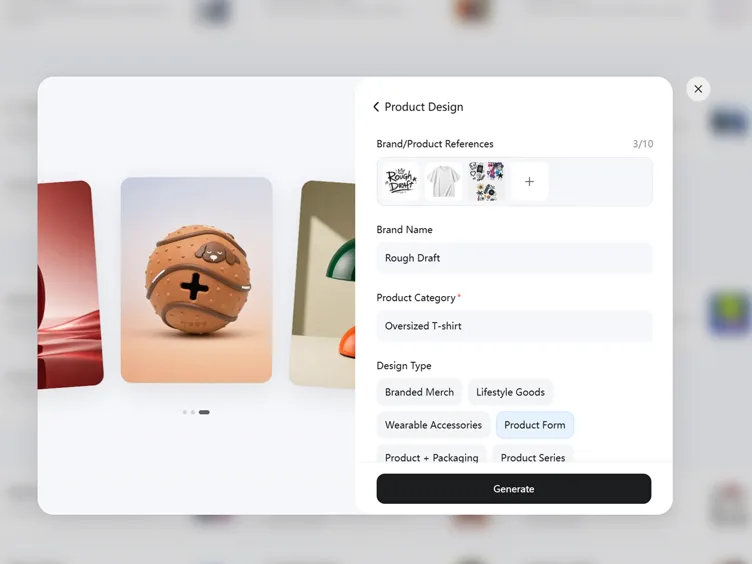
Step 2. Define the T-Shirt Design Direction
Enter the Brand Name and Product Category. Define the Design Type, target audience, style, and any additional requirements, then click Generate.
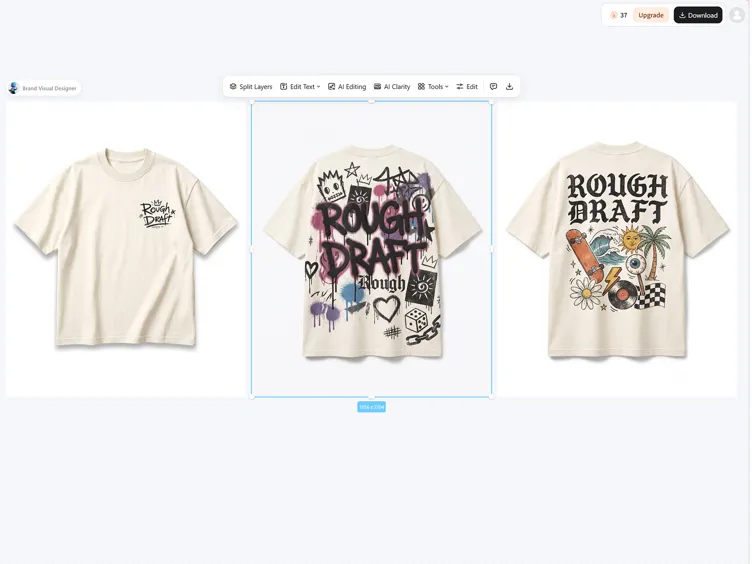
Step 3. Review Concepts and Refine Them
Review the generated T-shirt concepts and compare the graphics, colors, typography, and branding placement. Refine the preferred direction, then click Download to save the final design.
Create and Customize T-Shirt Designs with Designkit
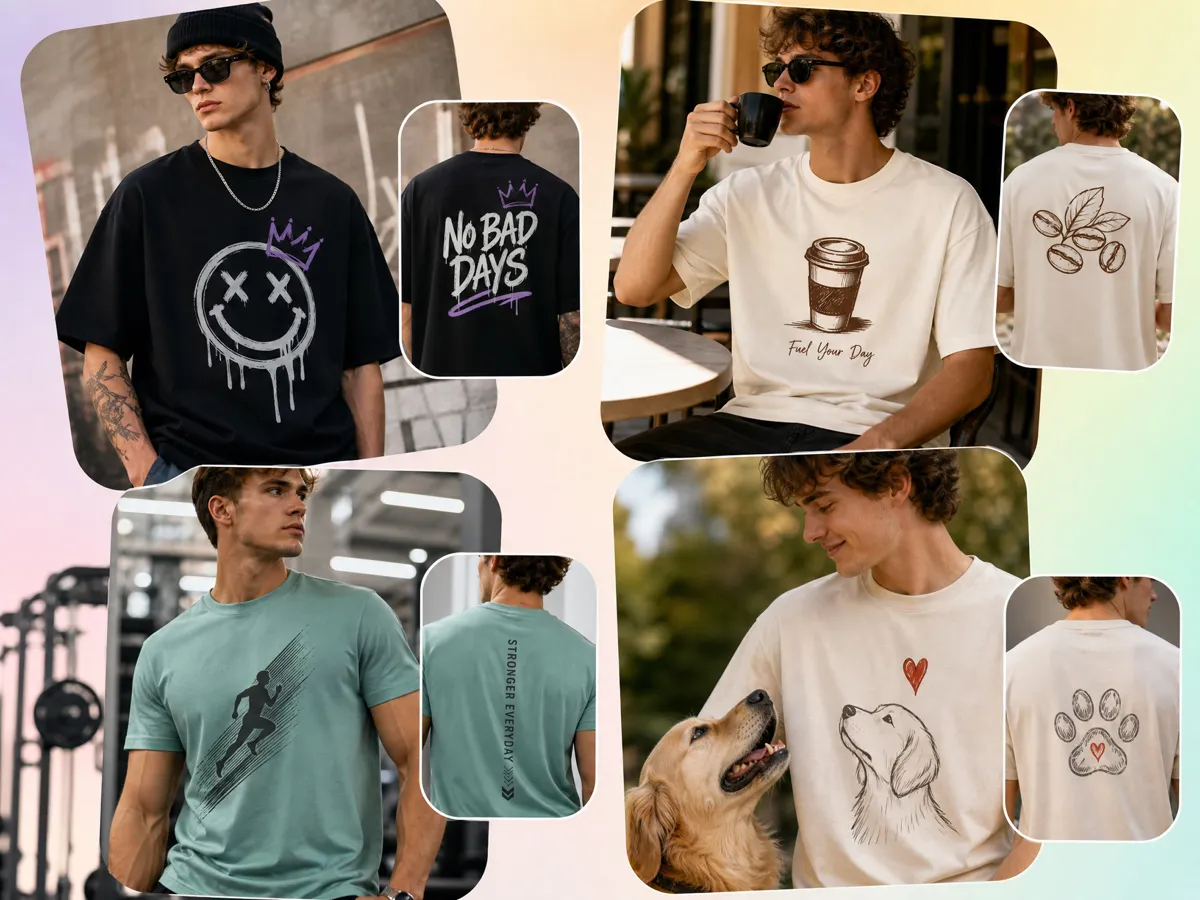
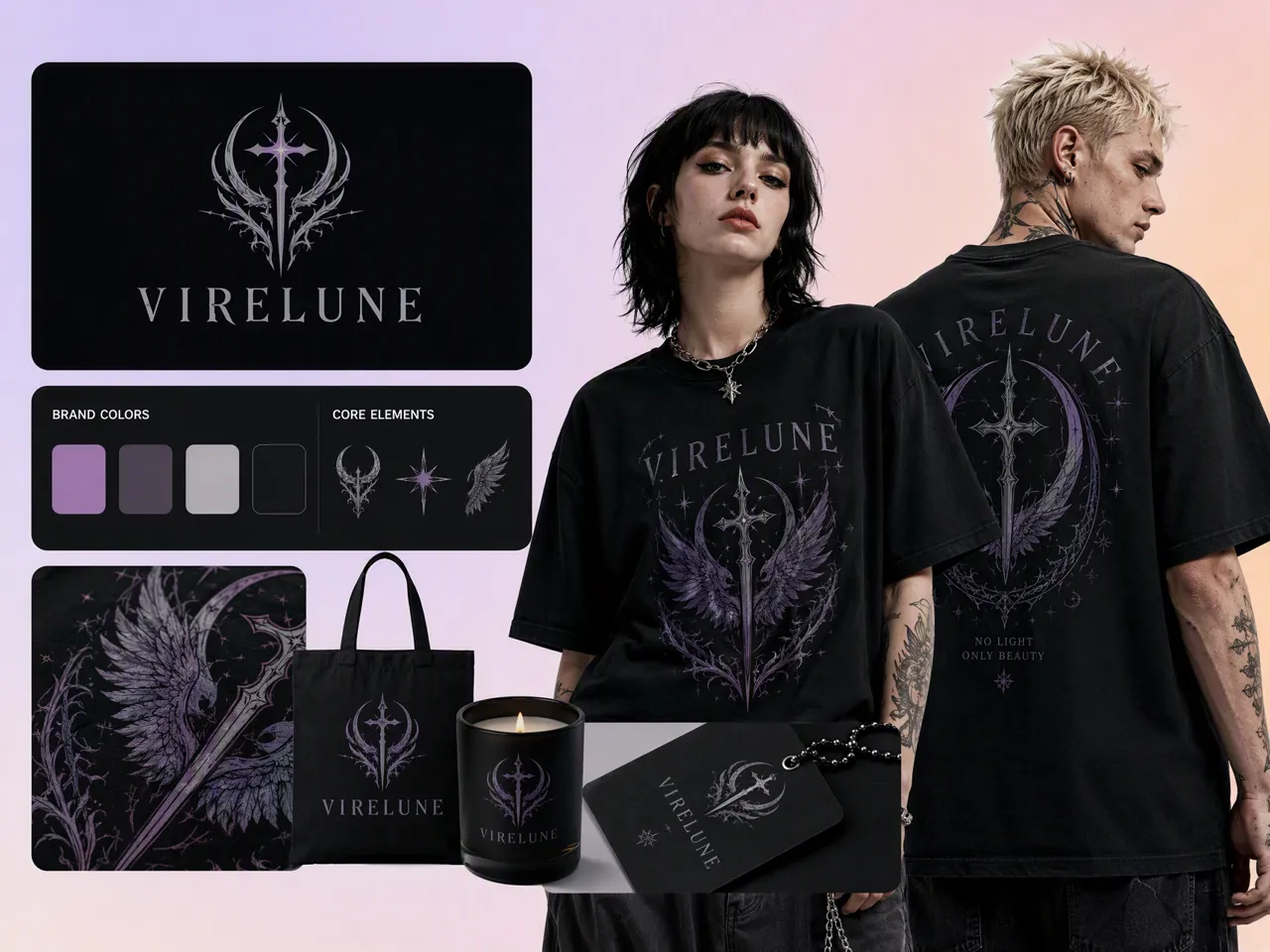
Design Graphics for the People Who Will Wear It
Design a shirt around the people you want to reach, from niche communities to customers of a clothing brand. Define the audience, style, colors, graphics, and message before generating concepts. Designkit helps turn those requirements into editable shirt visuals, making how to design a shirt more practical when you need the design to match a specific audience.
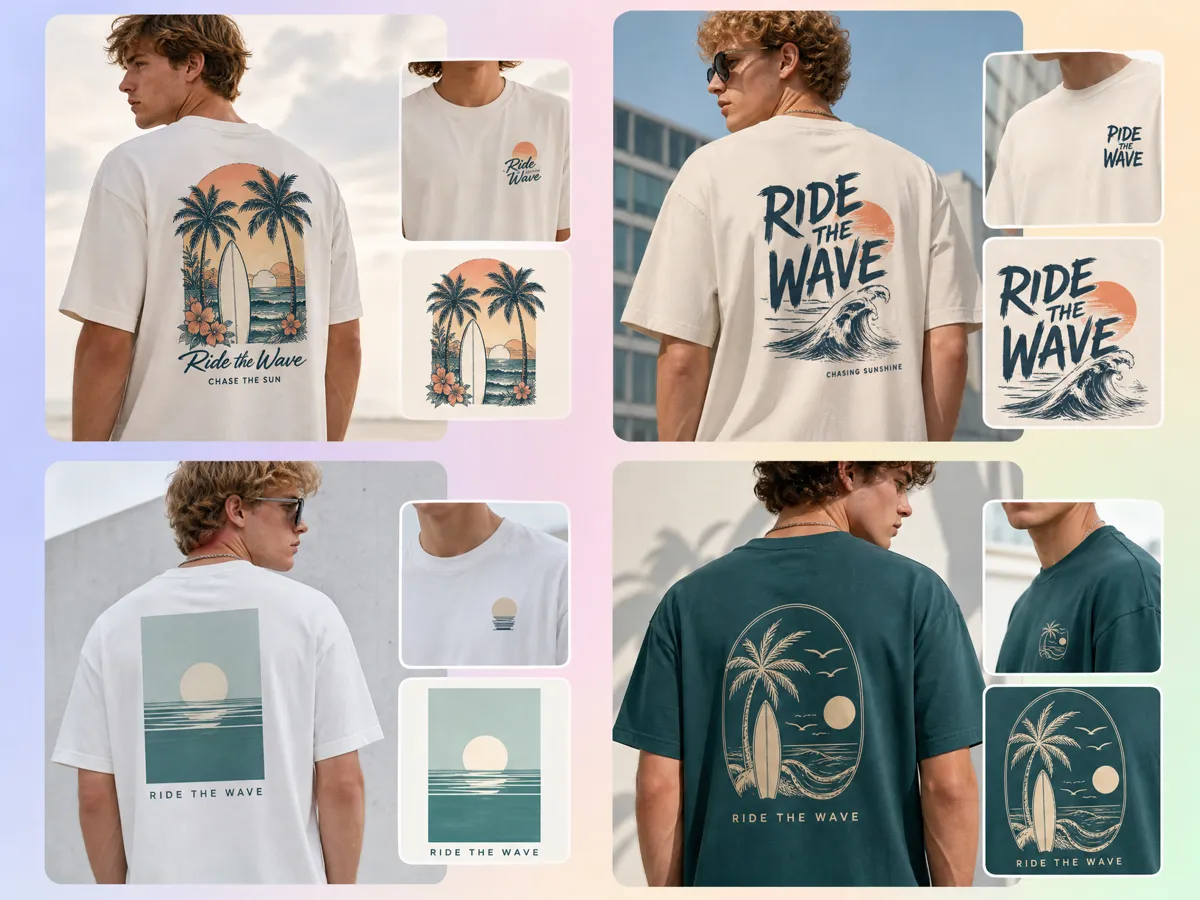
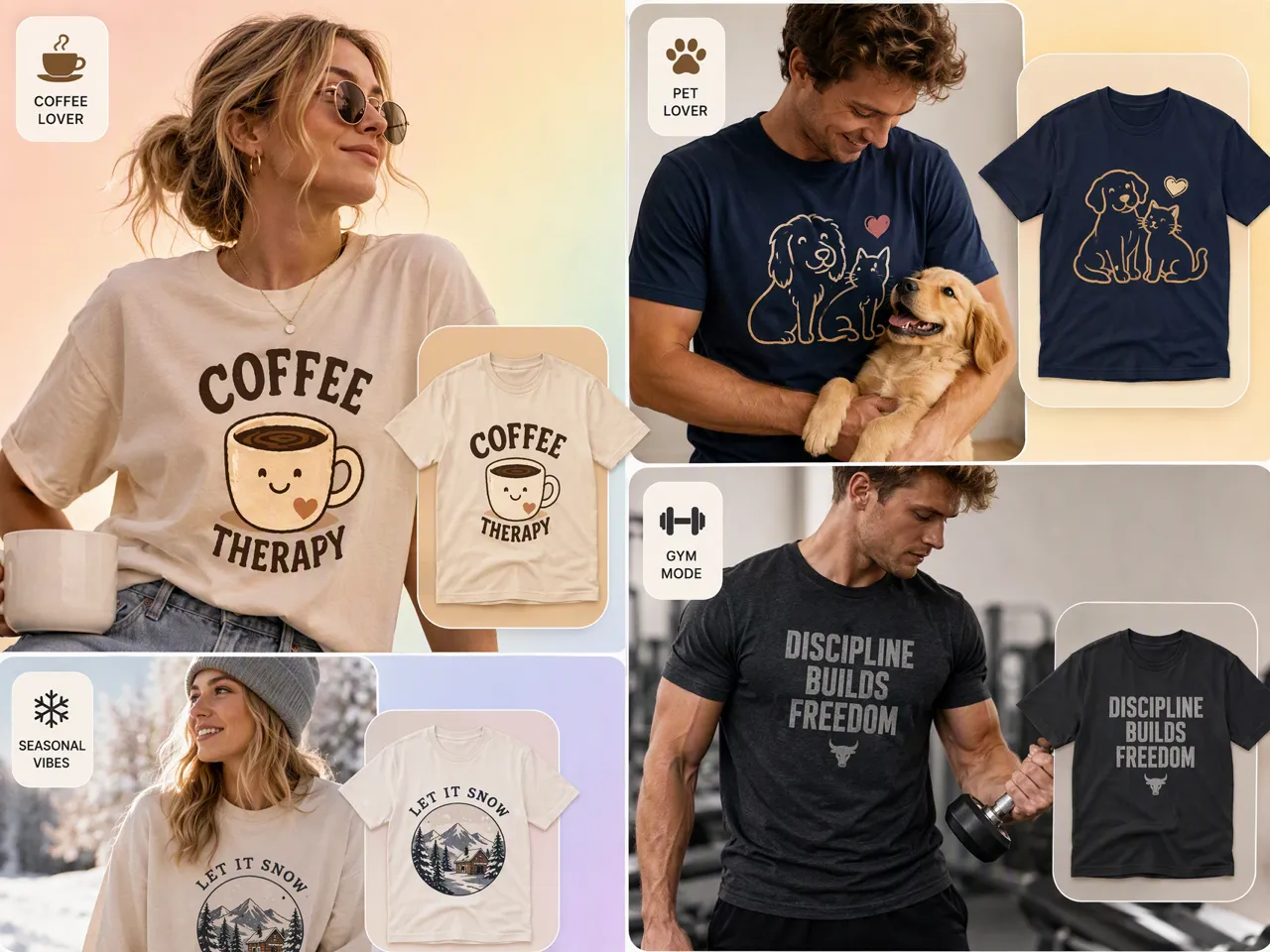
Turn One Shirt Idea Into Multiple T-Shirt Concepts
One shirt idea can lead to several directions without recreating the design from scratch. Start with a theme, phrase, artwork, or reference, then explore different graphics, layouts, colors, and styles. Designkit works as a t-shirt design generator for developing variations that can suit different niches, collections, or customer preferences before you decide which concept to take forward.
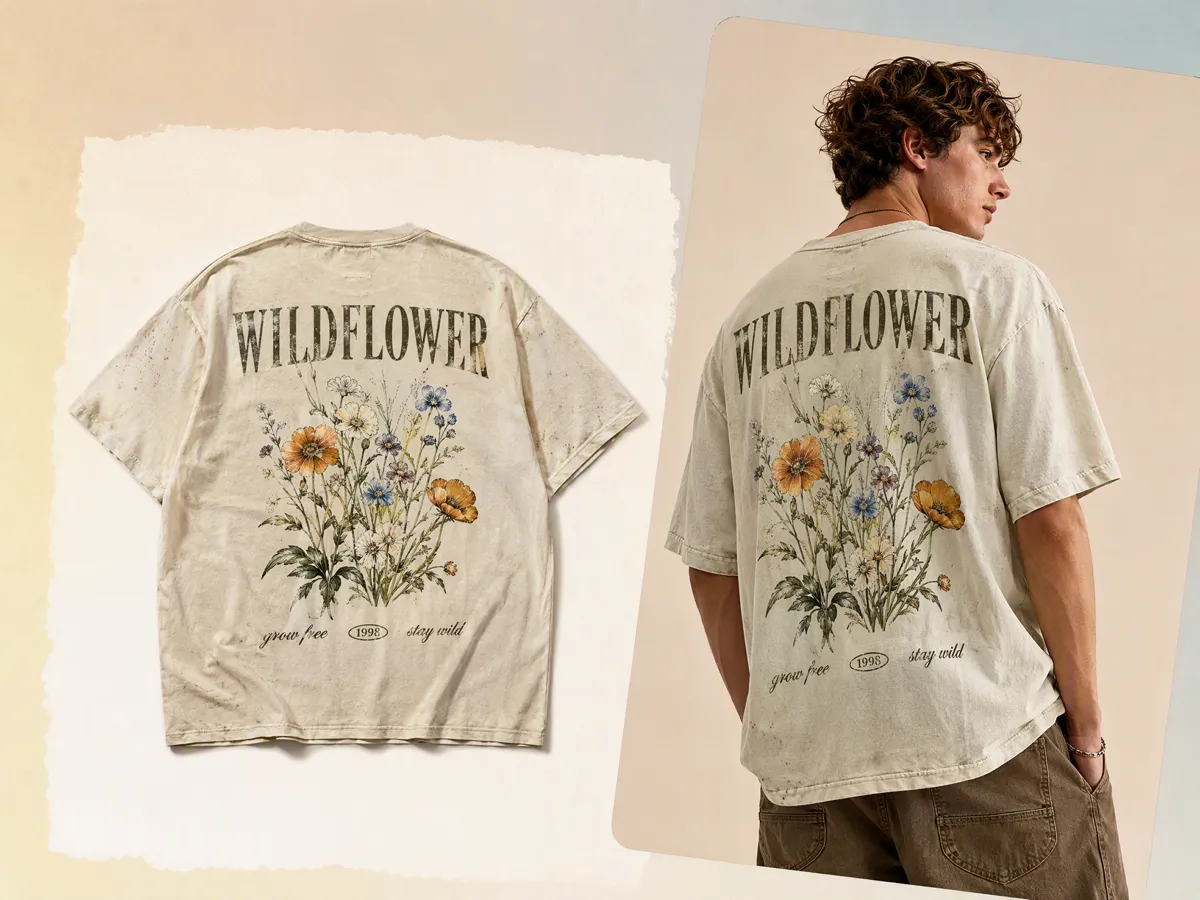
Display Your T-Shirt Design on a Virtual Fashion Model
See how your artwork looks when worn instead of judging the design only on a flat canvas. Designkit lets you develop shirt visuals with AI fashion models, giving you a more contextual way to review placement, scale, and overall appearance. This can help when preparing product previews, promotional content, or t-shirt design for free online before investing in samples or photography.
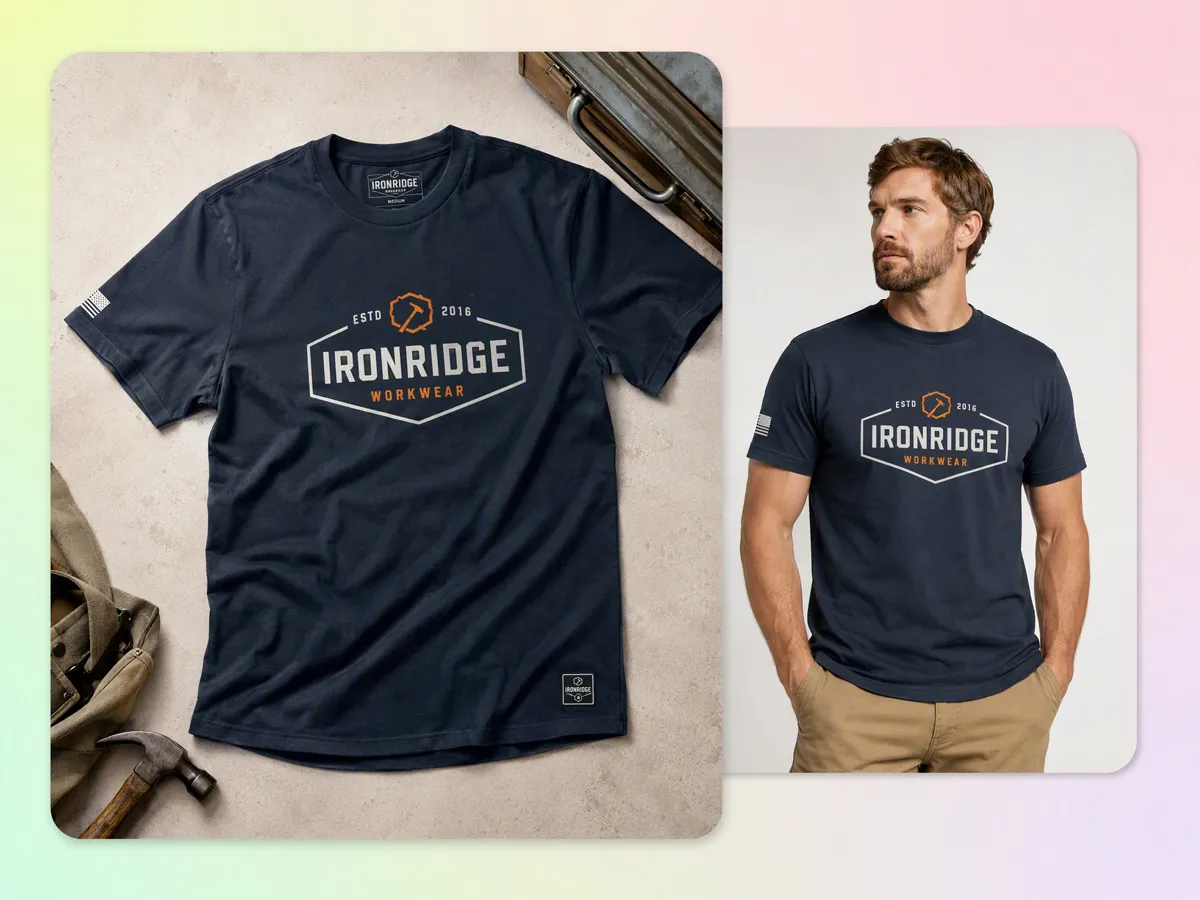
Create Flat Lay and Ghost Mannequin Shirt Visuals
Create different product-photo directions from the same T-shirt concept. Designkit can help you develop clean flat lay photography for ecommerce presentations and ghost mannequin photography for showing the shirt's shape without a visible model. These visuals give POD sellers and brands more options for product pages, catalogs, ads, and social content.
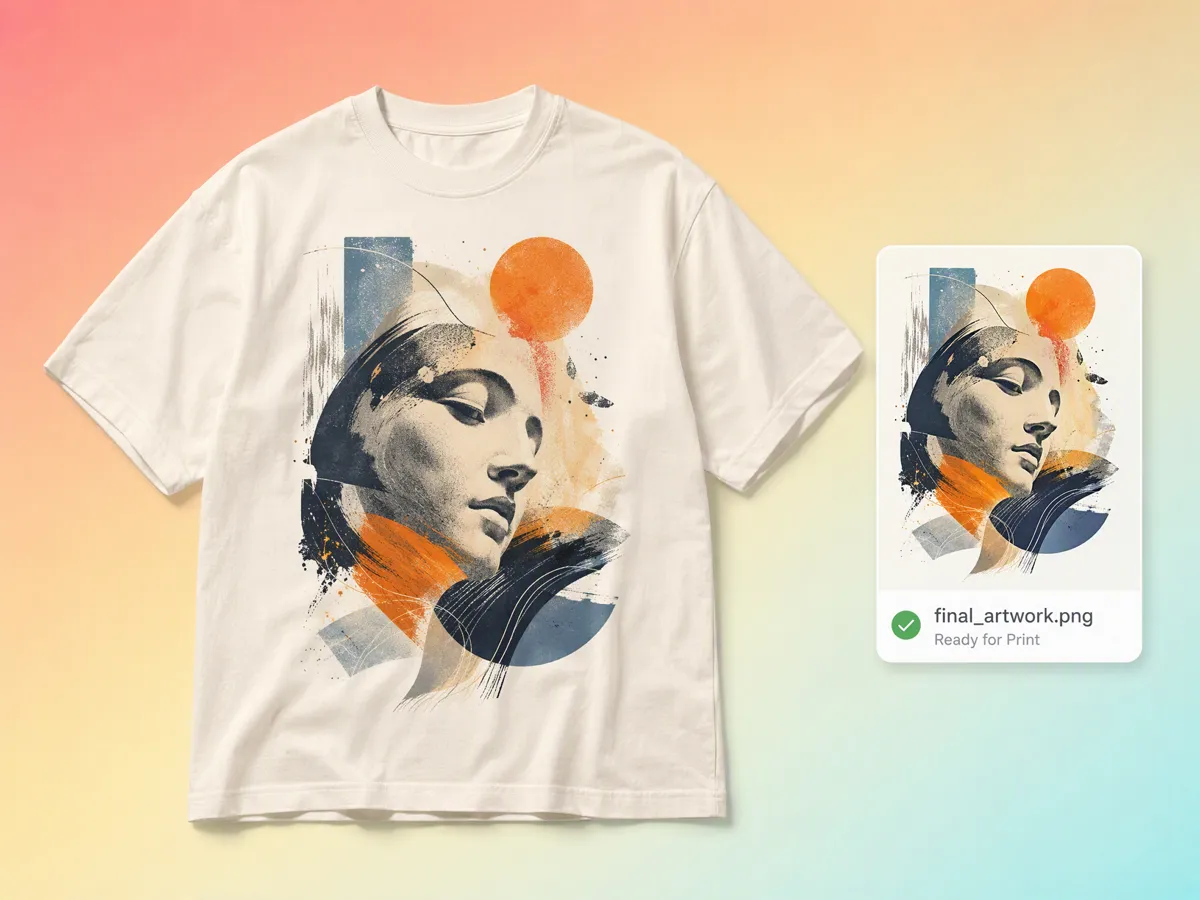
Export Finished Artwork You Can Take to POD or Print
Prepare your finished artwork for the next stage of production by refining the design, checking visual details, and exporting the final asset. Designkit supports the creative side of the process, while your chosen POD or printing provider handles production. This makes it useful as an online t-shirt design tool for developing artwork before moving it into your print workflow.
Who Uses Designkit for Custom T-Shirt Design
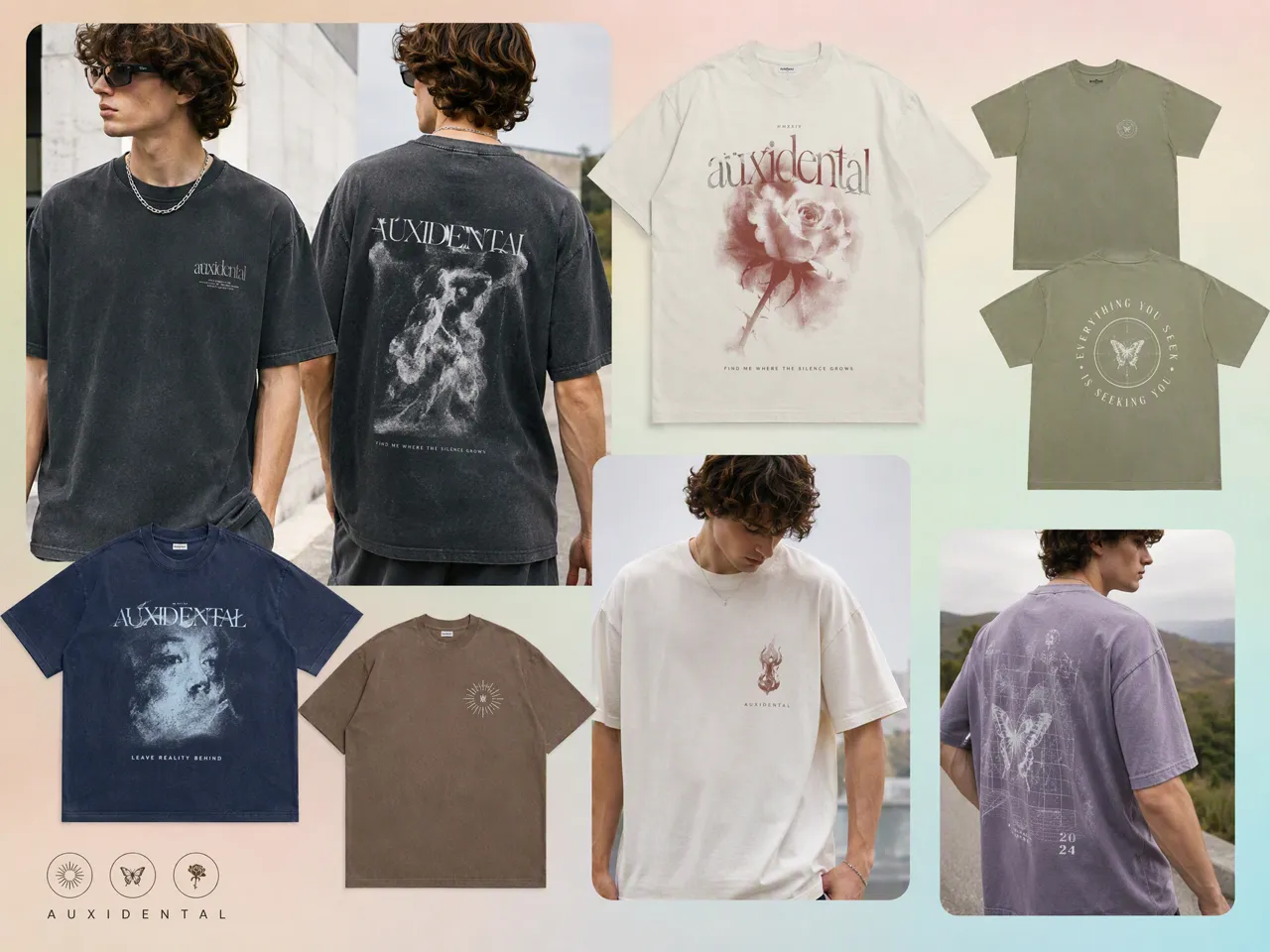
Build New Shirt Concepts Around a Collection
Create coordinated shirt graphics for new collections with a t-shirt design creator. Explore different artwork, colors, typography, and layouts while keeping each design aligned with the collection's overall visual direction.
Why Use Designkit to Create T-Shirt Designs
Design Shirts Without Hiring a Designer
Use an AI shirt design generator to turn your ideas into wearable concepts, refine the artwork, and explore different styles without needing a professional designer.
See Your Shirt Design on a Model Before You Print
Preview your design in context with AI models before production. Check how the artwork looks on a person and refine the concept before creating final product visuals.
Try Creating T-Shirt Designs With Free Credits
Explore t-shirt design online free with Designkit's creative workspace. Test ideas, generate variations, and refine your favorite concepts before moving to production.
Unlock More Creative Possibilities for Your Fashion Designs
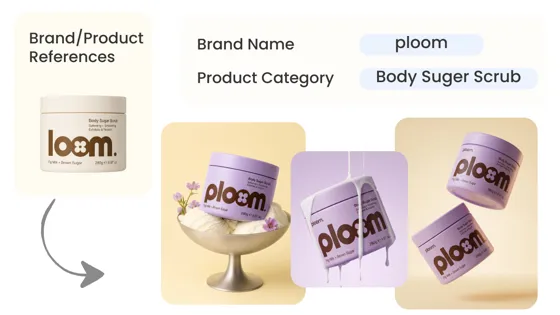
AI Design Generator
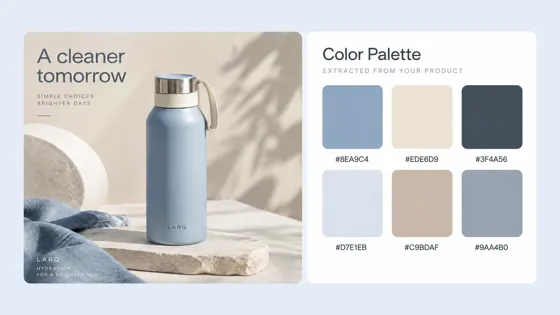
AI Color Palette Generator
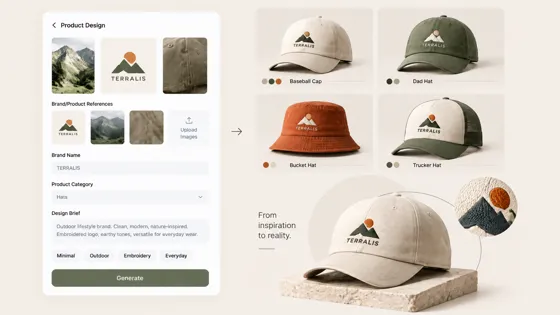
AI Hat Design Tool
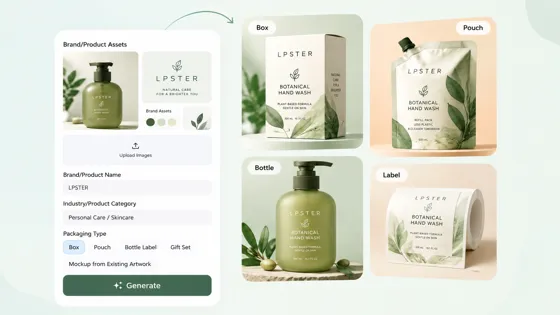
Packaging Design Generator
Frequently Asked Questions
How do I design a T-shirt online from scratch?
Can I create multiple T-shirt designs from one idea?
Yes. One T-shirt concept can be developed into multiple variations by changing colors, graphics, layouts, typography, or overall style. Designkit supports this process through its t-shirt design creator workflow, so you can explore different directions from the same starting idea. You can also use image to image to build new variations from an existing visual while keeping the original concept as a reference.
Can I use my own logo, image, or artwork in a T-shirt design?
You can use your own visual assets as references when creating or refining a T-shirt concept. Designkit lets you bring images into the workflow and combine them with AI-generated directions, while its editing tools help you remove objects, add text, resize artwork, and adjust the composition. This makes it useful for creating custom t-shirts around an existing logo, illustration, or brand asset.
Can I use virtual try-on to preview my T-shirt design?
Yes. Virtual try on can help you preview how a T-shirt design may look when worn before preparing final product visuals. Designkit can support the wider workflow by helping you create the shirt concept first, refine its artwork and details, and then develop visuals for presentation. This is useful when you want to assess the design in context rather than viewing the graphic alone.
Can I use my T-shirt design for an online store?
Yes. A finished T-shirt design can be adapted into ecommerce visuals for product pages, listings, ads, and social content. Designkit supports this workflow beyond the initial design stage, allowing you to refine product imagery, resize assets, and create supporting visuals. You can also use AI product listing workflows to develop product-focused content around the finished T-shirt concept.
Can I preview the design with virtual try-on or product photos?
You can preview a T-shirt design through worn-product visuals or product photography before publishing it. Designkit helps connect the concept with presentation by letting you refine the artwork, create variations, and prepare product-focused images. Its clothing photography generator workflow can be useful when you need visuals that show the finished shirt in a more realistic selling context.
Does Designkit print and ship shirts?
No. Designkit is a design and content creation tool, not a T-shirt printing or fulfillment service. You can use it to create artwork, develop product visuals, and prepare assets before sending the finished design to a printing or fulfillment provider. For example, you can use its mock up capabilities to visualize the design and check how the finished concept may appear before production.
Turn Your T-Shirt Idea Into a Product Design
Define your audience, style, and requirements, explore multiple shirt concepts, and develop the design you want to take into printing, merch, or online selling.



What Sellers and Creators Say About Designkit T-Shirt Design
Real experience from sellers, creators, designers, organizers, and small business owners creating custom shirt artwork.
I Didn't Need a Designer for the First Draft
I had a few ideas for a new shirt collection but didn't want to hire a designer before knowing which direction to take. I added the audience and style I had in mind and explored several concepts first. That gave me something concrete to work from before investing more into the collection.
Finally Had a Design for My Gaming Merch
I wanted merchandise that actually matched my gaming channel instead of using unrelated graphics. I described the visual style and community theme, generated several ideas, and refined one into artwork I could use for my merch.
Created Team Shirts Without Complex Software
Our team needed new shirts with our name, colors, and numbers. I was able to explore several layouts and graphic styles without learning complicated design software, which made it easier to settle on a direction everyone could review.
I Took the Design Into My Store Workflow
I wasn't just looking for a graphic. I needed a shirt concept that I could eventually use for my online store. After settling on the design direction, I could use the finished artwork as a starting point for my product listing and other store visuals.