
Design All Kinds of Hats From Your Ideas
Turn a logo, brief, or reference into multiple hat concepts and product views, so you can lock a direction before sampling or production.
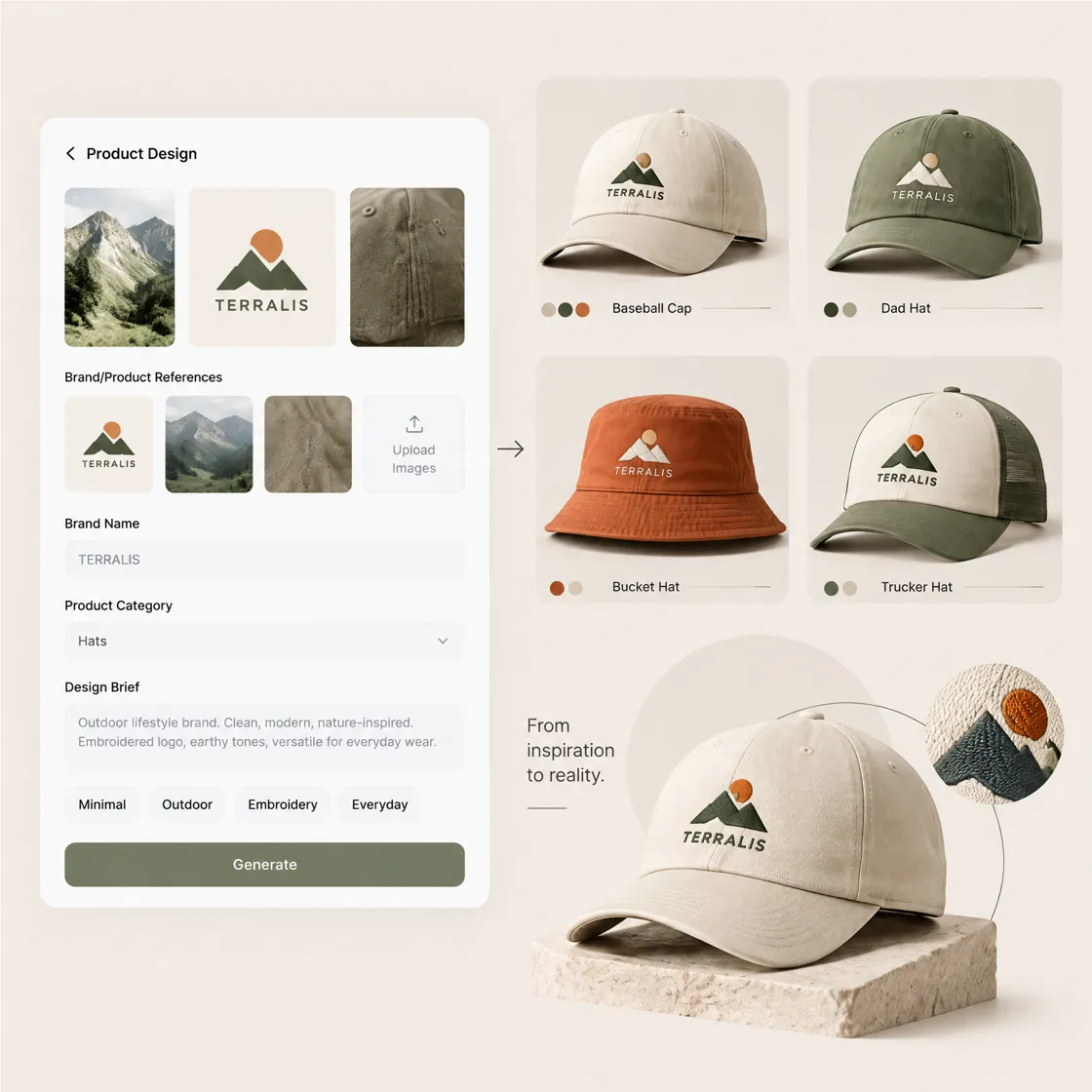
How to Create a Custom Hat Design With Designkit
Step 1. Add a Hat or Brand References
Choose Brand Design and click Product Design. Upload your hat photos, logos, graphics, or brand references to provide a starting point.
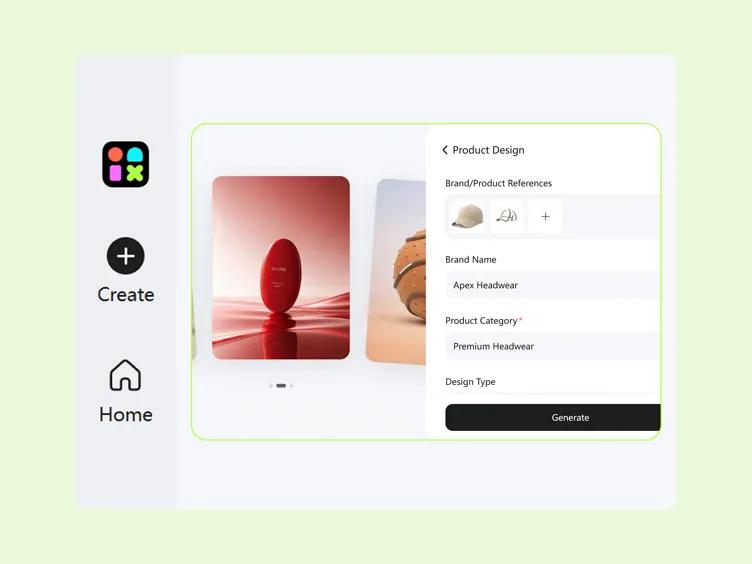
Step 2. Define the Hat Design Direction
Enter the Brand Name and Product Category. Define the Design Type, hat style, colors, graphics, logo placement, and other requirements, then click Generate.
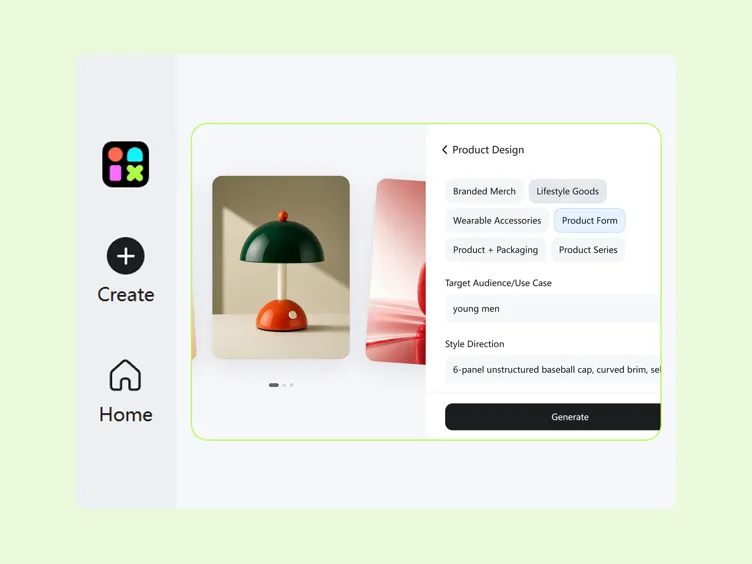
Step 3. Compare and Export Mockups
Review generated hat concepts and compare graphics, colors, branding, and overall style. Refine the preferred concept, then download to save the final design.
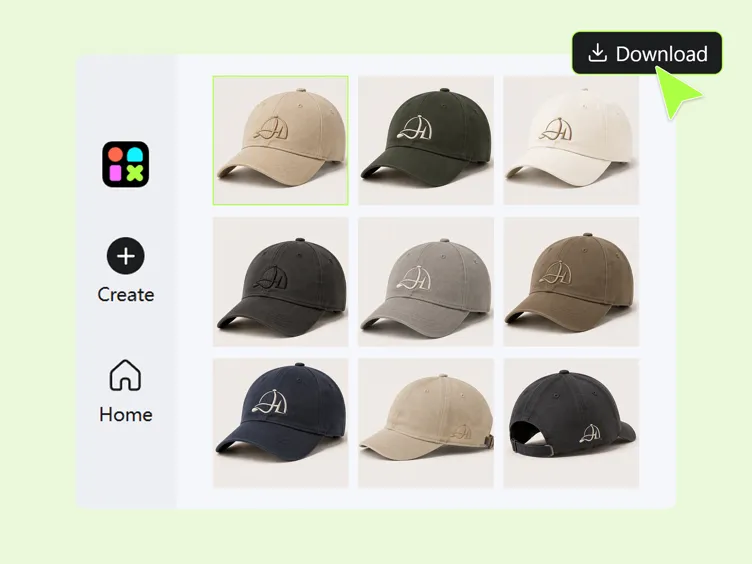
Design Hats From the Product to the Graphic
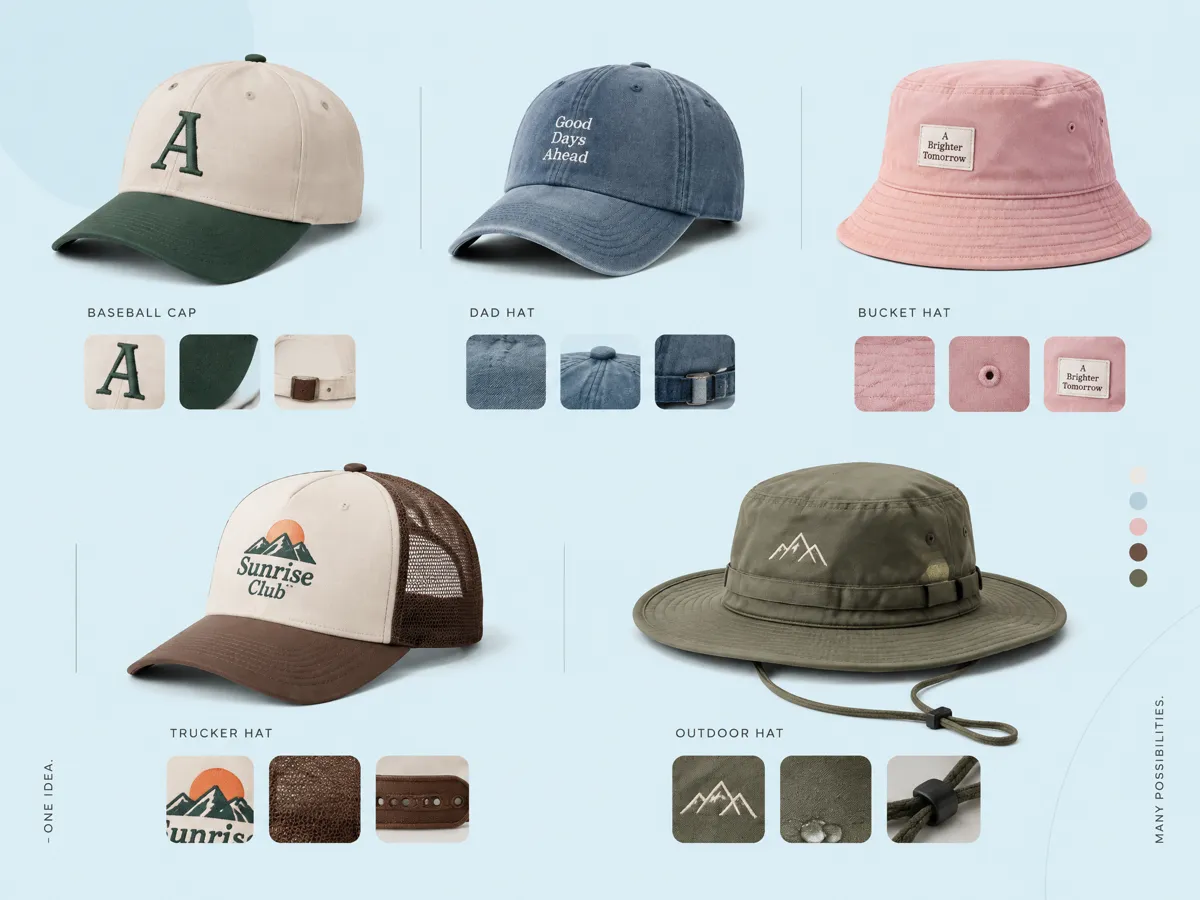
Start With a Simple Hat Idea and Generate Your Design
Start with a hat idea instead of a finished design file. Describe the style, audience, colors, graphics, or purpose, then use Designkit to develop a visual concept. Its text to image workflow helps turn written directions into starting visuals that you can refine for caps, bucket hats, beanies, trucker hats, and other product concepts.
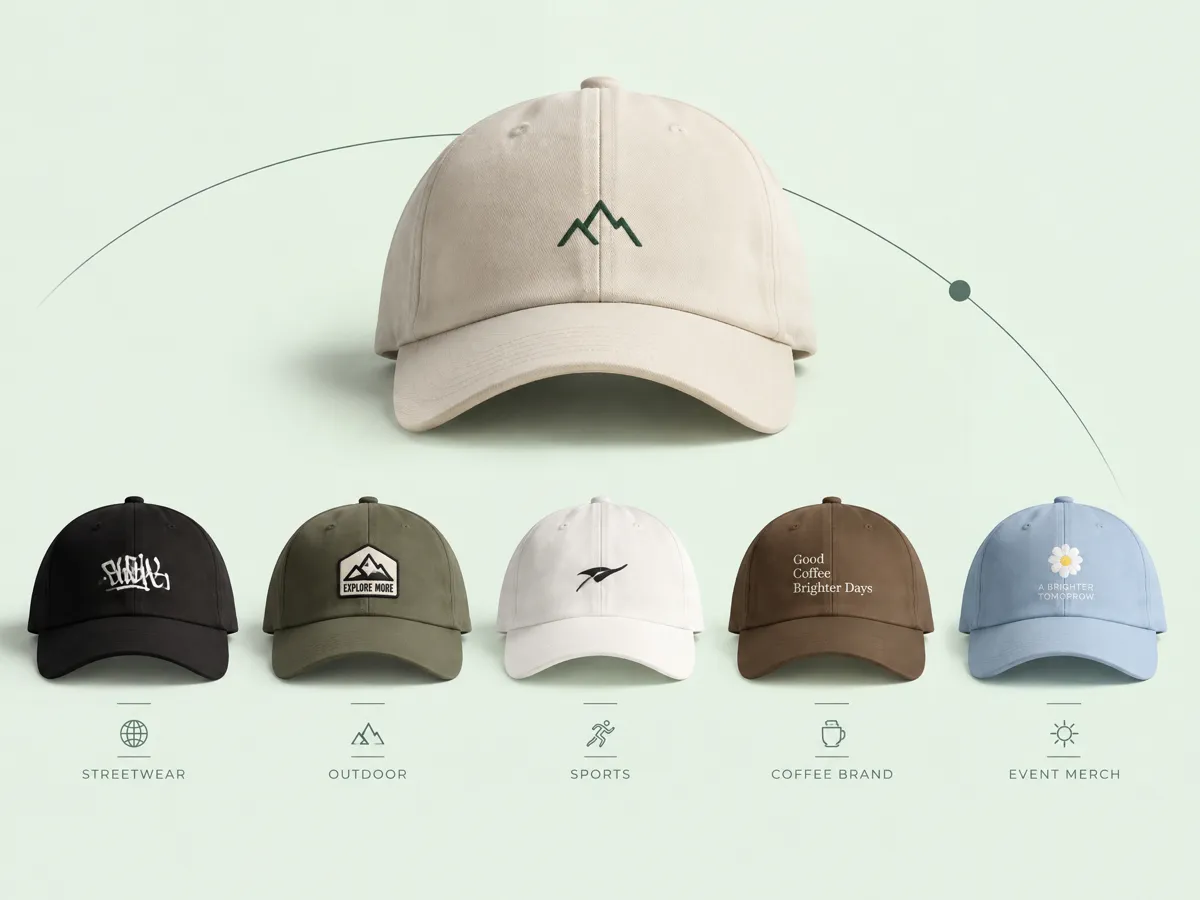
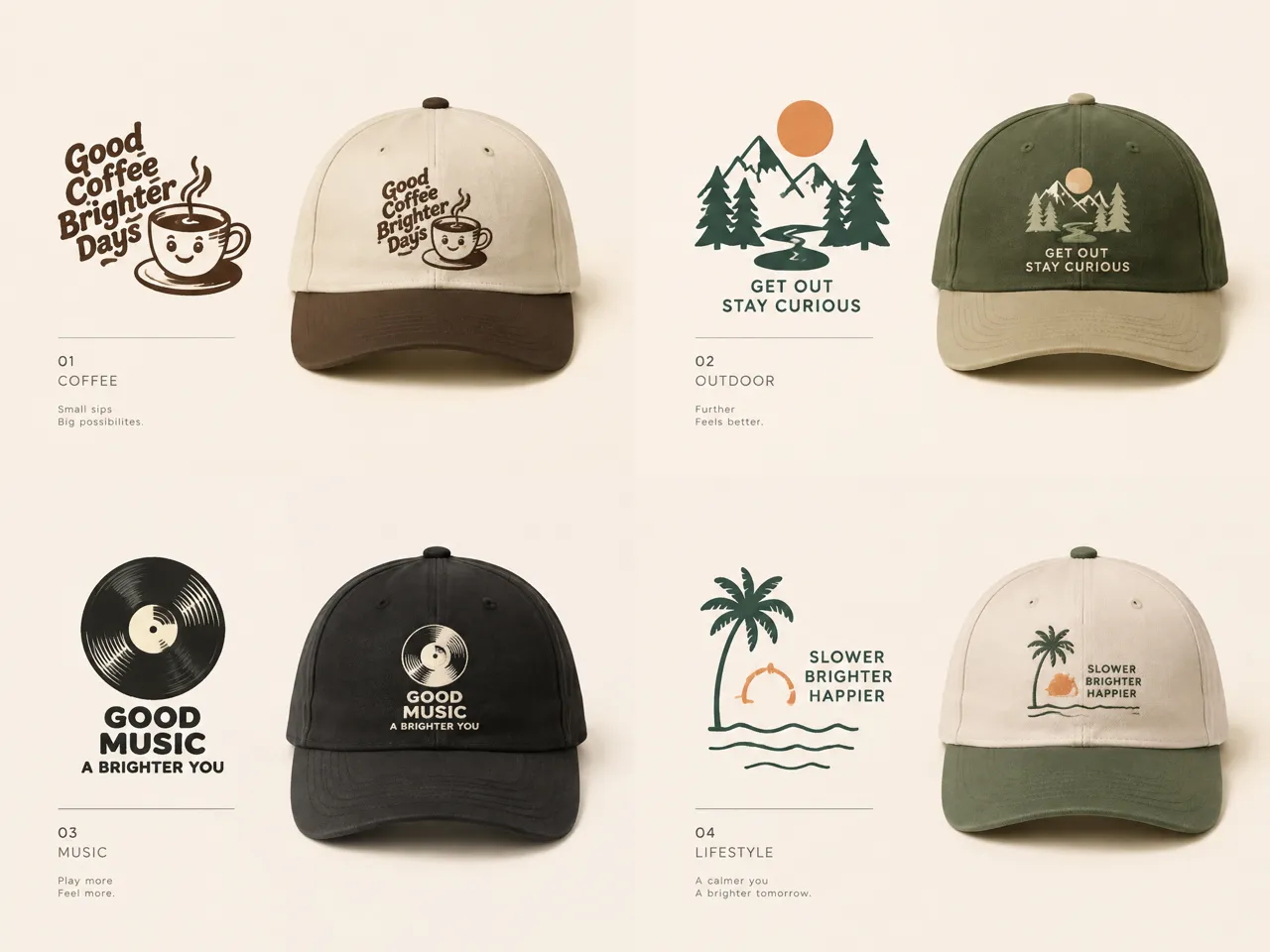
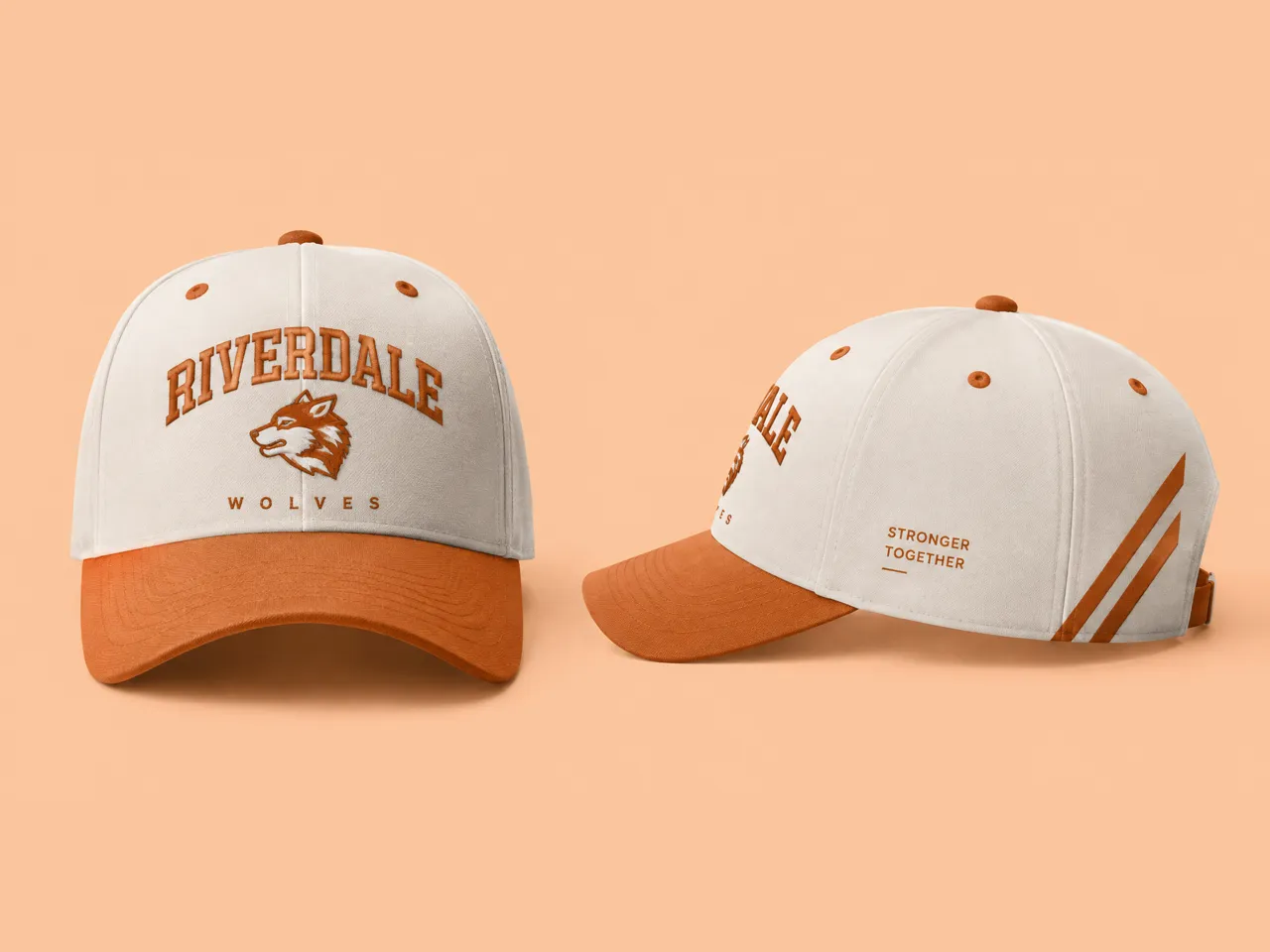
Create Hat Designs for Different Styles and Audiences
A hat design can look very different depending on who will wear it and where it will be sold. Designkit's AI image generator helps you explore graphics, typography, colors, and visual styles for different audiences, from streetwear customers to sports teams and event groups, while keeping the product concept aligned with its intended use.
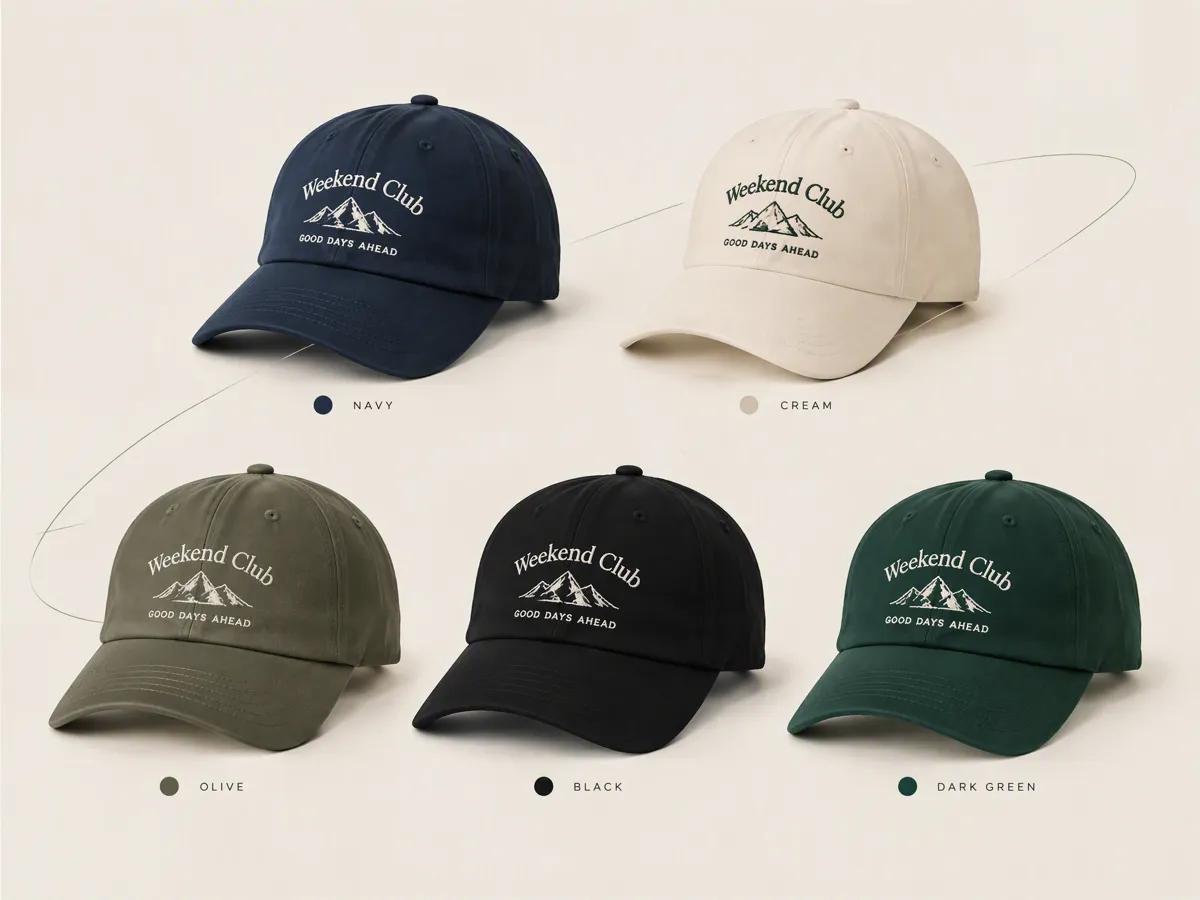
Explore Colorways Without Losing the Design Direction
Test multiple color combinations without rebuilding the entire hat concept each time. Designkit lets you develop variations around an existing visual direction, making it easier to compare colorways for collections, team merchandise, or seasonal releases. This helps you see how a single graphic or logo can adapt across different hat colors while retaining its core identity.
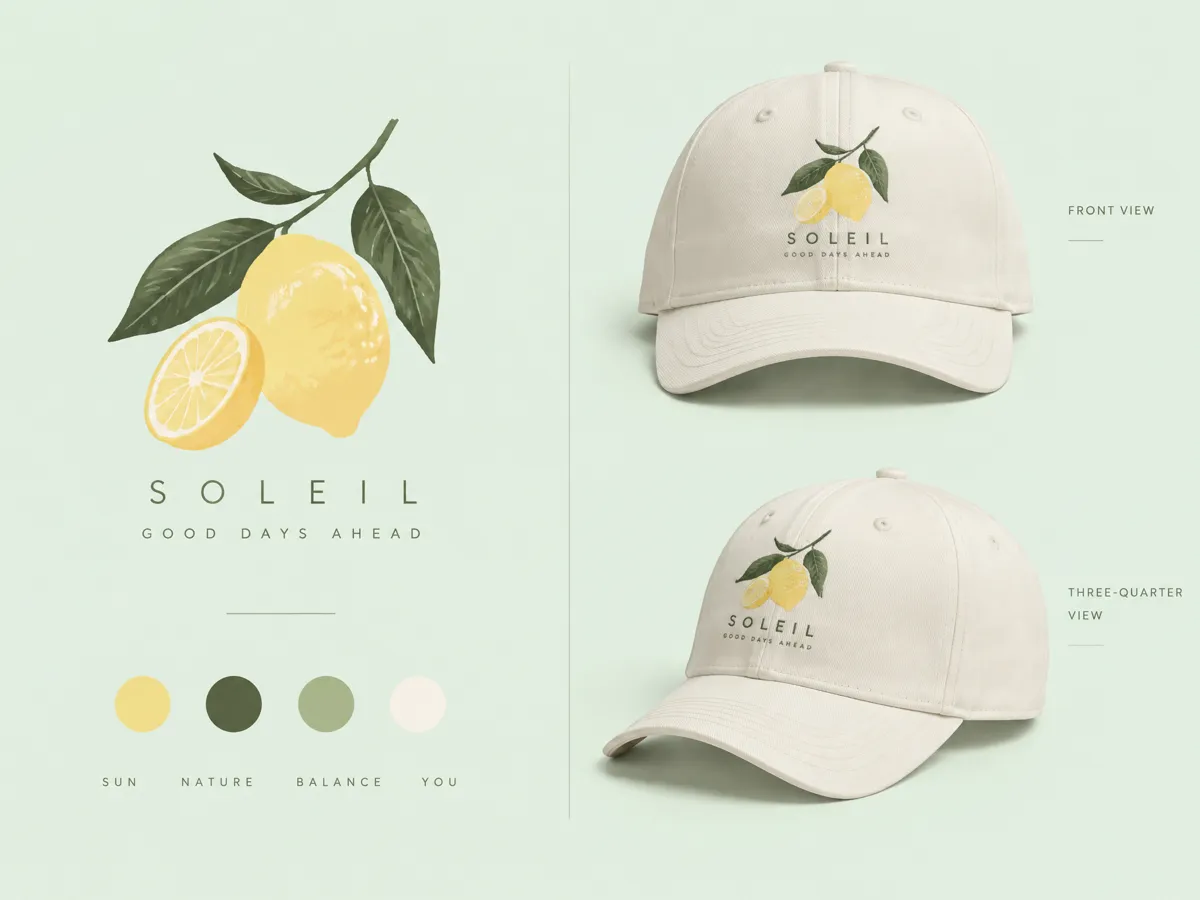
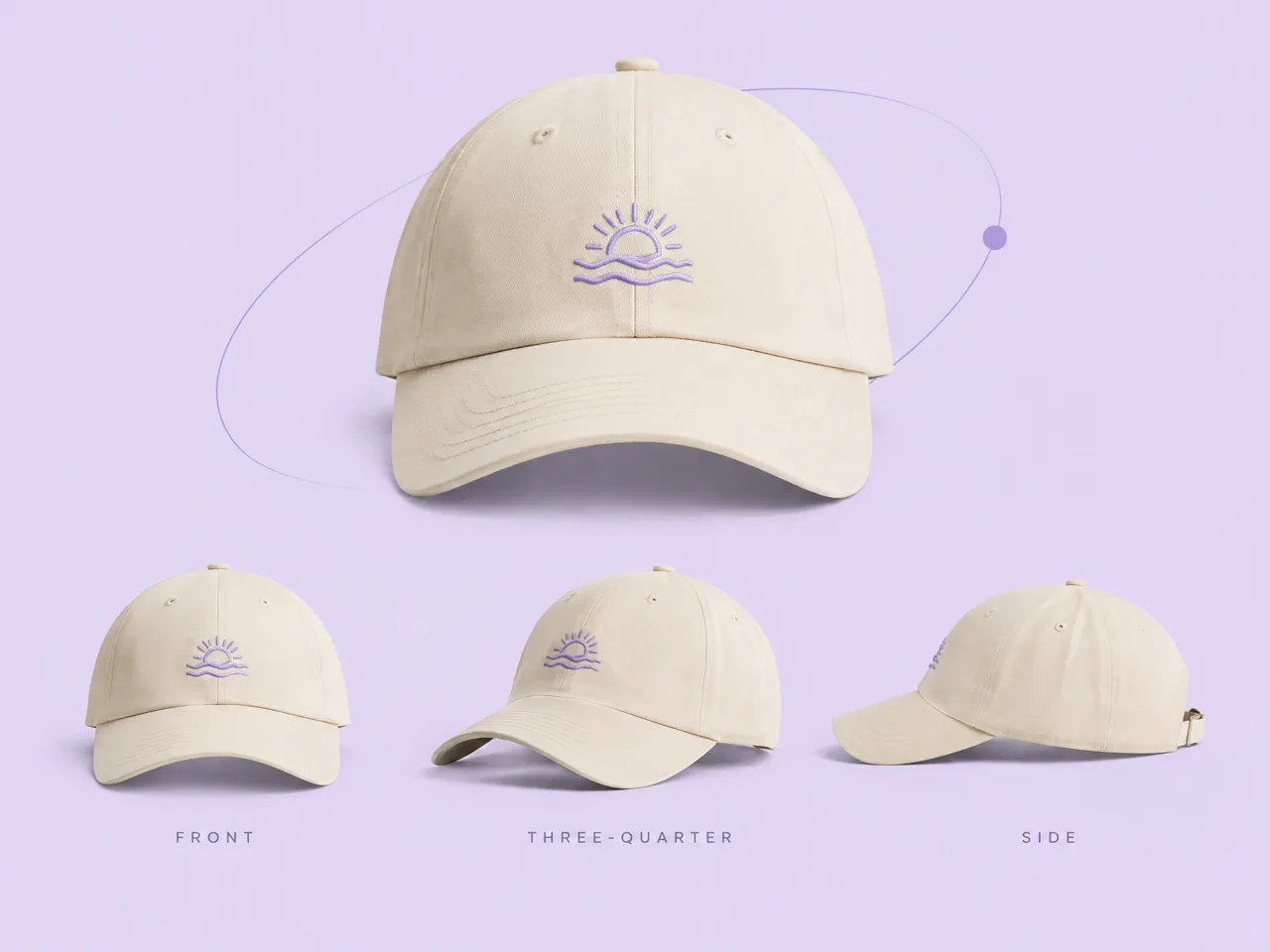
Preview Your Design on a Realistic 3D Product Mockup
A product mockup helps you review the design as a finished hat rather than only as flat artwork. Designkit lets you refine the graphic, placement, and product direction before creating presentation visuals. You can also use a 3D mockup generator workflow to explore how the design may appear on the physical product before production or listing.
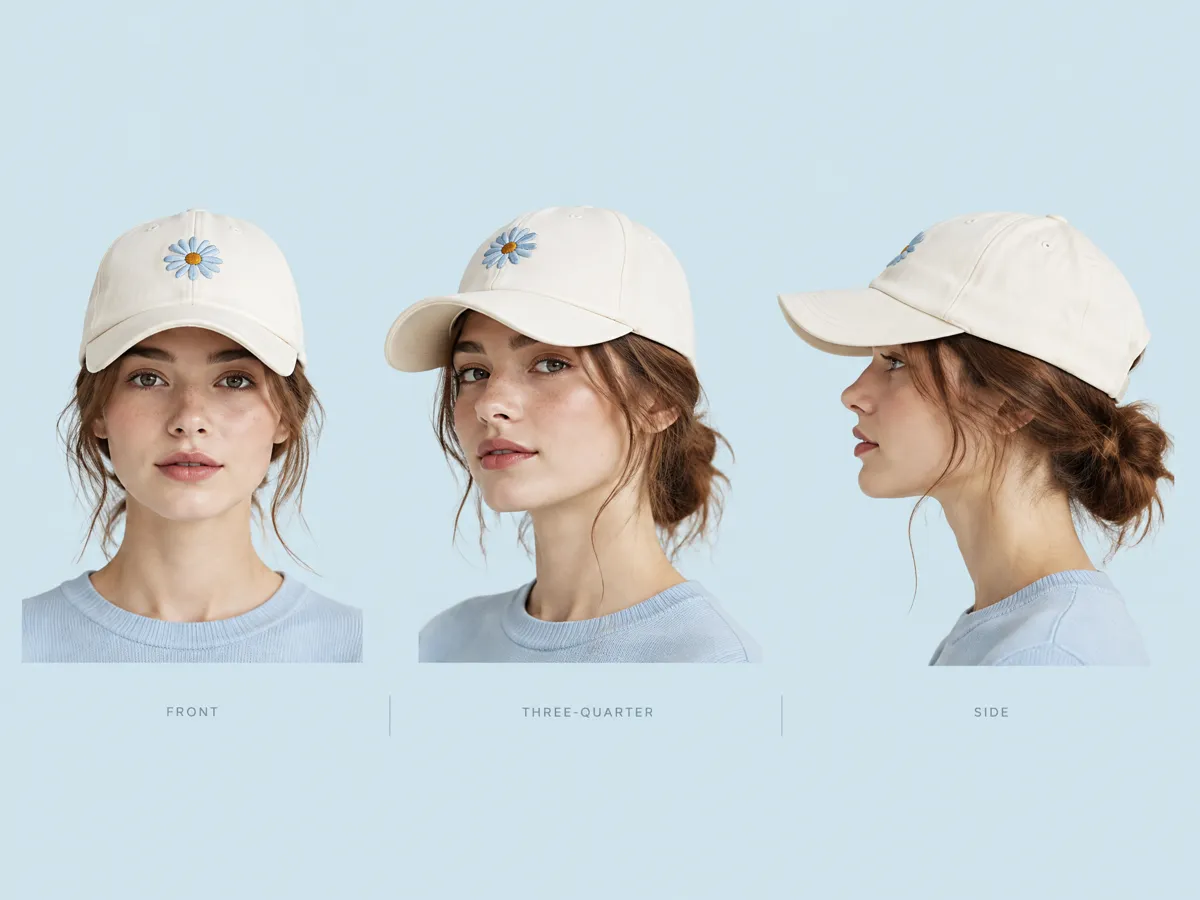
See Your Hat Worn on Virtual Models for Any Use Case
Preview your hat in a worn context to better understand its scale, placement, and overall appearance. Designkit can combine your hat concept with an AI fashion model to create contextual visuals for reviewing designs, social content, or ecommerce presentation. This gives you another way to assess the concept before investing in physical samples or photography.
Custom Hat Designs for Brands, Sellers, Creators, and Events
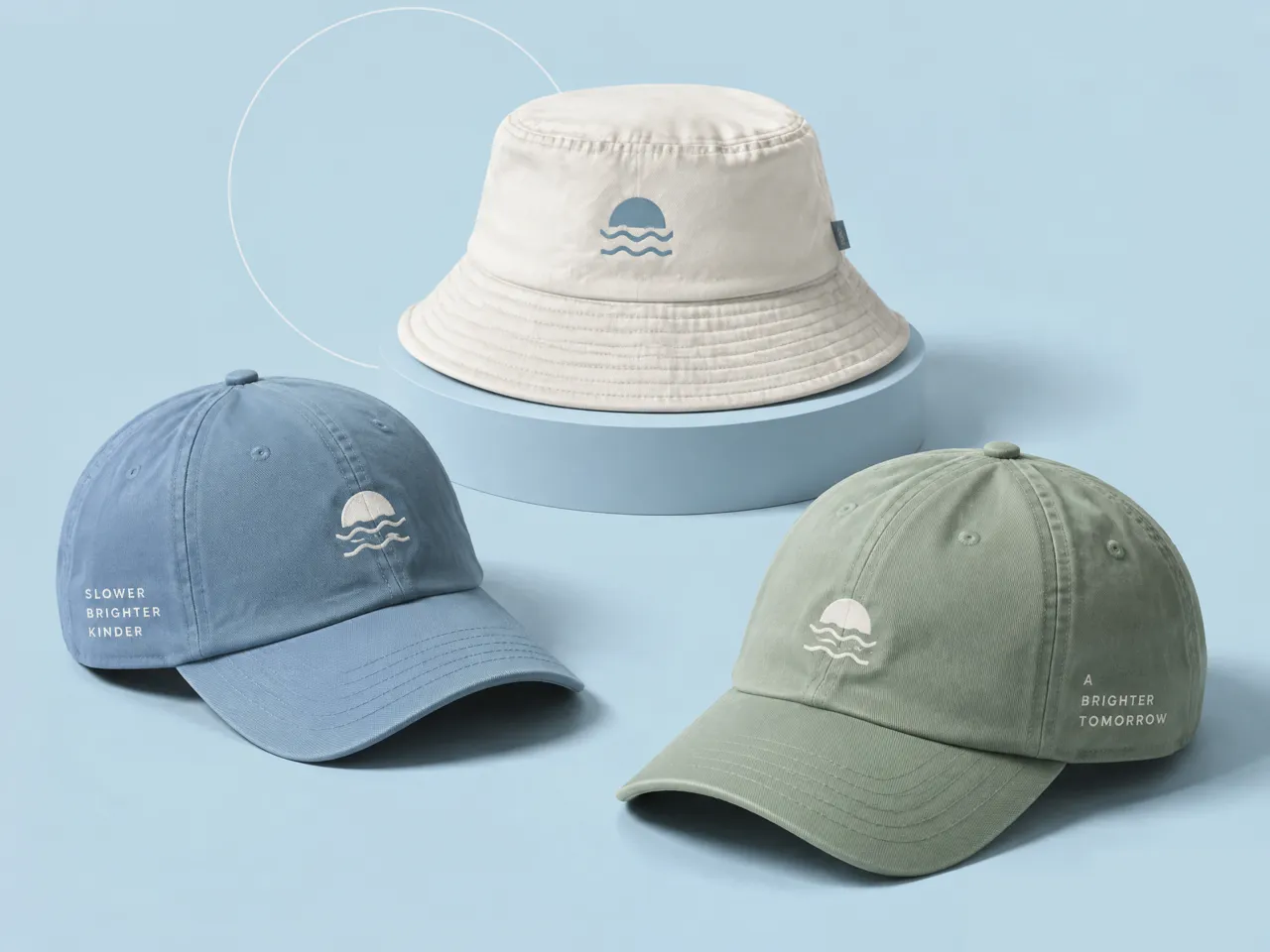
Develop Hat Concepts for a New Collection
Build a collection around coordinated hat styles, colors, logos, and graphics. Designkit works as a hat designer exploring multiple directions, helping apparel brands design their own hat concepts that fit a new drop or seasonal collection.
Why Use Designkit Cap Designer for Your Hat Designs
Explore Hat Designs Without Hiring a Designer
Explore cap styles, graphics, colors, and placements with Designkit's cap designer, giving you a practical way to develop hat concepts without hiring a designer.
Compare Concepts Before Paying for Production Work
Create and compare different directions before production with an online hat design tool. Refine graphics, colors, and layouts while deciding which concept fits your product.
Experienc Hat Design With Free Credits
Use free credits to experiment with AI hat design concepts, generate variations, and refine your preferred direction before moving to production or product photography.
Unlock More Creative Possibilities for Your Clothing Line
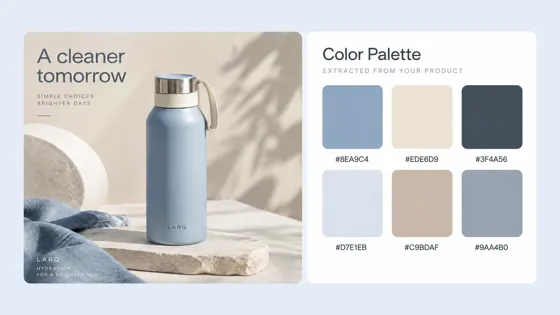
AI Color Palette Generator
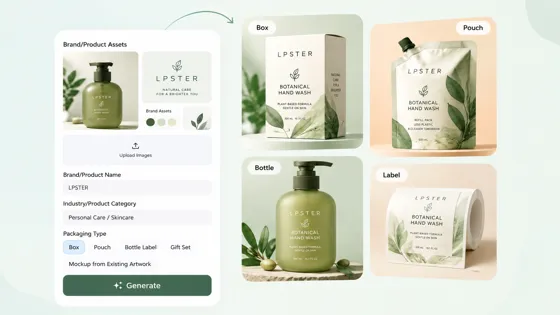
AI Packaging Designer
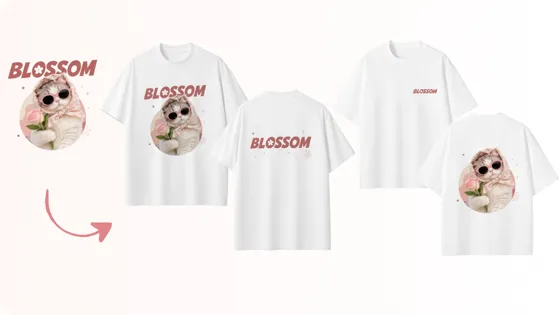
AI T-Shirt Design Maker
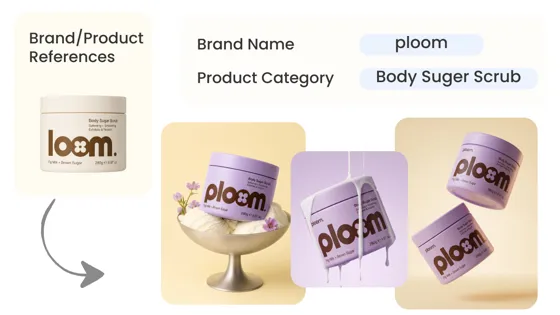
AI Design Generator
Frequently Asked Questions
Can I use my own logo or reference image for a hat design?
What hat details should I consider when creating a custom design?
Consider the hat style, crown shape, brim, material, colors, logo placement, embroidery or print area, typography, and overall audience. Designkit lets you develop these details visually through its hat creator online workflow, helping you explore how different elements work together before finalizing the concept. You can then refine the artwork for your intended product and use case.
Do the generated hat designs look realistic enough for reviews or listings?
They can be developed into realistic product concepts for reviewing design directions and preparing ecommerce visuals. The result depends on the quality of your prompt and reference. Designkit combines generation with editing tools, allowing you to refine the hat image and create supporting assets. You can also develop AI product listing content around the finished design for an online store.
Can I create a mockup of my custom hat design?
A mockup can show how your artwork may appear on the finished hat before production. Designkit lets you develop the hat concept, refine the artwork and placement, then create a mockup for reviewing or presenting the design. This can be useful for checking logo positioning, comparing color directions, sharing concepts with clients, or preparing product visuals before ordering samples.
Does Designkit manufacture or print custom hats?
Designkit focuses on creating and editing visual design rather than manufacturing or printing physical hats. You can use it to create custom hats visually, refine your artwork, and prepare product-ready concepts before sending the final design to a printing, embroidery, or manufacturing provider. This separates the creative development stage from the physical production process.
Can I create baseball caps, bucket hats, trucker hats, and beanies?
You can explore different hat types and adapt the design direction to the shape and visual characteristics of the garment. Designkit's custom cap maker workflow can help you develop graphics, colors, logos, and placements for different styles. You can use references to guide the concept and create variations suited to baseball caps, bucket hats, trucker hats, or beanies.
Can I see my hat design on a person?
Yes. Seeing a hat on a person can help you judge its scale, placement, and overall appearance in context. Designkit supports this through virtual hat try on, allowing you to move beyond a standalone product image. You can first create or refine the hat design, then develop a worn visual that can support product reviews, social content, or ecommerce presentation.
Turn Your Hat Idea Into a Design Direction
Explore different hat styles, product details, graphics, and visual directions, then compare your options before developing the one you want to keep.



How Users Turn Hat Ideas Into Custom Designs
Use these representative experiences to show how different users can apply AI-generated hat concepts to real creative projects.
I No Longer Need to Hire Models for Every Shot
I spent too much on model photos whenever I launched a new collection. I wanted to test several looks before paying for a full shoot, so I created an AI influencer in different outfits and settings. It helped me see which concepts were worth turning into actual campaign content.
I Needed More Product Content Without Sending Samples
Sending products to influencers for every new campaign was getting expensive and slow. I wanted to see my products in lifestyle scenes before deciding which creators to work with. Creating virtual influencer images let me test different poses, outfits, and product placements without shipping samples around.
My Social Feed Needed Fresh Content Every Week
Coming up with new photos for our social calendar was becoming a constant problem. We didn't have the budget for weekly shoots, and stock images were starting to look repetitive. I created one virtual influencer and used different locations, outfits, and content ideas to keep our posts varied.
I Wanted to Test Different Looks Before Choosing a Persona
I had several ideas for a virtual influencer but didn't know which personality or appearance would fit my audience. Instead of committing to one concept immediately, I tried different hairstyles, outfits, ages, and visual styles. Seeing the variations side by side made it much easier to narrow down the character.
I Needed Campaign Visuals Before the Influencer Was Booked
Our campaign concept was ready, but the influencer hadn't been finalized yet. I still needed visuals to show the team what the campaign could look like. I created an AI influencer around the planned styling and product, which gave us something concrete to review before booking talent.