
AI Color Palette Generator for Product Colors and Ads
Product colors don't match ads? Upload a product photo to create a color palette from an image with matching HEX codes for ads, listings, and social posts.
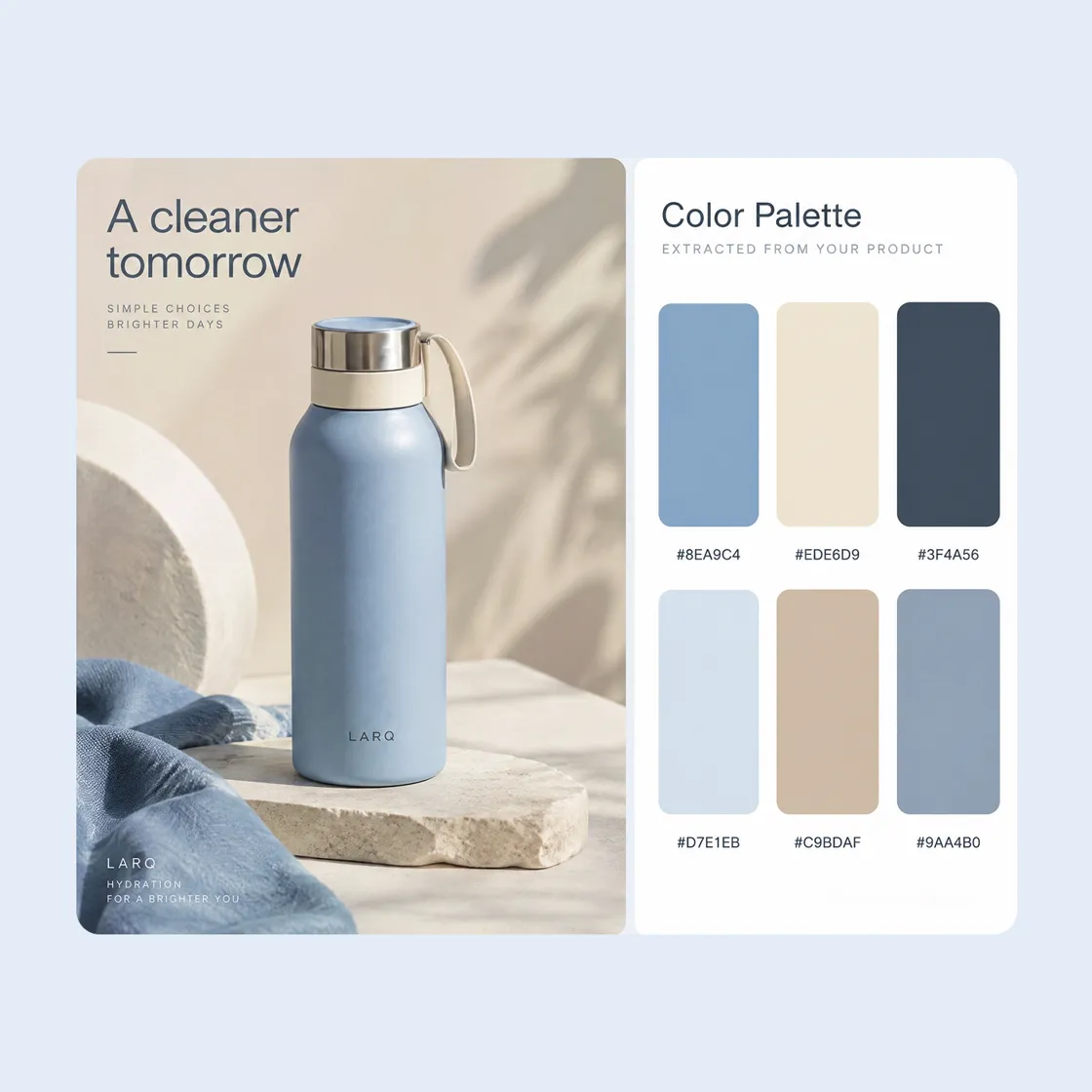
Create a Color Palette in 3 Steps With Designkit
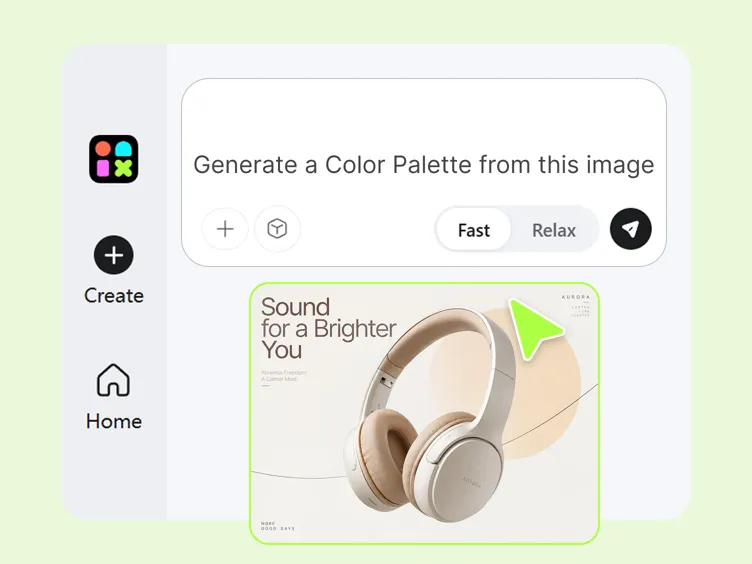
Step 1. Start With Image or Color Prompt
Upload a photo to generate a color palette from a photo, or type a prompt describing your mood, style, or brand direction to explore a suitable color scheme.
Step 2. Generate and Refine Your Palette
Generate a palette from your image or description, then review the suggested color combinations and HEX values. Fine-tune individual shades until the palette fits your product or brand.
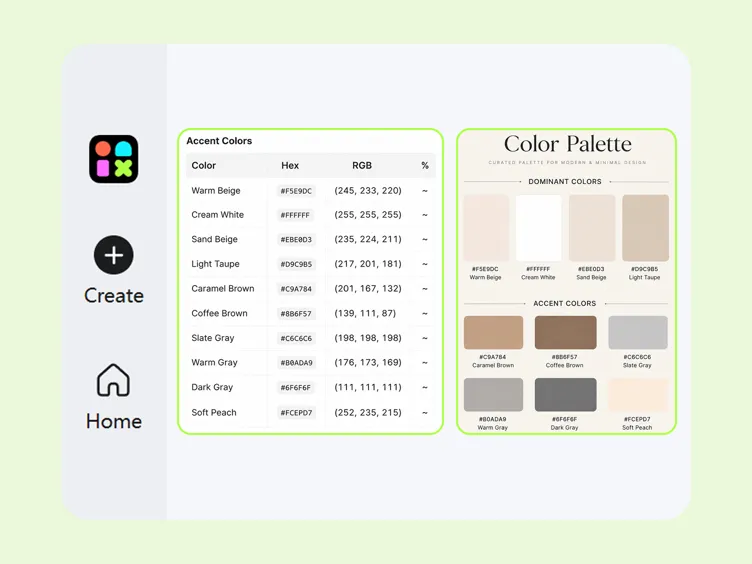
Step 3. Preview and Use Your Color Palette
Review the selected swatches, copy HEX values, and apply your custom color schemes across product listings, social graphics, and promotional banners.
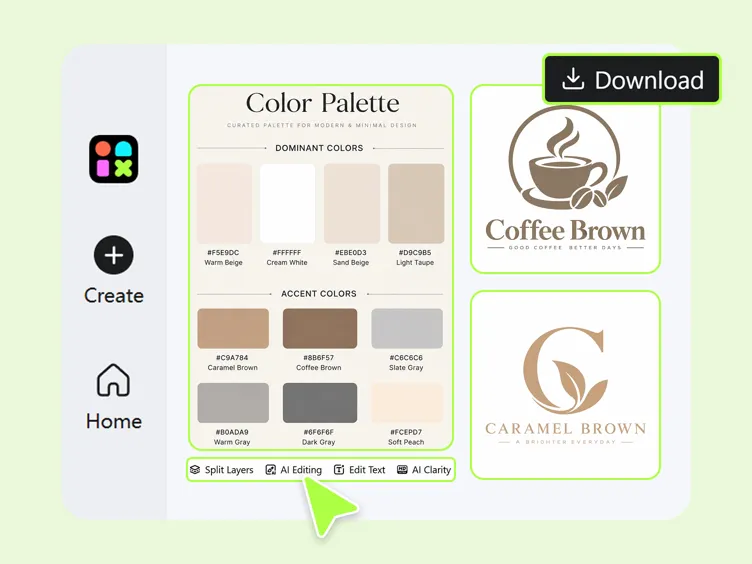
What You Can Do With Designkit's AI Color Palette Generator
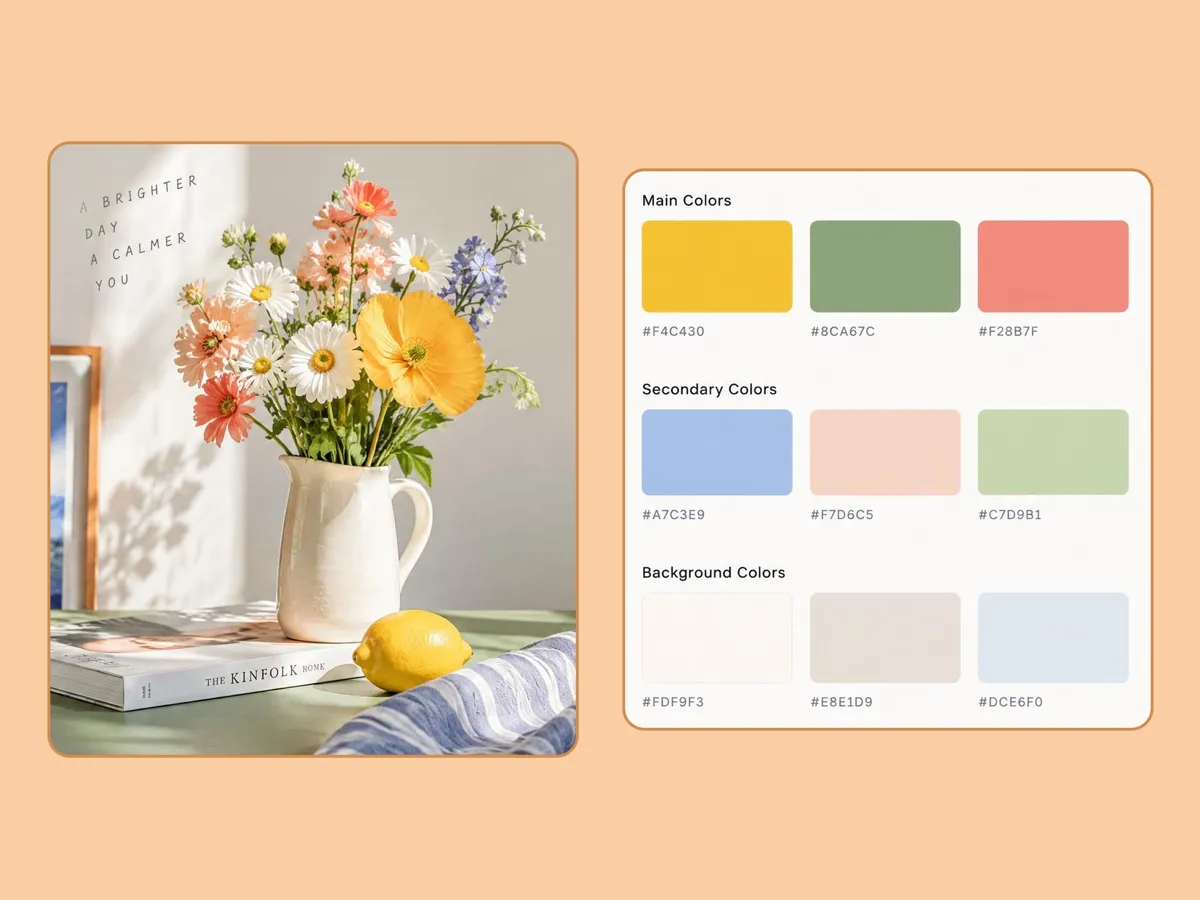
Turn Any Image Into a Color Palette
Upload a product photo or reference image to find colors from an image automatically. Skip manual eyedropper work and turn the extracted shades into a usable palette. You can also generate fresh reference concepts with our AI image generator to explore unique aesthetic styles before building your palette.
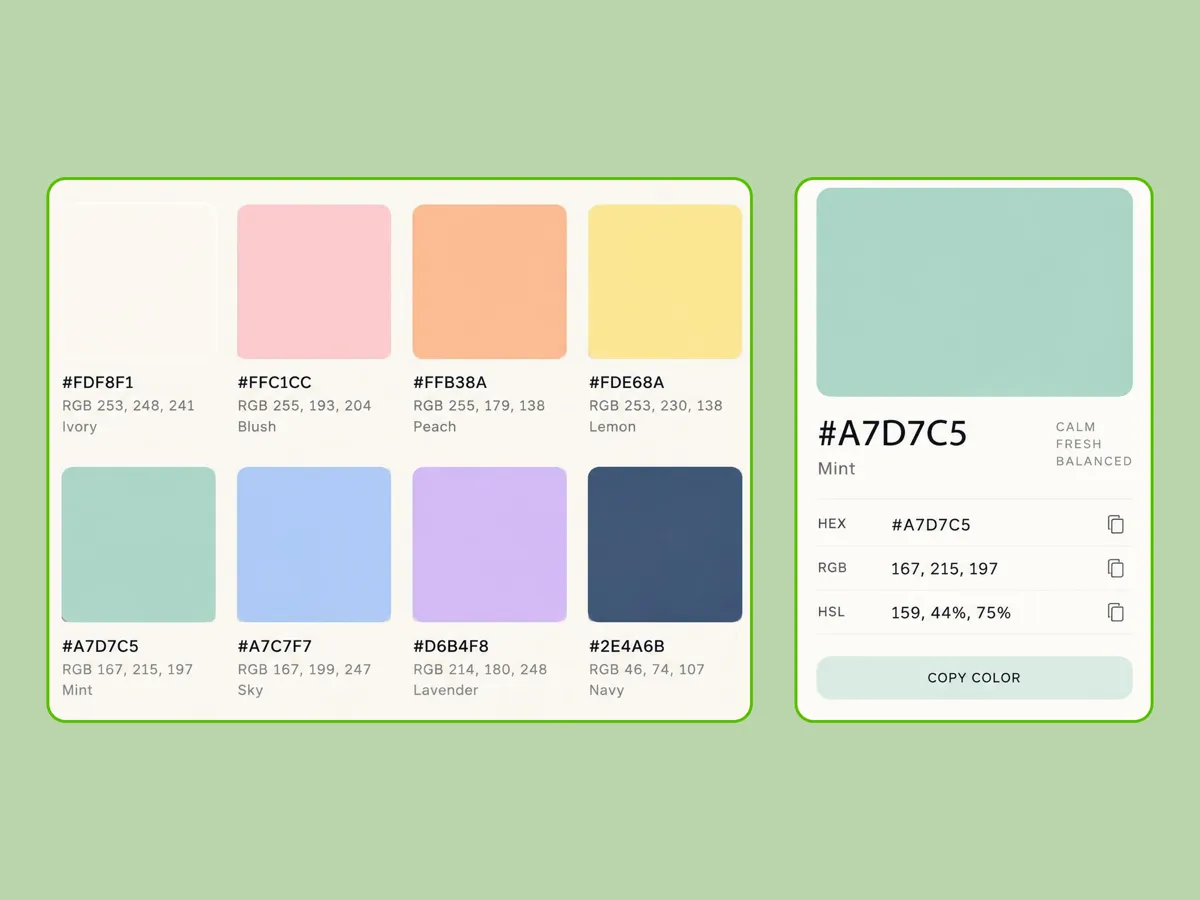
Get Exact HEX Codes and Color Values
Copy precise HEX, RGB, and other color values for every shade in your palette. Check specific shades with a color web picker when you need exact values for web CSS, brand guidelines, product graphics, or other design work.
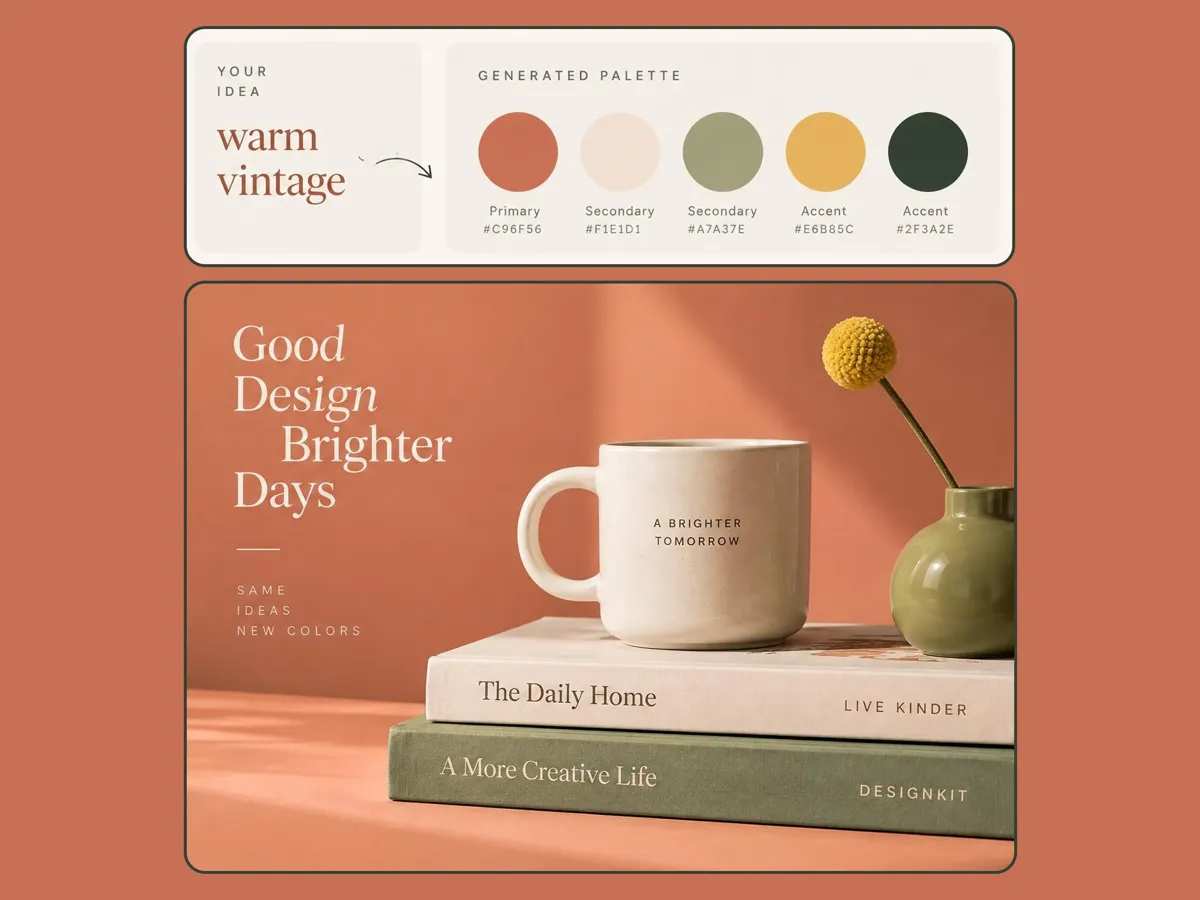
Turn a Mood or Idea Into a Color Scheme
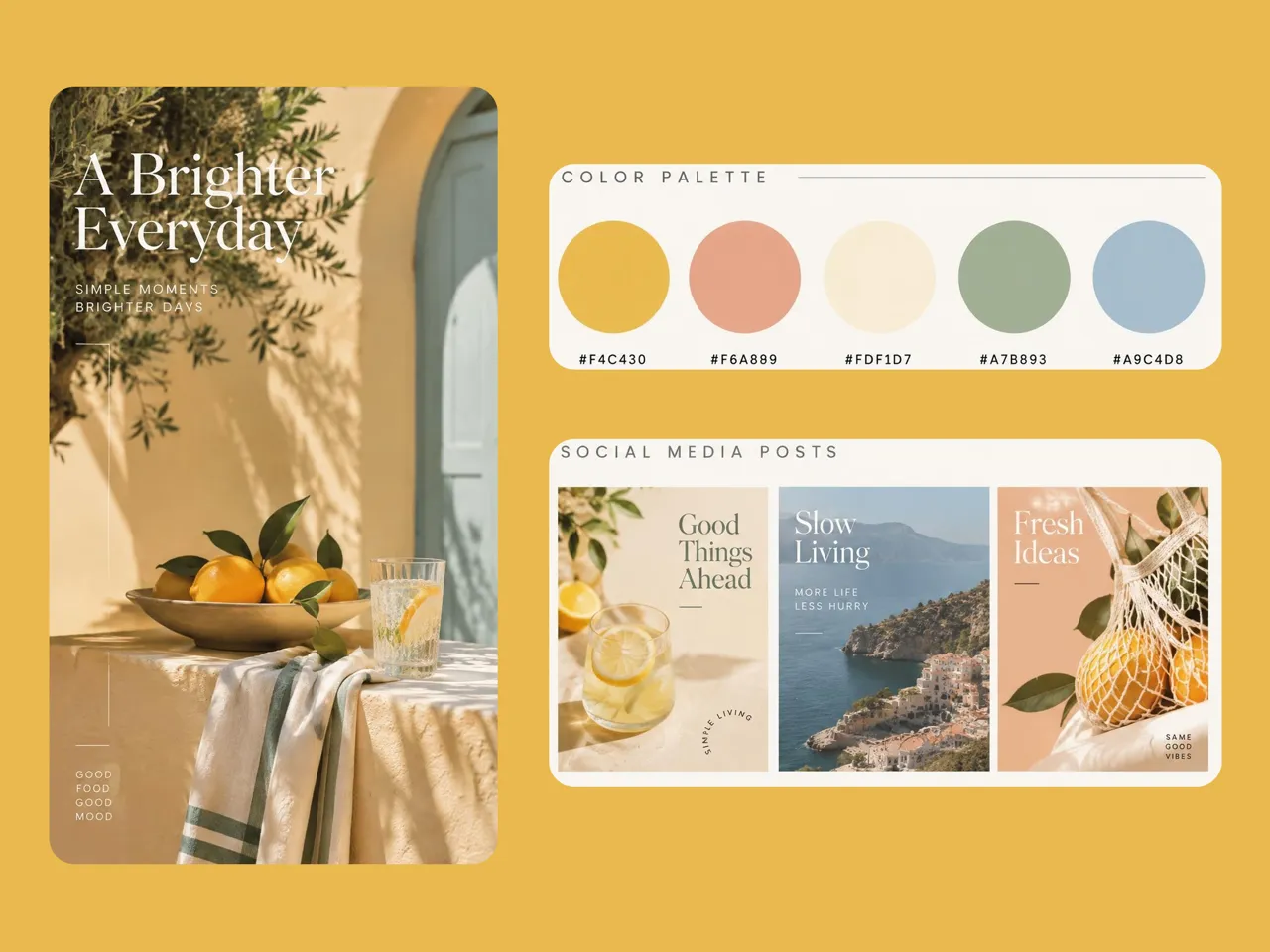
Describe a visual direction such as "warm autumn cozy" or "clean tech minimalist" to explore balanced color combinations from scratch. Use the generated options to develop color palette ideas for seasonal campaigns, brands, or social content.
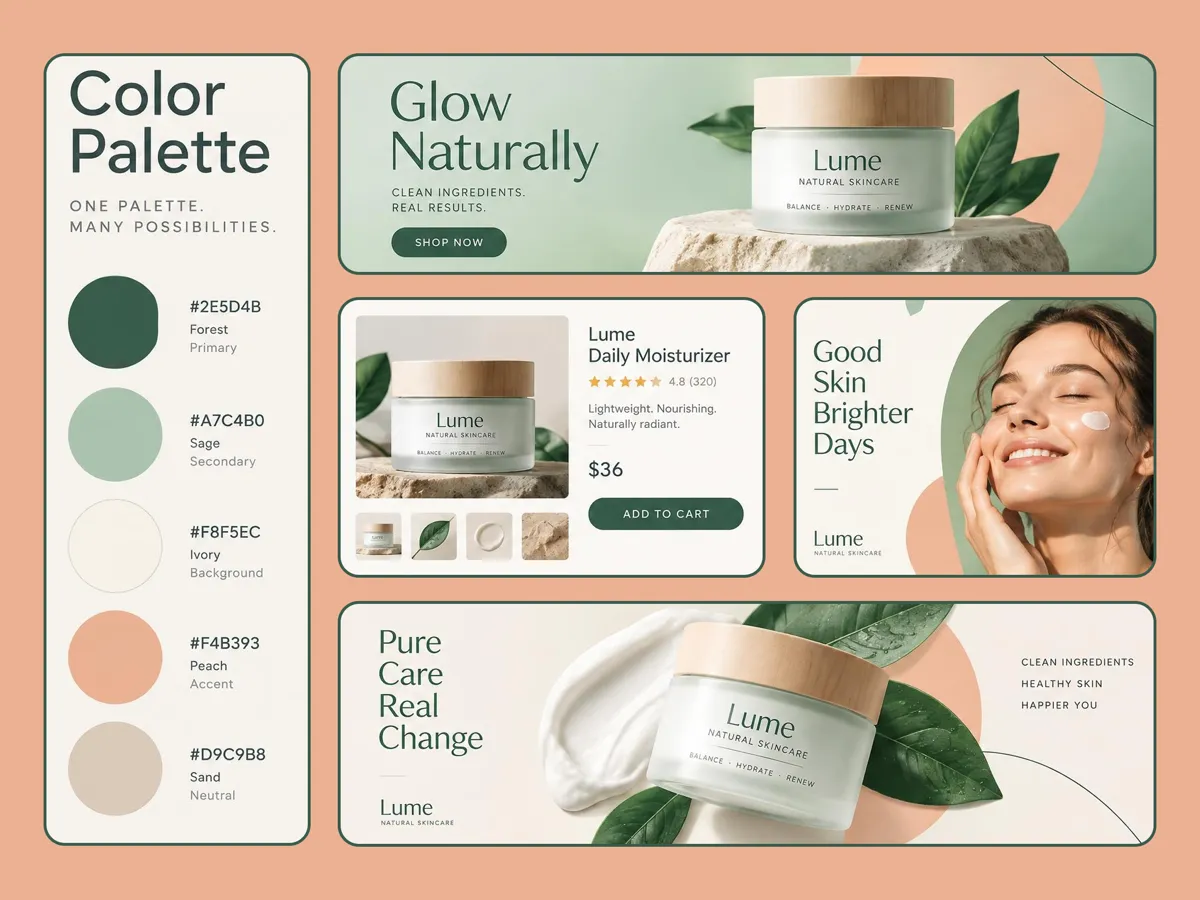
Apply Your Palette Across Ads and Social
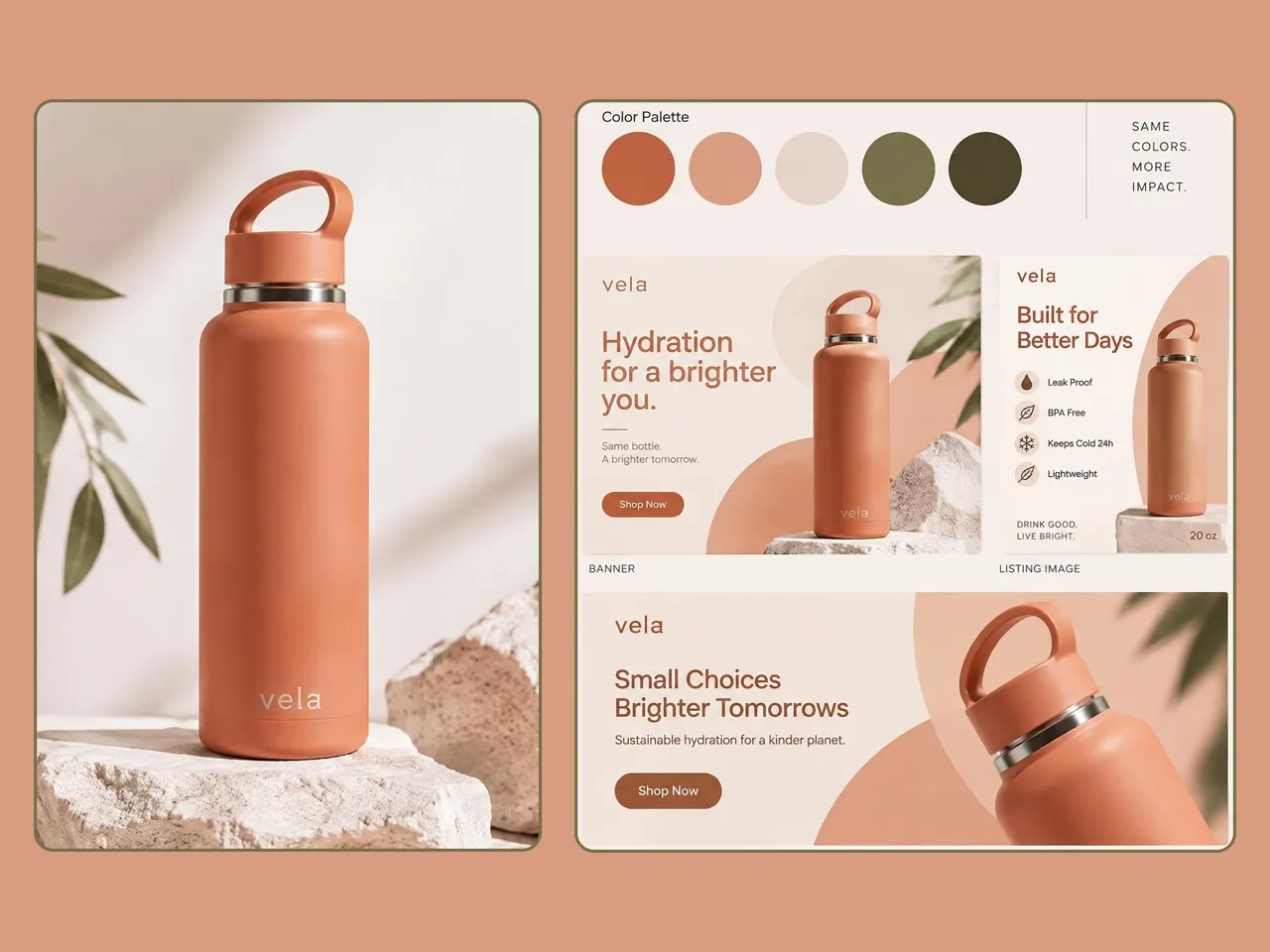
Use your selected colors as a reference when creating promotional banners, social graphics, and product visuals. For ecommerce work, carry the same color direction into the product listing generator when building listing content.
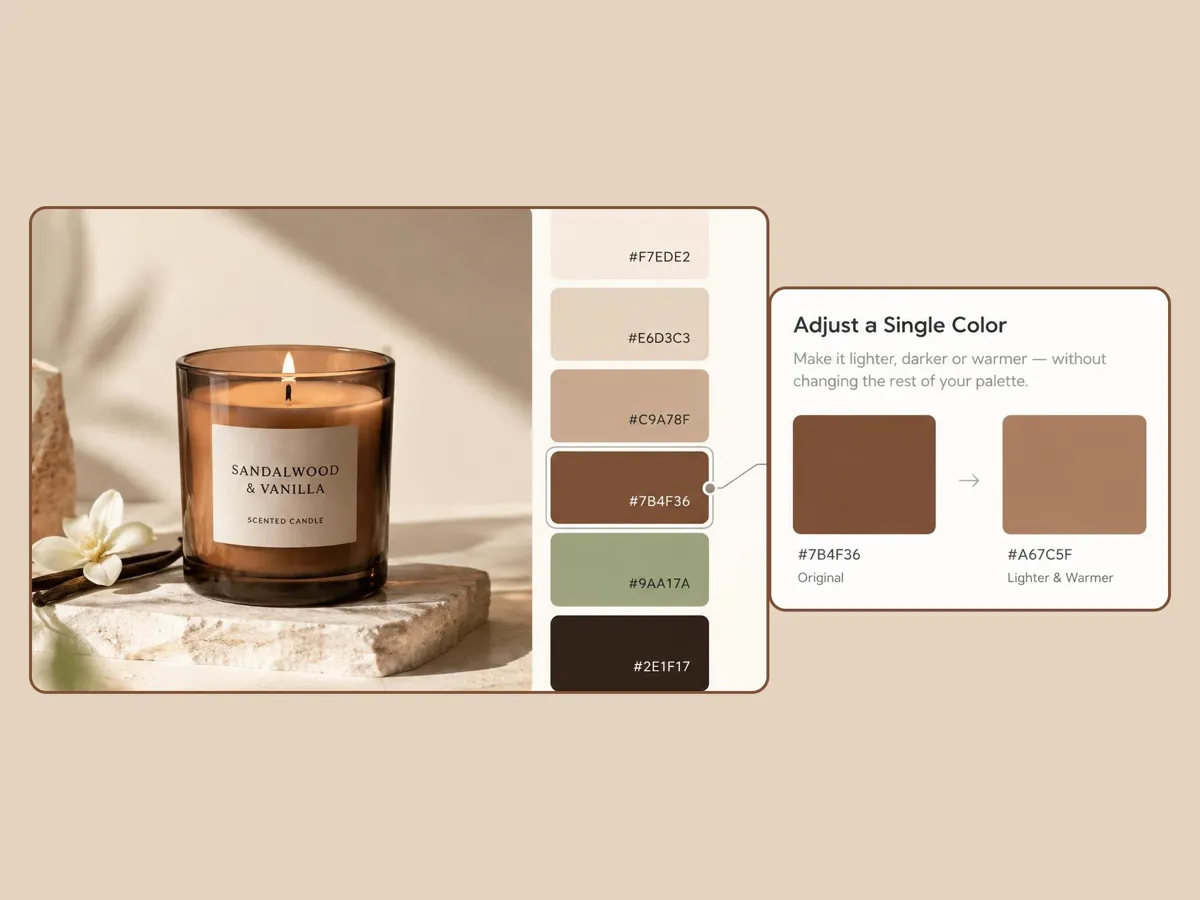
Adjust Colors Without Starting Over
Fine-tune specific shades if a color feels too dark or conflicts with your brand style. Use built-in editing controls or our AI color changer to adjust specific hue values while leaving the rest of your palette perfectly intact.
AI Color Palettes for Branding, Ecommerce, and Marketing
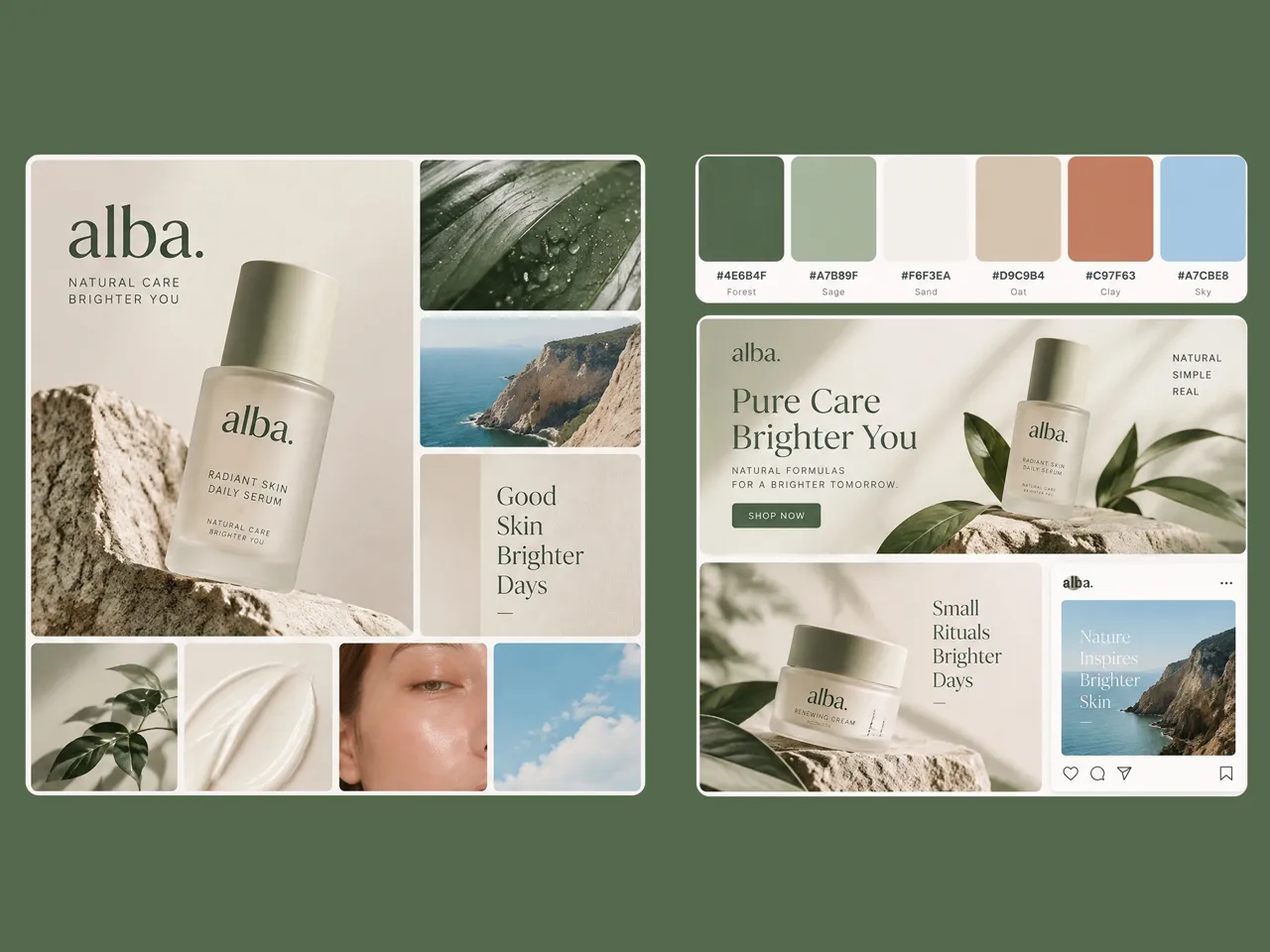
Build Brand Color Directions From References
Designers can turn moodboards and client references into structured palettes using an AI color palette generator. Pair the selected colors with an AI logo generator to shape a clear brand identity across logos and other assets.
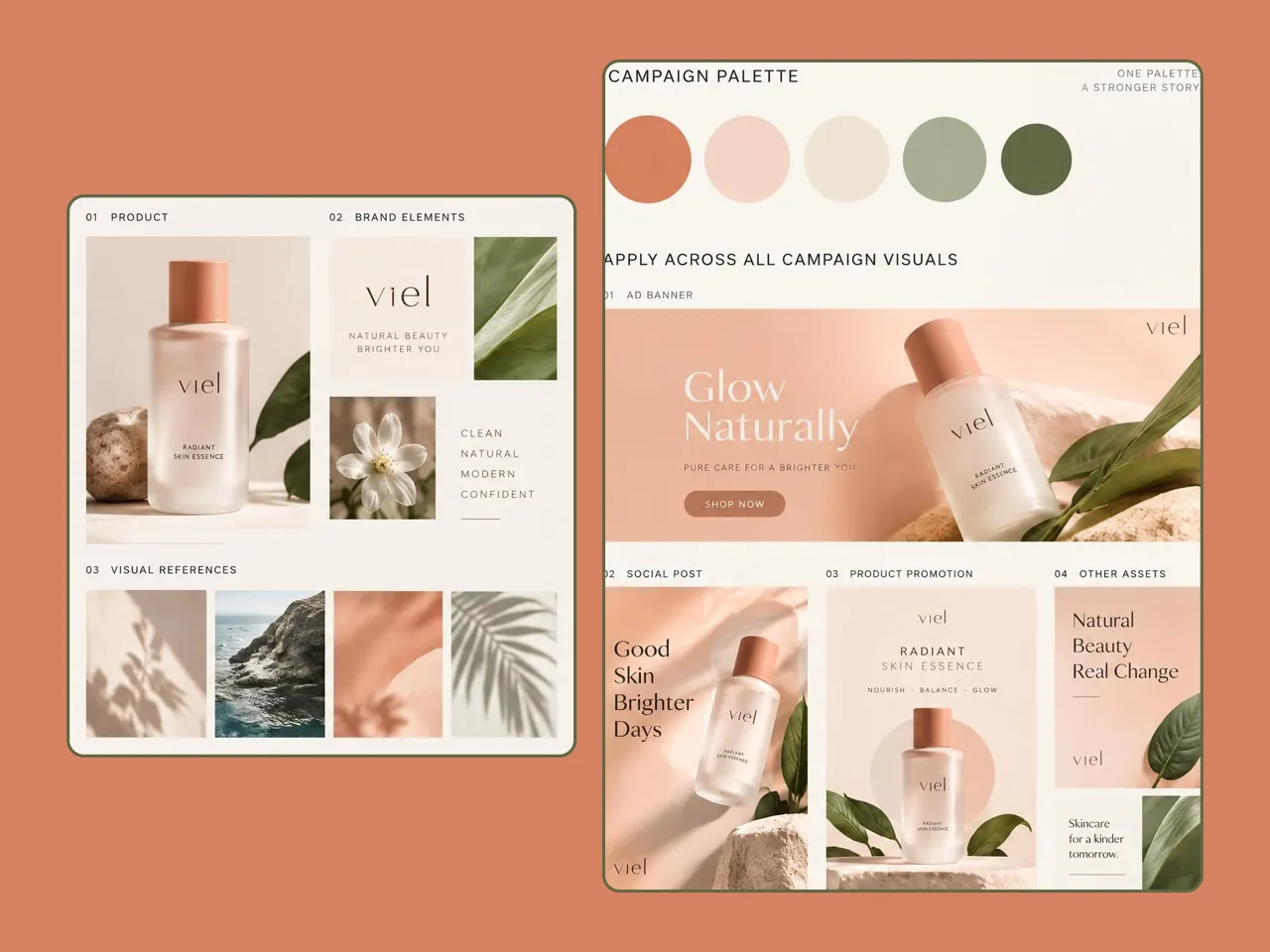
Why Choose Designkit for AI Color Palette Generation

Stop Sampling Image Colors Pixel-by-Pixel
Designkit skips manual sampling by pulling key shades from your image into a palette you can review and reuse.

Replace Memory Guesswork With Exact Brand Values
Generate exact color values from your visual references, so you can copy the shades you need without relying on memory.

Move Beyond Static Swatches Into Actual Design
Apply extracted colors directly to ads, listings, and social graphics in Designkit without switching tools.
Unlock More Ways to Create Product Designs
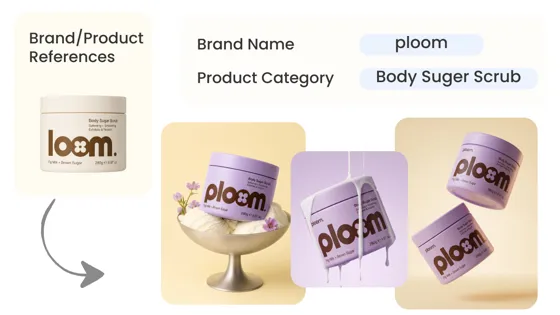
AI Design Generator
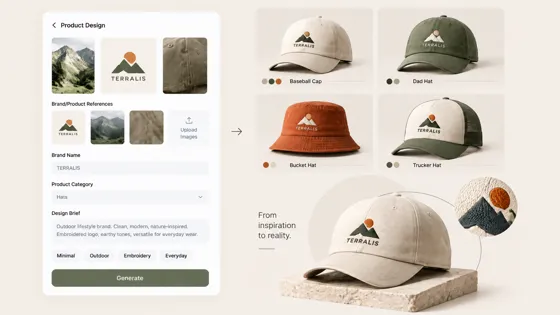
AI Hat Design Tool
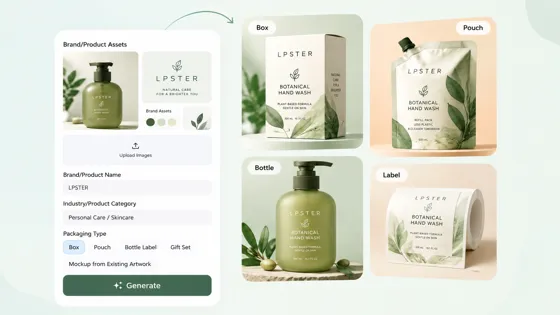
AI Packaging Designer
AI T-Shirt Design Maker
Frequently Asked Questions
Can I upload a photo or product shot to create a color palette?
Can I use extracted colors in ads, product listings, and social posts?
Yes. Use the selected palette and its color values as references when creating ads, banners, product listing graphics, and social posts. This helps you reuse the same chosen shades across different types of visual content.
How do I copy or export HEX codes and color values?
You can view and copy the HEX, RGB, and other available color values for the shades in your palette. This lets you reuse specific colors in web designs, brand documents, product graphics, and other design tools.
Can I create color palettes without uploading an image?
Yes. Describe your target mood, style, audience, or visual direction to generate tailored color palette ideas and explore different color combinations without needing a reference image. You can test several directions before choosing the shades that fit your design.
Can I adjust individual colors if I don't like part of the palette?
Yes. You can fine-tune individual shades if a color feels too dark, bright, muted, or does not fit your design. Adjust the specific color you want while keeping the rest of the palette unchanged, so you can refine the combination without generating a new palette from scratch.
Can I continue creating designs inside Designkit after making a palette?
Yes. Use your selected colors as references while creating listings, social graphics, promotional visuals, and other designs in Designkit. For ecommerce work, you can use the Amazon listing images generator to create listing visuals with the same color direction.
Is Designkit free to try?
Yes. You can use free signup credits to test the AI color palette generator, extract colors from your images, copy HEX values, and explore Designkit's design features before choosing a paid plan.
Create a Color Palette From Your Next Visual Idea Today
Upload one product photo or type a short color direction, then generate a palette you can use on your next design. Try it free in Designkit.



What Users Say About Designkit AI Color Palettes
See how ecommerce sellers, social creators, and marketing teams use Designkit to find, match, and reuse colors for their content and campaigns.
It Helped Me Match My Product Photos
I wanted my banners to feel connected to the actual product. I uploaded one of my product photos to Designkit, pulled the colors from it, and used the palette when creating my graphics.
I Know the Mood, Just Not the Colors
I can usually say something like "warm and cozy" or "bright and playful," but that's about it. I use Designkit to turn that idea into some color options and then pick the one I like.
We Can Agree on Colors Before Making Everything
Our team used to make color decisions while designing the actual campaign assets. Now we can put a reference into Designkit first, choose the campaign colors, and use them when we start making the graphics.
I Don't Have to Keep Checking the Same Colors
I have a few colors I use for my shop, but I don't always remember the exact shades. Starting from my existing product visuals in Designkit helps me find the same colors when I'm making new content.