
AI Mockup Generator Built Around Your Product Photo
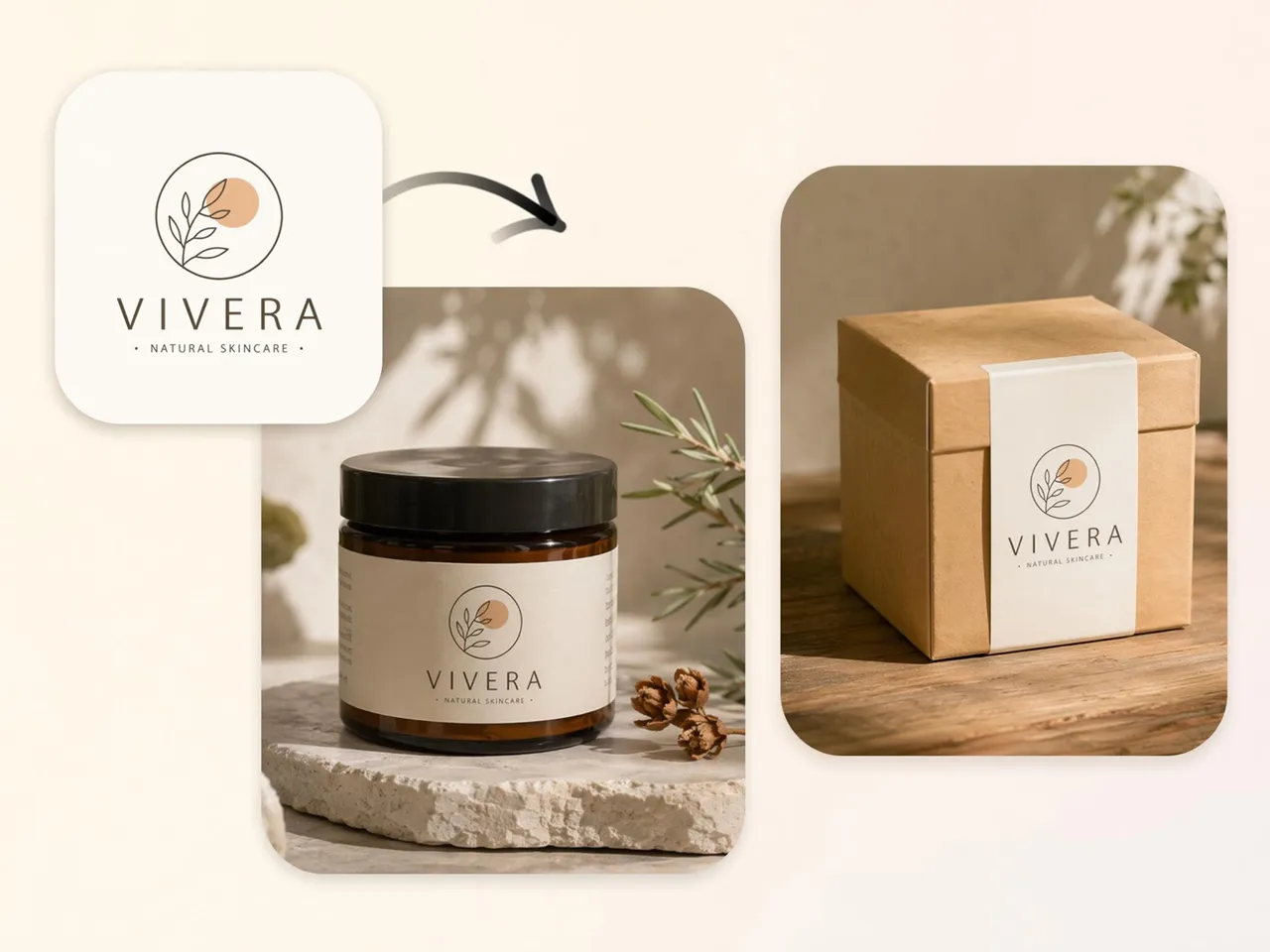
Upload one product photo. Designkit generates studio, lifestyle, and listing-ready mockup scenes with matched lighting and shadows.
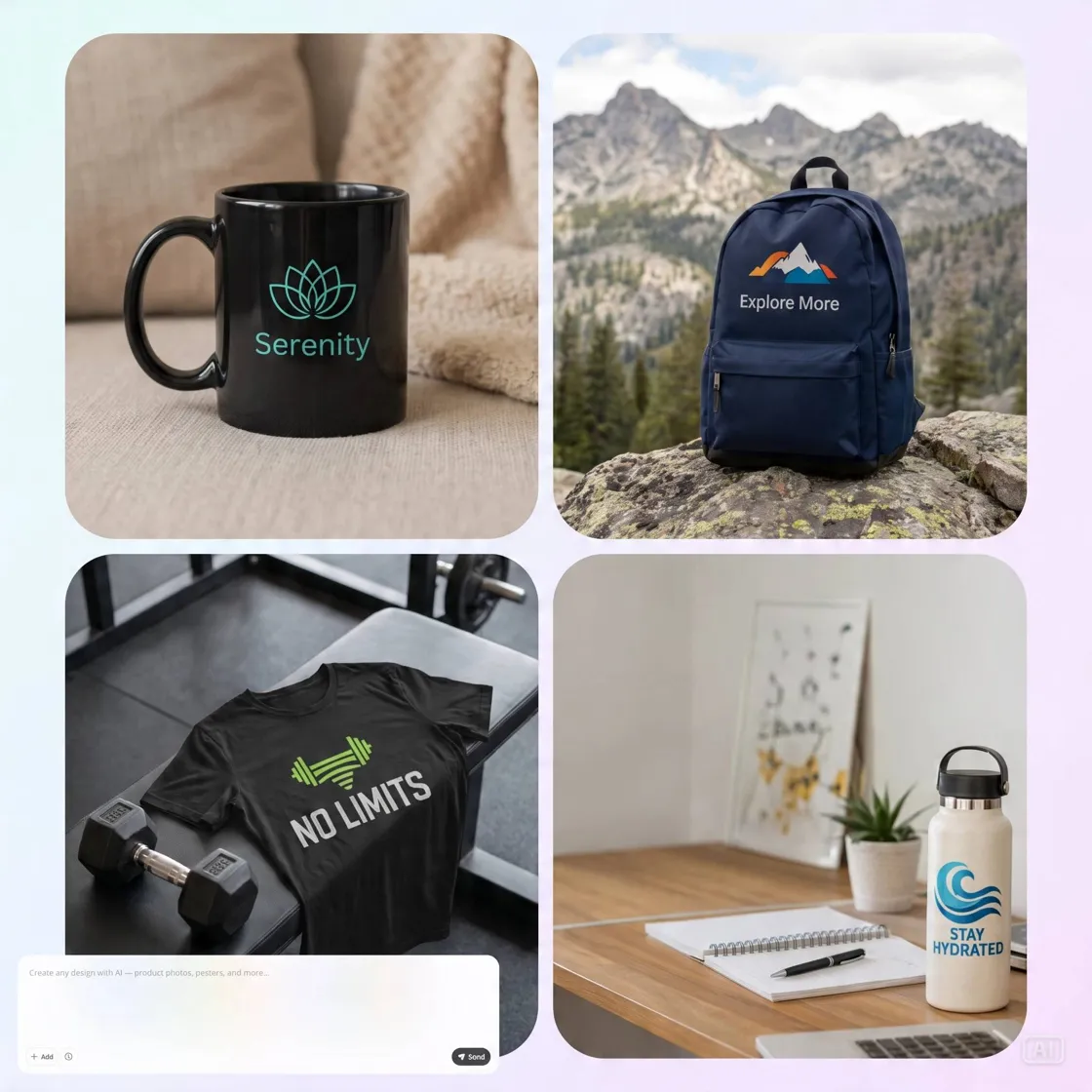
How to Make Product Mockups in 3 Steps
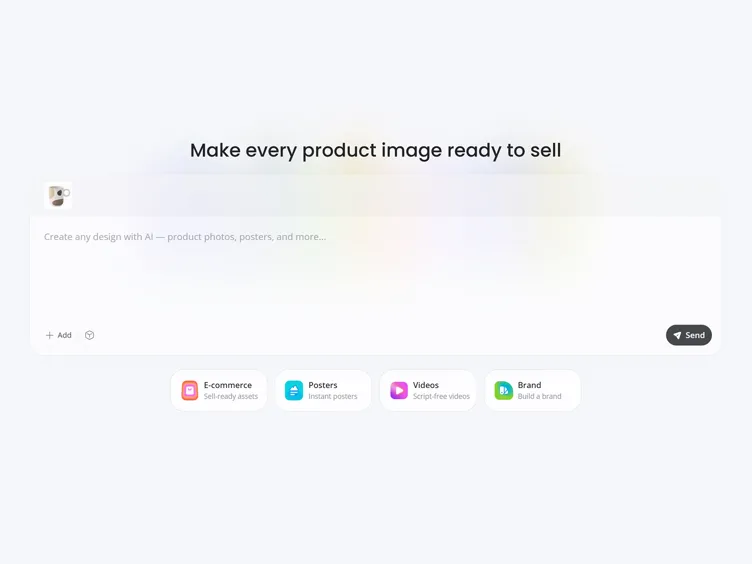
Upload Your Product Photo
Add a clear product photo, ideally on a plain background, in JPG or PNG. A phone photo works fine if the product is well lit and easy to see.
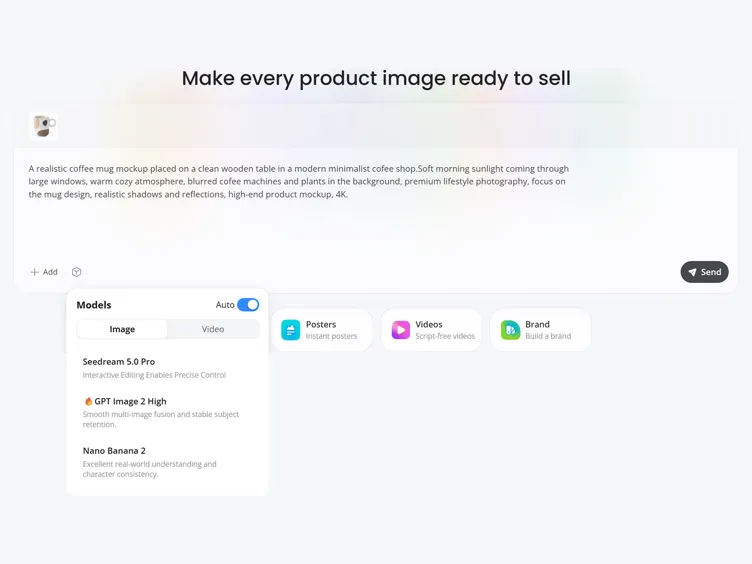
Describe the Scene You Want
Write a short prompt describing the scene, or pick a ready-made style. The AI builds the mockup automatically, matching lighting to the setting.
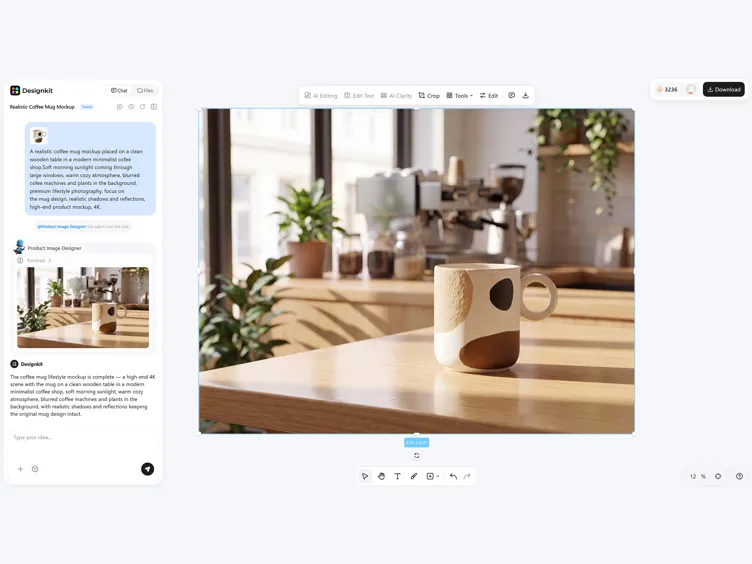
Preview and Export
Review the generated results side by side, then export high-resolution mockups ready for your listing, store, or ads.
What Makes Designkit Mockup Tool Different
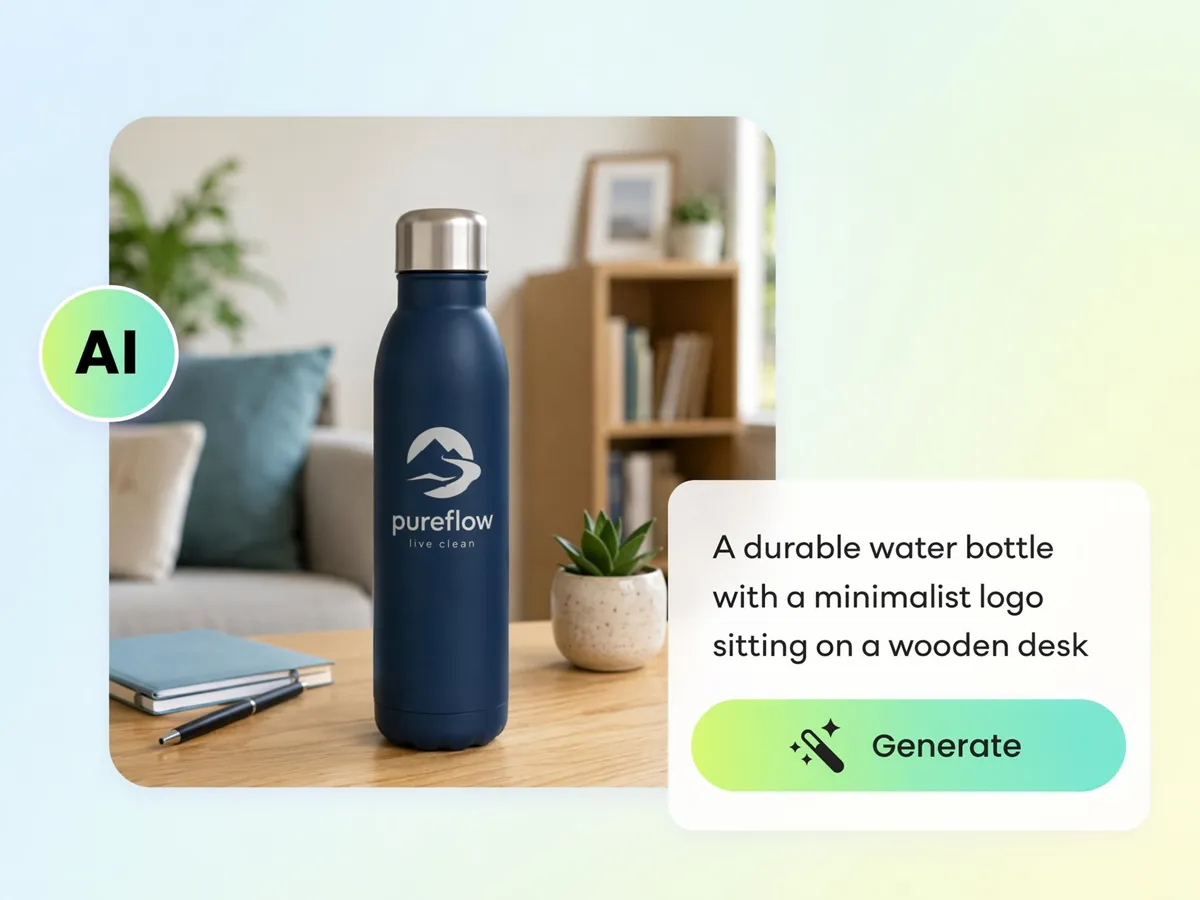
Stop Digging Through Templates
Instead of searching through large template libraries, upload your product photo to Designkit and let the AI generate a mockup scene around it, reducing the need to adjust your design to fit a preset layout.
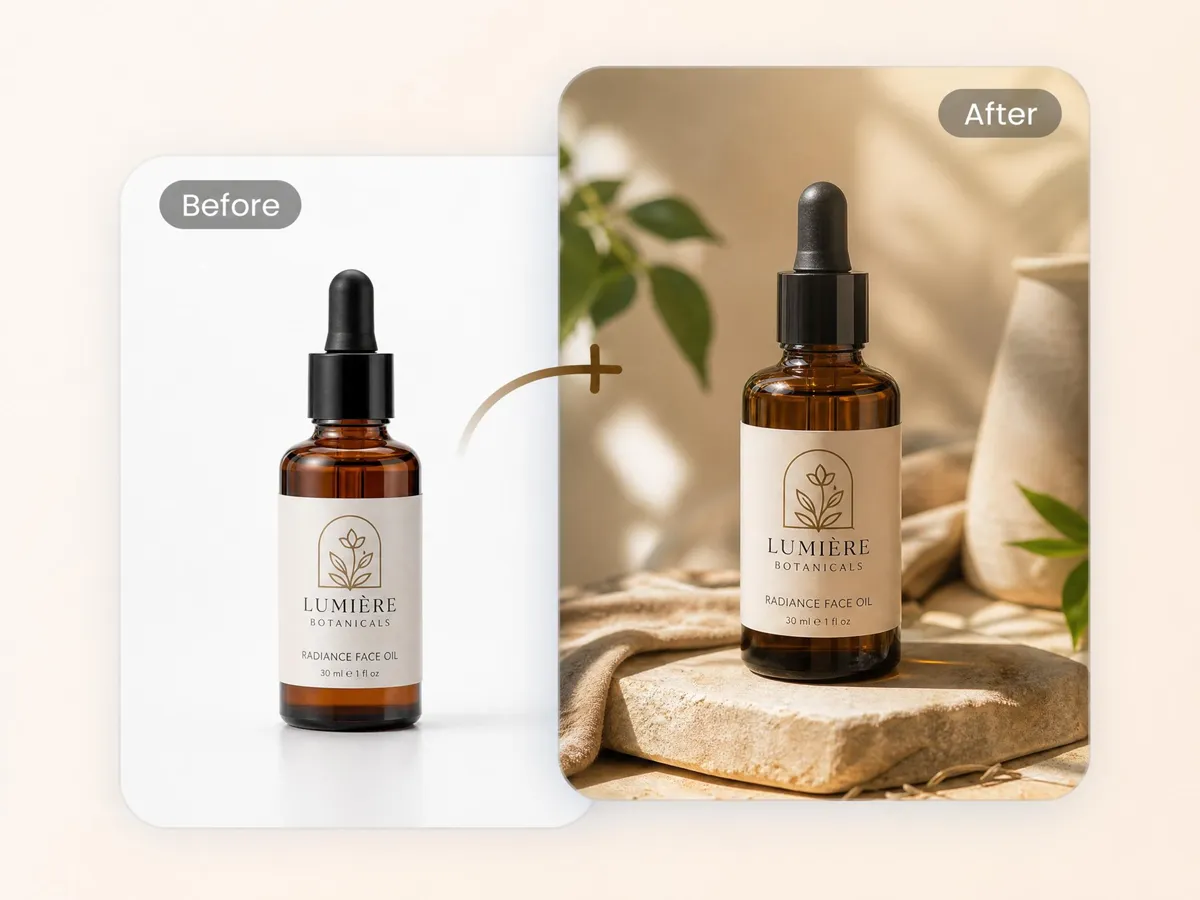
Get Scenes That Look Shot, Not Stuck On
Upload your product photo to Designkit, and the AI generates lighting, shadows, and surrounding details that help the mockup blend naturally into the scene instead of looking like a flat design placed on a template.
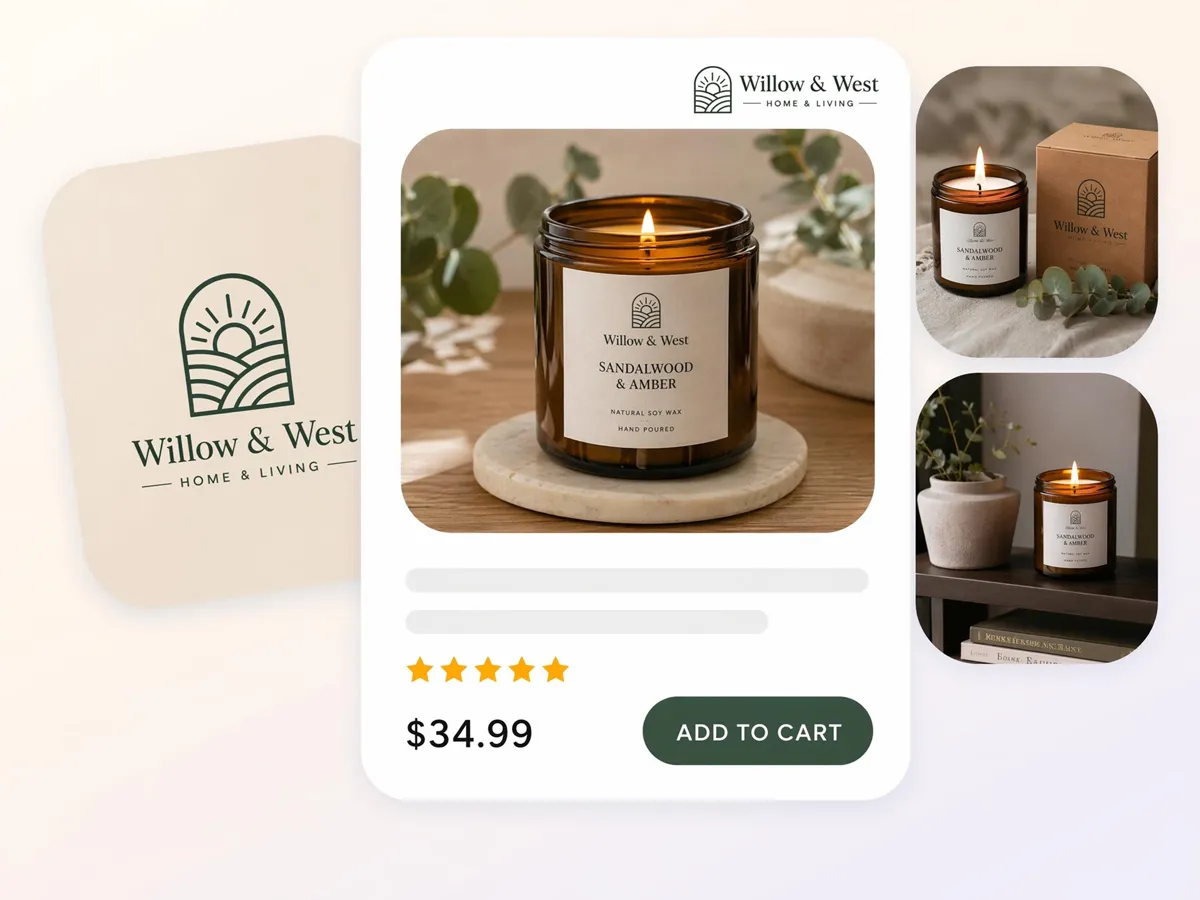
Generate Listing-Ready Mockups in One Pass
Create mockups for ecommerce stores, social media, and presentations from the same product photo. Generate white backgrounds for main product images, lifestyle scenes for promotional content, or different crops without rebuilding the mockup.
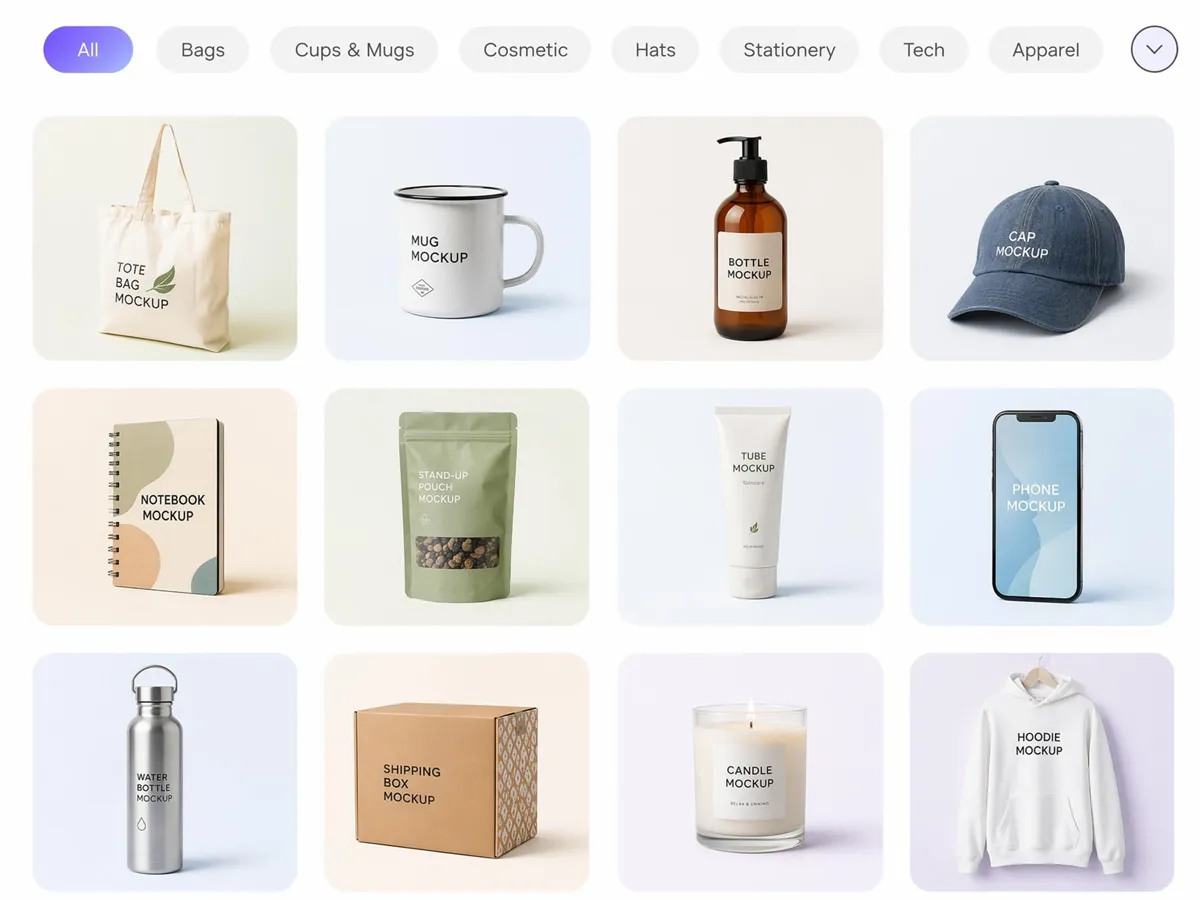
Batch Your Whole Catalog at Once
Upload multiple product images to Designkit and apply the same scene or style across your catalog, making it easier to create consistent mockups without editing every product individually.
Who Uses an AI Mockup Generator
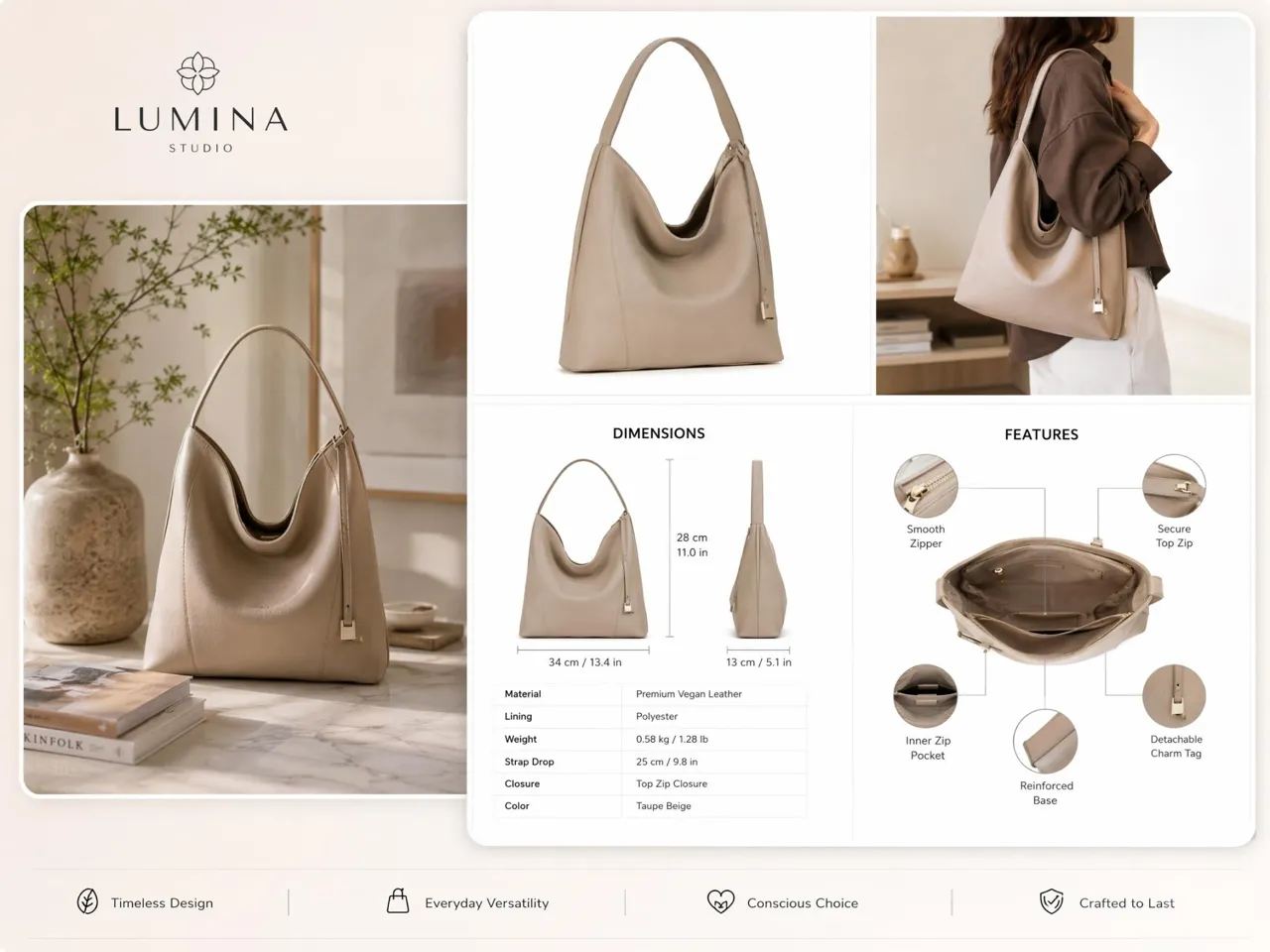
Launch Amazon Hero and Lifestyle Shots From One Photo
A single product photo is enough to generate both a white-background hero image and lifestyle mockups for your Amazon listing, helping you prepare multiple visuals without arranging separate photoshoots.
Why Choose This Mockup Design Tool Over Templates
Built for Product Photos, Not Graphic Overlays
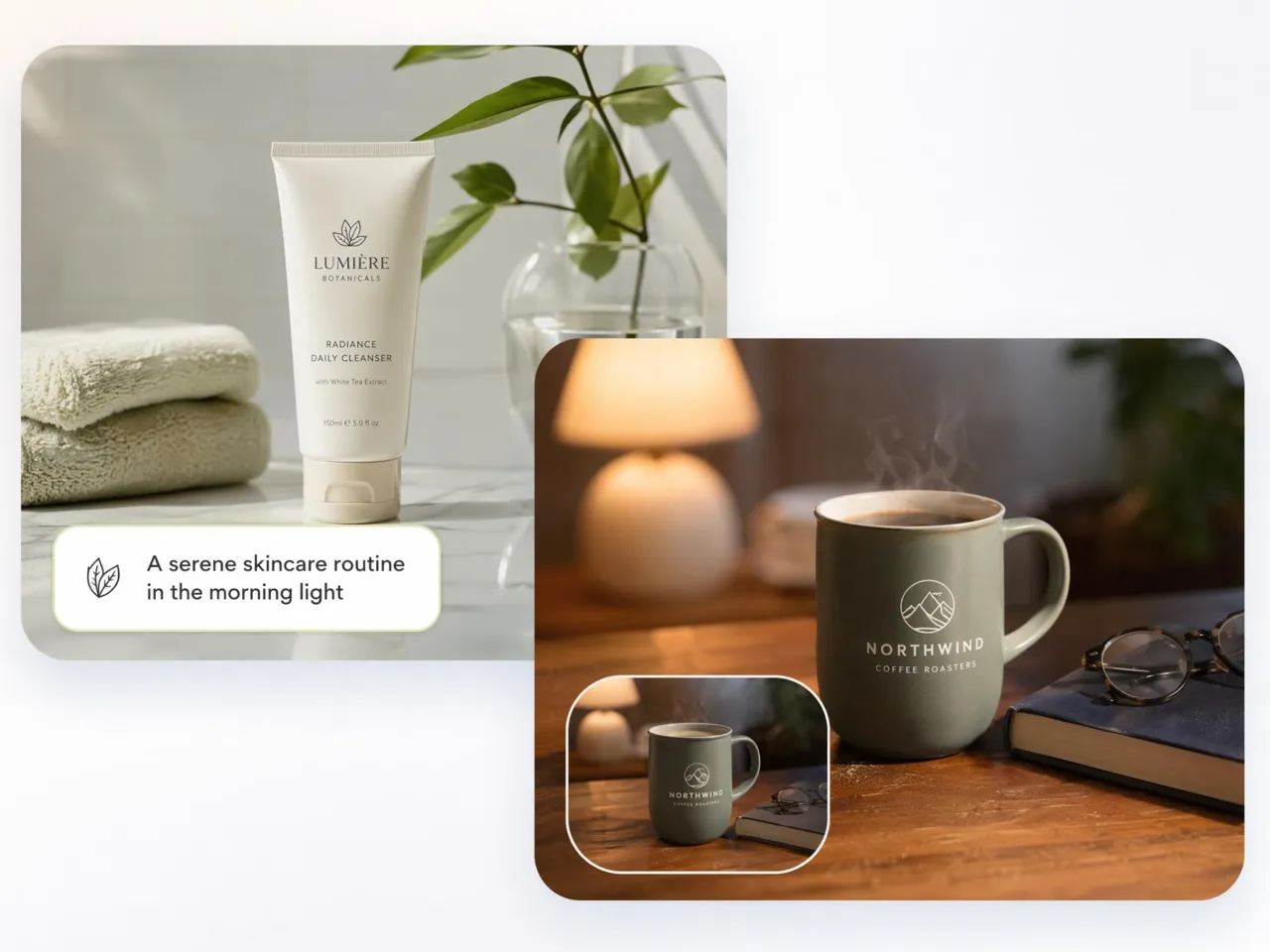
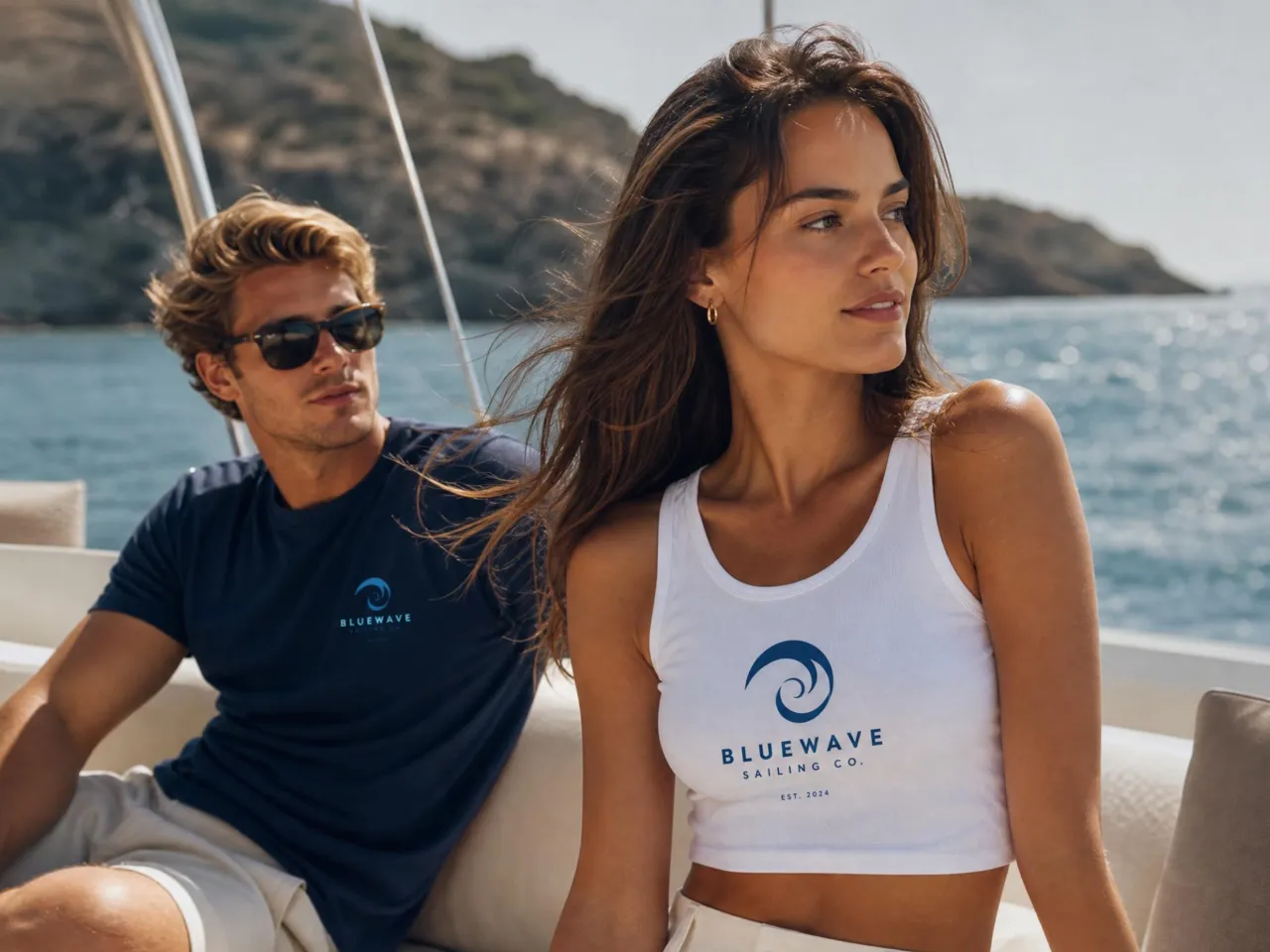
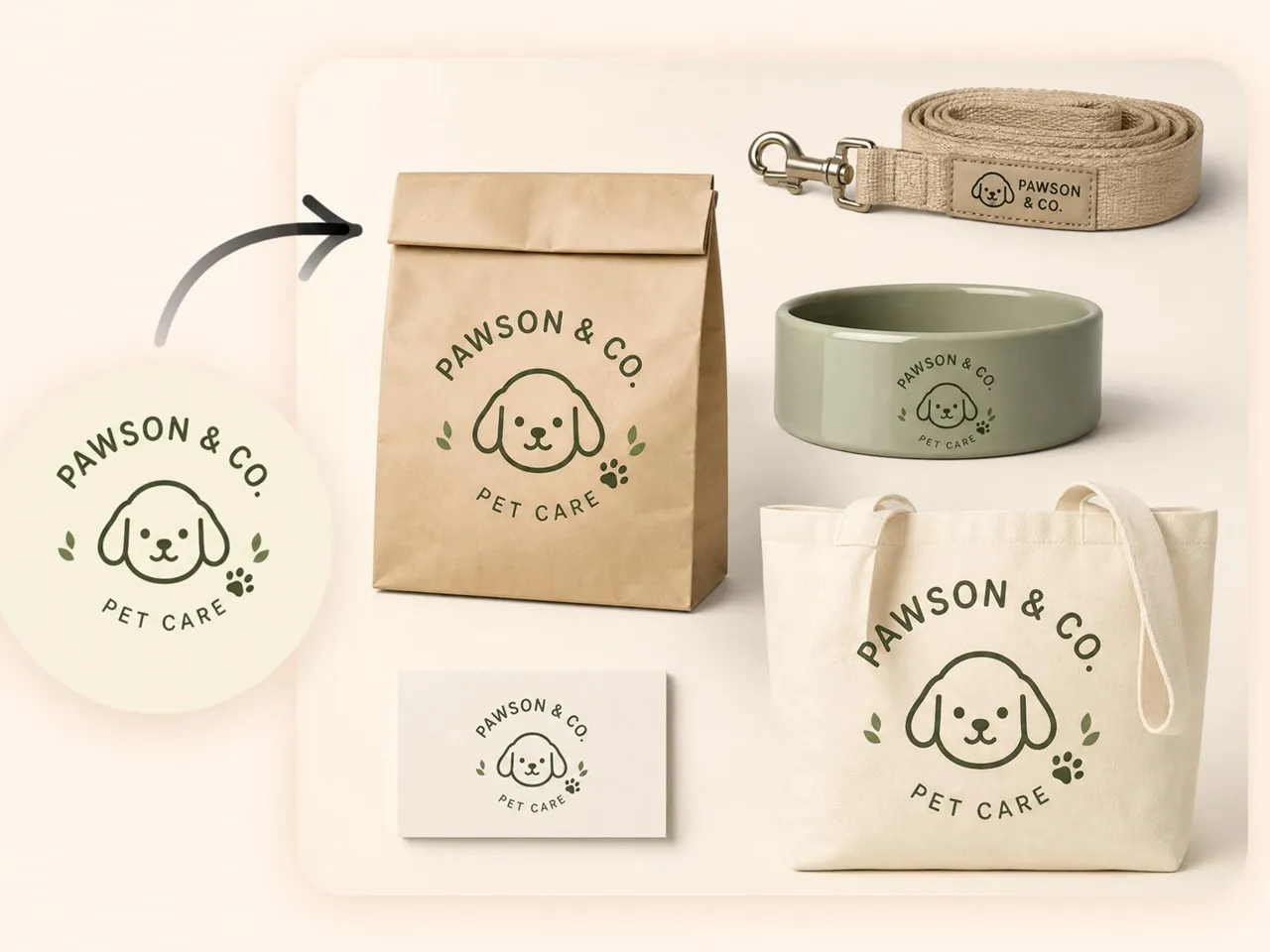
Instead of fitting your product into a preset template, Designkit creates mockup scenes from your own product photos, helping the final result match your item more naturally.

One Photo Works Across Amazon, Shopify, and Ads
Create hero images, lifestyle mockups, and social-ready visuals from the same product photo without preparing separate assets for each channel.

Test Free With Signup and Daily Credits
New users receive 20 signup credits plus 10 daily credits, making it easy to explore different mockup styles before choosing a paid plan.
Batch Mockups for Growing Catalogs
Apply the same visual style across multiple products in one session, helping maintain a consistent look without editing every SKU individually.
No Photo Editing Skills Required
A short prompt and your product photo are all you need to generate a realistic mockup, without learning layers, masking, or other advanced editing tools.
Add New SKUs Without a New Shoot
Existing product photos or packshots can be turned into new mockups whenever you expand your catalog, reducing the need for additional photography.
Unlock More Creative Possibilities
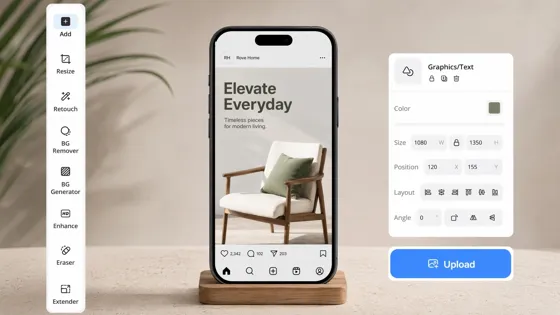
Instagram Mockup Generator
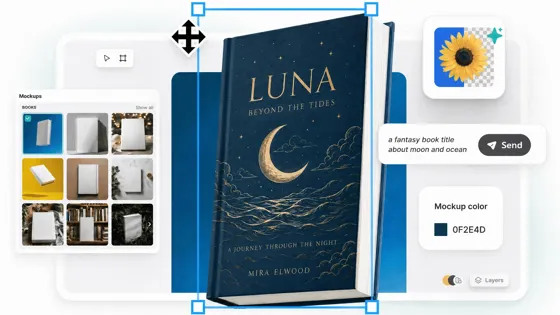
Book Mockup Generator
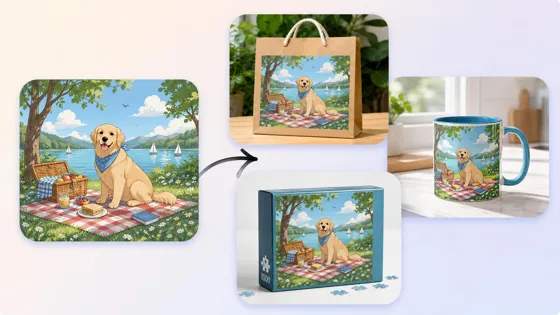
3D Mockup Generator
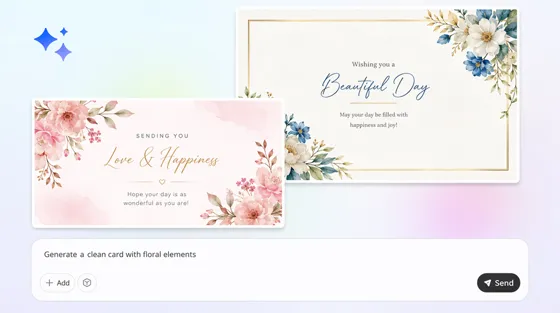
Card Mockup Generator
Frequently Asked Questions
Is Designkit mockup generator free to use?
Do I need design skills to make a mockup?
No. Add your product photo to Designkit, choose or describe the scene you want, and the AI generates the mockup automatically without requiring manual editing or template adjustments.
Can I use Designkit mockups for Amazon or Shopify listings?
Yes. Designkit outputs pure white background images that meet Amazon's main image requirements, along with lifestyle scenes sized for Shopify product pages, paid ads, and social posts, all generated from the same single product photo you upload.
How is this different from a template-based mockup tool?
Template-based tools place your design into a fixed layout. Designkit generates a mockup from your product photo and chosen scene, helping lighting and shadows match the final composition more naturally.
Can I create mockups for multiple products at once?
Yes. Upload multiple product photos to Designkit, apply the same scene or style across them, then generate mockups for your catalog in a single session.
Are the mockups royalty free for commercial use?
It depends on your plan. Mockups created with paid plans are available for commercial use. Check your current Designkit plan to confirm the usage rights that apply to your account.
What file formats can I download my mockup in?
Mockups export as high-resolution JPG or PNG files, ready to upload directly to Amazon, Shopify, ad platforms, or social channels without any extra editing or resizing needed on your end before publishing.
Is my product photo data secure?
Yes. Upload your product photos to Designkit to generate mockups. Your images are processed only to create the requested mockups and are not shared with third parties.
Turn One Product Photo Into Ready-to-Use Mockups
Start free with signup credits, no card required. Upload a photo and get listing-ready mockup scenes back in minutes, ready to use the same day.



What Sellers Say About Designkit Mockups
Real feedback from sellers who replaced template mockups with AI-generated ones.
Faster Listings Without a Photographer
I used to pay for a photoshoot every time I added a new color option to a listing. Now I upload one photo and get five mockup scenes back in minutes, and my listing turnaround dropped from a full week to about a day.
Mockups That Don't Look Pasted On
Template mockups always looked a little flat to me, like the product had just been dropped onto a background. Designkit's scenes actually match the shadows on my product photo, so the listing feels more believable and customers ask fewer questions before buying.
Free Credits Were Enough to Test It
I couldn't afford a product photographer when I was starting out on a tight budget. I tested five mockup scenes on the free daily credits before picking a final design, and skipped the shoot entirely, saving around $300 in my first month alone.