
Turn Product and Service Information Into a Brochure
Bring your product details, services, offers, and campaign content into Designkit and turn them into a structured brochure for marketing, sales, and customer communication.
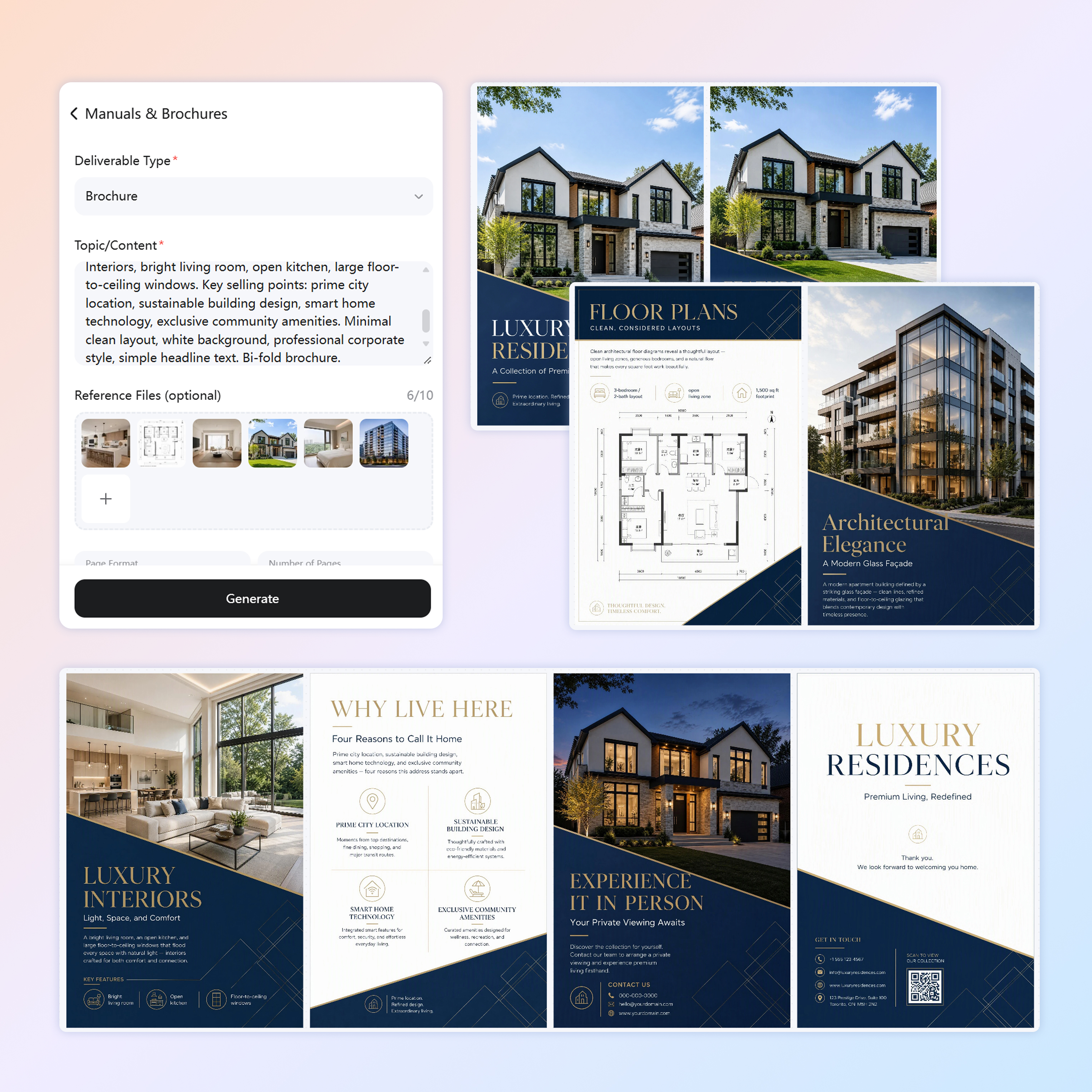
Create a Brochure With Designkit in 3 Steps
Step 1. Add Your Topic or Full Content
Enter a topic, or paste the product/service copy you want turned into a booklet. Upload reference files if you already have docs or assets (up to 10).
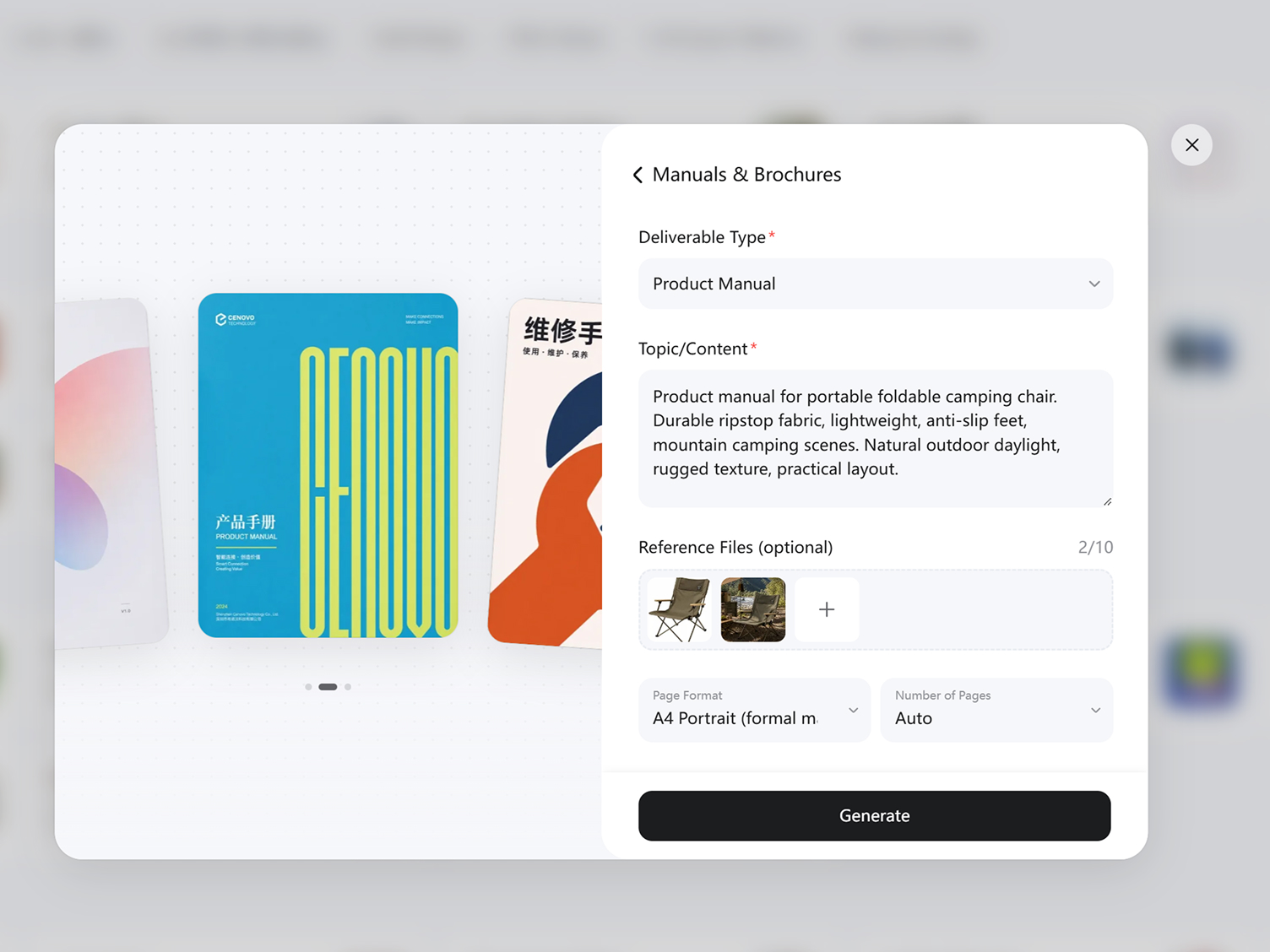
Step 2. Set Brochure Type and Format
Choose the brochure/manual type, page format (such as A4 Portrait), and page count—or keep Auto—so the layout matches your deliverable before you generate.
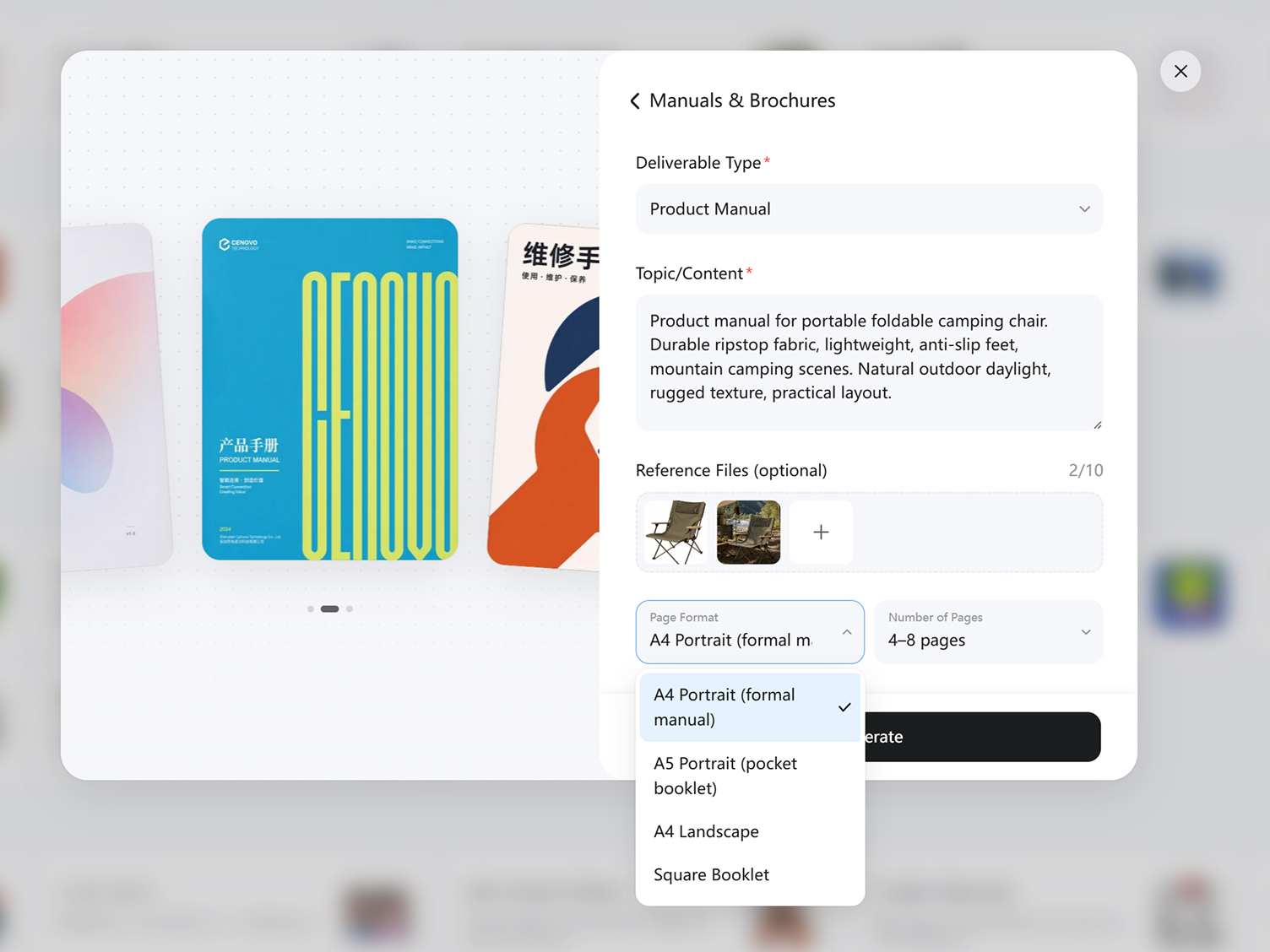
Step 3. Generate and Review
Click Generate to build the multi-page draft, then review the sections, layout, and content before you download or share the finished brochure.
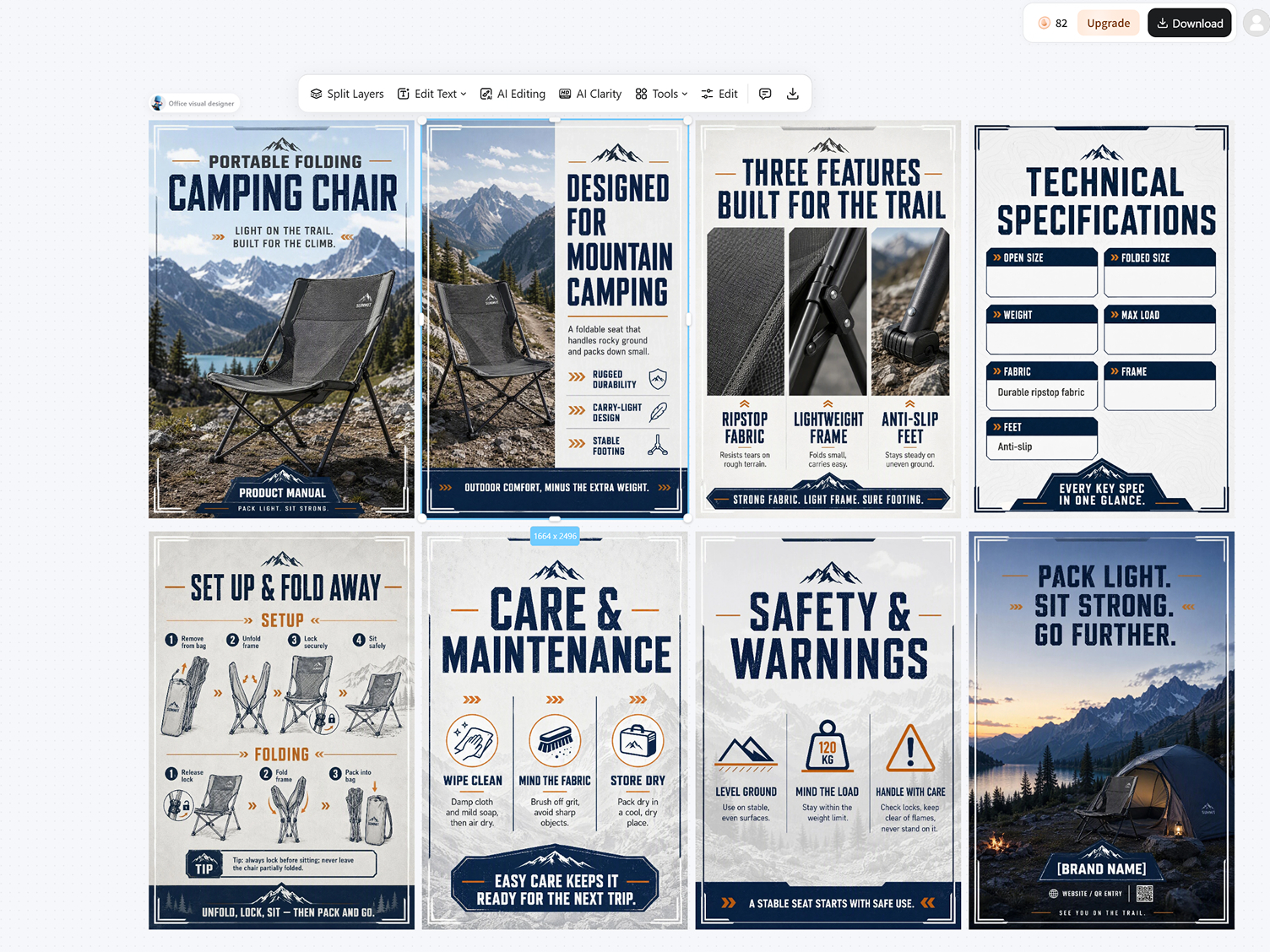
What You Can Build With Designkit Brochure Maker
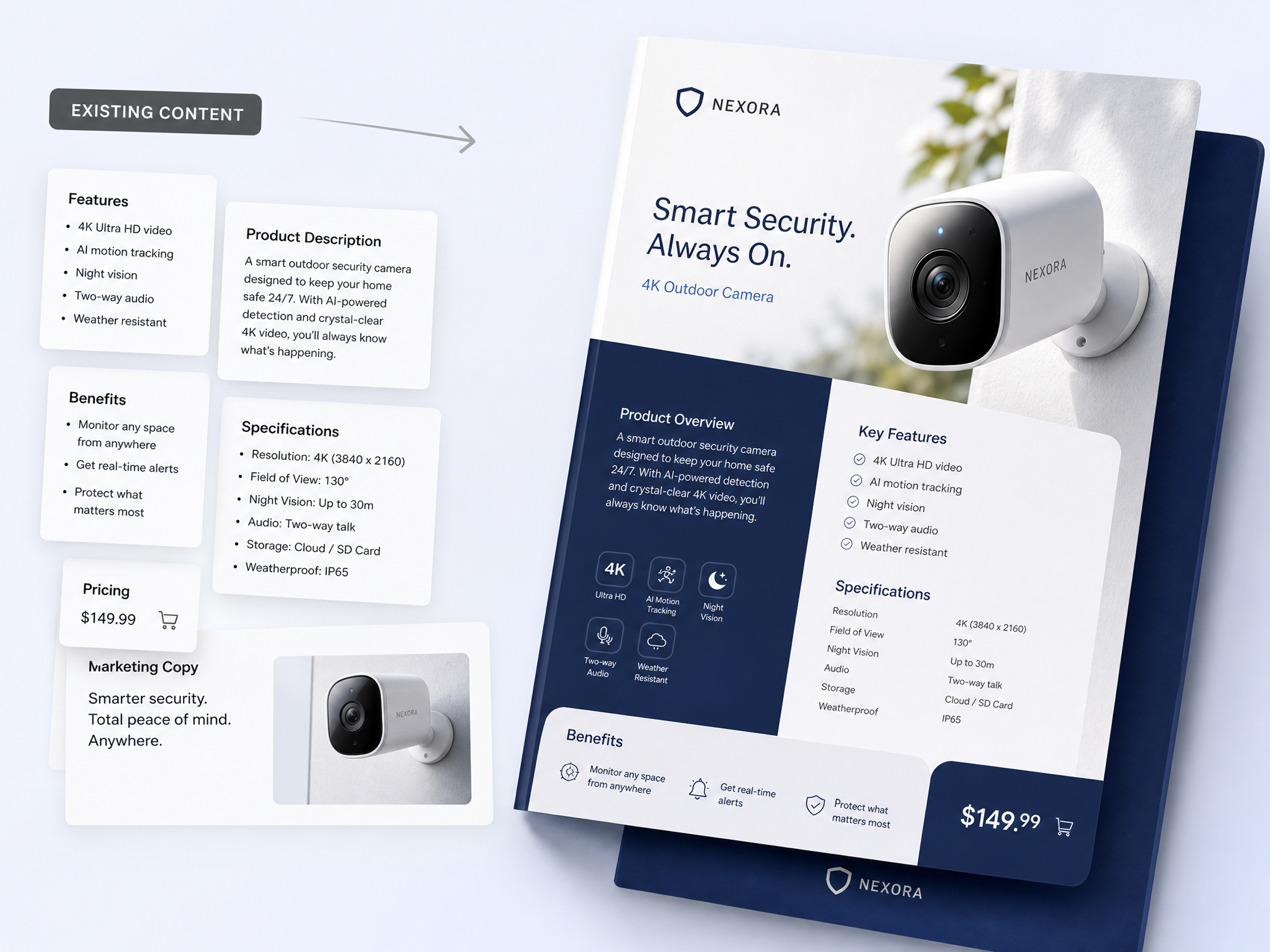
Turn Existing Copy Into a Brochure Draft
Bring in product descriptions, specifications, features, benefits, pricing, or existing marketing copy instead of writing every brochure section from scratch. Designkit can organize your source content into a structured brochure concept, helping you repurpose information from websites, listings, campaigns, or PPT design projects. This workflow also gives users searching for a free brochure maker a practical way to start with content they already have.
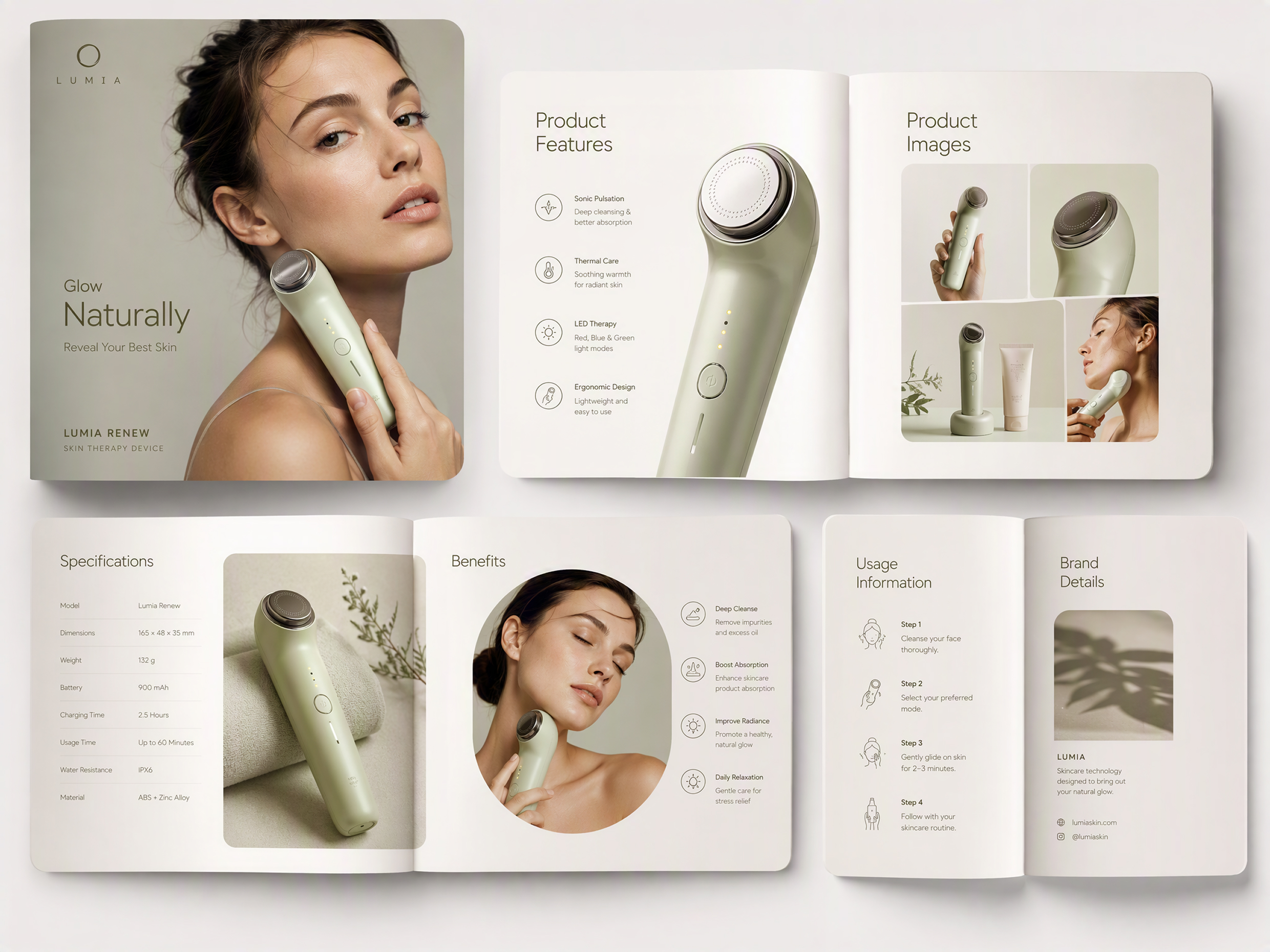
Put Product Details Into One Brochure Customers Can Keep
Combine product features, images, specifications, benefits, usage information, and brand details into a single brochure that customers can reference after discovering your product. Designkit helps arrange this information into sections while keeping the presentation aligned with your existing brand guide. This makes an online brochure creator useful for product catalogs, handouts, and promotional materials.
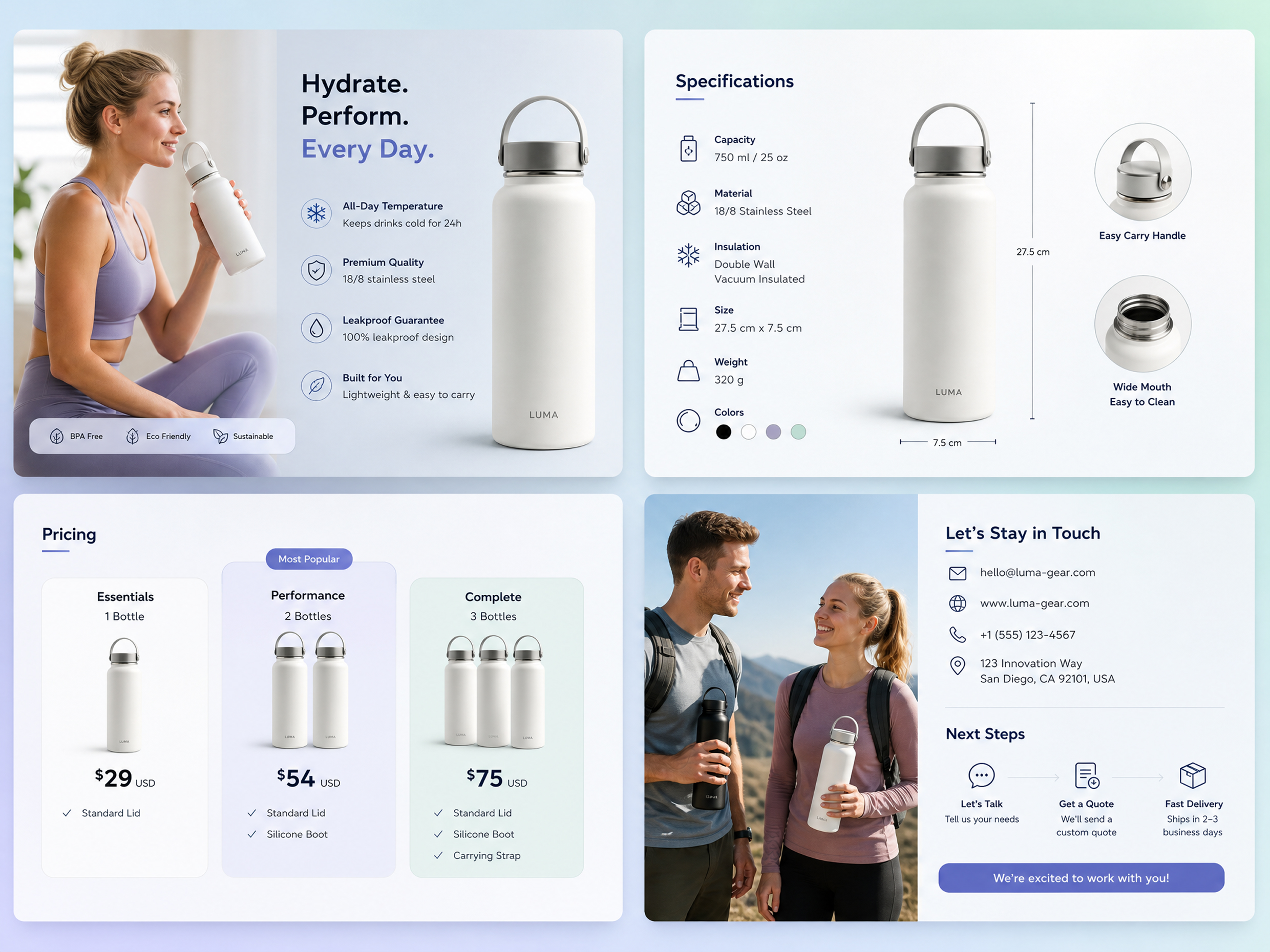
Give Sales Teams a Short Brochure for Follow-Up
Turn sales information into a concise brochure that supports conversations after a meeting, product demonstration, event, or customer inquiry. Include key benefits, services, specifications, pricing information, contact details, and next steps in one shareable document. Designkit helps organize the material into a focused sales asset, giving teams a practical answer to how to make a brochure of information they already have.
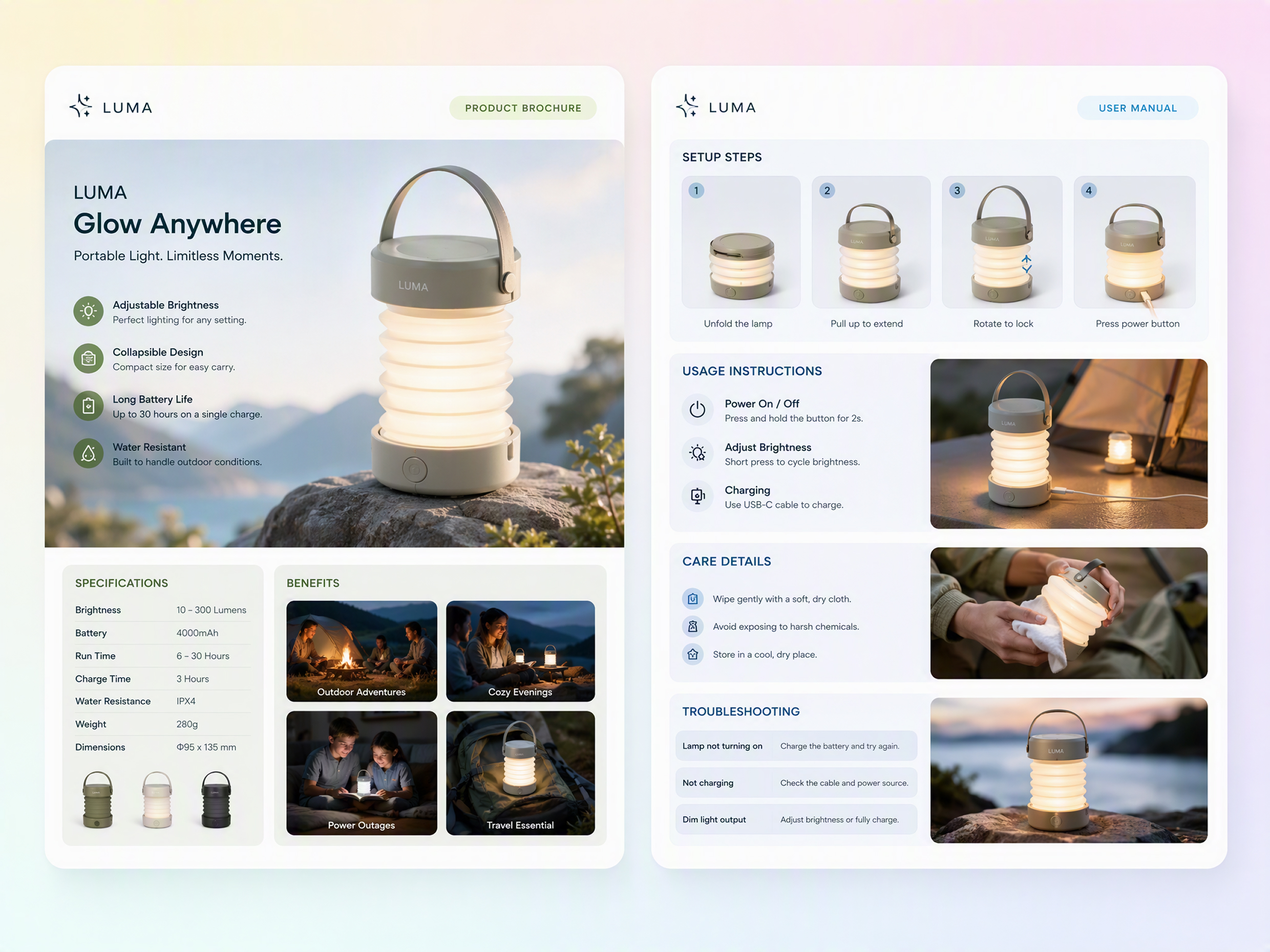
Create Product Brochures or User Manuals
Start with product instructions, specifications, setup information, care details, troubleshooting steps, or feature explanations and organize them into a customer-facing document. Designkit can help turn technical or product information into structured brochure content for product guides, quick-start materials, or user manuals. As an AI brochure generator, it provides a starting structure that you can refine according to the intended deliverable.
Make Brochures for Products, Services, Events, and Sales
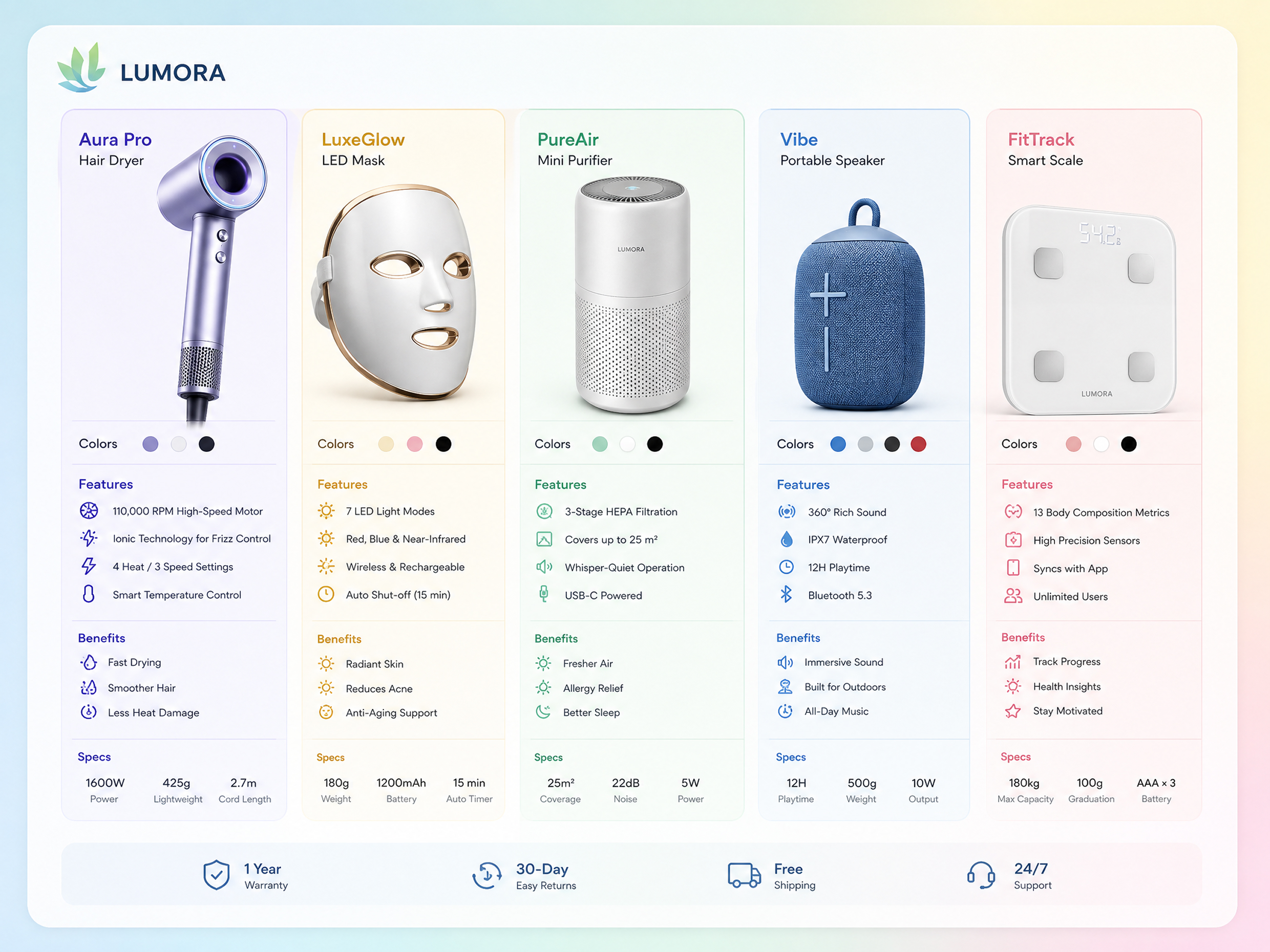
Introduce a Product Range in One Place
Present product features, variants, benefits, specifications, and brand details in a brochure customers can scan before purchasing. Pair brochure creation with ecommerce design to keep product visuals and promotional materials aligned across online stores and campaigns.
Why Use Designkit to Create Brochures
Create Without a Separate Design Handoff
Turn your product, service, or event information into brochure concepts without waiting for a separate design handoff. Adjust the content and visual direction yourself as you build and refine the draft.
Keep Product-Rich Information Organized
Arrange product details, features, benefits, images, and supporting information into a focused brochure format. This helps businesses present more useful information without overcrowding the layout.
Try Brochure Creation With Free Credits
Explore brochure concepts with free credits before committing to a design direction. Small businesses can also connect brochure content with grow your brand efforts across their marketing channels.
Unlock More Creative Possibilities for Your Materials
Ad Poster Generator
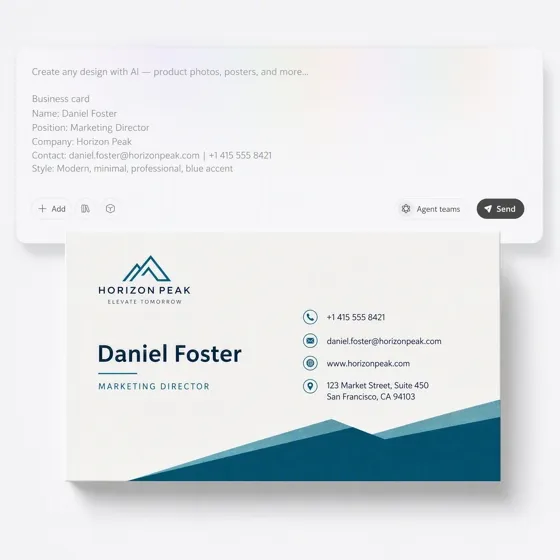
AI Business Card Maker
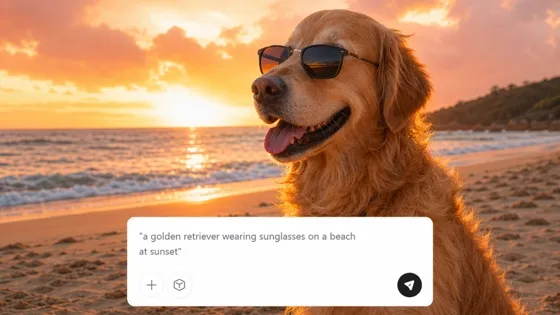
AI Text to Image
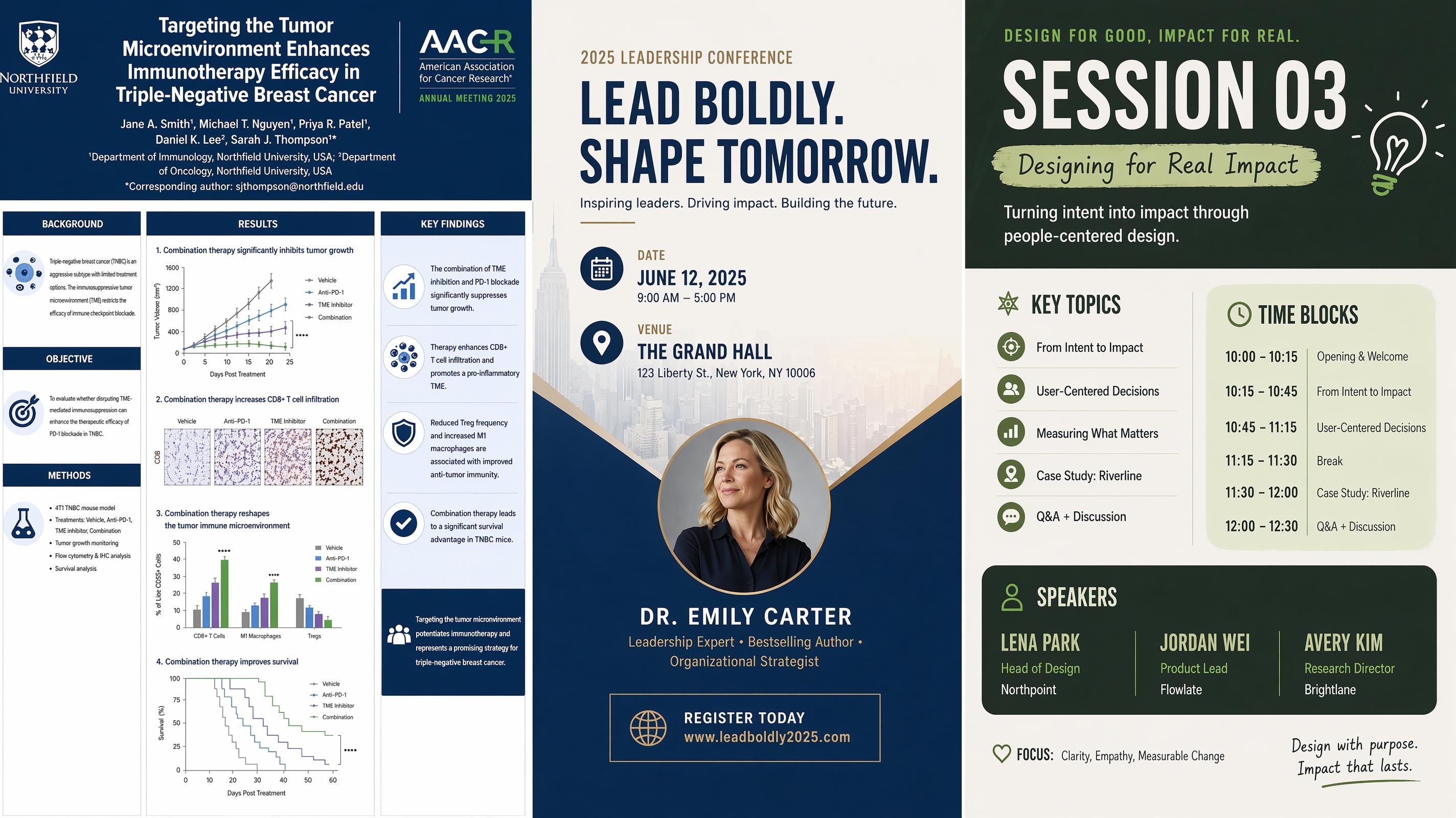
Conference Poster Maker
Frequently Asked Questions
Can I paste my content to create a brochure?
Can I upload reference files or images for my brochure?
Reference files and images can help provide the product details, branding, visual direction, or supporting information needed for a brochure. This is especially useful when you already have product photos, presentations, brand materials, or previous designs. Designkit can use your existing references as the starting point for brochure creation, helping connect written information with relevant visuals instead of creating the entire brochure from scratch.
Can I create a brochure instead of a manual or document?
A brochure is better suited when the goal is to present information briefly and visually rather than provide detailed instructions or long-form documentation. For example, a product brochure can highlight features and benefits, while a manual focuses on usage and troubleshooting. Designkit helps structure information specifically for brochure-style communication, so you can present essential details in a format designed for customers, prospects, sales teams, or events.
Can I create an A4 brochure with multiple pages?
Yes. An A4 brochure can use multiple pages to organize product information, services, specifications, pricing, company details, or supporting visuals without overcrowding a single page. Multi-page layouts are useful when your content needs more space than a one-page flyer or poster. Designkit can help turn longer source material into a structured brochure, while giving each section enough room for readable text, images, and supporting information.
Is the brochure professional enough to send to customers or clients?
A brochure can be customer-ready when its information is clearly organized, branding is applied appropriately, and the visuals support rather than distract from the message. Before sharing, review product details, pricing, contact information, images, and brand elements for accuracy. Designkit can help organize these elements into a cohesive brochure. For businesses still developing their visual identity, an AI logo generator can also help establish branding to carry into the brochure.
Can I create a brochure using free credits?
Yes, if the available free credits cover the brochure creation features and usage required for your project. Free credits are useful for testing a concept, experimenting with layouts, or creating an initial brochure before deciding whether you need additional usage. Designkit lets you explore brochure creation with available credits, making it possible to test your content and visual direction.
Turn Your Business Information Into a Brochure
Bring your product, service, event, or campaign content into Designkit and turn it into a brochure built for marketing and sales.



What People Say about Using Designkit for Brochures
Real workflows showing how brochure creation fits into marketing and sales.
I Didn't Have to Rewrite All Our Product Info
We already had most of the product copy. I put the useful parts into Designkit instead of writing a whole new document, and used the brochure for our sales team. That was probably the biggest time saver for me.
We Put Six Products Into One Brochure
Our sales deck had way too much information for a quick follow-up. I used Designkit to turn the main points into a brochure. It gave the team something they could actually send after a meeting without dumping a 20-slide deck on the client.
We Had Six Products to Put Together
I didn't want to make six separate files just to show a new product range. I used Designkit to put the products into one brochure and gave each one its own section. Much more practical for sending to retailers.
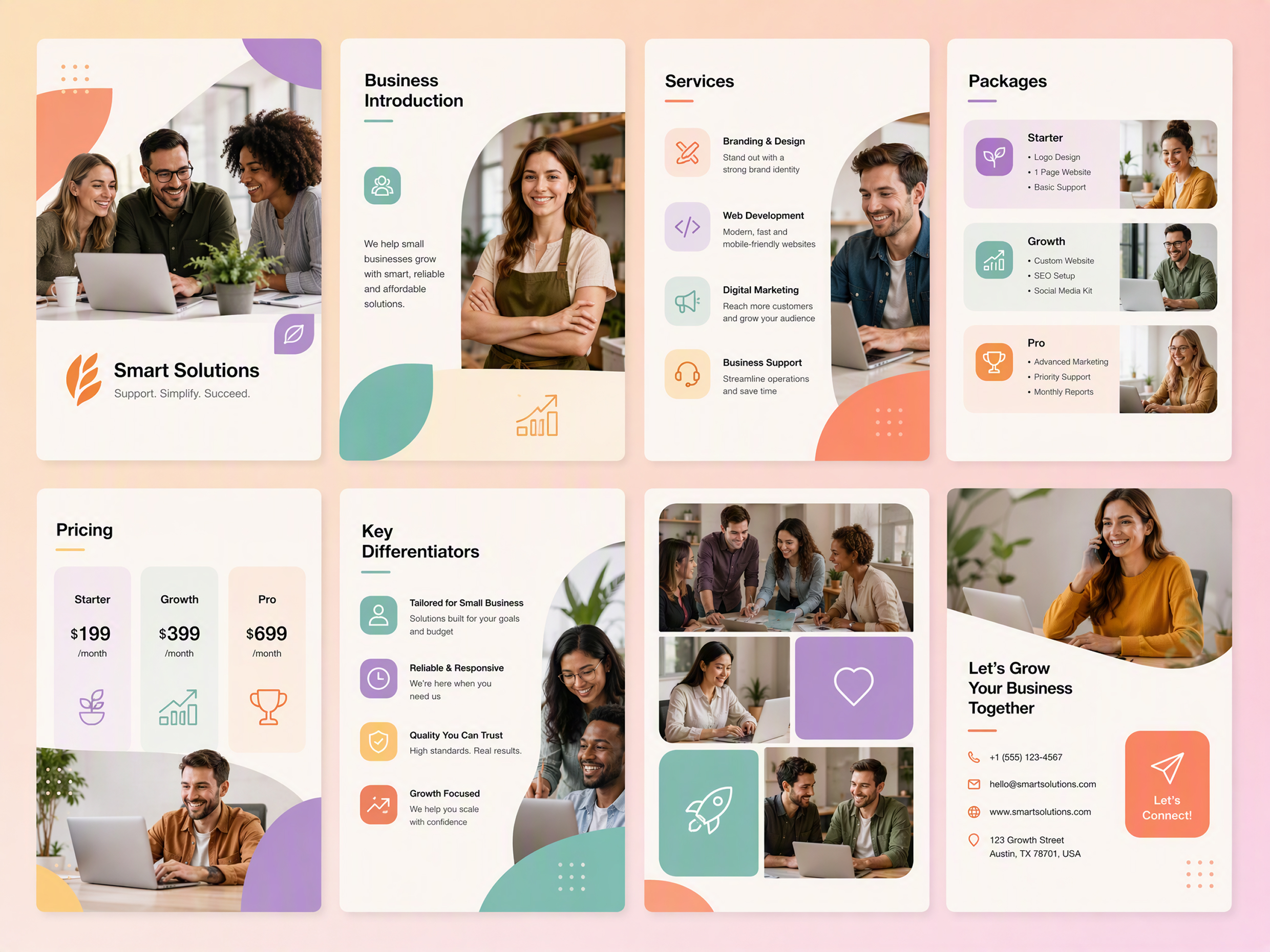
I Wanted One Brochure Instead of Scattered Pages
We had our services, pricing, and company info spread across different pages. I wanted one thing I could hand to a potential customer. Designkit helped me pull the important stuff into one brochure instead of explaining everything from scratch.