
Create a YouTube Logo for Your Channel in Seconds
Turn your channel name, idea, or content style into a recognizable YouTube logo in seconds without design tools or guesswork.
From Channel Idea to Recognizable Brand
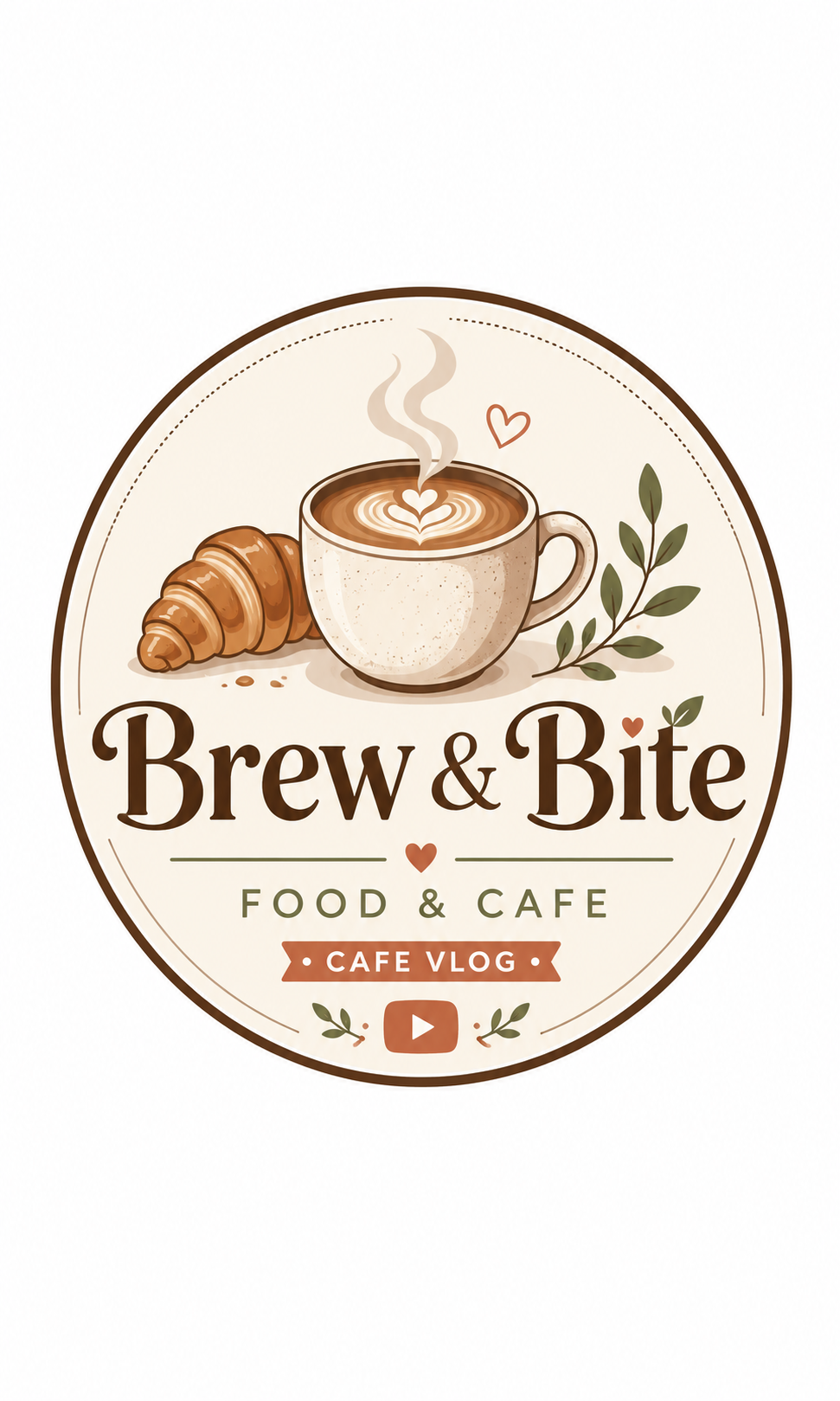
How to Create a YouTube Logo in 3 Simple Steps
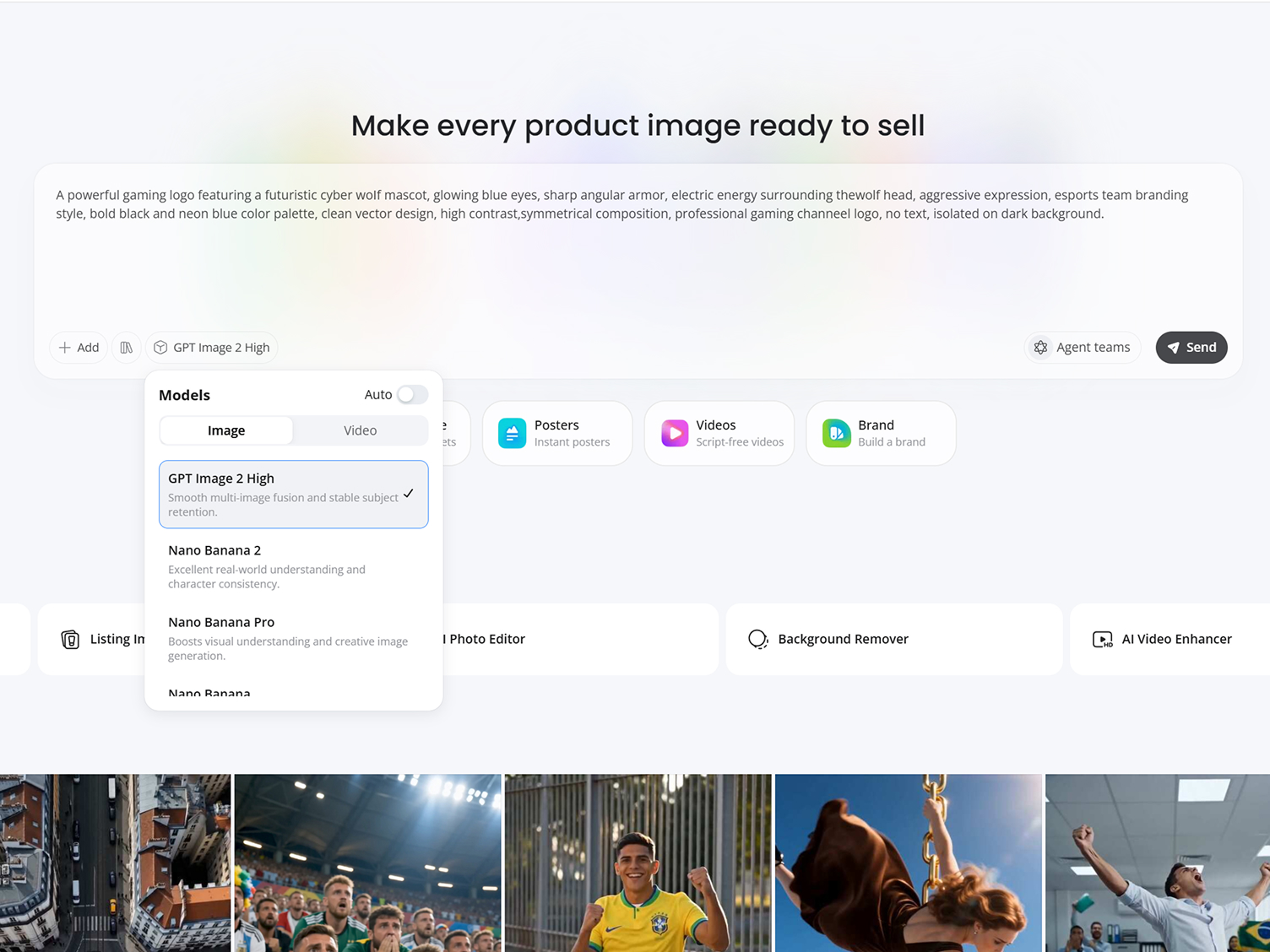
Describe Your Channel or Idea
Add your channel name, niche, slogan, audience type, or content focus. You can also upload an existing logo for redesign or improvement.
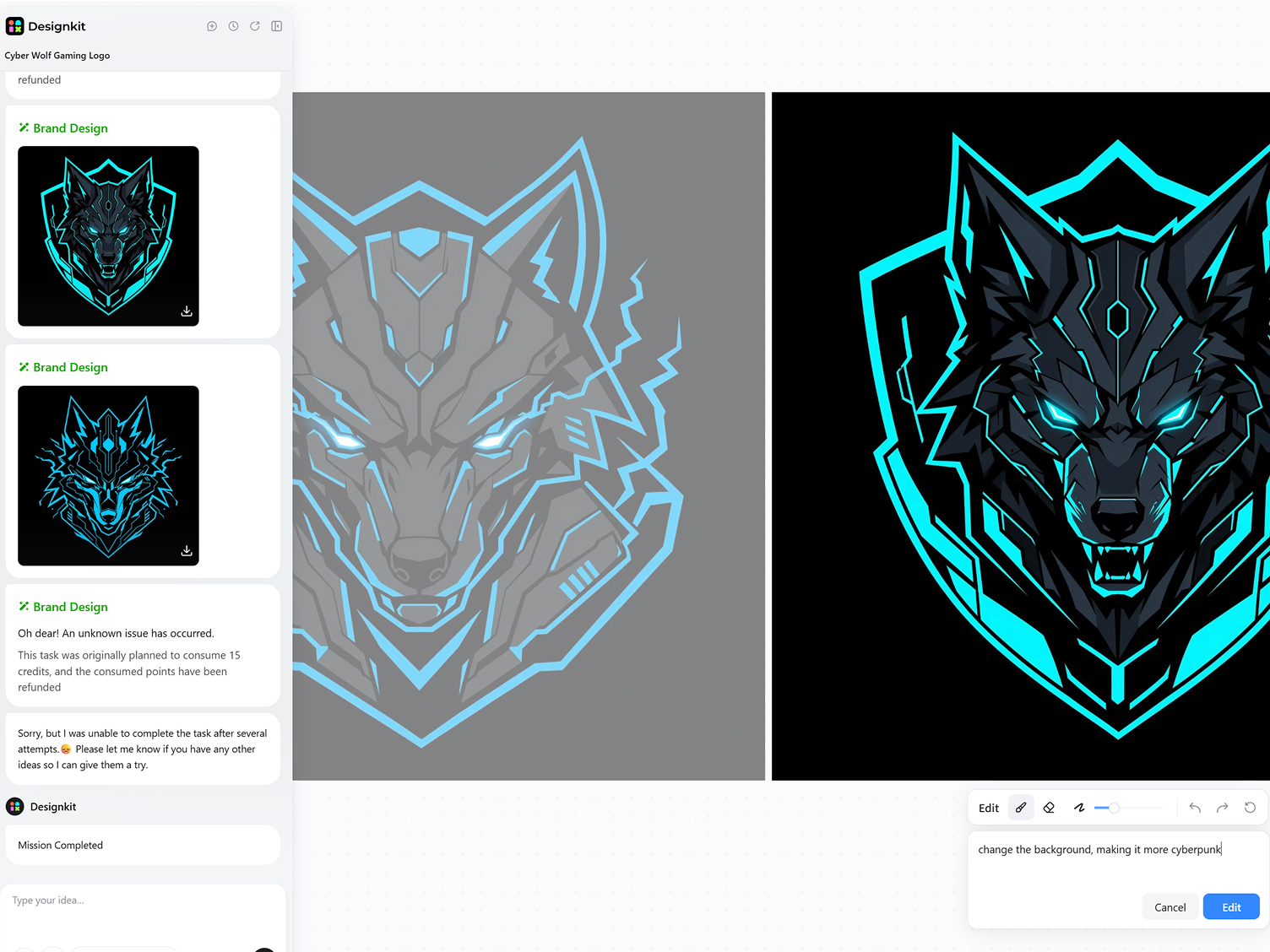
Generate YouTube Logo
Designkit generates logo concepts based on your input. Refine visual direction by adjusting colors, typography, icons, mascots, and layout elements until it matches your channel identity.
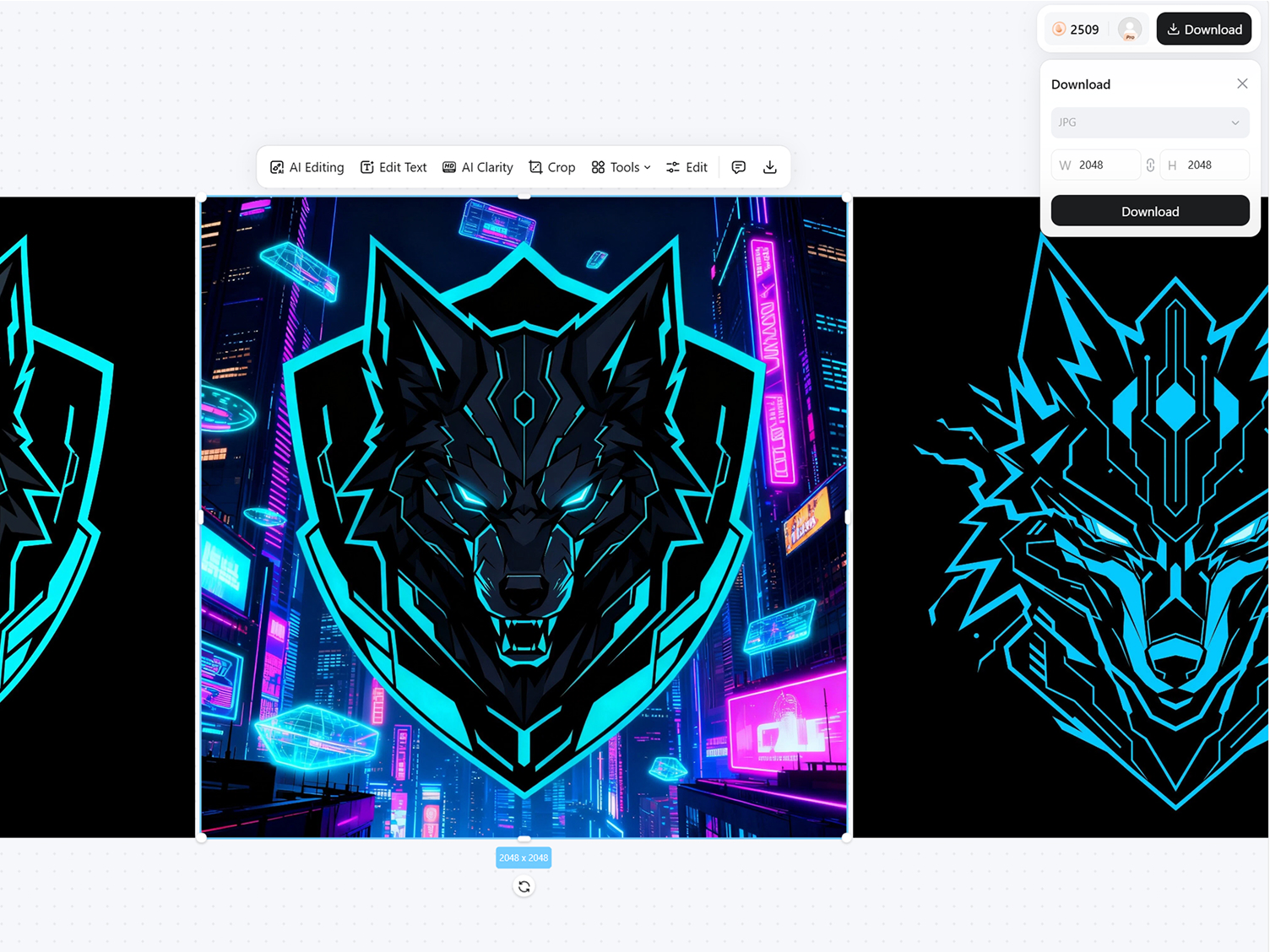
Refine and Export
Preview the final logo across different sizes and formats. Once satisfied, download your design for use on YouTube profile, banners, thumbnails, and other branding materials.
What Makes Designkit a Smarter YouTube Logo Generator
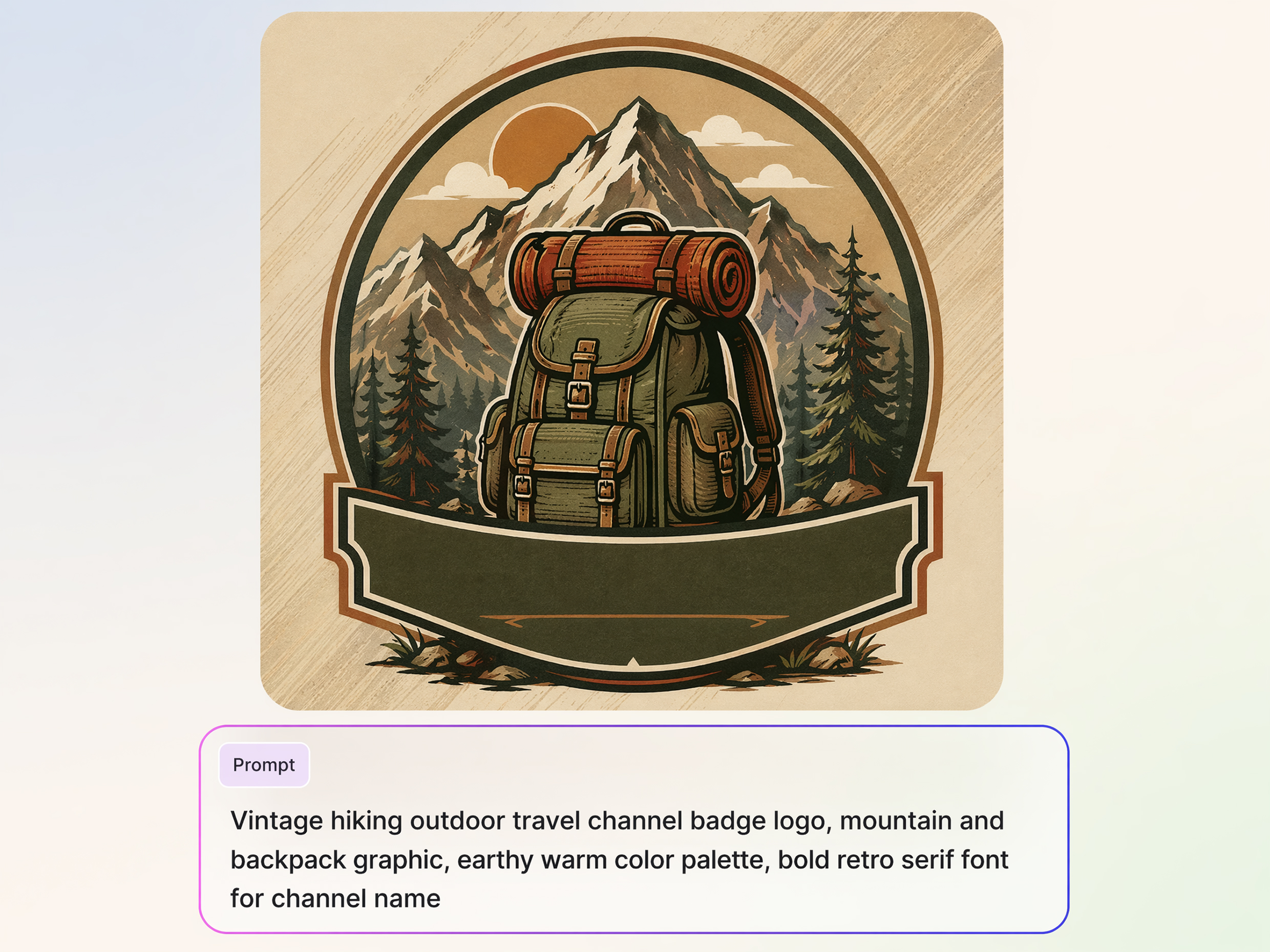
Generate YouTube Logos from Your Channel Ideas
Turn your channel concept into logo ideas by describing your niche, audience, and style. Whether you want cool YouTube logos or a clean creator identity, Designkit generates visuals that match your content direction.
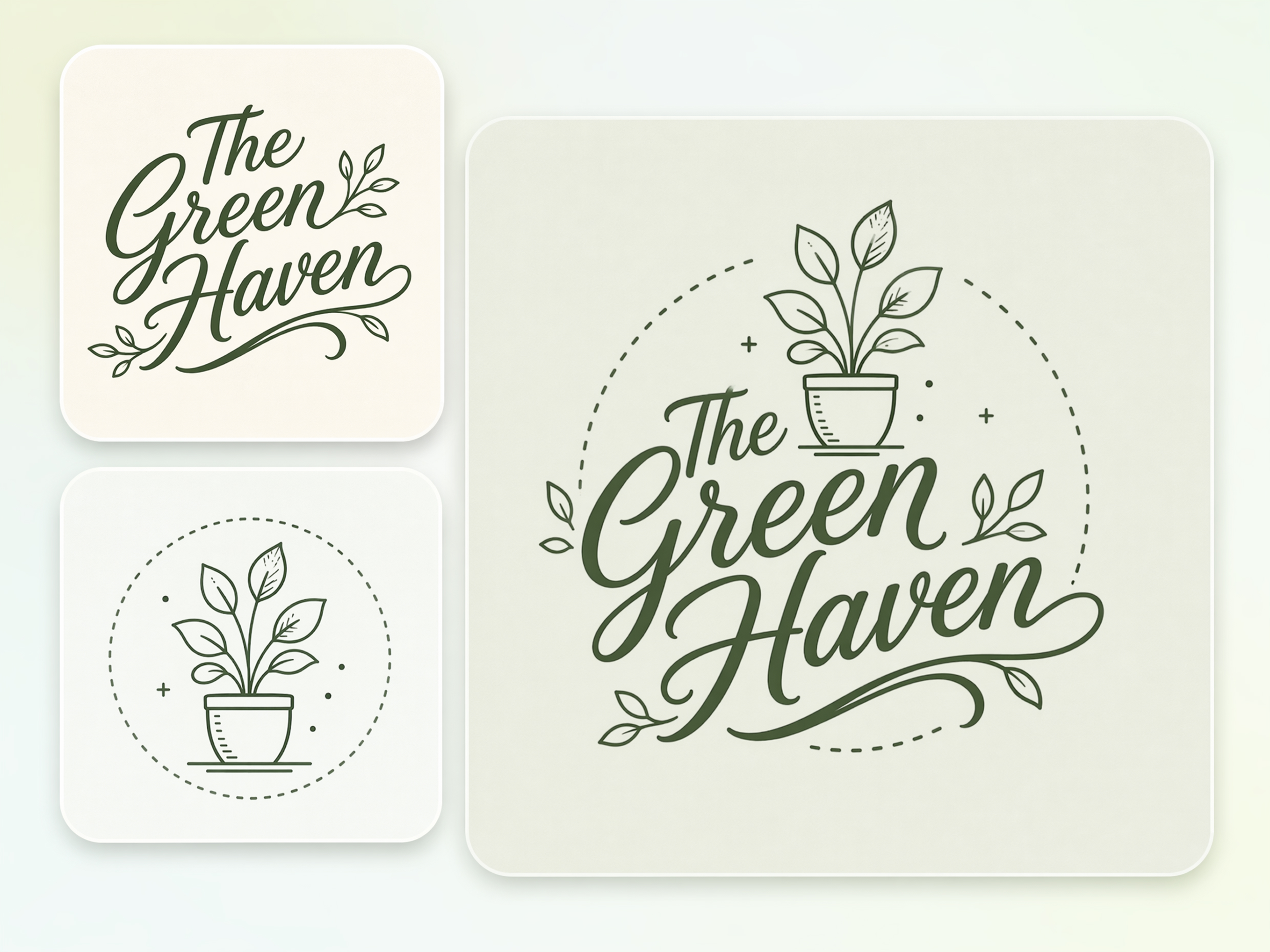
Create Matching Channel Branding Assets
New creators often end up with logos, banners, and thumbnails that don't match. Designkit creates branding assets that work together, making it easier to create logos for YouTube channel branding from one workflow.
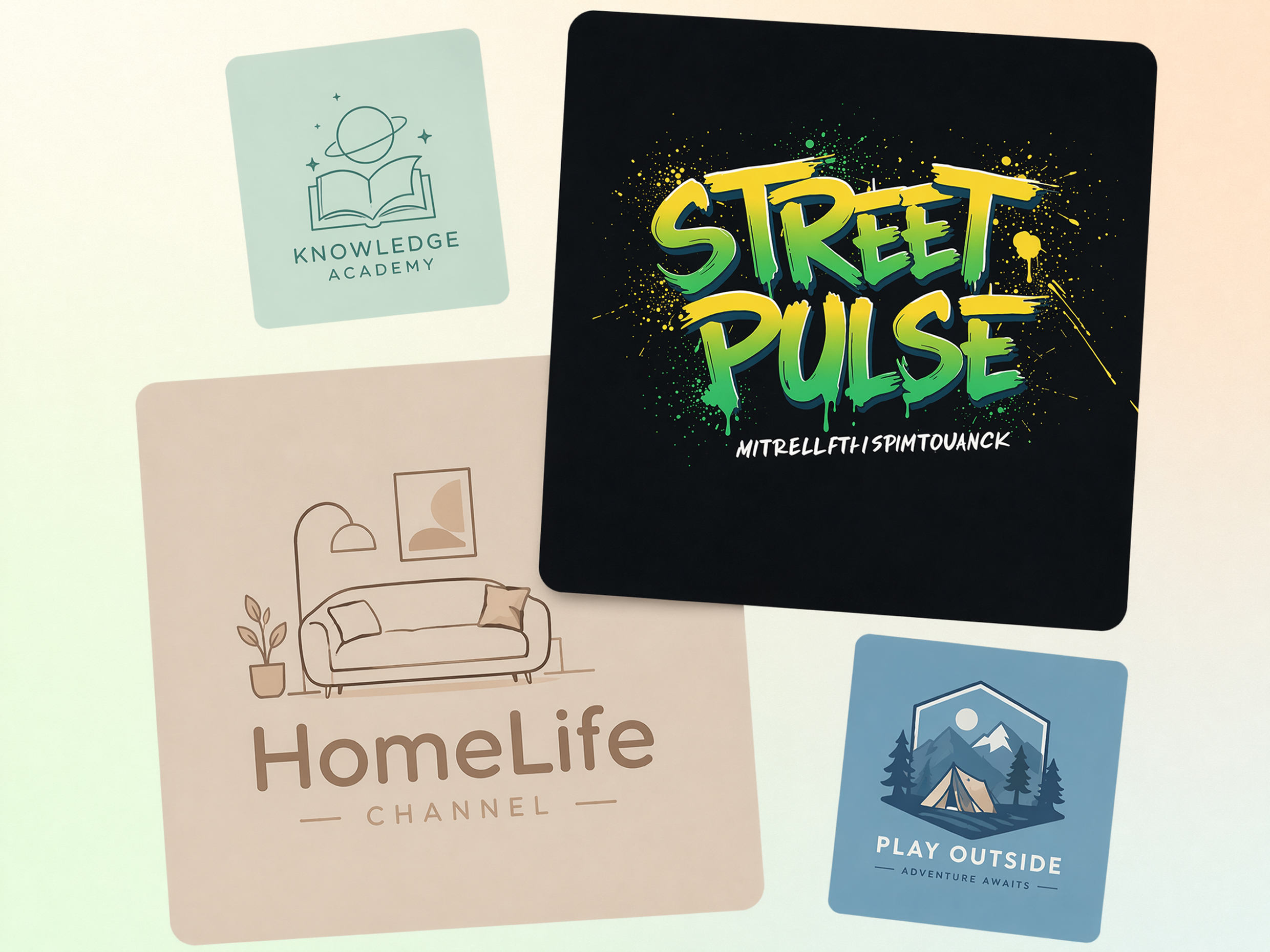
Logo Styles for Every YouTube Niche
Gaming, education, tech, beauty, finance, or podcasts all need different branding. Designkit adapts your prompt to generate niche-specific concepts, acting as a flexible YouTube logo designer for different channel types.
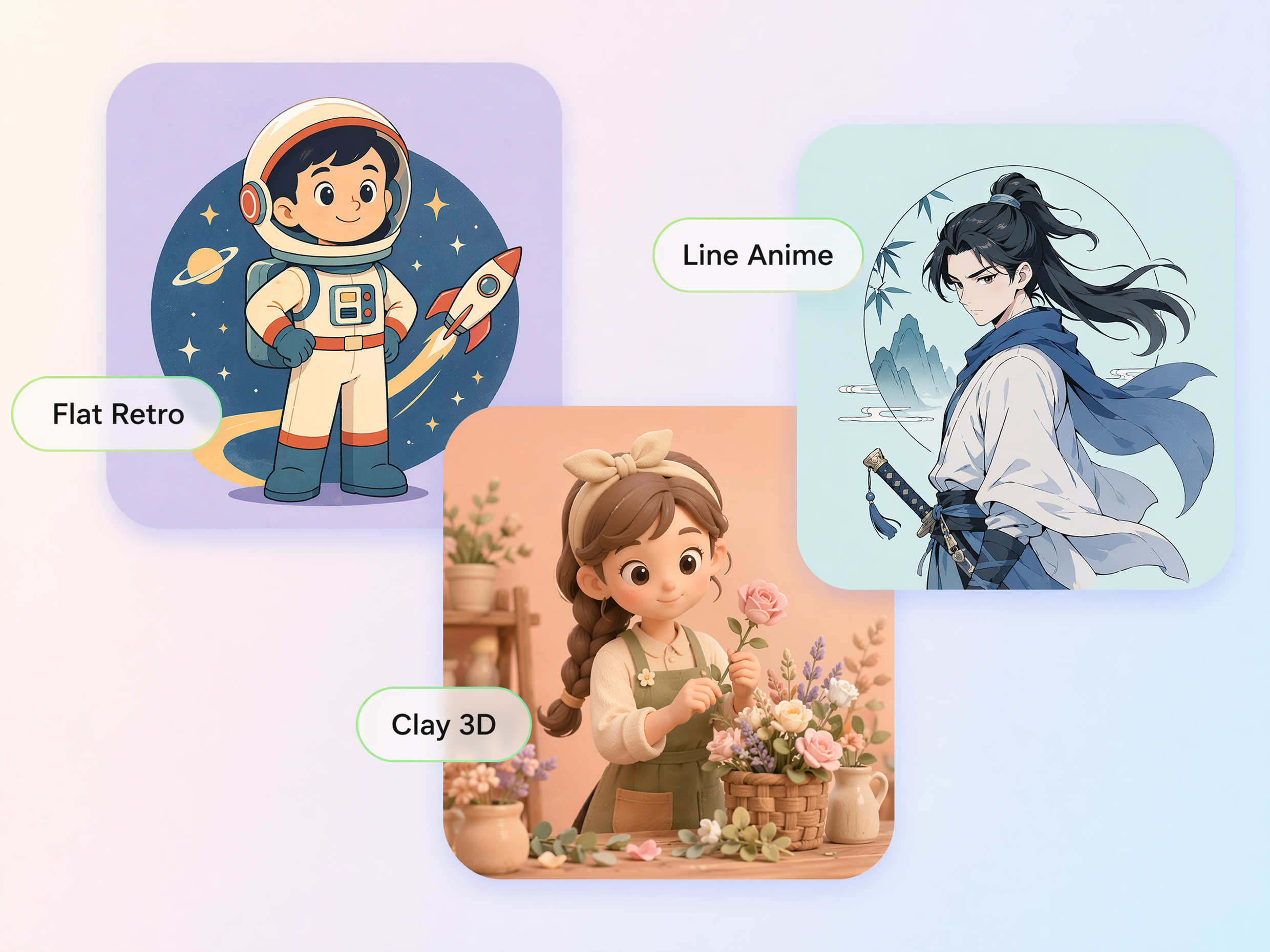
Design Creator Avatars and Mascot Logos
A clear avatar helps viewers spot your channel in feeds, comments, and search results. Designkit creates mascot logos and illustrated creator icons, so you can build a recognizable identity without hiring a designer.
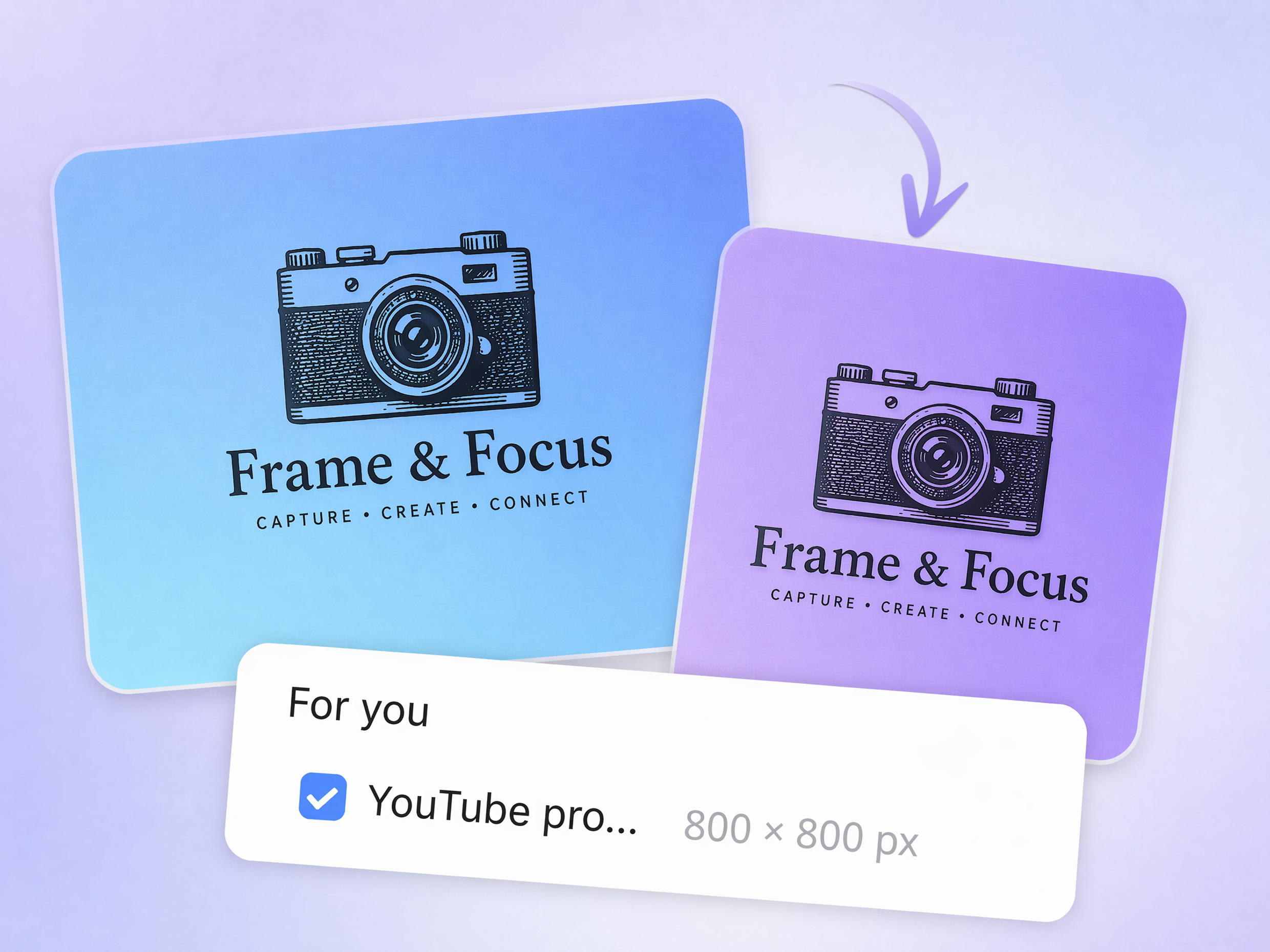
Keep Logos Clear at Profile-Icon Size
A logo that looks great in full size may become unreadable as a profile icon. Designkit creates clean layouts with clear shapes, so your logo maker for YouTube channel results stay recognizable across devices.
YouTube Logo Creation for Every Type of Creator
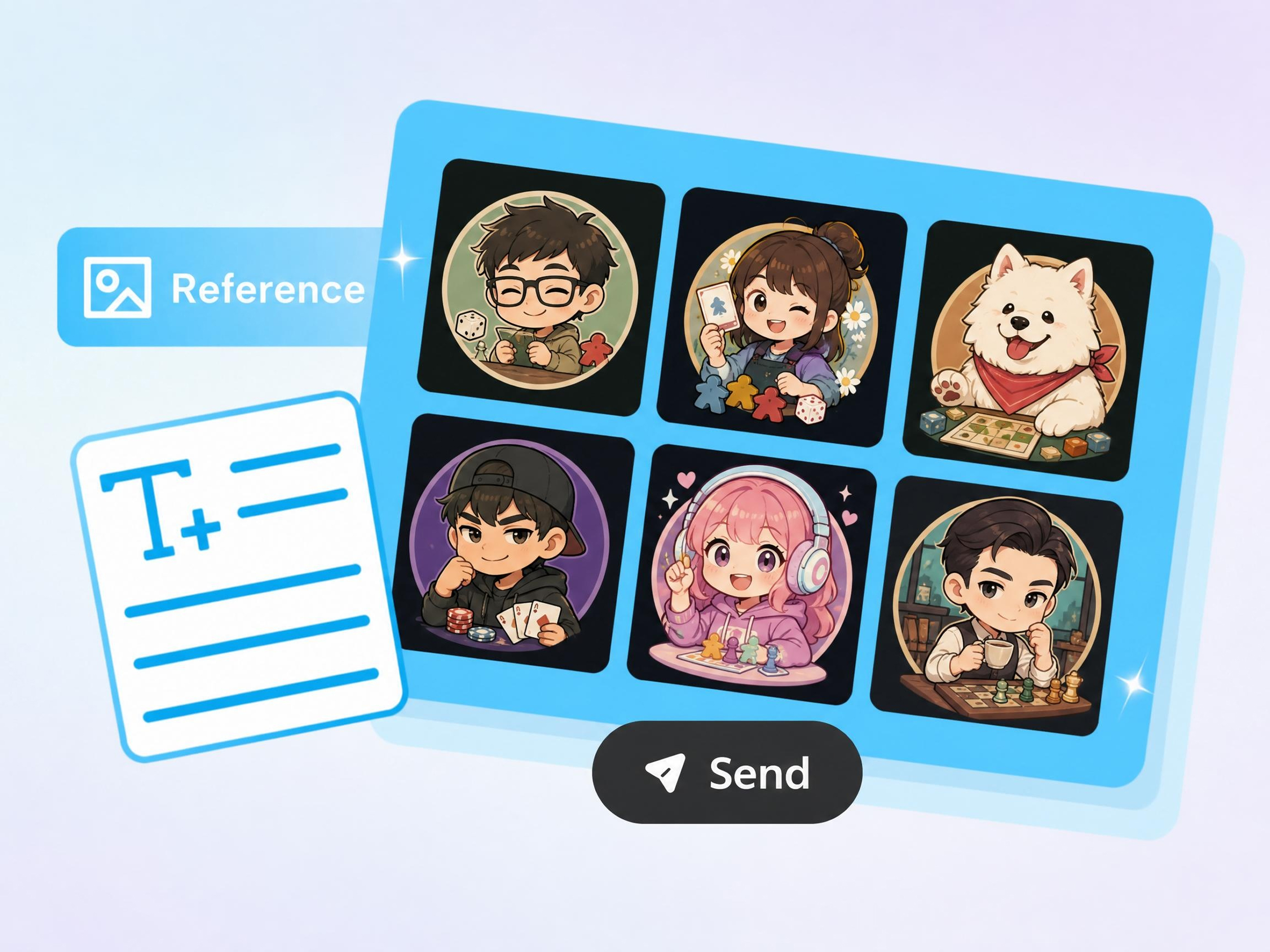
Stand Out in Crowded Gaming Categories
Gaming channels compete for attention before viewers even watch a video. Designkit helps you create mascot logos, team branding, and bold identities with an AI YouTube logo maker that reflects your gaming style.
Why Choose Designkit's YouTube Logo Maker
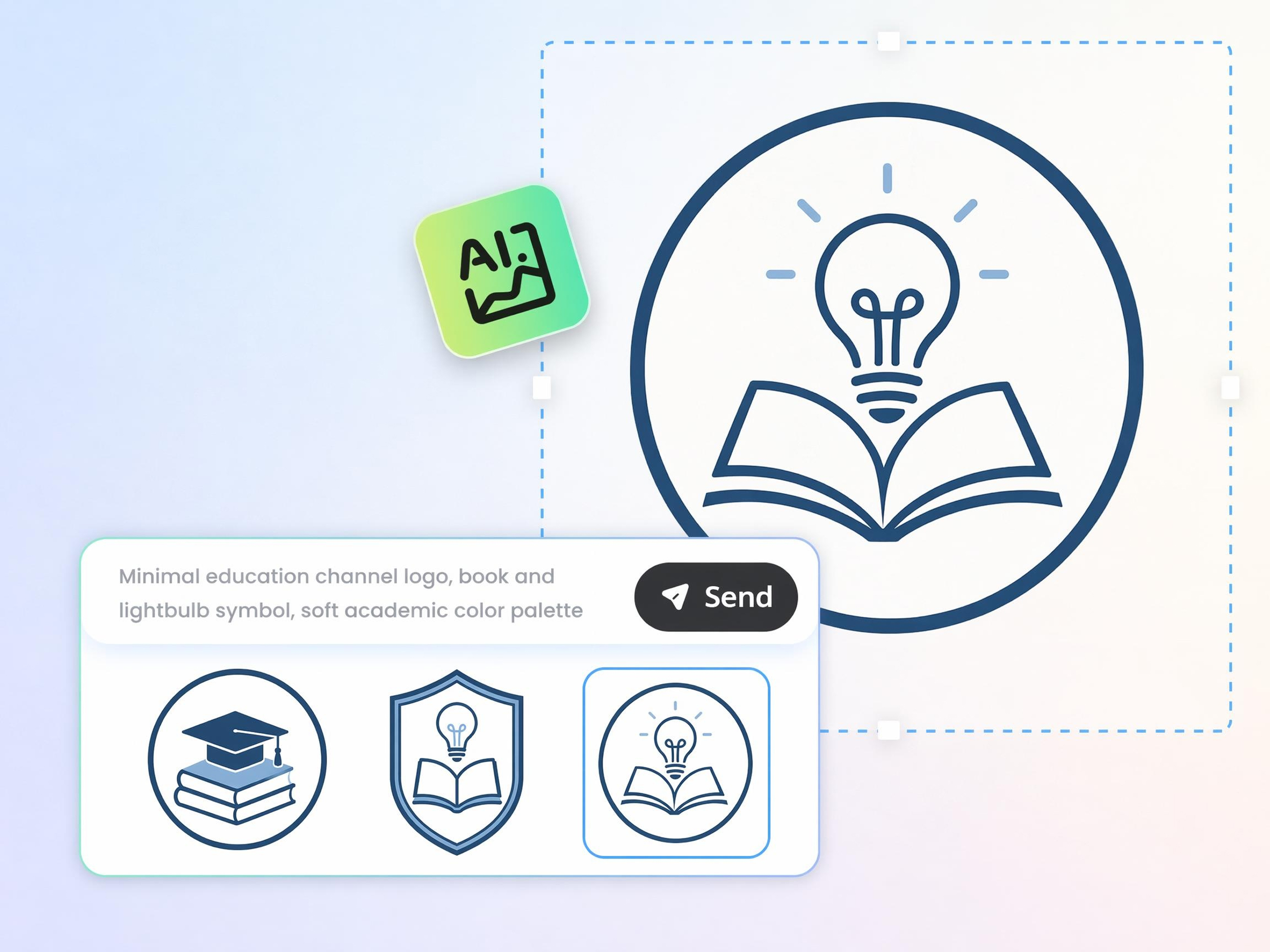
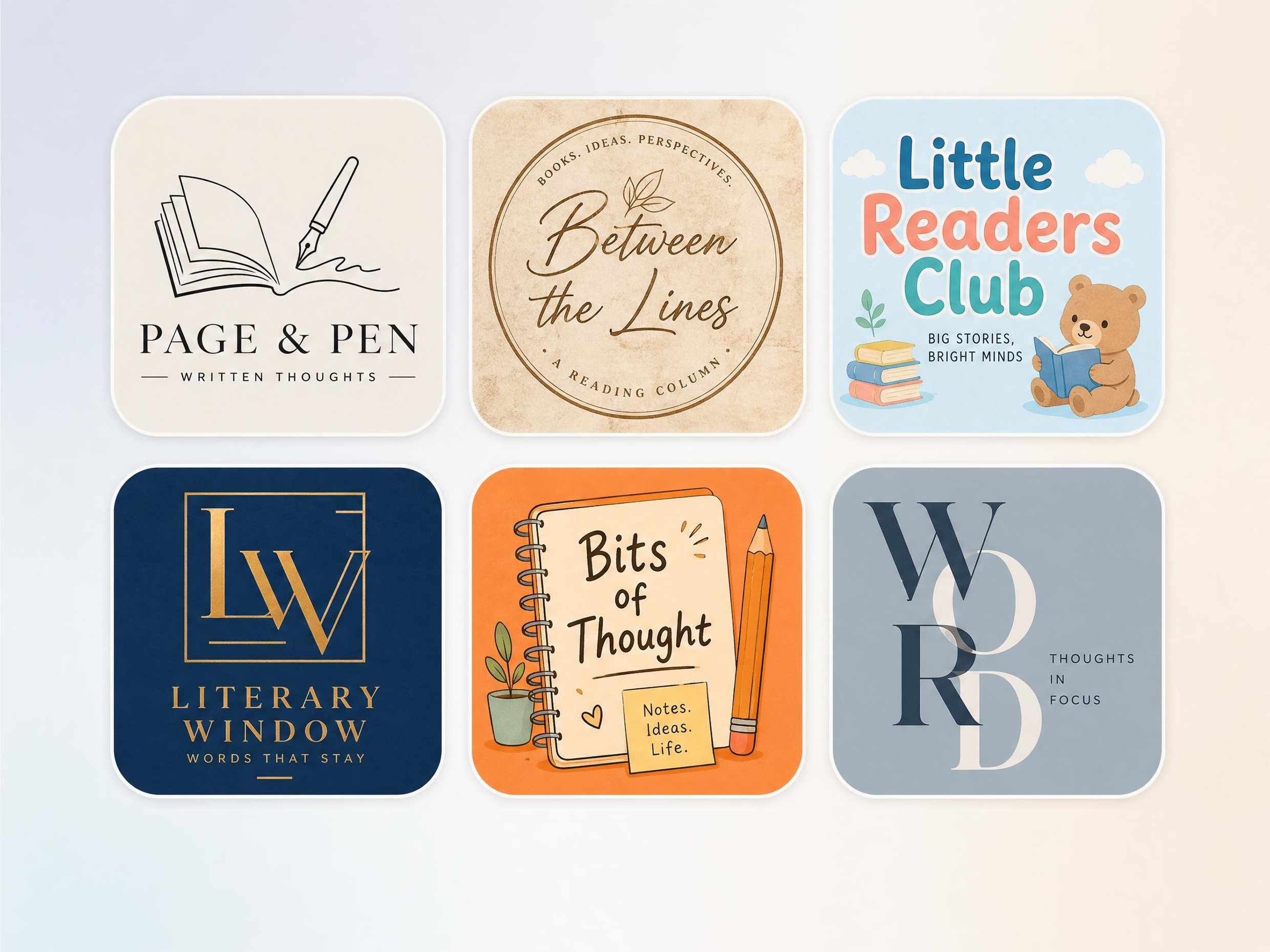
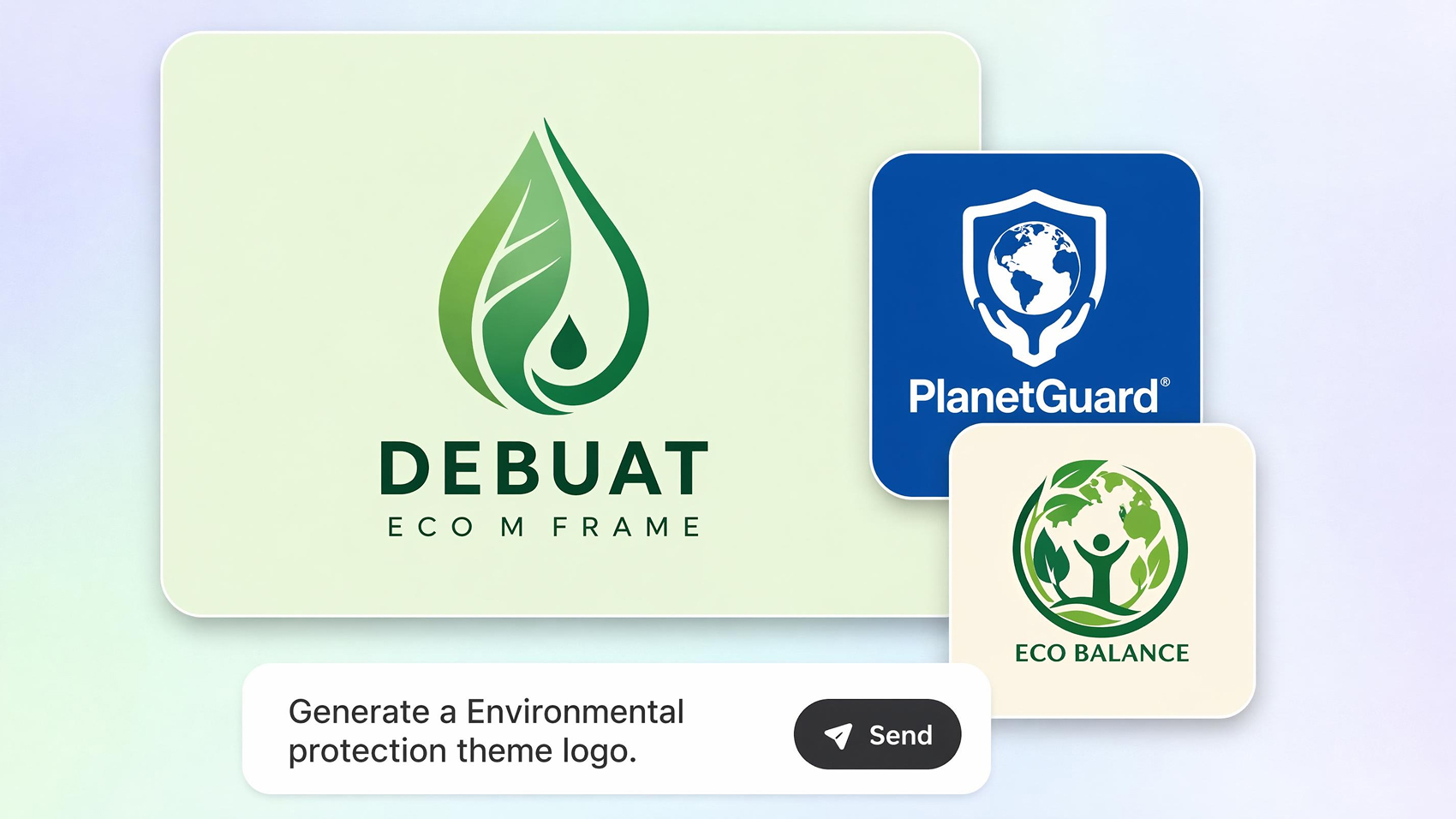
Generate Logos from a Channel Idea
Turn channel ideas into usable branding that reflects your niche, helping viewers recognize your content from the very beginning.
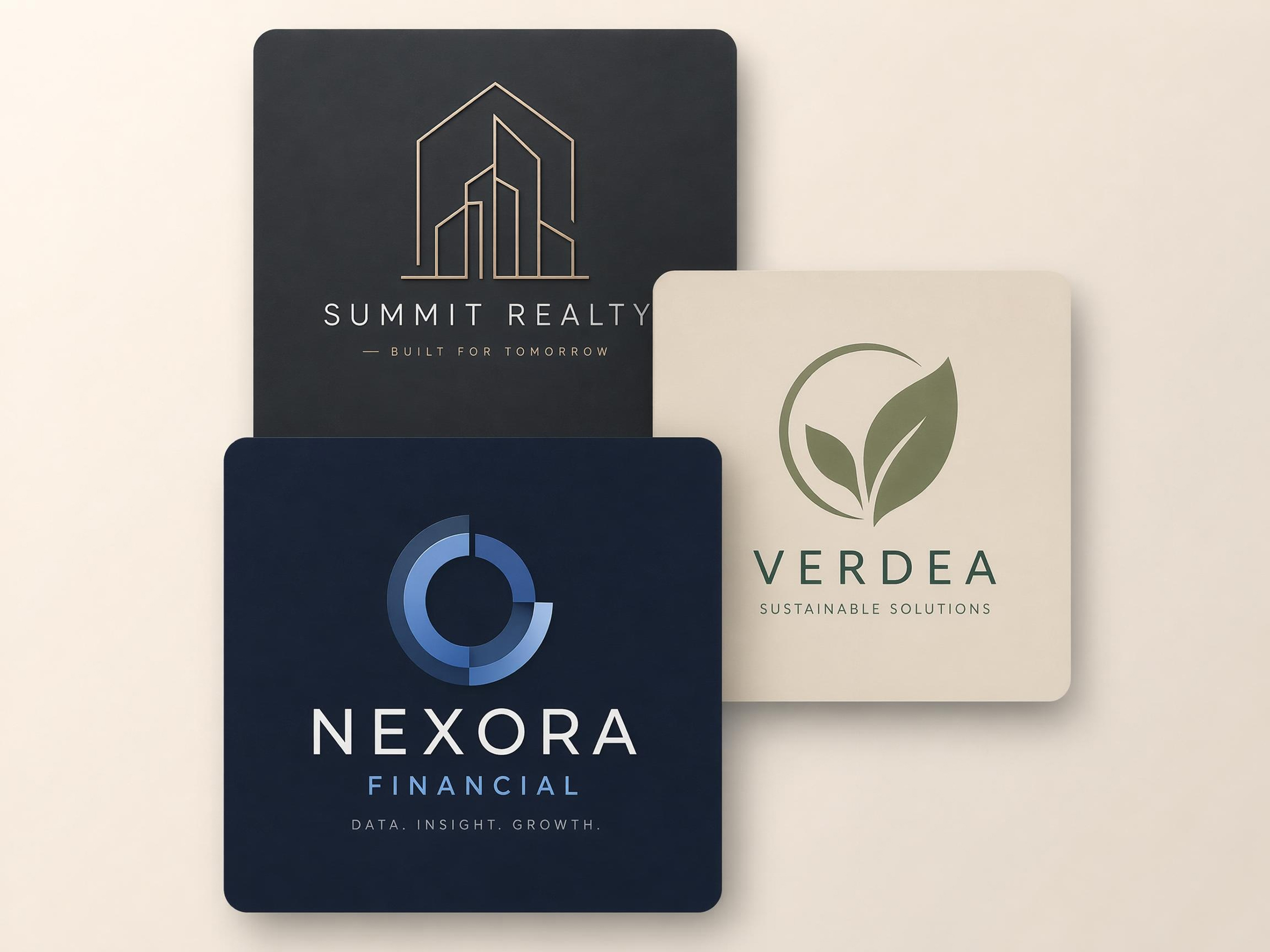
Compare Several Versions in One Round
Review multiple creative directions together, making it easier to choose a logo that fits your brand without restarting.
Stay Sharp at Small Profile Sizes
Create logos that remain readable and recognizable across profile icons, search results, comments, and mobile screens.

Make Mascot and Avatar Logos
Build memorable creator identities that help viewers recognize your channel beyond text-based logos alone.
Prompt Banners and Thumbnails to Match
Keep logos, banners, and thumbnails visually connected, creating a stronger channel identity across your content.
No Designer or Skills Needed
Go from an idea to channel-ready branding through simple prompts, reducing reliance on complex design software or outsourcing.
Unlock More Creative Possibilities
AI Logo Generator
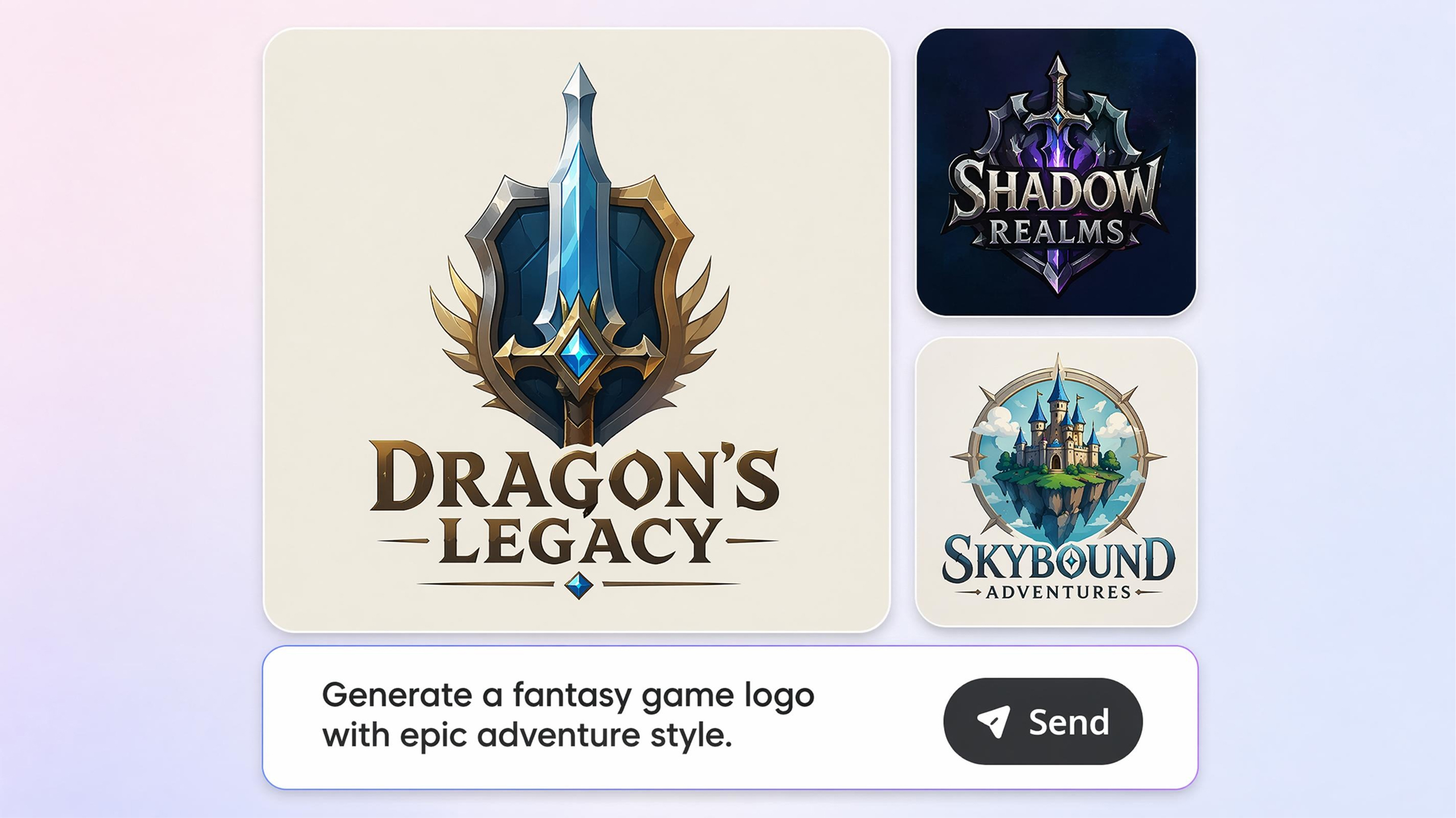
Gaming Logo Maker
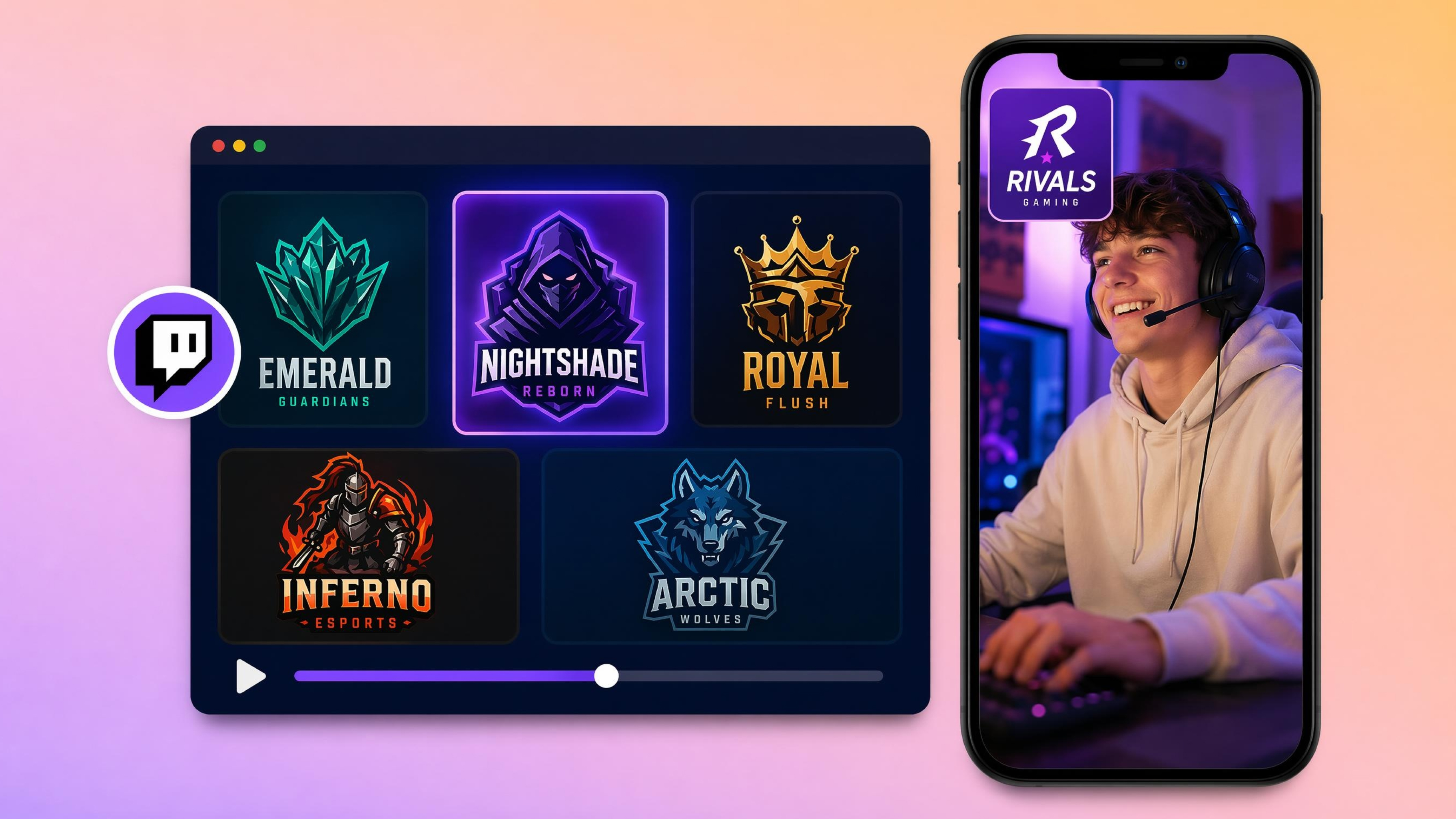
AI Twitch Logo Maker
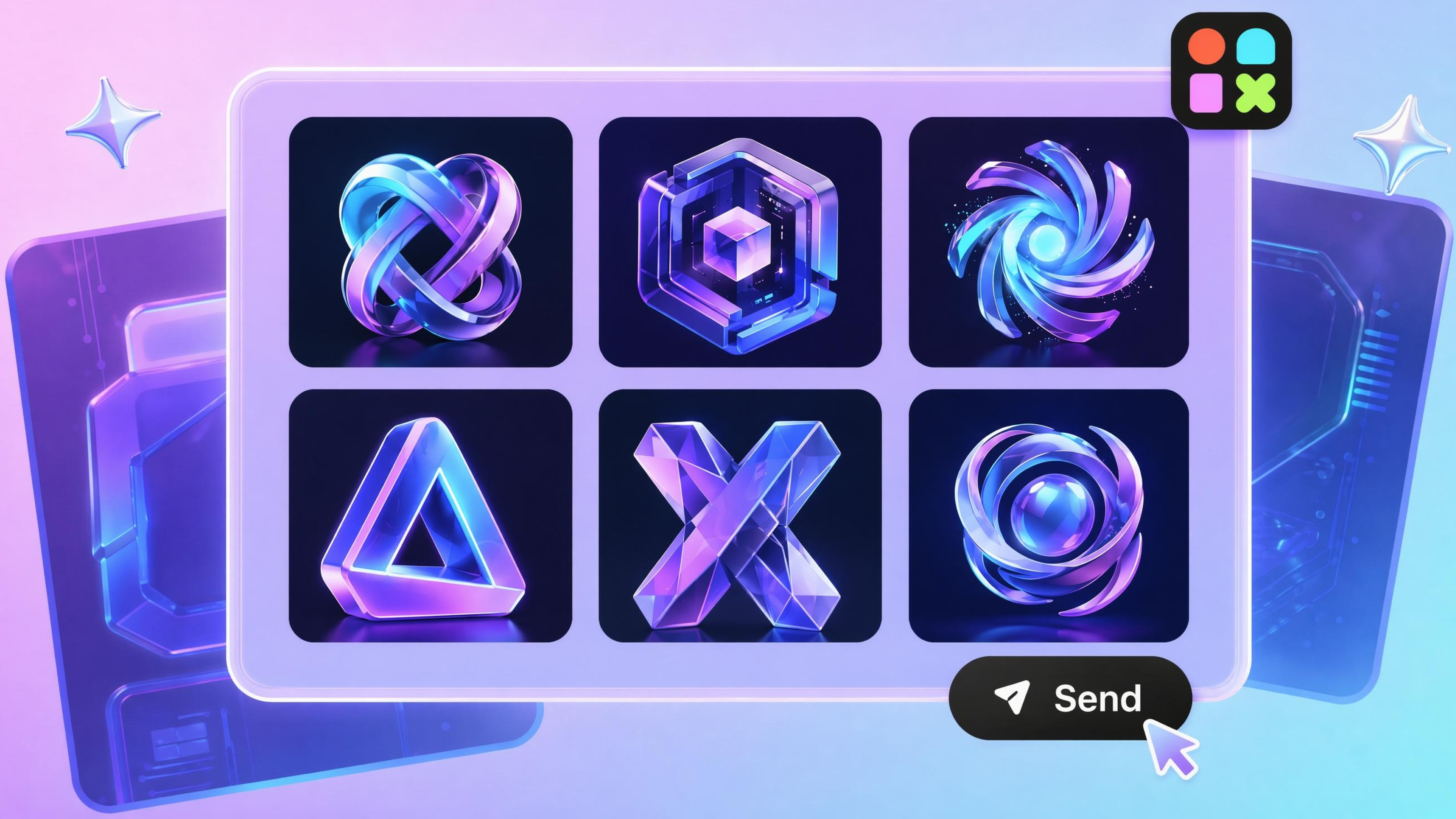
3D Logo Maker
Frequently Asked Questions
Can I generate a YouTube logo from just my channel name?
Do AI-generated logos look professional enough for a real channel?
Yes. The quality depends on the information you provide, such as your niche, style, and branding goals. Designkit creates logos suitable for creator channels, businesses, gaming brands, and podcasts, making it a practical logo generator for YouTube rather than a generic logo tool.
Can I prompt matching banners and thumbnails for my channel?
You can describe the visual style you want, and Designkit generates banners and thumbnails that match your logo. This helps maintain a recognizable look across your channel while making it easier to make YouTube logo assets that work together.
Will my logo stay clear when shown as a small profile icon?
Yes. A good YouTube logo should remain recognizable even at small sizes. Designkit generates clean layouts with readable shapes and balanced spacing, helping your branding stay visible on profile icons, comments, and search results. This is helpful if you're learning how to make your YouTube logo.
Can I redesign my existing YouTube logo?
You can upload your current logo or describe what you want to improve. Designkit generates updated versions while keeping recognizable colors, icons, or themes, making it simple to create a logo for YouTube that feels refreshed without starting from scratch.
How many logo versions can I generate before choosing?
You can generate multiple concepts from the same idea and compare different layouts, colors, fonts, and icons before deciding. Designkit encourages exploration, making it useful when you're deciding how to make logo for YouTube channels without settling for the first result.
Do I need design experience to make a YouTube logo?
You only need to describe your channel, audience, or preferred style in plain language. Designkit handles the visual generation and lets you refine results through prompts, making it approachable for anyone learning how to create a YouTube channel logo for the first time.
Is the YouTube Logo Maker free to use?
Yes. You can start creating logo concepts without prior design knowledge. Available features and exports may depend on your selected plan, but you can explore ideas before committing. Designkit makes YouTube channel logo maker free workflows accessible for creators who want to develop their branding.
Create a YouTube Logo That Viewers Remember
Create a professional YouTube logo in seconds. Design custom channel branding, gaming logos, and creator avatars that help your channel stand out everywhere.



User Reviews of Designkit YouTube Logo Maker
See how creators use Designkit to build stronger YouTube brands.
Launching a New Gaming Channel
I needed a gaming logo that felt unique and competitive. Designkit generated several mascot-based concepts that looked far more professional than what I could make myself. My channel branding was ready within an hour.
Rebranding an Existing YouTube Channel
My channel logo looked outdated after several years. Designkit helped me generate modern alternatives while keeping the recognizable elements my subscribers already knew. The rebrand felt smooth and professional.
Building Consistent Creator Branding
I wanted my profile image, banner, and channel identity to look consistent. Designkit helped me create a logo system that worked across YouTube, social media, and community platforms without hiring a designer.